Justin Baeder
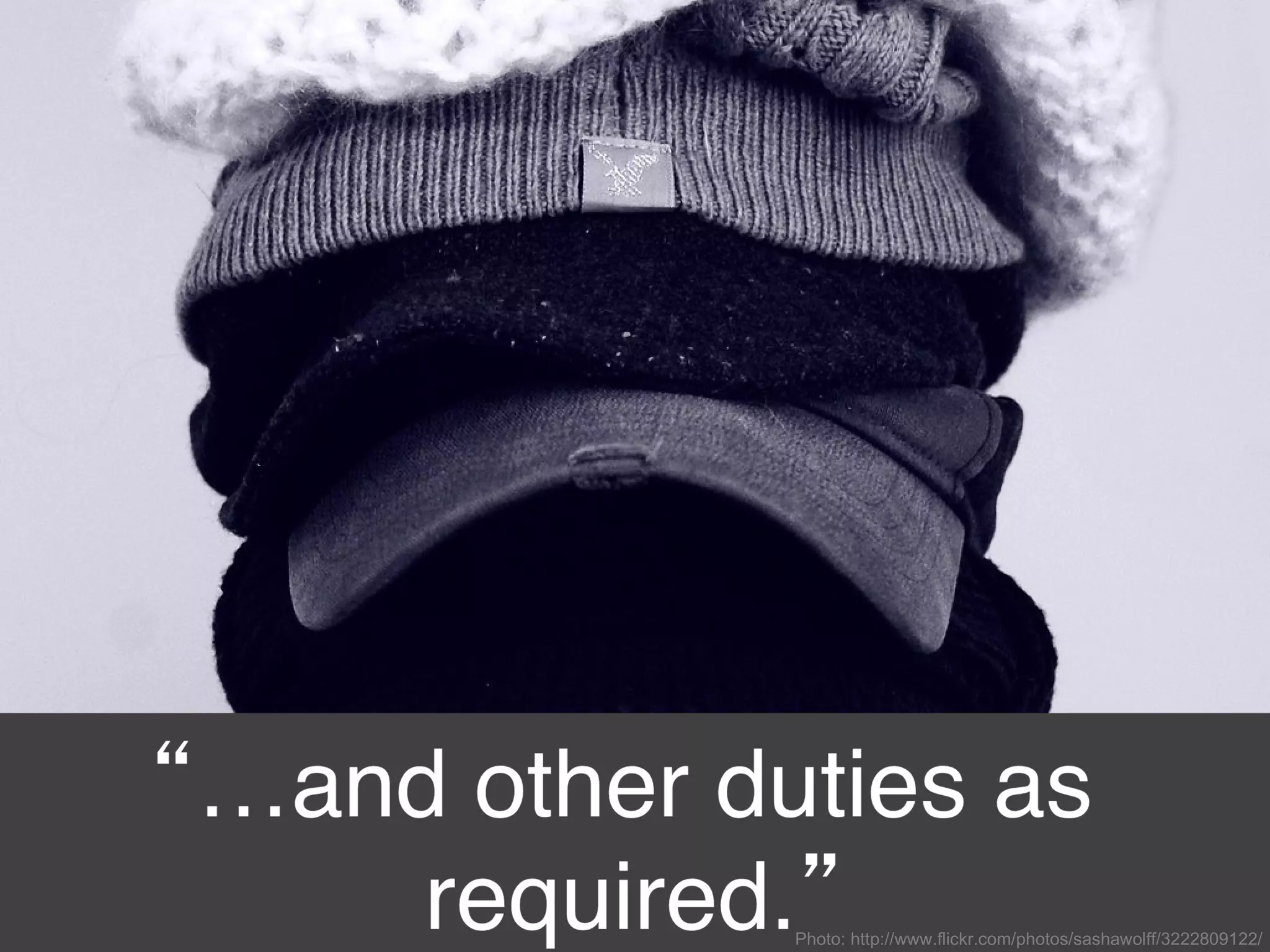
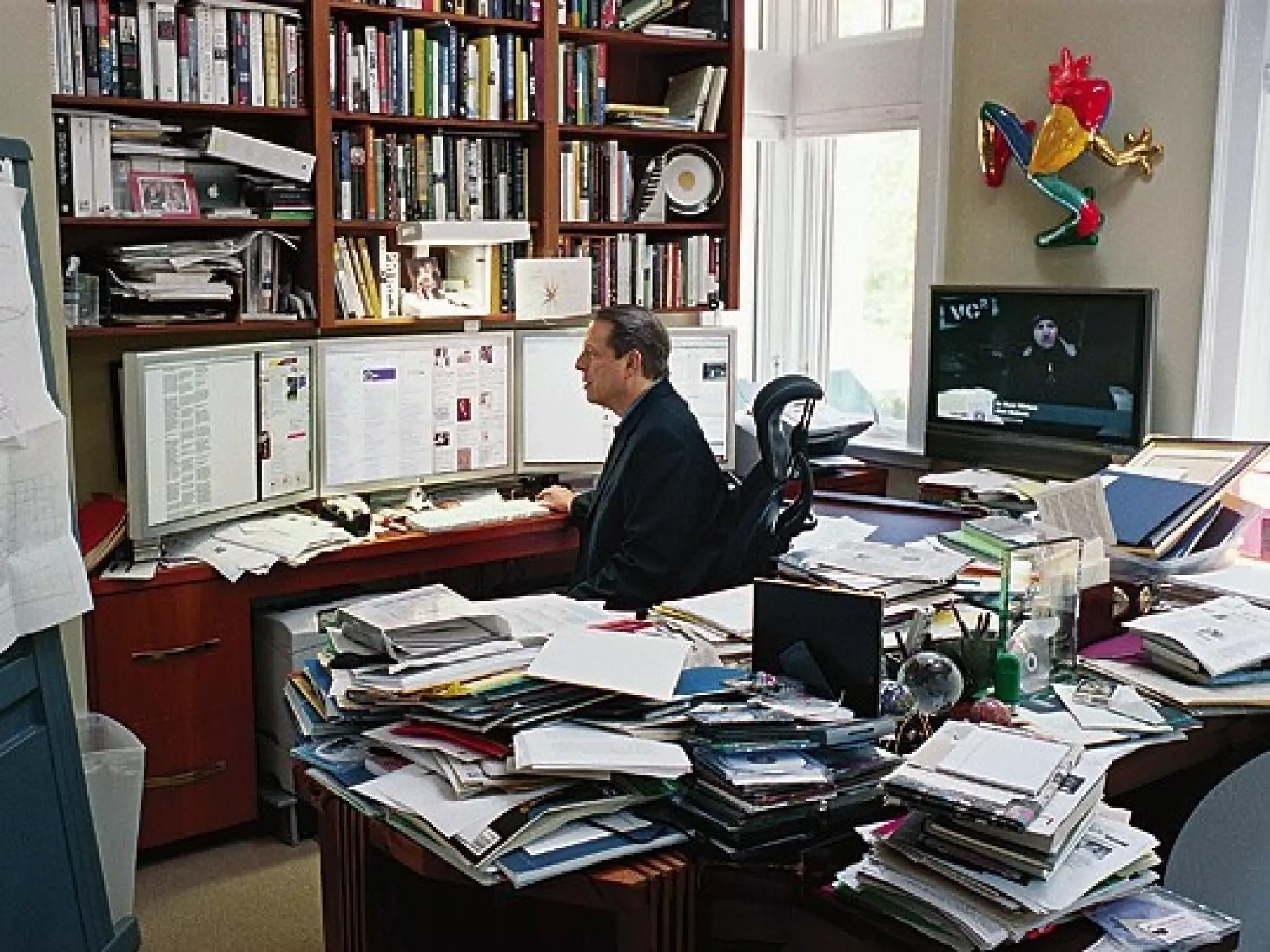
Photo: http://www.flickr.com/photos/sashawolff/3222809122/
http://www.flickr.com/photos/wsuph001/2613804125/
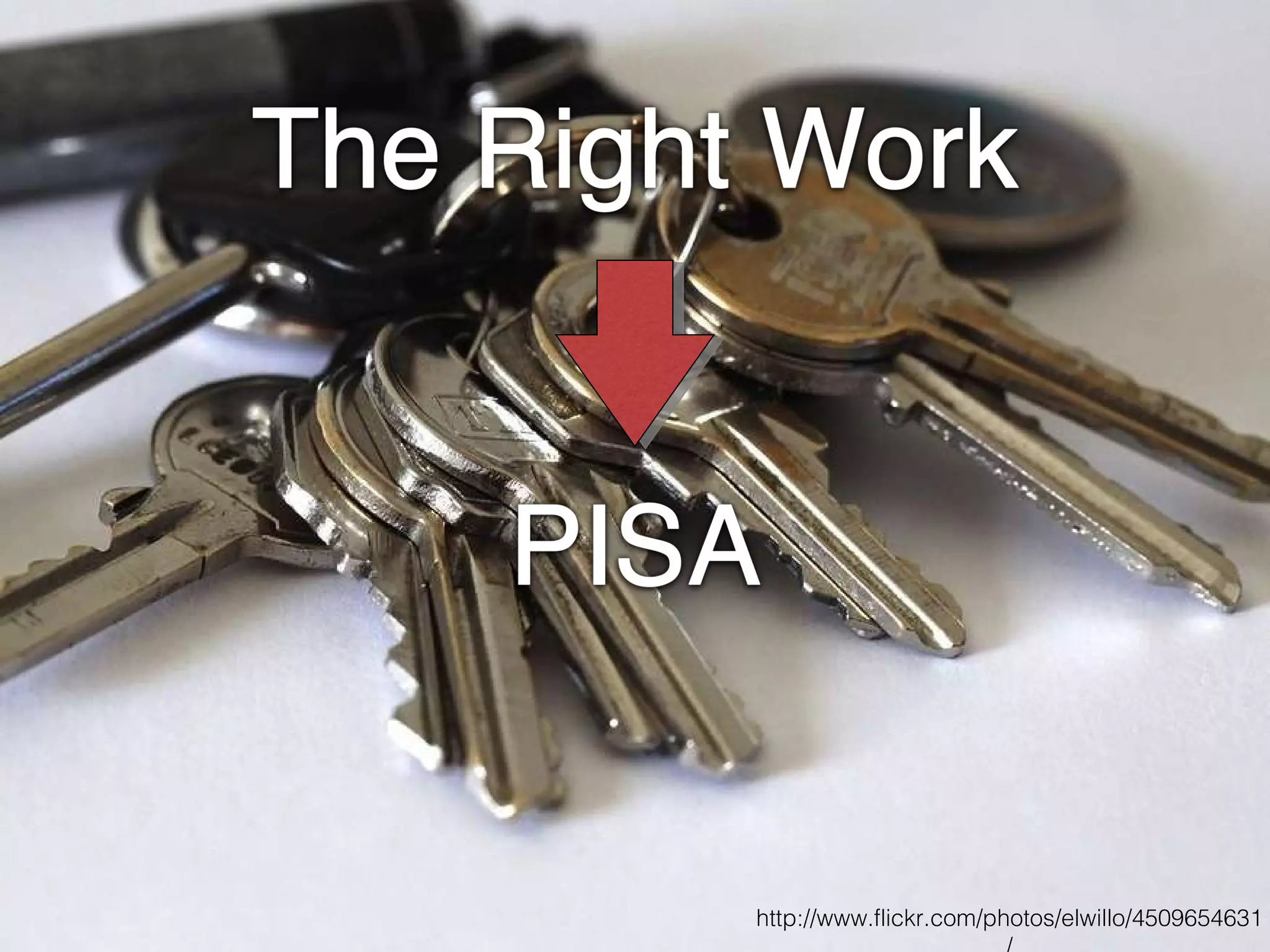
http://www.flickr.com/photos/elwillo/4509654631/
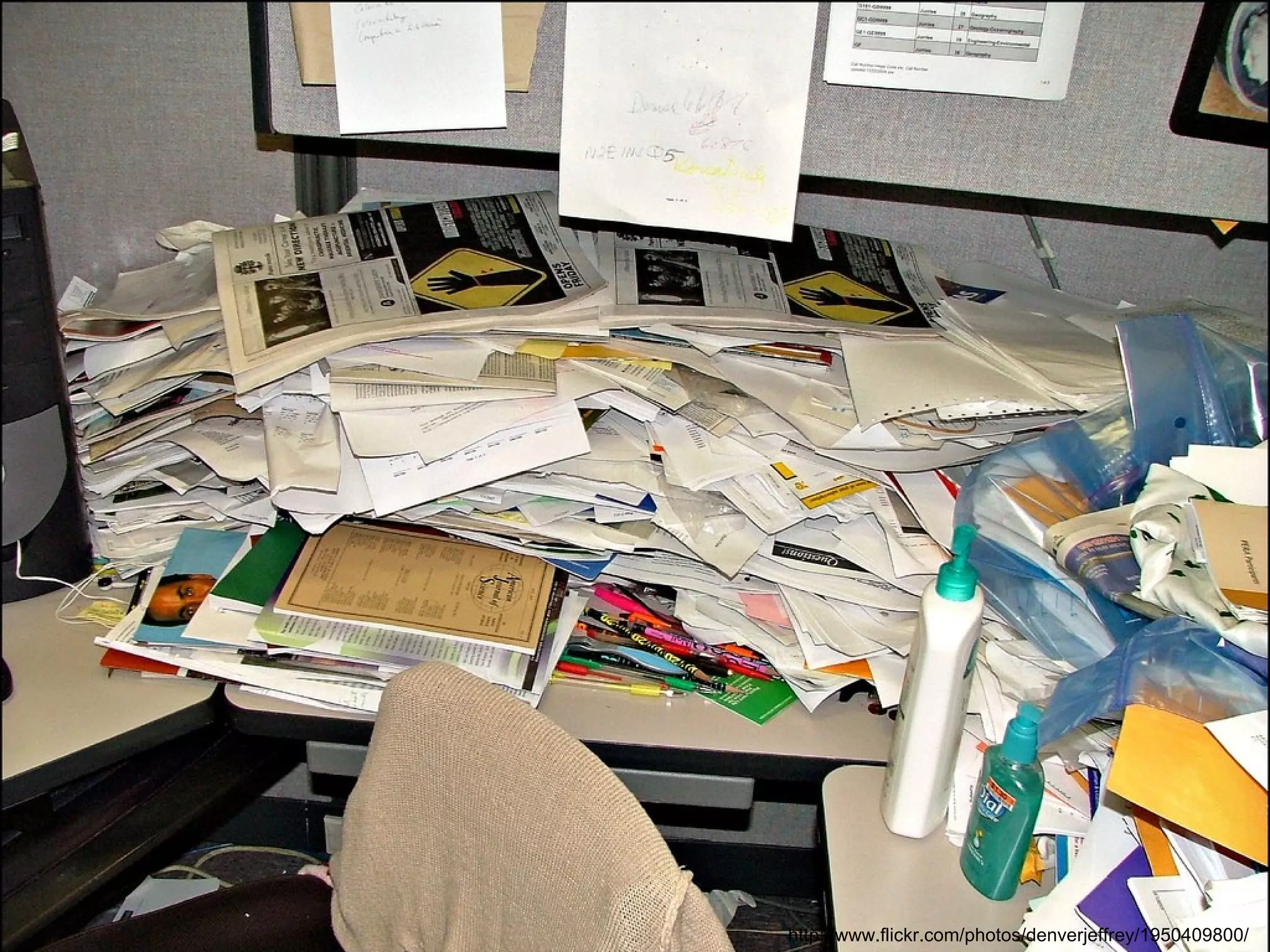
http://www.flickr.com/photos/denverjeffrey/1950409800/
 
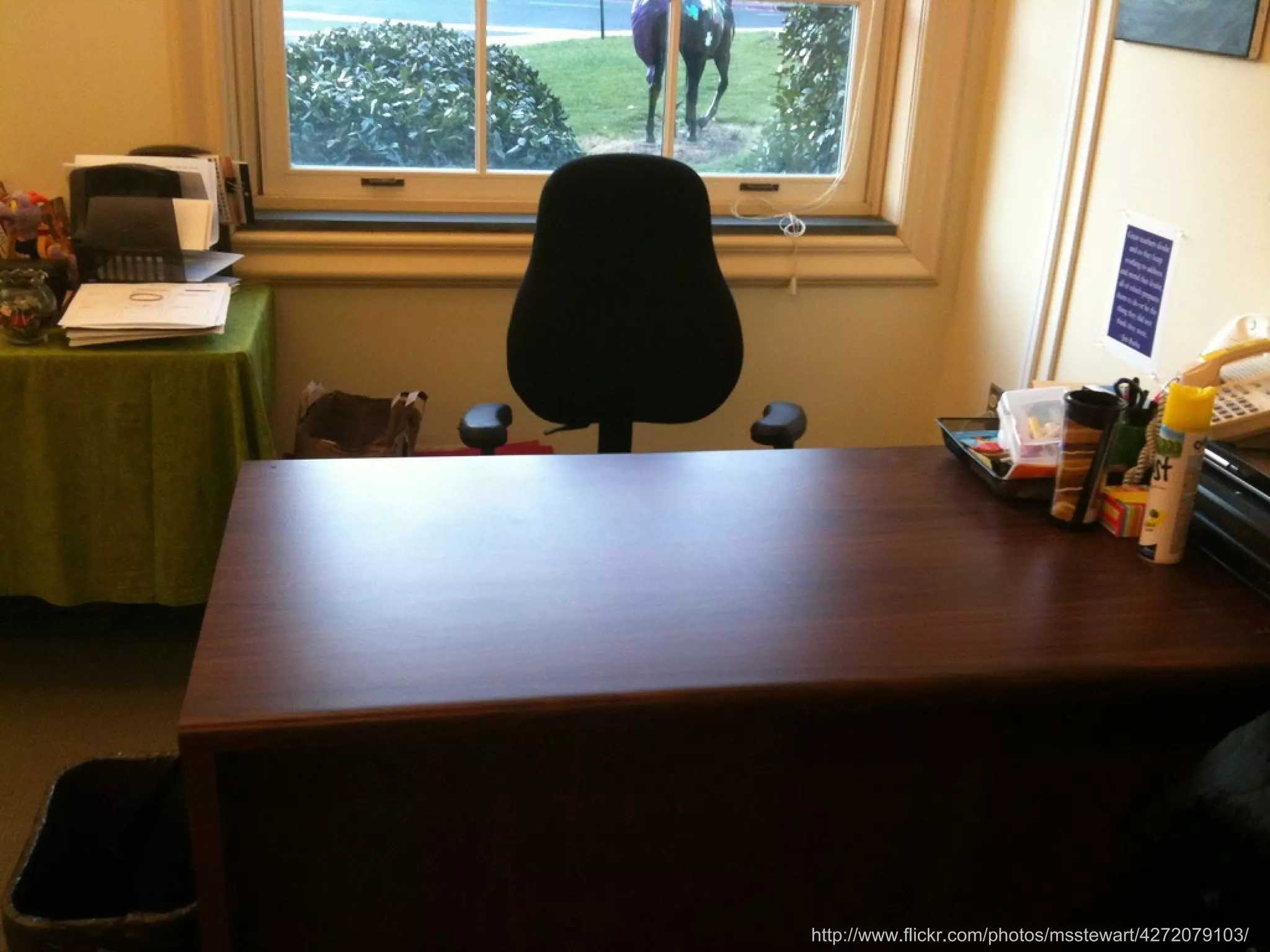
http://www.flickr.com/photos/msstewart/4272079103/
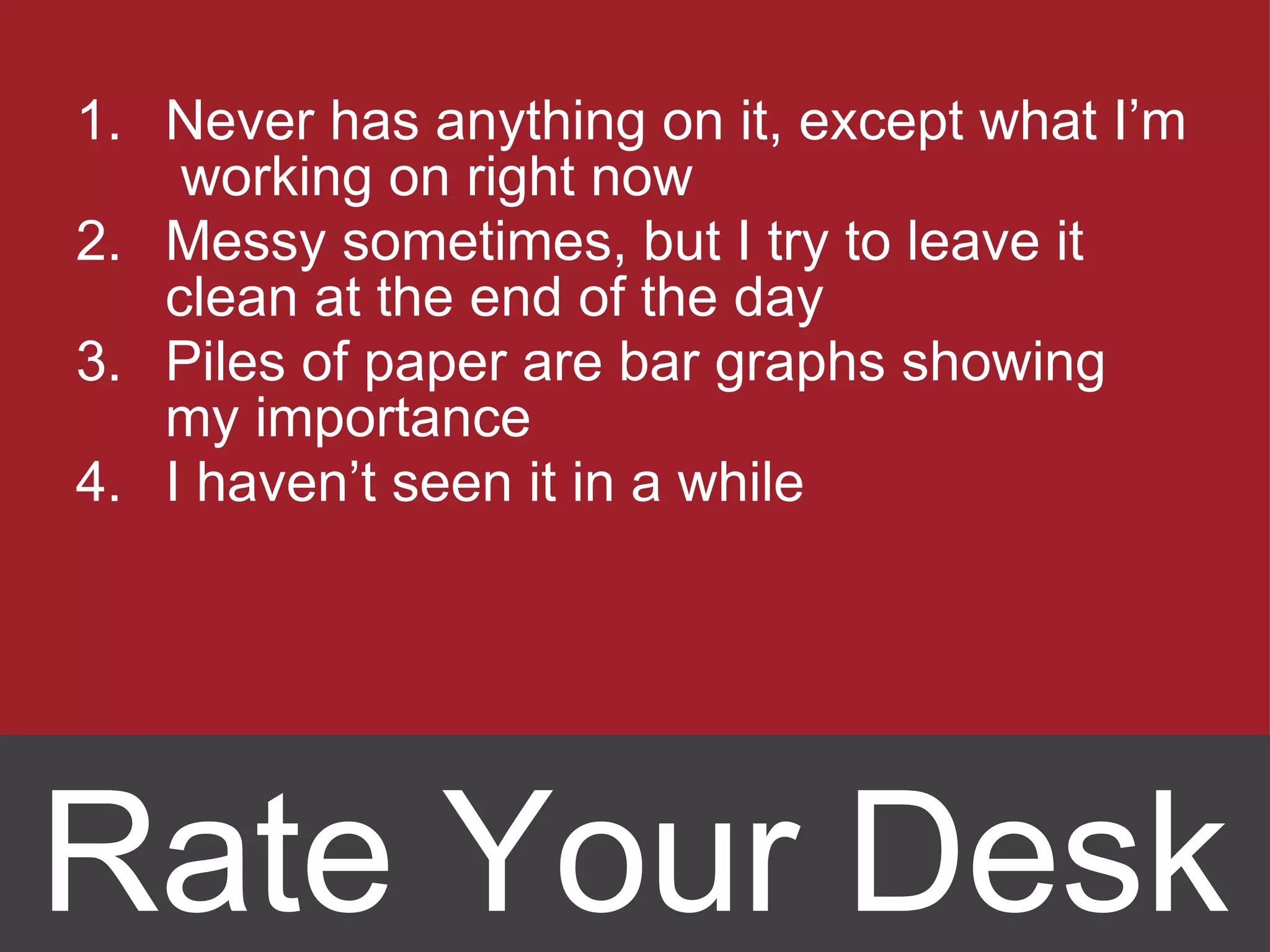
Never has anything on it, except what I’m  working on right now Messy sometimes, but I try to leave it clean at the end of the day Piles of paper are bar graphs showing my importance I haven ’t seen it in a while Rate Your Desk
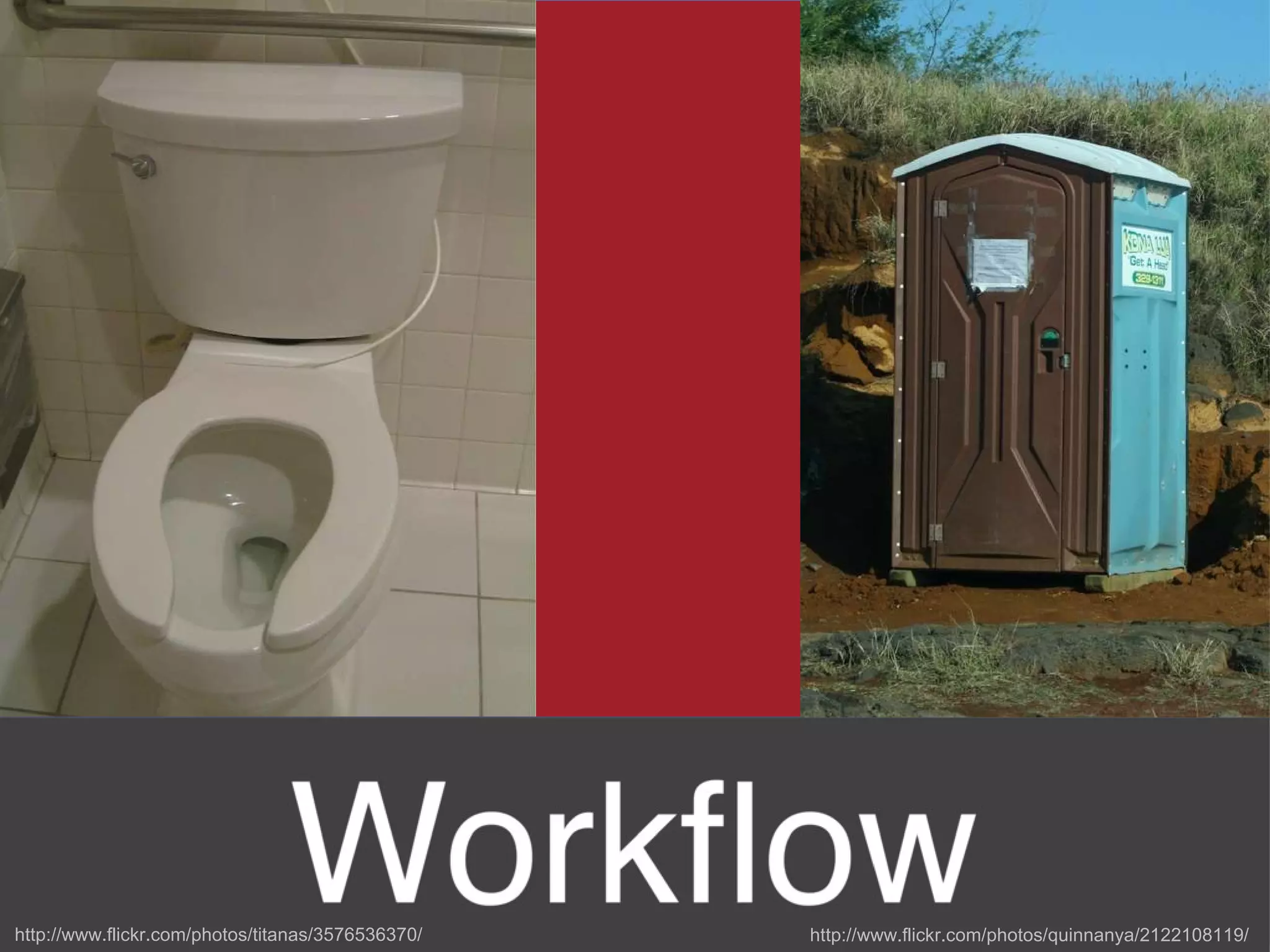
http://www.flickr.com/photos/quinnanya/2122108119/ http://www.flickr.com/photos/titanas/3576536370/
“ A _____ for __________ and __________  in its _____. ”
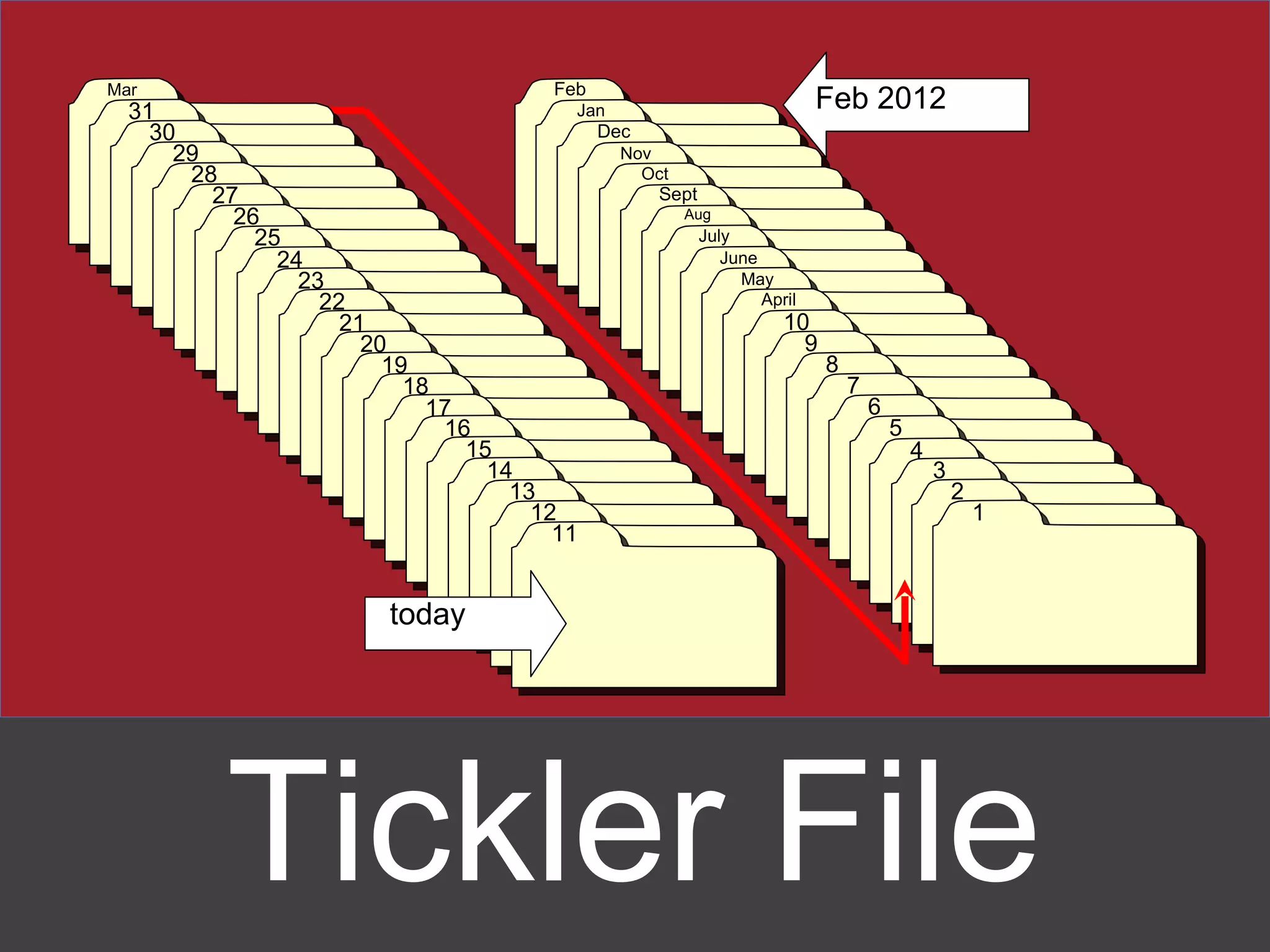
Tickler File Feb Jan Dec Nov Oct Sept Aug July June May April 10 9 8 7 6 5 4 today 17 4 2 1 3 Mar 31 30 29 28 27 26 25 24 23 22 21 20 19 18 16 15 14 13 12 11 Feb 2012
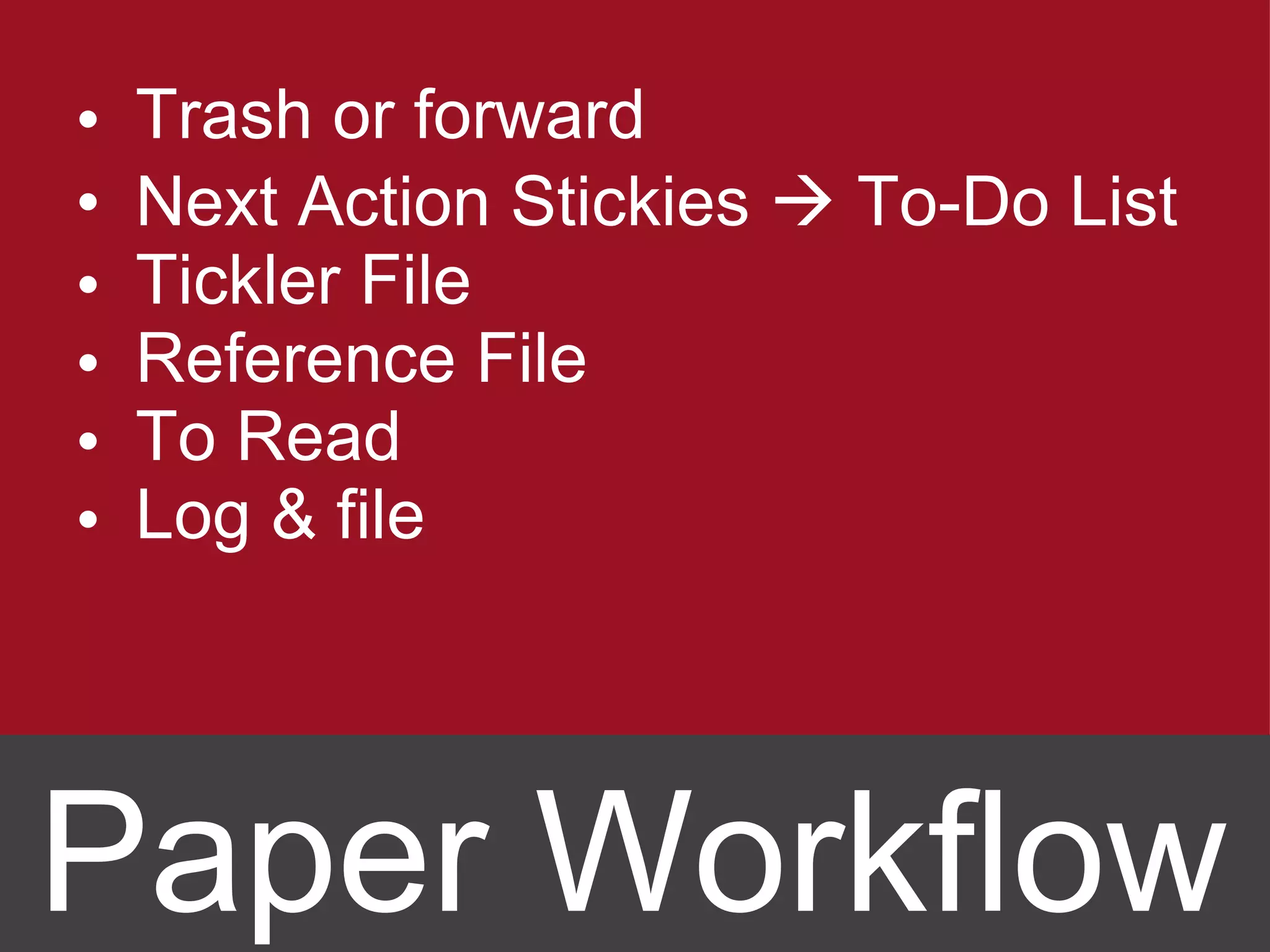
Trash or forward Next Action Stickies    To-Do List Tickler File Reference File To Read Log & file Paper Workflow
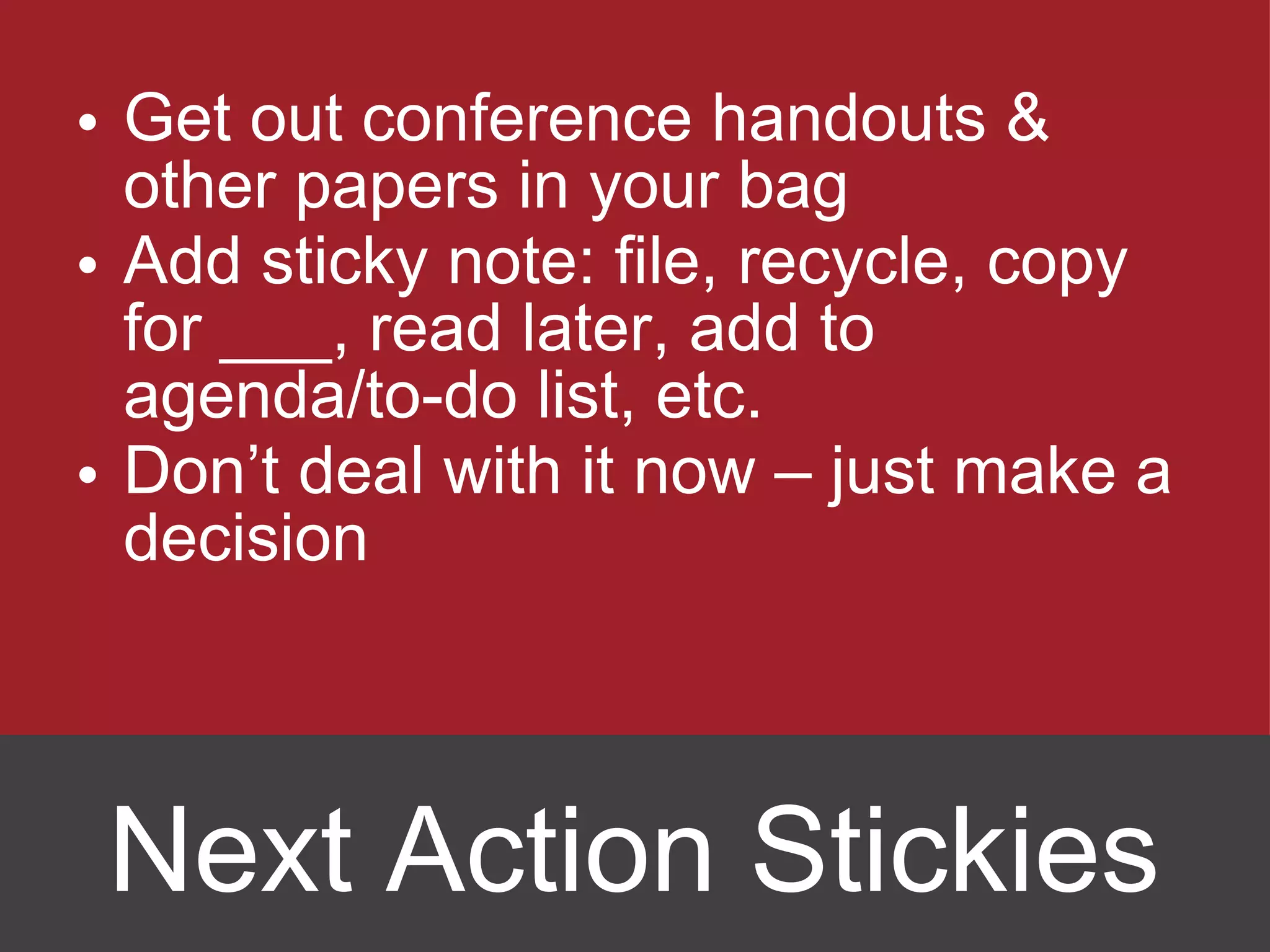
Get out conference handouts & other papers in your bag Add sticky note: file, recycle, copy for ___, read later, add to agenda/to-do list, etc. Don ’t deal with it now – just make a decision Next Action Stickies
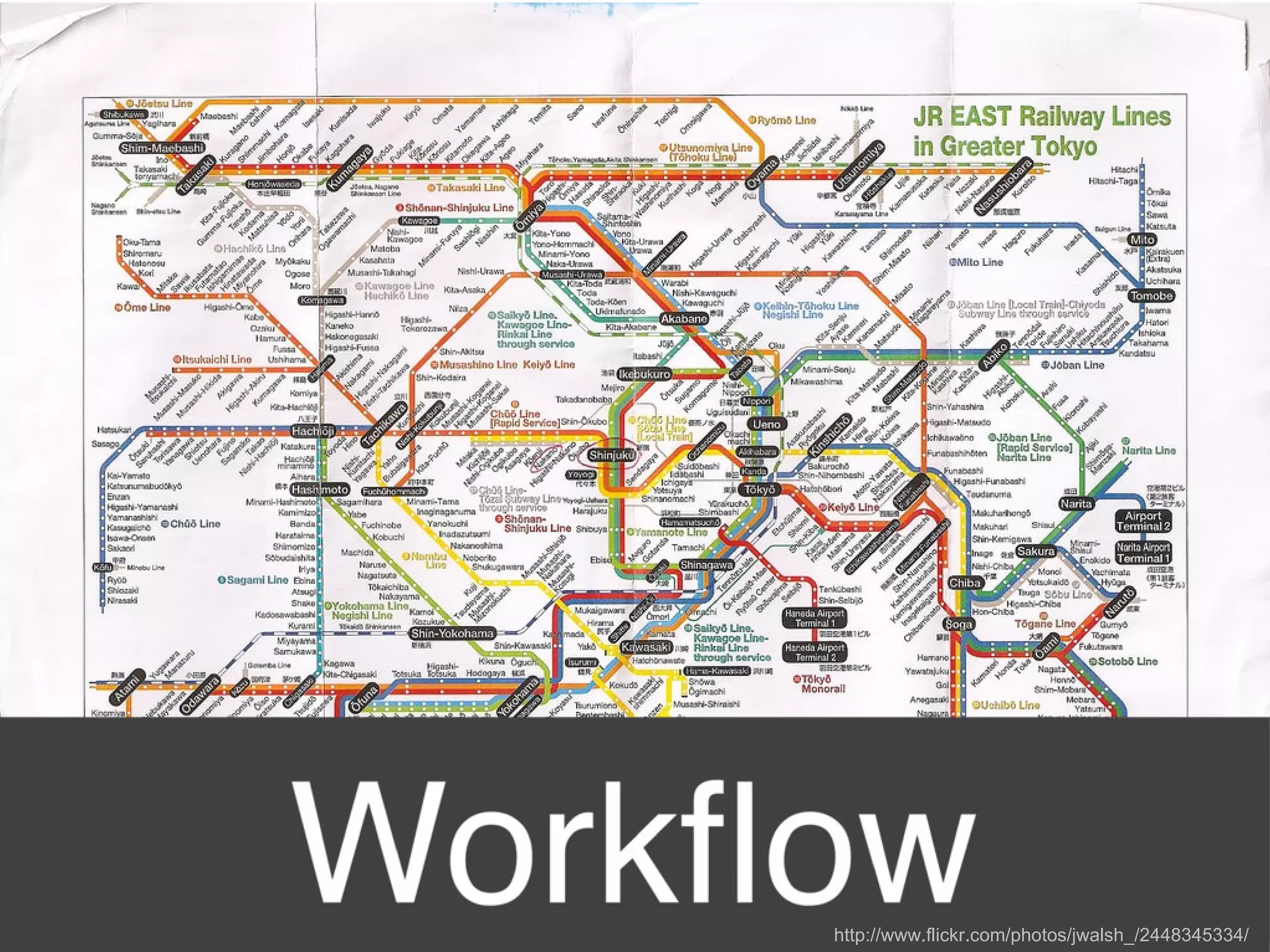
http://www.flickr.com/photos/jwalsh_/2448345334/
 
Write everything down.
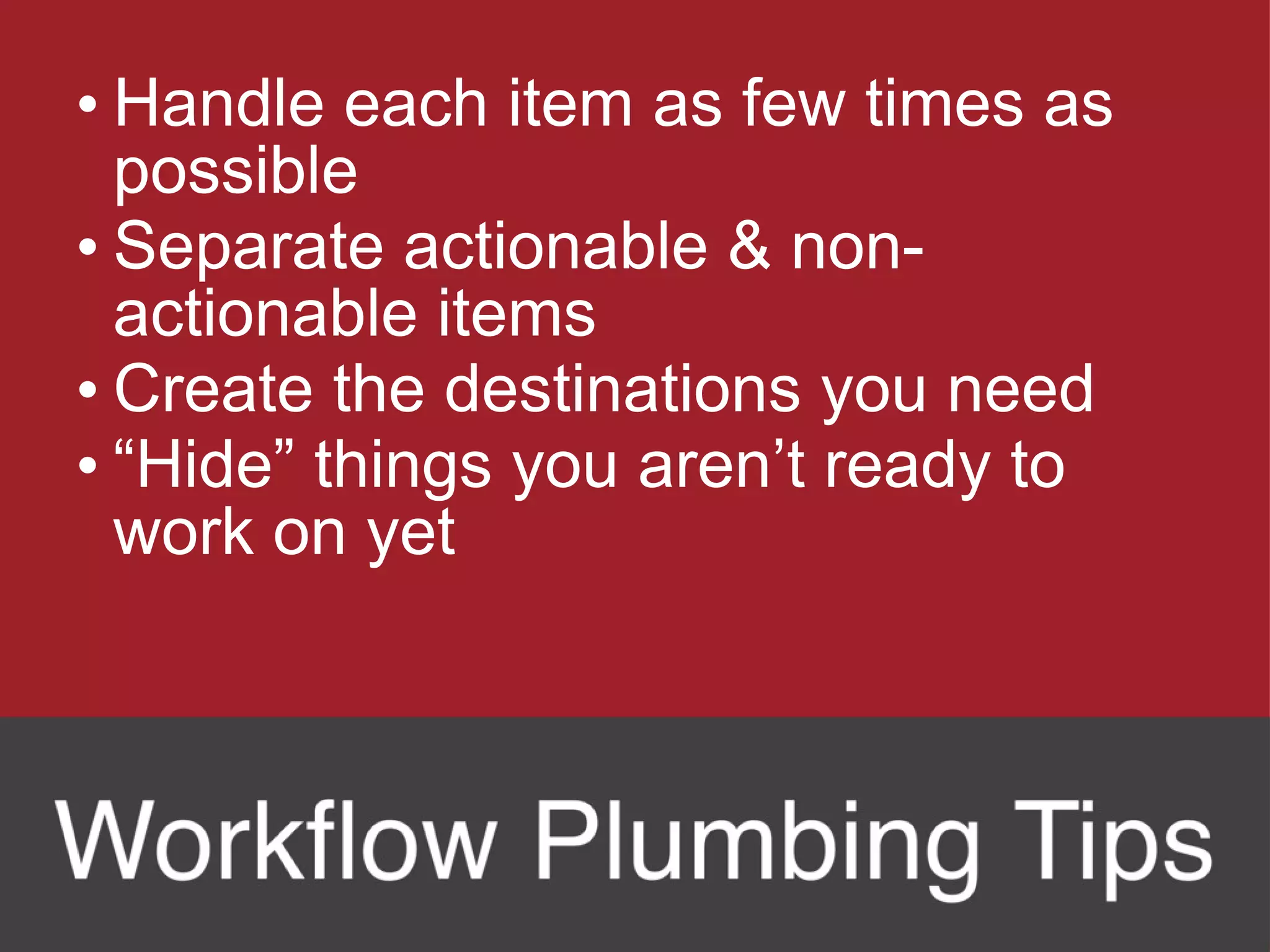
Handle each item as few times as possible Separate actionable & non-actionable items Create the destinations you need “ Hide” things you aren’t ready to work on yet
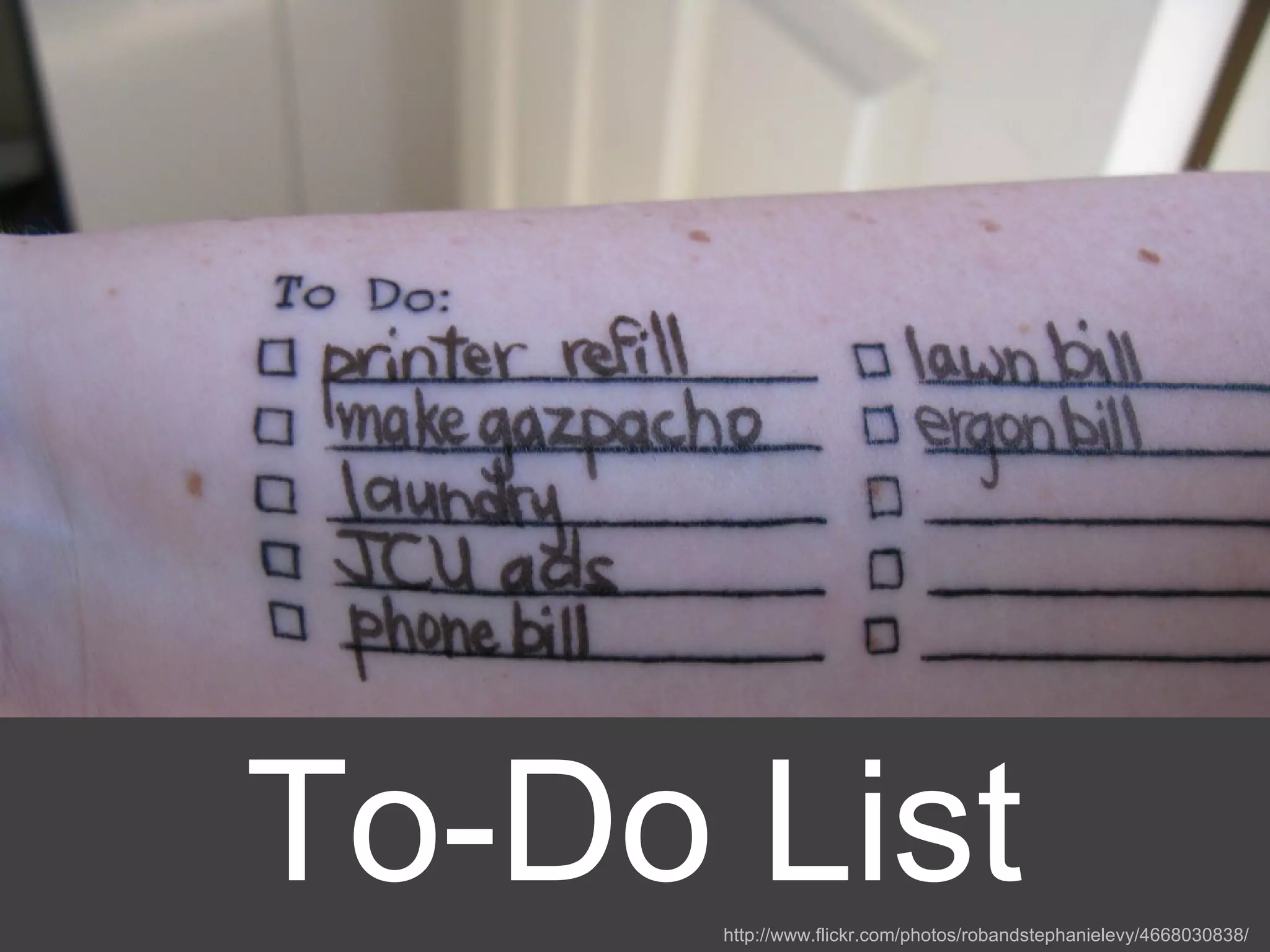
To-Do List http://www.flickr.com/photos/robandstephanielevy/4668030838/
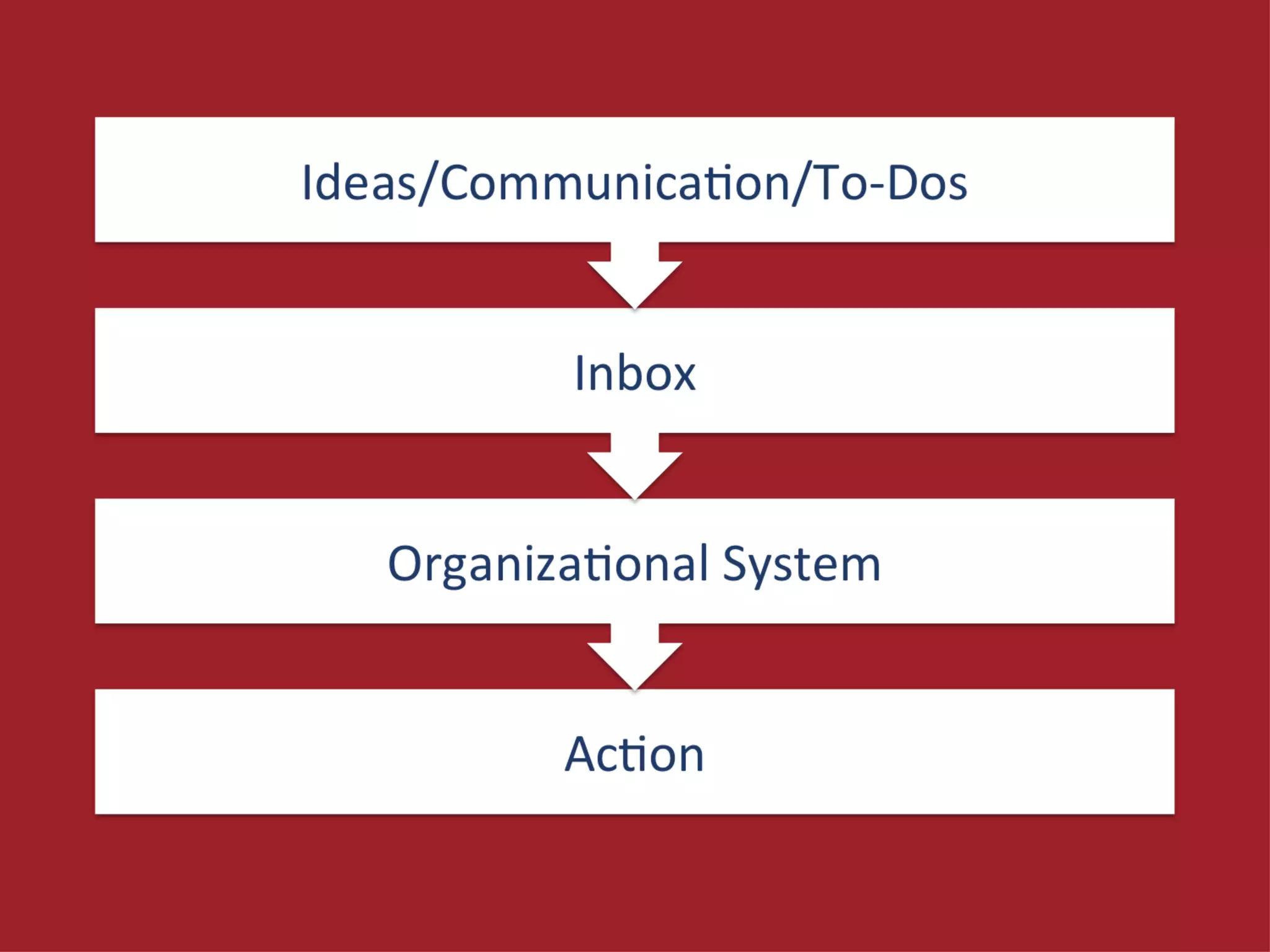
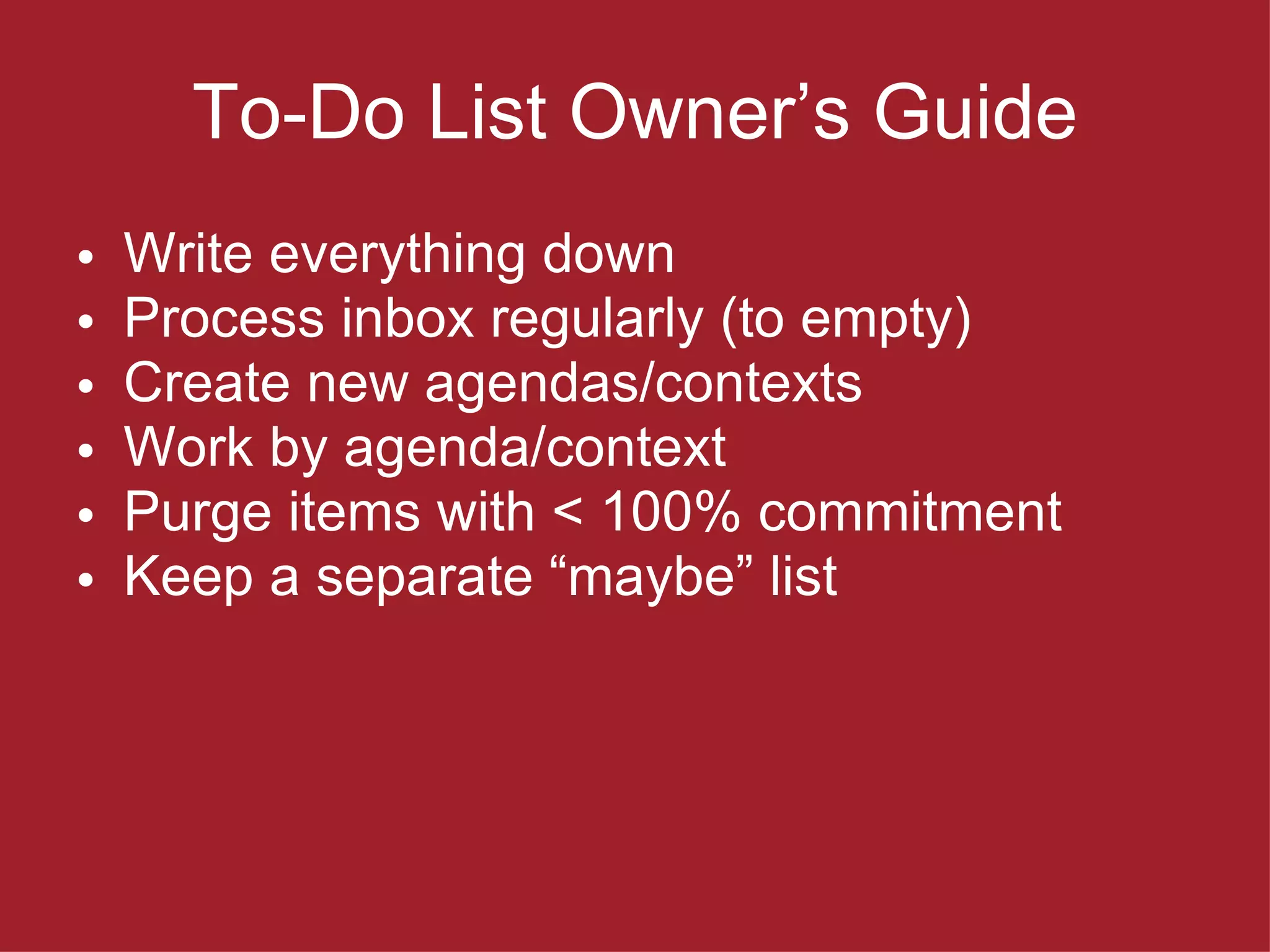
To-Do List Owner ’s Guide Write everything down Process inbox regularly (to empty) Create new agendas/contexts Work by agenda/context Purge items with < 100% commitment Keep a separate  “maybe” list
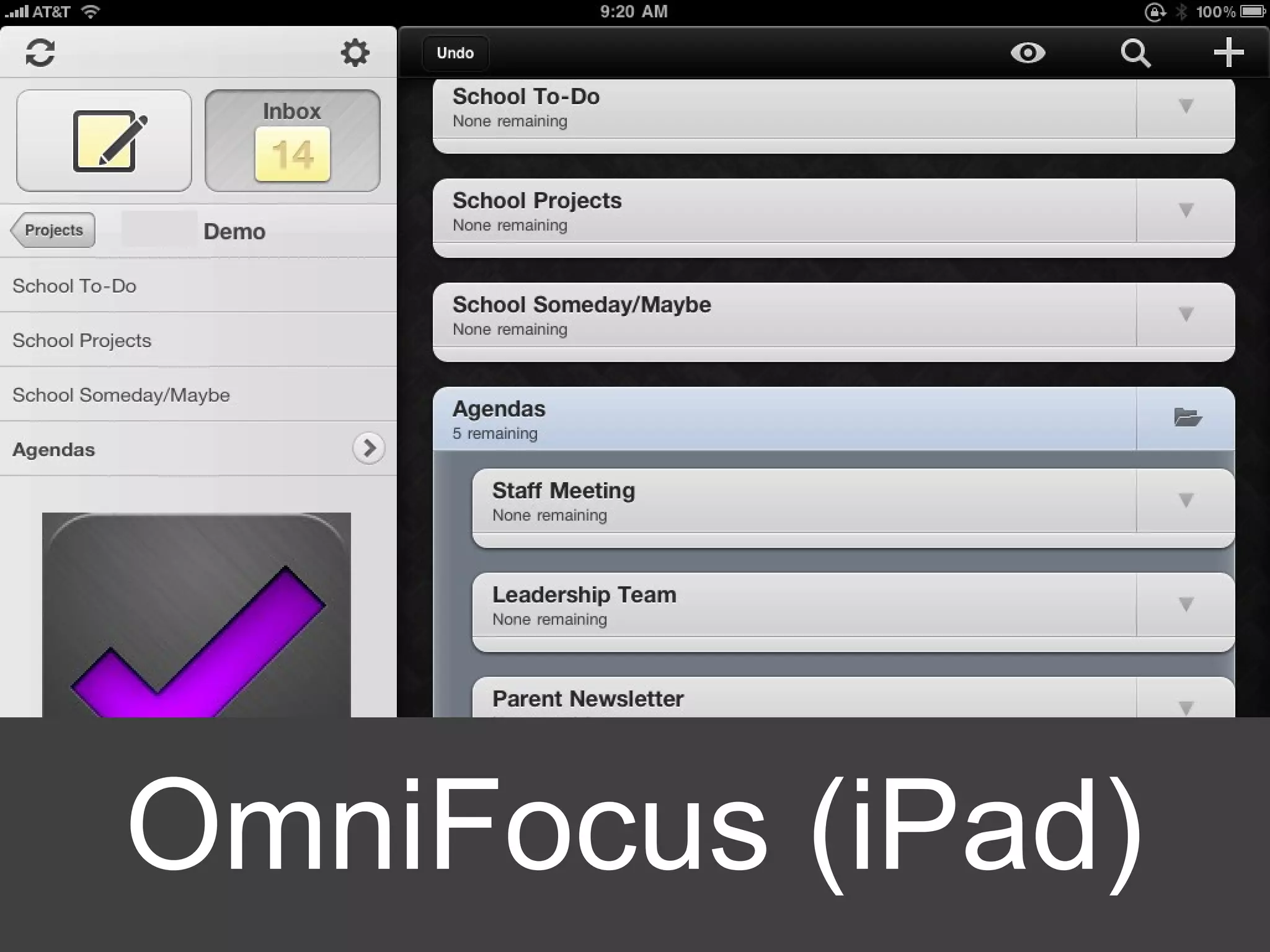
OmniFocus (iPad)
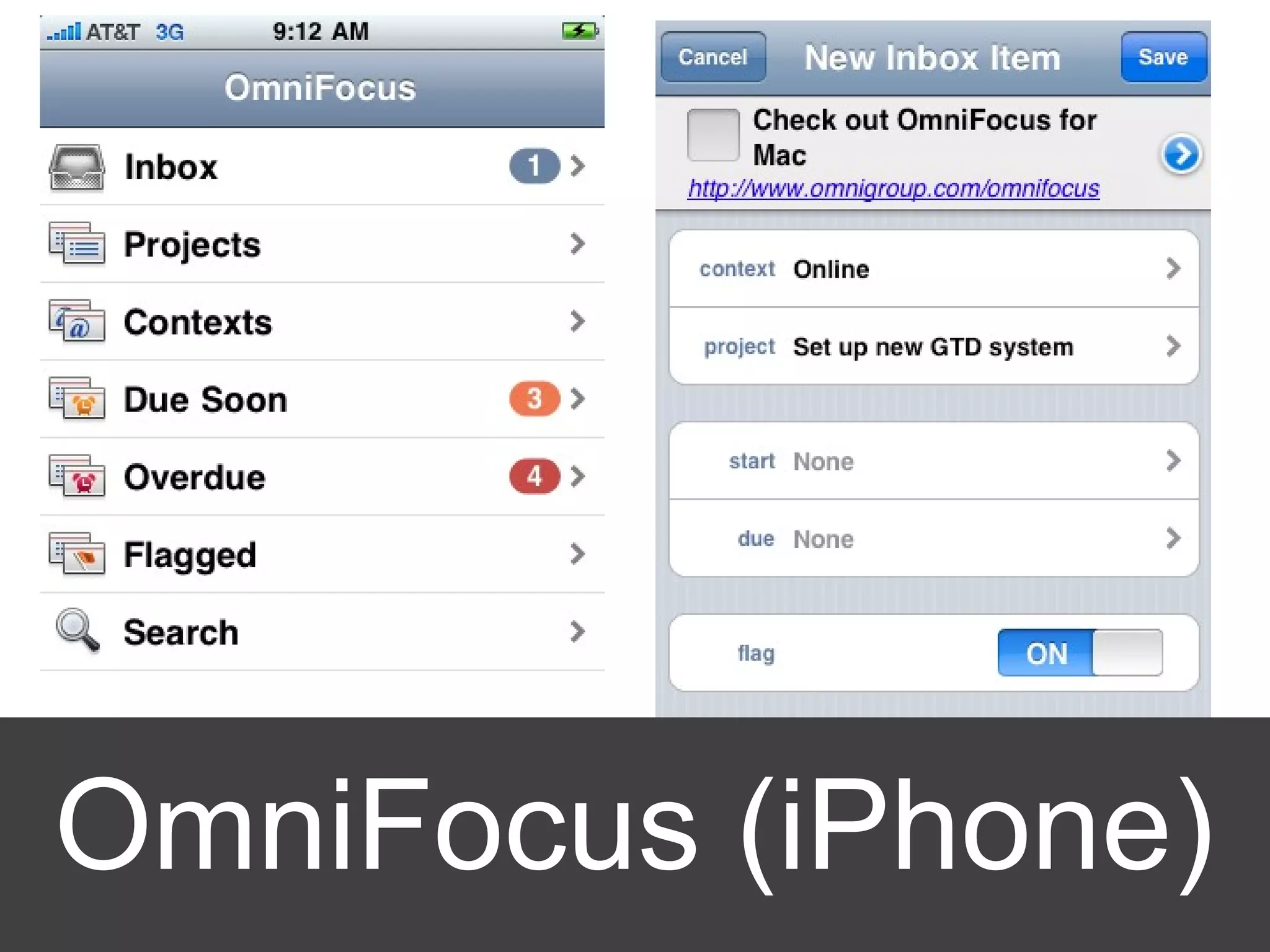
OmniFocus (iPhone)
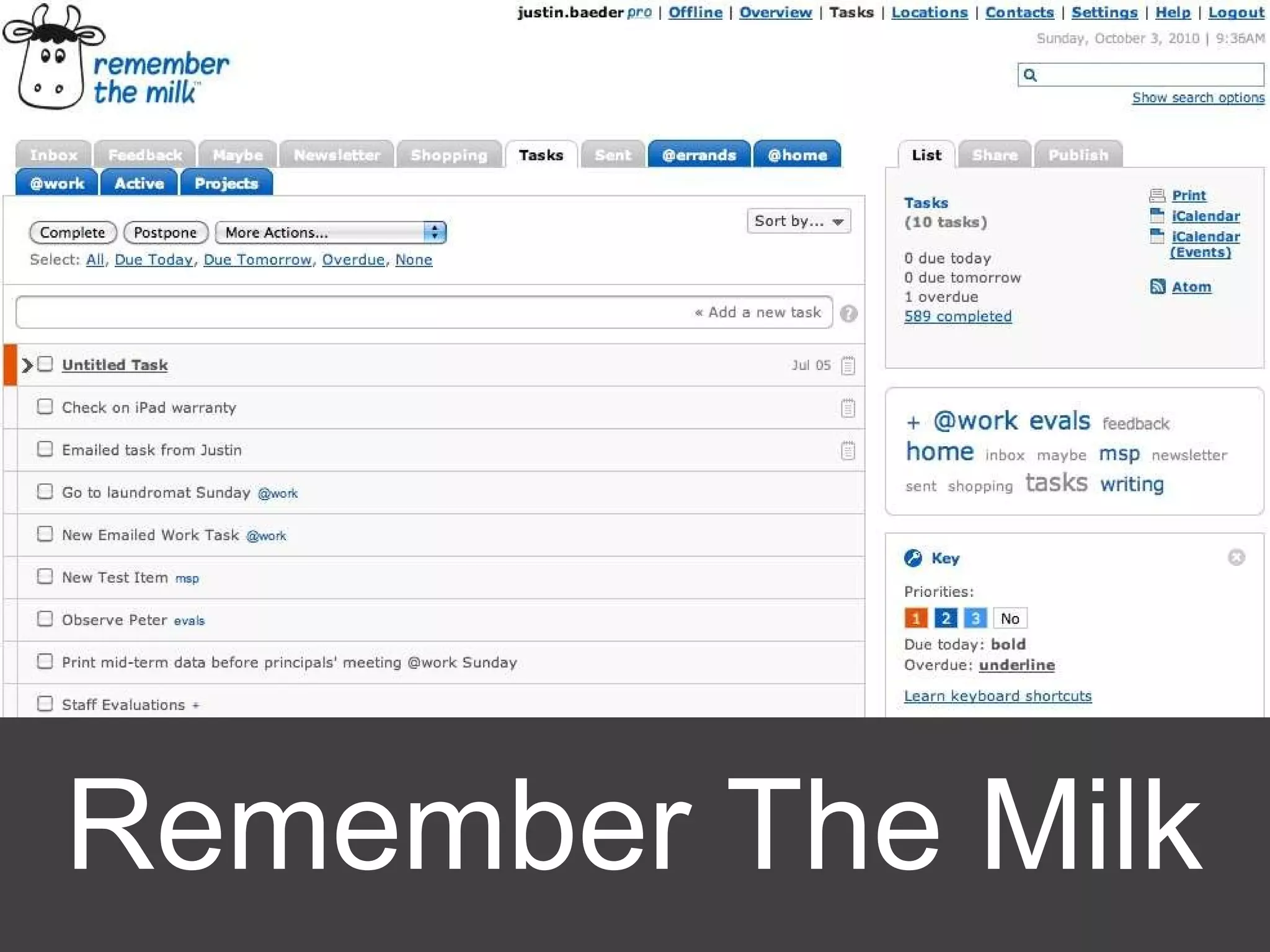
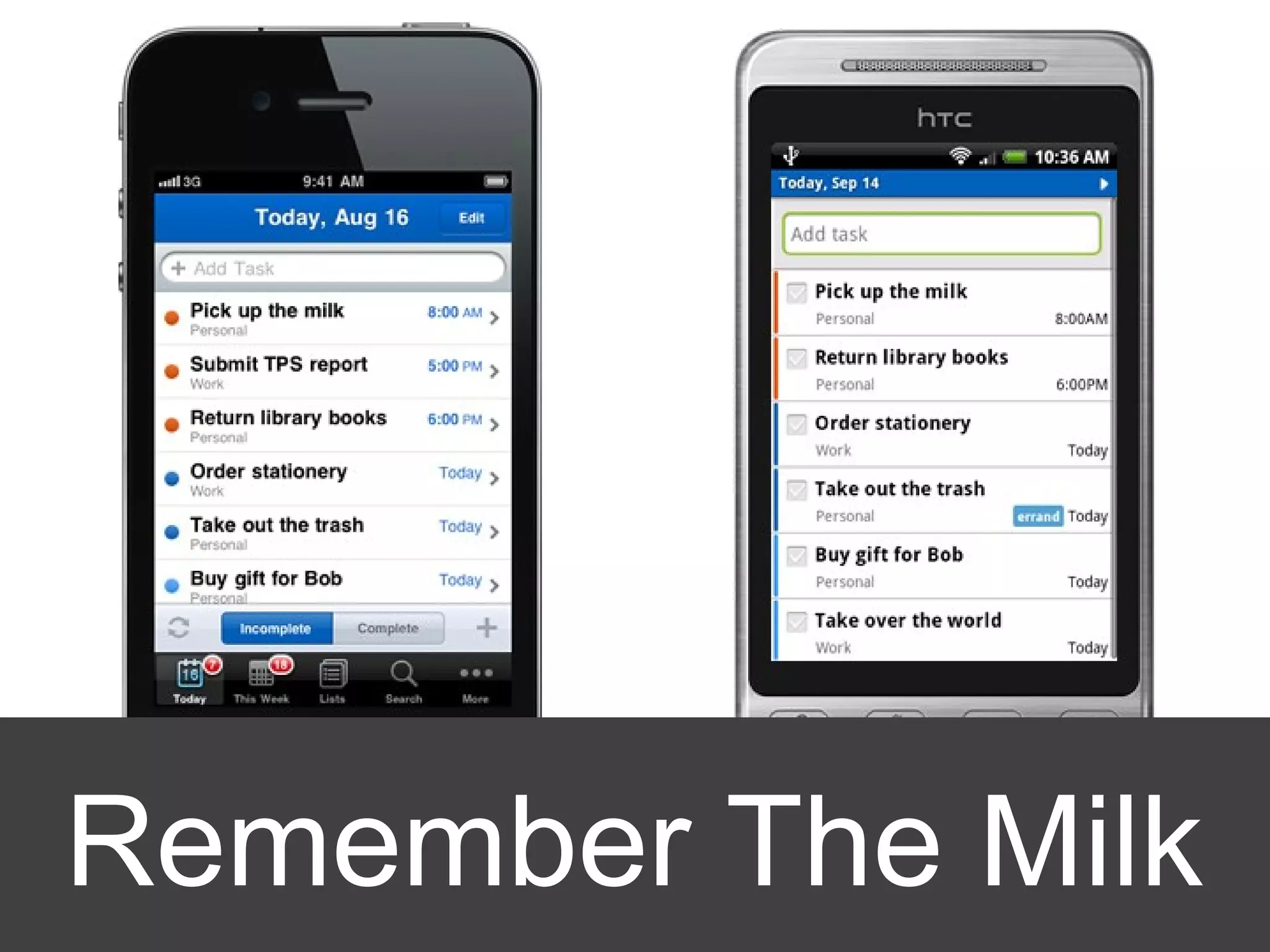
Remember The Milk
Remember The Milk
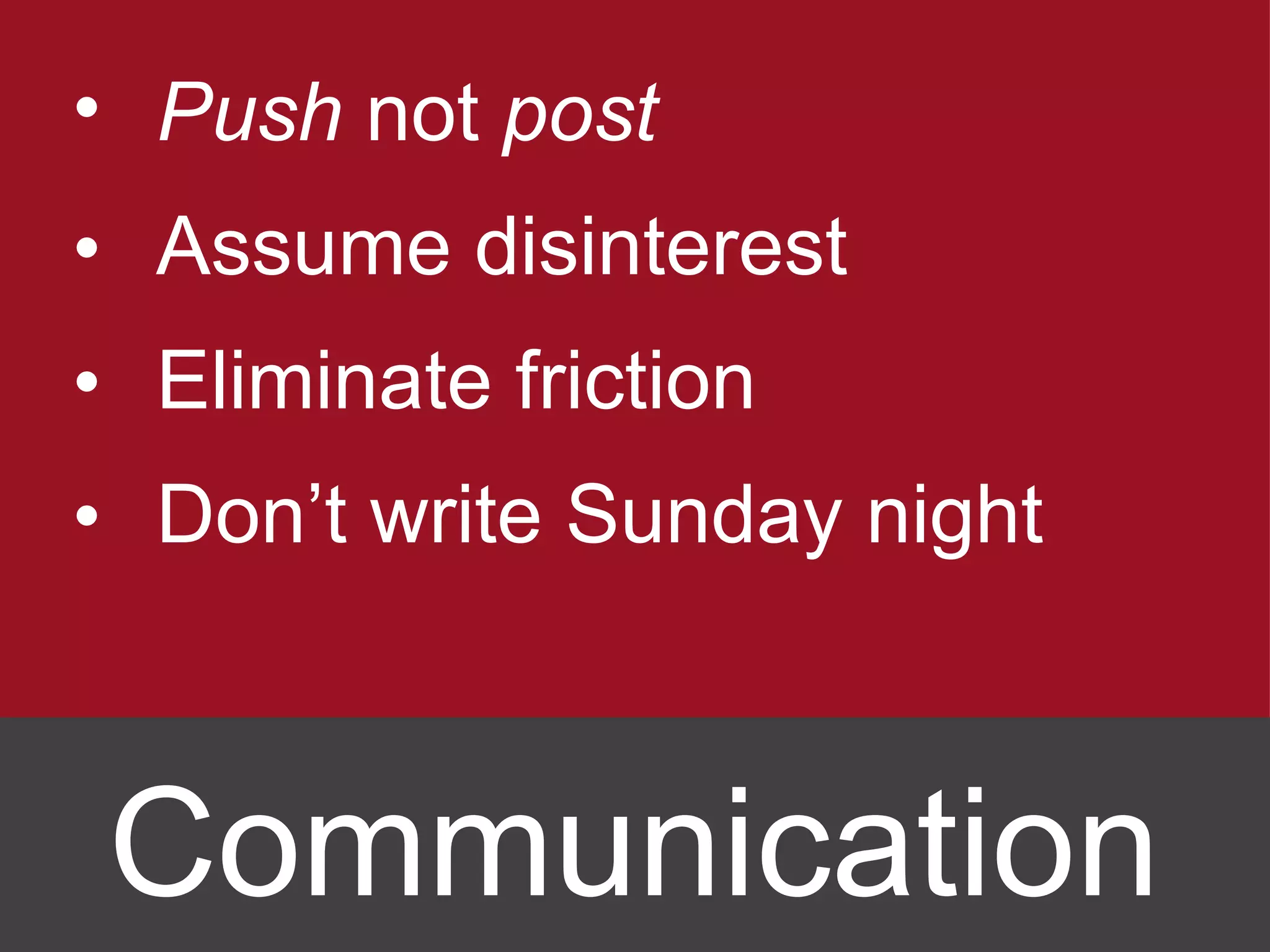
Push  not  post Assume disinterest Eliminate friction Don’t write Sunday night Communication
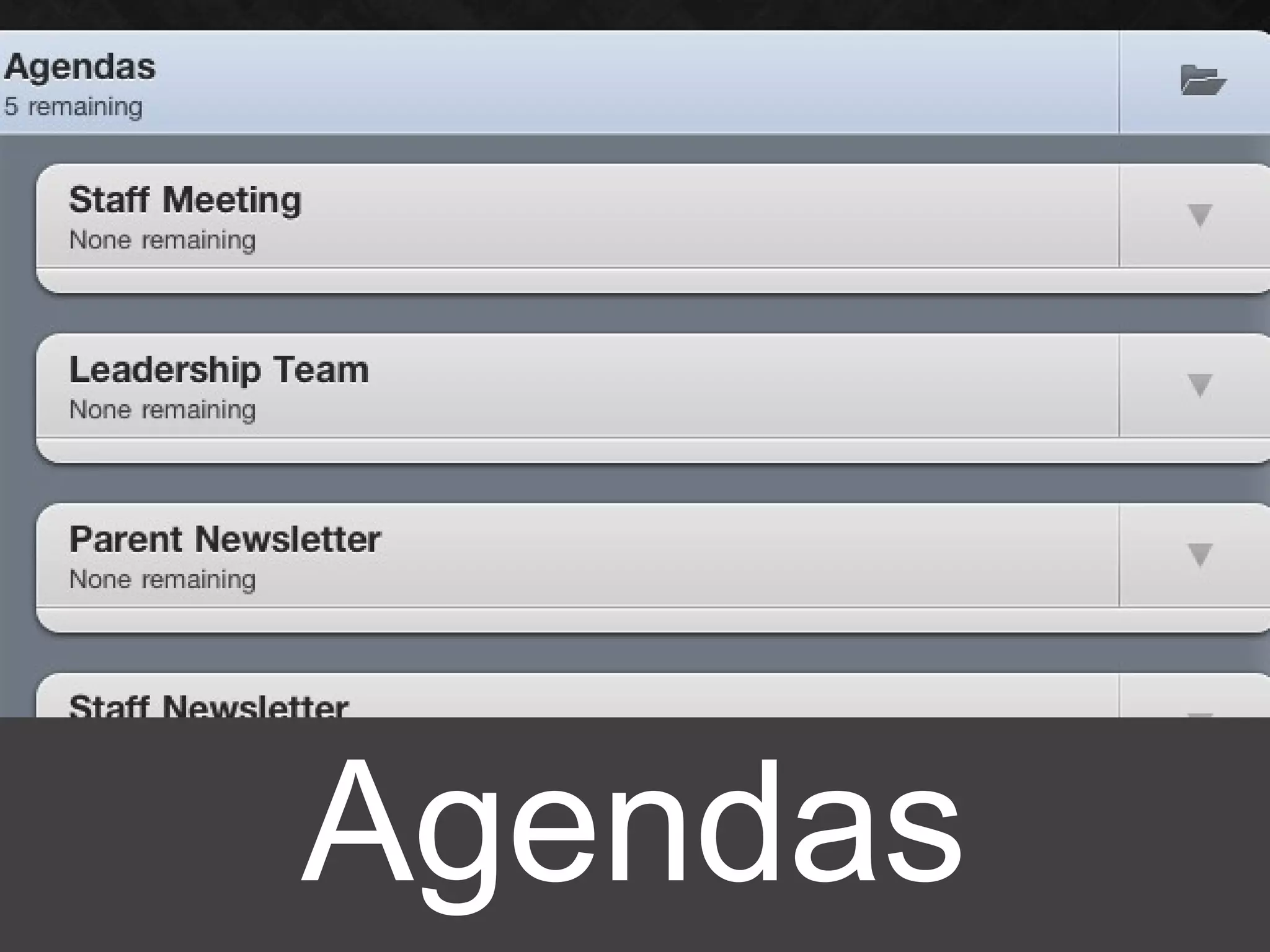
Agendas
Calendar http://www.flickr.com/photos/katietegtmeyer/124315323/
Organization ≠ Motivation
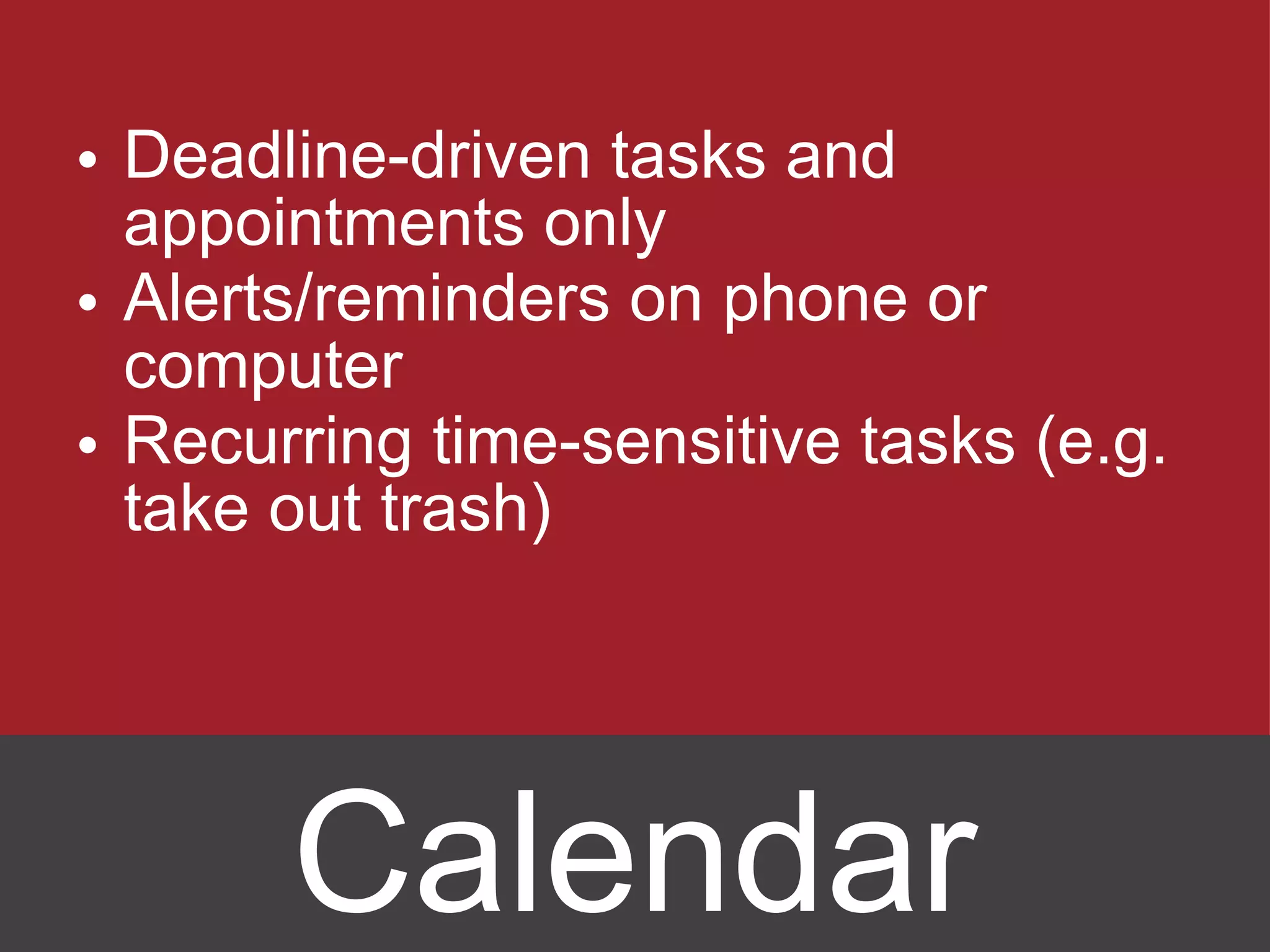
Deadline-driven tasks and appointments only Alerts/reminders on phone or computer Recurring time-sensitive tasks (e.g. take out trash) Calendar
http://www.flickr.com/photos/esparta/1609874001/
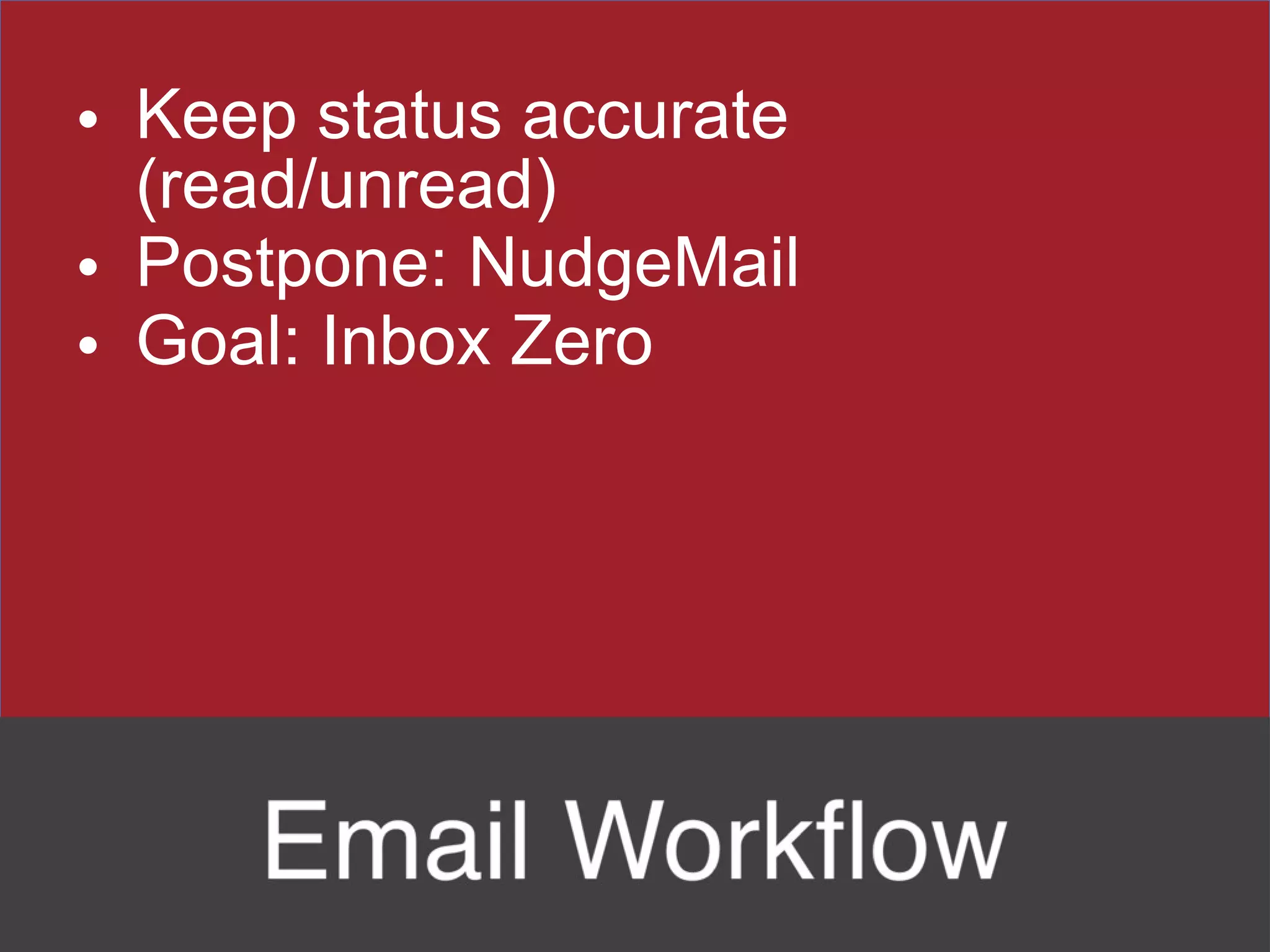
Keep status accurate (read/unread) Postpone: NudgeMail Goal: Inbox Zero
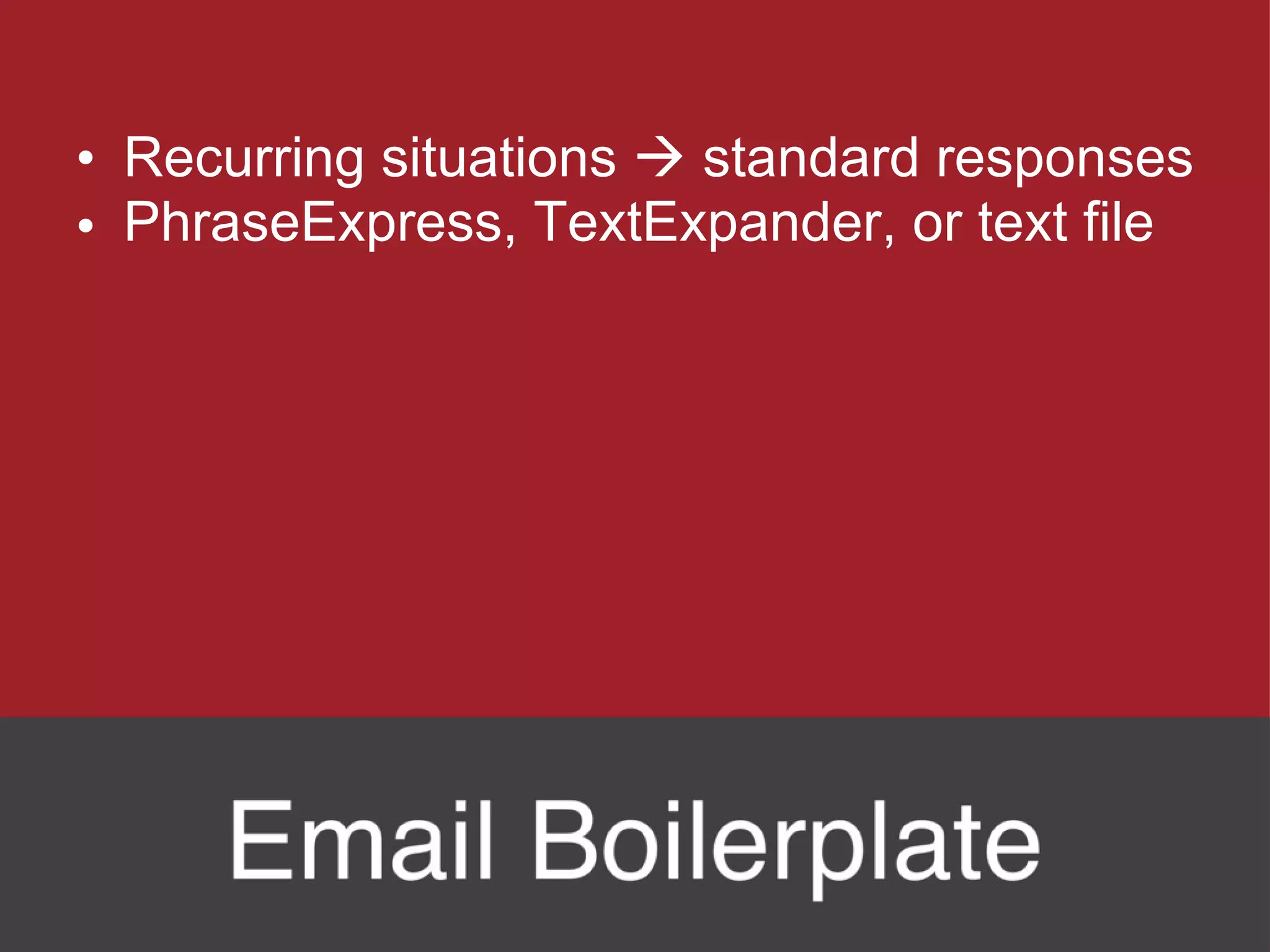
Recurring situations    standard responses PhraseExpress, TextExpander, or text file
Brainstorm categories, e.g. spam Compare with someone else Useful boilerplate
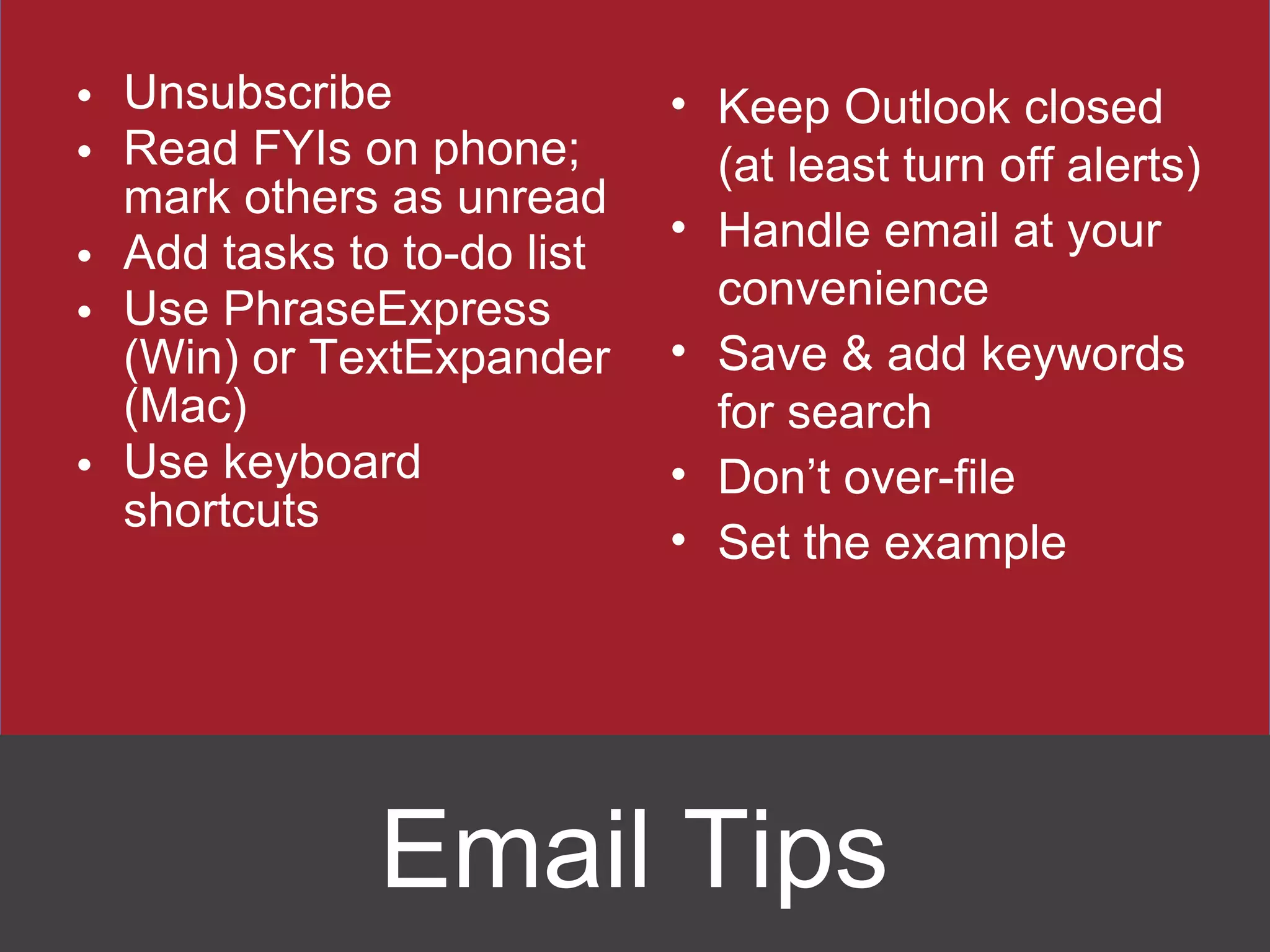
Unsubscribe Read FYIs on phone; mark others as unread Add tasks to to-do list Use PhraseExpress (Win) or TextExpander (Mac) Use keyboard shortcuts Keep Outlook closed (at least turn off alerts) Handle email at your convenience Save & add keywords for search Don ’t over-file Set the example Email Tips
 
Instructional leaders influence teachers, who influence students, who are the bottom line. Our effectiveness directly impacts the lives of students. Thank you for all you do each day.
Weekly email newsletter: http://www.eduleadership.org [email_address] Twitter: @eduleadership Handouts: Write email address on sheet

The High-Performance Administrator - April 2011

Editor's Notes

  • #2 Asdf
  • #3 Lots to do! We have a choice: this can leave us in a permanent state of overwhelm, or we can stay on top of it all.
  • #14 Use Next Action Stickies to deal with the piles on your desk
  • #16 Email and paper mail have their own inboxes, but to have an idea/task in box, you have to write stuff down in your to-do list.
  • #19 Problems: Doesn ’t scale; can’t be organized; can’t be modified.
  • #20 Organization != motivation
  • #26 Enable batching; an example of PEEP for ideas
  • #31 Goal of inbox zero: reach the bottom of the pile so you know what ’s there.
  • #35 Goal of inbox zero: reach the bottom of the pile so you know what ’s there.