The Future is
Modular
2003
CSS Takes Off
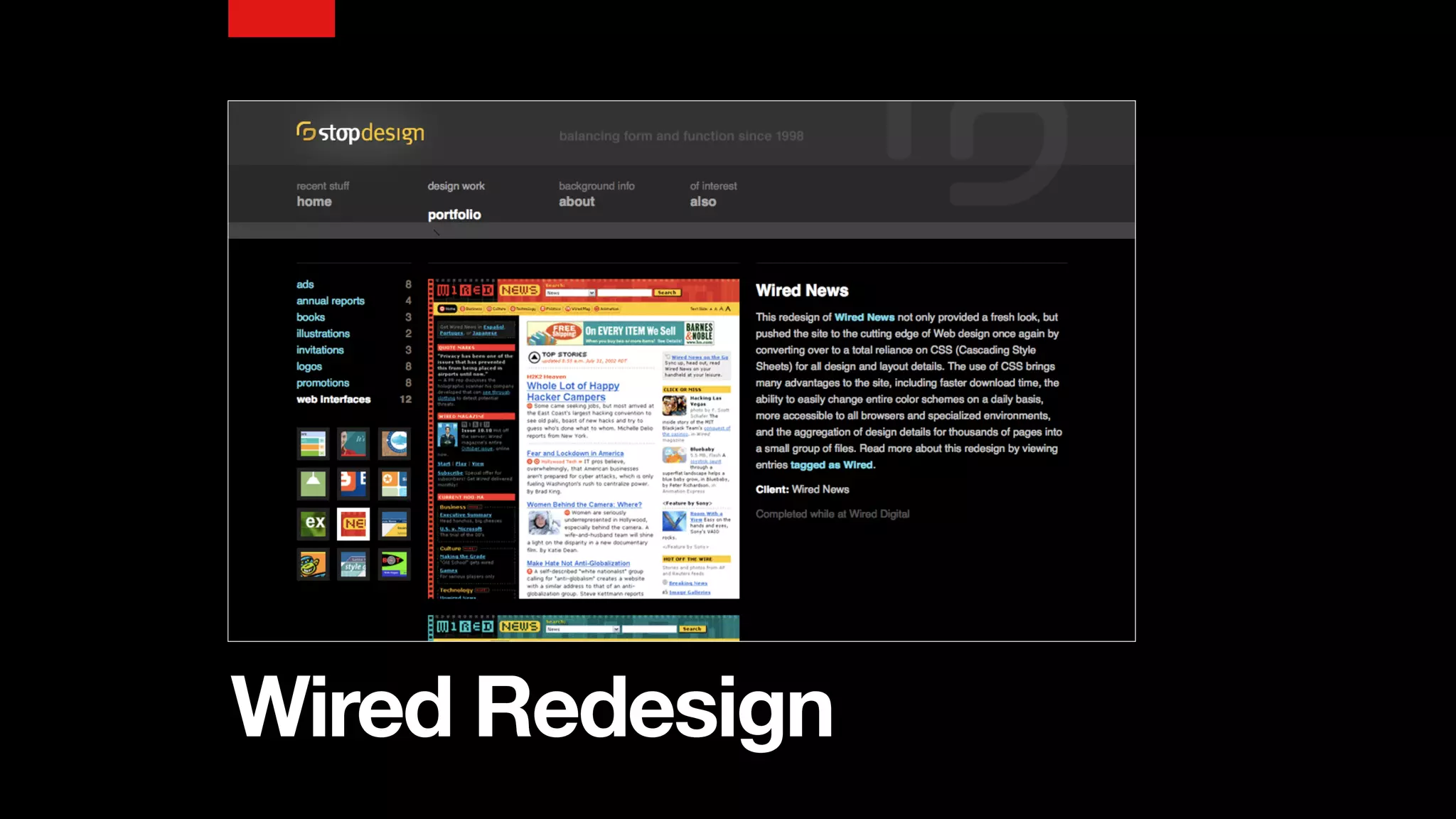
Wired Redesign
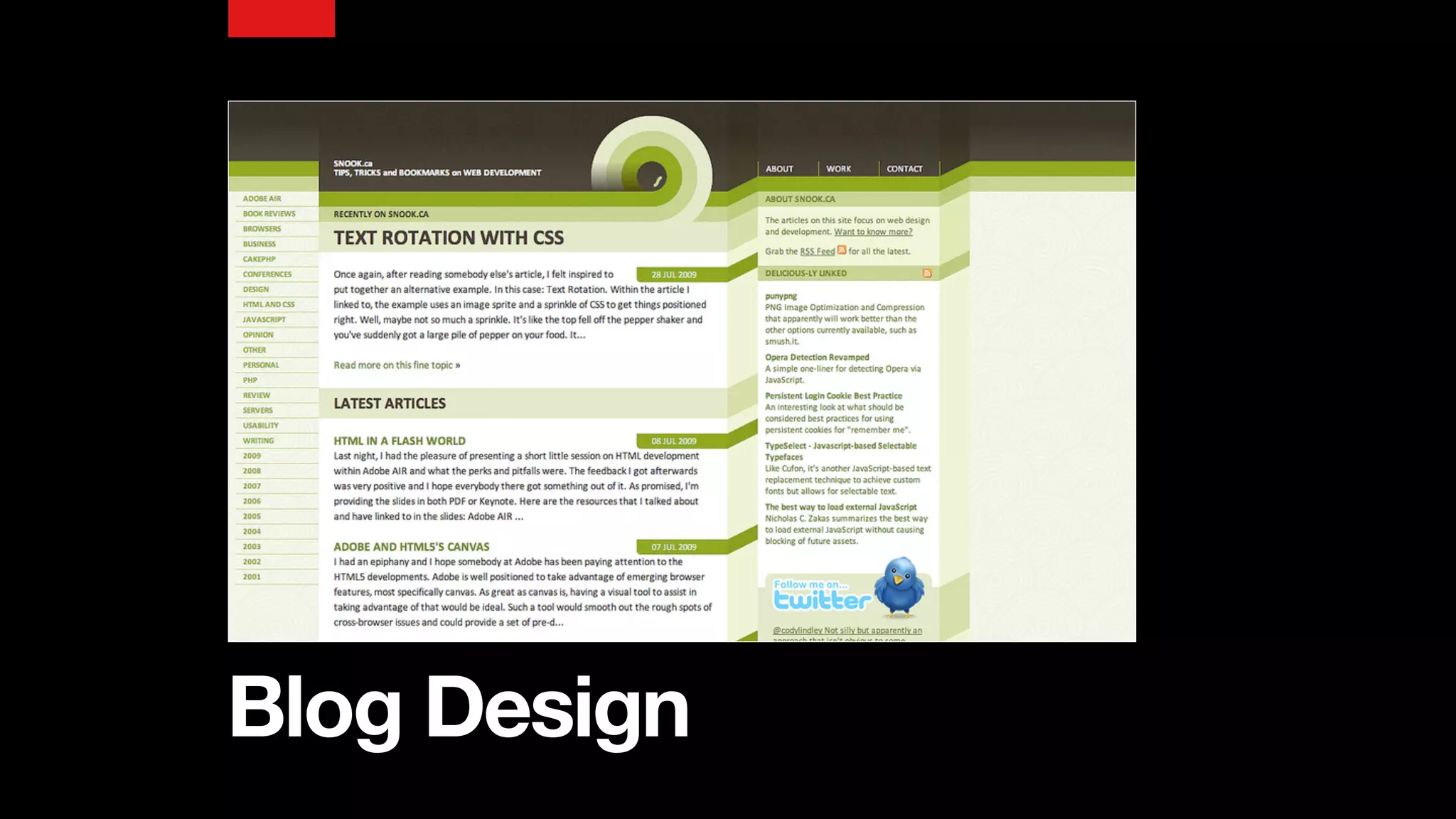
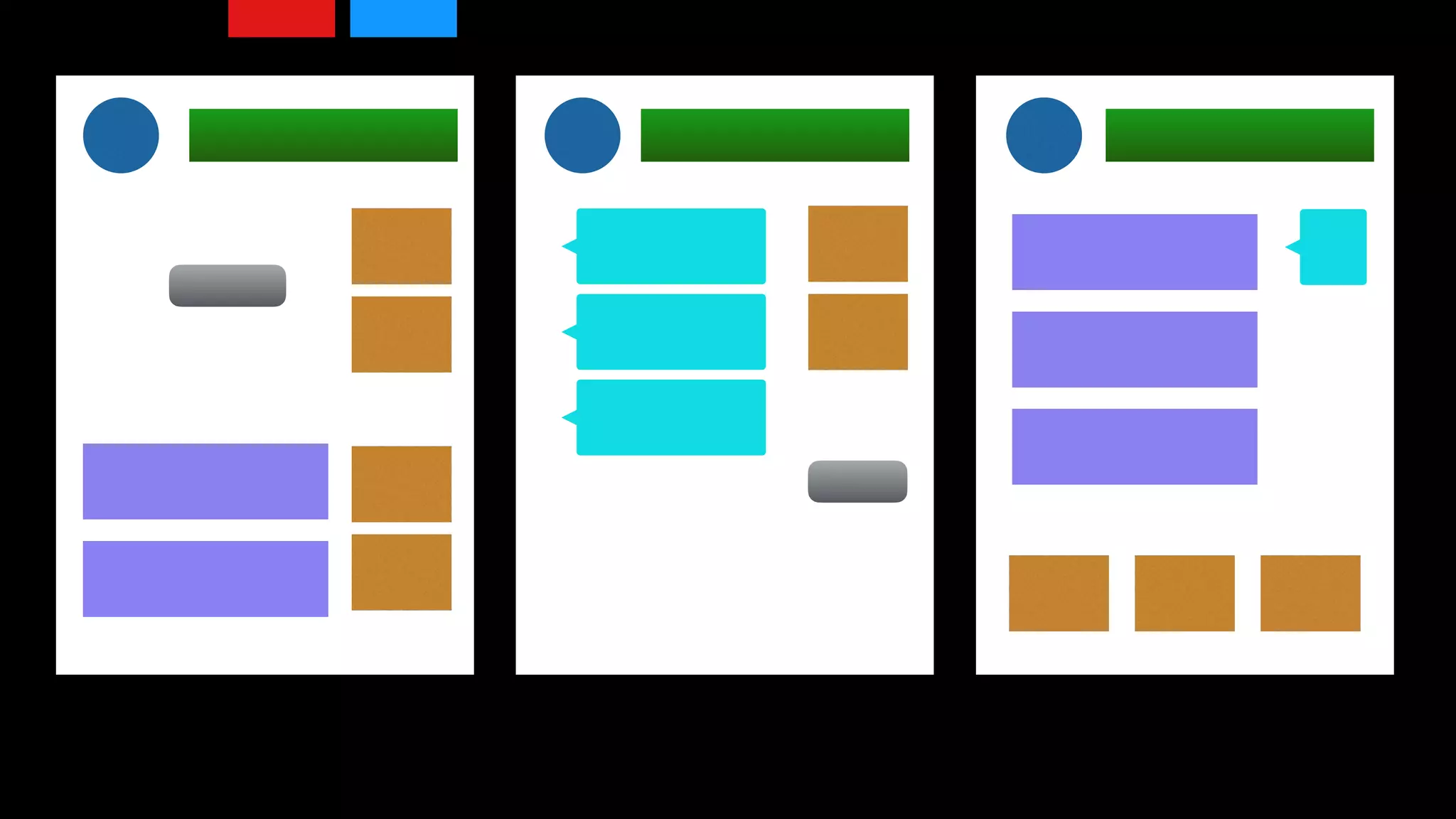
Blog Design
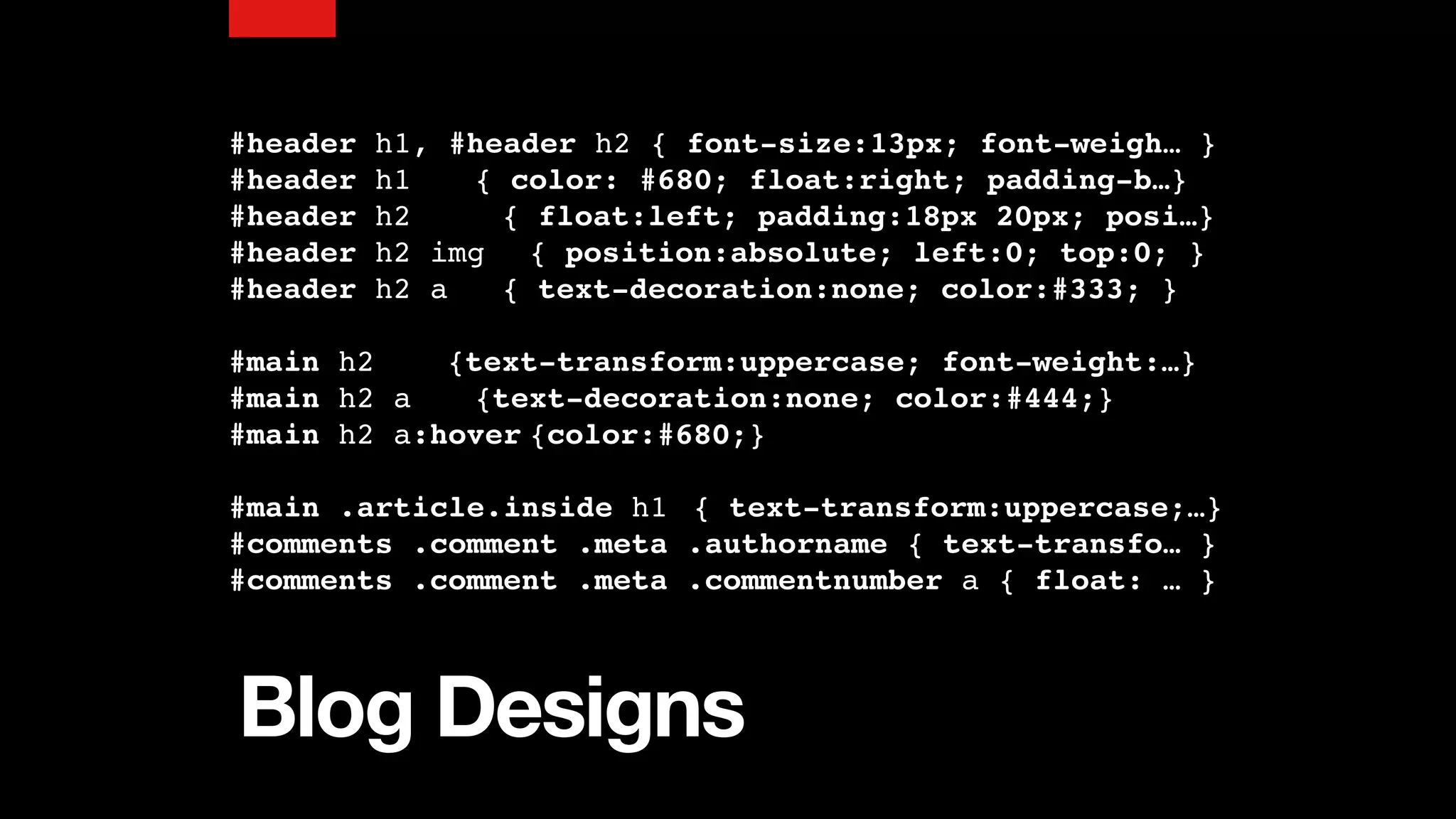
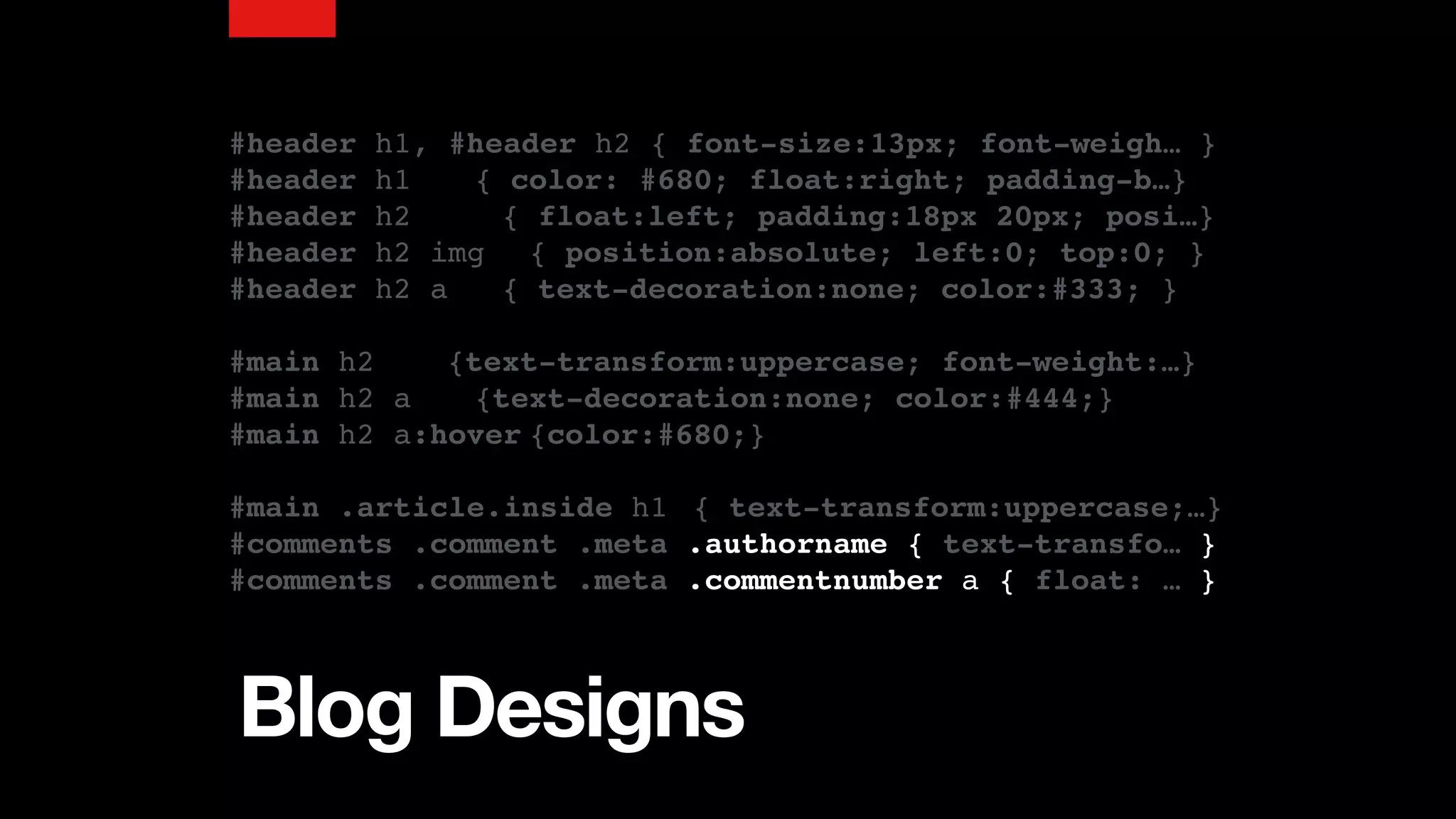
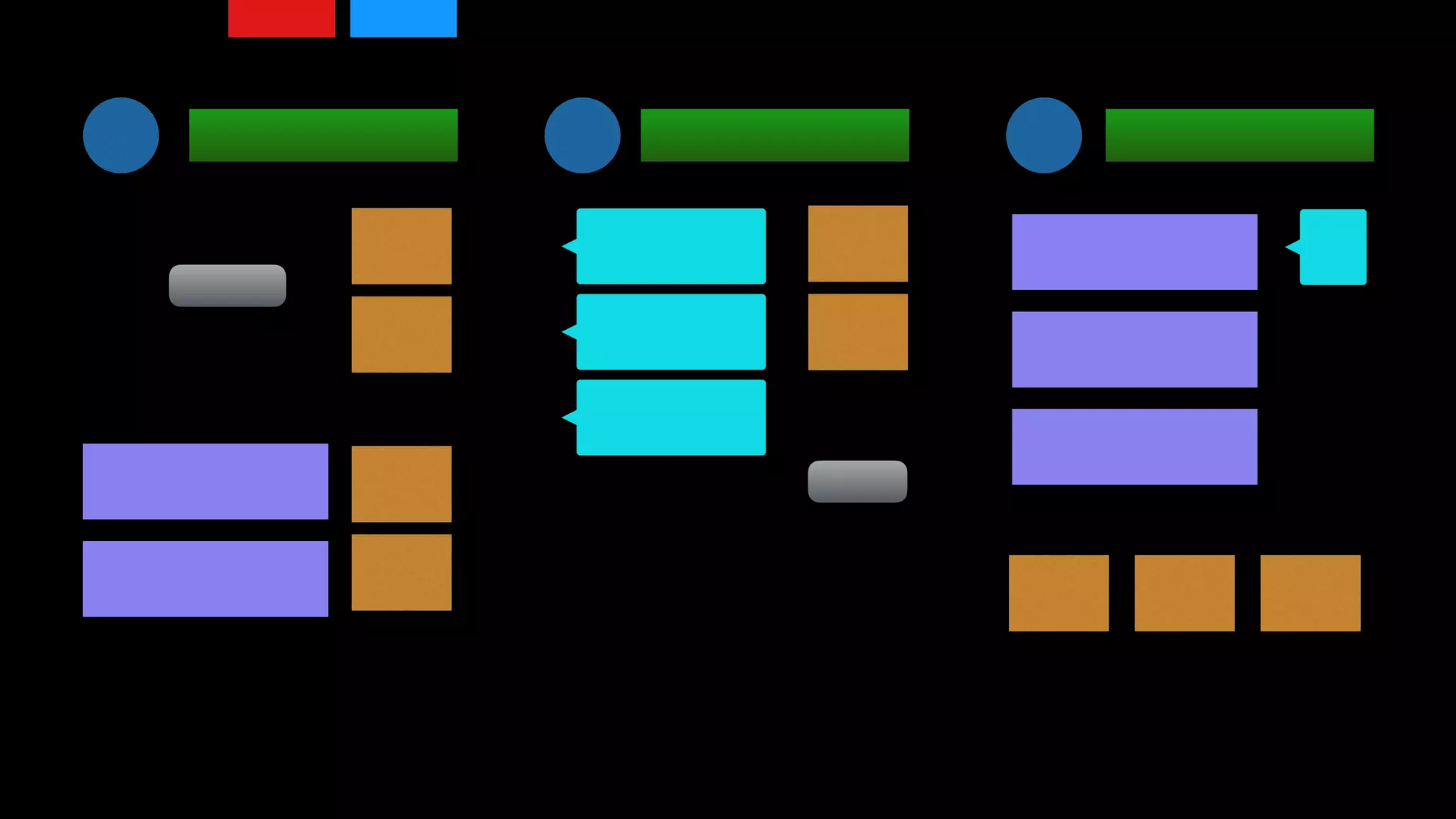
Blog Designs
#header h1, #header h2 { font-size:13px; font-weigh… }
#header h1 { color: #680; float:right; padding-b…}
#header h2 { float:left; padding:18px 20px; posi…}
#header h2 img { position:absolute; left:0; top:0; }
#header h2 a { text-decoration:none; color:#333; }
#main h2 {text-transform:uppercase; font-weight:…}
#main h2 a {text-decoration:none; color:#444;}
#main h2 a:hover {color:#680;}
#main .article.inside h1 { text-transform:uppercase;…}
#comments .comment .meta .authorname { text-transfo… }
#comments .comment .meta .commentnumber a { float: … }
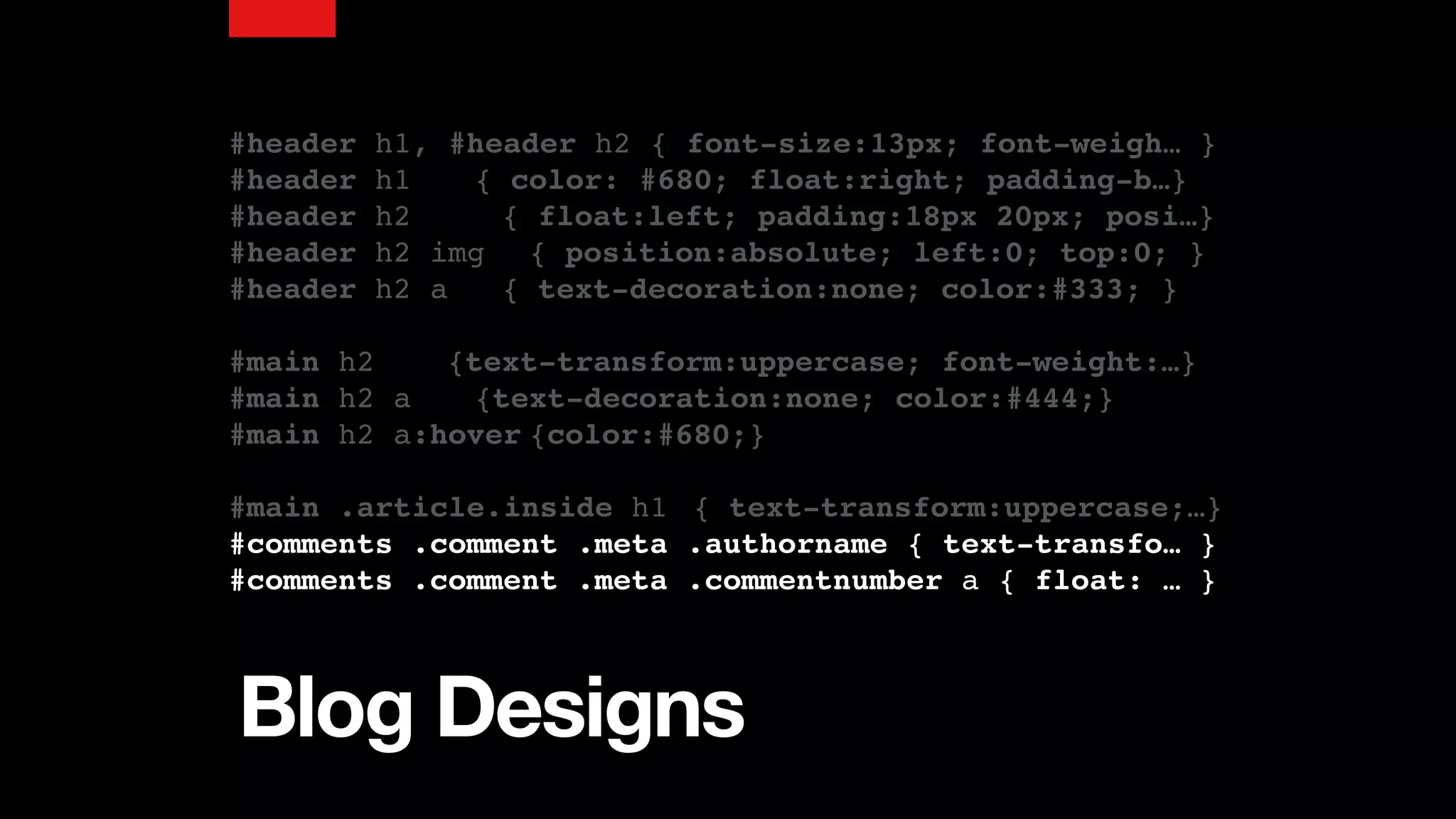
Blog Designs
#header h1, #header h2 { font-size:13px; font-weigh… }
#header h1 { color: #680; float:right; padding-b…}
#header h2 { float:left; padding:18px 20px; posi…}
#header h2 img { position:absolute; left:0; top:0; }
#header h2 a { text-decoration:none; color:#333; }
#main h2 {text-transform:uppercase; font-weight:…}
#main h2 a {text-decoration:none; color:#444;}
#main h2 a:hover {color:#680;}
#main .article.inside h1 { text-transform:uppercase;…}
#comments .comment .meta .authorname { text-transfo… }
#comments .comment .meta .commentnumber a { float: … }
Blog Designs
#header h1, #header h2 { font-size:13px; font-weigh… }
#header h1 { color: #680; float:right; padding-b…}
#header h2 { float:left; padding:18px 20px; posi…}
#header h2 img { position:absolute; left:0; top:0; }
#header h2 a { text-decoration:none; color:#333; }
#main h2 {text-transform:uppercase; font-weight:…}
#main h2 a {text-decoration:none; color:#444;}
#main h2 a:hover {color:#680;}
#main .article.inside h1 { text-transform:uppercase;…}
#comments .comment .meta .authorname { text-transfo… }
#comments .comment .meta .commentnumber a { float: … }
SMACSS
Scalable and
Modular Architecture
for CSS
• Describes how to approach site design and
development

• No GitHub repo, not a library, not a framework, no
tools

• Techniques can be applied to static CSS, Sass,
React, Web Components, etc.
What does it mean
to be modular?
A module is “each of a set of
standardized parts or independent
units that can be used to construct
a more complex structure.”
–Dictionary
What hurdles are
there to being truly
independent?
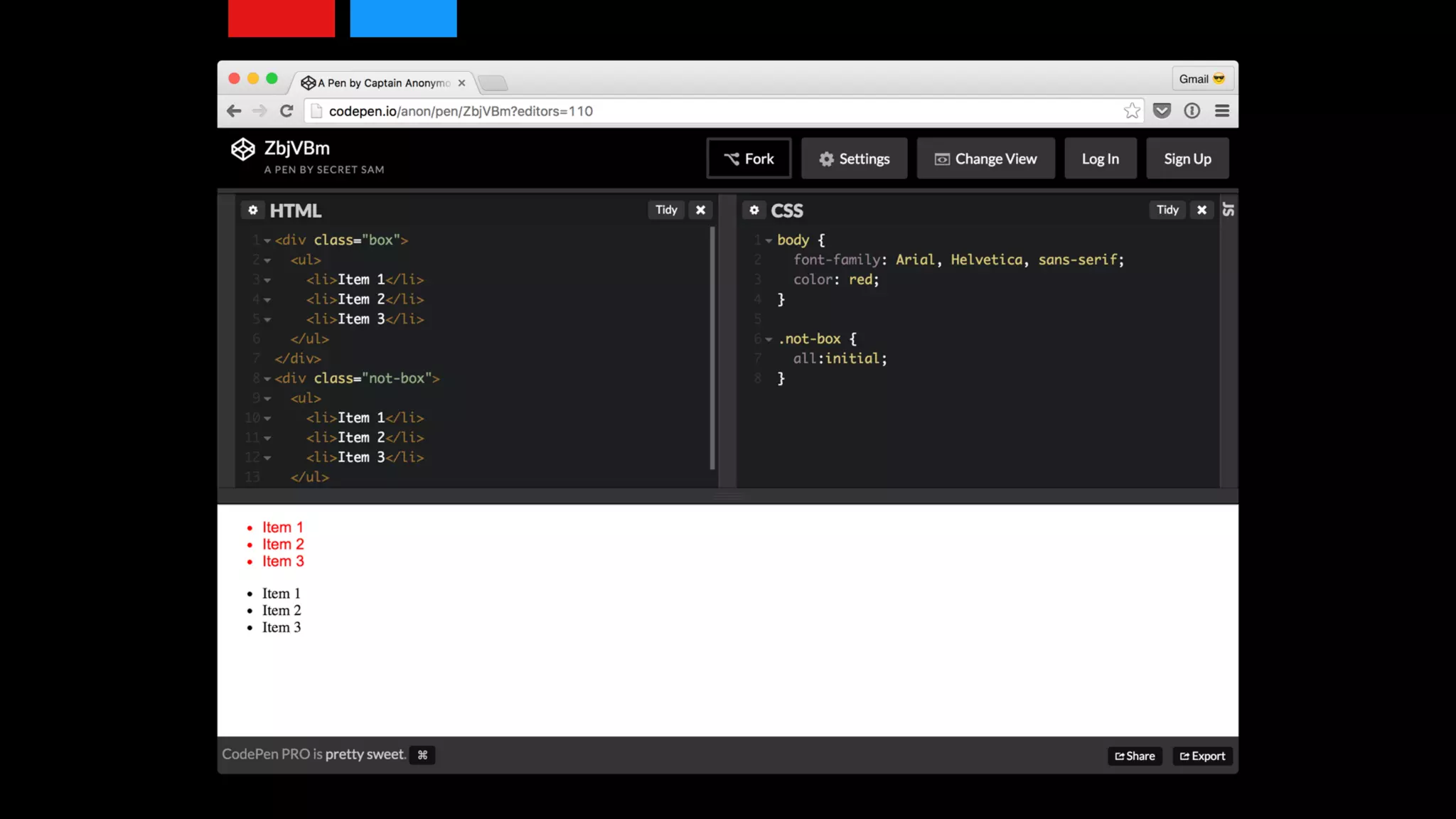
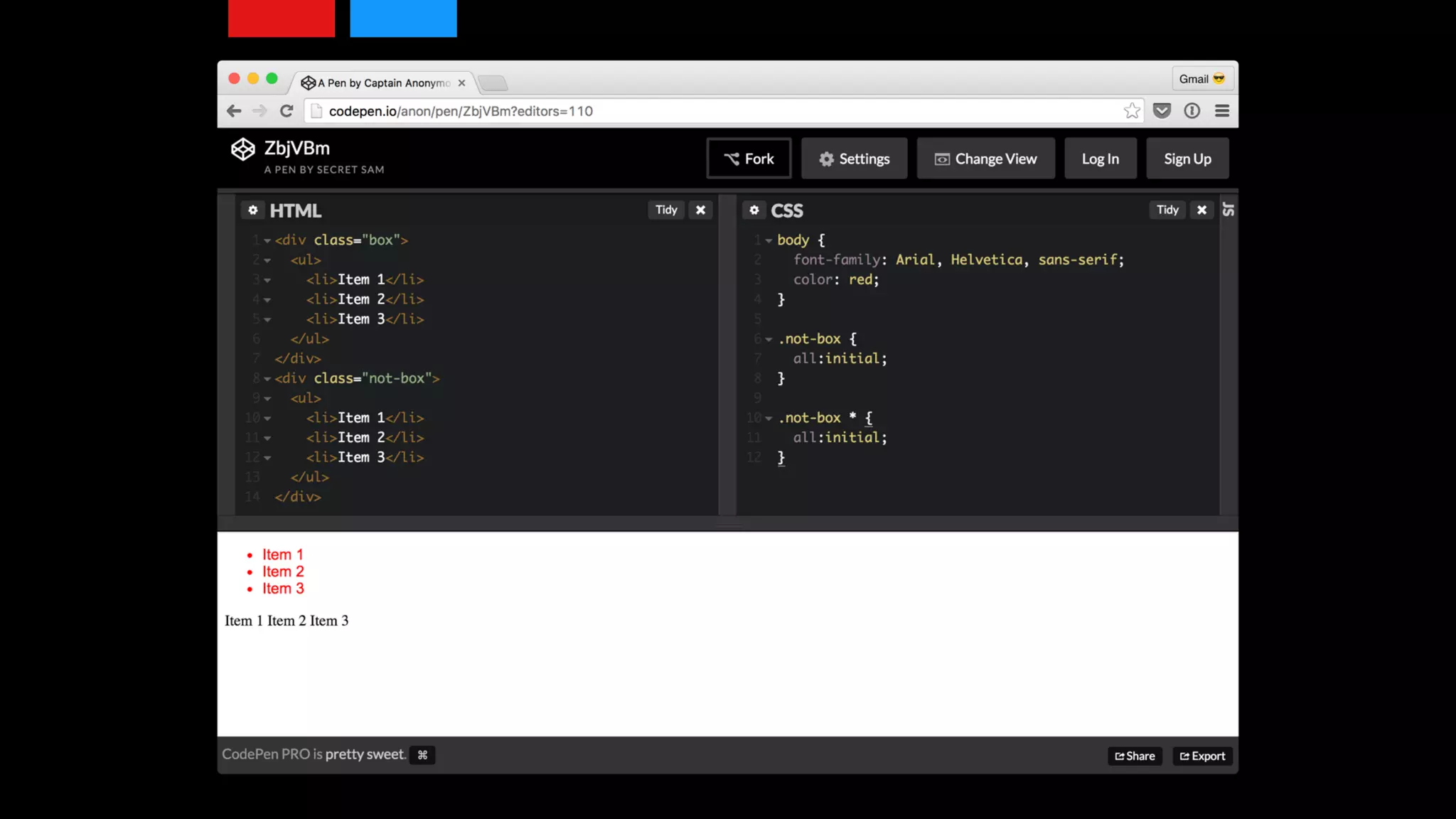
• Inheritance

• Cascade

• Browser Default Styling

• Putting modules/components together
Inheritance
• Typography

e.g. color, font-size, font-family

• List Styles

e.g. list-style

• Table Styles 

e.g. border-collapse
Sorry, React. Inline
styles won’t save
you from inheritance.
• all: initial
Cascade
The cascade is how the
browser decides what
properties to apply when you
have multiple rules declared
on the same element.
• Don’t write multiple rules for the same element

• Inline styles

• Create a structured layering system to prevent
conflicts
Browser Defaults
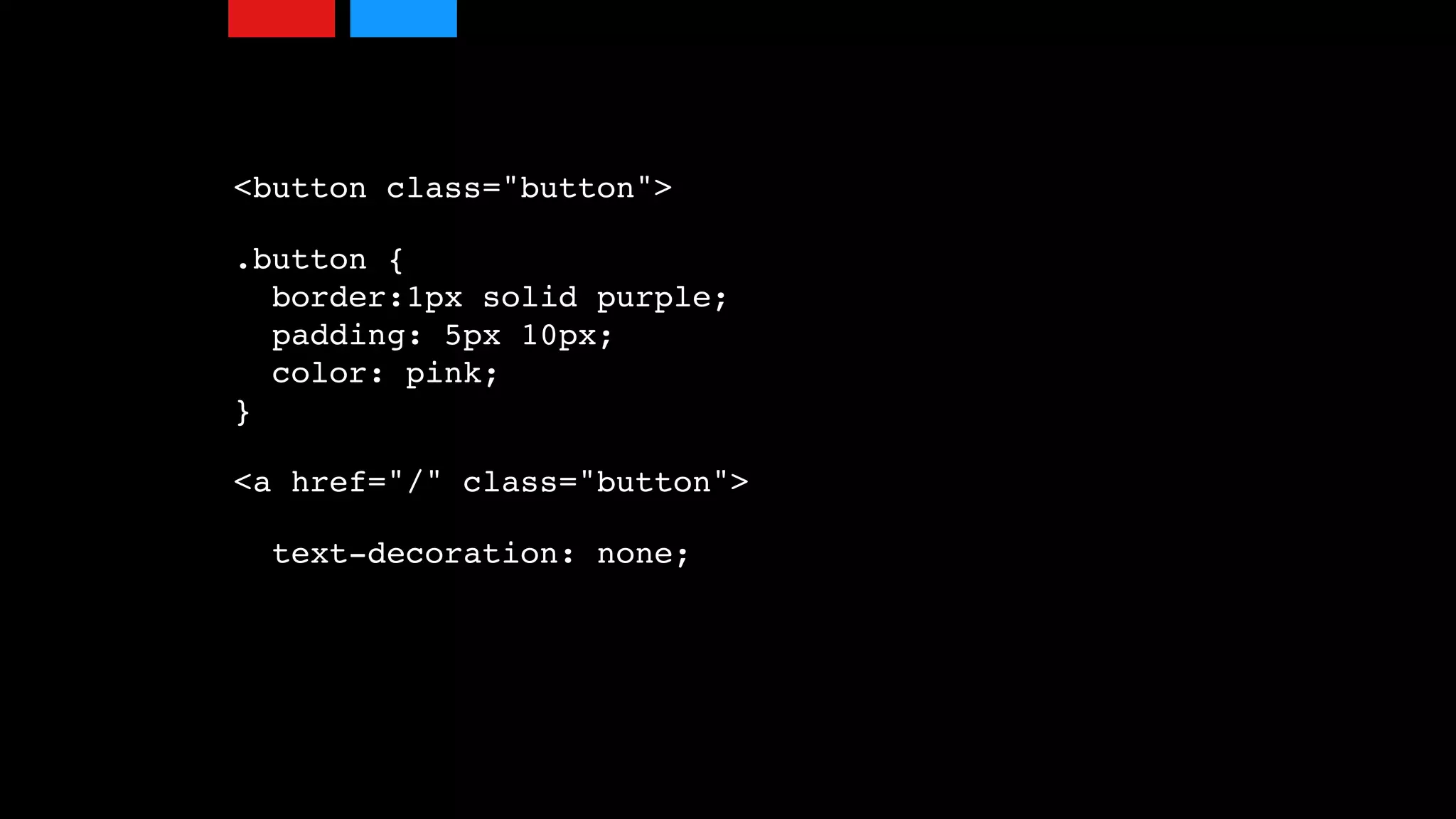
<button class="button">
.button {

border:1px solid purple;

padding: 5px 10px;

color: pink;

}
<a href="/" class="button">
text-decoration: none;
• all: initial

• Predictable HTML

i.e. templates
Putting Modules
Together
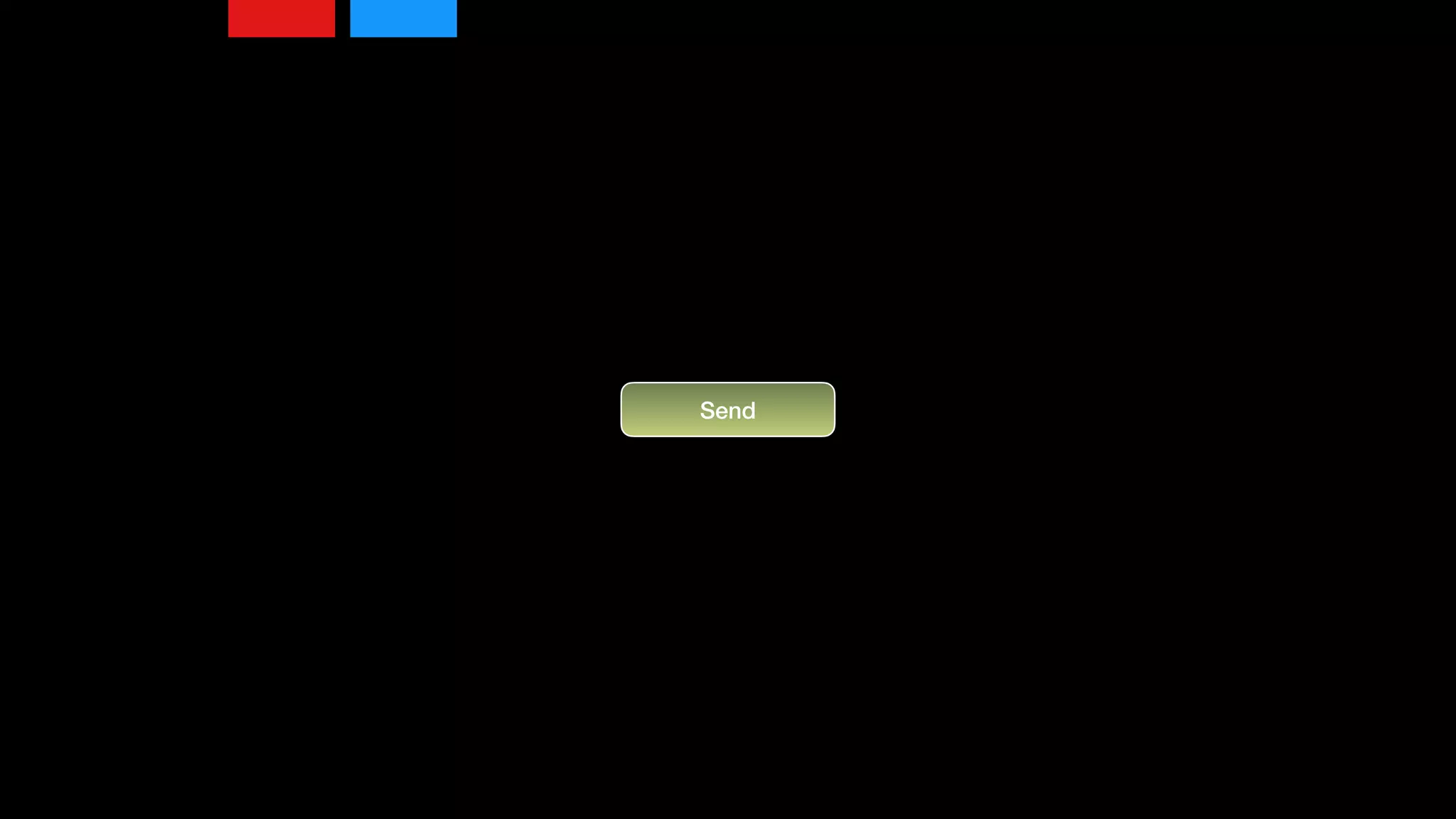
Send
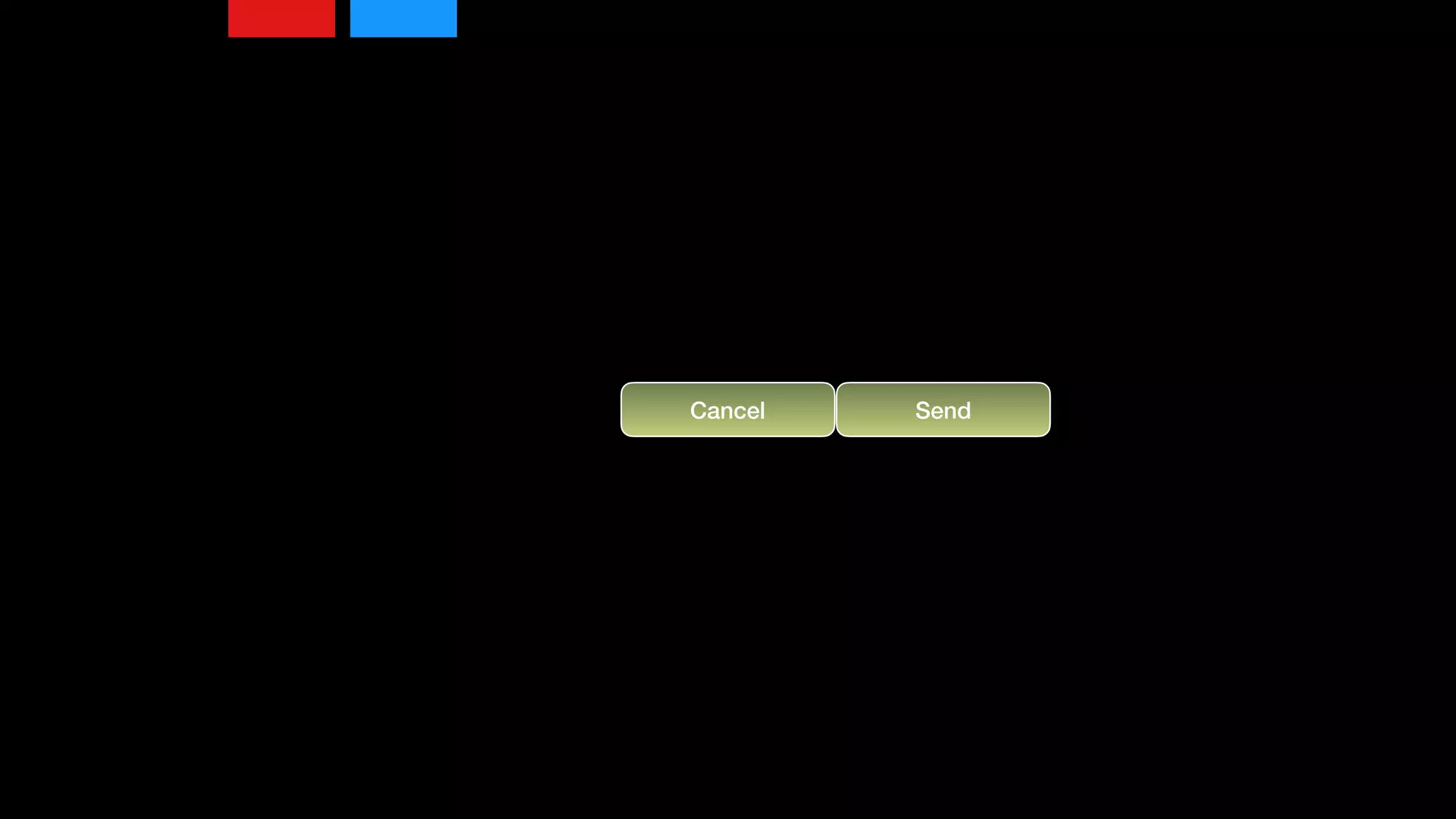
Cancel Send
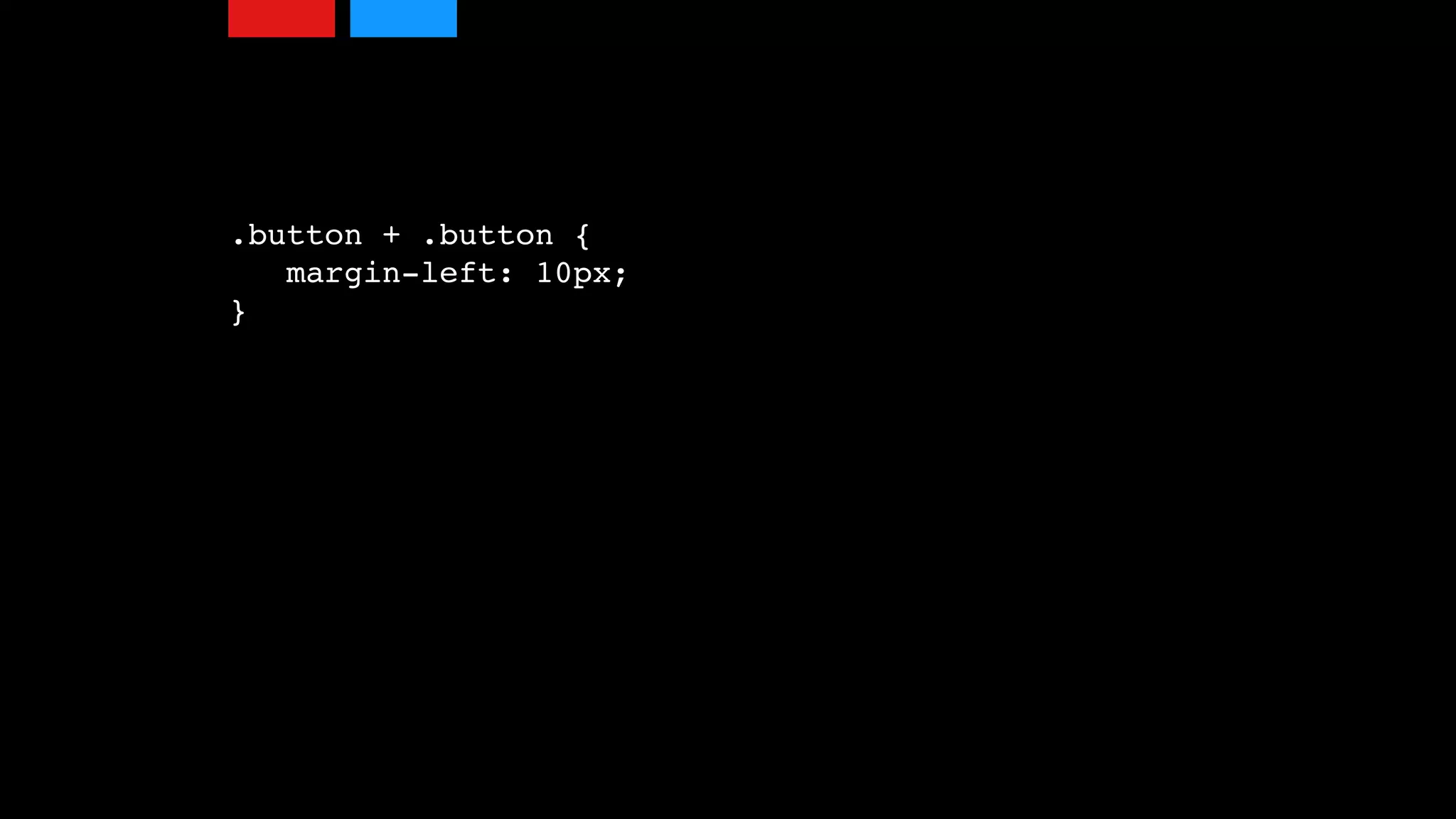
.button + .button { 

margin-left: 10px; 

}
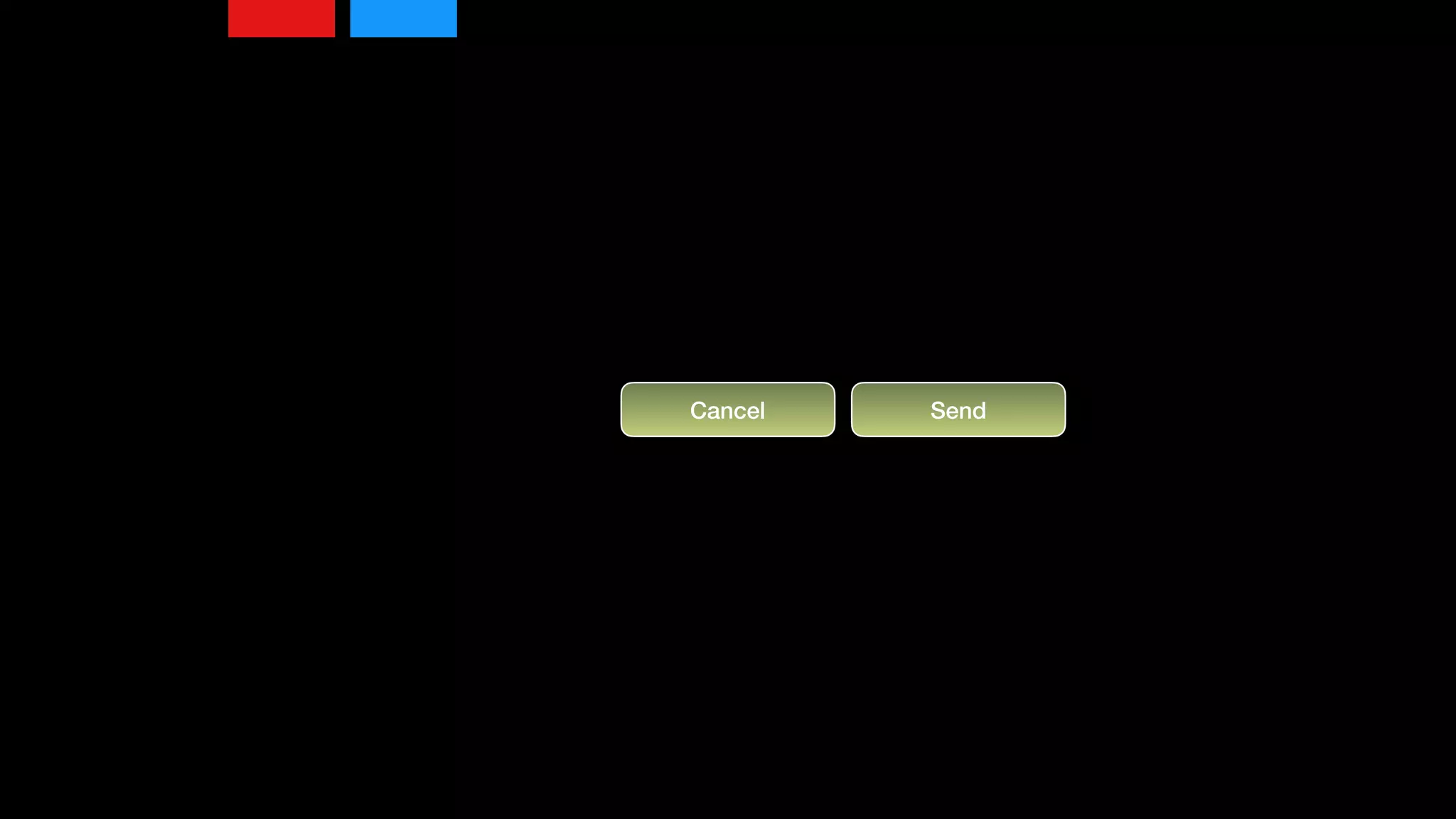
Cancel Send
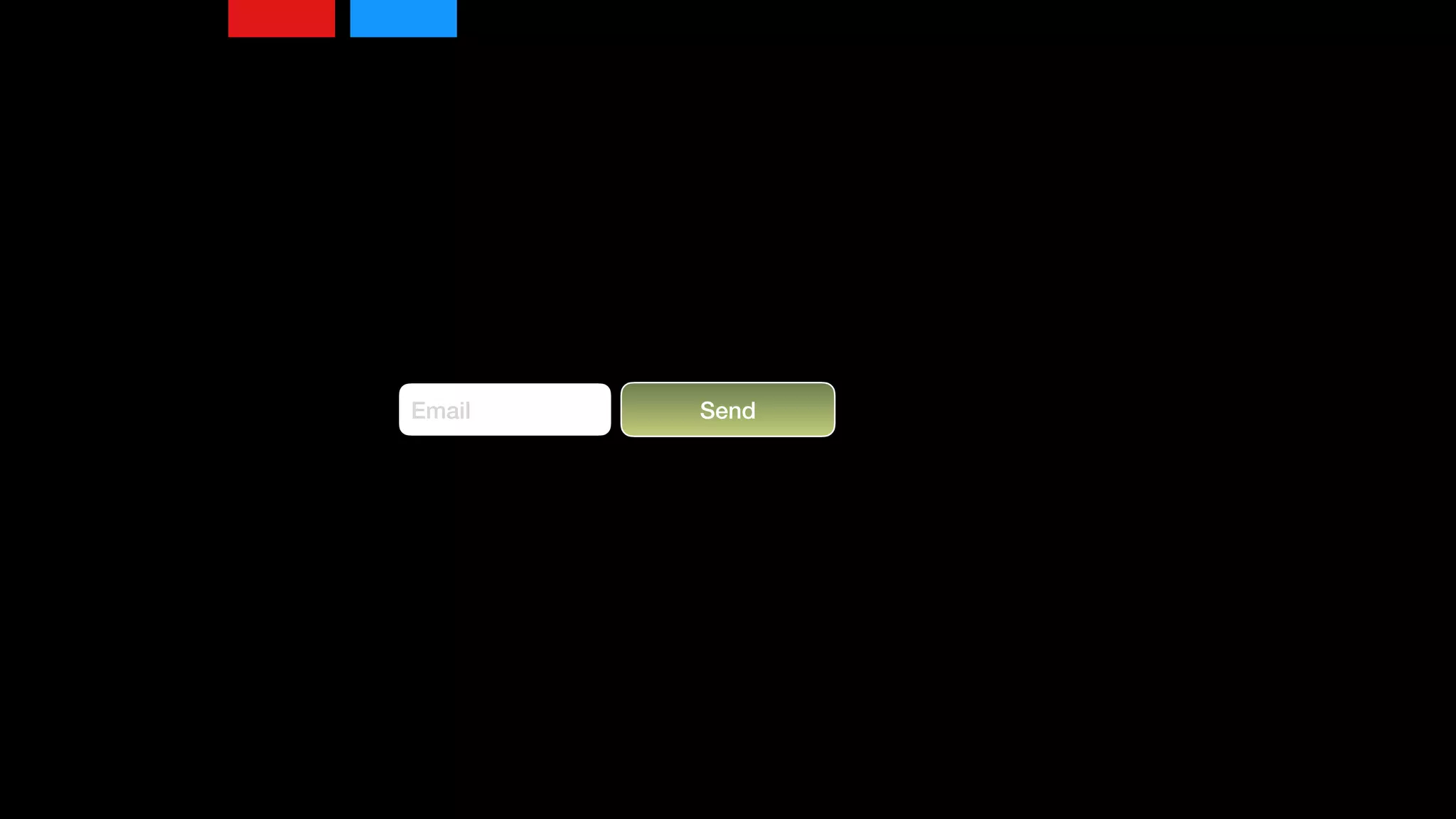
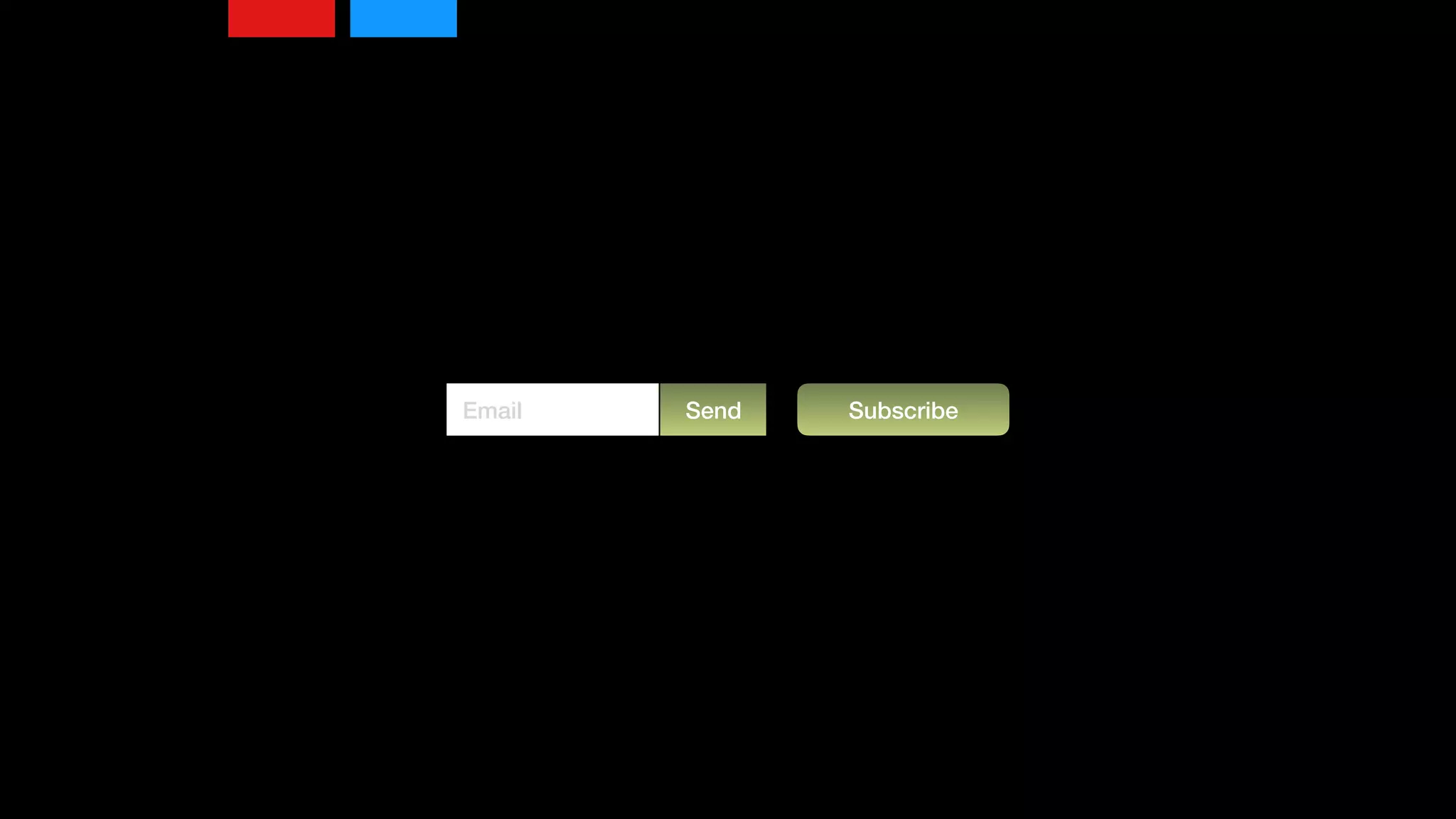
SendEmail
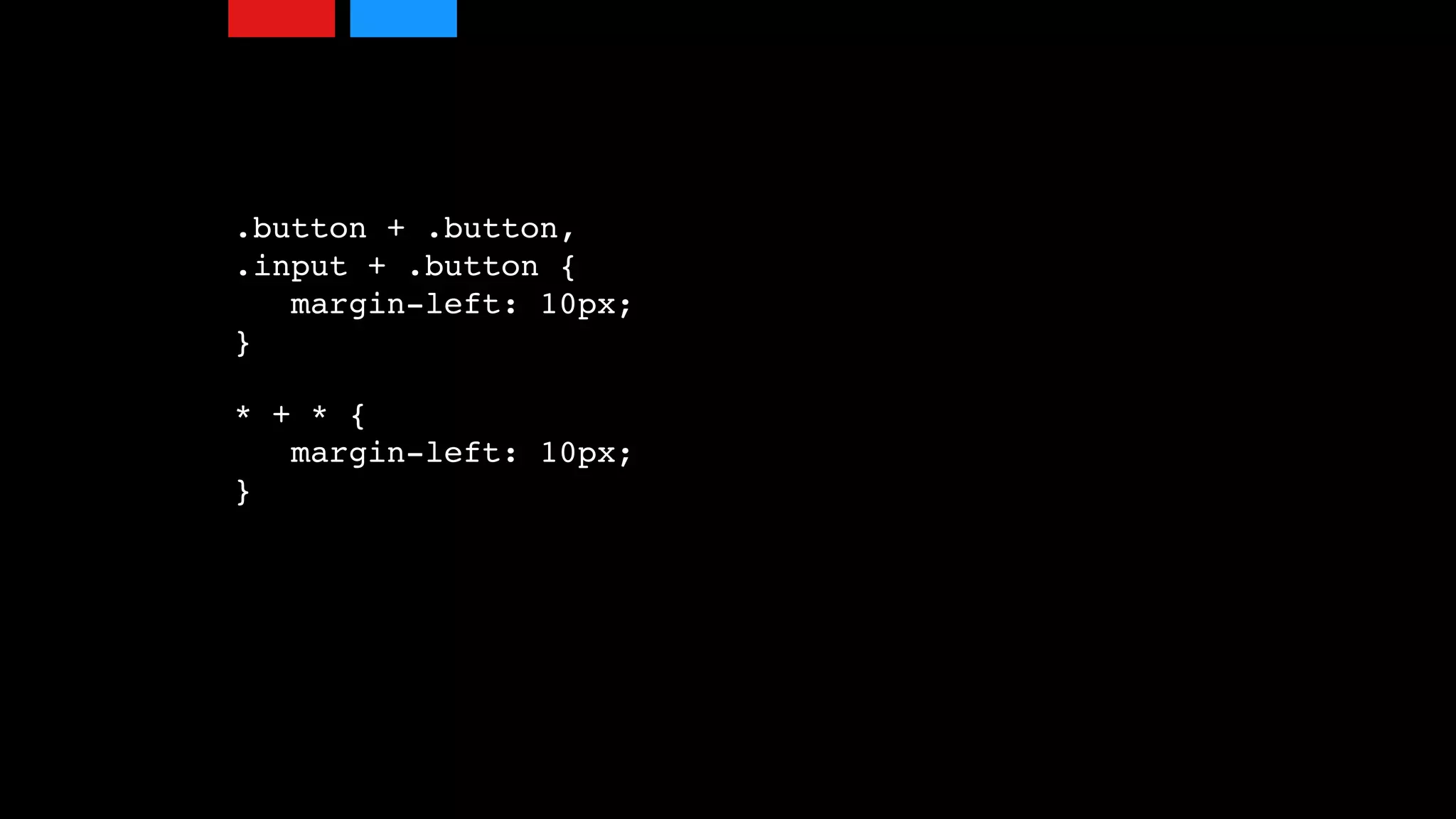
.button + .button,

.input + .button { 

margin-left: 10px; 

}
* + * { 

margin-left: 10px; 

}
Send SubscribeEmail
http://snk.ms/26
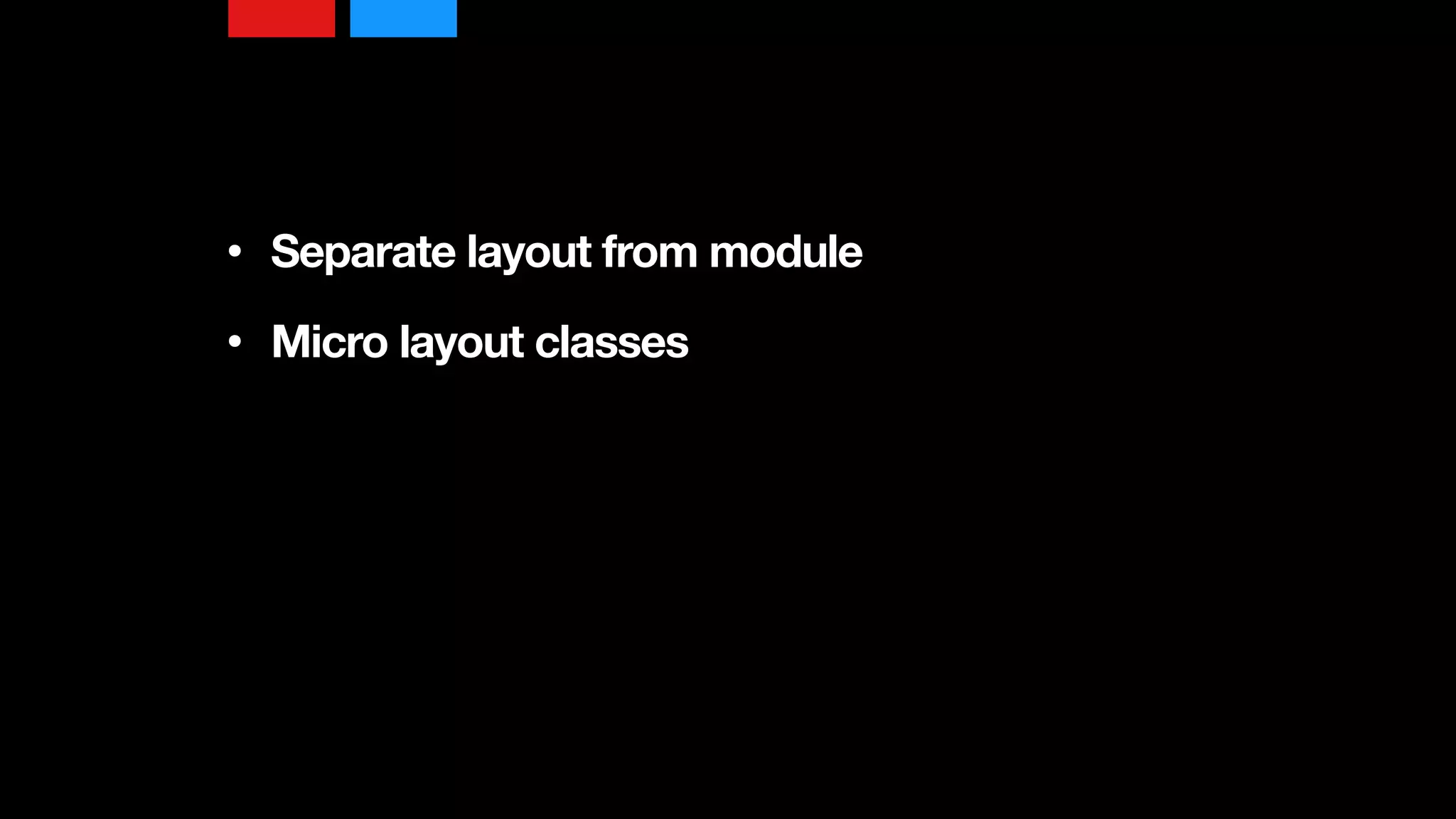
• Separate layout from module

• Micro layout classes
<span class=“layout-inline”>
<input><button>Send</button>
</span>
<span class=“layout-inline”>
<button>Subscribe</button>
</span>
<input><button>Send</button>
<button class=“ML-S”>Subscribe</
button>
BONUS PROBLEM!
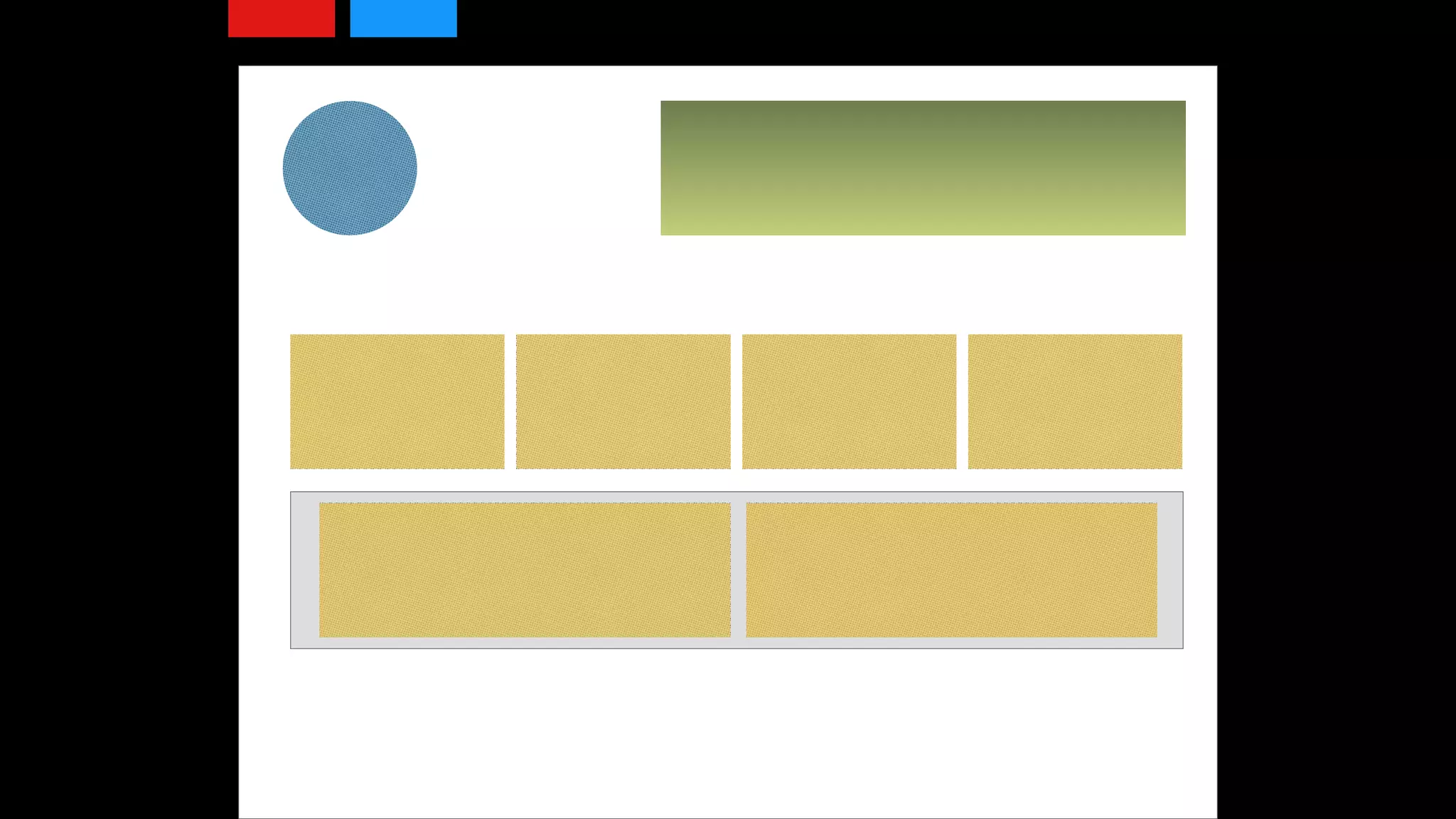
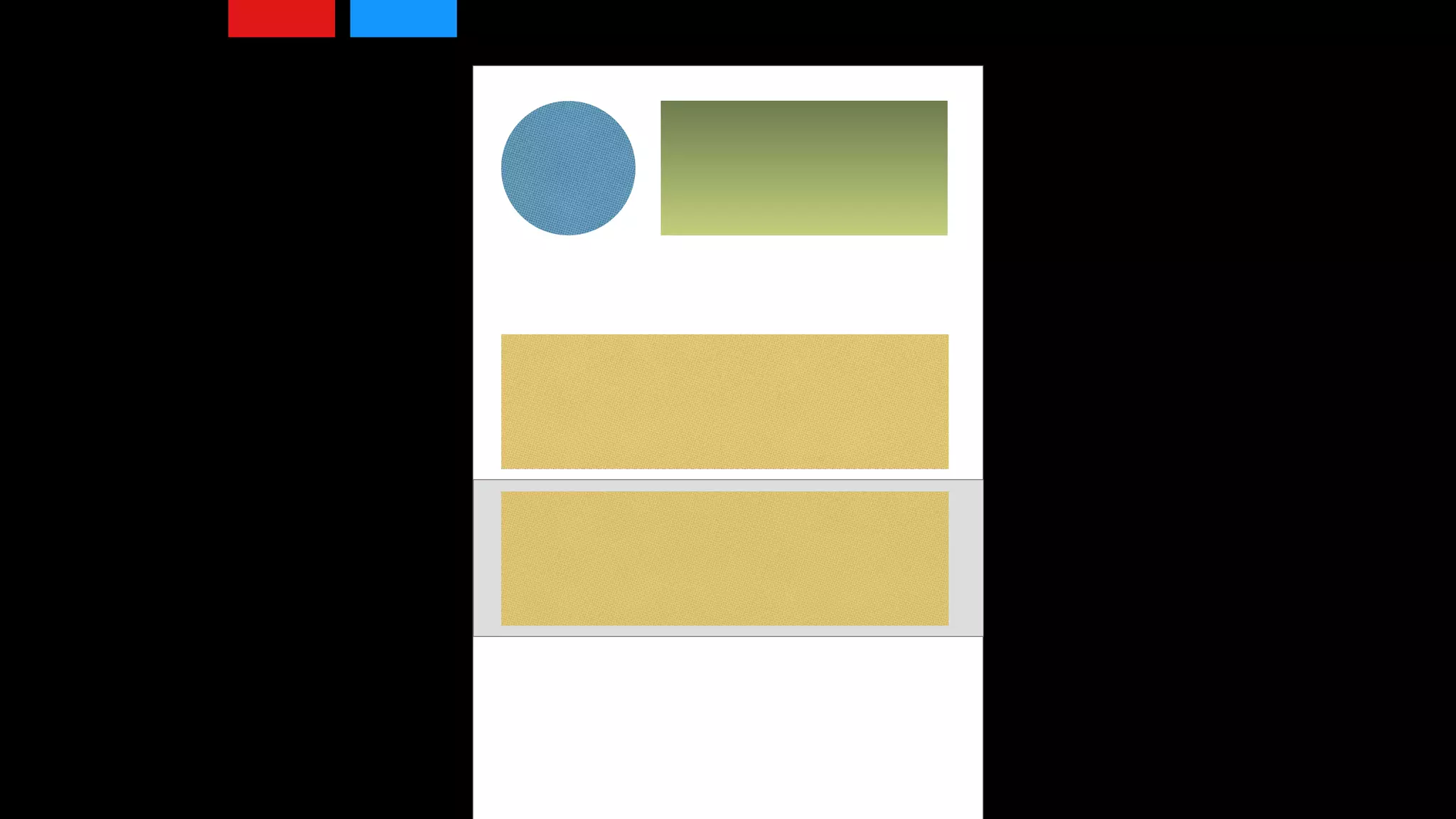
Media Queries
If Module A 

in Module B 

in Layout C 

Then I’m screwed.
If Module A has room

do this.
Element Queries
Element Queries
Oh, right.
SMACSS.
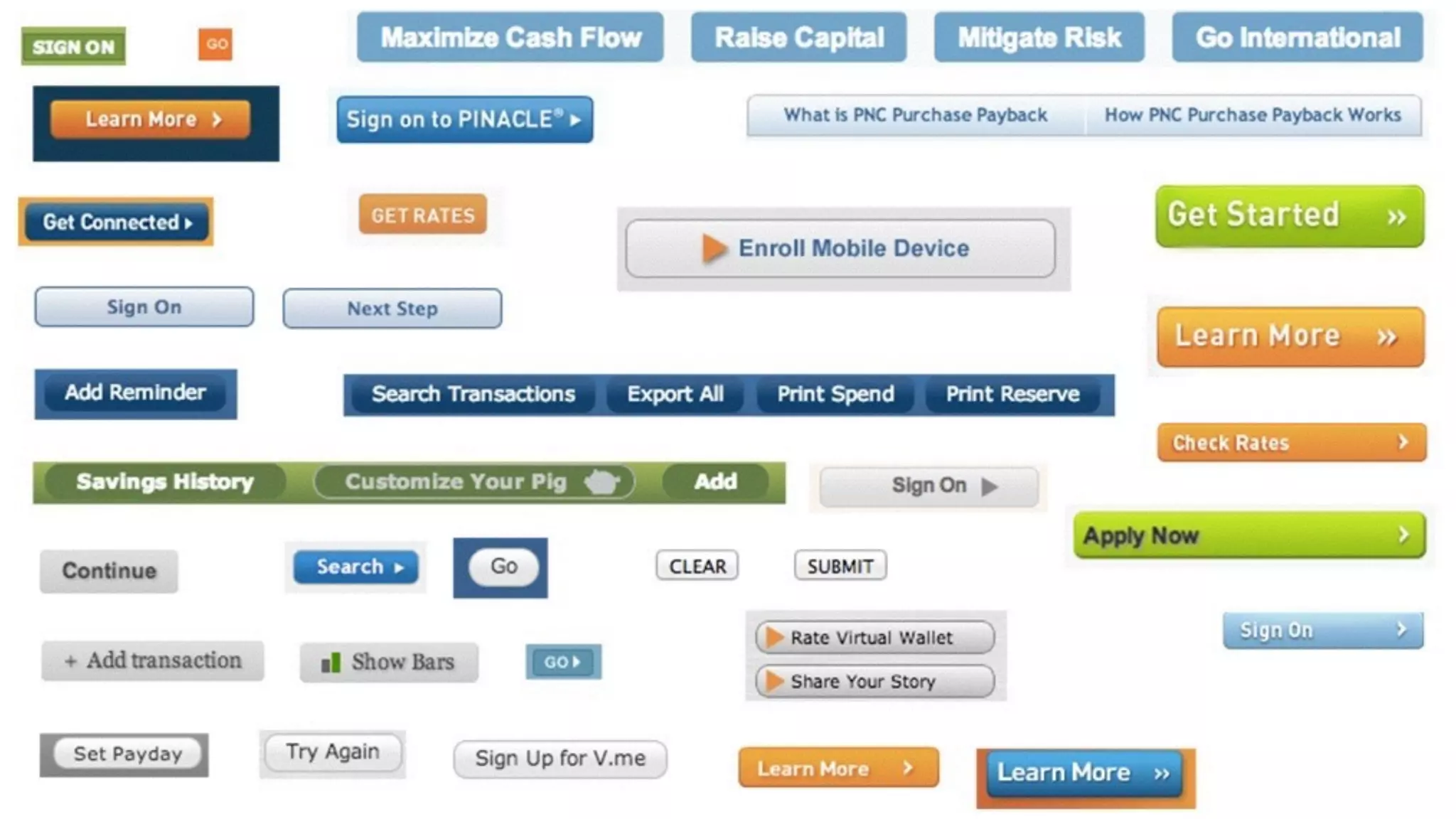
Design has a cost.
Every piece of
design ends up in
code.
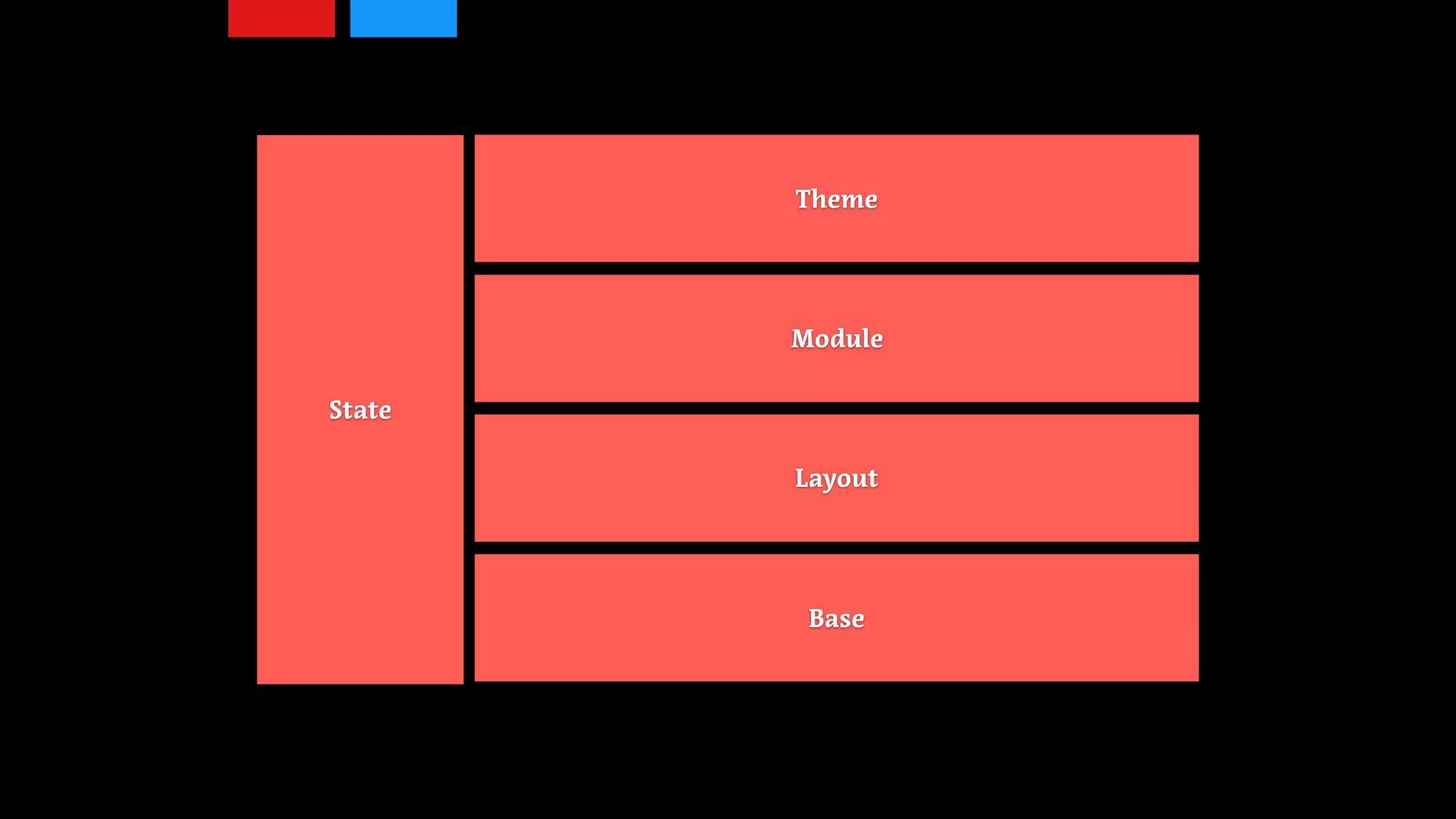
• Categorize

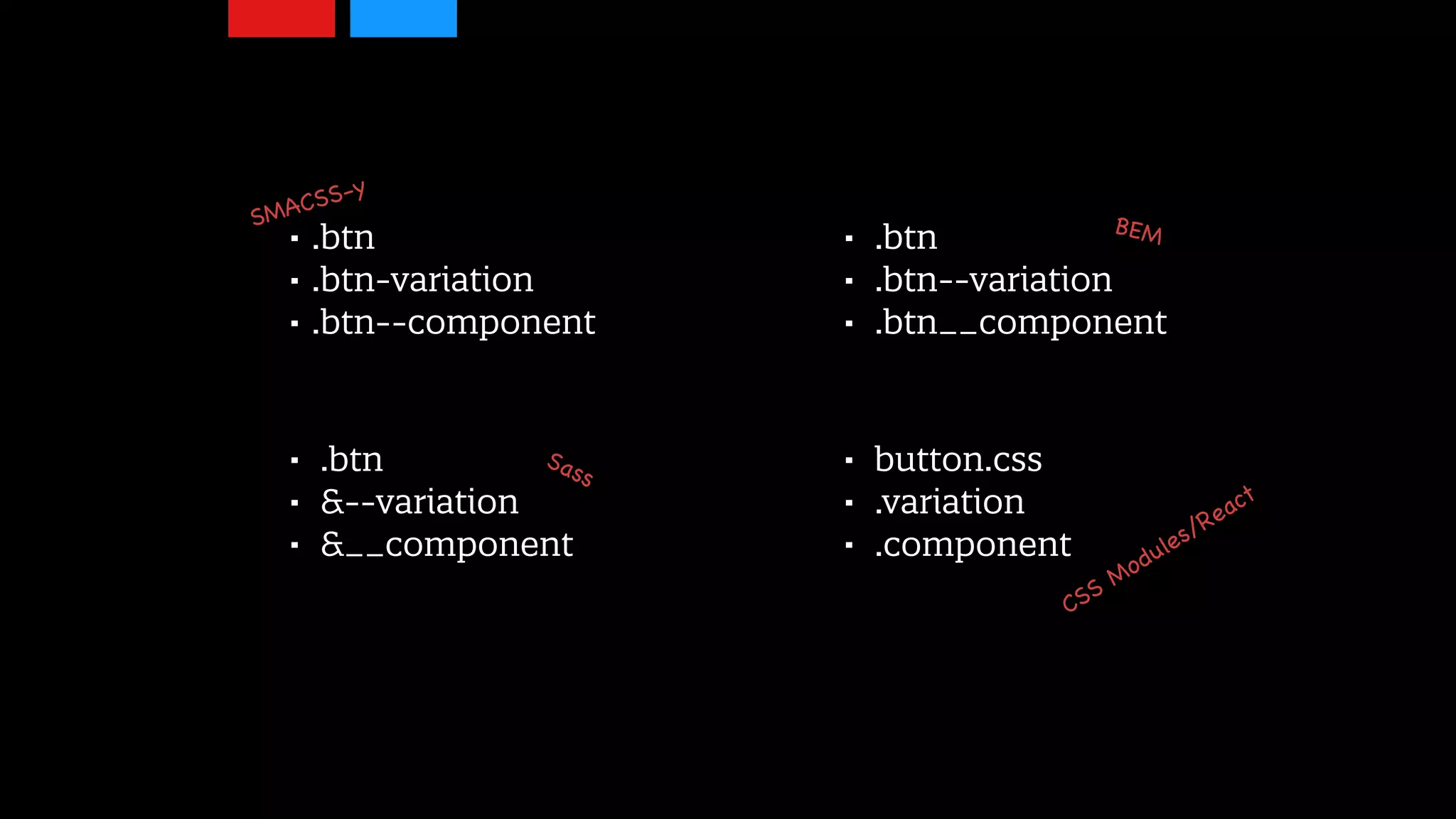
• Naming Convention
Base
Layout
Module
State
Theme
• .btn
• .btn--variation
• .btn__component
• .btn
• &--variation
• &__component
• button.css
• .variation
• .component
SMACSS-y
BEM
Sass
CSS
Modules/React
• .btn
• .btn-variation
• .btn--component
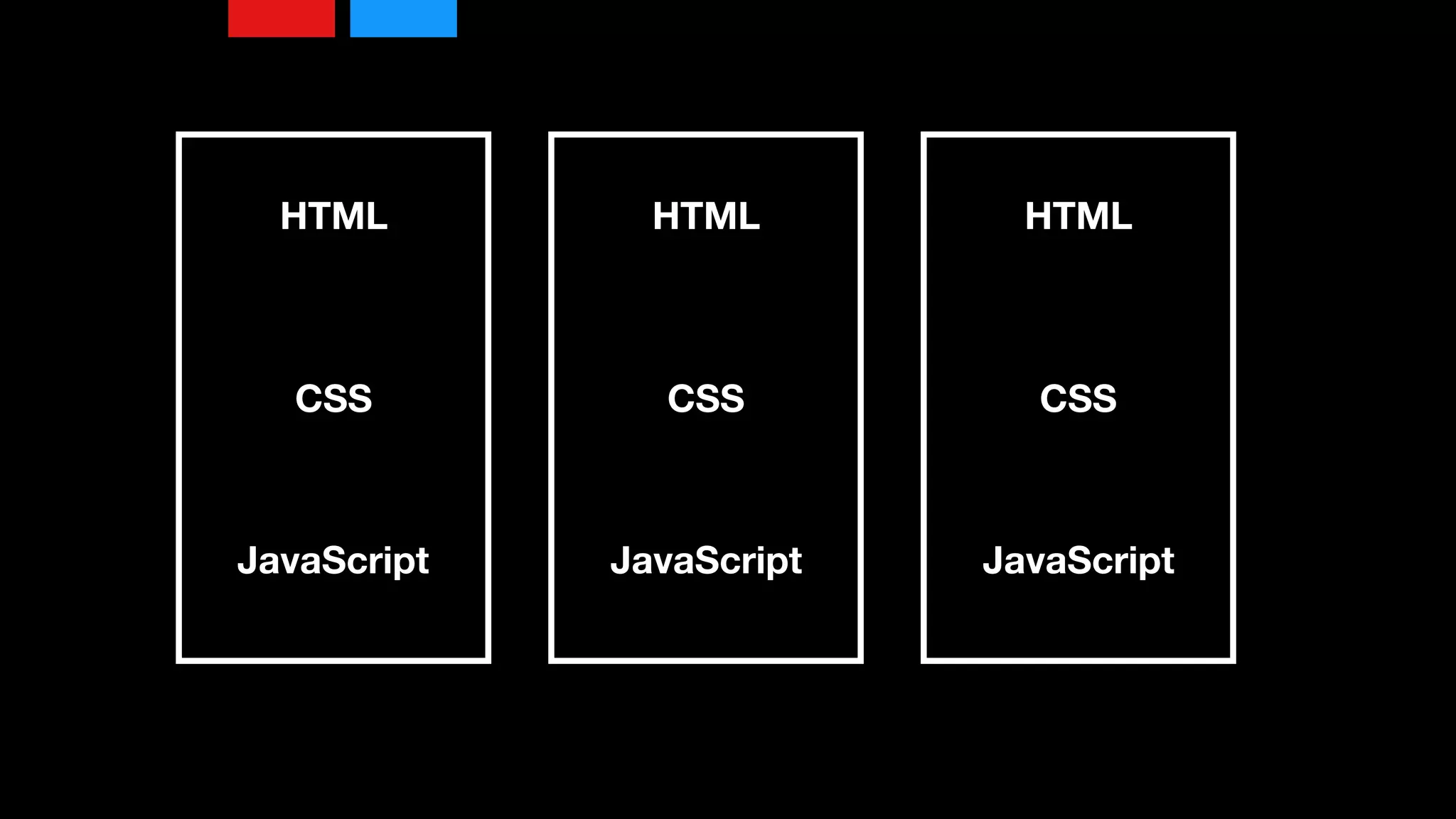
HTML
CSS
JavaScript
HTML
CSS
JavaScript
HTML
CSS
JavaScript
React and
Inline Styles
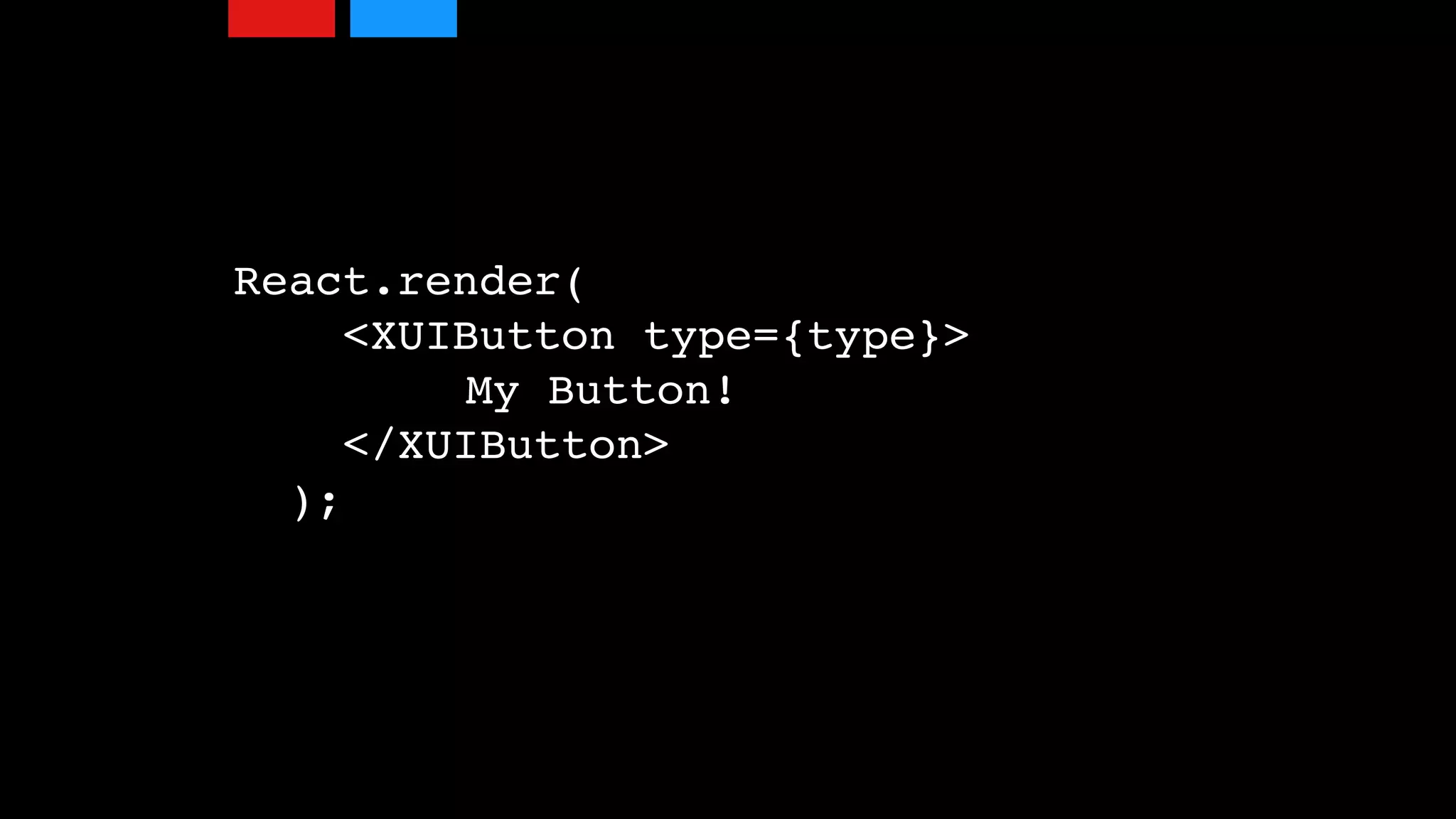
React.render(
<XUIButton type={type}>
My Button!
</XUIButton>
);
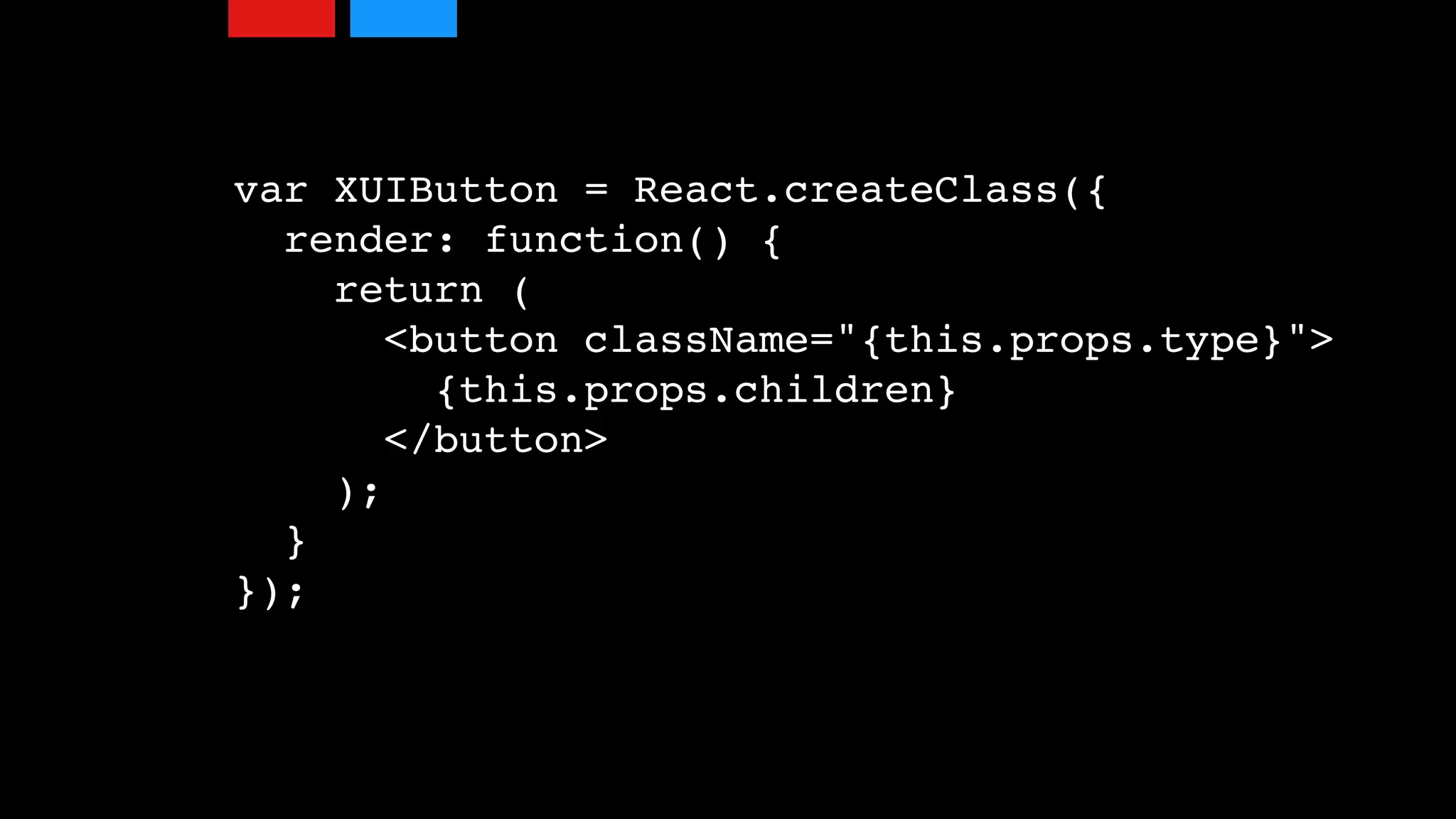
var XUIButton = React.createClass({
render: function() {
return (
<button className="{this.props.type}">
{this.props.children}
</button>
);
}
});
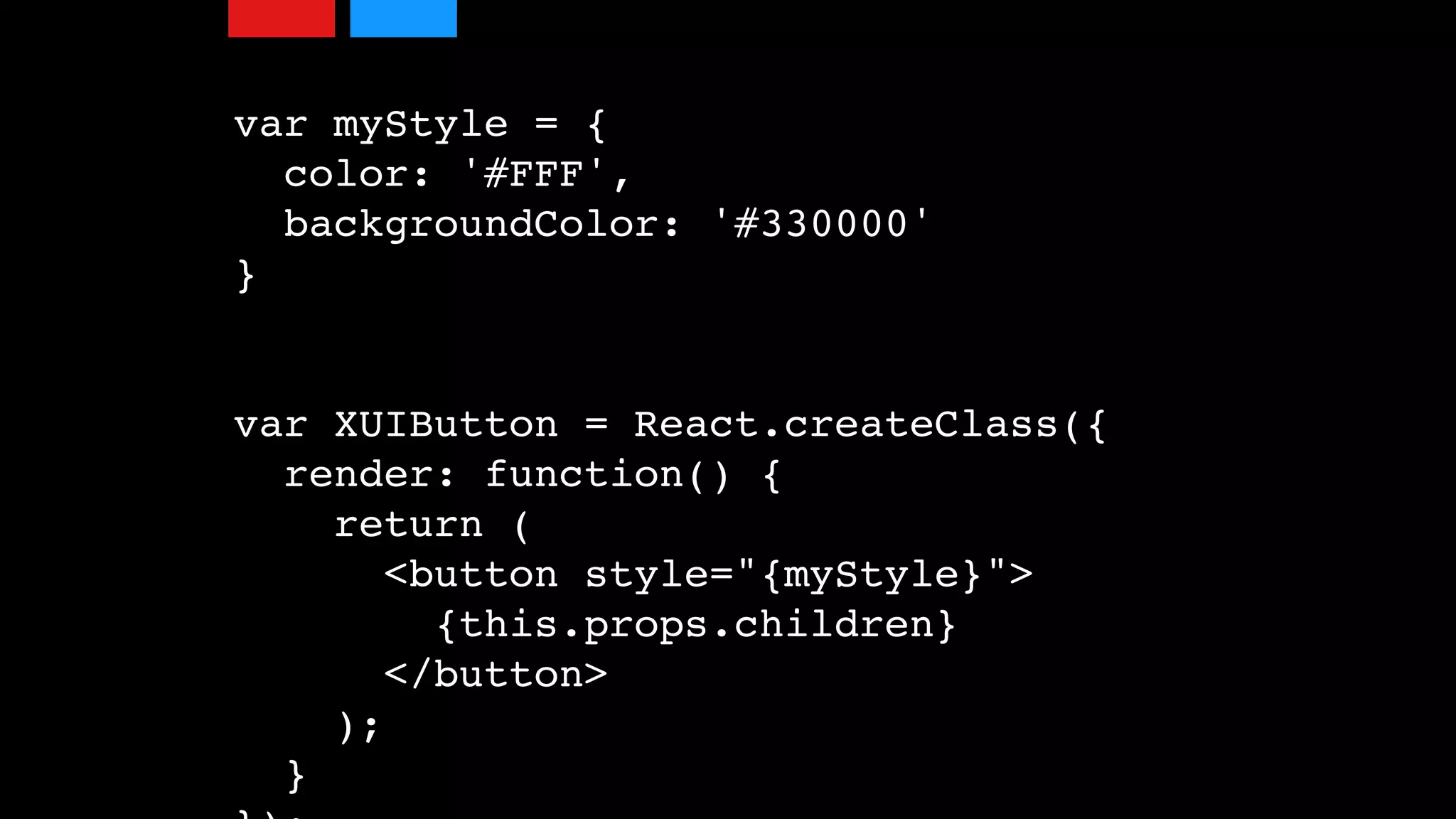
var myStyle = {
color: '#FFF',
backgroundColor: '#330000'
}
var XUIButton = React.createClass({
render: function() {
return (
<button style="{myStyle}">
{this.props.children}
</button>
);
}
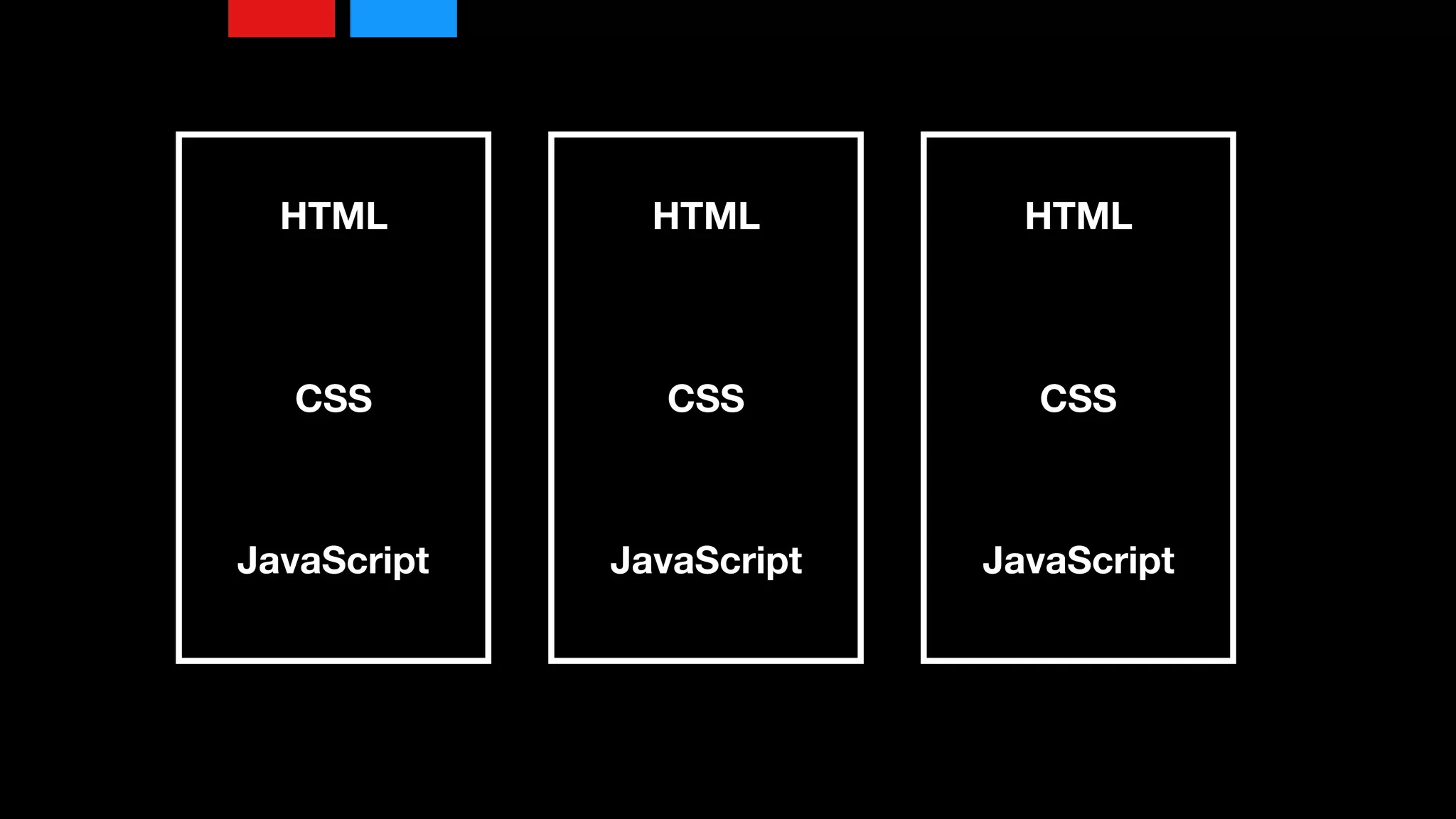
HTML
CSS
JavaScript
HTML
CSS
JavaScript
HTML
CSS
JavaScript
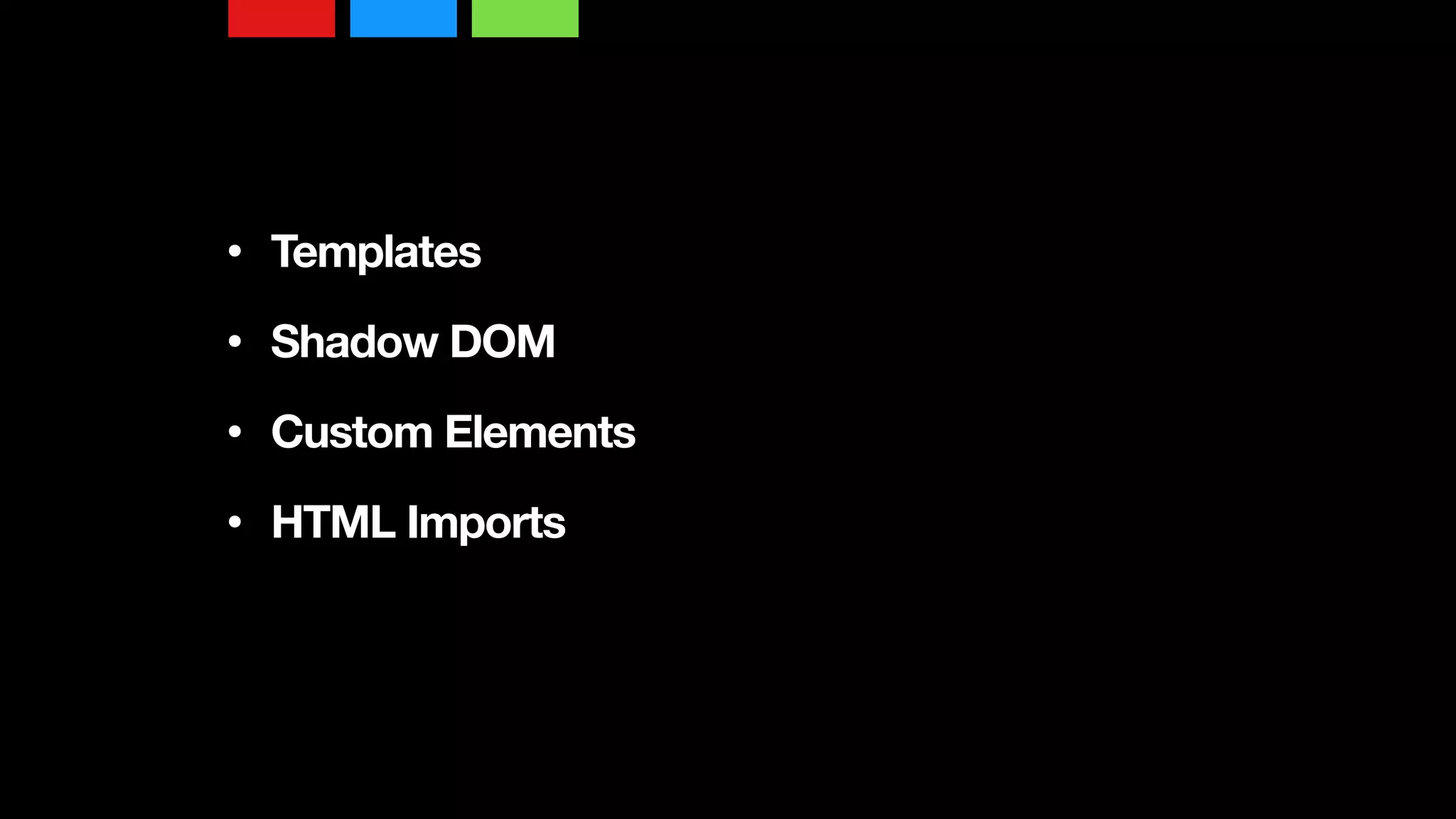
The Future:
Web Components
• Templates

• Shadow DOM

• Custom Elements

• HTML Imports
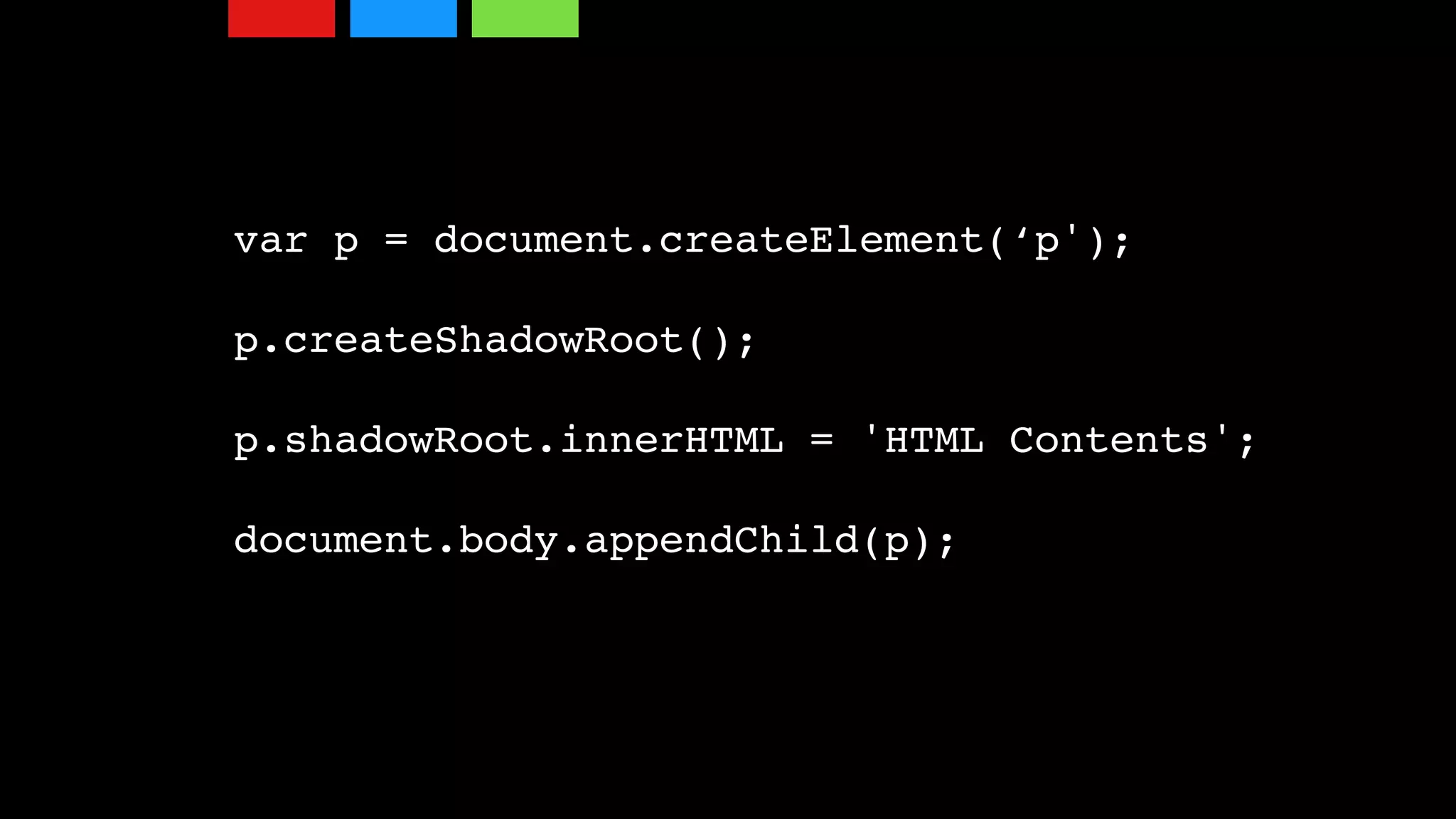
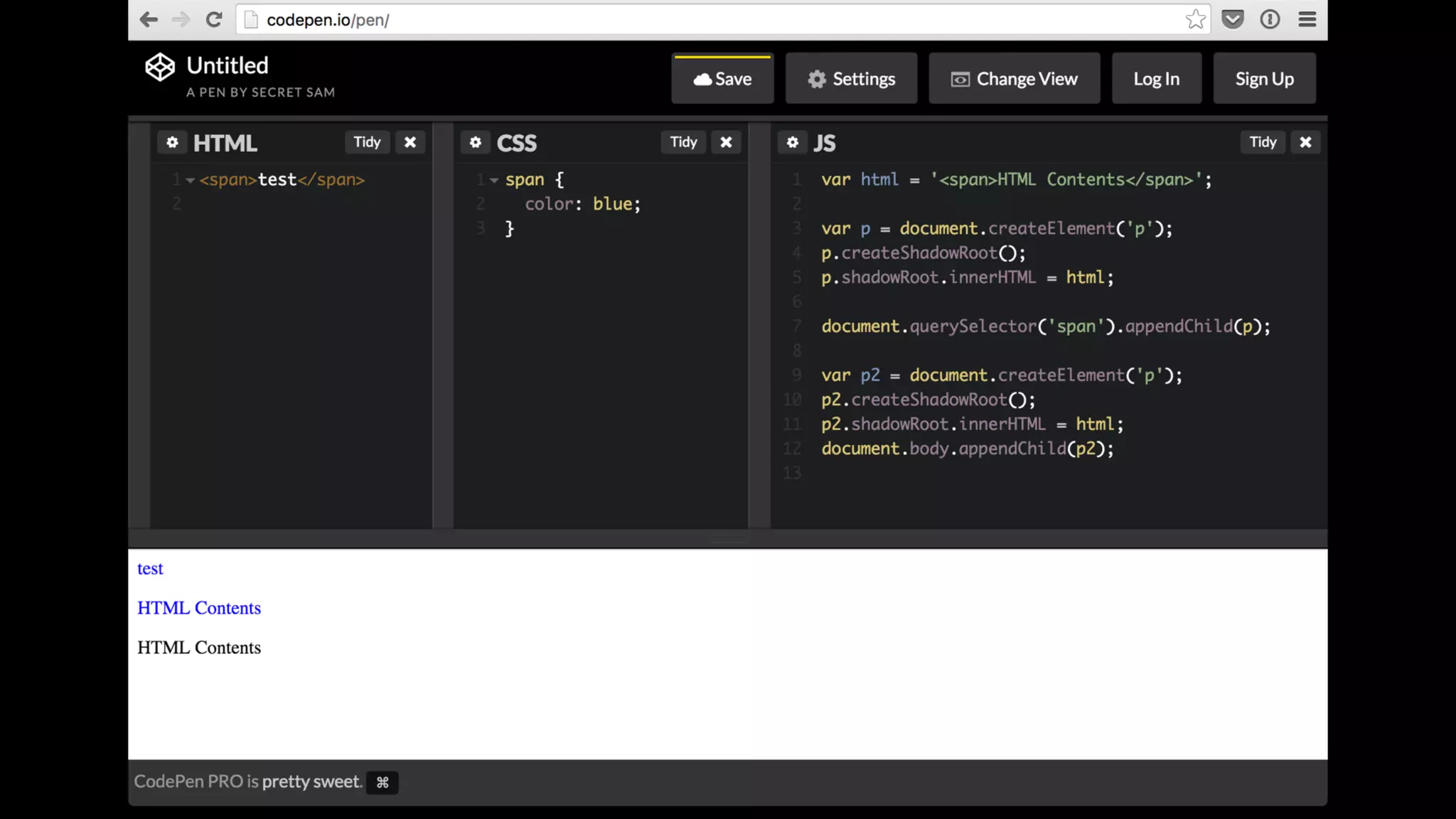
var p = document.createElement(‘p');
p.createShadowRoot();
p.shadowRoot.innerHTML = 'HTML Contents';
document.body.appendChild(p);
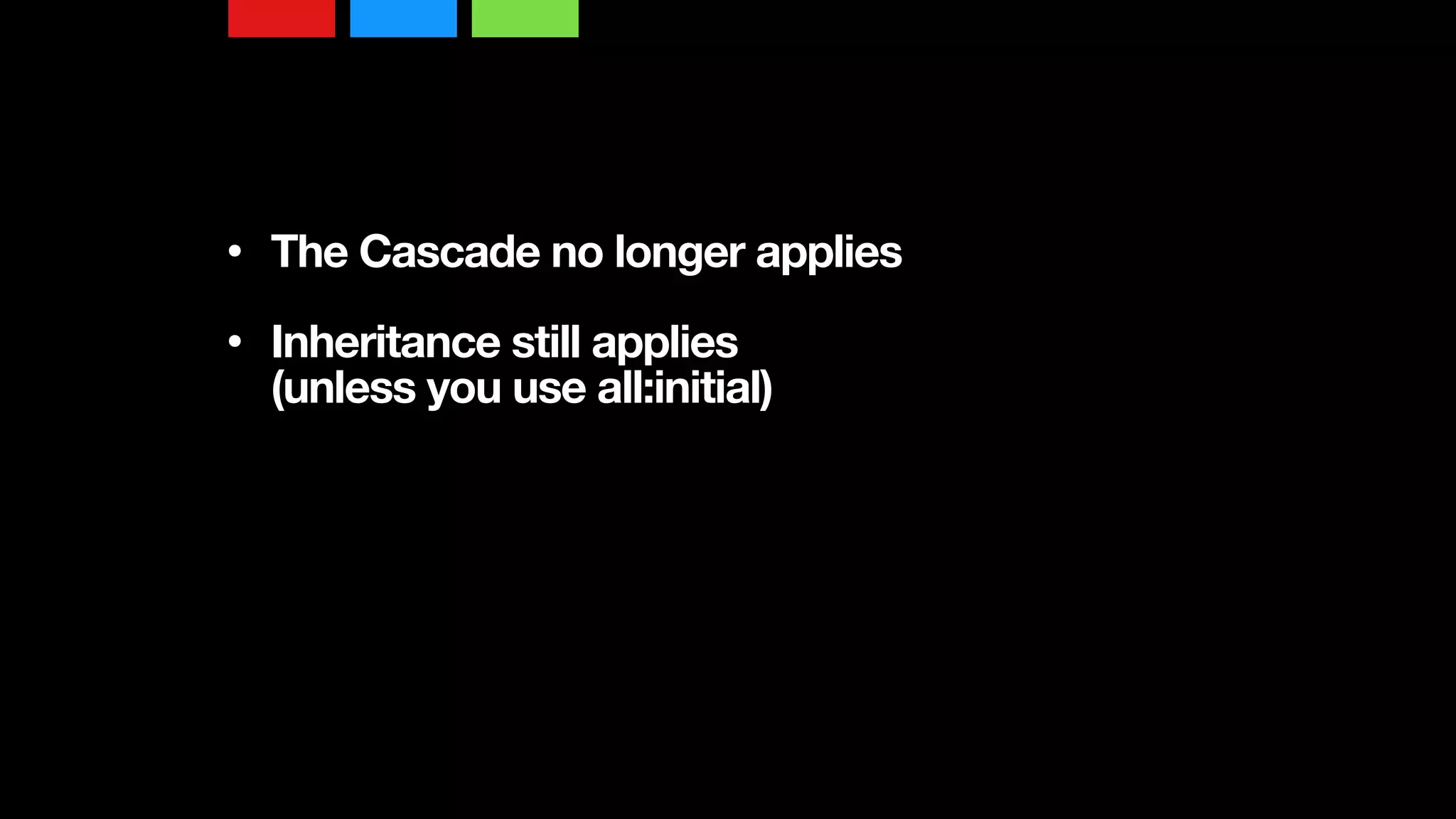
• The Cascade no longer applies

• Inheritance still applies 

(unless you use all:initial)
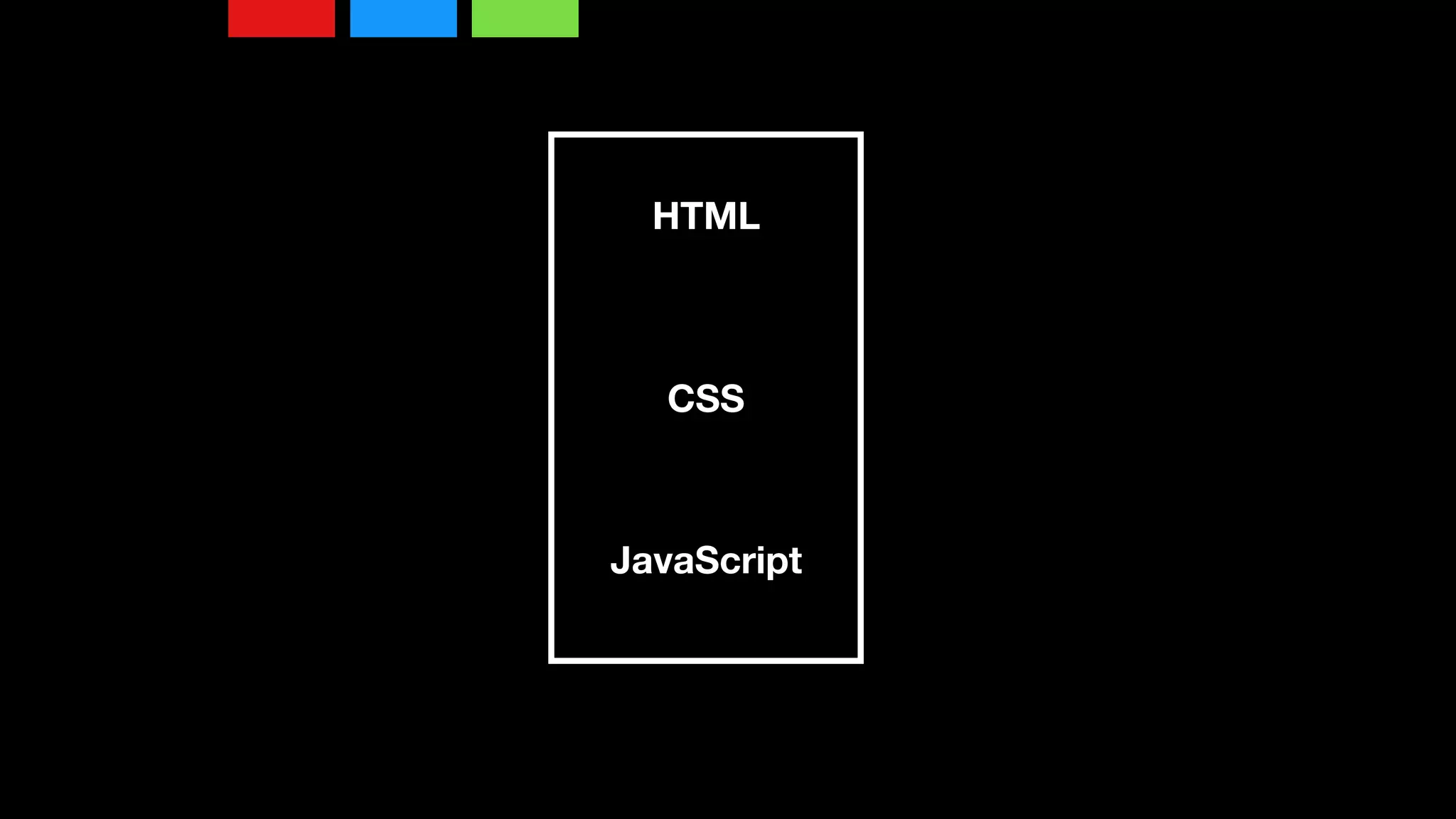
HTML
CSS
JavaScript
HTML
CSS
JavaScript
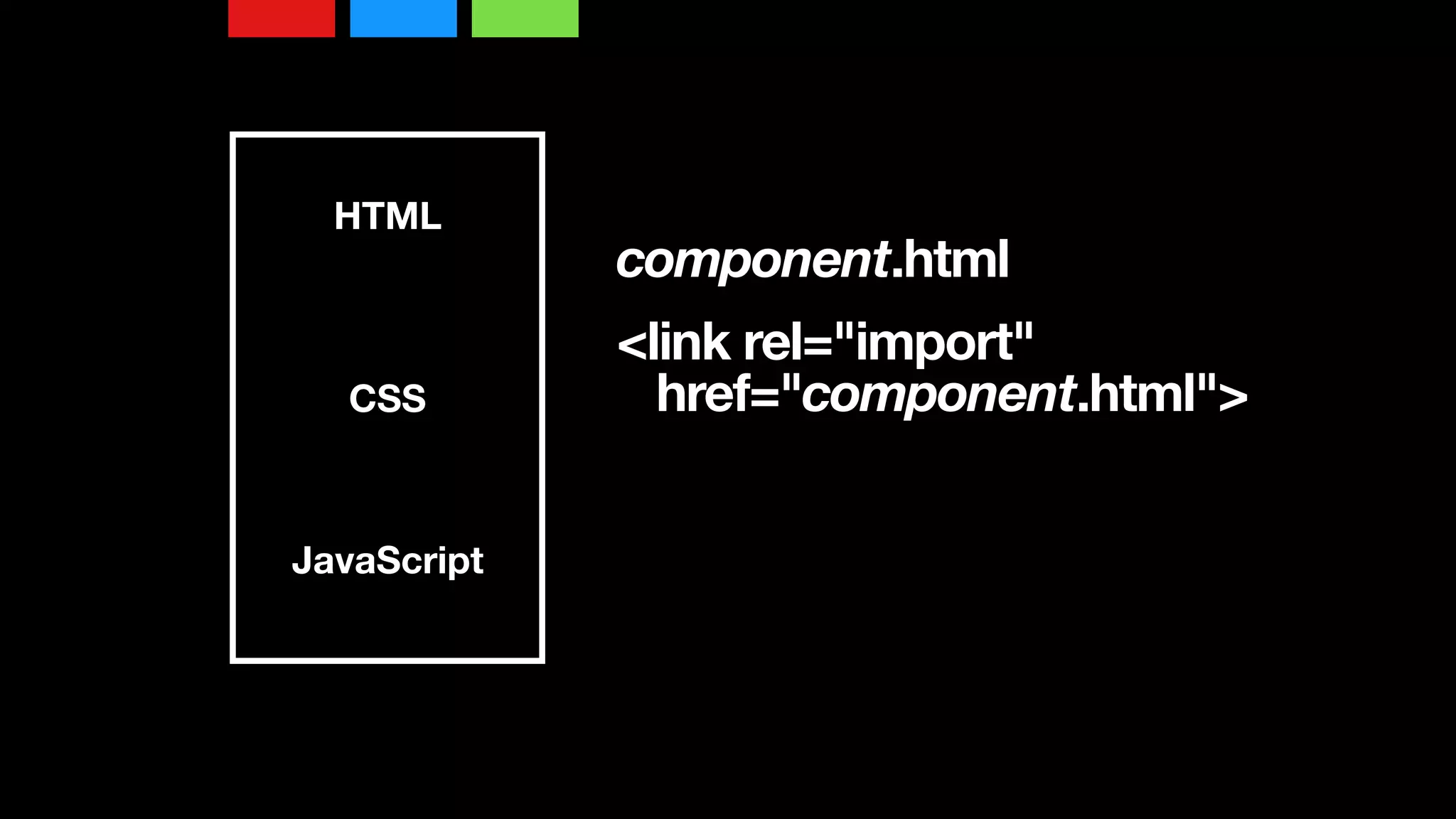
component.html
<link rel="import" 

href="component.html">
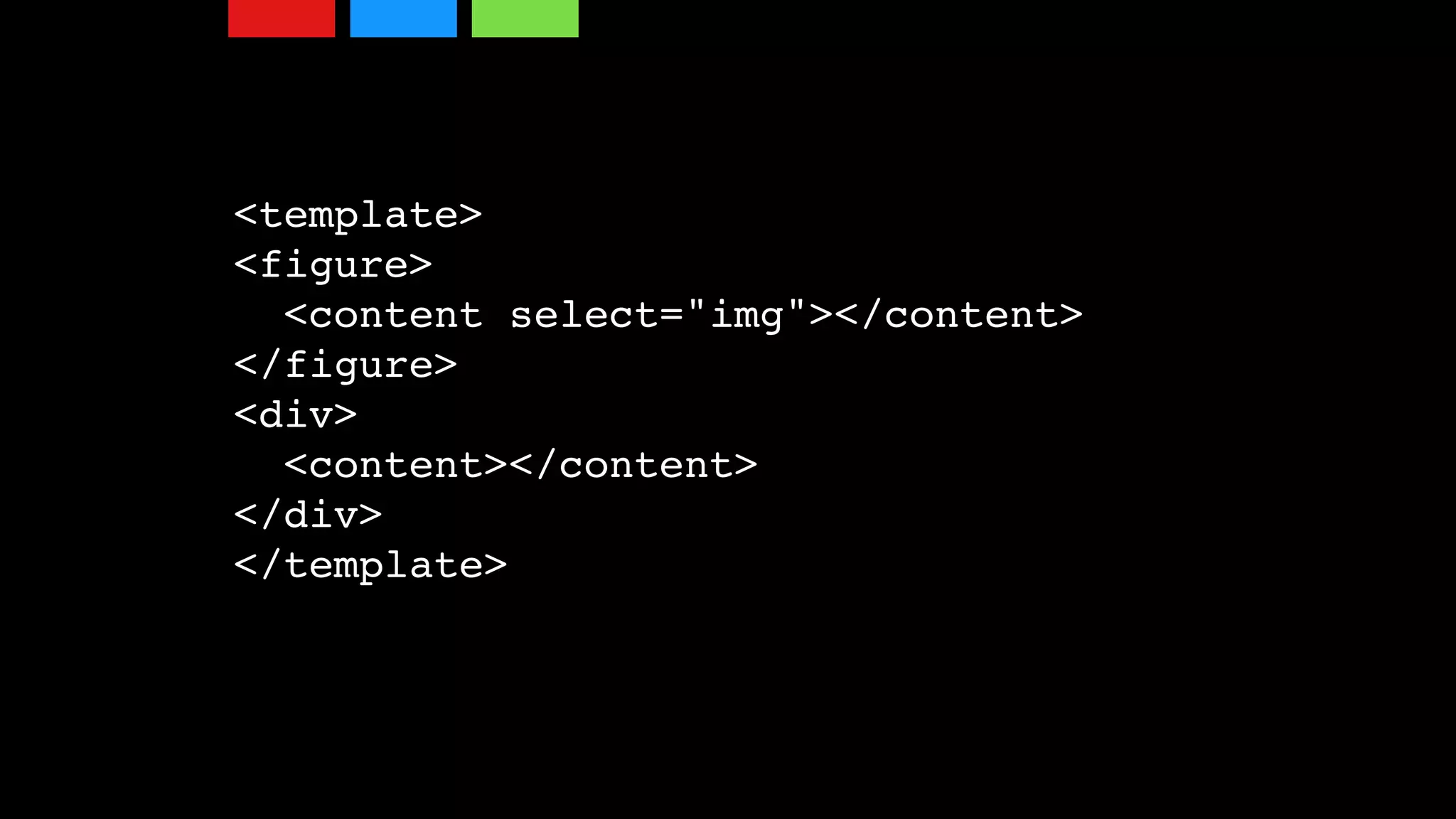
<template>
<figure>
<content select="img"></content>
</figure>
<div>
<content></content>
</div>
</template>
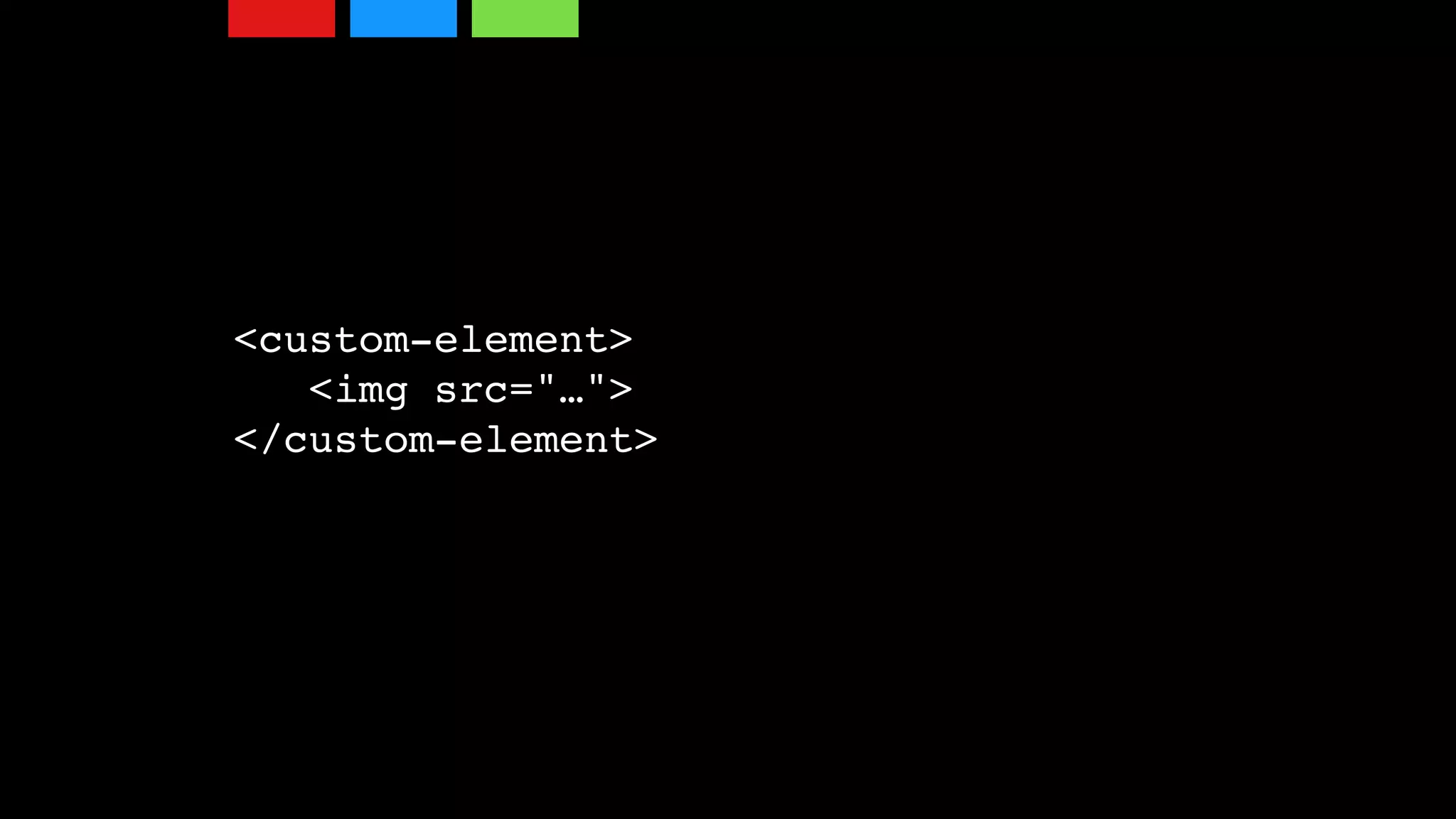
<custom-element>
<img src="…">
</custom-element>
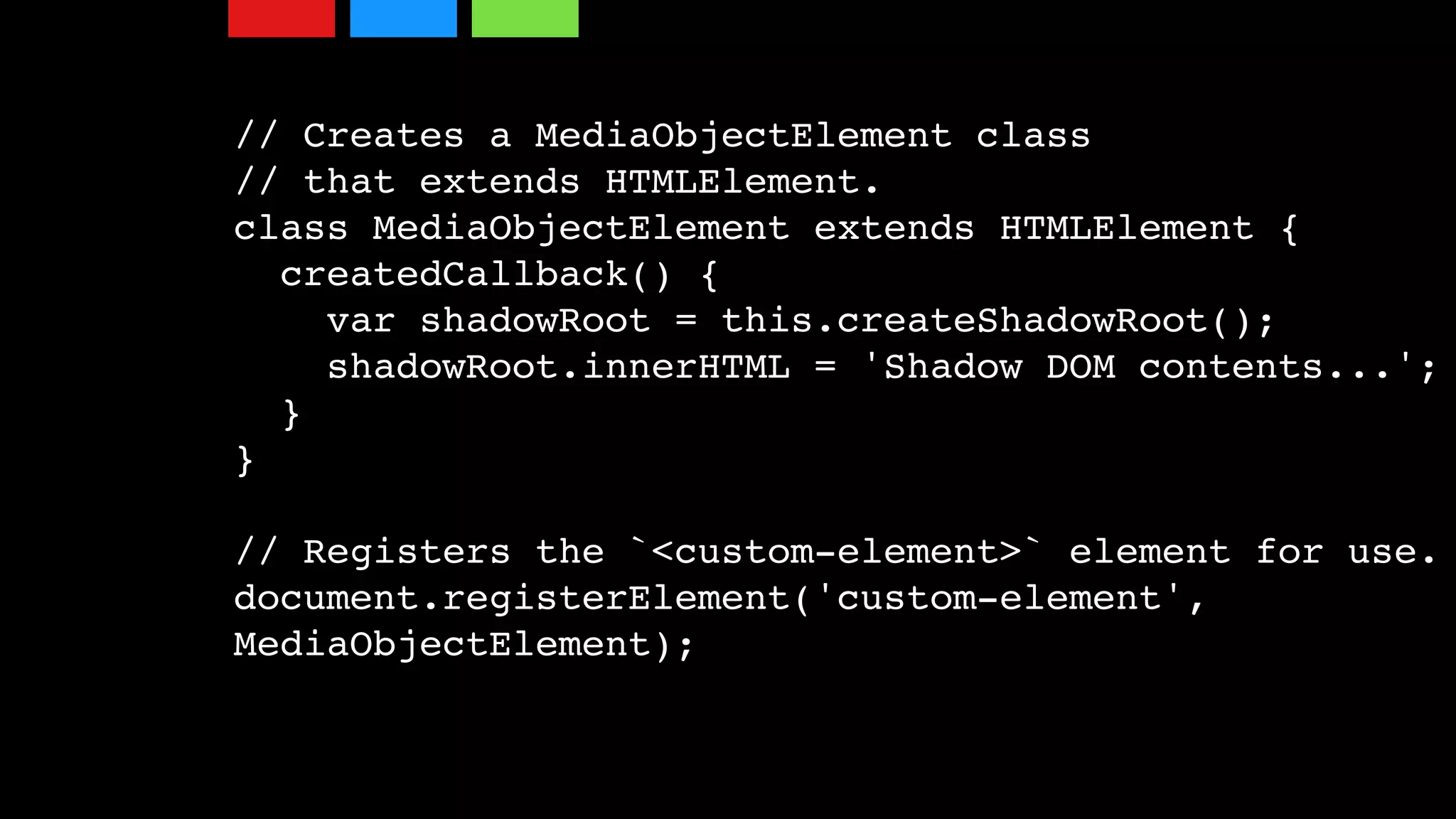
// Creates a MediaObjectElement class
// that extends HTMLElement.
class MediaObjectElement extends HTMLElement {
createdCallback() {
var shadowRoot = this.createShadowRoot();
shadowRoot.innerHTML = 'Shadow DOM contents...';
}
}
// Registers the `<custom-element>` element for use.
document.registerElement('custom-element',
MediaObjectElement);
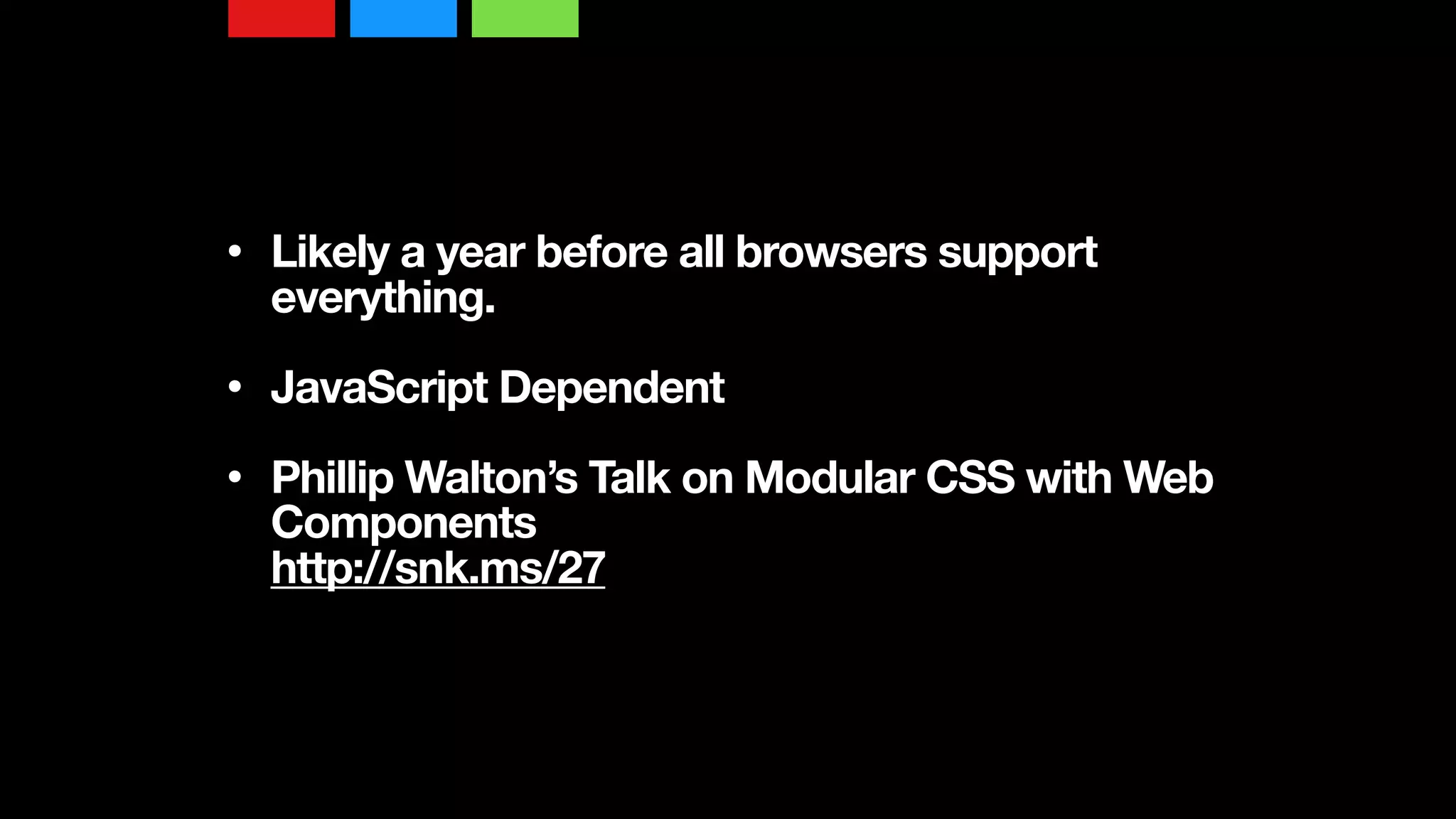
• Likely a year before all browsers support
everything.

• JavaScript Dependent

• Phillip Walton’s Talk on Modular CSS with Web
Components 

http://snk.ms/27
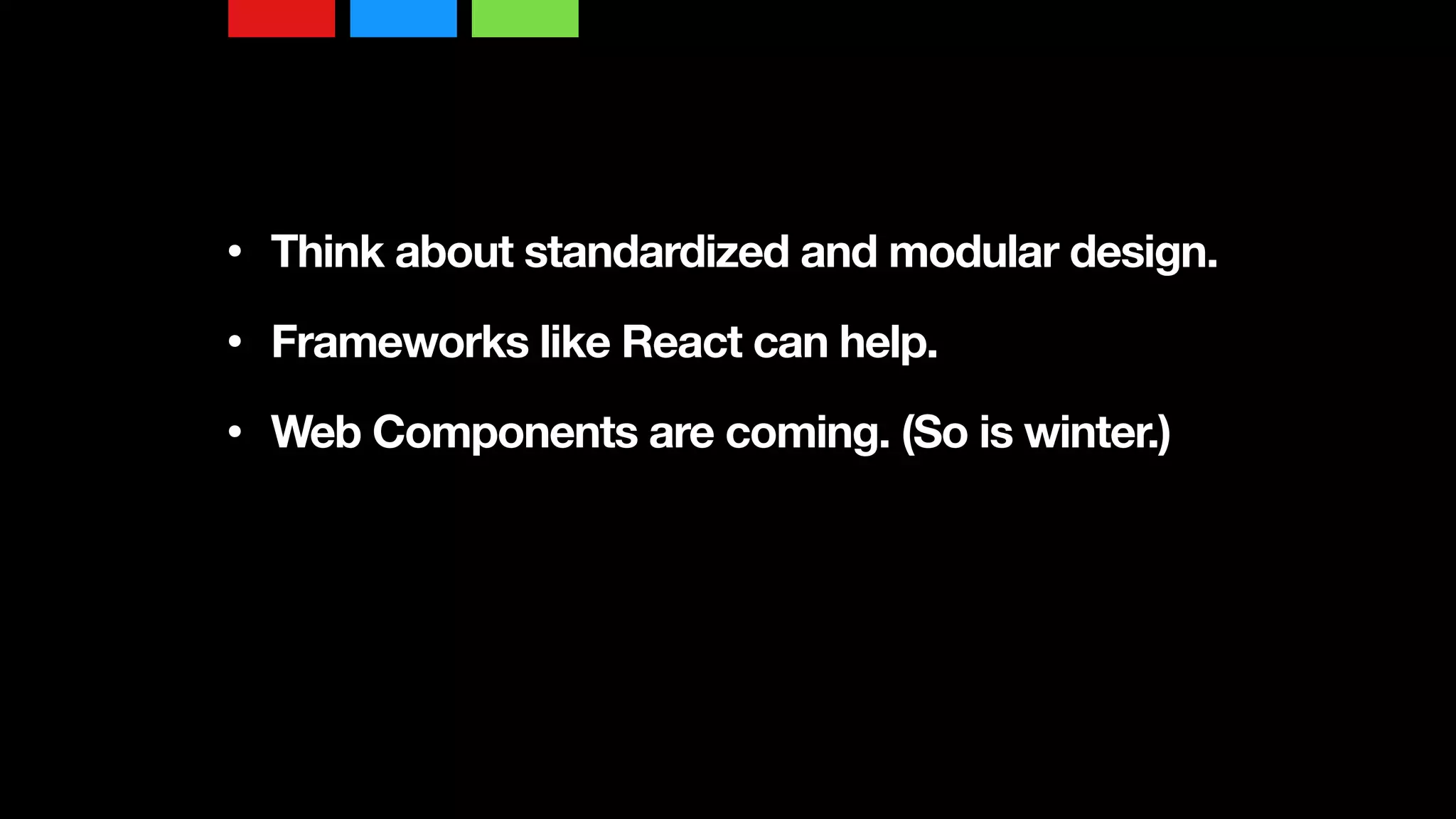
• Think about standardized and modular design.

• Frameworks like React can help.

• Web Components are coming. (So is winter.)
Thank you.

http://snook.ca/

@snookca

The Future is Modular, Jonathan Snook