OOCSS, SMACSS or BEM?
@micposso
Michael Posso
Front-End developer @babbel NYC
Email Marketing
MeetUp Organizer
@micposso
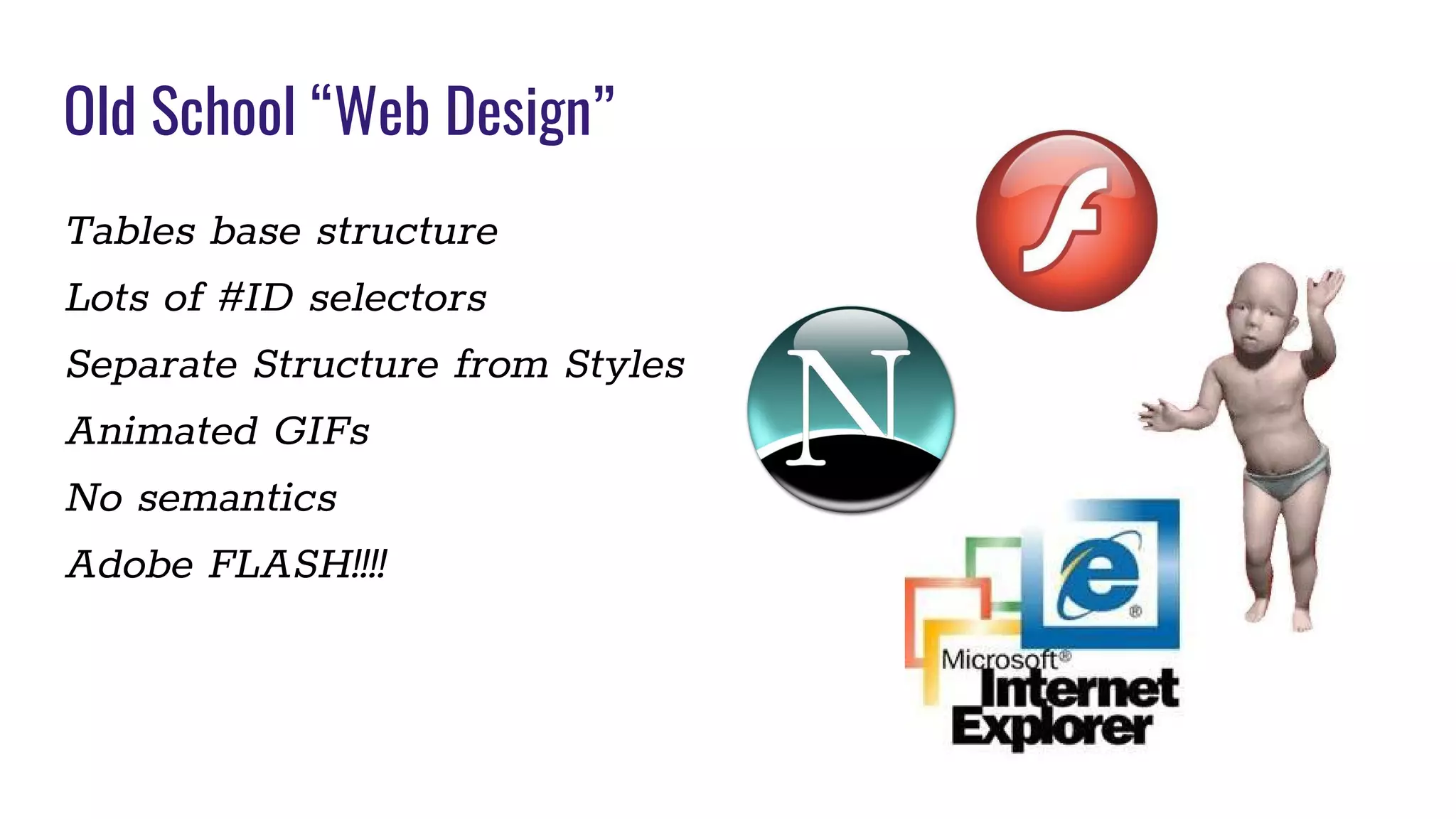
Tables base structure
Lots of #ID selectors
Separate Structure from Styles
Animated GIFs
No semantics
Adobe FLASH!!!!
Old School “Web Design”
(DRY)
Don’t repeat yourself
(SEMANTICS)
Semantics is the study of the meaning of
linguistic expressions
(Object Oriented)
A system to be modeled as a set of objects that can be
controlled and manipulated in a modular manner
< Inheritance, can be extended and reusable >
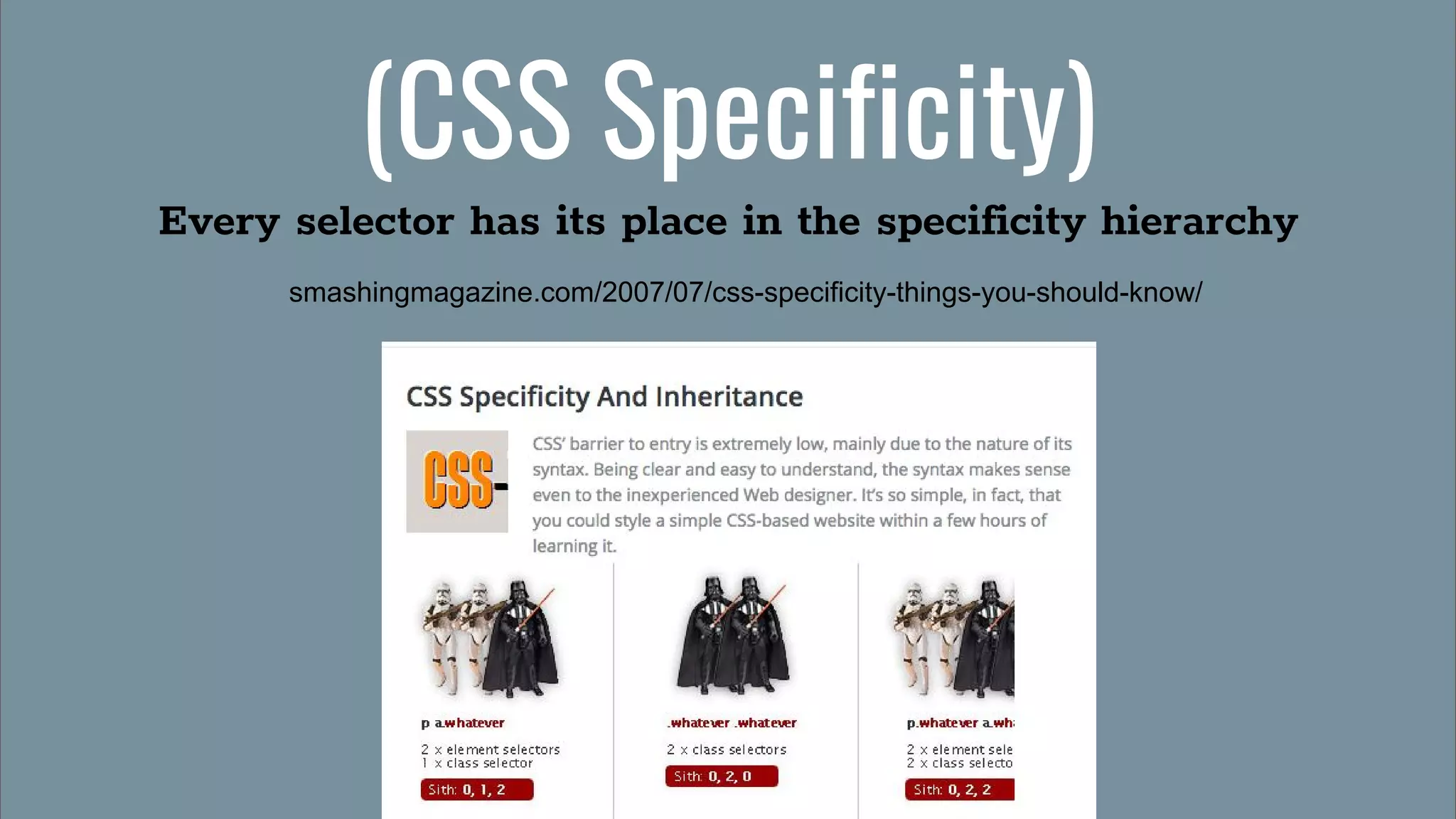
(CSS Specificity)
Every selector has its place in the specificity hierarchy
smashingmagazine.com/2007/07/css-specificity-things-you-should-know/
(Comment you code)
Help your fellow coders
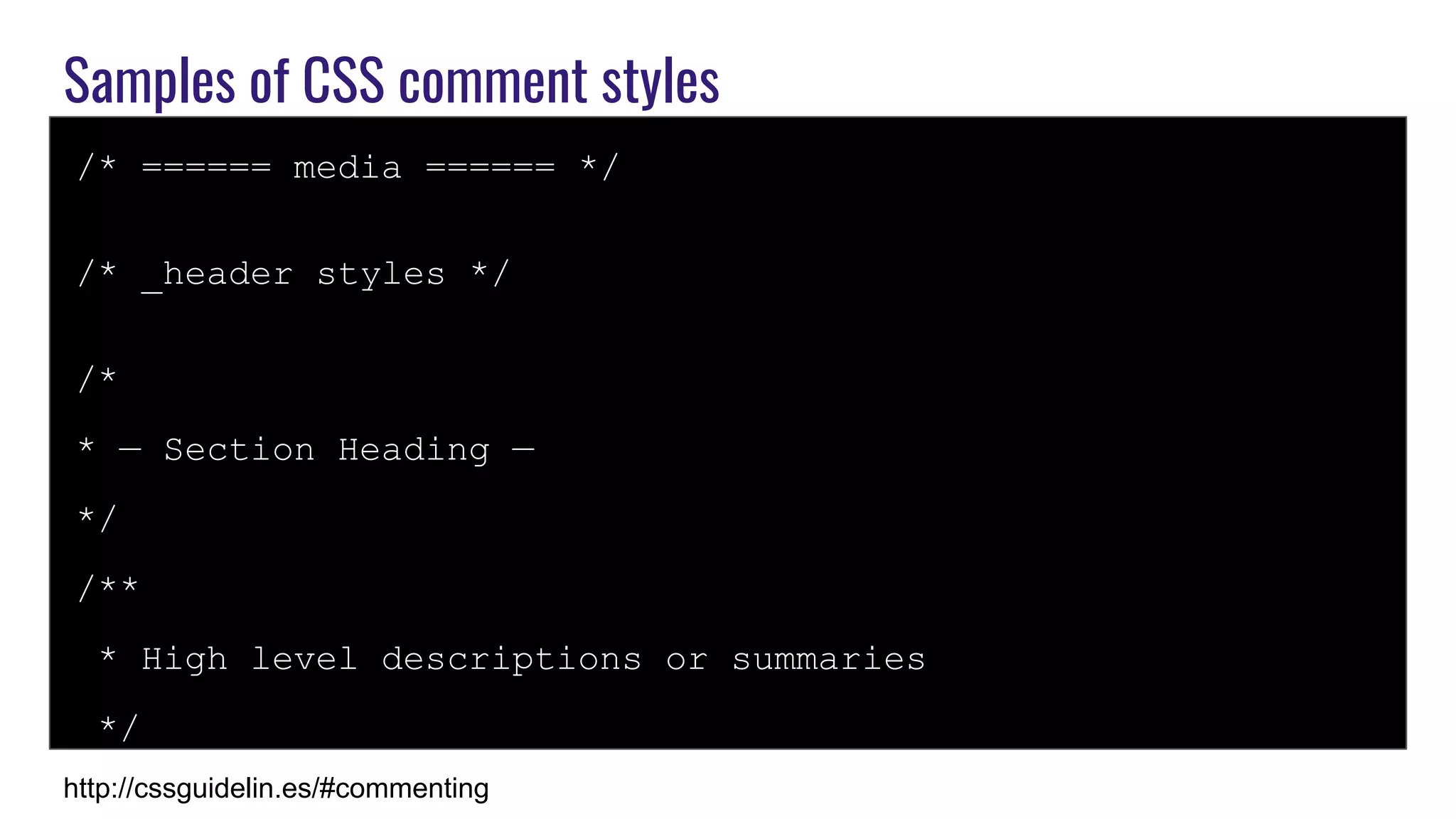
Samples of CSS comment styles
/* ====== media ====== */
/* _header styles */
/*
* — Section Heading —
*/
/**
* High level descriptions or summaries
*/
http://cssguidelin.es/#commenting
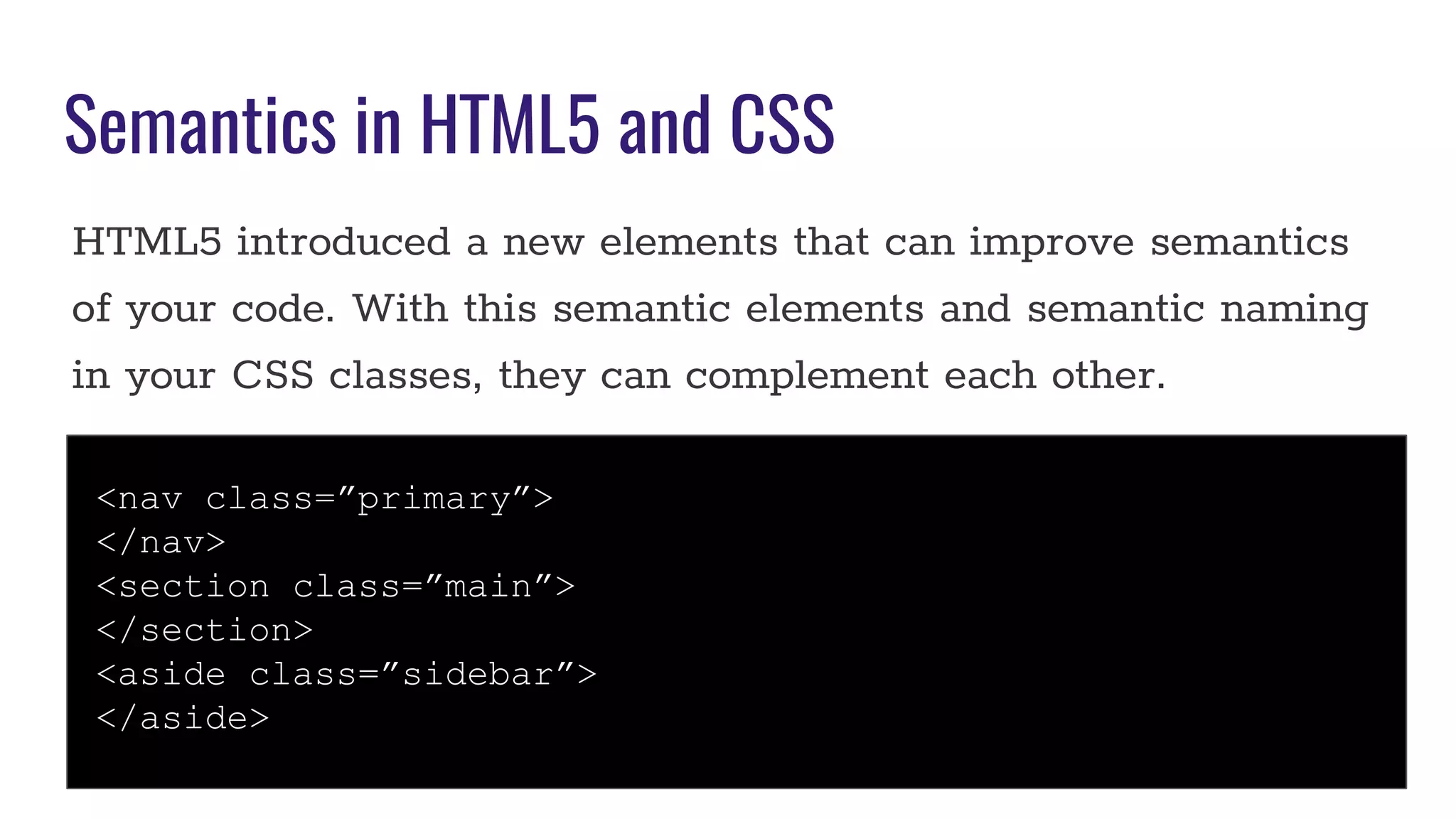
Semantics in HTML5 and CSS
HTML5 introduced a new elements that can improve semantics
of your code. With this semantic elements and semantic naming
in your CSS classes, they can complement each other.
<nav class=”primary”>
</nav>
<section class=”main”>
</section>
<aside class=”sidebar”>
</aside>
How to apply semantics in a global team
Global teams deal with a variety of cultures and linguistics
differences that can make semantics hard to apply.
Guidelines document
Use Interfaces
Delegate a reviewer
CSS Resets, which one you use?
“The reset styles given here are intentionally very generic. I
don’t particularly recommend that you just use this in its
unaltered state in your own projects. It should be tweaked,
edited, extended, and otherwise tuned to match your specific
reset baseline”.
Eric Meyer
Eric Myer’s Reset
HTML5 Doctor
Your own?
(OOCSS)
Object Oriented CSS
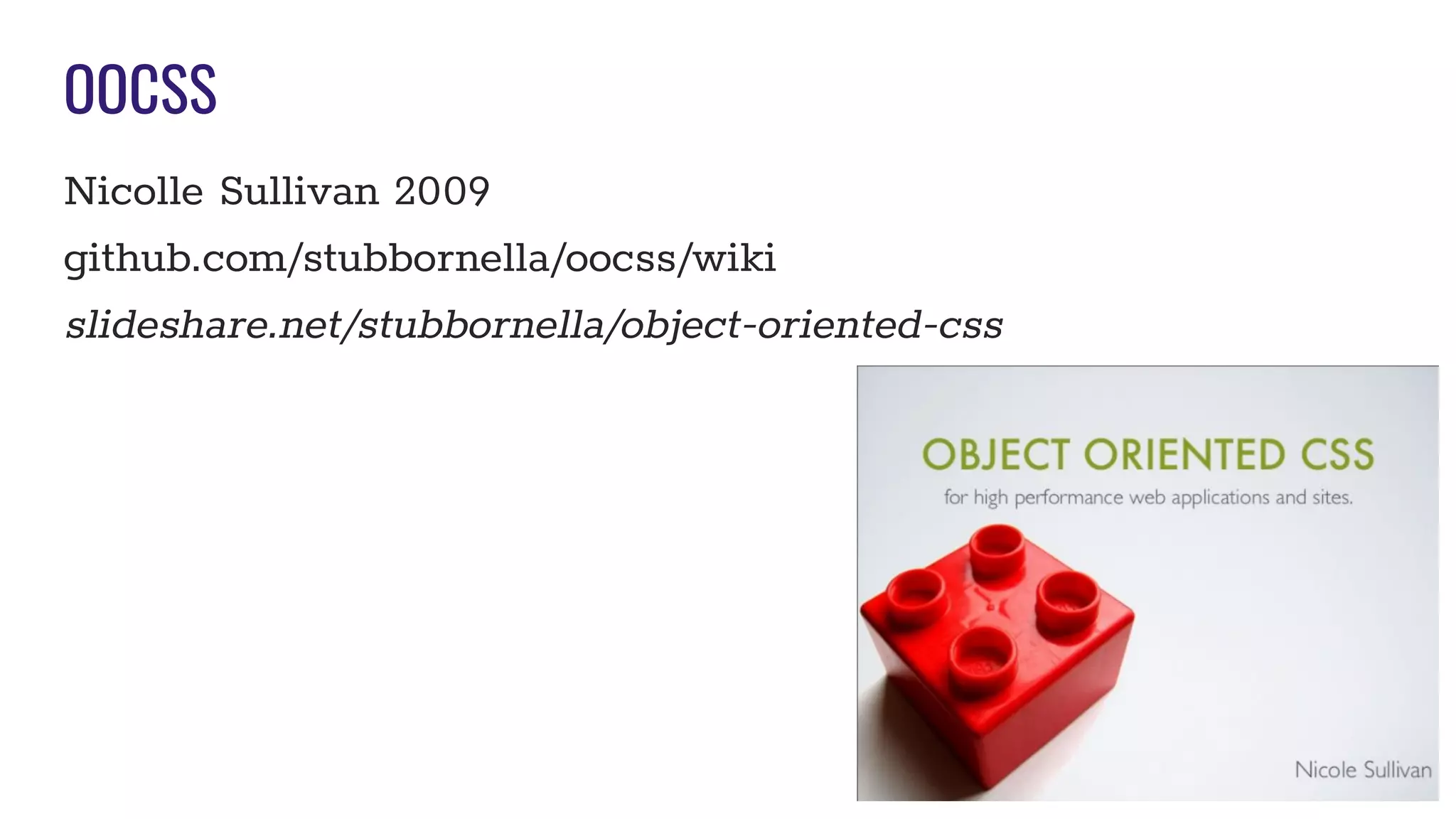
OOCSS
Nicolle Sullivan 2009
github.com/stubbornella/oocss/wiki
slideshare.net/stubbornella/object-oriented-css
OOCSS Principles
Separate Structure and Skin
LAYOUT VS STYLES
Separate Container from Content
CONTAINER is not affected by its CONTENT
Object Oriented CSS Best Practices
Classes instead of IDs for styling
No multi-level descendant class specificity unless needed
Define your design in “Components”
Extend elements with targeted classes rather than parent classes
Mix and Match components
Organize your stylesheet into sections
Consider adding a table of contents
Camel case your class names - naming is oriented around the
“object”
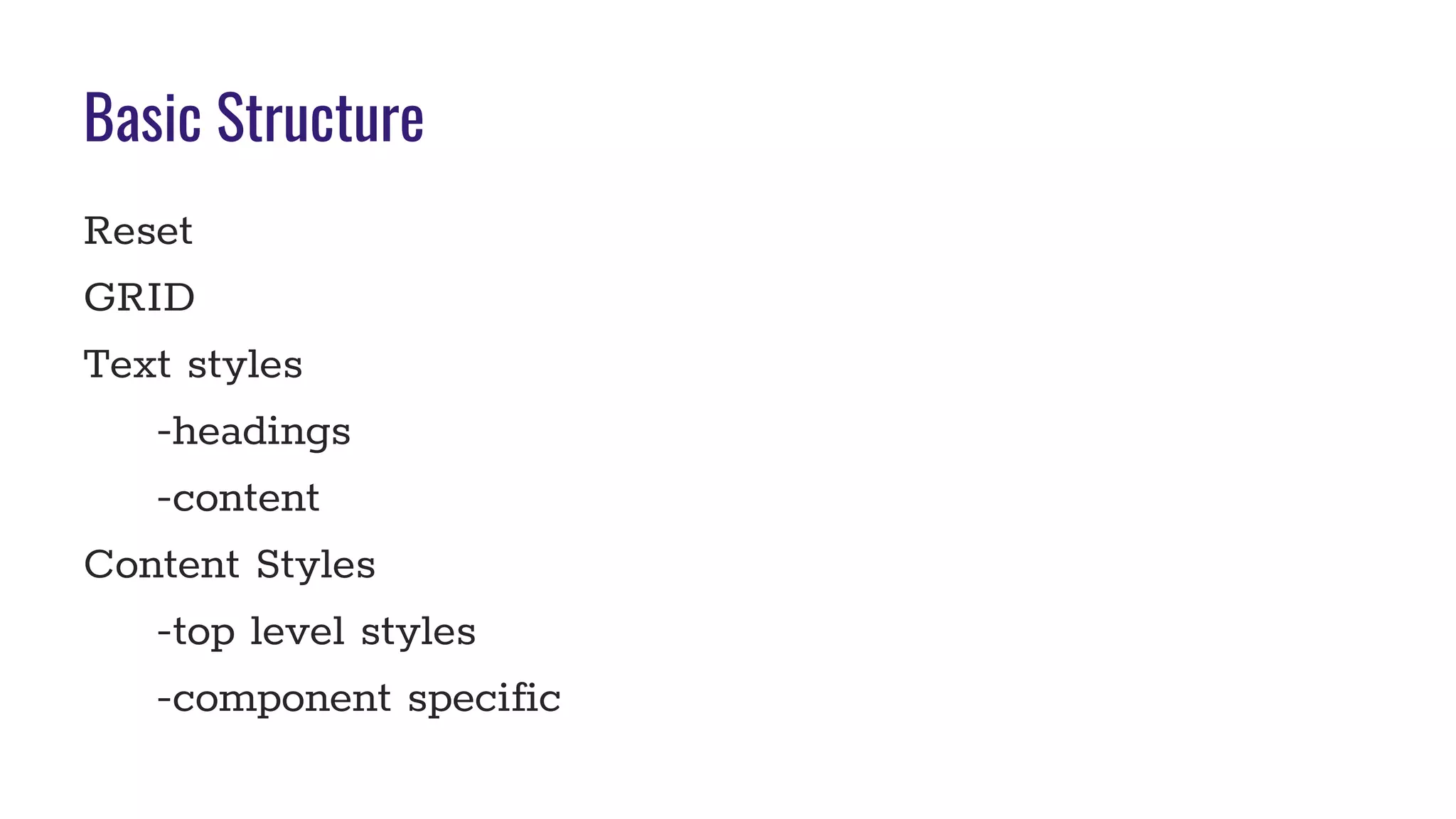
Basic Structure
Reset
GRID
Text styles
-headings
-content
Content Styles
-top level styles
-component specific
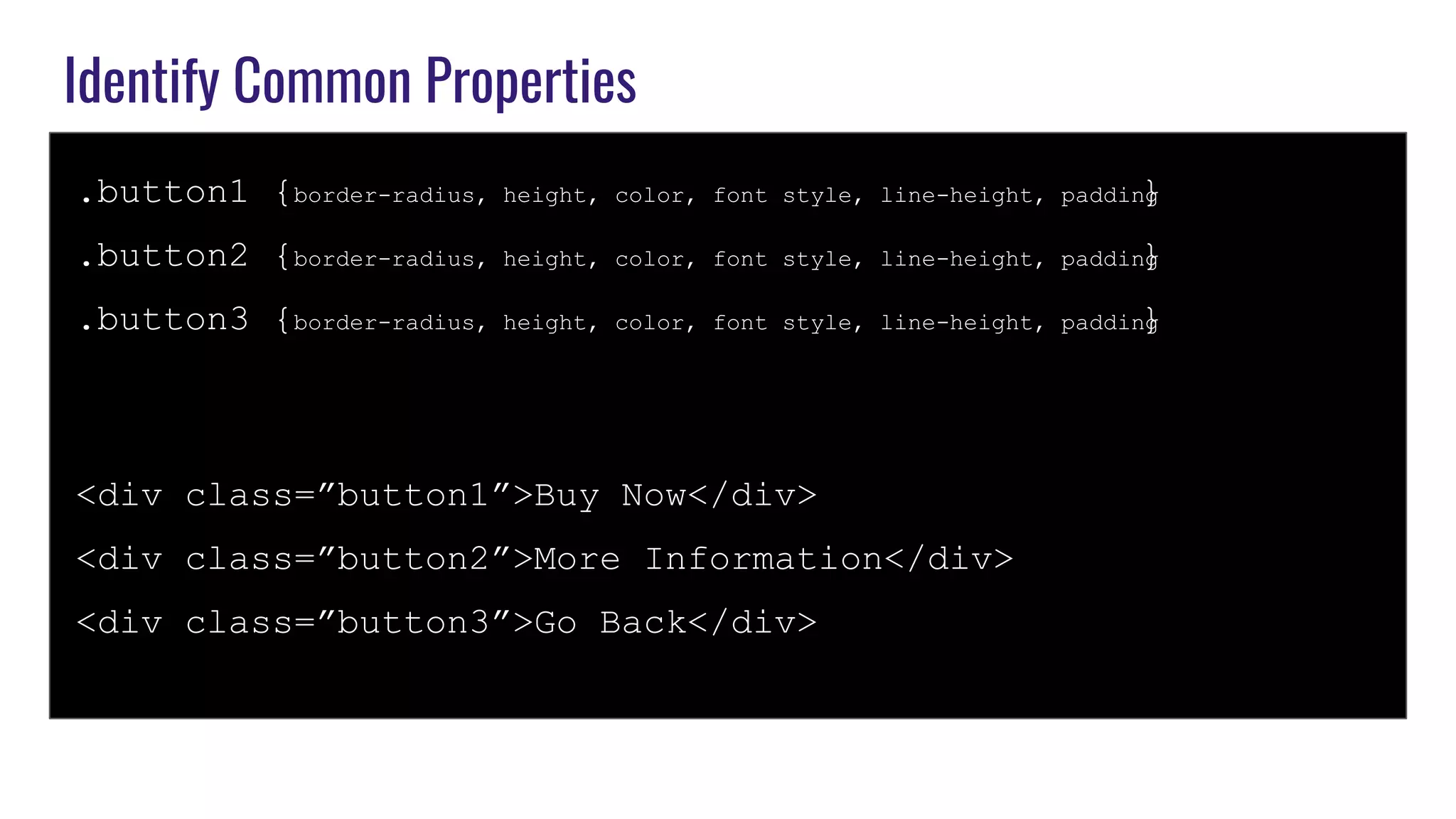
Identify Common Properties
.button1 {border-radius, height, color, font style, line-height, padding}
.button2 {border-radius, height, color, font style, line-height, padding}
.button3 {border-radius, height, color, font style, line-height, padding}
<div class=”button1”>Buy Now</div>
<div class=”button2”>More Information</div>
<div class=”button3”>Go Back</div>
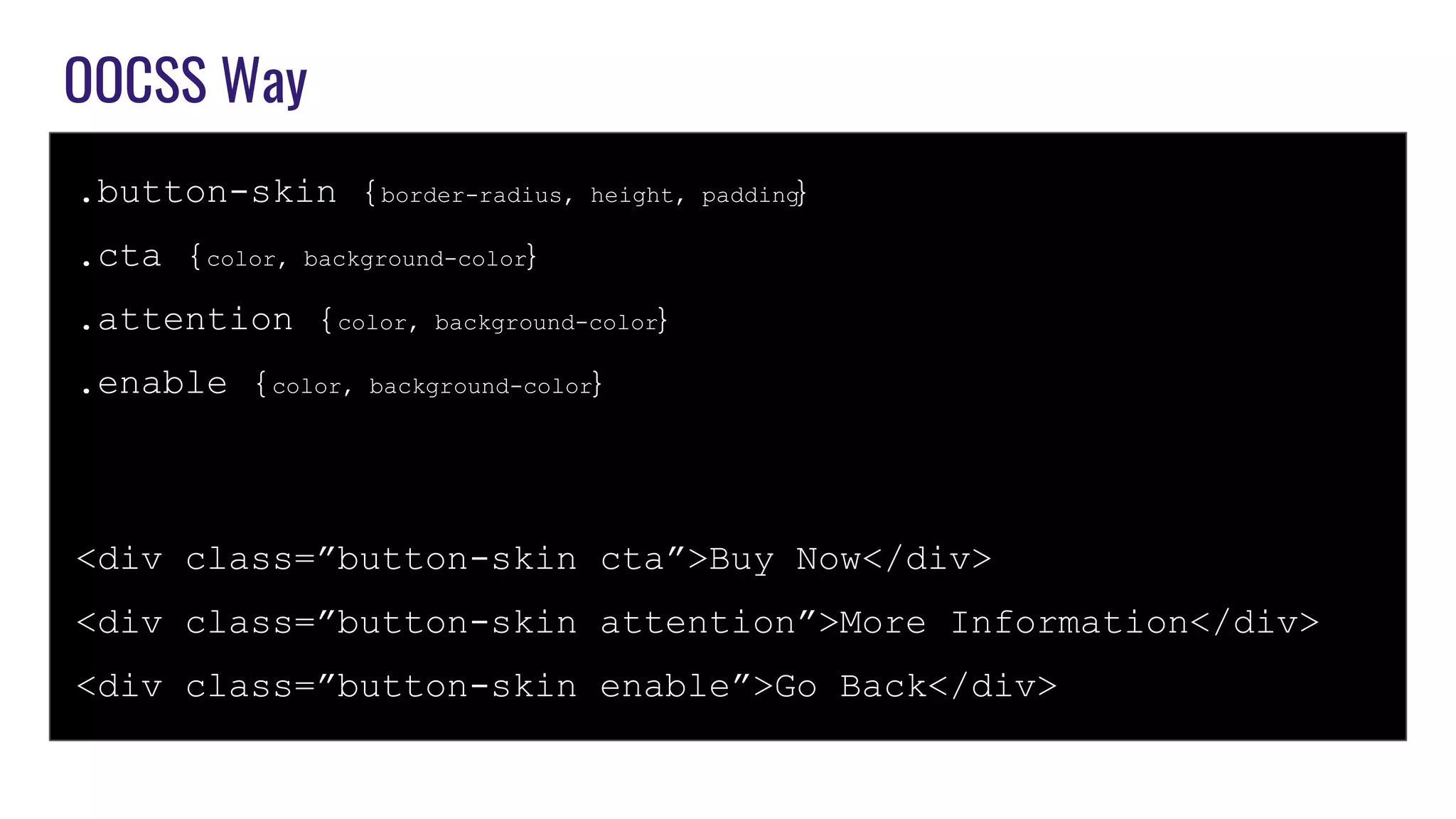
OOCSS Way
.button-skin {border-radius, height, padding}
.cta {color, background-color}
.attention {color, background-color}
.enable {color, background-color}
<div class=”button-skin cta”>Buy Now</div>
<div class=”button-skin attention”>More Information</div>
<div class=”button-skin enable”>Go Back</div>
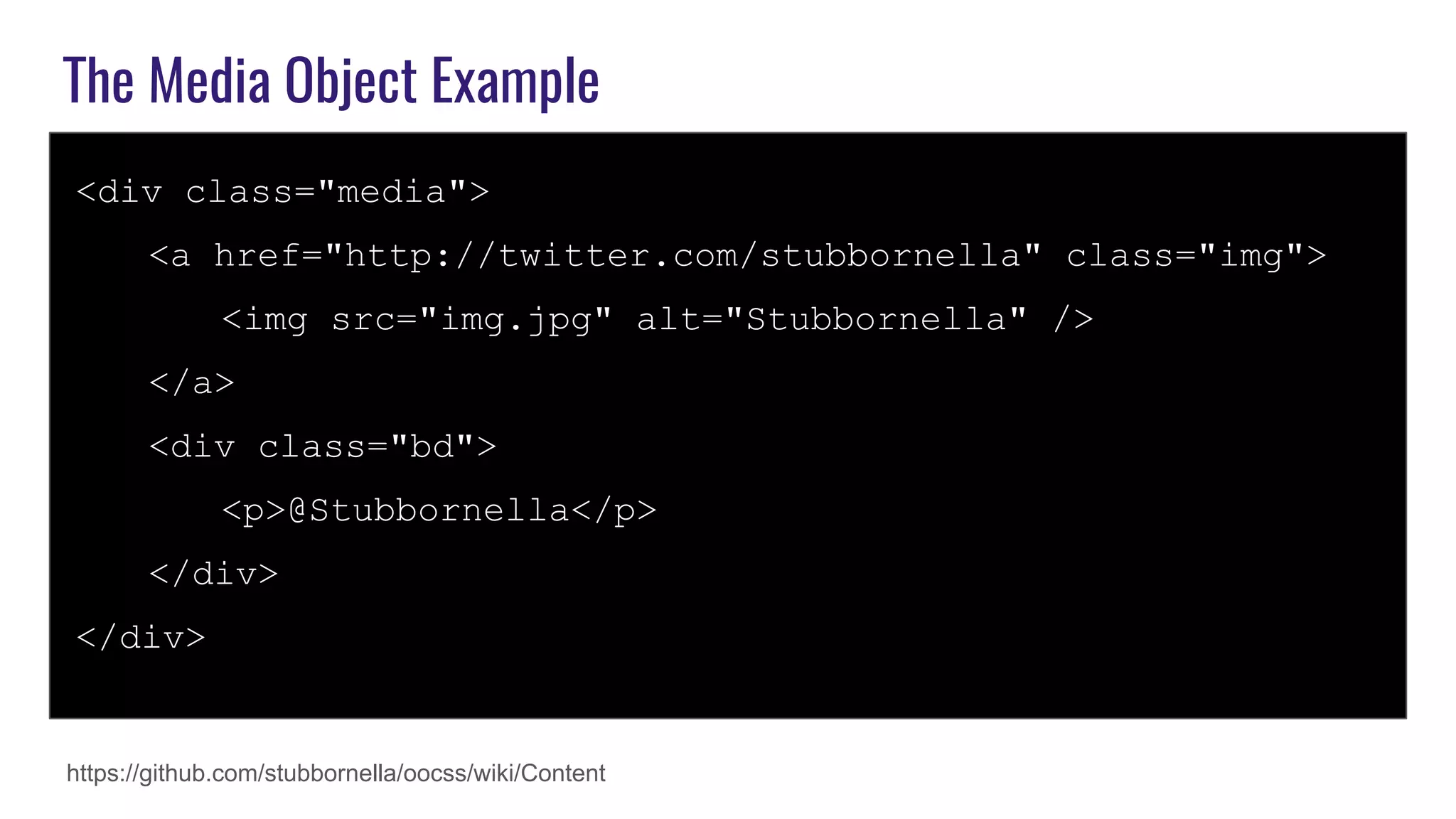
The Media Object Example
<div class="media">
<a href="http://twitter.com/stubbornella" class="img">
<img src="img.jpg" alt="Stubbornella" />
</a>
<div class="bd">
<p>@Stubbornella</p>
</div>
</div>
https://github.com/stubbornella/oocss/wiki/Content
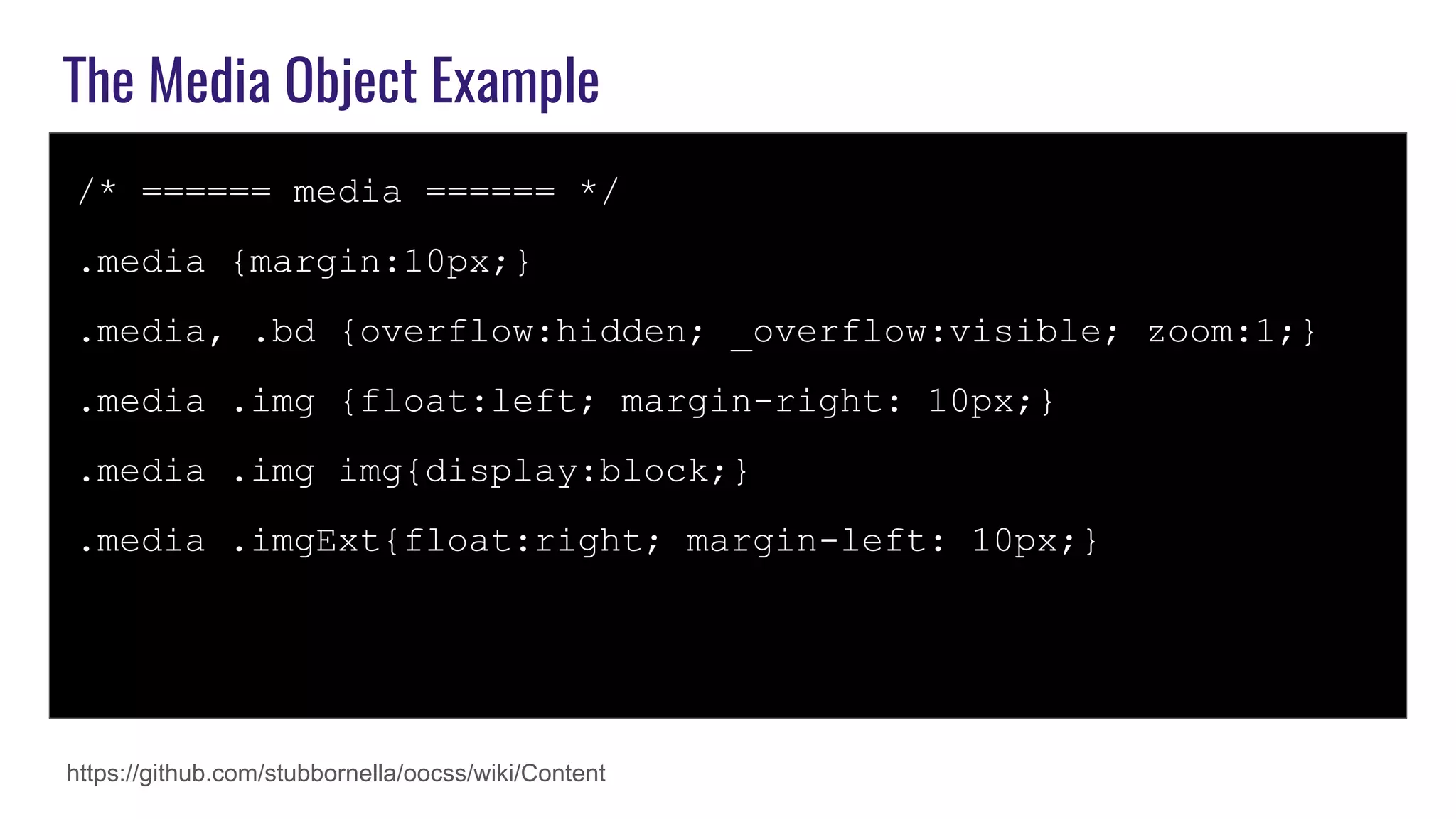
The Media Object Example
/* ====== media ====== */
.media {margin:10px;}
.media, .bd {overflow:hidden; _overflow:visible; zoom:1;}
.media .img {float:left; margin-right: 10px;}
.media .img img{display:block;}
.media .imgExt{float:right; margin-left: 10px;}
https://github.com/stubbornella/oocss/wiki/Content
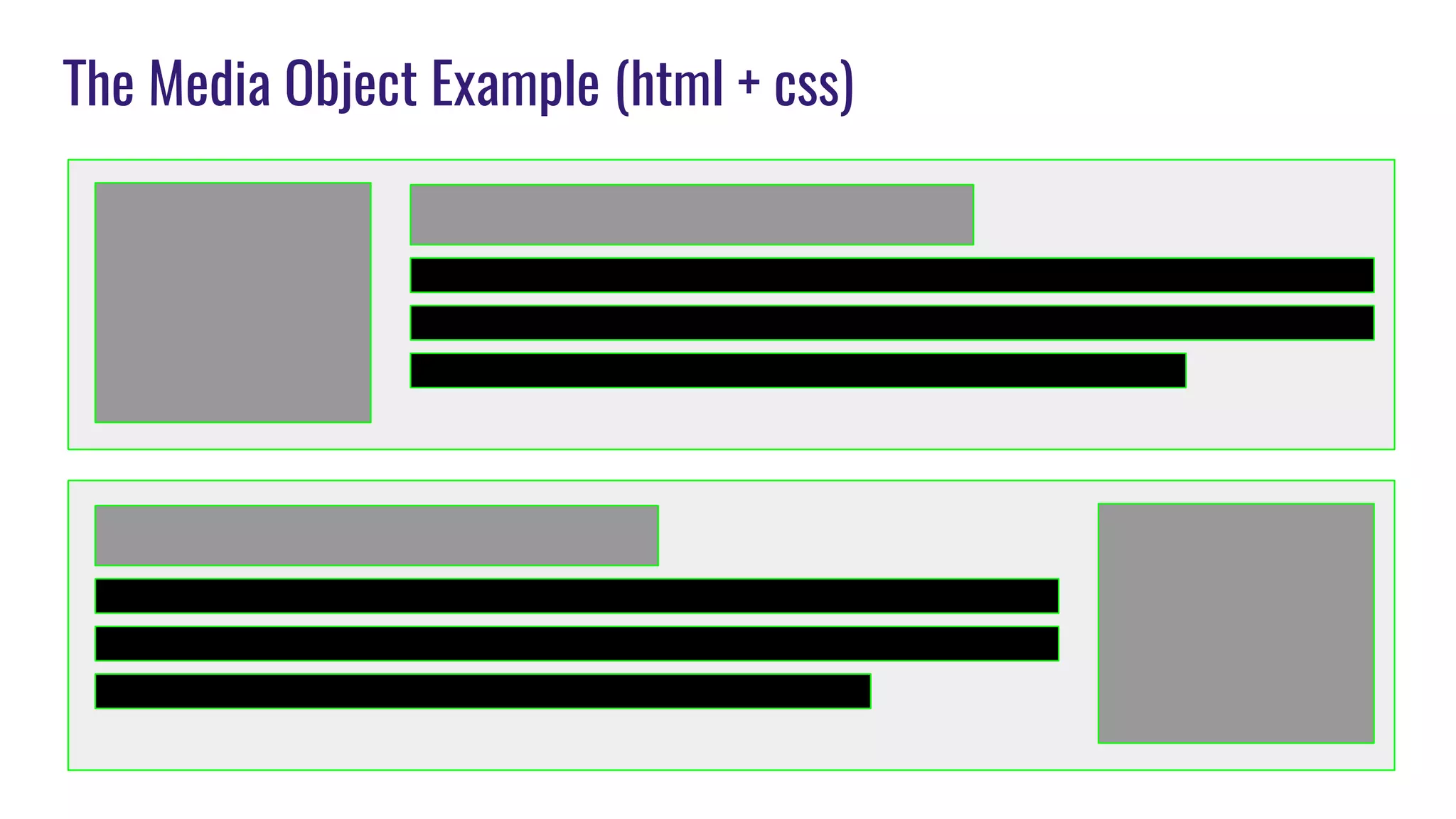
The Media Object Example (html + css)
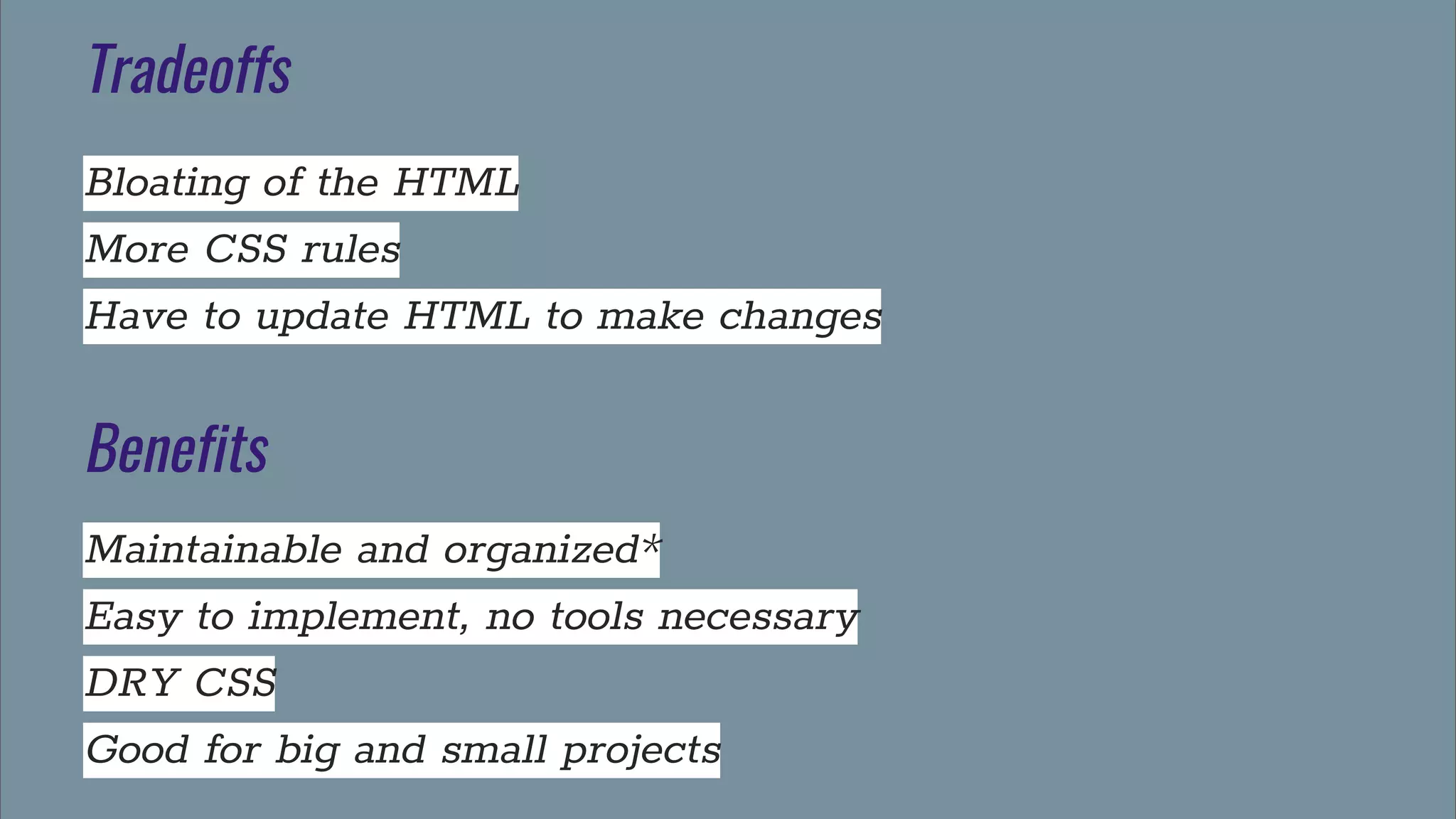
Tradeoffs
Bloating of the HTML
More CSS rules
Have to update HTML to make changes
Benefits
Maintainable and organized*
Easy to implement, no tools necessary
DRY CSS
Good for big and small projects
(SMACSS)
Scalable Modular Architecture for CSS
SMACSS
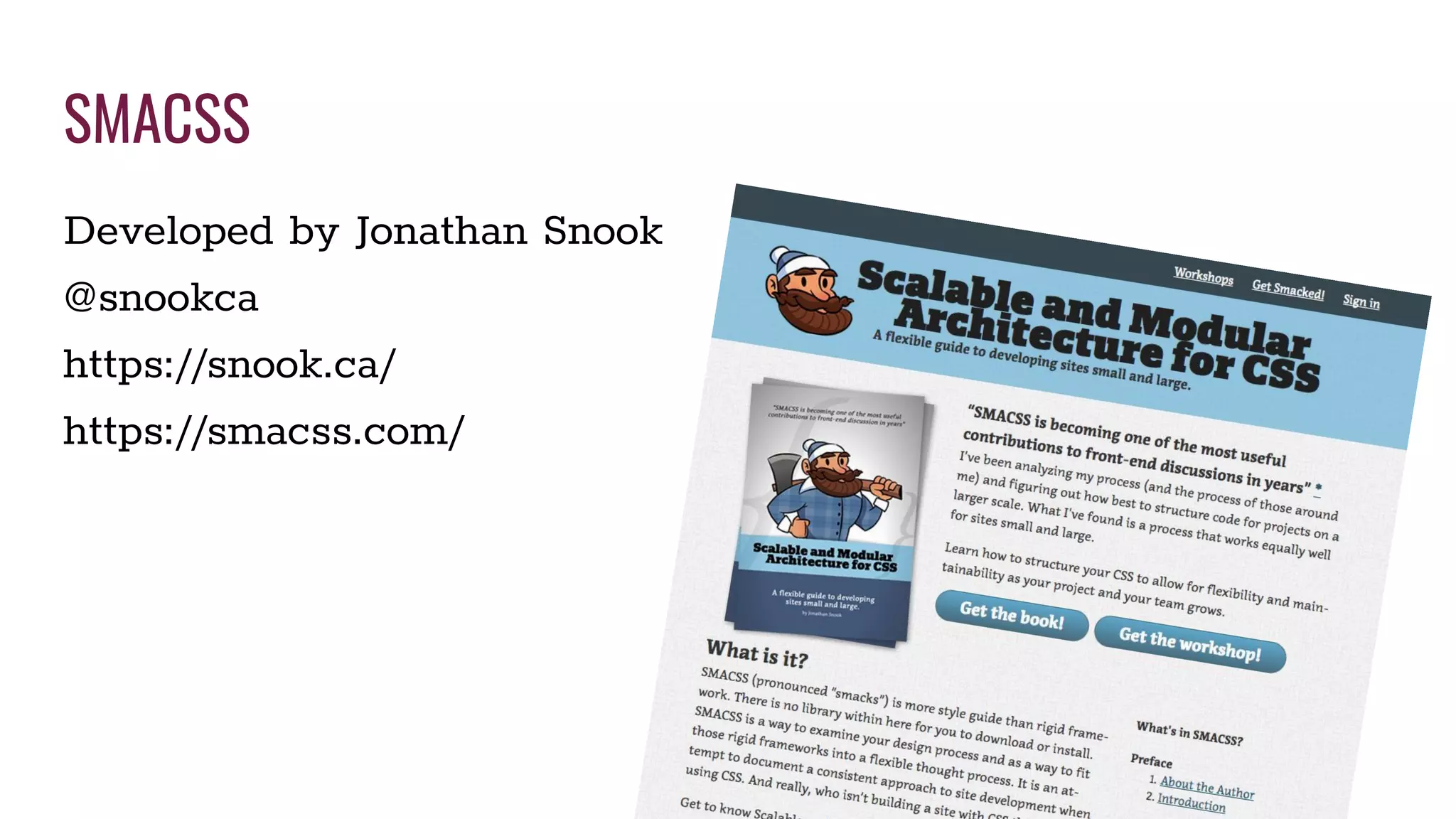
Developed by Jonathan Snook
@snookca
https://snook.ca/
https://smacss.com/
Categorizing CSS Rules
1. Base
2. Layout
3. Module
4. State
5. Theme - Optional
File Architecture with Plain CSS
index.css - This is what will be linked in the HTML head. It uses
@import to bring the rest of the files into the document
base.css - reset, IDs and Element selectors OK
layout.css
theme.css - optional
module.css - will import other files from the modules folder
Modules folder
-media.css
-text-box.css
Using Sass
index.scss
_base.scss
_layout.scss
_theme.scss - optional
_module.scss
_var.scss
_utils.scss
Modules folder
-media.scss
-text-box.scss
(Space Naming)
Use space naming with SMACSS
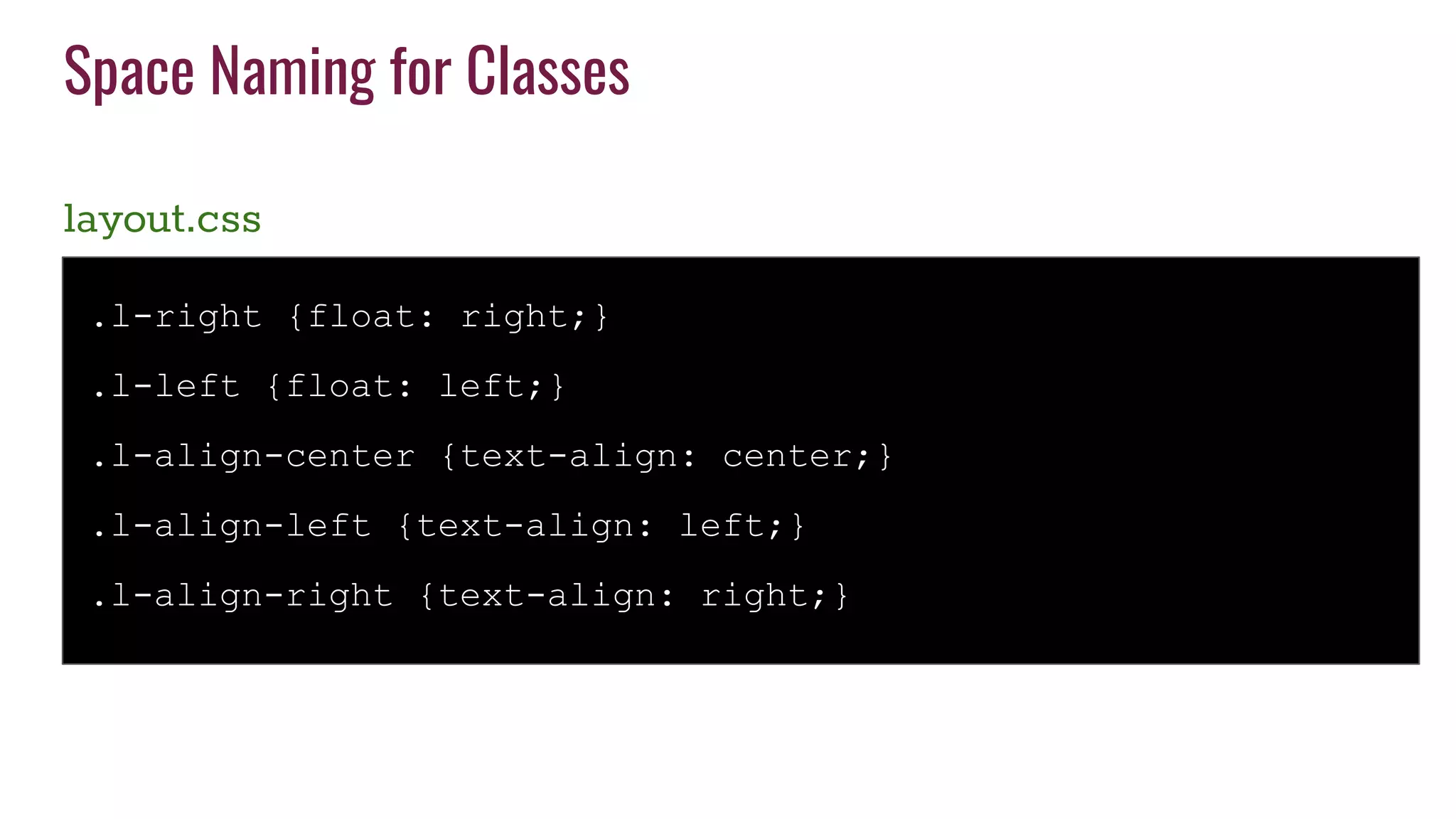
Space Naming for Classes
layout.css
.l-right {float: right;}
.l-left {float: left;}
.l-align-center {text-align: center;}
.l-align-left {text-align: left;}
.l-align-right {text-align: right;}
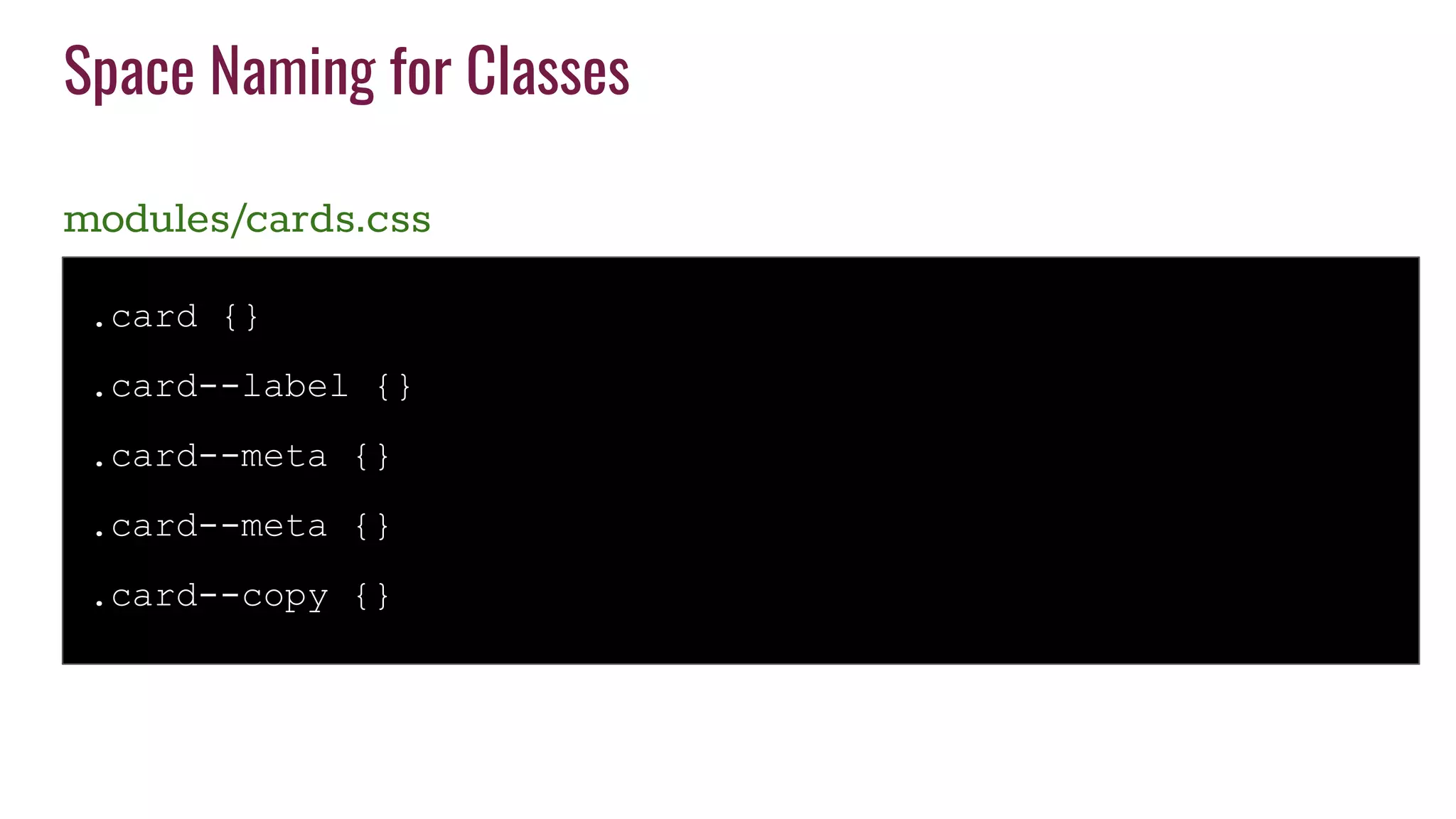
Space Naming for Classes
modules/cards.css
.card {}
.card--label {}
.card--meta {}
.card--meta {}
.card--copy {}
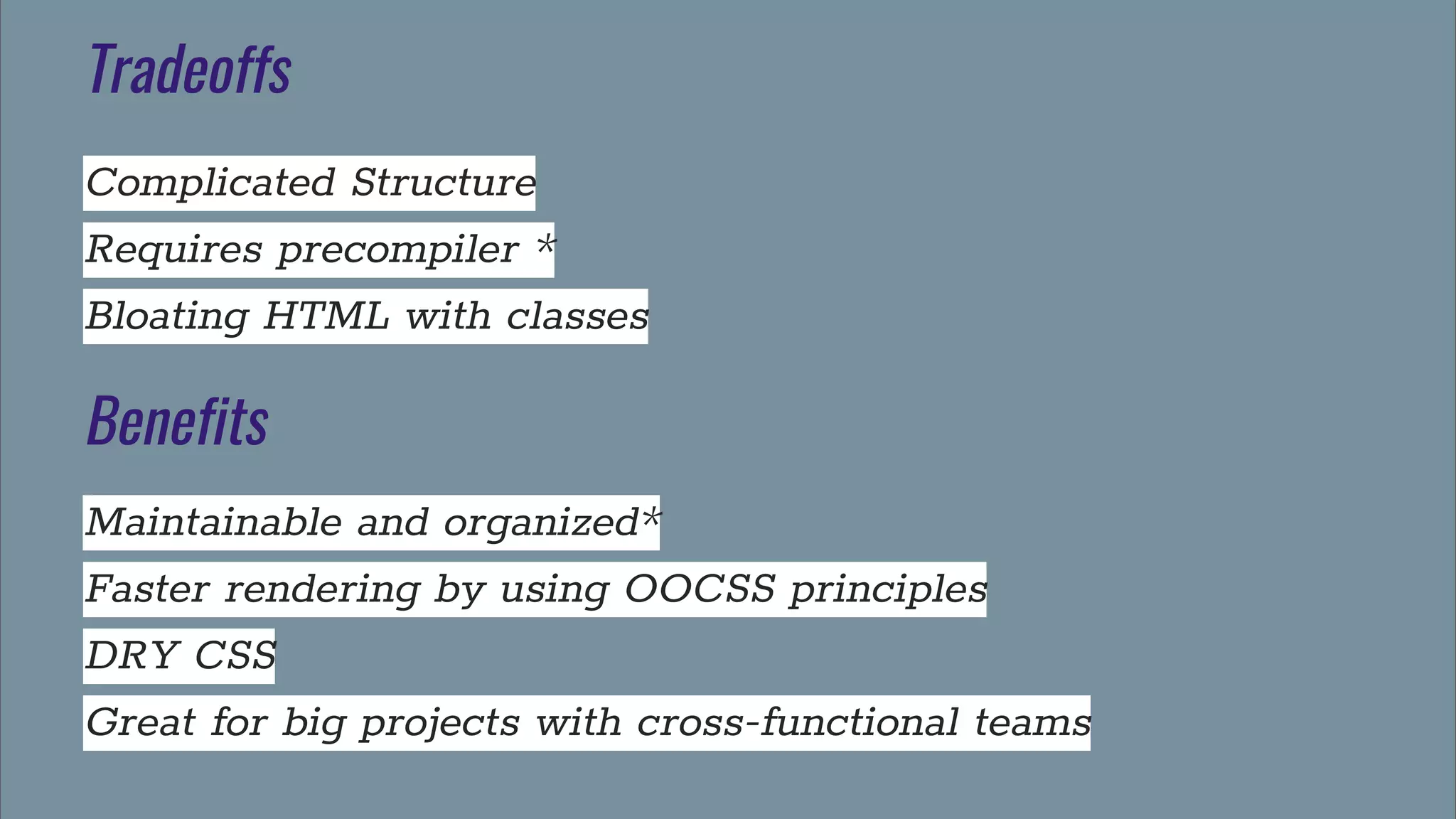
Tradeoffs
Complicated Structure
Requires precompiler *
Bloating HTML with classes
Benefits
Maintainable and organized*
Faster rendering by using OOCSS principles
DRY CSS
Great for big projects with cross-functional teams
(BEM)
Block - Element - Modifier
BEM
Developed by Yandex
en.bem.info
It provides a rather strict way to
arrange your CSS classes into
independent modules
BEM best practices
Everything is a class
Avoid nesting of any kind
Keep CSS specificity very flat and low
Descriptive names for classes
Avoid element selectors
CSS classes in BEM are called entities
(BEM)
BEM goal is to help developers better understand the
relationship between the HTML and CSS in a given project
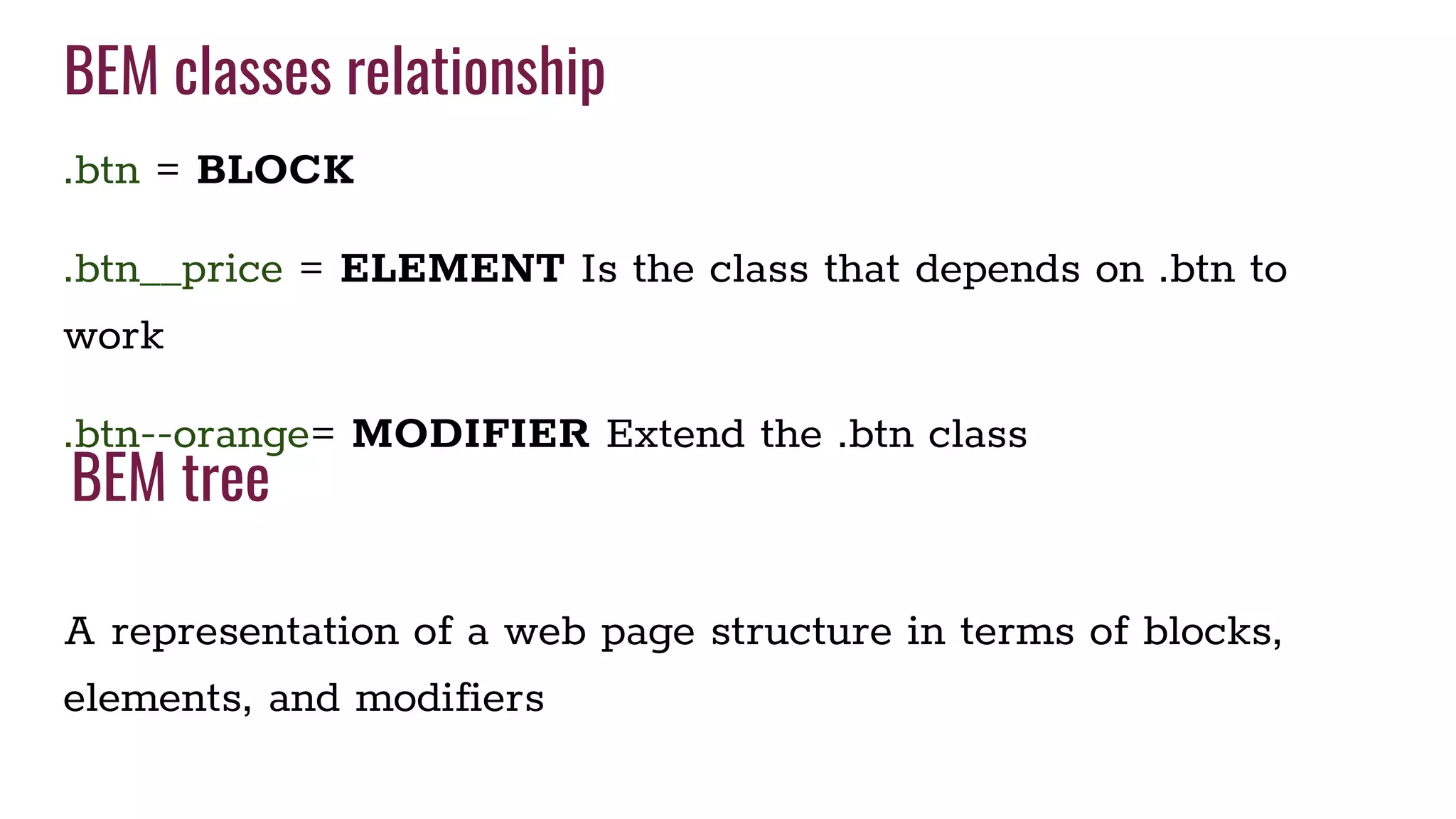
BEM classes relationship
.btn = BLOCK
.btn__price = ELEMENT Is the class that depends on .btn to
work
.btn--orange= MODIFIER Extend the .btn class
A representation of a web page structure in terms of blocks,
elements, and modifiers
BEM tree
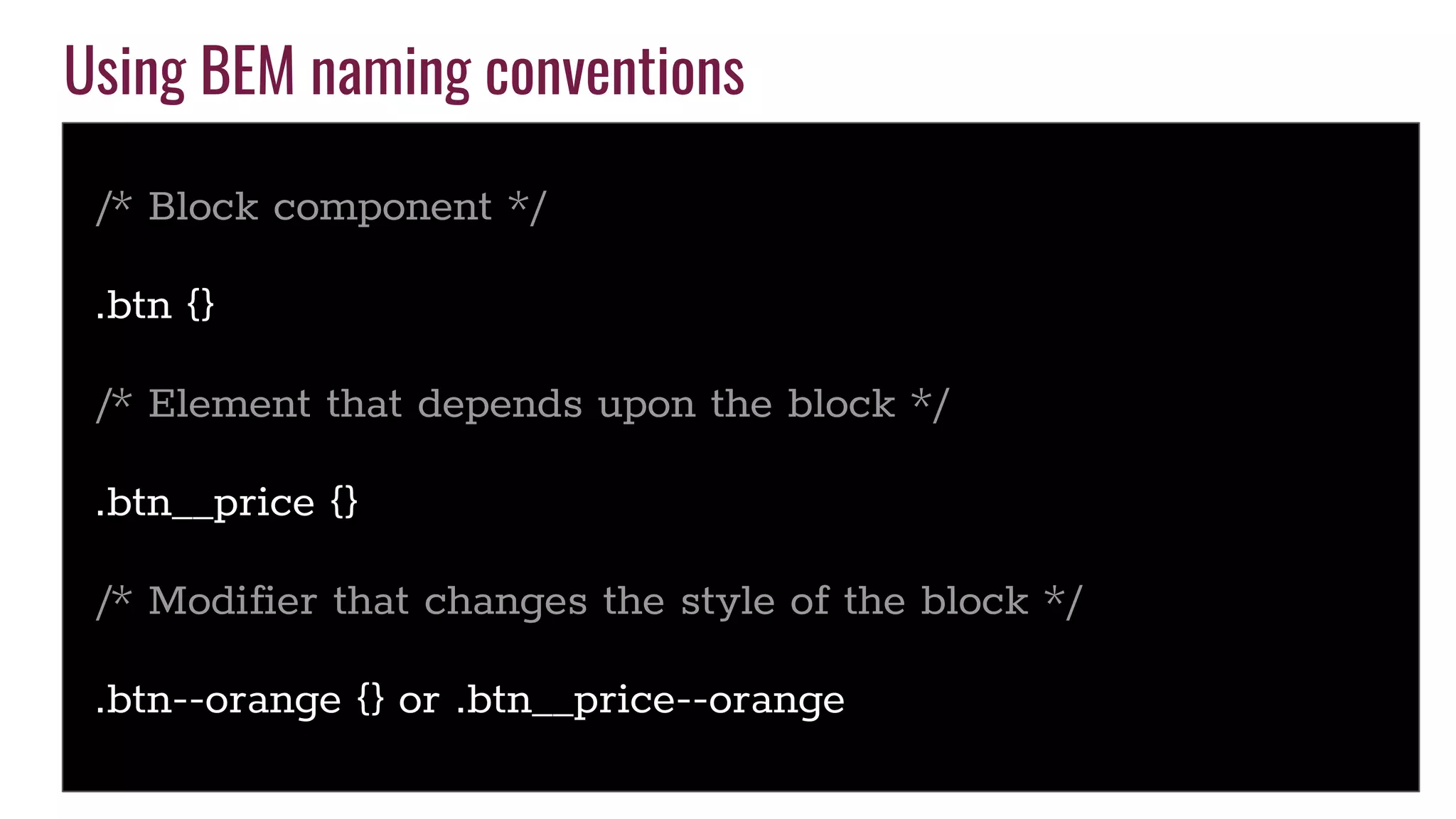
Using BEM naming conventions
/* Block component */
.btn {}
/* Element that depends upon the block */
.btn__price {}
/* Modifier that changes the style of the block */
.btn--orange {} or .btn__price--orange
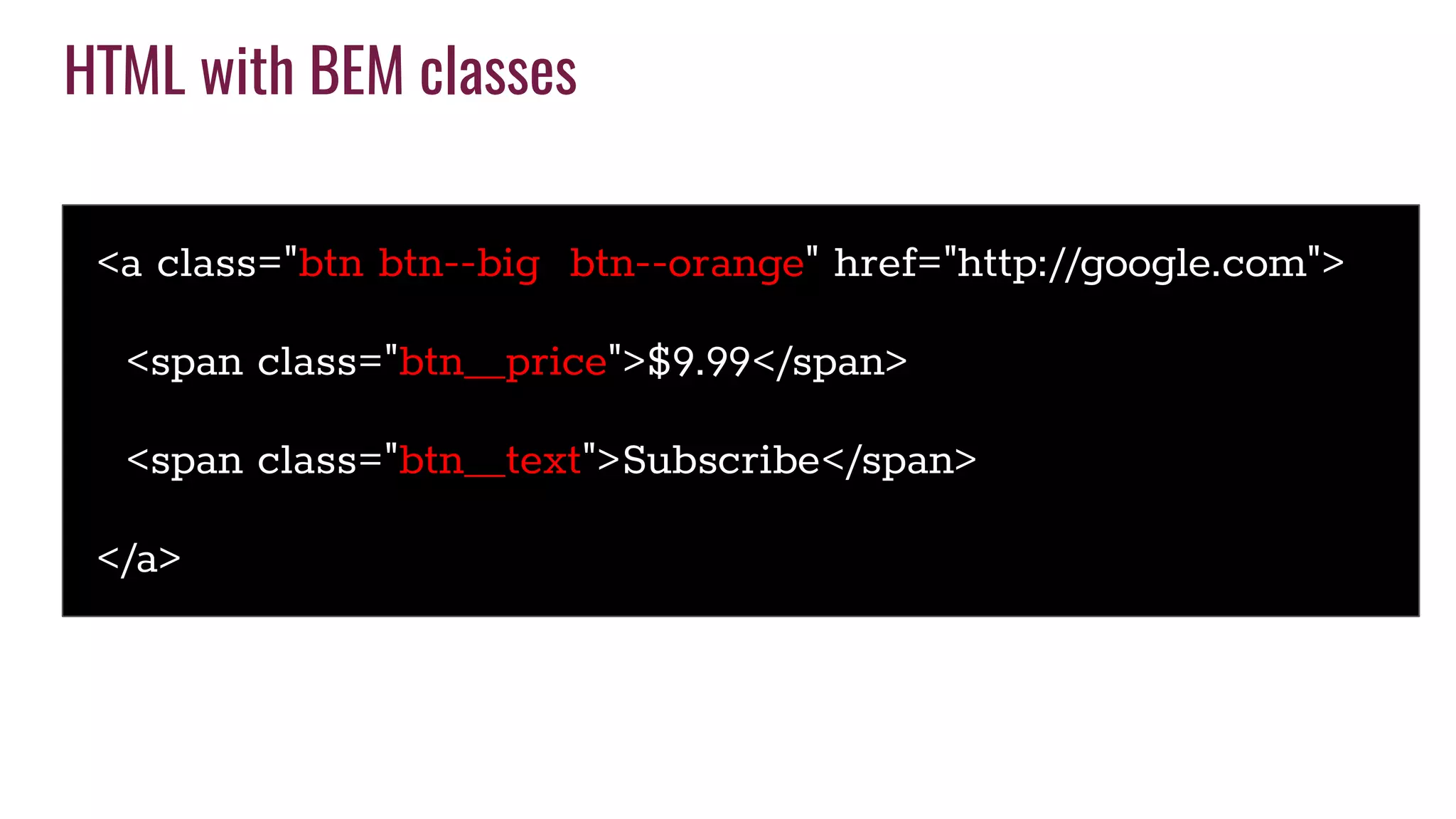
HTML with BEM classes
<a class="btn btn--big btn--orange" href="http://google.com">
<span class="btn__price">$9.99</span>
<span class="btn__text">Subscribe</span>
</a>
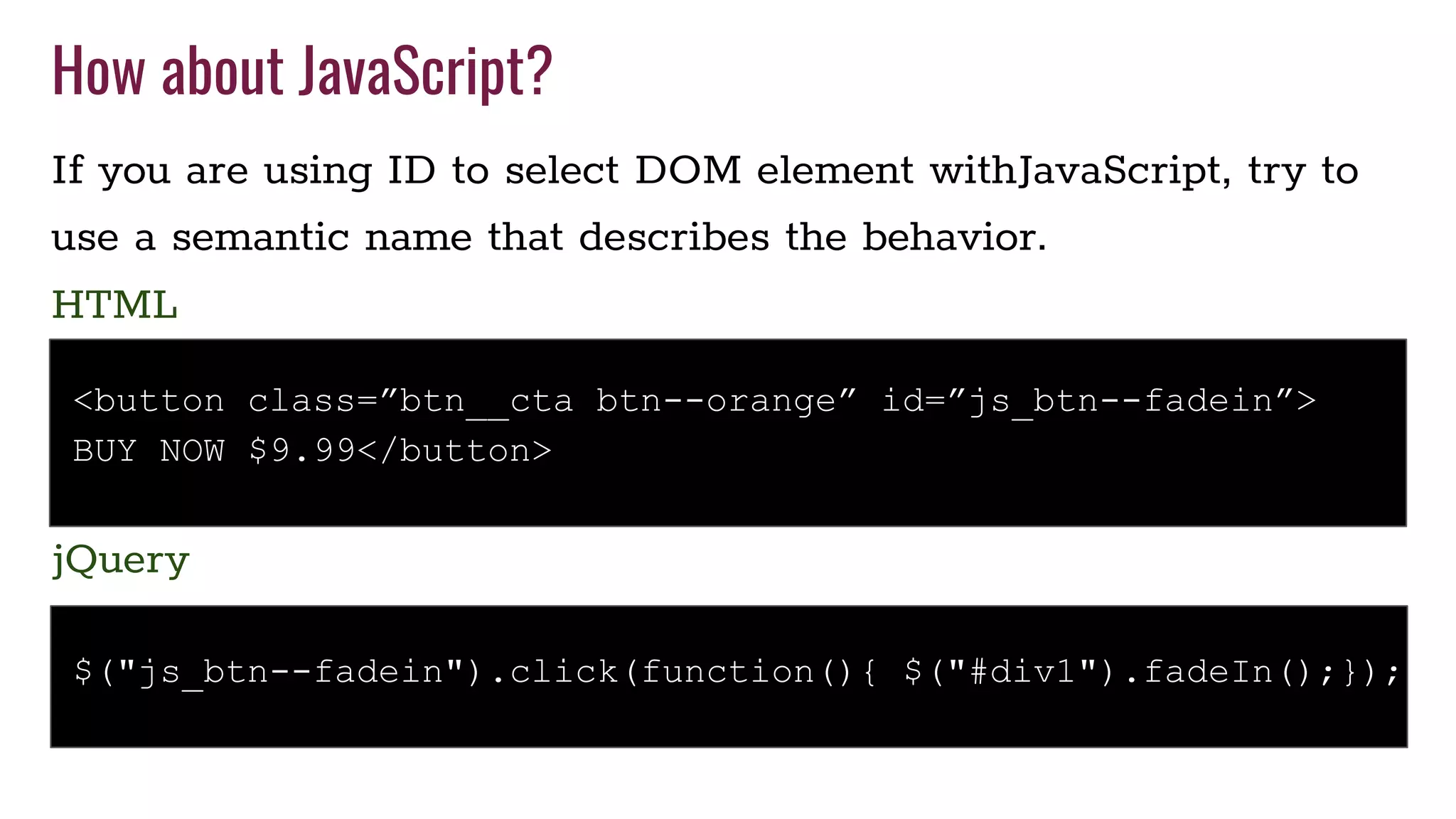
How about JavaScript?
If you are using ID to select DOM element withJavaScript, try to
use a semantic name that describes the behavior.
$("js_btn--fadein").click(function(){ $("#div1").fadeIn();});
jQuery
<button class=”btn__cta btn--orange” id=”js_btn--fadein”>
BUY NOW $9.99</button>
HTML
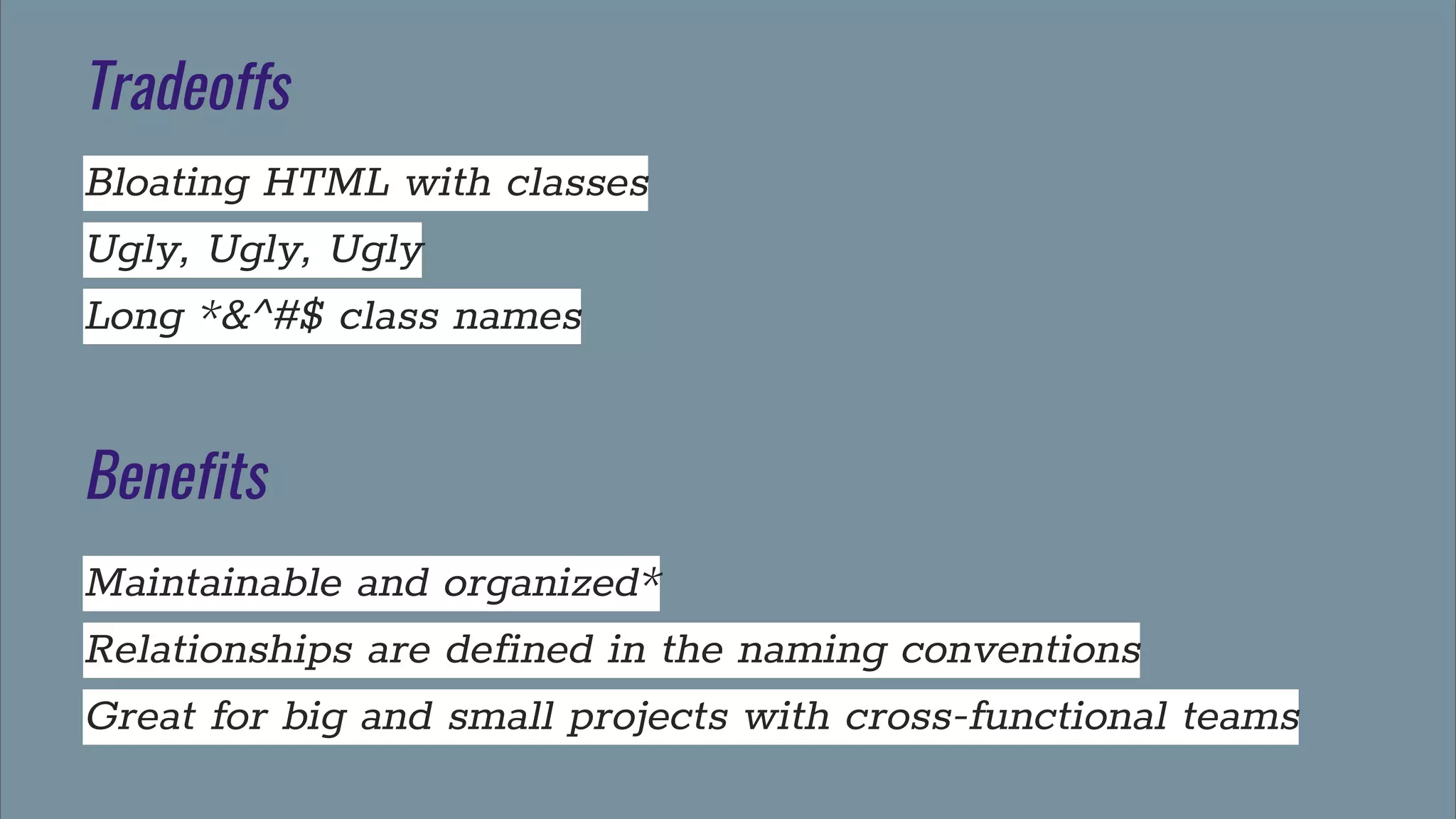
Tradeoffs
Bloating HTML with classes
Ugly, Ugly, Ugly
Long *&^#$ class names
Benefits
Maintainable and organized*
Relationships are defined in the naming conventions
Great for big and small projects with cross-functional teams

OOCSS, SMACSS or BEM, what is the question...

  • 1.
    OOCSS, SMACSS orBEM? @micposso
  • 2.
    Michael Posso Front-End developer@babbel NYC Email Marketing MeetUp Organizer @micposso
  • 3.
    Tables base structure Lotsof #ID selectors Separate Structure from Styles Animated GIFs No semantics Adobe FLASH!!!! Old School “Web Design”
  • 4.
  • 5.
    (SEMANTICS) Semantics is thestudy of the meaning of linguistic expressions
  • 6.
    (Object Oriented) A systemto be modeled as a set of objects that can be controlled and manipulated in a modular manner < Inheritance, can be extended and reusable >
  • 7.
    (CSS Specificity) Every selectorhas its place in the specificity hierarchy smashingmagazine.com/2007/07/css-specificity-things-you-should-know/
  • 8.
    (Comment you code) Helpyour fellow coders
  • 9.
    Samples of CSScomment styles /* ====== media ====== */ /* _header styles */ /* * — Section Heading — */ /** * High level descriptions or summaries */ http://cssguidelin.es/#commenting
  • 10.
    Semantics in HTML5and CSS HTML5 introduced a new elements that can improve semantics of your code. With this semantic elements and semantic naming in your CSS classes, they can complement each other. <nav class=”primary”> </nav> <section class=”main”> </section> <aside class=”sidebar”> </aside>
  • 11.
    How to applysemantics in a global team Global teams deal with a variety of cultures and linguistics differences that can make semantics hard to apply. Guidelines document Use Interfaces Delegate a reviewer
  • 12.
    CSS Resets, whichone you use? “The reset styles given here are intentionally very generic. I don’t particularly recommend that you just use this in its unaltered state in your own projects. It should be tweaked, edited, extended, and otherwise tuned to match your specific reset baseline”. Eric Meyer Eric Myer’s Reset HTML5 Doctor Your own?
  • 13.
  • 14.
  • 15.
    OOCSS Principles Separate Structureand Skin LAYOUT VS STYLES Separate Container from Content CONTAINER is not affected by its CONTENT
  • 16.
    Object Oriented CSSBest Practices Classes instead of IDs for styling No multi-level descendant class specificity unless needed Define your design in “Components” Extend elements with targeted classes rather than parent classes Mix and Match components Organize your stylesheet into sections Consider adding a table of contents Camel case your class names - naming is oriented around the “object”
  • 17.
    Basic Structure Reset GRID Text styles -headings -content ContentStyles -top level styles -component specific
  • 18.
    Identify Common Properties .button1{border-radius, height, color, font style, line-height, padding} .button2 {border-radius, height, color, font style, line-height, padding} .button3 {border-radius, height, color, font style, line-height, padding} <div class=”button1”>Buy Now</div> <div class=”button2”>More Information</div> <div class=”button3”>Go Back</div>
  • 19.
    OOCSS Way .button-skin {border-radius,height, padding} .cta {color, background-color} .attention {color, background-color} .enable {color, background-color} <div class=”button-skin cta”>Buy Now</div> <div class=”button-skin attention”>More Information</div> <div class=”button-skin enable”>Go Back</div>
  • 20.
    The Media ObjectExample <div class="media"> <a href="http://twitter.com/stubbornella" class="img"> <img src="img.jpg" alt="Stubbornella" /> </a> <div class="bd"> <p>@Stubbornella</p> </div> </div> https://github.com/stubbornella/oocss/wiki/Content
  • 21.
    The Media ObjectExample /* ====== media ====== */ .media {margin:10px;} .media, .bd {overflow:hidden; _overflow:visible; zoom:1;} .media .img {float:left; margin-right: 10px;} .media .img img{display:block;} .media .imgExt{float:right; margin-left: 10px;} https://github.com/stubbornella/oocss/wiki/Content
  • 22.
    The Media ObjectExample (html + css)
  • 23.
    Tradeoffs Bloating of theHTML More CSS rules Have to update HTML to make changes Benefits Maintainable and organized* Easy to implement, no tools necessary DRY CSS Good for big and small projects
  • 24.
  • 25.
    SMACSS Developed by JonathanSnook @snookca https://snook.ca/ https://smacss.com/
  • 26.
    Categorizing CSS Rules 1.Base 2. Layout 3. Module 4. State 5. Theme - Optional
  • 27.
    File Architecture withPlain CSS index.css - This is what will be linked in the HTML head. It uses @import to bring the rest of the files into the document base.css - reset, IDs and Element selectors OK layout.css theme.css - optional module.css - will import other files from the modules folder Modules folder -media.css -text-box.css
  • 28.
    Using Sass index.scss _base.scss _layout.scss _theme.scss -optional _module.scss _var.scss _utils.scss Modules folder -media.scss -text-box.scss
  • 29.
    (Space Naming) Use spacenaming with SMACSS
  • 30.
    Space Naming forClasses layout.css .l-right {float: right;} .l-left {float: left;} .l-align-center {text-align: center;} .l-align-left {text-align: left;} .l-align-right {text-align: right;}
  • 31.
    Space Naming forClasses modules/cards.css .card {} .card--label {} .card--meta {} .card--meta {} .card--copy {}
  • 32.
    Tradeoffs Complicated Structure Requires precompiler* Bloating HTML with classes Benefits Maintainable and organized* Faster rendering by using OOCSS principles DRY CSS Great for big projects with cross-functional teams
  • 33.
  • 34.
    BEM Developed by Yandex en.bem.info Itprovides a rather strict way to arrange your CSS classes into independent modules
  • 35.
    BEM best practices Everythingis a class Avoid nesting of any kind Keep CSS specificity very flat and low Descriptive names for classes Avoid element selectors CSS classes in BEM are called entities
  • 36.
    (BEM) BEM goal isto help developers better understand the relationship between the HTML and CSS in a given project
  • 37.
    BEM classes relationship .btn= BLOCK .btn__price = ELEMENT Is the class that depends on .btn to work .btn--orange= MODIFIER Extend the .btn class A representation of a web page structure in terms of blocks, elements, and modifiers BEM tree
  • 38.
    Using BEM namingconventions /* Block component */ .btn {} /* Element that depends upon the block */ .btn__price {} /* Modifier that changes the style of the block */ .btn--orange {} or .btn__price--orange
  • 39.
    HTML with BEMclasses <a class="btn btn--big btn--orange" href="http://google.com"> <span class="btn__price">$9.99</span> <span class="btn__text">Subscribe</span> </a>
  • 40.
    How about JavaScript? Ifyou are using ID to select DOM element withJavaScript, try to use a semantic name that describes the behavior. $("js_btn--fadein").click(function(){ $("#div1").fadeIn();}); jQuery <button class=”btn__cta btn--orange” id=”js_btn--fadein”> BUY NOW $9.99</button> HTML
  • 41.
    Tradeoffs Bloating HTML withclasses Ugly, Ugly, Ugly Long *&^#$ class names Benefits Maintainable and organized* Relationships are defined in the naming conventions Great for big and small projects with cross-functional teams