The busy developers guide to Docker
Maurice de Beijer - @mauricedb
ROME 24-25 MARCH 2017
Who am I?
• Maurice de Beijer
• The Problem Solver
• Microsoft Azure MVP
• Freelance developer/instructor
• Twitter: @mauricedb and @React_Tutorial
• Web: http://www.TheProblemSolver.nl
• E-mail: maurice.de.beijer@gmail.com
2
Overview
• What are containers
• Why use container technology?
• What is Docker
• Creating and running Docker images
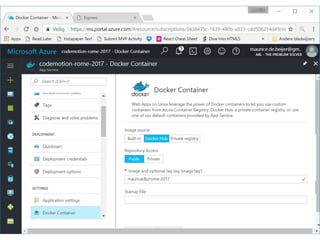
• Hosting a Docker image on Azure
3
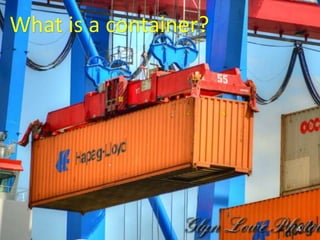
What is a container?
4
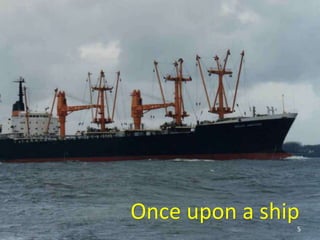
Once upon a ship
5
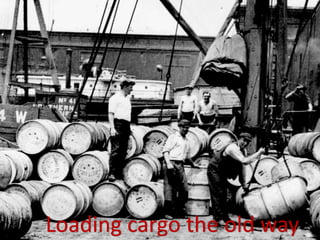
Loading cargo the old way6
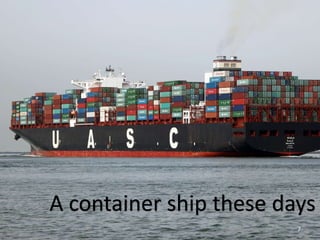
A container ship these days
7
Loading is a bit faster
8
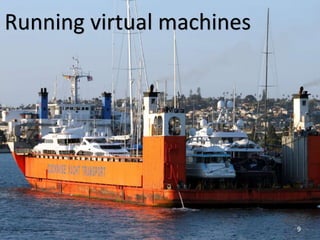
Running virtual machines
9
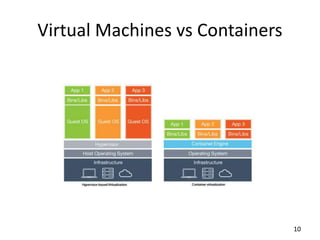
Virtual Machines vs Containers
10
Namespaces
Cgroups
Union file system
11
What is Docker?
12
Docker Hub
13
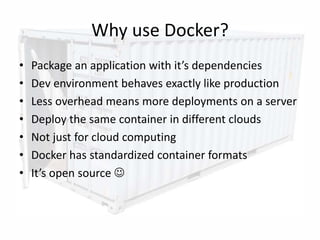
Why use Docker?
• Package an application with it’s dependencies
• Dev environment behaves exactly like production
• Less overhead means more deployments on a server
• Deploy the same container in different clouds
• Not just for cloud computing
• Docker has standardized container formats
• It’s open source 
14
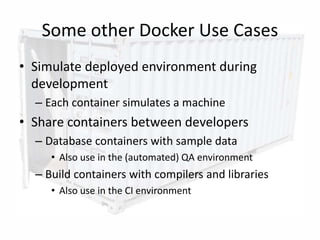
Some other Docker Use Cases
• Simulate deployed environment during
development
– Each container simulates a machine

• Share containers between developers
– Database containers with sample data
• Also use in the (automated) QA environment
– Build containers with compilers and libraries
• Also use in the CI environment
15
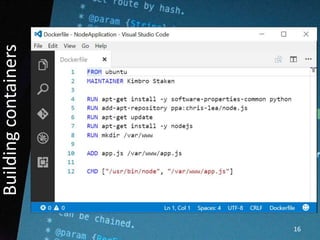
Buildingcontainers
16
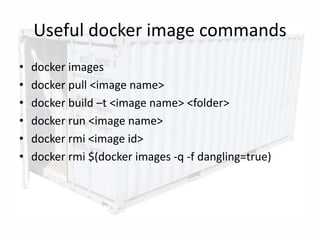
Useful docker image commands
• docker images
• docker pull <image name>
• docker build –t <image name> <folder>
• docker run <image name>
• docker rmi <image id>
• docker rmi $(docker images -q -f dangling=true)
17
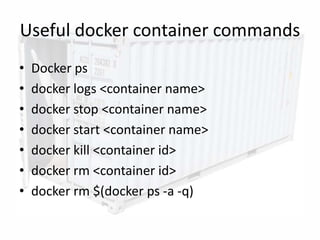
Useful docker container commands
• Docker ps
• docker logs <container name>
• docker stop <container name>
• docker start <container name>
• docker kill <container id>
• docker rm <container id>
• docker rm $(docker ps -a -q)
18
19
Orchestration
20
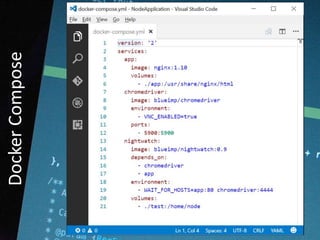
DockerCompose
21
22
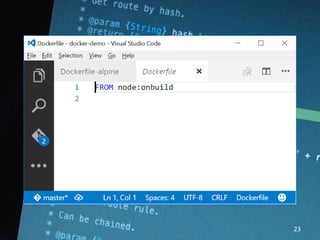
23
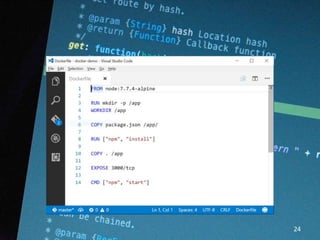
24
DockeronWindows
25
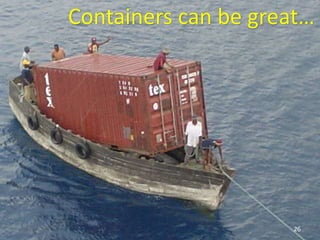
Containers can be great…
26
27
28
29
30
31
32
33
34
35
36
Maurice de Beijer - @mauricedb

The busy developer guide to Docker

Editor's Notes

  • #4 https://www.flickr.com/photos/quinnanya/5046072204/
  • #5 A single lift takes 40 tons of cargo https://www.flickr.com/photos/glynlowe/14369663877
  • #6 Ships where not very efficient when loading/unloading
  • #7 A lot of people were needed to move cargo in small units
  • #8 Large container ships move unknown cargo very efficiently https://www.flickr.com/photos/rhemkes/15398653092
  • #9 Loading is much more efficient because of standard container sizes https://www.flickr.com/photos/anaulin/1047673820
  • #10 https://www.flickr.com/photos/prayitnophotography/4655585356
  • #11 Initial release13 March 2013
  • #12 Containers are based on Linux namespaces and cgroups Namespaces create separation The root can see everything Containers can only see things in their own namespace Existed before Docker Docker just makes things easier https://www.flickr.com/photos/prettybipolar/6938332165/
  • #14 Contains many ready to use images Upload your own
  • #17 A Docker file to create an image with NodeJS https://www.flickr.com/photos/nyuhuhuu/4443886636/
  • #21 https://www.flickr.com/photos/frederikmagle/7026769687
  • #22 Creating a Docker container with a CoreCLR application
  • #23 Creating a Docker container with a CoreCLR application
  • #24 Creating a Docker container with a CoreCLR application
  • #25 Creating a Docker container with a CoreCLR application
  • #26 Windows Server Containers Very much like the Linux Docker containers Available on site or in Azure Hyper-V Container More like a virtual machine then a traditional container Only available on site https://www.flickr.com/photos/schmollmolch/9816042533/

  • #30 https://www.flickr.com/photos/pfly/199823544/
  • #37 https://www.flickr.com/photos/krupptastic/4738992473
  • #38 https://www.flickr.com/photos/stevendepolo/4582437563/