
THE ANATOMY OF USER
EXPERIENCE
THE ART OF MAKING GOOD: QA & UX (1)
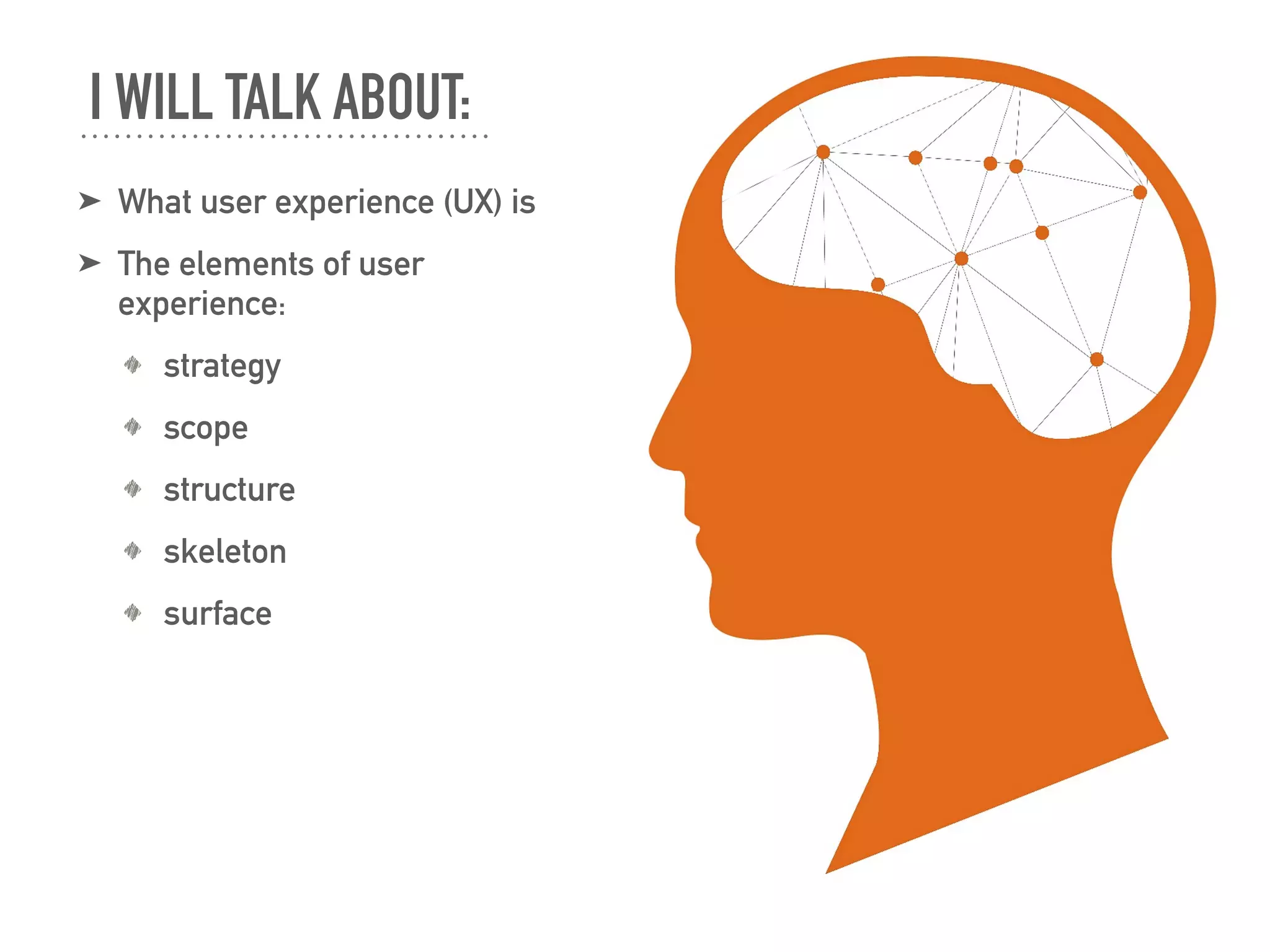
➤ What user experience (UX) is
➤ The elements of user
experience:
strategy
scope
structure
skeleton
surface
I WILL TALK ABOUT:
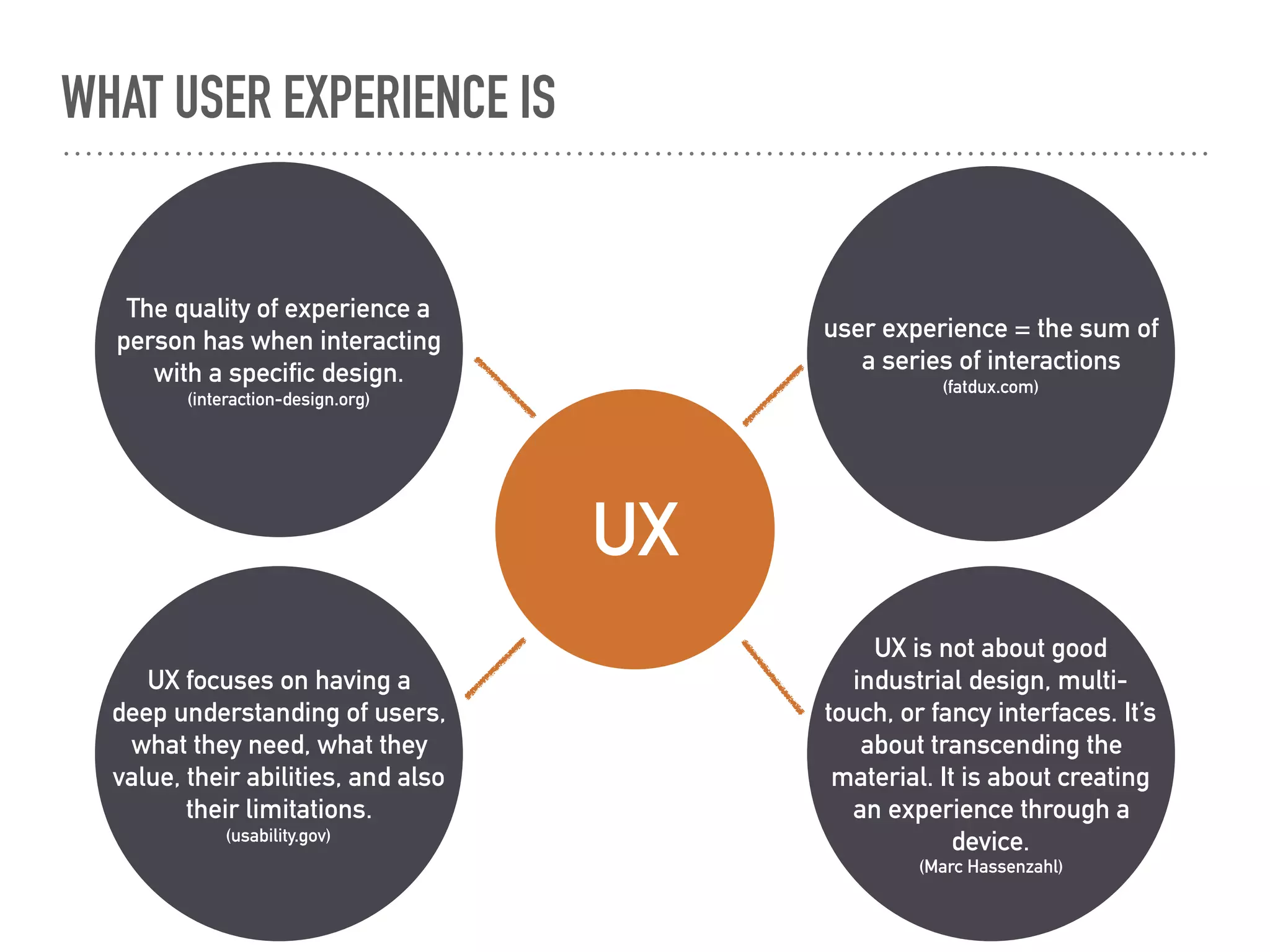
The quality of experience a
person has when interacting
with a specific design.
(interaction-design.org)
WHAT USER EXPERIENCE IS
UX is not about good
industrial design, multi-
touch, or fancy interfaces. It’s
about transcending the
material. It is about creating
an experience through a
device.
(Marc Hassenzahl)
UX focuses on having a
deep understanding of users,
what they need, what they
value, their abilities, and also
their limitations.
(usability.gov)
user experience = the sum of
a series of interactions
(fatdux.com)
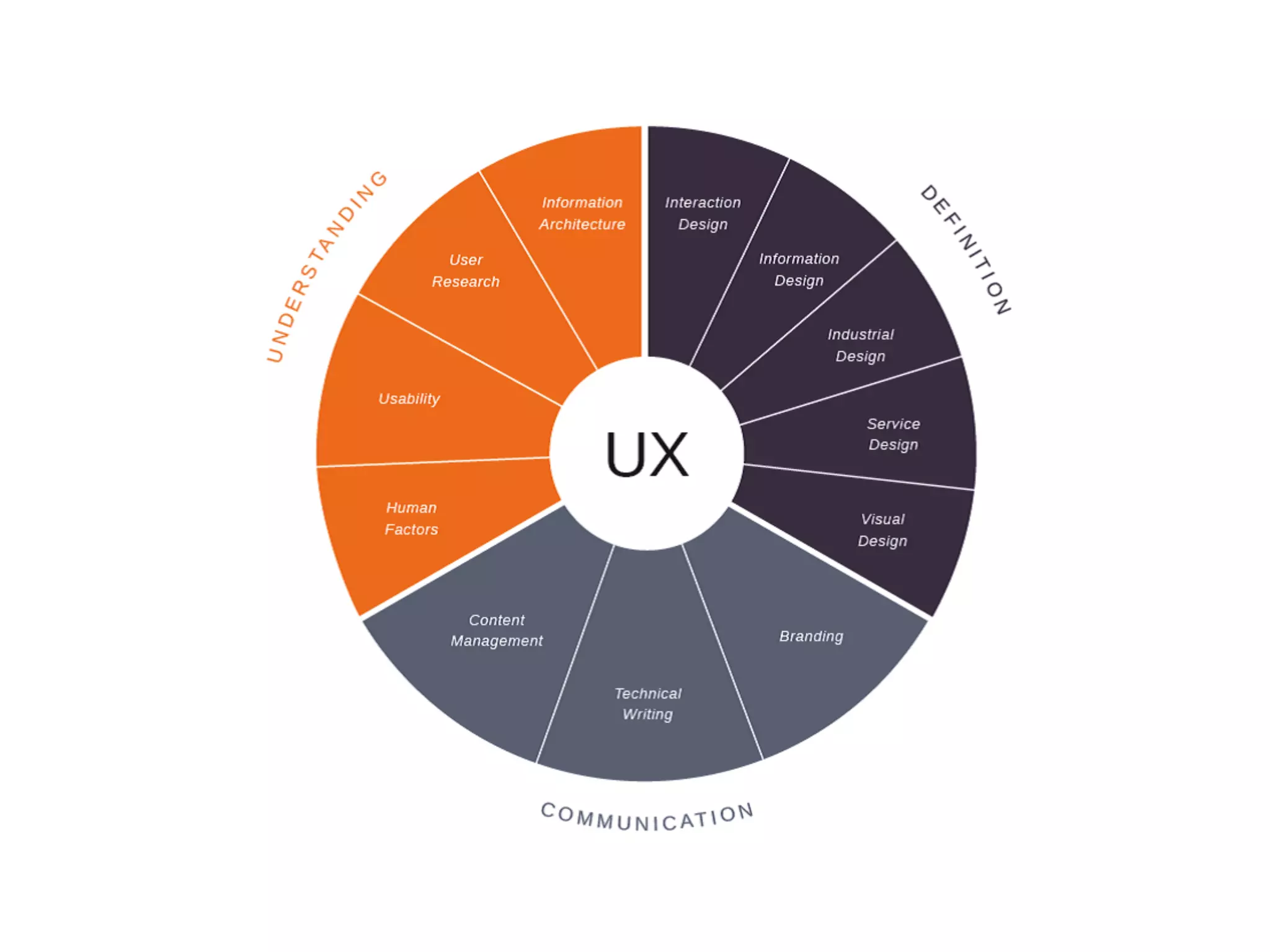
UX
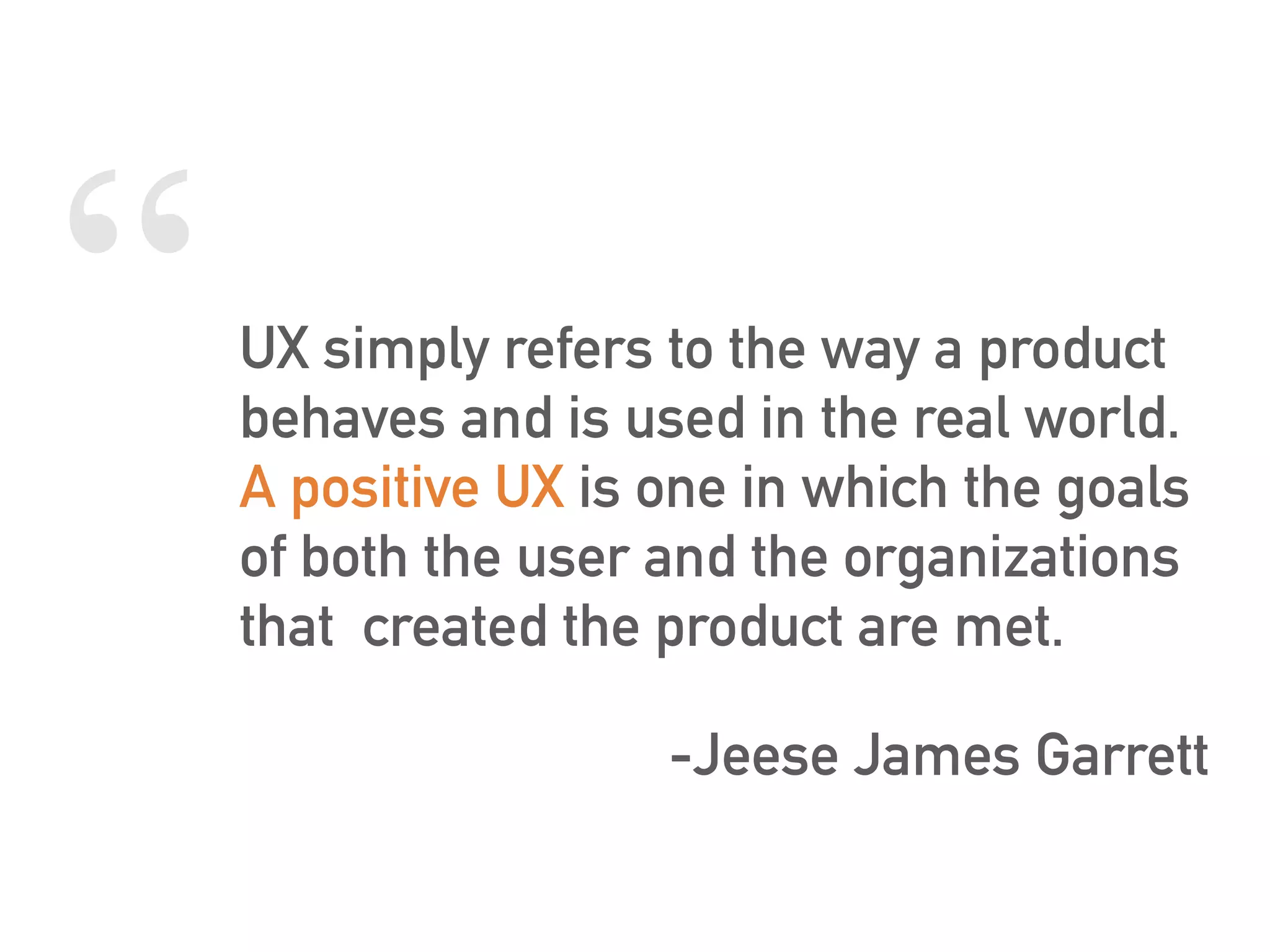
“UX simply refers to the way a product
behaves and is used in the real world.
A positive UX is one in which the goals
of both the user and the organizations
that created the product are met.
-Jeese James Garrett
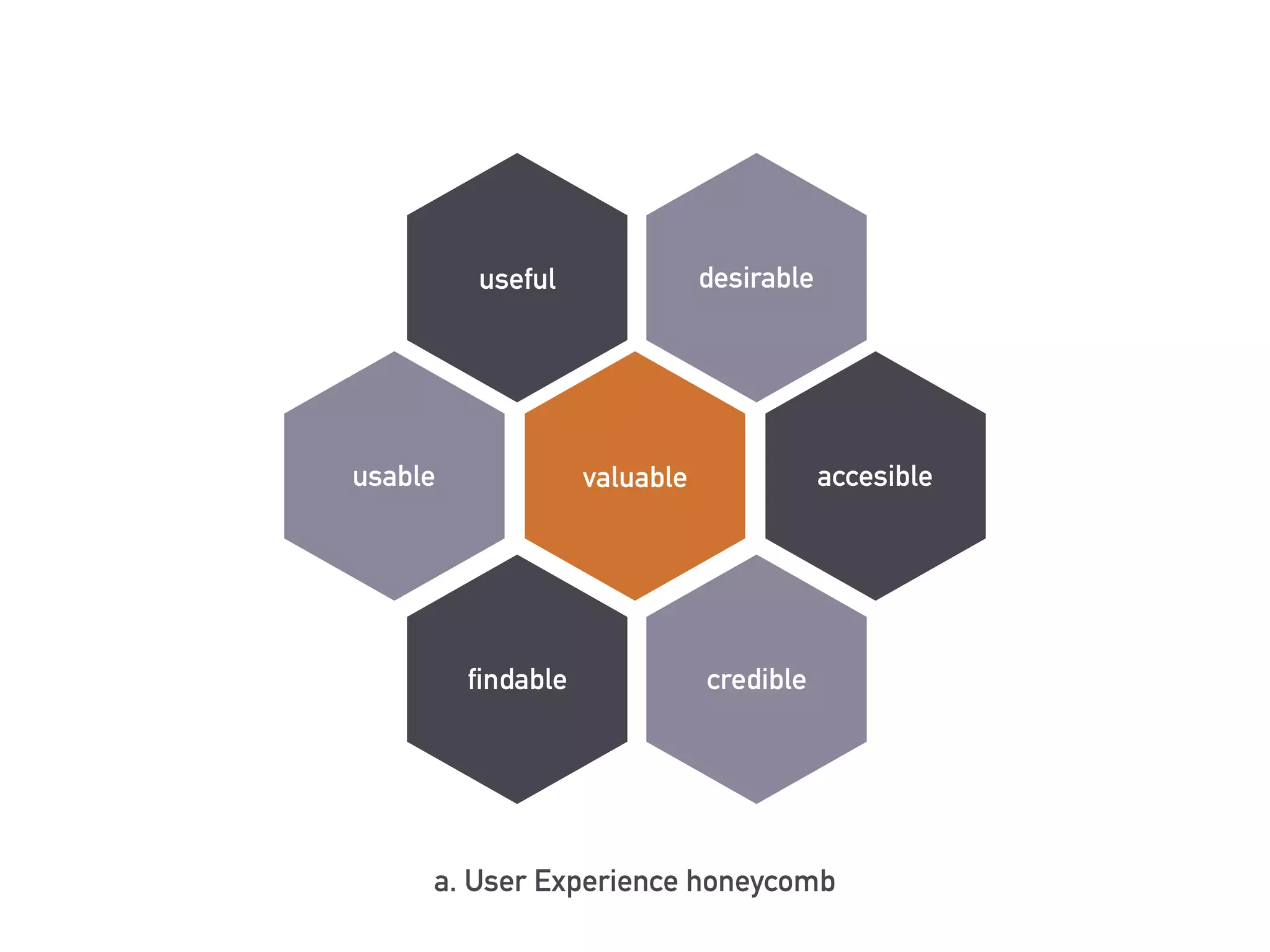
valuable
desirable
accesible
crediblefindable
usable
useful
a. User Experience honeycomb
WHY SHOULD WE CARE ABOUT UX?
➤ for increasing the user’s experience
and for a better product.
➤ the users who will use the product
have:
good experiences;
neutral experiences;
bad experiences.
➤ what the users want:
“my device, my way” (Joe Natoli);
needs to be met;
questions to be answered;
to be treated with respect.
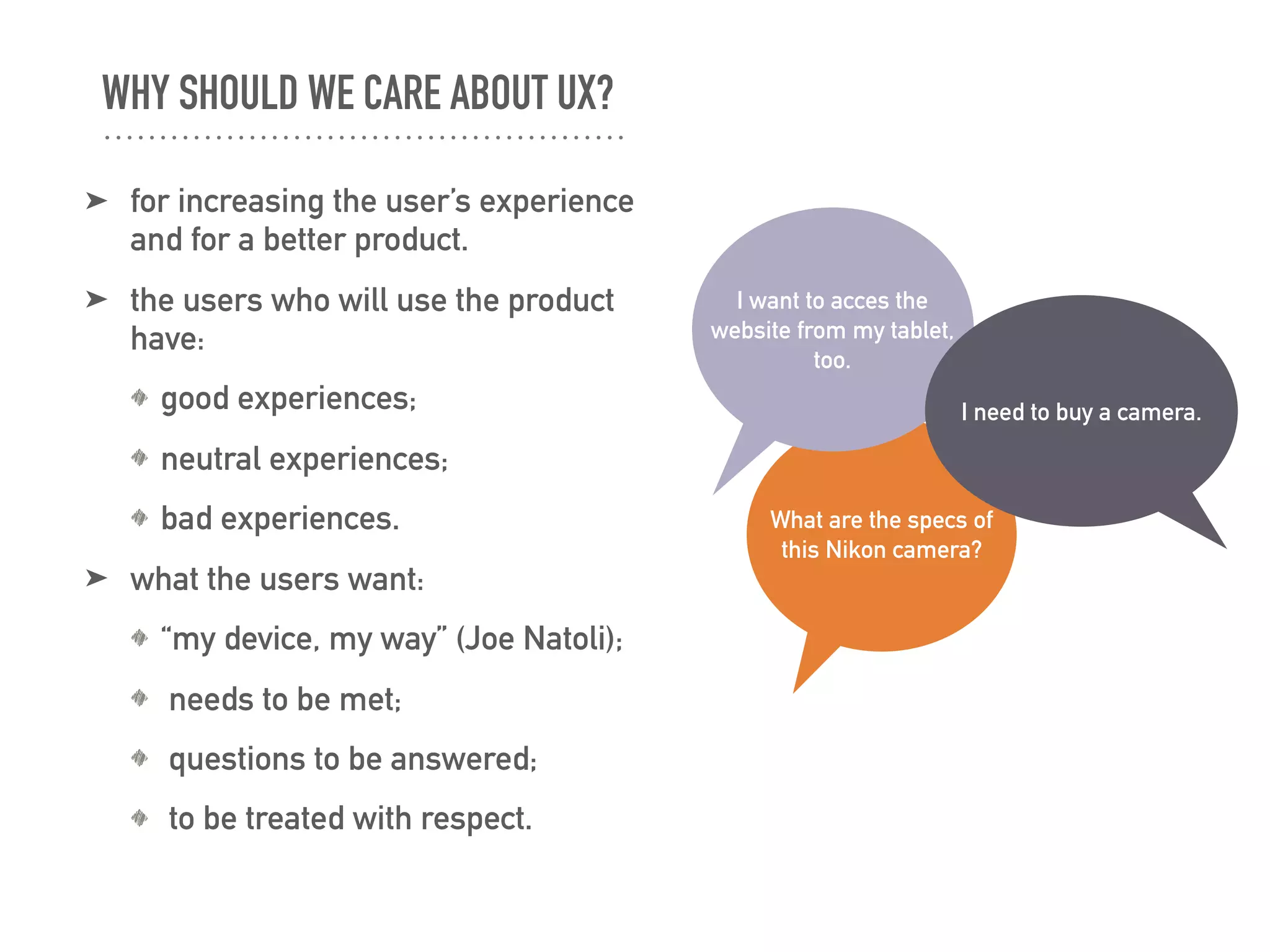
What are the specs of
this Nikon camera?
I want to acces the
website from my tablet,
too.
I need to buy a camera.
THE ELEMENTS OF USER EXPERIENCE
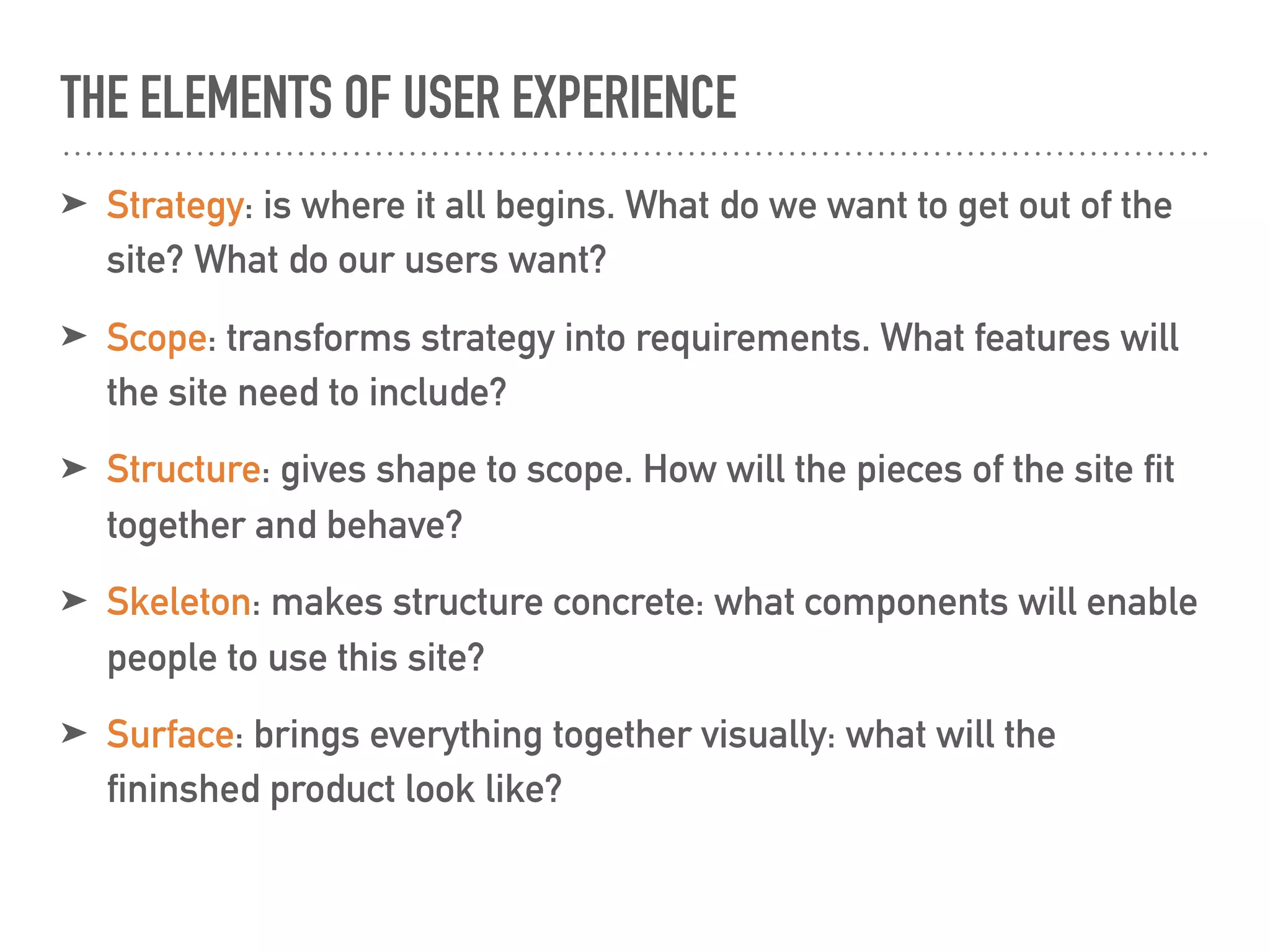
➤ Strategy: is where it all begins. What do we want to get out of the
site? What do our users want?
➤ Scope: transforms strategy into requirements. What features will
the site need to include?
➤ Structure: gives shape to scope. How will the pieces of the site fit
together and behave?
➤ Skeleton: makes structure concrete: what components will enable
people to use this site?
➤ Surface: brings everything together visually: what will the
fininshed product look like?
STRATEGY
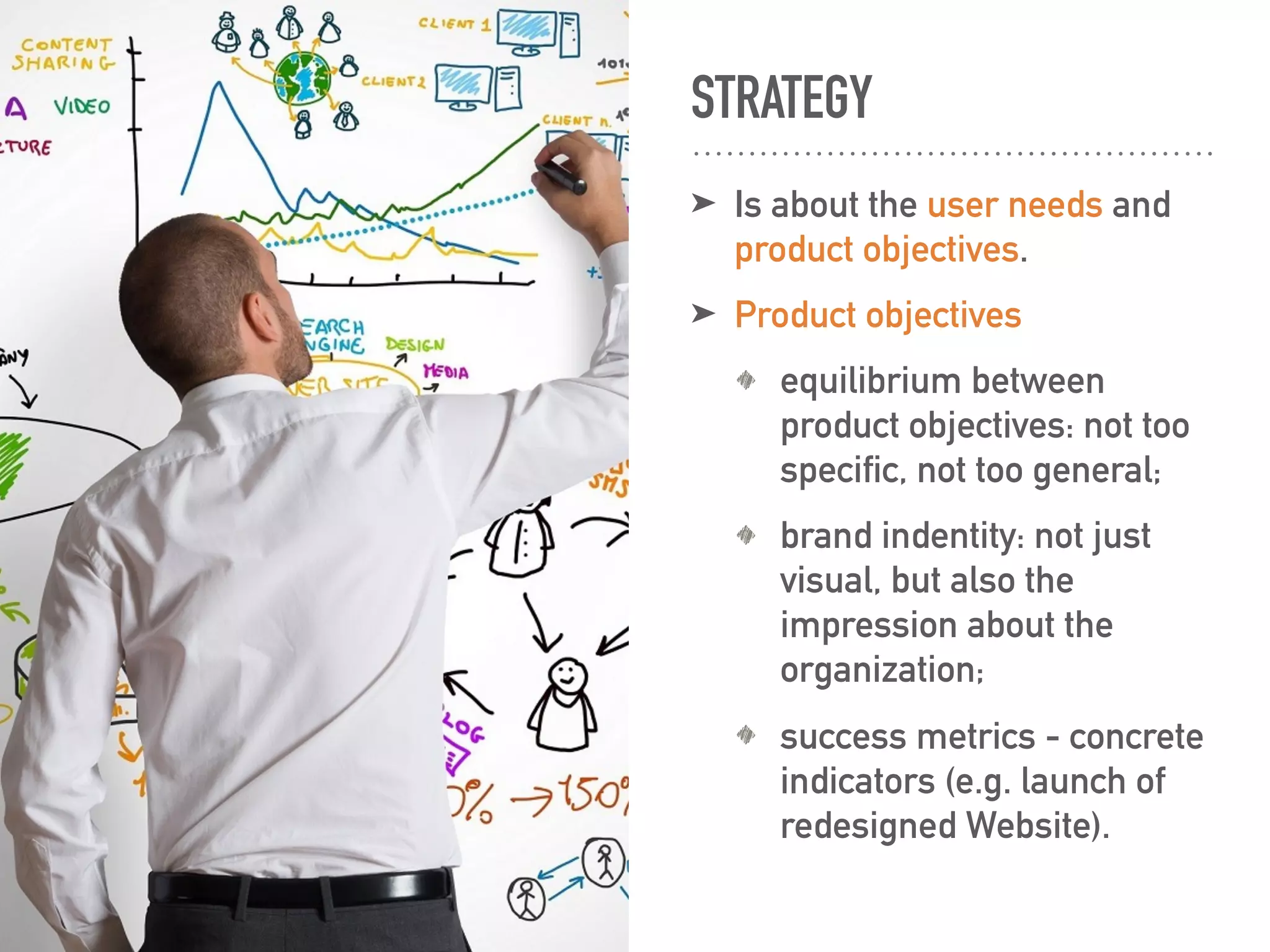
➤ Is about the user needs and
product objectives.
➤ Product objectives
equilibrium between
product objectives: not too
specific, not too general;
brand indentity: not just
visual, but also the
impression about the
organization;
success metrics - concrete
indicators (e.g. launch of
redesigned Website).
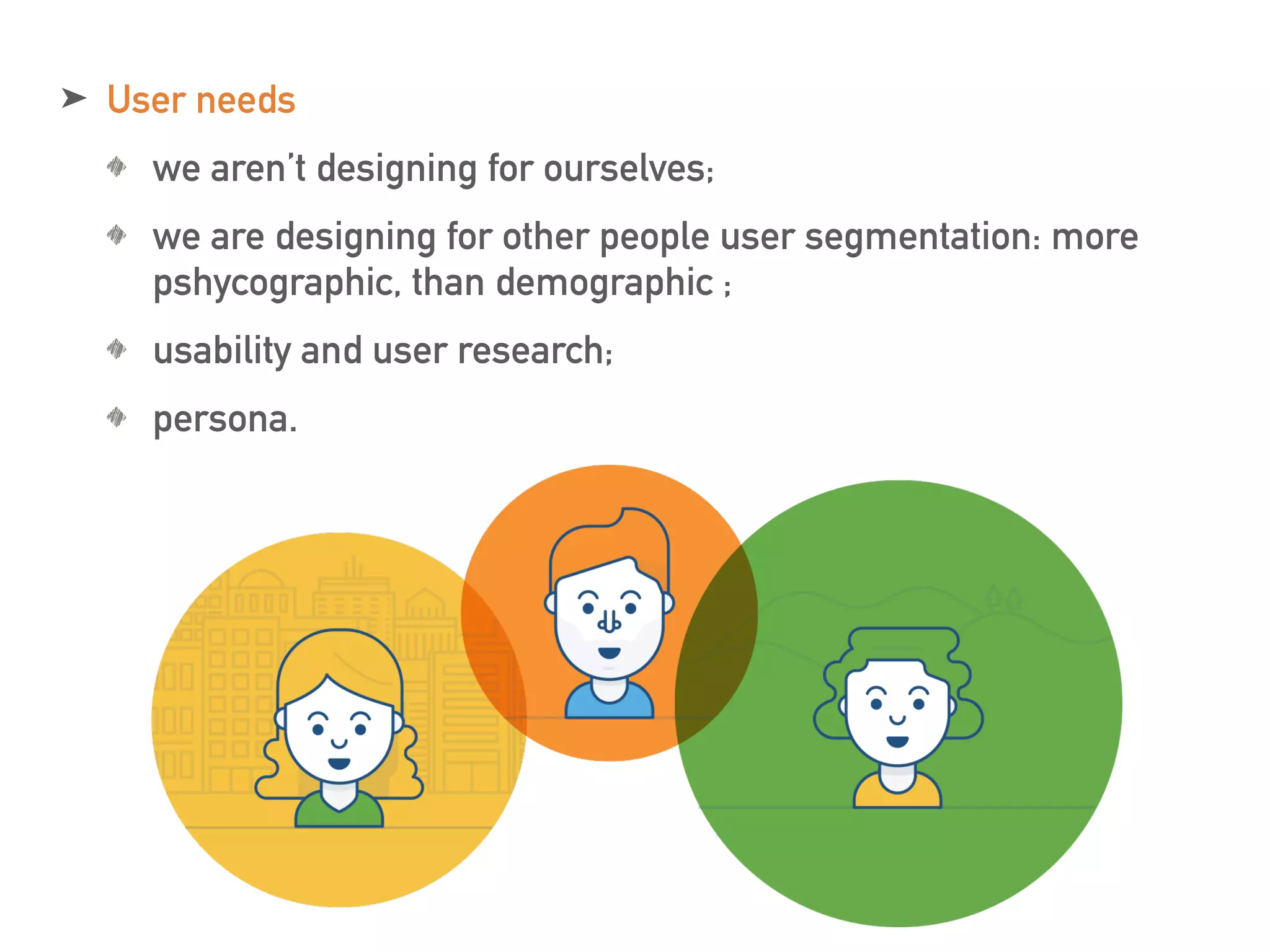
➤ User needs
we aren’t designing for ourselves;
we are designing for other people user segmentation: more
pshycographic, than demographic ;
usability and user research;
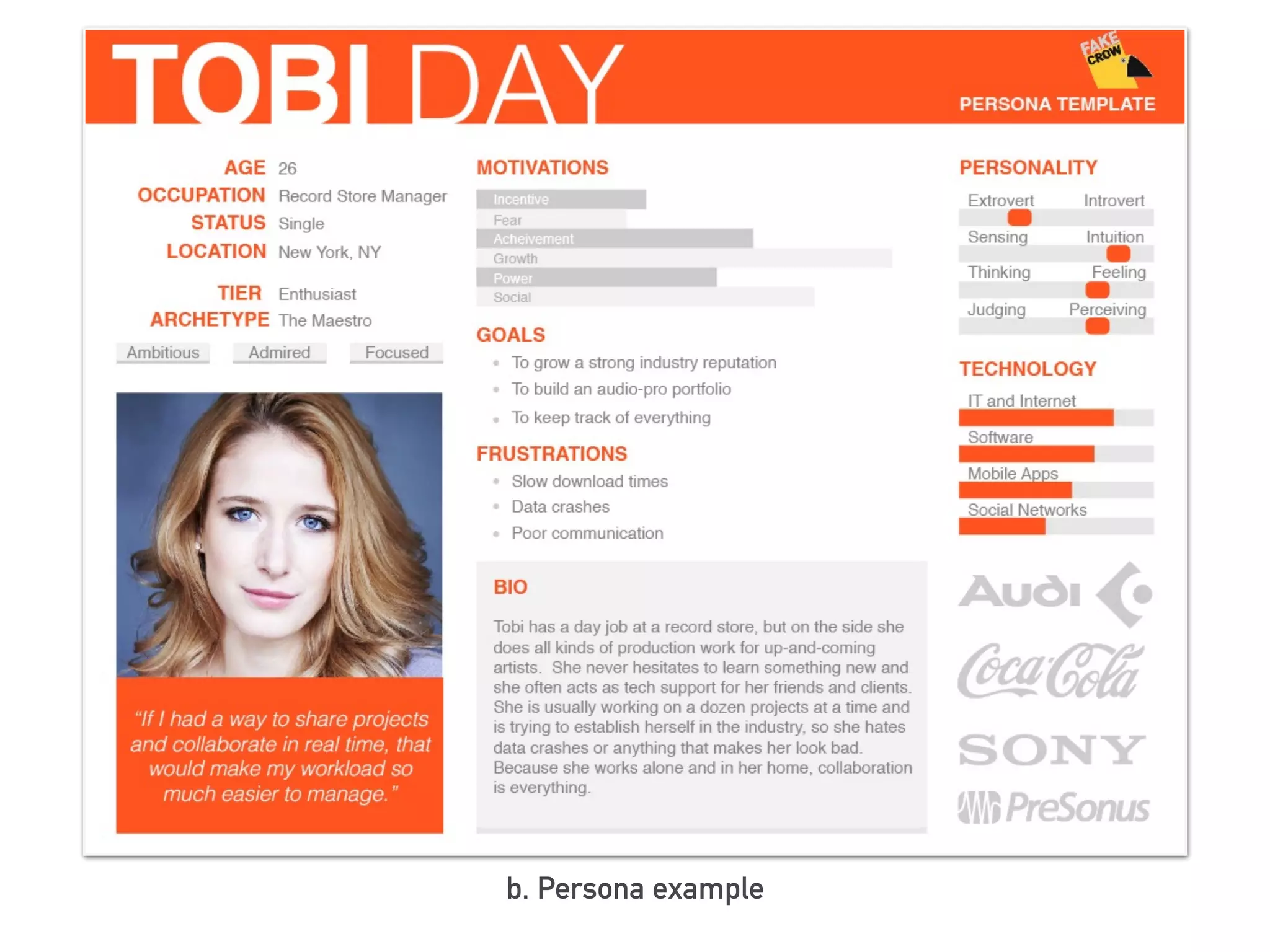
persona.
b. Persona example
SCOPE
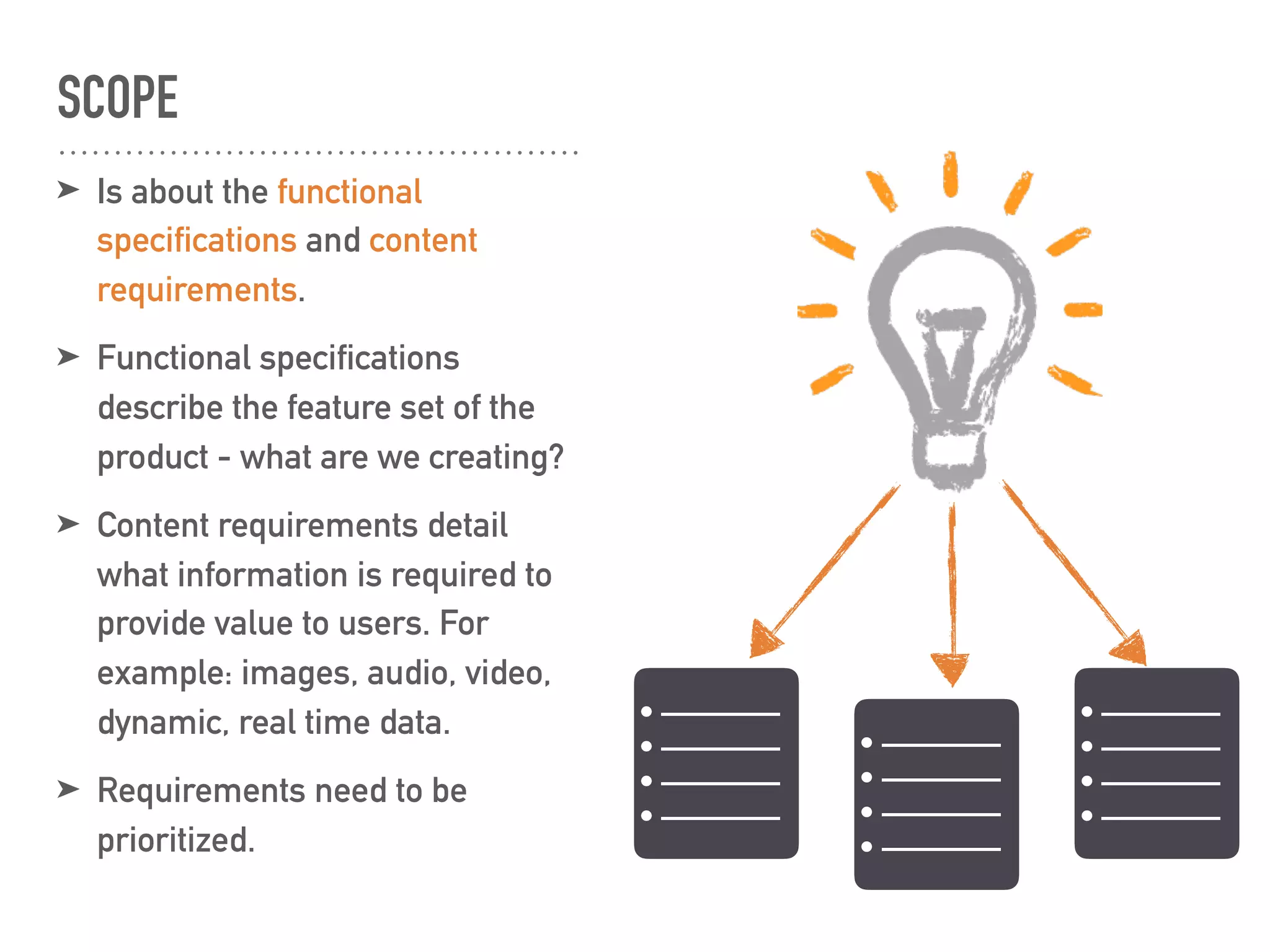
➤ Is about the functional
specifications and content
requirements.
➤ Functional specifications
describe the feature set of the
product - what are we creating?
➤ Content requirements detail
what information is required to
provide value to users. For
example: images, audio, video,
dynamic, real time data.
➤ Requirements need to be
prioritized.
• ————
• ————
• ————
• ————
• ————
• ————
• ————
• ————
• ————
• ————
• ————
• ————
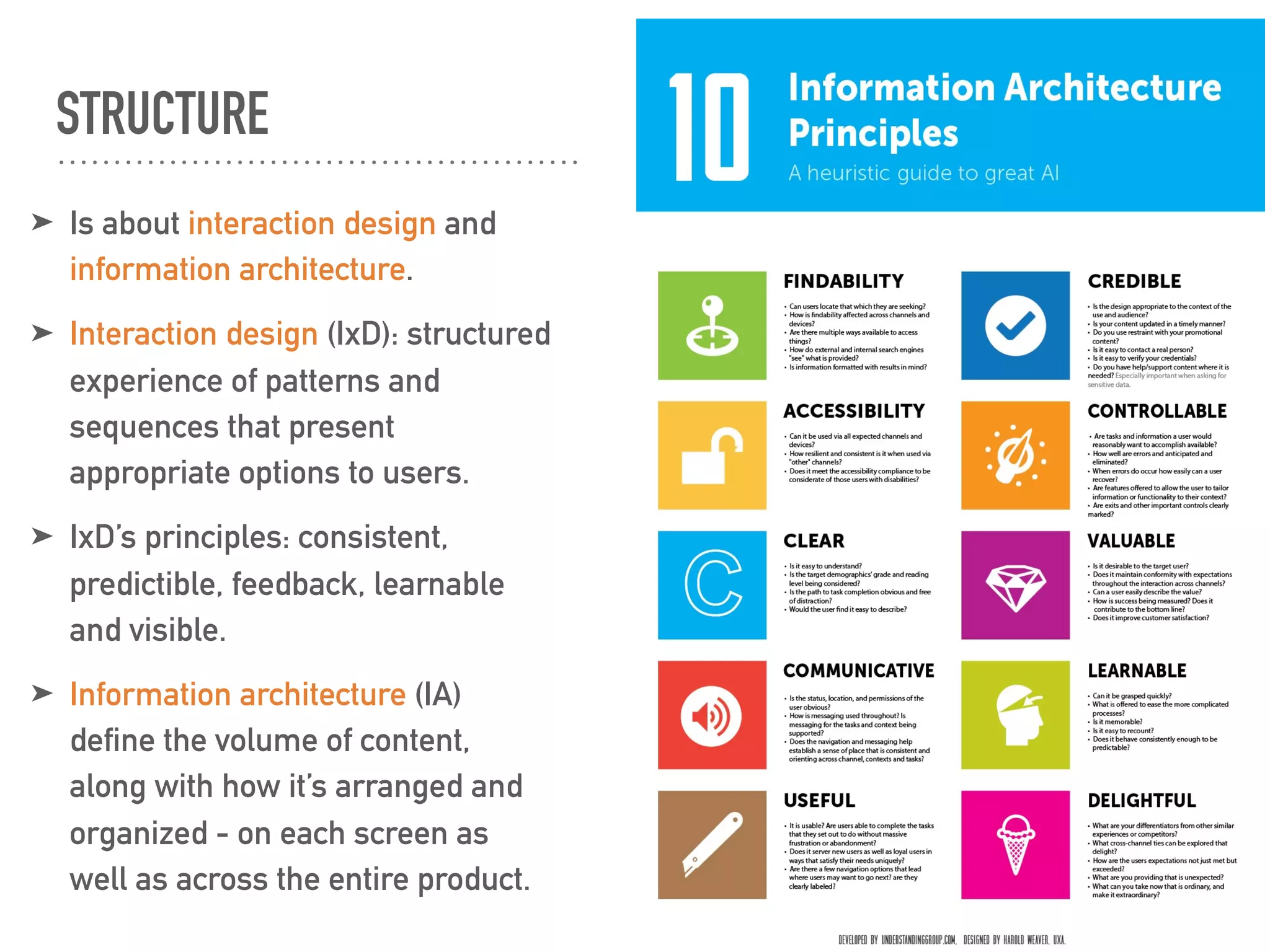
STRUCTURE
➤ Is about interaction design and
information architecture.
➤ Interaction design (IxD): structured
experience of patterns and
sequences that present
appropriate options to users.
➤ IxD’s principles: consistent,
predictible, feedback, learnable
and visible.
➤ Information architecture (IA)
define the volume of content,
along with how it’s arranged and
organized - on each screen as
well as across the entire product.
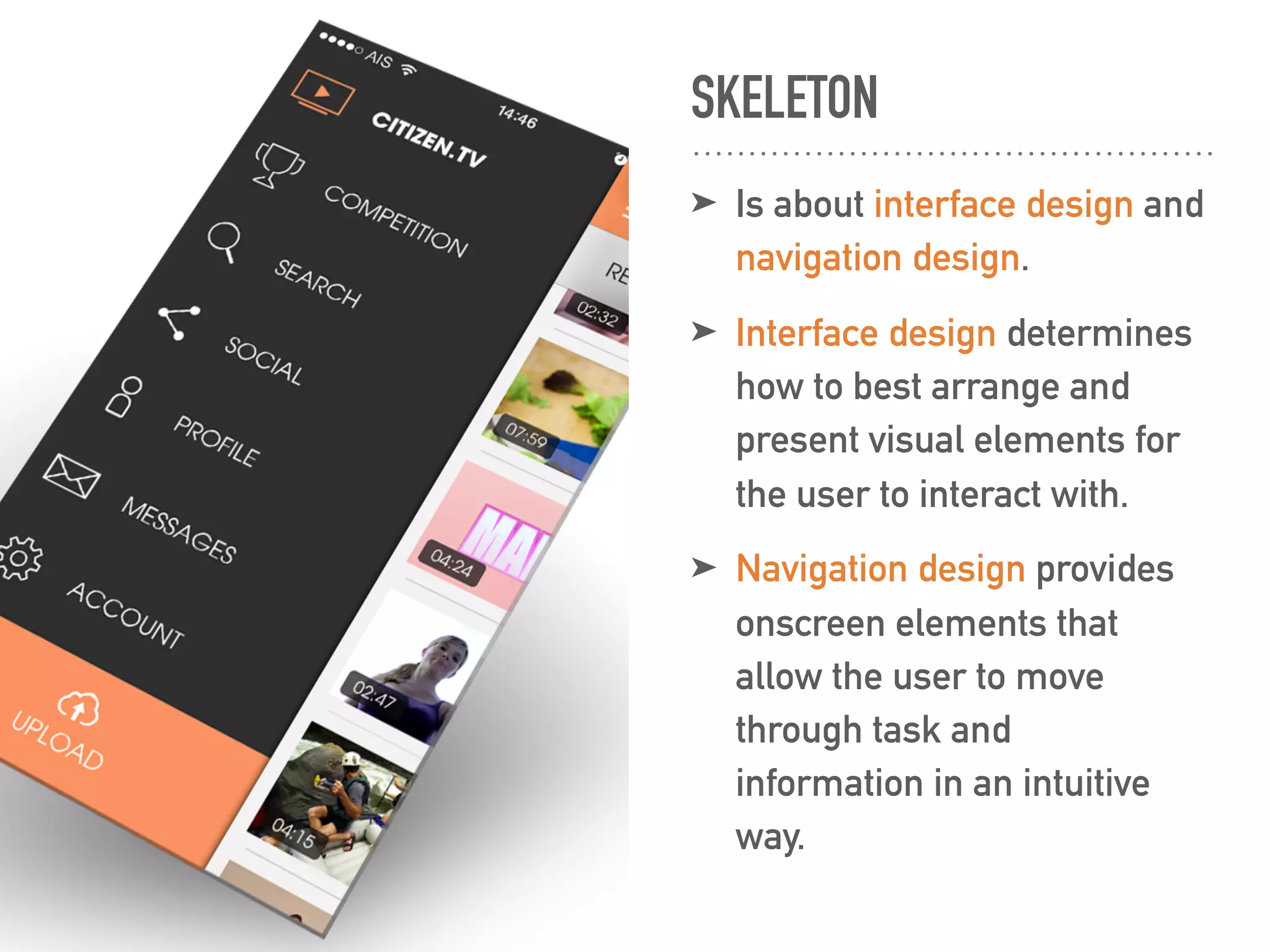
SKELETON
➤ Is about interface design and
navigation design.
➤ Interface design determines
how to best arrange and
present visual elements for
the user to interact with.
➤ Navigation design provides
onscreen elements that
allow the user to move
through task and
information in an intuitive
way.
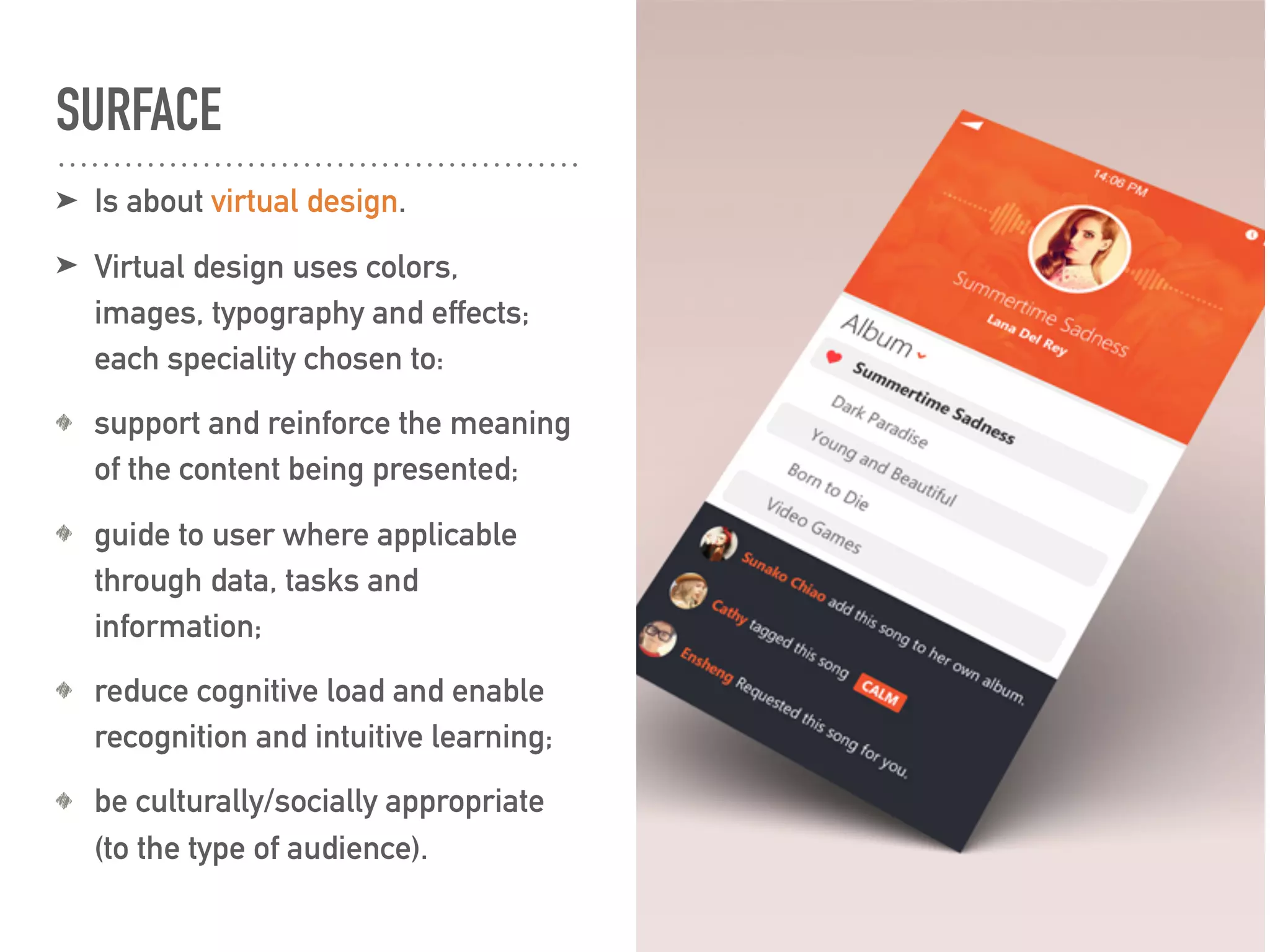
SURFACE
➤ Is about virtual design.
➤ Virtual design uses colors,
images, typography and effects;
each speciality chosen to:
support and reinforce the meaning
of the content being presented;
guide to user where applicable
through data, tasks and
information;
reduce cognitive load and enable
recognition and intuitive learning;
be culturally/socially appropriate
(to the type of audience).
QUESTIONS?
BIOGRAPHY & RESOURCES
➤ “User experience design fundamentals” course taught by Joe Natoli
➤ “The elements of user experience” by Jesse James Garrett
➤ interaction-design.org
➤ http://www.slimbooks.com
➤ https://www.linkedin.com/pulse/usability-versus-user-experience-hannes-
robier
➤ http://asystems.as/products-assessments/abstract-reasoning-test
➤ http://fakecrow.com
➤ http://www.sapuxdome.com/tag/sap-ux-strategy/
➤ https://dribbble.com/shots
➤ http://popista.com/mobile-app-navigation-design/early-main-navigation-
design/30738
➤ http://haroldweaver.co

The art of making good: qa & ux (1)

  • 1.
    THE ANATOMY OFUSER EXPERIENCE THE ART OF MAKING GOOD: QA & UX (1)
  • 3.
    ➤ What userexperience (UX) is ➤ The elements of user experience: strategy scope structure skeleton surface I WILL TALK ABOUT:
  • 4.
    The quality ofexperience a person has when interacting with a specific design. (interaction-design.org) WHAT USER EXPERIENCE IS UX is not about good industrial design, multi- touch, or fancy interfaces. It’s about transcending the material. It is about creating an experience through a device. (Marc Hassenzahl) UX focuses on having a deep understanding of users, what they need, what they value, their abilities, and also their limitations. (usability.gov) user experience = the sum of a series of interactions (fatdux.com) UX
  • 5.
    “UX simply refersto the way a product behaves and is used in the real world. A positive UX is one in which the goals of both the user and the organizations that created the product are met. -Jeese James Garrett
  • 6.
  • 7.
    WHY SHOULD WECARE ABOUT UX? ➤ for increasing the user’s experience and for a better product. ➤ the users who will use the product have: good experiences; neutral experiences; bad experiences. ➤ what the users want: “my device, my way” (Joe Natoli); needs to be met; questions to be answered; to be treated with respect. What are the specs of this Nikon camera? I want to acces the website from my tablet, too. I need to buy a camera.
  • 8.
    THE ELEMENTS OFUSER EXPERIENCE ➤ Strategy: is where it all begins. What do we want to get out of the site? What do our users want? ➤ Scope: transforms strategy into requirements. What features will the site need to include? ➤ Structure: gives shape to scope. How will the pieces of the site fit together and behave? ➤ Skeleton: makes structure concrete: what components will enable people to use this site? ➤ Surface: brings everything together visually: what will the fininshed product look like?
  • 9.
    STRATEGY ➤ Is aboutthe user needs and product objectives. ➤ Product objectives equilibrium between product objectives: not too specific, not too general; brand indentity: not just visual, but also the impression about the organization; success metrics - concrete indicators (e.g. launch of redesigned Website).
  • 10.
    ➤ User needs wearen’t designing for ourselves; we are designing for other people user segmentation: more pshycographic, than demographic ; usability and user research; persona.
  • 11.
  • 12.
    SCOPE ➤ Is aboutthe functional specifications and content requirements. ➤ Functional specifications describe the feature set of the product - what are we creating? ➤ Content requirements detail what information is required to provide value to users. For example: images, audio, video, dynamic, real time data. ➤ Requirements need to be prioritized. • ———— • ———— • ———— • ———— • ———— • ———— • ———— • ———— • ———— • ———— • ———— • ————
  • 13.
    STRUCTURE ➤ Is aboutinteraction design and information architecture. ➤ Interaction design (IxD): structured experience of patterns and sequences that present appropriate options to users. ➤ IxD’s principles: consistent, predictible, feedback, learnable and visible. ➤ Information architecture (IA) define the volume of content, along with how it’s arranged and organized - on each screen as well as across the entire product.
  • 14.
    SKELETON ➤ Is aboutinterface design and navigation design. ➤ Interface design determines how to best arrange and present visual elements for the user to interact with. ➤ Navigation design provides onscreen elements that allow the user to move through task and information in an intuitive way.
  • 15.
    SURFACE ➤ Is aboutvirtual design. ➤ Virtual design uses colors, images, typography and effects; each speciality chosen to: support and reinforce the meaning of the content being presented; guide to user where applicable through data, tasks and information; reduce cognitive load and enable recognition and intuitive learning; be culturally/socially appropriate (to the type of audience).
  • 16.
  • 17.
    BIOGRAPHY & RESOURCES ➤“User experience design fundamentals” course taught by Joe Natoli ➤ “The elements of user experience” by Jesse James Garrett ➤ interaction-design.org ➤ http://www.slimbooks.com ➤ https://www.linkedin.com/pulse/usability-versus-user-experience-hannes- robier ➤ http://asystems.as/products-assessments/abstract-reasoning-test ➤ http://fakecrow.com ➤ http://www.sapuxdome.com/tag/sap-ux-strategy/ ➤ https://dribbble.com/shots ➤ http://popista.com/mobile-app-navigation-design/early-main-navigation- design/30738 ➤ http://haroldweaver.co