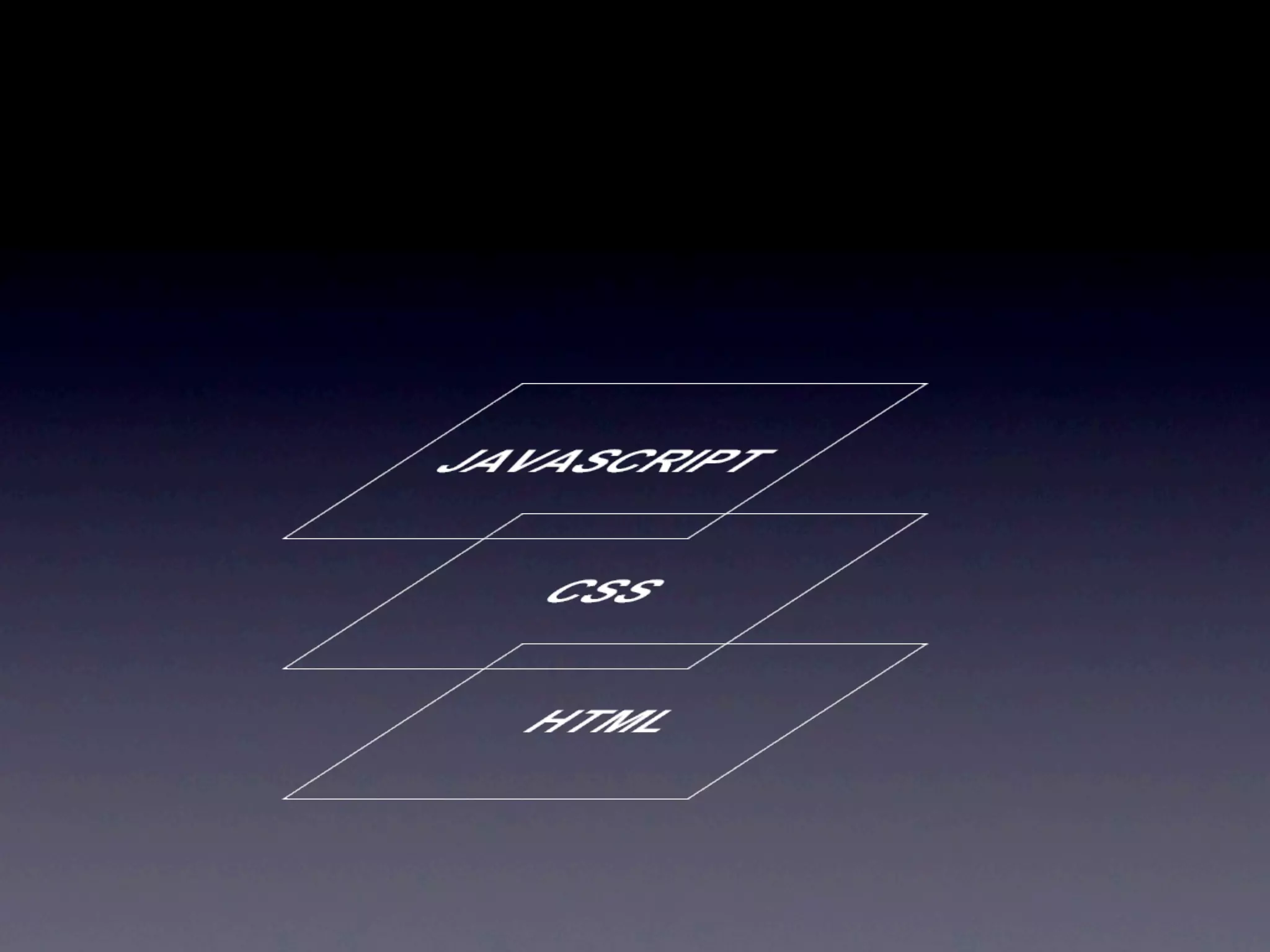
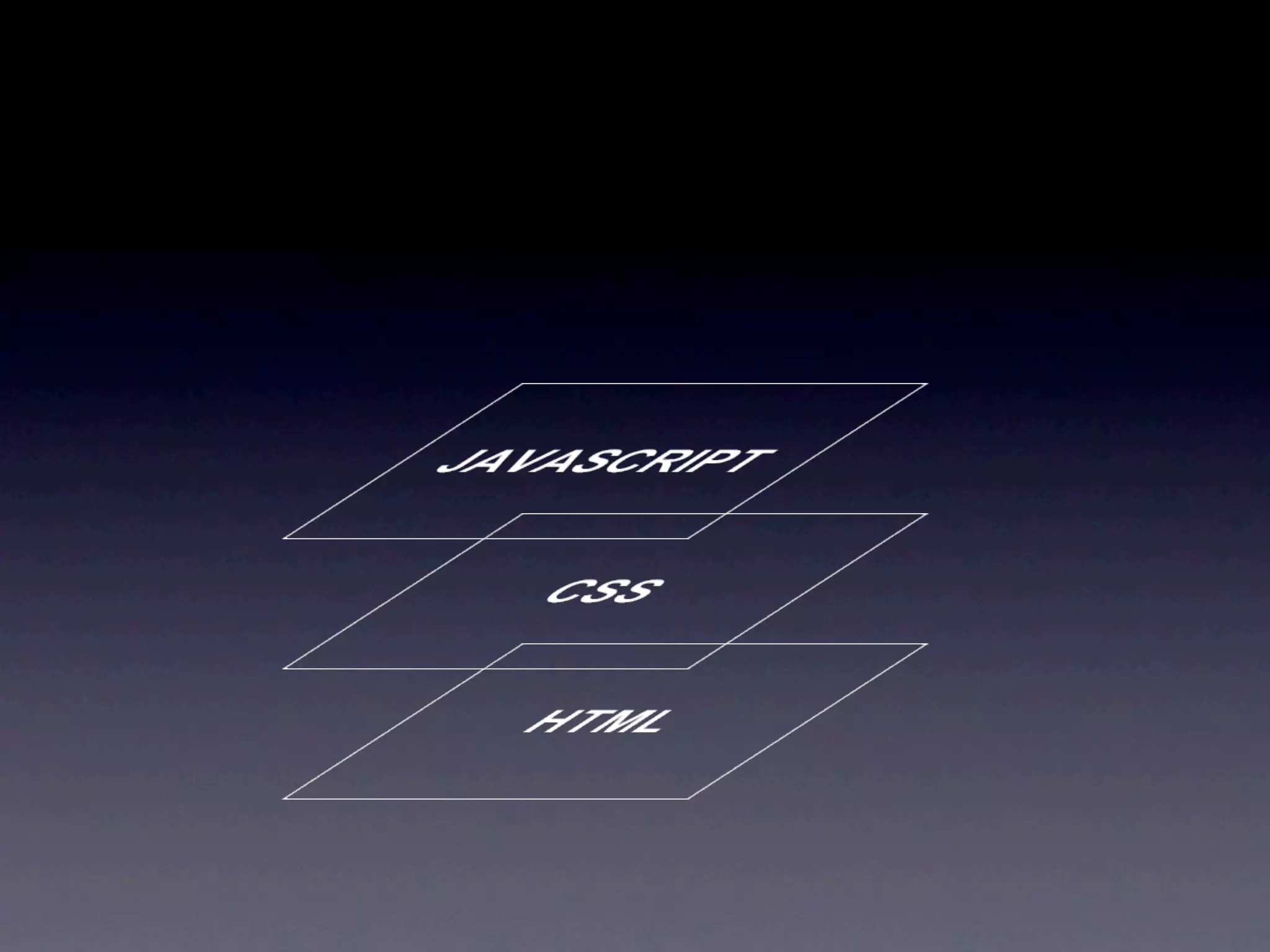
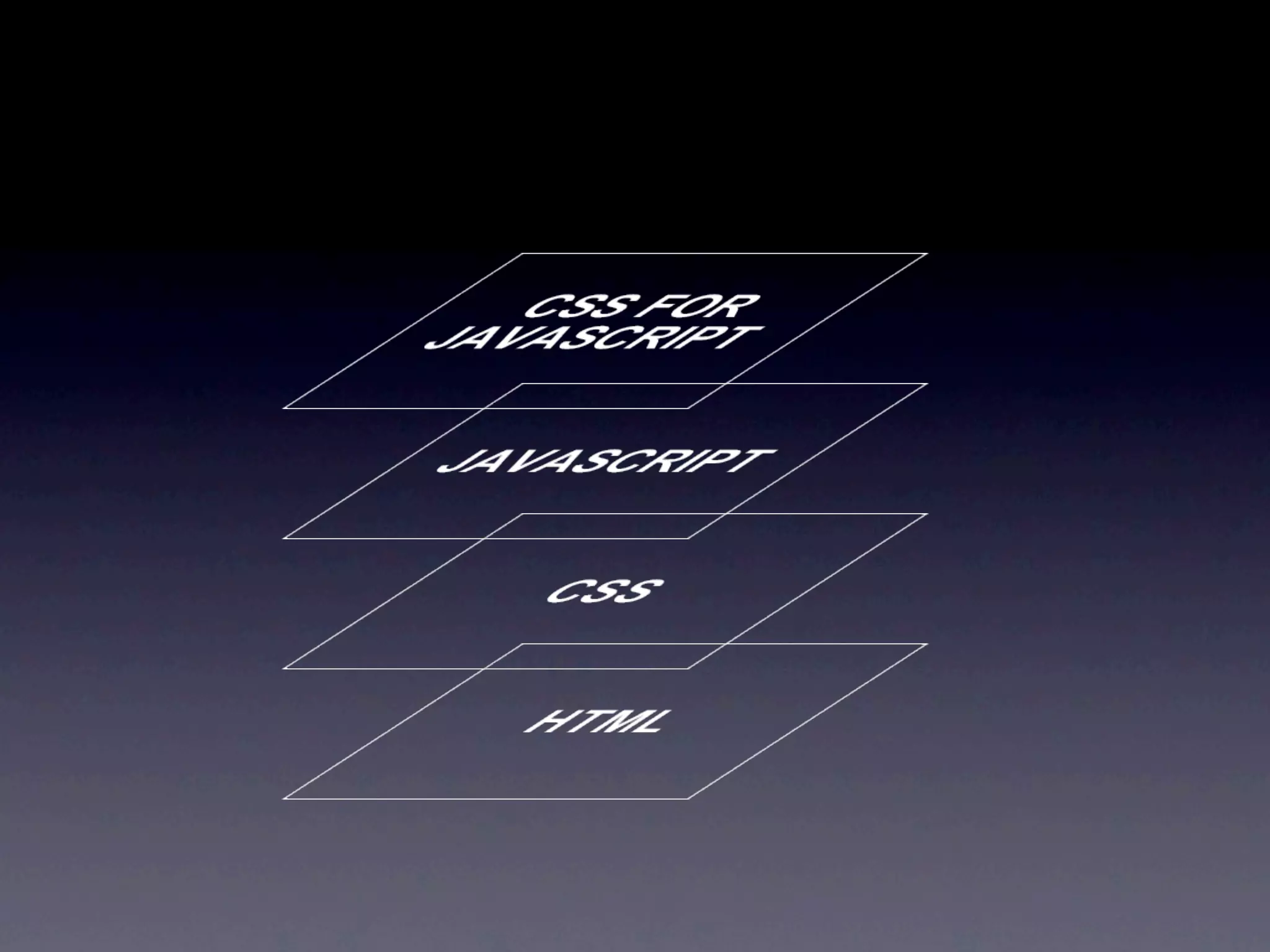
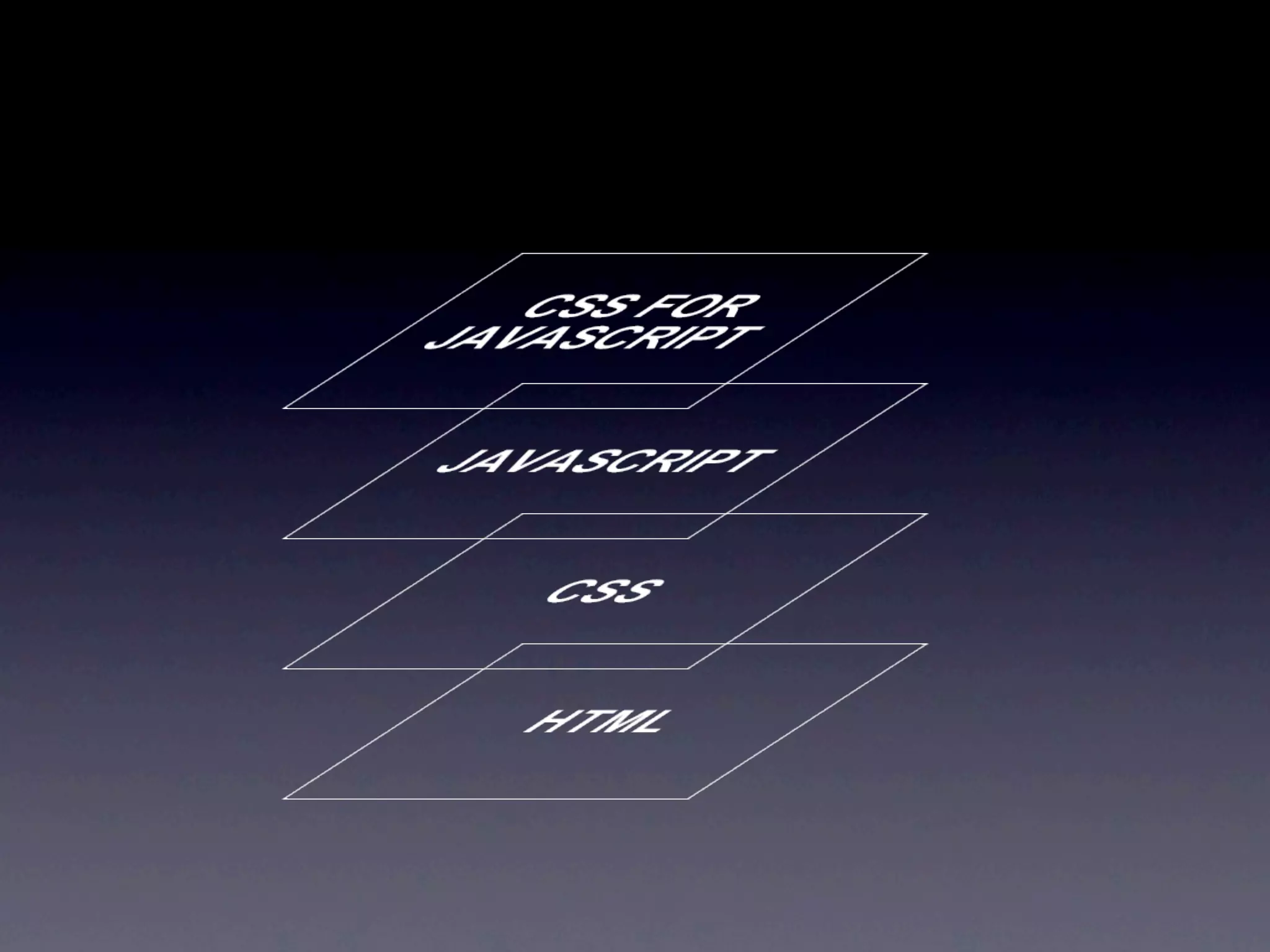
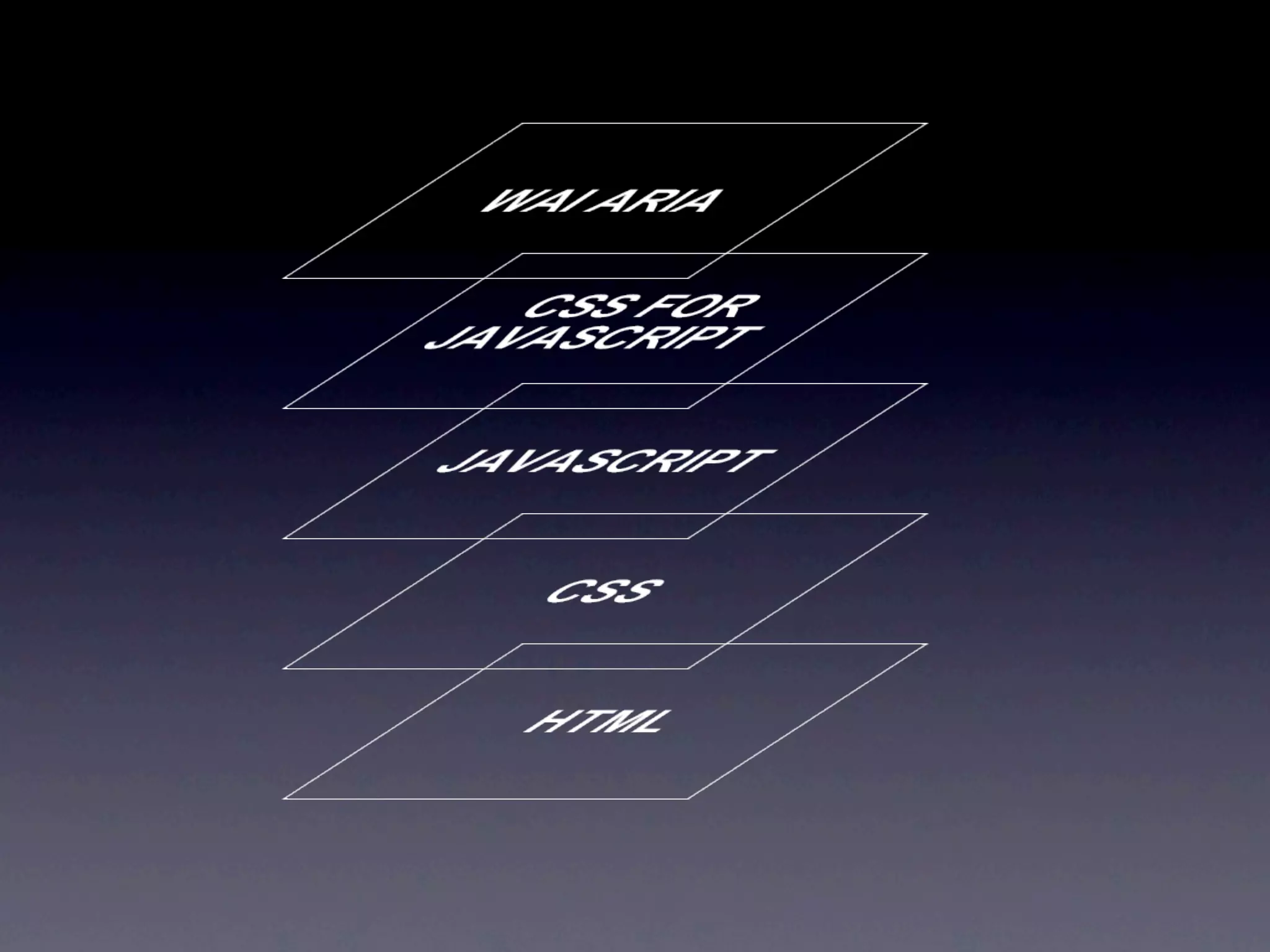
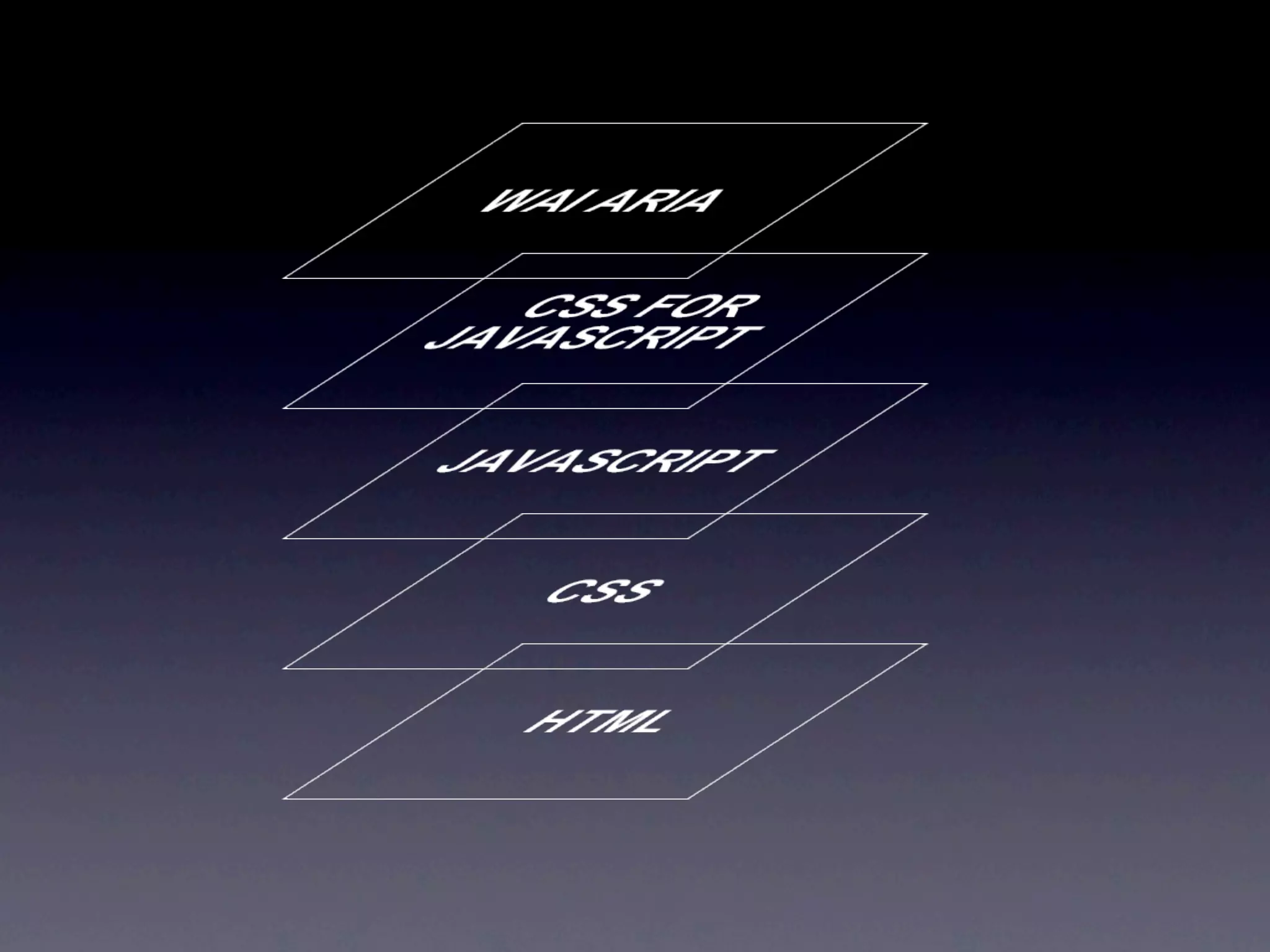
The 5 Layers of
Web Accessibility
 Open Web Camp II 07/17/2010
       Dirk Ginader

       http://ginader.com
   http://twitter.com/ginader
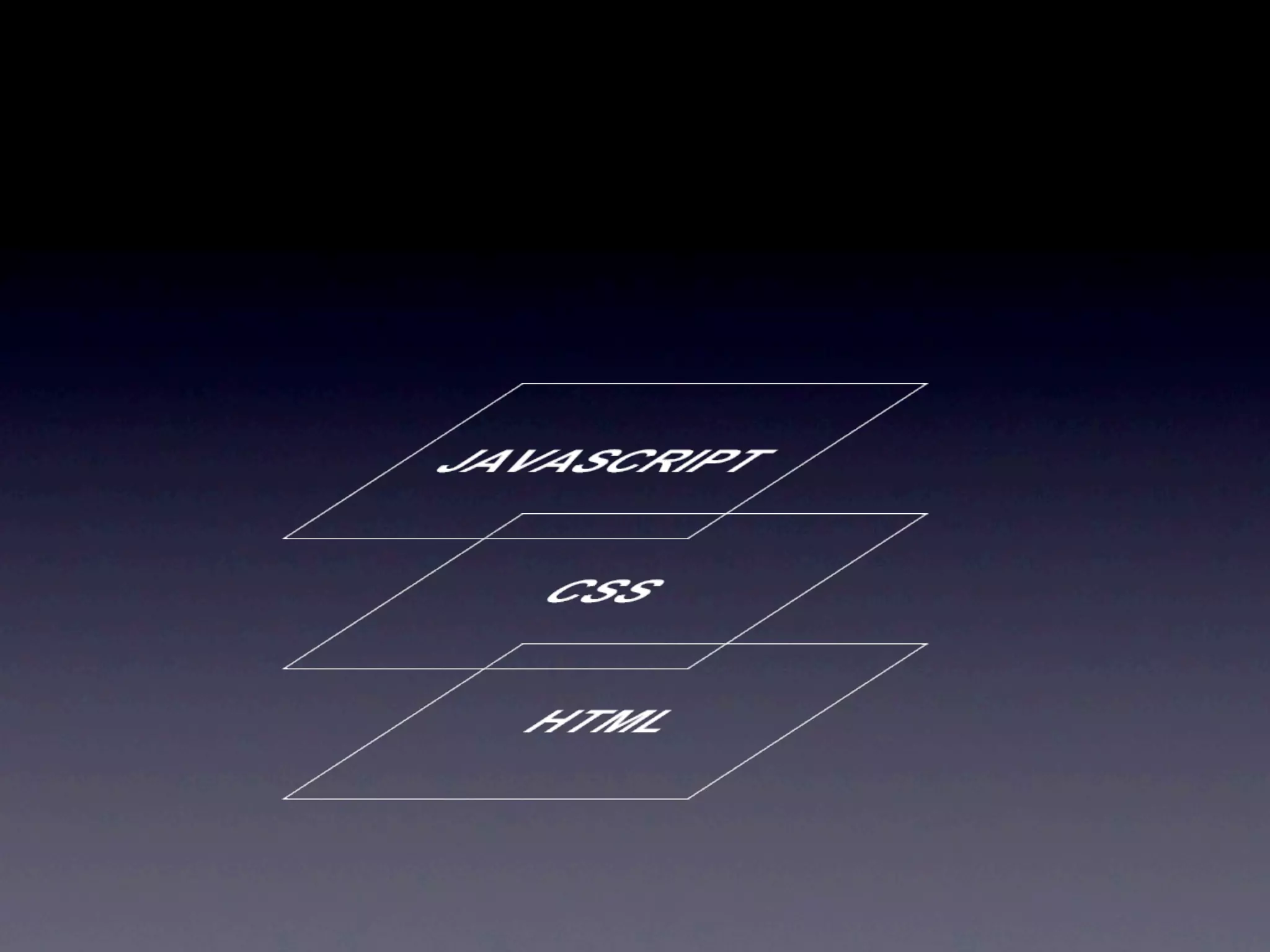
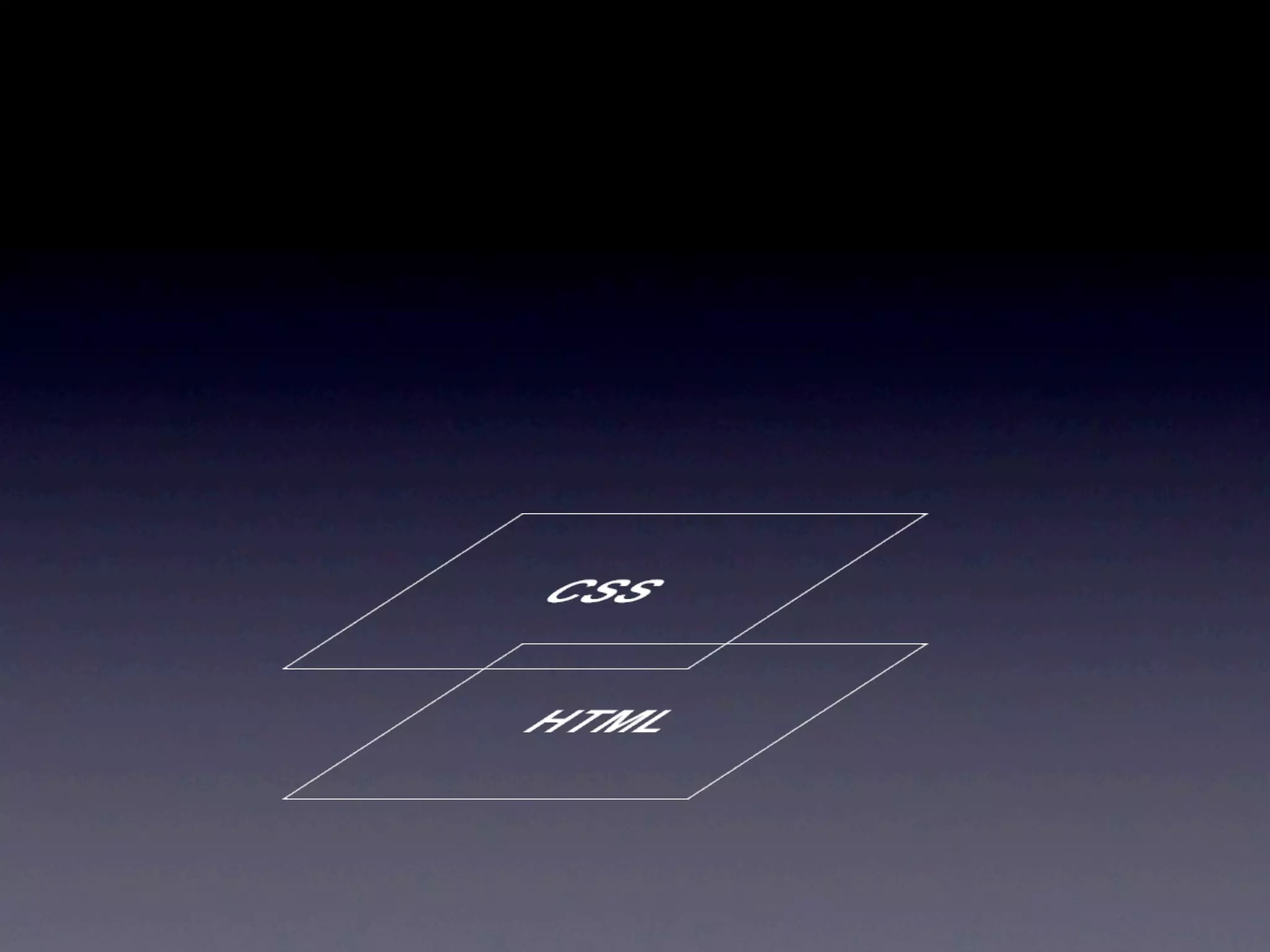
Common Frontend
Development knows
     3 Layers
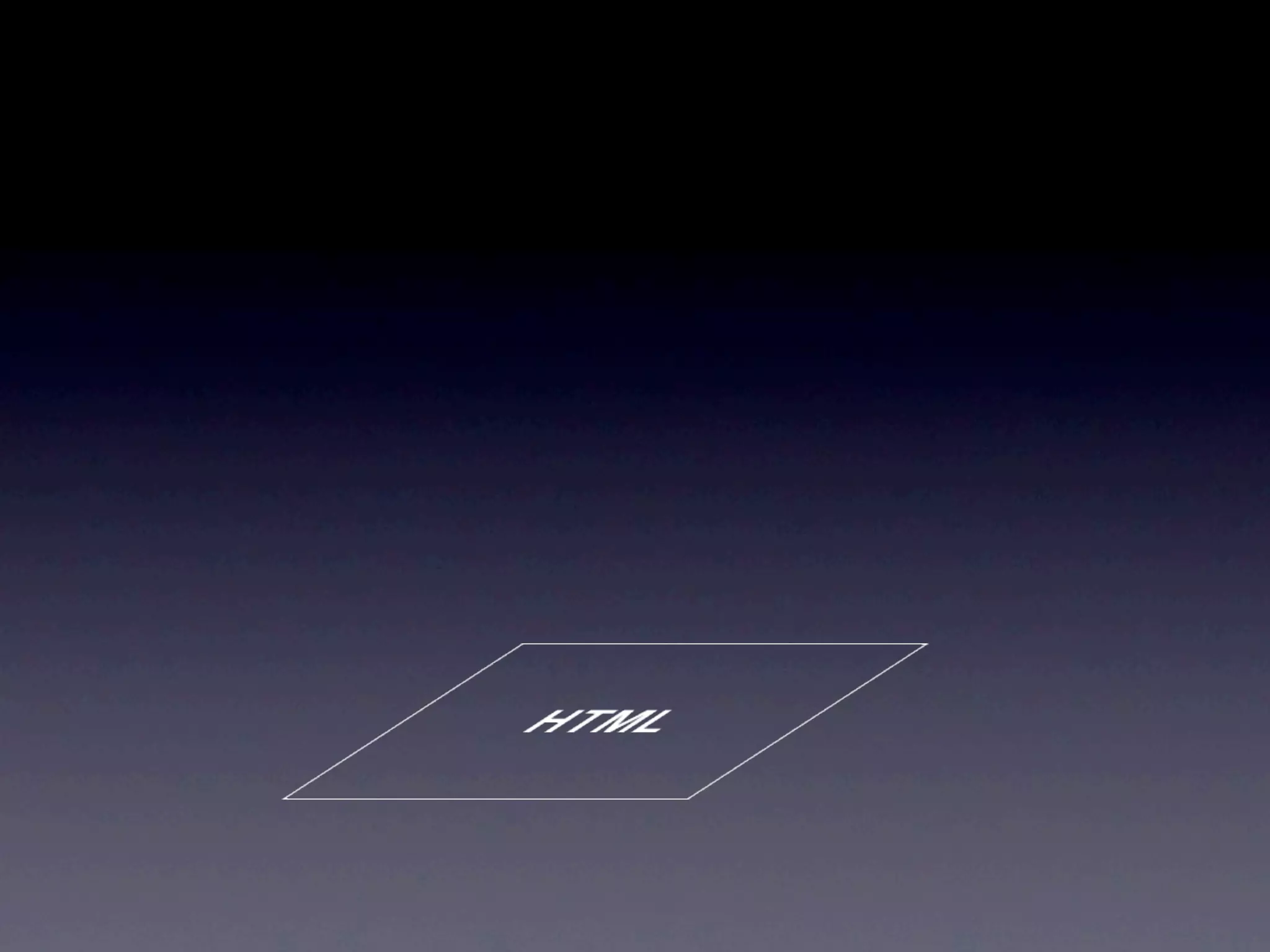
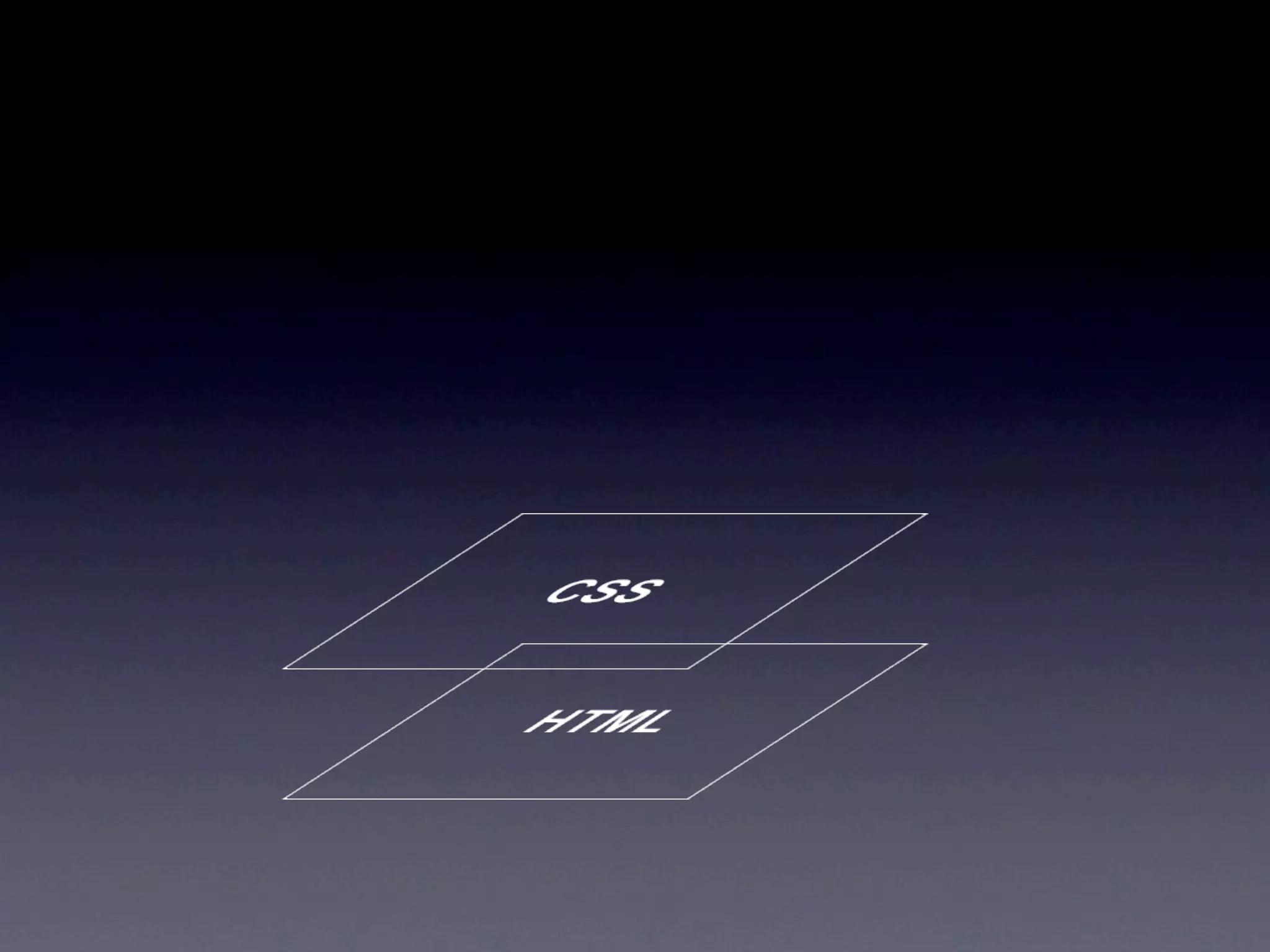
The Markup
 is the first and most
important Layer of all
Source order
      =
  tab order
Best matching HTML
Element for the job?
Have you really found
an awesome new use
     for a <dl>?
    think again...
Is the page
understandable and
usable without CSS?
Interaction is done
using links, forms and
        reloads
CSS can make
inaccessible too
display:none
          and
  visibility:hidden
hide from everyone
:hover
 only works
with a mouse
:focus to the rescue!
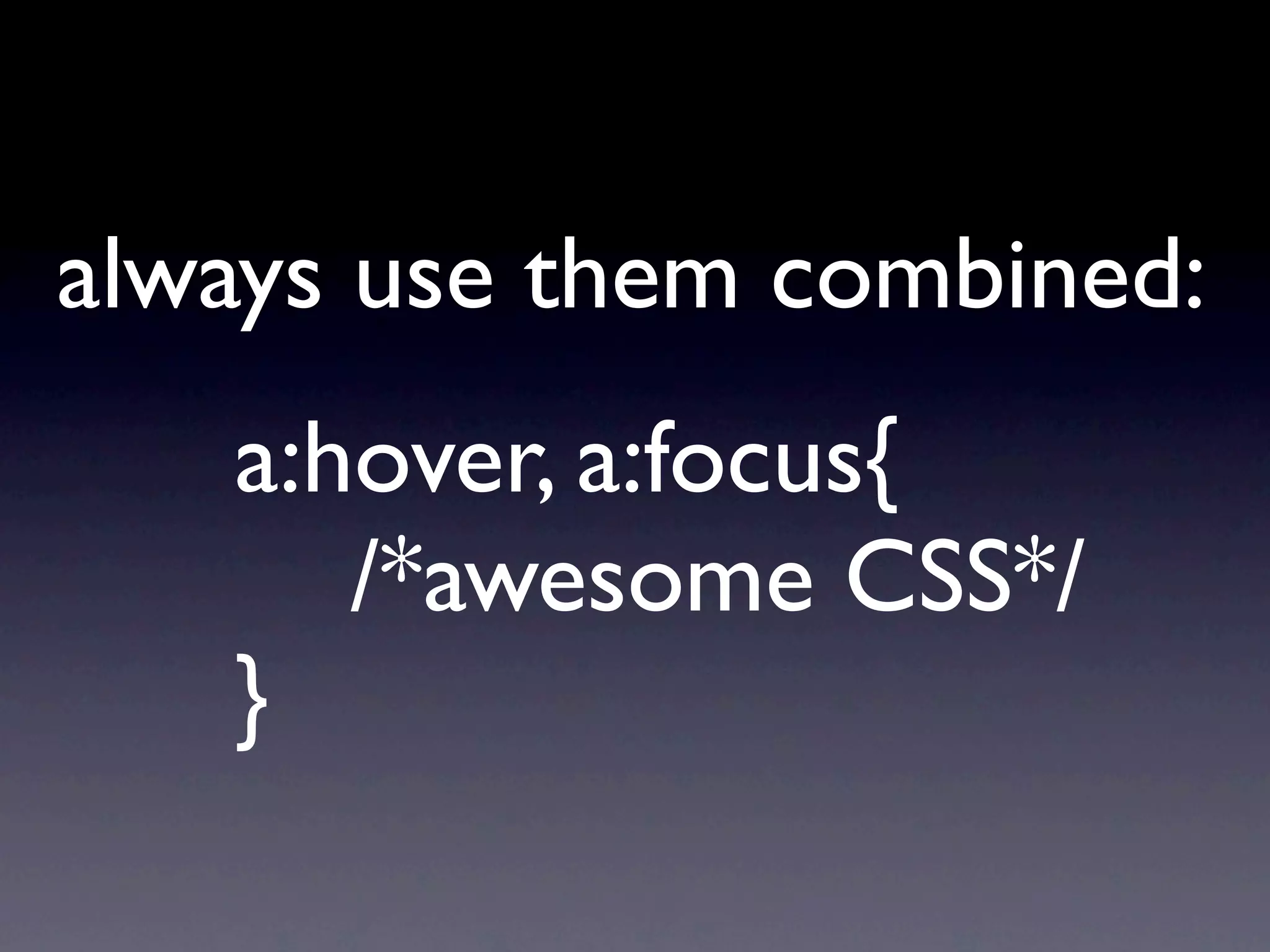
always use them combined:
   a:hover, a:focus{
      /*awesome CSS*/
   }
CSS is for Design
not for Interaction
Javascript is the icing
     on the cake
Does anything, you need
 the user to do, work
  without Javascript?
then we can
add some Magic
hijack existing
interaction elements
create new buttons for
  JS only interactions
Screenreaders do know
JS. They often just don’t
 know what happens...
focus() to the rescue!
mind the tab order
focus() to the rescue!
tabindex=0
makes even a <div>
keyboard accessible
tabindex=-1
for JS only tab access
yeah focus()
Ajax = delays
 = tricky to
communicate
inform about what
     happens!
you guessed it:
   focus()
Screenreaders update
 their Virtual Buffer
     “regularly”
while in Forms Mode
they update in realtime
use the Forms Mode to
update the Buffer when
      you need to
Make sure the Element
you want to focus() is
 already in the Buffer
Position offscreen
buffers, display:none
      does not
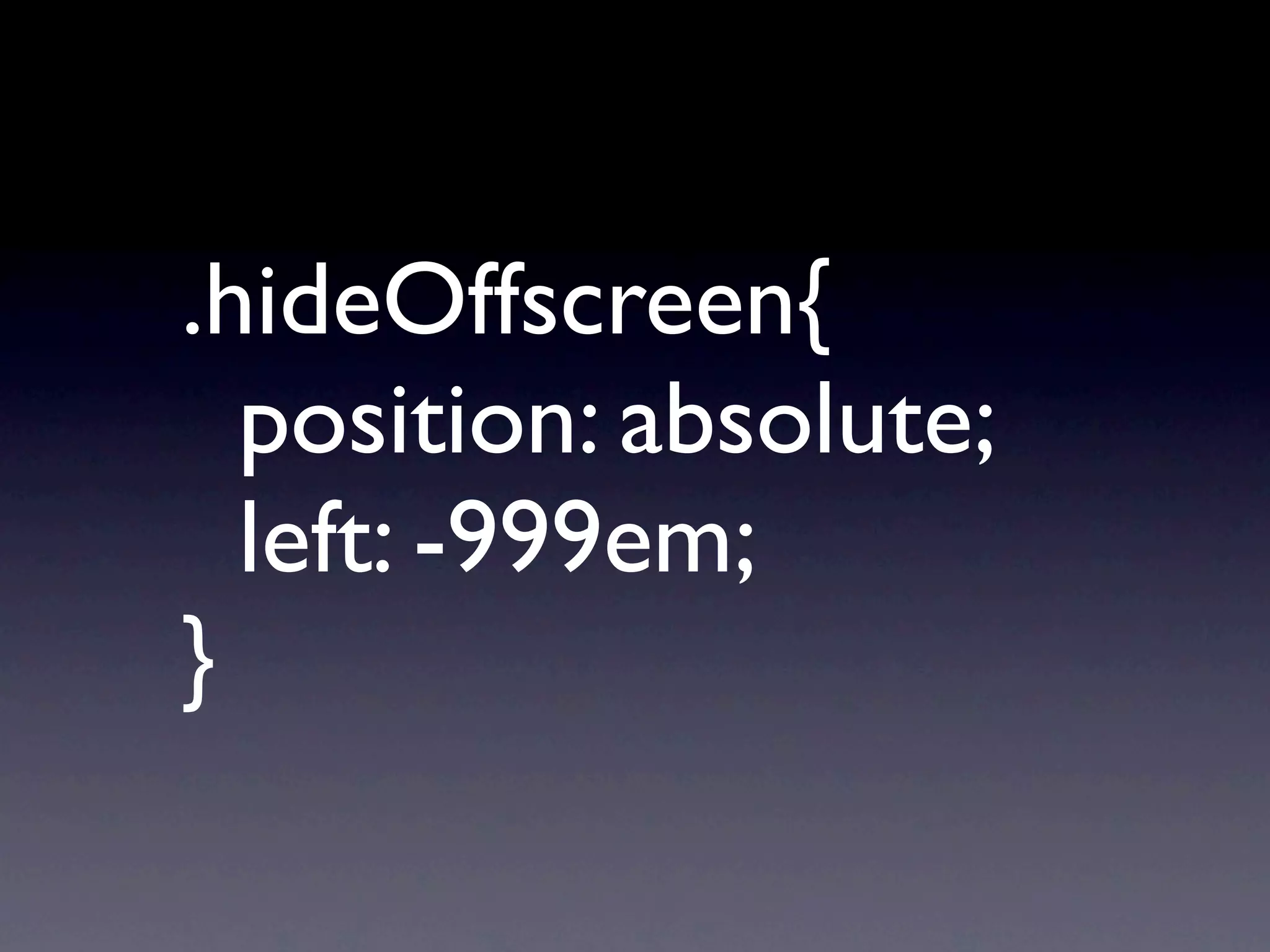
.hideOffscreen{

 position: absolute;

 left: -999em;
}
Problems in right-to-left
       Layouts!

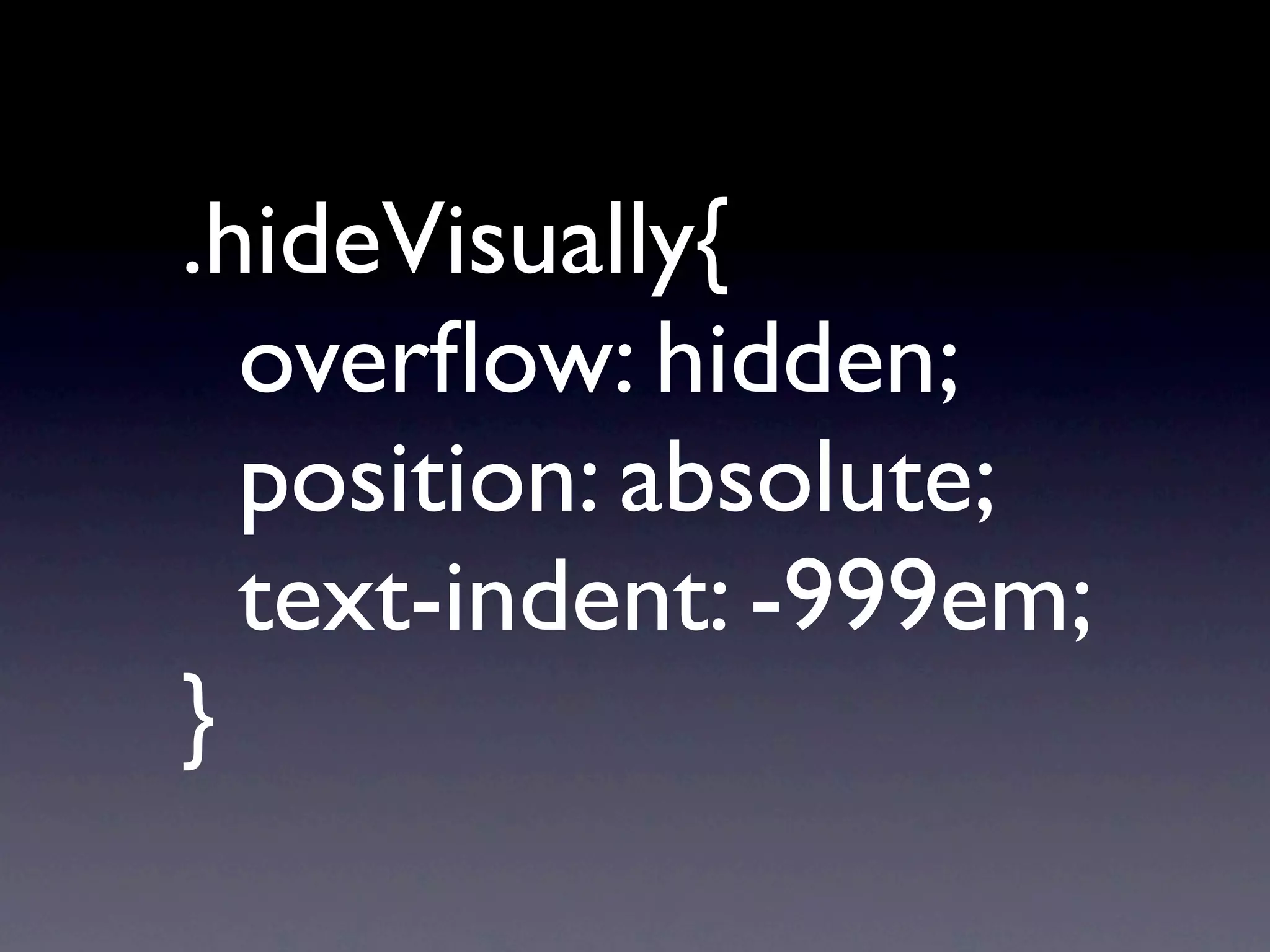
  Marcel Duran found
       Solution:
.hideVisually{ 


 overflow: hidden;

 position: absolute;

 text-indent: -999em;
}
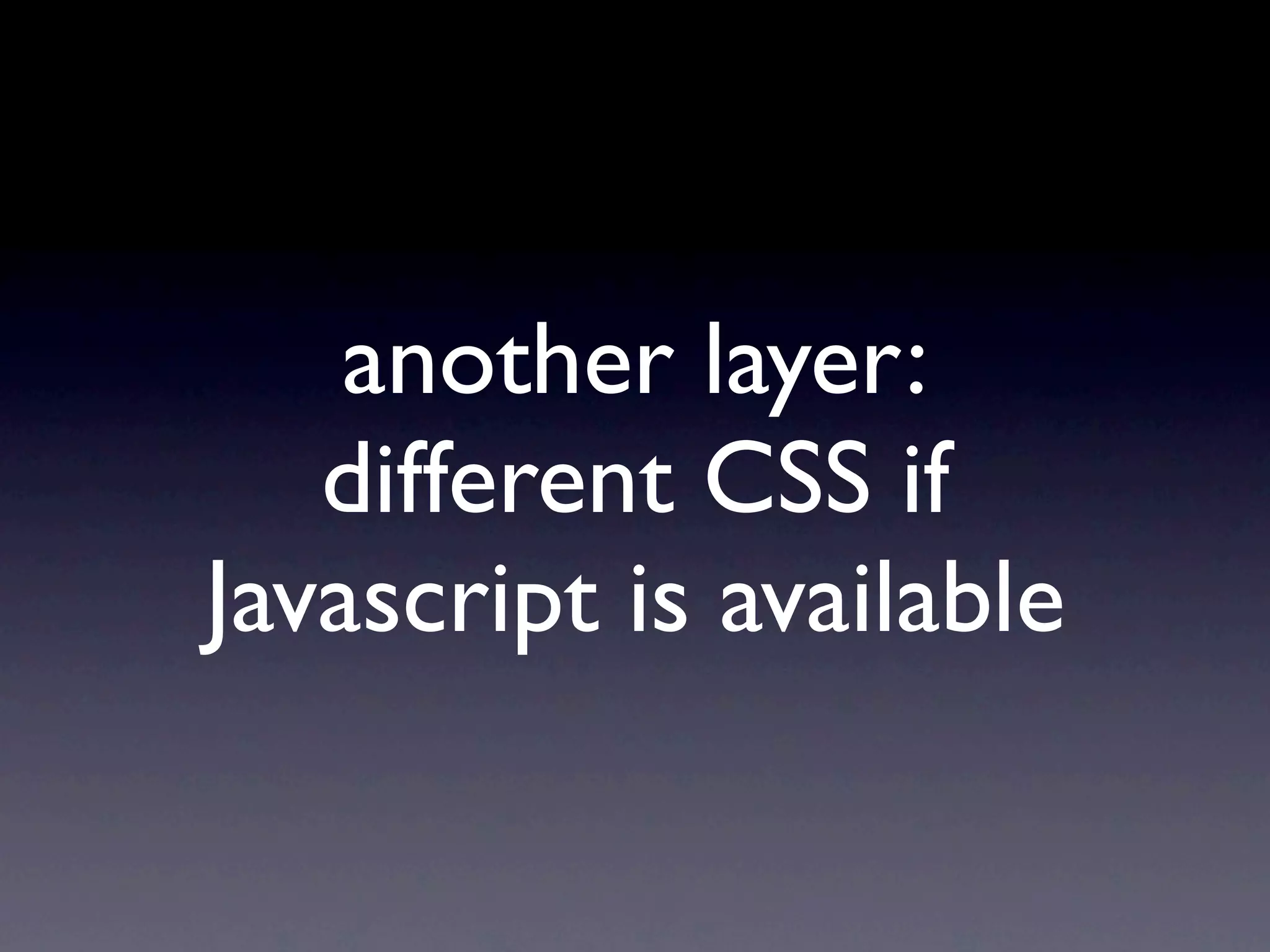
another layer:
   different CSS if
Javascript is available
Change the interface
 for the JS version
CSS is much faster than
       Javascript
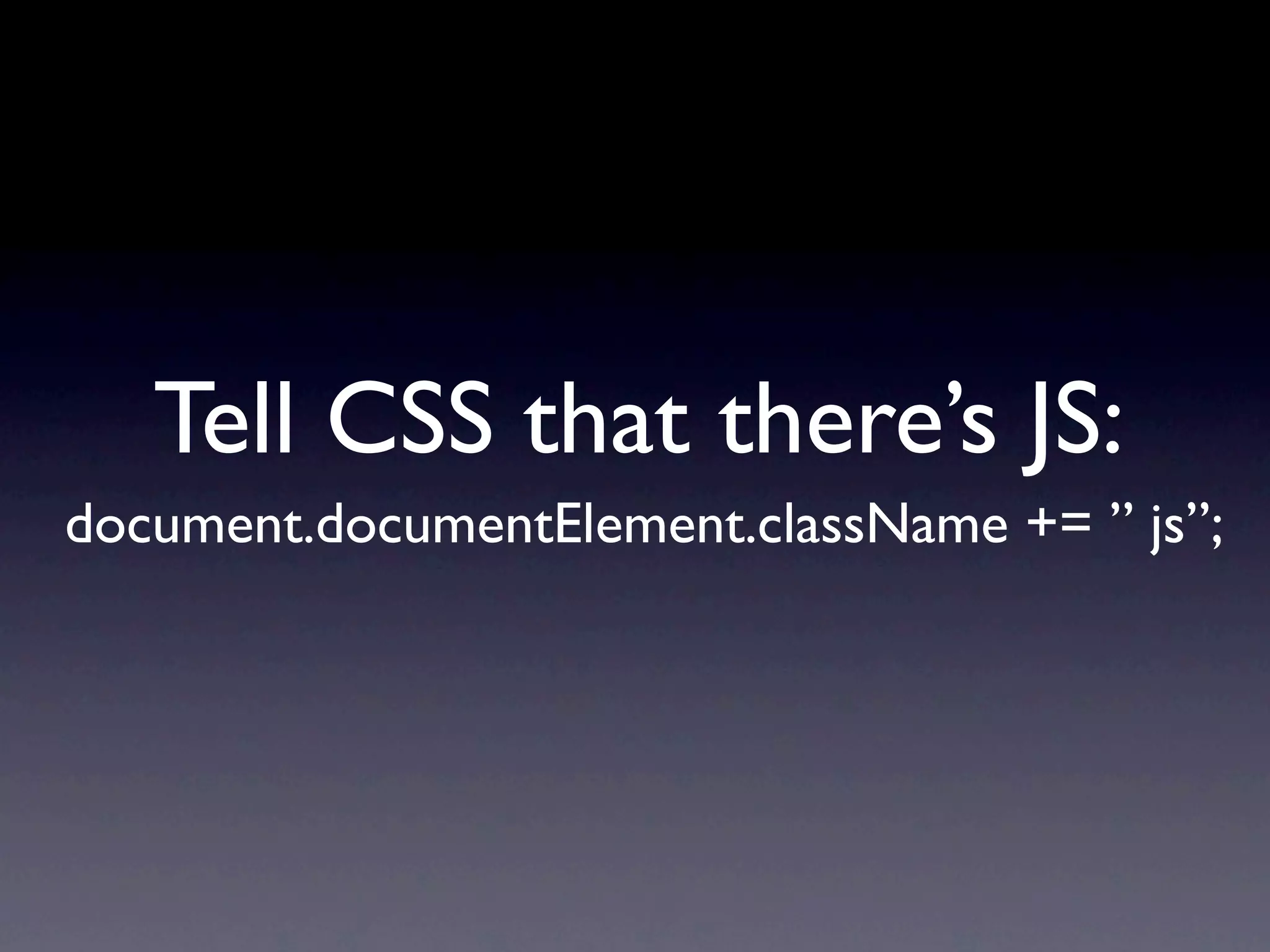
Tell CSS that there’s JS:
document.documentElement.className += ” js”;
.module{
    /* nice CSS for the non JS Layout */
}
.js .module{
    /* awesome CSS for the JS Layout */
}
How does your Design
 react when the text
    size changes?
It should survive
  3x text zoom
Screen Magnifiers only
show a very small part
    of the screen
make sure everybody
knows what happens
     right now
focus() + “yellow fade”
   help to find and
      understand
the top Layer
the new Hotness
WAI-ARIA maps existing
   and well known OS
   concepts to custom
Elements in the Browser
Adds semantics to non
  semantic Markup
provides instant
  updates and
  notifications
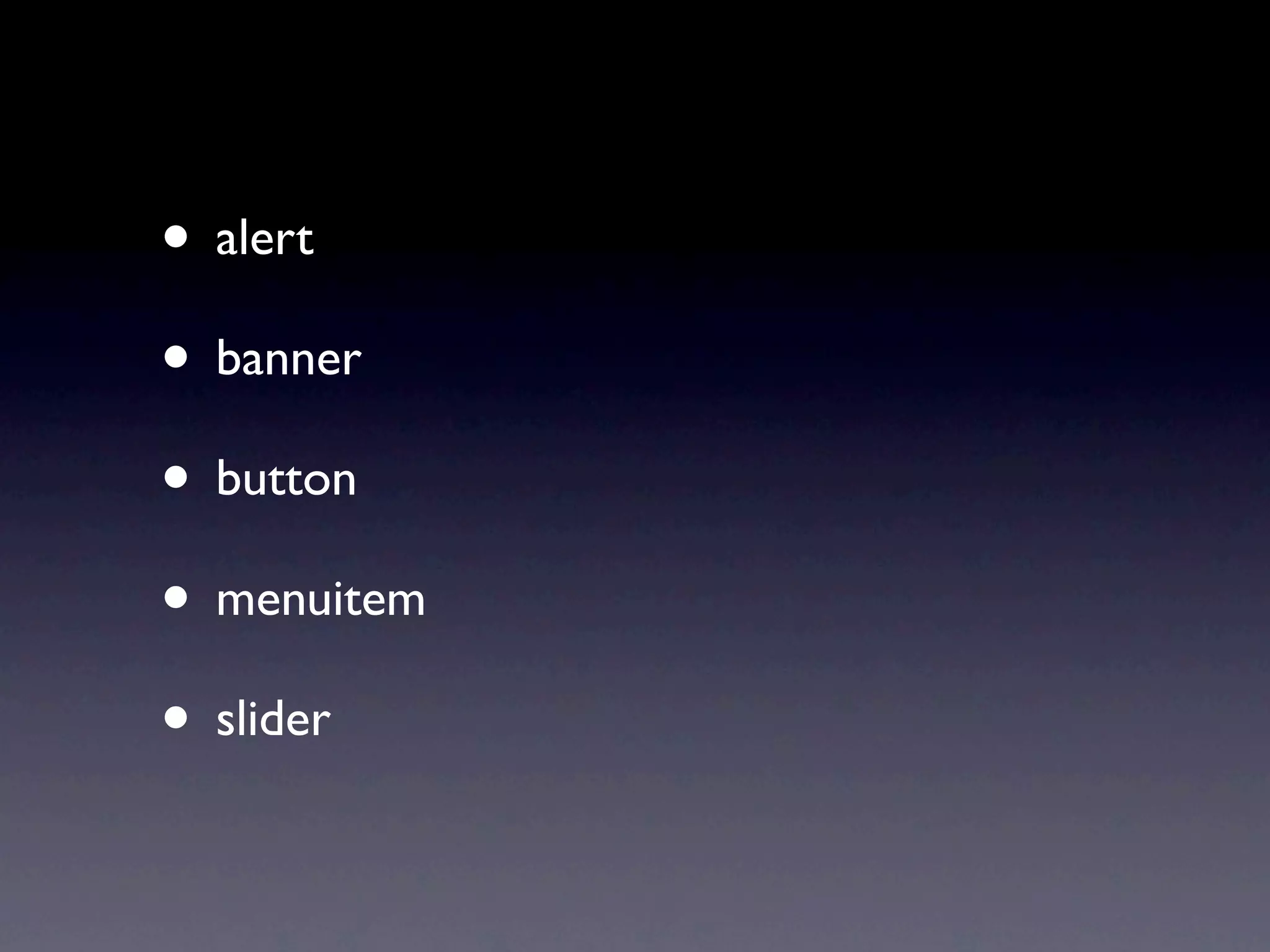
Roles
• alert
• banner
• button
• menuitem
• slider
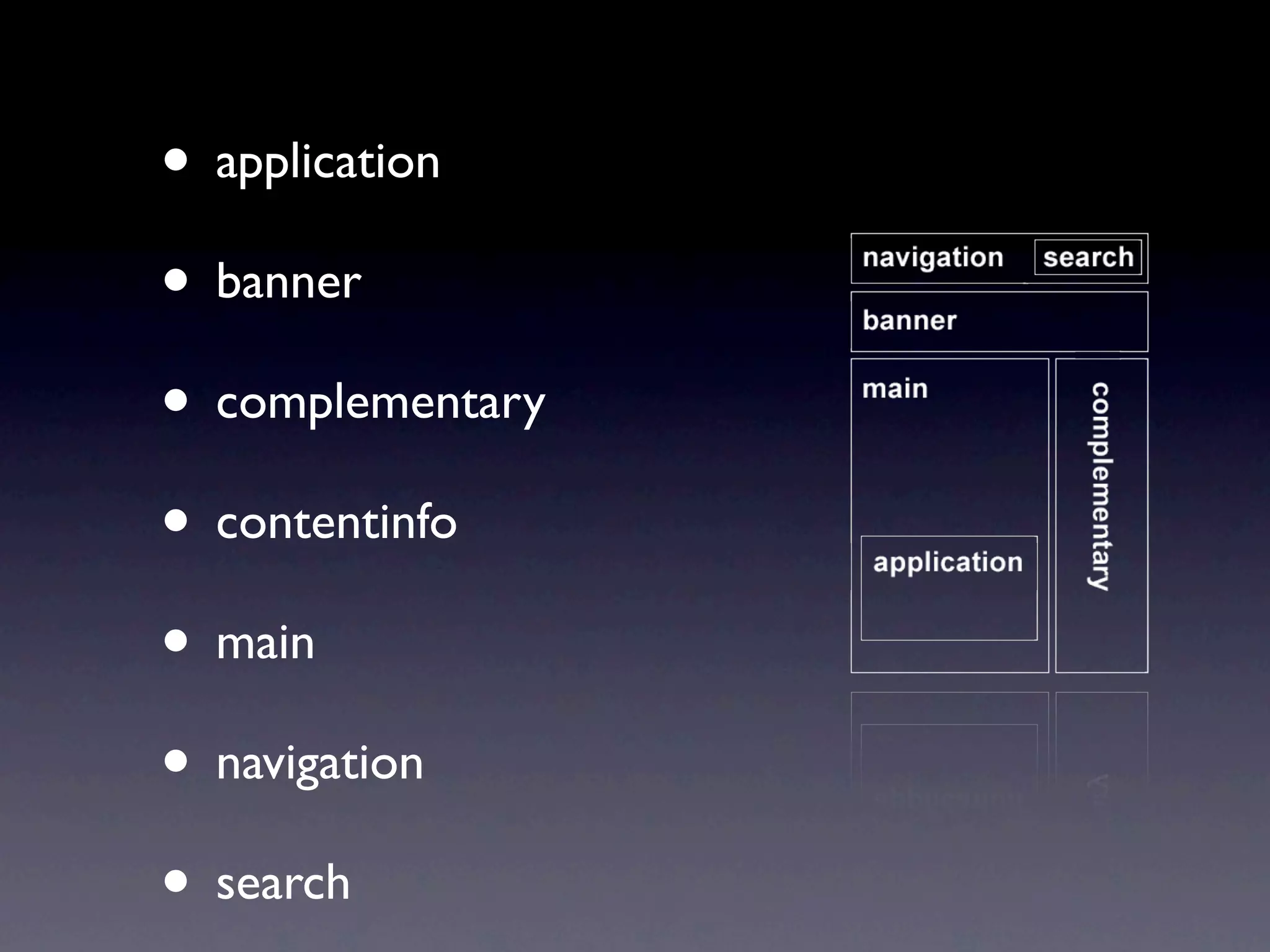
Document Landmark
     Roles
• application
• banner
• complementary
• contentinfo
• main
• navigation
• search
States and Properties
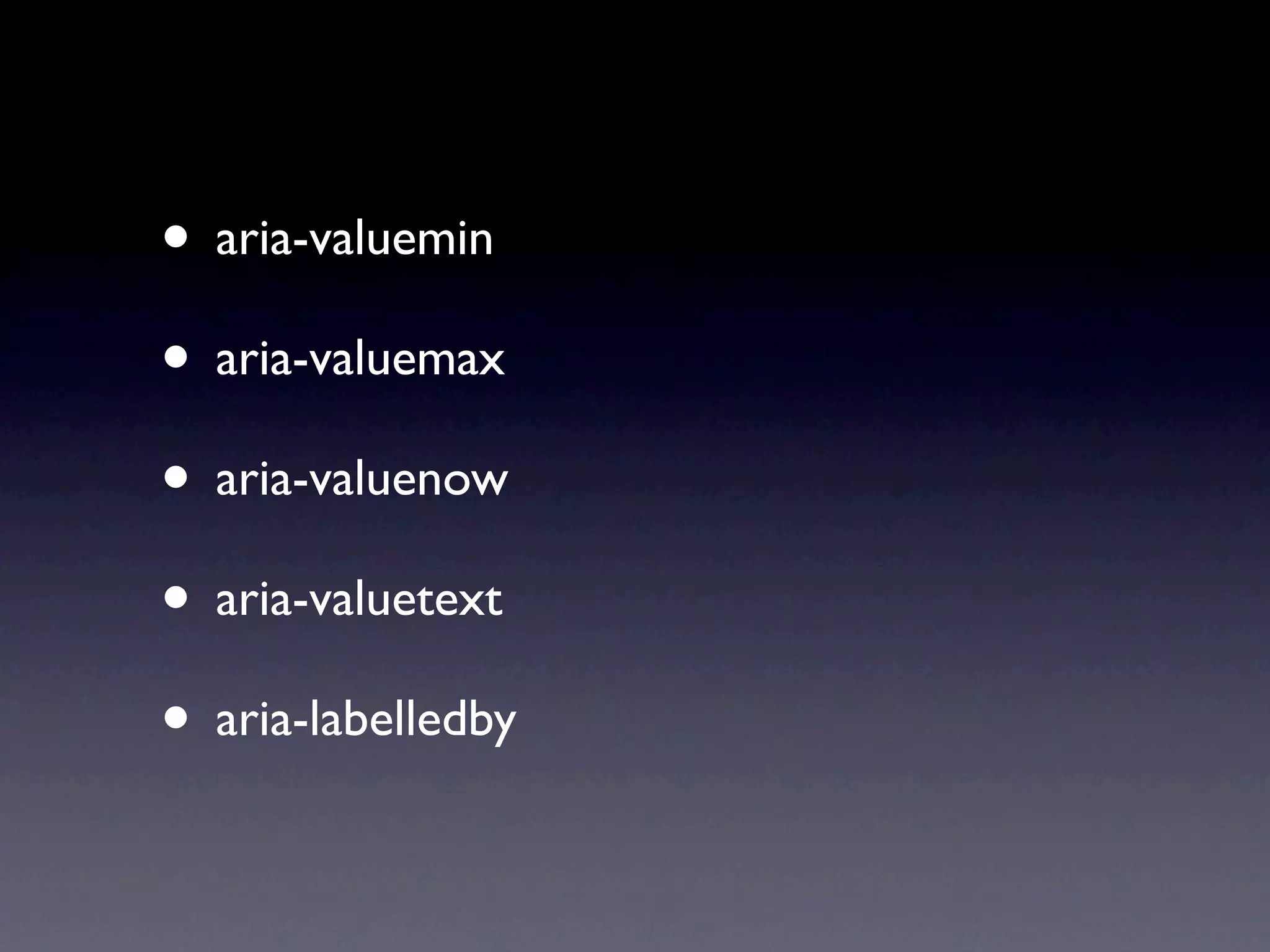
• aria-valuemin
• aria-valuemax
• aria-valuenow
• aria-valuetext
• aria-labelledby
Live Regions
informing about
     changes
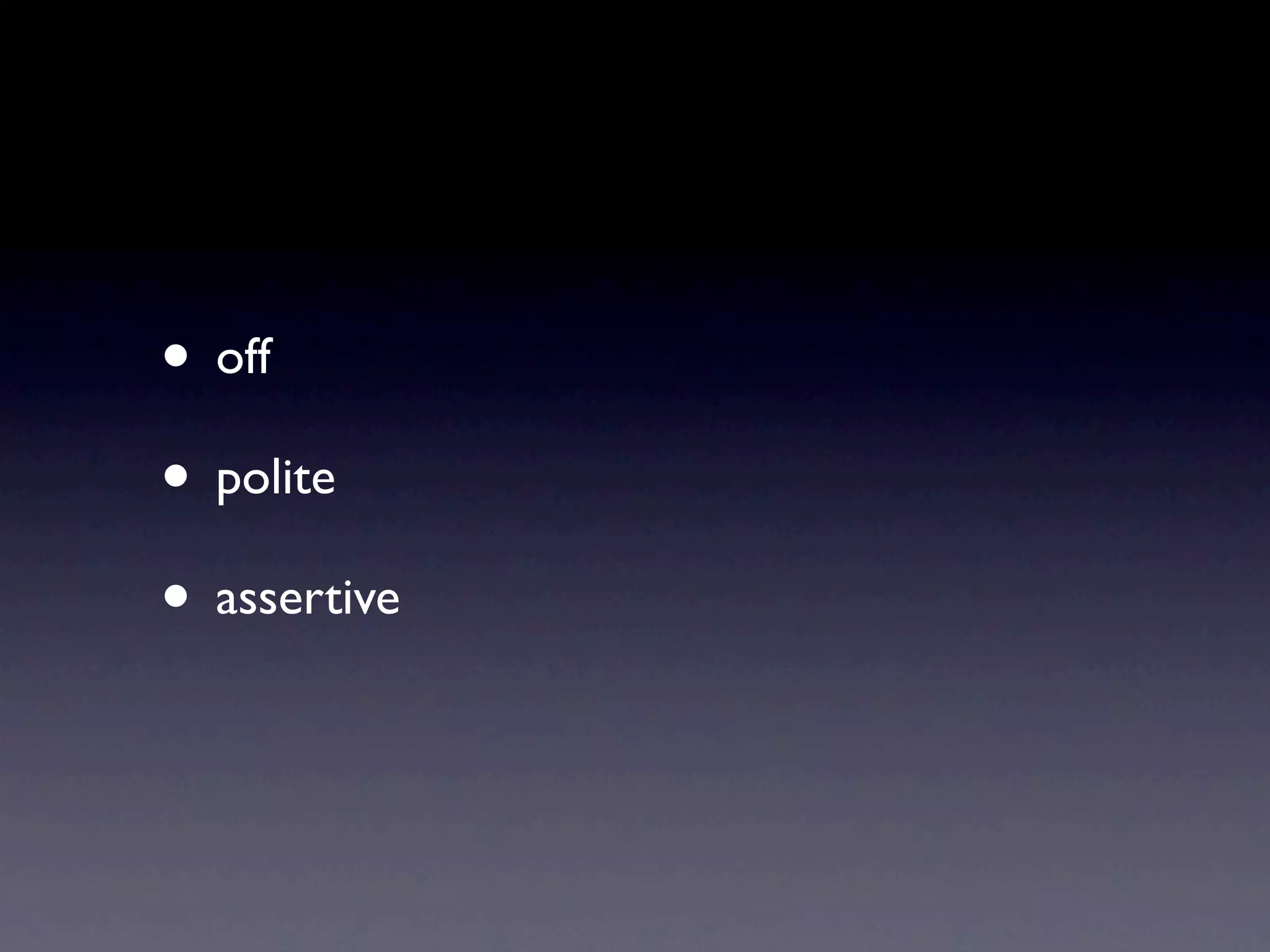
• off
• polite
• assertive
You can use it today!
• it does no validate
• you can simply add the properties using
  Javascript as it depends on it anyway
• everybody can add Landmark roles now
• aria-required=”true” makes a dream come
  true
Don’t rely on it
• There are no stats but we know that still a
  lot of Screenreader users are stuck on old
  versions without ARIA support

• Progressive Enhancement all over again...
Examples
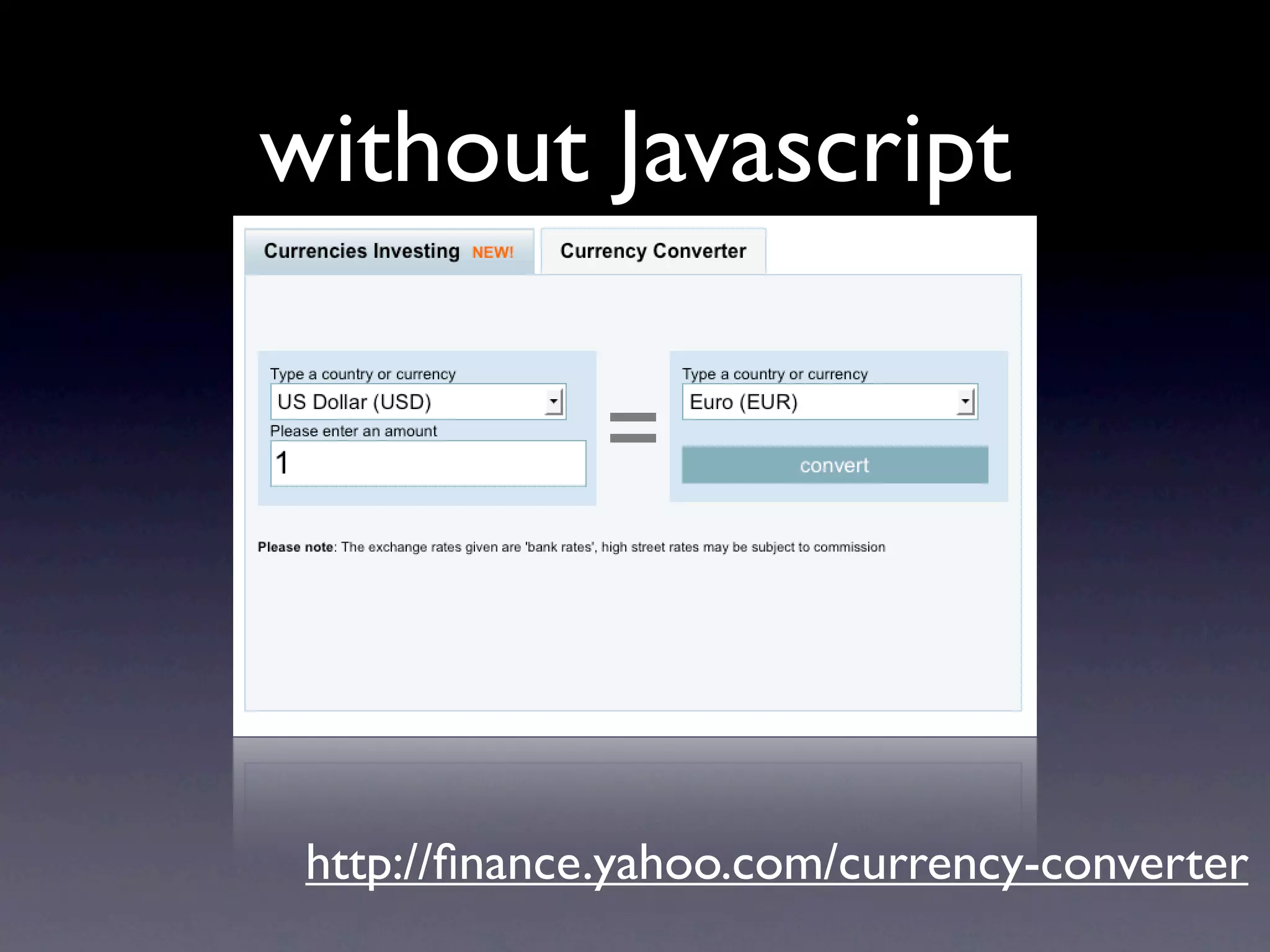
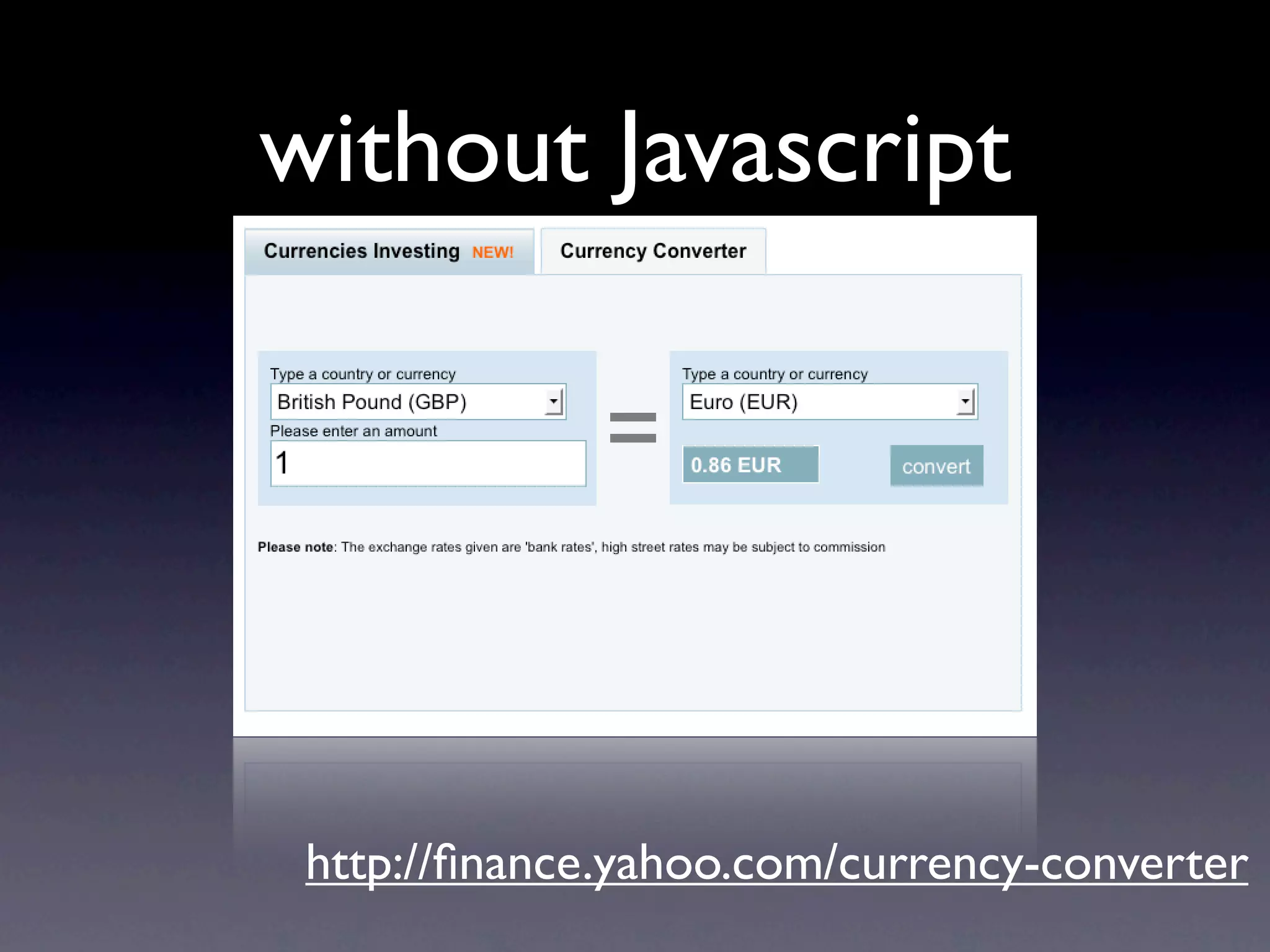
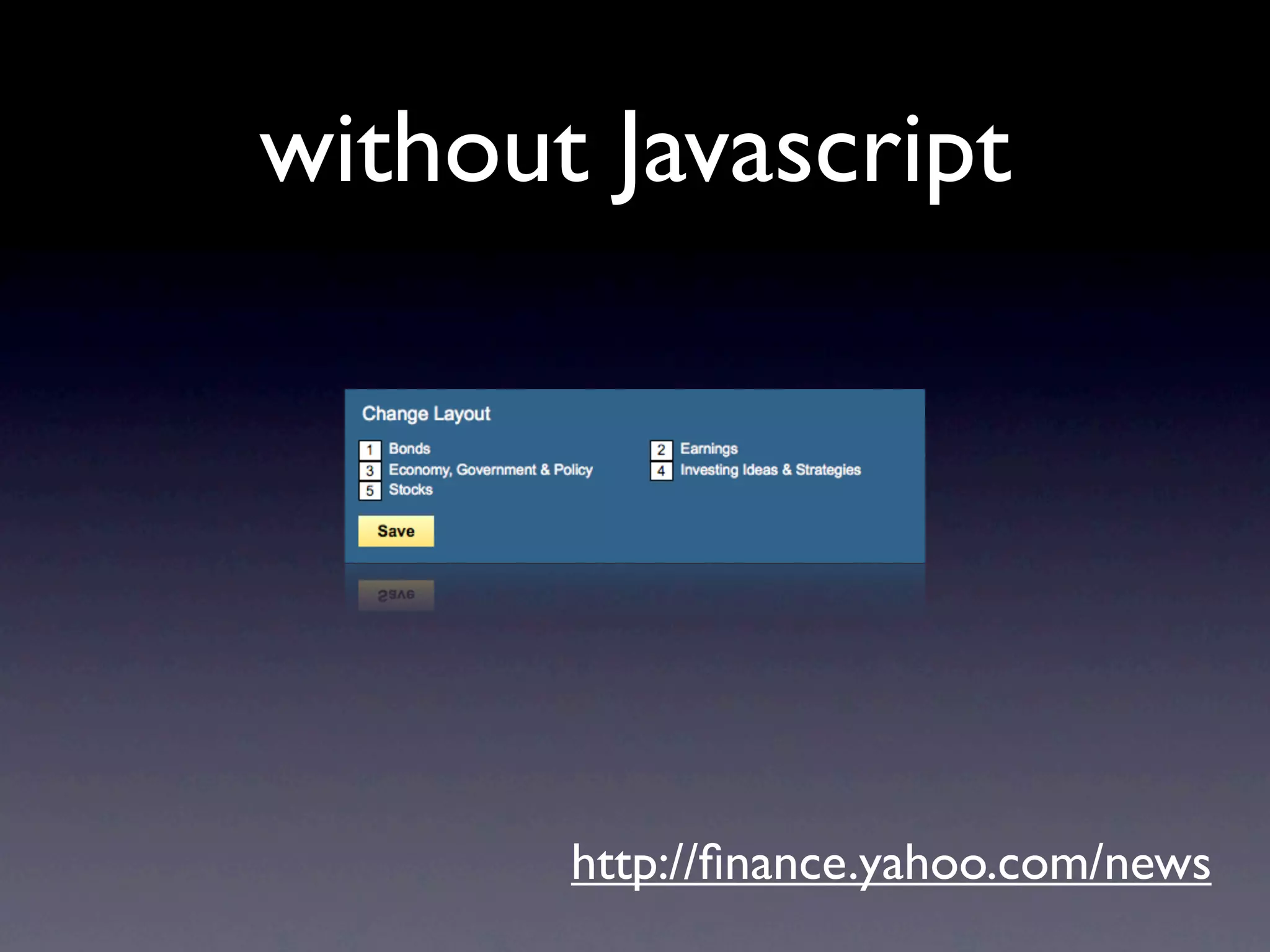
without Javascript


 http://finance.yahoo.com/currency-converter
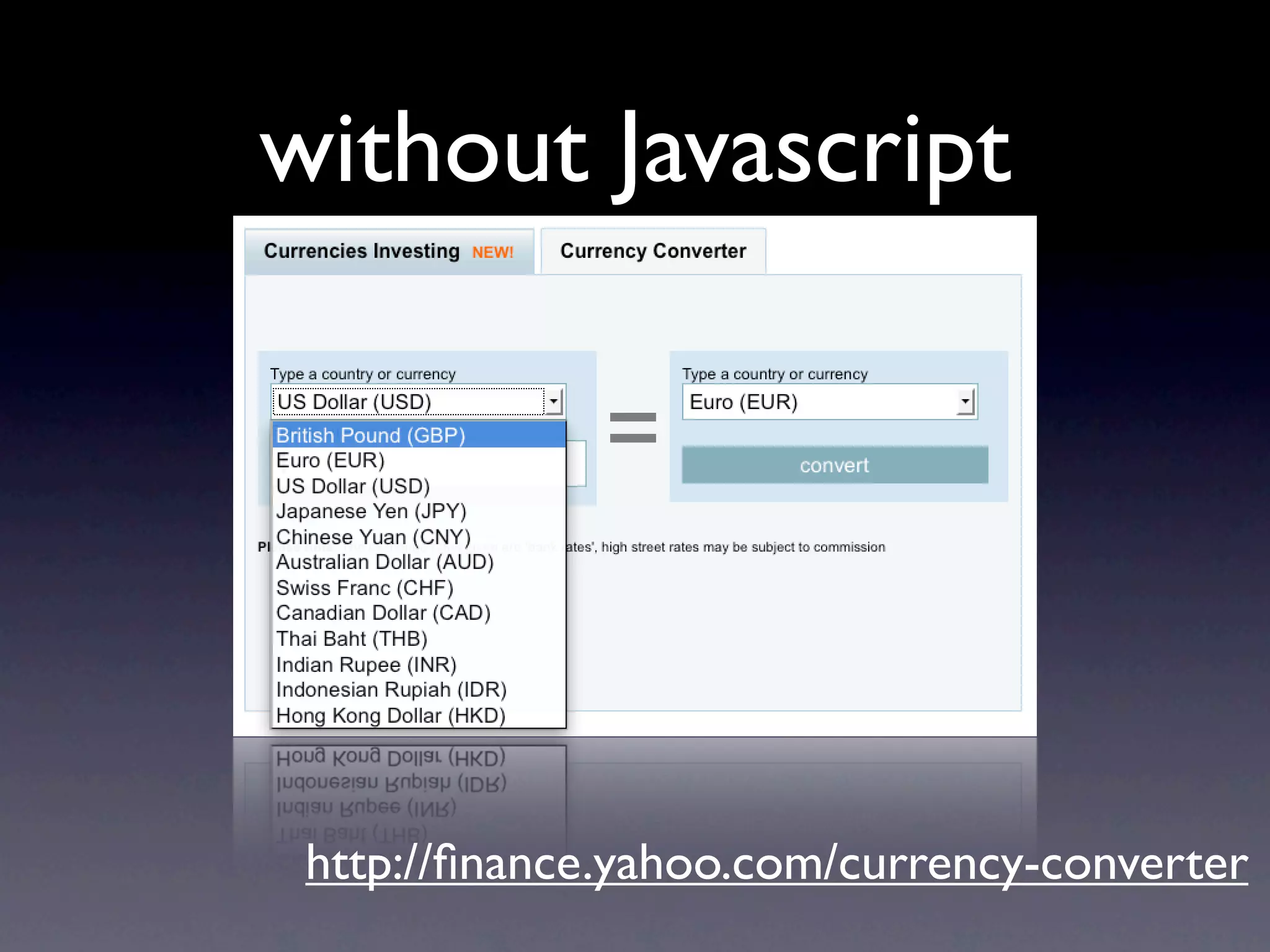
without Javascript


 http://finance.yahoo.com/currency-converter
without Javascript


 http://finance.yahoo.com/currency-converter
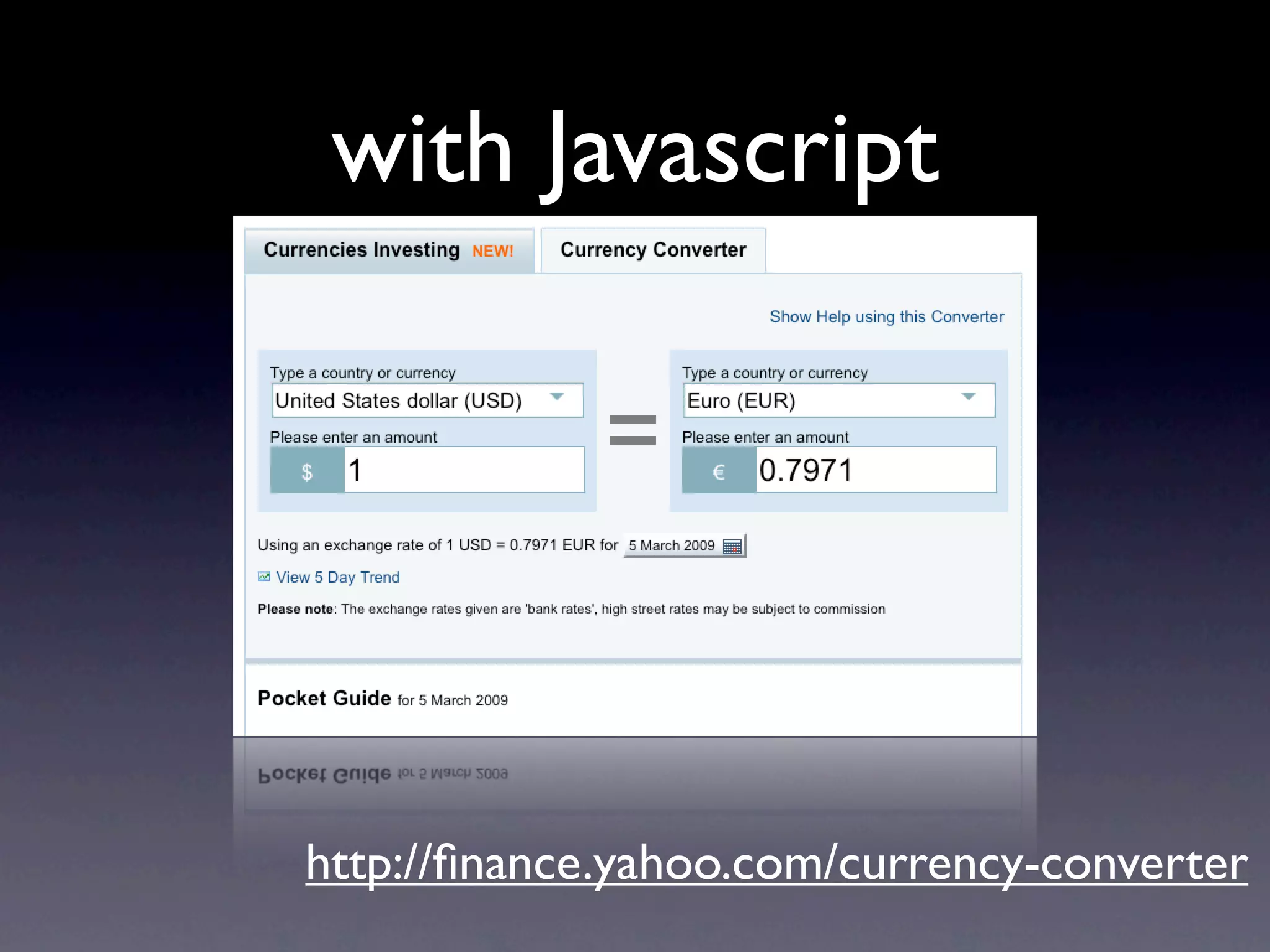
with Javascript


http://finance.yahoo.com/currency-converter
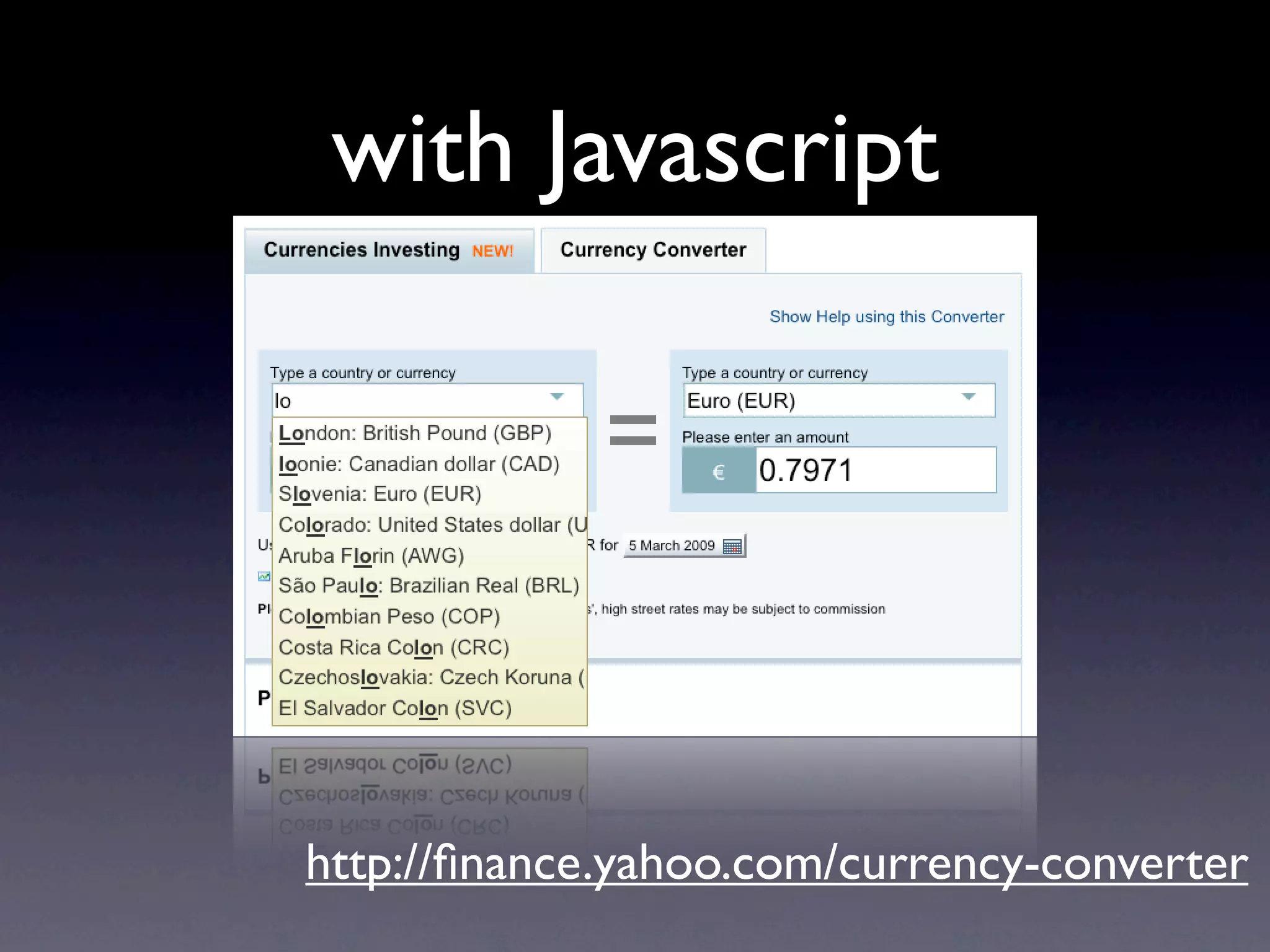
with Javascript


http://finance.yahoo.com/currency-converter
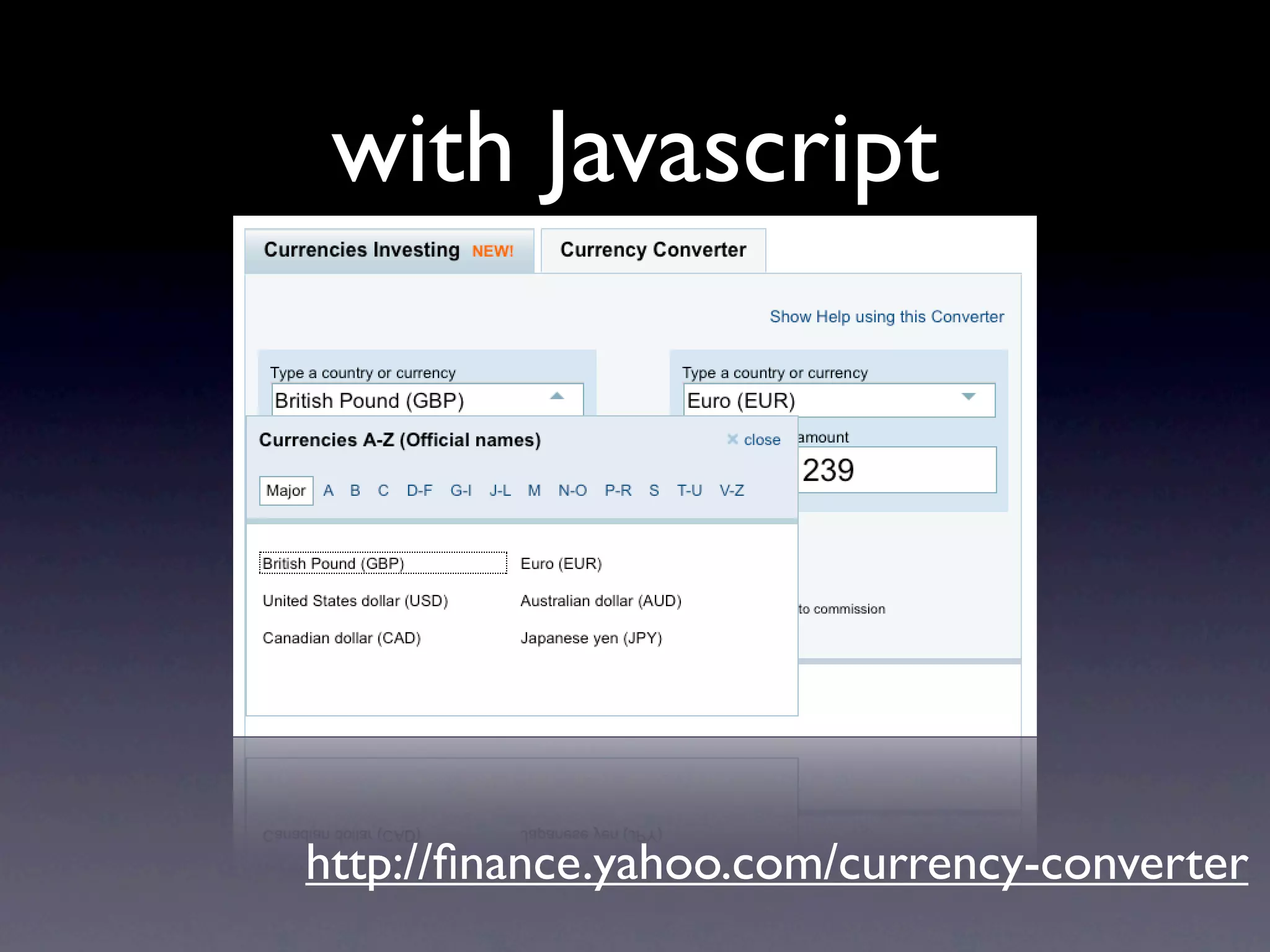
with Javascript


http://finance.yahoo.com/currency-converter
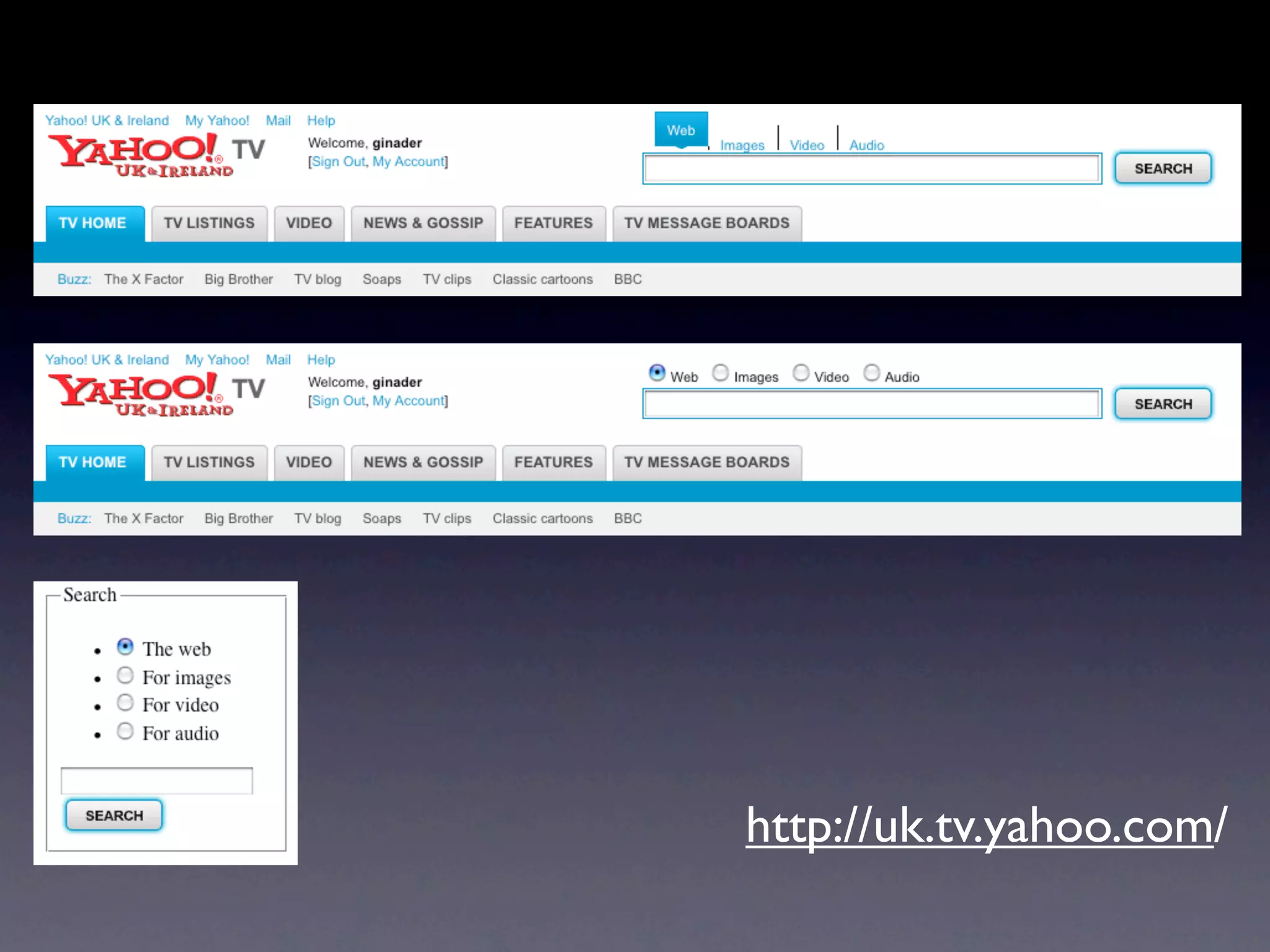
http://uk.tv.yahoo.com/
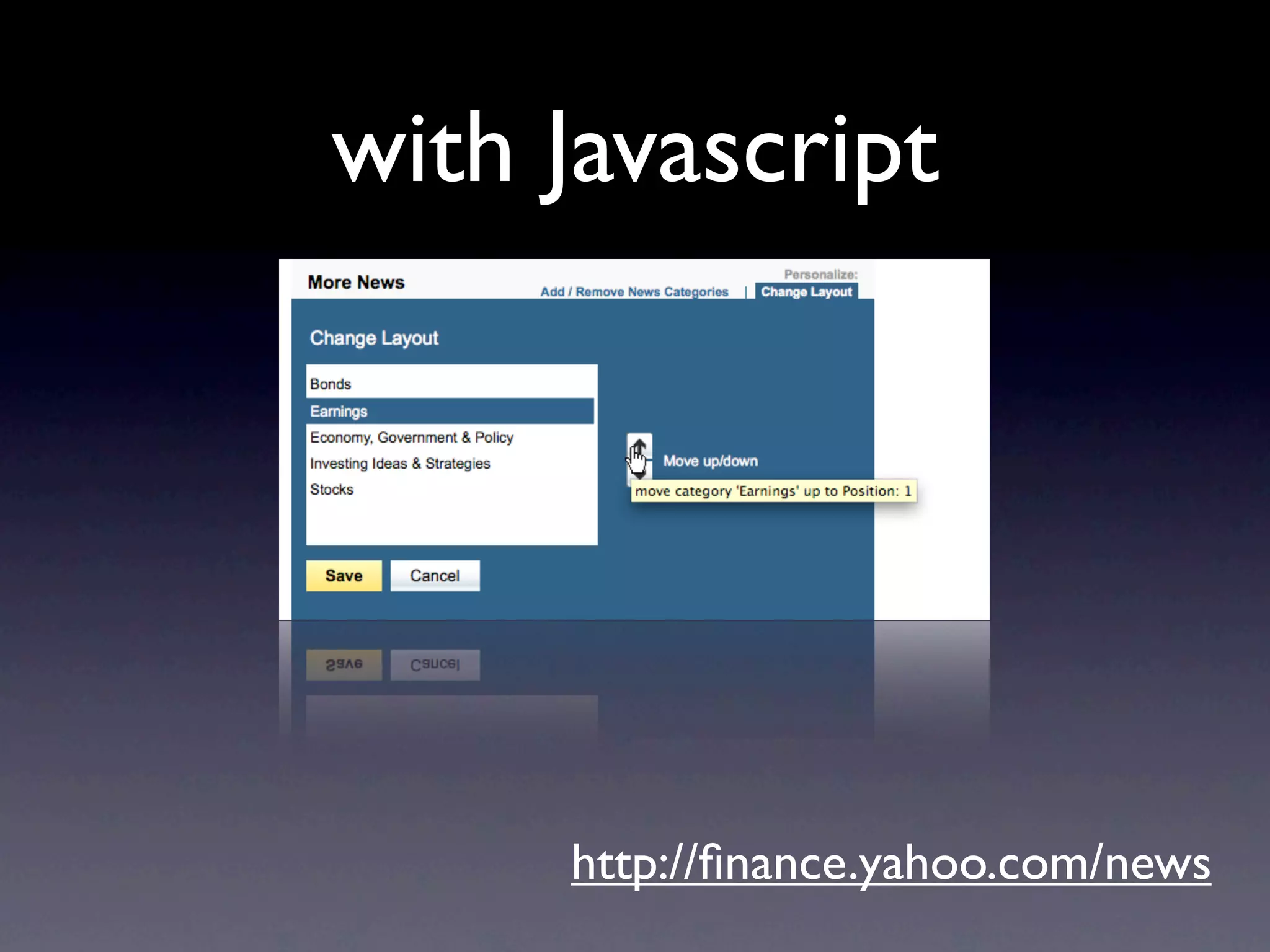
with Javascript


     http://finance.yahoo.com/news
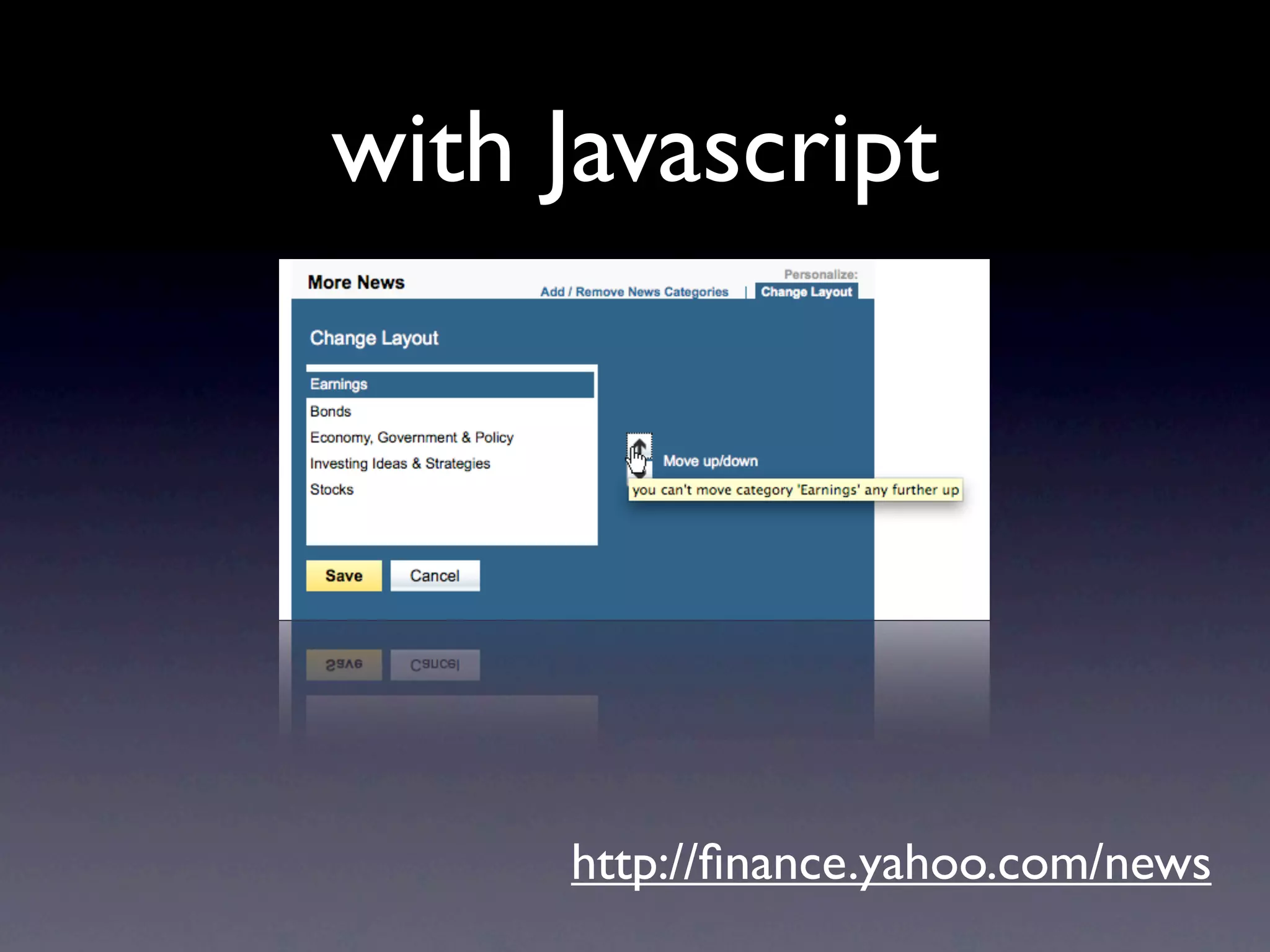
with Javascript


     http://finance.yahoo.com/news
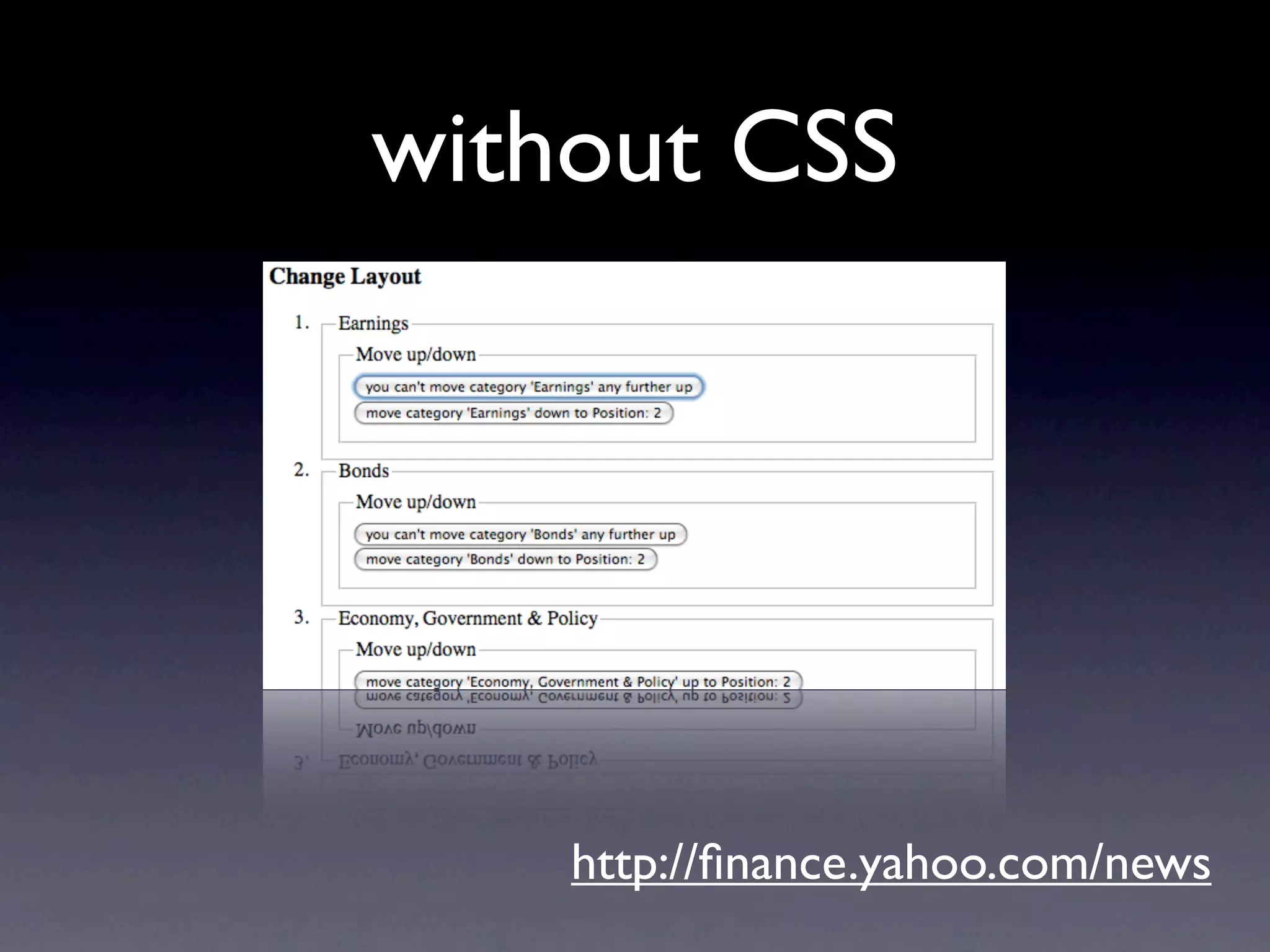
without CSS


    http://finance.yahoo.com/news
without Javascript


       http://finance.yahoo.com/news
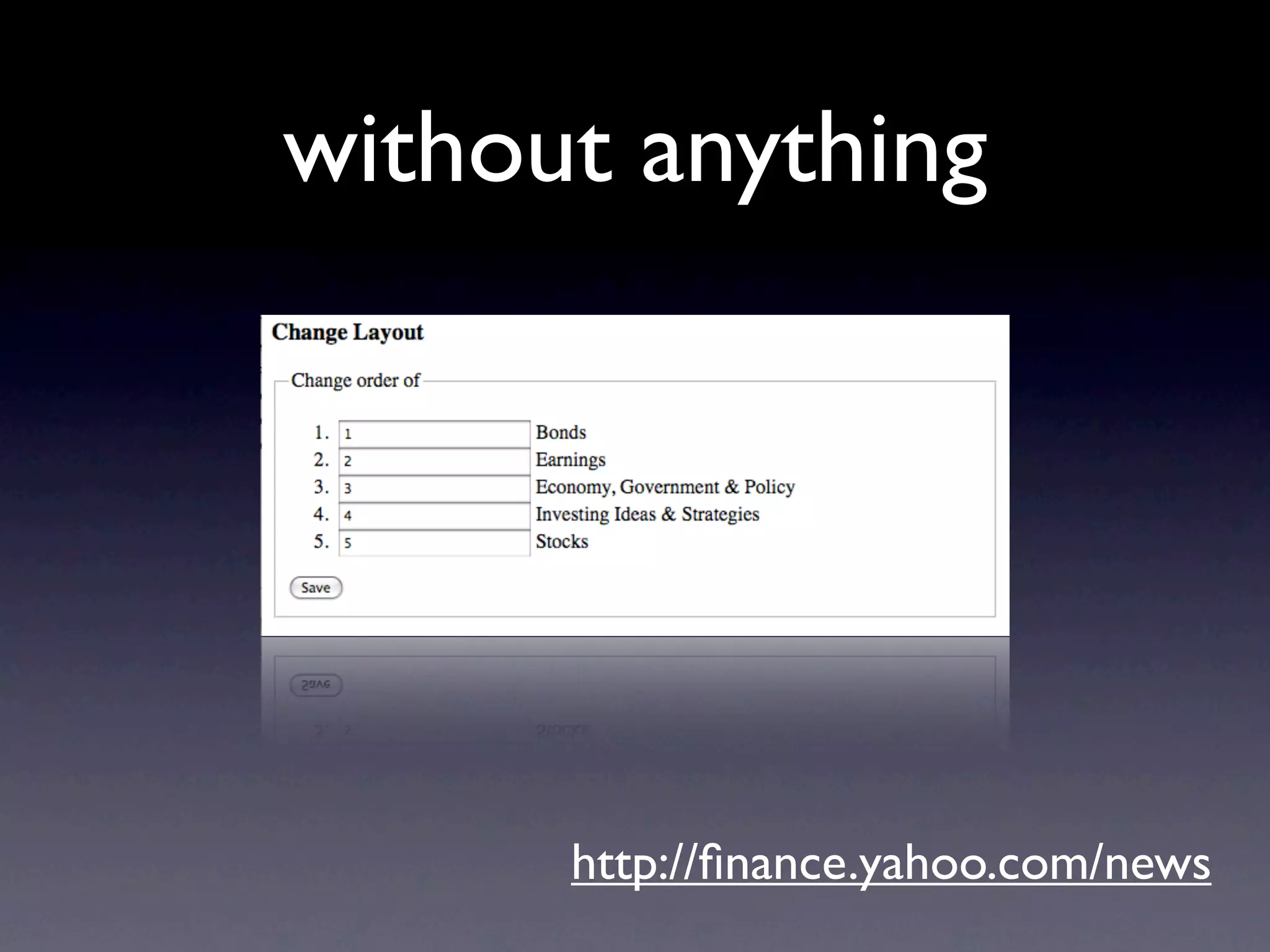
without anything


      http://finance.yahoo.com/news
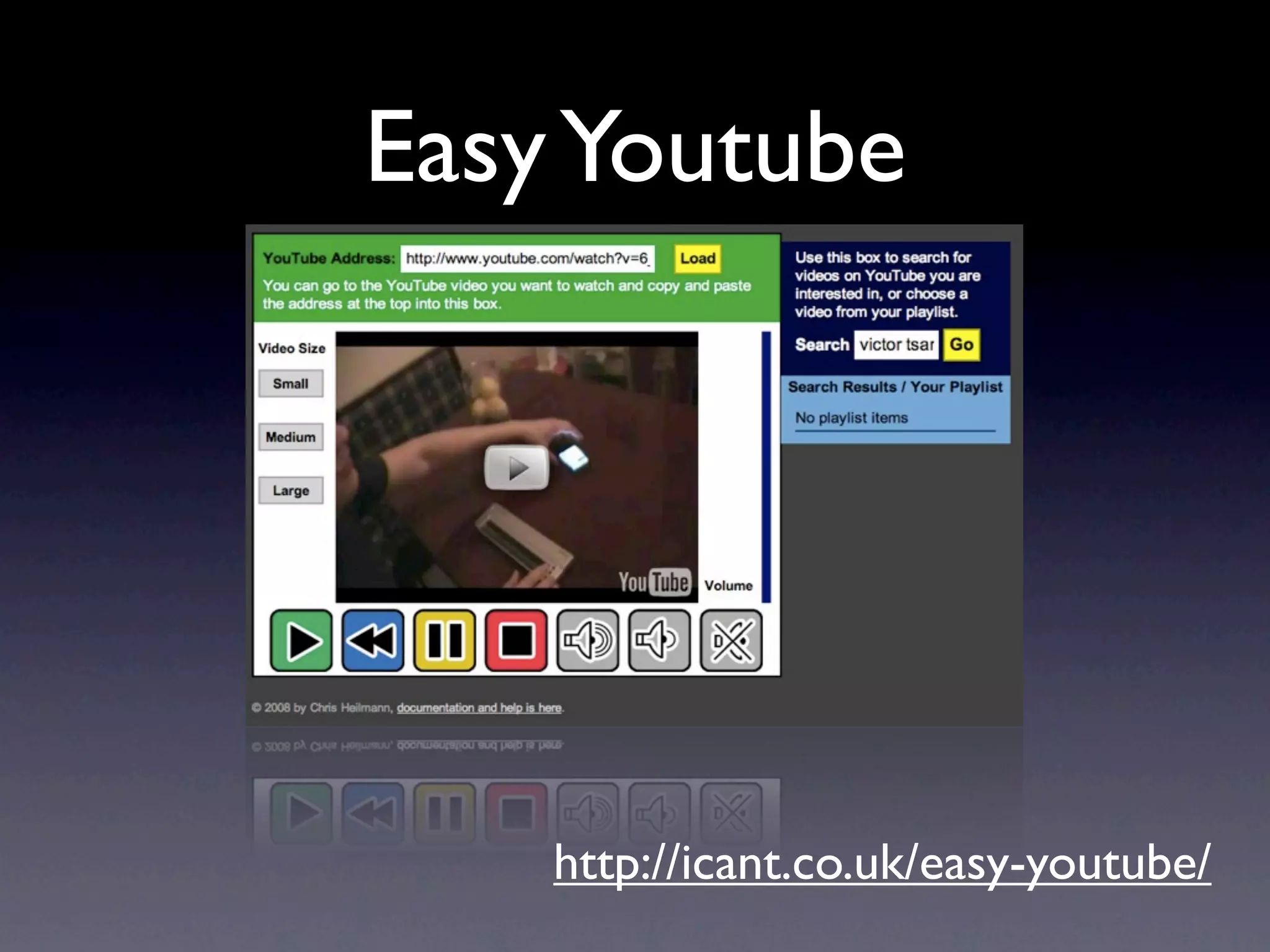
Easy Youtube


    http://icant.co.uk/easy-youtube/
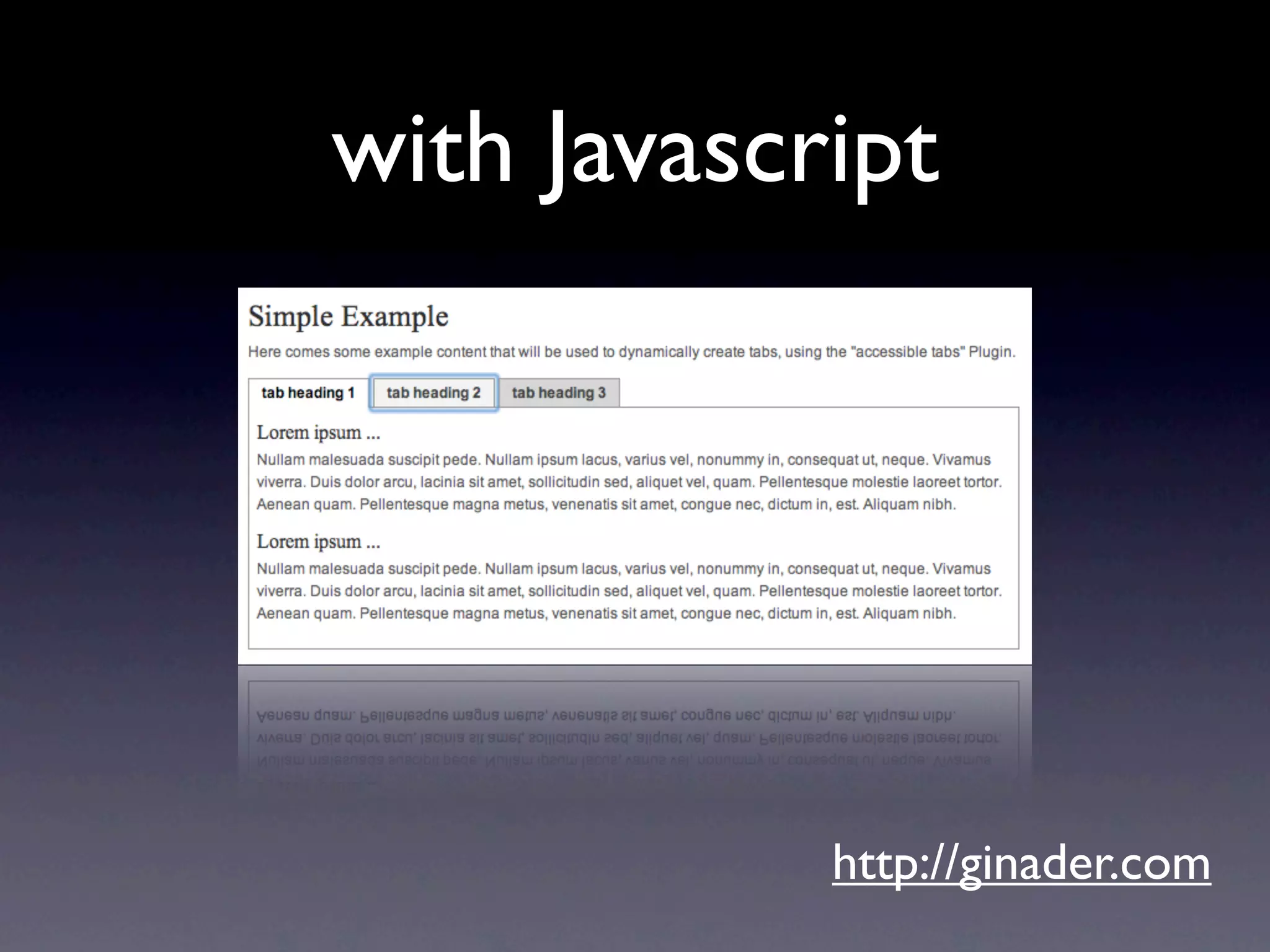
with Javascript


            http://ginader.com
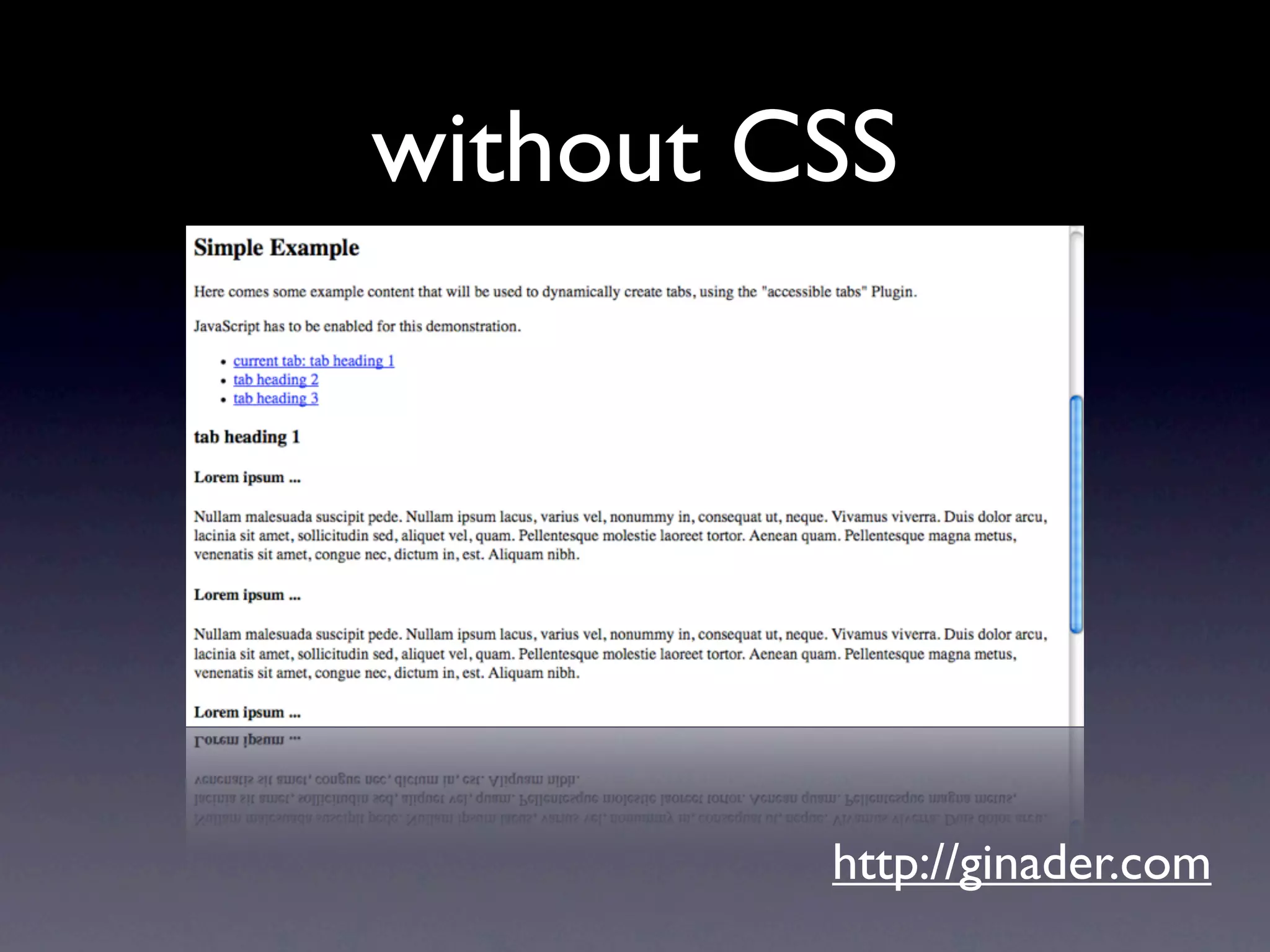
without CSS


         http://ginader.com
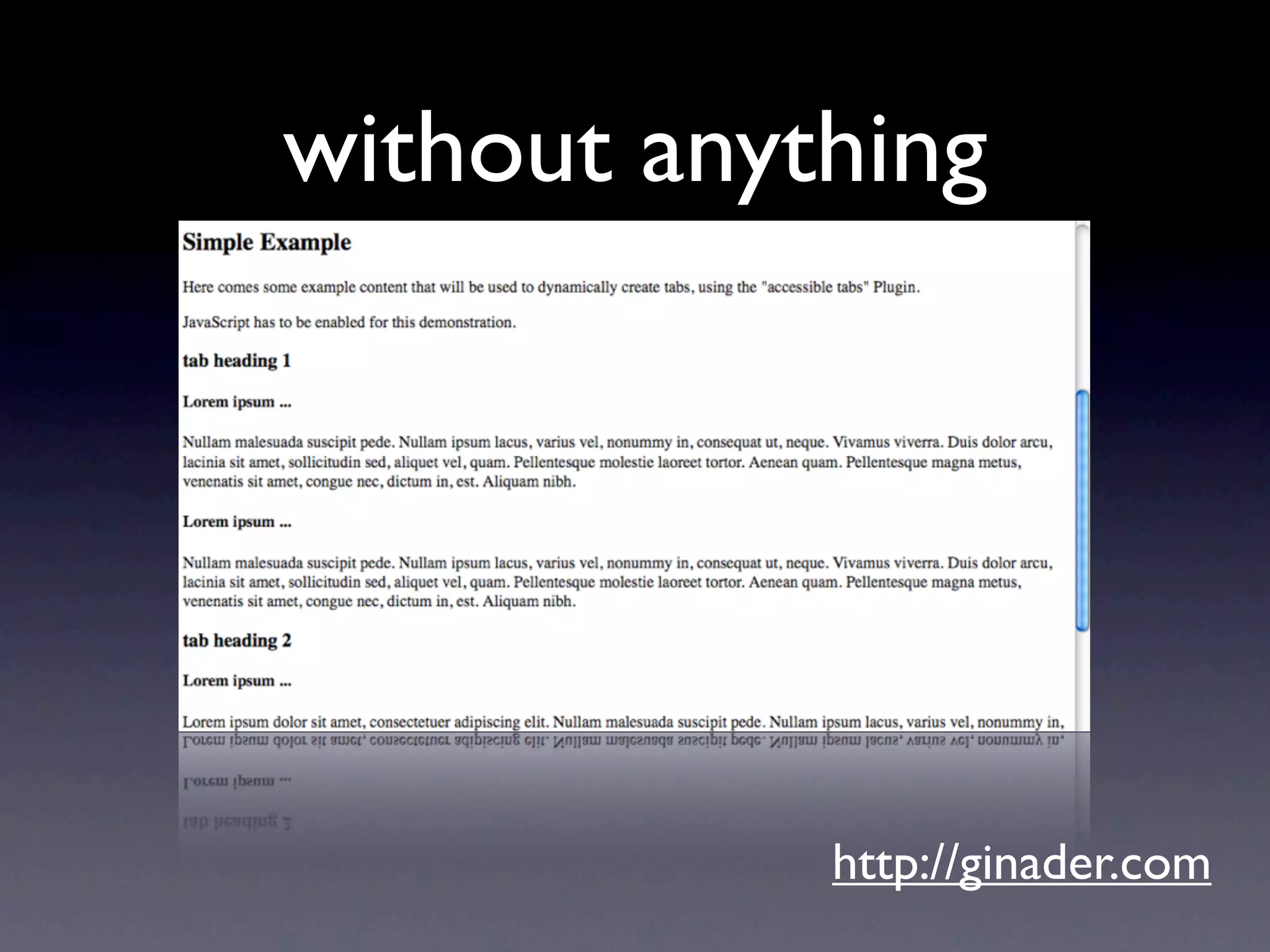
without anything


            http://ginader.com
http://ginader.com
http://twitter.com/ginader

the 5 layers of web accessibility - Open Web Camp II

Editor's Notes

  • #63 over 90 different roles to map existing OS concepts onto your Markup
  • #65 article Content that makes sense in its own right, such as a complete blog post, a comment on a blog, a post in a forum, and so on. banner Site-orientated content, such as the title of the page and the logo. complementary Supporting content for the main content, but meaningful in its own right when separated from the main content. For example, the weather listed on a portal. contentinfo Child content, such as footnotes, copyrights, links to privacy statement, links to preferences, and so on. main Content that is directly related to or expands on the central content of the document. navigation Content that contains the links to navigate this document and/or related documents. search This section contains a search form to search the site.
  • #67 aria-valuemin Stores the lowest value a range may have. aria-valuemax Stores the highest value a range may have. aria-valuenow Stores the current value in a range. aria-valuetext Stores readable text to help the user understand the context. For example, &quot;30 dollars&quot;. aria-labelledby Stores the id attribute of a text label containing an appropriate prompt for this widget.
  • #69 off This is the default value, and indicates that the region is not live. &lt;ul aria-live=&quot;off&quot;&gt; polite This is normal operation and the expected behaviour for live regions. A value of polite indicates that it is not necessary to respond until user completes their current activity. &lt;ul aria-live=&quot;polite&quot;&gt; assertive This value is a higher priority than normal but does not necessarily interrupt the user immediately. &lt;ul aria-live=&quot;assertive&quot;&gt;
  • #71 off This is the default value, and indicates that the region is not live. &lt;ul aria-live=&quot;off&quot;&gt; polite This is normal operation and the expected behaviour for live regions. A value of polite indicates that it is not necessary to respond until user completes their current activity. &lt;ul aria-live=&quot;polite&quot;&gt; assertive This value is a higher priority than normal but does not necessarily interrupt the user immediately. &lt;ul aria-live=&quot;assertive&quot;&gt;
  • #72 off This is the default value, and indicates that the region is not live. &lt;ul aria-live=&quot;off&quot;&gt; polite This is normal operation and the expected behaviour for live regions. A value of polite indicates that it is not necessary to respond until user completes their current activity. &lt;ul aria-live=&quot;polite&quot;&gt; assertive This value is a higher priority than normal but does not necessarily interrupt the user immediately. &lt;ul aria-live=&quot;assertive&quot;&gt;