Docker Machine and Swarm on
OpenNebula
Javi Fontán
OpenNebula Project Engineer
© OpenNebula Project. Creative Commons Attribution-NonCommercial-ShareAlike License
Docker and OpenNebula
+
© OpenNebula Systems SL
#1 - Docker Hypervisor
Docker as a Hypervisor
OpenNebula VM ⇔ Docker…
But, what happens with the Docker Catalog?
3
© OpenNebula Systems SL
#2 - Distribute OpenNebula in Docker
Distribute OpenNebula in Docker
Solves many packaging problems...
But it creates a lot of new ones!
4
© OpenNebula Systems SL
#3 - Docker-Machine + OpenNebula
Integrate with Docker-Machine
Use OpenNebula transparently to deploy your
Docker host.
Switch between your docker hosts.
5
© OpenNebula Systems SL
#3 - Docker-Machine + OpenNebula - Understand
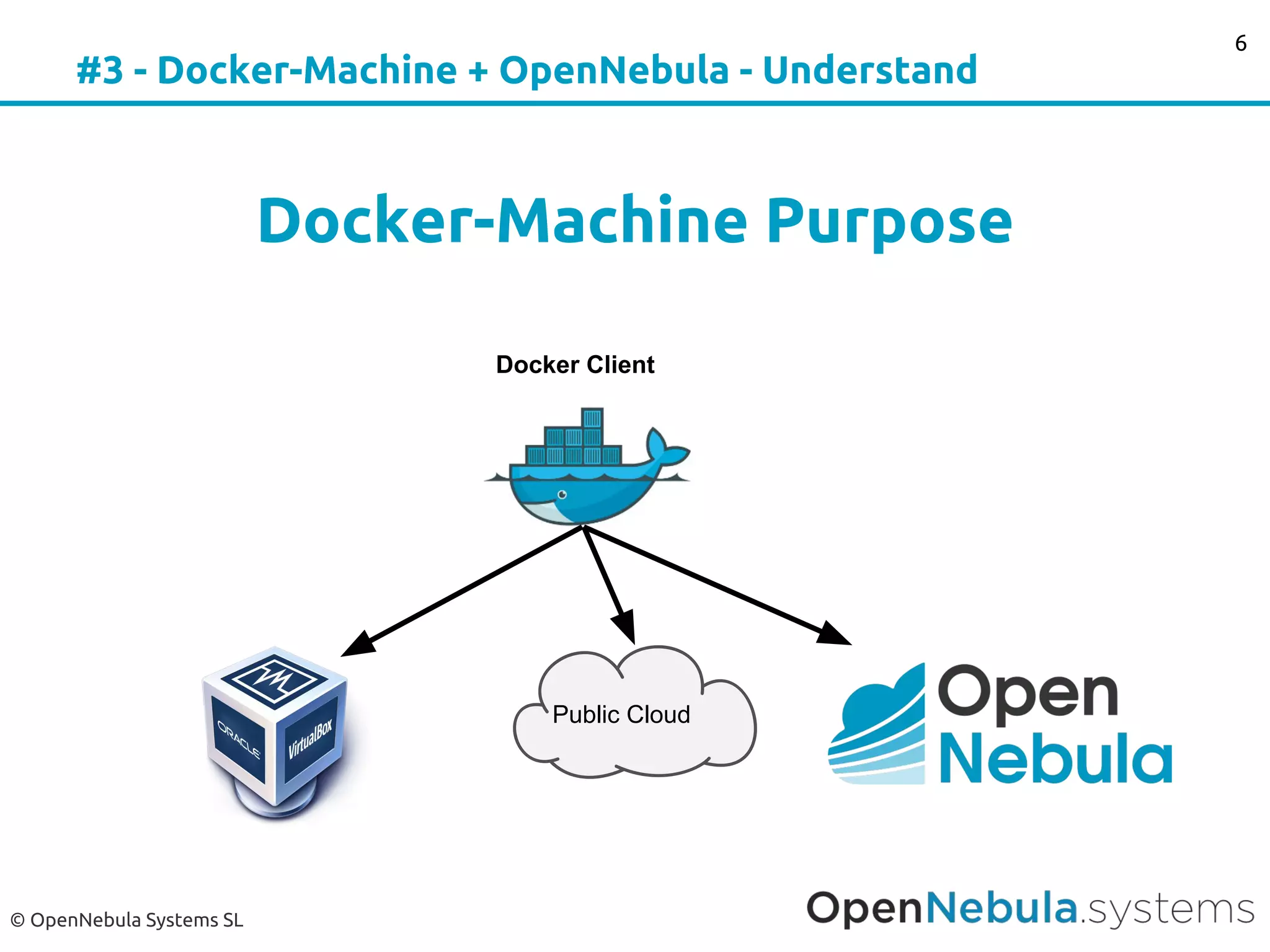
Docker-Machine Purpose
6
Docker Client
Public Cloud
© OpenNebula Systems SL
#3 - Docker-Machine + OpenNebula - Images
Boot2Docker
Lightweight Linux distribution based on Tiny
Core Linux made specifically to run Docker
containers.
http://boot2docker.io
7
© OpenNebula Systems SL
#3 - Docker-Machine + OpenNebula - Requirements
Requirements
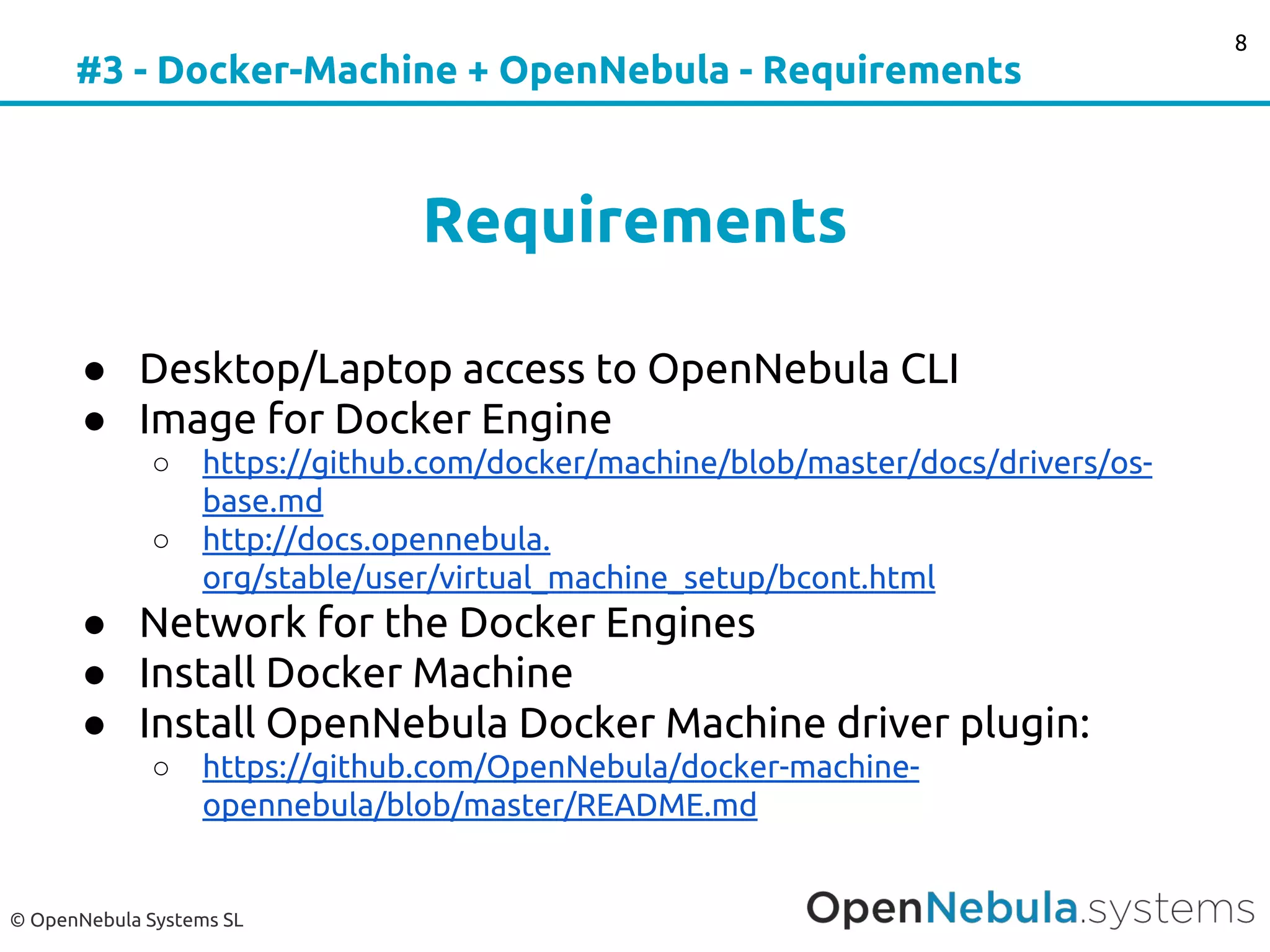
● Desktop/Laptop access to OpenNebula CLI
● Image for Docker Engine
○ https://github.com/docker/machine/blob/master/docs/drivers/os-
base.md
○ http://docs.opennebula.
org/stable/user/virtual_machine_setup/bcont.html
● Network for the Docker Engines
● Install Docker Machine
● Install OpenNebula Docker Machine driver plugin:
○ https://github.com/OpenNebula/docker-machine-
opennebula/blob/master/README.md
8
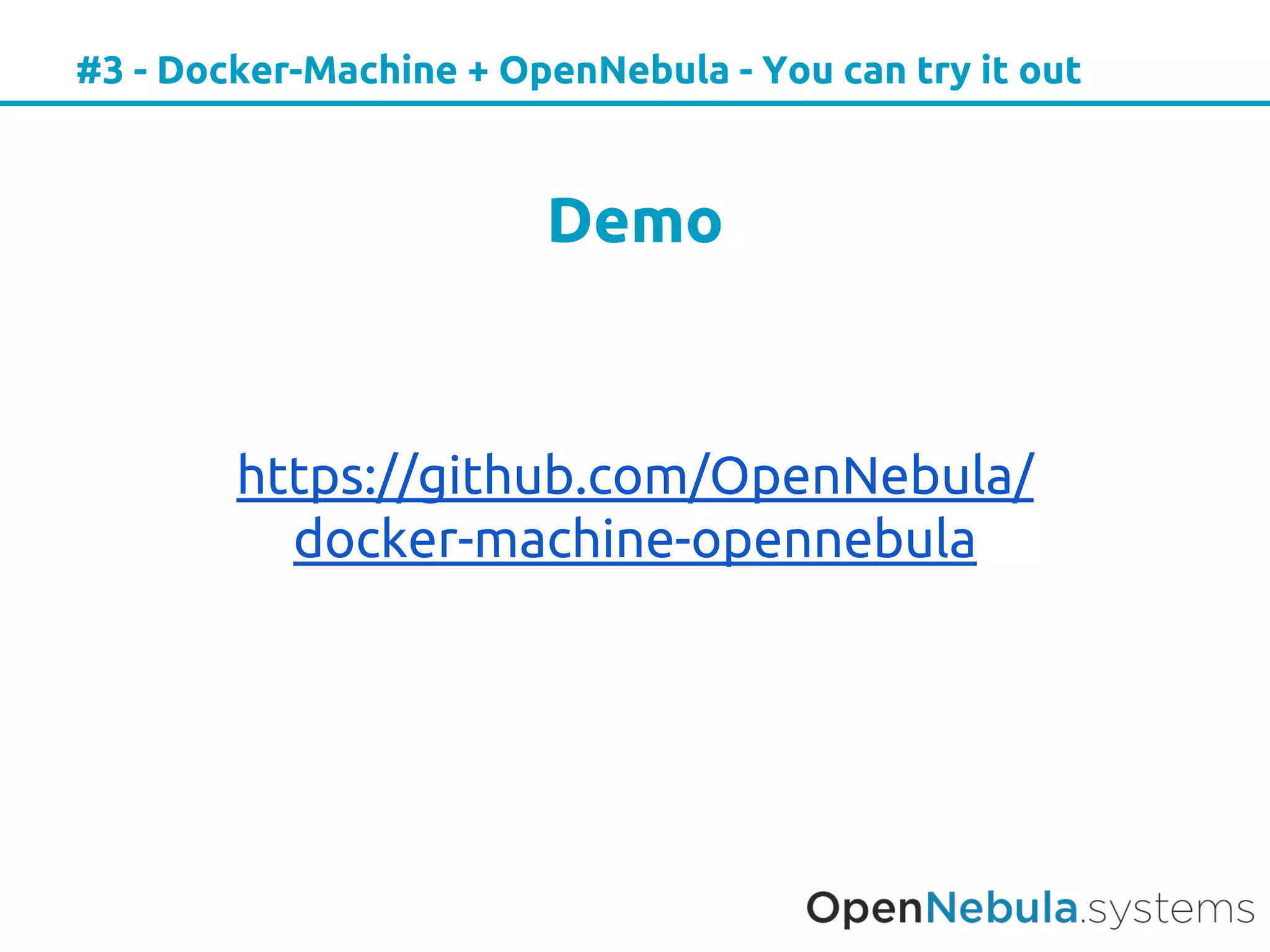
#3 - Docker-Machine + OpenNebula - You can try it out
Demo
https://github.com/OpenNebula/
docker-machine-opennebula
© OpenNebula Systems SL
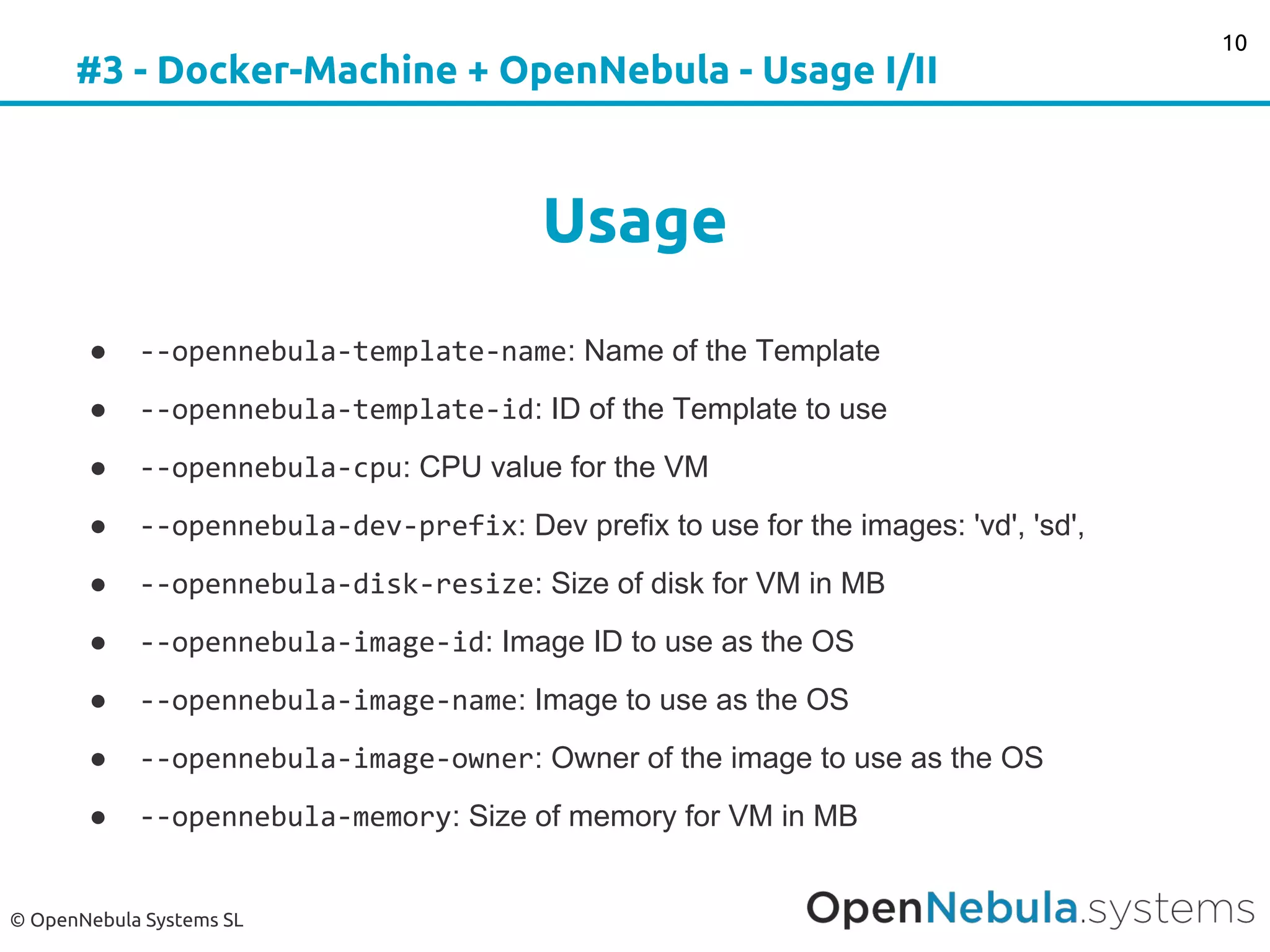
#3 - Docker-Machine + OpenNebula - Usage I/II
Usage
● --opennebula-template-name: Name of the Template
● --opennebula-template-id: ID of the Template to use
● --opennebula-cpu: CPU value for the VM
● --opennebula-dev-prefix: Dev prefix to use for the images: 'vd', 'sd',
● --opennebula-disk-resize: Size of disk for VM in MB
● --opennebula-image-id: Image ID to use as the OS
● --opennebula-image-name: Image to use as the OS
● --opennebula-image-owner: Owner of the image to use as the OS
● --opennebula-memory: Size of memory for VM in MB
10
© OpenNebula Systems SL
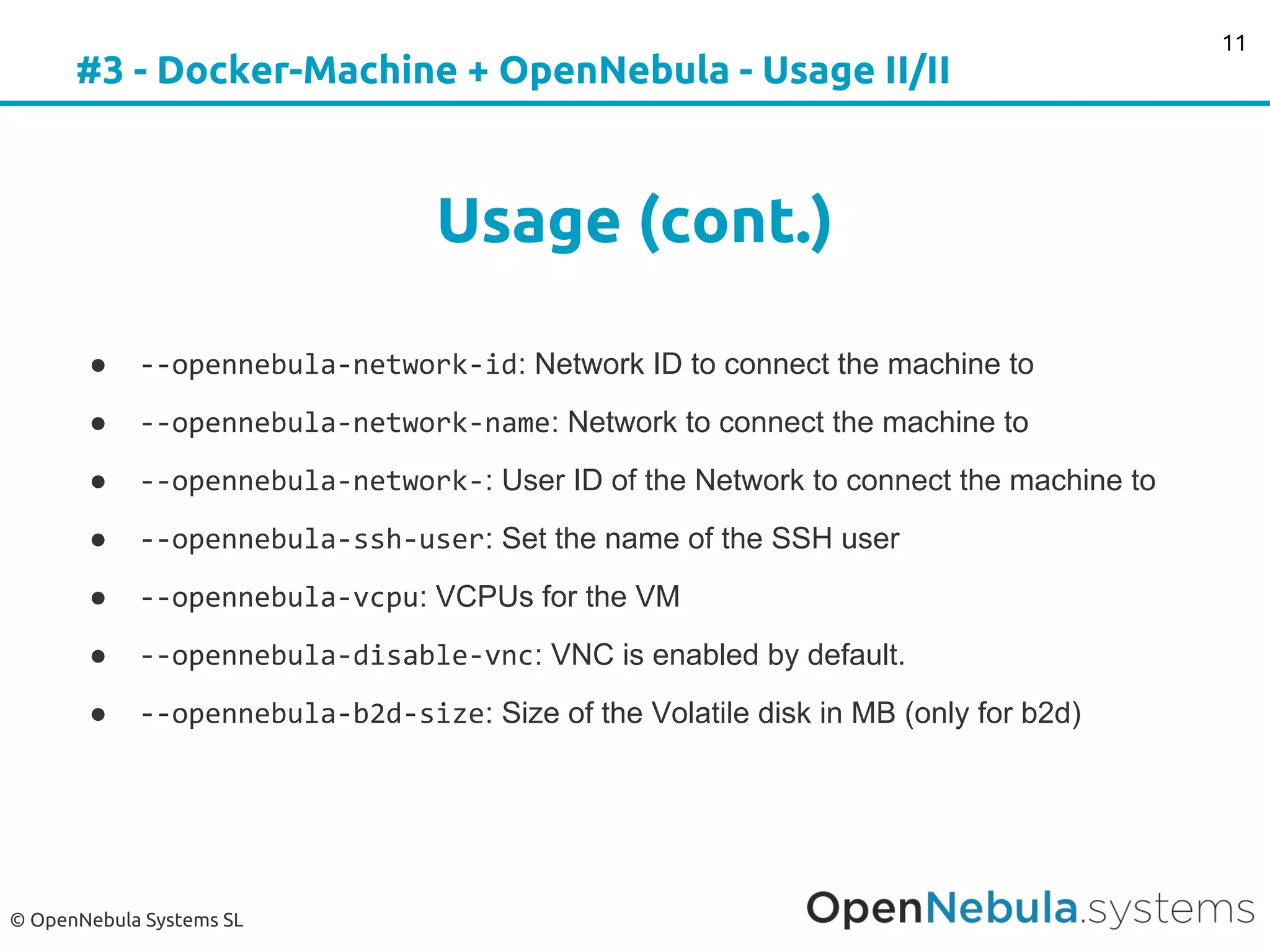
#3 - Docker-Machine + OpenNebula - Usage II/II
Usage (cont.)
● --opennebula-network-id: Network ID to connect the machine to
● --opennebula-network-name: Network to connect the machine to
● --opennebula-network-: User ID of the Network to connect the machine to
● --opennebula-ssh-user: Set the name of the SSH user
● --opennebula-vcpu: VCPUs for the VM
● --opennebula-disable-vnc: VNC is enabled by default.
● --opennebula-b2d-size: Size of the Volatile disk in MB (only for b2d)
11
© OpenNebula Systems SL
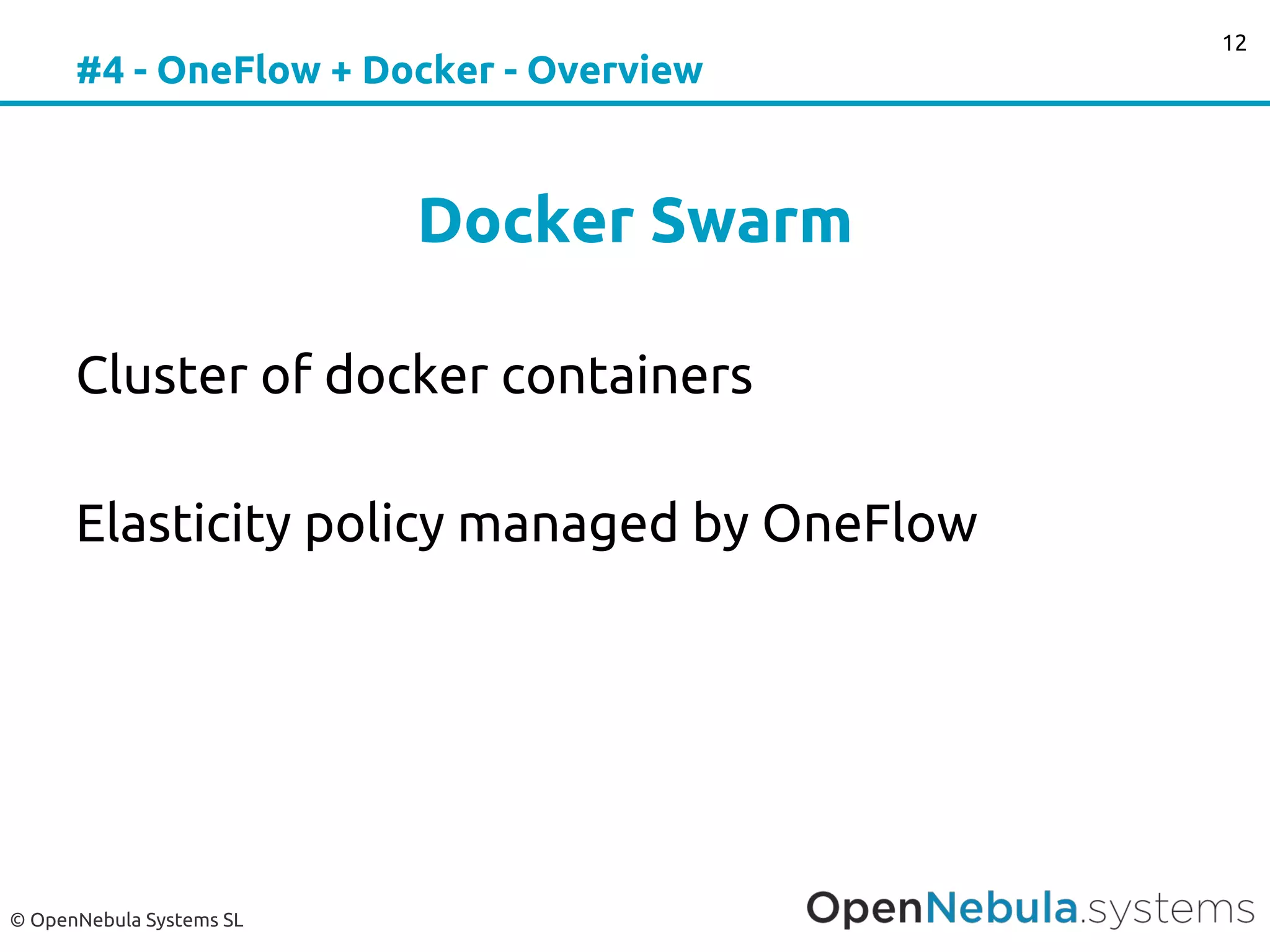
#4 - OneFlow + Docker - Overview
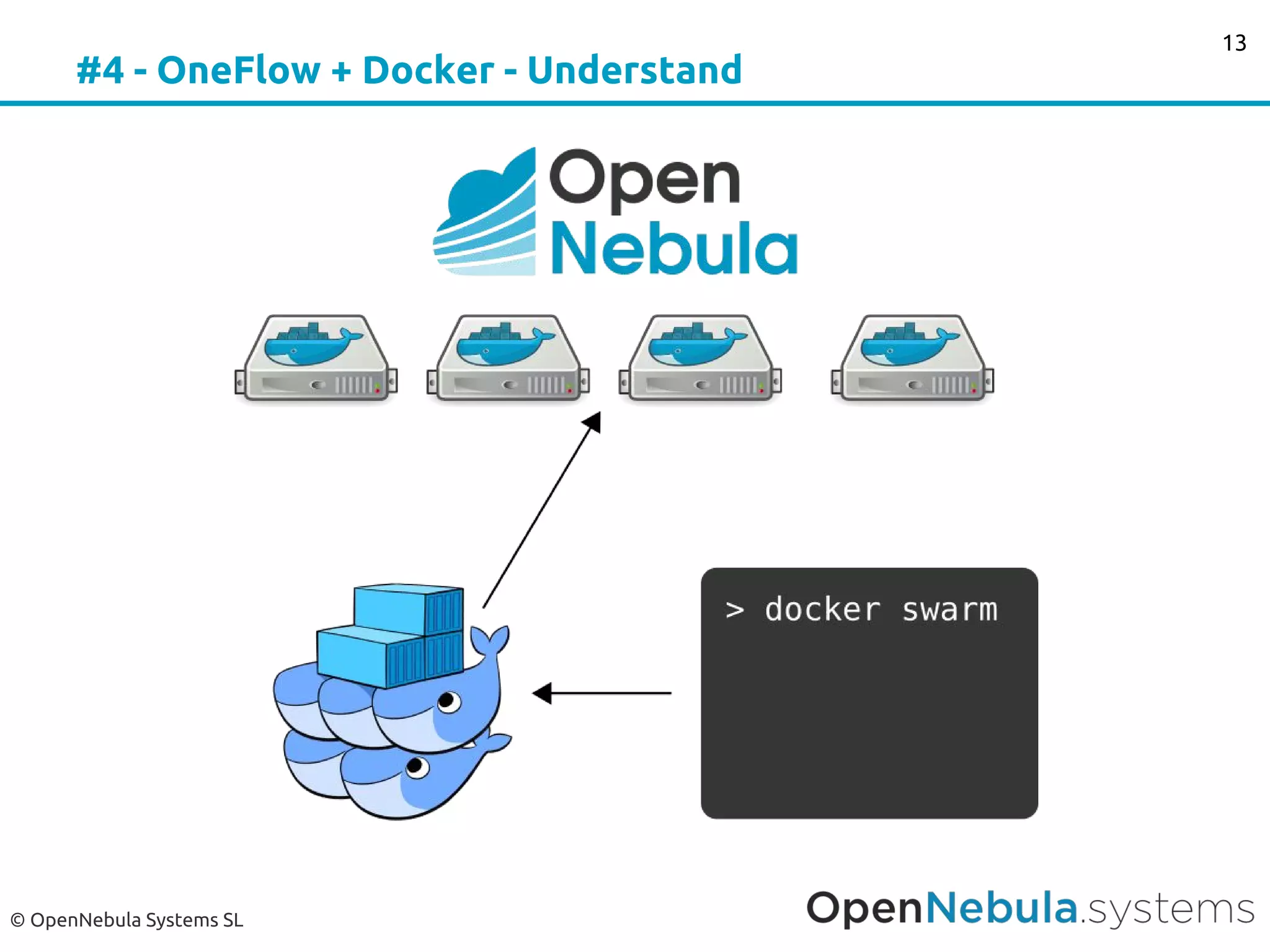
Docker Swarm
Cluster of docker containers
Elasticity policy managed by OneFlow
12
© OpenNebula Systems SL
#4 - OneFlow + Docker - Understand
13
© OpenNebula Systems SL
#4 - OneFlow + Docker - Demo
Demo Docker Swarm
14
© OpenNebula Systems SL
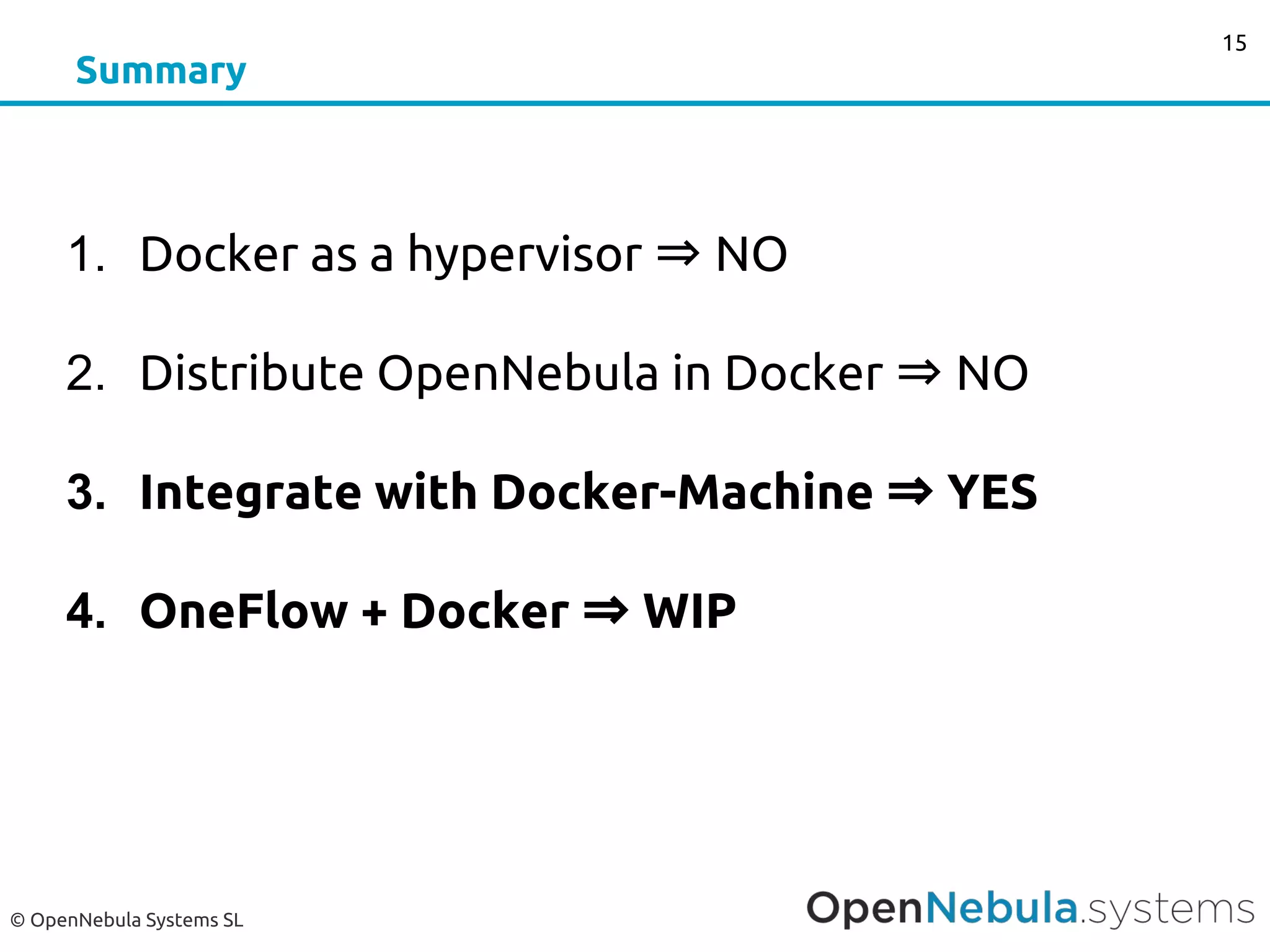
Summary
1. Docker as a hypervisor ⇒ NO
2. Distribute OpenNebula in Docker ⇒ NO
3. Integrate with Docker-Machine ⇒ YES
4. OneFlow + Docker ⇒ WIP
15
© OpenNebula Systems SL
What do you think?
16
?
What integration did you have in mind?
How do you use docker and how do you envision
its integration with OpenNebula?
Is there any other you-should-absolutely-integrate-
with-this-project we are missing?
25 - 27 October 2016
in BARCELONA
OpenNebulaCONFERENCE
4th
edition
OpenNebula.org
Platinum Sponsor

TechDay - April - OpenNebula and Docker

  • 1.
    Docker Machine andSwarm on OpenNebula Javi Fontán OpenNebula Project Engineer © OpenNebula Project. Creative Commons Attribution-NonCommercial-ShareAlike License
  • 2.
  • 3.
    © OpenNebula SystemsSL #1 - Docker Hypervisor Docker as a Hypervisor OpenNebula VM ⇔ Docker… But, what happens with the Docker Catalog? 3
  • 4.
    © OpenNebula SystemsSL #2 - Distribute OpenNebula in Docker Distribute OpenNebula in Docker Solves many packaging problems... But it creates a lot of new ones! 4
  • 5.
    © OpenNebula SystemsSL #3 - Docker-Machine + OpenNebula Integrate with Docker-Machine Use OpenNebula transparently to deploy your Docker host. Switch between your docker hosts. 5
  • 6.
    © OpenNebula SystemsSL #3 - Docker-Machine + OpenNebula - Understand Docker-Machine Purpose 6 Docker Client Public Cloud
  • 7.
    © OpenNebula SystemsSL #3 - Docker-Machine + OpenNebula - Images Boot2Docker Lightweight Linux distribution based on Tiny Core Linux made specifically to run Docker containers. http://boot2docker.io 7
  • 8.
    © OpenNebula SystemsSL #3 - Docker-Machine + OpenNebula - Requirements Requirements ● Desktop/Laptop access to OpenNebula CLI ● Image for Docker Engine ○ https://github.com/docker/machine/blob/master/docs/drivers/os- base.md ○ http://docs.opennebula. org/stable/user/virtual_machine_setup/bcont.html ● Network for the Docker Engines ● Install Docker Machine ● Install OpenNebula Docker Machine driver plugin: ○ https://github.com/OpenNebula/docker-machine- opennebula/blob/master/README.md 8
  • 9.
    #3 - Docker-Machine+ OpenNebula - You can try it out Demo https://github.com/OpenNebula/ docker-machine-opennebula
  • 10.
    © OpenNebula SystemsSL #3 - Docker-Machine + OpenNebula - Usage I/II Usage ● --opennebula-template-name: Name of the Template ● --opennebula-template-id: ID of the Template to use ● --opennebula-cpu: CPU value for the VM ● --opennebula-dev-prefix: Dev prefix to use for the images: 'vd', 'sd', ● --opennebula-disk-resize: Size of disk for VM in MB ● --opennebula-image-id: Image ID to use as the OS ● --opennebula-image-name: Image to use as the OS ● --opennebula-image-owner: Owner of the image to use as the OS ● --opennebula-memory: Size of memory for VM in MB 10
  • 11.
    © OpenNebula SystemsSL #3 - Docker-Machine + OpenNebula - Usage II/II Usage (cont.) ● --opennebula-network-id: Network ID to connect the machine to ● --opennebula-network-name: Network to connect the machine to ● --opennebula-network-: User ID of the Network to connect the machine to ● --opennebula-ssh-user: Set the name of the SSH user ● --opennebula-vcpu: VCPUs for the VM ● --opennebula-disable-vnc: VNC is enabled by default. ● --opennebula-b2d-size: Size of the Volatile disk in MB (only for b2d) 11
  • 12.
    © OpenNebula SystemsSL #4 - OneFlow + Docker - Overview Docker Swarm Cluster of docker containers Elasticity policy managed by OneFlow 12
  • 13.
    © OpenNebula SystemsSL #4 - OneFlow + Docker - Understand 13
  • 14.
    © OpenNebula SystemsSL #4 - OneFlow + Docker - Demo Demo Docker Swarm 14
  • 15.
    © OpenNebula SystemsSL Summary 1. Docker as a hypervisor ⇒ NO 2. Distribute OpenNebula in Docker ⇒ NO 3. Integrate with Docker-Machine ⇒ YES 4. OneFlow + Docker ⇒ WIP 15
  • 16.
    © OpenNebula SystemsSL What do you think? 16 ? What integration did you have in mind? How do you use docker and how do you envision its integration with OpenNebula? Is there any other you-should-absolutely-integrate- with-this-project we are missing?
  • 17.
    25 - 27October 2016 in BARCELONA OpenNebulaCONFERENCE 4th edition OpenNebula.org Platinum Sponsor