Luca Bongiorni
10th September 2015
2
3
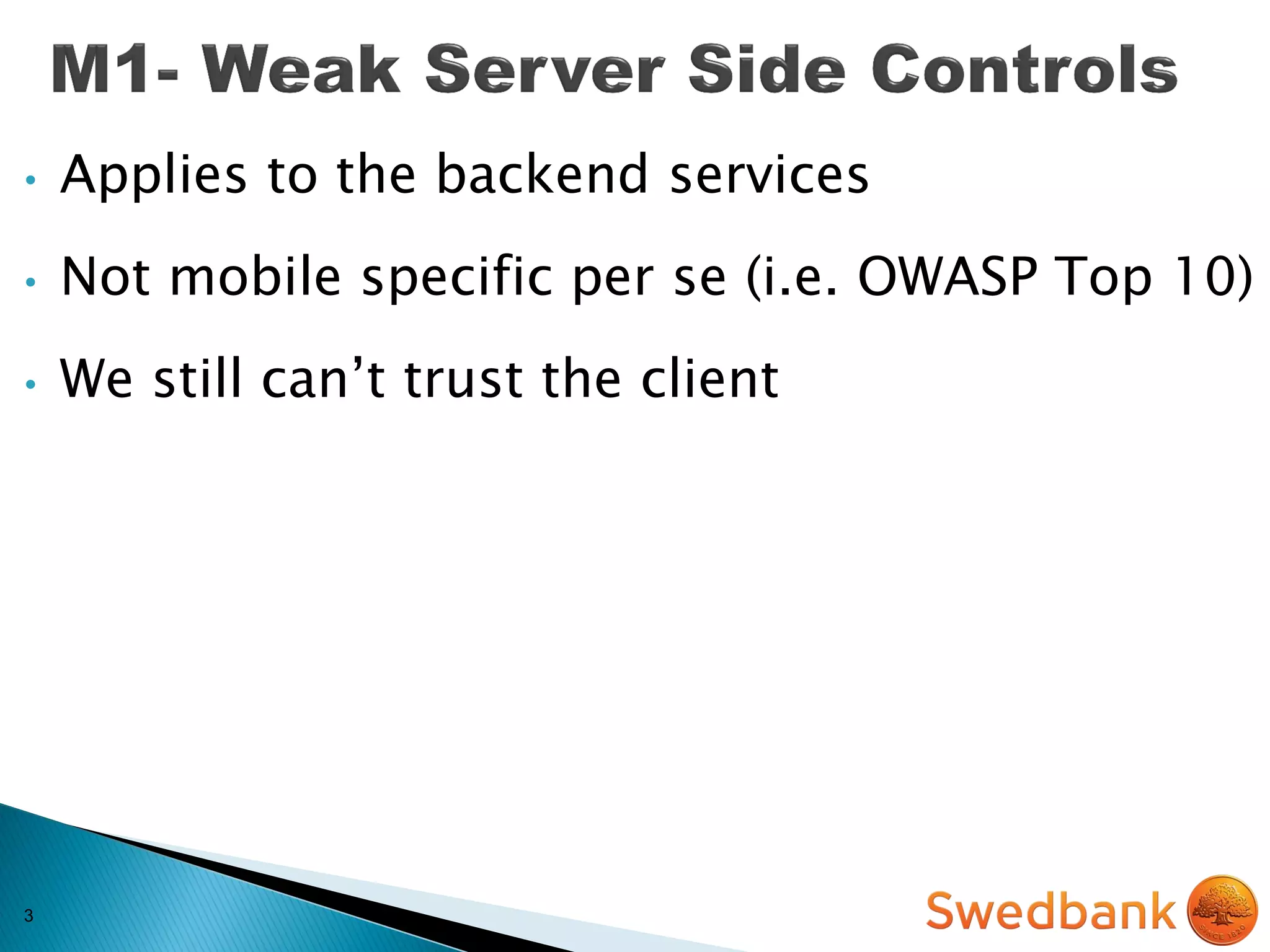
• Applies to the backend services
• Not mobile specific per se (i.e. OWASP Top 10)
• We still can’t trust the client
3
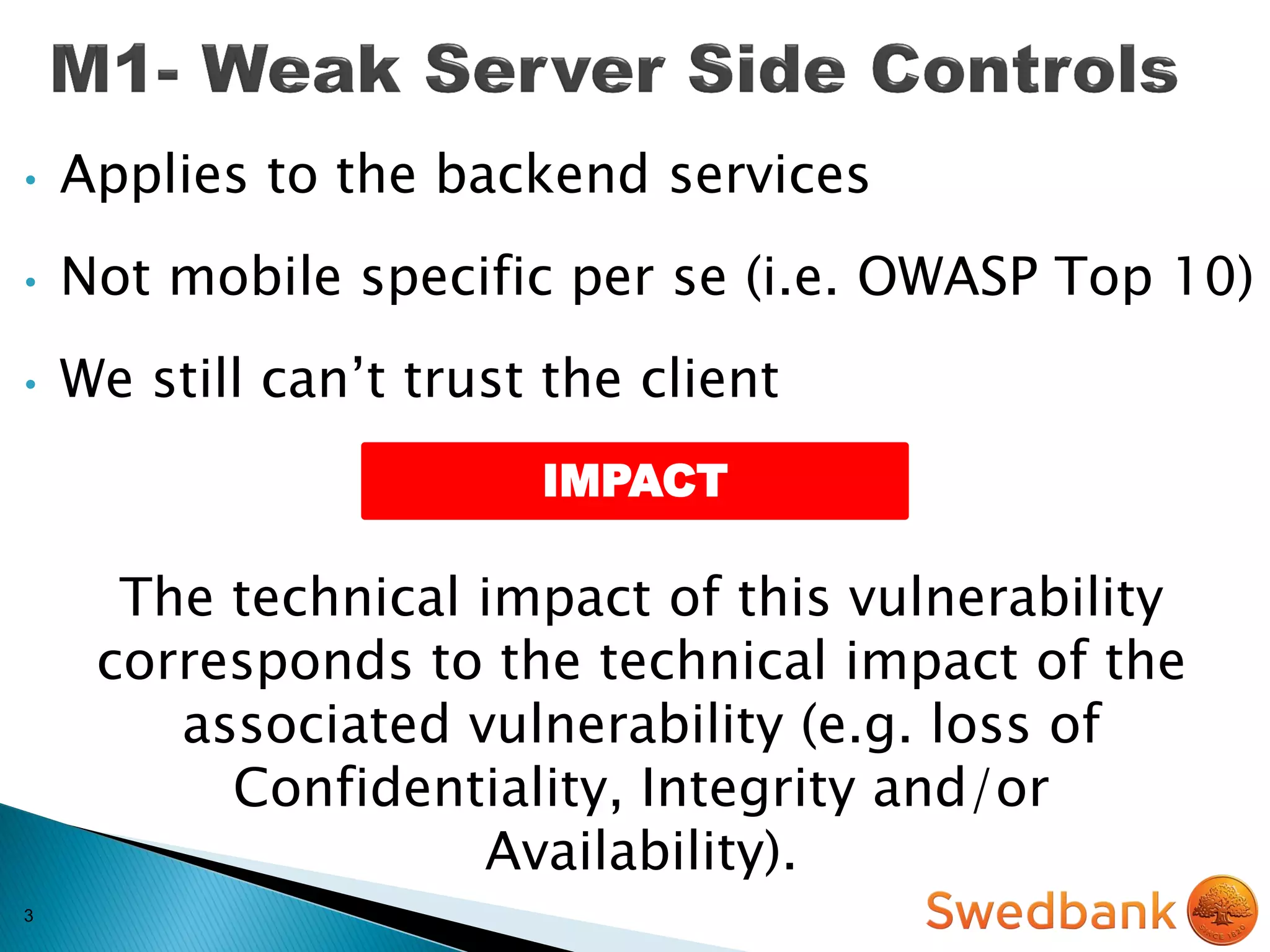
• Applies to the backend services
• Not mobile specific per se (i.e. OWASP Top 10)
• We still can’t trust the client
The technical impact of this vulnerability
corresponds to the technical impact of the
associated vulnerability (e.g. loss of
Confidentiality, Integrity and/or
Availability).
IMPACT
4
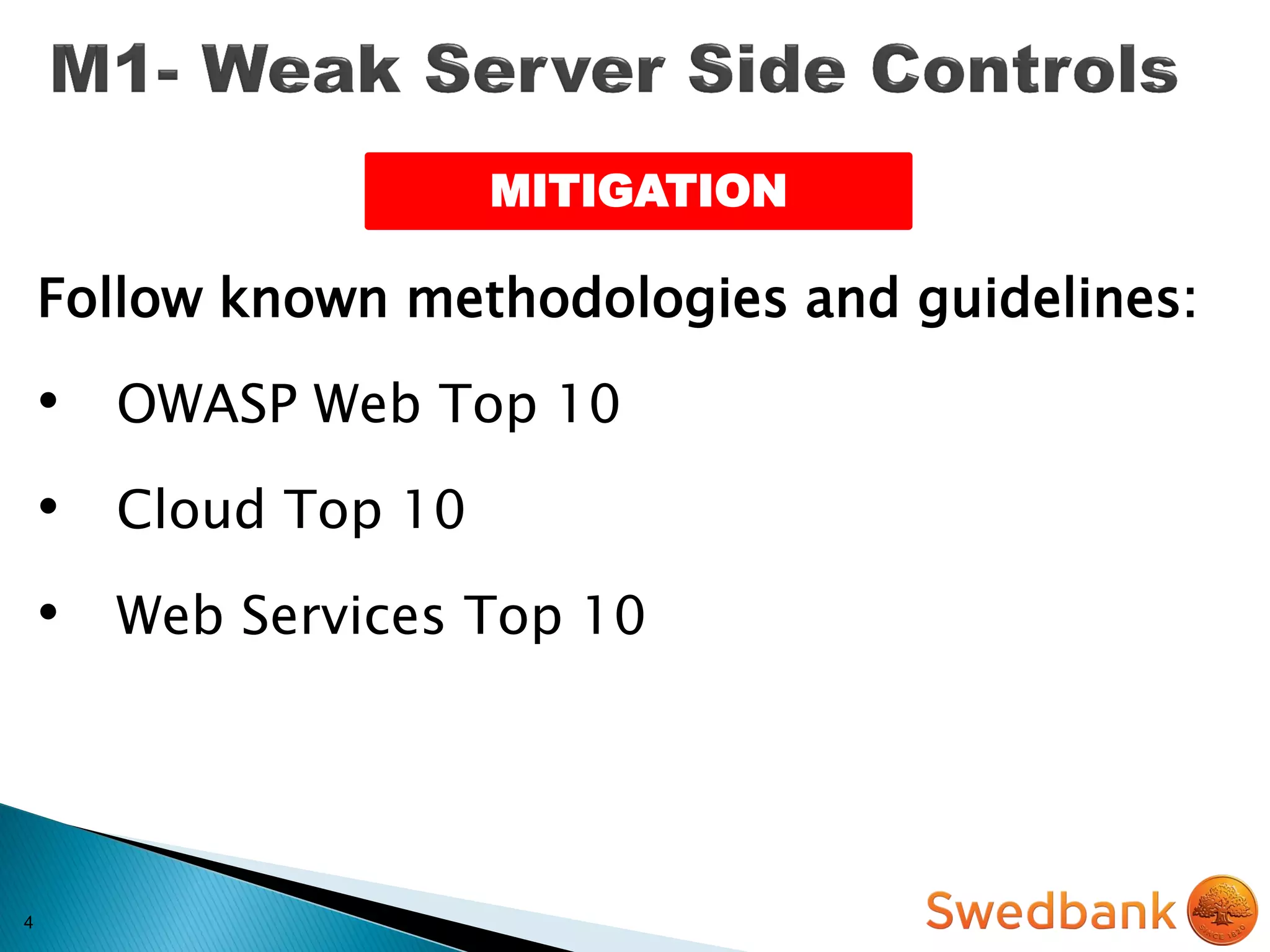
Follow known methodologies and guidelines:
• OWASP Web Top 10
• Cloud Top 10
• Web Services Top 10
MITIGATION
5
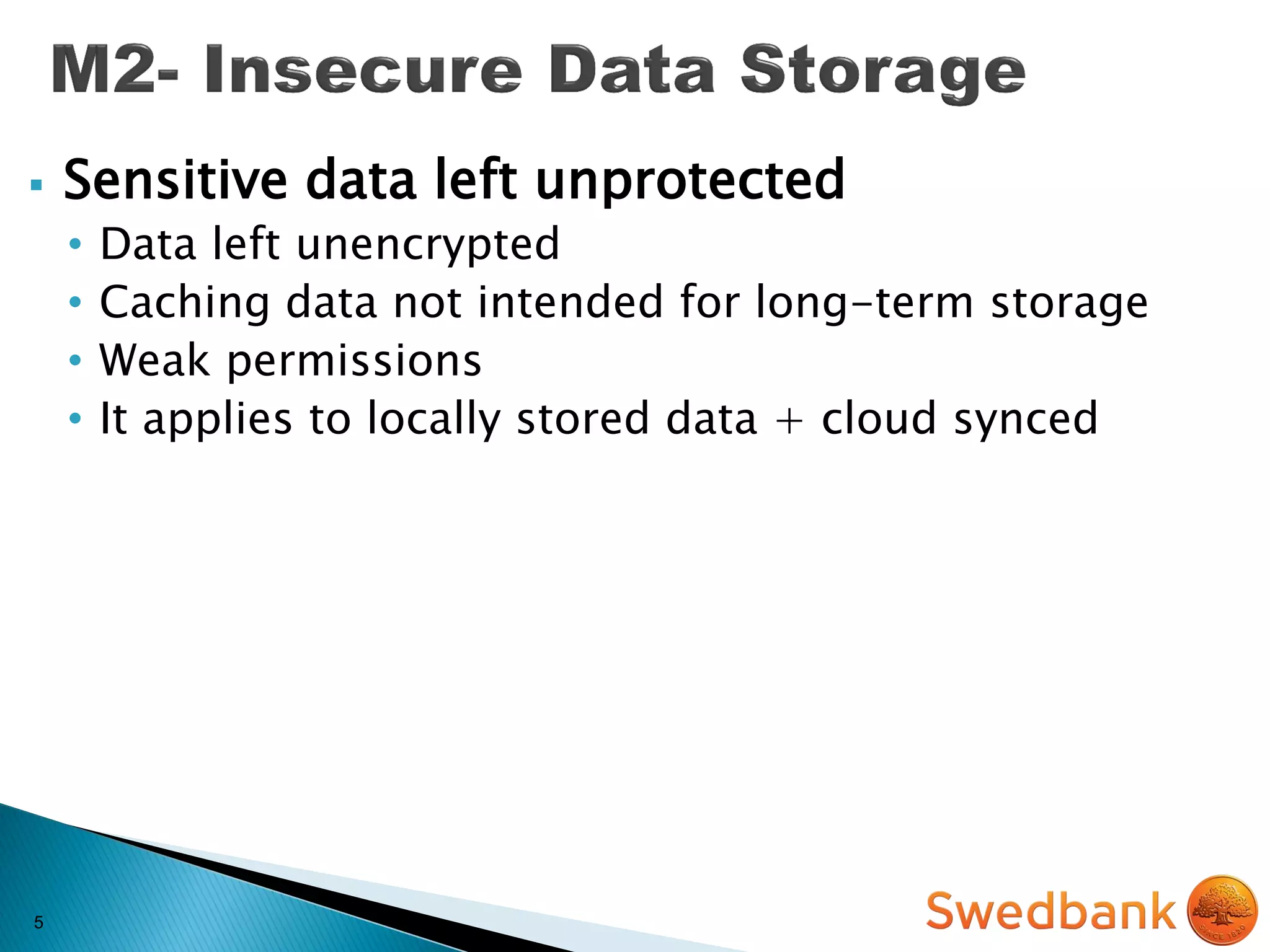
 Sensitive data left unprotected
• Data left unencrypted
• Caching data not intended for long-term storage
• Weak permissions
• It applies to locally stored data + cloud synced
5
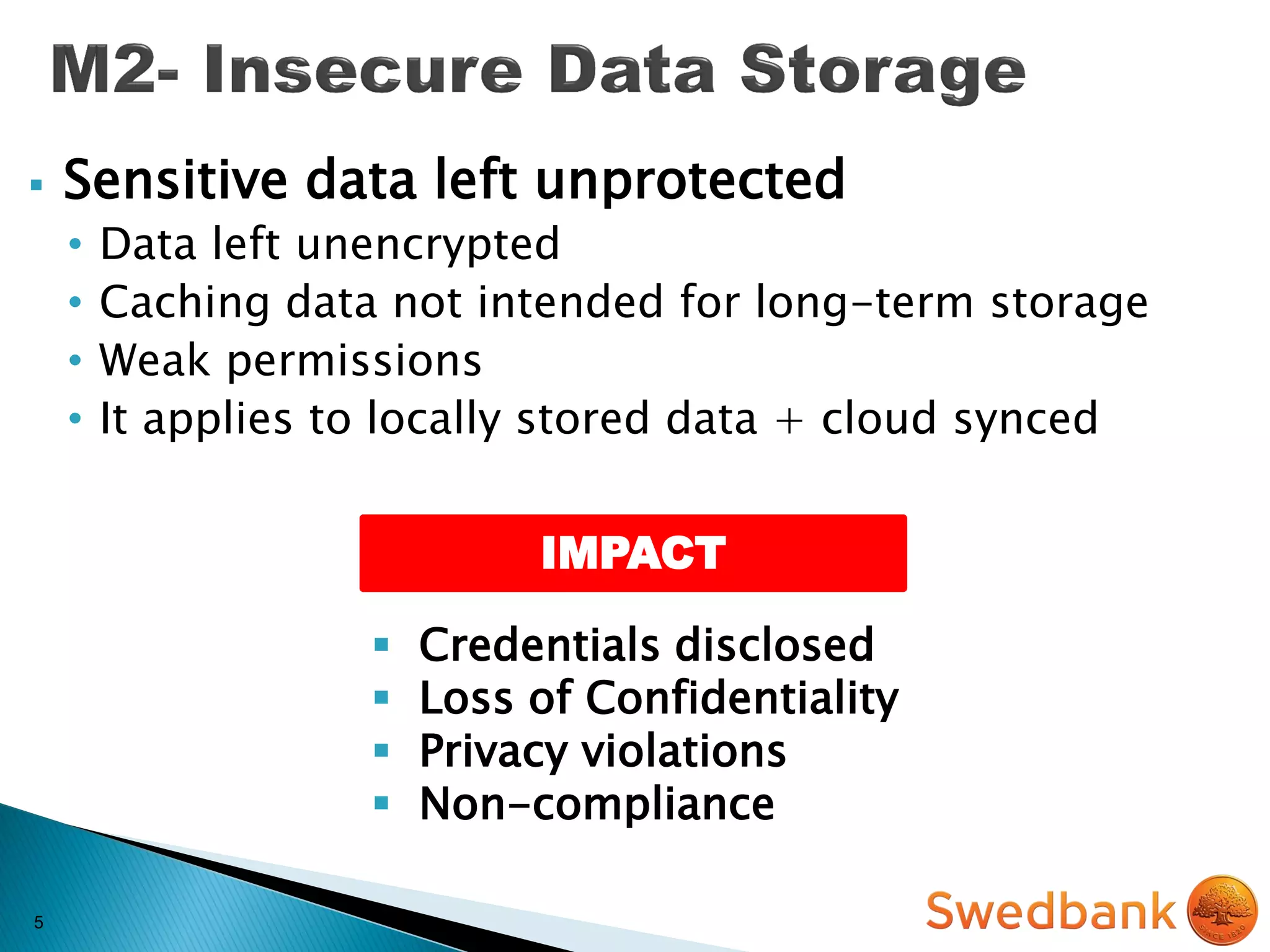
IMPACT
 Sensitive data left unprotected
• Data left unencrypted
• Caching data not intended for long-term storage
• Weak permissions
• It applies to locally stored data + cloud synced
 Credentials disclosed
 Loss of Confidentiality
 Privacy violations
 Non-compliance
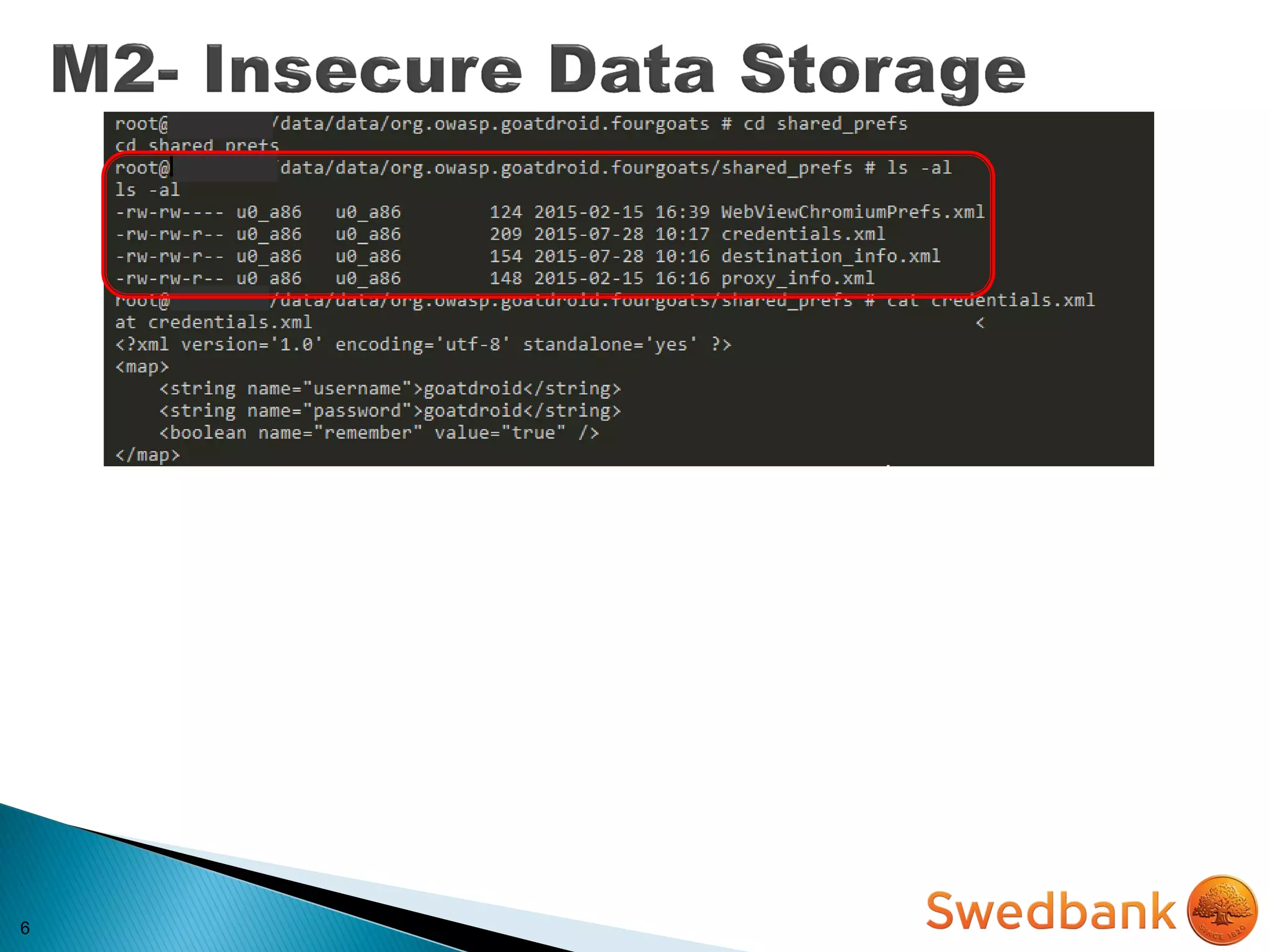
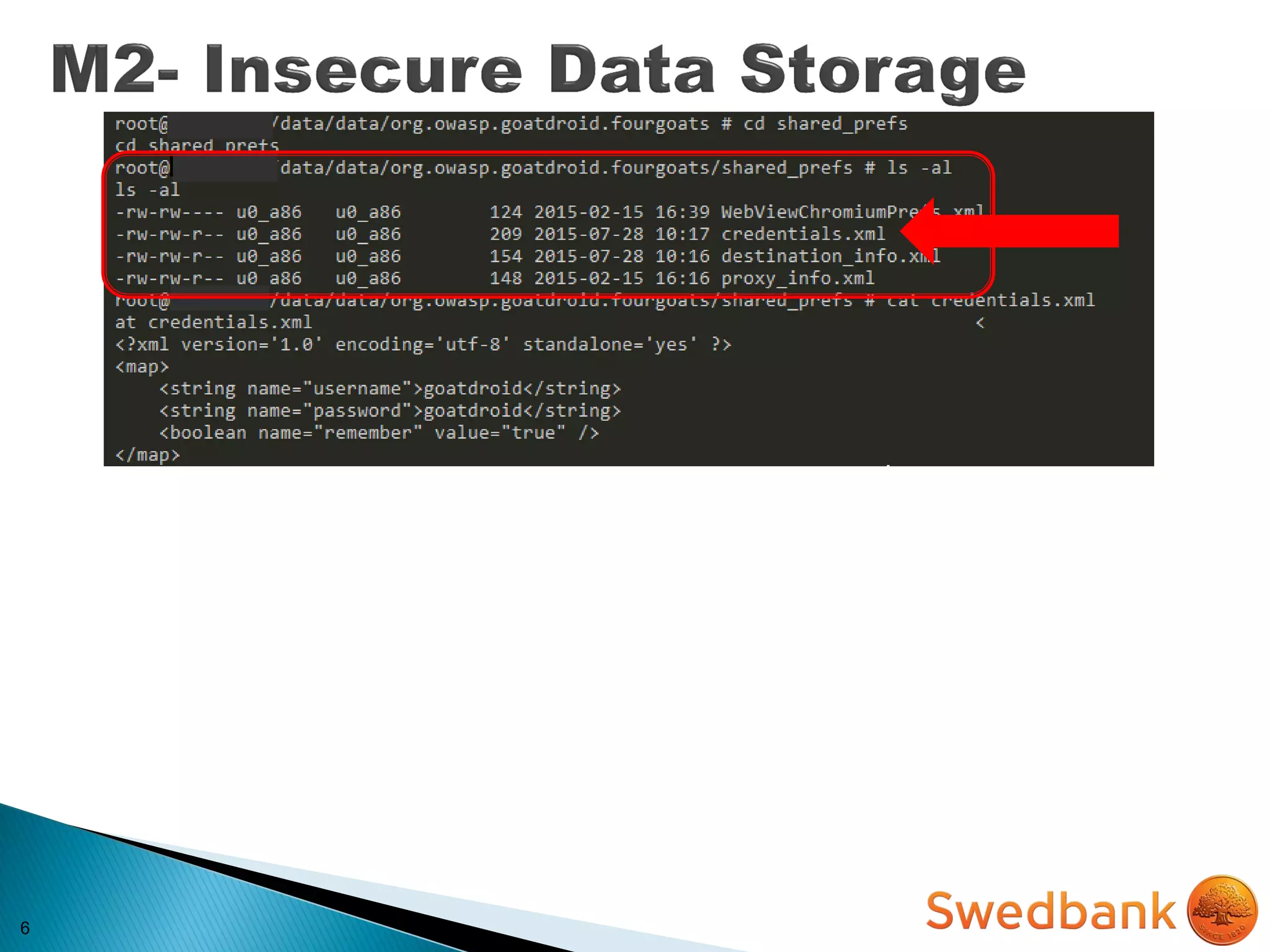
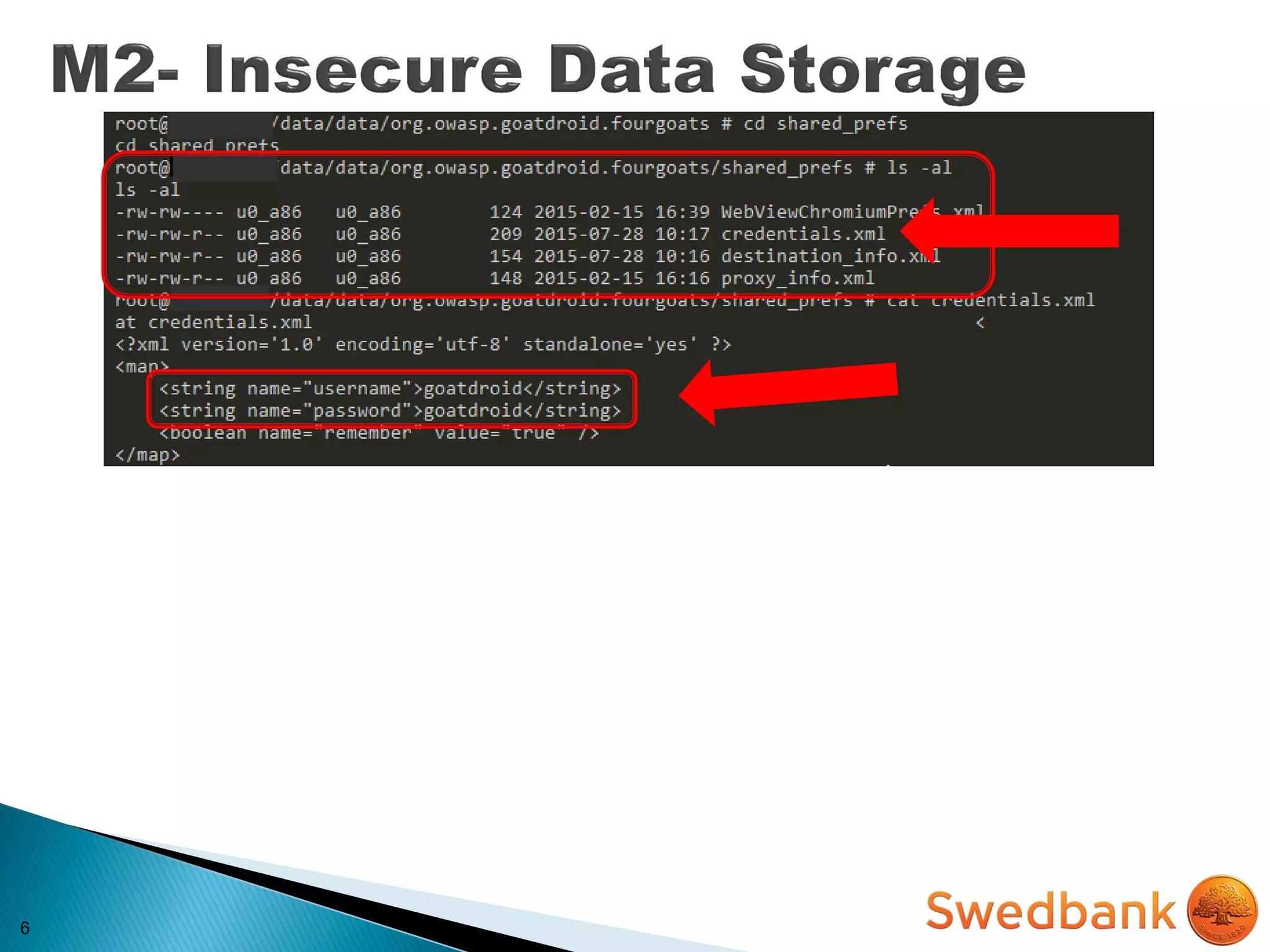
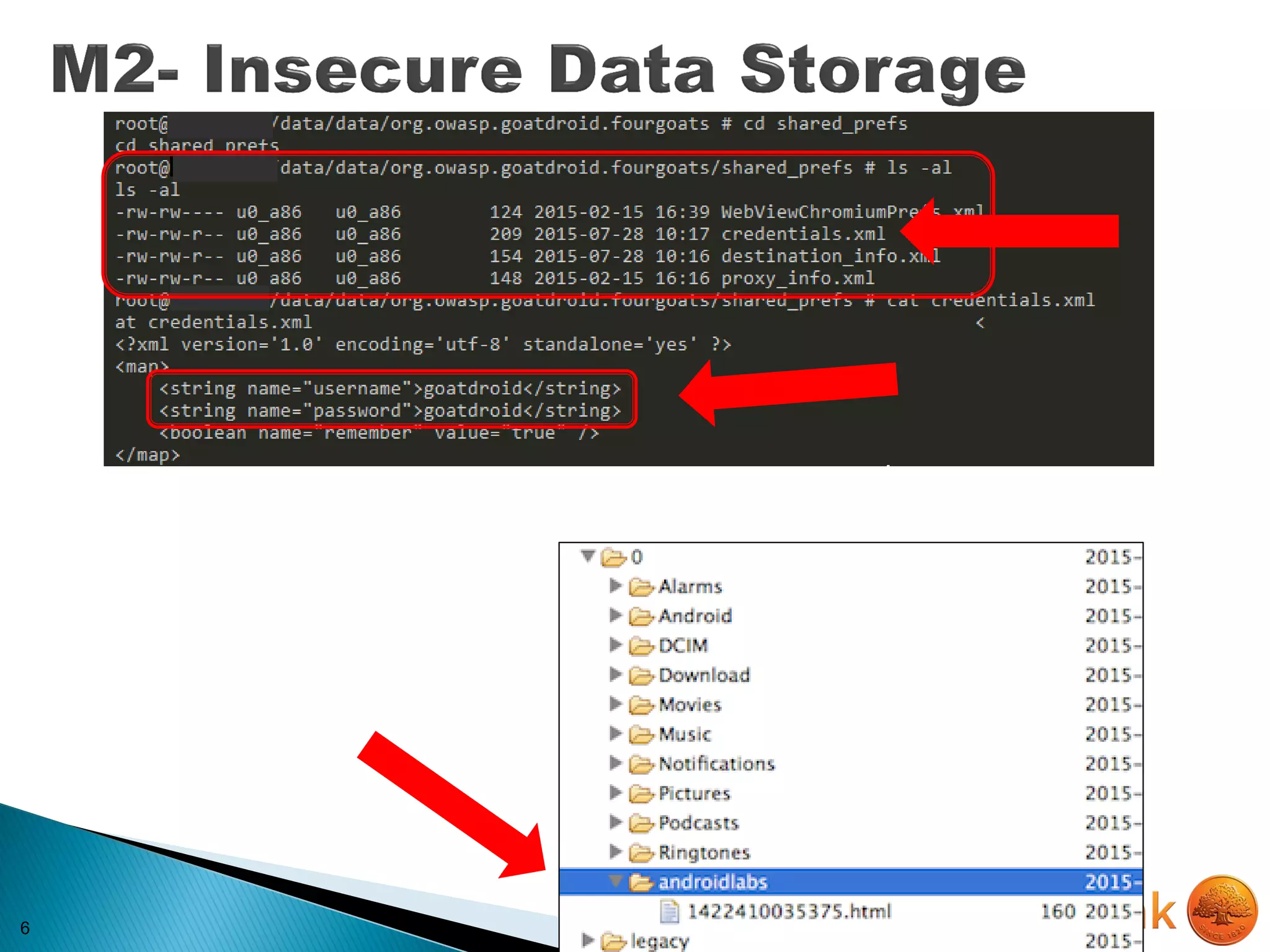
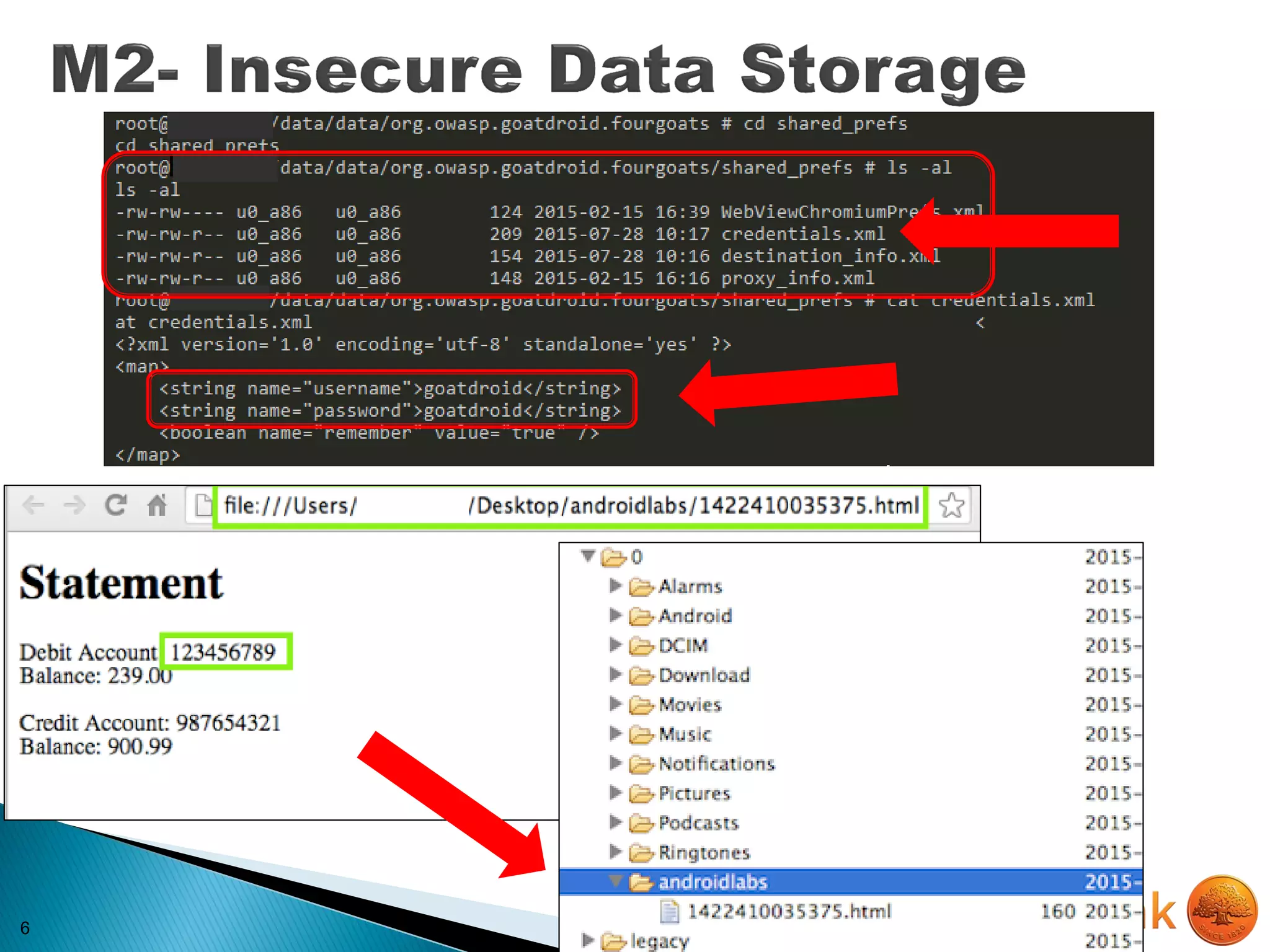
6
6
6
6
6
7
MITIGATION
7
MITIGATION
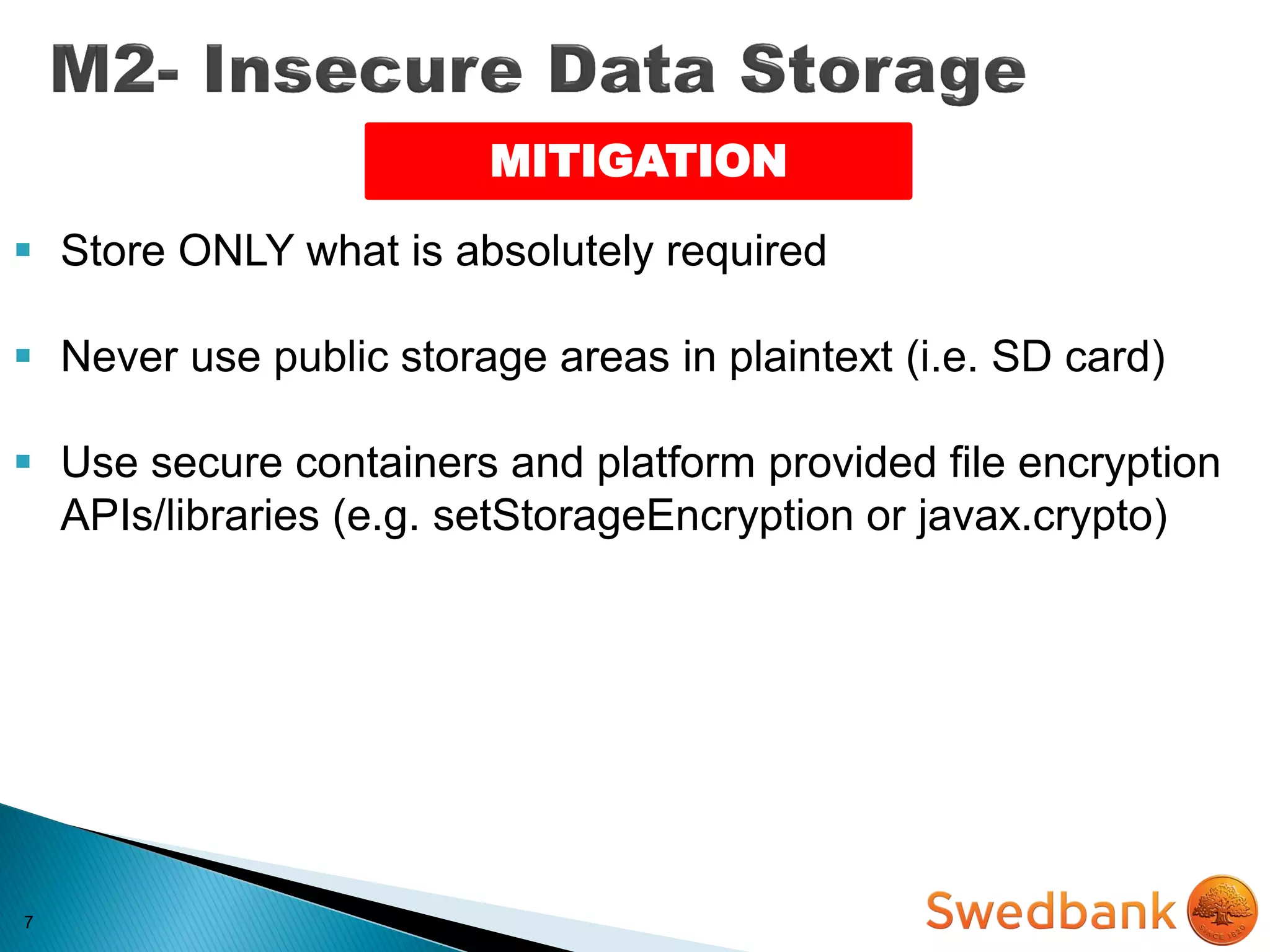
 Store ONLY what is absolutely required
7
MITIGATION
 Store ONLY what is absolutely required
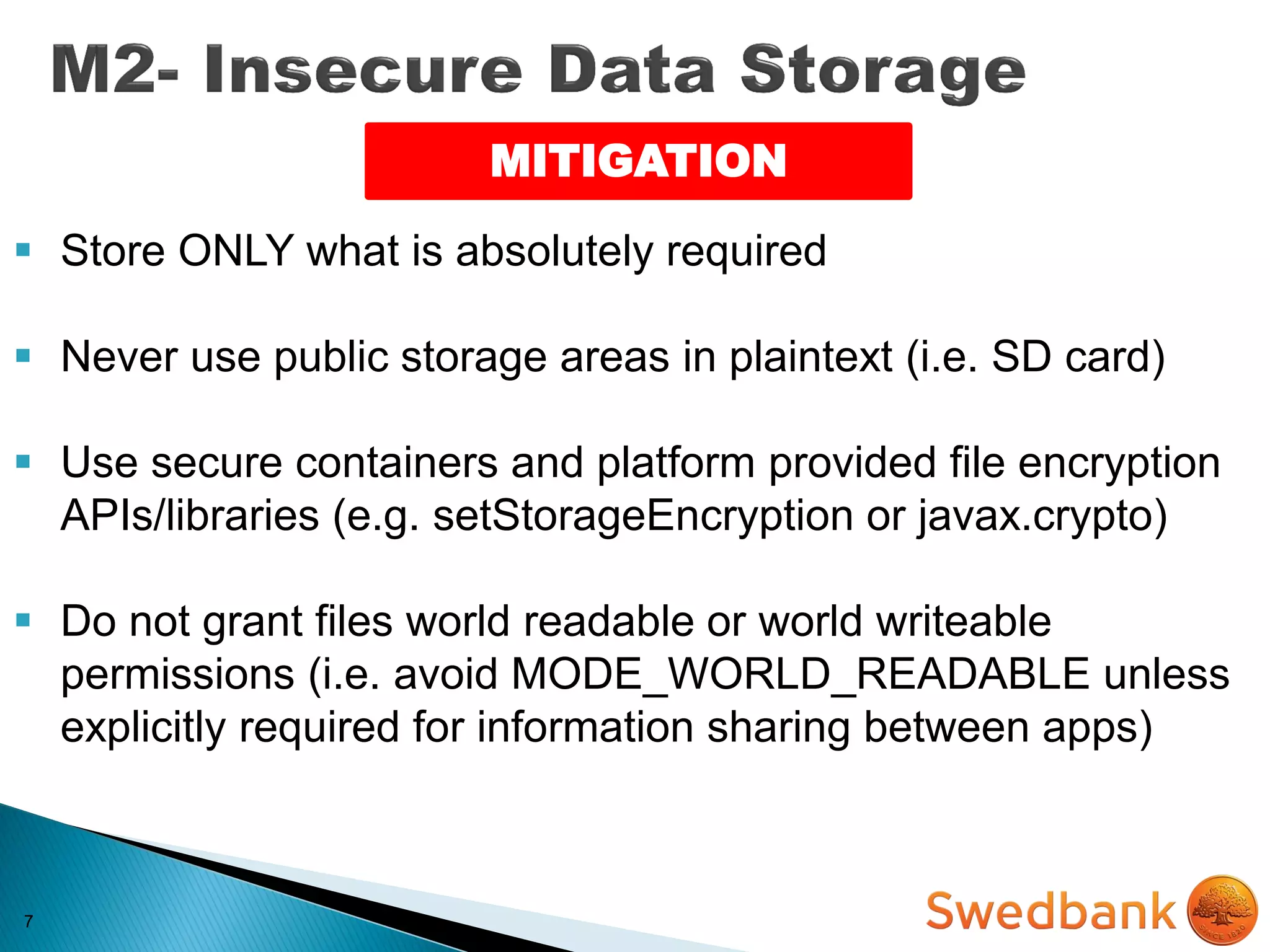
 Never use public storage areas in plaintext (i.e. SD card)
7
MITIGATION
 Store ONLY what is absolutely required
 Never use public storage areas in plaintext (i.e. SD card)
 Use secure containers and platform provided file encryption
APIs/libraries (e.g. setStorageEncryption or javax.crypto)
7
MITIGATION
 Store ONLY what is absolutely required
 Never use public storage areas in plaintext (i.e. SD card)
 Use secure containers and platform provided file encryption
APIs/libraries (e.g. setStorageEncryption or javax.crypto)
 Do not grant files world readable or world writeable
permissions (i.e. avoid MODE_WORLD_READABLE unless
explicitly required for information sharing between apps)
8
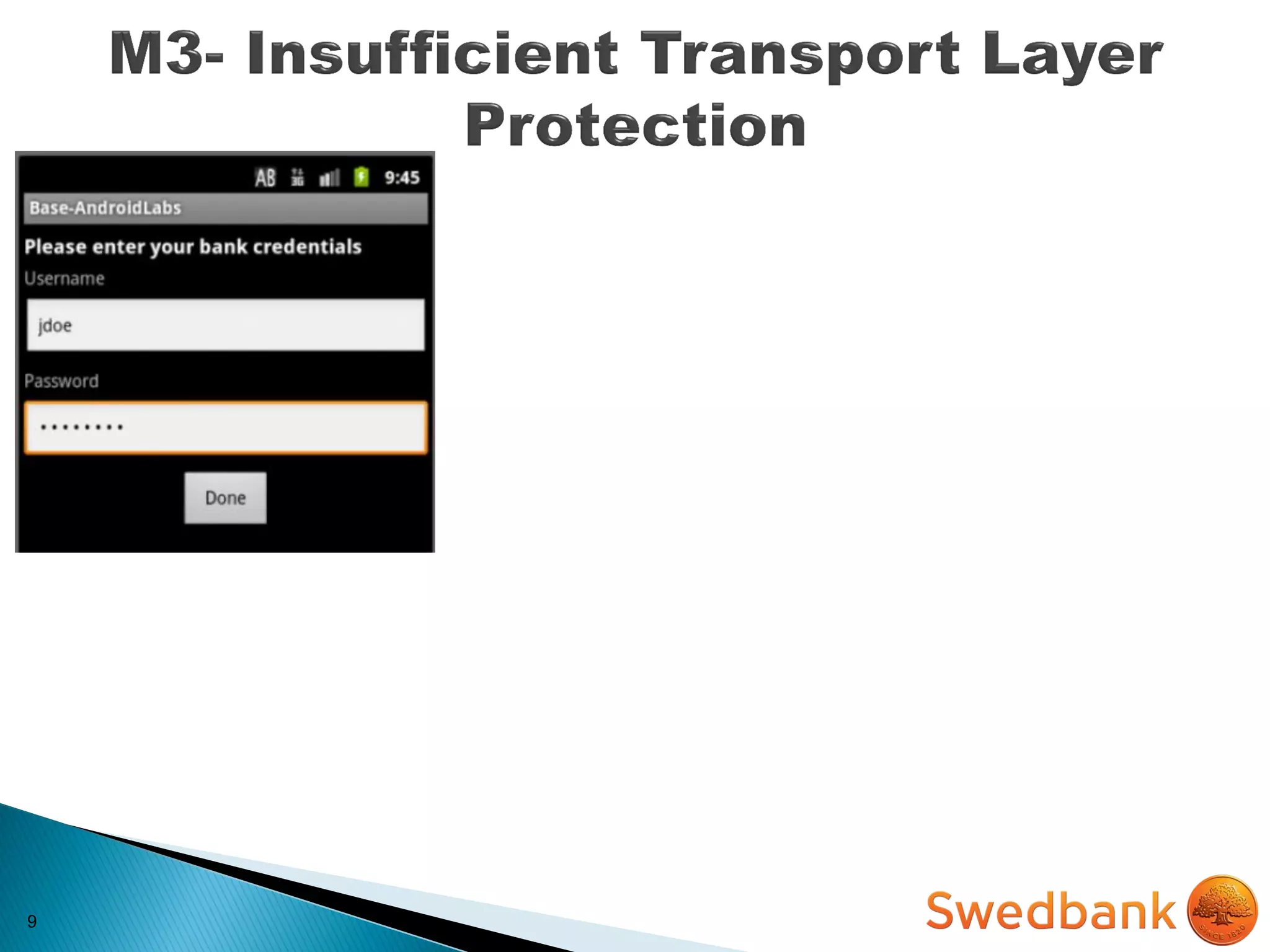
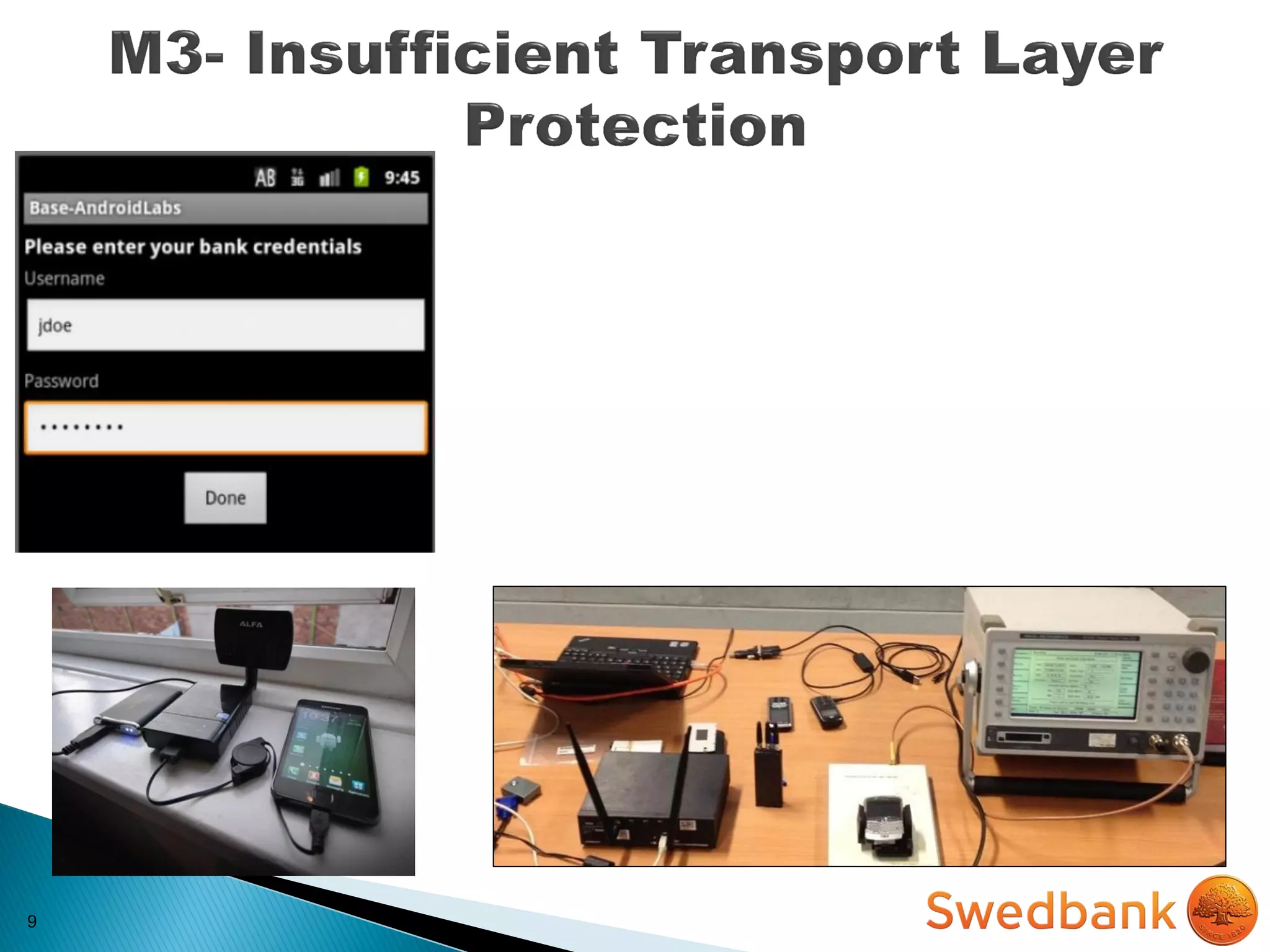
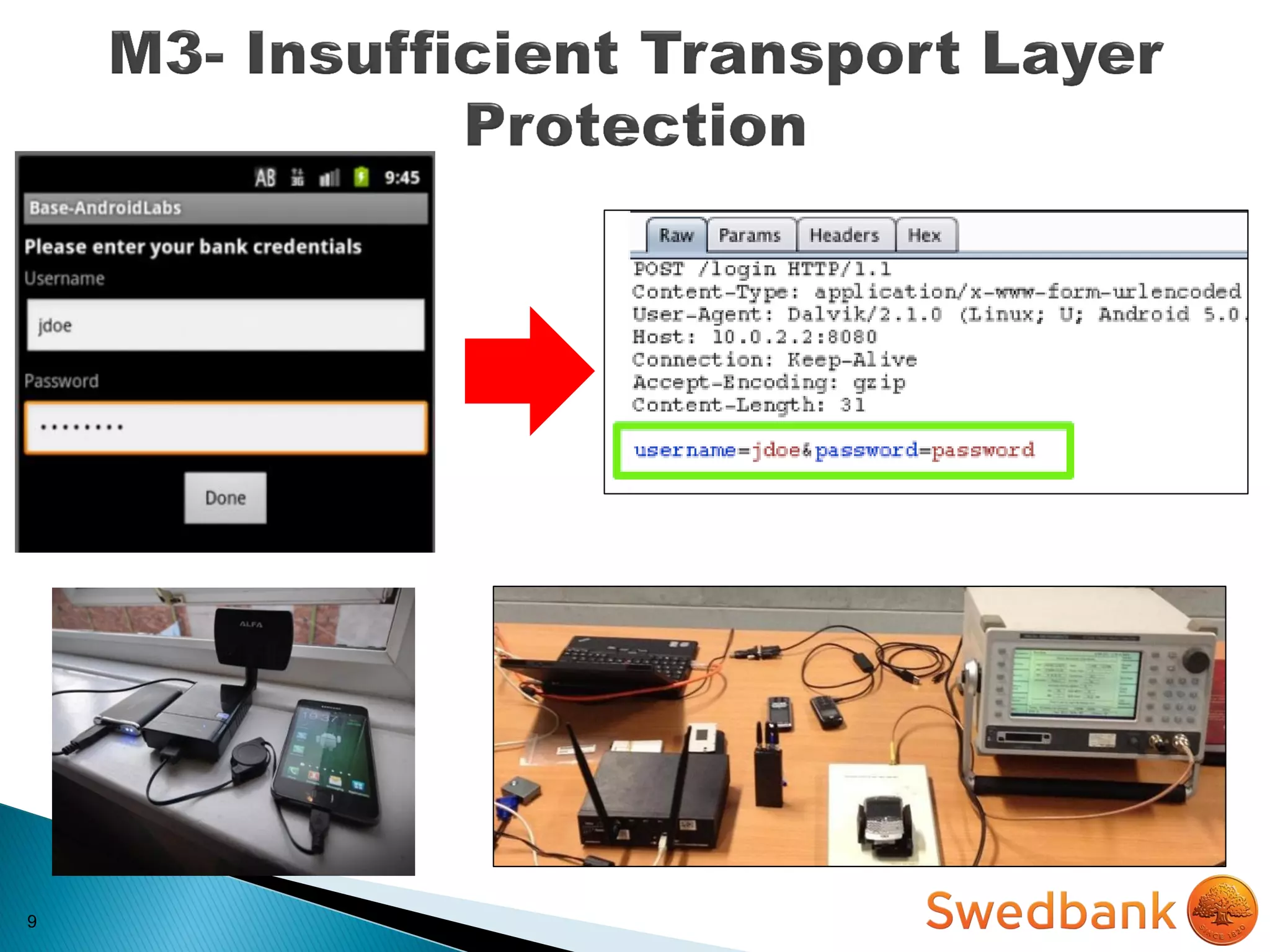
 Mobile applications frequently do not protect network
traffic
 They may use SSL/TLS during authentication but not
elsewhere
8
 Mobile applications frequently do not protect network
traffic
 They may use SSL/TLS during authentication but not
elsewhere
IMPACT
 Loss of Confidentiality and Integrity (i.e. MITM attacks)
 Incident response costs $$$
 Possible legal issues (e.g. violation of ISO/PCI
requirements)
9
9
9
10
MITIGATION
10
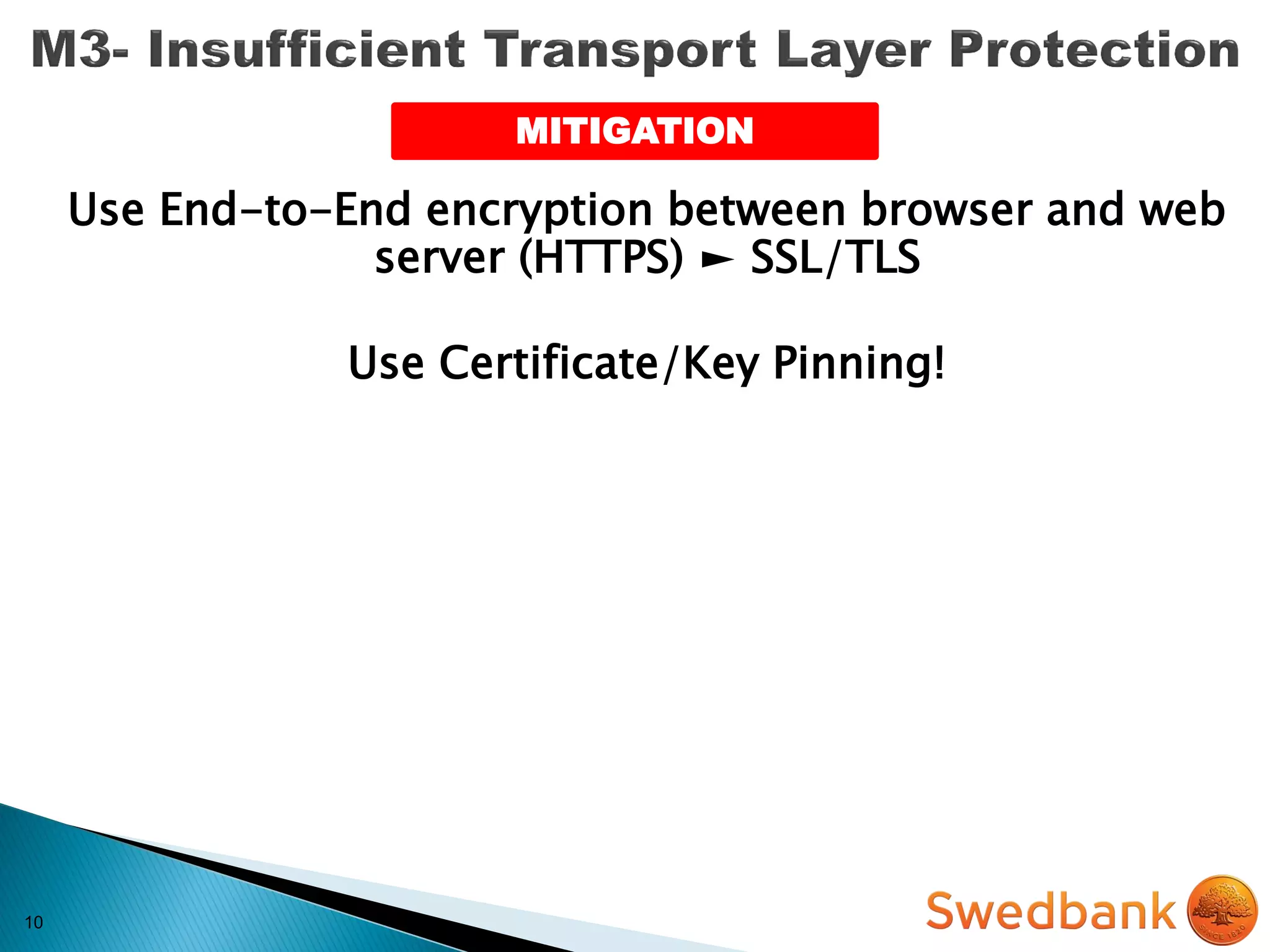
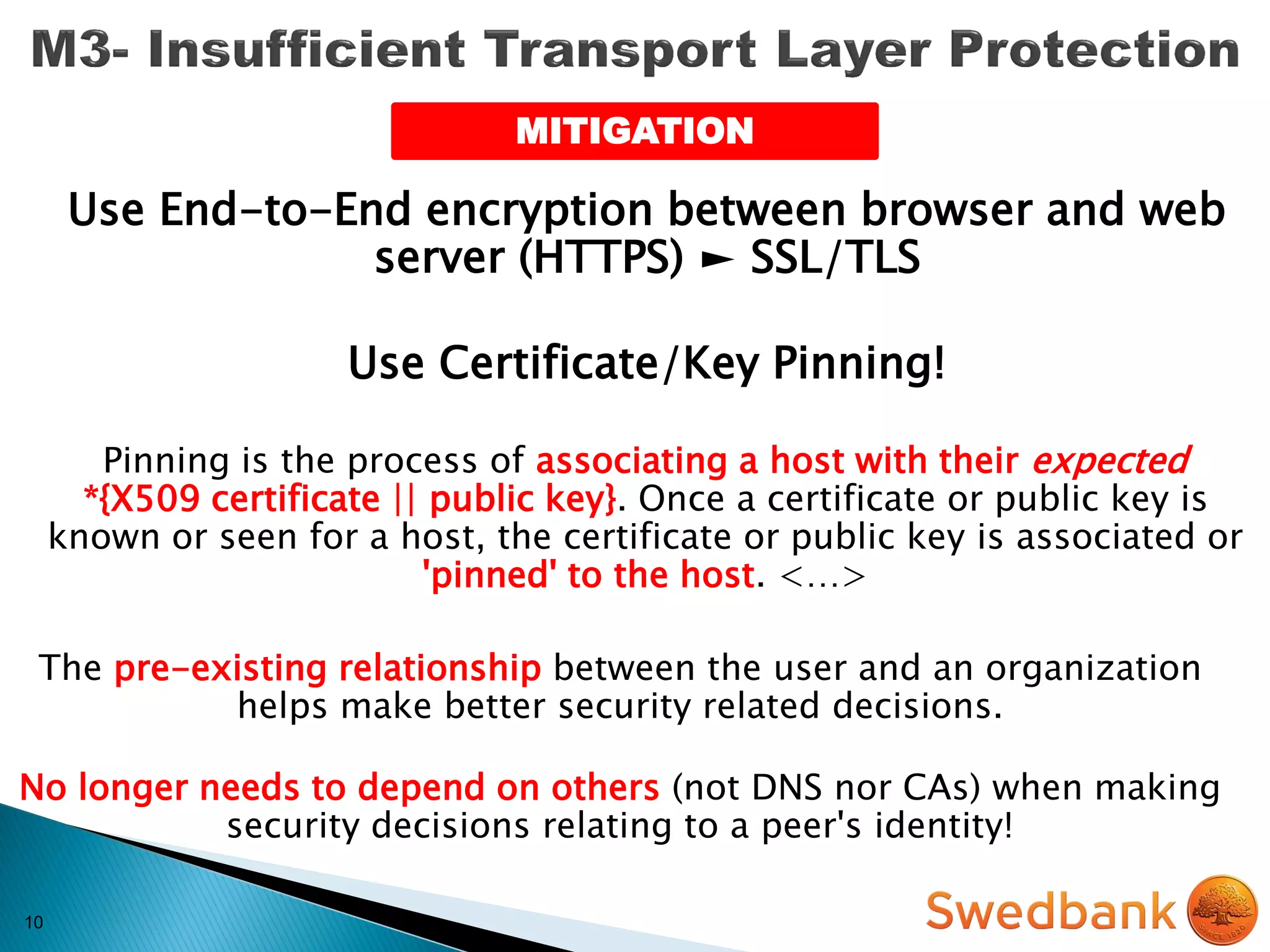
Use End-to-End encryption between browser and web
server (HTTPS) ► SSL/TLS
MITIGATION
10
Use End-to-End encryption between browser and web
server (HTTPS) ► SSL/TLS
Use Certificate/Key Pinning!
MITIGATION
10
Use End-to-End encryption between browser and web
server (HTTPS) ► SSL/TLS
Use Certificate/Key Pinning!
Pinning is the process of associating a host with their expected
*{X509 certificate || public key}. Once a certificate or public key is
known or seen for a host, the certificate or public key is associated or
'pinned' to the host. <…>
The pre-existing relationship between the user and an organization
helps make better security related decisions.
No longer needs to depend on others (not DNS nor CAs) when making
security decisions relating to a peer's identity!
MITIGATION
10
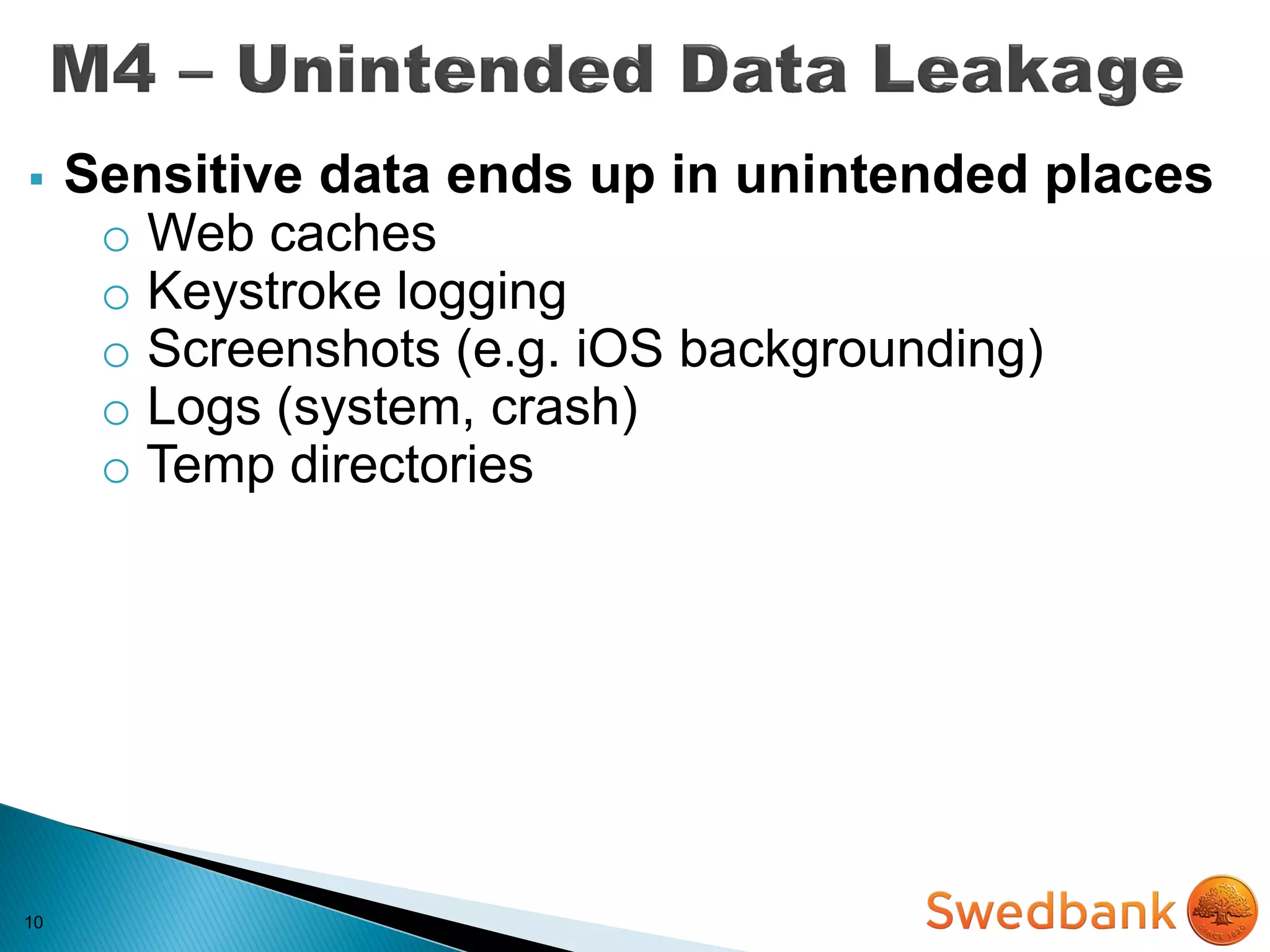
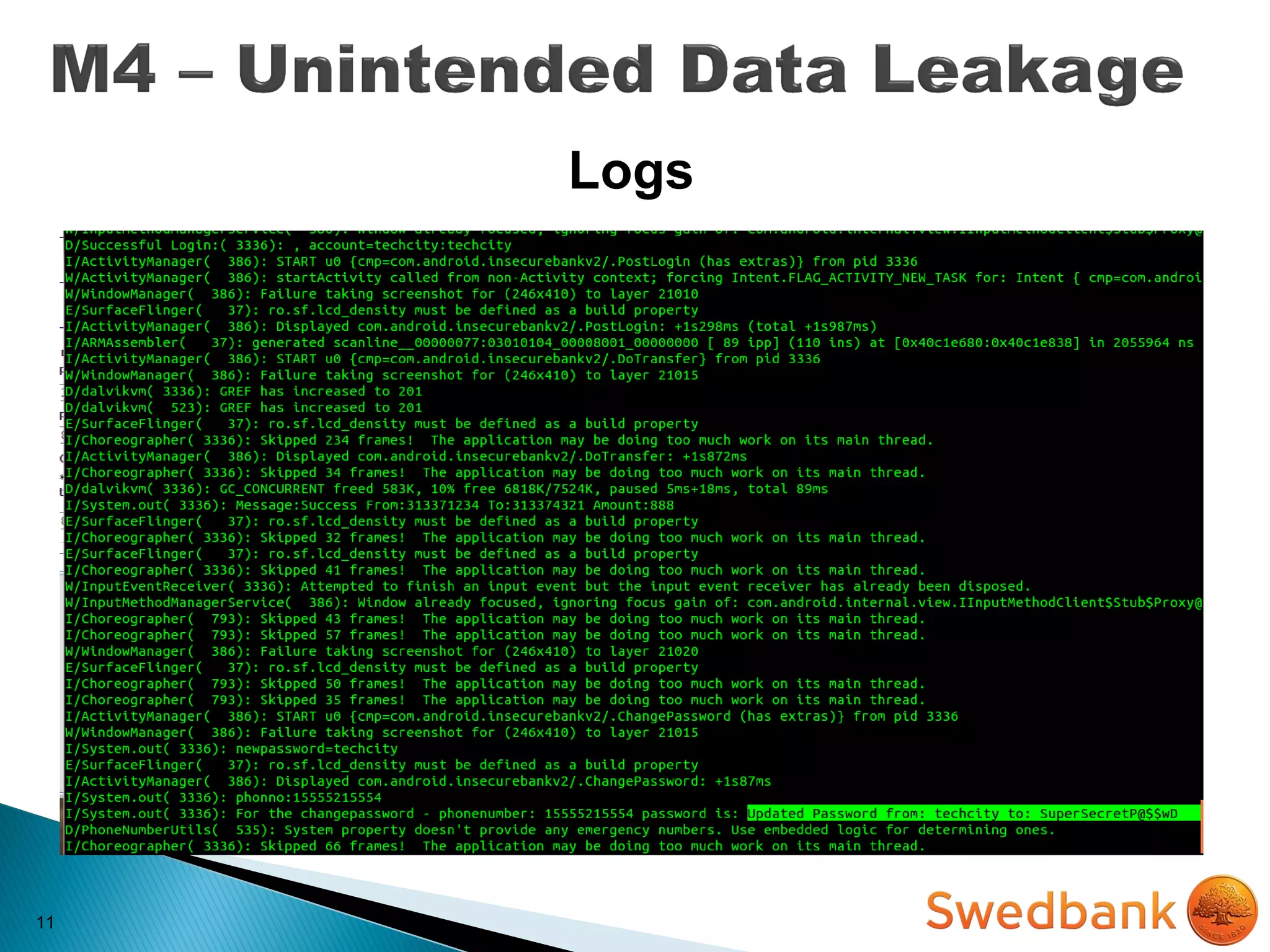
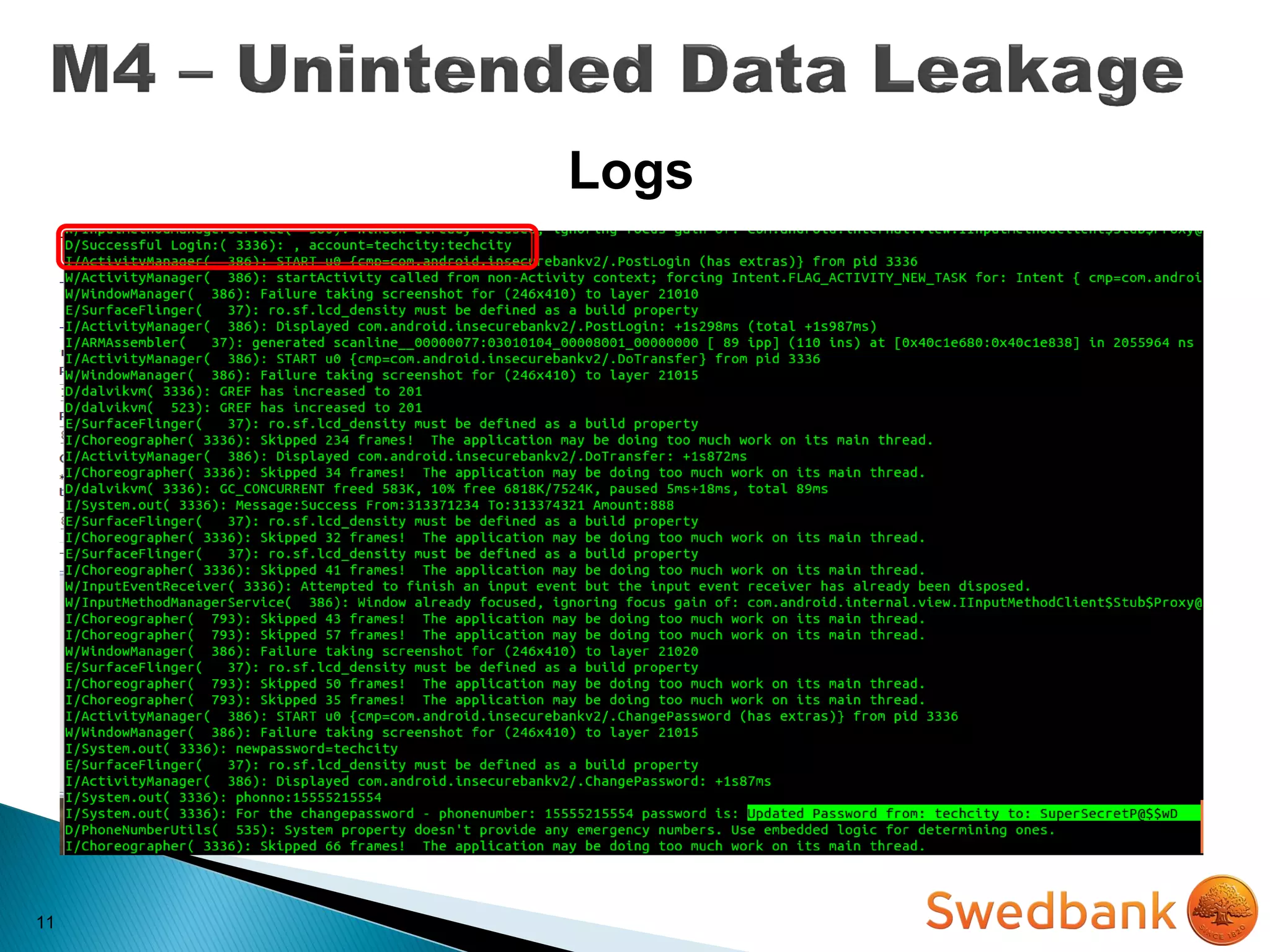
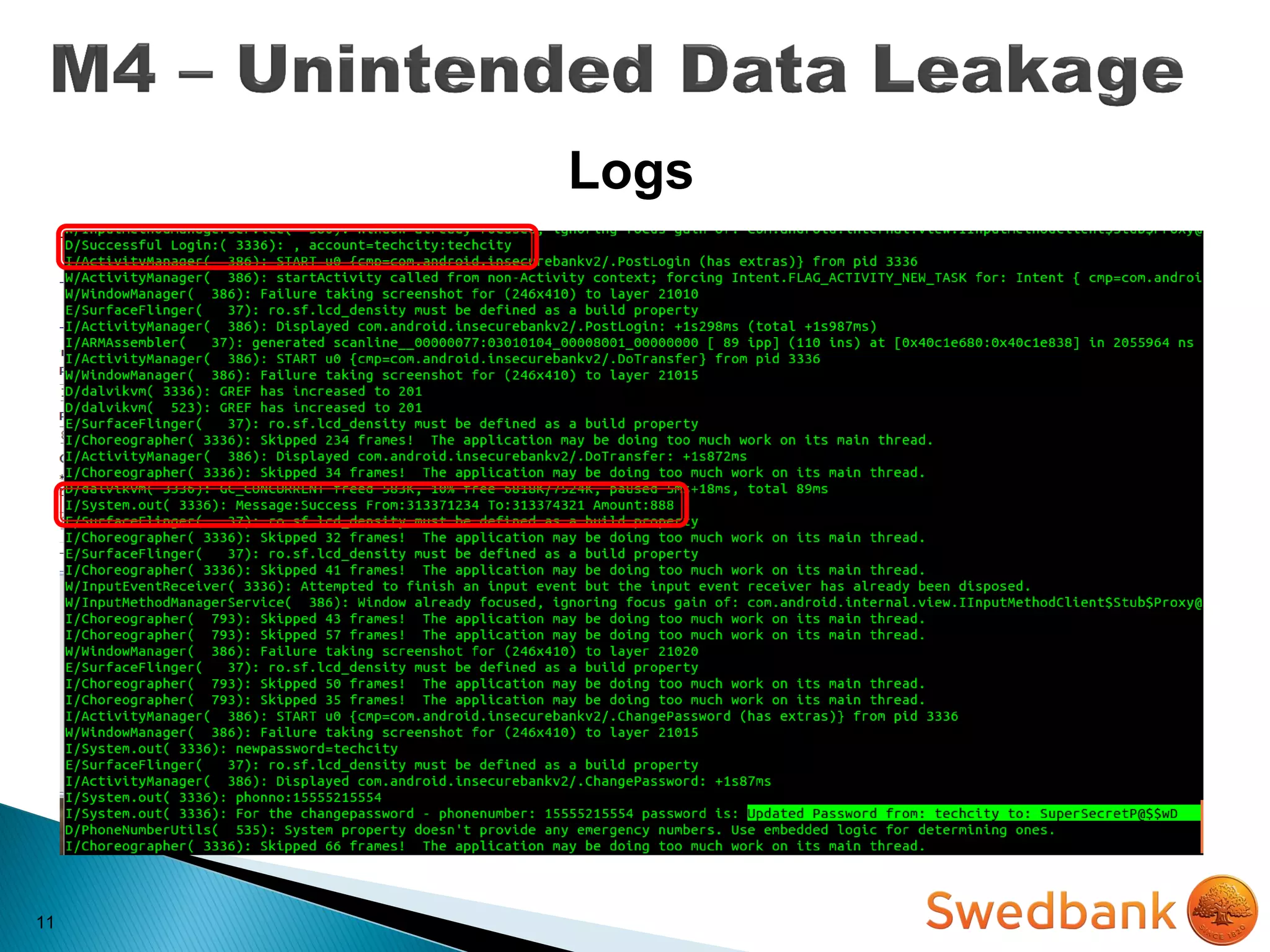
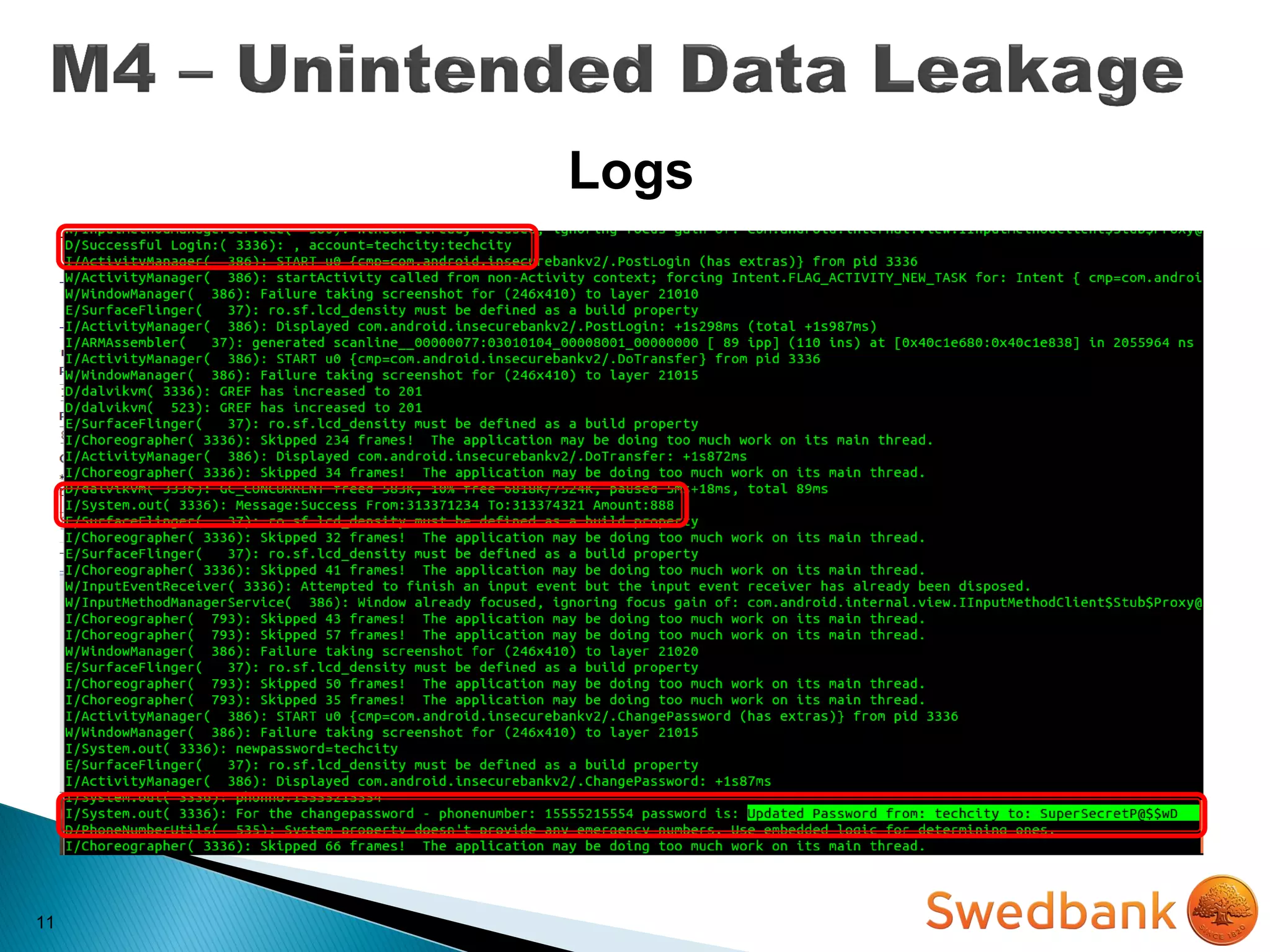
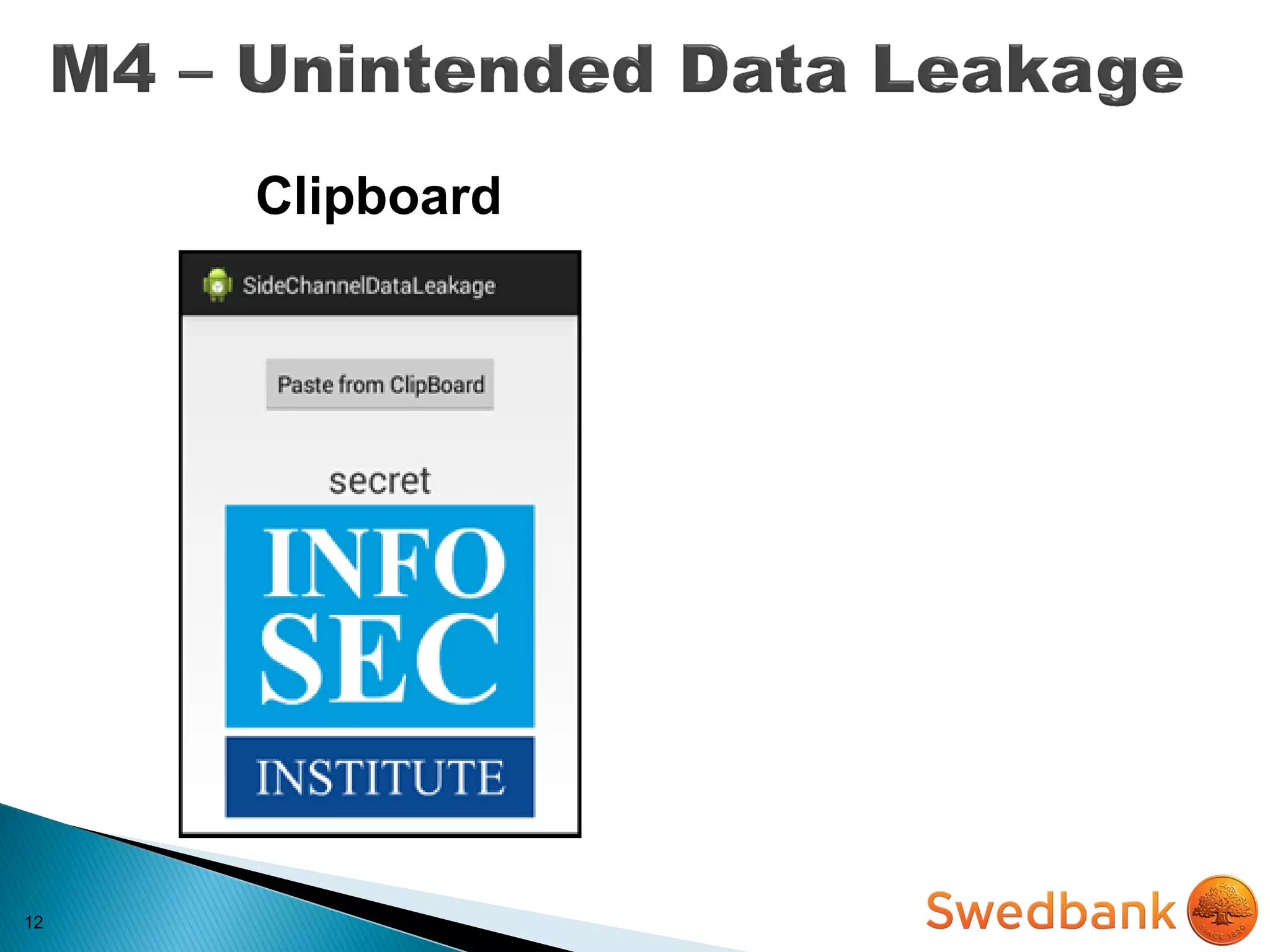
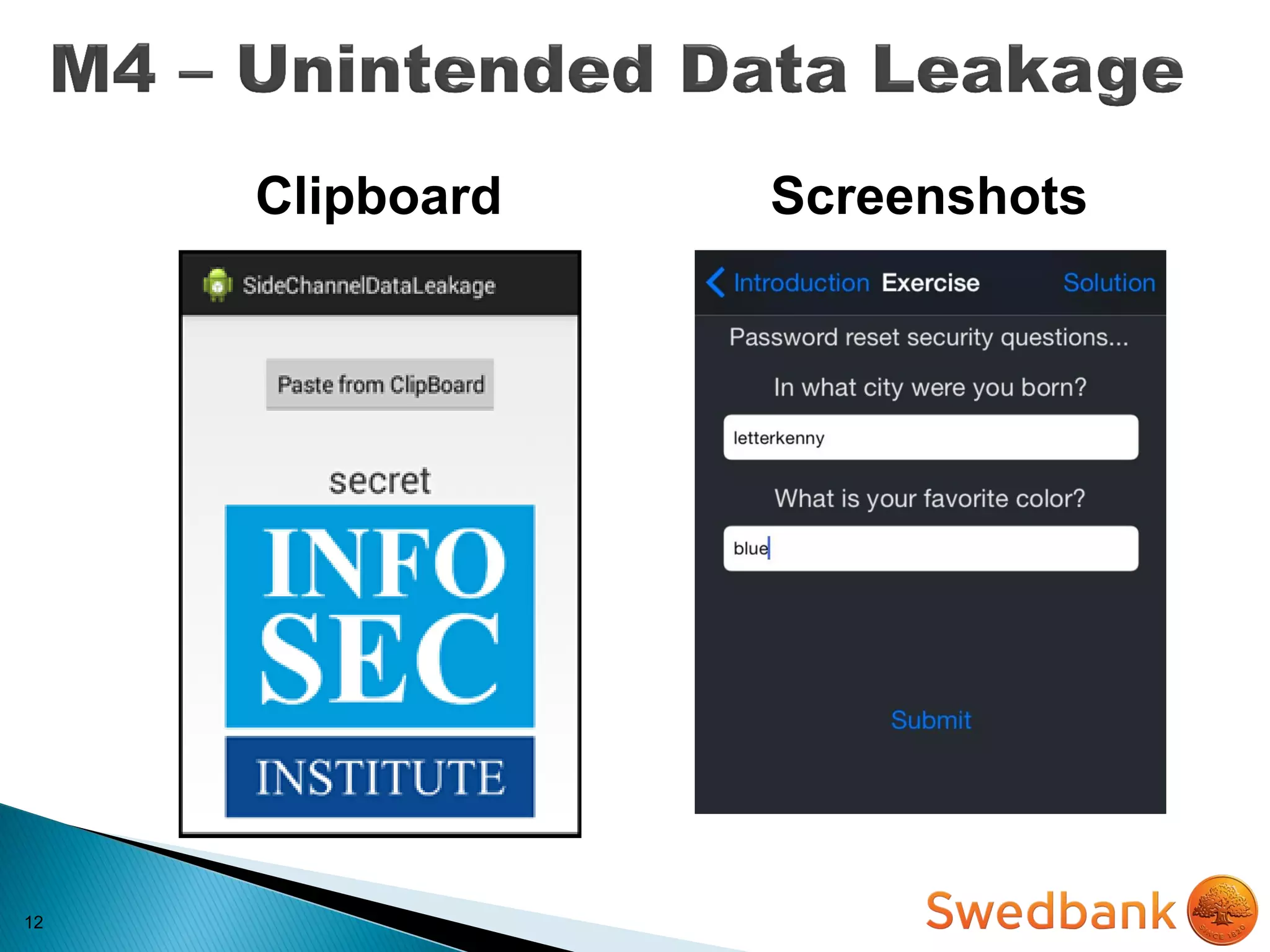
 Sensitive data ends up in unintended places
o Web caches
o Keystroke logging
o Screenshots (e.g. iOS backgrounding)
o Logs (system, crash)
o Temp directories
10
IMPACT
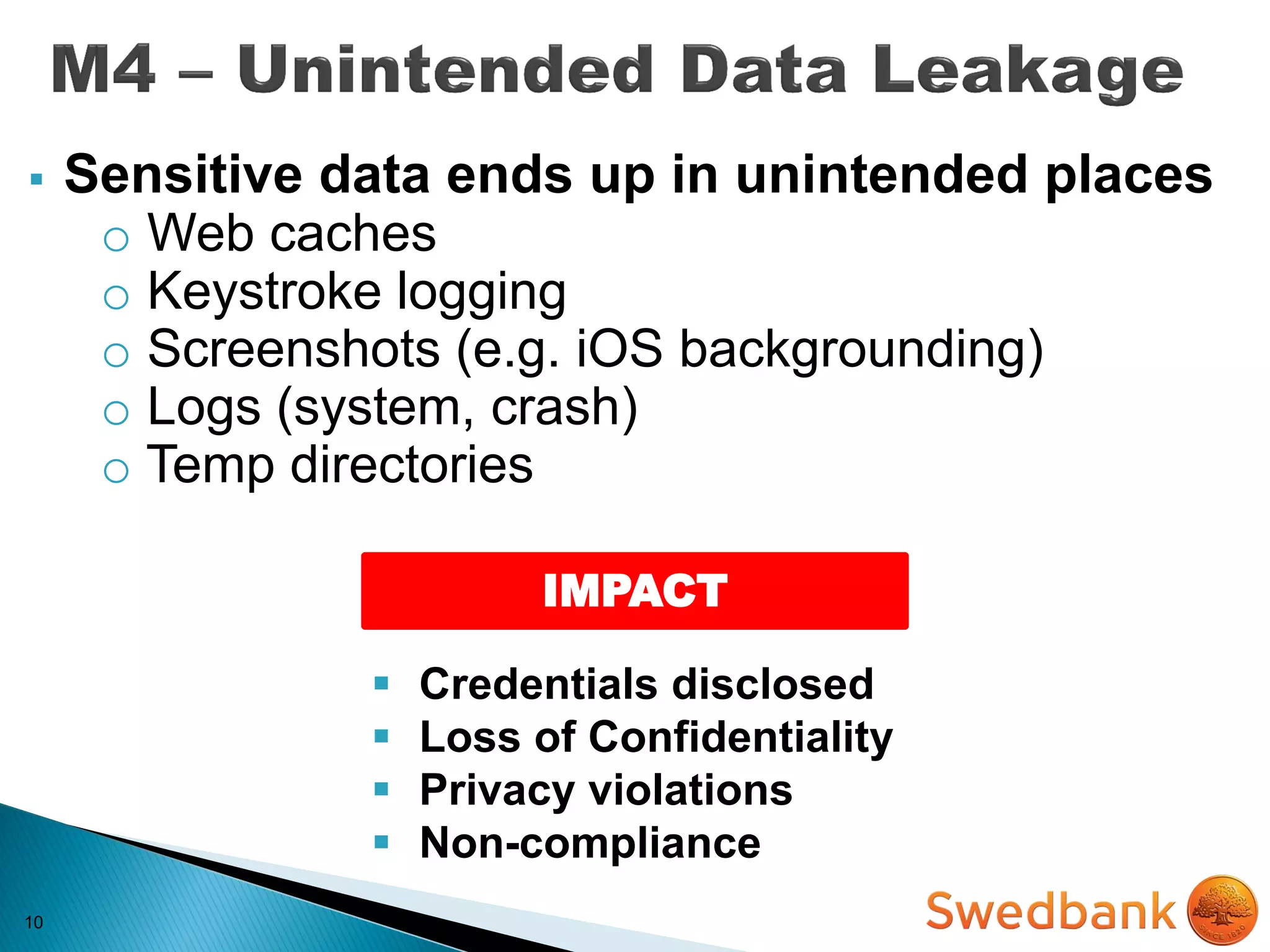
 Sensitive data ends up in unintended places
o Web caches
o Keystroke logging
o Screenshots (e.g. iOS backgrounding)
o Logs (system, crash)
o Temp directories
 Credentials disclosed
 Loss of Confidentiality
 Privacy violations
 Non-compliance
11
Logs
11
Logs
11
Logs
11
Logs
12
12
Clipboard
12
ScreenshotsClipboard
13
MITIGATION
13
MITIGATION
 Never log sensitive data to system logs
13
MITIGATION
 Never log sensitive data to system logs
 Remove sensitive data before screenshots are
taken
13
MITIGATION
 Never log sensitive data to system logs
 Remove sensitive data before screenshots are
taken
 Disable keystroke logging per field
13
MITIGATION
 Never log sensitive data to system logs
 Remove sensitive data before screenshots are
taken
 Disable keystroke logging per field
 Observe which files are accessed, created, written
by your app before releasing in PROD
14
Auth* users upon fixed identifiers (IMSI, IMEI,
UUID) is not safe enough!
They persist after factory restore & full wipe!
(only few ME permits to change them and its illegal)
14
Auth* users upon fixed identifiers (IMSI, IMEI,
UUID) is not safe enough!
They persist after factory restore & full wipe!
(only few ME permits to change them and its illegal)
IMPACT
 Unauthorized Access
 Privilege Escalation
 Loss of confidentiality
15
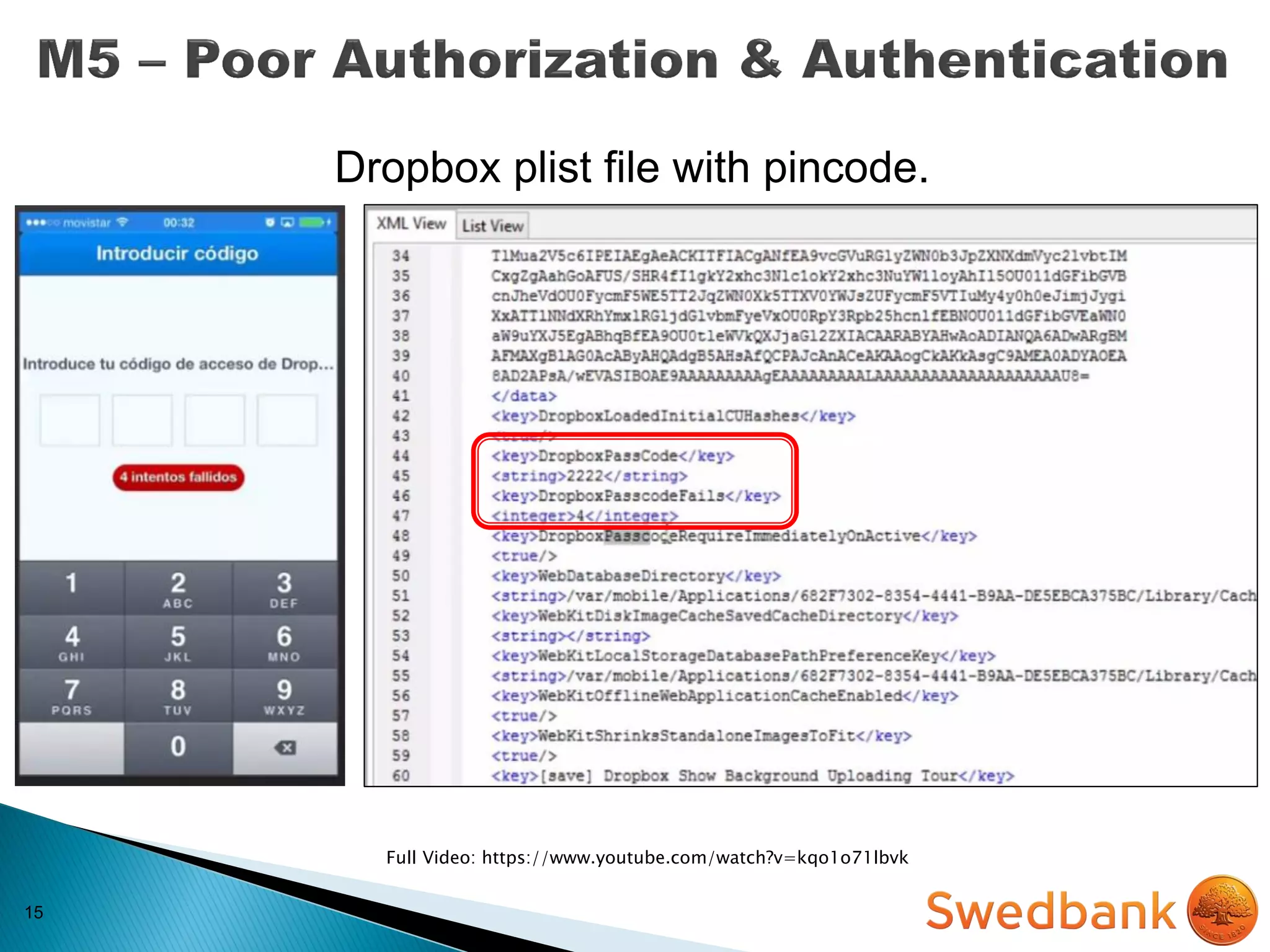
Full Video: https://www.youtube.com/watch?v=kqo1o71lbvk
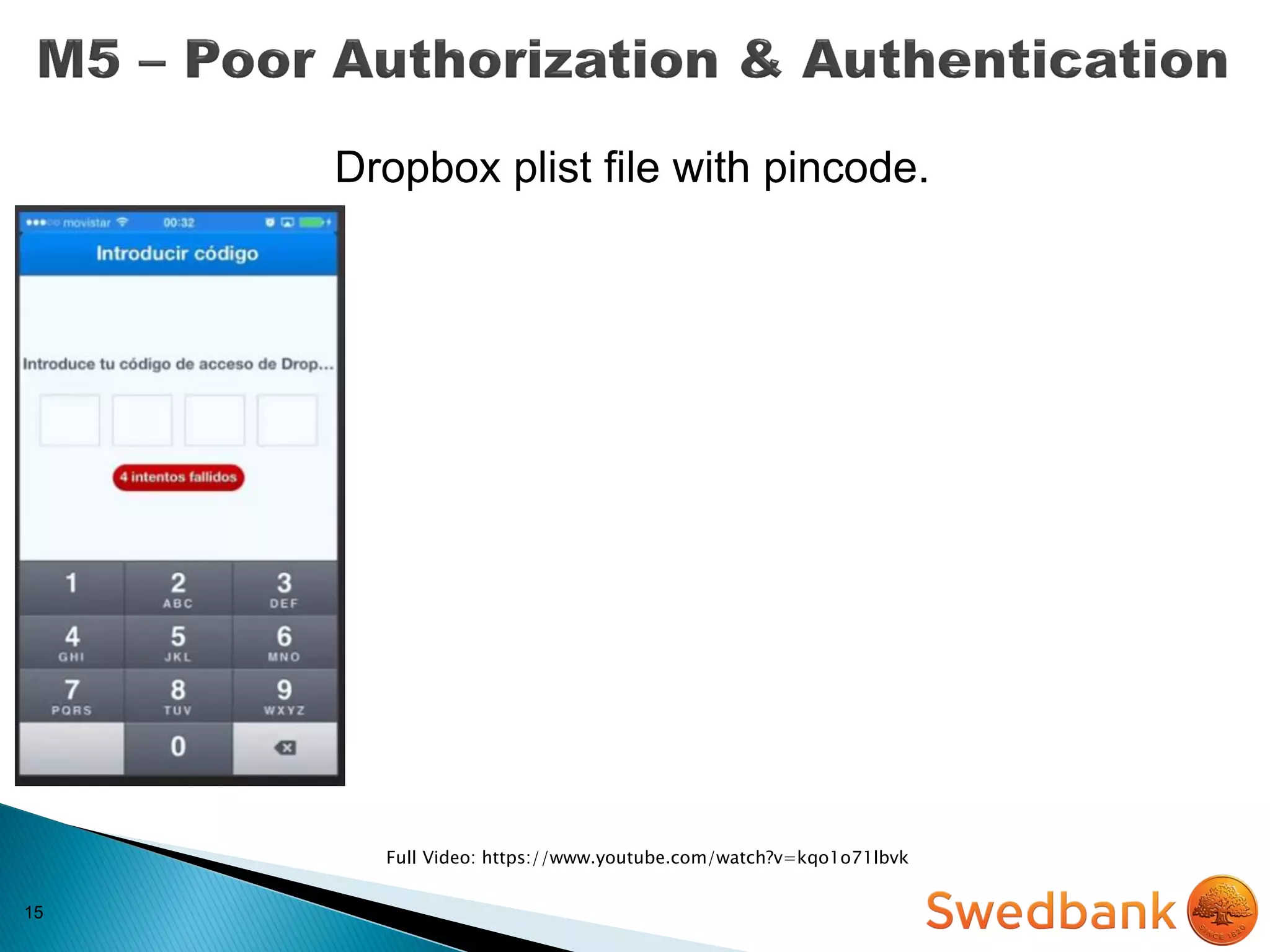
Dropbox plist file with pincode.
15
Full Video: https://www.youtube.com/watch?v=kqo1o71lbvk
Dropbox plist file with pincode.
15
Full Video: https://www.youtube.com/watch?v=kqo1o71lbvk
Dropbox plist file with pincode.
16
MITIGATION
16
MITIGATION
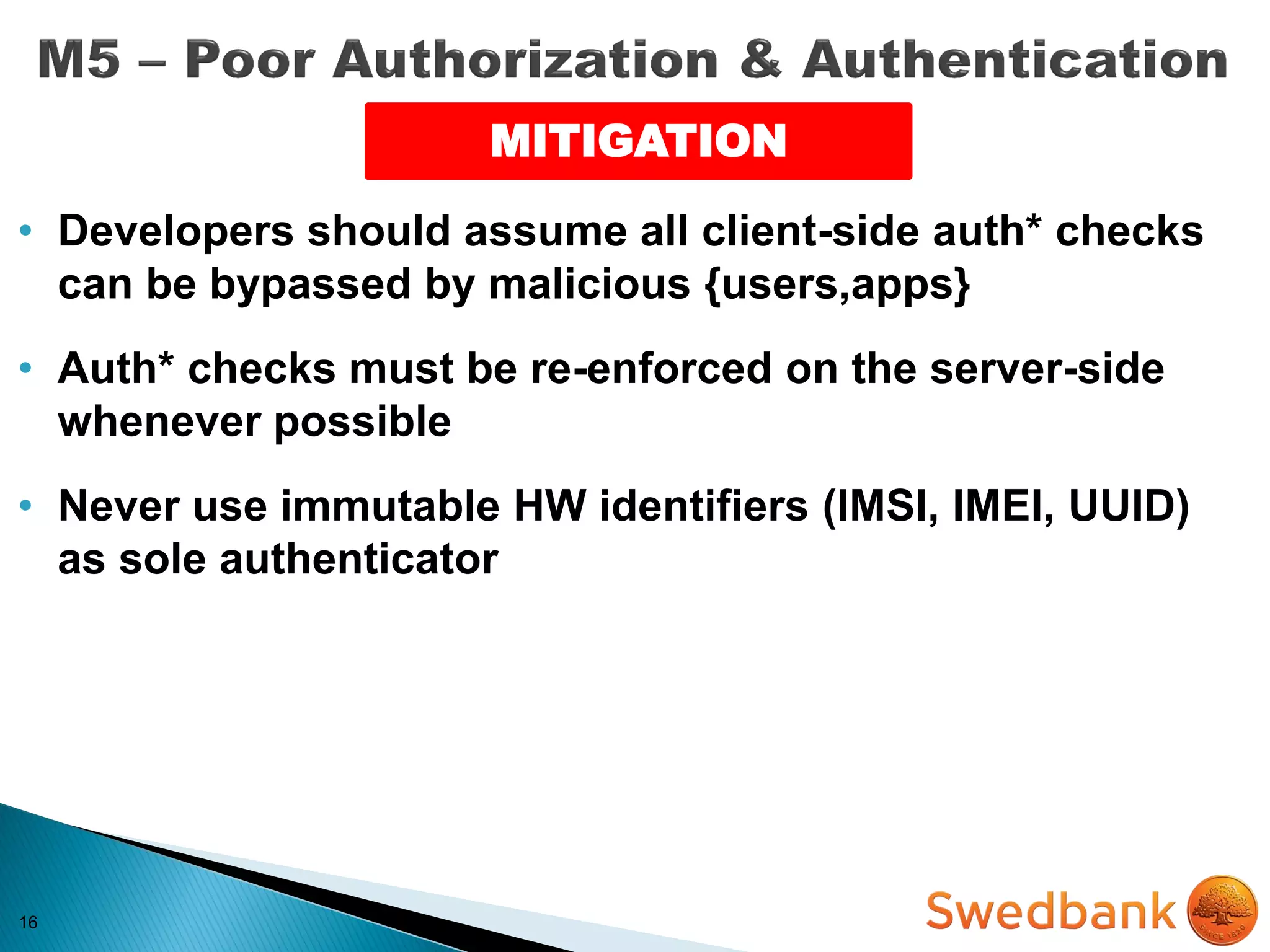
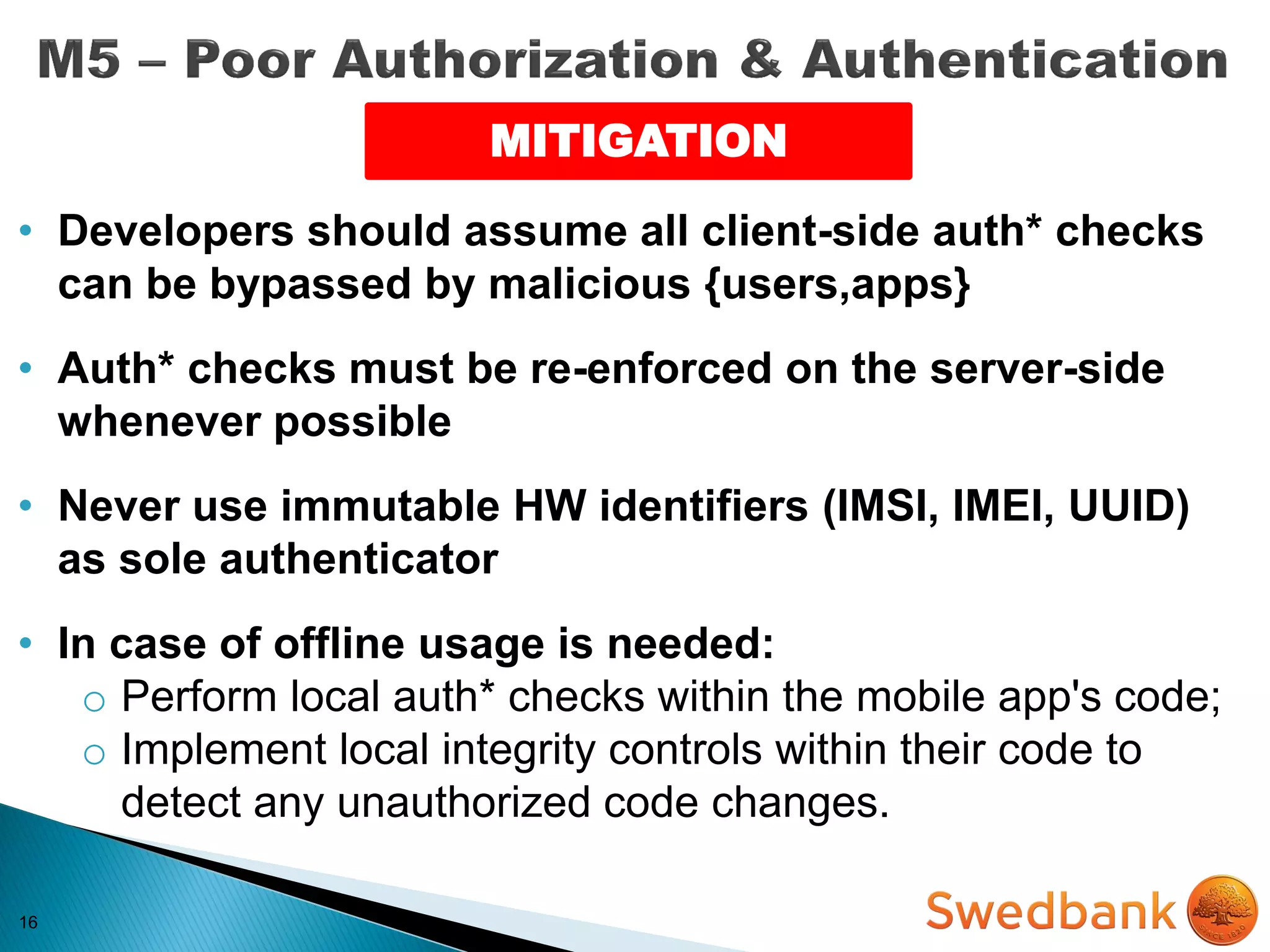
• Developers should assume all client-side auth* checks
can be bypassed by malicious {users,apps}
16
MITIGATION
• Developers should assume all client-side auth* checks
can be bypassed by malicious {users,apps}
• Auth* checks must be re-enforced on the server-side
whenever possible
16
MITIGATION
• Developers should assume all client-side auth* checks
can be bypassed by malicious {users,apps}
• Auth* checks must be re-enforced on the server-side
whenever possible
• Never use immutable HW identifiers (IMSI, IMEI, UUID)
as sole authenticator
16
MITIGATION
• Developers should assume all client-side auth* checks
can be bypassed by malicious {users,apps}
• Auth* checks must be re-enforced on the server-side
whenever possible
• Never use immutable HW identifiers (IMSI, IMEI, UUID)
as sole authenticator
• In case of offline usage is needed:
o Perform local auth* checks within the mobile app's code;
o Implement local integrity controls within their code to
detect any unauthorized code changes.
17
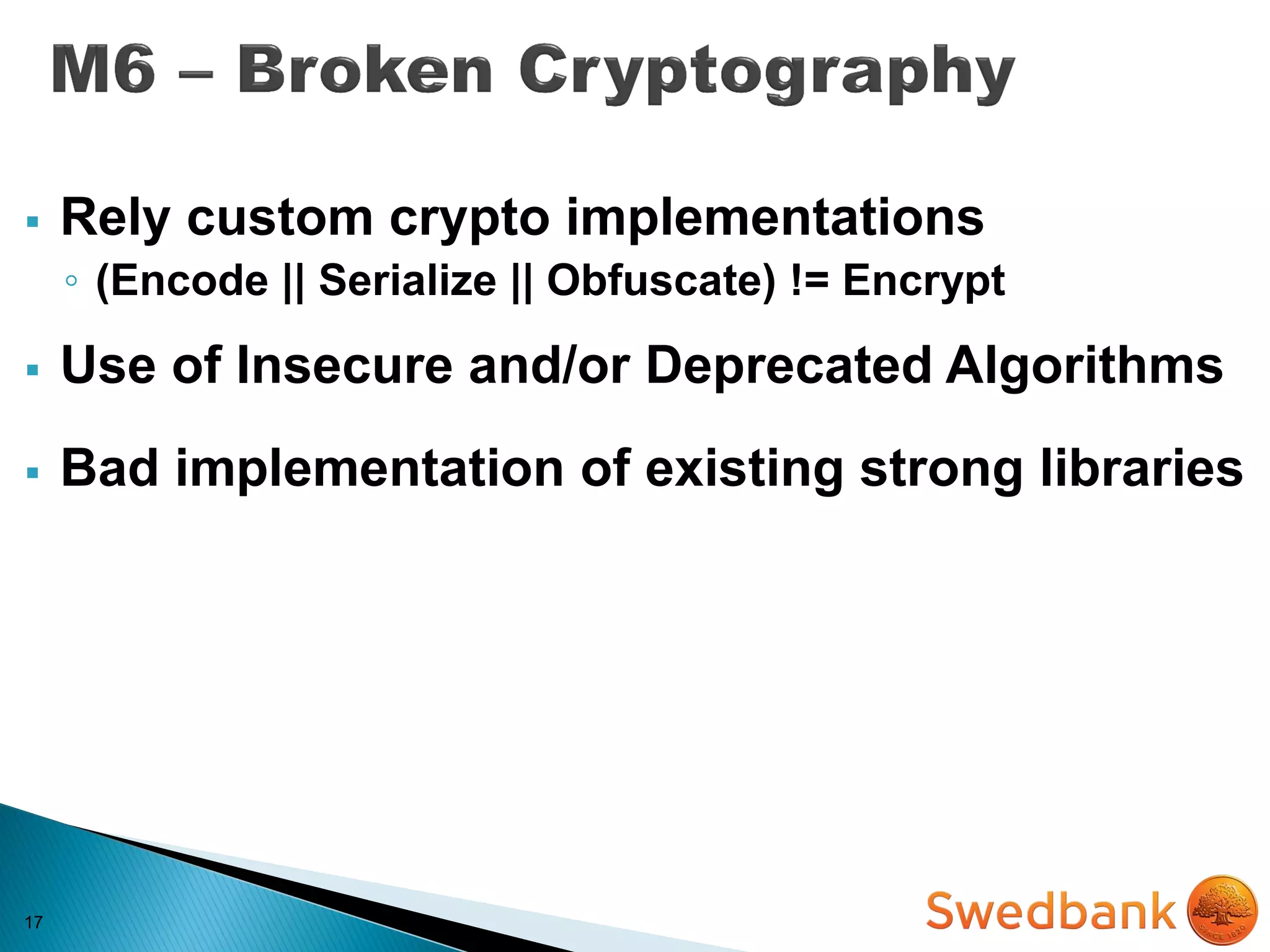
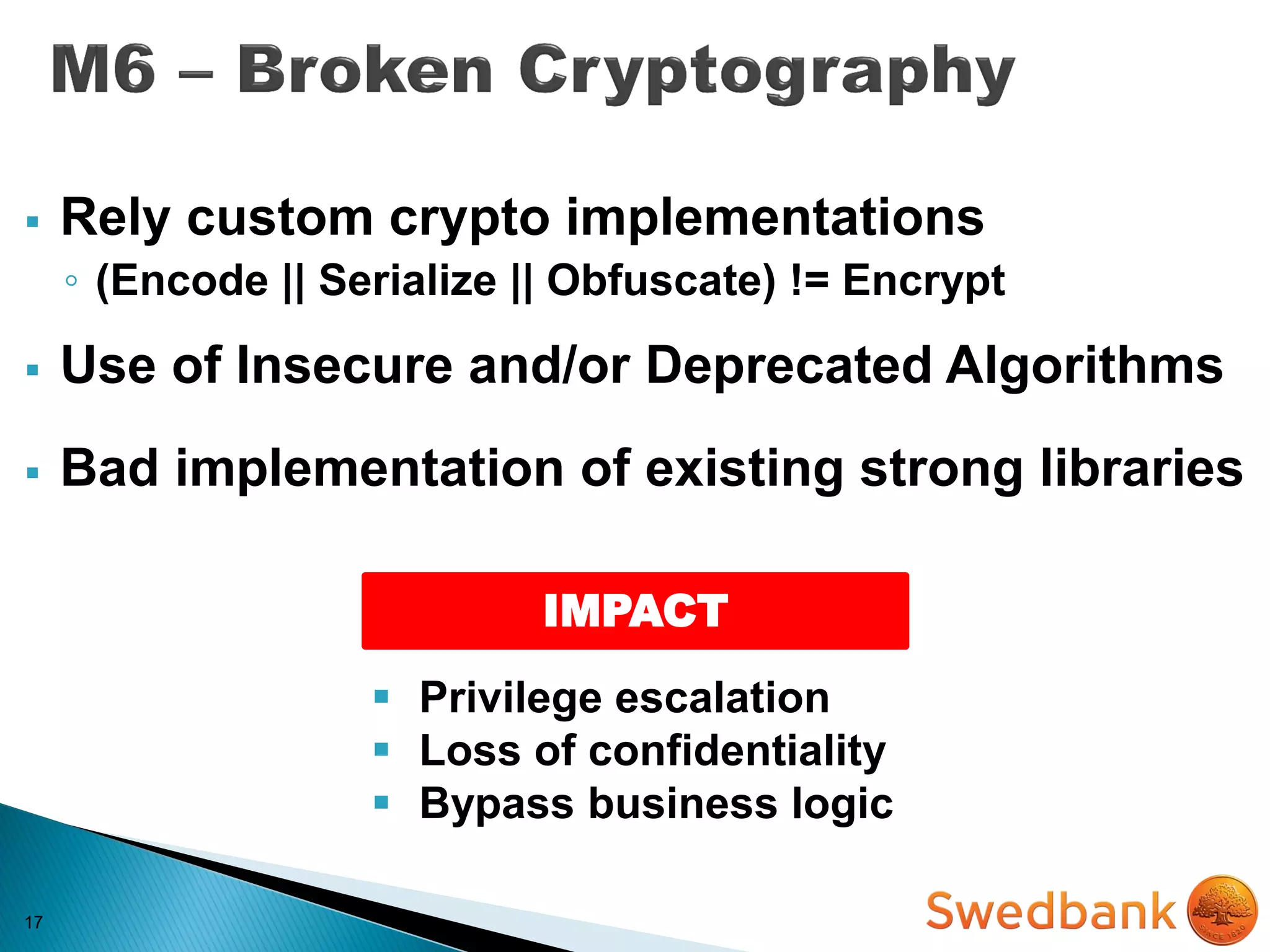
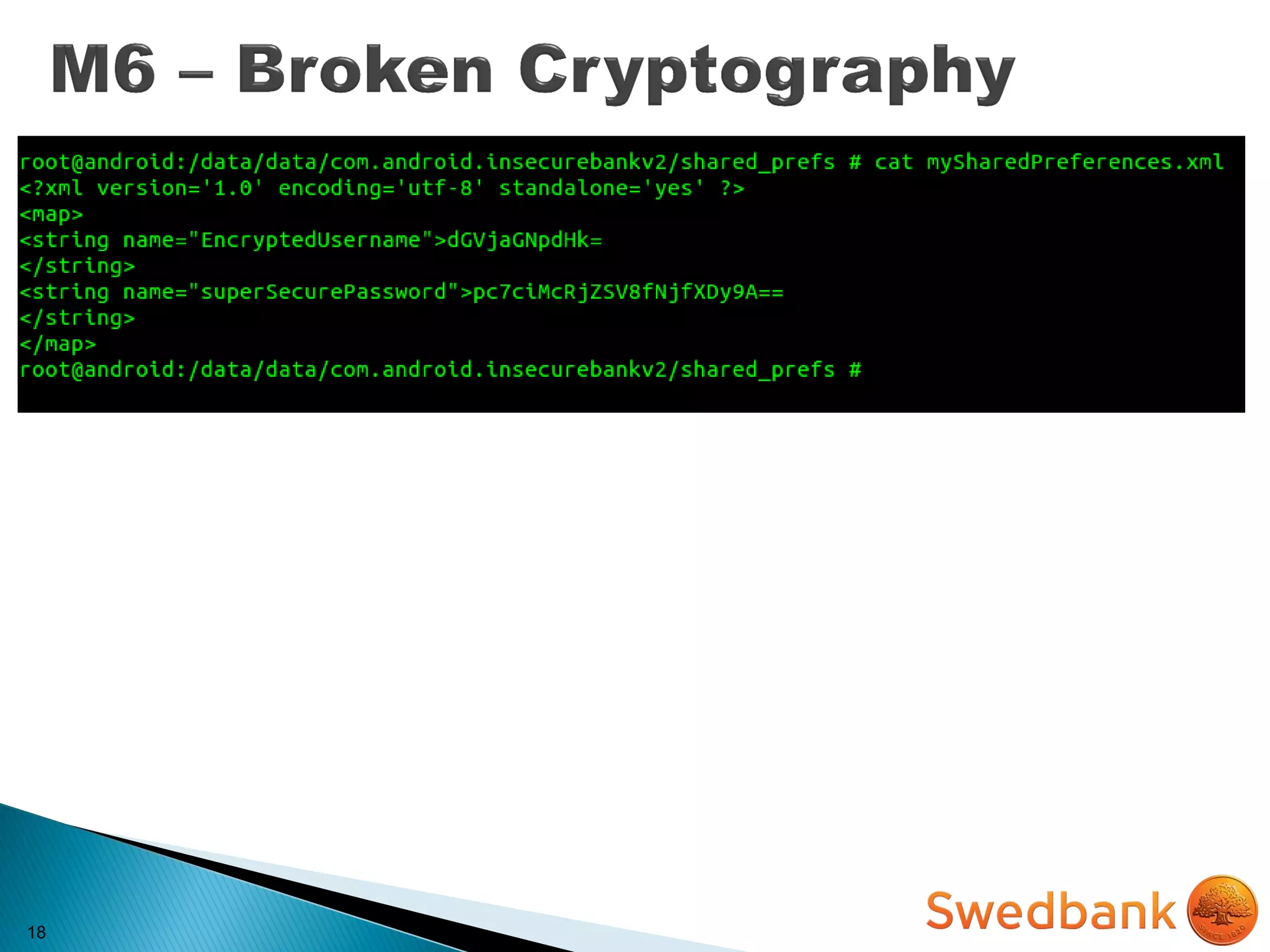
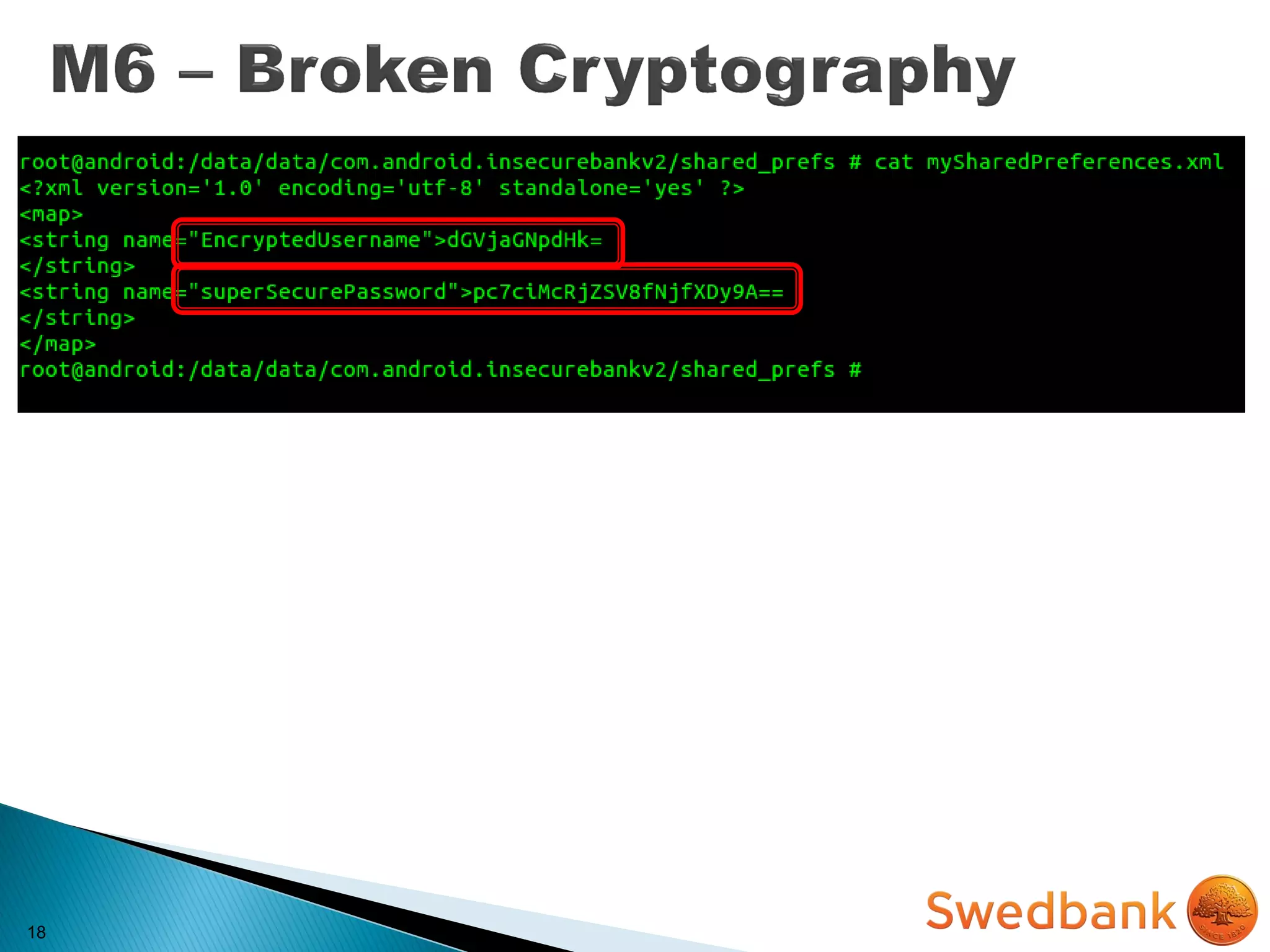
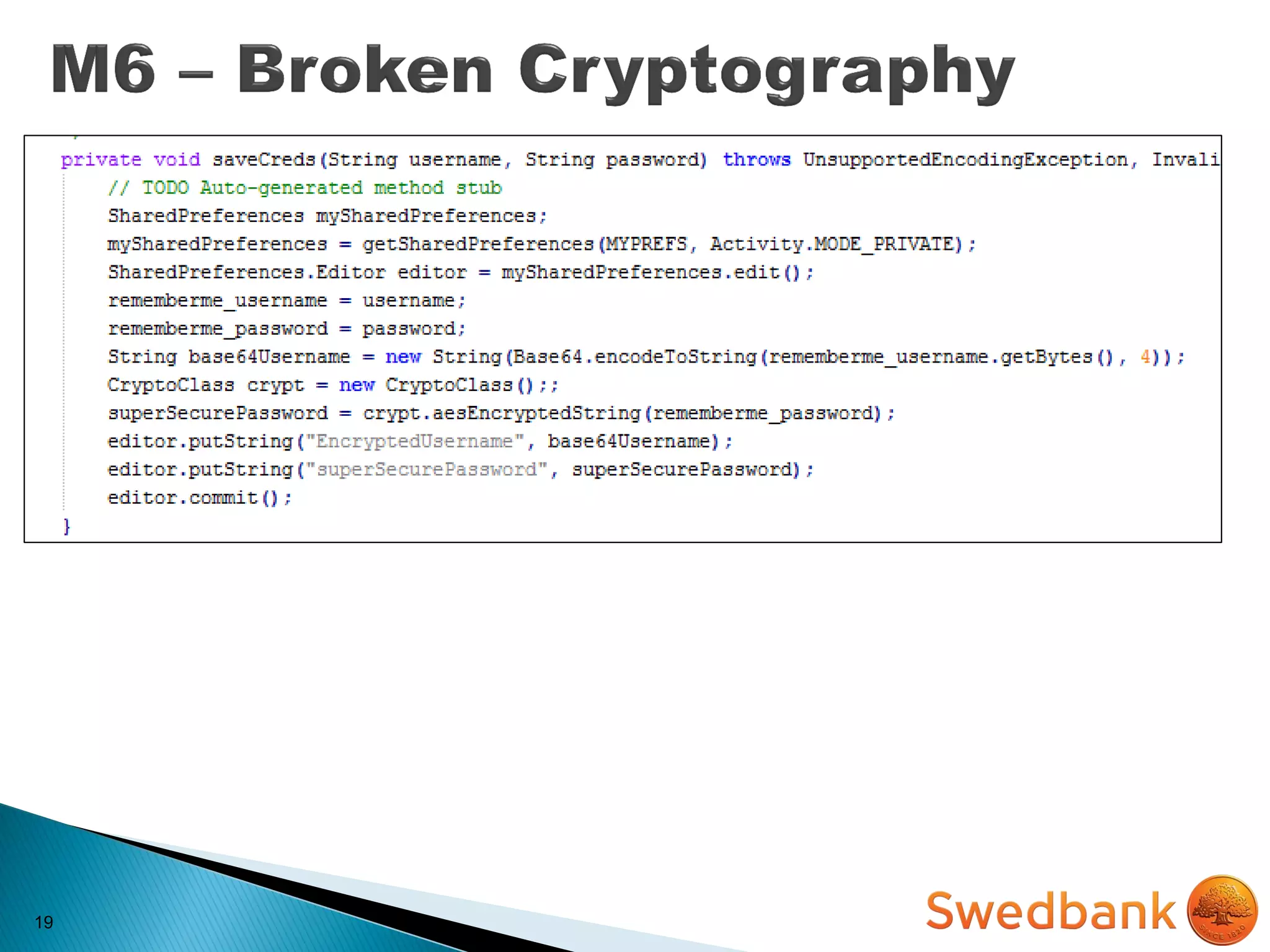
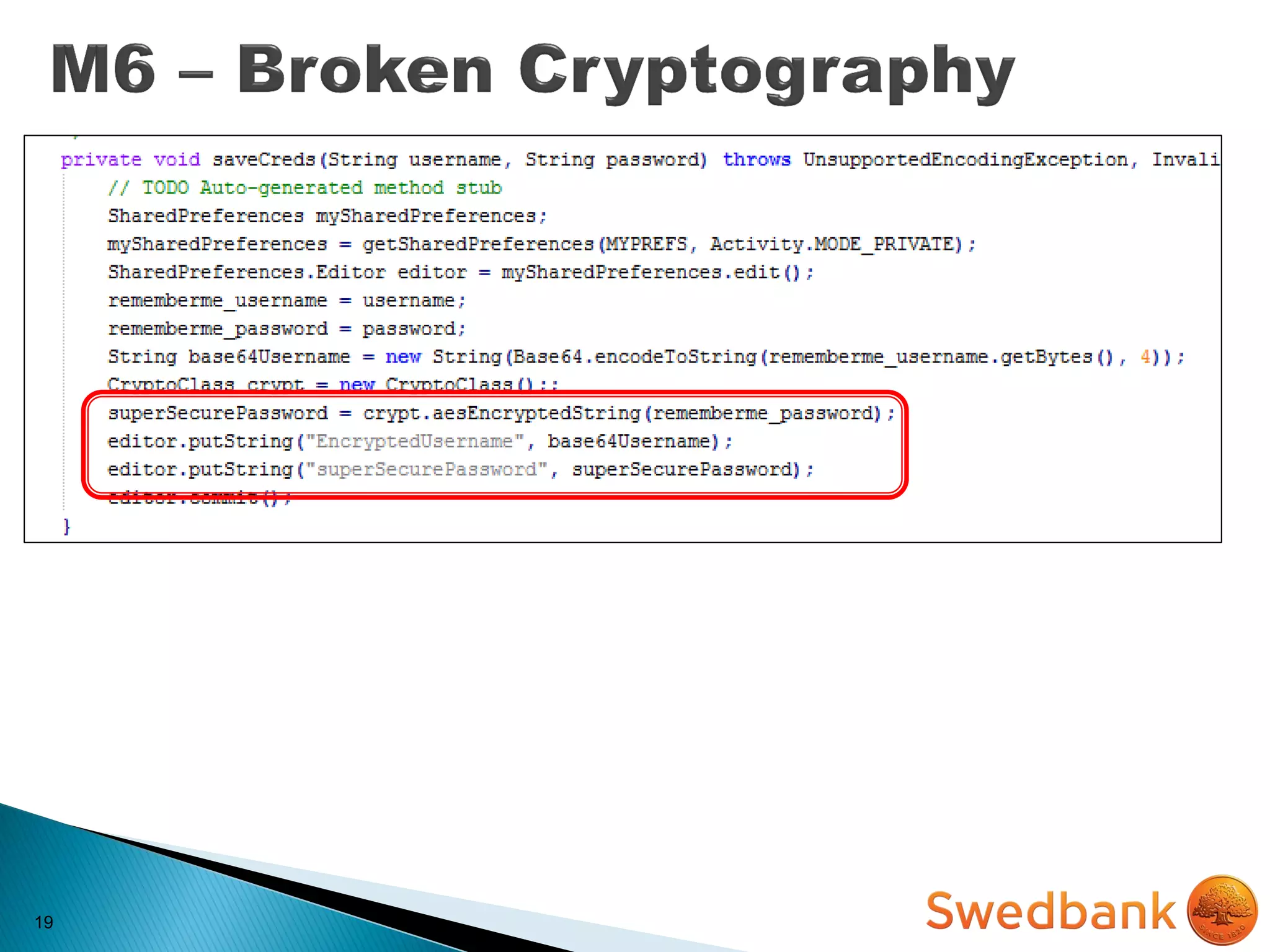
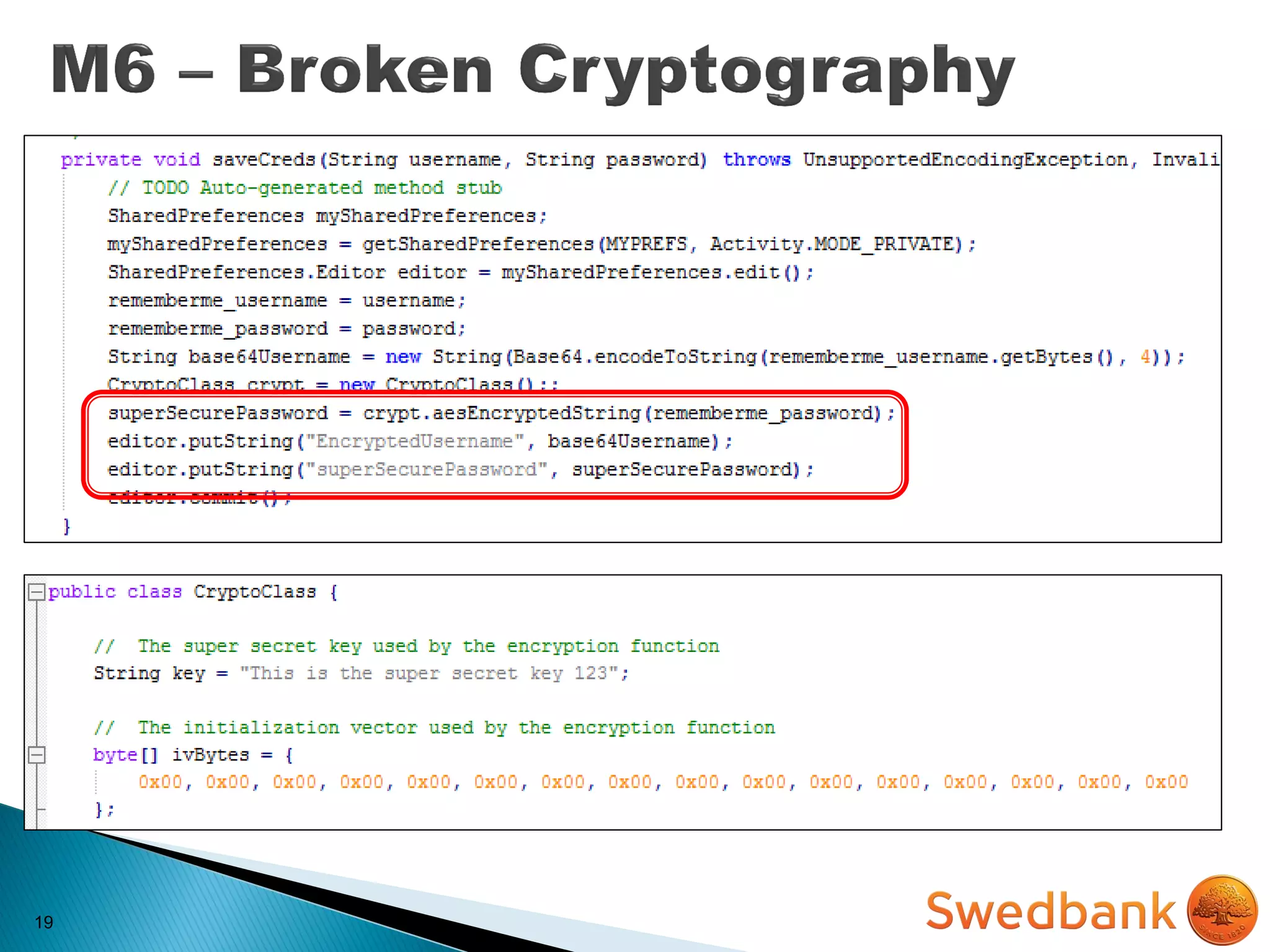
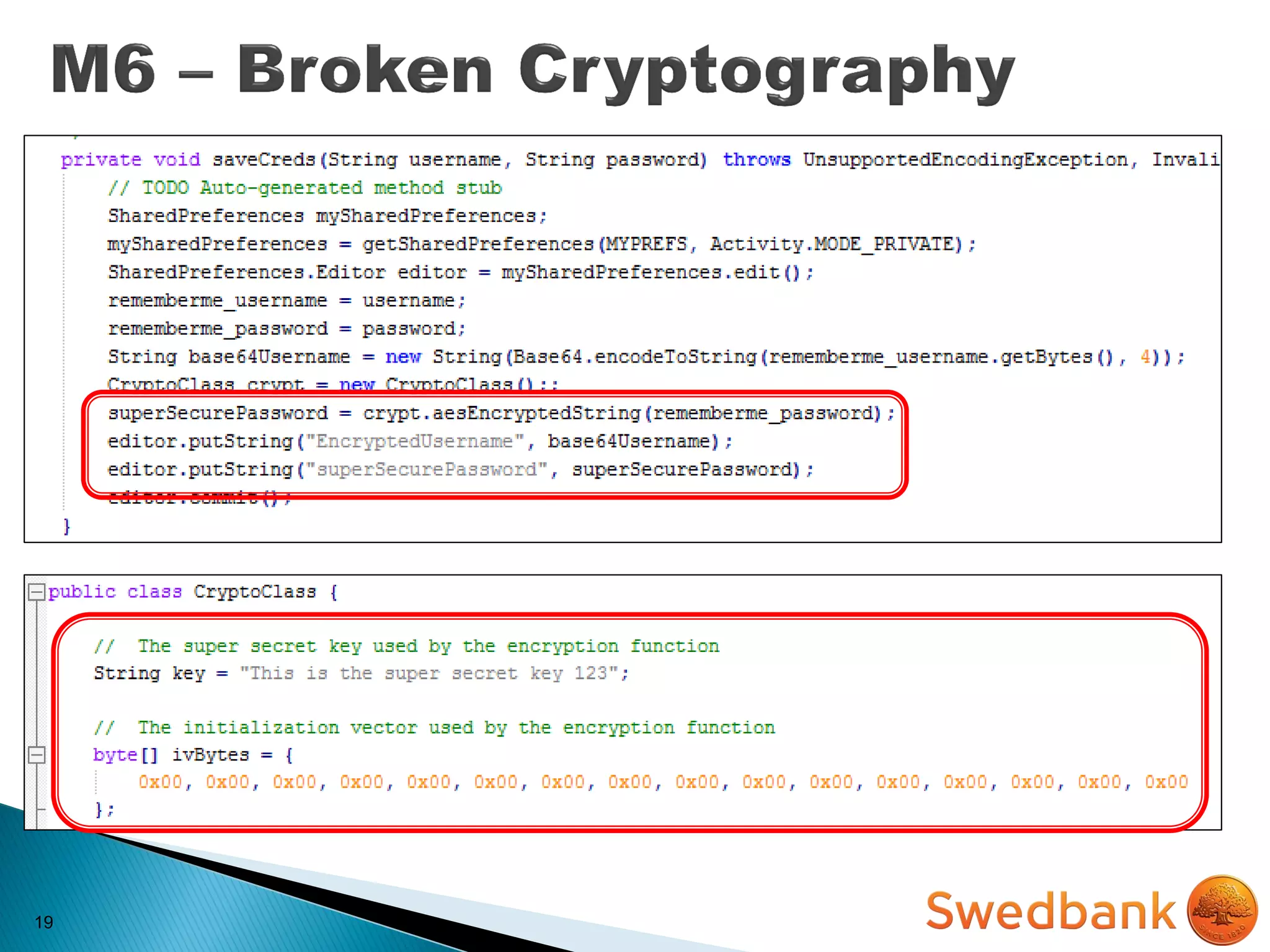
 Rely custom crypto implementations
◦ (Encode || Serialize || Obfuscate) != Encrypt
 Use of Insecure and/or Deprecated Algorithms
 Bad implementation of existing strong libraries
17
 Rely custom crypto implementations
◦ (Encode || Serialize || Obfuscate) != Encrypt
 Use of Insecure and/or Deprecated Algorithms
 Bad implementation of existing strong libraries
IMPACT
 Privilege escalation
 Loss of confidentiality
 Bypass business logic
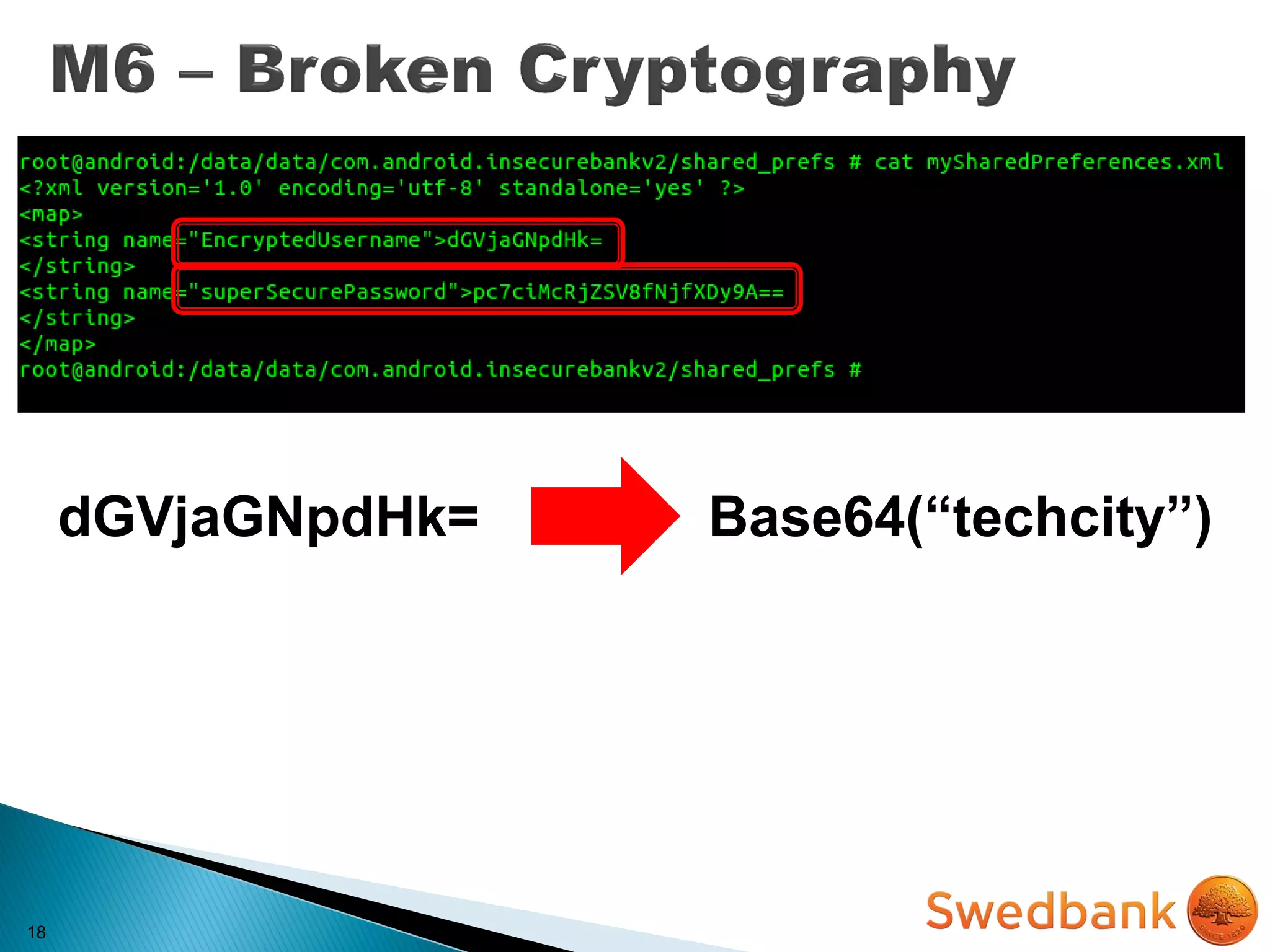
18
18
18
18
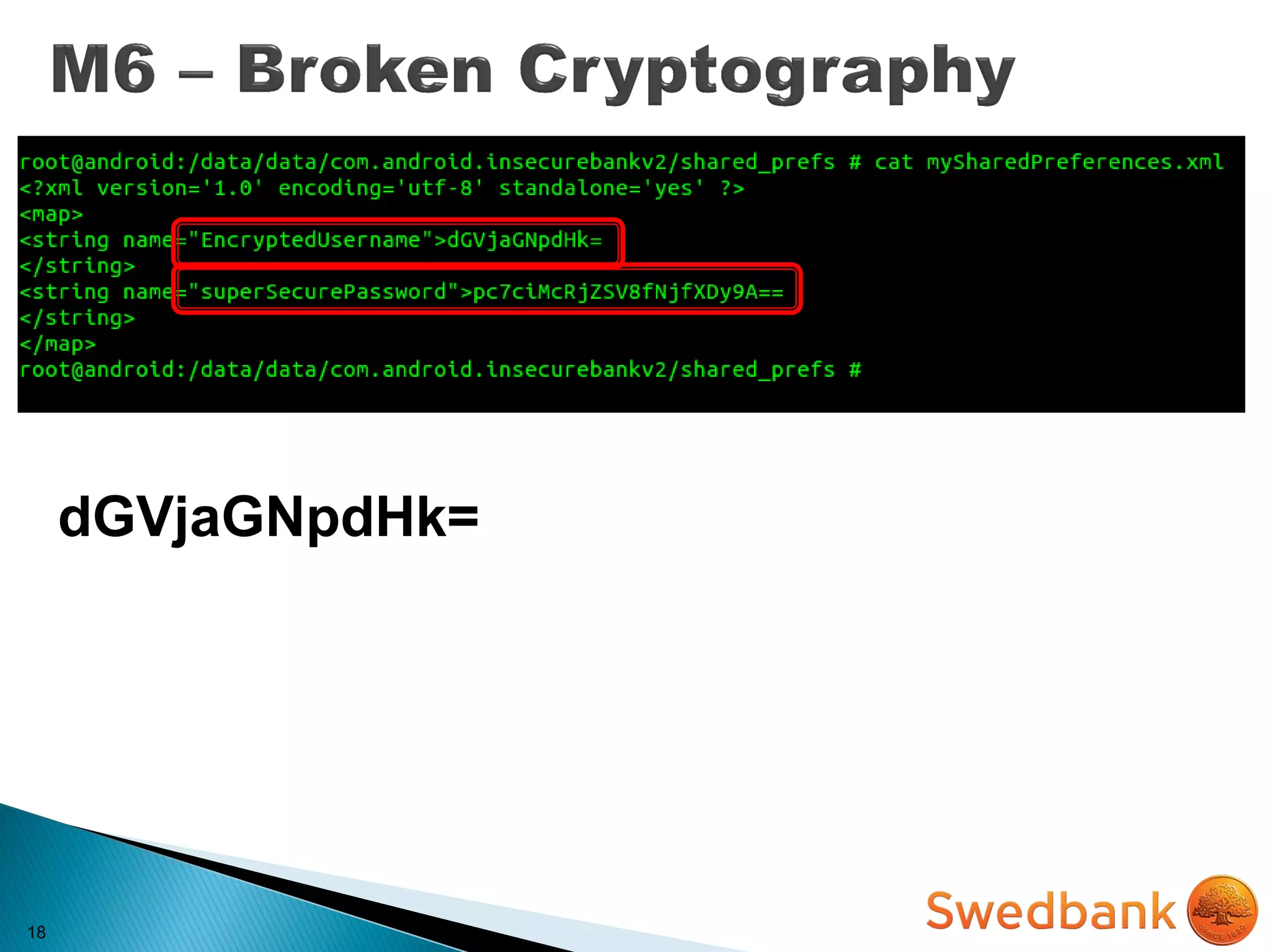
dGVjaGNpdHk=
18
dGVjaGNpdHk= Base64(“techcity”)
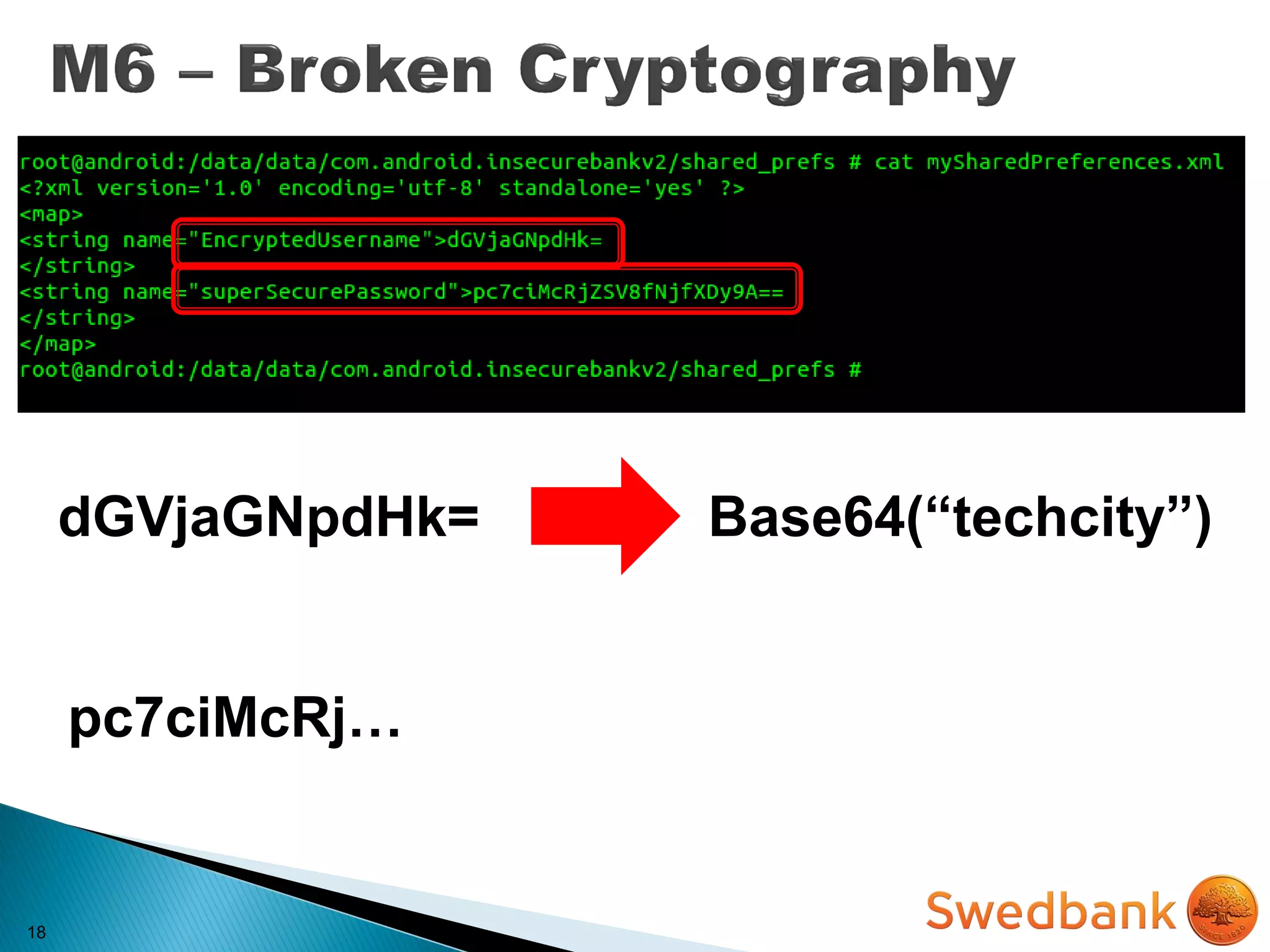
18
dGVjaGNpdHk= Base64(“techcity”)
pc7ciMcRj…
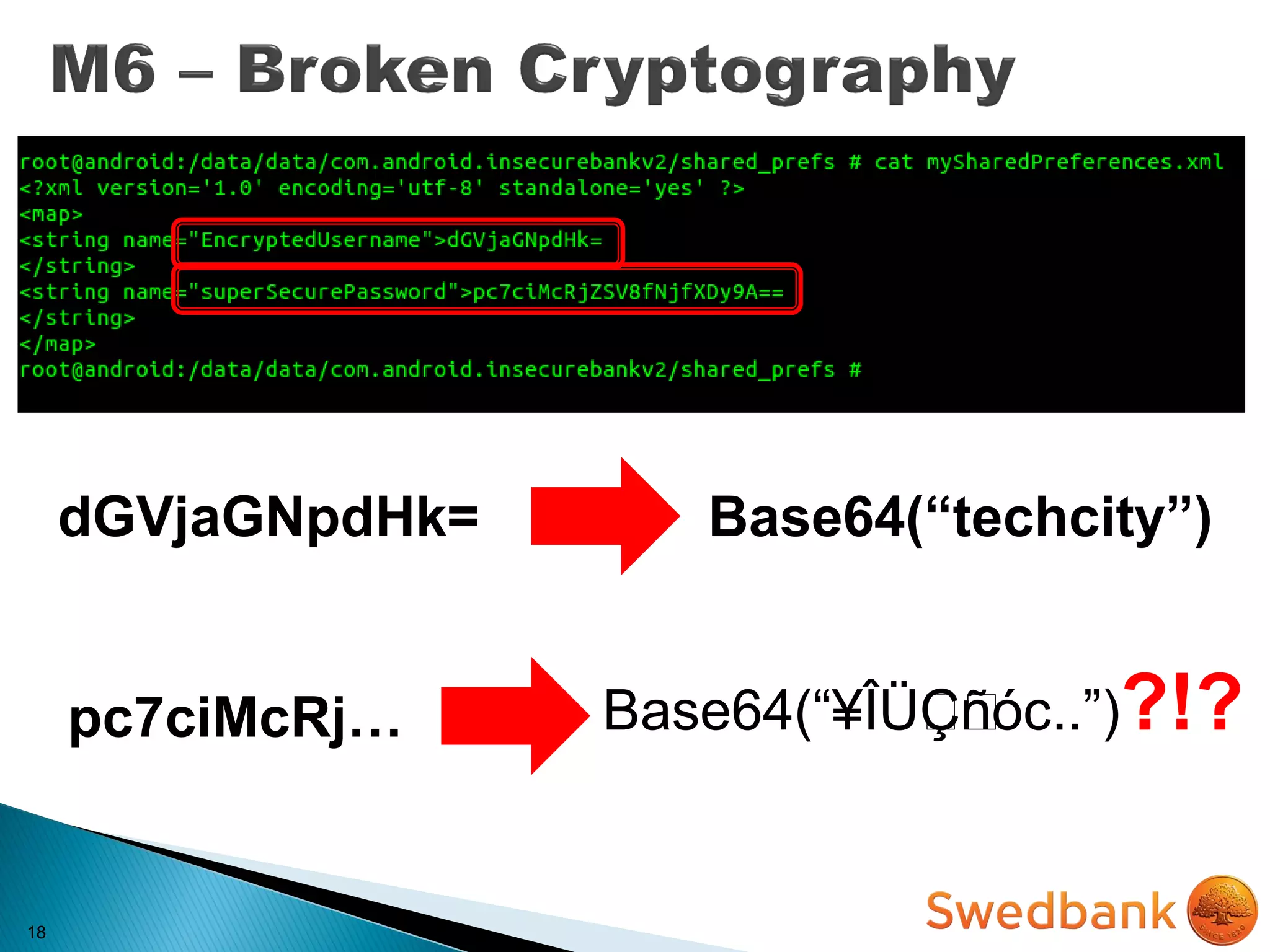
18
dGVjaGNpdHk= Base64(“techcity”)
pc7ciMcRj… Base64(“¥Î܈Ljˆˆñóc..”)?!?
19
19
19
19
19
20
MITIGATION
20
MITIGATION
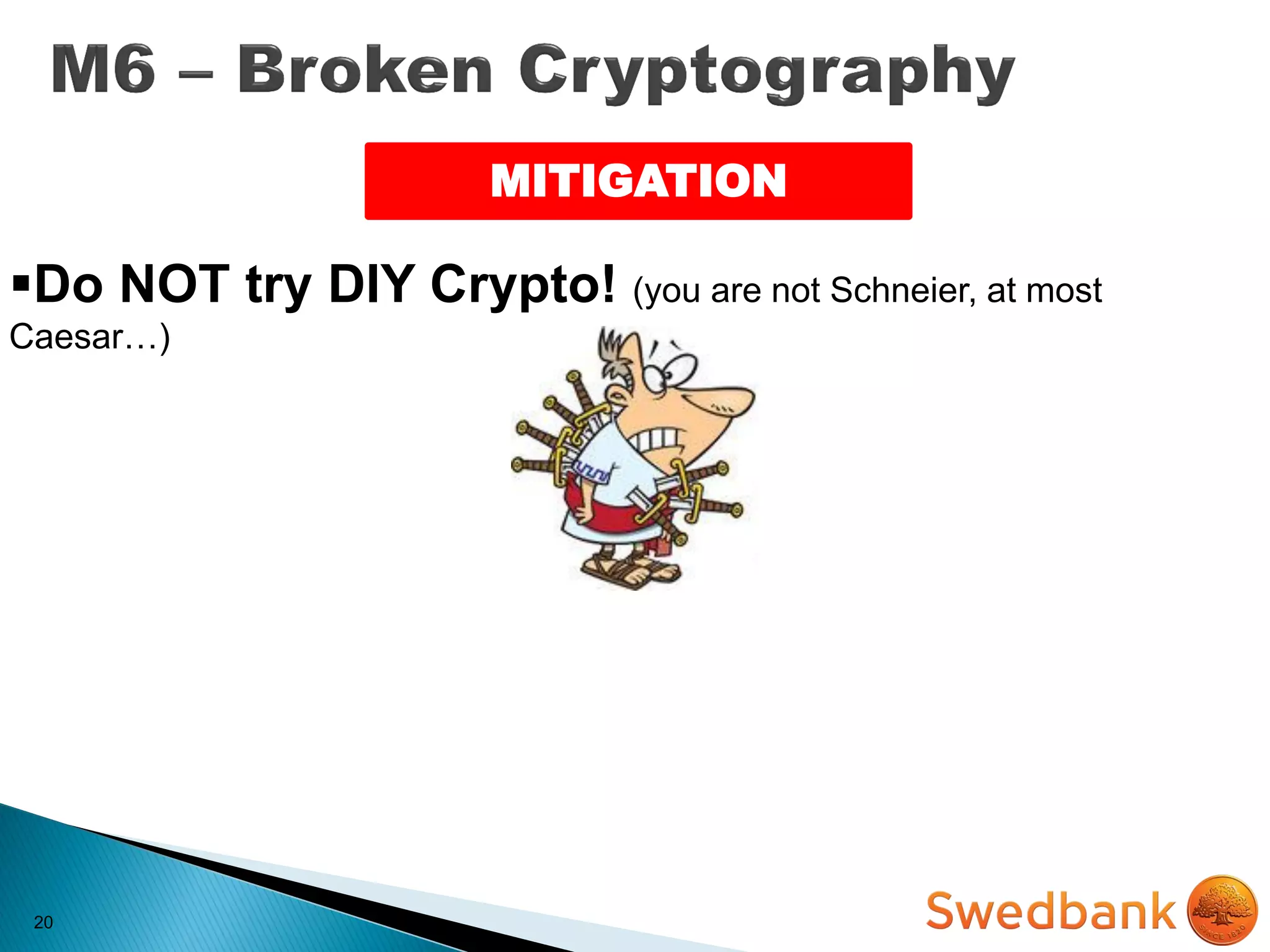
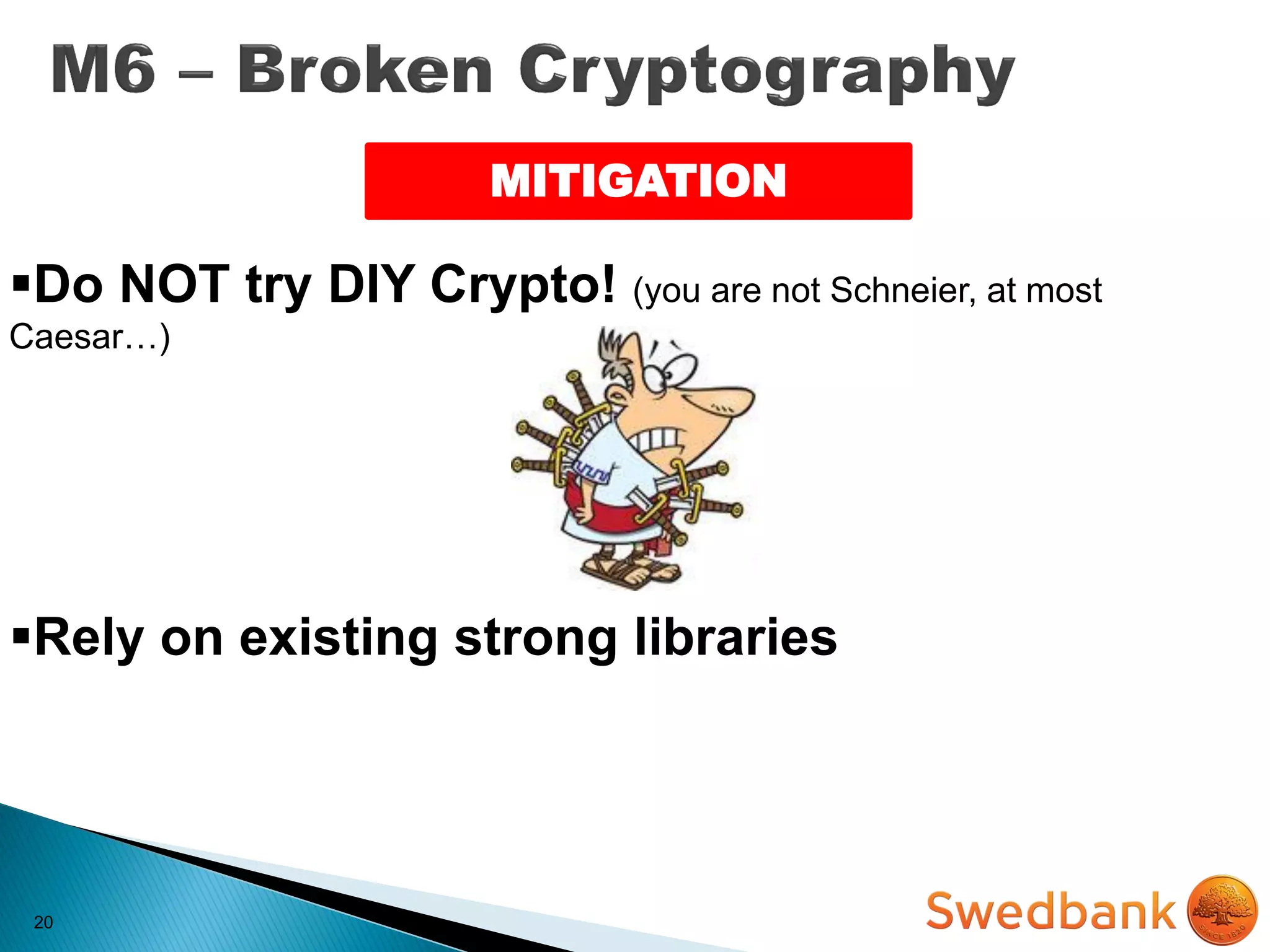
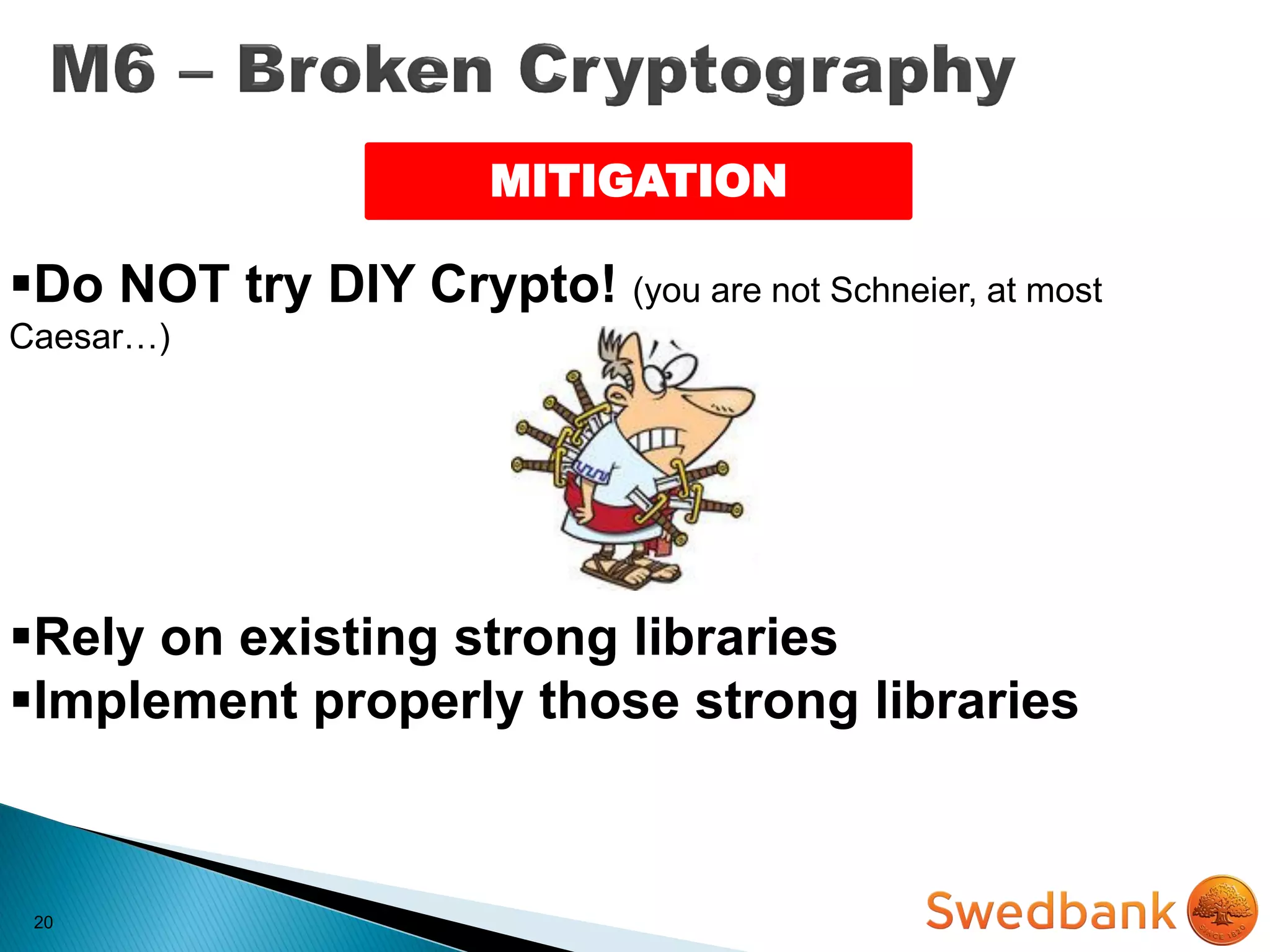
Do NOT try DIY Crypto! (you are not Schneier, at most
Caesar…)
20
MITIGATION
Do NOT try DIY Crypto! (you are not Schneier, at most
Caesar…)
Rely on existing strong libraries
20
MITIGATION
Do NOT try DIY Crypto! (you are not Schneier, at most
Caesar…)
Rely on existing strong libraries
Implement properly those strong libraries
21
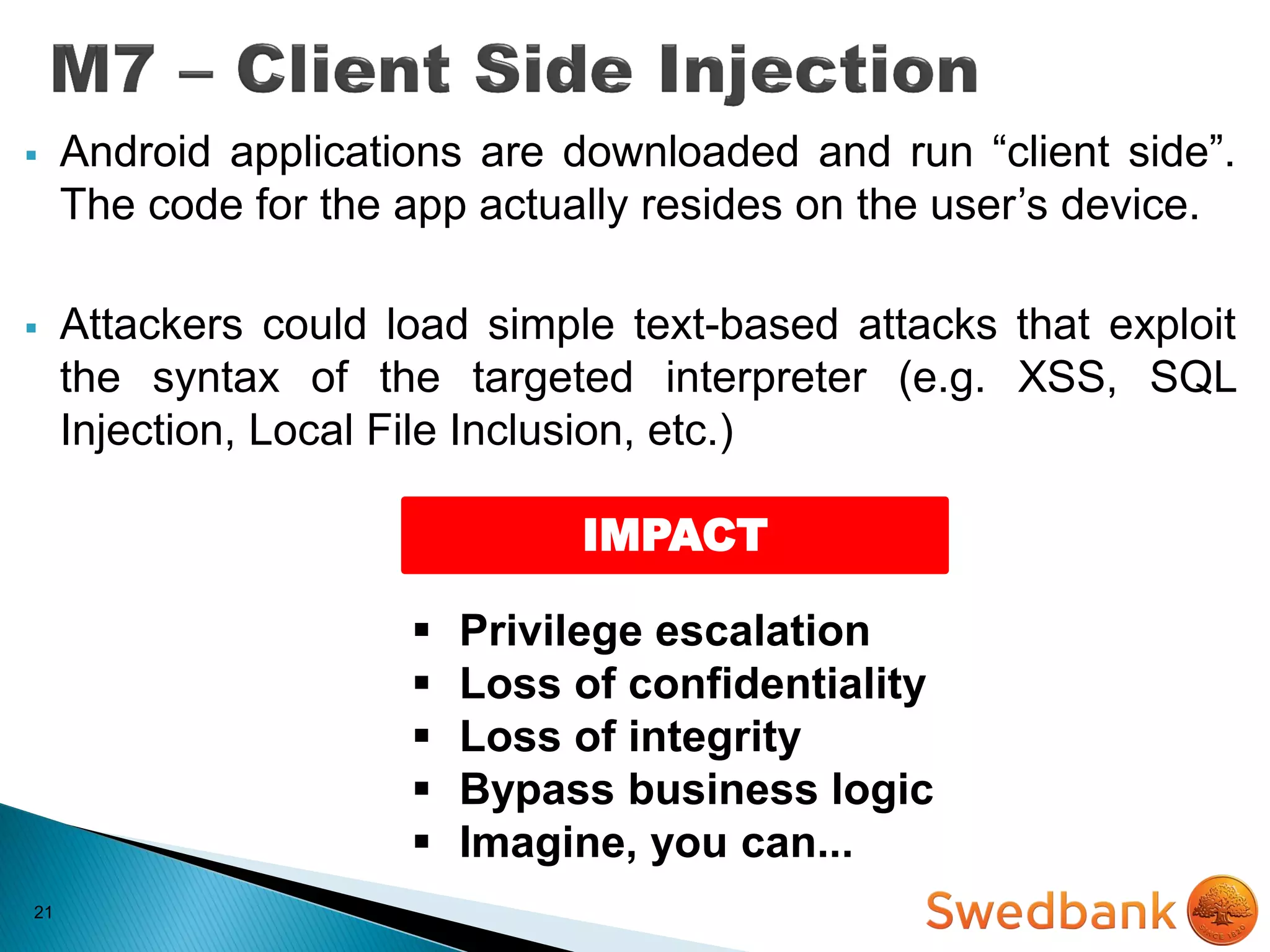
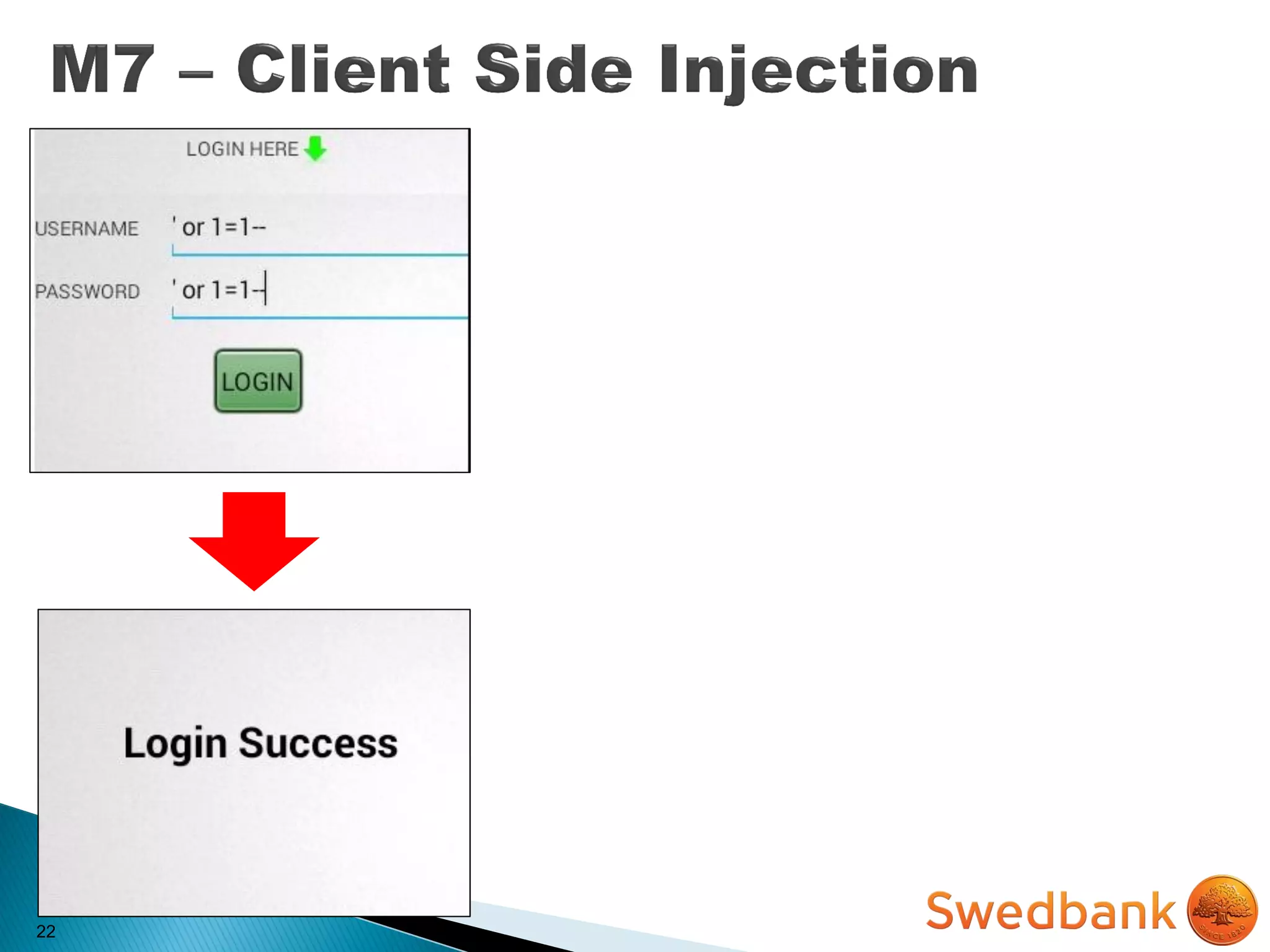
 Android applications are downloaded and run “client side”.
The code for the app actually resides on the user’s device.
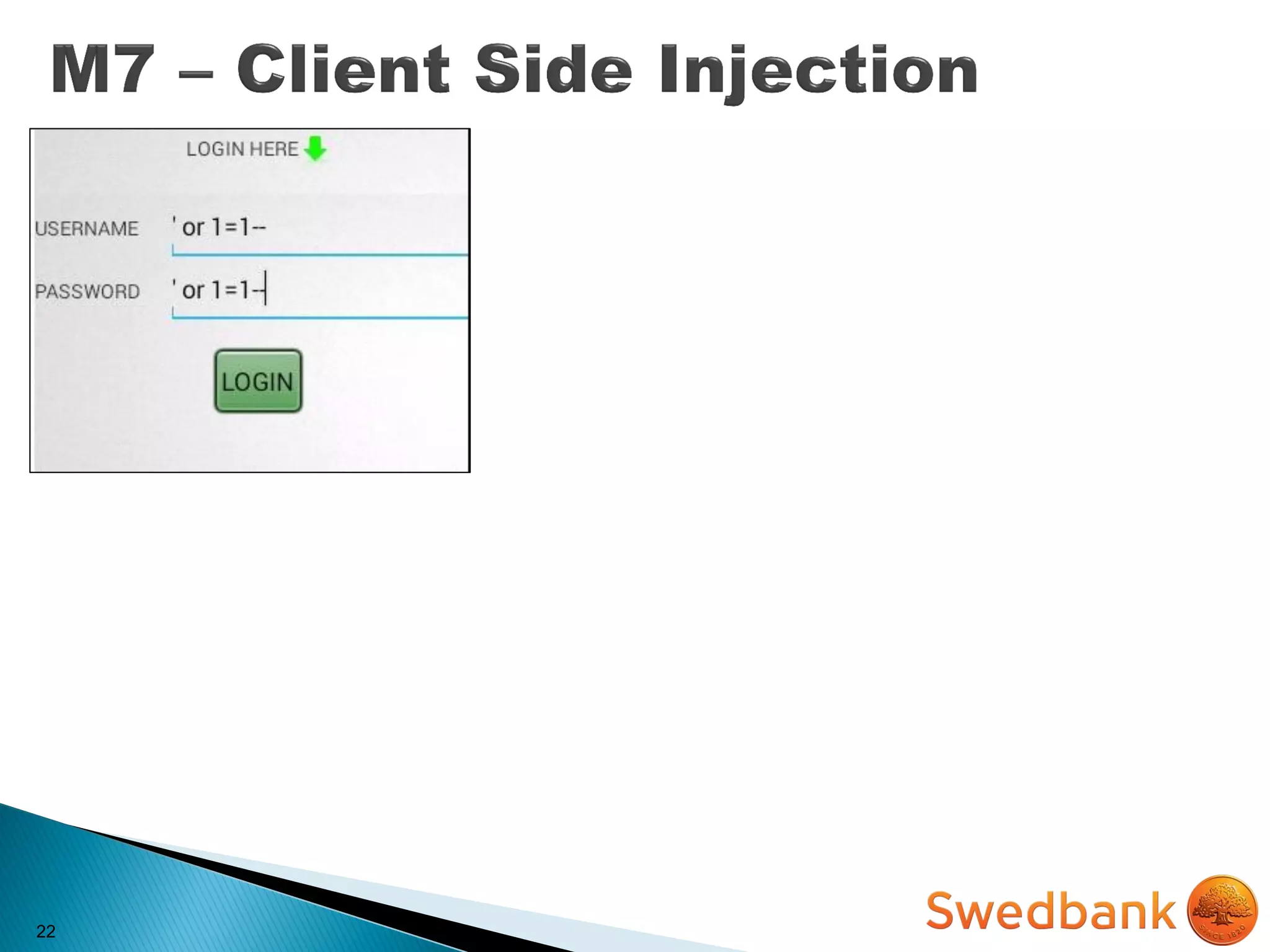
 Attackers could load simple text-based attacks that exploit
the syntax of the targeted interpreter (e.g. XSS, SQL
Injection, Local File Inclusion, etc.)
21
 Android applications are downloaded and run “client side”.
The code for the app actually resides on the user’s device.
 Attackers could load simple text-based attacks that exploit
the syntax of the targeted interpreter (e.g. XSS, SQL
Injection, Local File Inclusion, etc.)
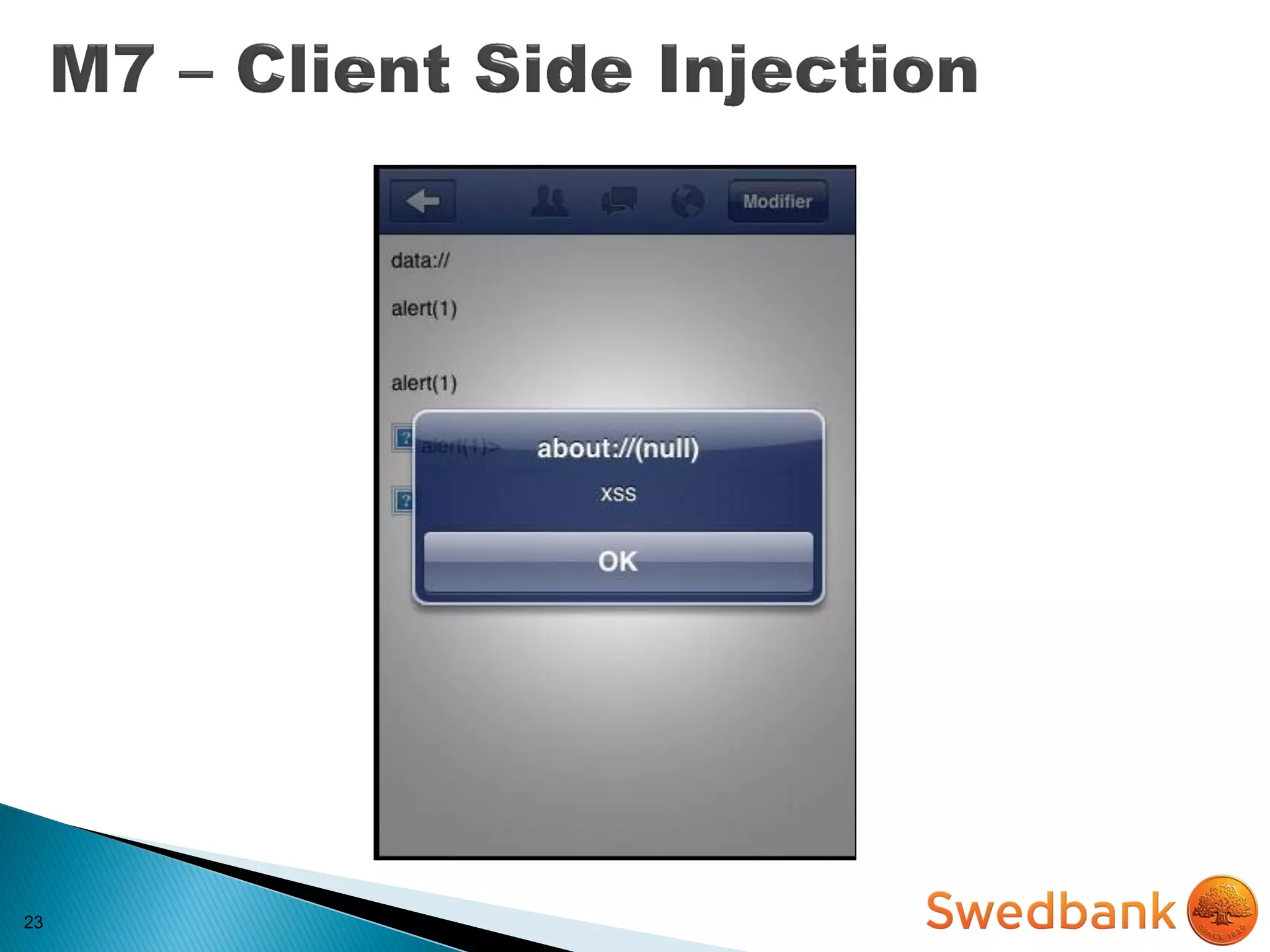
IMPACT
 Privilege escalation
 Loss of confidentiality
 Loss of integrity
 Bypass business logic
 Imagine, you can...
22
22
22
22
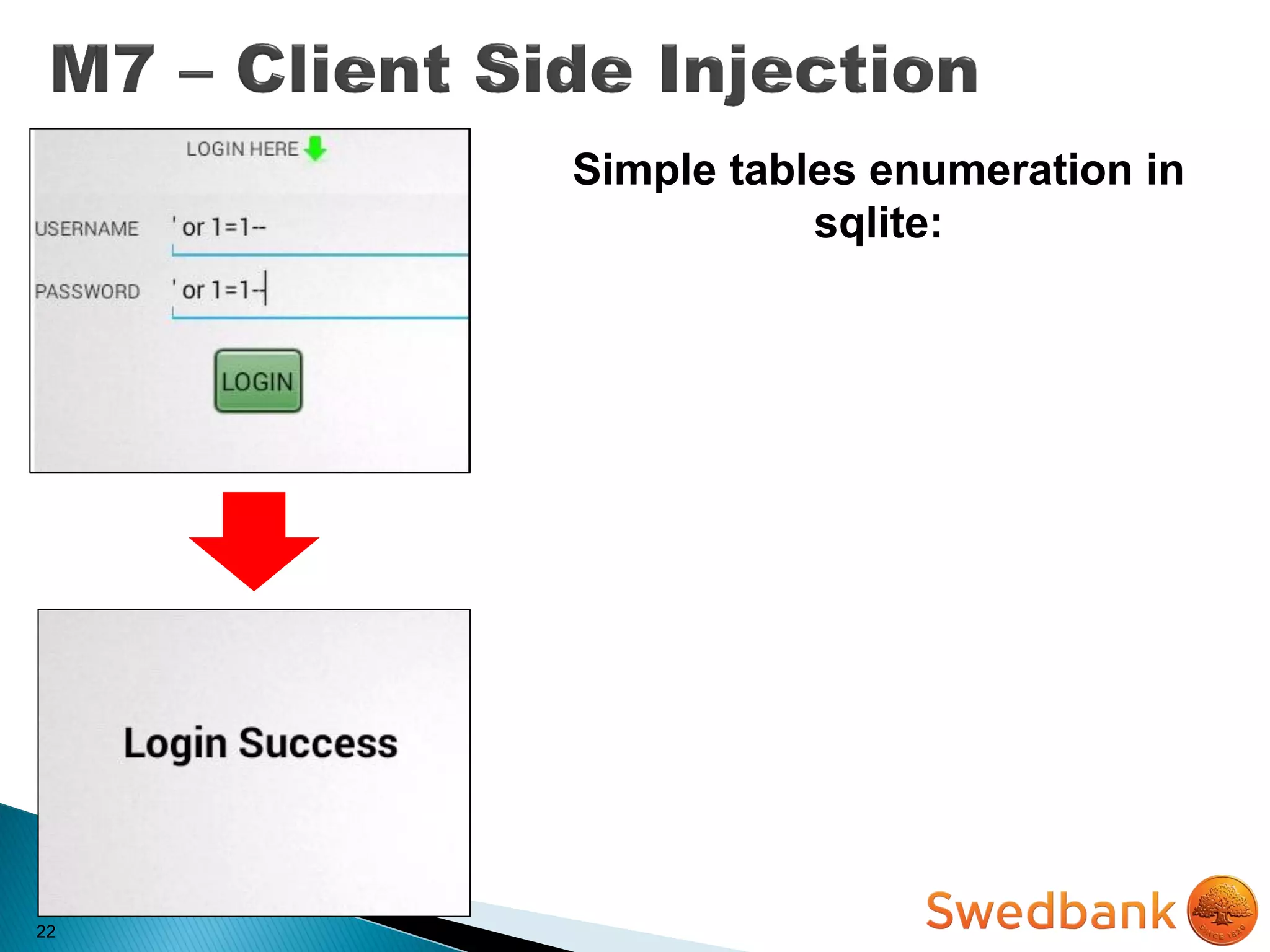
Simple tables enumeration in
sqlite:
22
Simple tables enumeration in
sqlite:
dz> run app.provider.query
[URI] –selection “1=1) union
select 1,2,tbl_name from
sqlite_master where (1=1”
22
Simple tables enumeration in
sqlite:
dz> run app.provider.query
[URI] –selection “1=1) union
select 1,2,tbl_name from
sqlite_master where (1=1”
23
24
MITIGATION
24
MITIGATION
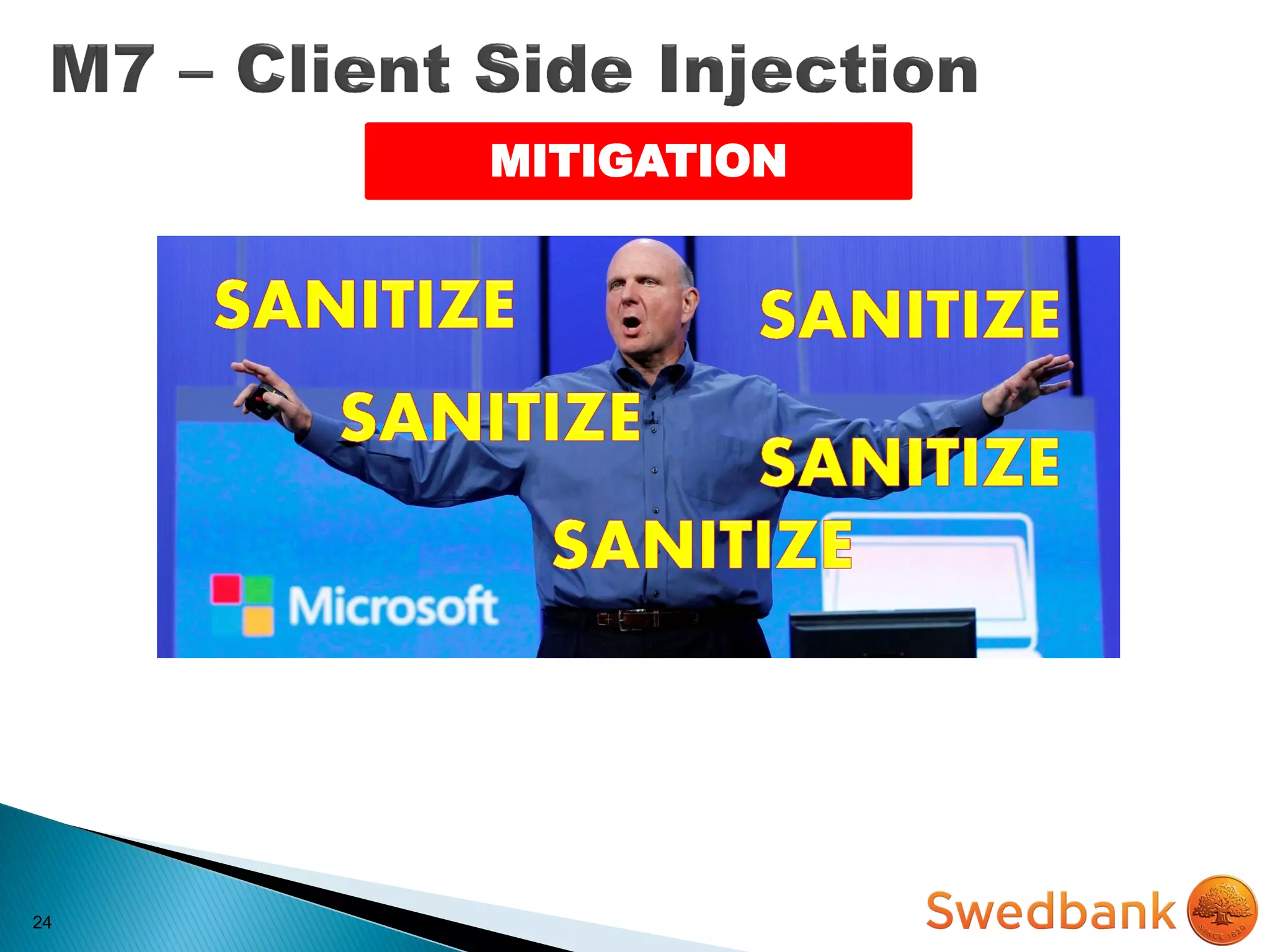
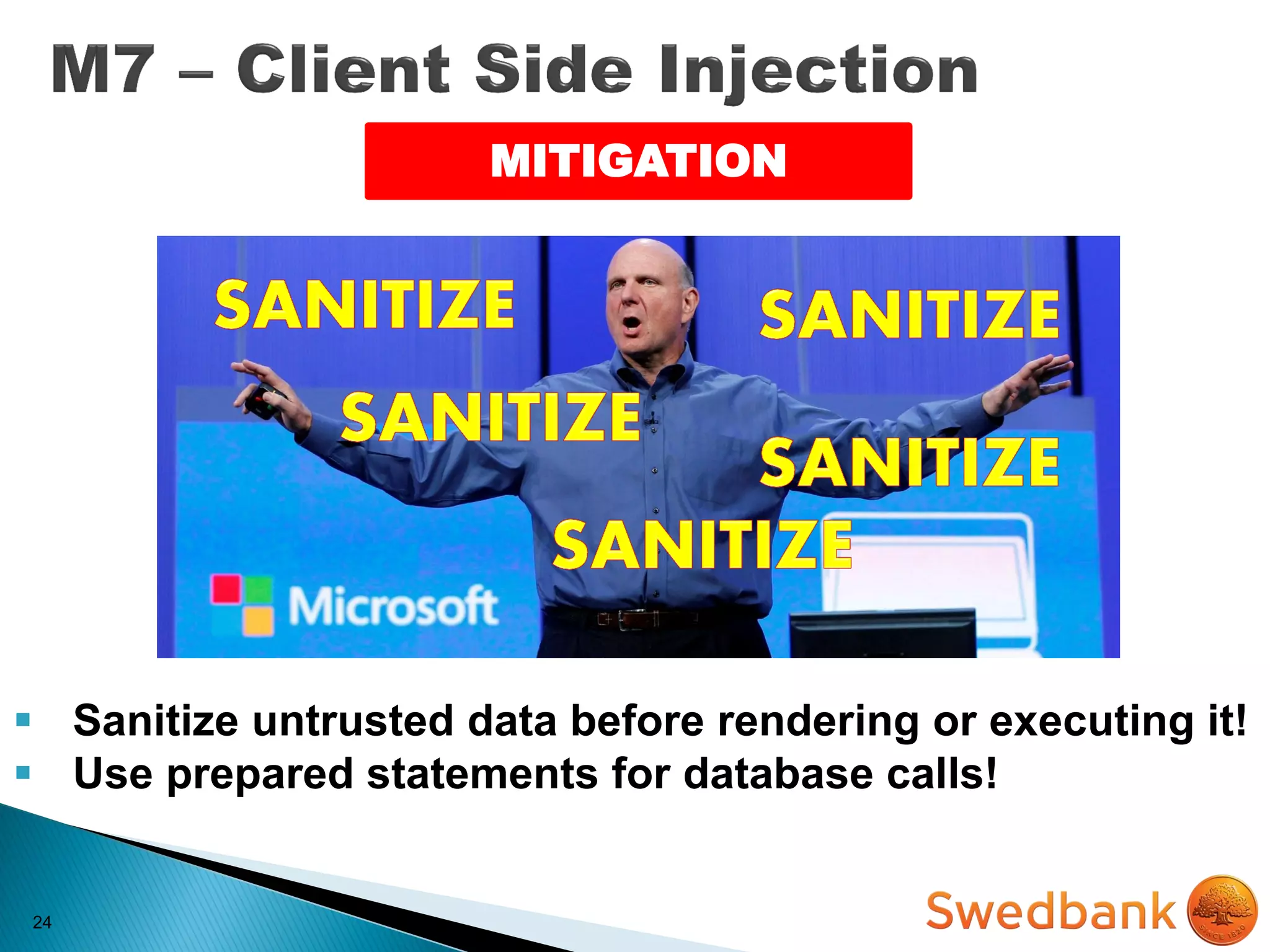
24
MITIGATION
 Sanitize untrusted data before rendering or executing it!
 Use prepared statements for database calls!
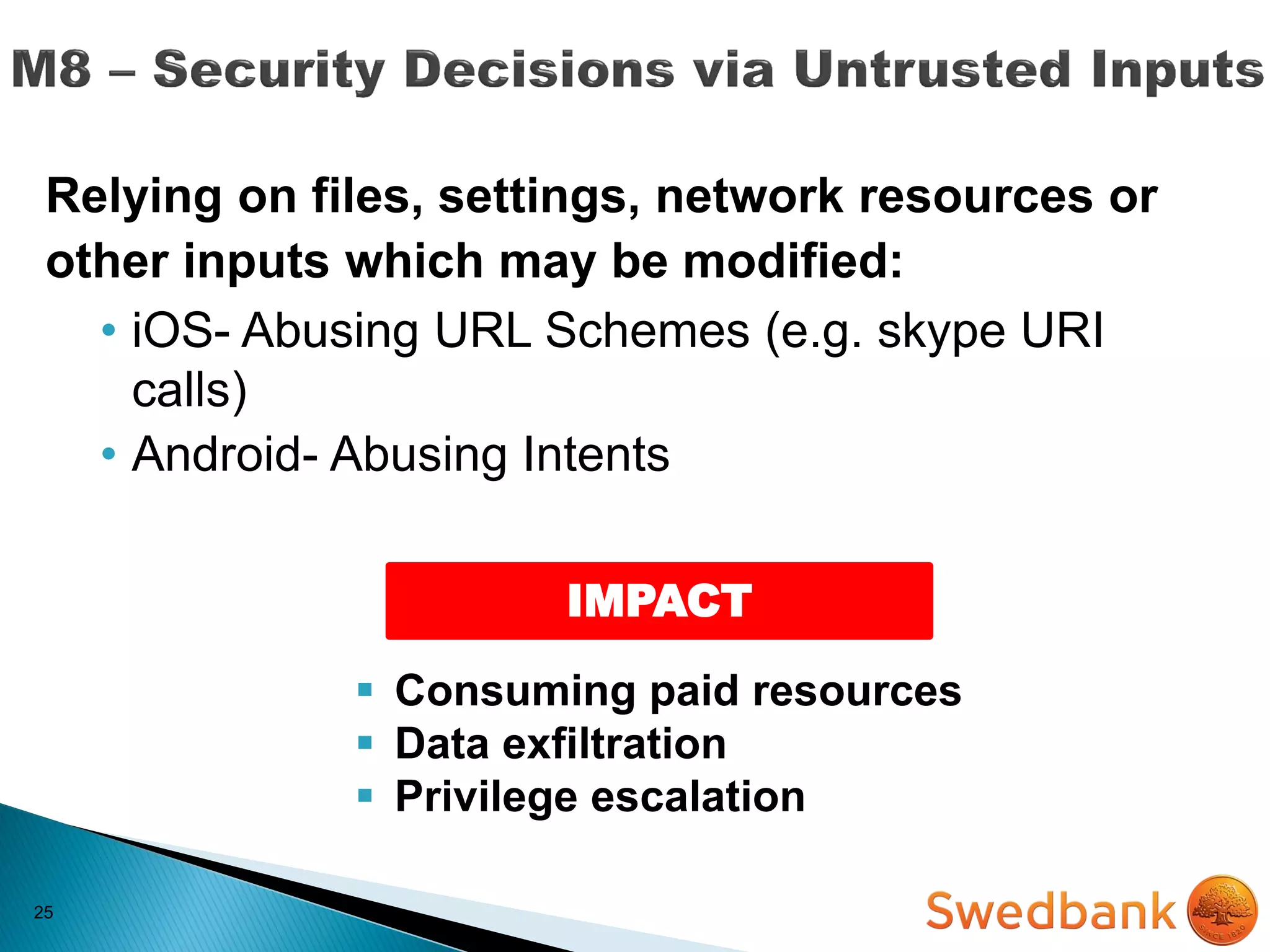
25
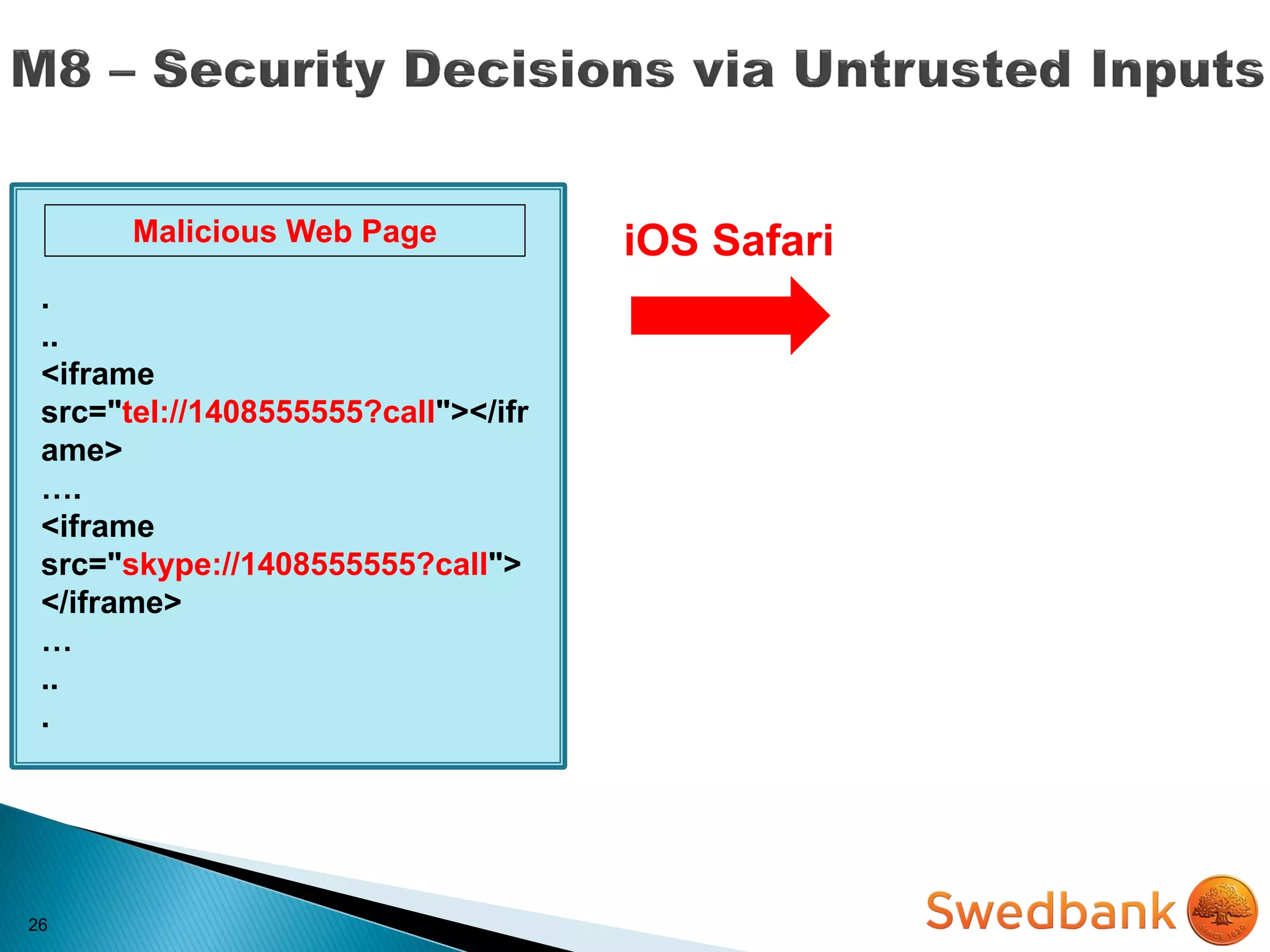
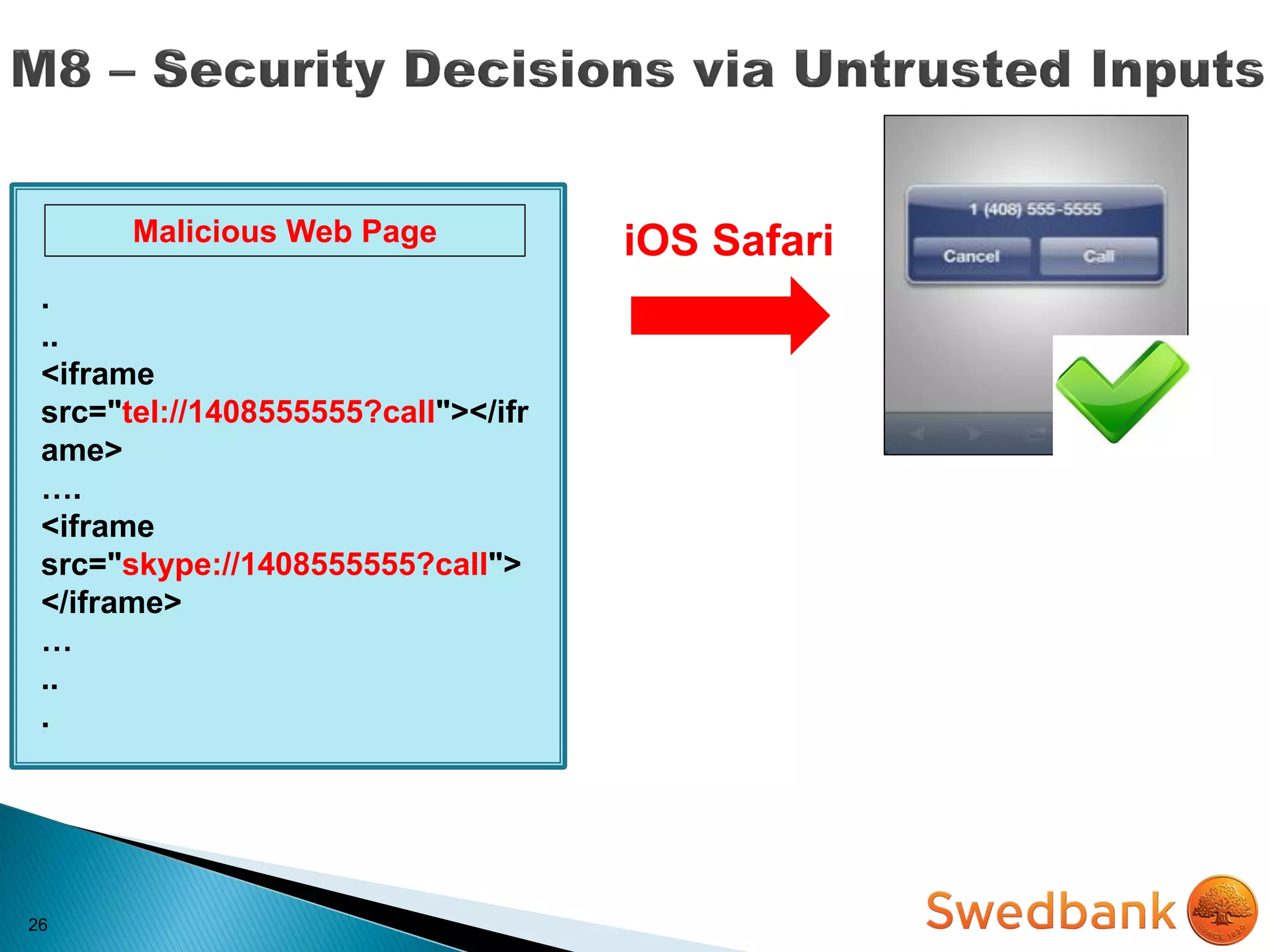
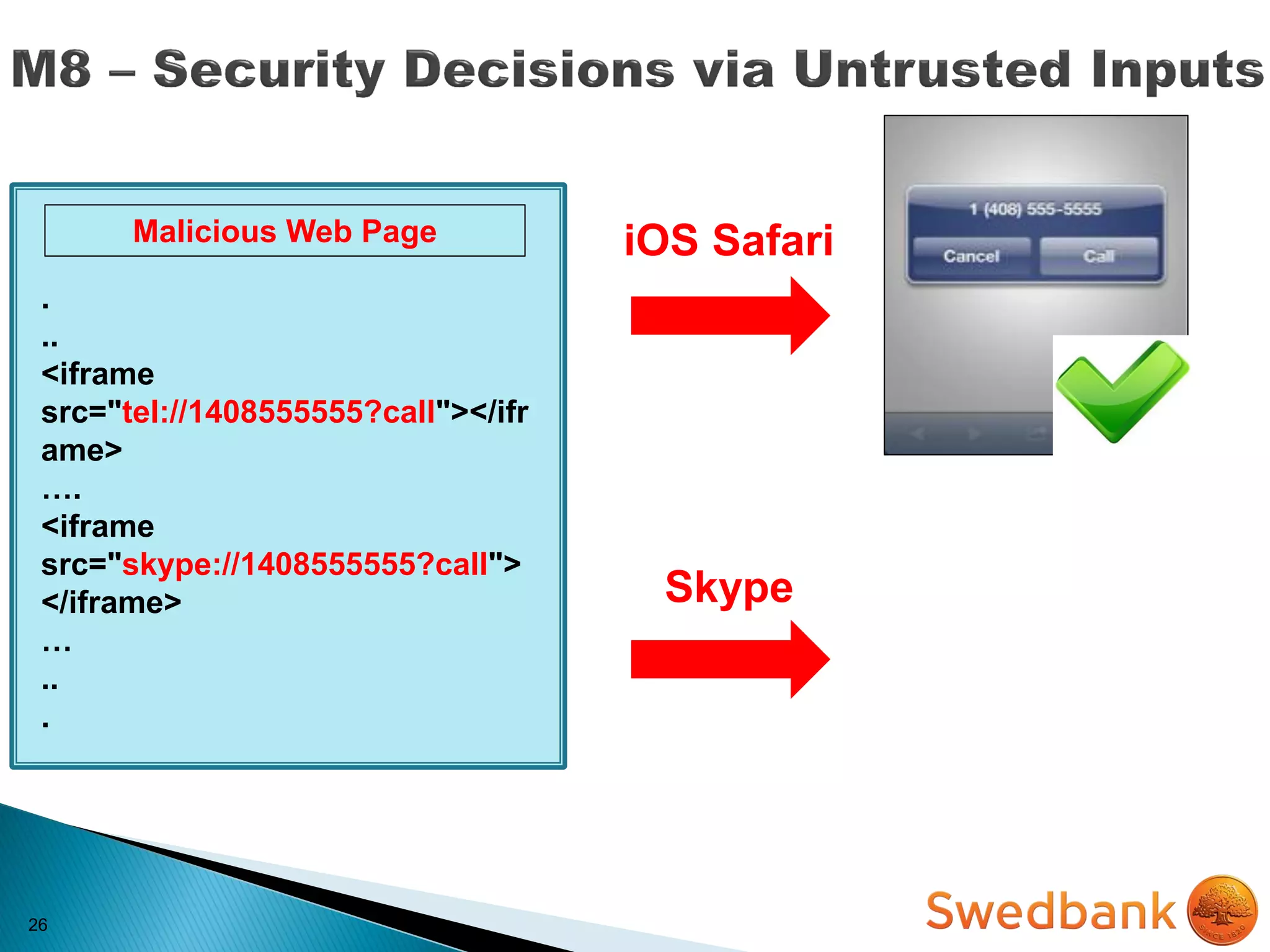
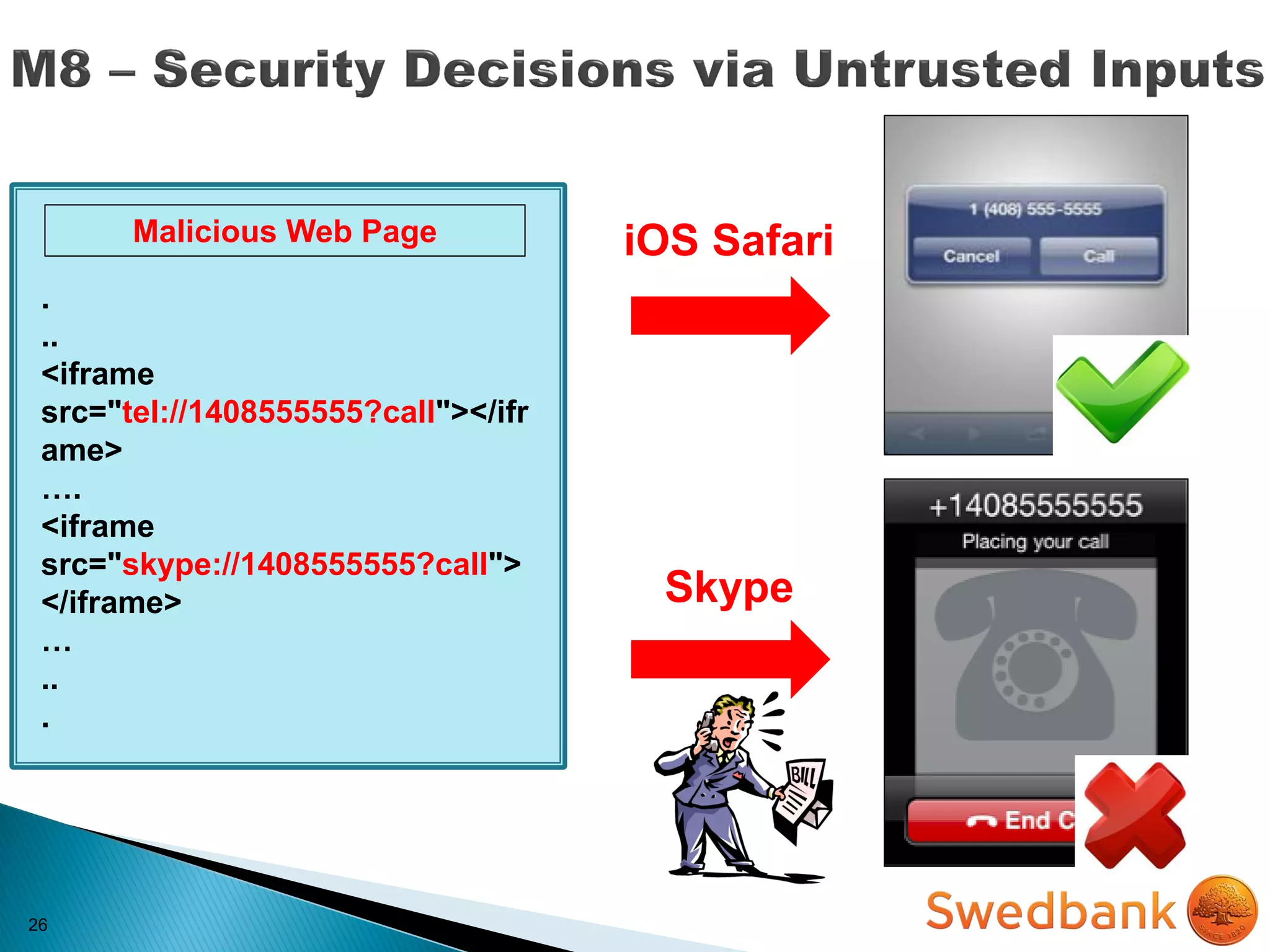
Relying on files, settings, network resources or
other inputs which may be modified:
• iOS- Abusing URL Schemes (e.g. skype URI
calls)
• Android- Abusing Intents
25
Relying on files, settings, network resources or
other inputs which may be modified:
• iOS- Abusing URL Schemes (e.g. skype URI
calls)
• Android- Abusing Intents
IMPACT
 Consuming paid resources
 Data exfiltration
 Privilege escalation
26
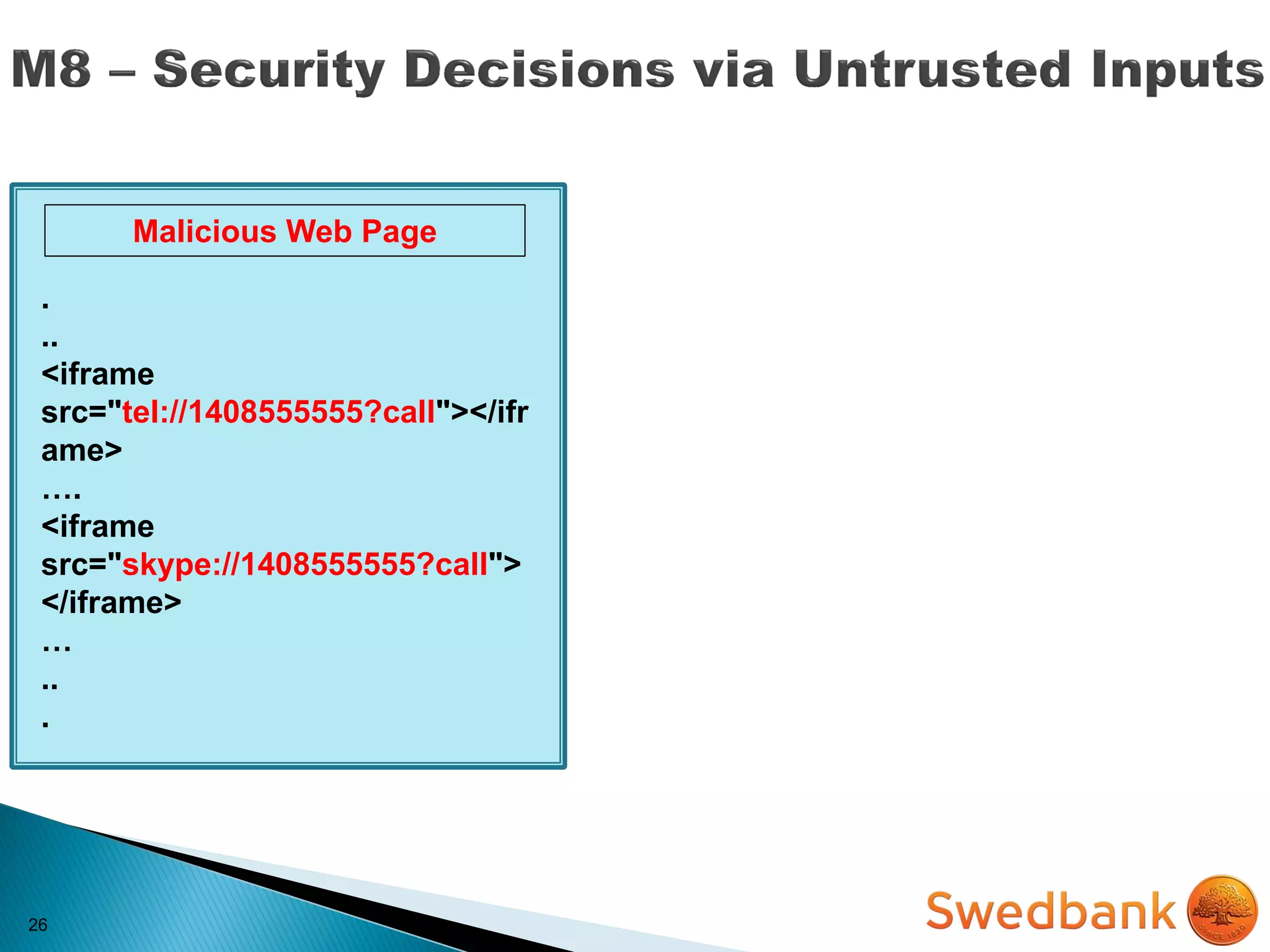
26
.
..
<iframe
src="tel://1408555555?call"></ifr
ame>
….
<iframe
src="skype://1408555555?call">
</iframe>
…
..
.
Malicious Web Page
26
.
..
<iframe
src="tel://1408555555?call"></ifr
ame>
….
<iframe
src="skype://1408555555?call">
</iframe>
…
..
.
Malicious Web Page iOS Safari
26
.
..
<iframe
src="tel://1408555555?call"></ifr
ame>
….
<iframe
src="skype://1408555555?call">
</iframe>
…
..
.
Malicious Web Page iOS Safari
26
.
..
<iframe
src="tel://1408555555?call"></ifr
ame>
….
<iframe
src="skype://1408555555?call">
</iframe>
…
..
.
Malicious Web Page iOS Safari
Skype
26
.
..
<iframe
src="tel://1408555555?call"></ifr
ame>
….
<iframe
src="skype://1408555555?call">
</iframe>
…
..
.
Malicious Web Page iOS Safari
Skype
27
MITIGATION
27
 Validate all inputs
MITIGATION
27
 Validate all inputs
 Prompt the user for additional
authorization before allowing actions
MITIGATION
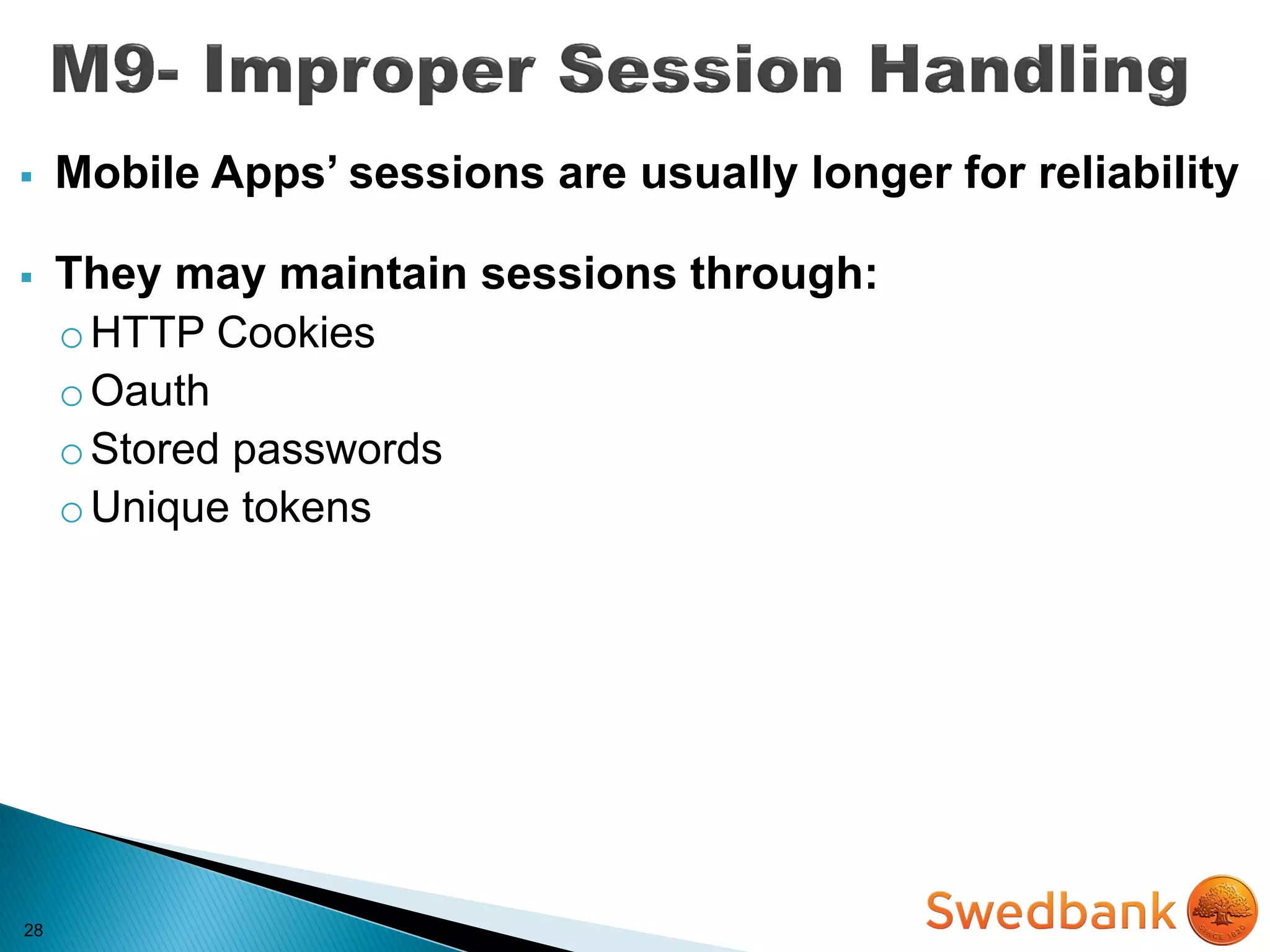
28
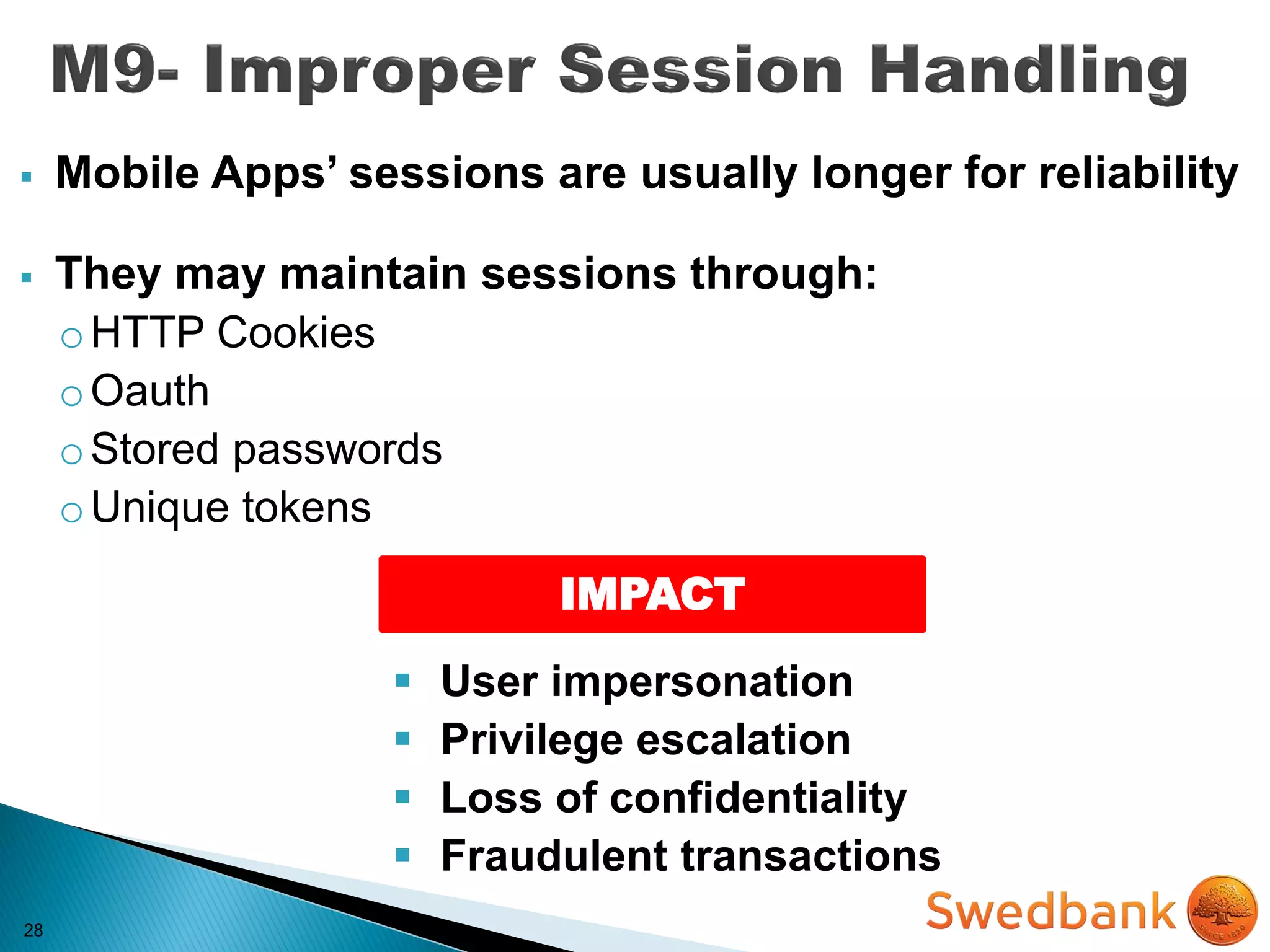
 Mobile Apps’ sessions are usually longer for reliability
 They may maintain sessions through:
oHTTP Cookies
oOauth
oStored passwords
oUnique tokens
28
 Mobile Apps’ sessions are usually longer for reliability
 They may maintain sessions through:
oHTTP Cookies
oOauth
oStored passwords
oUnique tokens
IMPACT
 User impersonation
 Privilege escalation
 Loss of confidentiality
 Fraudulent transactions
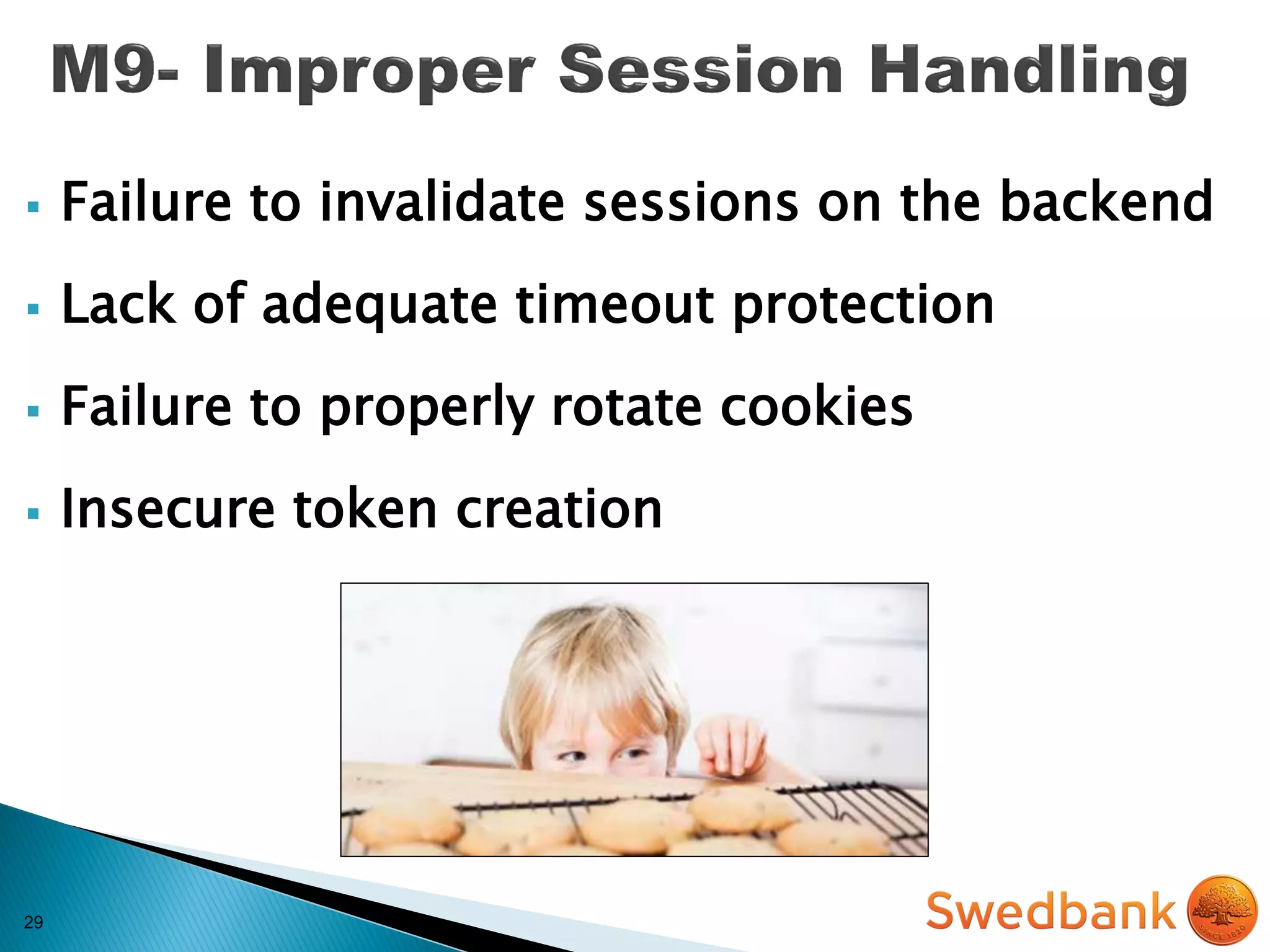
29
 Failure to invalidate sessions on the backend
 Lack of adequate timeout protection
 Failure to properly rotate cookies
 Insecure token creation
30
MITIGATION
30
 Force users to re-authenticate periodically or after
sensitive actions
MITIGATION
30
 Force users to re-authenticate periodically or after
sensitive actions
 Allow revocation of device/password in the event
of a lost/stolen device
MITIGATION
30
 Force users to re-authenticate periodically or after
sensitive actions
 Allow revocation of device/password in the event
of a lost/stolen device
 Use high entropy & strong known token
generation methods
MITIGATION
30
 Force users to re-authenticate periodically or after
sensitive actions
 Allow revocation of device/password in the event
of a lost/stolen device
 Use high entropy & strong known token
generation methods
 Store and transmit session tokens securely
MITIGATION
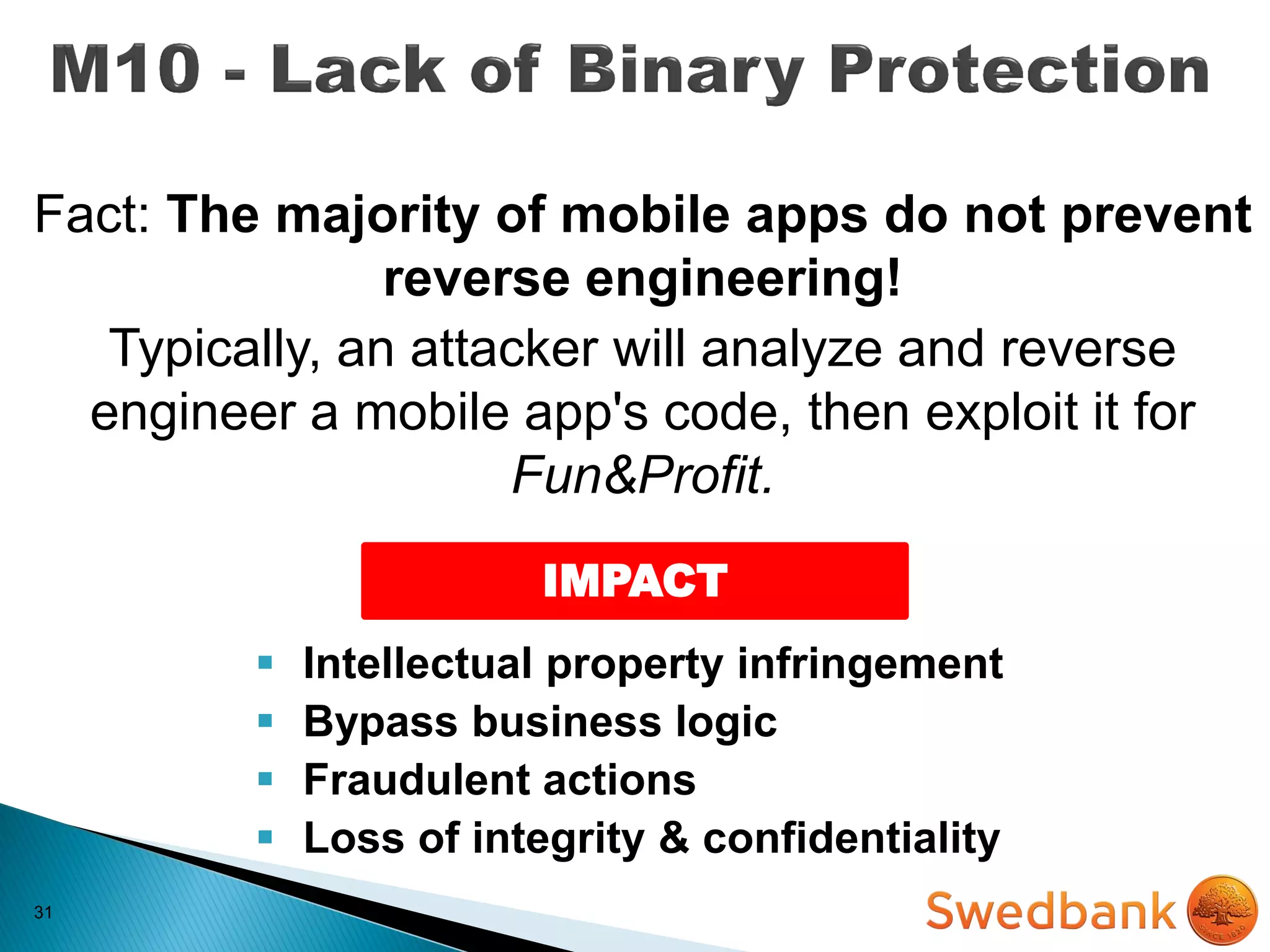
31
Fact: The majority of mobile apps do not prevent
reverse engineering!
Typically, an attacker will analyze and reverse
engineer a mobile app's code, then exploit it for
Fun&Profit.
31
Fact: The majority of mobile apps do not prevent
reverse engineering!
Typically, an attacker will analyze and reverse
engineer a mobile app's code, then exploit it for
Fun&Profit.
IMPACT
 Intellectual property infringement
 Bypass business logic
 Fraudulent actions
 Loss of integrity & confidentiality
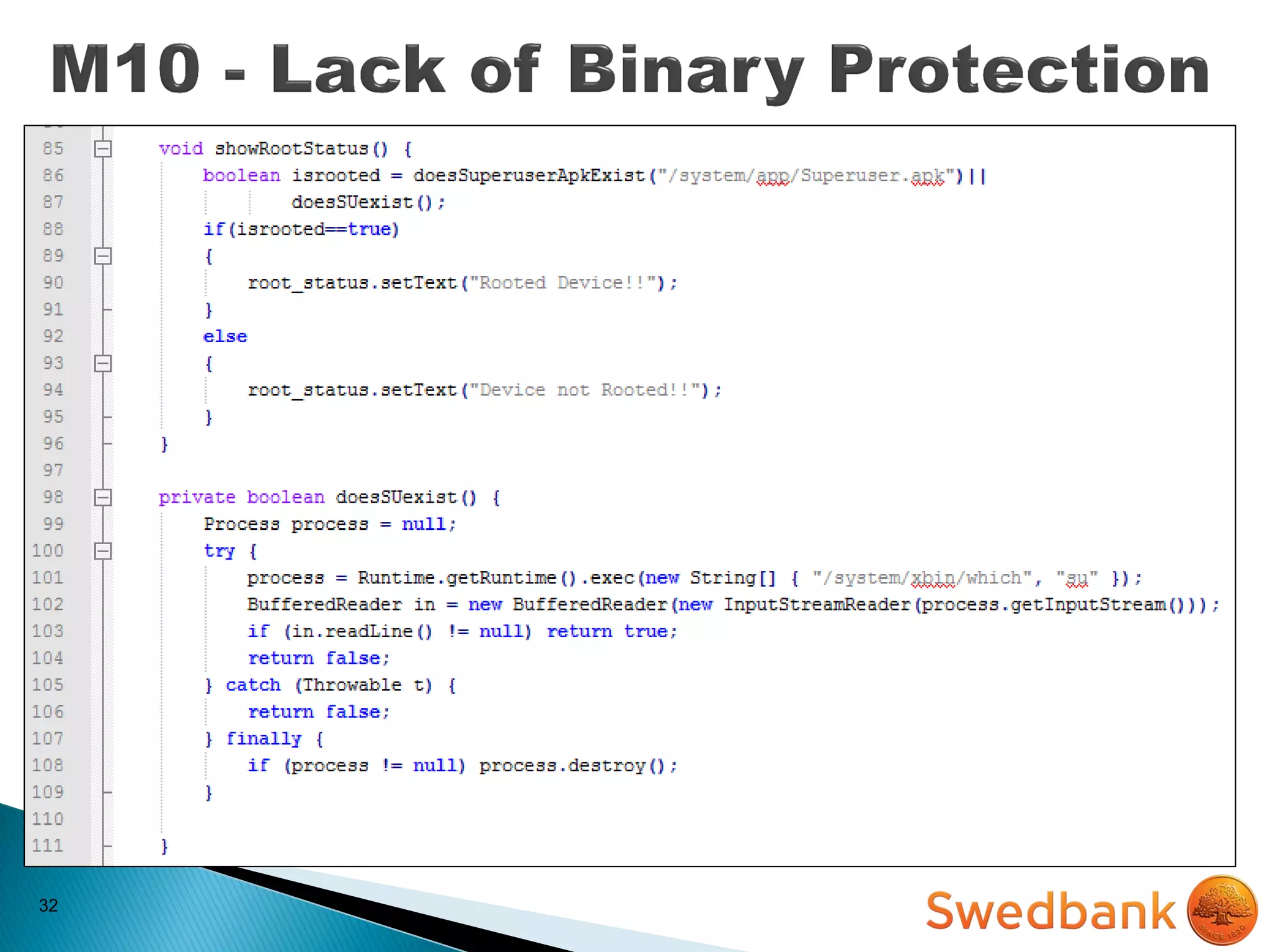
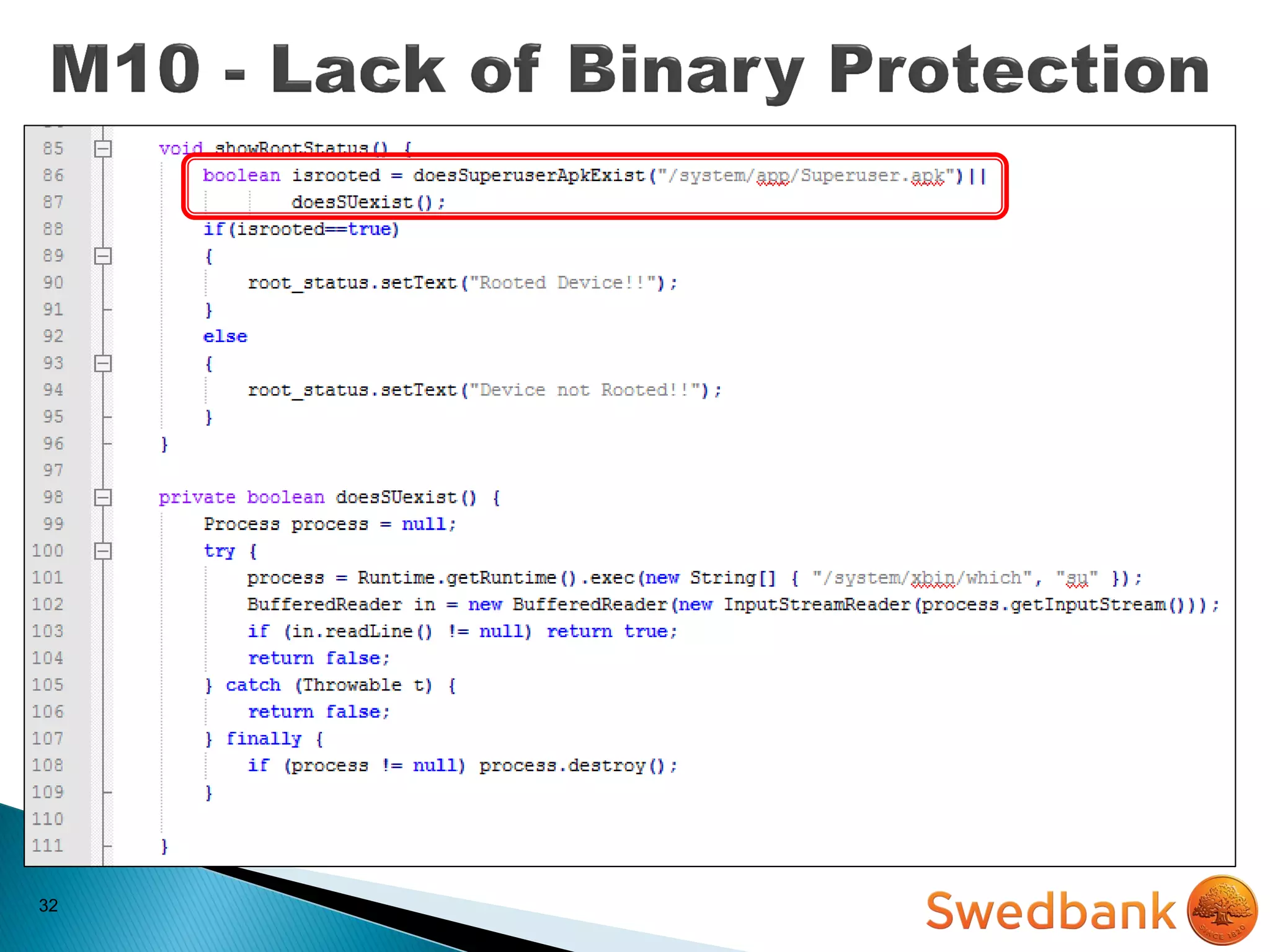
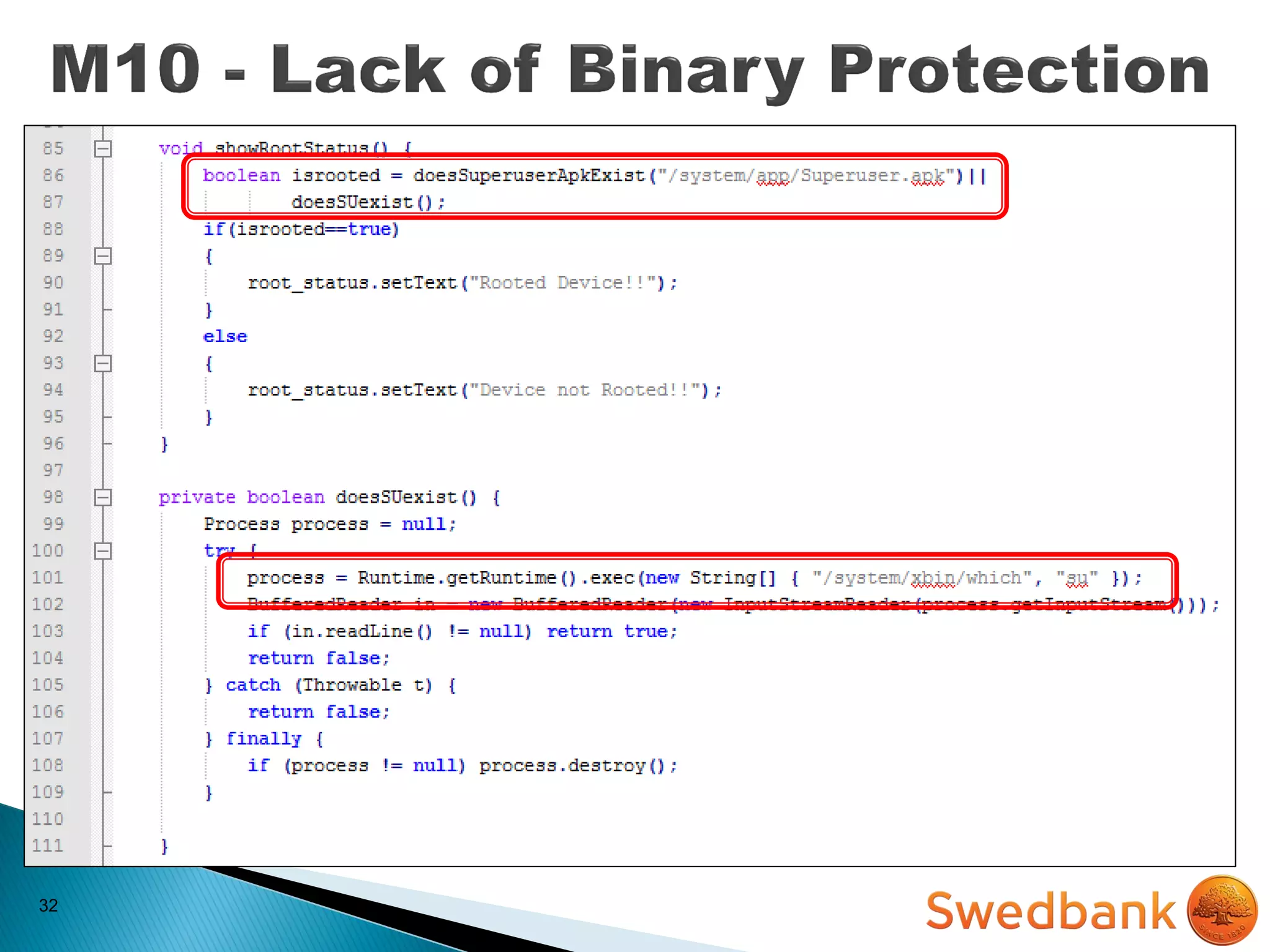
32
32
32
32
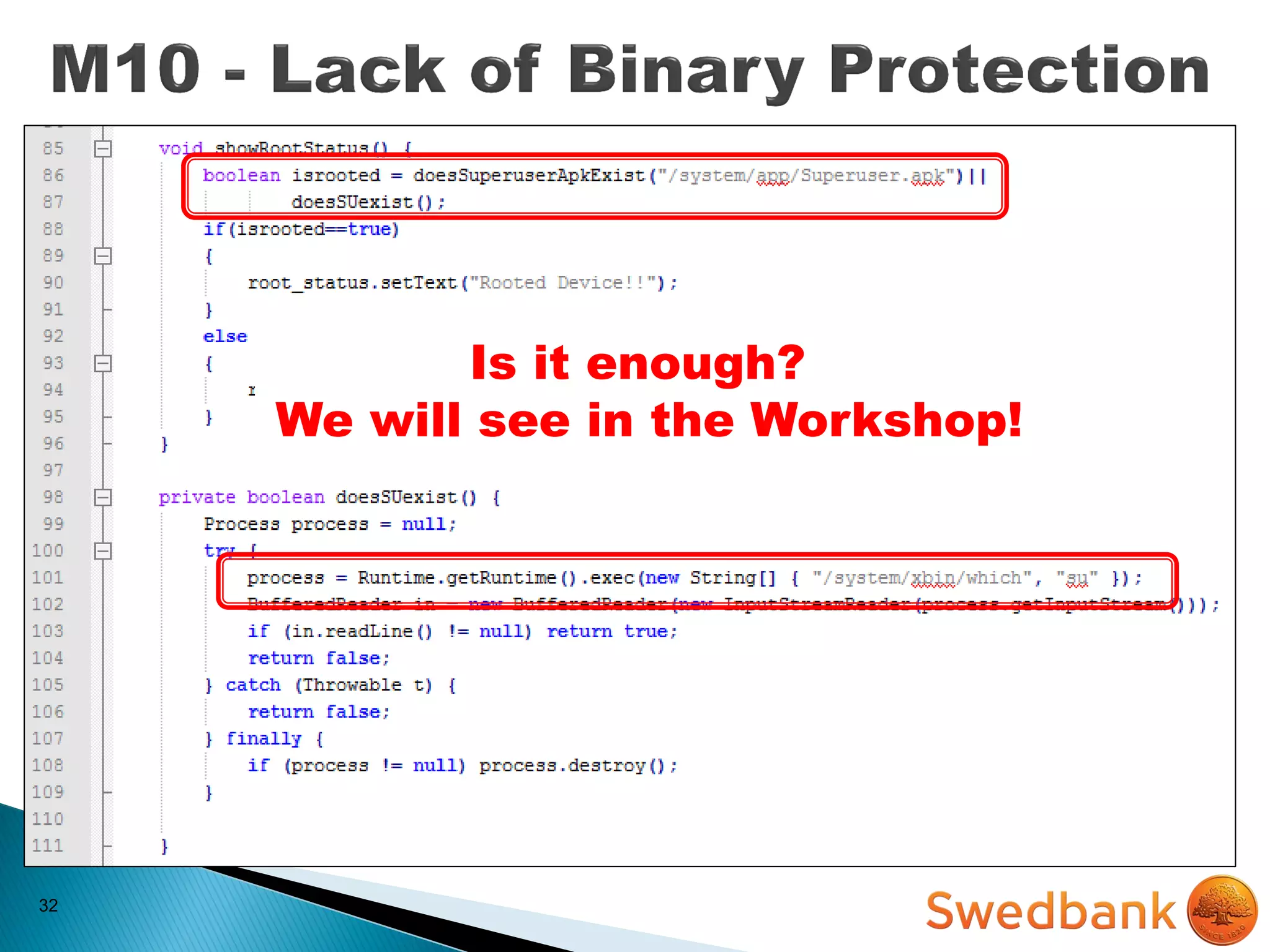
Is it enough?
We will see in the Workshop!
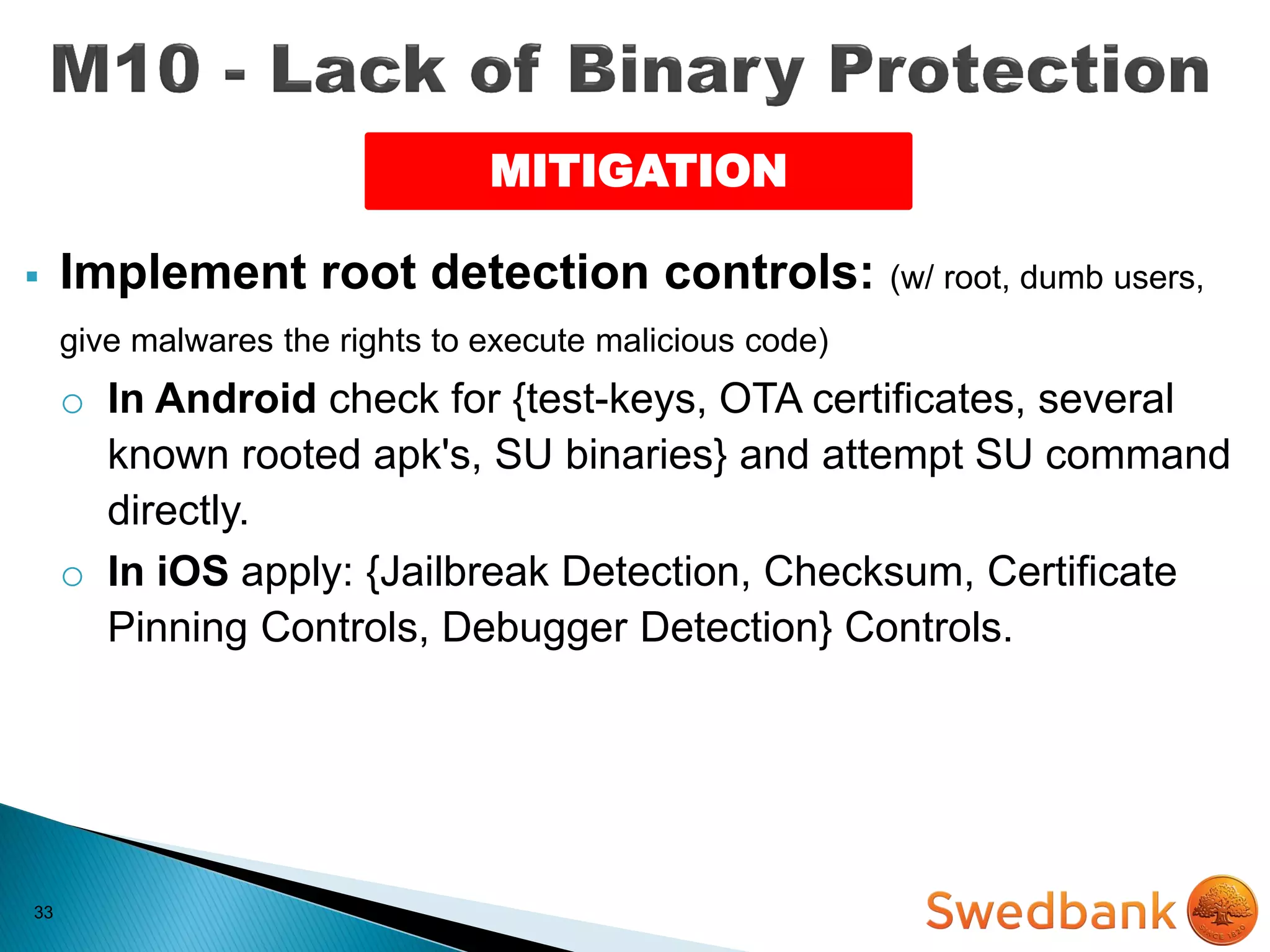
33
MITIGATION
33
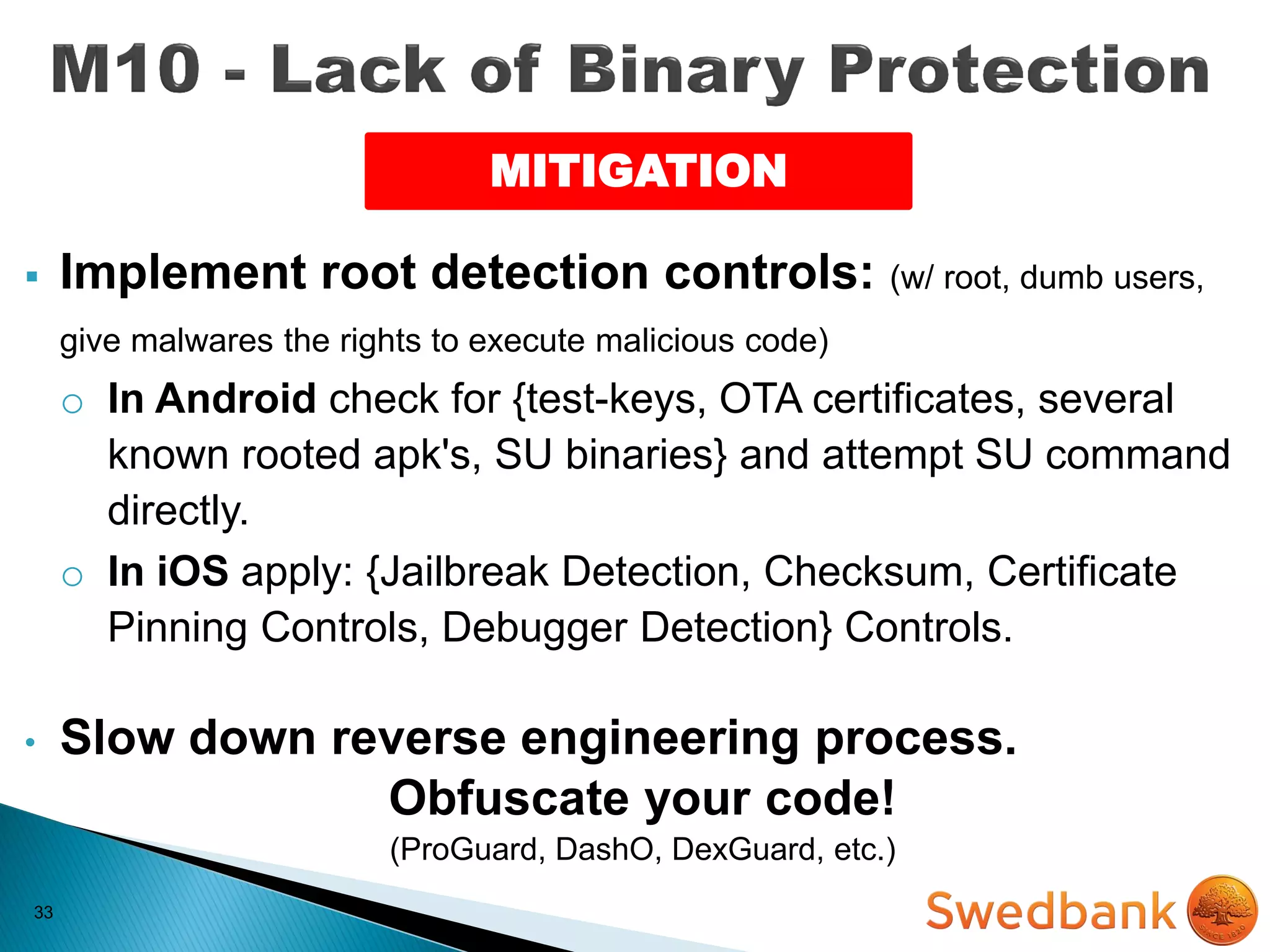
 Implement root detection controls: (w/ root, dumb users,
give malwares the rights to execute malicious code)
MITIGATION
33
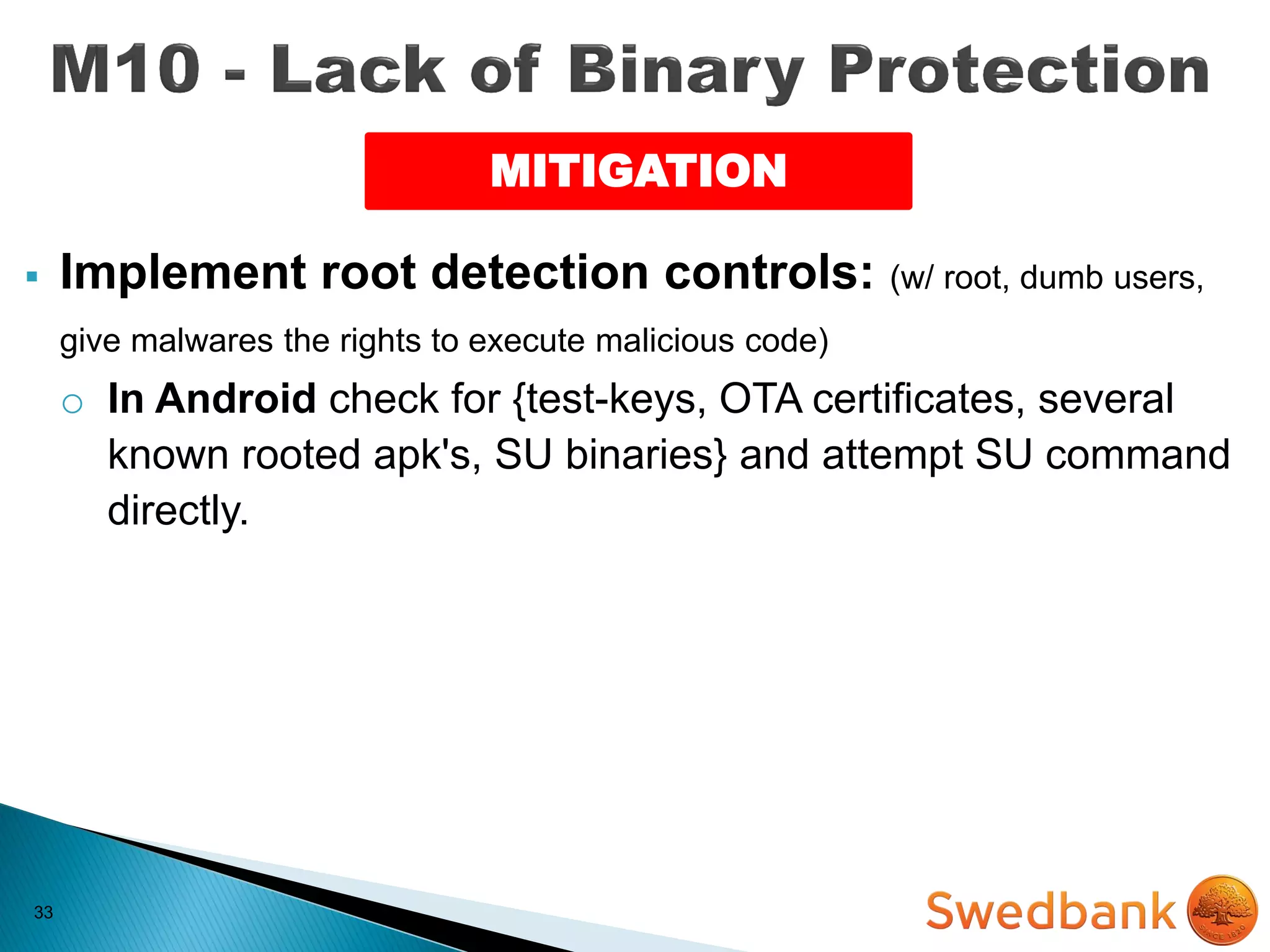
 Implement root detection controls: (w/ root, dumb users,
give malwares the rights to execute malicious code)
o In Android check for {test-keys, OTA certificates, several
known rooted apk's, SU binaries} and attempt SU command
directly.
MITIGATION
33
 Implement root detection controls: (w/ root, dumb users,
give malwares the rights to execute malicious code)
o In Android check for {test-keys, OTA certificates, several
known rooted apk's, SU binaries} and attempt SU command
directly.
o In iOS apply: {Jailbreak Detection, Checksum, Certificate
Pinning Controls, Debugger Detection} Controls.
MITIGATION
33
 Implement root detection controls: (w/ root, dumb users,
give malwares the rights to execute malicious code)
o In Android check for {test-keys, OTA certificates, several
known rooted apk's, SU binaries} and attempt SU command
directly.
o In iOS apply: {Jailbreak Detection, Checksum, Certificate
Pinning Controls, Debugger Detection} Controls.
• Slow down reverse engineering process.
Obfuscate your code!
(ProGuard, DashO, DexGuard, etc.)
MITIGATION
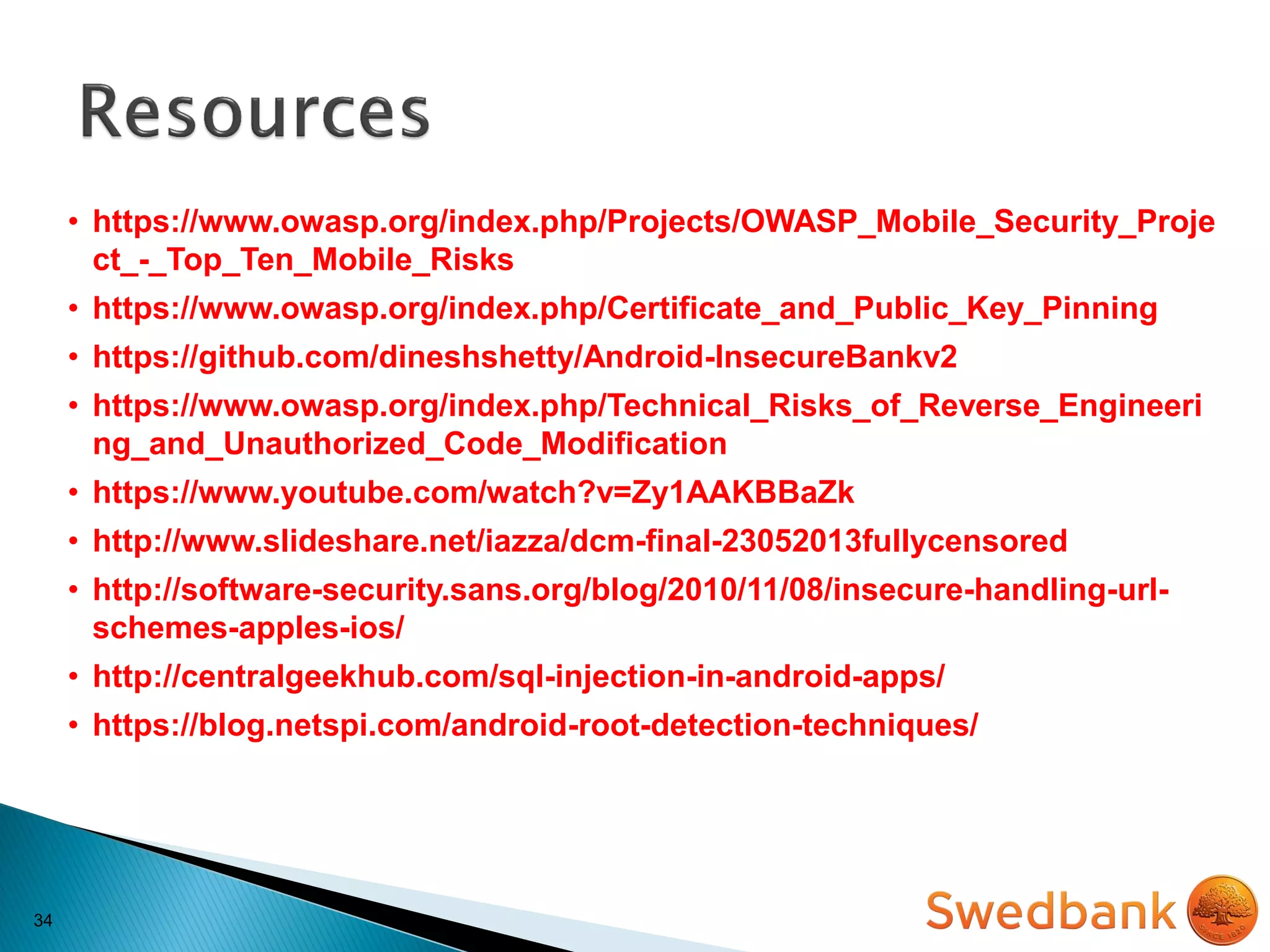
34
• https://www.owasp.org/index.php/Projects/OWASP_Mobile_Security_Proje
ct_-_Top_Ten_Mobile_Risks
• https://www.owasp.org/index.php/Certificate_and_Public_Key_Pinning
• https://github.com/dineshshetty/Android-InsecureBankv2
• https://www.owasp.org/index.php/Technical_Risks_of_Reverse_Engineeri
ng_and_Unauthorized_Code_Modification
• https://www.youtube.com/watch?v=Zy1AAKBBaZk
• http://www.slideshare.net/iazza/dcm-final-23052013fullycensored
• http://software-security.sans.org/blog/2010/11/08/insecure-handling-url-
schemes-apples-ios/
• http://centralgeekhub.com/sql-injection-in-android-apps/
• https://blog.netspi.com/android-root-detection-techniques/
35

Introduction to Mobile Application Security - Techcity 2015 (Vilnius)