Tale from Trenches
How auto-vacuum, streaming replication, batch
query took down availability and performance
- Sameer Kumar, Solution Architect, Ashnik
About Me!
• A Random guy who started his career as an Oracle and DB2 DBA
(and yeah a bit of SQL Server too)
• Then moved to ‘Ashnik’ and started working with PostgreSQL
• And then he fell in love with Open Source!
• Twitter - @sameerkasi200x
• Apart from PostgreSQL, I also do
• noSQL Database (shhhh!)
• Docker
• Ansible
• Chef
• Apart from technology I love cycling and photography
Disclaimer!
• All the images used in this PPT have been used as per the
associated attribution and copyright instructions
• I take sole responsibility for the content used in this presentation
• If you like my talk please tweet
• #PGCONFAPAC
• @PGCONFAPAC
Why I Love PostgreSQL?
• “Most Advanced Open Source Database”
• A vibrant and active community
• Full ACID compliant
• Multi Version Concurrency Control
• NoSQL capability
• Developer Friendly
• Built to be extended ‘easily’
What am I not going to talk?
• My employer - Ashnik
• I won’t tell you that Ashnik is Enterprise Open Source Solution provider
• My colleagues have great expertise and experience in PostgreSQL
• I won’t talk about Postgres deployments Ashnik has done in BFSI sector
• Why should you migrate out of Oracle and SQL Server?
• How to ensure high availability with PostgreSQL?
• How to scale PostgreSQL?
• How to use extensions in PostgreSQL and extend its features?
• How to monitor PostgreSQL setup?
• How to go about sharding and scaling PostgreSQL?
I will be telling you a
story!
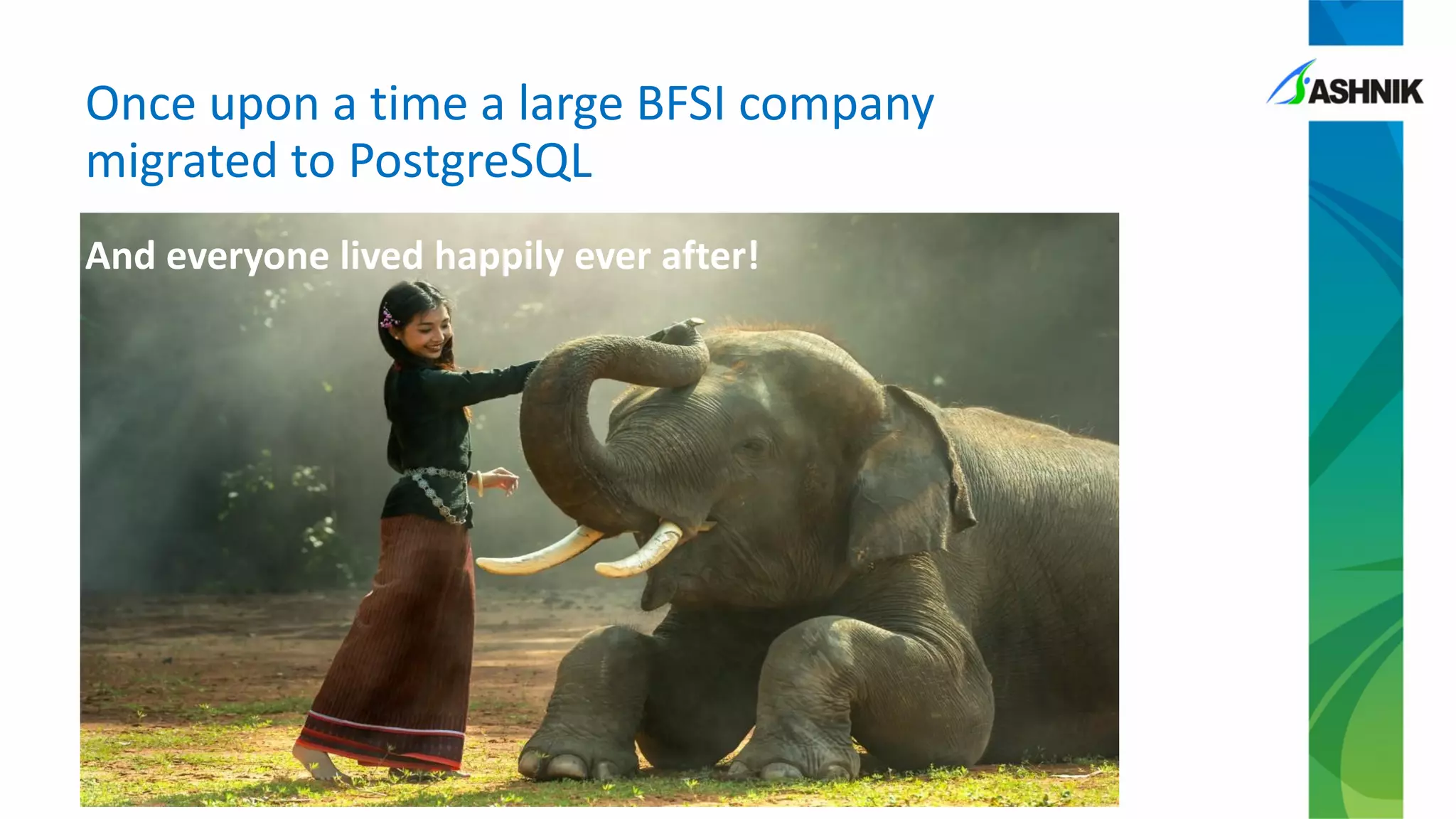
And everyone lived happily ever after!
Once upon a time a large BFSI company
migrated to PostgreSQL
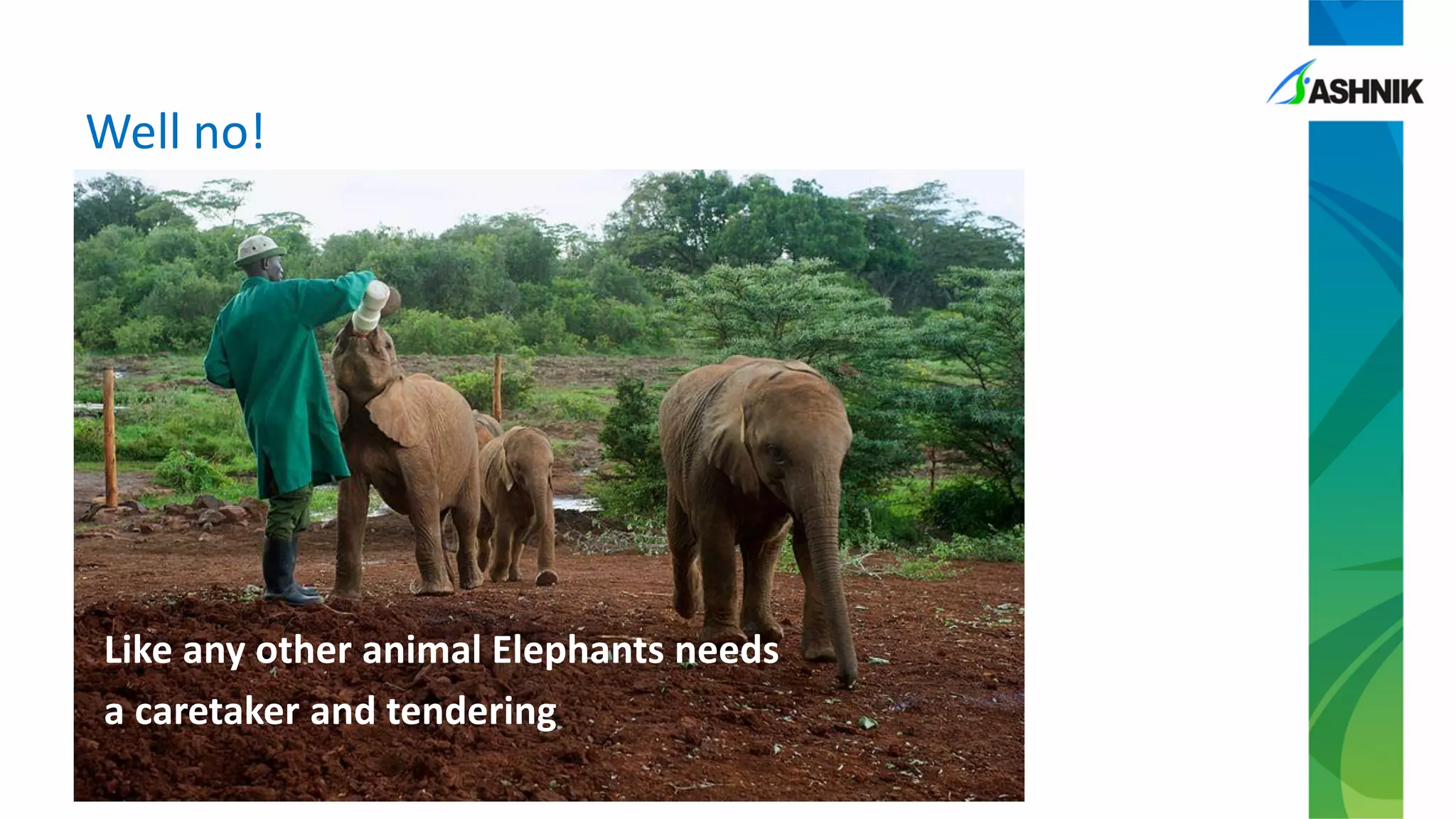
Well no!
Like any other animal Elephants needs
a caretaker and tendering
Let’s begin with the
story!
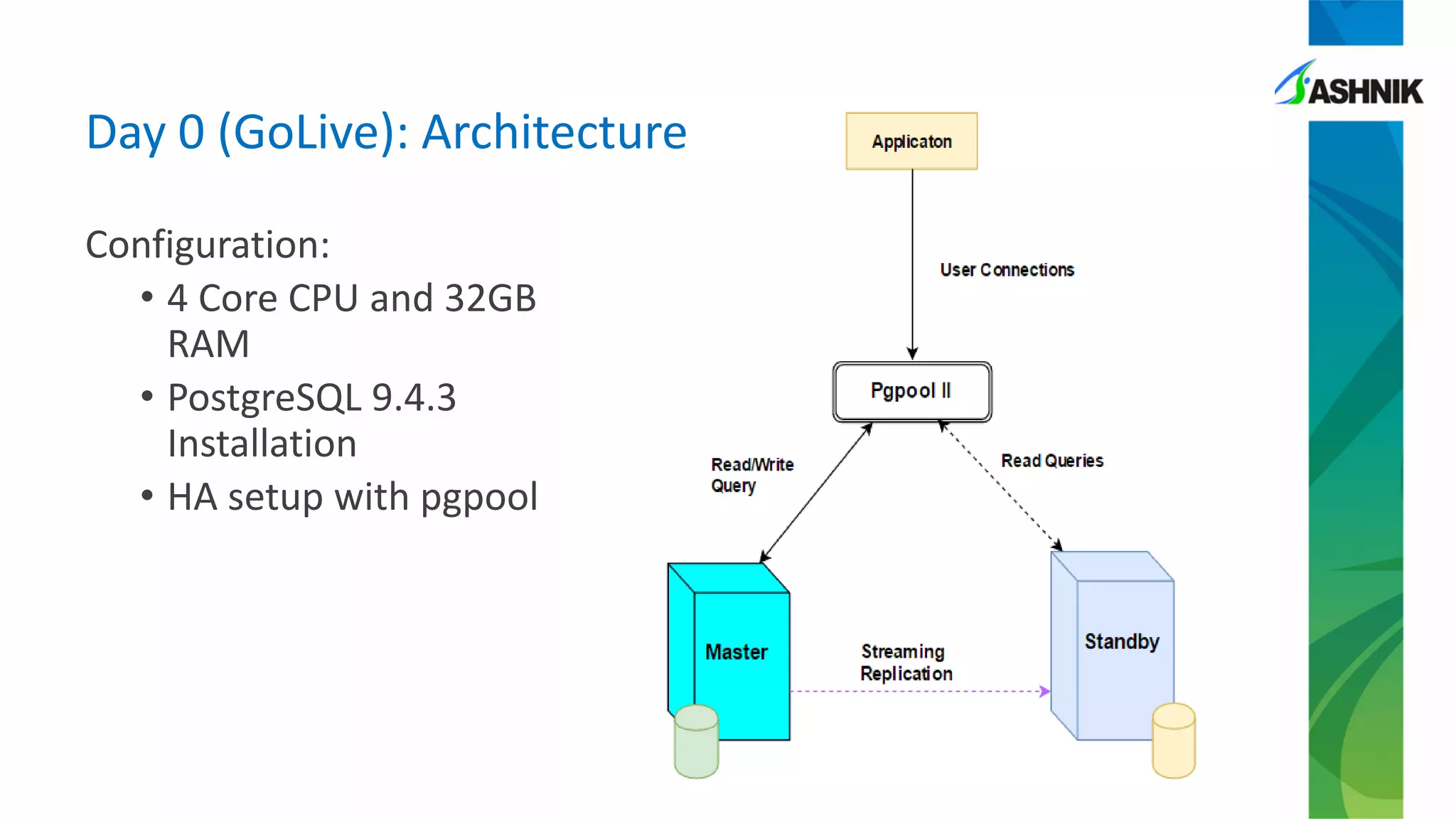
Configuration:
• 4 Core CPU and 32GB
RAM
• PostgreSQL 9.4.3
Installation
• HA setup with pgpool
Day 0 (GoLive): Architecture
Issue:
• High CPU usage
• 500+ concurrent sessions on server – all facing slow
response time
Day 1: Issue on production server
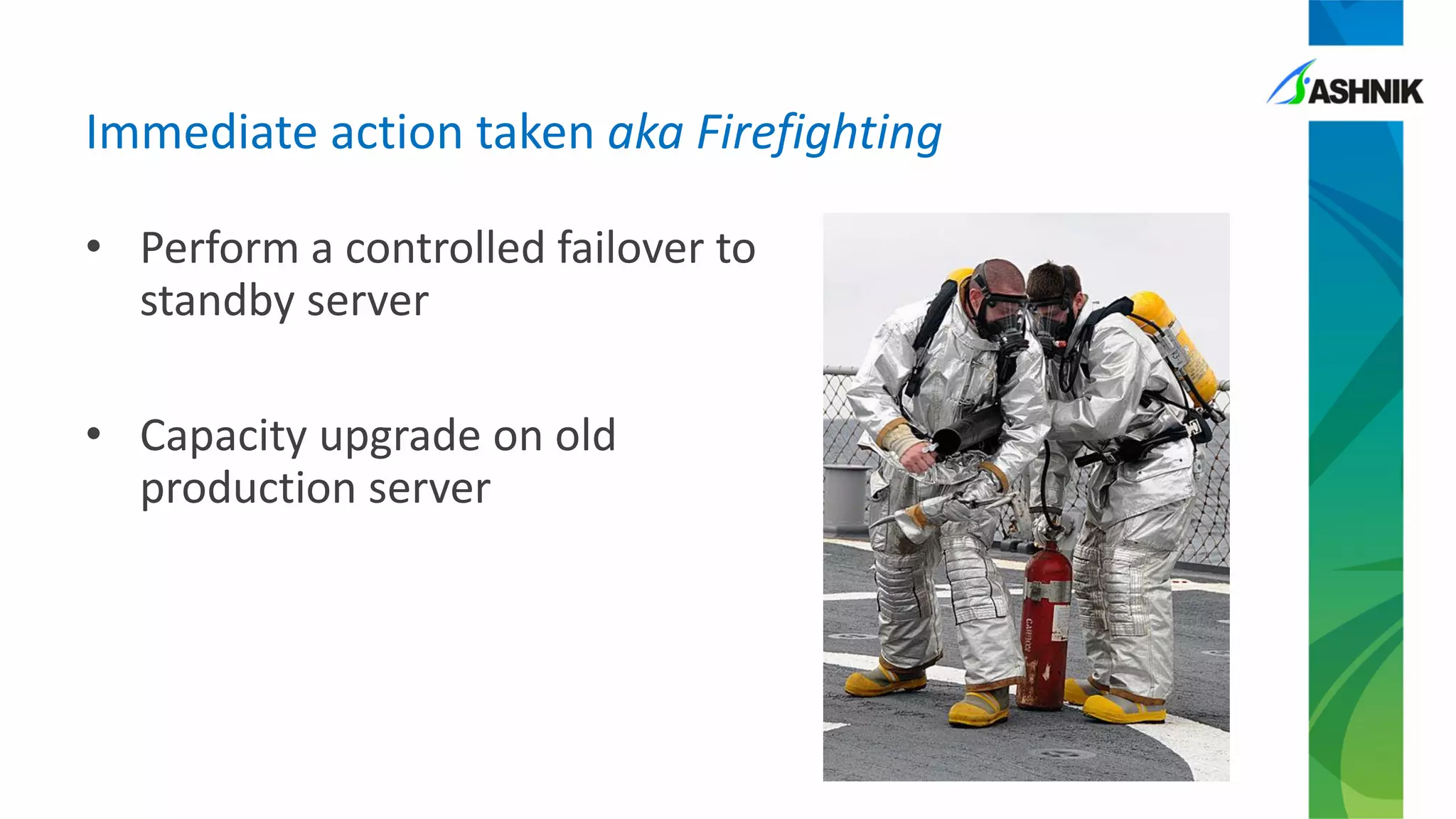
• Perform a controlled failover to
standby server
• Capacity upgrade on old
production server
Immediate action taken aka Firefighting
• Errors on standby server
ERROR: cancelling statement due to
conflict with recovery
DETAIL: User was holding a relation
lock for too long.
• This is not your usual conflict caused
by row clean-up
Day 2: Issue on standby server
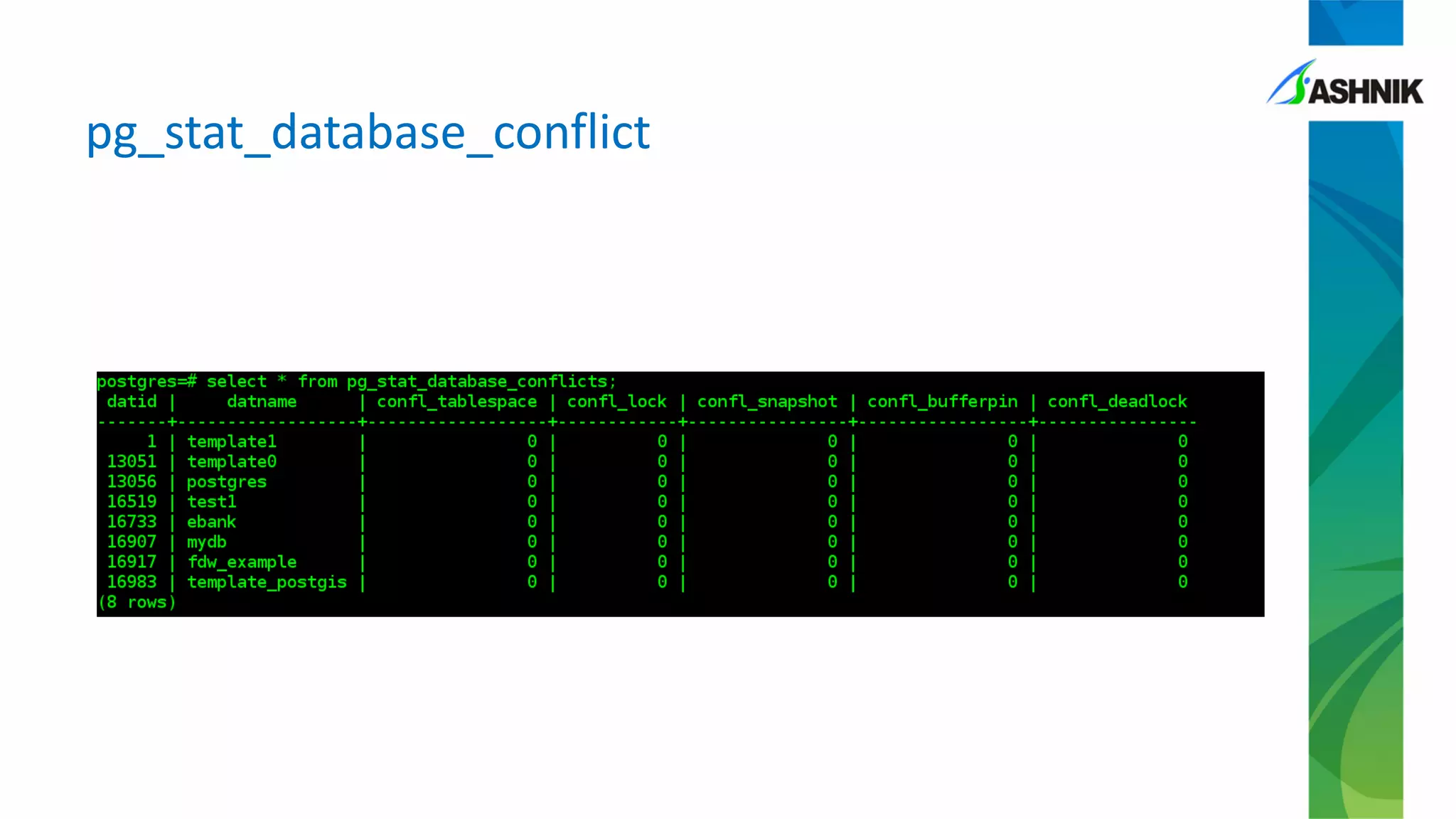
pg_stat_database_conflict
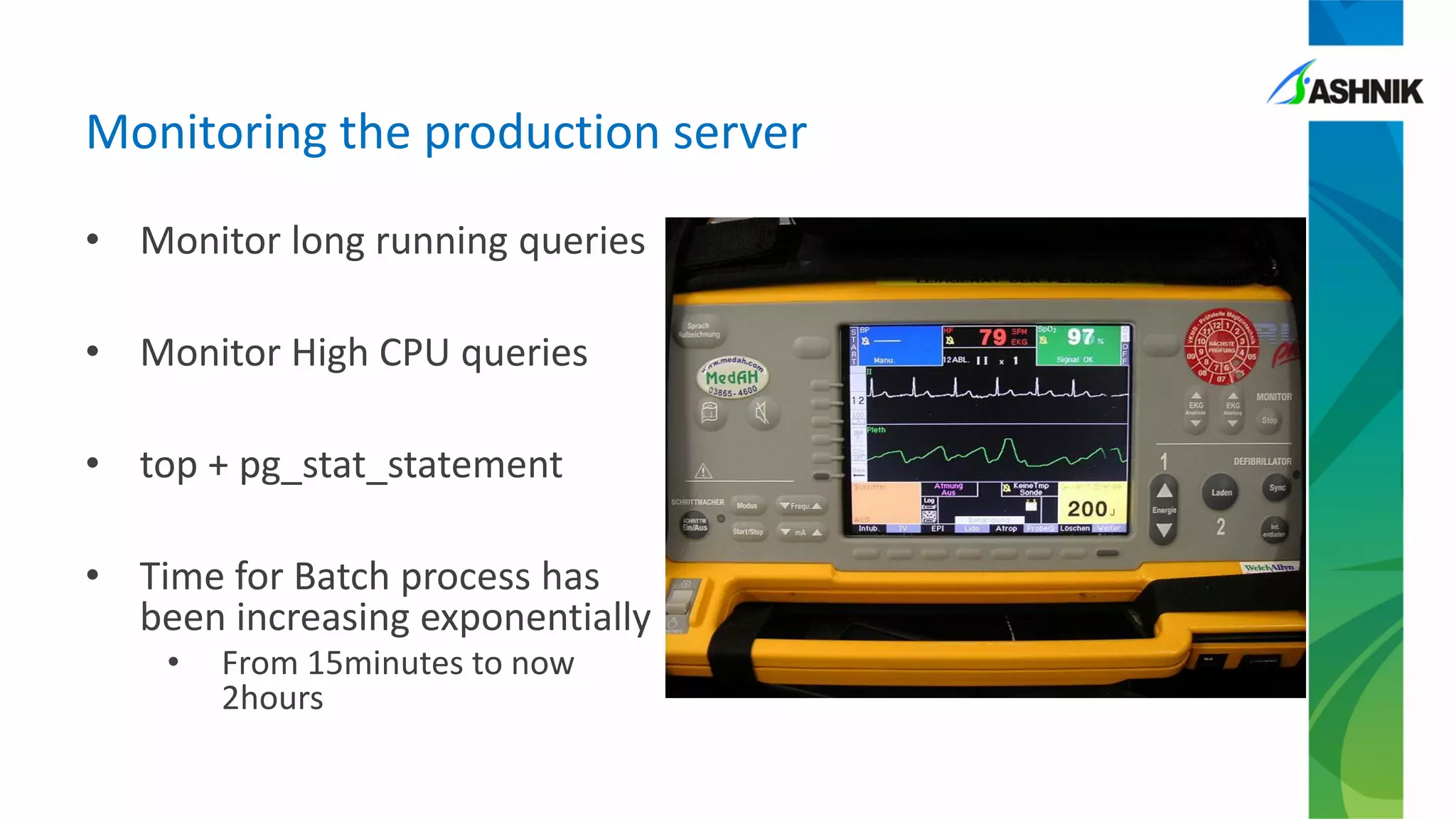
• Monitor long running queries
• Monitor High CPU queries
• top + pg_stat_statement
• Time for Batch process has
been increasing exponentially
• From 15minutes to now
2hours
Monitoring the production server
Week 2: Identify the bottleneck queries
• Identify costly queries
• Make select queries run faster – hoping it will reduce
chances of conflicts
• Tune the queries – to reduce CPU usage
• Identify queries causing locks
• Tune queries used in batch
• Add indexes
Week 2: Issue reoccurrence
• Conflict occurred past midnight – low utilization
period
• Surprising to have issue re-occurred after doing
some tuning
• Understand the nature of application
• Logic inside the batch job
• Capture queries executing at the time of issue
• Set log_autovacuum_min_duration parameter
Week 2: Further diagnosis
Week 2 – Issue re-
creation
Let’s find the culprit!
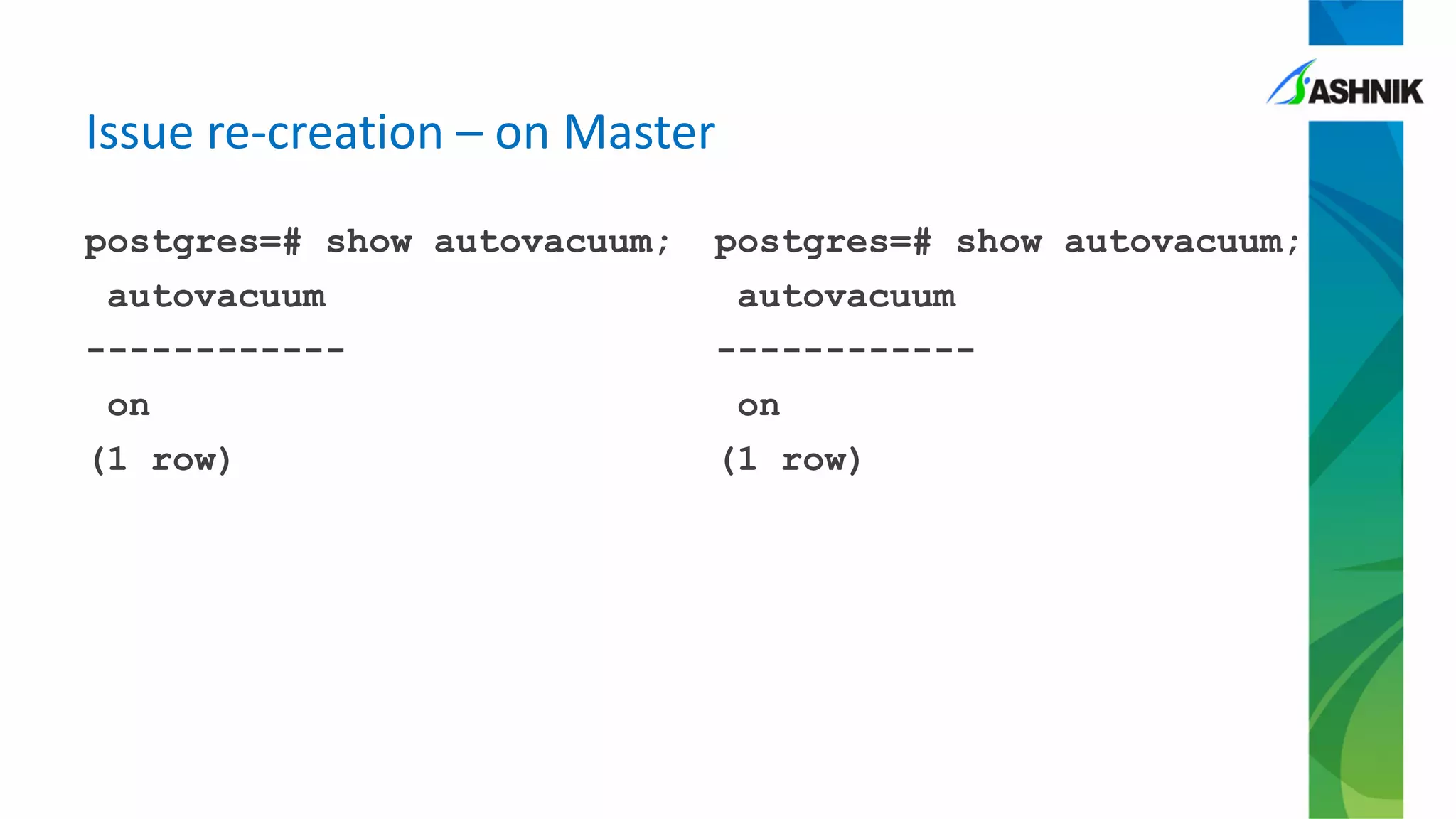
postgres=# show autovacuum;
autovacuum
------------
on
(1 row)
postgres=# show autovacuum;
autovacuum
------------
on
(1 row)
Issue re-creation – on Master
postgres=# show
hot_standby_feedback ;
hot_standby_feedback
----------------------
on
(1 row)
postgres=# show
max_standby_streaming_delay
;
max_standby_streaming_delay
---------------------------
--
30s
(1 row)
Issue re-creation – on Standby
Issue re-creation – no conflicts
postgres=# select * from
pg_stat_database_conflicts
where datname='training_db';
-[ RECORD 1 ]-----+------------
datid | 16400
datname | training_db
confl_tablespace | 0
confl_lock | 0
confl_snapshot | 0
confl_bufferpin | 0
confl_deadlock | 0
Issue re-creation – table stats
relpages | reltuples | relname
------------+-------------+------------------
0| 0 | pgbench_history
1| 10 | pgbench_tellers
1| 1 | pgbench_branches
1640| 100000 | pgbench_accounts
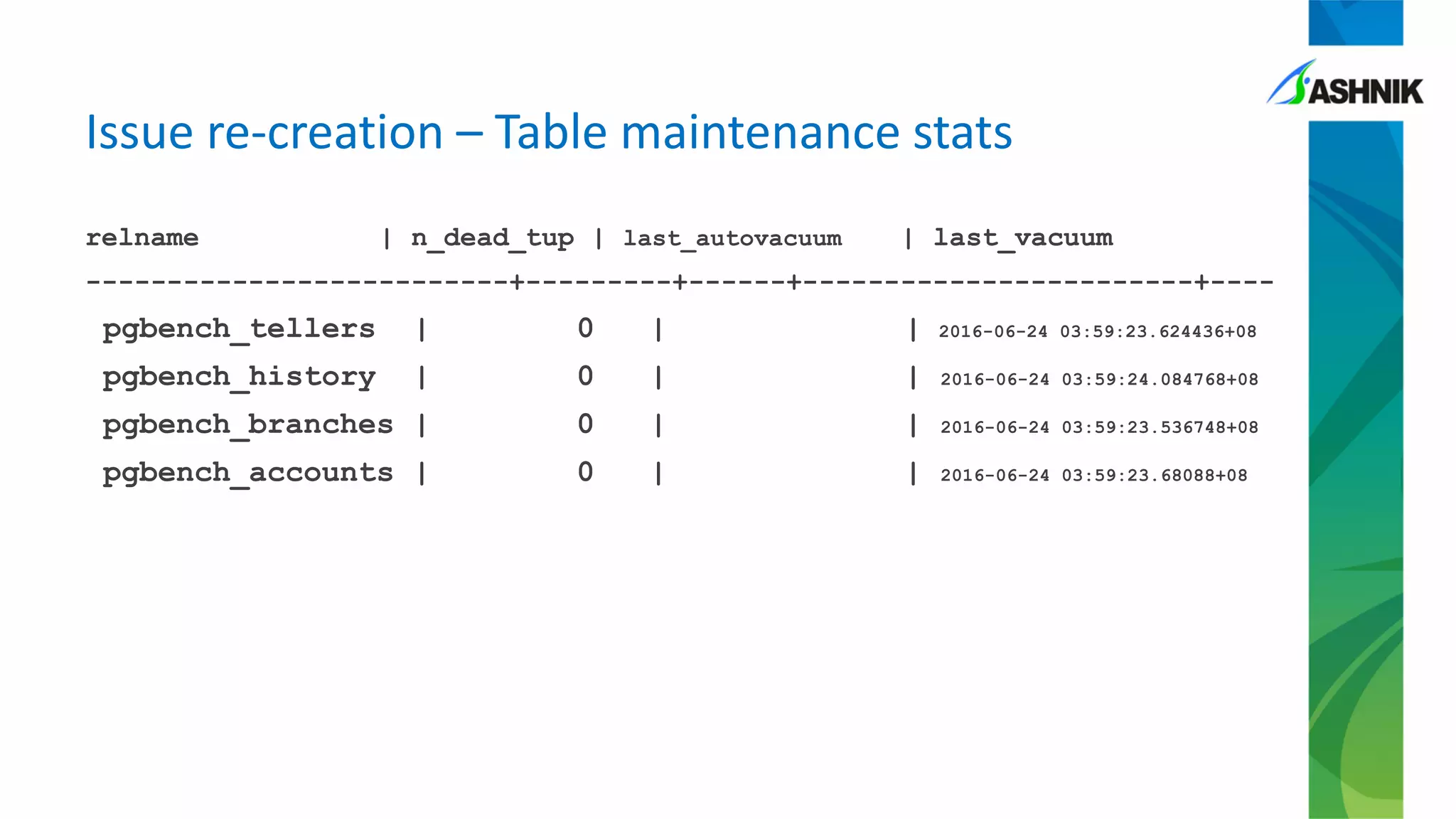
Issue re-creation – Table maintenance stats
relname | n_dead_tup | last_autovacuum | last_vacuum
--------------------------+---------+------+------------------------+----
pgbench_tellers | 0 | | 2016-06-24 03:59:23.624436+08
pgbench_history | 0 | | 2016-06-24 03:59:24.084768+08
pgbench_branches | 0 | | 2016-06-24 03:59:23.536748+08
pgbench_accounts | 0 | | 2016-06-24 03:59:23.68088+08
Issue creation – a custom script for pgbench
begin transaction;
select count(*) from pgbench_accounts;
-- simulate delay
select pg_sleep(1);
select * from pgbench_branches;
select * from pgbench_history ;
select * from pgbench_tellers;
end;
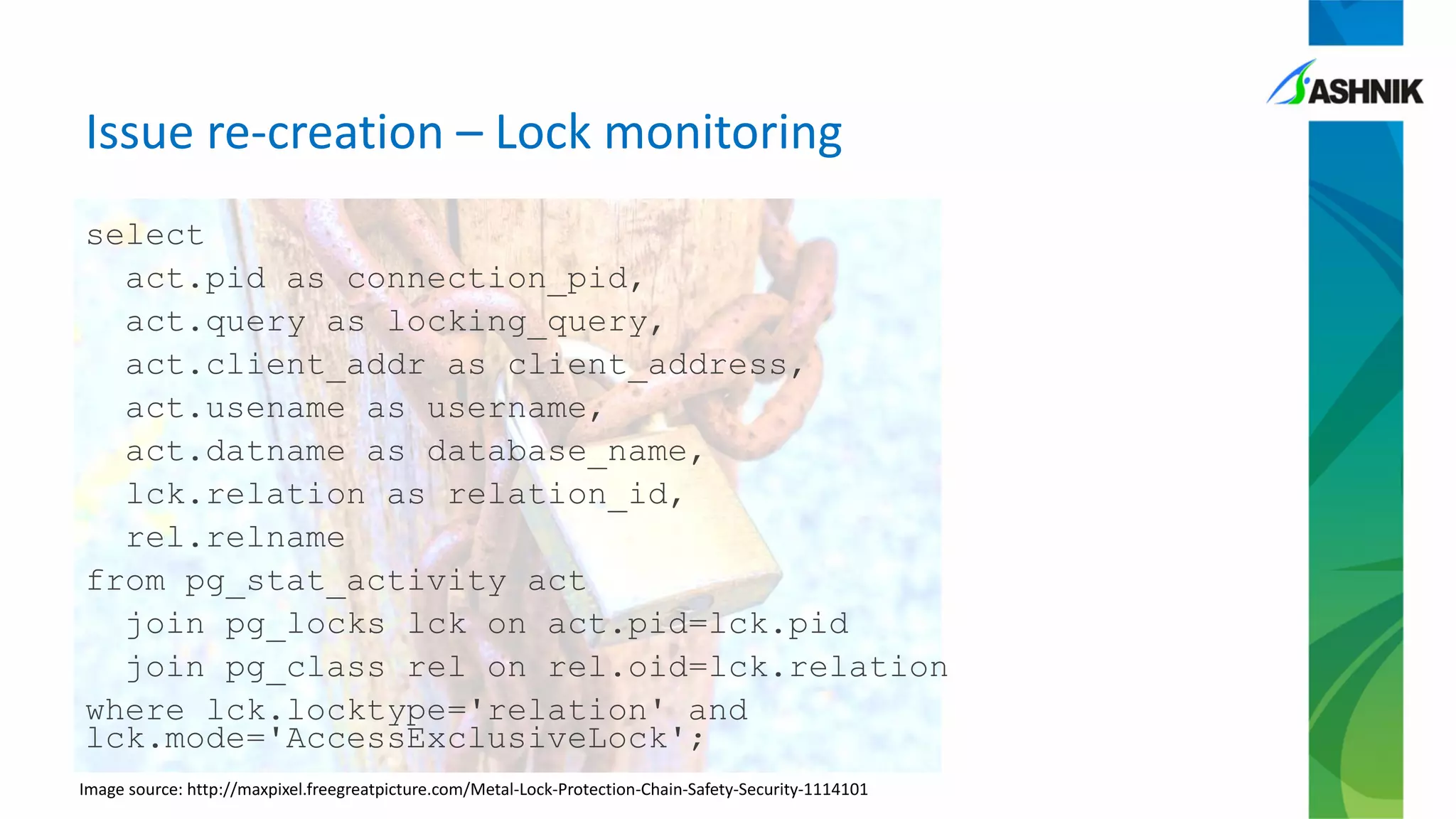
Issue re-creation – Lock monitoring
select
act.pid as connection_pid,
act.query as locking_query,
act.client_addr as client_address,
act.usename as username,
act.datname as database_name,
lck.relation as relation_id,
rel.relname
from pg_stat_activity act
join pg_locks lck on act.pid=lck.pid
join pg_class rel on rel.oid=lck.relation
where lck.locktype='relation' and
lck.mode='AccessExclusiveLock';
Image source: http://maxpixel.freegreatpicture.com/Metal-Lock-Protection-Chain-Safety-Security-1114101
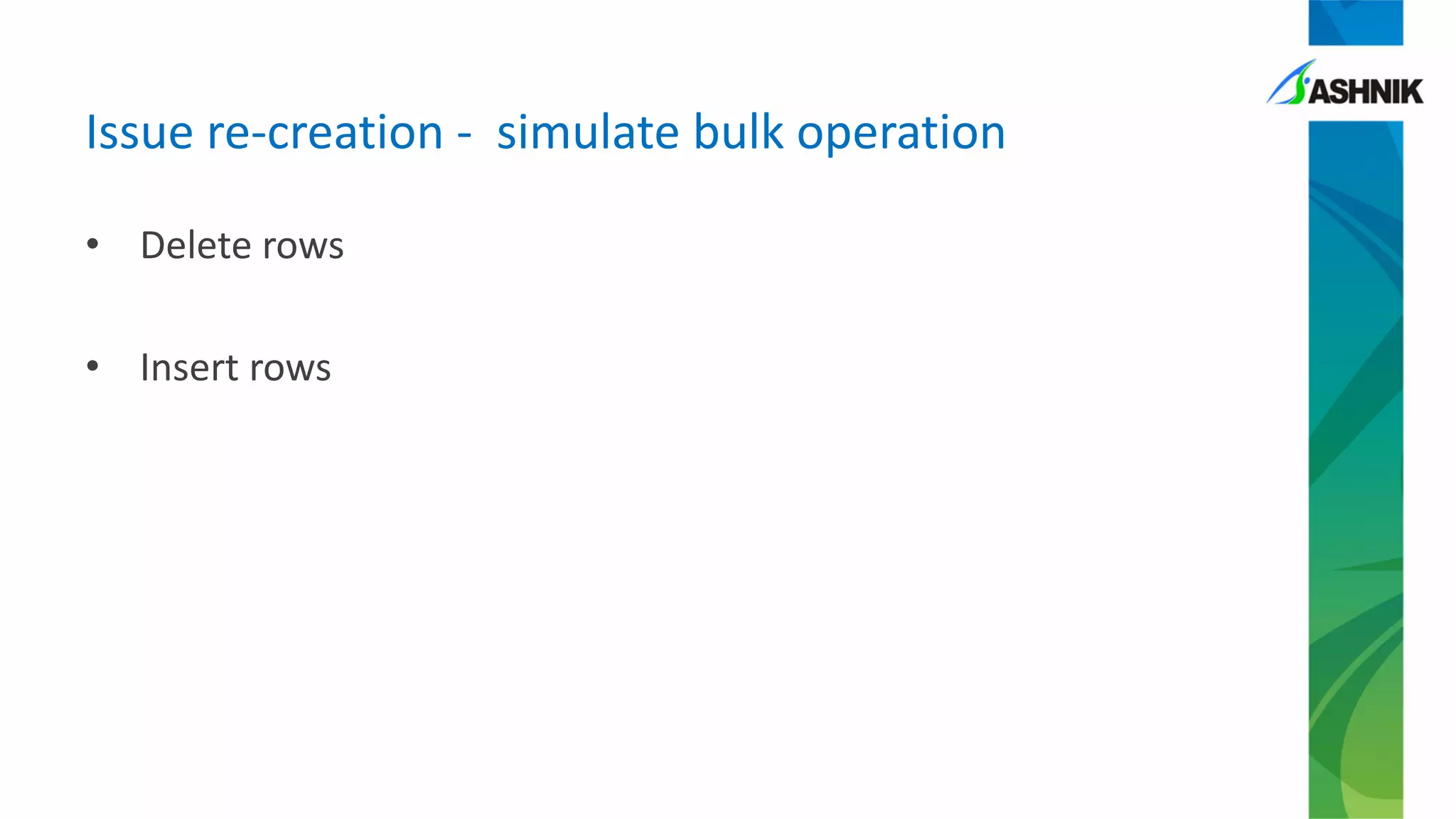
Issue re-creation - simulate bulk operation
• Delete rows
• Insert rows
Issue re-creation – error reproduced
client 0 sending select pg_sleep(1);
client 0 receiving
Client 0 aborted in state 2: ERROR: canceling
statement due to conflict with recovery
DETAIL: User was holding a relation lock for
too long.
transaction type: Custom query
Issue re-creation – table stats after test
relpages | reltuples | relname
----------+-----------+------------------
0 | 0 | pgbench_history
1 | 10 | pgbench_tellers
1 | 1 | pgbench_branches
738 | 20997 | pgbench_accounts
(4 rows)
Issue re-creation – Table maintenance stats
relname | n_dead_tup | last_autovacuum | last_vacuum
------------------+------------+-------------------------------+------------------------------
pgbench_tellers | 0 | | 2016-06-24 03:59:23.624436+08
pgbench_history | 0 | | 2016-06-24 03:59:24.084768+08
pgbench_branches | 0 | | 2016-06-24 03:59:23.536748+08
pgbench_accounts | 0 | 2016-06-24 04:23:59.811238+08| 2016-06-24 03:59:23.68088+08
(4 rows)
Image Source:
http://maxpixel.freegreatpicture.com/Supplies-Vacuum-Cleaning-Dust-Buster-Bucket-29040
Issue re-creation – Database Conflicts
datname | confl_tablespace | confl_lock | confl_snapshot | confl_bufferpin | confl_deadlock
-------+-------------+------------------+------------+----------------+-----------------+---------
training_db | 0 | 2 | 0 | 0 | 0
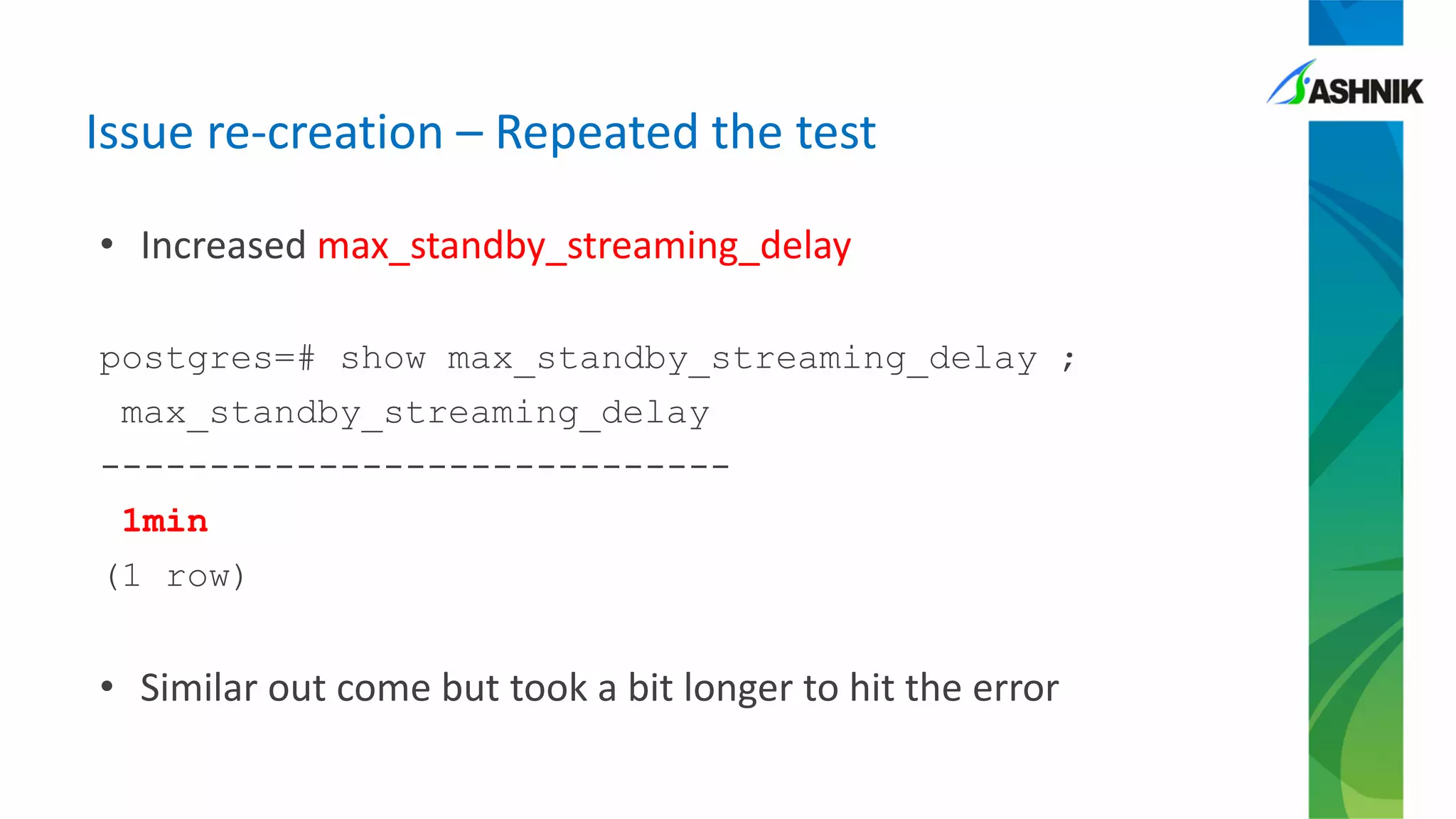
Issue re-creation – Repeated the test
• Increased max_standby_streaming_delay
postgres=# show max_standby_streaming_delay ;
max_standby_streaming_delay
-----------------------------
1min
(1 row)
• Similar out come but took a bit longer to hit the error
VACUUM
• Clean-up of dead snapshots
• Does not reclaim the space back
to OS
• Concurrent access allowed
• In-place vacuum
• No additional space requirement
• If a page is fully freed-up it gets
released back to OS
• Causes Exclusive Lock at page
level
VACUUM FULL
• It is not “VACUUM, but better”
• Reclaims the space
• Concurrent access not allowed
• Uses AccessExclusive Lock
• Needs more storage during the
process
• Moves the table to a new
location
• More time
Vacuum Vs Vacuum Full
• Collected VACUUM related statistics from Test and Production
environment around the batch schedule
• All the conflicts on standby had page clean-up involved on
master
• In page lock gets replicated to standby
• Query cancellation because of conflict on standby server
Week 3 – Further Analysis
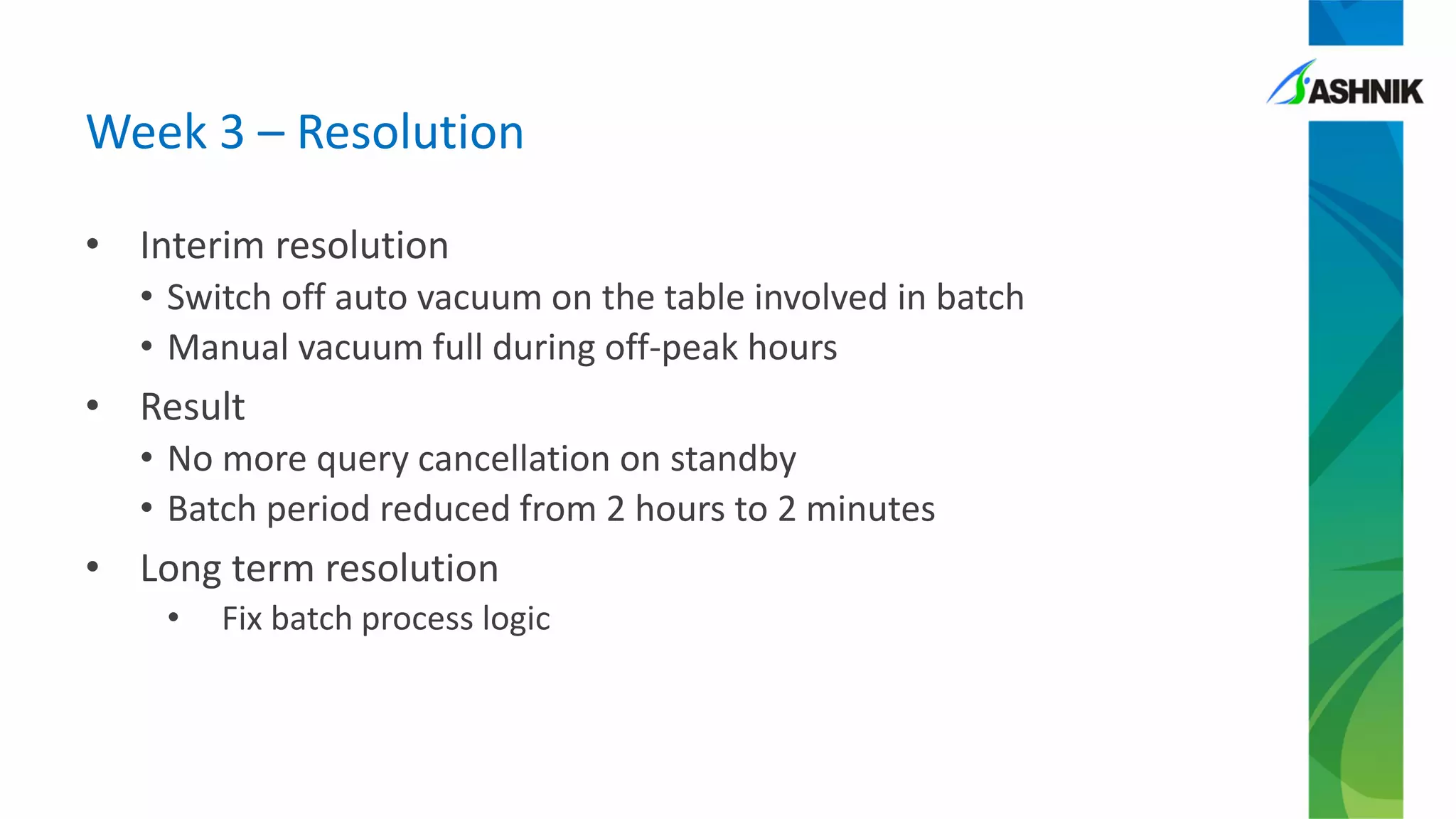
Week 3 – Resolution
• Interim resolution
• Switch off auto vacuum on the table involved in batch
• Manual vacuum full during off-peak hours
• Result
• No more query cancellation on standby
• Batch period reduced from 2 hours to 2 minutes
• Long term resolution
• Fix batch process logic
• Always set hot_standby_feedback to “on”
• Increasing max_standby_streaming_delay does not solve the
problem
• It only procrastinates the problem
• It has negative impact on availability
• Conflict because of Row version and lock are two different errors
• Tune frequent running queries and not just long running queries.
• Vacuum can also shrink pages if necessary
• Autovacuum has lot of knobs that can be tuned at table level
• Database troubleshooting involves application and OS as well
Learning
• Now vacuum and page reclaim works better and avoid
conflicting lock in replication environment
• Better monitoring details available for blocking session
• Have you upgraded yet?
Recent changes in PostgreSQL
Twitter - @sameerkasi200x | @ashnikbiz
Email - sameer.kumar@ashnik.com | success@ashnik.com
LinkedIn - https://www.linkedin.com/in/samkumar150288
We are hiring!

PGConf APAC 2018 - Tale from Trenches

  • 1.
    Tale from Trenches Howauto-vacuum, streaming replication, batch query took down availability and performance - Sameer Kumar, Solution Architect, Ashnik
  • 2.
    About Me! • ARandom guy who started his career as an Oracle and DB2 DBA (and yeah a bit of SQL Server too) • Then moved to ‘Ashnik’ and started working with PostgreSQL • And then he fell in love with Open Source! • Twitter - @sameerkasi200x • Apart from PostgreSQL, I also do • noSQL Database (shhhh!) • Docker • Ansible • Chef • Apart from technology I love cycling and photography
  • 3.
    Disclaimer! • All theimages used in this PPT have been used as per the associated attribution and copyright instructions • I take sole responsibility for the content used in this presentation • If you like my talk please tweet • #PGCONFAPAC • @PGCONFAPAC
  • 4.
    Why I LovePostgreSQL? • “Most Advanced Open Source Database” • A vibrant and active community • Full ACID compliant • Multi Version Concurrency Control • NoSQL capability • Developer Friendly • Built to be extended ‘easily’
  • 5.
    What am Inot going to talk? • My employer - Ashnik • I won’t tell you that Ashnik is Enterprise Open Source Solution provider • My colleagues have great expertise and experience in PostgreSQL • I won’t talk about Postgres deployments Ashnik has done in BFSI sector • Why should you migrate out of Oracle and SQL Server? • How to ensure high availability with PostgreSQL? • How to scale PostgreSQL? • How to use extensions in PostgreSQL and extend its features? • How to monitor PostgreSQL setup? • How to go about sharding and scaling PostgreSQL?
  • 6.
    I will betelling you a story!
  • 7.
    And everyone livedhappily ever after! Once upon a time a large BFSI company migrated to PostgreSQL
  • 8.
    Well no! Like anyother animal Elephants needs a caretaker and tendering
  • 9.
  • 10.
    Configuration: • 4 CoreCPU and 32GB RAM • PostgreSQL 9.4.3 Installation • HA setup with pgpool Day 0 (GoLive): Architecture
  • 11.
    Issue: • High CPUusage • 500+ concurrent sessions on server – all facing slow response time Day 1: Issue on production server
  • 12.
    • Perform acontrolled failover to standby server • Capacity upgrade on old production server Immediate action taken aka Firefighting
  • 13.
    • Errors onstandby server ERROR: cancelling statement due to conflict with recovery DETAIL: User was holding a relation lock for too long. • This is not your usual conflict caused by row clean-up Day 2: Issue on standby server
  • 14.
  • 15.
    • Monitor longrunning queries • Monitor High CPU queries • top + pg_stat_statement • Time for Batch process has been increasing exponentially • From 15minutes to now 2hours Monitoring the production server
  • 16.
    Week 2: Identifythe bottleneck queries • Identify costly queries • Make select queries run faster – hoping it will reduce chances of conflicts • Tune the queries – to reduce CPU usage • Identify queries causing locks • Tune queries used in batch • Add indexes
  • 17.
    Week 2: Issuereoccurrence • Conflict occurred past midnight – low utilization period • Surprising to have issue re-occurred after doing some tuning
  • 18.
    • Understand thenature of application • Logic inside the batch job • Capture queries executing at the time of issue • Set log_autovacuum_min_duration parameter Week 2: Further diagnosis
  • 19.
    Week 2 –Issue re- creation Let’s find the culprit!
  • 20.
    postgres=# show autovacuum; autovacuum ------------ on (1row) postgres=# show autovacuum; autovacuum ------------ on (1 row) Issue re-creation – on Master
  • 21.
    postgres=# show hot_standby_feedback ; hot_standby_feedback ---------------------- on (1row) postgres=# show max_standby_streaming_delay ; max_standby_streaming_delay --------------------------- -- 30s (1 row) Issue re-creation – on Standby
  • 22.
    Issue re-creation –no conflicts postgres=# select * from pg_stat_database_conflicts where datname='training_db'; -[ RECORD 1 ]-----+------------ datid | 16400 datname | training_db confl_tablespace | 0 confl_lock | 0 confl_snapshot | 0 confl_bufferpin | 0 confl_deadlock | 0
  • 23.
    Issue re-creation –table stats relpages | reltuples | relname ------------+-------------+------------------ 0| 0 | pgbench_history 1| 10 | pgbench_tellers 1| 1 | pgbench_branches 1640| 100000 | pgbench_accounts
  • 24.
    Issue re-creation –Table maintenance stats relname | n_dead_tup | last_autovacuum | last_vacuum --------------------------+---------+------+------------------------+---- pgbench_tellers | 0 | | 2016-06-24 03:59:23.624436+08 pgbench_history | 0 | | 2016-06-24 03:59:24.084768+08 pgbench_branches | 0 | | 2016-06-24 03:59:23.536748+08 pgbench_accounts | 0 | | 2016-06-24 03:59:23.68088+08
  • 25.
    Issue creation –a custom script for pgbench begin transaction; select count(*) from pgbench_accounts; -- simulate delay select pg_sleep(1); select * from pgbench_branches; select * from pgbench_history ; select * from pgbench_tellers; end;
  • 26.
    Issue re-creation –Lock monitoring select act.pid as connection_pid, act.query as locking_query, act.client_addr as client_address, act.usename as username, act.datname as database_name, lck.relation as relation_id, rel.relname from pg_stat_activity act join pg_locks lck on act.pid=lck.pid join pg_class rel on rel.oid=lck.relation where lck.locktype='relation' and lck.mode='AccessExclusiveLock'; Image source: http://maxpixel.freegreatpicture.com/Metal-Lock-Protection-Chain-Safety-Security-1114101
  • 27.
    Issue re-creation -simulate bulk operation • Delete rows • Insert rows
  • 28.
    Issue re-creation –error reproduced client 0 sending select pg_sleep(1); client 0 receiving Client 0 aborted in state 2: ERROR: canceling statement due to conflict with recovery DETAIL: User was holding a relation lock for too long. transaction type: Custom query
  • 29.
    Issue re-creation –table stats after test relpages | reltuples | relname ----------+-----------+------------------ 0 | 0 | pgbench_history 1 | 10 | pgbench_tellers 1 | 1 | pgbench_branches 738 | 20997 | pgbench_accounts (4 rows)
  • 30.
    Issue re-creation –Table maintenance stats relname | n_dead_tup | last_autovacuum | last_vacuum ------------------+------------+-------------------------------+------------------------------ pgbench_tellers | 0 | | 2016-06-24 03:59:23.624436+08 pgbench_history | 0 | | 2016-06-24 03:59:24.084768+08 pgbench_branches | 0 | | 2016-06-24 03:59:23.536748+08 pgbench_accounts | 0 | 2016-06-24 04:23:59.811238+08| 2016-06-24 03:59:23.68088+08 (4 rows) Image Source: http://maxpixel.freegreatpicture.com/Supplies-Vacuum-Cleaning-Dust-Buster-Bucket-29040
  • 31.
    Issue re-creation –Database Conflicts datname | confl_tablespace | confl_lock | confl_snapshot | confl_bufferpin | confl_deadlock -------+-------------+------------------+------------+----------------+-----------------+--------- training_db | 0 | 2 | 0 | 0 | 0
  • 32.
    Issue re-creation –Repeated the test • Increased max_standby_streaming_delay postgres=# show max_standby_streaming_delay ; max_standby_streaming_delay ----------------------------- 1min (1 row) • Similar out come but took a bit longer to hit the error
  • 33.
    VACUUM • Clean-up ofdead snapshots • Does not reclaim the space back to OS • Concurrent access allowed • In-place vacuum • No additional space requirement • If a page is fully freed-up it gets released back to OS • Causes Exclusive Lock at page level VACUUM FULL • It is not “VACUUM, but better” • Reclaims the space • Concurrent access not allowed • Uses AccessExclusive Lock • Needs more storage during the process • Moves the table to a new location • More time Vacuum Vs Vacuum Full
  • 34.
    • Collected VACUUMrelated statistics from Test and Production environment around the batch schedule • All the conflicts on standby had page clean-up involved on master • In page lock gets replicated to standby • Query cancellation because of conflict on standby server Week 3 – Further Analysis
  • 35.
    Week 3 –Resolution • Interim resolution • Switch off auto vacuum on the table involved in batch • Manual vacuum full during off-peak hours • Result • No more query cancellation on standby • Batch period reduced from 2 hours to 2 minutes • Long term resolution • Fix batch process logic
  • 36.
    • Always sethot_standby_feedback to “on” • Increasing max_standby_streaming_delay does not solve the problem • It only procrastinates the problem • It has negative impact on availability • Conflict because of Row version and lock are two different errors • Tune frequent running queries and not just long running queries. • Vacuum can also shrink pages if necessary • Autovacuum has lot of knobs that can be tuned at table level • Database troubleshooting involves application and OS as well Learning
  • 37.
    • Now vacuumand page reclaim works better and avoid conflicting lock in replication environment • Better monitoring details available for blocking session • Have you upgraded yet? Recent changes in PostgreSQL
  • 38.
    Twitter - @sameerkasi200x| @ashnikbiz Email - sameer.kumar@ashnik.com | success@ashnik.com LinkedIn - https://www.linkedin.com/in/samkumar150288 We are hiring!