Step By Step Guide of Basics_ Sujit Chaulagain.pdf
Learn the basics of SEO to improve your website’s visibility, drive organic traffic, and boost search engine rankings. Get started with keyword research, on-page optimization, and link building.
Introduction to SEO
Whatis SEO?
SEO (Search Engine Optimization) is the process of enhancing a website's visibility on search engines like Google,
Bing, and Yahoo to generate free, organic traffic, rather than relying on paid ads.
Why is SEO Important for Websites?
● Higher Google rankings result in more website traffic.
● Builds trust and credibility (People trust Google’s top results).
● Helps businesses generate more leads and sales.
● Cost-effective (Unlike paid ads, SEO traffic is free).
● Enhances user experience (Fast and mobile-friendly sites rank better).
How Search Engines Work
● Crawling: Search engines use bots (e.g., Googlebot) to scan websites.
● Indexing: The scanned data is stored in Google’s database.
● Ranking: Pages are ranked based on relevance, backlinks, and user experience.
3.
Understanding Search EngineAlgorithms
How Does Google Rank Websites?
Google’s algorithm evaluates multiple factors, including:
● Content Relevance: Does the page answer the user’s query?
● Backlinks: Are other reputable websites linking to it?
● Technical SEO: Is the site fast, mobile-friendly, and secure?
● User Experience: Do visitors stay on the page, or leave quickly?
Key Google Ranking Factors
● Quality Content: Unique, helpful, and engaging content.
● Backlinks: Links from high-authority websites.
● On-Page SEO: Optimized titles, URLs, and meta descriptions.
● Technical SEO: Mobile optimization, site speed, structured data.
● User Engagement: CTR, bounce rate, and time spent on site.
4.
Keyword Research
What AreKeywords?
Keywords are the words and phrases people search for on Google. Choosing the right keywords can help your
website rank higher.
How to Find the Right Keywords?
● Google Keyword Planner: Free tool for search volume and competition analysis.
● Ahrefs & SEMrush: Find high-traffic, low-competition keywords.
● Google Autocomplete & People Also Ask: Great for long-tail keyword ideas.
Types of Keywords
● Short-Tail Keywords: 1-2 words, high competition (e.g., “SEO tips”).
● Long-Tail Keywords: 3+ words, lower competition (e.g., “best SEO tools for beginners”).
● LSI Keywords: Related words that help search engines understand content (e.g., “search optimization” for
“SEO”).
5.
On-Page SEO Optimization
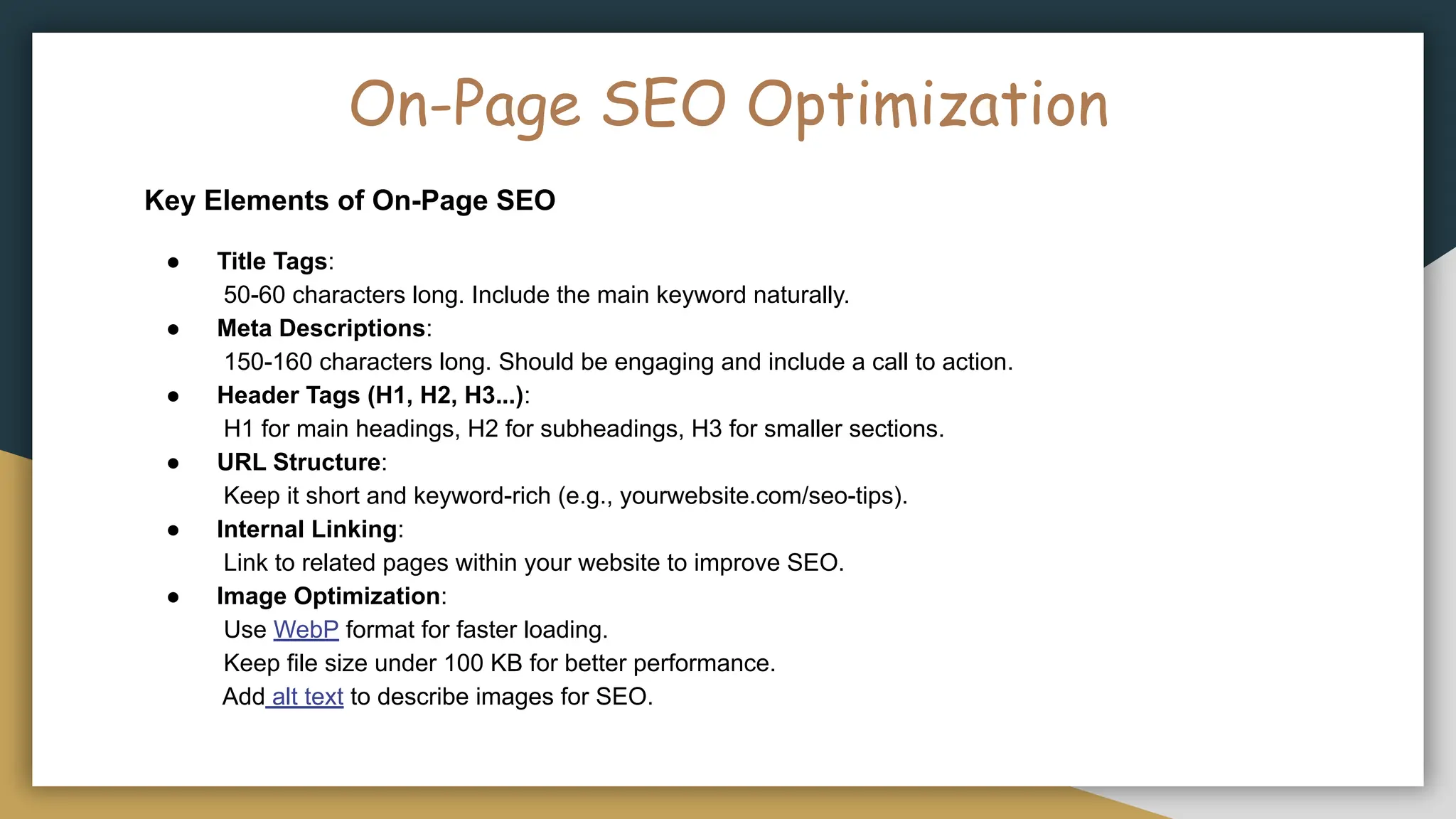
KeyElements of On-Page SEO
● Title Tags:
50-60 characters long. Include the main keyword naturally.
● Meta Descriptions:
150-160 characters long. Should be engaging and include a call to action.
● Header Tags (H1, H2, H3...):
H1 for main headings, H2 for subheadings, H3 for smaller sections.
● URL Structure:
Keep it short and keyword-rich (e.g., yourwebsite.com/seo-tips).
● Internal Linking:
Link to related pages within your website to improve SEO.
● Image Optimization:
Use WebP format for faster loading.
Keep file size under 100 KB for better performance.
Add alt text to describe images for SEO.
6.
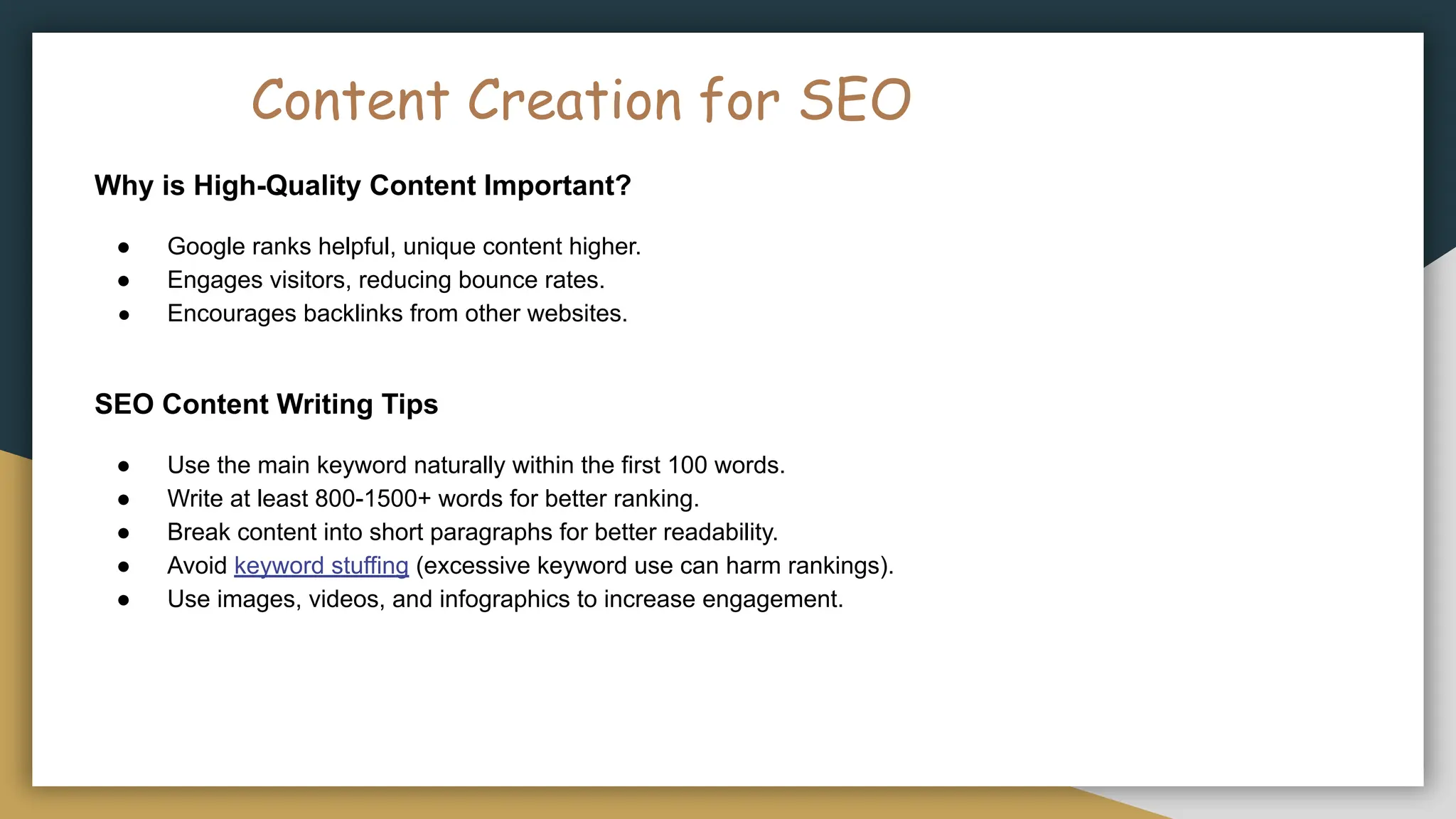
Content Creation forSEO
Why is High-Quality Content Important?
● Google ranks helpful, unique content higher.
● Engages visitors, reducing bounce rates.
● Encourages backlinks from other websites.
SEO Content Writing Tips
● Use the main keyword naturally within the first 100 words.
● Write at least 800-1500+ words for better ranking.
● Break content into short paragraphs for better readability.
● Avoid keyword stuffing (excessive keyword use can harm rankings).
● Use images, videos, and infographics to increase engagement.
7.
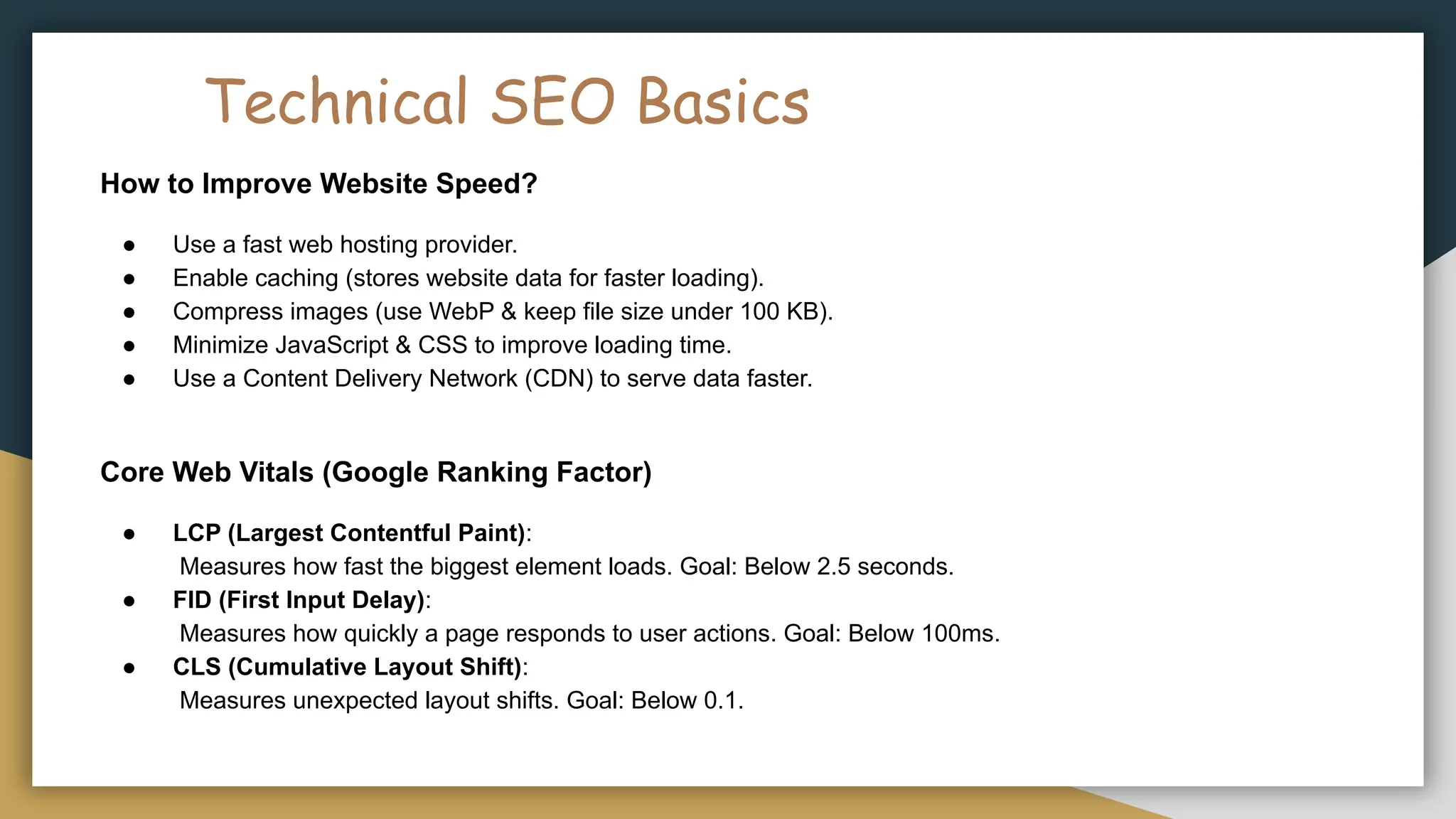
Technical SEO Basics
Howto Improve Website Speed?
● Use a fast web hosting provider.
● Enable caching (stores website data for faster loading).
● Compress images (use WebP & keep file size under 100 KB).
● Minimize JavaScript & CSS to improve loading time.
● Use a Content Delivery Network (CDN) to serve data faster.
Core Web Vitals (Google Ranking Factor)
● LCP (Largest Contentful Paint):
Measures how fast the biggest element loads. Goal: Below 2.5 seconds.
● FID (First Input Delay):
Measures how quickly a page responds to user actions. Goal: Below 100ms.
● CLS (Cumulative Layout Shift):
Measures unexpected layout shifts. Goal: Below 0.1.
8.
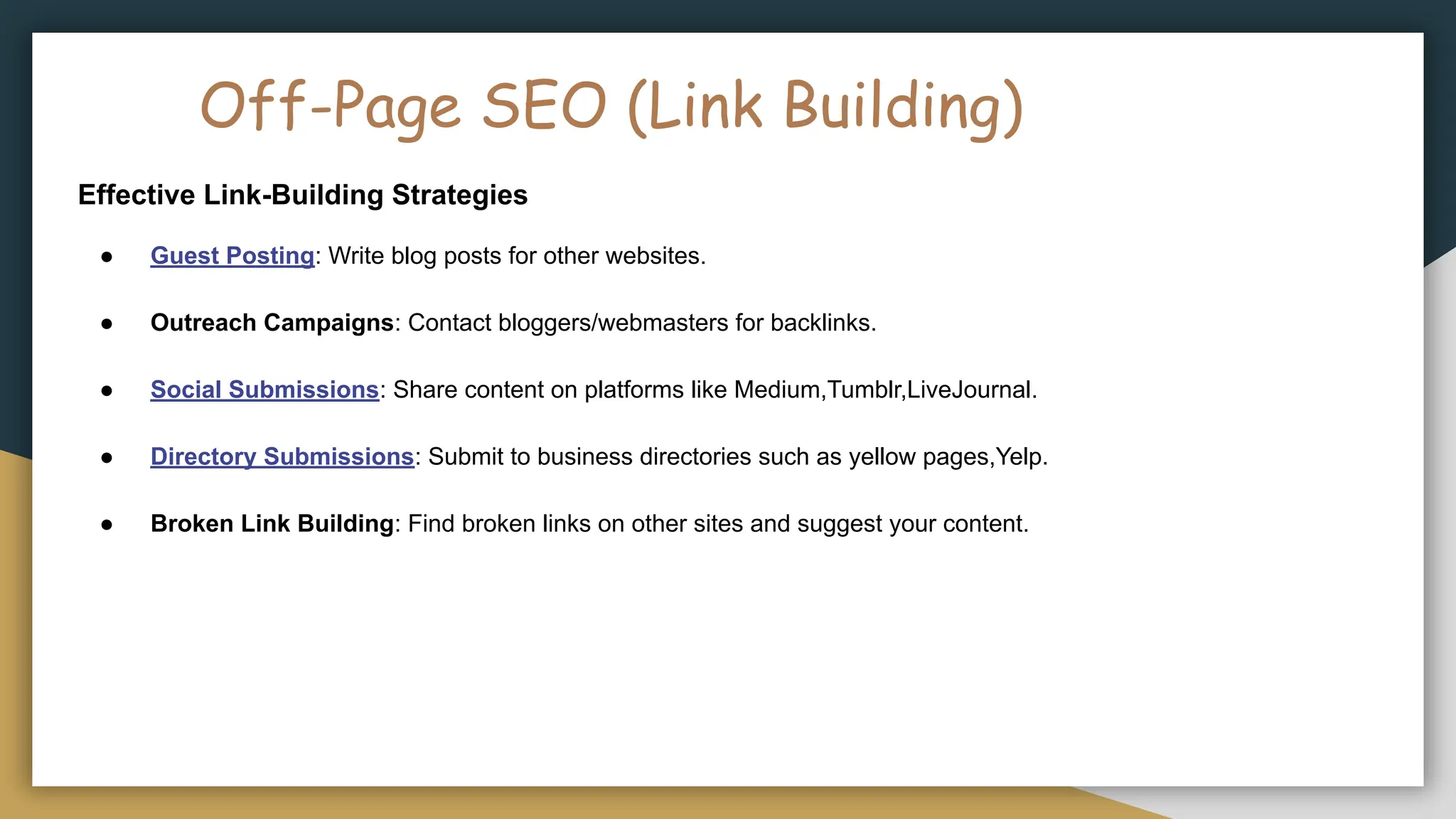
Off-Page SEO (LinkBuilding)
Effective Link-Building Strategies
● Guest Posting: Write blog posts for other websites.
● Outreach Campaigns: Contact bloggers/webmasters for backlinks.
● Social Submissions: Share content on platforms like Medium,Tumblr,LiveJournal.
● Directory Submissions: Submit to business directories such as yellow pages,Yelp.
● Broken Link Building: Find broken links on other sites and suggest your content.
9.
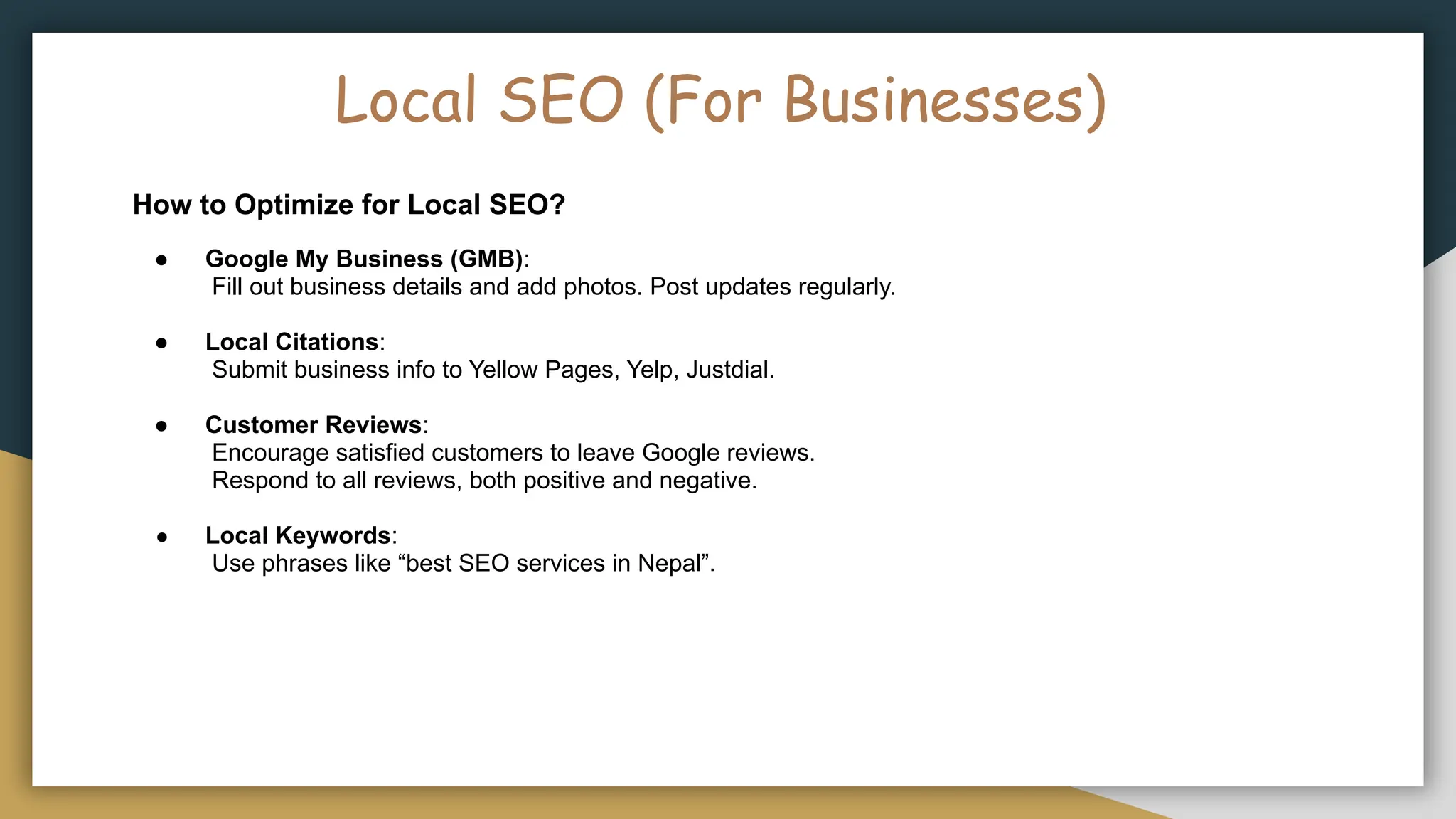
Local SEO (ForBusinesses)
How to Optimize for Local SEO?
● Google My Business (GMB):
Fill out business details and add photos. Post updates regularly.
● Local Citations:
Submit business info to Yellow Pages, Yelp, Justdial.
● Customer Reviews:
Encourage satisfied customers to leave Google reviews.
Respond to all reviews, both positive and negative.
● Local Keywords:
Use phrases like “best SEO services in Nepal”.
10.
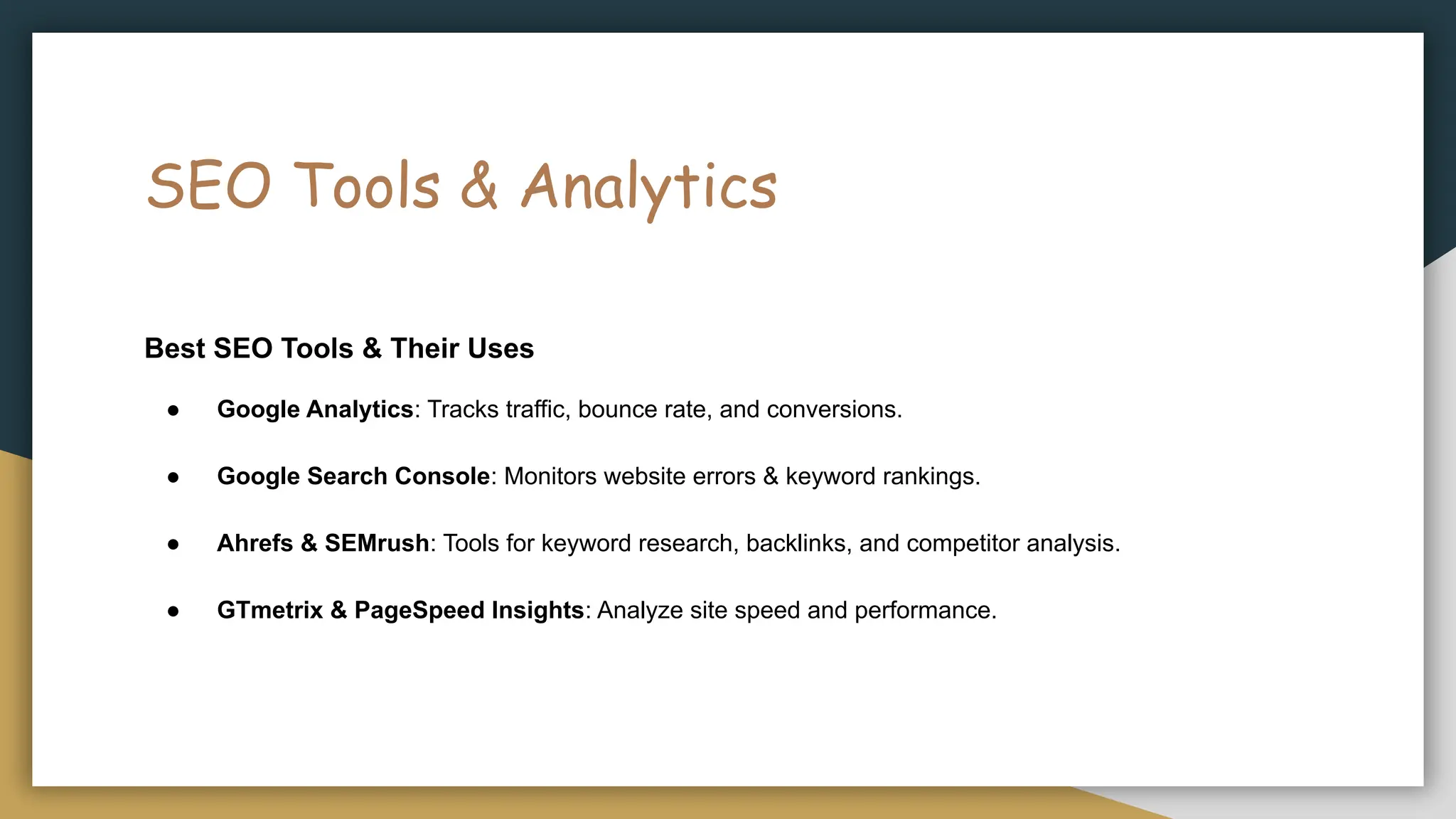
SEO Tools &Analytics
Best SEO Tools & Their Uses
● Google Analytics: Tracks traffic, bounce rate, and conversions.
● Google Search Console: Monitors website errors & keyword rankings.
● Ahrefs & SEMrush: Tools for keyword research, backlinks, and competitor analysis.
● GTmetrix & PageSpeed Insights: Analyze site speed and performance.
11.
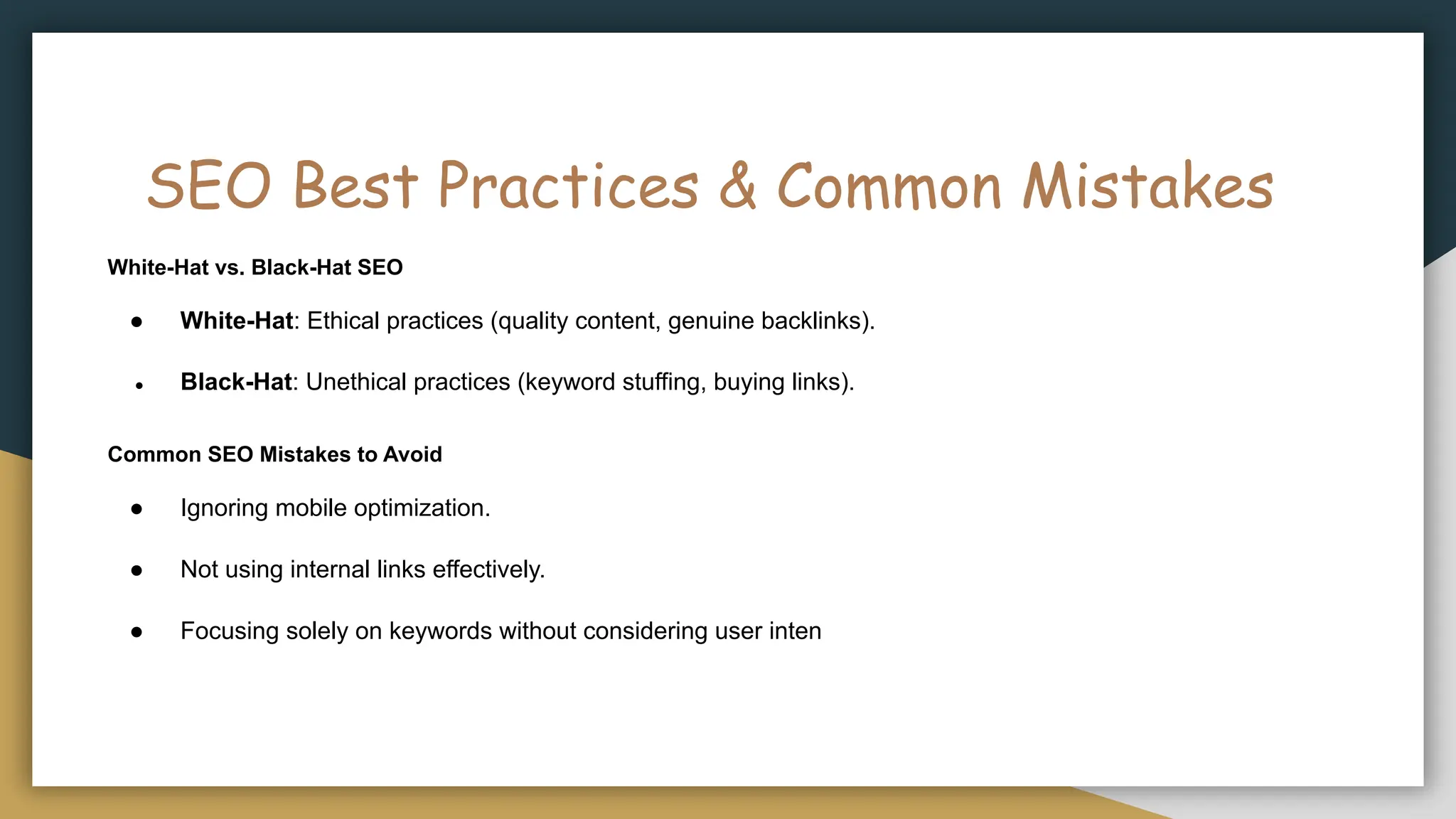
SEO Best Practices& Common Mistakes
White-Hat vs. Black-Hat SEO
● White-Hat: Ethical practices (quality content, genuine backlinks).
● Black-Hat: Unethical practices (keyword stuffing, buying links).
Common SEO Mistakes to Avoid
● Ignoring mobile optimization.
● Not using internal links effectively.
● Focusing solely on keywords without considering user inten
12.
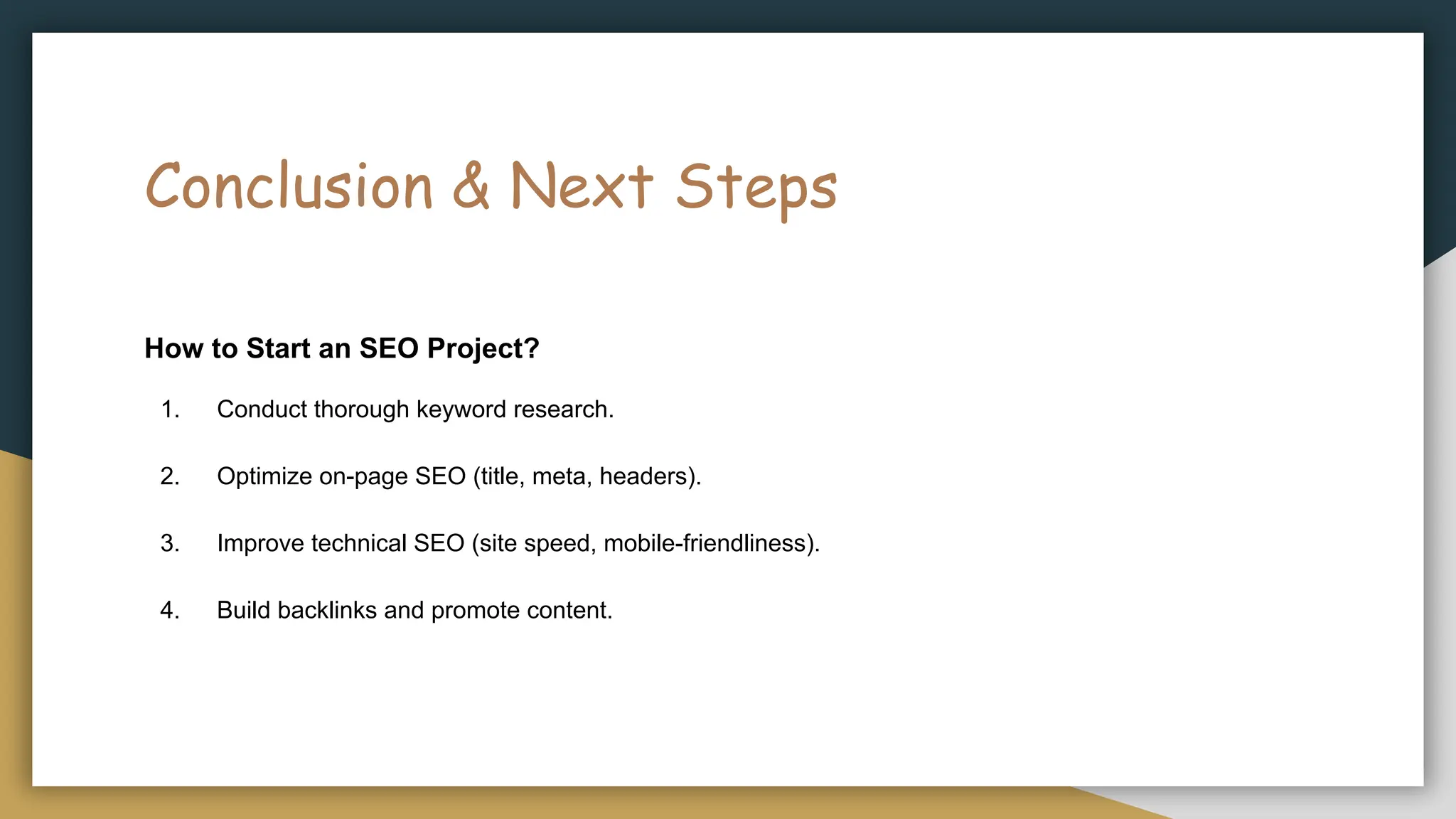
Conclusion & NextSteps
How to Start an SEO Project?
1. Conduct thorough keyword research.
2. Optimize on-page SEO (title, meta, headers).
3. Improve technical SEO (site speed, mobile-friendliness).
4. Build backlinks and promote content.
13.
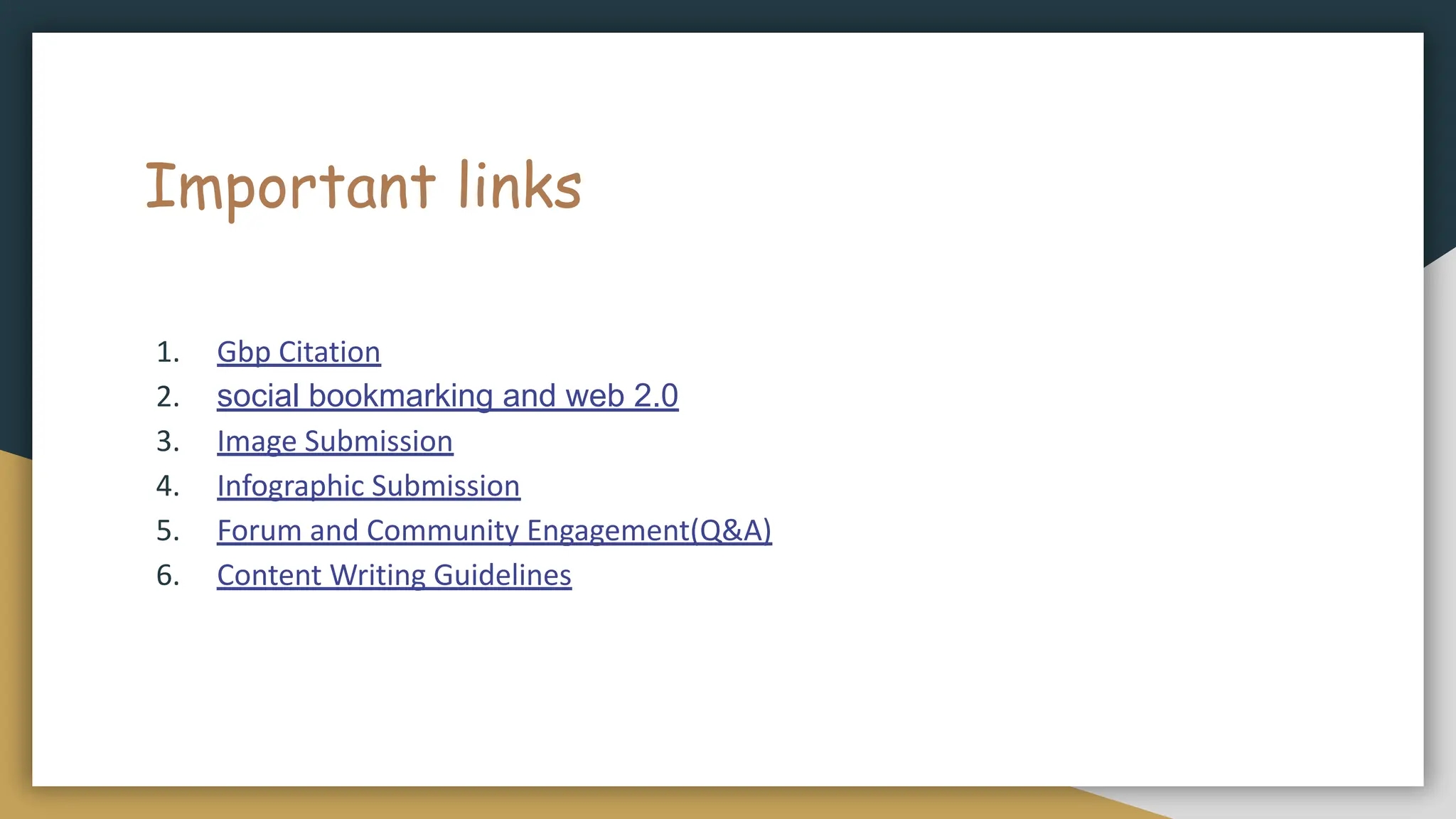
Important links
1. GbpCitation
2. social bookmarking and web 2.0
3. Image Submission
4. Infographic Submission
5. Forum and Community Engagement(Q&A)
6. Content Writing Guidelines