State of Tech in Libraries
NYLA Annual Conference 2019
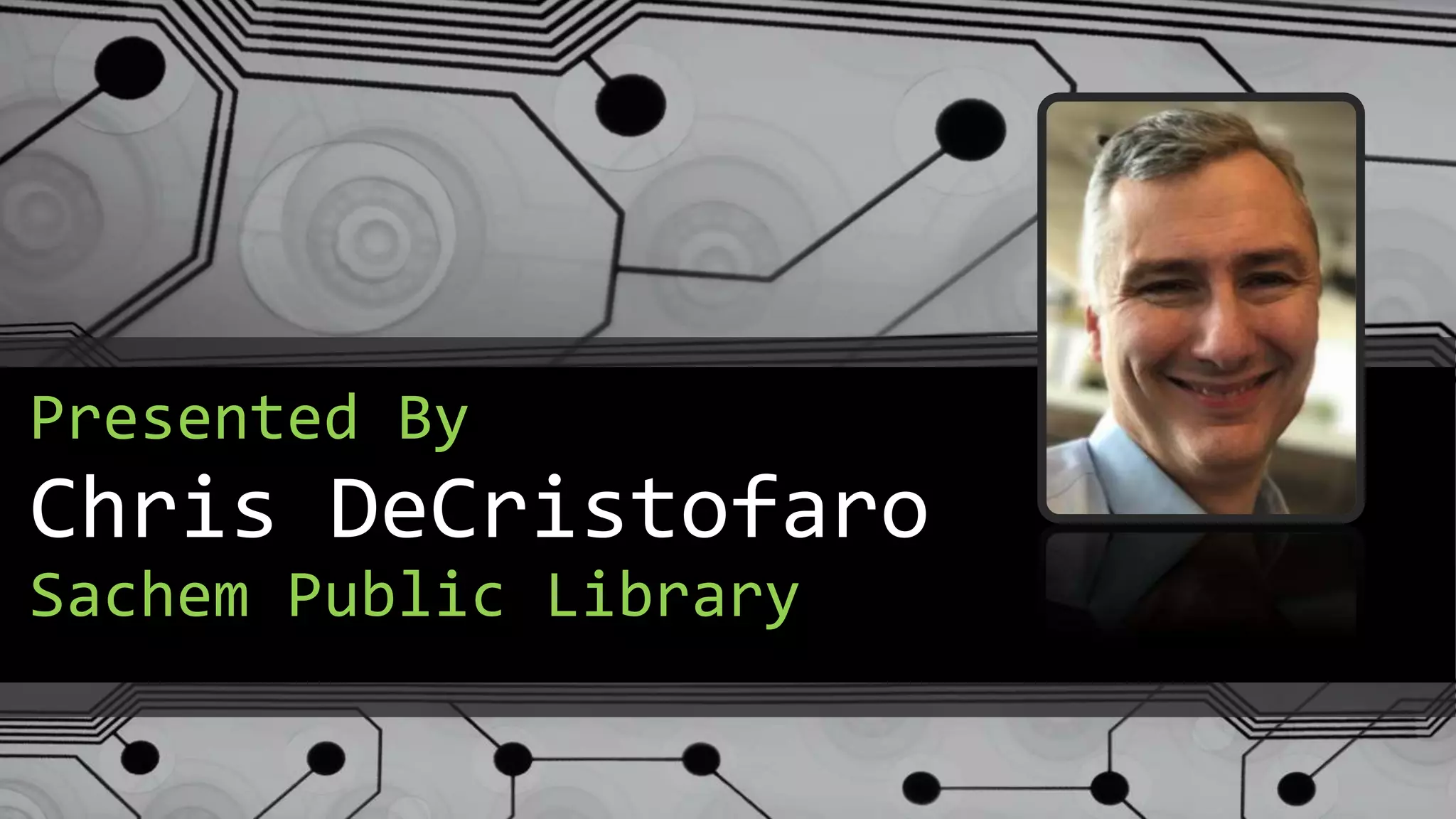
Chris DeCristofaro
Presented By
Sachem Public Library
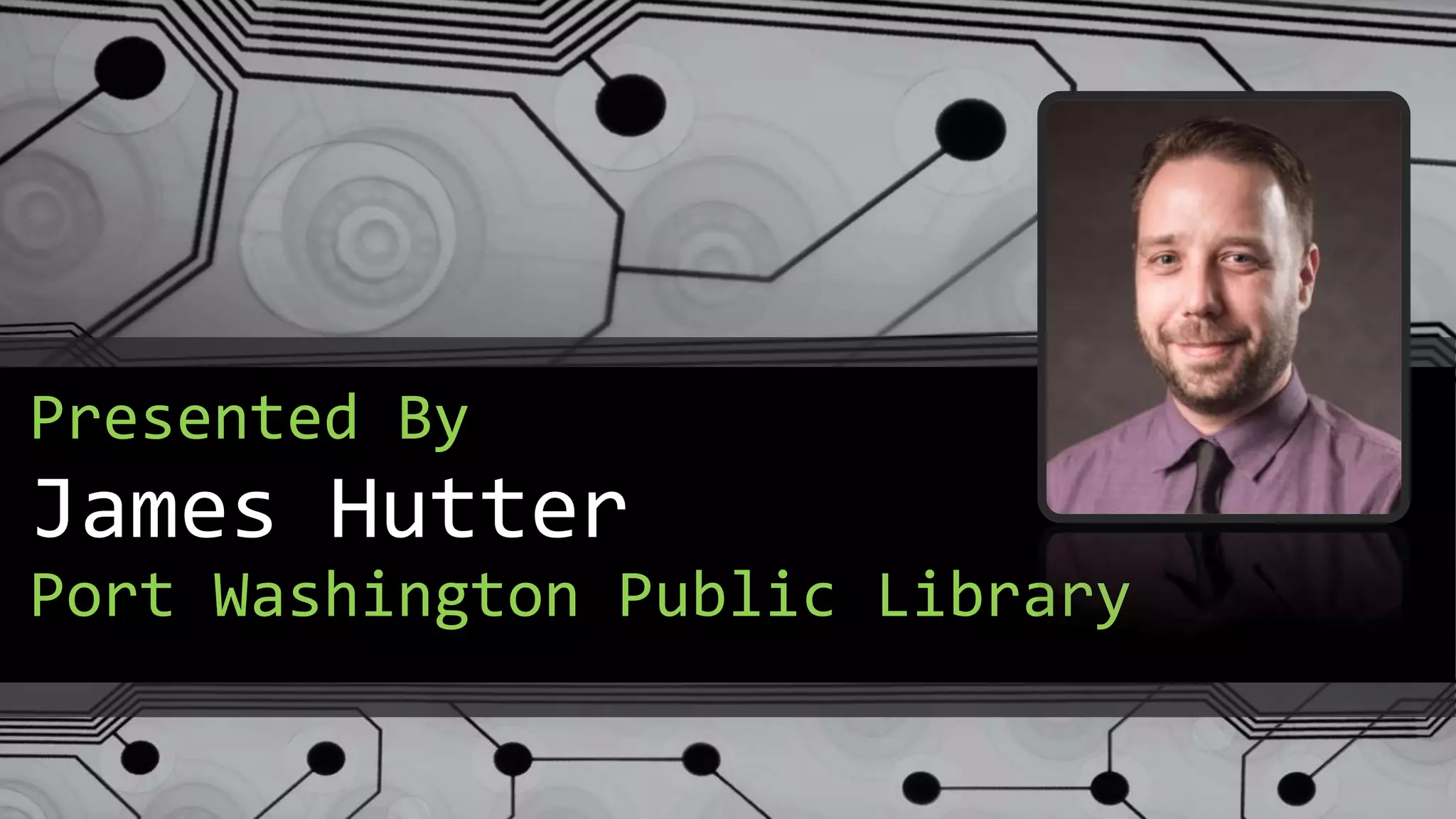
James Hutter
Presented By
Port Washington Public Library
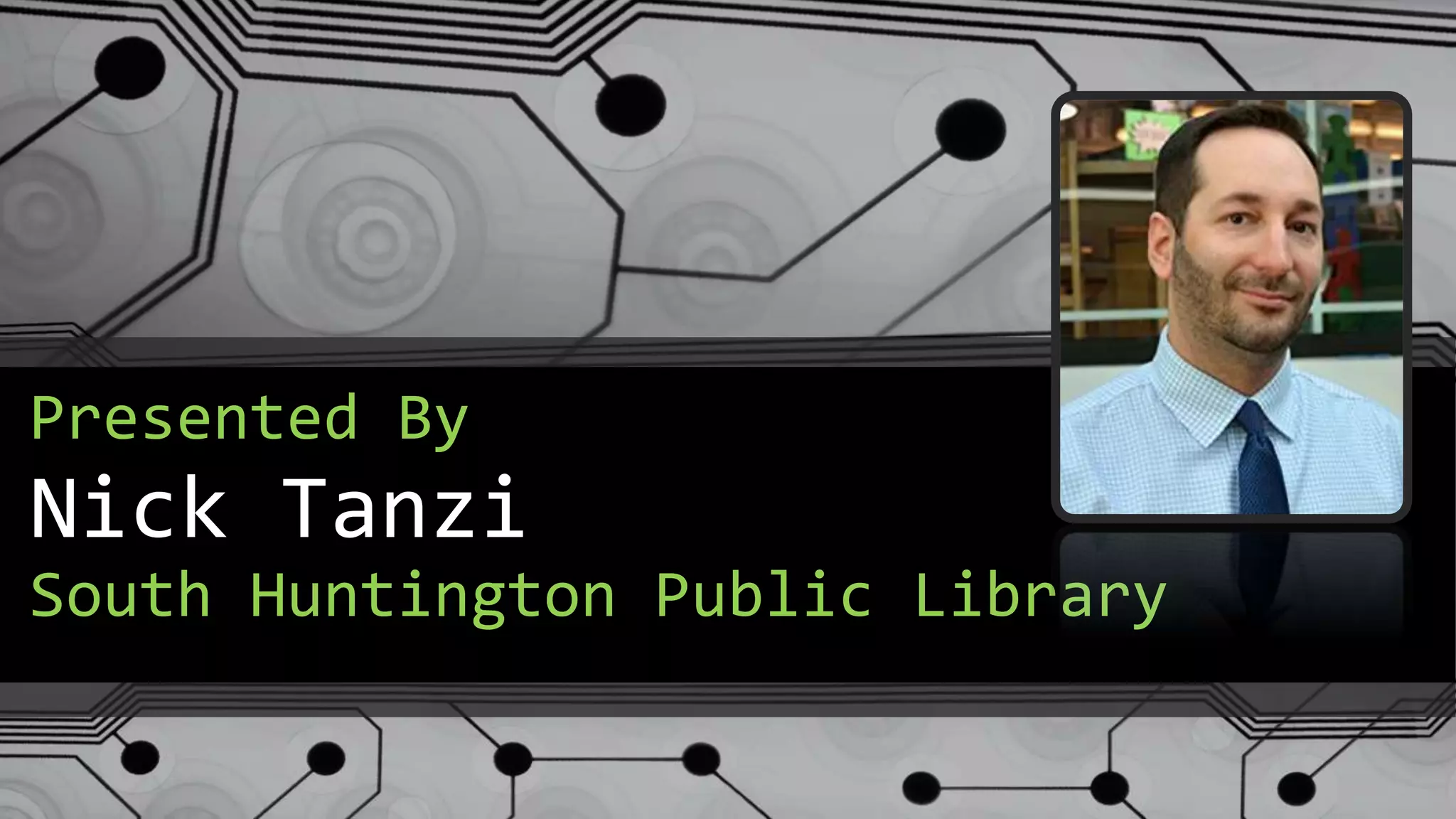
Nick Tanzi
Presented By
South Huntington Public Library
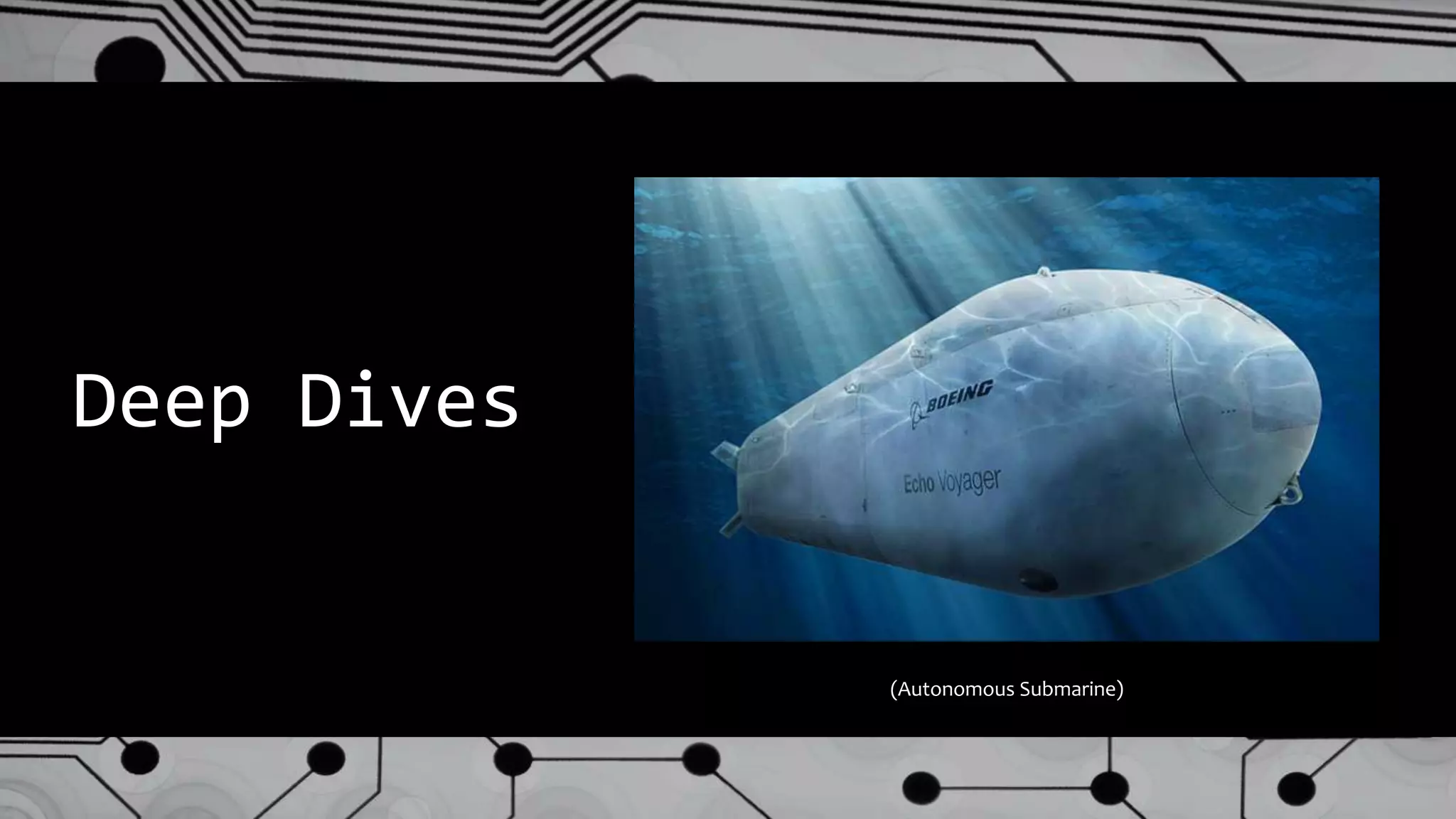
Deep Dives
(Autonomous Submarine)
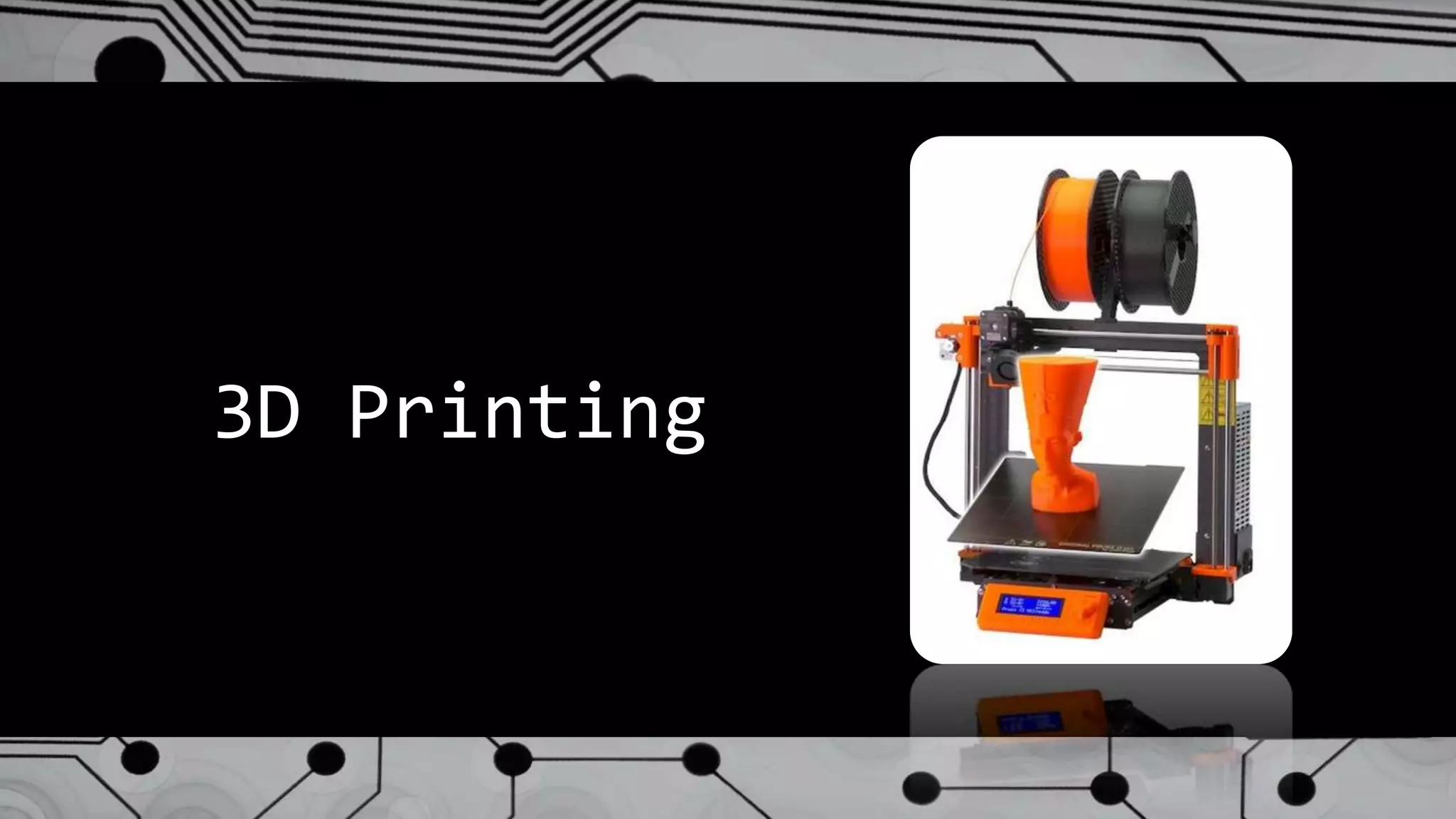
3D Printing
What is 3D Printing?
● The creation of a three dimensional object
from a computer-aided model.
● Typically this is done layer by layer
● Also known as “additive manufacturing”
● It is increasingly being adopted by fields
as varied as the biomedical & automotive
industries.
Why Bring 3D Printing to Your Library?
● 3D printing is increasingly viewed as a key manufacturing
trend in the 21st century.
● While prices have come down, it is still prohibitively
expensive for the majority of our patrons.
● Library can provide essential access!
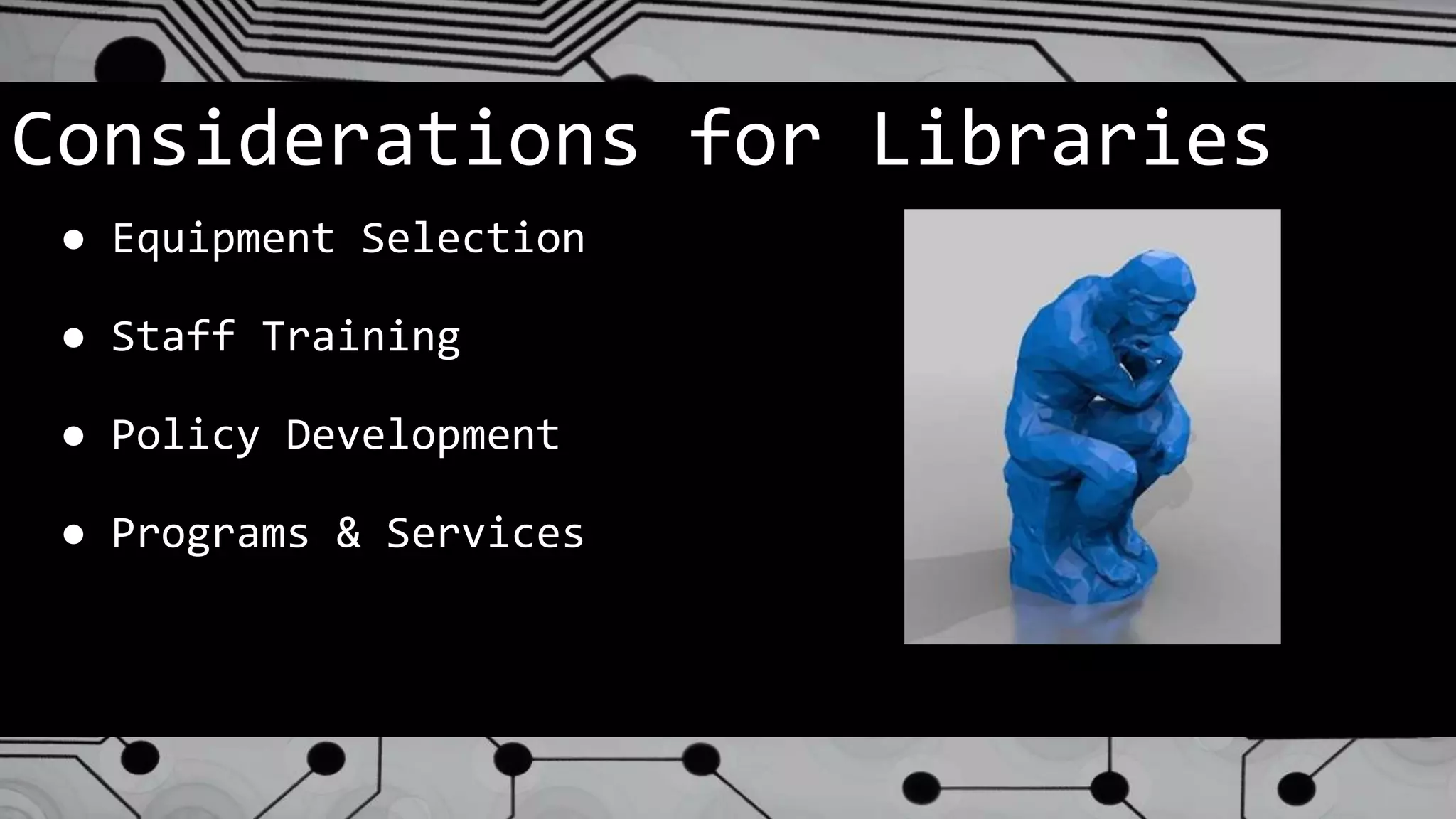
Considerations for Libraries
● Equipment Selection
● Staff Training
● Policy Development
● Programs & Services
Equipment Selection
● Evaluate your organization prior to evaluating
equipment!
○ “What’s the best printer for you?”, not
“what’s the best printer”
○ What is your budget?
○ How do you intend to use the technology?
○ How “techie” is your staff?
○ What are your values?
● Review sources
○ 3D Hubs
○ CNET, Consumer Reports
○ Recommendations from colleagues
Staff Training
● Remember: everybody doesn’t need to know everything, but
everyone must know something!
● Train according to responsibility.
○ All staff: “We have a printer. This is how we’re using
it.”
○ Handlers: Can start a print job, monitor the printer
for problems, answer basic questions from patrons.
○ Jobbers: can prep a file, moderate patron requests,
see a print from start to finish.
○ Printer Technicians: Responsible for long-term
operation of the printer, including maintenance &
troubleshooting.
Policy Development
What are the key considerations of a library’s 3D printing
policy?
● Conformity with local, state, & federal laws
● Prohibition against weapons
● Respect for copyright
● Security of data
● Appropriate use
● Handling costs
● Hold harmless
● Library’s discretion clause
○ Should have an appeals process!
Programs & Services
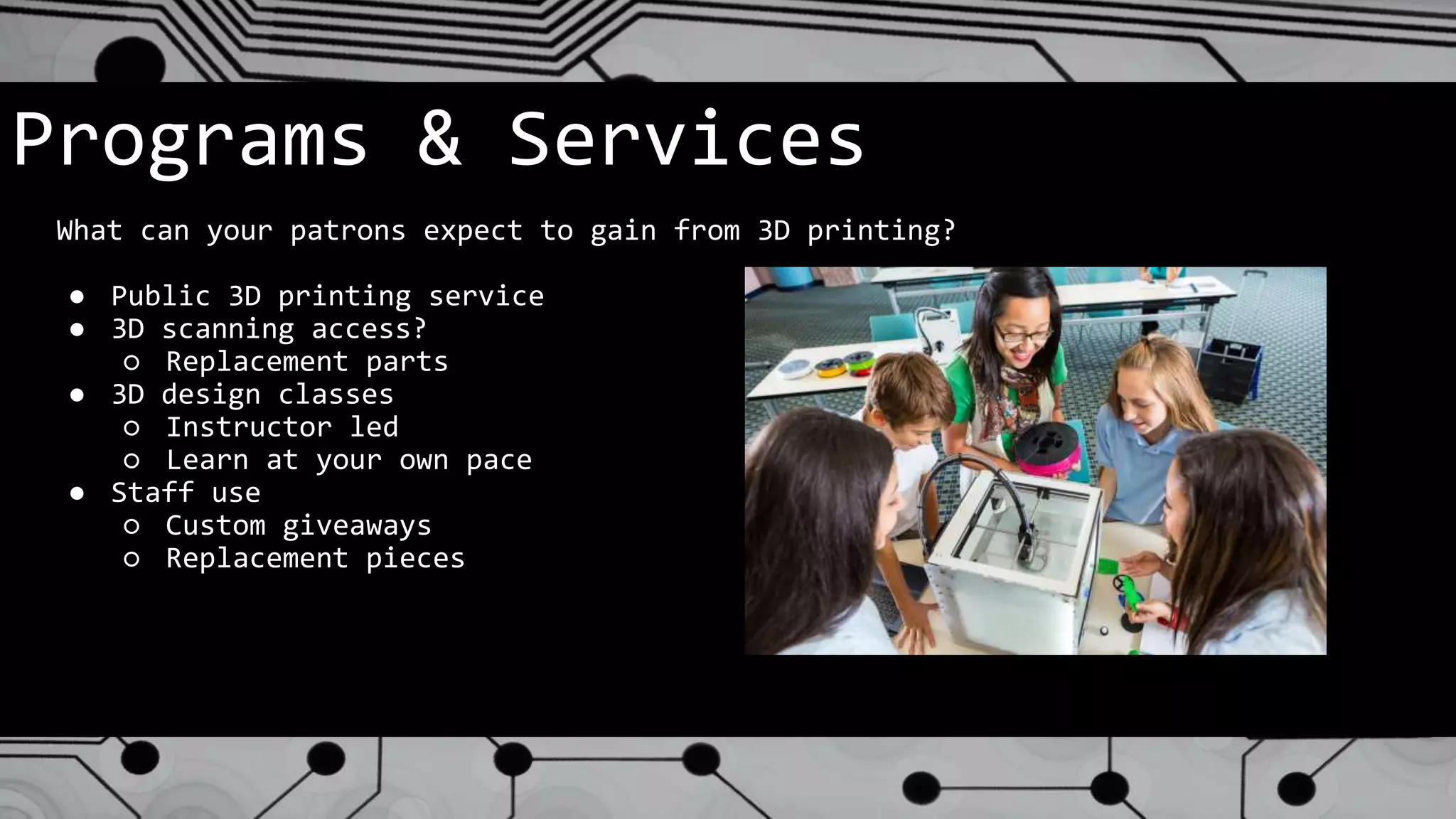
What can your patrons expect to gain from 3D printing?
● Public 3D printing service
● 3D scanning access?
○ Replacement parts
● 3D design classes
○ Instructor led
○ Learn at your own pace
● Staff use
○ Custom giveaways
○ Replacement pieces
Where is the Technology Heading?
● Faster, better, cheaper
● New and exotic materials
● Wider adoption by industries
● Home use
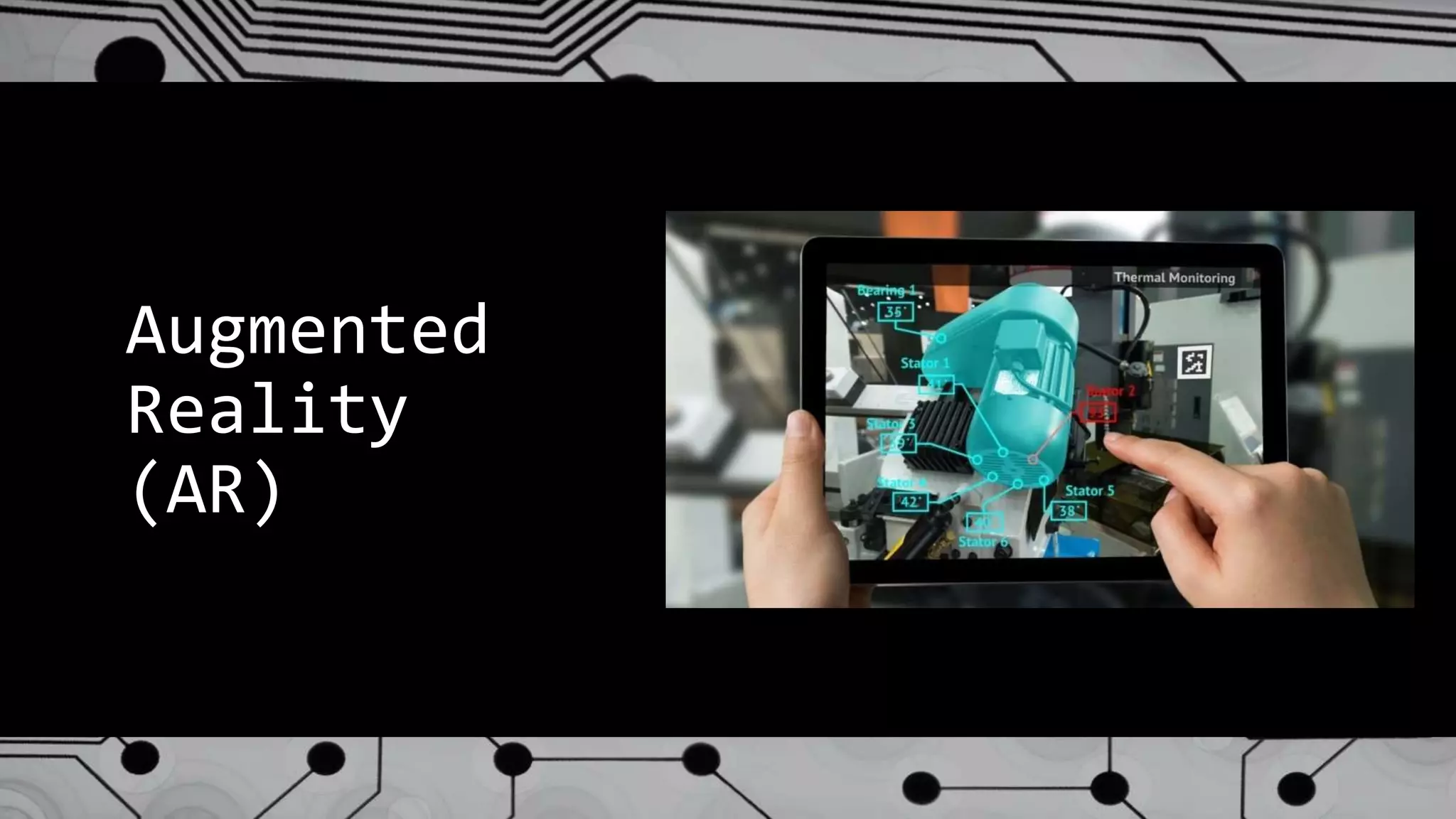
Augmented
Reality
(AR)
What is Augmented Reality (AR)?
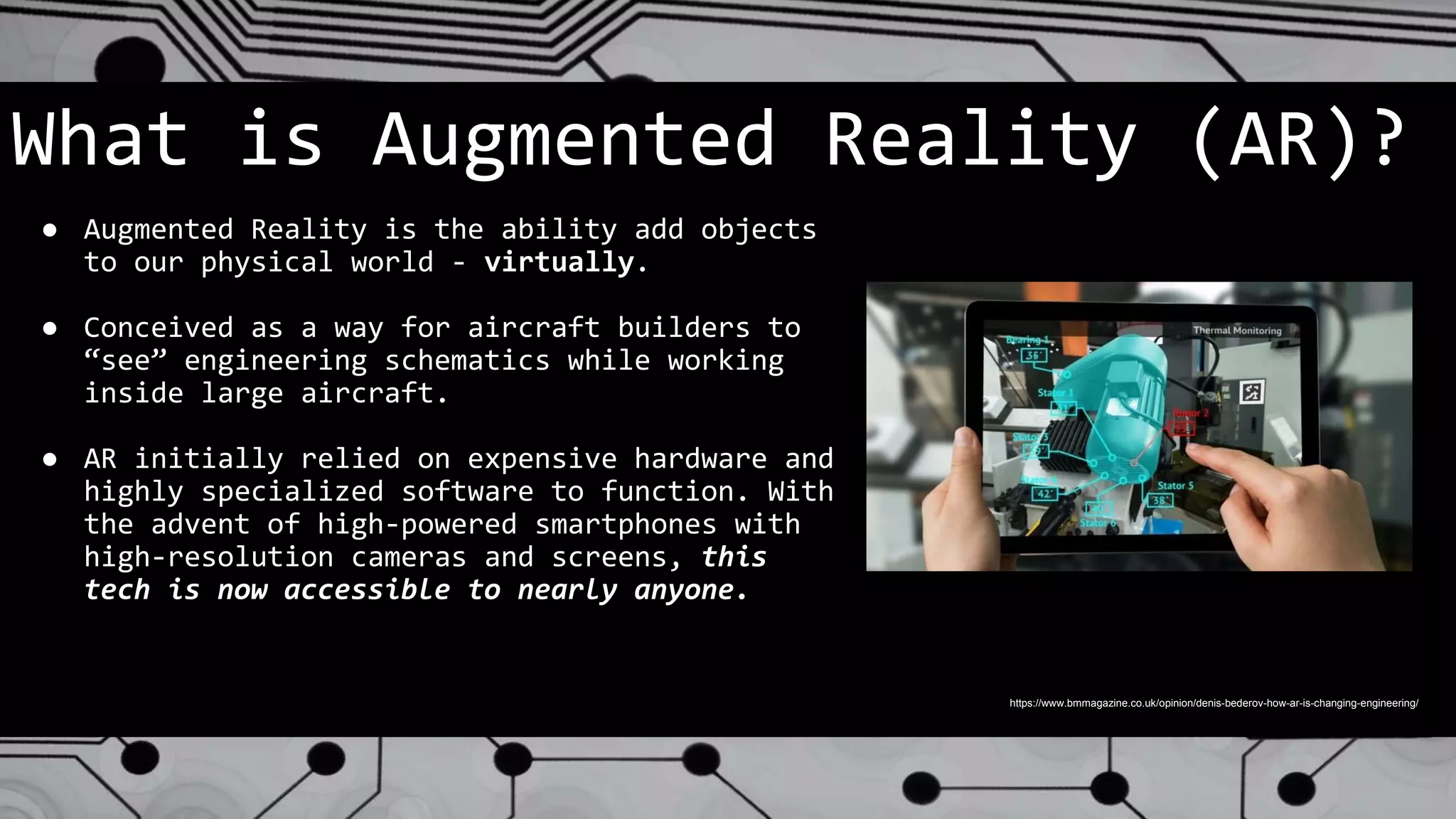
● Augmented Reality is the ability add objects
to our physical world - virtually.
● Conceived as a way for aircraft builders to
“see” engineering schematics while working
inside large aircraft.
● AR initially relied on expensive hardware and
highly specialized software to function. With
the advent of high-powered smartphones with
high-resolution cameras and screens, this
tech is now accessible to nearly anyone.
https://www.bmmagazine.co.uk/opinion/denis-bederov-how-ar-is-changing-engineering/
Why Should Libraries Know About AR?
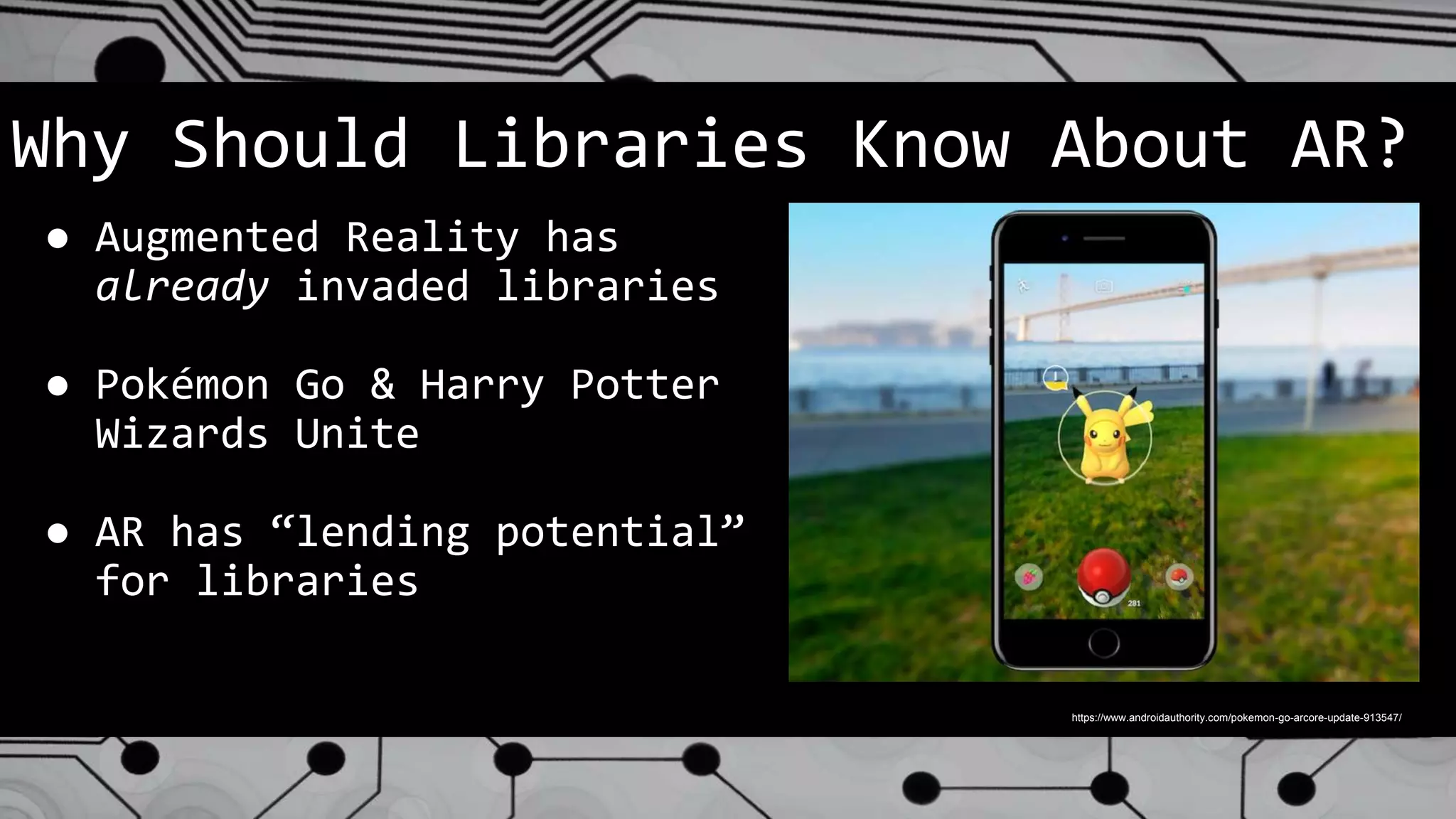
● Augmented Reality has
already invaded libraries
● Pokémon Go & Harry Potter
Wizards Unite
● AR has “lending potential”
for libraries
https://www.androidauthority.com/pokemon-go-arcore-update-913547/
Why Should Libraries Know About AR?
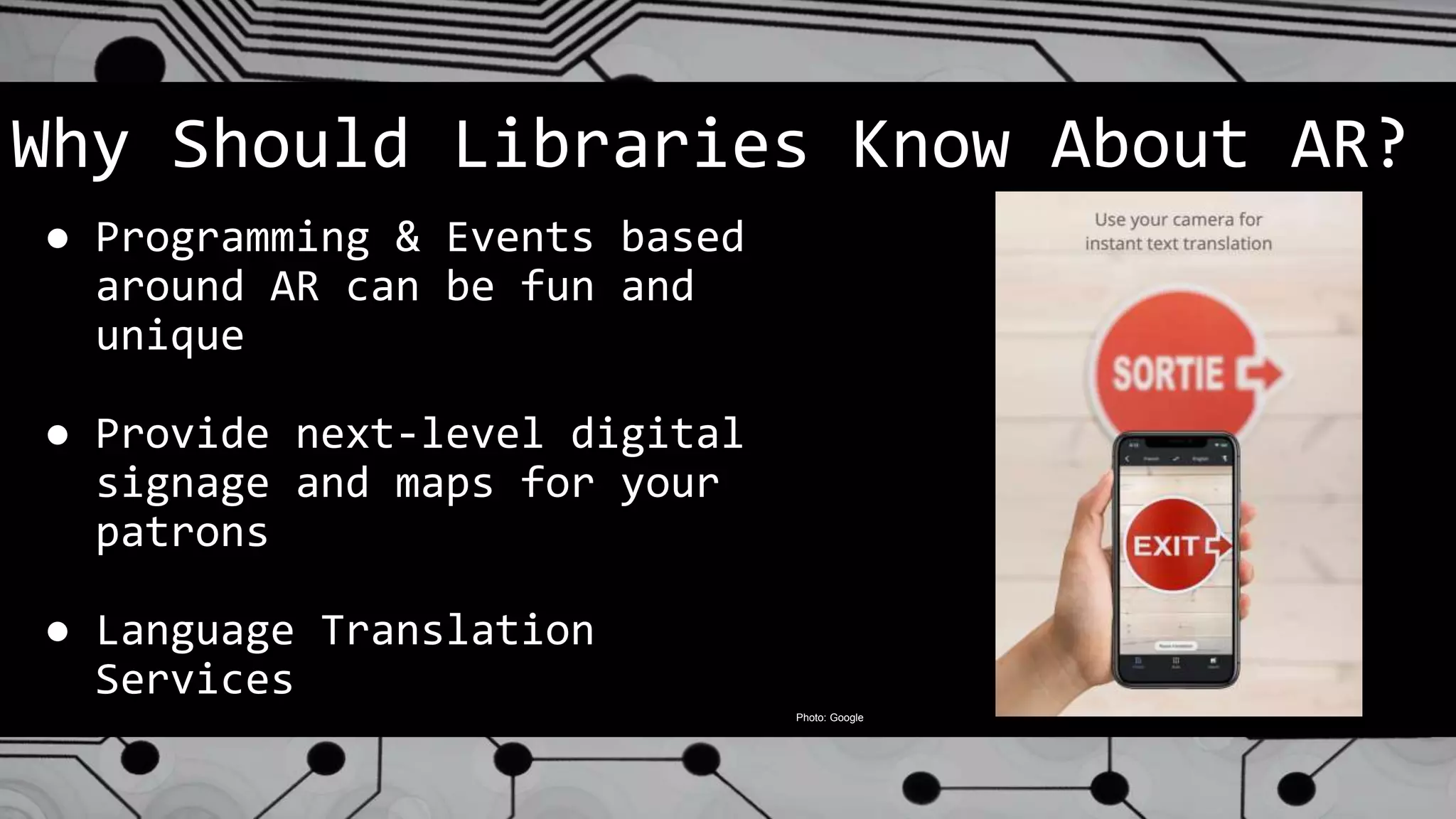
● Programming & Events based
around AR can be fun and
unique
● Provide next-level digital
signage and maps for your
patrons
● Language Translation
Services
Photo: Google
What’s New in this Field?
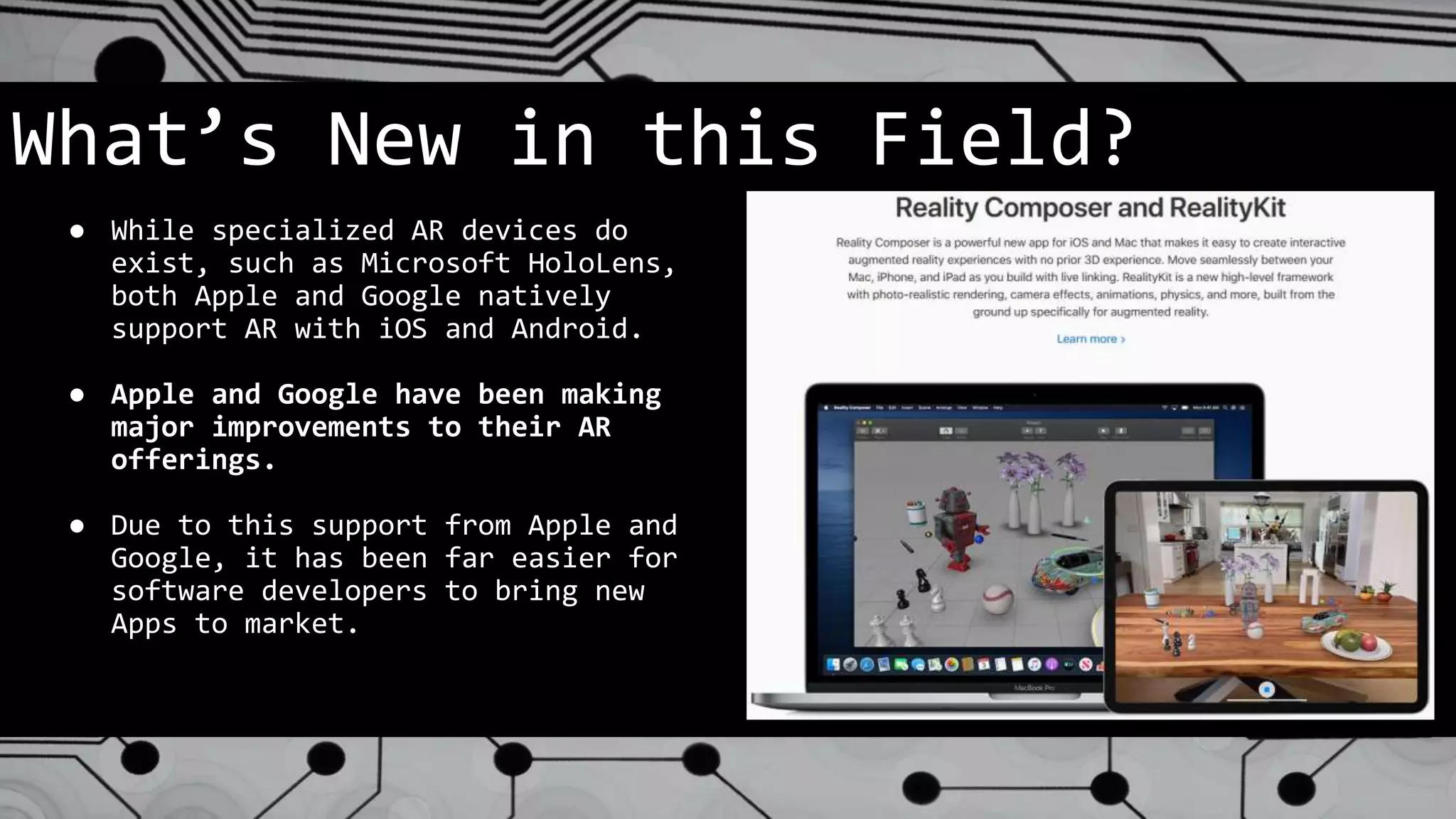
● While specialized AR devices do
exist, such as Microsoft HoloLens,
both Apple and Google natively
support AR with iOS and Android.
● Apple and Google have been making
major improvements to their AR
offerings.
● Due to this support from Apple and
Google, it has been far easier for
software developers to bring new
Apps to market.
Staff Training
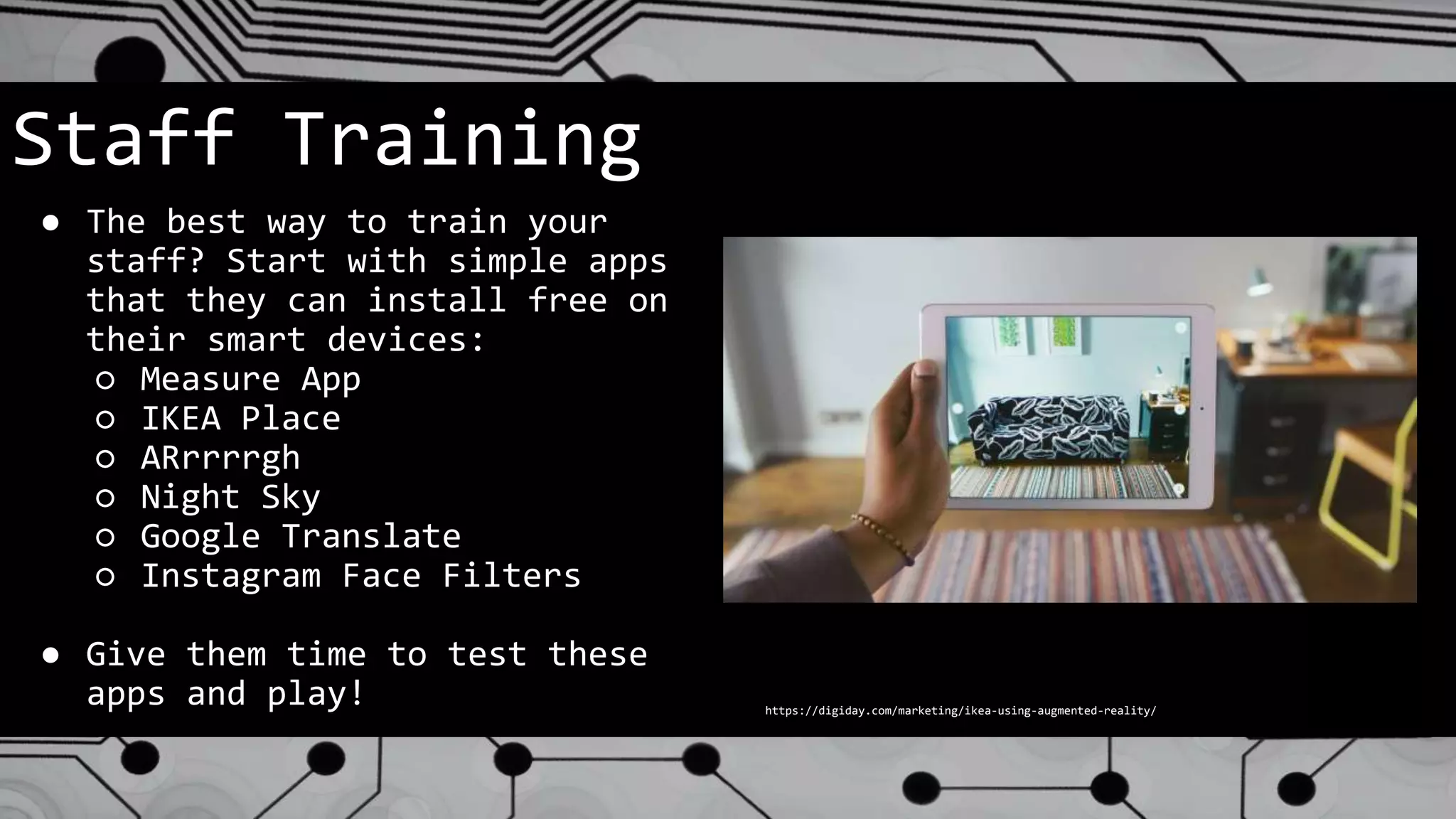
● The best way to train your
staff? Start with simple apps
that they can install free on
their smart devices:
○ Measure App
○ IKEA Place
○ ARrrrrgh
○ Night Sky
○ Google Translate
○ Instagram Face Filters
● Give them time to test these
apps and play! https://digiday.com/marketing/ikea-using-augmented-reality/
Programs & Services
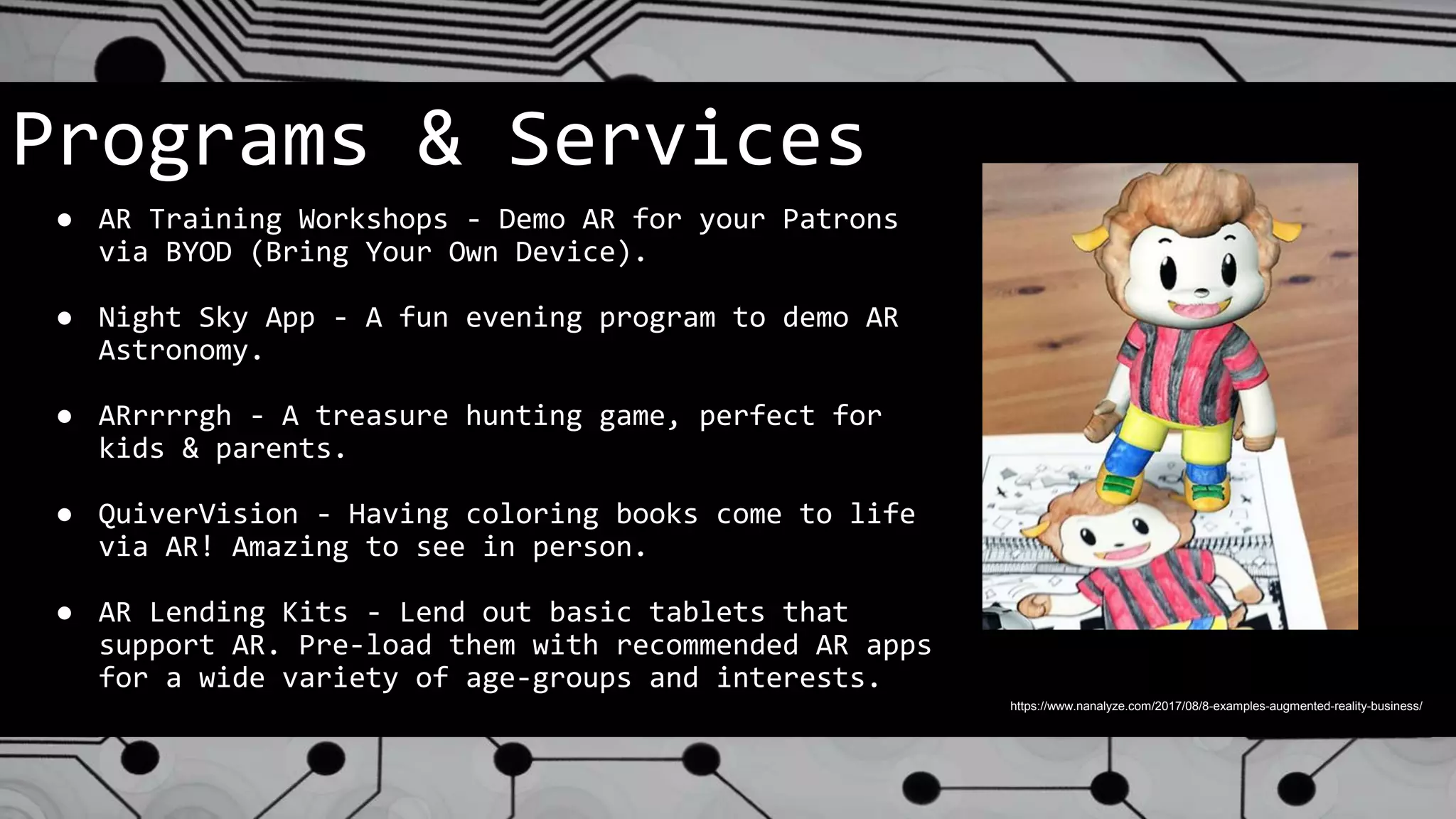
● AR Training Workshops - Demo AR for your Patrons
via BYOD (Bring Your Own Device).
● Night Sky App - A fun evening program to demo AR
Astronomy.
● ARrrrrgh - A treasure hunting game, perfect for
kids & parents.
● QuiverVision - Having coloring books come to life
via AR! Amazing to see in person.
● AR Lending Kits - Lend out basic tablets that
support AR. Pre-load them with recommended AR apps
for a wide variety of age-groups and interests.
https://www.nanalyze.com/2017/08/8-examples-augmented-reality-business/
Policy Considerations
● Privacy Concerns - People will basically
be wandering your library with a camera
activated. Educating patrons about the
activity taking place will be key.
● Lending - Be sure to have smart lending
policies in place, should you lend AR
kits.
● App Usage and App Recommendations - Be
aware of age recommendations and content
ratings on apps that you use on library
devices or recommend / loan to patrons.
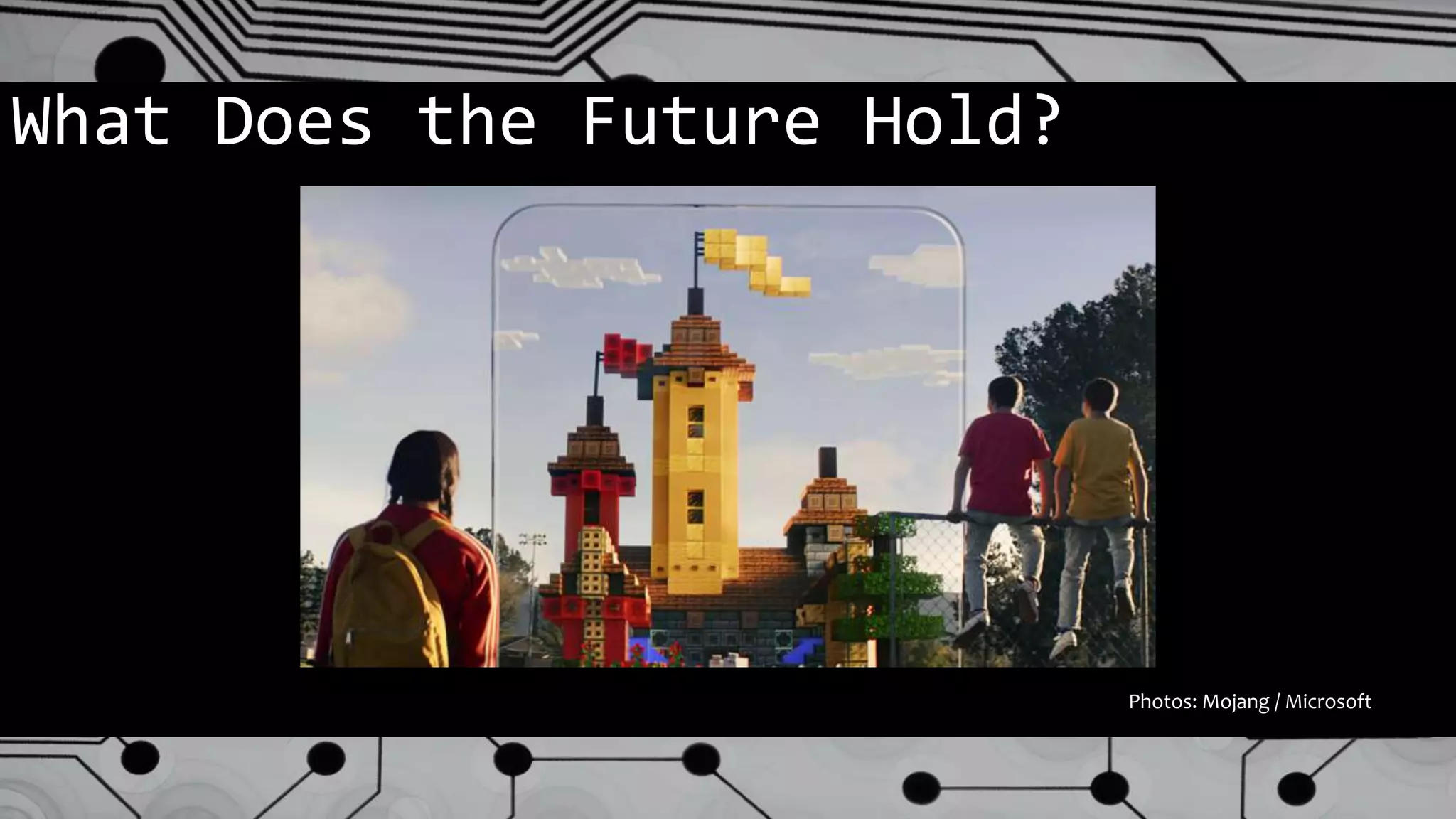
What Does the Future Hold?
Photos: Mojang / Microsoft
What Does the Future Hold?
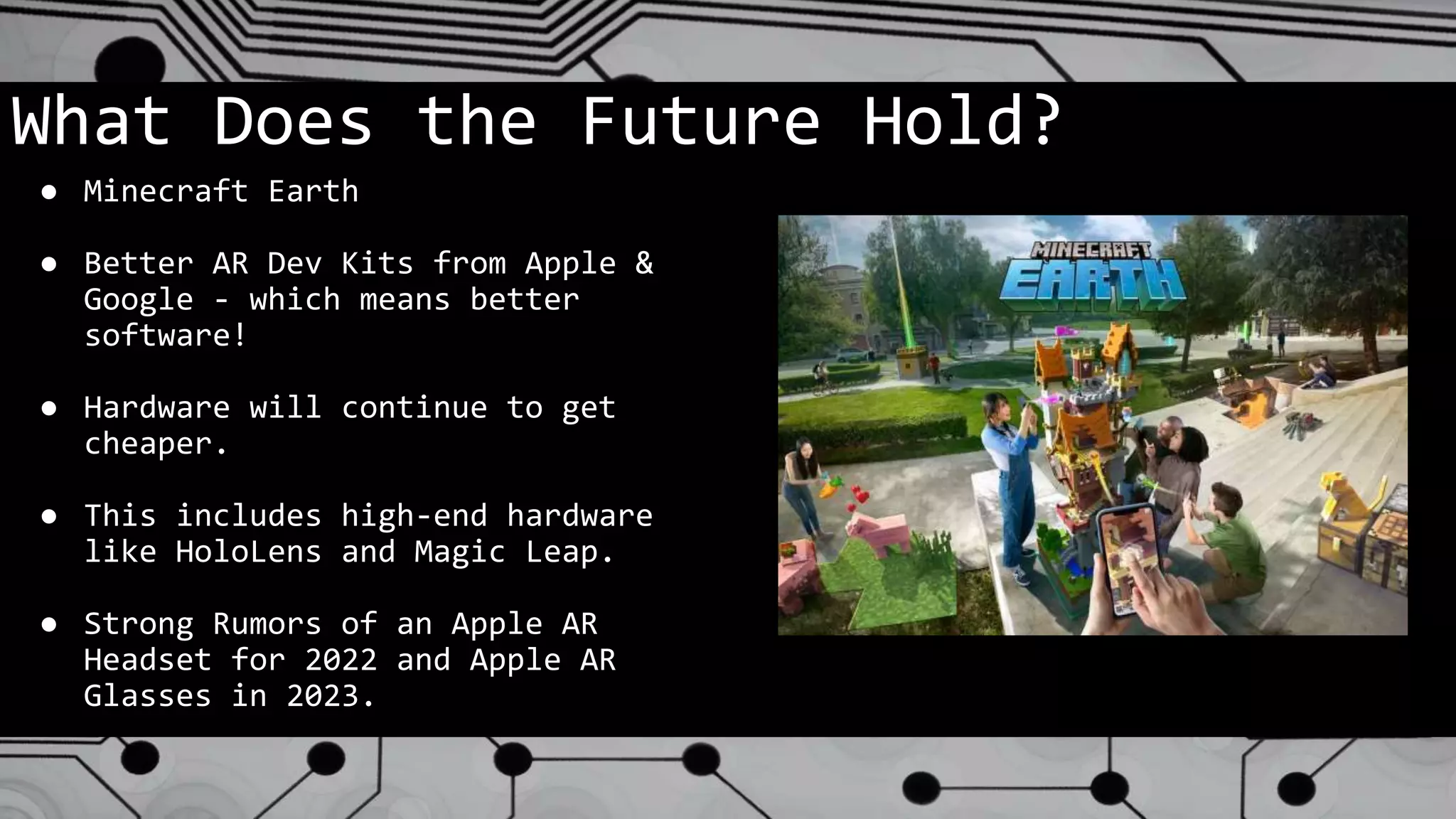
● Minecraft Earth
● Better AR Dev Kits from Apple &
Google - which means better
software!
● Hardware will continue to get
cheaper.
● This includes high-end hardware
like HoloLens and Magic Leap.
● Strong Rumors of an Apple AR
Headset for 2022 and Apple AR
Glasses in 2023.
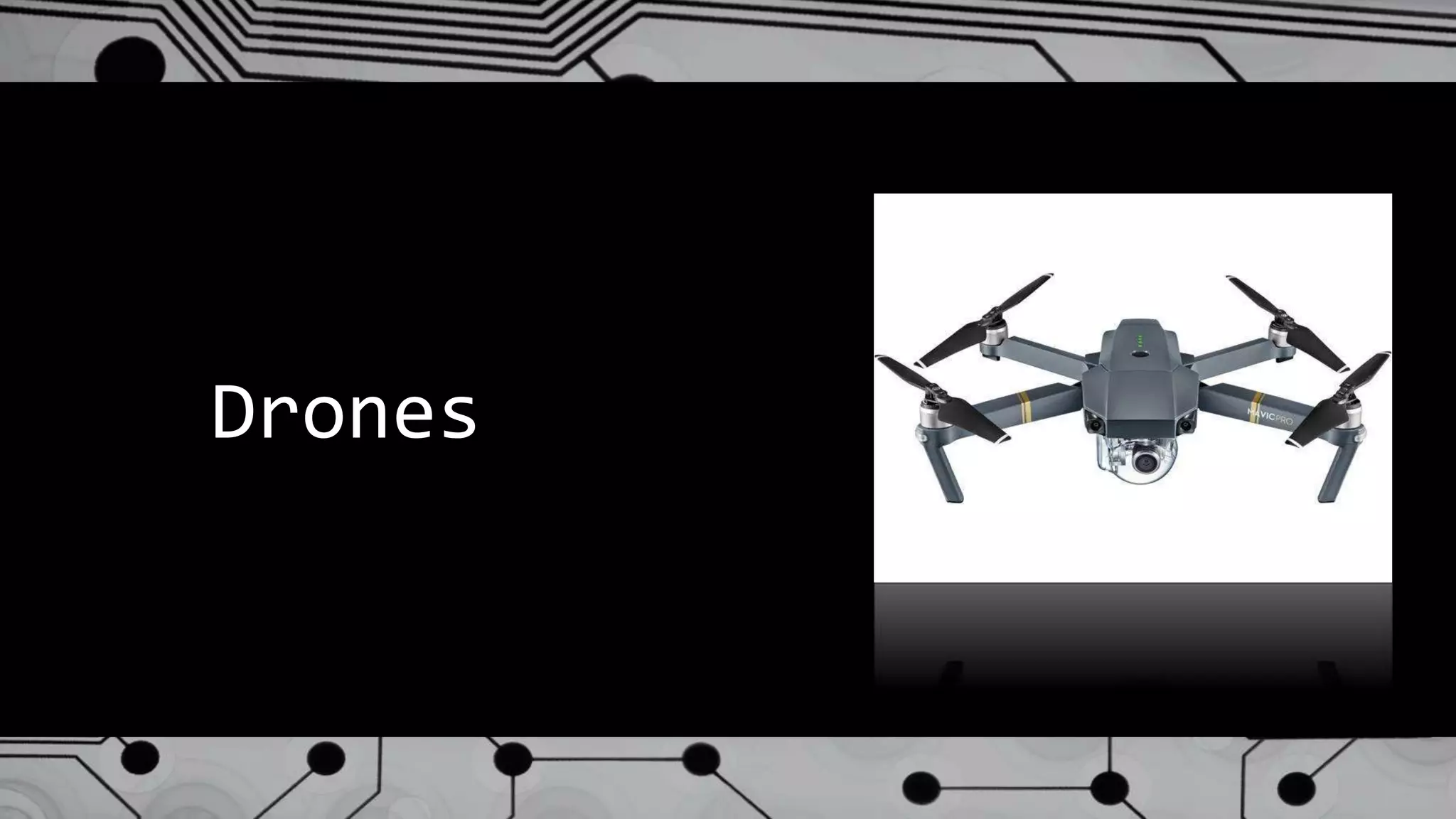
Drones
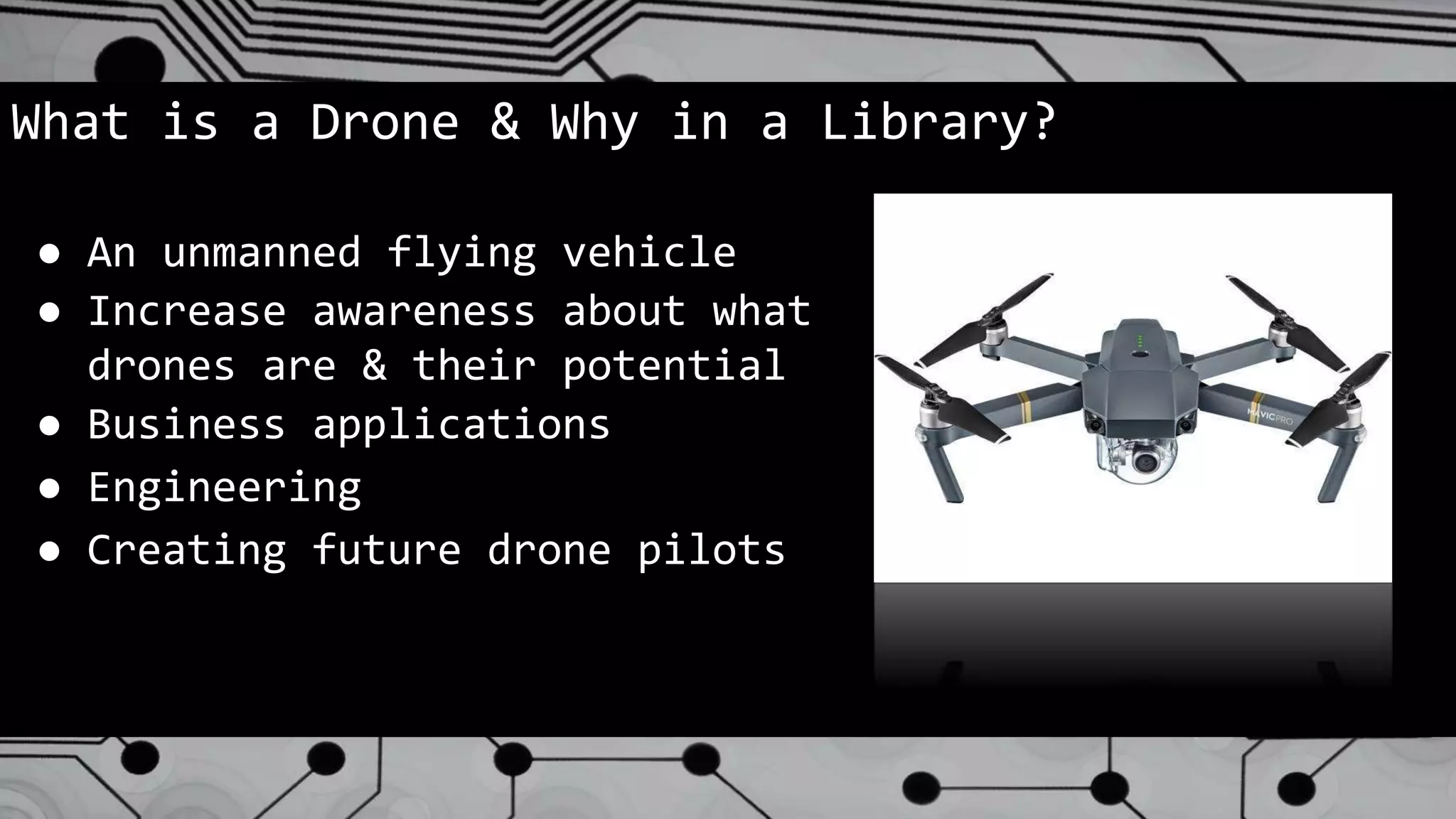
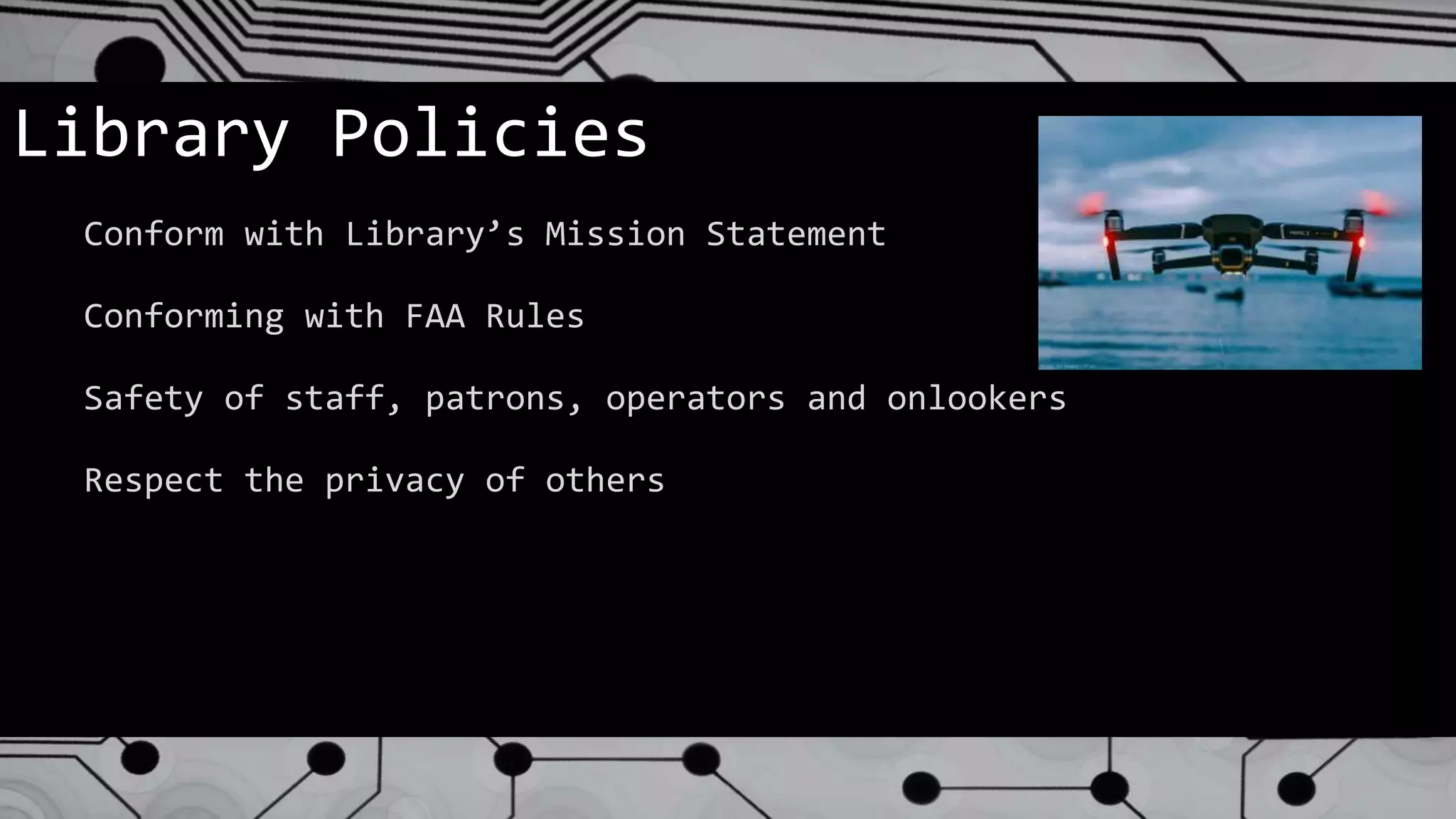
What is a Drone & Why in a Library?
● An unmanned flying vehicle
● Increase awareness about what
drones are & their potential
● Business applications
● Engineering
● Creating future drone pilots
Considerations:
● FAA Regulations
● Equipment Purchasing
● Develop Policy
● Staff Training
● Develop Effective Classes
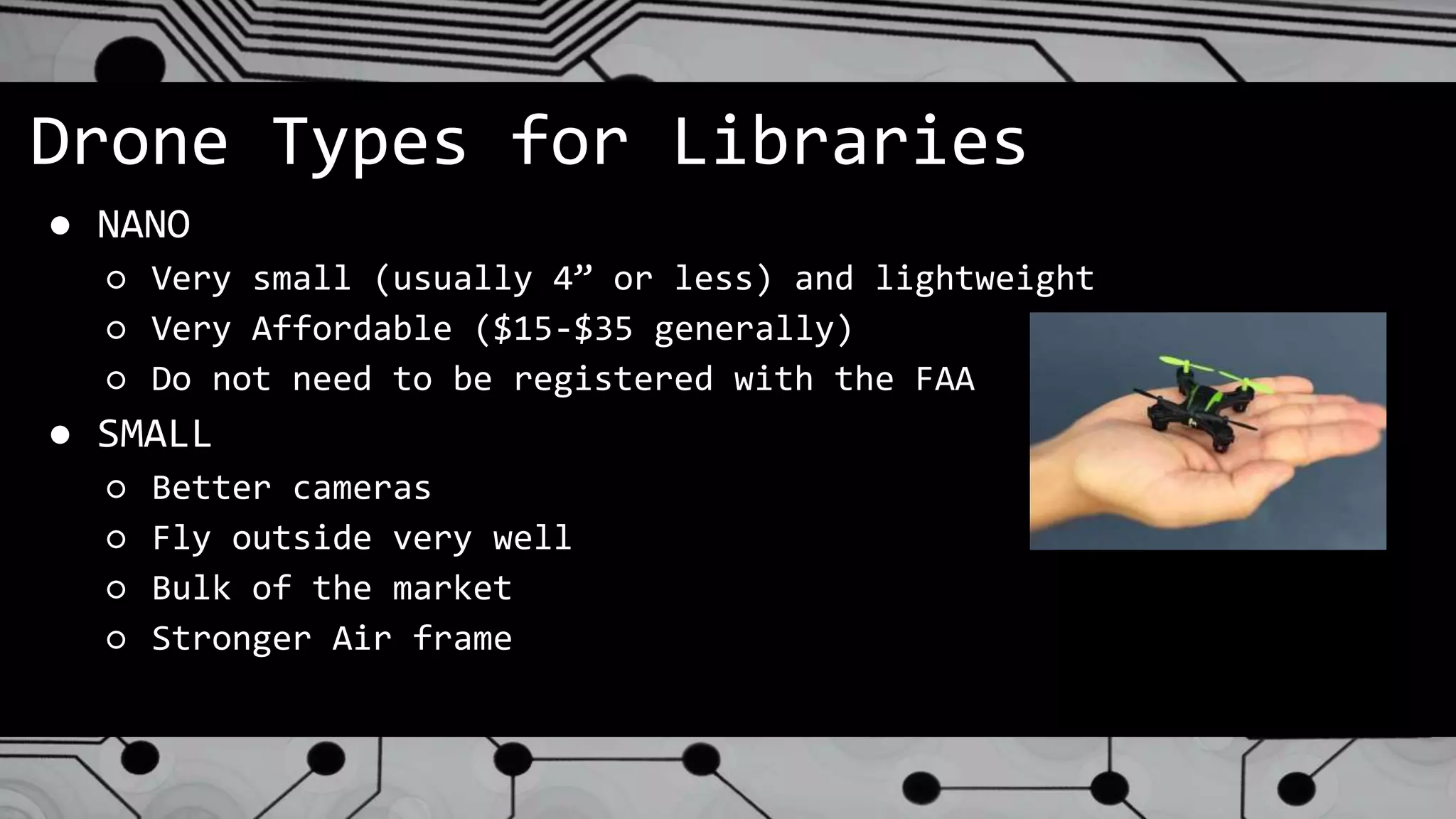
Drone Types for Libraries
● NANO
○ Very small (usually 4” or less) and lightweight
○ Very Affordable ($15-$35 generally)
○ Do not need to be registered with the FAA
● SMALL
○ Better cameras
○ Fly outside very well
○ Bulk of the market
○ Stronger Air frame
Library Policies
Conform with Library’s Mission Statement
Conforming with FAA Rules
Safety of staff, patrons, operators and onlookers
Respect the privacy of others
Purchasing
● What is the expectation of use in a library setting
● Be sure that a choice of type will conform to FAA Rules
● What classes or experiences will be offered
● Where will the drones operate? (indoor/outdoor)
● What is the battery life/flying time & can you buy
extra batteries and chargers
● Availability of replacement parts
Brand Names to Look For
We Bought the Drones, NOW WHAT?
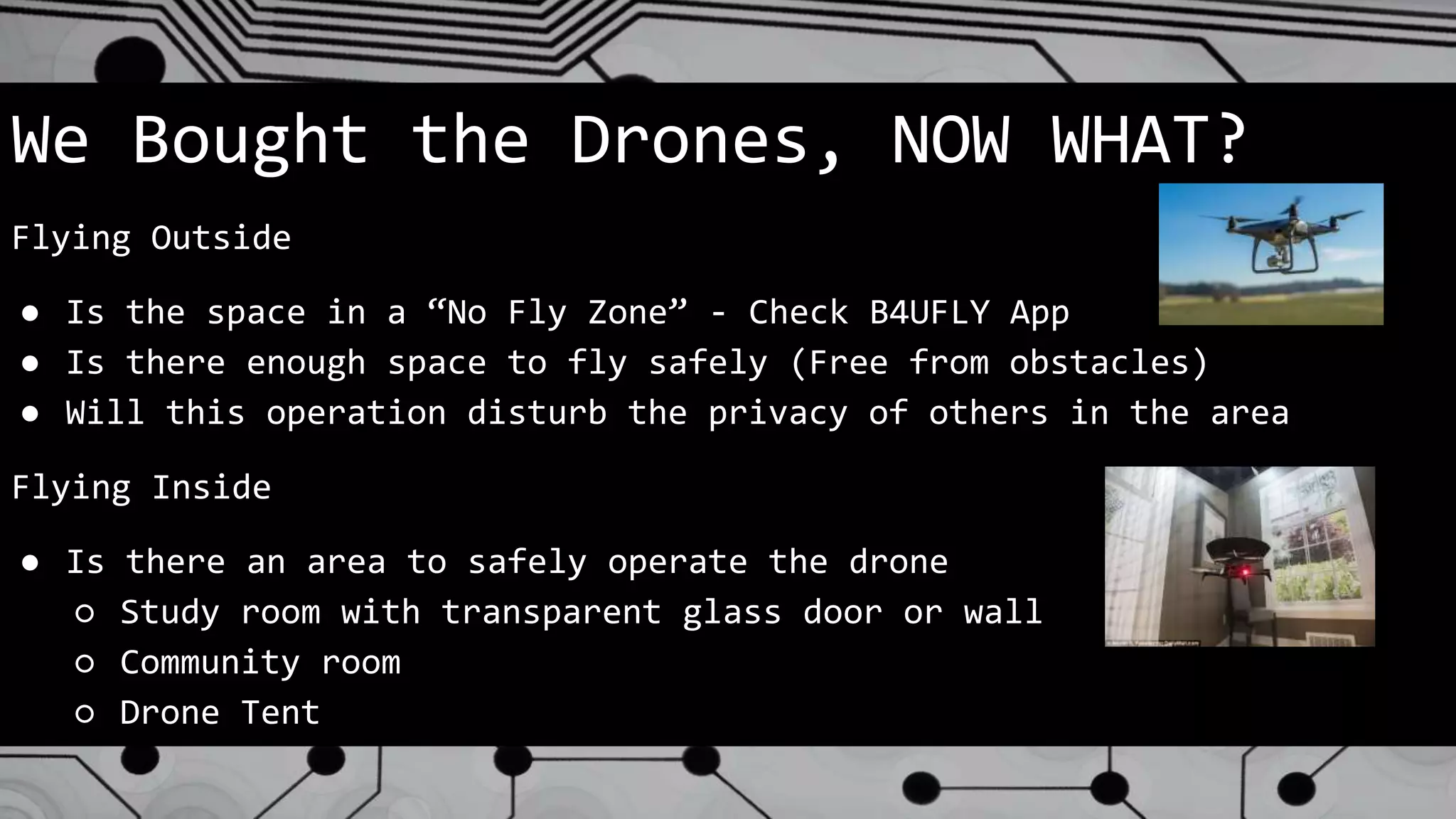
Flying Outside
● Is the space in a “No Fly Zone” - Check B4UFLY App
● Is there enough space to fly safely (Free from obstacles)
● Will this operation disturb the privacy of others in the area
Flying Inside
● Is there an area to safely operate the drone
○ Study room with transparent glass door or wall
○ Community room
○ Drone Tent
STAFF TRAINING
● Begin with a Coalition of the Willing
● Consider bringing in a trained expert to “Train
the Trainers”
● Have those trained then train other interested
staff
● PRACTICE, PRACTICE, PRACTICE
Classes/Programming
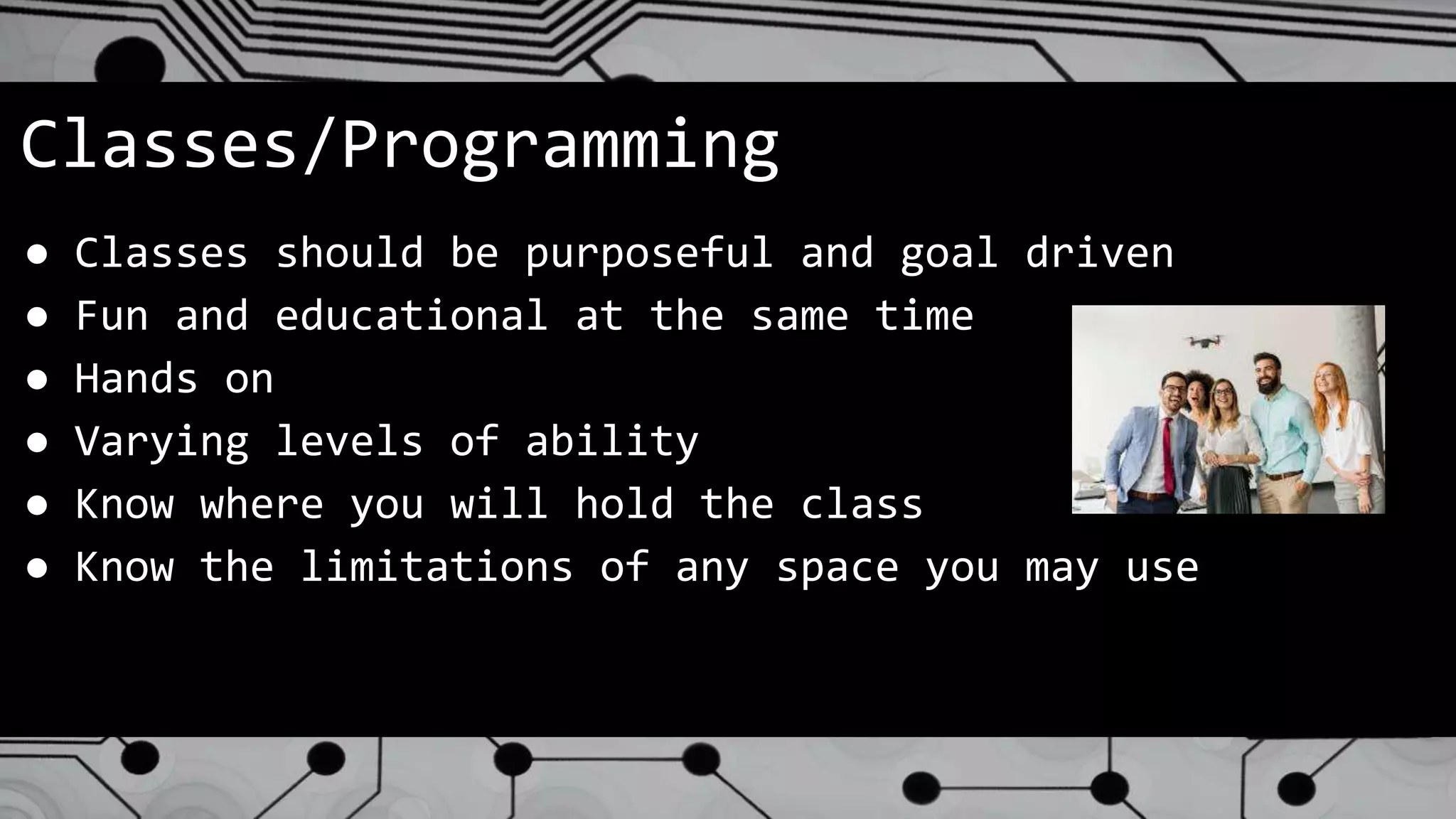
● Classes should be purposeful and goal driven
● Fun and educational at the same time
● Hands on
● Varying levels of ability
● Know where you will hold the class
● Know the limitations of any space you may use
Partnerships
● Local model aircraft clubs
● Local Air National Guard
● Local community colleges, universities and flight schools
● Local businesses that employ drones as part of their work
○ Real Estate agents
○ Surveyors
○ Solar panel installers
○ Roofers
Future of Drones in Libraries
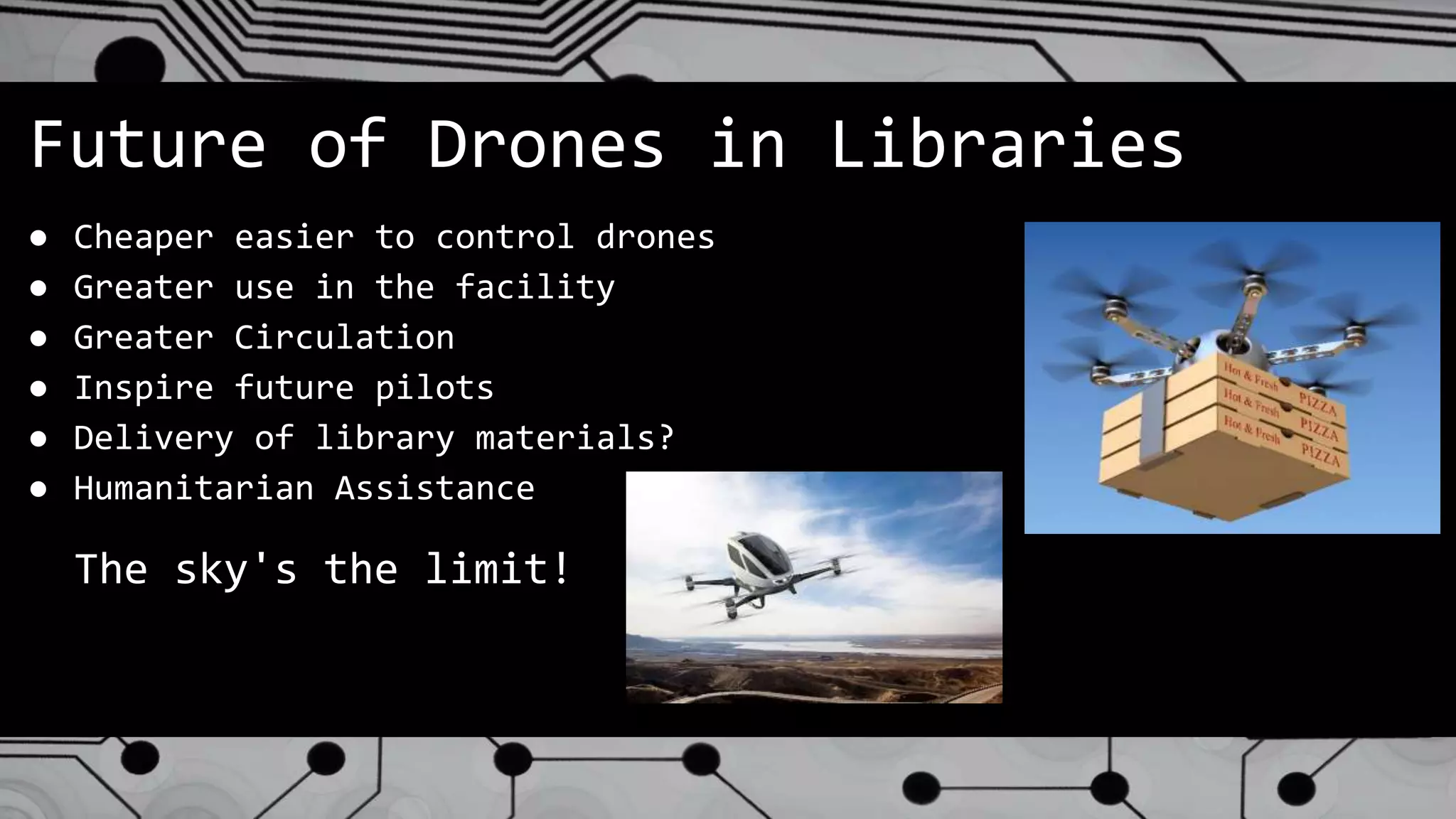
● Cheaper easier to control drones
● Greater use in the facility
● Greater Circulation
● Inspire future pilots
● Delivery of library materials?
● Humanitarian Assistance
The sky's the limit!
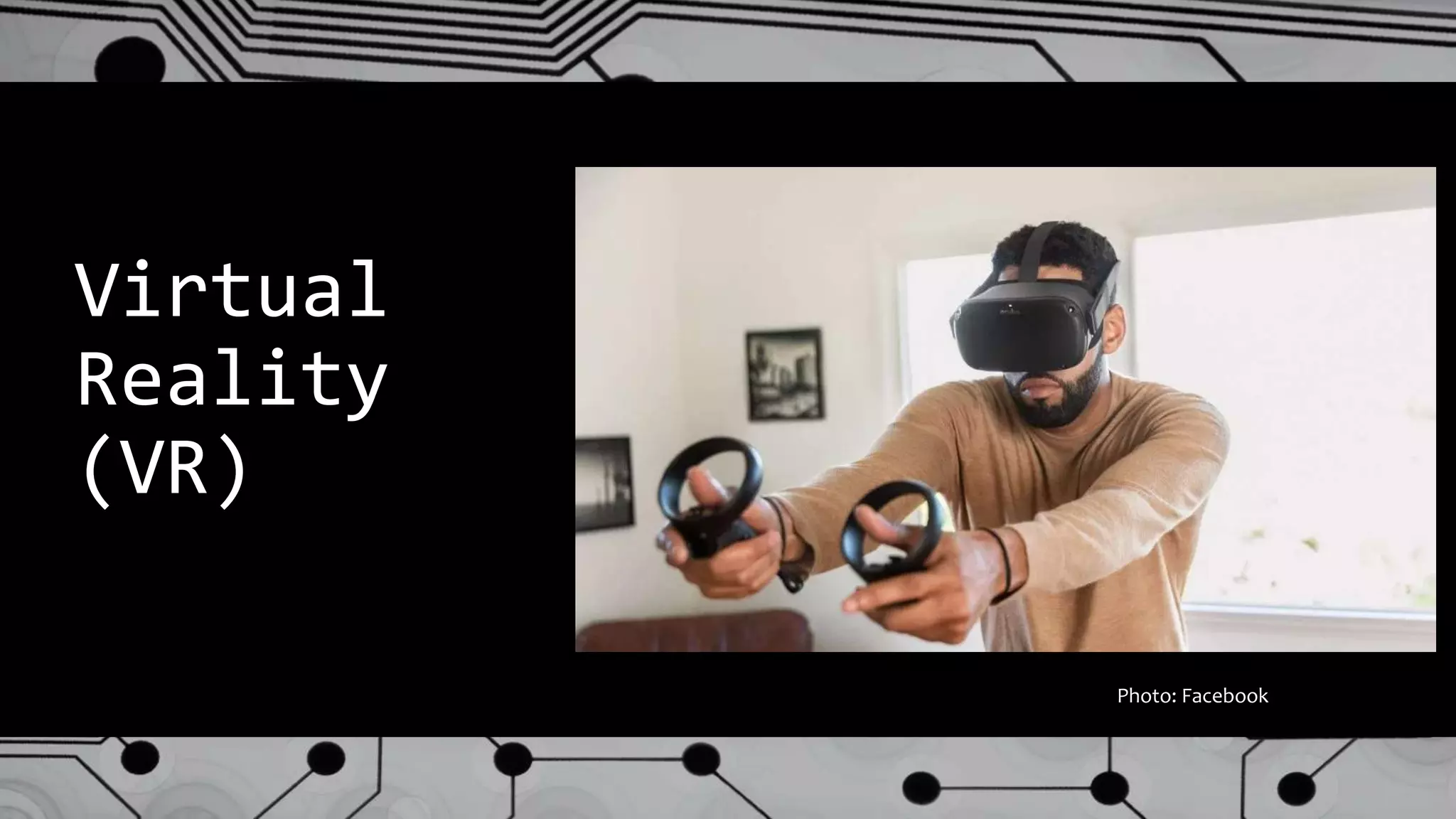
Virtual
Reality
(VR)
Photo: Facebook
What is Virtual Reality (VR)?
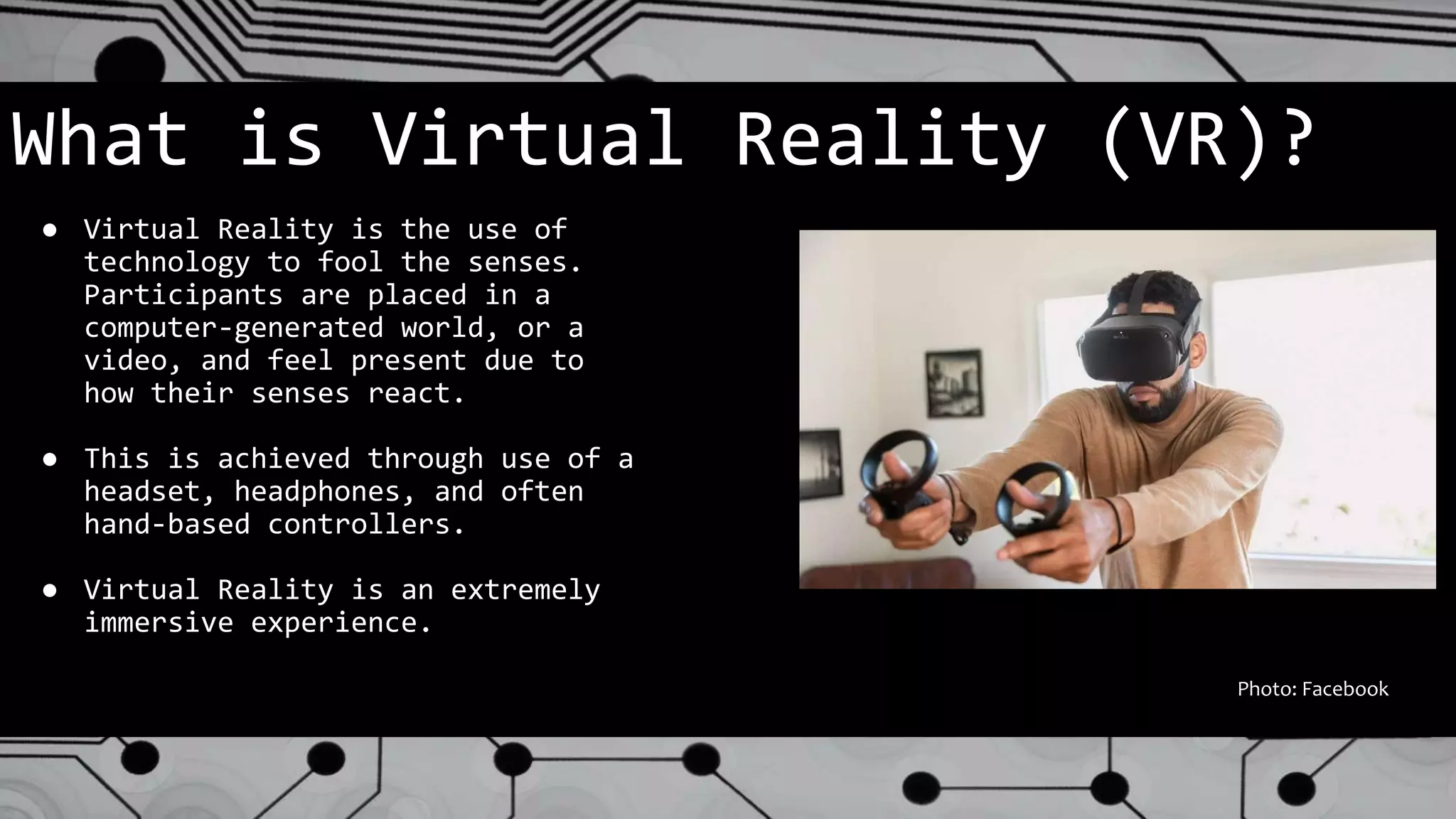
● Virtual Reality is the use of
technology to fool the senses.
Participants are placed in a
computer-generated world, or a
video, and feel present due to
how their senses react.
● This is achieved through use of a
headset, headphones, and often
hand-based controllers.
● Virtual Reality is an extremely
immersive experience.
Photo: Facebook
Why Should Libraries Know About VR?
● Virtual Reality is an exciting,
emerging technology. It can bring
people into libraries or it can be
taken off-site.
● VR is more than just gaming. It is
virtual visits to museums, exotic
locales, and places that humans
can not enter.
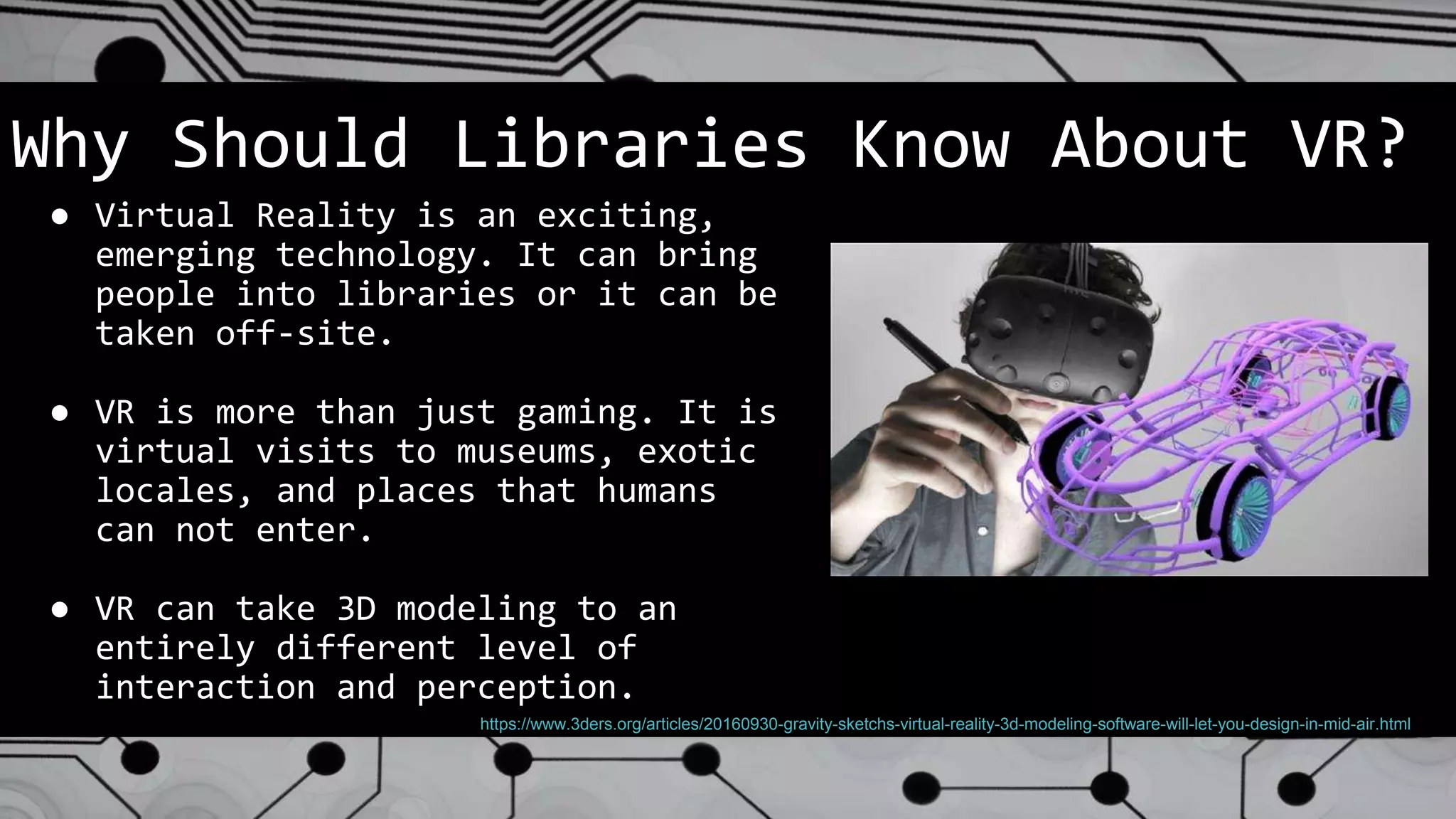
● VR can take 3D modeling to an
entirely different level of
interaction and perception.
https://www.3ders.org/articles/20160930-gravity-sketchs-virtual-reality-3d-modeling-software-will-let-you-design-in-mid-air.html
What’s New in this Field?
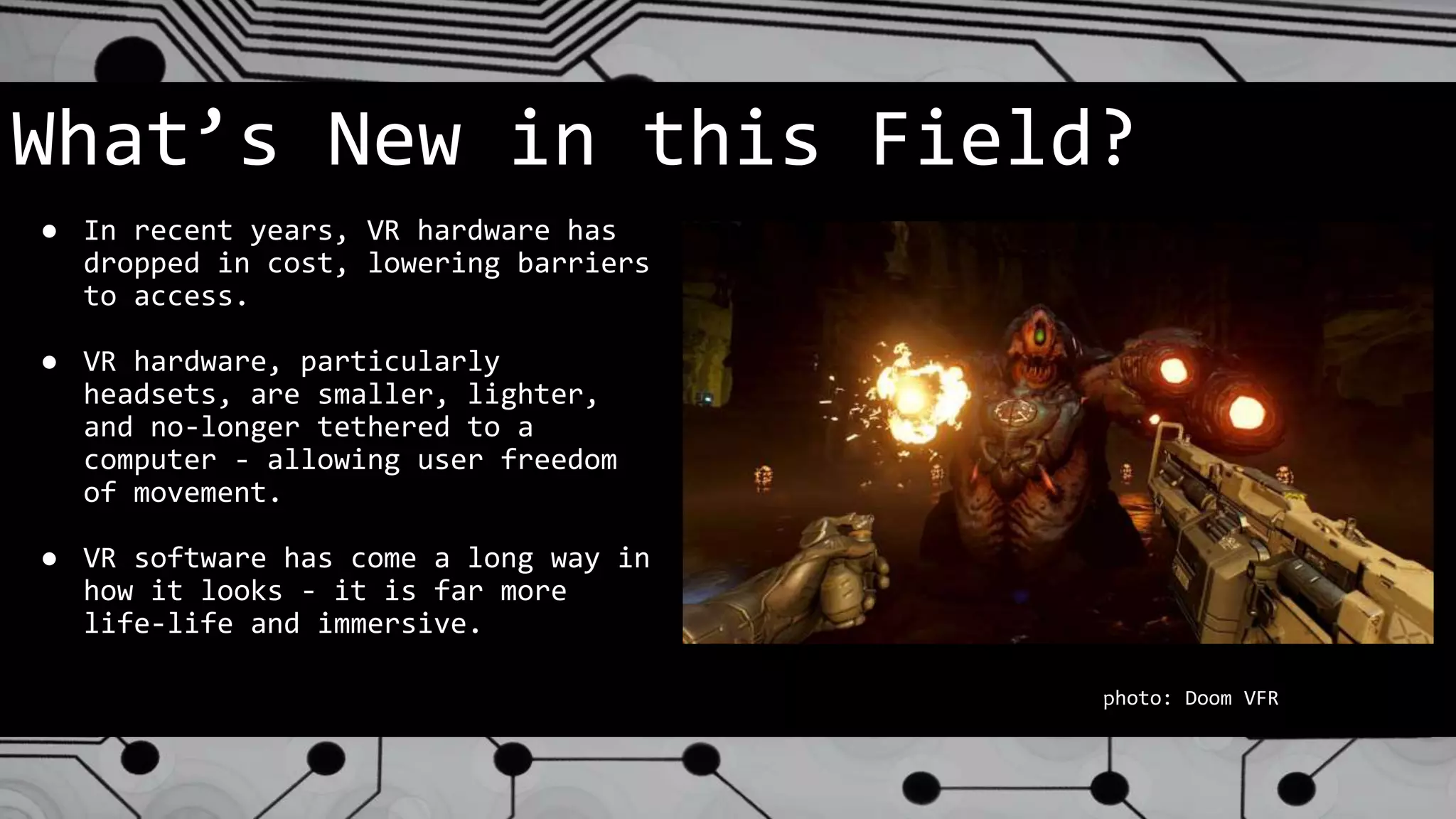
● In recent years, VR hardware has
dropped in cost, lowering barriers
to access.
● VR hardware, particularly
headsets, are smaller, lighter,
and no-longer tethered to a
computer - allowing user freedom
of movement.
● VR software has come a long way in
how it looks - it is far more
life-life and immersive.
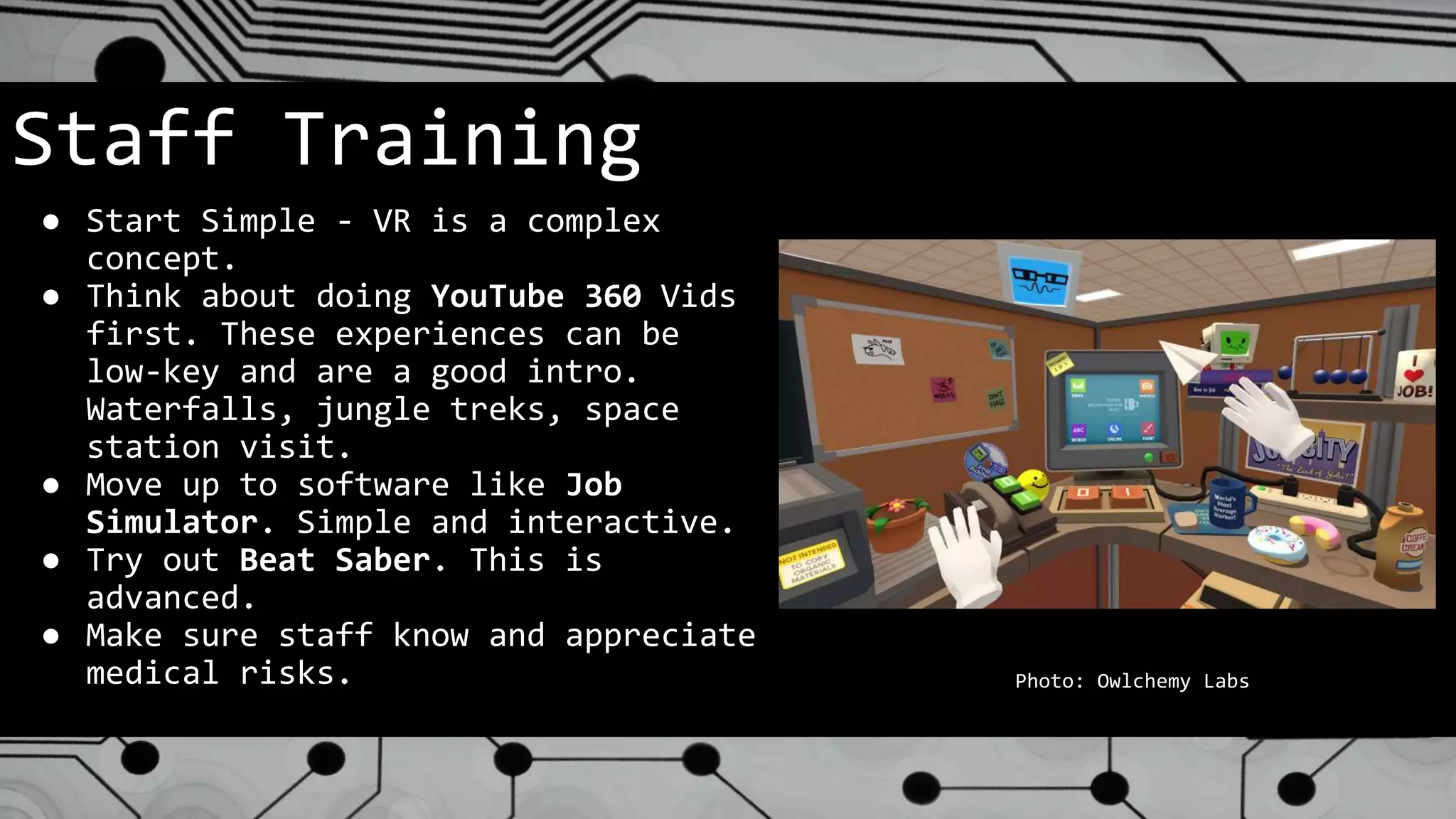
photo: Doom VFR
Staff Training
● Start Simple - VR is a complex
concept.
● Think about doing YouTube 360 Vids
first. These experiences can be
low-key and are a good intro.
Waterfalls, jungle treks, space
station visit.
● Move up to software like Job
Simulator. Simple and interactive.
● Try out Beat Saber. This is
advanced.
● Make sure staff know and appreciate
medical risks. Photo: Owlchemy Labs
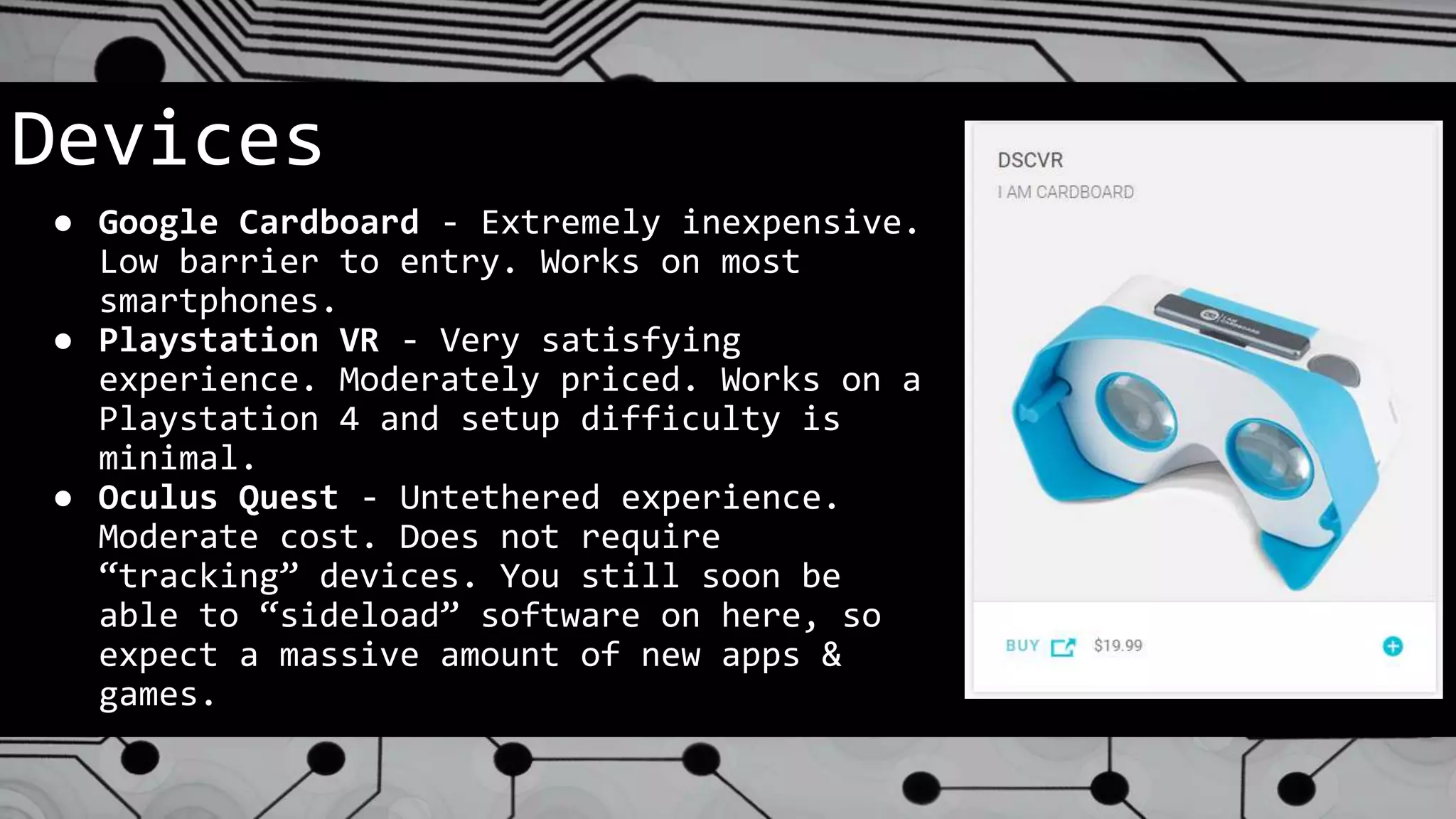
Devices
● Google Cardboard - Extremely inexpensive.
Low barrier to entry. Works on most
smartphones.
● Playstation VR - Very satisfying
experience. Moderately priced. Works on a
Playstation 4 and setup difficulty is
minimal.
● Oculus Quest - Untethered experience.
Moderate cost. Does not require
“tracking” devices. You still soon be
able to “sideload” software on here, so
expect a massive amount of new apps &
games.
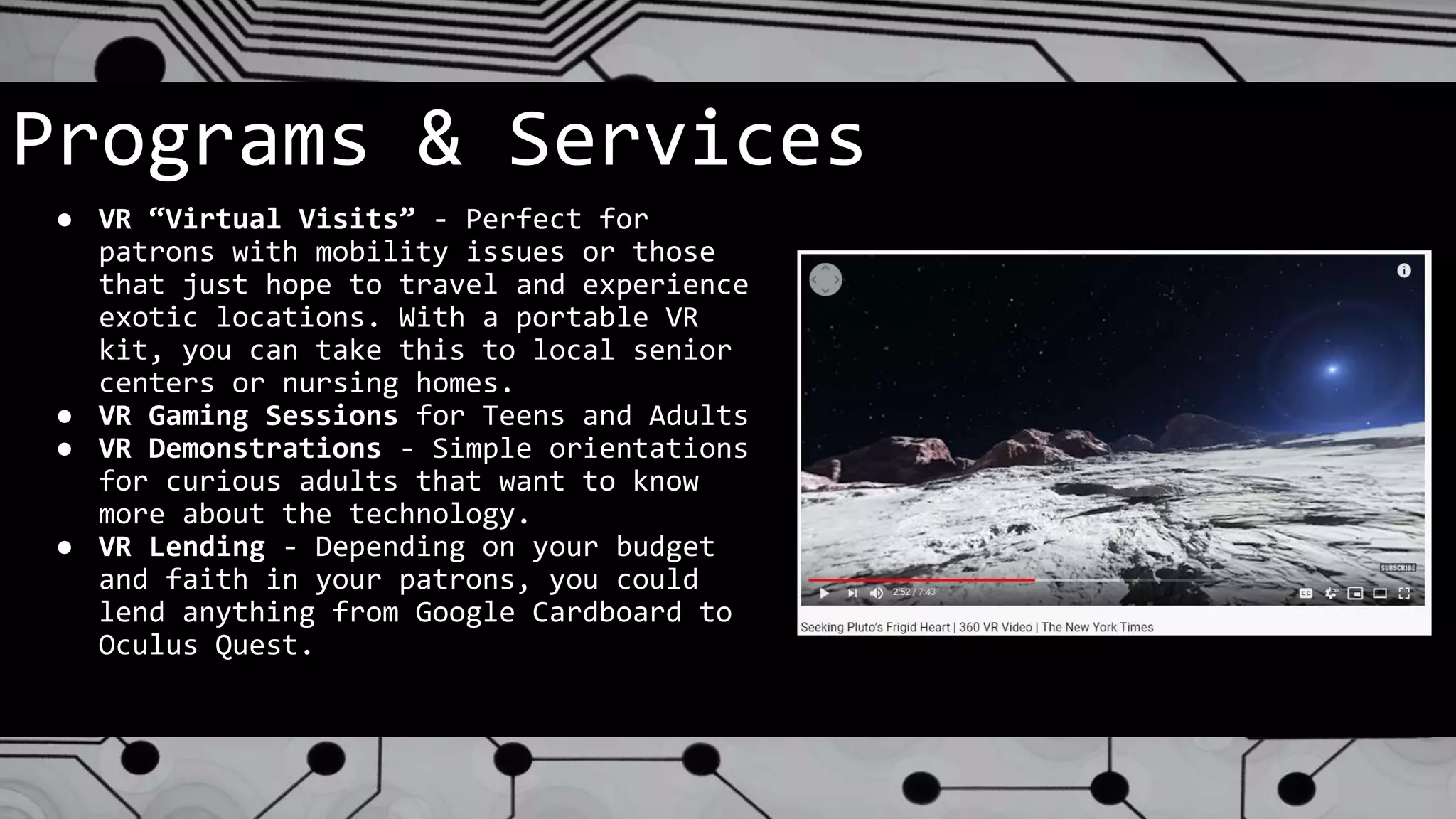
Programs & Services
● VR “Virtual Visits” - Perfect for
patrons with mobility issues or those
that just hope to travel and experience
exotic locations. With a portable VR
kit, you can take this to local senior
centers or nursing homes.
● VR Gaming Sessions for Teens and Adults
● VR Demonstrations - Simple orientations
for curious adults that want to know
more about the technology.
● VR Lending - Depending on your budget
and faith in your patrons, you could
lend anything from Google Cardboard to
Oculus Quest.
Policy Considerations
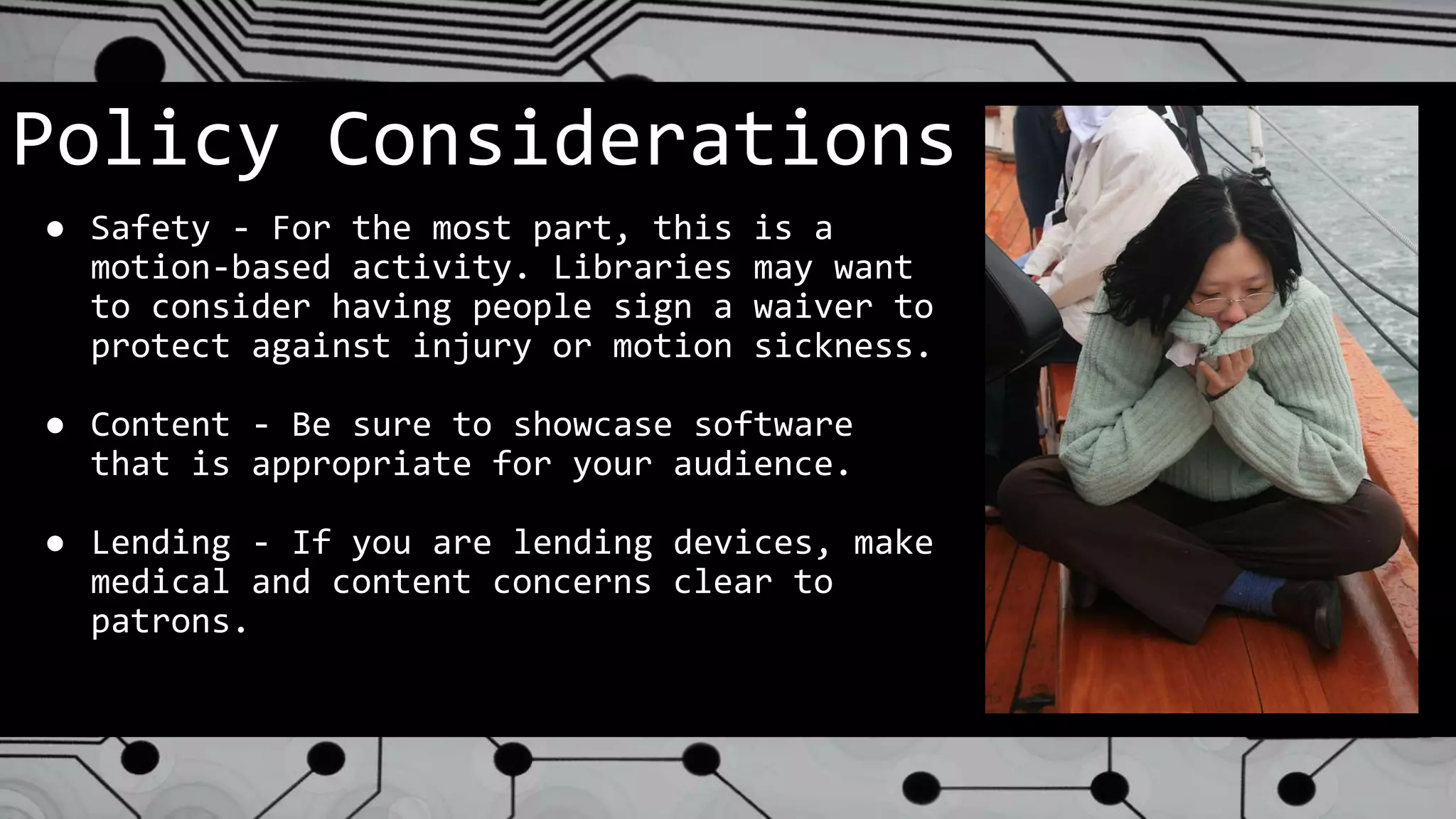
● Safety - For the most part, this is a
motion-based activity. Libraries may want
to consider having people sign a waiver to
protect against injury or motion sickness.
● Content - Be sure to showcase software
that is appropriate for your audience.
● Lending - If you are lending devices, make
medical and content concerns clear to
patrons.
What Does the Future Hold?
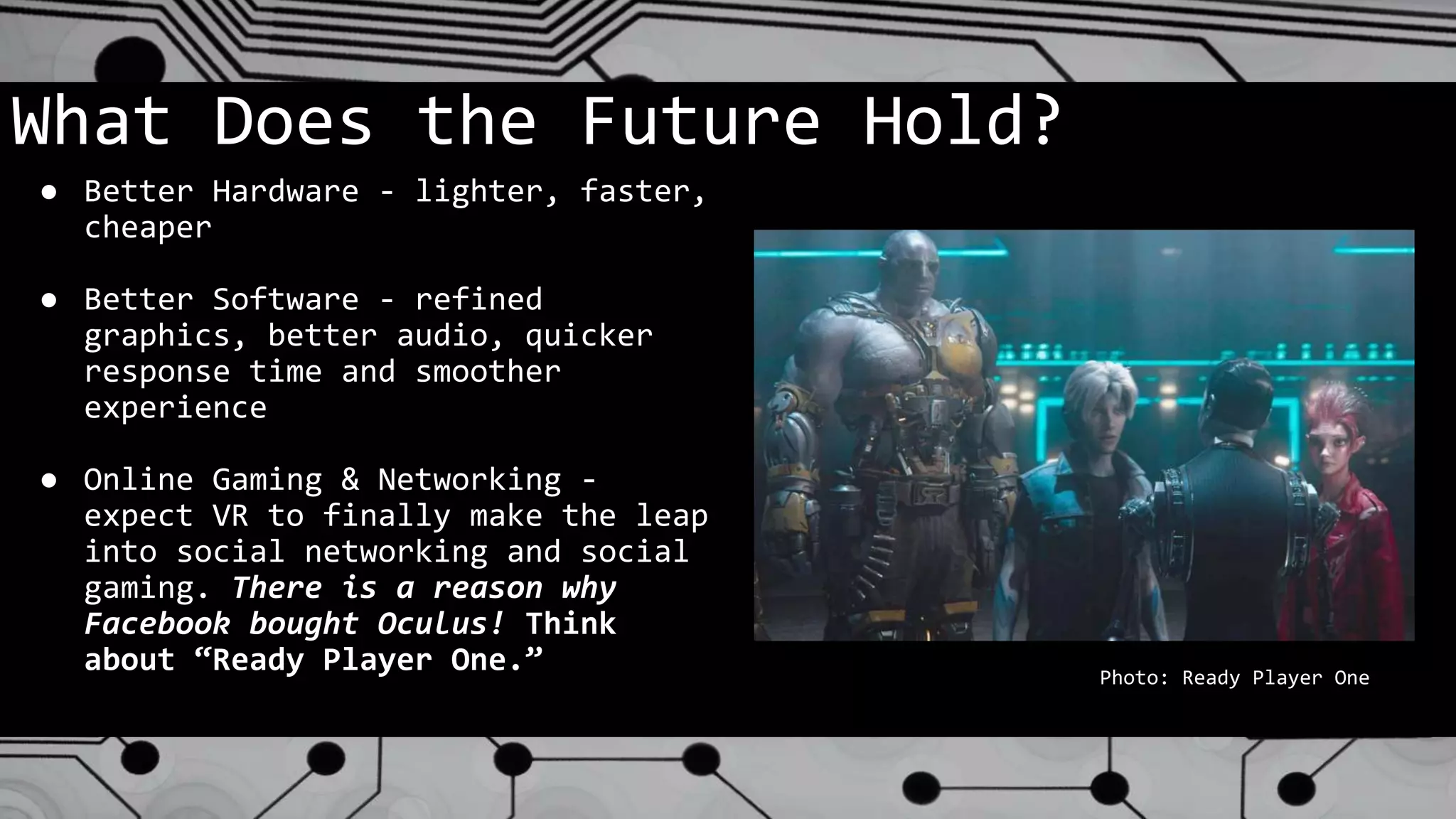
● Better Hardware - lighter, faster,
cheaper
● Better Software - refined
graphics, better audio, quicker
response time and smoother
experience
● Online Gaming & Networking -
expect VR to finally make the leap
into social networking and social
gaming. There is a reason why
Facebook bought Oculus! Think
about “Ready Player One.” Photo: Ready Player One
On The
Horizon
3D Mapping
of
Buildings
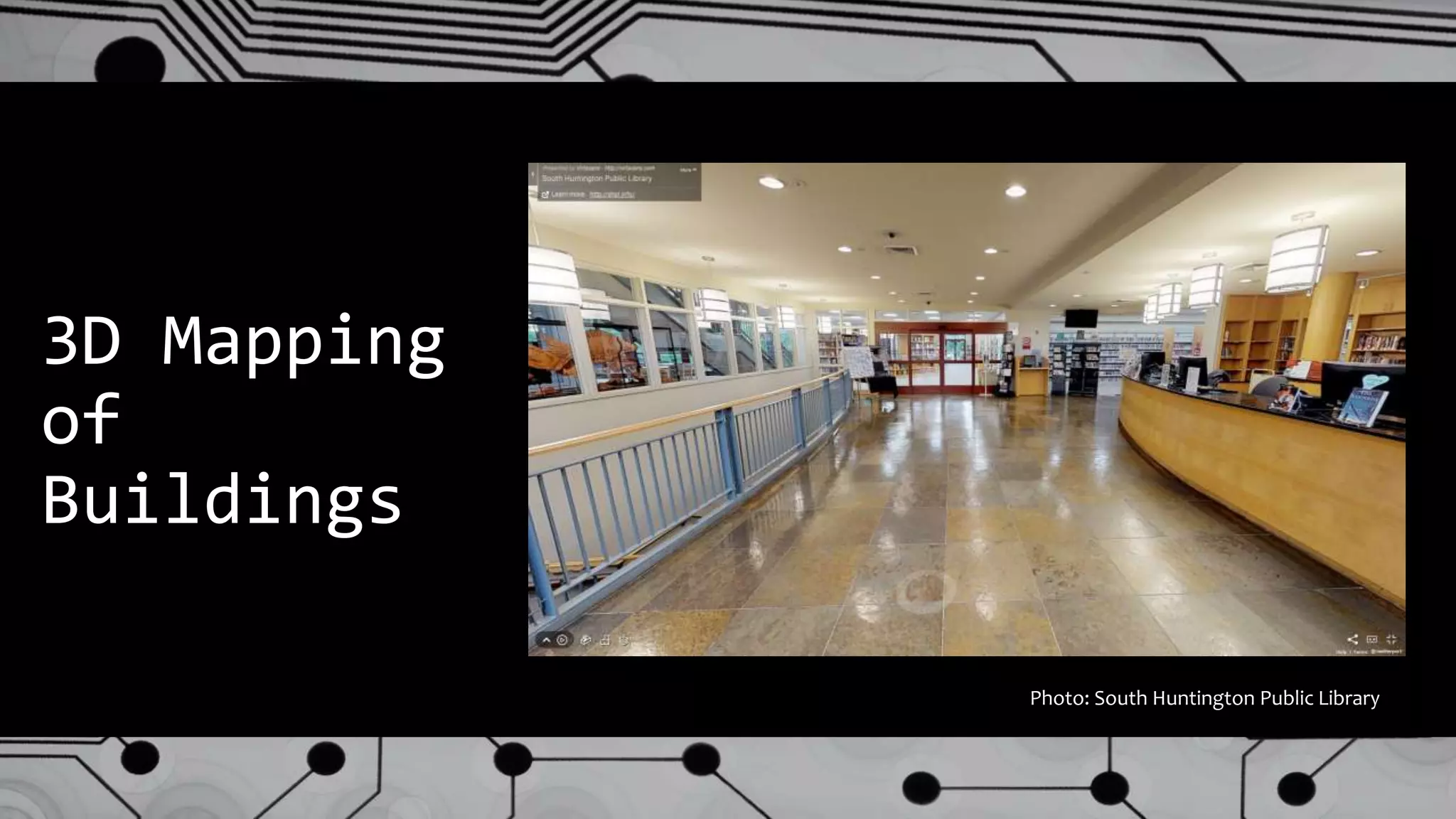
Photo: South Huntington Public Library
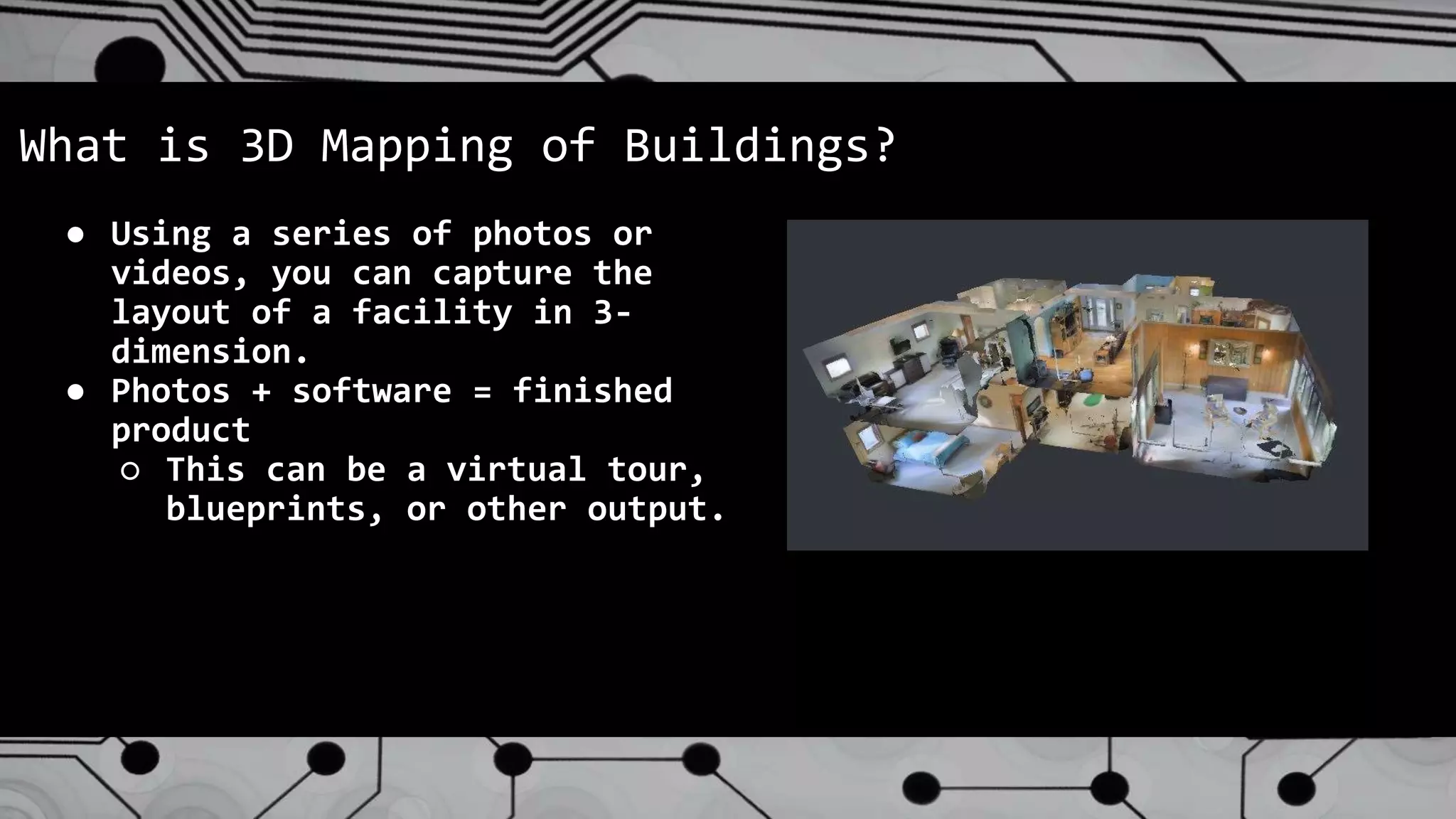
● Using a series of photos or
videos, you can capture the
layout of a facility in 3-
dimension.
● Photos + software = finished
product
○ This can be a virtual tour,
blueprints, or other output.
What is 3D Mapping of Buildings?
What Should Libraries Know About 3D Mapping?
● Can be accomplished with inexpensive equipment,
though cheaper = more complicated.
● Interfaces with other technologies
○ 3D printing
○ Virtual reality
○ Augmented reality
○ Google Street View
Considerations for Libraries
● Privacy concerns
○ Clean the office first!
○ Passwords, sensitive information.
● Safety concerns
○ Distinguish between staff and public
space.
○ One public tour, and one private.
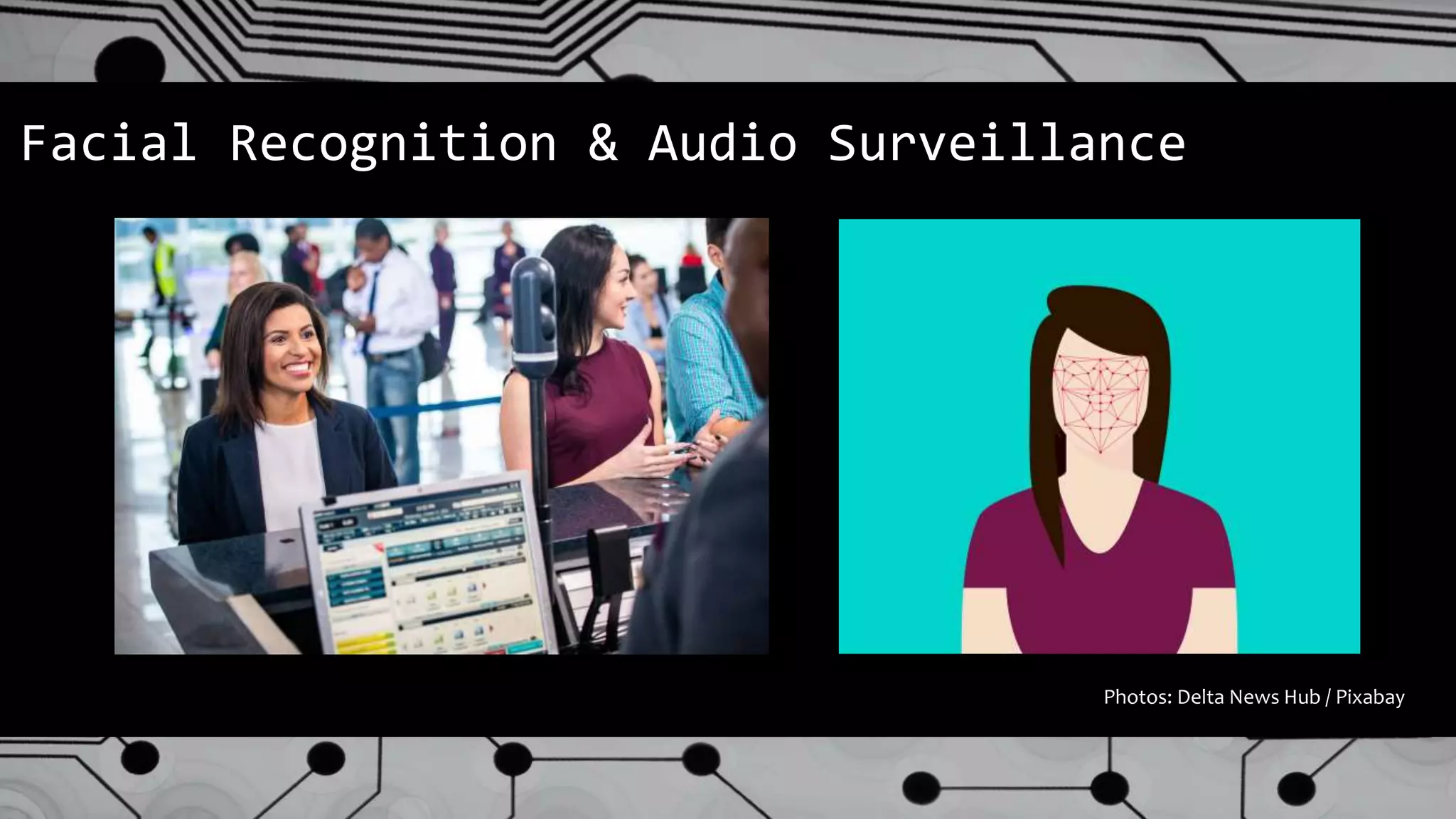
Facial Recognition & Audio Surveillance
Photos: Delta News Hub / Pixabay
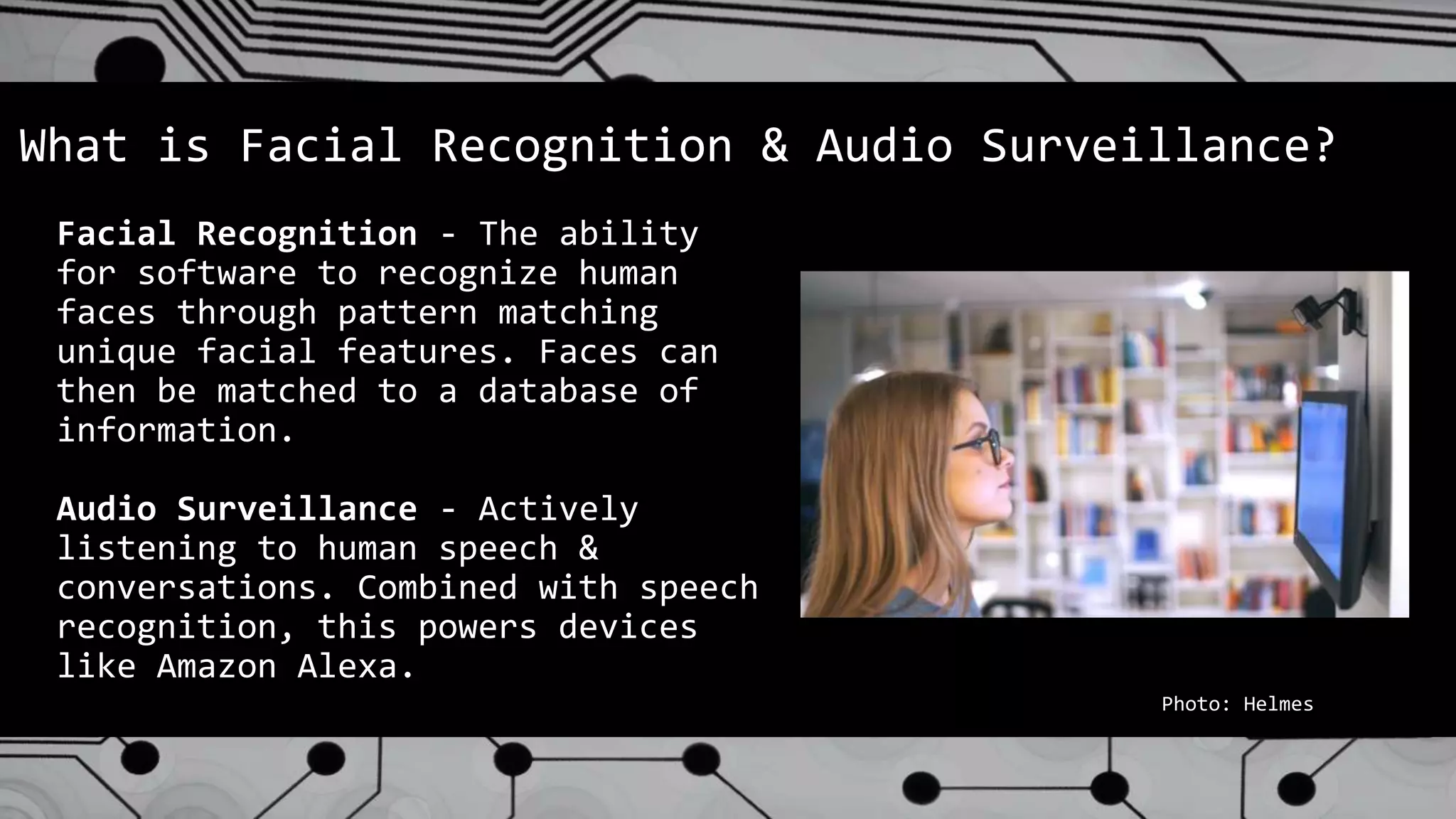
Facial Recognition - The ability
for software to recognize human
faces through pattern matching
unique facial features. Faces can
then be matched to a database of
information.
Audio Surveillance - Actively
listening to human speech &
conversations. Combined with speech
recognition, this powers devices
like Amazon Alexa.
What is Facial Recognition & Audio Surveillance?
Photo: Helmes
Why Should Libraries Know About Surveillance?
● Facial Recognition is becoming so affordable and
commonplace that security camera companies offer
software solutions that link with Police crime
databases. The next time you upgrade your camera
system, this may be presented as an option.
● Facial Recognition is being used in Estonia to
replace the need for library cards. (https://www.helmes.com/book-
lending-based-on-face-recognition/)
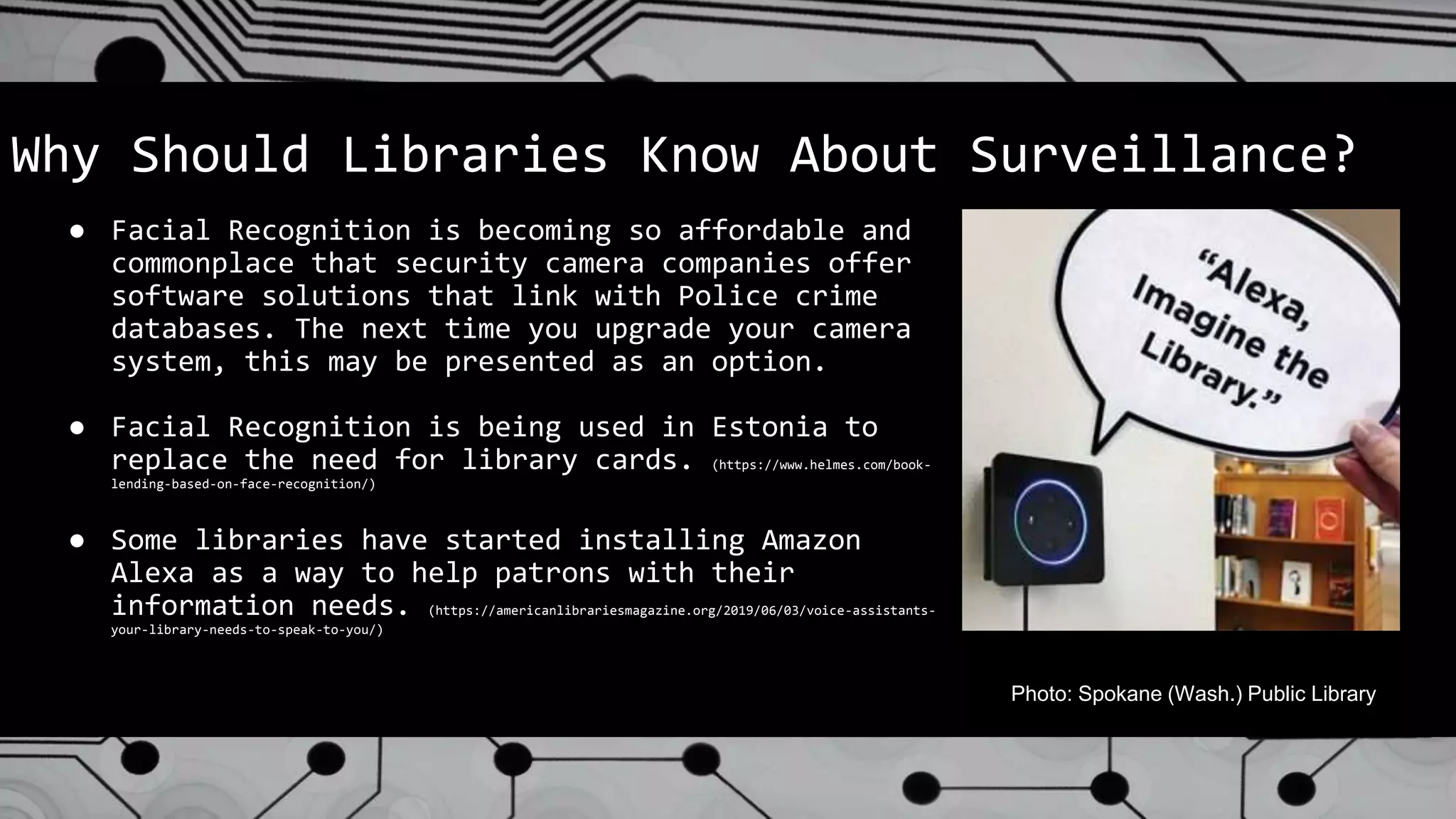
● Some libraries have started installing Amazon
Alexa as a way to help patrons with their
information needs. (https://americanlibrariesmagazine.org/2019/06/03/voice-assistants-
your-library-needs-to-speak-to-you/)
Photo: Spokane (Wash.) Public Library
Considerations for Libraries
● Patron Privacy!!!
(yes, three exclamation points)
● Where does this data go and how is
it protected? Hard to say.
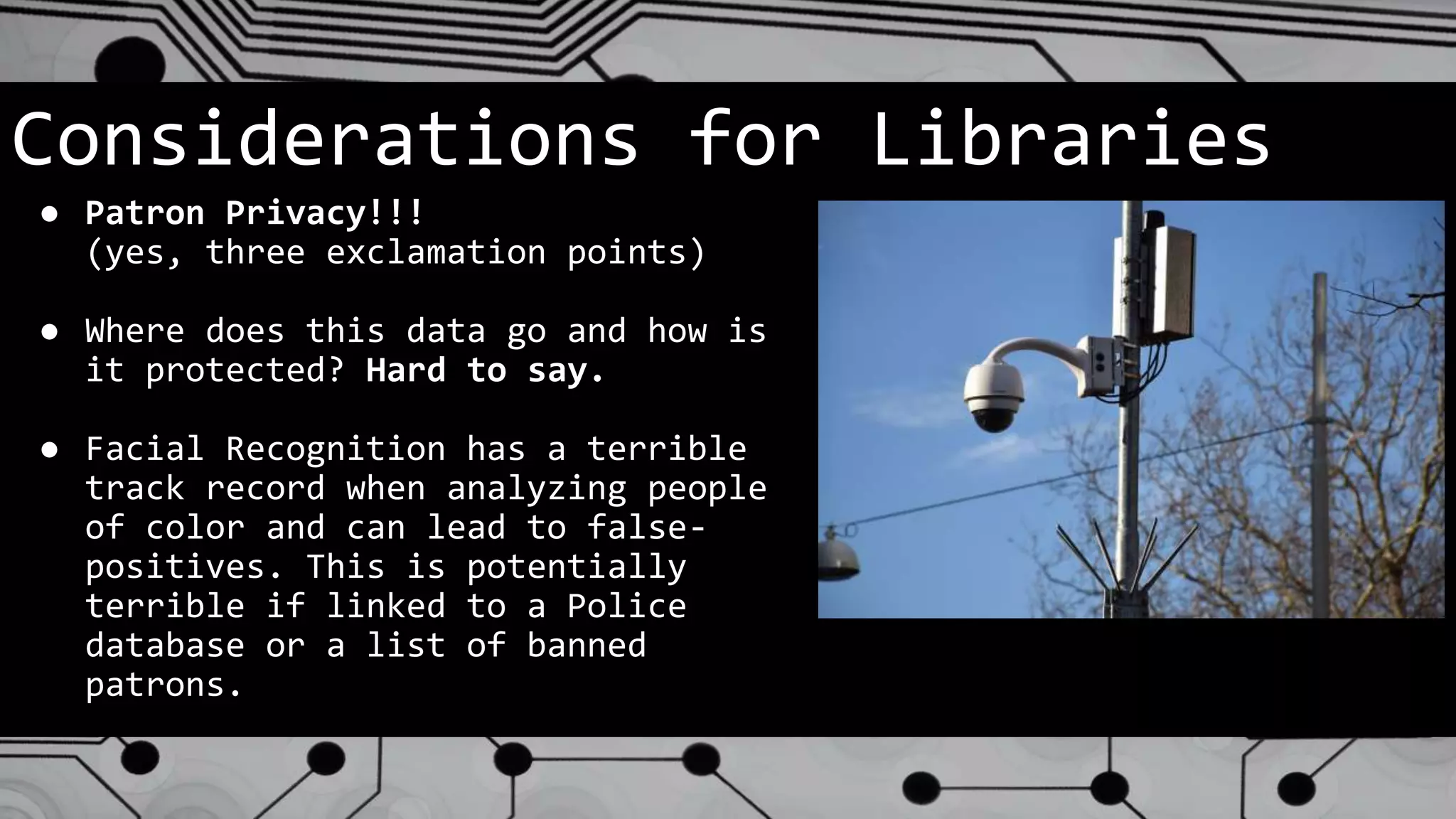
● Facial Recognition has a terrible
track record when analyzing people
of color and can lead to false-
positives. This is potentially
terrible if linked to a Police
database or a list of banned
patrons.
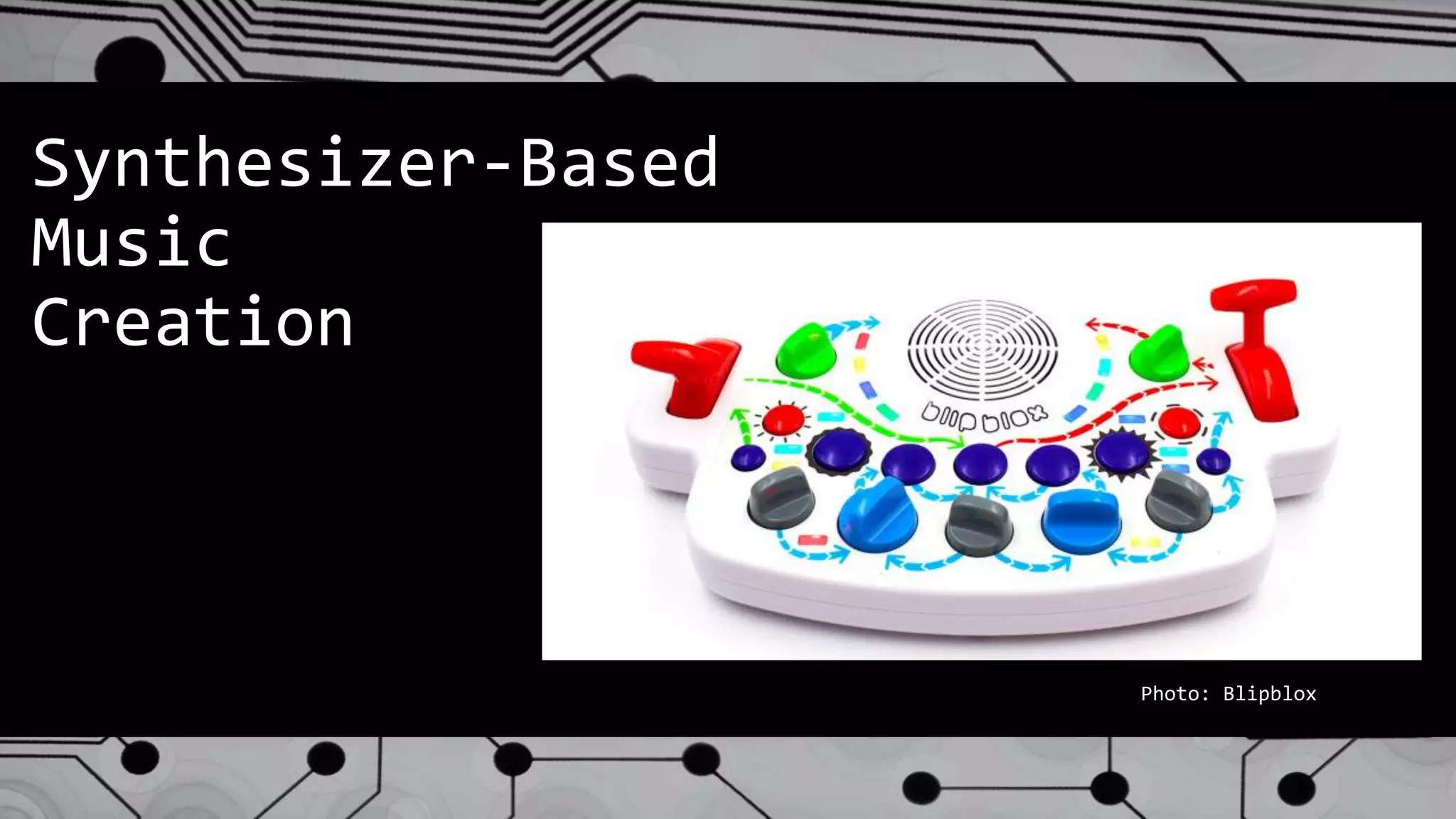
Synthesizer-Based
Music
Creation
Photo: Blipblox
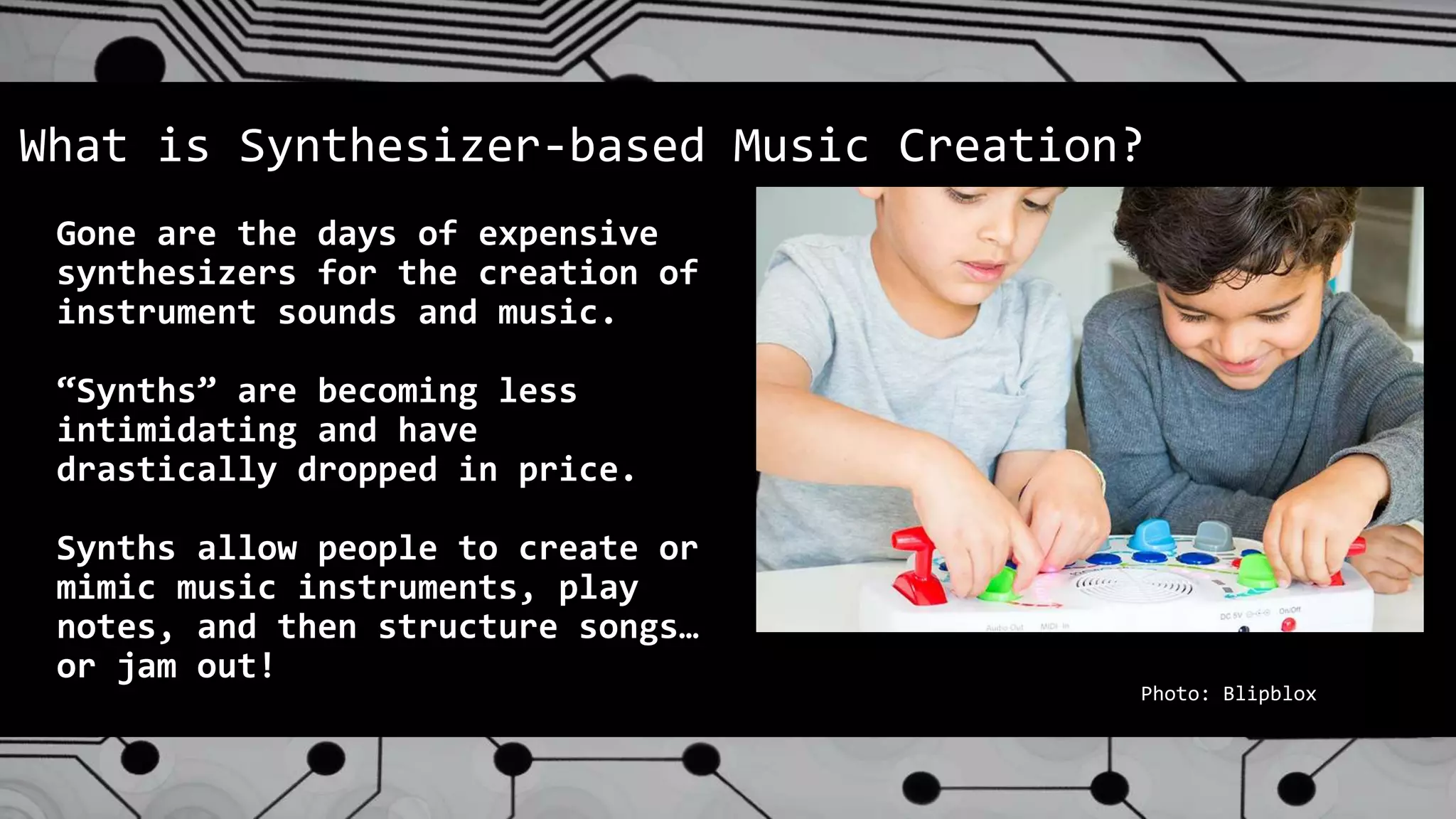
Gone are the days of expensive
synthesizers for the creation of
instrument sounds and music.
“Synths” are becoming less
intimidating and have
drastically dropped in price.
Synths allow people to create or
mimic music instruments, play
notes, and then structure songs…
or jam out!
What is Synthesizer-based Music Creation?
Photo: Blipblox
Why Should Libraries Know About Music Creation?
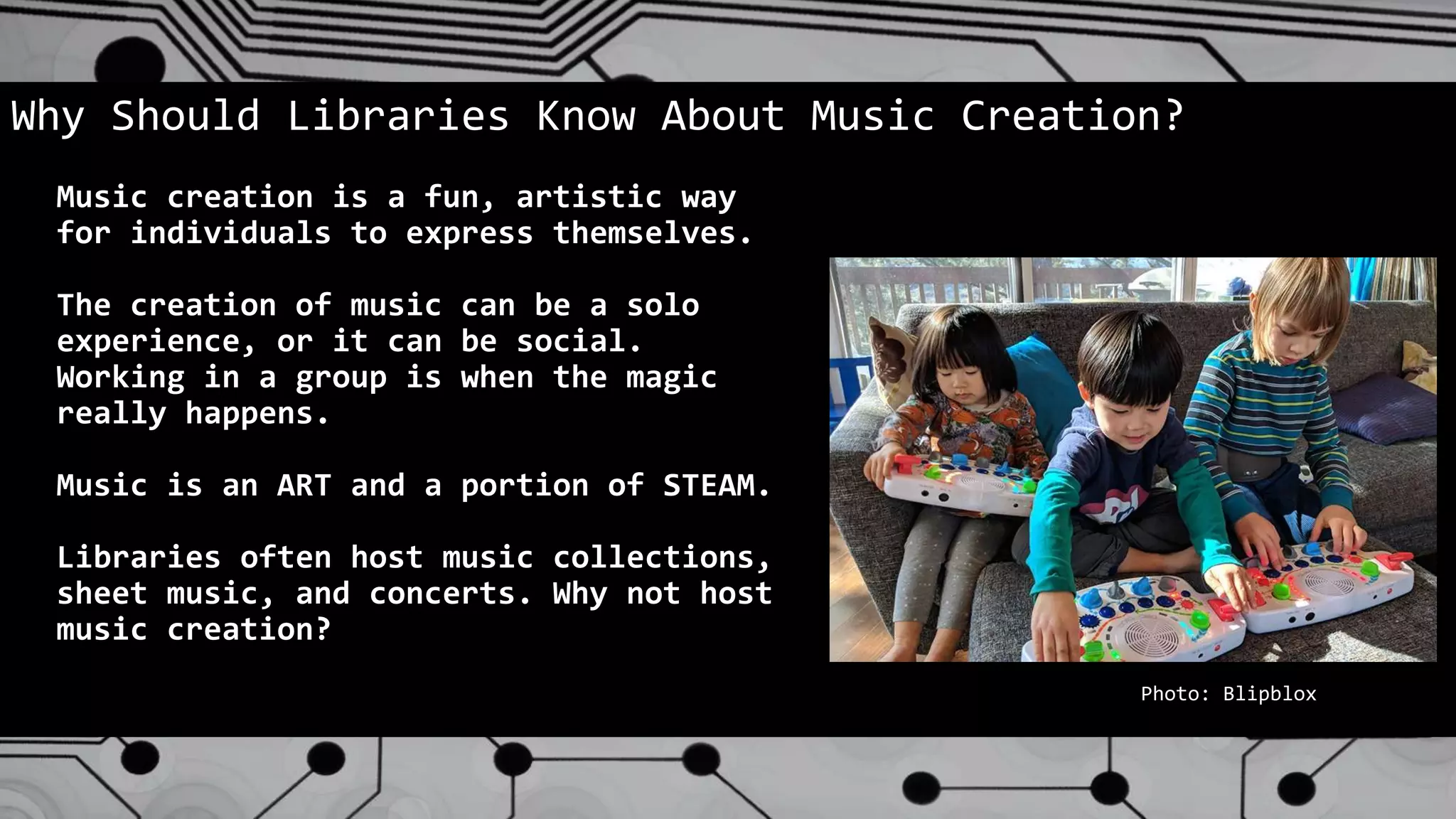
Music creation is a fun, artistic way
for individuals to express themselves.
The creation of music can be a solo
experience, or it can be social.
Working in a group is when the magic
really happens.
Music is an ART and a portion of STEAM.
Libraries often host music collections,
sheet music, and concerts. Why not host
music creation?
Photo: Blipblox
Considerations for Libraries
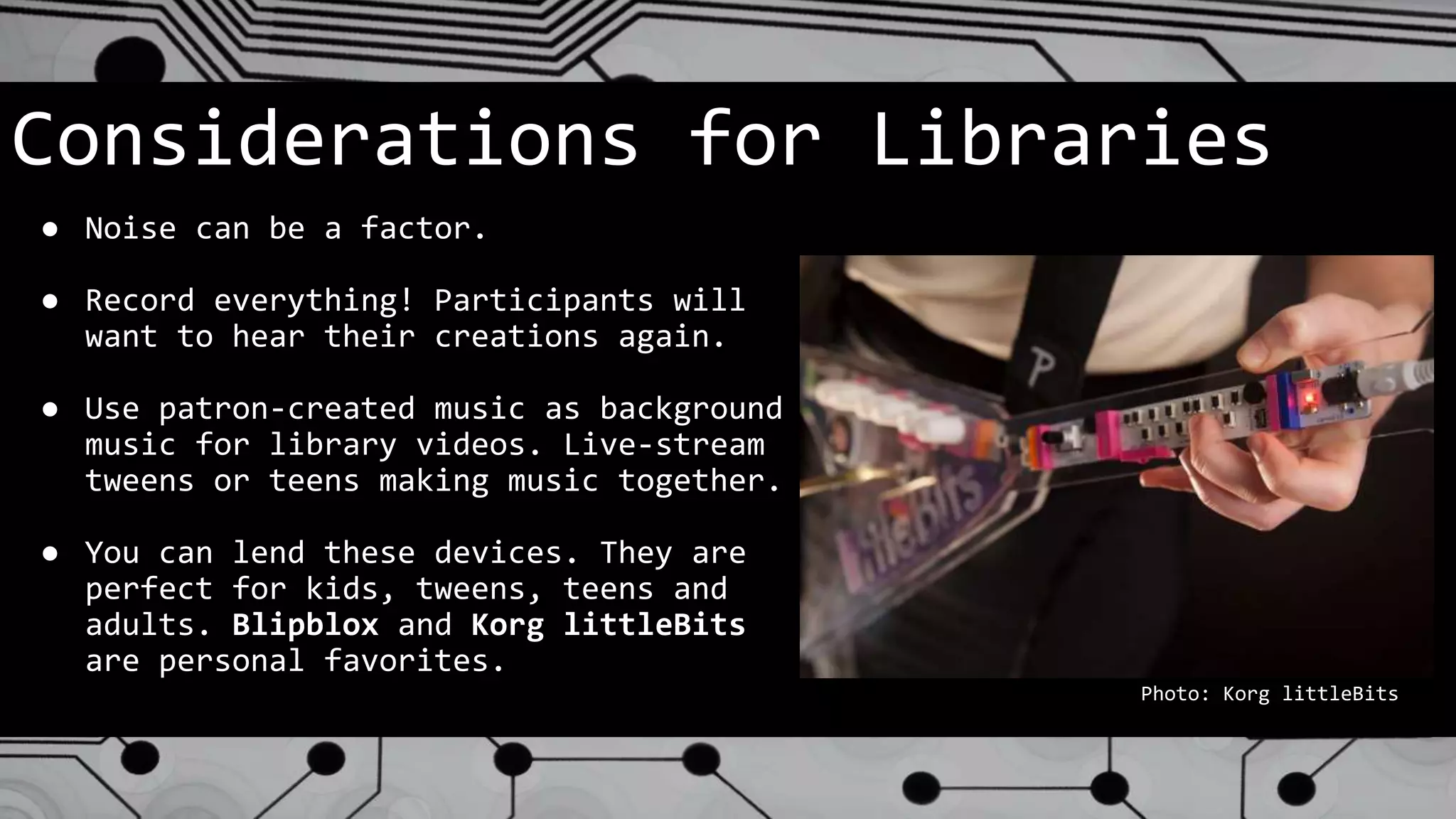
● Noise can be a factor.
● Record everything! Participants will
want to hear their creations again.
● Use patron-created music as background
music for library videos. Live-stream
tweens or teens making music together.
● You can lend these devices. They are
perfect for kids, tweens, teens and
adults. Blipblox and Korg littleBits
are personal favorites.
Photo: Korg littleBits
THANK YOU! Any Questions?
● Chris DeCristofaro
Sachem Public Library
chris.decristofaro@sachemlibrary.org
@cdecrist
● James Hutter
Port Washington Public Library
hutterj@pwpl.org / @james_lead
● Nick Tanzi
South Huntington Public Library
ntanzi@shpl.info / @techie_lib

State of Technology in Libraries 2019

  • 1.
    State of Techin Libraries NYLA Annual Conference 2019
  • 2.
  • 3.
    James Hutter Presented By PortWashington Public Library
  • 4.
    Nick Tanzi Presented By SouthHuntington Public Library
  • 5.
  • 6.
  • 7.
    What is 3DPrinting? ● The creation of a three dimensional object from a computer-aided model. ● Typically this is done layer by layer ● Also known as “additive manufacturing” ● It is increasingly being adopted by fields as varied as the biomedical & automotive industries.
  • 8.
    Why Bring 3DPrinting to Your Library? ● 3D printing is increasingly viewed as a key manufacturing trend in the 21st century. ● While prices have come down, it is still prohibitively expensive for the majority of our patrons. ● Library can provide essential access!
  • 9.
    Considerations for Libraries ●Equipment Selection ● Staff Training ● Policy Development ● Programs & Services
  • 10.
    Equipment Selection ● Evaluateyour organization prior to evaluating equipment! ○ “What’s the best printer for you?”, not “what’s the best printer” ○ What is your budget? ○ How do you intend to use the technology? ○ How “techie” is your staff? ○ What are your values? ● Review sources ○ 3D Hubs ○ CNET, Consumer Reports ○ Recommendations from colleagues
  • 11.
    Staff Training ● Remember:everybody doesn’t need to know everything, but everyone must know something! ● Train according to responsibility. ○ All staff: “We have a printer. This is how we’re using it.” ○ Handlers: Can start a print job, monitor the printer for problems, answer basic questions from patrons. ○ Jobbers: can prep a file, moderate patron requests, see a print from start to finish. ○ Printer Technicians: Responsible for long-term operation of the printer, including maintenance & troubleshooting.
  • 12.
    Policy Development What arethe key considerations of a library’s 3D printing policy? ● Conformity with local, state, & federal laws ● Prohibition against weapons ● Respect for copyright ● Security of data ● Appropriate use ● Handling costs ● Hold harmless ● Library’s discretion clause ○ Should have an appeals process!
  • 13.
    Programs & Services Whatcan your patrons expect to gain from 3D printing? ● Public 3D printing service ● 3D scanning access? ○ Replacement parts ● 3D design classes ○ Instructor led ○ Learn at your own pace ● Staff use ○ Custom giveaways ○ Replacement pieces
  • 14.
    Where is theTechnology Heading? ● Faster, better, cheaper ● New and exotic materials ● Wider adoption by industries ● Home use
  • 15.
  • 16.
    What is AugmentedReality (AR)? ● Augmented Reality is the ability add objects to our physical world - virtually. ● Conceived as a way for aircraft builders to “see” engineering schematics while working inside large aircraft. ● AR initially relied on expensive hardware and highly specialized software to function. With the advent of high-powered smartphones with high-resolution cameras and screens, this tech is now accessible to nearly anyone. https://www.bmmagazine.co.uk/opinion/denis-bederov-how-ar-is-changing-engineering/
  • 17.
    Why Should LibrariesKnow About AR? ● Augmented Reality has already invaded libraries ● Pokémon Go & Harry Potter Wizards Unite ● AR has “lending potential” for libraries https://www.androidauthority.com/pokemon-go-arcore-update-913547/
  • 18.
    Why Should LibrariesKnow About AR? ● Programming & Events based around AR can be fun and unique ● Provide next-level digital signage and maps for your patrons ● Language Translation Services Photo: Google
  • 19.
    What’s New inthis Field? ● While specialized AR devices do exist, such as Microsoft HoloLens, both Apple and Google natively support AR with iOS and Android. ● Apple and Google have been making major improvements to their AR offerings. ● Due to this support from Apple and Google, it has been far easier for software developers to bring new Apps to market.
  • 20.
    Staff Training ● Thebest way to train your staff? Start with simple apps that they can install free on their smart devices: ○ Measure App ○ IKEA Place ○ ARrrrrgh ○ Night Sky ○ Google Translate ○ Instagram Face Filters ● Give them time to test these apps and play! https://digiday.com/marketing/ikea-using-augmented-reality/
  • 21.
    Programs & Services ●AR Training Workshops - Demo AR for your Patrons via BYOD (Bring Your Own Device). ● Night Sky App - A fun evening program to demo AR Astronomy. ● ARrrrrgh - A treasure hunting game, perfect for kids & parents. ● QuiverVision - Having coloring books come to life via AR! Amazing to see in person. ● AR Lending Kits - Lend out basic tablets that support AR. Pre-load them with recommended AR apps for a wide variety of age-groups and interests. https://www.nanalyze.com/2017/08/8-examples-augmented-reality-business/
  • 22.
    Policy Considerations ● PrivacyConcerns - People will basically be wandering your library with a camera activated. Educating patrons about the activity taking place will be key. ● Lending - Be sure to have smart lending policies in place, should you lend AR kits. ● App Usage and App Recommendations - Be aware of age recommendations and content ratings on apps that you use on library devices or recommend / loan to patrons.
  • 23.
    What Does theFuture Hold? Photos: Mojang / Microsoft
  • 24.
    What Does theFuture Hold? ● Minecraft Earth ● Better AR Dev Kits from Apple & Google - which means better software! ● Hardware will continue to get cheaper. ● This includes high-end hardware like HoloLens and Magic Leap. ● Strong Rumors of an Apple AR Headset for 2022 and Apple AR Glasses in 2023.
  • 25.
  • 26.
    What is aDrone & Why in a Library? ● An unmanned flying vehicle ● Increase awareness about what drones are & their potential ● Business applications ● Engineering ● Creating future drone pilots
  • 27.
    Considerations: ● FAA Regulations ●Equipment Purchasing ● Develop Policy ● Staff Training ● Develop Effective Classes
  • 28.
    Drone Types forLibraries ● NANO ○ Very small (usually 4” or less) and lightweight ○ Very Affordable ($15-$35 generally) ○ Do not need to be registered with the FAA ● SMALL ○ Better cameras ○ Fly outside very well ○ Bulk of the market ○ Stronger Air frame
  • 29.
    Library Policies Conform withLibrary’s Mission Statement Conforming with FAA Rules Safety of staff, patrons, operators and onlookers Respect the privacy of others
  • 30.
    Purchasing ● What isthe expectation of use in a library setting ● Be sure that a choice of type will conform to FAA Rules ● What classes or experiences will be offered ● Where will the drones operate? (indoor/outdoor) ● What is the battery life/flying time & can you buy extra batteries and chargers ● Availability of replacement parts
  • 31.
  • 32.
    We Bought theDrones, NOW WHAT? Flying Outside ● Is the space in a “No Fly Zone” - Check B4UFLY App ● Is there enough space to fly safely (Free from obstacles) ● Will this operation disturb the privacy of others in the area Flying Inside ● Is there an area to safely operate the drone ○ Study room with transparent glass door or wall ○ Community room ○ Drone Tent
  • 33.
    STAFF TRAINING ● Beginwith a Coalition of the Willing ● Consider bringing in a trained expert to “Train the Trainers” ● Have those trained then train other interested staff ● PRACTICE, PRACTICE, PRACTICE
  • 34.
    Classes/Programming ● Classes shouldbe purposeful and goal driven ● Fun and educational at the same time ● Hands on ● Varying levels of ability ● Know where you will hold the class ● Know the limitations of any space you may use
  • 35.
    Partnerships ● Local modelaircraft clubs ● Local Air National Guard ● Local community colleges, universities and flight schools ● Local businesses that employ drones as part of their work ○ Real Estate agents ○ Surveyors ○ Solar panel installers ○ Roofers
  • 36.
    Future of Dronesin Libraries ● Cheaper easier to control drones ● Greater use in the facility ● Greater Circulation ● Inspire future pilots ● Delivery of library materials? ● Humanitarian Assistance The sky's the limit!
  • 37.
  • 38.
    What is VirtualReality (VR)? ● Virtual Reality is the use of technology to fool the senses. Participants are placed in a computer-generated world, or a video, and feel present due to how their senses react. ● This is achieved through use of a headset, headphones, and often hand-based controllers. ● Virtual Reality is an extremely immersive experience. Photo: Facebook
  • 39.
    Why Should LibrariesKnow About VR? ● Virtual Reality is an exciting, emerging technology. It can bring people into libraries or it can be taken off-site. ● VR is more than just gaming. It is virtual visits to museums, exotic locales, and places that humans can not enter. ● VR can take 3D modeling to an entirely different level of interaction and perception. https://www.3ders.org/articles/20160930-gravity-sketchs-virtual-reality-3d-modeling-software-will-let-you-design-in-mid-air.html
  • 40.
    What’s New inthis Field? ● In recent years, VR hardware has dropped in cost, lowering barriers to access. ● VR hardware, particularly headsets, are smaller, lighter, and no-longer tethered to a computer - allowing user freedom of movement. ● VR software has come a long way in how it looks - it is far more life-life and immersive. photo: Doom VFR
  • 41.
    Staff Training ● StartSimple - VR is a complex concept. ● Think about doing YouTube 360 Vids first. These experiences can be low-key and are a good intro. Waterfalls, jungle treks, space station visit. ● Move up to software like Job Simulator. Simple and interactive. ● Try out Beat Saber. This is advanced. ● Make sure staff know and appreciate medical risks. Photo: Owlchemy Labs
  • 42.
    Devices ● Google Cardboard- Extremely inexpensive. Low barrier to entry. Works on most smartphones. ● Playstation VR - Very satisfying experience. Moderately priced. Works on a Playstation 4 and setup difficulty is minimal. ● Oculus Quest - Untethered experience. Moderate cost. Does not require “tracking” devices. You still soon be able to “sideload” software on here, so expect a massive amount of new apps & games.
  • 43.
    Programs & Services ●VR “Virtual Visits” - Perfect for patrons with mobility issues or those that just hope to travel and experience exotic locations. With a portable VR kit, you can take this to local senior centers or nursing homes. ● VR Gaming Sessions for Teens and Adults ● VR Demonstrations - Simple orientations for curious adults that want to know more about the technology. ● VR Lending - Depending on your budget and faith in your patrons, you could lend anything from Google Cardboard to Oculus Quest.
  • 44.
    Policy Considerations ● Safety- For the most part, this is a motion-based activity. Libraries may want to consider having people sign a waiver to protect against injury or motion sickness. ● Content - Be sure to showcase software that is appropriate for your audience. ● Lending - If you are lending devices, make medical and content concerns clear to patrons.
  • 45.
    What Does theFuture Hold? ● Better Hardware - lighter, faster, cheaper ● Better Software - refined graphics, better audio, quicker response time and smoother experience ● Online Gaming & Networking - expect VR to finally make the leap into social networking and social gaming. There is a reason why Facebook bought Oculus! Think about “Ready Player One.” Photo: Ready Player One
  • 46.
  • 47.
    3D Mapping of Buildings Photo: SouthHuntington Public Library
  • 48.
    ● Using aseries of photos or videos, you can capture the layout of a facility in 3- dimension. ● Photos + software = finished product ○ This can be a virtual tour, blueprints, or other output. What is 3D Mapping of Buildings?
  • 49.
    What Should LibrariesKnow About 3D Mapping? ● Can be accomplished with inexpensive equipment, though cheaper = more complicated. ● Interfaces with other technologies ○ 3D printing ○ Virtual reality ○ Augmented reality ○ Google Street View
  • 50.
    Considerations for Libraries ●Privacy concerns ○ Clean the office first! ○ Passwords, sensitive information. ● Safety concerns ○ Distinguish between staff and public space. ○ One public tour, and one private.
  • 51.
    Facial Recognition &Audio Surveillance Photos: Delta News Hub / Pixabay
  • 52.
    Facial Recognition -The ability for software to recognize human faces through pattern matching unique facial features. Faces can then be matched to a database of information. Audio Surveillance - Actively listening to human speech & conversations. Combined with speech recognition, this powers devices like Amazon Alexa. What is Facial Recognition & Audio Surveillance? Photo: Helmes
  • 53.
    Why Should LibrariesKnow About Surveillance? ● Facial Recognition is becoming so affordable and commonplace that security camera companies offer software solutions that link with Police crime databases. The next time you upgrade your camera system, this may be presented as an option. ● Facial Recognition is being used in Estonia to replace the need for library cards. (https://www.helmes.com/book- lending-based-on-face-recognition/) ● Some libraries have started installing Amazon Alexa as a way to help patrons with their information needs. (https://americanlibrariesmagazine.org/2019/06/03/voice-assistants- your-library-needs-to-speak-to-you/) Photo: Spokane (Wash.) Public Library
  • 54.
    Considerations for Libraries ●Patron Privacy!!! (yes, three exclamation points) ● Where does this data go and how is it protected? Hard to say. ● Facial Recognition has a terrible track record when analyzing people of color and can lead to false- positives. This is potentially terrible if linked to a Police database or a list of banned patrons.
  • 55.
  • 56.
    Gone are thedays of expensive synthesizers for the creation of instrument sounds and music. “Synths” are becoming less intimidating and have drastically dropped in price. Synths allow people to create or mimic music instruments, play notes, and then structure songs… or jam out! What is Synthesizer-based Music Creation? Photo: Blipblox
  • 57.
    Why Should LibrariesKnow About Music Creation? Music creation is a fun, artistic way for individuals to express themselves. The creation of music can be a solo experience, or it can be social. Working in a group is when the magic really happens. Music is an ART and a portion of STEAM. Libraries often host music collections, sheet music, and concerts. Why not host music creation? Photo: Blipblox
  • 58.
    Considerations for Libraries ●Noise can be a factor. ● Record everything! Participants will want to hear their creations again. ● Use patron-created music as background music for library videos. Live-stream tweens or teens making music together. ● You can lend these devices. They are perfect for kids, tweens, teens and adults. Blipblox and Korg littleBits are personal favorites. Photo: Korg littleBits
  • 59.
    THANK YOU! AnyQuestions? ● Chris DeCristofaro Sachem Public Library chris.decristofaro@sachemlibrary.org @cdecrist ● James Hutter Port Washington Public Library hutterj@pwpl.org / @james_lead ● Nick Tanzi South Huntington Public Library ntanzi@shpl.info / @techie_lib