Standard
SVG
@jesusnoseq | jesusnoseq.com
SVG - ¿What is it?
Scalable Vector Graphics
Is an XML-based vector image format
for two-dimensional graphics.
SVG - The standard
The SVG specification is an open standard
developed by the World Wide Web Consortium
(W3C)
W3C Recommendation 16 August 2011
http://www.w3.org/TR/SVG11/
SVG - A little of History
● The W3C develops the standard since 1999.
● SVG 1.0 became a W3C Recommendation
on 4 September 2001.
● SVG 1.1 became a W3C Recommendation
on 14 January 2003.
● SVG Tiny 1.2 became a W3C
Recommendation on 22 December 2008.
● SVG 2.0 is currently a draft. It is scheduled
as recommendation for August 2014.(changes)
SVG - What can i do?
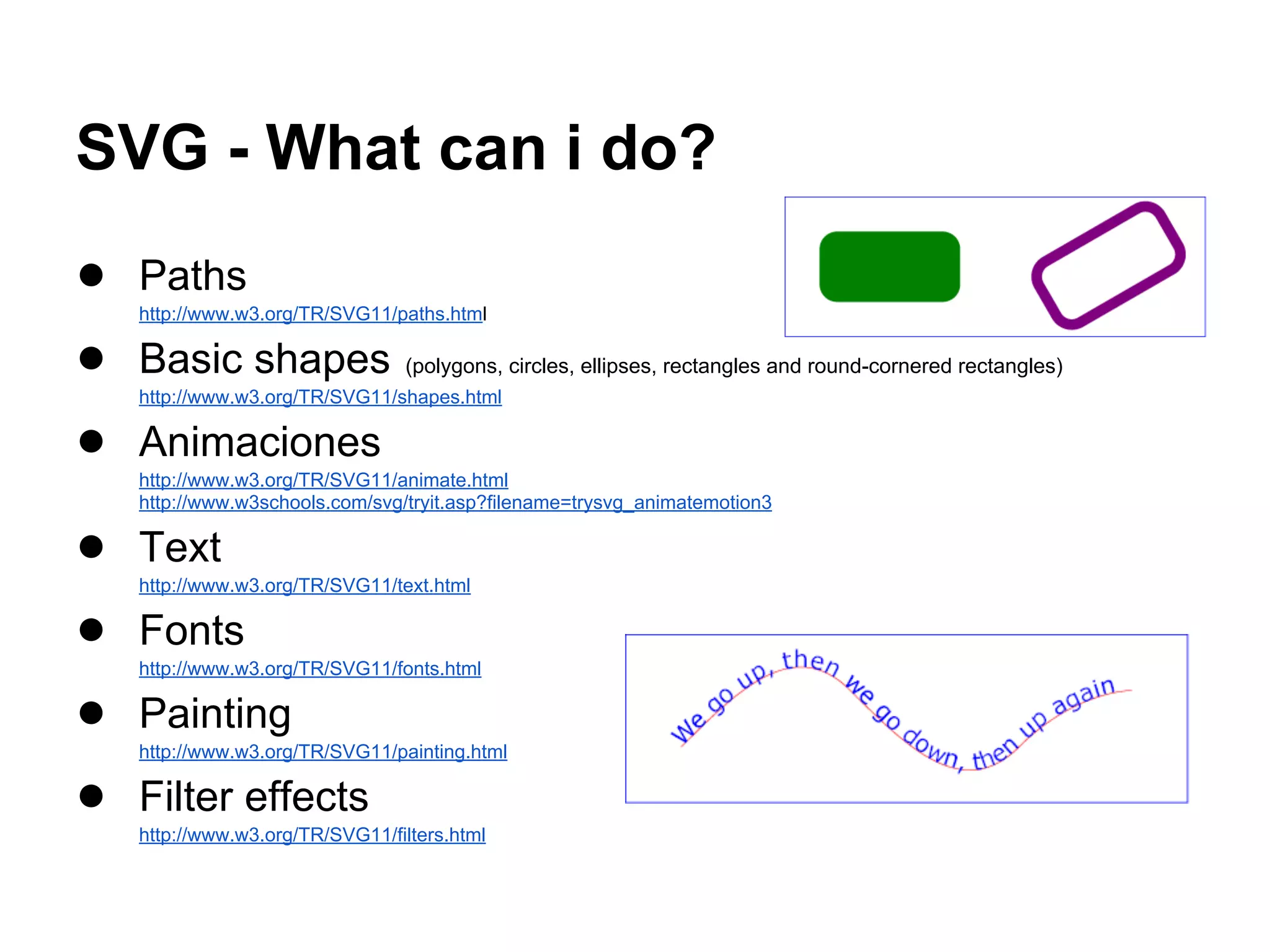
● Paths
http://www.w3.org/TR/SVG11/paths.html
● Basic shapes (polygons, circles, ellipses, rectangles and round-cornered rectangles)
http://www.w3.org/TR/SVG11/shapes.html
● Animaciones
http://www.w3.org/TR/SVG11/animate.html
http://www.w3schools.com/svg/tryit.asp?filename=trysvg_animatemotion3
● Text
http://www.w3.org/TR/SVG11/text.html
● Fonts
http://www.w3.org/TR/SVG11/fonts.html
● Painting
http://www.w3.org/TR/SVG11/painting.html
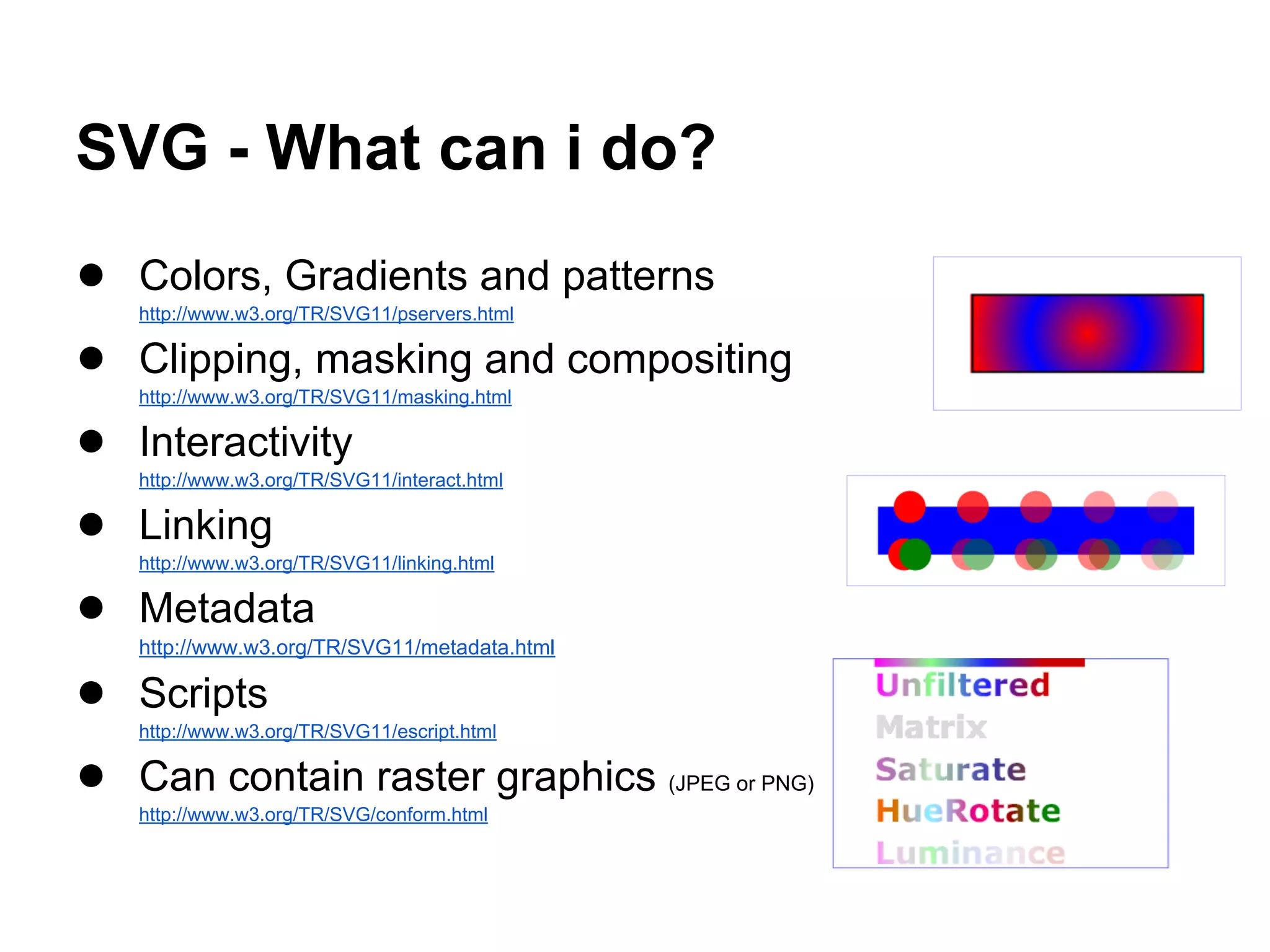
● Filter effects
http://www.w3.org/TR/SVG11/filters.html
SVG - What can i do?
● Colors, Gradients and patterns
http://www.w3.org/TR/SVG11/pservers.html
● Clipping, masking and compositing
http://www.w3.org/TR/SVG11/masking.html
● Interactivity
http://www.w3.org/TR/SVG11/interact.html
● Linking
http://www.w3.org/TR/SVG11/linking.html
● Metadata
http://www.w3.org/TR/SVG11/metadata.html
● Scripts
http://www.w3.org/TR/SVG11/escript.html
● Can contain raster graphics (JPEG or PNG)
http://www.w3.org/TR/SVG/conform.html
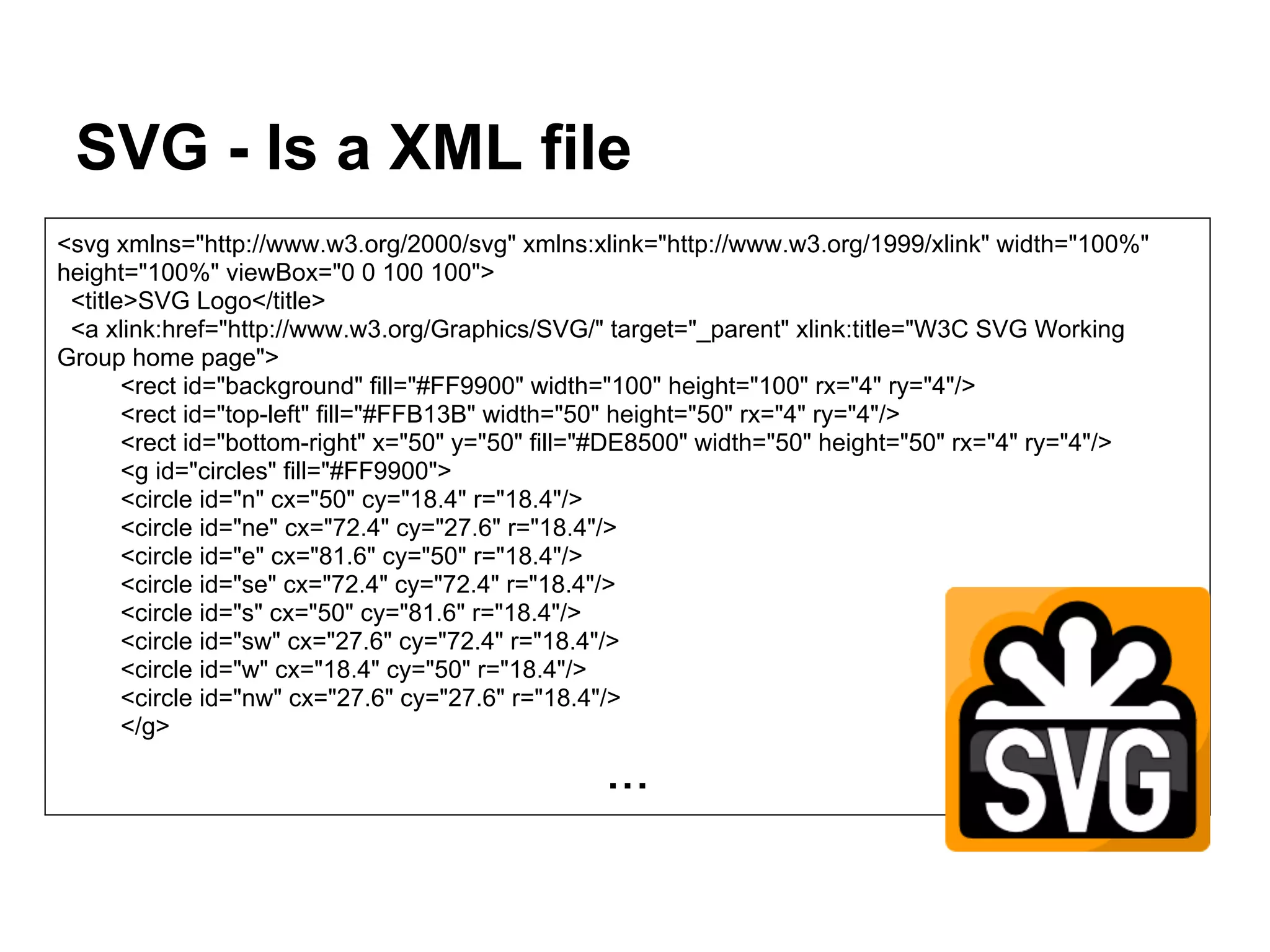
SVG - Is a XML file
<svg xmlns="http://www.w3.org/2000/svg" xmlns:xlink="http://www.w3.org/1999/xlink" width="100%"
height="100%" viewBox="0 0 100 100">
<title>SVG Logo</title>
<a xlink:href="http://www.w3.org/Graphics/SVG/" target="_parent" xlink:title="W3C SVG Working
Group home page">
<rect id="background" fill="#FF9900" width="100" height="100" rx="4" ry="4"/>
<rect id="top-left" fill="#FFB13B" width="50" height="50" rx="4" ry="4"/>
<rect id="bottom-right" x="50" y="50" fill="#DE8500" width="50" height="50" rx="4" ry="4"/>
<g id="circles" fill="#FF9900">
<circle id="n" cx="50" cy="18.4" r="18.4"/>
<circle id="ne" cx="72.4" cy="27.6" r="18.4"/>
<circle id="e" cx="81.6" cy="50" r="18.4"/>
<circle id="se" cx="72.4" cy="72.4" r="18.4"/>
<circle id="s" cx="50" cy="81.6" r="18.4"/>
<circle id="sw" cx="27.6" cy="72.4" r="18.4"/>
<circle id="w" cx="18.4" cy="50" r="18.4"/>
<circle id="nw" cx="27.6" cy="27.6" r="18.4"/>
</g>
...
SVG - Integration
● The standard way of integrating images: <img>
● Embedded with HTML
http://www.w3schools.com/svg/svg_examples.asp
Google index SVG content.
<html>
<body>
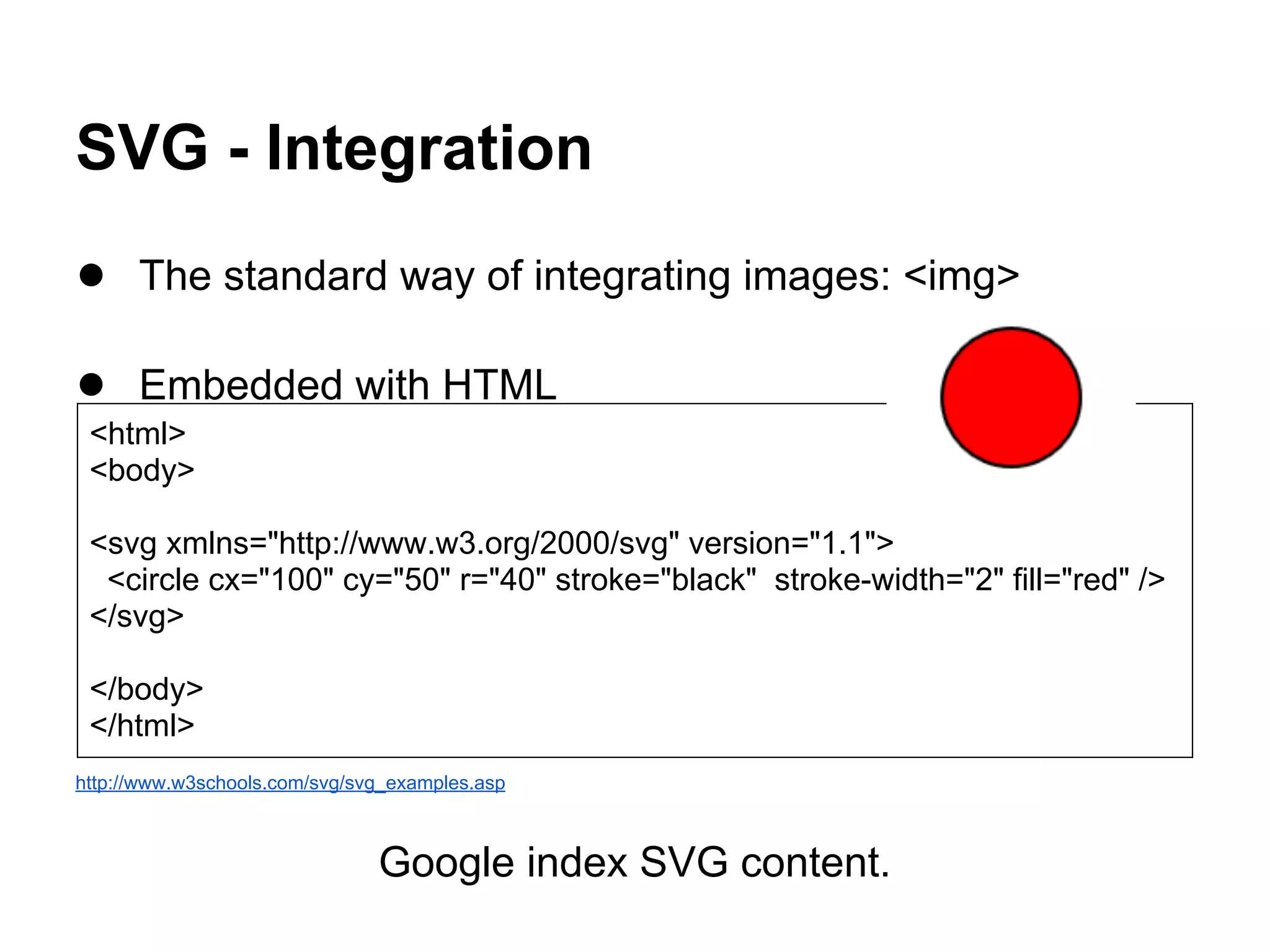
<svg xmlns="http://www.w3.org/2000/svg" version="1.1">
<circle cx="100" cy="50" r="40" stroke="black" stroke-width="2" fill="red" />
</svg>
</body>
</html>
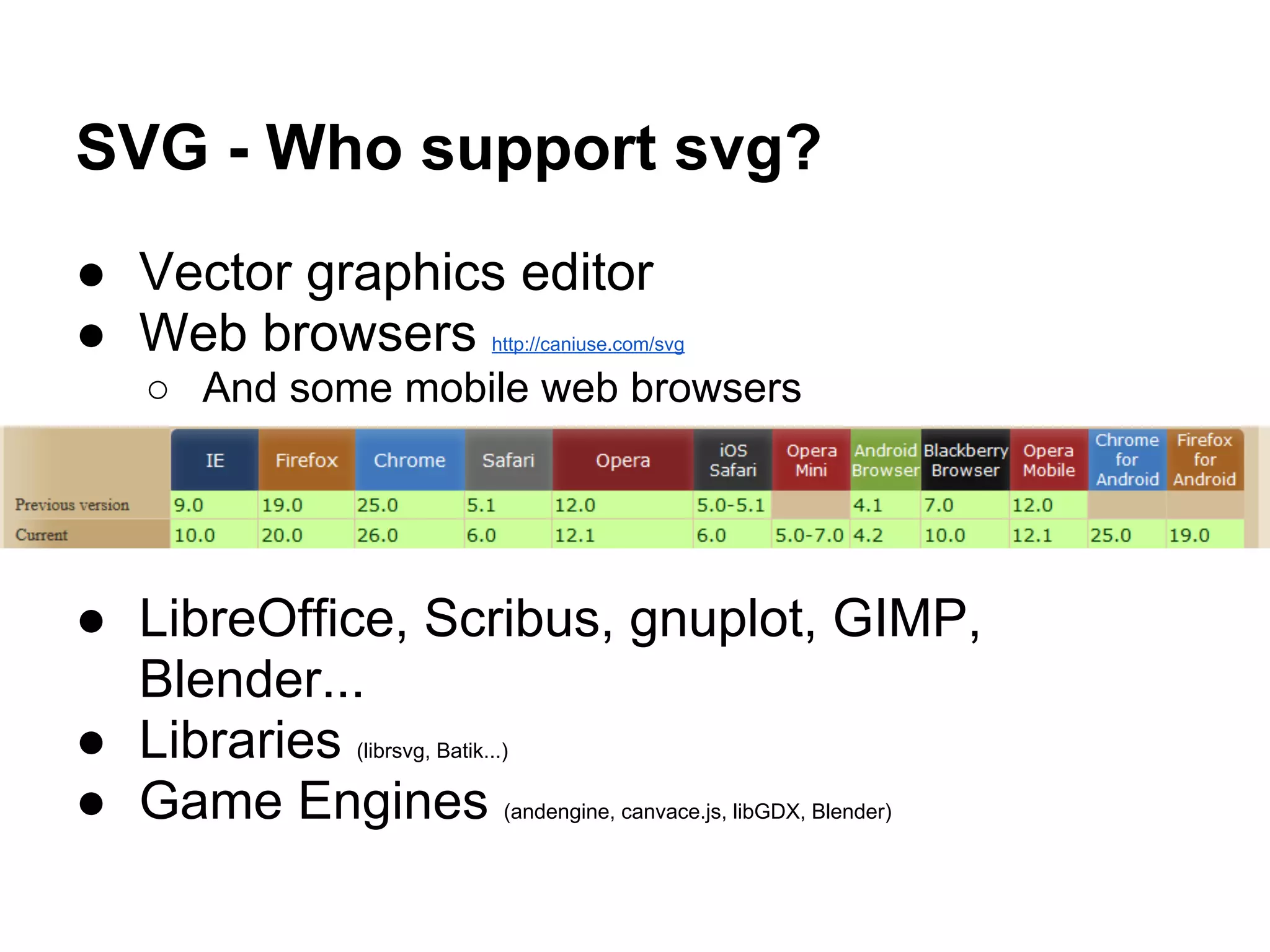
SVG - Who support svg?
● Vector graphics editor
● Web browsers http://caniuse.com/svg
○ And some mobile web browsers
● LibreOffice, Scribus, gnuplot, GIMP,
Blender...
● Libraries (librsvg, Batik...)
● Game Engines (andengine, canvace.js, libGDX, Blender)
SVG - Editors
● InkScape
● Adobe Illustrator
● CorelDRAW
● And more
http://en.wikipedia.org/wiki/List_of_vector_graphics_editors
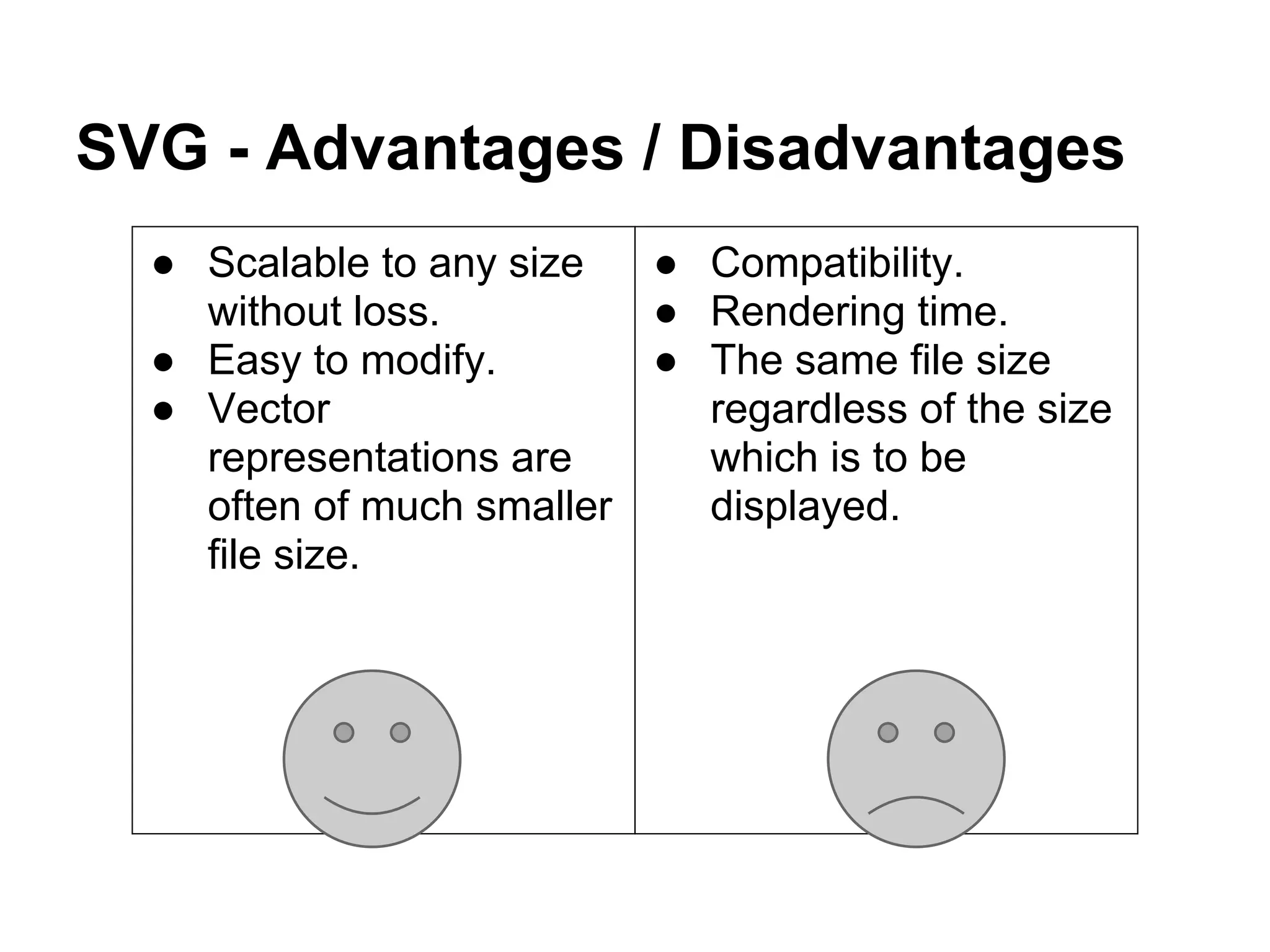
SVG - Advantages / Disadvantages
● Scalable to any size
without loss.
● Easy to modify.
● Vector
representations are
often of much smaller
file size.
● Compatibility.
● Rendering time.
● The same file size
regardless of the size
which is to be
displayed.
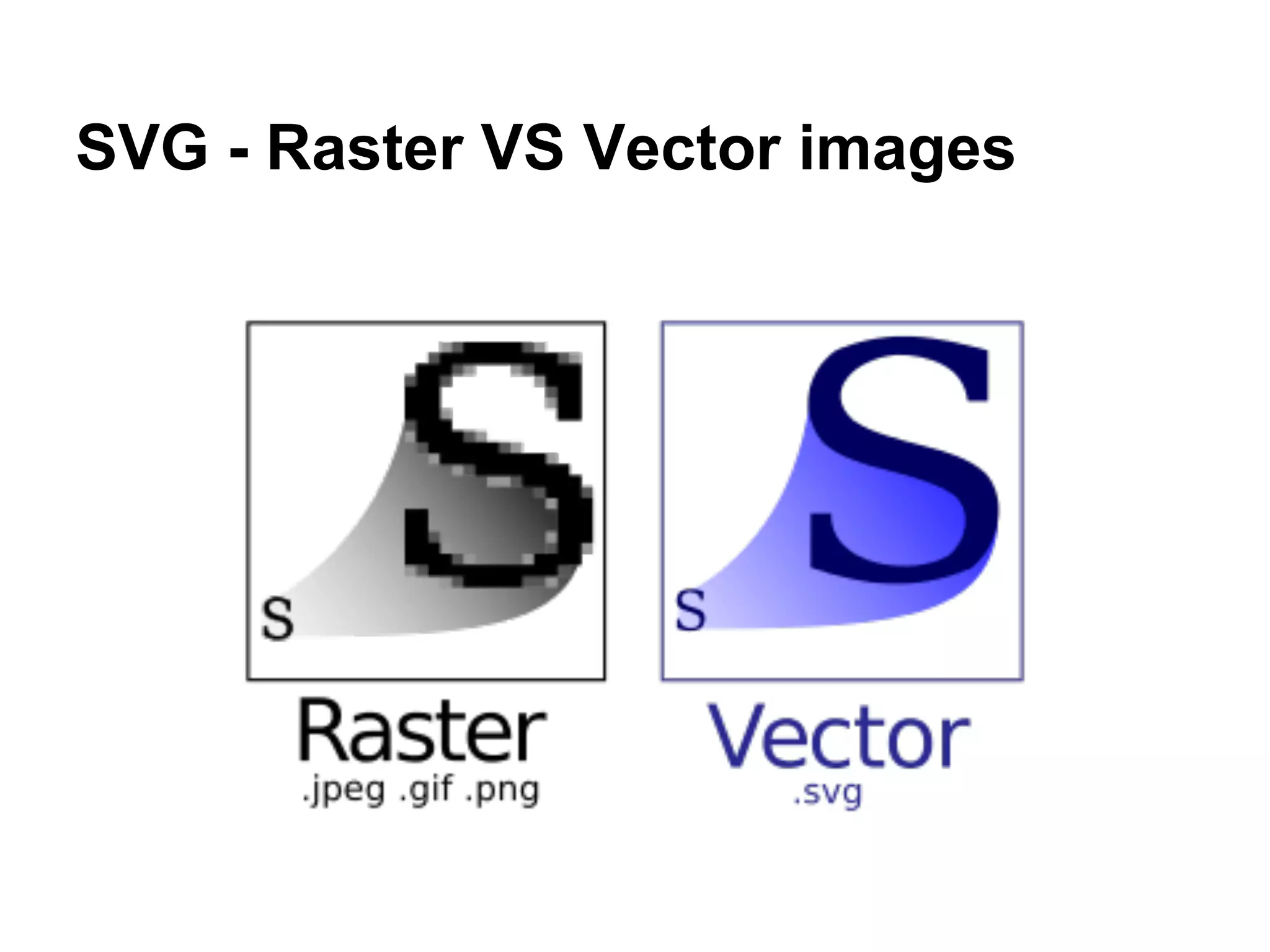
SVG - Raster VS Vector images
SVG - Links
Bibliography
http://www.w3.org/Graphics/SVG/
http://www.w3.org/TR/2013/WD-SVG2-20130409/
http://www.w3.org/TR/SVG11
http://www.w3.org/TR/SVGTiny12/
http://es.wikipedia.org/wiki/Svg
http://en.wikipedia.org/wiki/Scalable_Vector_Graphics
http://www.w3.org/Graphics/SVG/WG/wiki/Secret_Origin_of_SVG
http://es.wikipedia.org/wiki/Wikipedia:Transici%C3%B3n_a_SVG
Tutorials:
http://www.w3schools.com/svg/svg_intro.asp
http://docs.webplatform.org/wiki/svg/tutorials/smarter_svg_overview
http://joaclintistgud.wordpress.com/2011/04/14/inkscape-logo-a-logo-2%C2%AA-edicion/
SVG image galleries:
http://wiki.inkscape.org/wiki/index.php/Galleries

Standard svg

  • 1.
  • 2.
    SVG - ¿Whatis it? Scalable Vector Graphics Is an XML-based vector image format for two-dimensional graphics.
  • 3.
    SVG - Thestandard The SVG specification is an open standard developed by the World Wide Web Consortium (W3C) W3C Recommendation 16 August 2011 http://www.w3.org/TR/SVG11/
  • 4.
    SVG - Alittle of History ● The W3C develops the standard since 1999. ● SVG 1.0 became a W3C Recommendation on 4 September 2001. ● SVG 1.1 became a W3C Recommendation on 14 January 2003. ● SVG Tiny 1.2 became a W3C Recommendation on 22 December 2008. ● SVG 2.0 is currently a draft. It is scheduled as recommendation for August 2014.(changes)
  • 5.
    SVG - Whatcan i do? ● Paths http://www.w3.org/TR/SVG11/paths.html ● Basic shapes (polygons, circles, ellipses, rectangles and round-cornered rectangles) http://www.w3.org/TR/SVG11/shapes.html ● Animaciones http://www.w3.org/TR/SVG11/animate.html http://www.w3schools.com/svg/tryit.asp?filename=trysvg_animatemotion3 ● Text http://www.w3.org/TR/SVG11/text.html ● Fonts http://www.w3.org/TR/SVG11/fonts.html ● Painting http://www.w3.org/TR/SVG11/painting.html ● Filter effects http://www.w3.org/TR/SVG11/filters.html
  • 6.
    SVG - Whatcan i do? ● Colors, Gradients and patterns http://www.w3.org/TR/SVG11/pservers.html ● Clipping, masking and compositing http://www.w3.org/TR/SVG11/masking.html ● Interactivity http://www.w3.org/TR/SVG11/interact.html ● Linking http://www.w3.org/TR/SVG11/linking.html ● Metadata http://www.w3.org/TR/SVG11/metadata.html ● Scripts http://www.w3.org/TR/SVG11/escript.html ● Can contain raster graphics (JPEG or PNG) http://www.w3.org/TR/SVG/conform.html
  • 7.
    SVG - Isa XML file <svg xmlns="http://www.w3.org/2000/svg" xmlns:xlink="http://www.w3.org/1999/xlink" width="100%" height="100%" viewBox="0 0 100 100"> <title>SVG Logo</title> <a xlink:href="http://www.w3.org/Graphics/SVG/" target="_parent" xlink:title="W3C SVG Working Group home page"> <rect id="background" fill="#FF9900" width="100" height="100" rx="4" ry="4"/> <rect id="top-left" fill="#FFB13B" width="50" height="50" rx="4" ry="4"/> <rect id="bottom-right" x="50" y="50" fill="#DE8500" width="50" height="50" rx="4" ry="4"/> <g id="circles" fill="#FF9900"> <circle id="n" cx="50" cy="18.4" r="18.4"/> <circle id="ne" cx="72.4" cy="27.6" r="18.4"/> <circle id="e" cx="81.6" cy="50" r="18.4"/> <circle id="se" cx="72.4" cy="72.4" r="18.4"/> <circle id="s" cx="50" cy="81.6" r="18.4"/> <circle id="sw" cx="27.6" cy="72.4" r="18.4"/> <circle id="w" cx="18.4" cy="50" r="18.4"/> <circle id="nw" cx="27.6" cy="27.6" r="18.4"/> </g> ...
  • 8.
    SVG - Integration ●The standard way of integrating images: <img> ● Embedded with HTML http://www.w3schools.com/svg/svg_examples.asp Google index SVG content. <html> <body> <svg xmlns="http://www.w3.org/2000/svg" version="1.1"> <circle cx="100" cy="50" r="40" stroke="black" stroke-width="2" fill="red" /> </svg> </body> </html>
  • 9.
    SVG - Whosupport svg? ● Vector graphics editor ● Web browsers http://caniuse.com/svg ○ And some mobile web browsers ● LibreOffice, Scribus, gnuplot, GIMP, Blender... ● Libraries (librsvg, Batik...) ● Game Engines (andengine, canvace.js, libGDX, Blender)
  • 10.
    SVG - Editors ●InkScape ● Adobe Illustrator ● CorelDRAW ● And more http://en.wikipedia.org/wiki/List_of_vector_graphics_editors
  • 11.
    SVG - Advantages/ Disadvantages ● Scalable to any size without loss. ● Easy to modify. ● Vector representations are often of much smaller file size. ● Compatibility. ● Rendering time. ● The same file size regardless of the size which is to be displayed.
  • 12.
    SVG - RasterVS Vector images
  • 13.