The Stack Exchange 
Infrastructure 
Vroom Vroom
inet.perf.profile 
• SRE Generalist @ Stack Exchange 
• @GABeech 
• http://brokenhaze.com 
• http://stackexchange.com
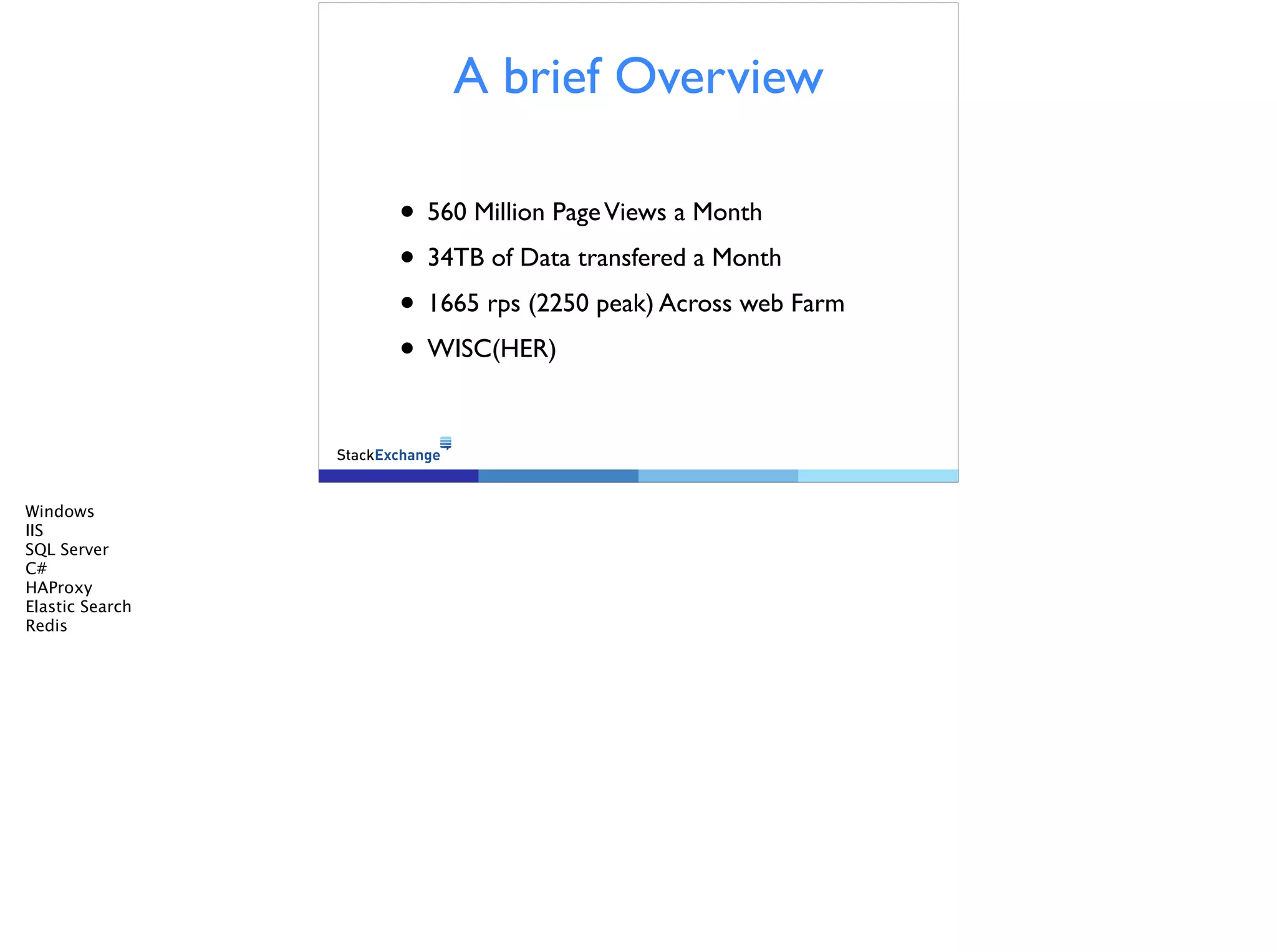
A brief Overview 
• 560 Million Page Views a Month 
• 34TB of Data transfered a Month 
• 1665 rps (2250 peak) Across web Farm 
• WISC(HER) 
Windows 
IIS 
SQL Server 
C# 
HAProxy 
Elastic Search 
Redis
Our First Priority is 
Performance 
Nobody likes a slow site, least of all us. 
When your site is slow people leave. 
! 
Make your site fast, and the people will stay 
! 
Good write up on moz.com: 
http://moz.com/blog/site-speed-are-you-fast-does-it-matter 
Why do I bring up performance in an infra talk? simple. It drives our design decisions.
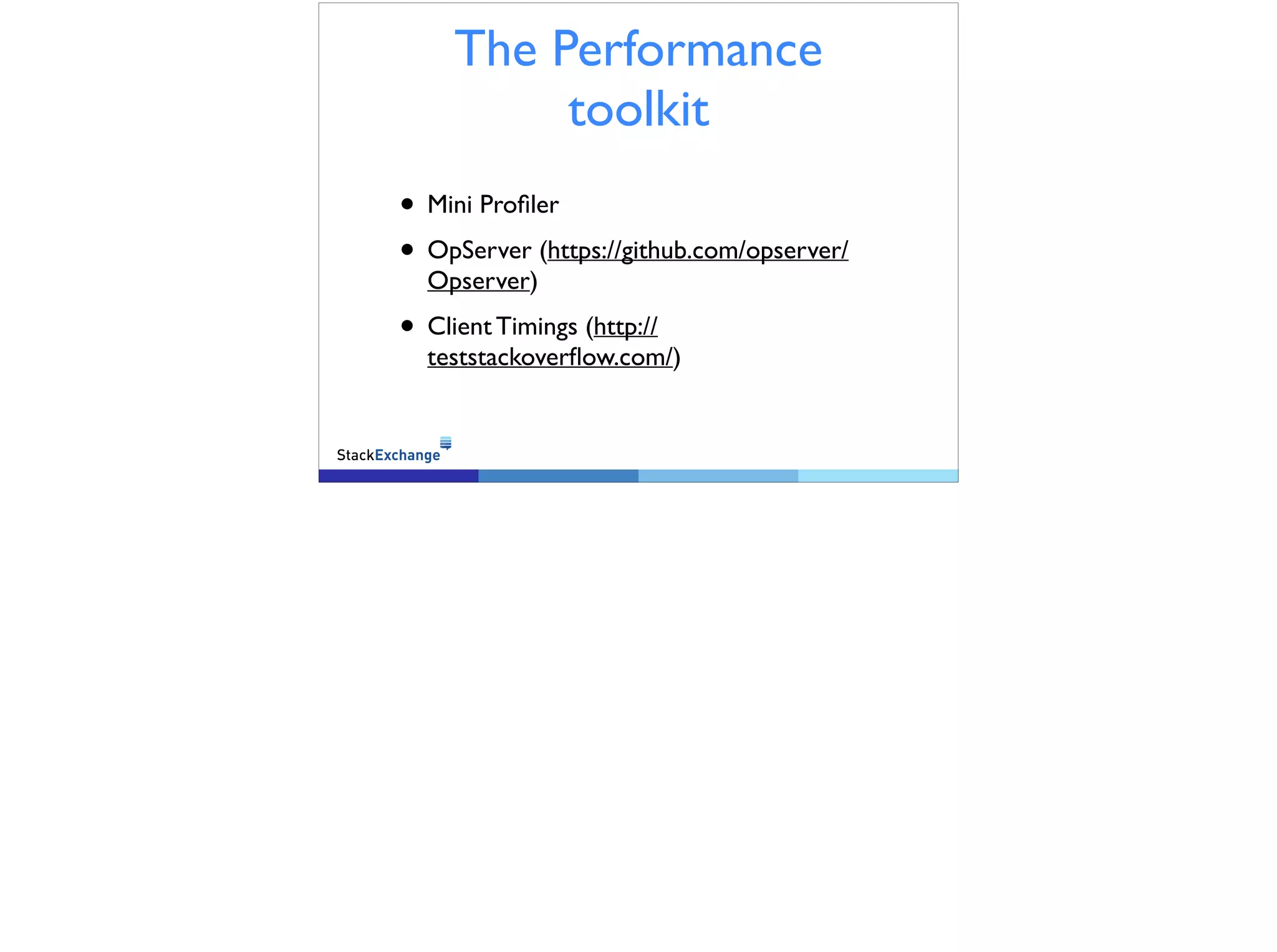
The Performance 
toolkit 
• Mini Profiler 
• OpServer (https://github.com/opserver/ 
Opserver) 
• Client Timings (http:// 
teststackoverflow.com/)
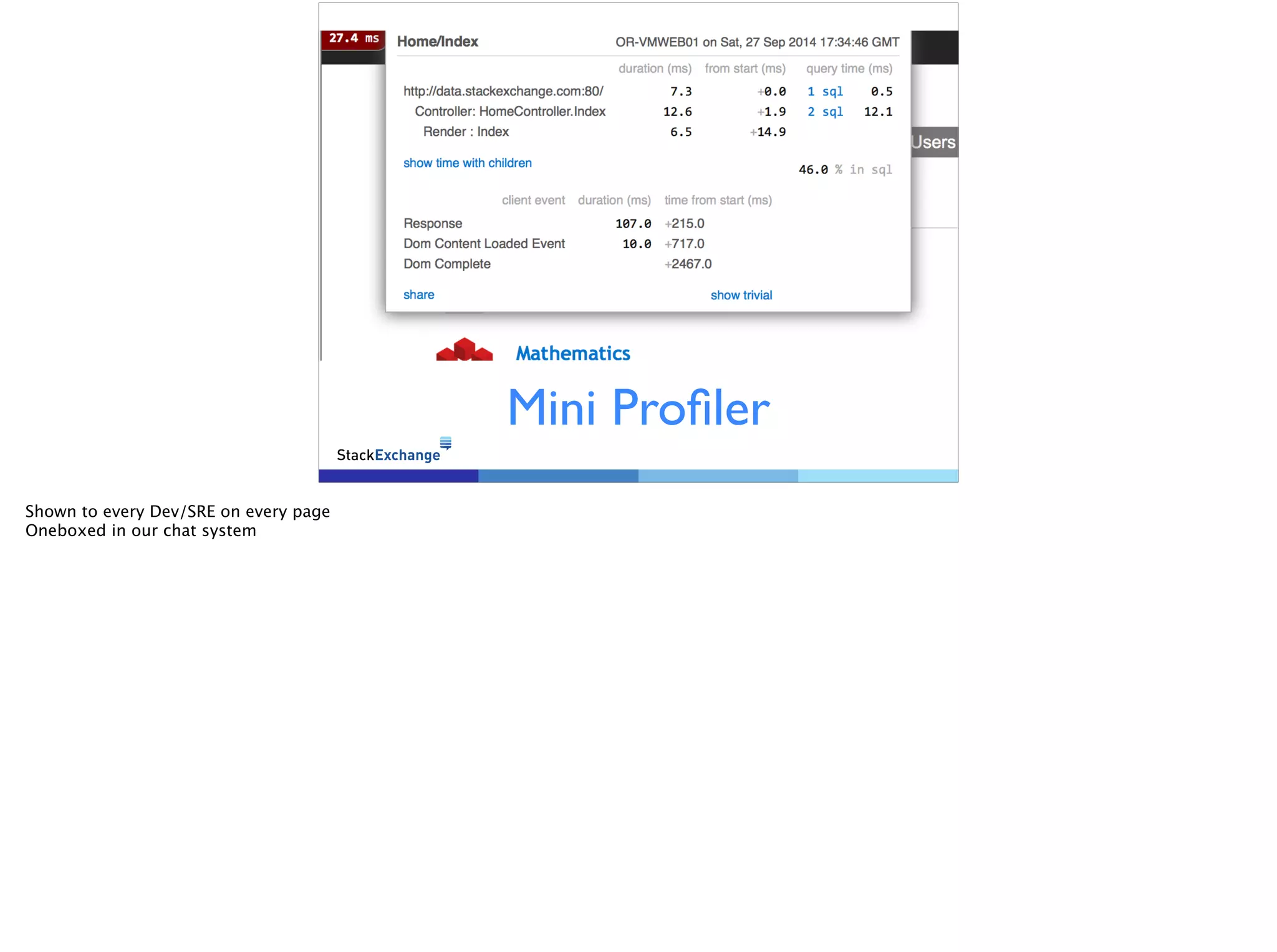
Mini Profiler 
Shown to every Dev/SRE on every page 
Oneboxed in our chat system
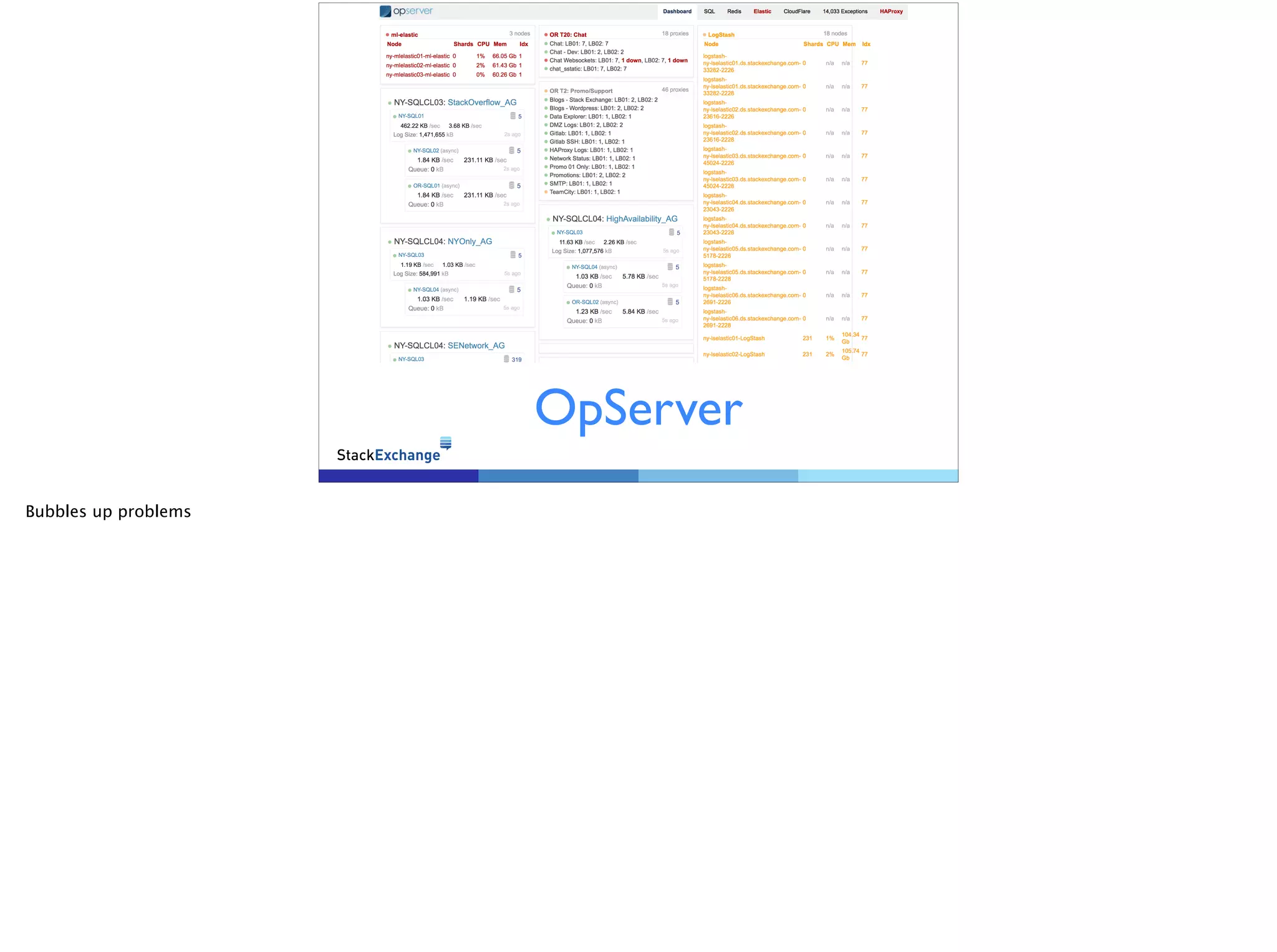
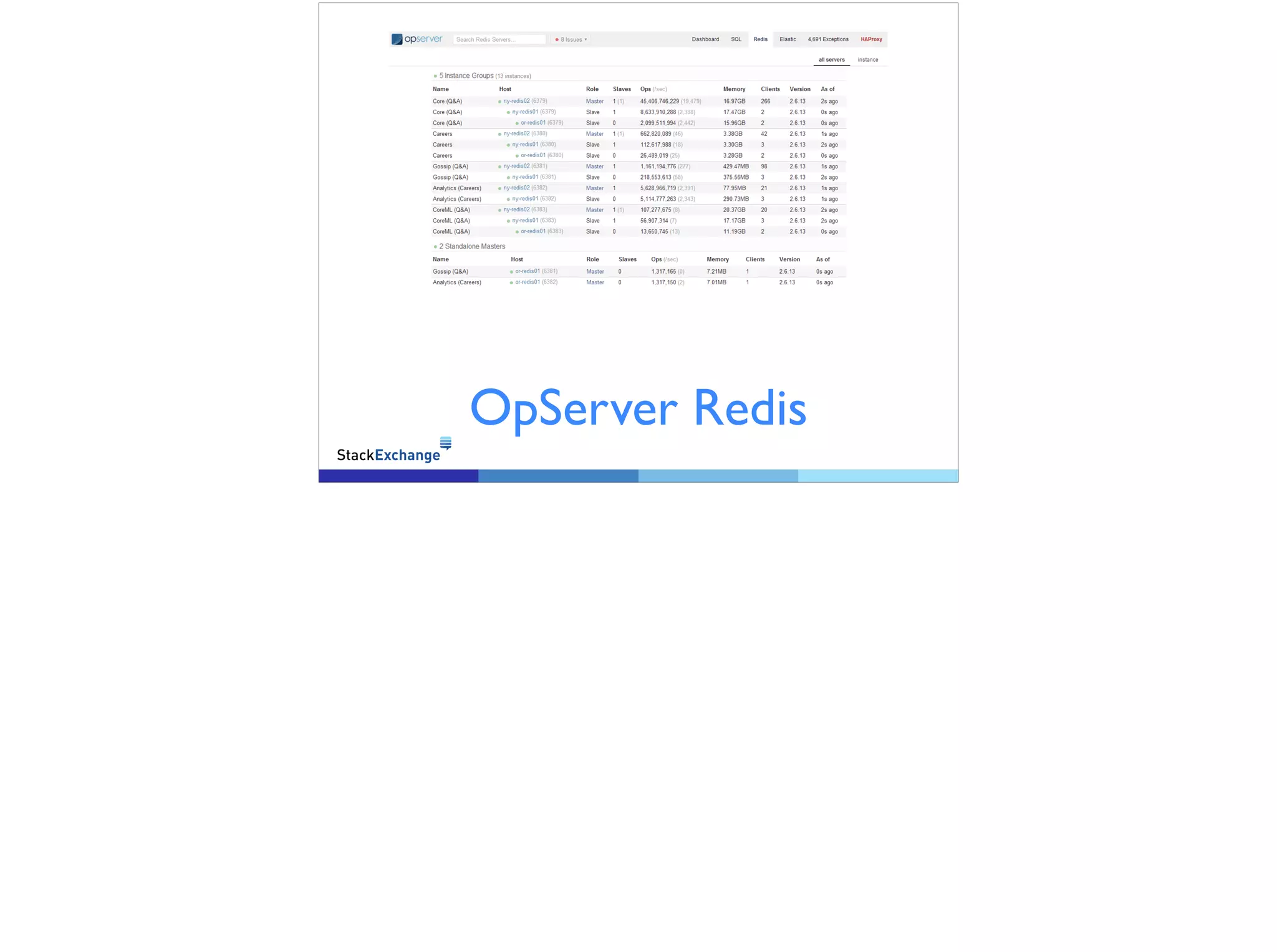
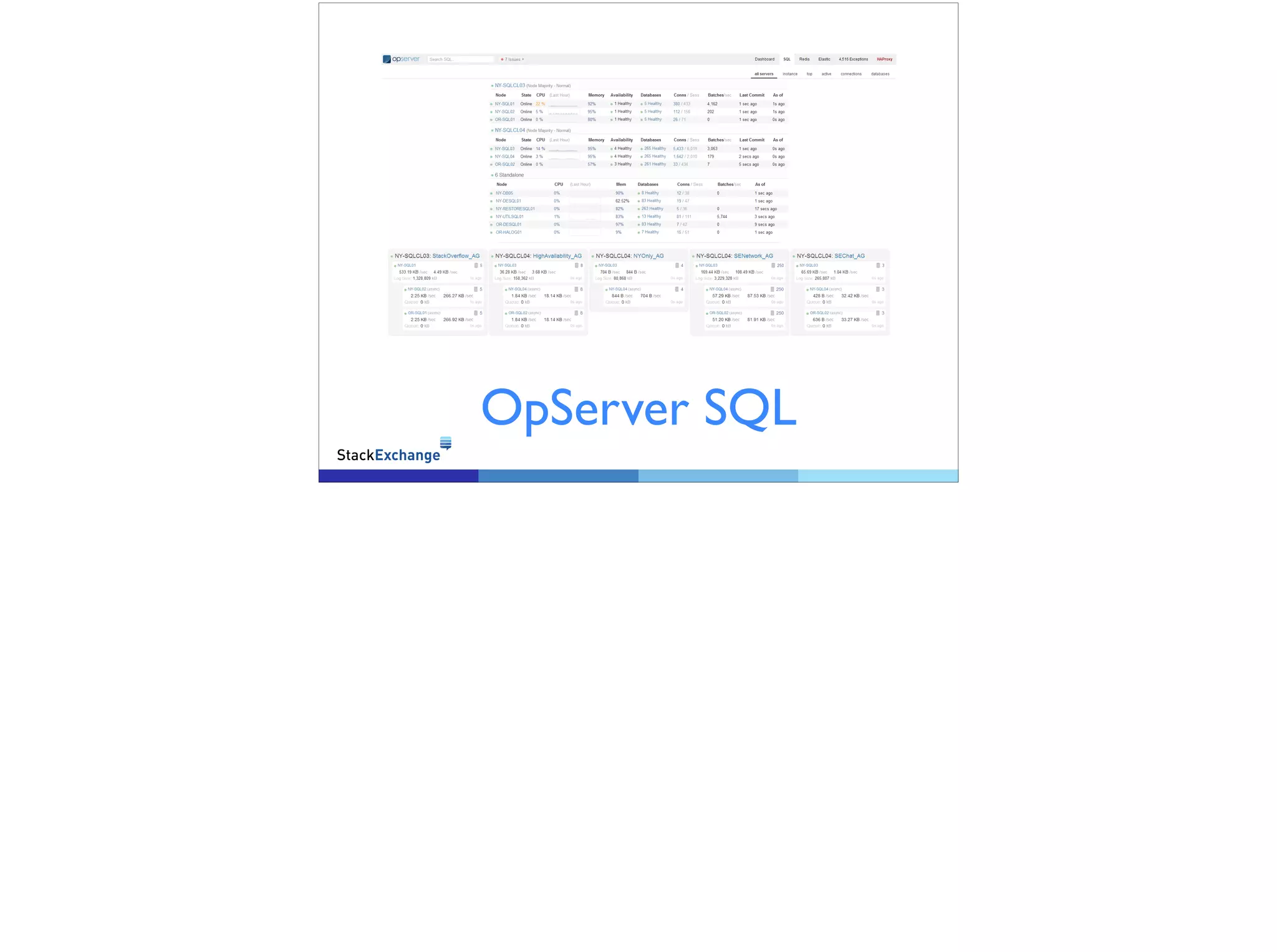
OpServer 
Bubbles up problems
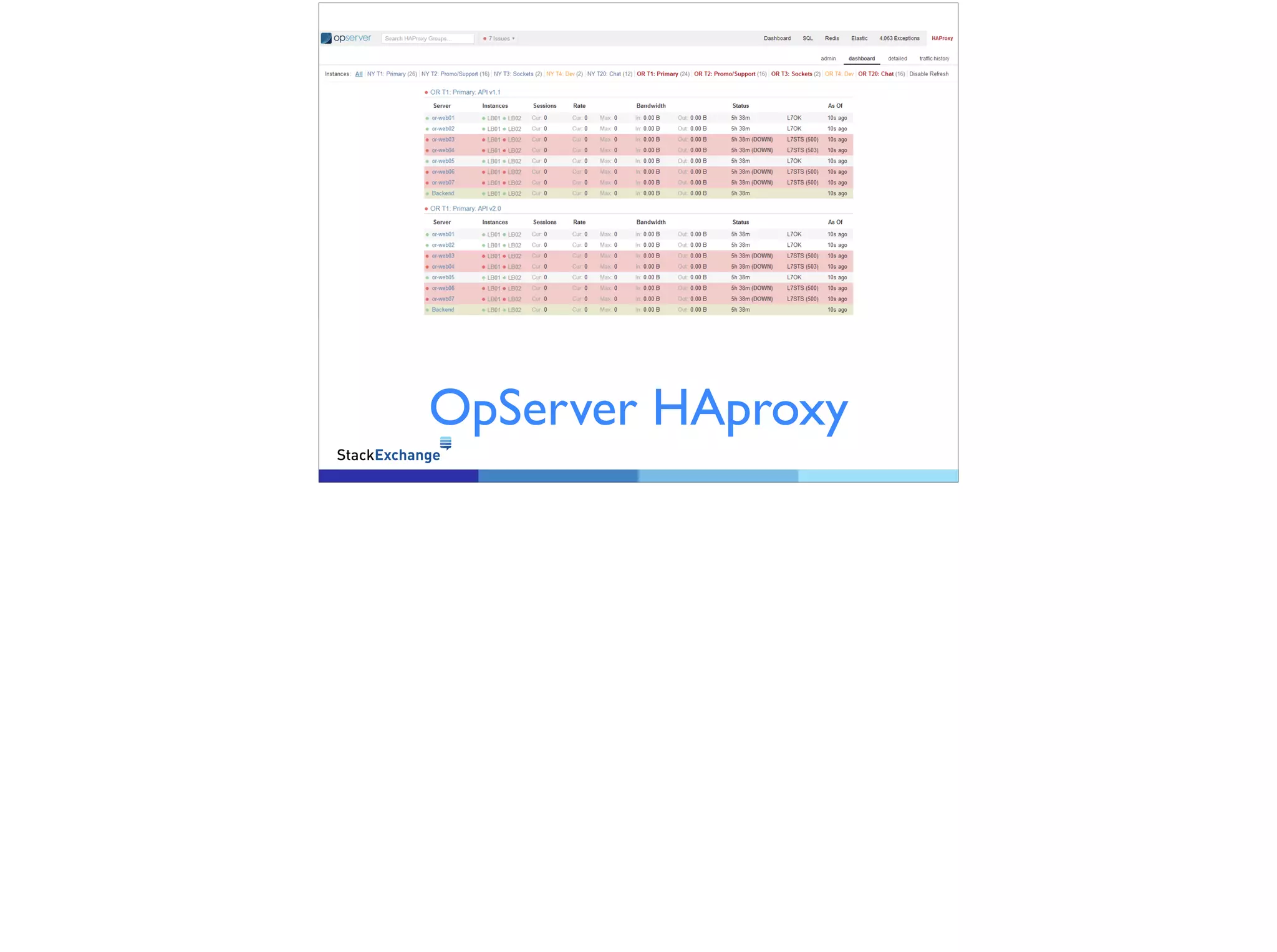
OpServer HAproxy
OpServer Redis
OpServer SQL
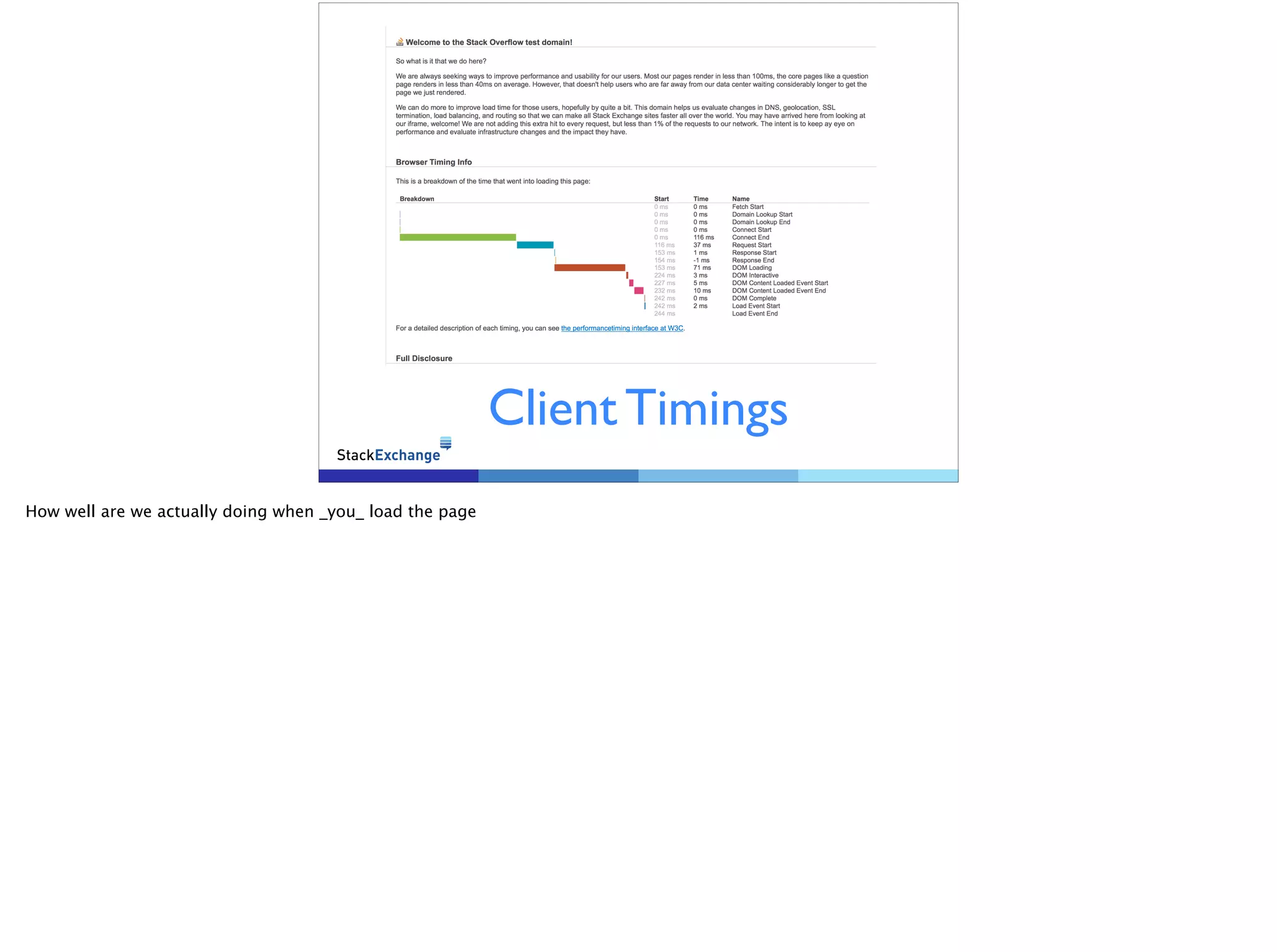
Client Timings 
How well are we actually doing when _you_ load the page
You can’t be fast if you 
are not up 
• Highly Redundant network 
• Datacenter, ISP, Edge, Core, Server, Port 
The actual design starts now.
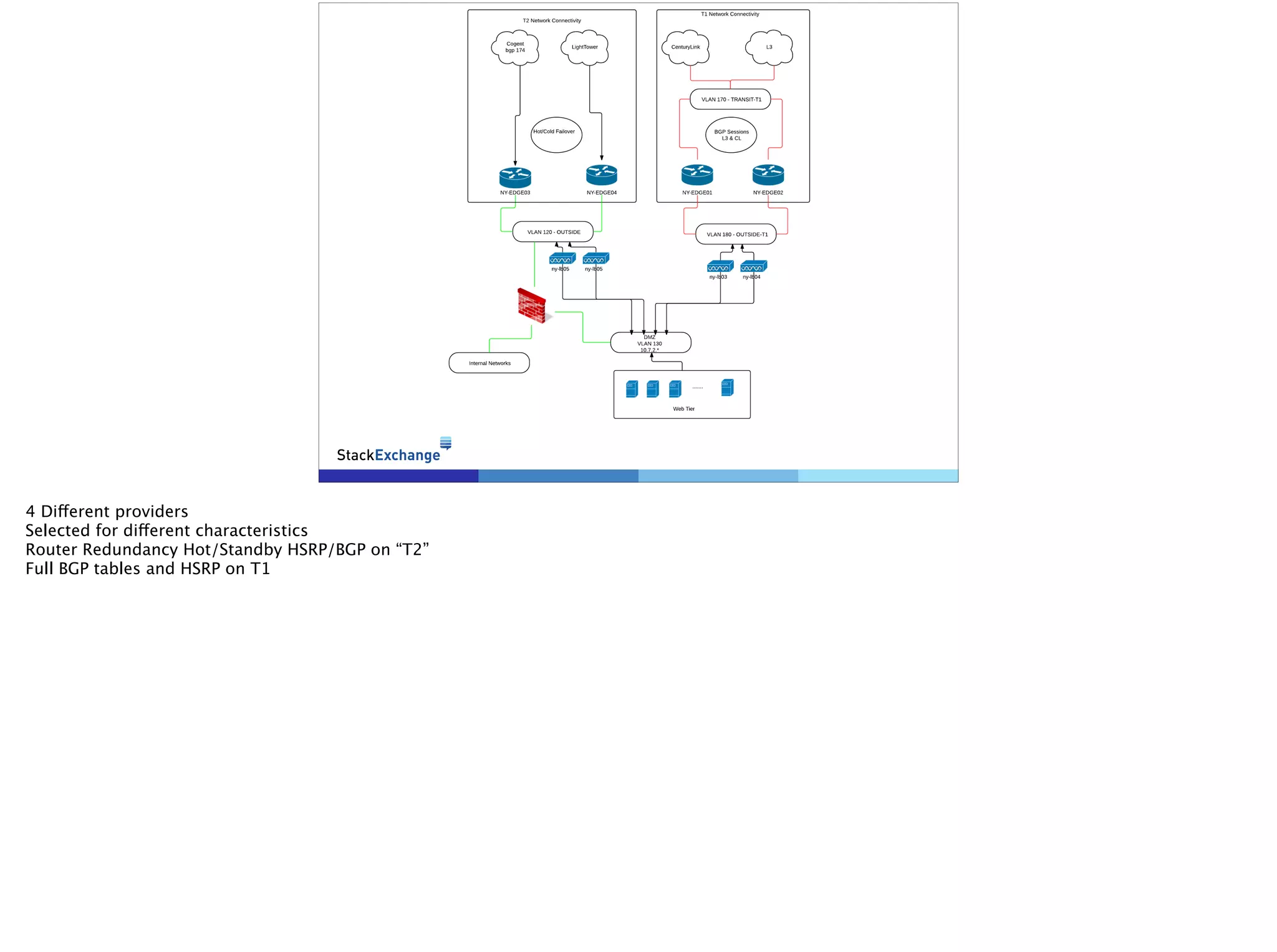
4 Different providers 
Selected for different characteristics 
Router Redundancy Hot/Standby HSRP/BGP on “T2” 
Full BGP tables and HSRP on T1
Load Balencers 
• HAProxy 
• 2 Servers (Hot/Standby) 
• Multiple Tiers (HAProxy Processes) 
4B requests/month 
3000 req/sec peak 
10% CPU 18% peak 
Between 600 and 700 concurrent connections (EST, TIME_WAIT, ETC) 
Multiple Processes Allow for granular restarts and segregation of faults 
SSL Termination done on the LB 
Websockets: The weird connection 
Long lived 
TCP not HTTP
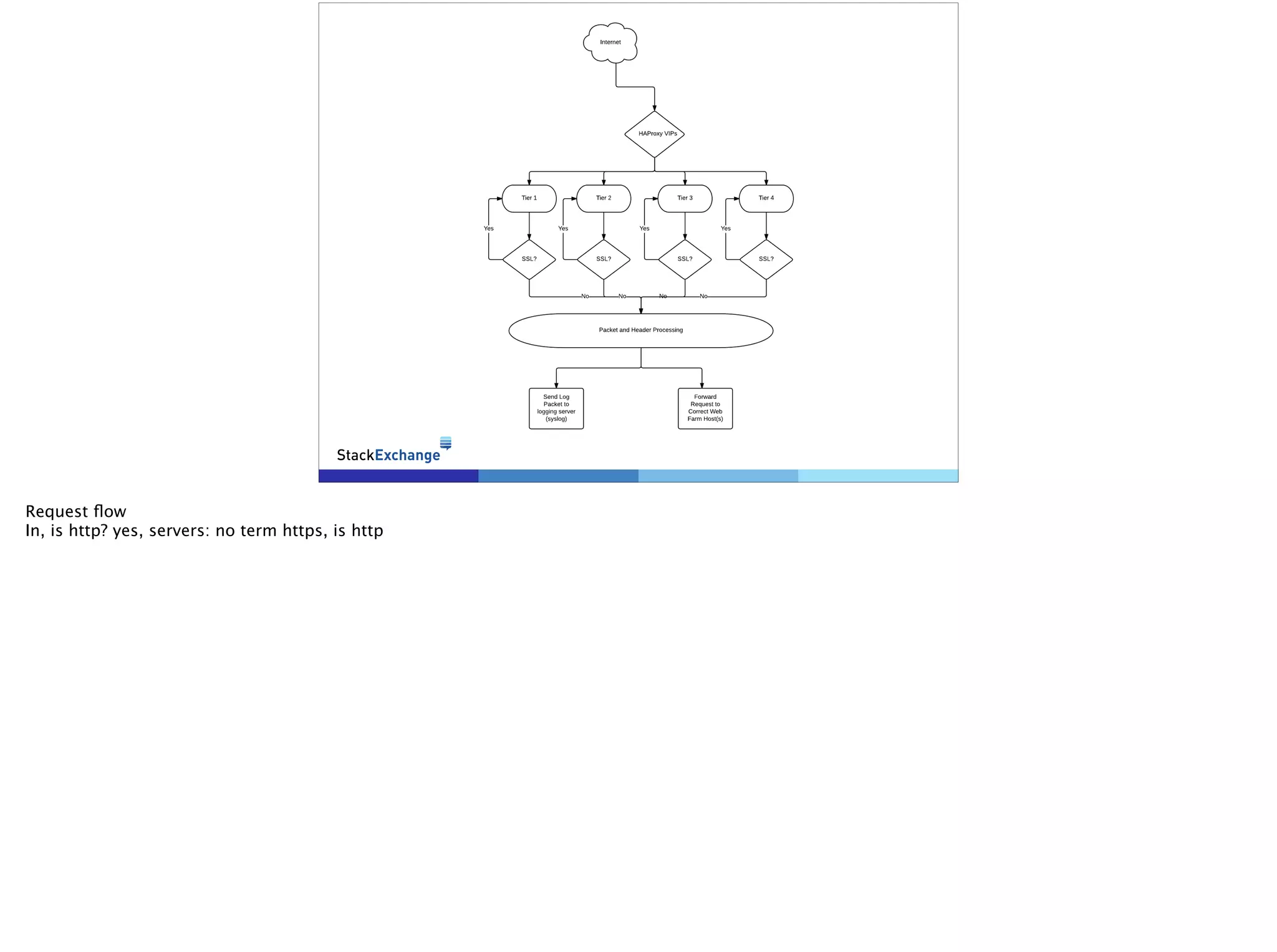
Request flow 
In, is http? yes, servers: no term https, is http
SSL Termination 
• Terminated at LB 
• Feature added to HAProxy 1.5 
• See: http://brokenhaze.com/blog/ 
2014/03/25/how-stack-exchange-gets-the-most- 
out-of-haproxy/ 
Source Port Exhaustion 
use 127.0.0.0/8 to resolve 
Server only running at ~12% cpu 
We don’t run full SSL everywhere yet
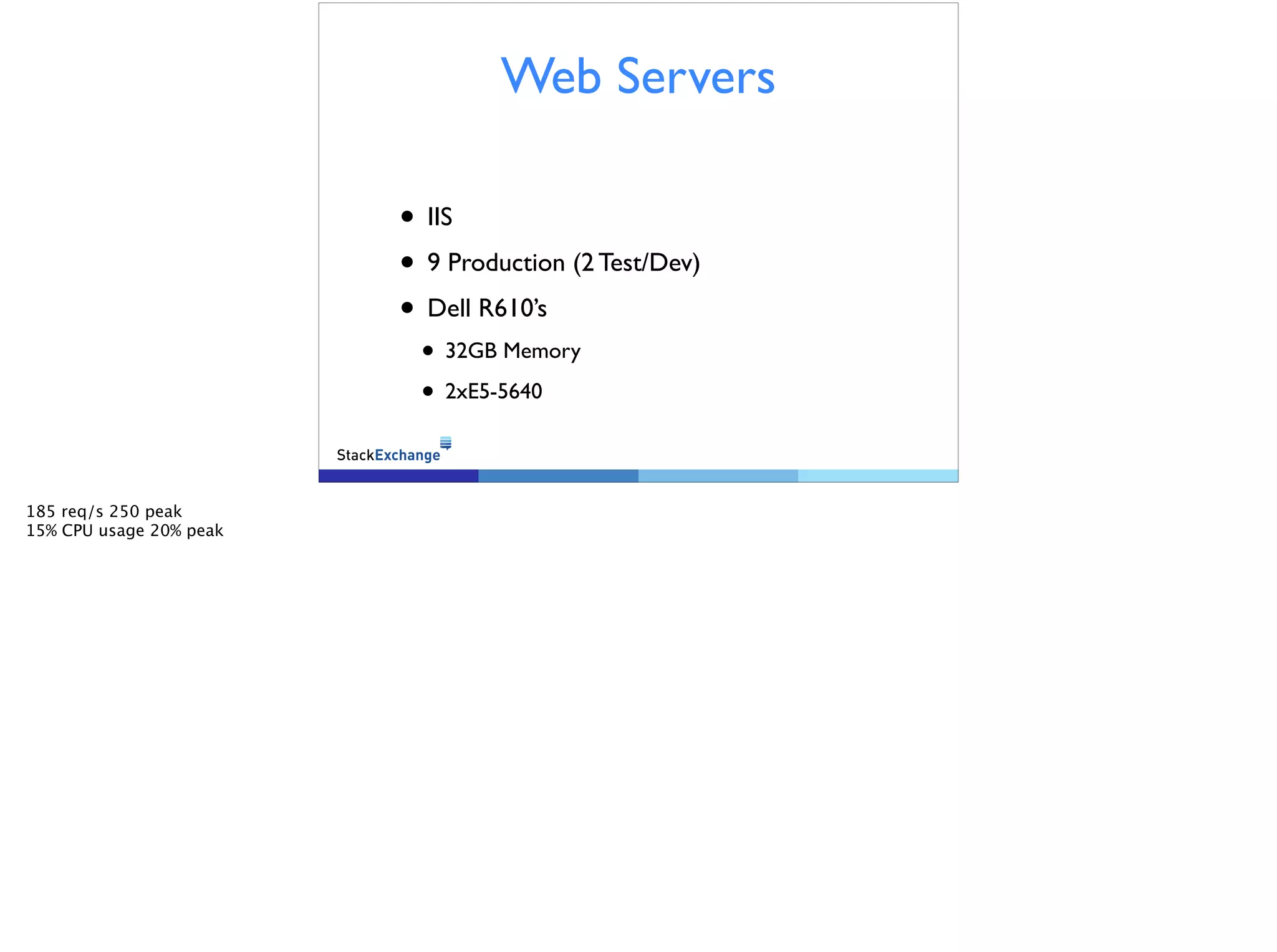
Web Servers 
! 
• IIS 
• 9 Production (2 Test/Dev) 
• Dell R610’s 
• 32GB Memory 
• 2xE5-5640 
185 req/s 250 peak 
15% CPU usage 20% peak
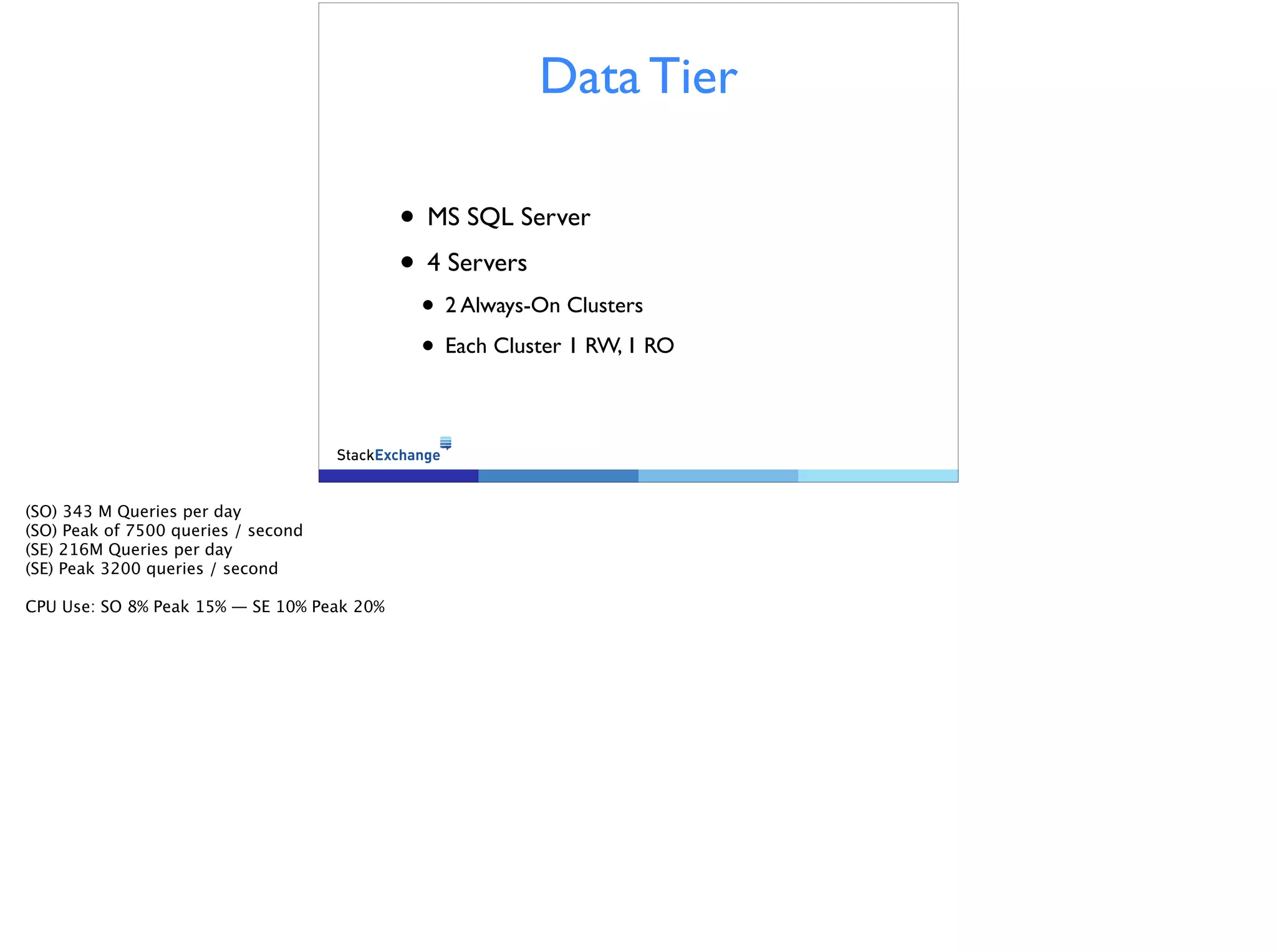
Data Tier 
• MS SQL Server 
• 4 Servers 
• 2 Always-On Clusters 
• Each Cluster 1 RW, 1 RO 
(SO) 343 M Queries per day 
(SO) Peak of 7500 queries / second 
(SE) 216M Queries per day 
(SE) Peak 3200 queries / second 
! 
CPU Use: SO 8% Peak 15% — SE 10% Peak 20%
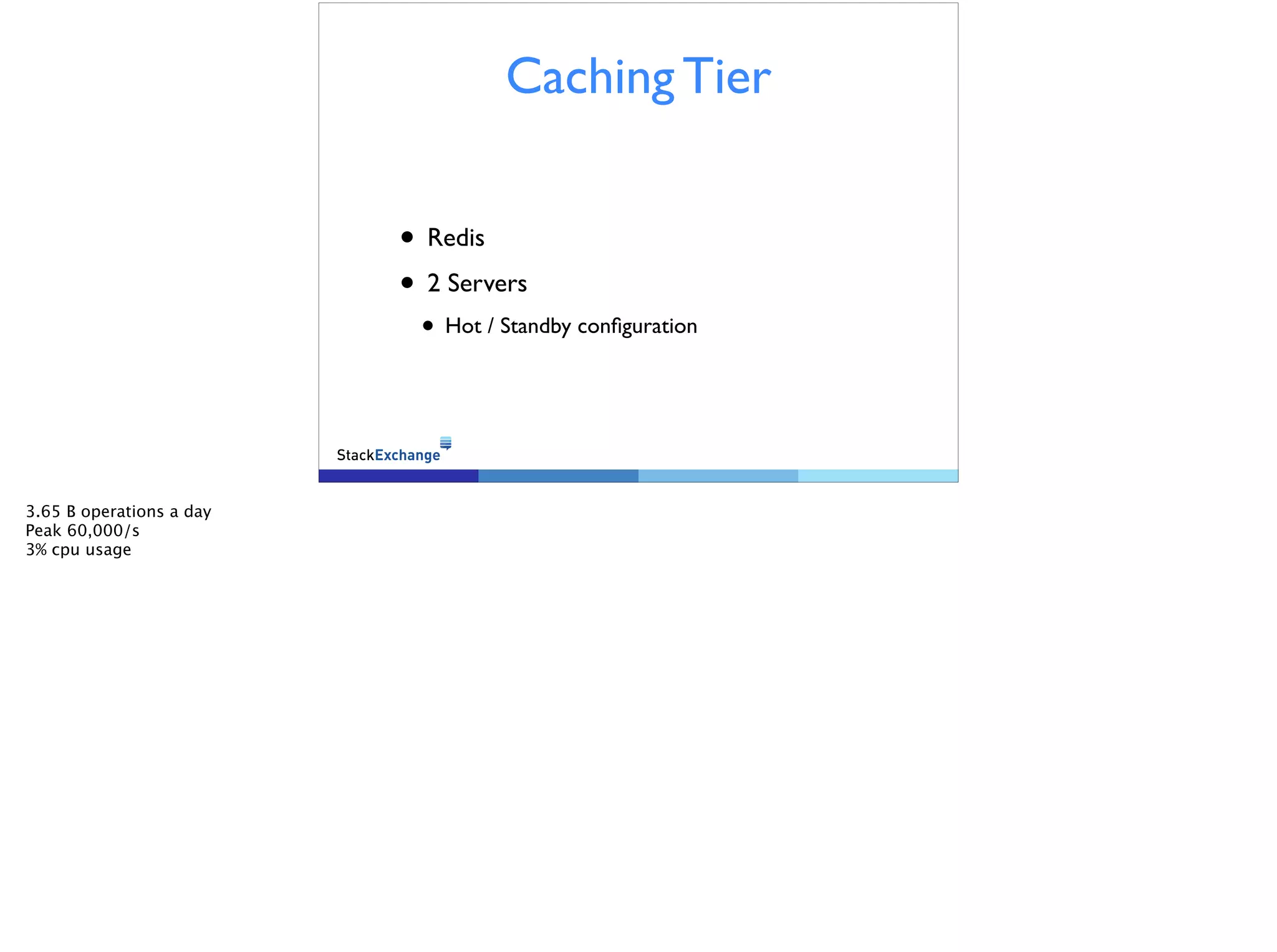
Caching Tier 
• Redis 
• 2 Servers 
• Hot / Standby configuration 
3.65 B operations a day 
Peak 60,000/s 
3% cpu usage 
!
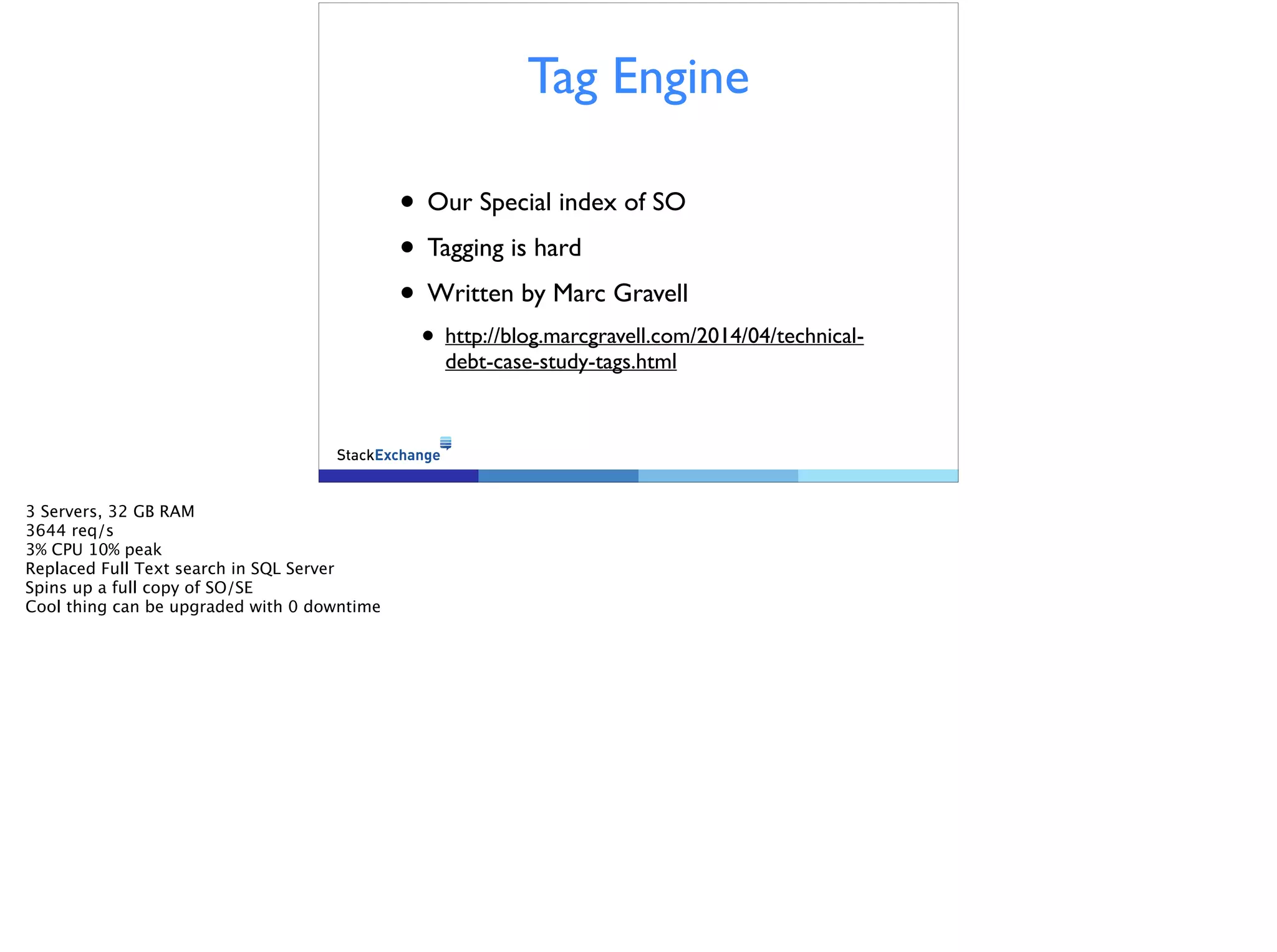
Tag Engine 
• Our Special index of SO 
• Tagging is hard 
• Written by Marc Gravell 
• http://blog.marcgravell.com/2014/04/technical-debt- 
case-study-tags.html 
3 Servers, 32 GB RAM 
3644 req/s 
3% CPU 10% peak 
Replaced Full Text search in SQL Server 
Spins up a full copy of SO/SE 
Cool thing can be upgraded with 0 downtime
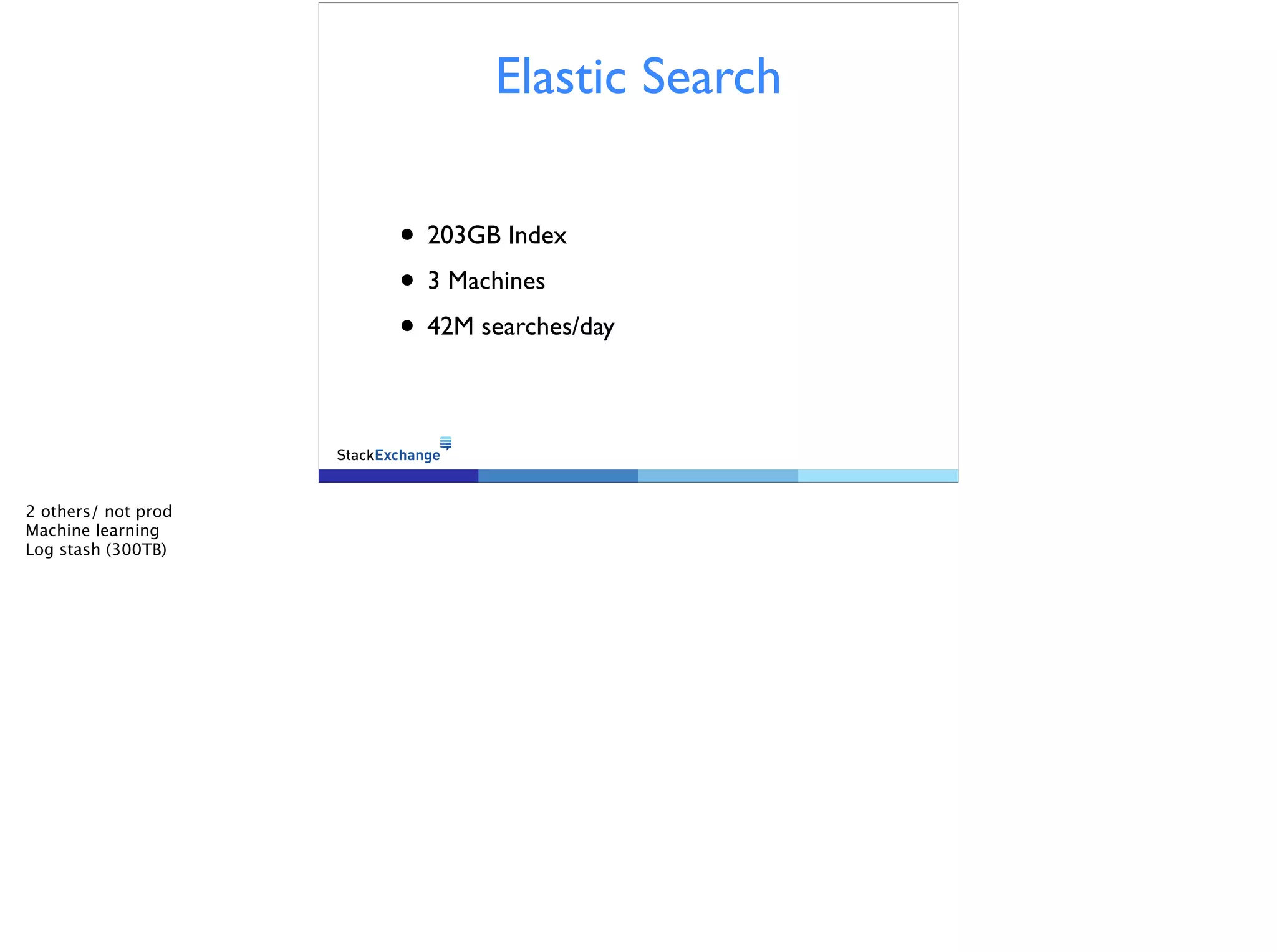
Elastic Search 
• 203GB Index 
• 3 Machines 
• 42M searches/day 
2 others/ not prod 
Machine learning 
Log stash (300TB)
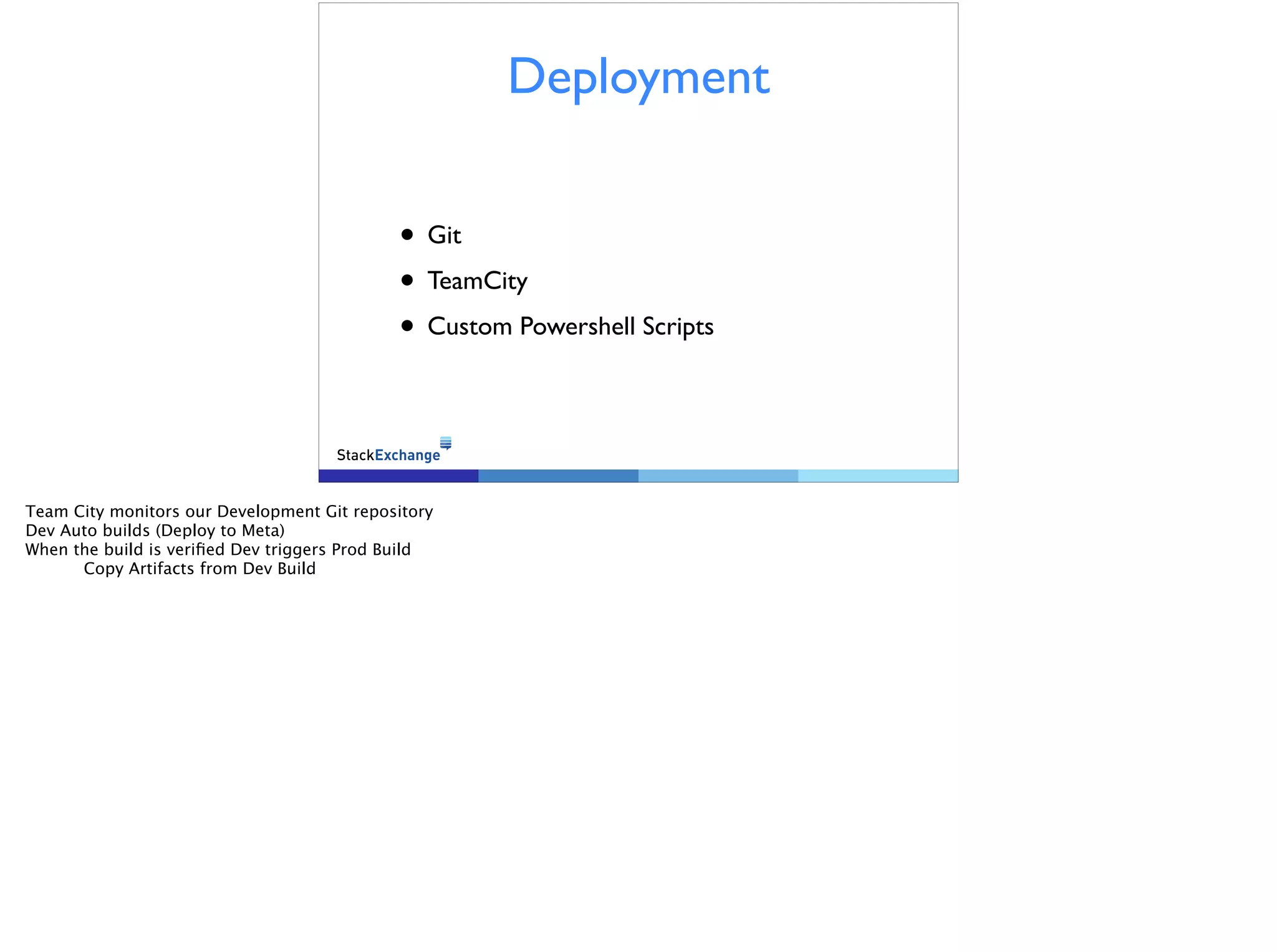
Deployment 
• Git 
• TeamCity 
• Custom Powershell Scripts 
Team City monitors our Development Git repository 
Dev Auto builds (Deploy to Meta) 
When the build is verified Dev triggers Prod Build 
Copy Artifacts from Dev Build
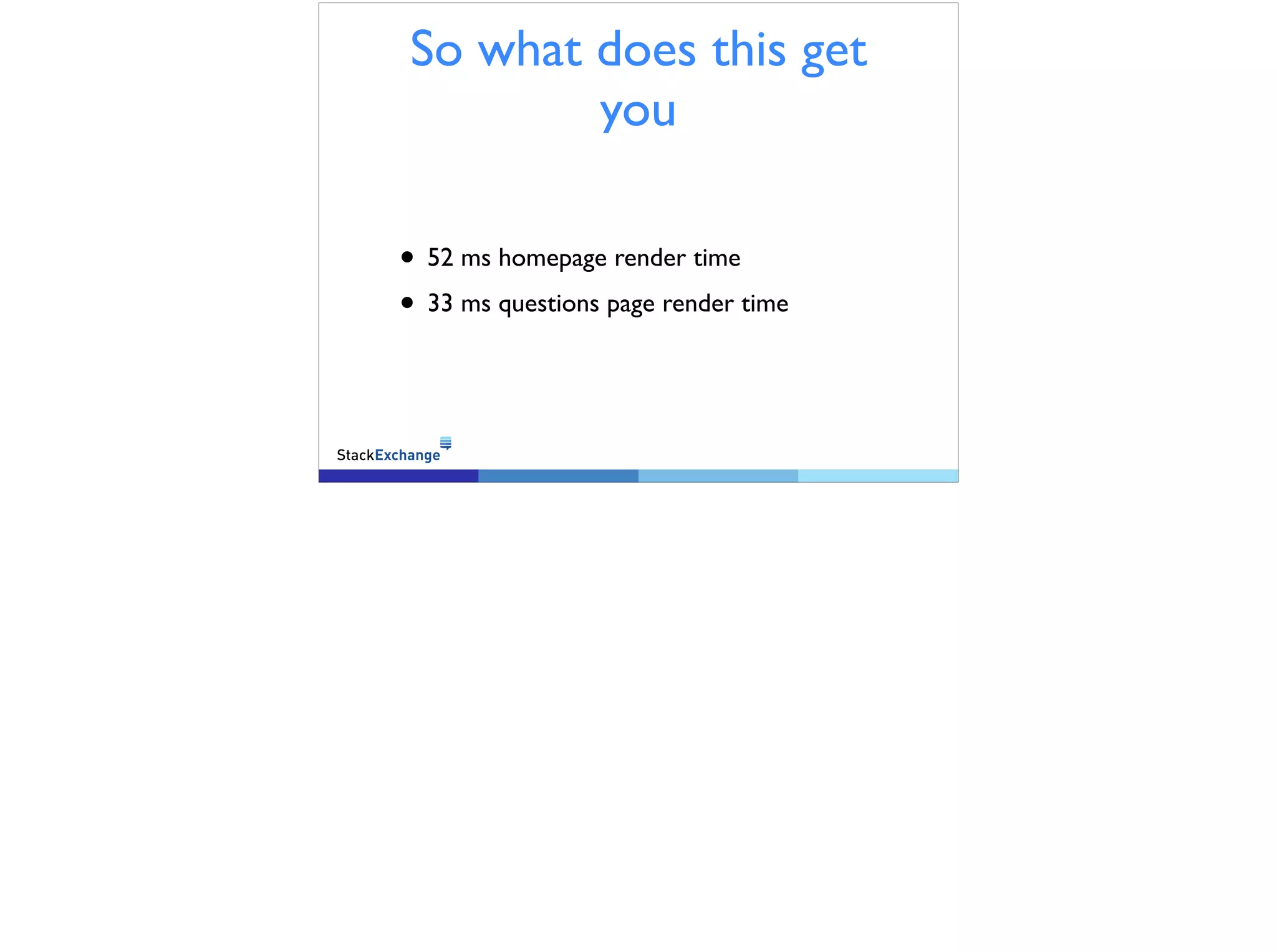
So what does this get 
you 
• 52 ms homepage render time 
• 33 ms questions page render time
Always See our 
Performance 
• http://stackexchange.com/performance
Thank YOU! 
Contact: 
@GABeech 
george@stackoverflow.com 
Office Hours: 
Wednesday, November 12th 
(today…) 
2:00pm - 3:30pm 
LISA Lab

Stack Exchange Infrastructure - LISA 14

  • 1.
    The Stack Exchange Infrastructure Vroom Vroom
  • 2.
    inet.perf.profile • SREGeneralist @ Stack Exchange • @GABeech • http://brokenhaze.com • http://stackexchange.com
  • 3.
    A brief Overview • 560 Million Page Views a Month • 34TB of Data transfered a Month • 1665 rps (2250 peak) Across web Farm • WISC(HER) Windows IIS SQL Server C# HAProxy Elastic Search Redis
  • 4.
    Our First Priorityis Performance Nobody likes a slow site, least of all us. When your site is slow people leave. ! Make your site fast, and the people will stay ! Good write up on moz.com: http://moz.com/blog/site-speed-are-you-fast-does-it-matter Why do I bring up performance in an infra talk? simple. It drives our design decisions.
  • 5.
    The Performance toolkit • Mini Profiler • OpServer (https://github.com/opserver/ Opserver) • Client Timings (http:// teststackoverflow.com/)
  • 6.
    Mini Profiler Shownto every Dev/SRE on every page Oneboxed in our chat system
  • 7.
  • 8.
  • 9.
  • 10.
  • 11.
    Client Timings Howwell are we actually doing when _you_ load the page
  • 12.
    You can’t befast if you are not up • Highly Redundant network • Datacenter, ISP, Edge, Core, Server, Port The actual design starts now.
  • 13.
    4 Different providers Selected for different characteristics Router Redundancy Hot/Standby HSRP/BGP on “T2” Full BGP tables and HSRP on T1
  • 14.
    Load Balencers •HAProxy • 2 Servers (Hot/Standby) • Multiple Tiers (HAProxy Processes) 4B requests/month 3000 req/sec peak 10% CPU 18% peak Between 600 and 700 concurrent connections (EST, TIME_WAIT, ETC) Multiple Processes Allow for granular restarts and segregation of faults SSL Termination done on the LB Websockets: The weird connection Long lived TCP not HTTP
  • 15.
    Request flow In,is http? yes, servers: no term https, is http
  • 16.
    SSL Termination •Terminated at LB • Feature added to HAProxy 1.5 • See: http://brokenhaze.com/blog/ 2014/03/25/how-stack-exchange-gets-the-most- out-of-haproxy/ Source Port Exhaustion use 127.0.0.0/8 to resolve Server only running at ~12% cpu We don’t run full SSL everywhere yet
  • 17.
    Web Servers ! • IIS • 9 Production (2 Test/Dev) • Dell R610’s • 32GB Memory • 2xE5-5640 185 req/s 250 peak 15% CPU usage 20% peak
  • 18.
    Data Tier •MS SQL Server • 4 Servers • 2 Always-On Clusters • Each Cluster 1 RW, 1 RO (SO) 343 M Queries per day (SO) Peak of 7500 queries / second (SE) 216M Queries per day (SE) Peak 3200 queries / second ! CPU Use: SO 8% Peak 15% — SE 10% Peak 20%
  • 19.
    Caching Tier •Redis • 2 Servers • Hot / Standby configuration 3.65 B operations a day Peak 60,000/s 3% cpu usage !
  • 20.
    Tag Engine •Our Special index of SO • Tagging is hard • Written by Marc Gravell • http://blog.marcgravell.com/2014/04/technical-debt- case-study-tags.html 3 Servers, 32 GB RAM 3644 req/s 3% CPU 10% peak Replaced Full Text search in SQL Server Spins up a full copy of SO/SE Cool thing can be upgraded with 0 downtime
  • 21.
    Elastic Search •203GB Index • 3 Machines • 42M searches/day 2 others/ not prod Machine learning Log stash (300TB)
  • 22.
    Deployment • Git • TeamCity • Custom Powershell Scripts Team City monitors our Development Git repository Dev Auto builds (Deploy to Meta) When the build is verified Dev triggers Prod Build Copy Artifacts from Dev Build
  • 23.
    So what doesthis get you • 52 ms homepage render time • 33 ms questions page render time
  • 24.
    Always See our Performance • http://stackexchange.com/performance
  • 25.
    Thank YOU! Contact: @GABeech george@stackoverflow.com Office Hours: Wednesday, November 12th (today…) 2:00pm - 3:30pm LISA Lab