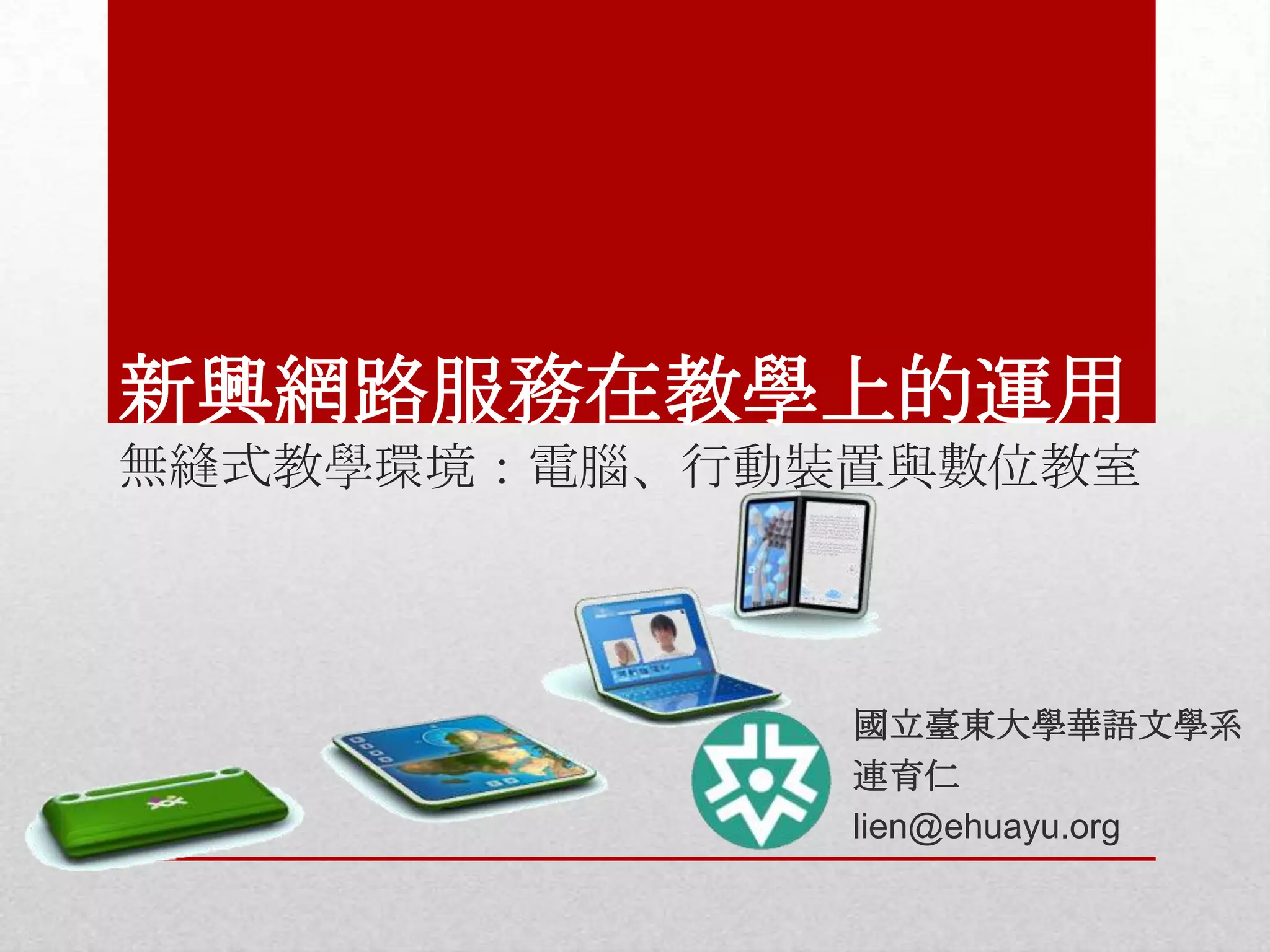
新興網路服務在教學上的運用
無縫式教學環境:電腦、行動裝置與數位教室

國立臺東大學華語文學系
連育仁
lien@ehuayu.org
• 學習管理系統
• Google apps for education

• 遠距軟硬體
• 硬體選用能力
• 課室教學用
• 備課用
• 行動裝置

華語教師數位能力
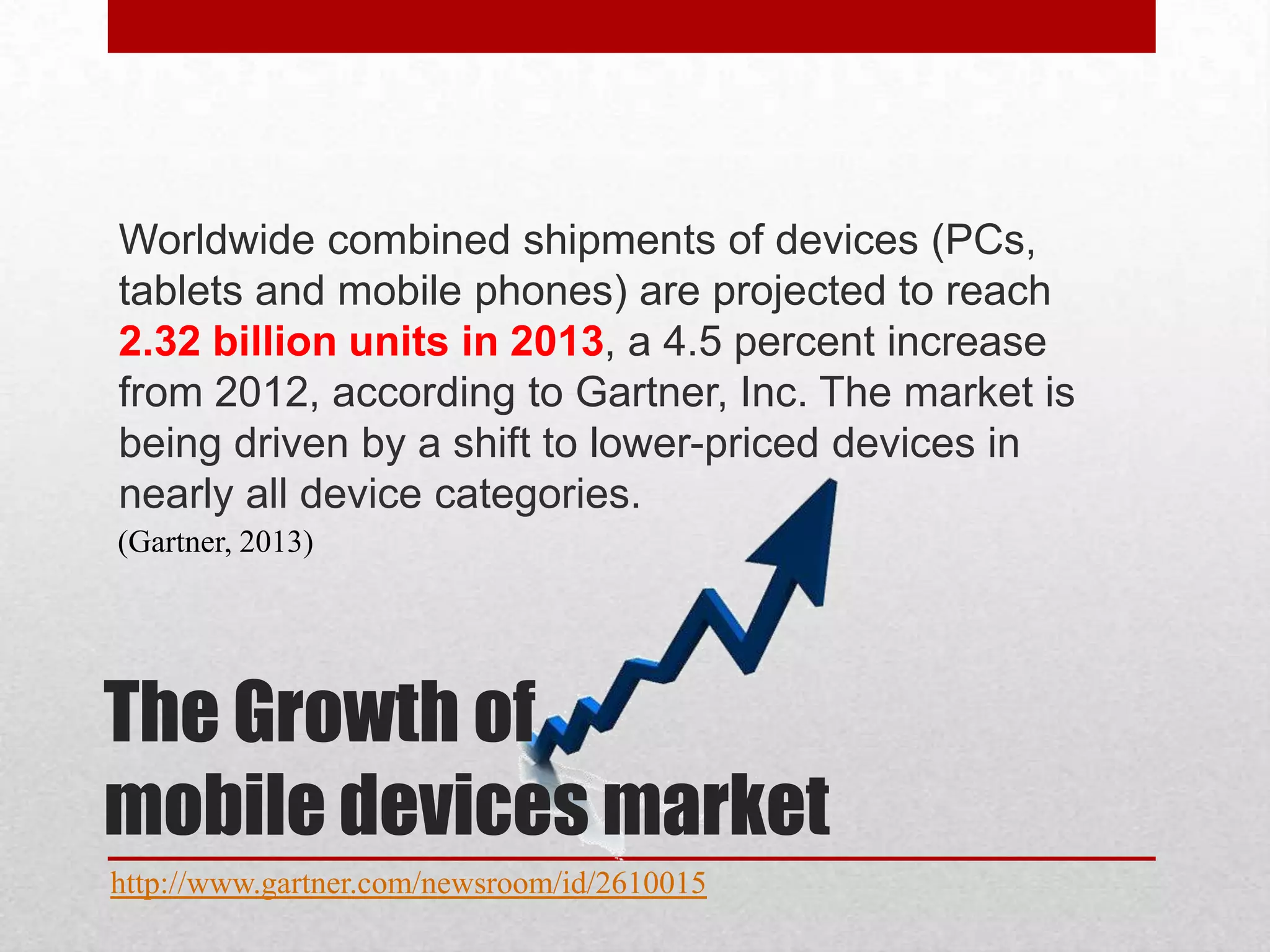
Worldwide combined shipments of devices (PCs,
tablets and mobile phones) are projected to reach
2.32 billion units in 2013, a 4.5 percent increase
from 2012, according to Gartner, Inc. The market is
being driven by a shift to lower-priced devices in
nearly all device categories.
(Gartner, 2013)

The Growth of
mobile devices market
http://www.gartner.com/newsroom/id/2610015
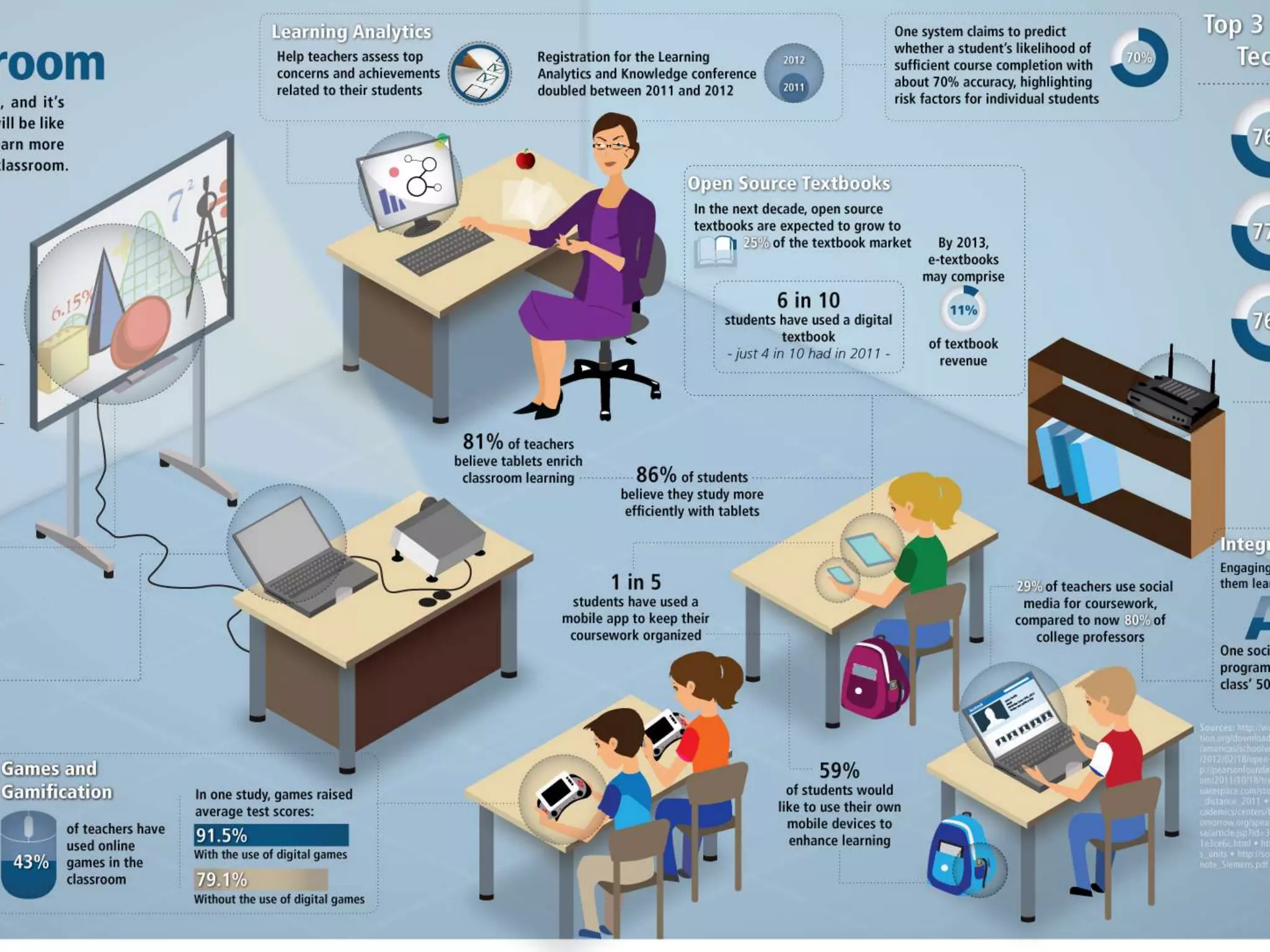
• 91% of teachers have computers in the classroom
• Just 20% think they have the right level of
technology in the classroom
• More than half of all colleges surveyed say their
biggest priority is upgrading their wi-fi system
• 43% of teachers surveyed have used online games
in the classroom
• 29% of teachers use social networks… 80% of
college professors do too.

Components of a
st Century Classroom
21
http://www.edudemic.com/classroom-pieces/
http://www.opencolleges.edu.au/infographic/21st_century_classroom.html
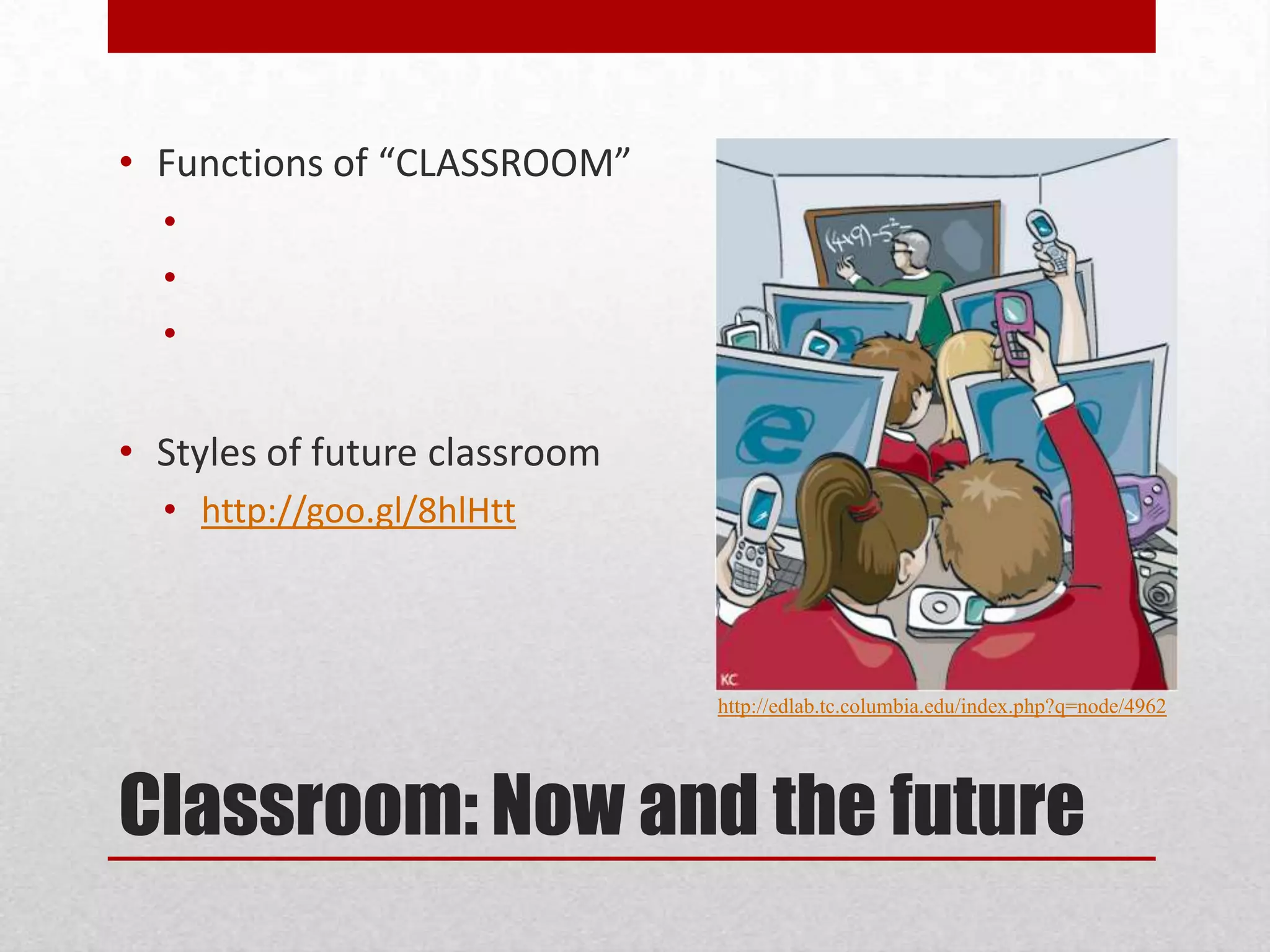
• Functions of “CLASSROOM”
•
•
•

• Styles of future classroom
• http://goo.gl/8hlHtt

http://edlab.tc.columbia.edu/index.php?q=node/4962

Classroom: Now and the future
•
•
•
•
•
•
•
•
•
•
•
•

Communication
Collaboration
Critical Thinking and Problem solving
Creativity and Innovation
Information Literacy
Media Literacy
Technology Literacy
Flexibility and Adaptability
Initiative and Self-Direction
Social and Cross-cultural skills
Productivity and Accountability
Leadership and Responsibility

Seamless Classroom and
st century skills
21
看出數位教室的
重要性了嗎?
無縫教室基本功
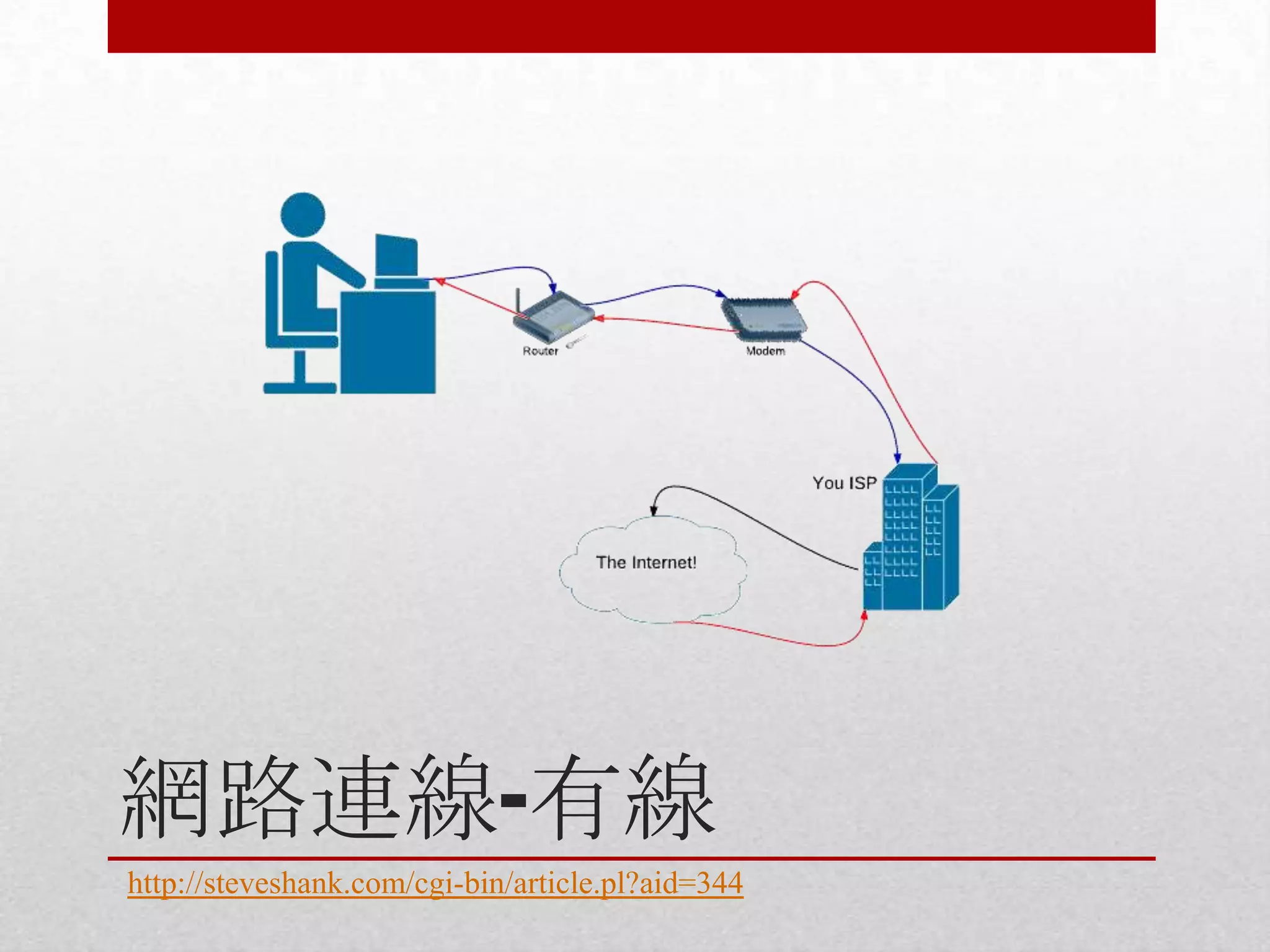
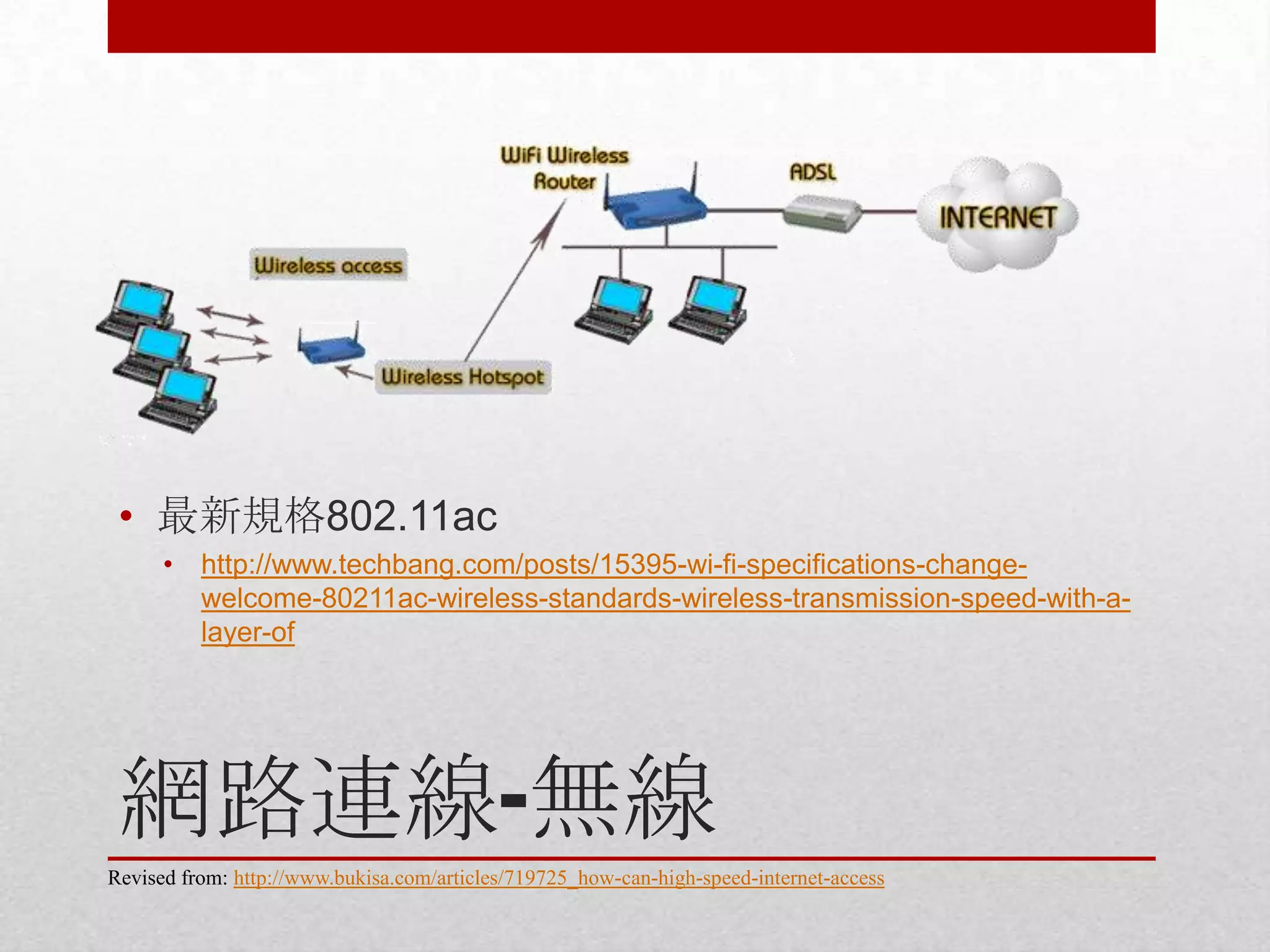
• 網路連線
• 有線
• 無線
• 網路基地台設定
• Smartphone
• iPhone
• Android

• AP

• 電腦
• Desktop
• Laptop
• Windows
• Mac

• 資料傳輸
• 雲端空間
• 區域網路
• Windows
• Mac

• 行動裝置畫面投影
• iOS to Mac
• iOS to Windows
• Android via miracast
網路連線-有線
http://steveshank.com/cgi-bin/article.pl?aid=344
• 最新規格802.11ac
•

http://www.techbang.com/posts/15395-wi-fi-specifications-changewelcome-80211ac-wireless-standards-wireless-transmission-speed-with-alayer-of

網路連線-無線
Revised from: http://www.bukisa.com/articles/719725_how-can-high-speed-internet-access
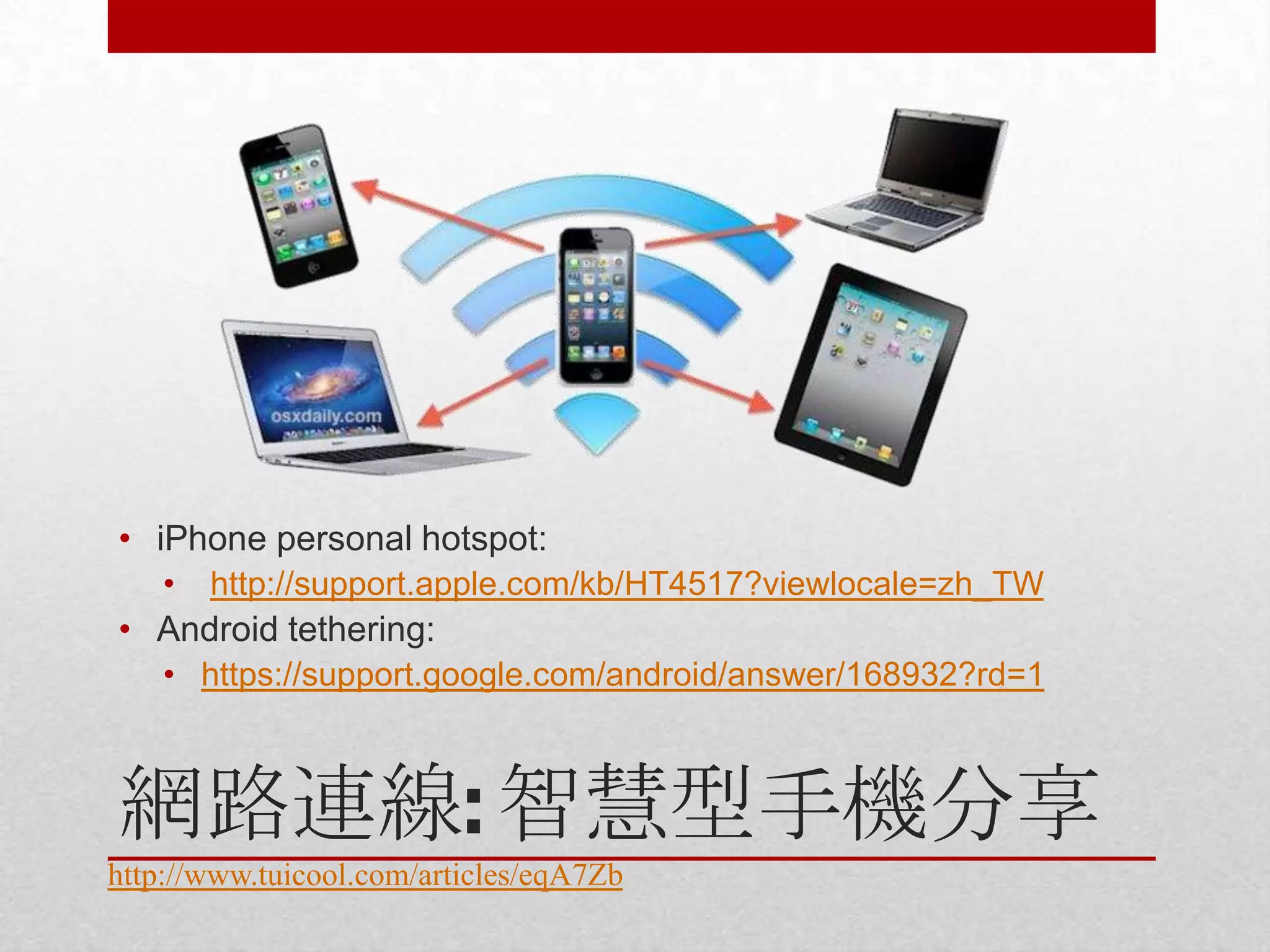
• iPhone personal hotspot:
•

http://support.apple.com/kb/HT4517?viewlocale=zh_TW

• Android tethering:
• https://support.google.com/android/answer/168932?rd=1

網路連線: 智慧型手機分享
http://www.tuicool.com/articles/eqA7Zb
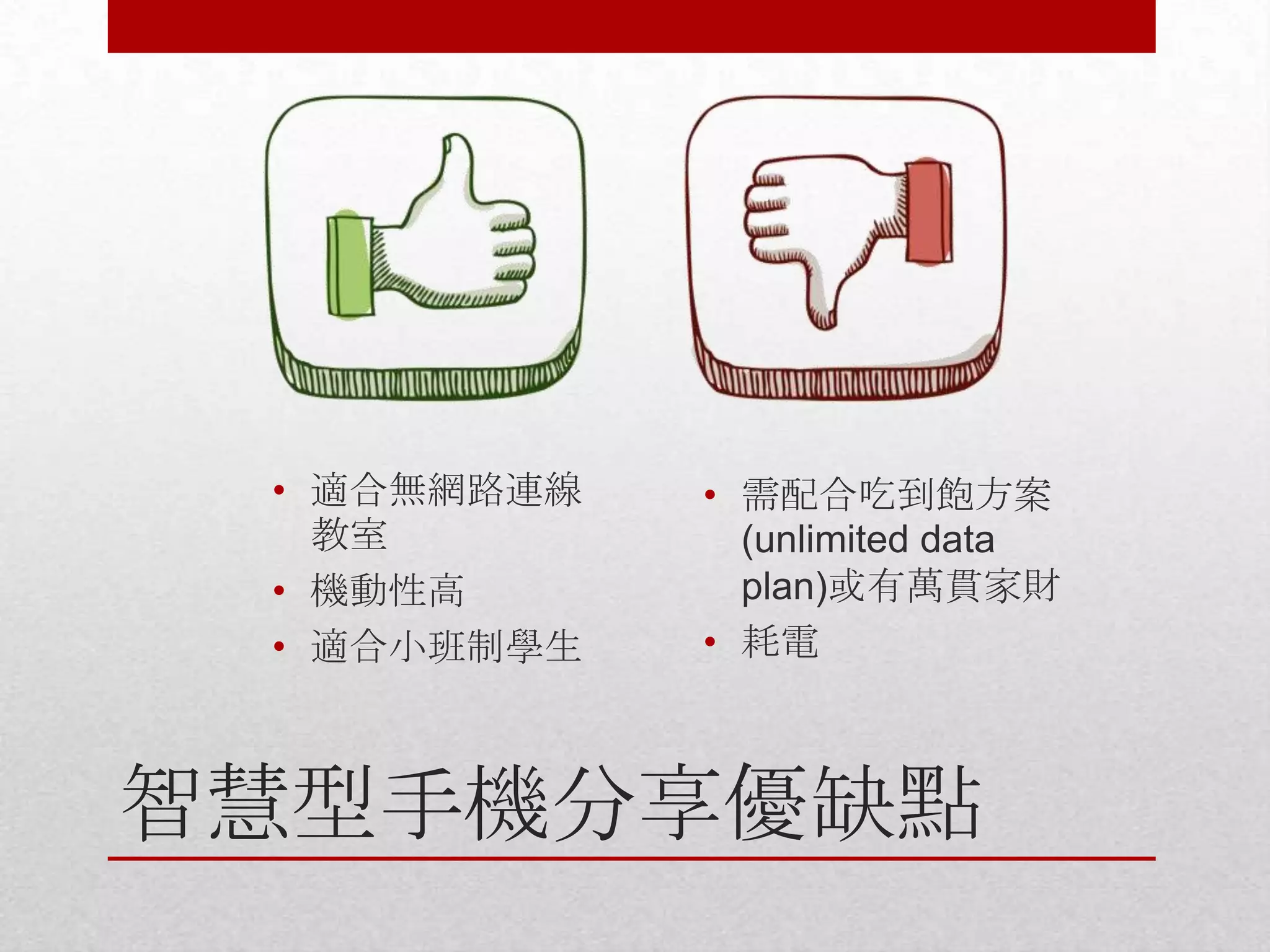
• 適合無網路連線
教室
• 機動性高
• 適合小班制學生

• 需配合吃到飽方案
(unlimited data
plan)或有萬貫家財
• 耗電

智慧型手機分享優缺點
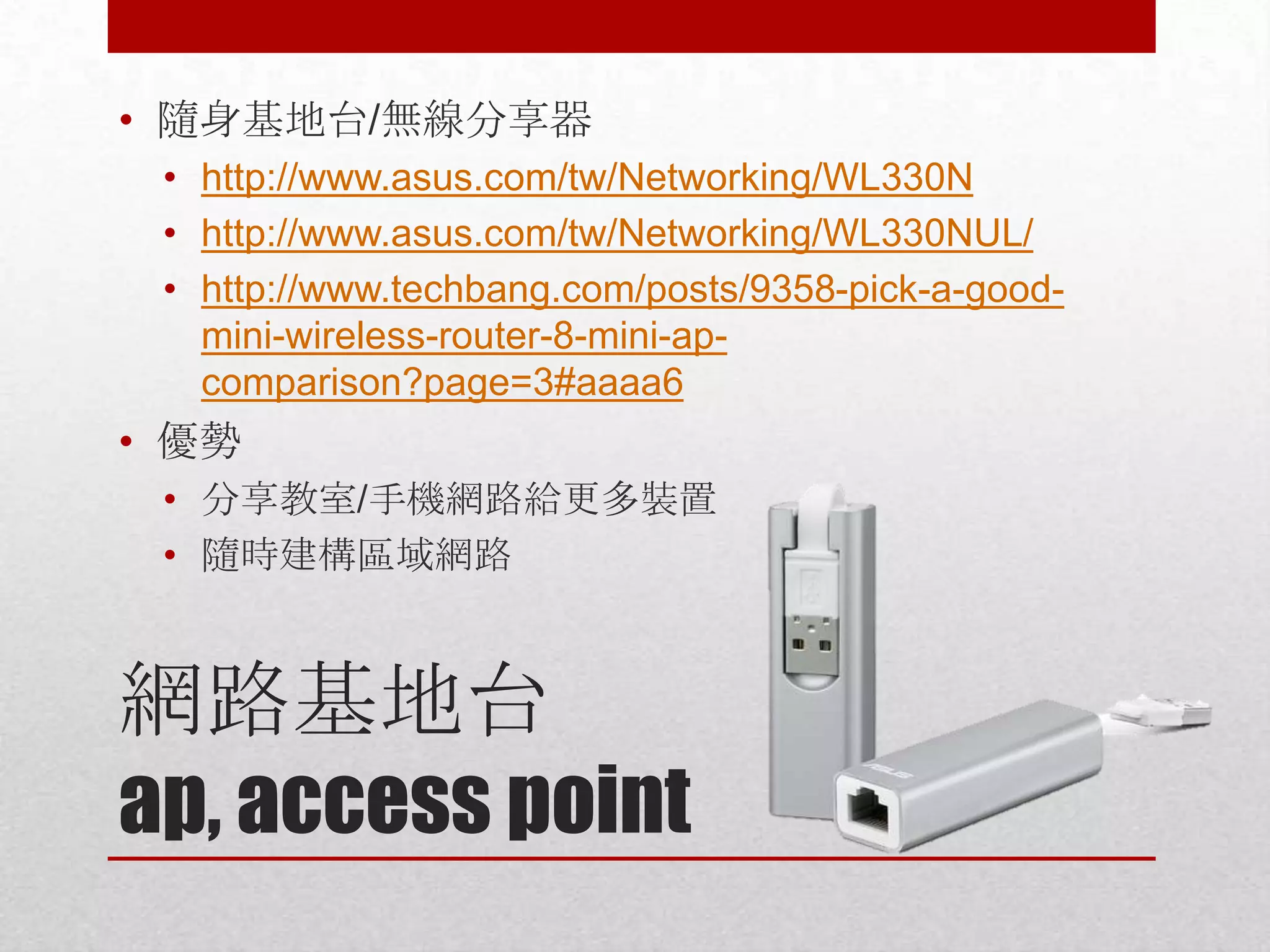
• 隨身基地台/無線分享器
• http://www.asus.com/tw/Networking/WL330N
• http://www.asus.com/tw/Networking/WL330NUL/
• http://www.techbang.com/posts/9358-pick-a-goodmini-wireless-router-8-mini-apcomparison?page=3#aaaa6

• 優勢
• 分享教室/手機網路給更多裝置
• 隨時建構區域網路

網路基地台
ap, access point
電腦也可以當基地台/網路
分享器(需有無線網卡)
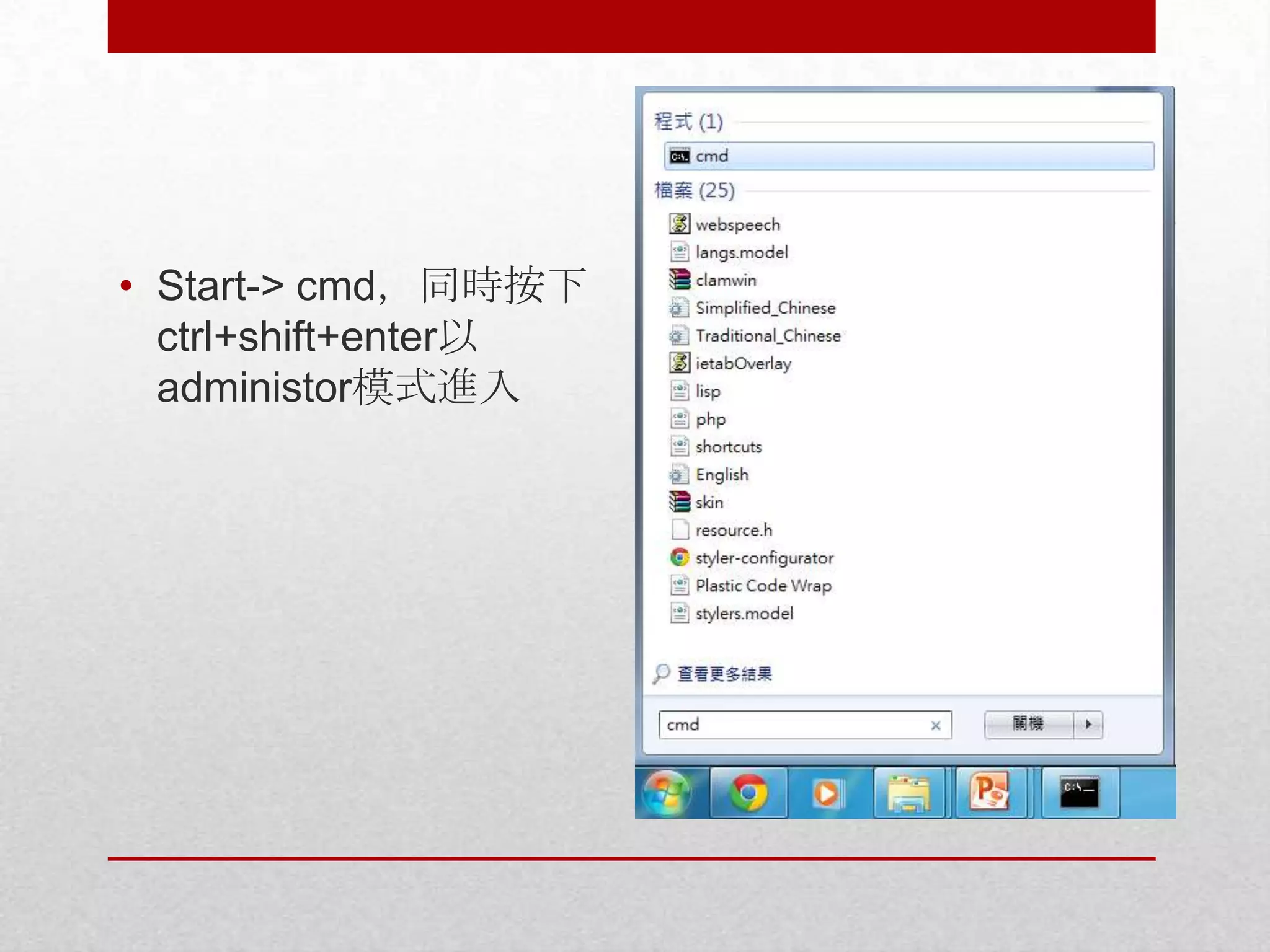
• Start-> cmd,同時按下
ctrl+shift+enter以
administor模式進入
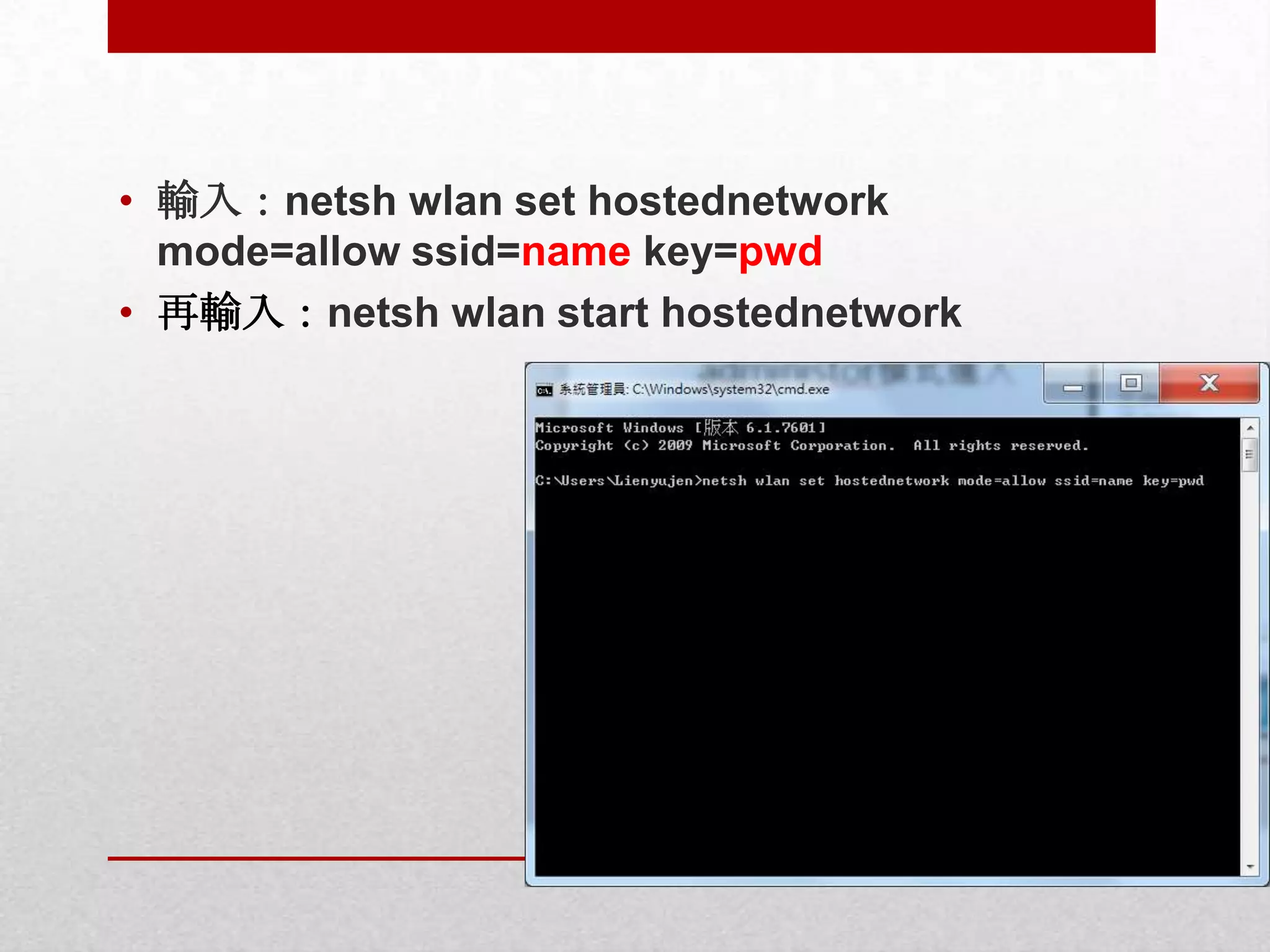
• 輸入:netsh wlan set hostednetwork
mode=allow ssid=name key=pwd
• 再輸入:netsh wlan start hostednetwork
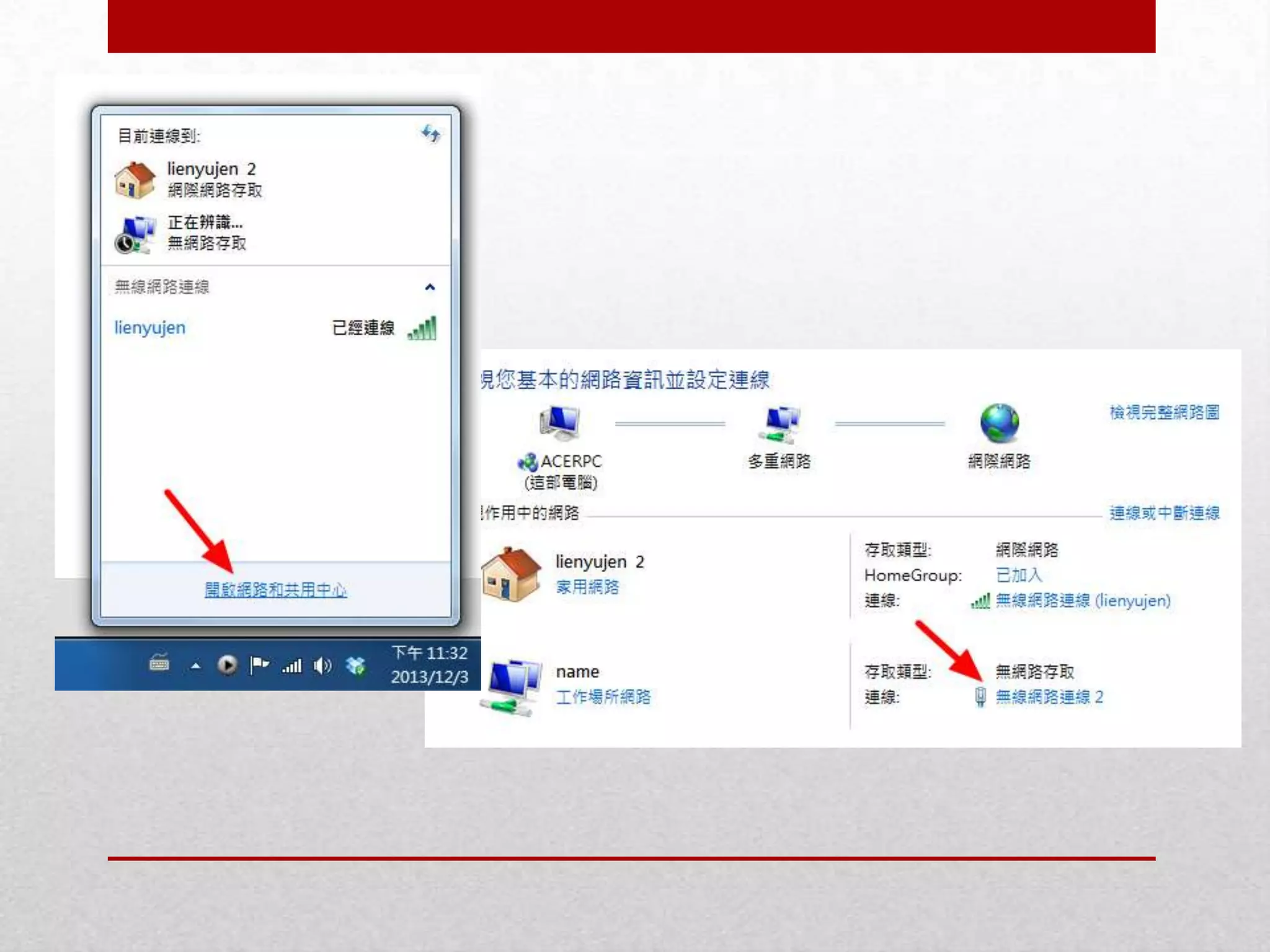
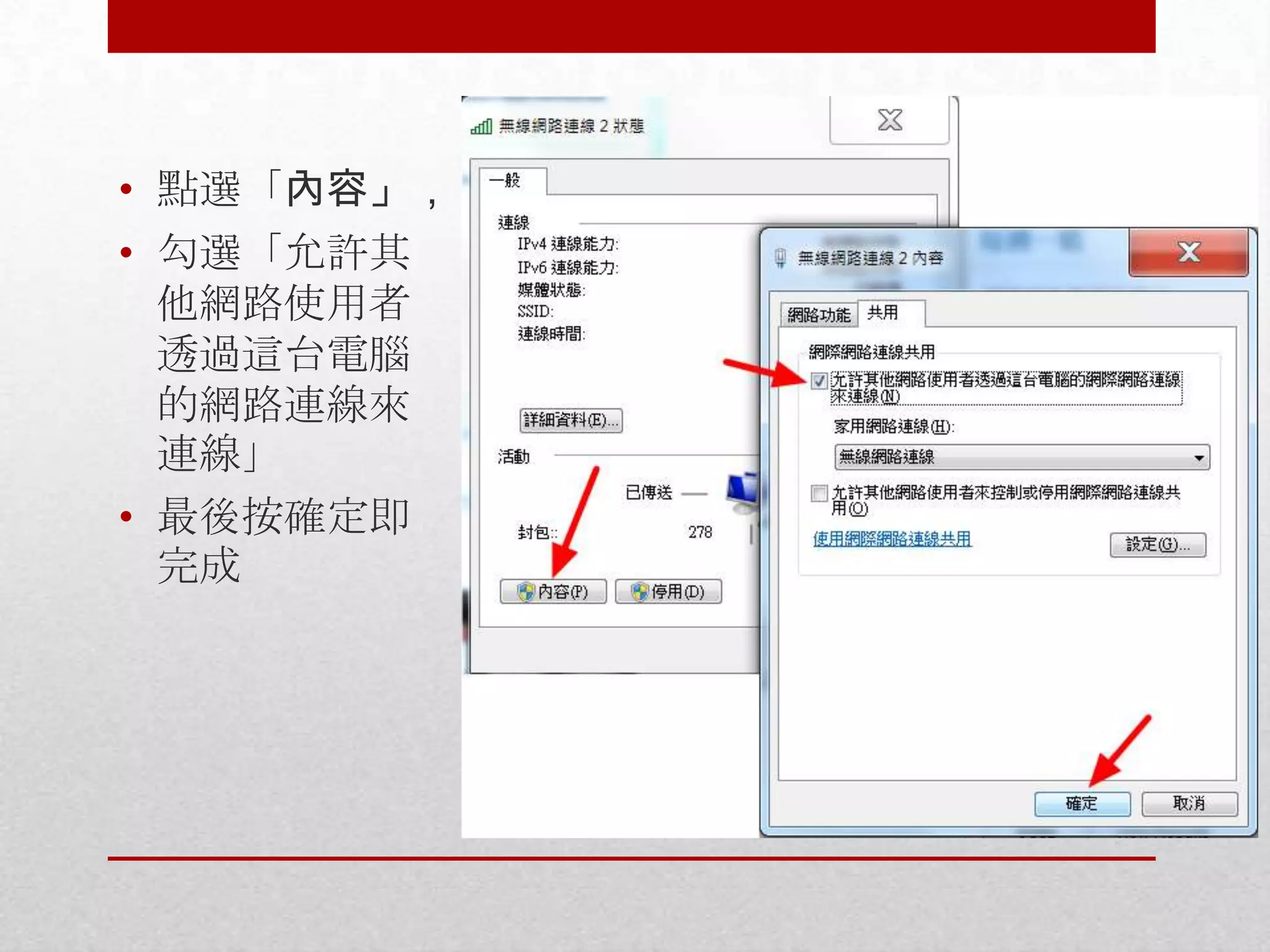
• 點選「內容」,
• 勾選「允許其
他網路使用者
透過這台電腦
的網路連線來
連線」
• 最後按確定即
完成
• 如果嫌上列設定太麻煩,請下載它:
• https://www.dropbox.com/s/02mut2e935zuifp/Connecti
fyInstaller.exe
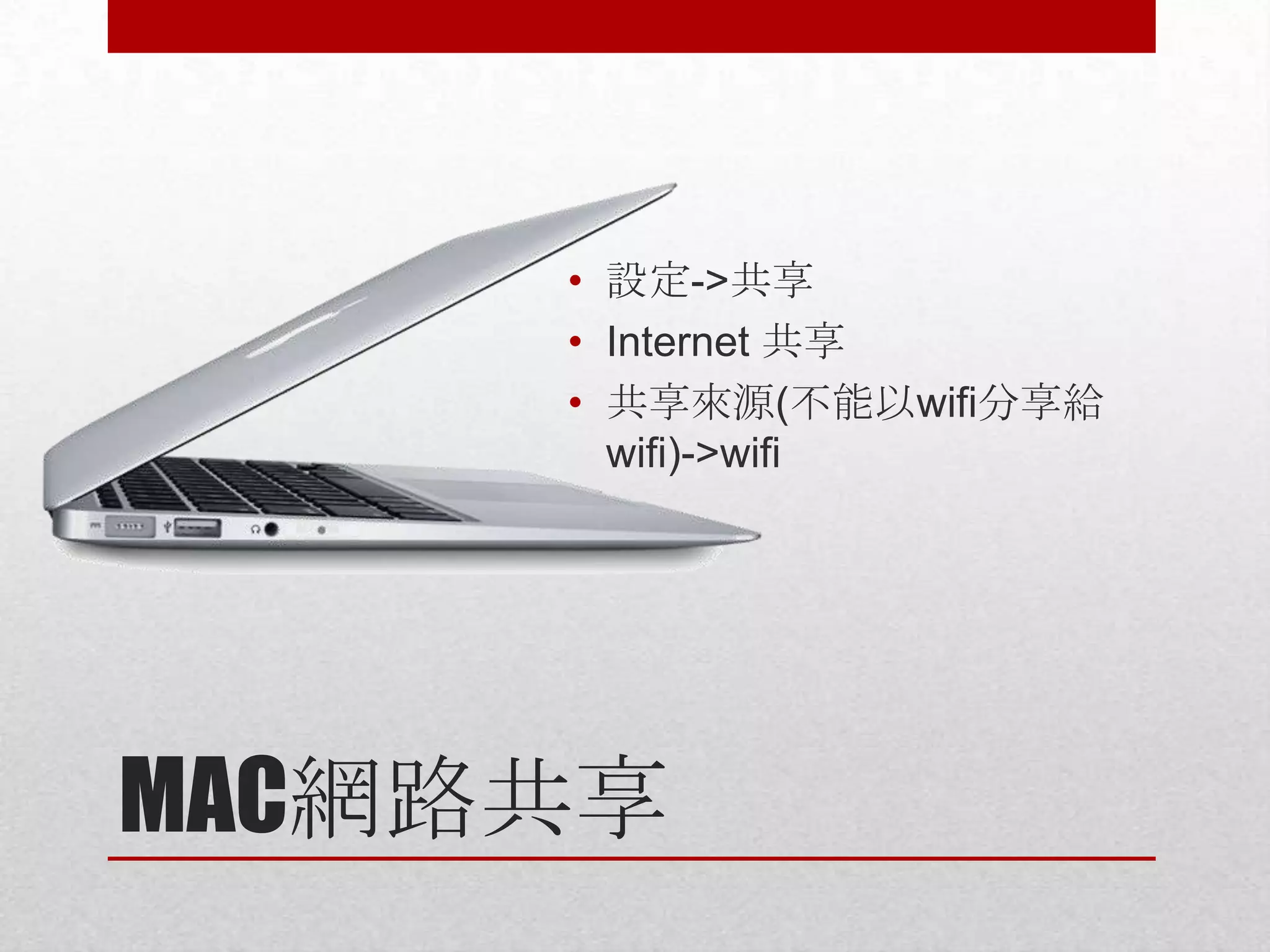
• 設定->共享
• Internet 共享
• 共享來源(不能以wifi分享給
wifi)->wifi

MAC網路共享
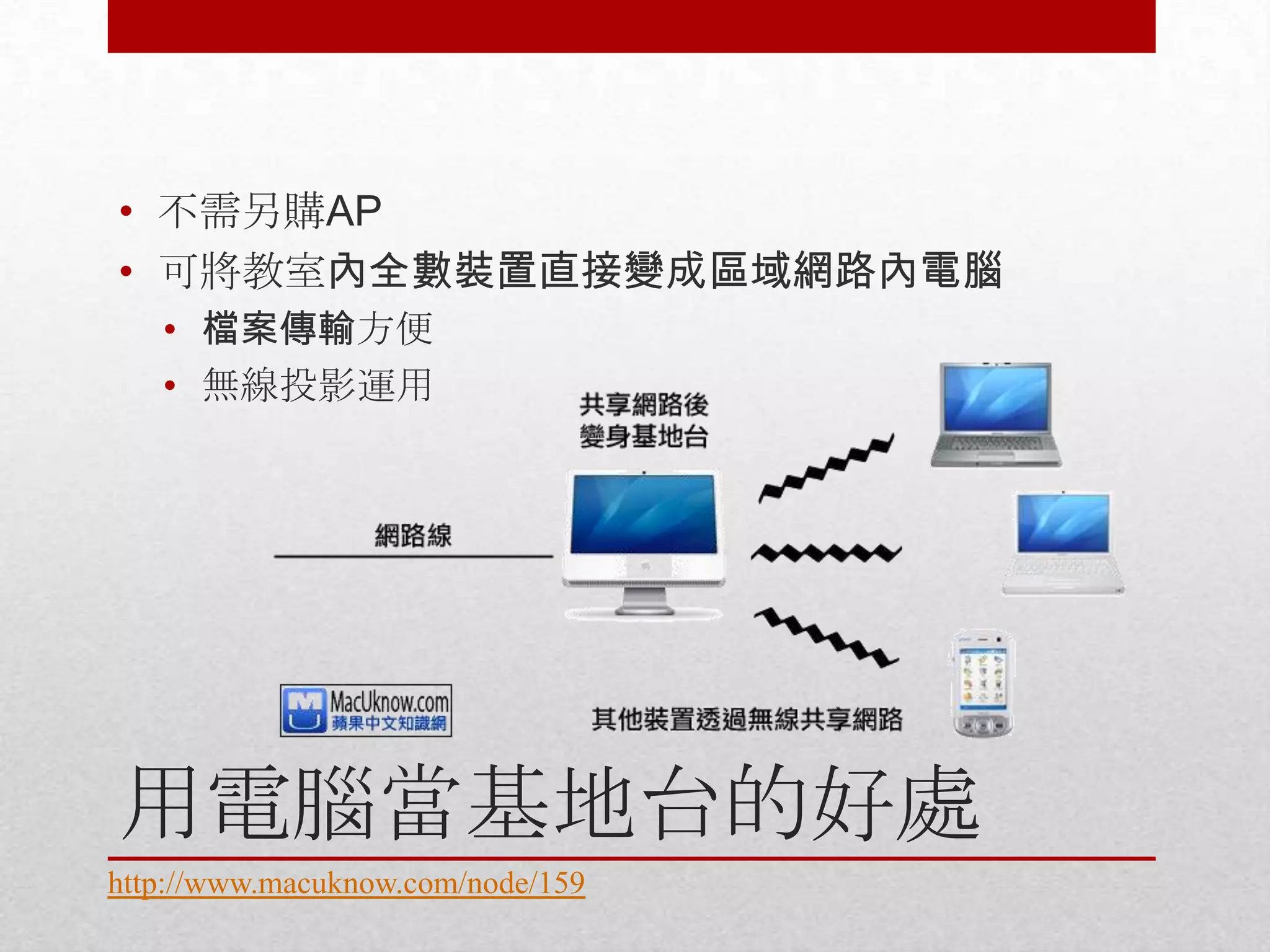
• 不需另購AP
• 可將教室內全數裝置直接變成區域網路內電腦
• 檔案傳輸方便
• 無線投影運用

用電腦當基地台的好處
http://www.macuknow.com/node/159
• 對外網路夠快,雲端服務是最好的選擇
• Dropbox
• Google Drive

• 對外網路不順或過慢,以區域網路方式傳輸
• Windows: HFS
• https://dl.dropboxusercontent.com/u/10901976/etools/hfs
_tc.exe

• Mac: papaya
• https://dl.dropboxusercontent.com/u/10901976/etools/pap
aya.zip

教室內檔案傳輸
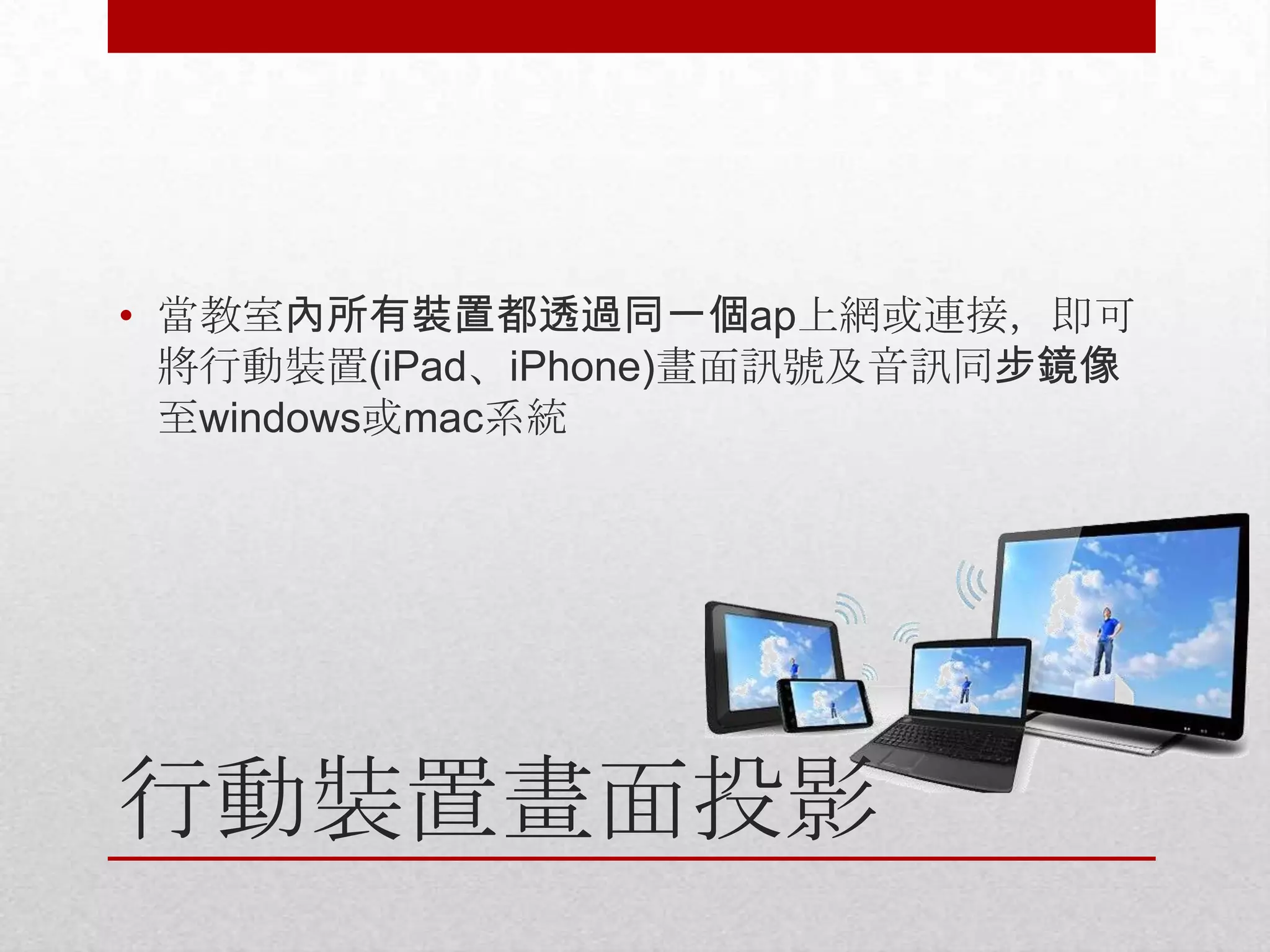
• 當教室內所有裝置都透過同一個ap上網或連接,即可
將行動裝置(iPad、iPhone)畫面訊號及音訊同步鏡像
至windows或mac系統

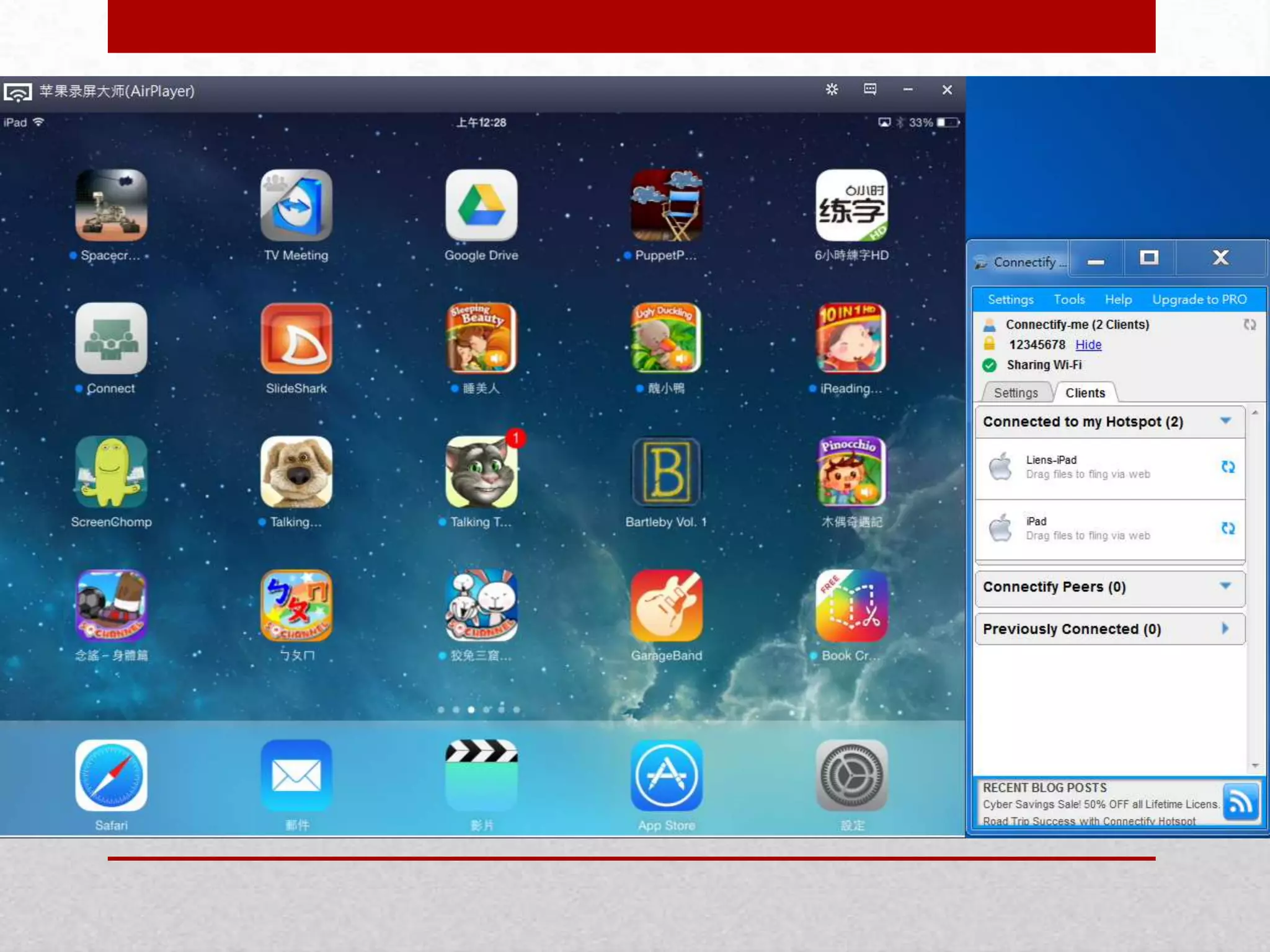
行動裝置畫面投影
• iOS-Windows
• Airplayer:
https://www.dropbox.com/sh/tbmvzkugzcapo1r/aOqfeo
qSf6
• 電腦若未曾安裝iTunes,請下載安裝
BonjourPSSetup.exe檔
• 執行AirPlayer.exe
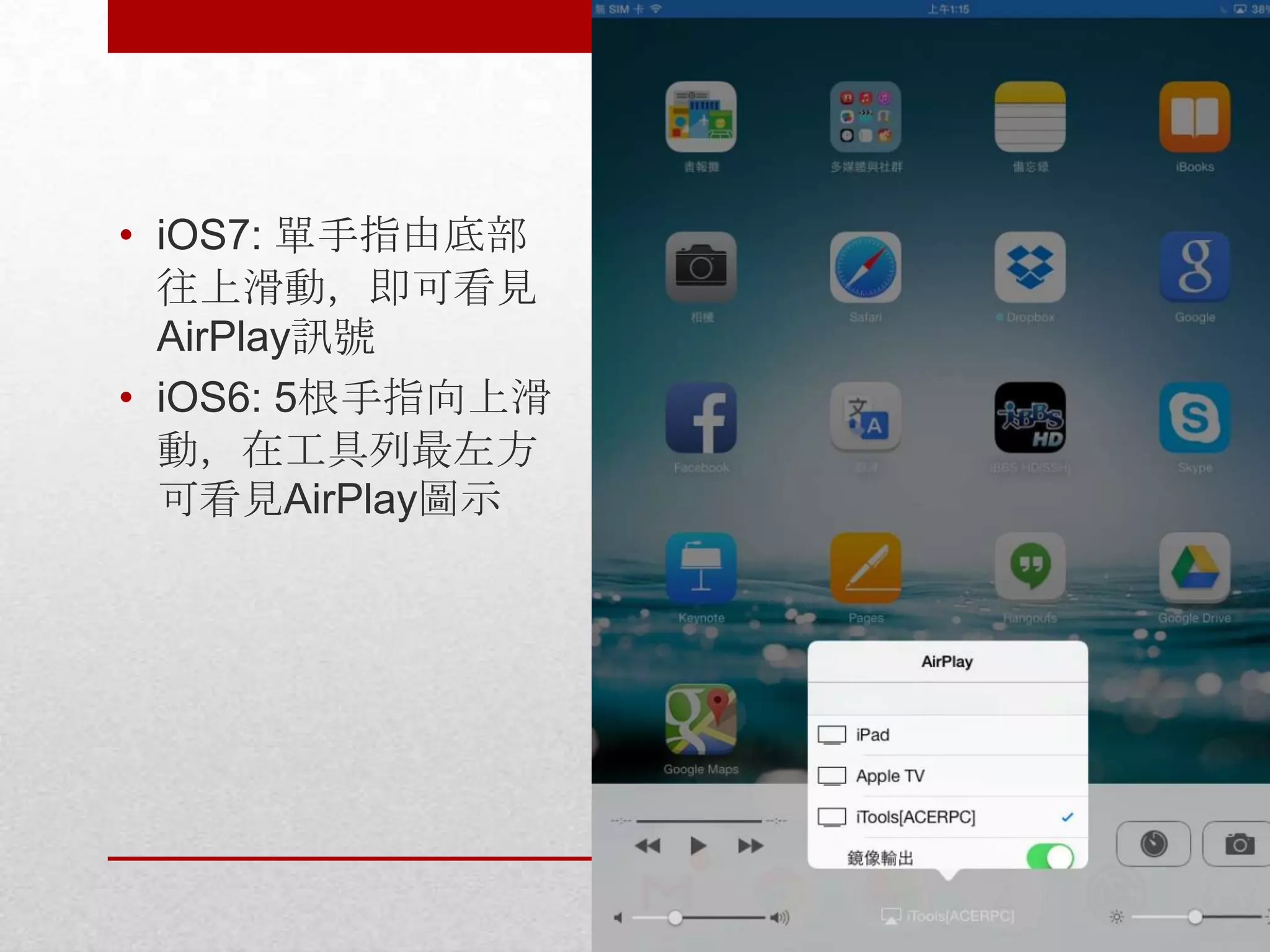
• iOS7: 單手指由底部
往上滑動,即可看見
AirPlay訊號
• iOS6: 5根手指向上滑
動,在工具列最左方
可看見AirPlay圖示
• iOS-MAC
• AirServer
http://www.airserver.com/
• 數位小白板
• 專題作業工具
• 合作/協同
• Digital storytelling
• Audio/video/multimedia

• 走動式投影片
• 實物投影機

運用方式
• Miracast

• ScreenBeam:
http://www.actiontec.com/products/62.php
• Netgear ptv3000

• 軟體待解

Android系統
&
http://www.facebook.com/ehuayu

無縫式教學環境:電腦、行動裝置與數位教室