R2
 Create Service Accounts
 Install a SQL Server 2008
 Understand Collation Sequences
 Understand Authentication Modes
 Install Sample Databases
 Configure a SQL Server Instance
Service Accounts
 All the core SQL Server components run as services.
 To configure each component properly, you need to create several service
accounts prior to installation.
 You need dedicated service accounts for the following components:
 Database Engine
 SQL Server Agent
 The SQL Server service is still running within the security framework provided
by Windows.
 The SQL Server engine requires access to many resources on a computer, such
as memory, processors, disk space, and networking.
 SQL Server is able to access only the Windows resources for which the service
account has been granted permissions.
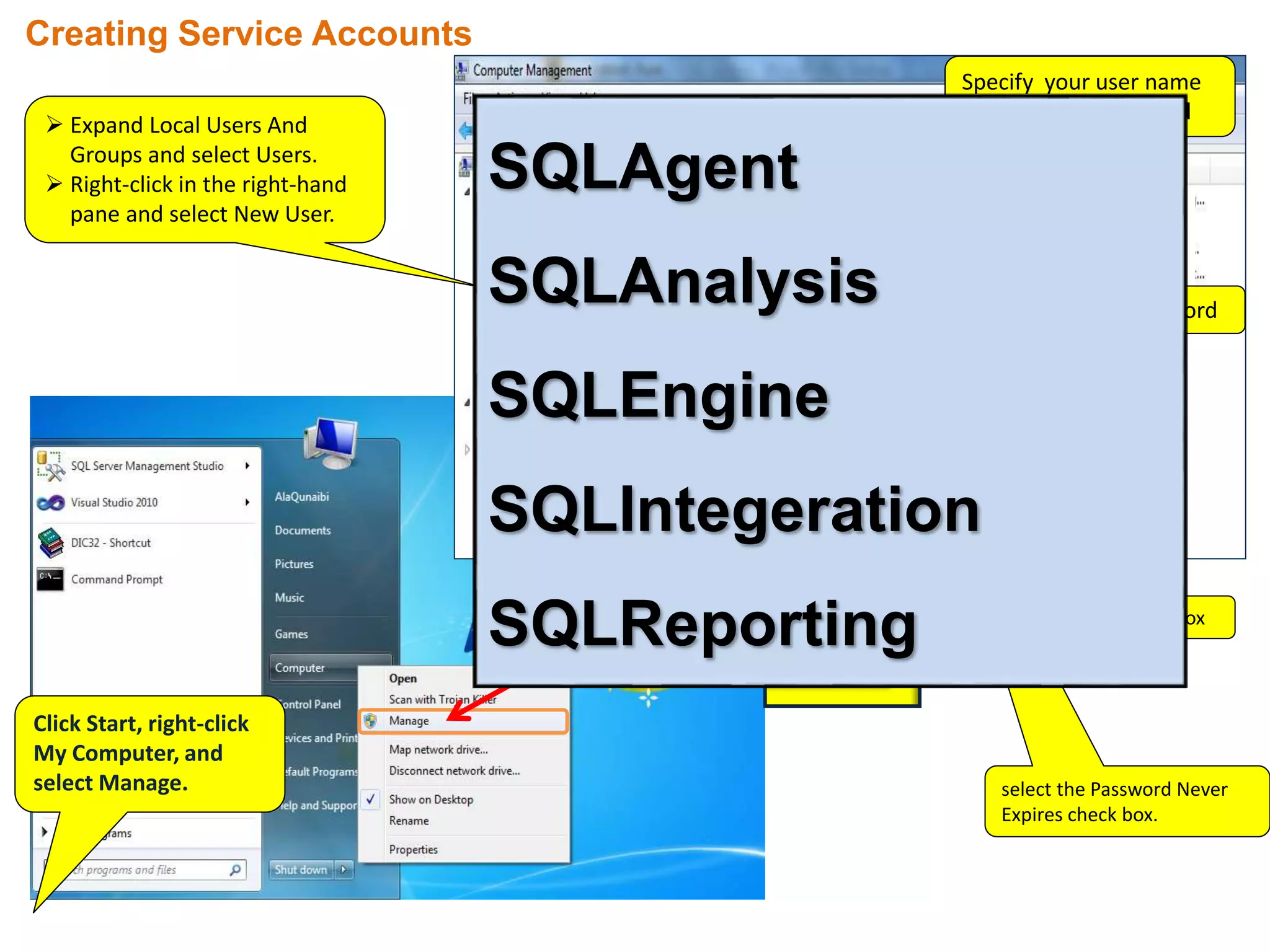
Click Start, right-click
My Computer, and
select Manage.
 Expand Local Users And
Groups and select Users.
 Right-click in the right-hand
pane and select New User.
Creating Service Accounts
Specify your user name
in the User Name field
Write password
clear Check Box
select the Password Never
Expires check box.
SQLAgent
SQLAnalysis
SQLEngine
SQLIntegeration
SQLReporting
Collation Sequences
 Collation Sequences control how SQL Server treats character data for storage,
retrieval, sorting, and comparison operations.
 SQL Server 2008 allows you to specify a collation sequence to support any
language currently used around the world.
 Collation sequences can be specified at the instance, database, table, and
column levels.
 A collation sequence defines the character set that is supported, including
case sensitivity, accent sensitivity, and kana sensitivity.
For example: IF you use the collation sequence of SQL_Latin1_General_CP1_CI_AI,
you get support for a Western European character set that is case-insensitive and accent-
insensitive.
SQL_Latin1_General_CP1_CI_AI treats e, E, è, é, ê, and ë as the same character for sorting and
comparison operations, whereas a case-sensitive (CS), accent-sensitive (AS) French collation
sequence treats each as a different character.
Authentication Modes
 You can set the authentication mode for SQL Server to either:
 Windows Only (Integrated Security)
 Windows and SQL Server (Mixed Mode)
 When SQL Server is configured with Windows-only authentication, you can use
only Windows accounts to log in to the SQL Server instance.
 When SQL Server is configured in mixed mode, you can use either Windows
accounts or SQL Server–created accounts to log in to the SQL Server instance.
SQL Server instances
 SQL Server instances define the container for all operations you perform
within SQL Server.
 Each instance contains its own set of databases, security credentials,
configuration settings, Windows services, and other SQL Server objects.
 SQL Server 2008 R2 supports the installation of up to 50 instances on SQL
Server on a single machine.
 You can install one instance as the default instance along with up to 49
additional named instances, or you can install 50 named instances with no
default.
 When connecting to a named instance, you use the combination of the
machine name and instance name, such as <machinename><instancename>.
SQL Server instances (Continue…)
The primary reasons for installing more than one instance of SQL Server
on a single machine are:
 You need instances for quality assurance testing or development.
 You need to support multiple service pack or patch levels.
 You have different groups of administrators who are allowed to access
only a subset of databases within your organization.
 You need to support multiple sets of SQL Server configuration options.
SQL Server Configuration Manager
 SQL Server Configuration Manager is responsible for managing SQL Server
services and protocols.
 The primary tasks that you will perform are:
 Starting, stopping, pausing, and restarting a service
 Changing service accounts and service account passwords
 Managing the start-up mode of a service
 Configuring service start-up parameters
 You will need to know how collation sequences affect the way SQL
Server stores and handles character data.
 Allows you to configure the communications protocols available to client
connections.
 You can control whether communications are required to be encrypted
or whether an instance responds to an enumeration request.
 SQL Server Configuration Manager is used to manage any SQL Server services.
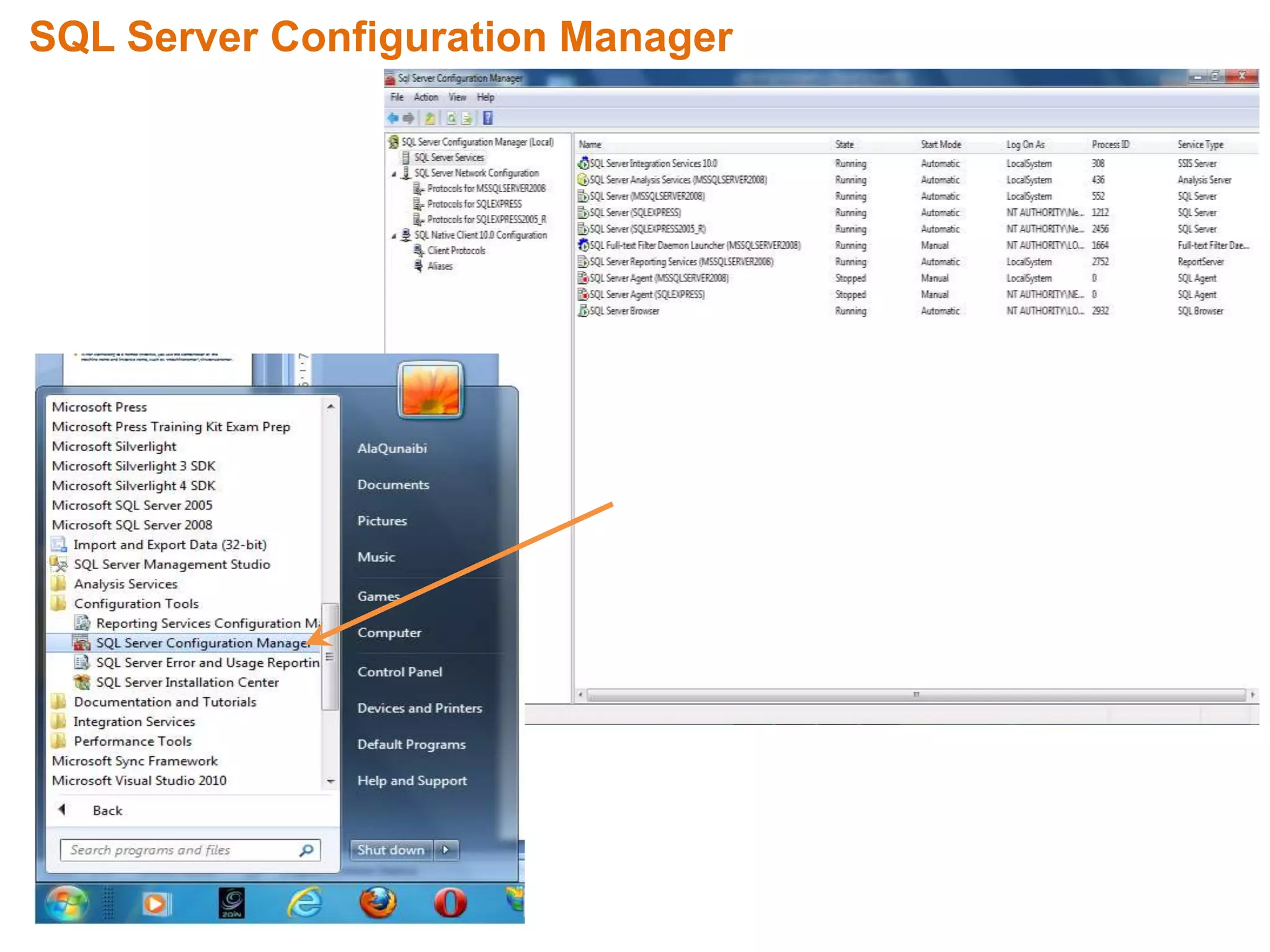
SQL Server Configuration Manager
Configuring Database Mail
 Database Mail provides a notification capability to SQL Server
instances.
 Database Mail enables a computer running SQL Server to send
outbound mail messages.
 Messages can contain the results of queries.
 Database Mail is primarily used to send alert messages to
administrators to notify them of performance conditions or
changes that have been made to objects.
 Database Mail uses the Simple Mail Transfer Protocol (SMTP)
relay service that is available on all Windows machines to
transmit mail messages.
 Database Mail utilizes the services of SQL Server Agent to send
messages as a background process.
 When a mail send is initiated, the message along with all of the
message properties is logged into a table in the MSDB database.
 If SQL Server Agent is not running , messages will accumulate in
a queue within the MSDB database.
 Mail accounts define all the properties associated to a
specific e-mail account such as e-mail address, reply to e-mail
address, mail server name, port number, and authentication
credentials.
Configuring Database Mail (Continue...)
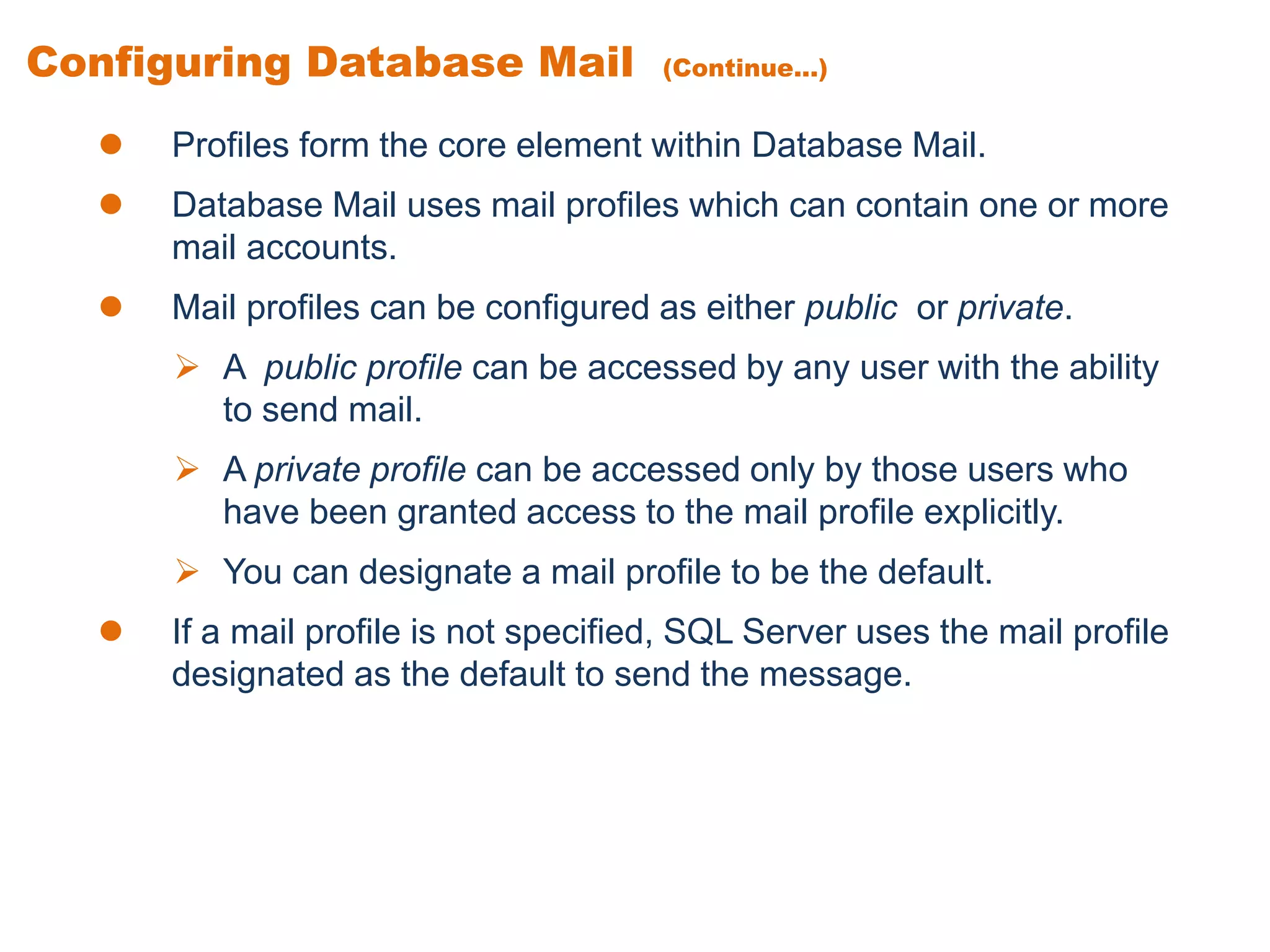
 Profiles form the core element within Database Mail.
 Database Mail uses mail profiles which can contain one or more
mail accounts.
 Mail profiles can be configured as either public or private.
 A public profile can be accessed by any user with the ability
to send mail.
 A private profile can be accessed only by those users who
have been granted access to the mail profile explicitly.
 You can designate a mail profile to be the default.
 If a mail profile is not specified, SQL Server uses the mail profile
designated as the default to send the message.
Review
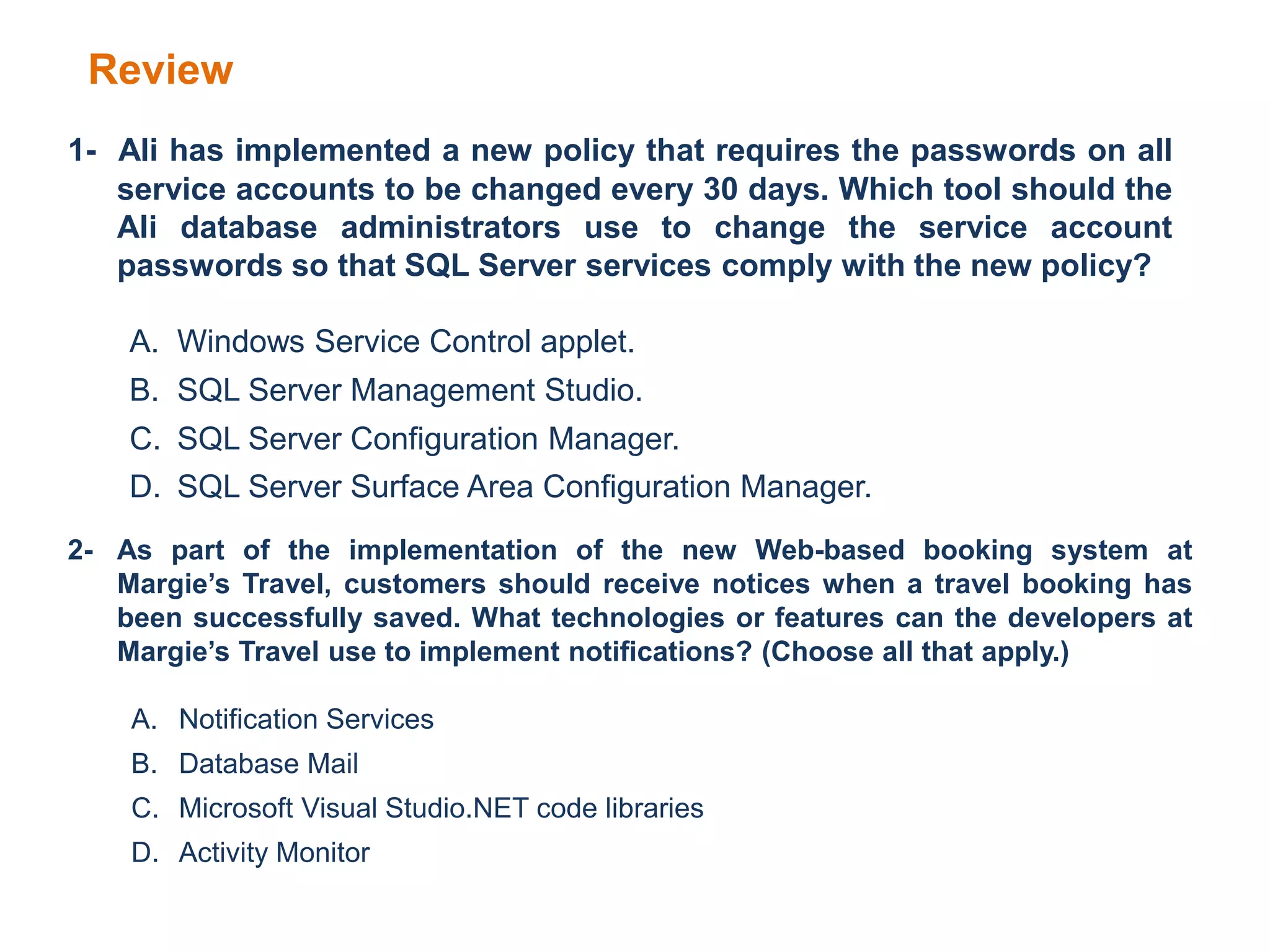
1- Ali has implemented a new policy that requires the passwords on all
service accounts to be changed every 30 days. Which tool should the
Ali database administrators use to change the service account
passwords so that SQL Server services comply with the new policy?
A. Windows Service Control applet.
B. SQL Server Management Studio.
C. SQL Server Configuration Manager.
D. SQL Server Surface Area Configuration Manager.
2- As part of the implementation of the new Web-based booking system at
Margie’s Travel, customers should receive notices when a travel booking has
been successfully saved. What technologies or features can the developers at
Margie’s Travel use to implement notifications? (Choose all that apply.)
A. Notification Services
B. Database Mail
C. Microsoft Visual Studio.NET code libraries
D. Activity Monitor
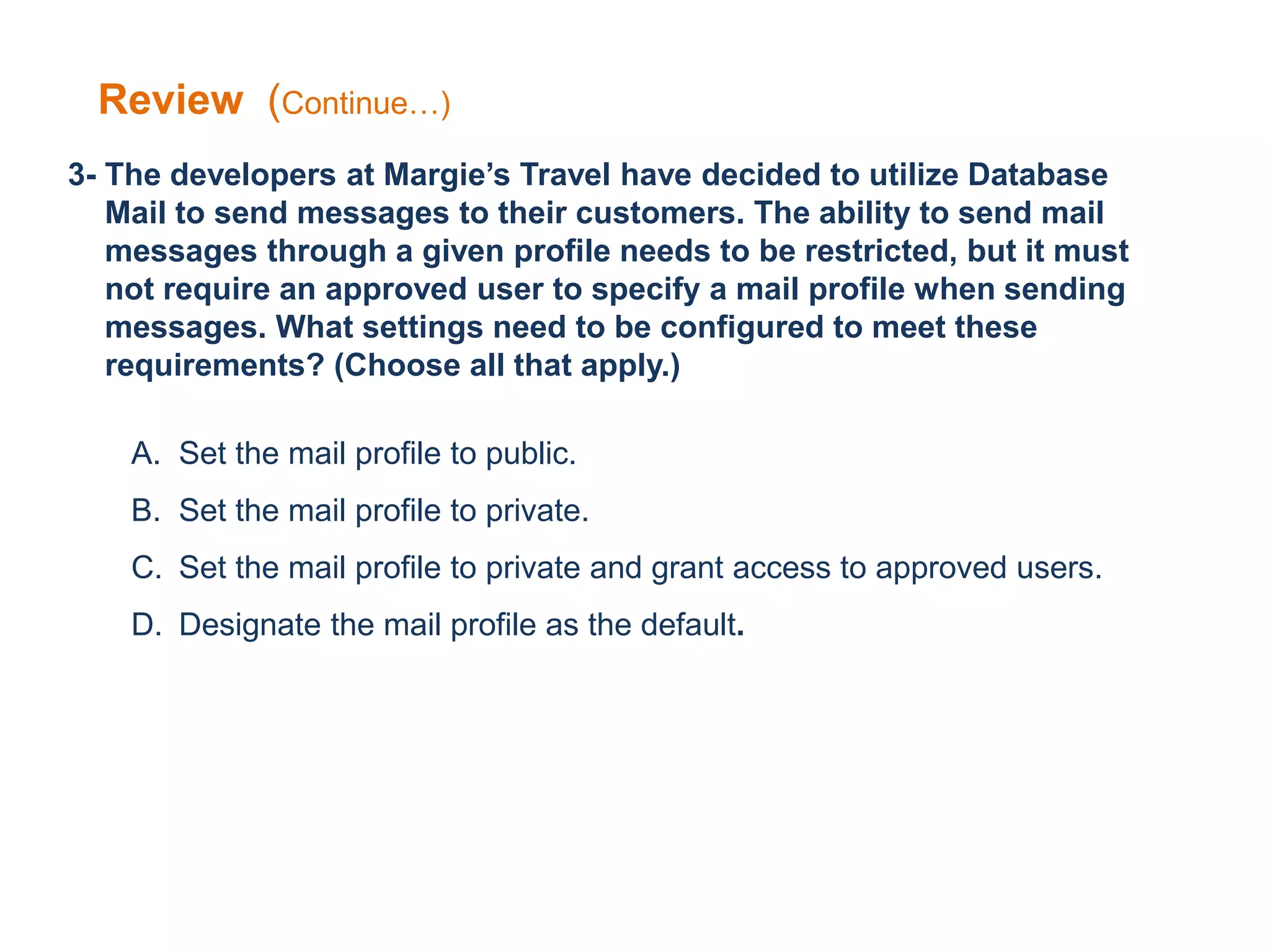
3- The developers at Margie’s Travel have decided to utilize Database
Mail to send messages to their customers. The ability to send mail
messages through a given profile needs to be restricted, but it must
not require an approved user to specify a mail profile when sending
messages. What settings need to be configured to meet these
requirements? (Choose all that apply.)
A. Set the mail profile to public.
B. Set the mail profile to private.
C. Set the mail profile to private and grant access to approved users.
D. Designate the mail profile as the default.
Review (Continue…)
Answers
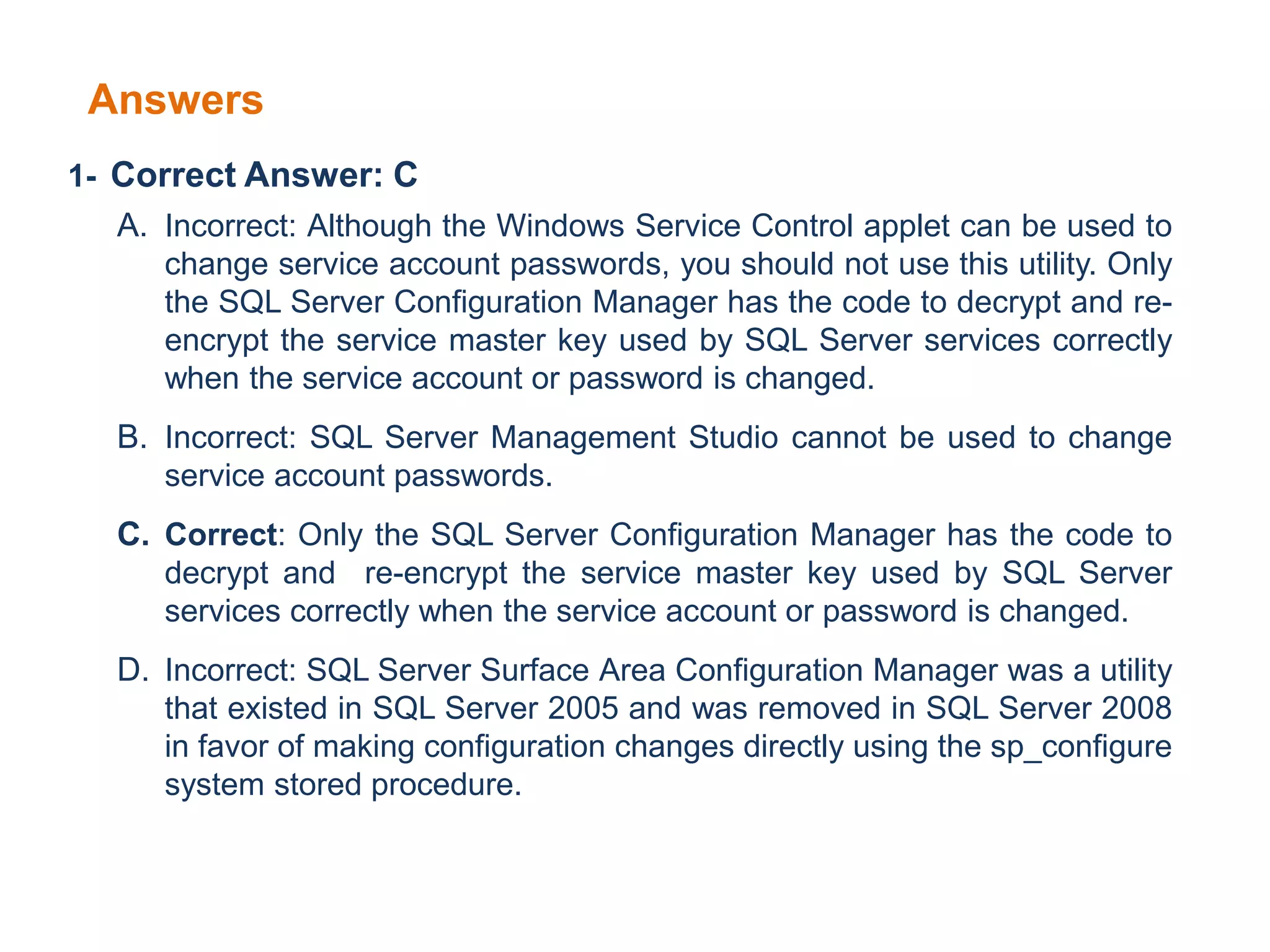
1- Correct Answer: C
A. Incorrect: Although the Windows Service Control applet can be used to
change service account passwords, you should not use this utility. Only
the SQL Server Configuration Manager has the code to decrypt and re-
encrypt the service master key used by SQL Server services correctly
when the service account or password is changed.
B. Incorrect: SQL Server Management Studio cannot be used to change
service account passwords.
C. Correct: Only the SQL Server Configuration Manager has the code to
decrypt and re-encrypt the service master key used by SQL Server
services correctly when the service account or password is changed.
D. Incorrect: SQL Server Surface Area Configuration Manager was a utility
that existed in SQL Server 2005 and was removed in SQL Server 2008
in favor of making configuration changes directly using the sp_configure
system stored procedure.
Answers (Continues….)
2- Correct Answers: B and C
A. Incorrect: Notification Services is a feature that was available with SQL
Server 2005 that is no longer available in SQL Server 2008.
B. Correct: Database Mail can be used to send messages to customers.
C. Correct: A Visual Studio .NET application can be created to use the mail
libraries available within the .NET Framework.
D. Incorrect: Activity Monitor is a feature of SSMS that displays query activity
on the server; it cannot be used to send messages.
3. Correct Answers: C and D
A. Incorrect: A public profile can be accessed by anyone with the authority to send
mail, which violates the security requirements.
B. Incorrect: Although configuring a mail profile as private will restrict access, the profile
cannot be used unless a user has been granted access to the profile.
C. Correct: You need to configure the mail profile to be private along with granting
access to the mail profile for approved users.
D. Correct: Designating a mail profile as the default allows approved users to send mail
using the profile without the need to specify the profile explicitly.
Sql server lesson2

Sql server lesson2

  • 1.
  • 2.
     Create ServiceAccounts  Install a SQL Server 2008  Understand Collation Sequences  Understand Authentication Modes  Install Sample Databases  Configure a SQL Server Instance
  • 3.
    Service Accounts  Allthe core SQL Server components run as services.  To configure each component properly, you need to create several service accounts prior to installation.  You need dedicated service accounts for the following components:  Database Engine  SQL Server Agent  The SQL Server service is still running within the security framework provided by Windows.  The SQL Server engine requires access to many resources on a computer, such as memory, processors, disk space, and networking.  SQL Server is able to access only the Windows resources for which the service account has been granted permissions.
  • 4.
    Click Start, right-click MyComputer, and select Manage.  Expand Local Users And Groups and select Users.  Right-click in the right-hand pane and select New User. Creating Service Accounts Specify your user name in the User Name field Write password clear Check Box select the Password Never Expires check box. SQLAgent SQLAnalysis SQLEngine SQLIntegeration SQLReporting
  • 5.
    Collation Sequences  CollationSequences control how SQL Server treats character data for storage, retrieval, sorting, and comparison operations.  SQL Server 2008 allows you to specify a collation sequence to support any language currently used around the world.  Collation sequences can be specified at the instance, database, table, and column levels.  A collation sequence defines the character set that is supported, including case sensitivity, accent sensitivity, and kana sensitivity. For example: IF you use the collation sequence of SQL_Latin1_General_CP1_CI_AI, you get support for a Western European character set that is case-insensitive and accent- insensitive. SQL_Latin1_General_CP1_CI_AI treats e, E, è, é, ê, and ë as the same character for sorting and comparison operations, whereas a case-sensitive (CS), accent-sensitive (AS) French collation sequence treats each as a different character.
  • 6.
    Authentication Modes  Youcan set the authentication mode for SQL Server to either:  Windows Only (Integrated Security)  Windows and SQL Server (Mixed Mode)  When SQL Server is configured with Windows-only authentication, you can use only Windows accounts to log in to the SQL Server instance.  When SQL Server is configured in mixed mode, you can use either Windows accounts or SQL Server–created accounts to log in to the SQL Server instance.
  • 7.
    SQL Server instances SQL Server instances define the container for all operations you perform within SQL Server.  Each instance contains its own set of databases, security credentials, configuration settings, Windows services, and other SQL Server objects.  SQL Server 2008 R2 supports the installation of up to 50 instances on SQL Server on a single machine.  You can install one instance as the default instance along with up to 49 additional named instances, or you can install 50 named instances with no default.  When connecting to a named instance, you use the combination of the machine name and instance name, such as <machinename><instancename>.
  • 8.
    SQL Server instances(Continue…) The primary reasons for installing more than one instance of SQL Server on a single machine are:  You need instances for quality assurance testing or development.  You need to support multiple service pack or patch levels.  You have different groups of administrators who are allowed to access only a subset of databases within your organization.  You need to support multiple sets of SQL Server configuration options.
  • 9.
    SQL Server ConfigurationManager  SQL Server Configuration Manager is responsible for managing SQL Server services and protocols.  The primary tasks that you will perform are:  Starting, stopping, pausing, and restarting a service  Changing service accounts and service account passwords  Managing the start-up mode of a service  Configuring service start-up parameters  You will need to know how collation sequences affect the way SQL Server stores and handles character data.  Allows you to configure the communications protocols available to client connections.  You can control whether communications are required to be encrypted or whether an instance responds to an enumeration request.  SQL Server Configuration Manager is used to manage any SQL Server services.
  • 10.
  • 11.
    Configuring Database Mail Database Mail provides a notification capability to SQL Server instances.  Database Mail enables a computer running SQL Server to send outbound mail messages.  Messages can contain the results of queries.  Database Mail is primarily used to send alert messages to administrators to notify them of performance conditions or changes that have been made to objects.  Database Mail uses the Simple Mail Transfer Protocol (SMTP) relay service that is available on all Windows machines to transmit mail messages.
  • 12.
     Database Mailutilizes the services of SQL Server Agent to send messages as a background process.  When a mail send is initiated, the message along with all of the message properties is logged into a table in the MSDB database.  If SQL Server Agent is not running , messages will accumulate in a queue within the MSDB database.  Mail accounts define all the properties associated to a specific e-mail account such as e-mail address, reply to e-mail address, mail server name, port number, and authentication credentials. Configuring Database Mail (Continue...)
  • 13.
    Configuring Database Mail(Continue...)  Profiles form the core element within Database Mail.  Database Mail uses mail profiles which can contain one or more mail accounts.  Mail profiles can be configured as either public or private.  A public profile can be accessed by any user with the ability to send mail.  A private profile can be accessed only by those users who have been granted access to the mail profile explicitly.  You can designate a mail profile to be the default.  If a mail profile is not specified, SQL Server uses the mail profile designated as the default to send the message.
  • 14.
    Review 1- Ali hasimplemented a new policy that requires the passwords on all service accounts to be changed every 30 days. Which tool should the Ali database administrators use to change the service account passwords so that SQL Server services comply with the new policy? A. Windows Service Control applet. B. SQL Server Management Studio. C. SQL Server Configuration Manager. D. SQL Server Surface Area Configuration Manager. 2- As part of the implementation of the new Web-based booking system at Margie’s Travel, customers should receive notices when a travel booking has been successfully saved. What technologies or features can the developers at Margie’s Travel use to implement notifications? (Choose all that apply.) A. Notification Services B. Database Mail C. Microsoft Visual Studio.NET code libraries D. Activity Monitor
  • 15.
    3- The developersat Margie’s Travel have decided to utilize Database Mail to send messages to their customers. The ability to send mail messages through a given profile needs to be restricted, but it must not require an approved user to specify a mail profile when sending messages. What settings need to be configured to meet these requirements? (Choose all that apply.) A. Set the mail profile to public. B. Set the mail profile to private. C. Set the mail profile to private and grant access to approved users. D. Designate the mail profile as the default. Review (Continue…)
  • 16.
    Answers 1- Correct Answer:C A. Incorrect: Although the Windows Service Control applet can be used to change service account passwords, you should not use this utility. Only the SQL Server Configuration Manager has the code to decrypt and re- encrypt the service master key used by SQL Server services correctly when the service account or password is changed. B. Incorrect: SQL Server Management Studio cannot be used to change service account passwords. C. Correct: Only the SQL Server Configuration Manager has the code to decrypt and re-encrypt the service master key used by SQL Server services correctly when the service account or password is changed. D. Incorrect: SQL Server Surface Area Configuration Manager was a utility that existed in SQL Server 2005 and was removed in SQL Server 2008 in favor of making configuration changes directly using the sp_configure system stored procedure.
  • 17.
    Answers (Continues….) 2- CorrectAnswers: B and C A. Incorrect: Notification Services is a feature that was available with SQL Server 2005 that is no longer available in SQL Server 2008. B. Correct: Database Mail can be used to send messages to customers. C. Correct: A Visual Studio .NET application can be created to use the mail libraries available within the .NET Framework. D. Incorrect: Activity Monitor is a feature of SSMS that displays query activity on the server; it cannot be used to send messages. 3. Correct Answers: C and D A. Incorrect: A public profile can be accessed by anyone with the authority to send mail, which violates the security requirements. B. Incorrect: Although configuring a mail profile as private will restrict access, the profile cannot be used unless a user has been granted access to the profile. C. Correct: You need to configure the mail profile to be private along with granting access to the mail profile for approved users. D. Correct: Designating a mail profile as the default allows approved users to send mail using the profile without the need to specify the profile explicitly.