












November 23rd, 2013

Image Slider with SharePoint 2013
Search Results Web Part
Thank you to all of our Sponsors!!
WHO

ARE WE?
Yohan Belval

SharePoint specialist at GSoft
(Montreal)
http://www.gsoft.com/en/blog
Web site (http://gsoft.com)
yohan.belval@gsoft-group.com
@yohanbelval

SharePoint Dynamite Team
Framework on GitHub

SPS OTTAWA | 3
WHO

ARE WE?
Edouard Shaar

SharePoint specialist at GSoft
(Montreal)
http://www.gsoft.com/en/blog
Web site (http://gsoft.com)
edouard.shaar@gsoft-group.com

SharePoint Dynamite Team
Framework on GitHub
SPS OTTAWA | 4
SESSION

ABSTRACT
Don’t have access to the enterprise version of SharePoint 2013? Stuck
on Office 365*? Unable to use the Content Search Web Part? No
Problem! Let’s build an image slider with the Search Results Web Part
using the out of box functionality.
Based on blog posts by Yohan Belval
SharePoint 2013
SharePoint 2010
*Note: Content Search Web Part is now available in Office 365 E3 and
E4 enterprise plans.

SPS OTTAWA | 5
SESSION

OUTLINE
Introduction
Search Results Web Part vs. Content Search Web Part
Configuring your image source and returning results
Using display templates
What’s a display template
Different types
Example

Putting together the slider
Using a slider plugin
Demo: Building the display templates
Demo: Configuring the Search Results Web Part

Conclusion

SPS OTTAWA | 6
INTRODUCTION

SPS OTTAWA | 7
PROBLEMS…
A slider component is a common requirement for web sites
Enterprise only solution offered by OOTB SharePoint
Not available in all of the Office 365 plans
Not willing to spend much effort into a custom developed Web Part

SPS OTTAWA | 8
WHAT ABOUT SHAREPOINT 2010?
Content Query Web Part
XSLT

Search core results Web Part
More XSLT

Code

SPS OTTAWA | 9
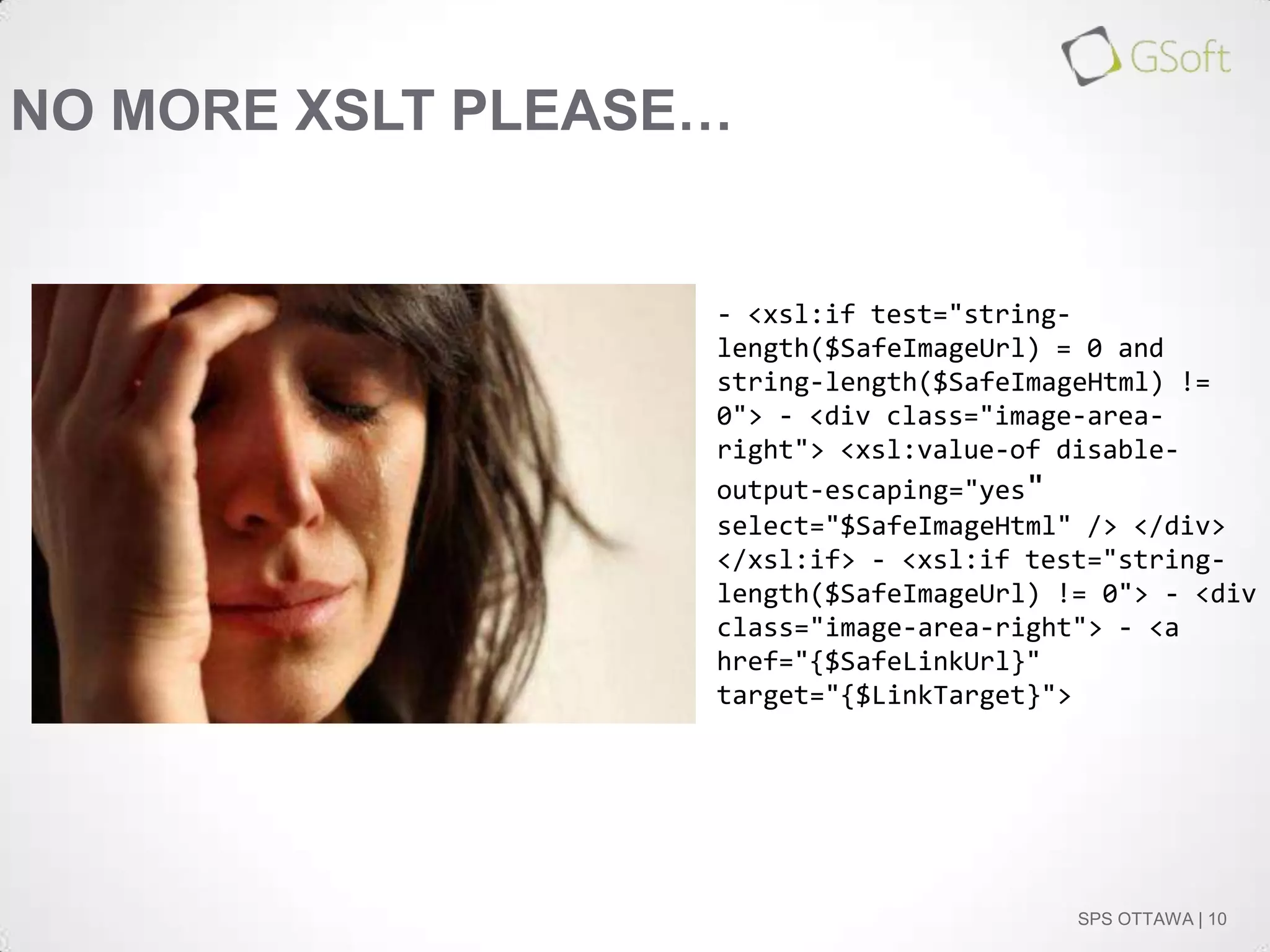
NO MORE XSLT PLEASE…

- <xsl:if test="stringlength($SafeImageUrl) = 0 and
string-length($SafeImageHtml) !=
0"> - <div class="image-arearight"> <xsl:value-of disableoutput-escaping="yes"
select="$SafeImageHtml" /> </div>
</xsl:if> - <xsl:if test="stringlength($SafeImageUrl) != 0"> - <div
class="image-area-right"> - <a
href="{$SafeLinkUrl}"
target="{$LinkTarget}">

SPS OTTAWA | 10
THANK YOU SHAREPOINT 2013!
Display templates (knowledge of HTML rather that XSLT, etc.)
Use the search engine
No need to open up Visual Studios
Solution available for use in all versions of SharePoint 2013

SPS OTTAWA | 11
SEARCH RESULTS WEB PART VS.
CONTENT SEARCH WEB PART

SPS OTTAWA | 12
CONTENT SEARCH WEB PART:
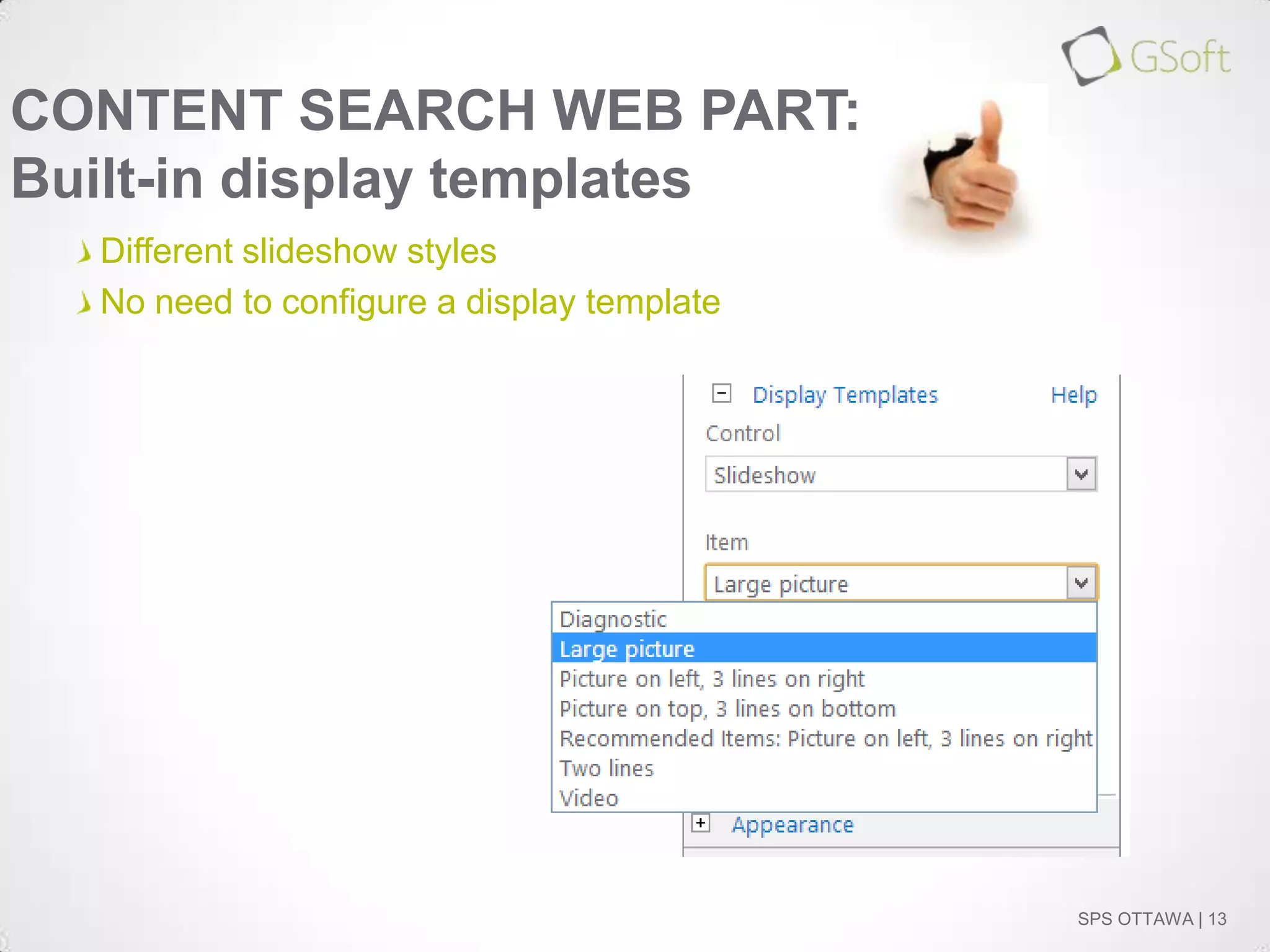
Built-in display templates
Different slideshow styles
No need to configure a display template

SPS OTTAWA | 13
CONTENT SEARCH WEB PART:
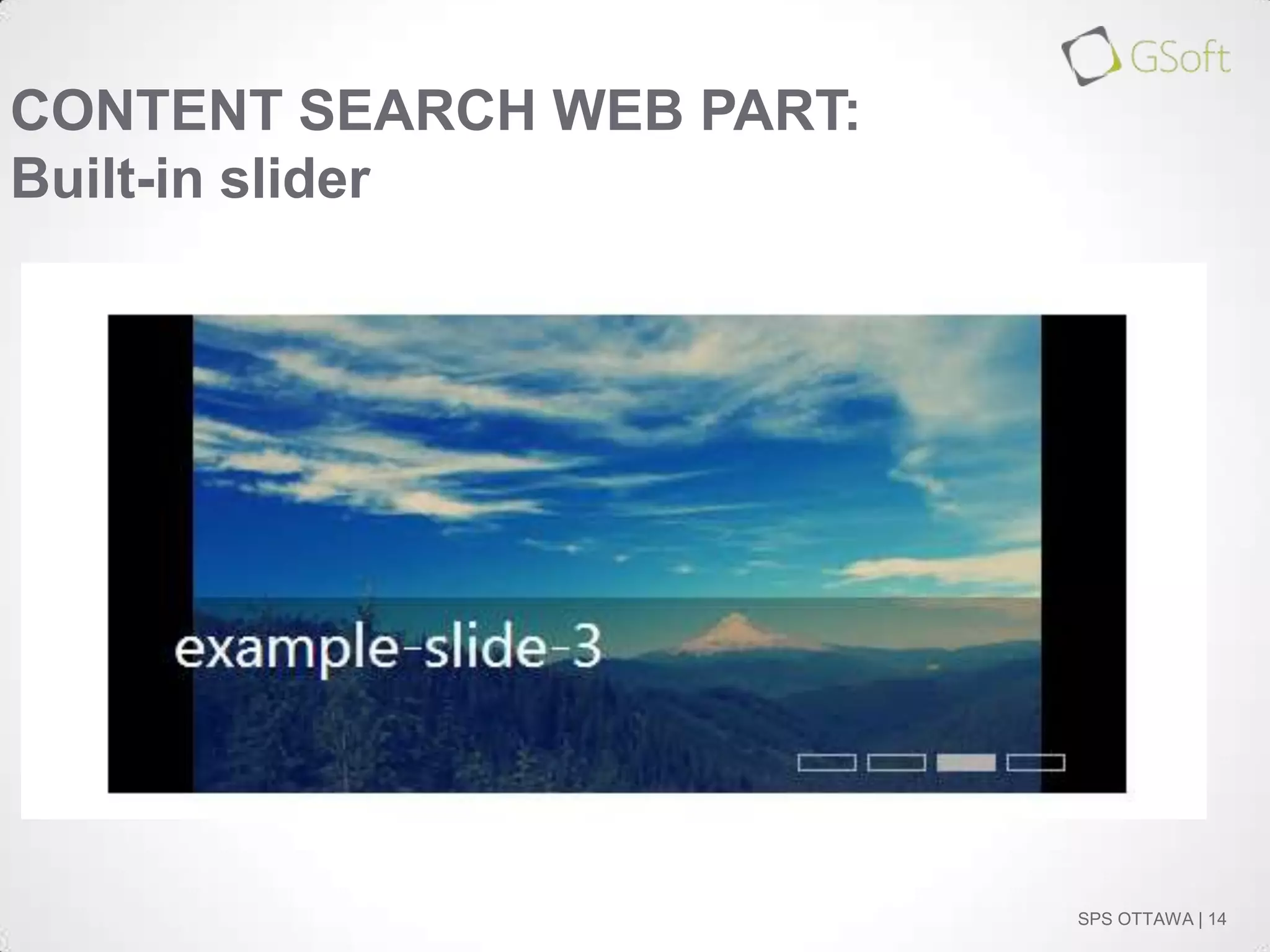
Built-in slider

SPS OTTAWA | 14
CONTENT SEARCH WEB PART:
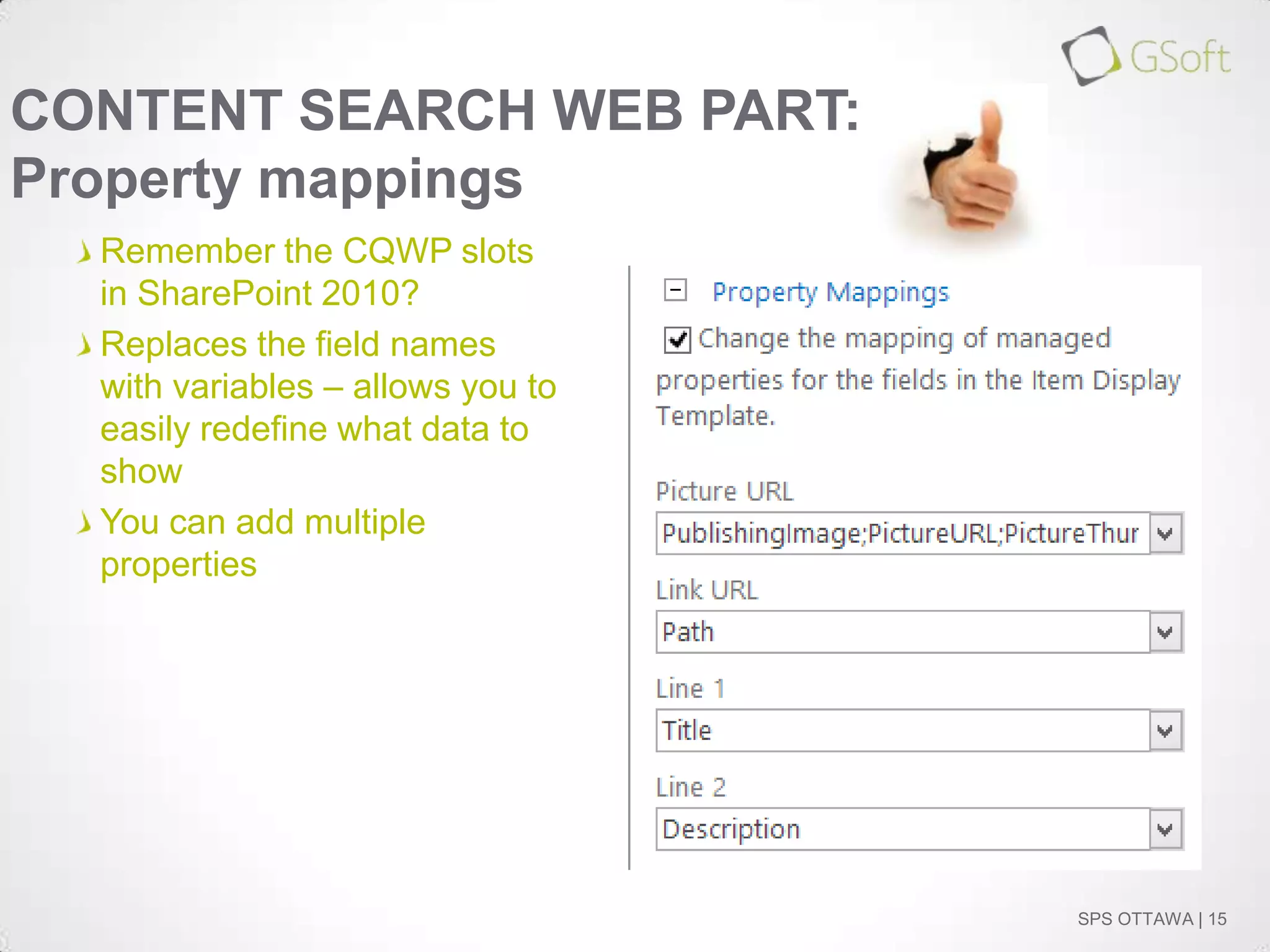
Property mappings
Remember the CQWP slots
in SharePoint 2010?
Replaces the field names
with variables – allows you to
easily redefine what data to
show
You can add multiple
properties

SPS OTTAWA | 15
CONTENT SEARCH WEB PART:
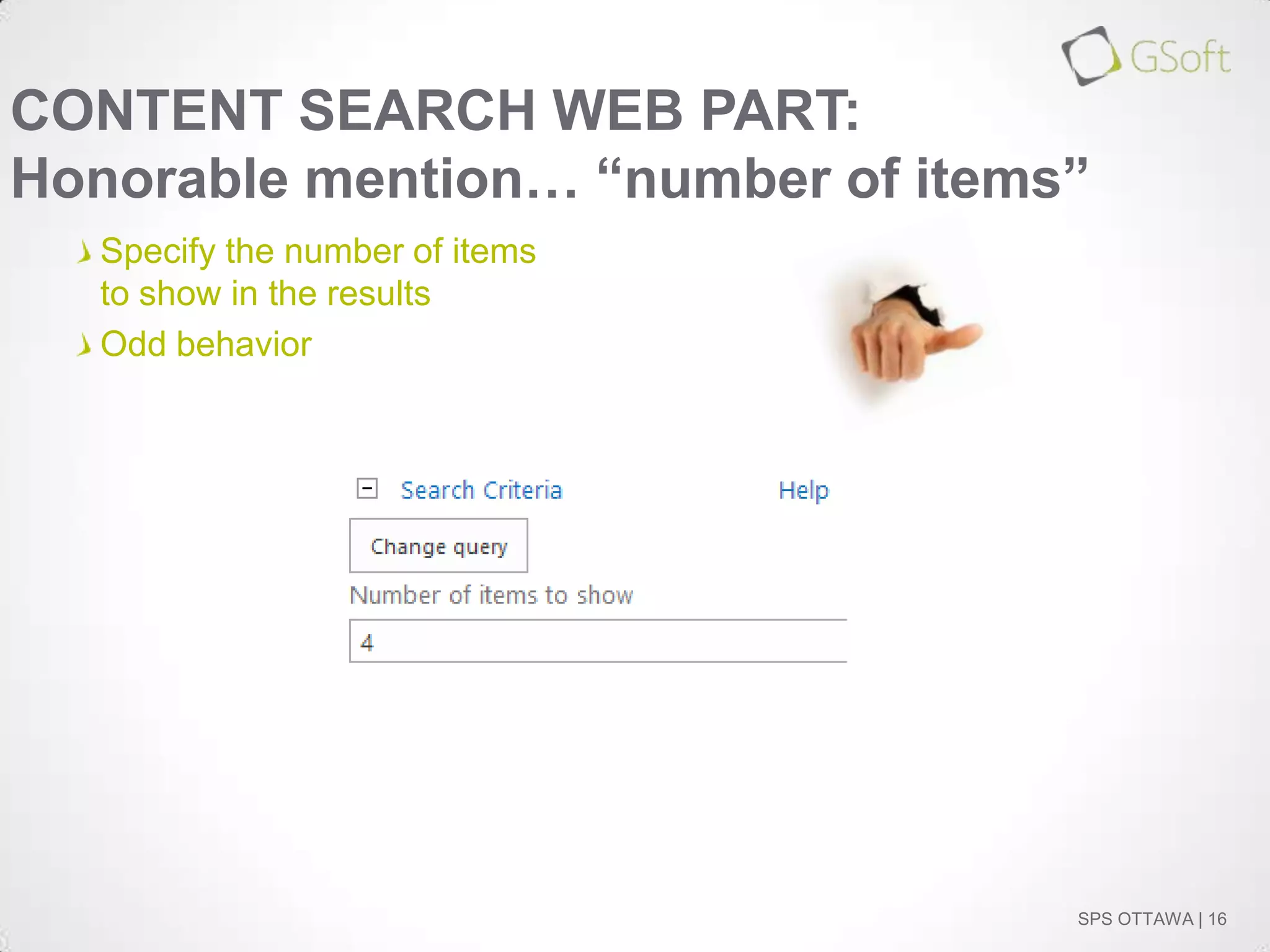
Honorable mention… “number of items”
Specify the number of items
to show in the results
Odd behavior

SPS OTTAWA | 16
SO, IS THE CONTENT SEARCH WEB
PART WORTH IT?
If you have access to it and it meets your requirements, why not
If not, the Search Results Web Part is a worthy alternative
Most of the functionalities in the CSWP are found in the SRWP
If you think the built-in slideshow is ugly, you still have to create your
own display template

SPS OTTAWA | 17
CONFIGURING YOUR IMAGE SOURCE

SPS OTTAWA | 18
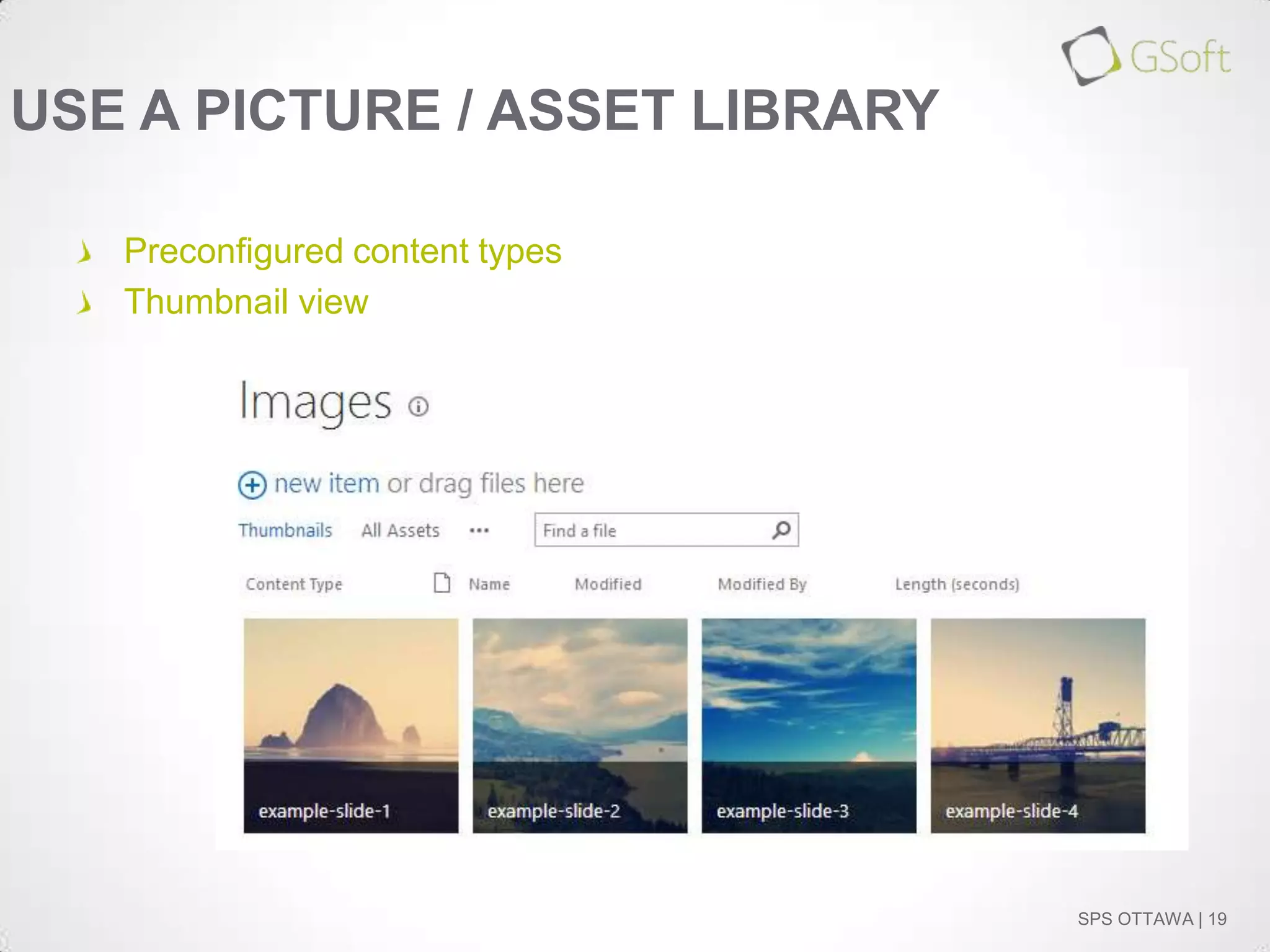
USE A PICTURE / ASSET LIBRARY
Preconfigured content types
Thumbnail view

SPS OTTAWA | 19
CRAWL THE CONTENT…

SPS OTTAWA | 20
DEMO: CONFIGURE YOUR SEARCH
RESULTS WEB PART

SPS OTTAWA | 21
DISPLAY TEMPLATES

SPS OTTAWA | 22
WHAT’S A DISPLAY TEMPLATE?
No more XSLT; replaced with HTML and JavaScript
Uses managed properties to show information
Stored in “~sitecollection/_catalogs/masterpage/Display Templates”

SPS OTTAWA | 23
TYPES OF DISPLAY TEMPLATES:
Control Template
Control
Similar to ContentQueryMain.xsl for the Content Query Web Part
Acts as a container for the items
Calls Render Items

SPS OTTAWA | 24
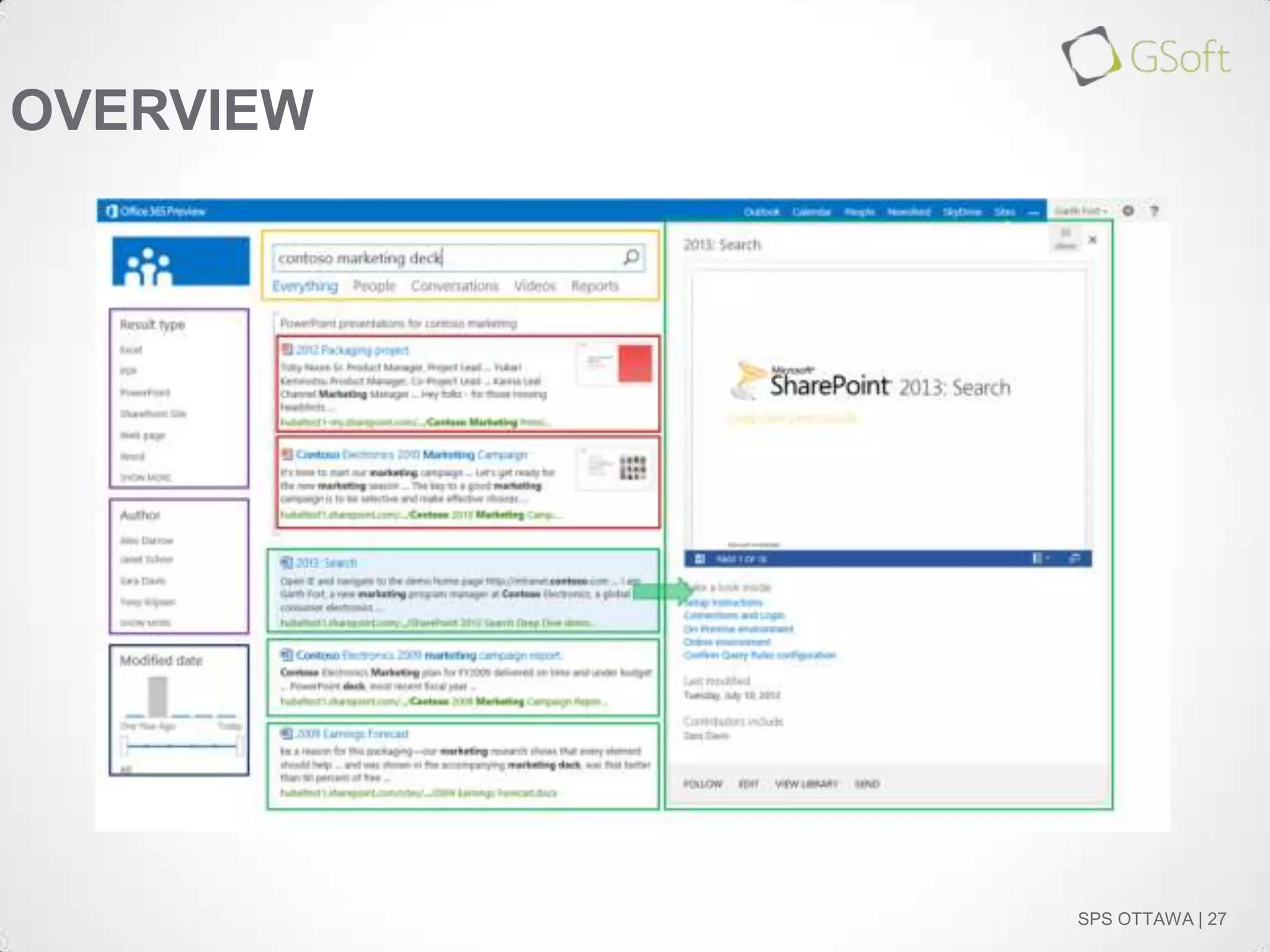
OVERVIEW

SPS OTTAWA | 25
TYPES OF DISPLAY TEMPLATES:
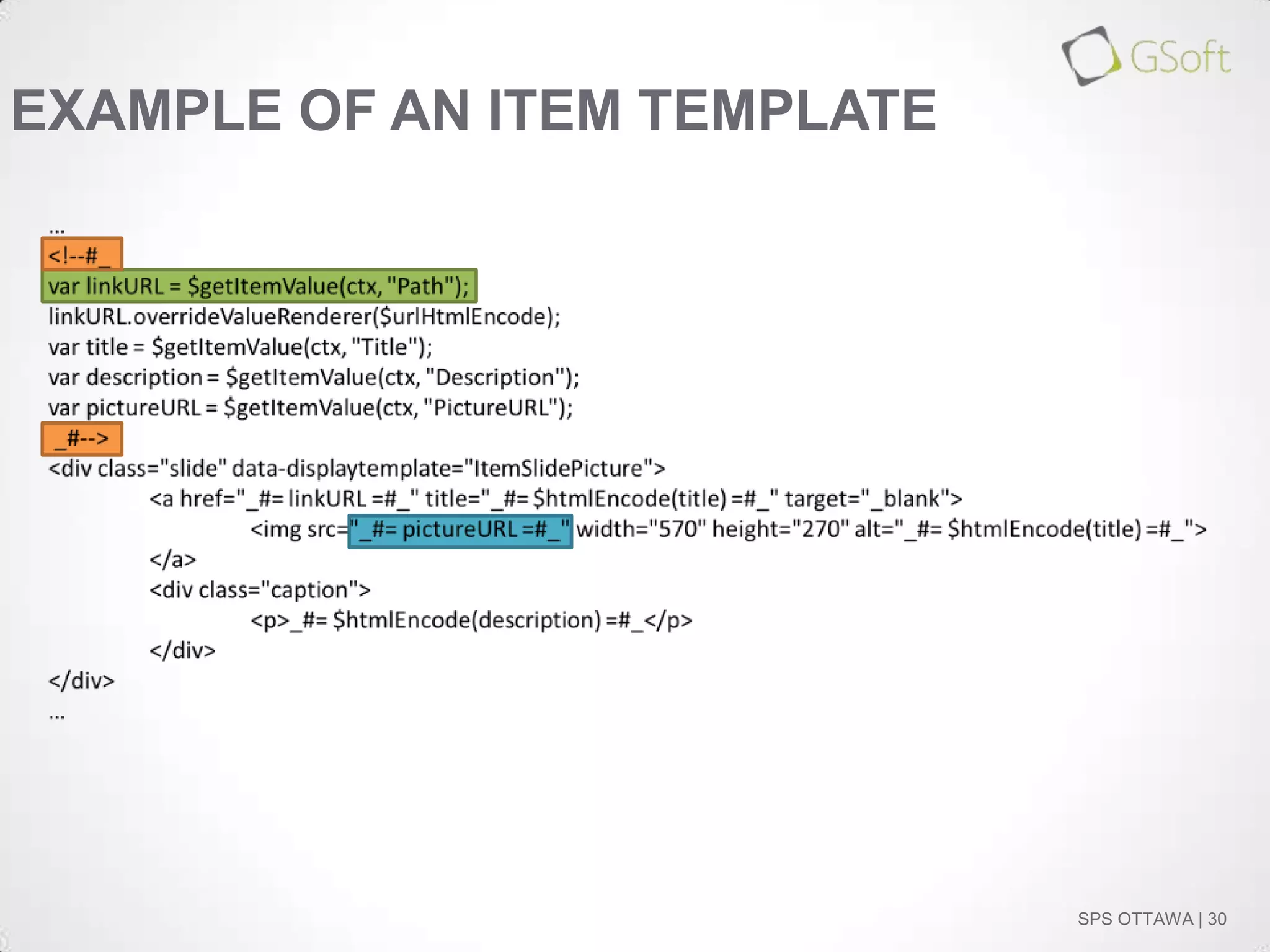
Item Template
Item
Similar to the itemstyle.xsl
Renders a single item
Contains the Managed Metadata property bindings

SPS OTTAWA | 26
OVERVIEW

SPS OTTAWA | 27
TYPES OF DISPLAY TEMPLATES:
Group and Filter Templates
Group
Used for result blocks like Promoted results (Best Bets)
Difficult to configure.
On one available OOB

Filter
Used in the refinements web part
Example: Range Slider

SPS OTTAWA | 28
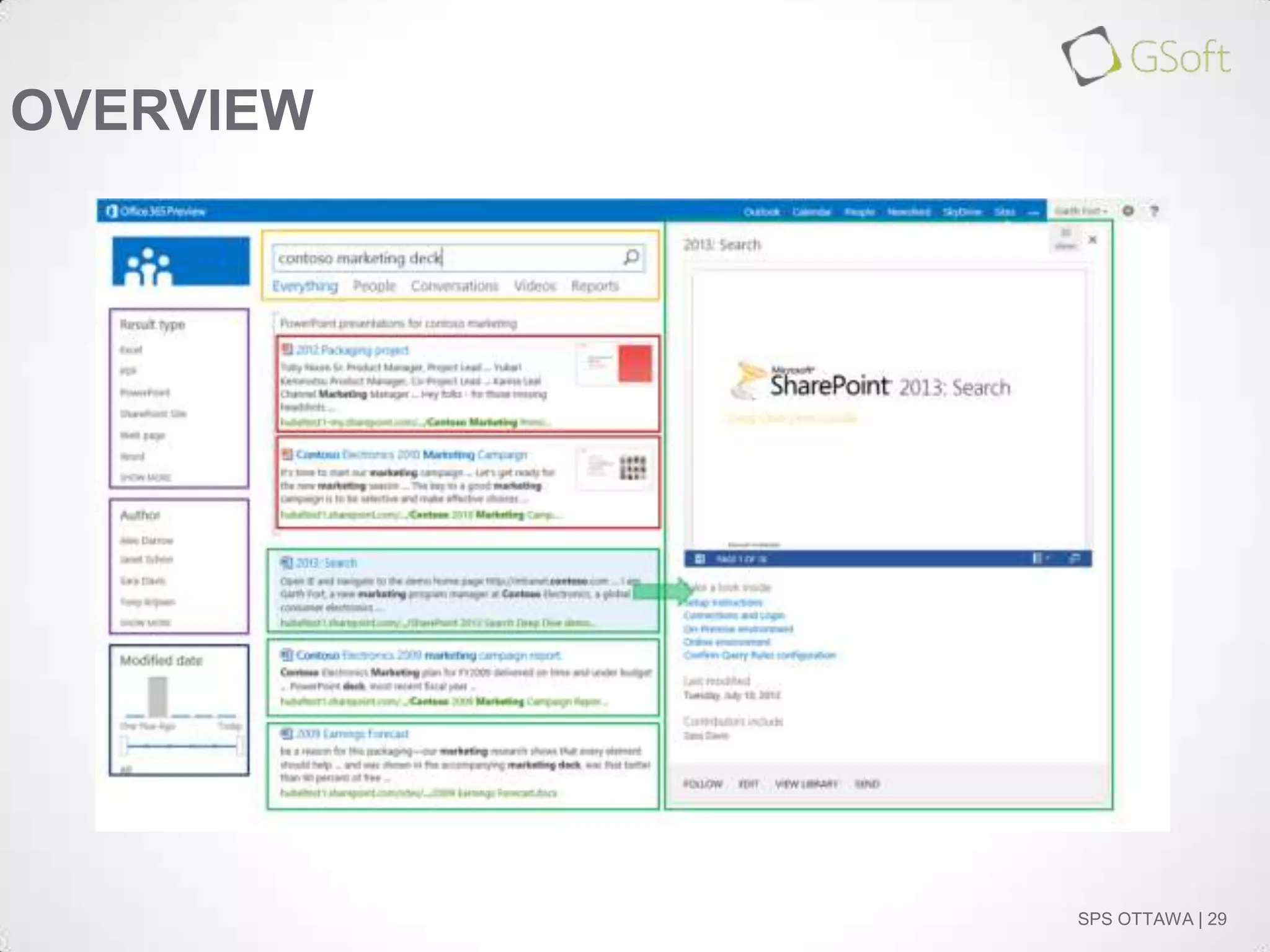
OVERVIEW

SPS OTTAWA | 29
EXAMPLE OF AN ITEM TEMPLATE

SPS OTTAWA | 30
PUTTING TOGETHER THE SLIDER

SPS OTTAWA | 31
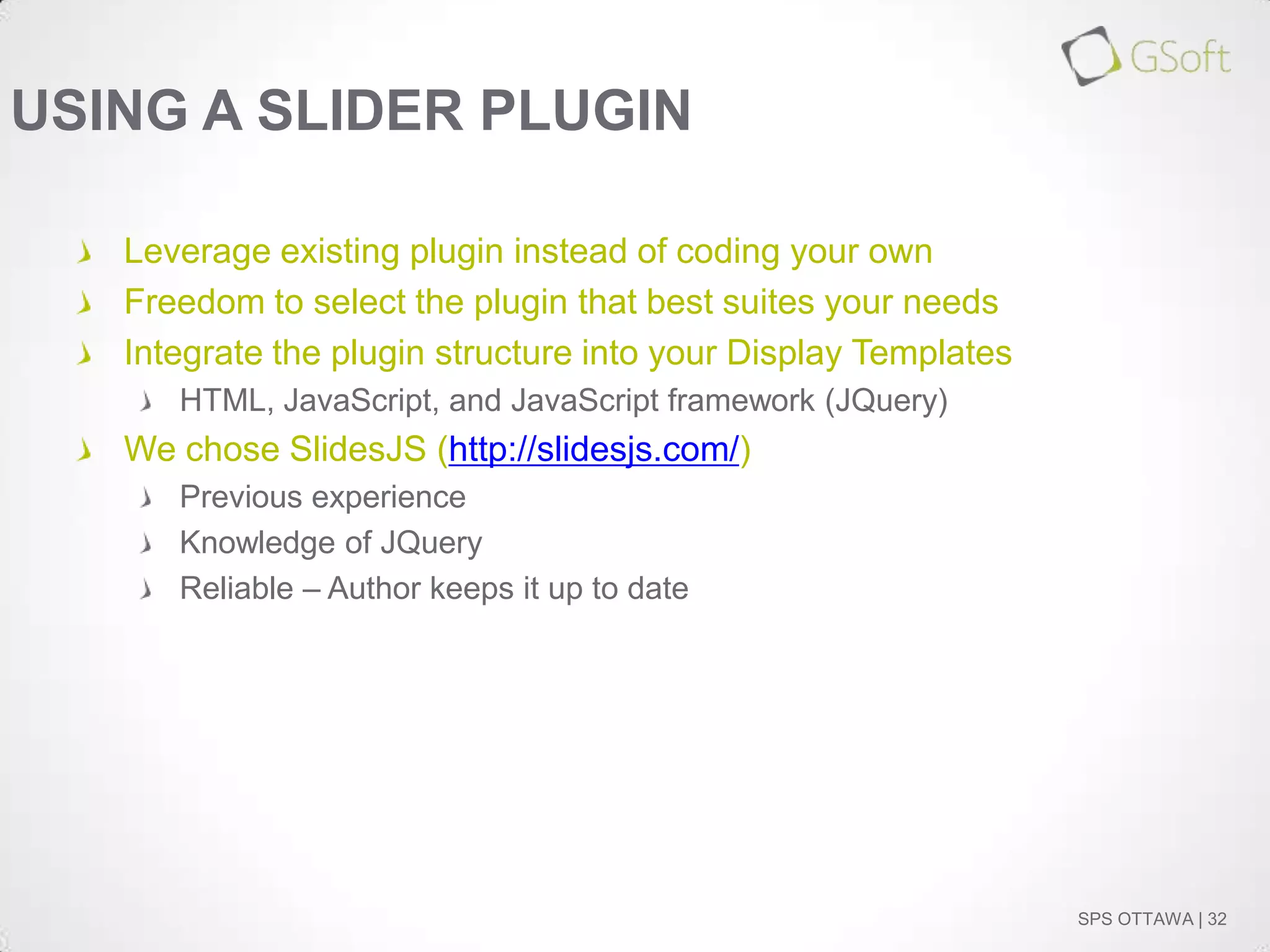
USING A SLIDER PLUGIN
Leverage existing plugin instead of coding your own
Freedom to select the plugin that best suites your needs
Integrate the plugin structure into your Display Templates
HTML, JavaScript, and JavaScript framework (JQuery)

We chose SlidesJS (http://slidesjs.com/)
Previous experience
Knowledge of JQuery
Reliable – Author keeps it up to date

SPS OTTAWA | 32
DEMO: BUILDING THE DISPLAY
TEMPLATES

SPS OTTAWA | 33
DEMO: CONFIGURING THE SEARCH
RESULTS WEB PART

SPS OTTAWA | 34
CONCLUSION

SPS OTTAWA | 35
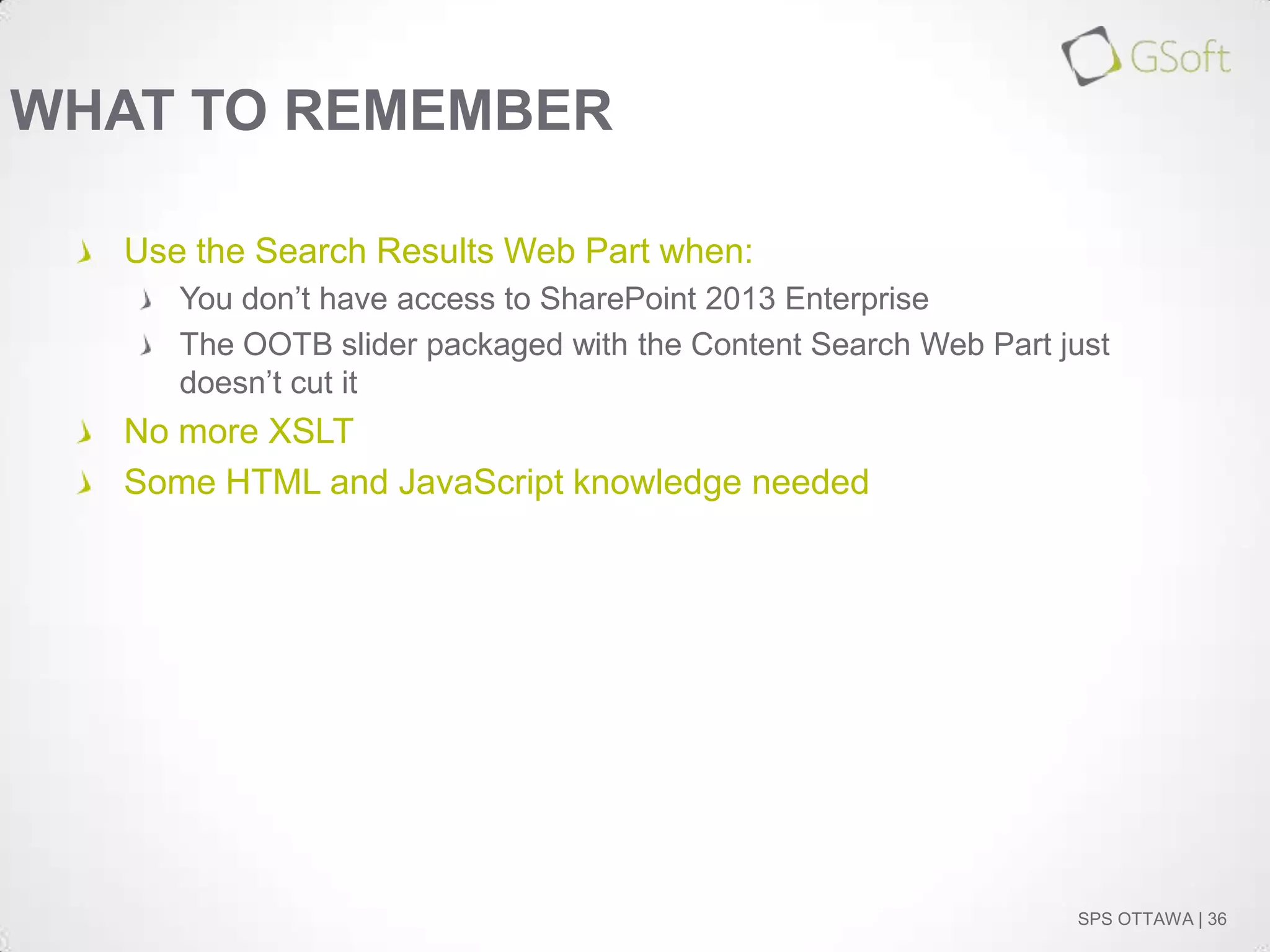
WHAT TO REMEMBER
Use the Search Results Web Part when:
You don’t have access to SharePoint 2013 Enterprise
The OOTB slider packaged with the Content Search Web Part just
doesn’t cut it

No more XSLT
Some HTML and JavaScript knowledge needed

SPS OTTAWA | 36
Remember to fill out your evaluation forms to win some great prizes!

&
Join us for SharePint today!

Nov 23rd, 2013 @6:00 pm
The Observatory Pub,
Algonquin Student’s Association
Address:
A-170 on Algonquin Campus
Parking:
No need to move your car!*
Site: http://www.algonquinsa.com/ob.aspx
Date & Time:
Location:

Image Slider with SharePoint 2013 Search Results Web Part

  • 1.
    November 23rd, 2013 ImageSlider with SharePoint 2013 Search Results Web Part
  • 2.
    Thank you toall of our Sponsors!!
  • 3.
    WHO ARE WE? Yohan Belval SharePointspecialist at GSoft (Montreal) http://www.gsoft.com/en/blog Web site (http://gsoft.com) yohan.belval@gsoft-group.com @yohanbelval SharePoint Dynamite Team Framework on GitHub SPS OTTAWA | 3
  • 4.
    WHO ARE WE? Edouard Shaar SharePointspecialist at GSoft (Montreal) http://www.gsoft.com/en/blog Web site (http://gsoft.com) edouard.shaar@gsoft-group.com SharePoint Dynamite Team Framework on GitHub SPS OTTAWA | 4
  • 5.
    SESSION ABSTRACT Don’t have accessto the enterprise version of SharePoint 2013? Stuck on Office 365*? Unable to use the Content Search Web Part? No Problem! Let’s build an image slider with the Search Results Web Part using the out of box functionality. Based on blog posts by Yohan Belval SharePoint 2013 SharePoint 2010 *Note: Content Search Web Part is now available in Office 365 E3 and E4 enterprise plans. SPS OTTAWA | 5
  • 6.
    SESSION OUTLINE Introduction Search Results WebPart vs. Content Search Web Part Configuring your image source and returning results Using display templates What’s a display template Different types Example Putting together the slider Using a slider plugin Demo: Building the display templates Demo: Configuring the Search Results Web Part Conclusion SPS OTTAWA | 6
  • 7.
  • 8.
    PROBLEMS… A slider componentis a common requirement for web sites Enterprise only solution offered by OOTB SharePoint Not available in all of the Office 365 plans Not willing to spend much effort into a custom developed Web Part SPS OTTAWA | 8
  • 9.
    WHAT ABOUT SHAREPOINT2010? Content Query Web Part XSLT Search core results Web Part More XSLT Code SPS OTTAWA | 9
  • 10.
    NO MORE XSLTPLEASE… - <xsl:if test="stringlength($SafeImageUrl) = 0 and string-length($SafeImageHtml) != 0"> - <div class="image-arearight"> <xsl:value-of disableoutput-escaping="yes" select="$SafeImageHtml" /> </div> </xsl:if> - <xsl:if test="stringlength($SafeImageUrl) != 0"> - <div class="image-area-right"> - <a href="{$SafeLinkUrl}" target="{$LinkTarget}"> SPS OTTAWA | 10
  • 11.
    THANK YOU SHAREPOINT2013! Display templates (knowledge of HTML rather that XSLT, etc.) Use the search engine No need to open up Visual Studios Solution available for use in all versions of SharePoint 2013 SPS OTTAWA | 11
  • 12.
    SEARCH RESULTS WEBPART VS. CONTENT SEARCH WEB PART SPS OTTAWA | 12
  • 13.
    CONTENT SEARCH WEBPART: Built-in display templates Different slideshow styles No need to configure a display template SPS OTTAWA | 13
  • 14.
    CONTENT SEARCH WEBPART: Built-in slider SPS OTTAWA | 14
  • 15.
    CONTENT SEARCH WEBPART: Property mappings Remember the CQWP slots in SharePoint 2010? Replaces the field names with variables – allows you to easily redefine what data to show You can add multiple properties SPS OTTAWA | 15
  • 16.
    CONTENT SEARCH WEBPART: Honorable mention… “number of items” Specify the number of items to show in the results Odd behavior SPS OTTAWA | 16
  • 17.
    SO, IS THECONTENT SEARCH WEB PART WORTH IT? If you have access to it and it meets your requirements, why not If not, the Search Results Web Part is a worthy alternative Most of the functionalities in the CSWP are found in the SRWP If you think the built-in slideshow is ugly, you still have to create your own display template SPS OTTAWA | 17
  • 18.
    CONFIGURING YOUR IMAGESOURCE SPS OTTAWA | 18
  • 19.
    USE A PICTURE/ ASSET LIBRARY Preconfigured content types Thumbnail view SPS OTTAWA | 19
  • 20.
  • 21.
    DEMO: CONFIGURE YOURSEARCH RESULTS WEB PART SPS OTTAWA | 21
  • 22.
  • 23.
    WHAT’S A DISPLAYTEMPLATE? No more XSLT; replaced with HTML and JavaScript Uses managed properties to show information Stored in “~sitecollection/_catalogs/masterpage/Display Templates” SPS OTTAWA | 23
  • 24.
    TYPES OF DISPLAYTEMPLATES: Control Template Control Similar to ContentQueryMain.xsl for the Content Query Web Part Acts as a container for the items Calls Render Items SPS OTTAWA | 24
  • 25.
  • 26.
    TYPES OF DISPLAYTEMPLATES: Item Template Item Similar to the itemstyle.xsl Renders a single item Contains the Managed Metadata property bindings SPS OTTAWA | 26
  • 27.
  • 28.
    TYPES OF DISPLAYTEMPLATES: Group and Filter Templates Group Used for result blocks like Promoted results (Best Bets) Difficult to configure. On one available OOB Filter Used in the refinements web part Example: Range Slider SPS OTTAWA | 28
  • 29.
  • 30.
    EXAMPLE OF ANITEM TEMPLATE SPS OTTAWA | 30
  • 31.
    PUTTING TOGETHER THESLIDER SPS OTTAWA | 31
  • 32.
    USING A SLIDERPLUGIN Leverage existing plugin instead of coding your own Freedom to select the plugin that best suites your needs Integrate the plugin structure into your Display Templates HTML, JavaScript, and JavaScript framework (JQuery) We chose SlidesJS (http://slidesjs.com/) Previous experience Knowledge of JQuery Reliable – Author keeps it up to date SPS OTTAWA | 32
  • 33.
    DEMO: BUILDING THEDISPLAY TEMPLATES SPS OTTAWA | 33
  • 34.
    DEMO: CONFIGURING THESEARCH RESULTS WEB PART SPS OTTAWA | 34
  • 35.
  • 36.
    WHAT TO REMEMBER Usethe Search Results Web Part when: You don’t have access to SharePoint 2013 Enterprise The OOTB slider packaged with the Content Search Web Part just doesn’t cut it No more XSLT Some HTML and JavaScript knowledge needed SPS OTTAWA | 36
  • 37.
    Remember to fillout your evaluation forms to win some great prizes! & Join us for SharePint today! Nov 23rd, 2013 @6:00 pm The Observatory Pub, Algonquin Student’s Association Address: A-170 on Algonquin Campus Parking: No need to move your car!* Site: http://www.algonquinsa.com/ob.aspx Date & Time: Location:

Editor's Notes

  • #2 Open the following sites:https://gsoft.sharepoint.com/sites/spsotthttp://slidesjs.comNetwork locations are configuredDemo steps document printed out
  • #3 At the end of the day, please ensure your evaluation is signed and handed in for door prizes. The draw takes place in Room 102A.
  • #6 After the abstract, show a working version of the slider in a SharePoint site. Maybe a side-by-sidewith the Content Search Web Part.
  • #17 If you put 10 items to show and only have 4 in the query results, the slider paging blows up
  • #34 Compare the OOTB plugin with the SharePoint display templates (i.e. what parts go where and why)