Telling Stories with Data
Visualization Using Python
Presented by: Muhammad Fahad Bashir
Agenda
🔹 Introduction to Data Visualization
🔹 Overview of Python Libraries
🔹 Why Plotly ?
🔹 Creating Charts with Plotly
🔹Exporting & Sharing Visuals
🔹 Live Explanation of charts & Figures
🔹 Q&A + Wrap Up
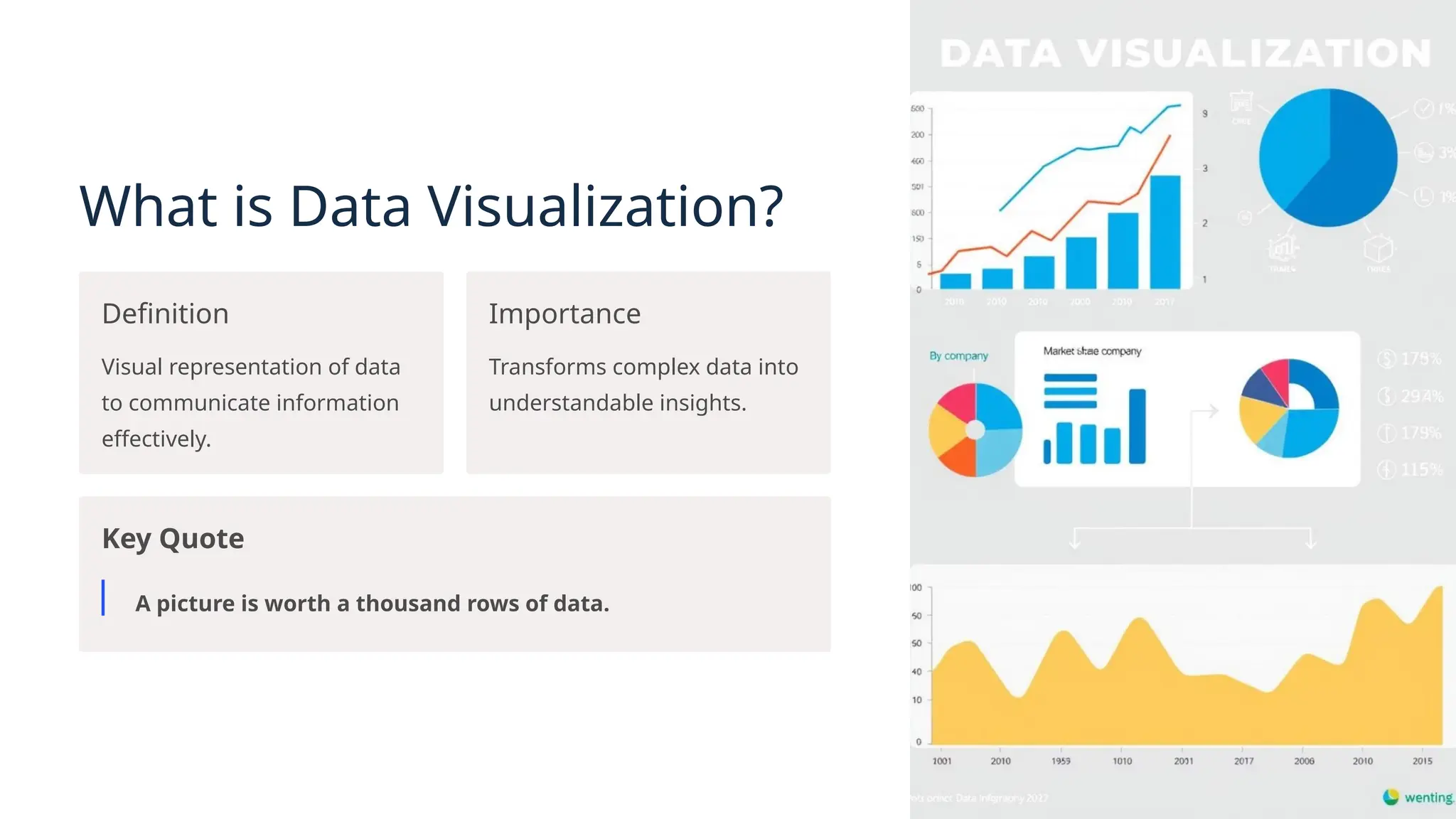
What is Data Visualization?
Definition
Visual representation of data
to communicate information
effectively.
Importance
Transforms complex data into
understandable insights.
Key Quote
A picture is worth a thousand rows of data.
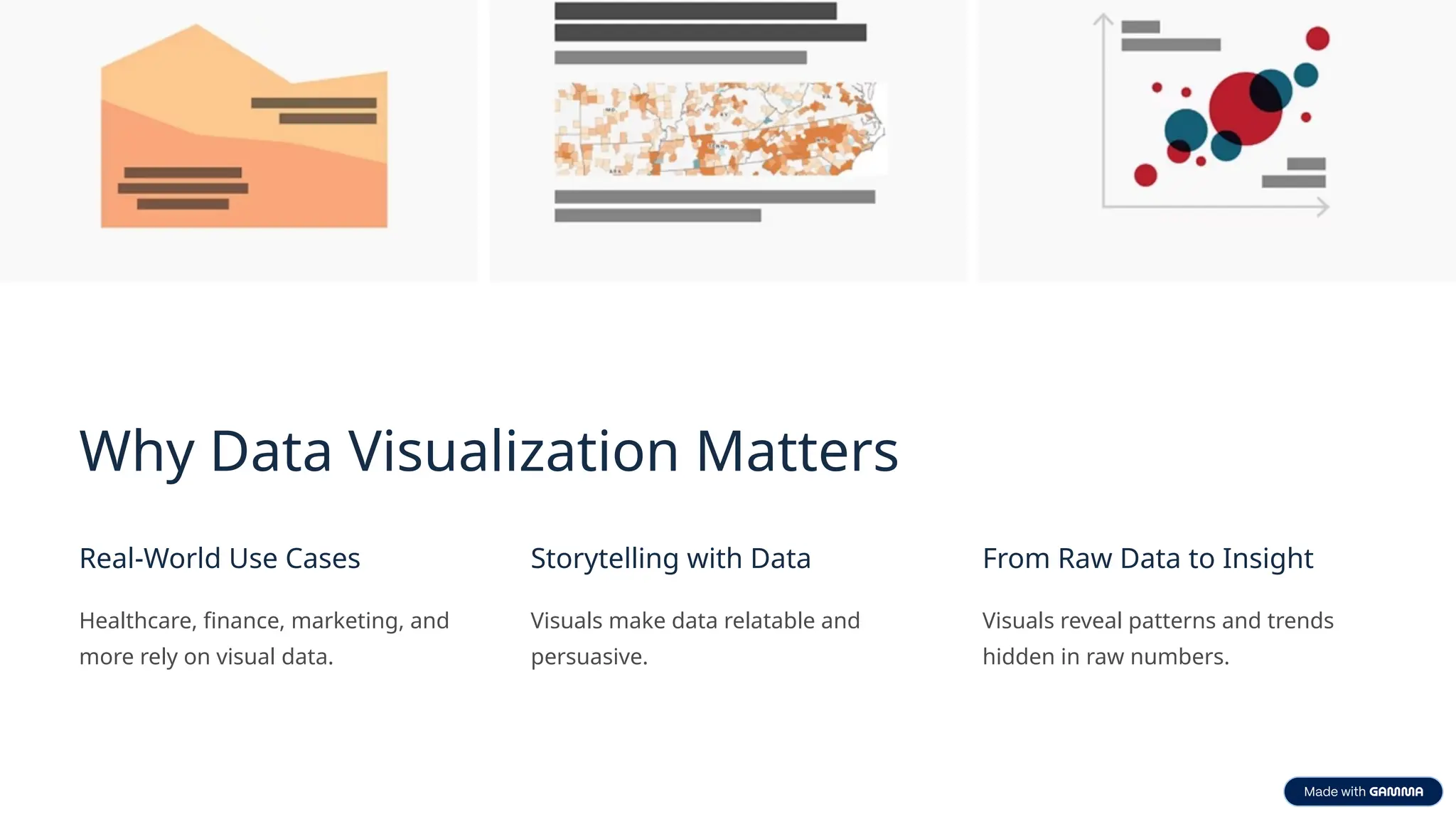
Why Data Visualization Matters
Real-World Use Cases
Healthcare, finance, marketing, and
more rely on visual data.
Storytelling with Data
Visuals make data relatable and
persuasive.
From Raw Data to Insight
Visuals reveal patterns and trends
hidden in raw numbers.
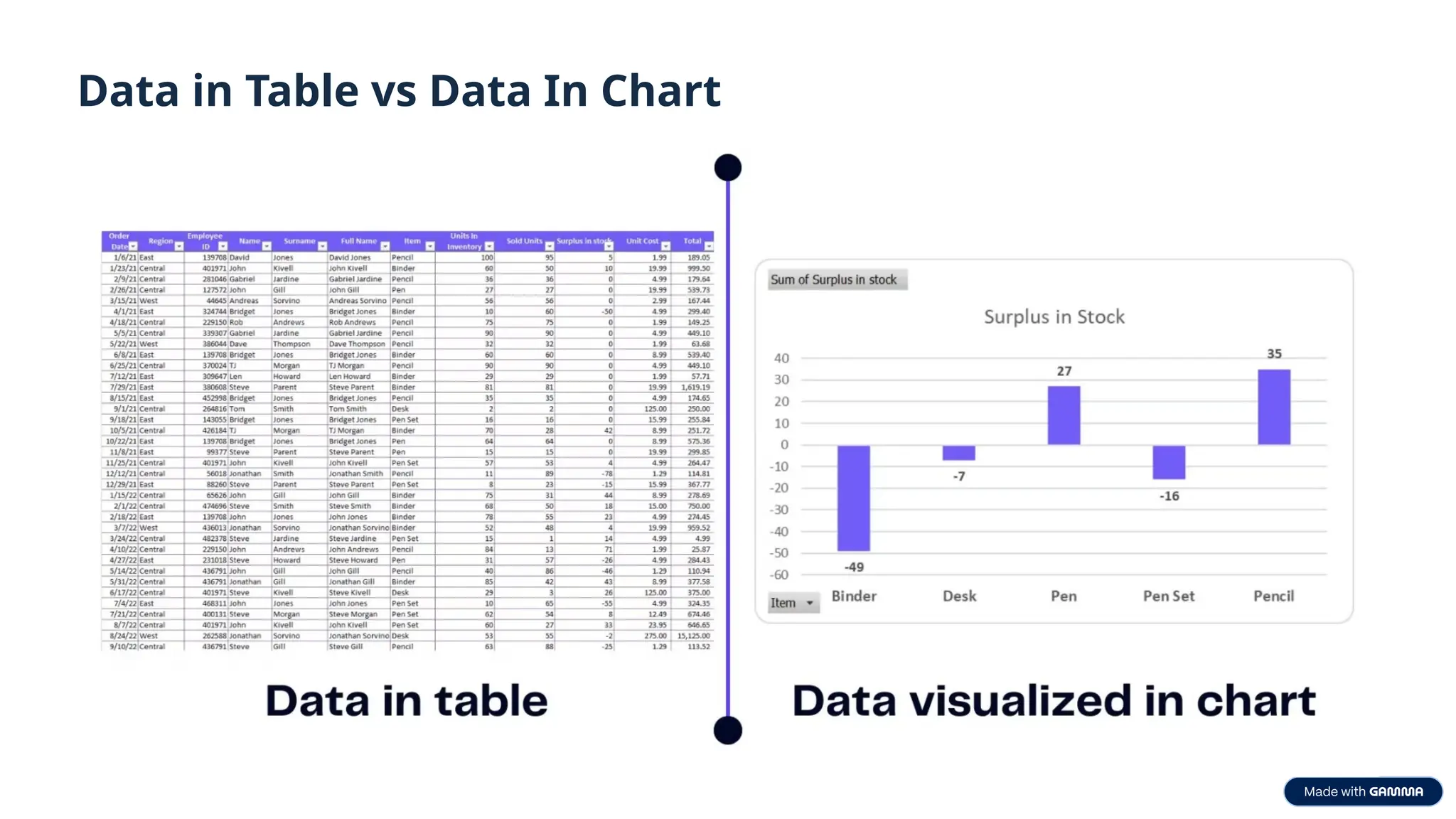
Data in Table vs Data In Chart
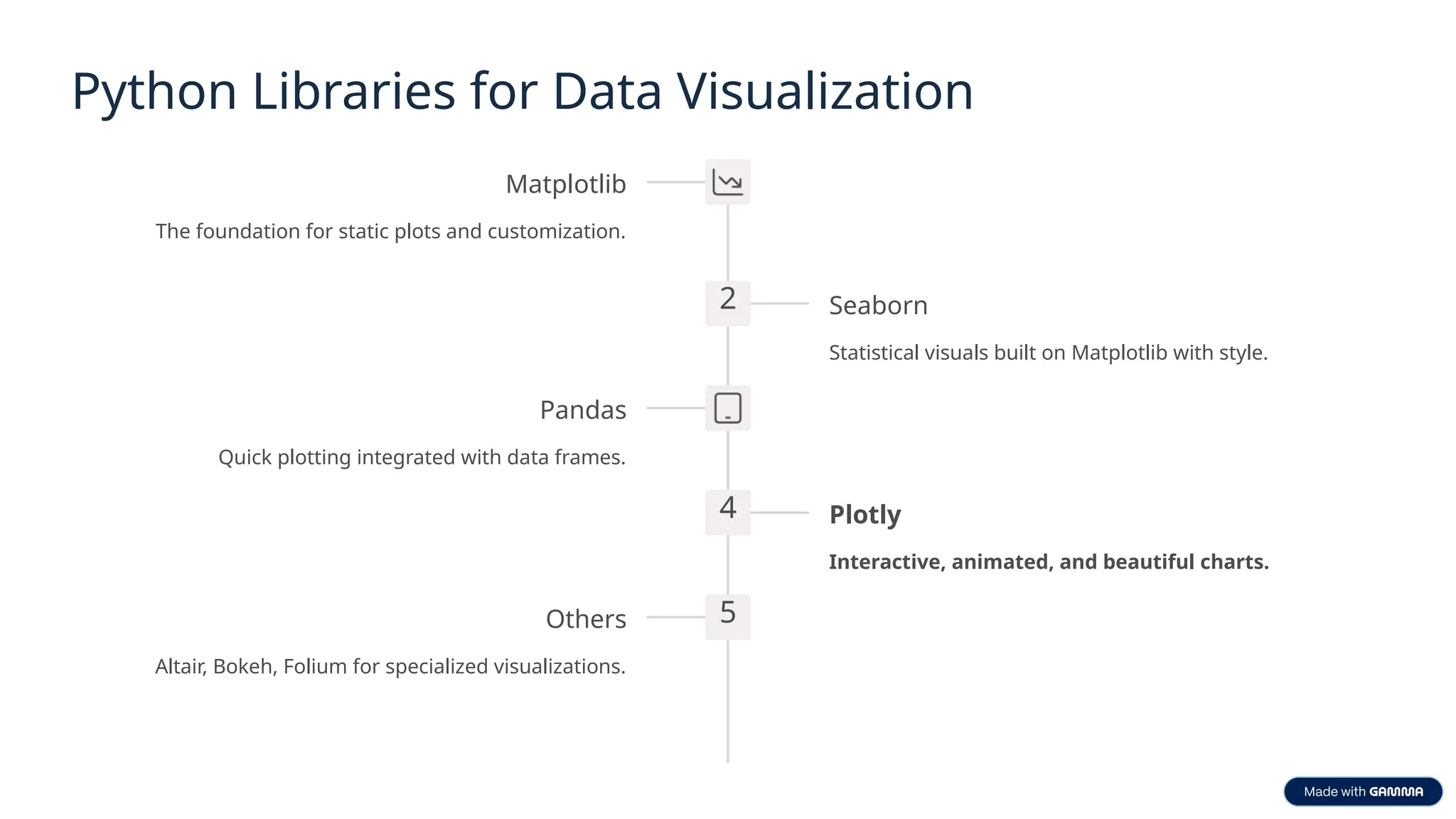
Python Libraries for Data Visualization
Matplotlib
The foundation for static plots and customization.
2 Seaborn
Statistical visuals built on Matplotlib with style.
Pandas
Quick plotting integrated with data frames.
4 Plotly
Interactive, animated, and beautiful charts.
5
Others
Altair, Bokeh, Folium for specialized visualizations.
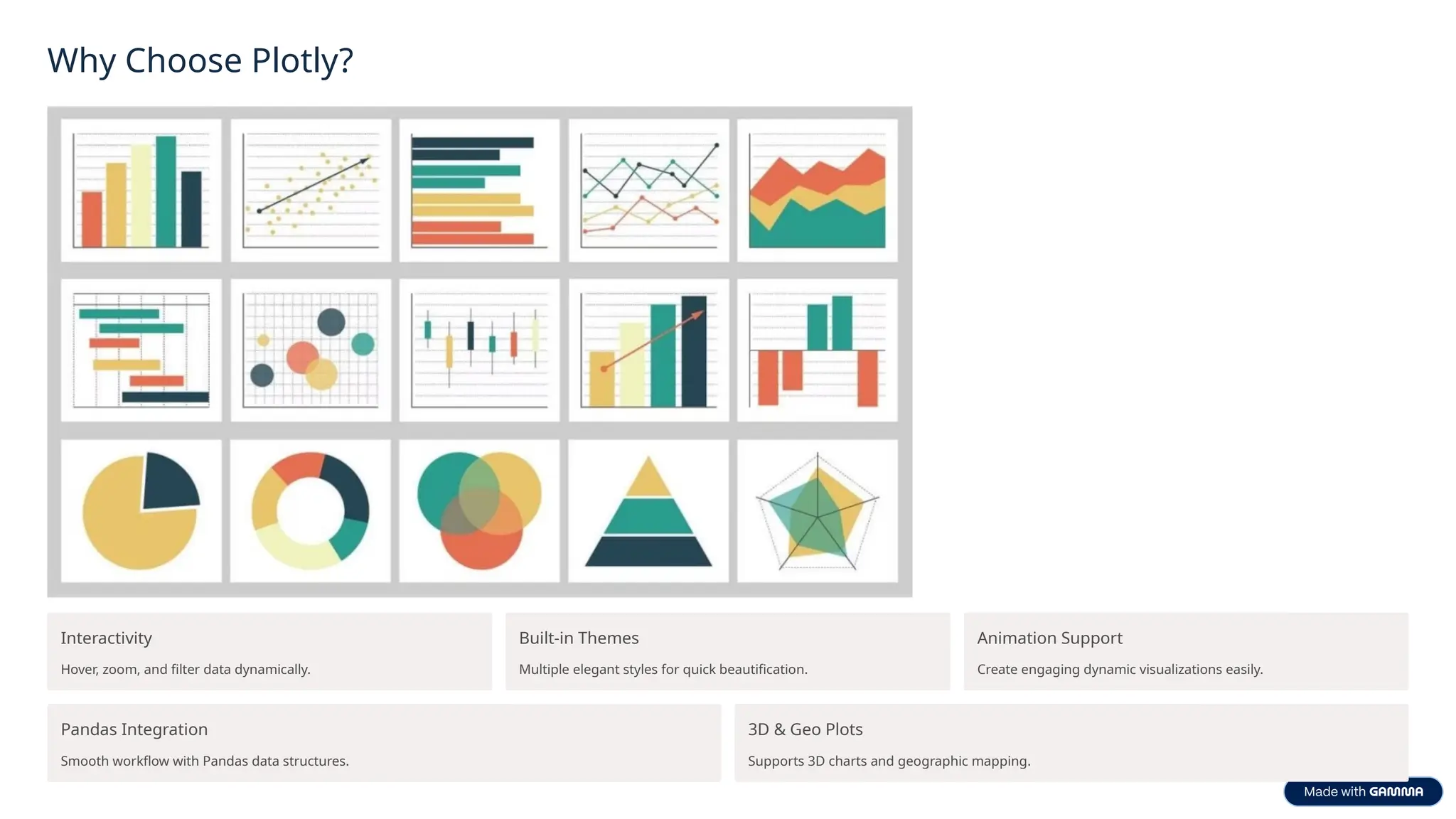
Why Choose Plotly?
Interactivity
Hover, zoom, and filter data dynamically.
Built-in Themes
Multiple elegant styles for quick beautification.
Animation Support
Create engaging dynamic visualizations easily.
Pandas Integration
Smooth workflow with Pandas data structures.
3D & Geo Plots
Supports 3D charts and geographic mapping.
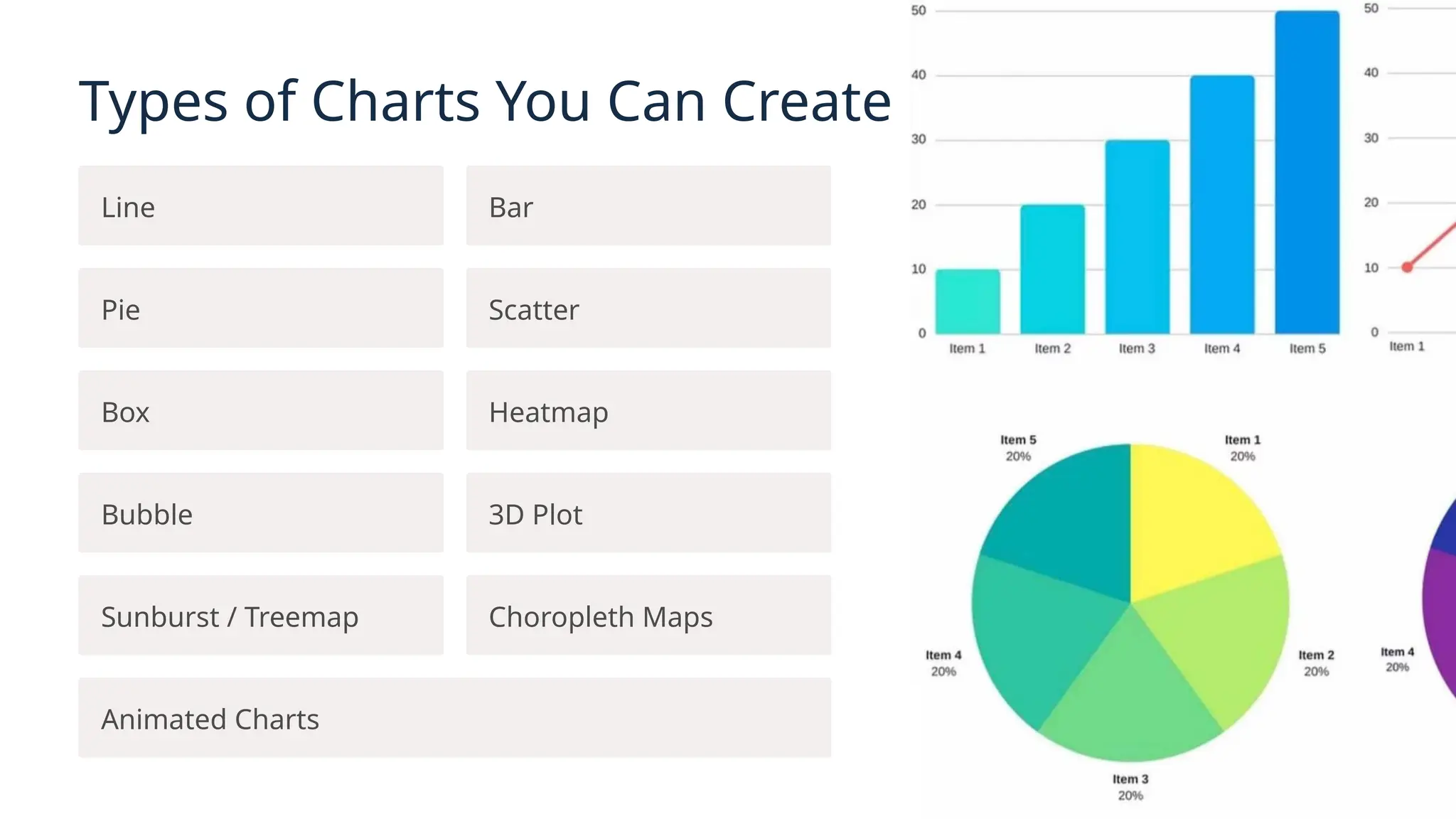
Types of Charts You Can Create
Line Bar
Pie Scatter
Box Heatmap
Bubble 3D Plot
Sunburst / Treemap Choropleth Maps
Animated Charts
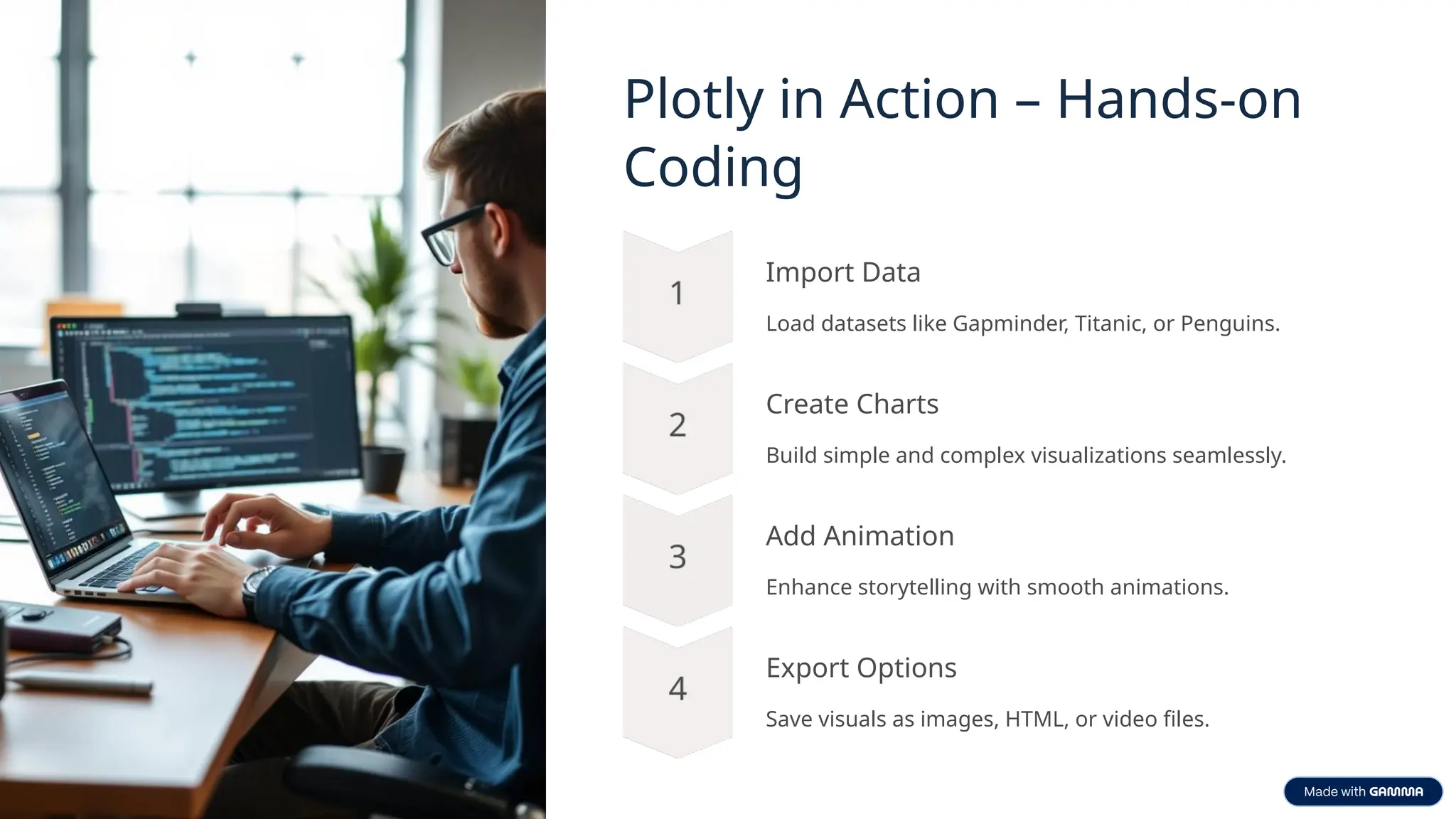
Plotly in Action – Hands-on
Coding
Import Data
Load datasets like Gapminder, Titanic, or Penguins.
Create Charts
Build simple and complex visualizations seamlessly.
Add Animation
Enhance storytelling with smooth animations.
Export Options
Save visuals as images, HTML, or video files.
Tips for Effective Data
Storytelling
Right Chart
Choose chart type to suit the message.
Reduce Clutter
Minimize unnecessary elements for clarity.
Use Color Meaningfully
Leverage color to highlight important data.
Label Axes Clearly
Ensure axis labels explain the data precisely.
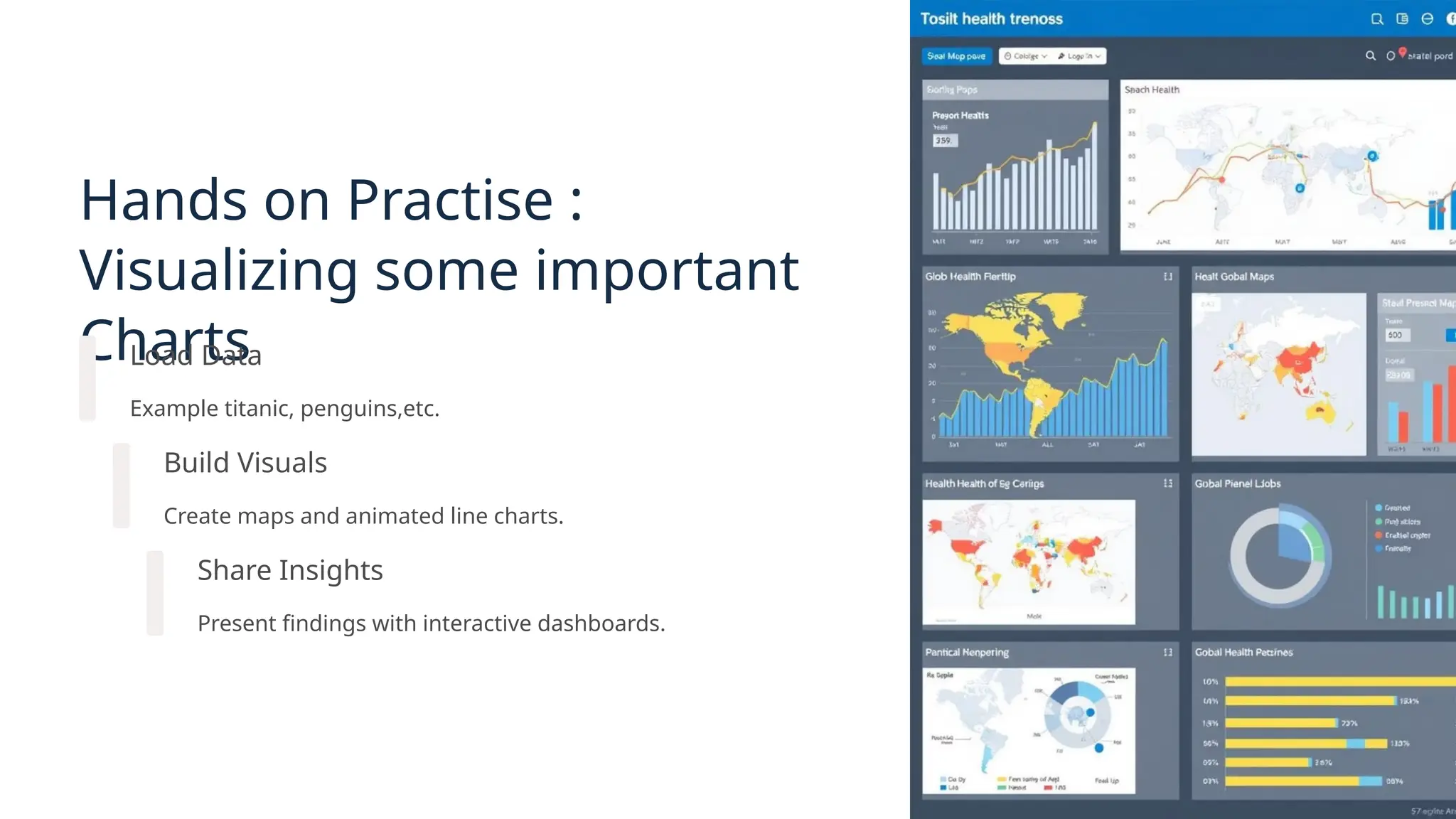
Hands on Practise :
Visualizing some important
Charts
Load Data
Example titanic, penguins,etc.
Build Visuals
Create maps and animated line charts.
Share Insights
Present findings with interactive dashboards.
Exporting & Sharing Visuals
Save as PNG or JPG
For static image sharing and
presentations.
Export as HTML
Maintain interactivity for web use.
Convert Animation to GIF/MP4
Share engaging, portable animated
visuals.
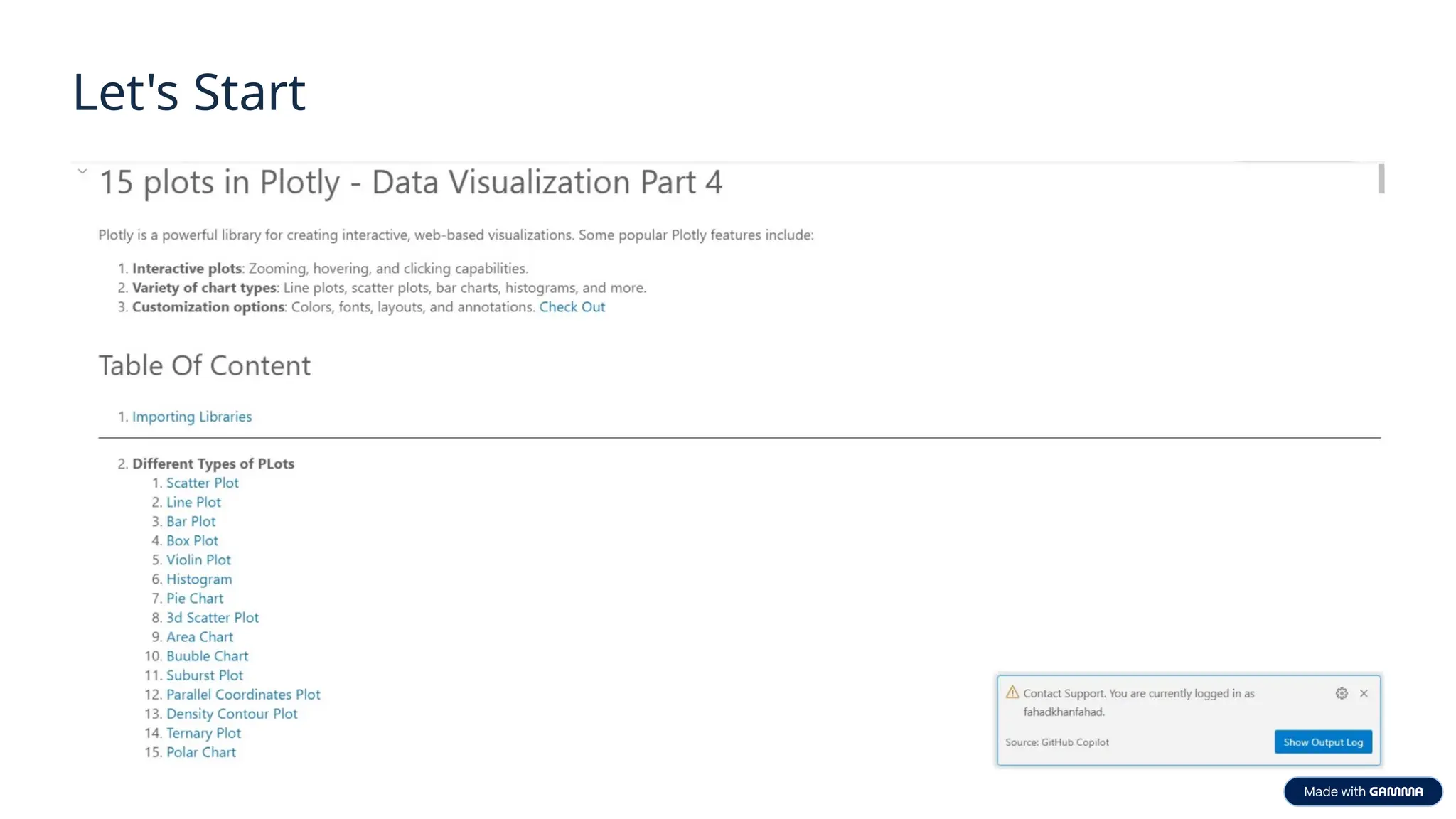
Let's Start
Thank You!
We appreciate your time and interest in data visualization.
Feel free to ask questions or explore Plotly further.
Stay Curious
Keep experimenting with charts and data stories.
Explore Plotly
Discover more interactive and animated visualizations.
Connect and Share
Use visuals to communicate insights effectively.

slides Telling-Stories-with-Data-Visualization-Using-Python.pptx

  • 1.
    Telling Stories withData Visualization Using Python Presented by: Muhammad Fahad Bashir
  • 2.
    Agenda 🔹 Introduction toData Visualization 🔹 Overview of Python Libraries 🔹 Why Plotly ? 🔹 Creating Charts with Plotly 🔹Exporting & Sharing Visuals 🔹 Live Explanation of charts & Figures 🔹 Q&A + Wrap Up
  • 3.
    What is DataVisualization? Definition Visual representation of data to communicate information effectively. Importance Transforms complex data into understandable insights. Key Quote A picture is worth a thousand rows of data.
  • 4.
    Why Data VisualizationMatters Real-World Use Cases Healthcare, finance, marketing, and more rely on visual data. Storytelling with Data Visuals make data relatable and persuasive. From Raw Data to Insight Visuals reveal patterns and trends hidden in raw numbers.
  • 5.
    Data in Tablevs Data In Chart
  • 6.
    Python Libraries forData Visualization Matplotlib The foundation for static plots and customization. 2 Seaborn Statistical visuals built on Matplotlib with style. Pandas Quick plotting integrated with data frames. 4 Plotly Interactive, animated, and beautiful charts. 5 Others Altair, Bokeh, Folium for specialized visualizations.
  • 7.
    Why Choose Plotly? Interactivity Hover,zoom, and filter data dynamically. Built-in Themes Multiple elegant styles for quick beautification. Animation Support Create engaging dynamic visualizations easily. Pandas Integration Smooth workflow with Pandas data structures. 3D & Geo Plots Supports 3D charts and geographic mapping.
  • 8.
    Types of ChartsYou Can Create Line Bar Pie Scatter Box Heatmap Bubble 3D Plot Sunburst / Treemap Choropleth Maps Animated Charts
  • 9.
    Plotly in Action– Hands-on Coding Import Data Load datasets like Gapminder, Titanic, or Penguins. Create Charts Build simple and complex visualizations seamlessly. Add Animation Enhance storytelling with smooth animations. Export Options Save visuals as images, HTML, or video files.
  • 10.
    Tips for EffectiveData Storytelling Right Chart Choose chart type to suit the message. Reduce Clutter Minimize unnecessary elements for clarity. Use Color Meaningfully Leverage color to highlight important data. Label Axes Clearly Ensure axis labels explain the data precisely.
  • 11.
    Hands on Practise: Visualizing some important Charts Load Data Example titanic, penguins,etc. Build Visuals Create maps and animated line charts. Share Insights Present findings with interactive dashboards.
  • 12.
    Exporting & SharingVisuals Save as PNG or JPG For static image sharing and presentations. Export as HTML Maintain interactivity for web use. Convert Animation to GIF/MP4 Share engaging, portable animated visuals.
  • 13.
  • 14.
    Thank You! We appreciateyour time and interest in data visualization. Feel free to ask questions or explore Plotly further. Stay Curious Keep experimenting with charts and data stories. Explore Plotly Discover more interactive and animated visualizations. Connect and Share Use visuals to communicate insights effectively.