Download to read offline





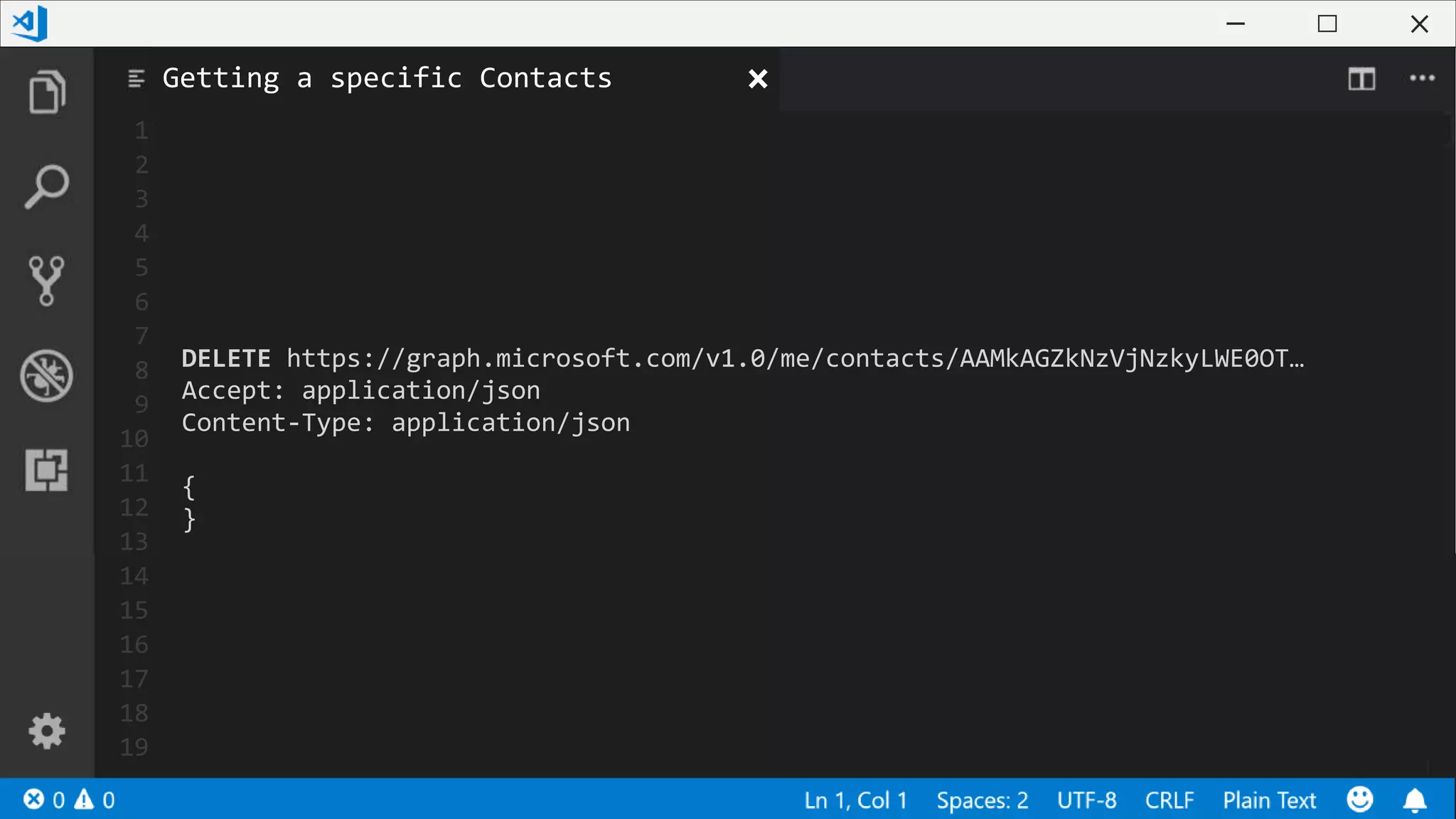
![1
2
3
4
5
6
7
8
9
10
11
12
13
14
15
16
17
18
19
# Connecting to your tenant
Connect-PnPOnline -Graph -LaunchBrowser
# Build the Headers with the Access Token value
$headers = @{
"Authorization" = [String]::Format("Bearer {0}", (Get-PnPAccessToken))
"Content-Type" = "application/json"
}
# Calling the Microsoft Graph
Invoke-RestMethod -Header $headers -Uri "https://graph.microsoft.com/v1.0/me"
Get-Contacts.ps1](https://image.slidesharecdn.com/buildanintelligentapplicationbyconnectingittothemicrosoftgraph-190330140455/75/SharePoint-Conference-2018-Build-an-intelligent-application-by-connecting-it-to-the-Microsoft-Graph-16-2048.jpg)
![1
2
3
4
5
6
7
8
9
10
11
12
13
14
15
16
17
18
19
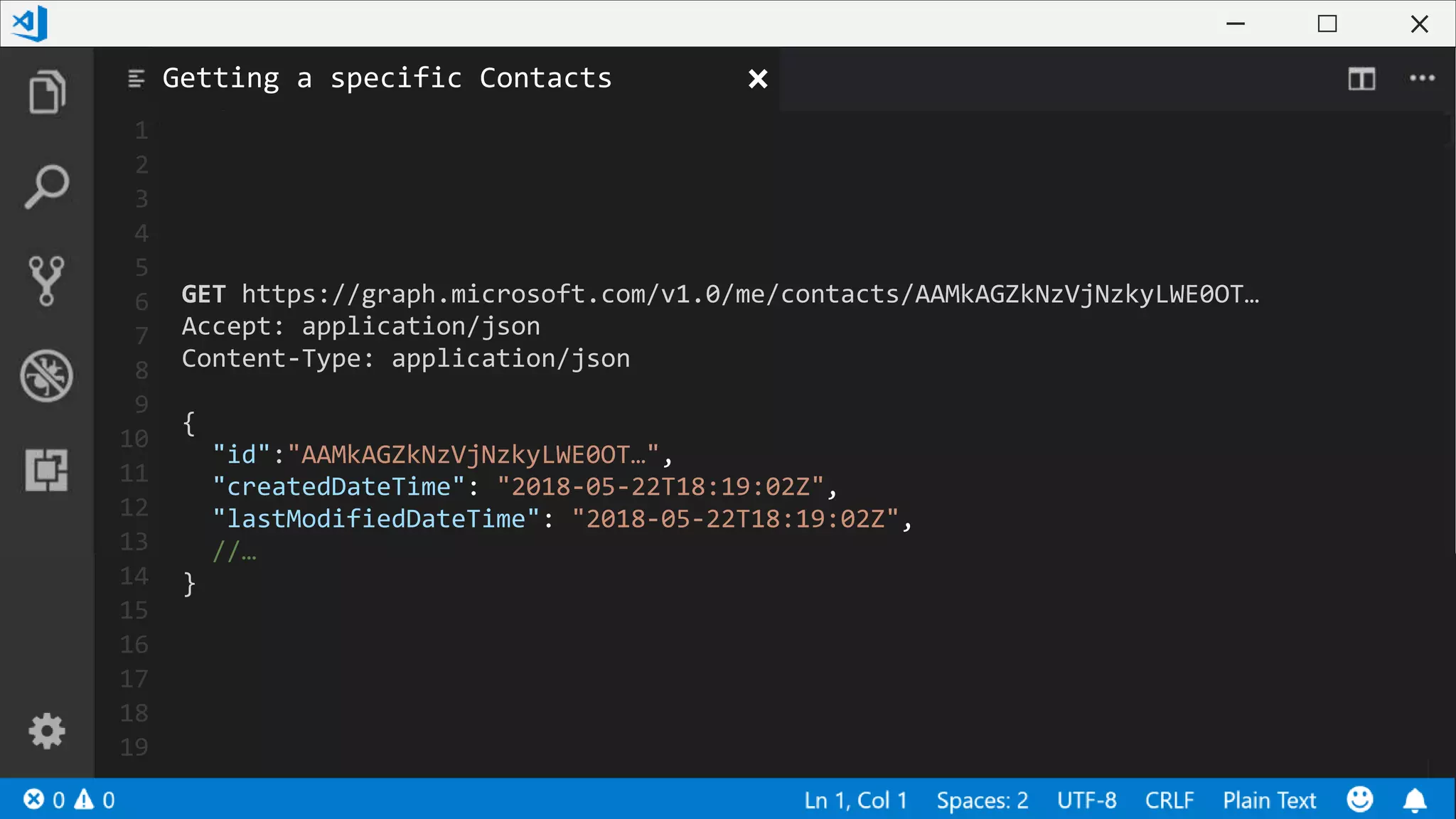
GET https://graph.microsoft.com/v1.0/me/contacts
Accept: application/json
Content-Type: application/json
{
"value": [{
"id":"AAMkAGZkNzVjNzkyLWE0OT…",
"createdDateTime": "2018-05-22T18:19:02Z",
"lastModifiedDateTime": "2018-05-22T18:19:02Z",
//…
}]
}
Listing All Contacts](https://image.slidesharecdn.com/buildanintelligentapplicationbyconnectingittothemicrosoftgraph-190330140455/75/SharePoint-Conference-2018-Build-an-intelligent-application-by-connecting-it-to-the-Microsoft-Graph-17-2048.jpg)
![1
2
3
4
5
6
7
8
9
10
11
12
13
14
15
16
17
18
19
POST https://graph.microsoft.com/v1.0/me/contacts
Accept: application/json
Content-Type: application/json
{
"givenName": "Sébastien",
"surname": "Levert",
"emailAddresses": [{
"address": "seb@valointranet.com",
"name": "Sébastien Levert"
}],
"businessPhones": [
"+1 555 555 5341"
]
}
Creating a Contact](https://image.slidesharecdn.com/buildanintelligentapplicationbyconnectingittothemicrosoftgraph-190330140455/75/SharePoint-Conference-2018-Build-an-intelligent-application-by-connecting-it-to-the-Microsoft-Graph-19-2048.jpg)
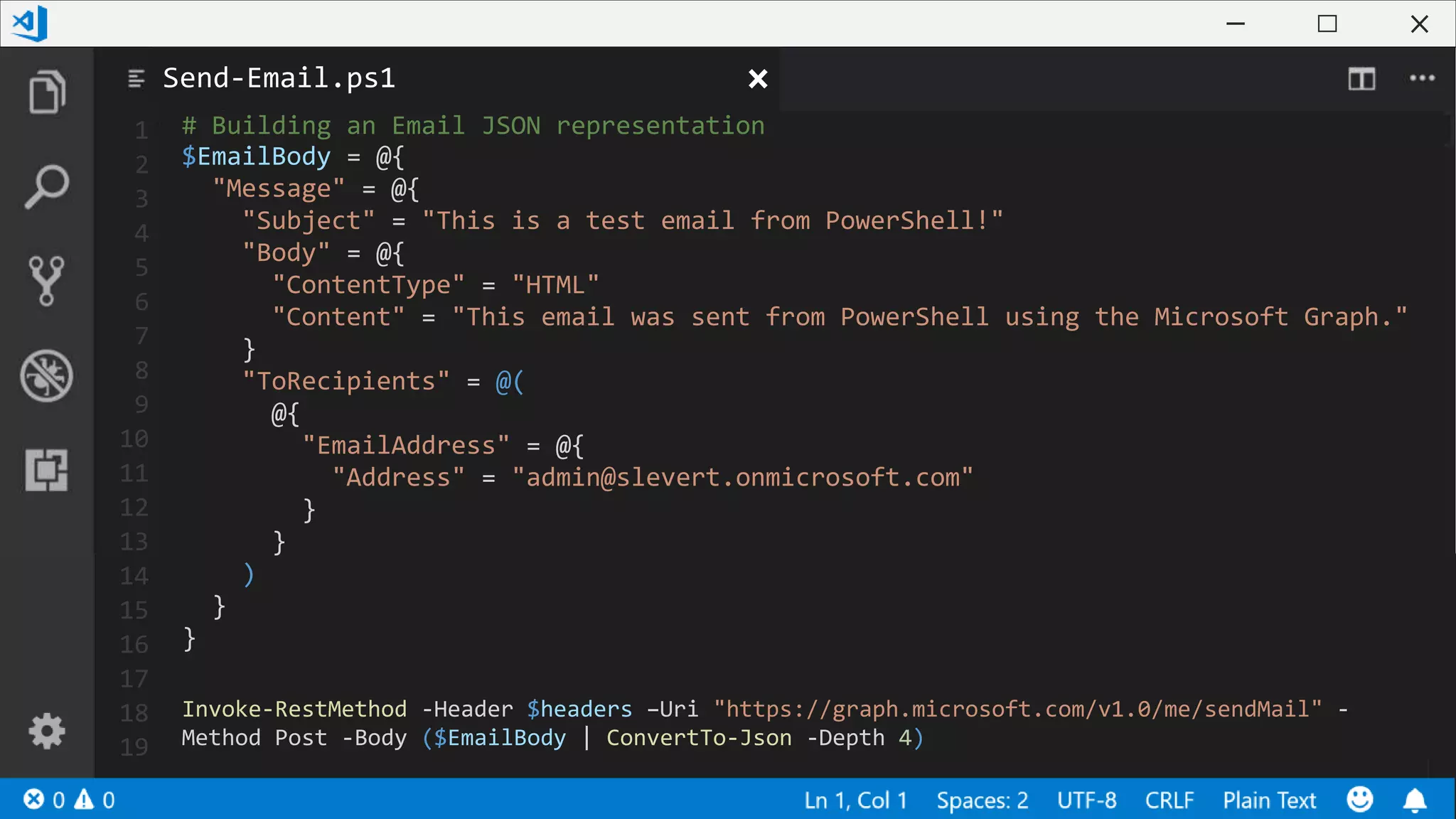
![1
2
3
4
5
6
7
8
9
10
11
12
13
14
15
16
17
18
19
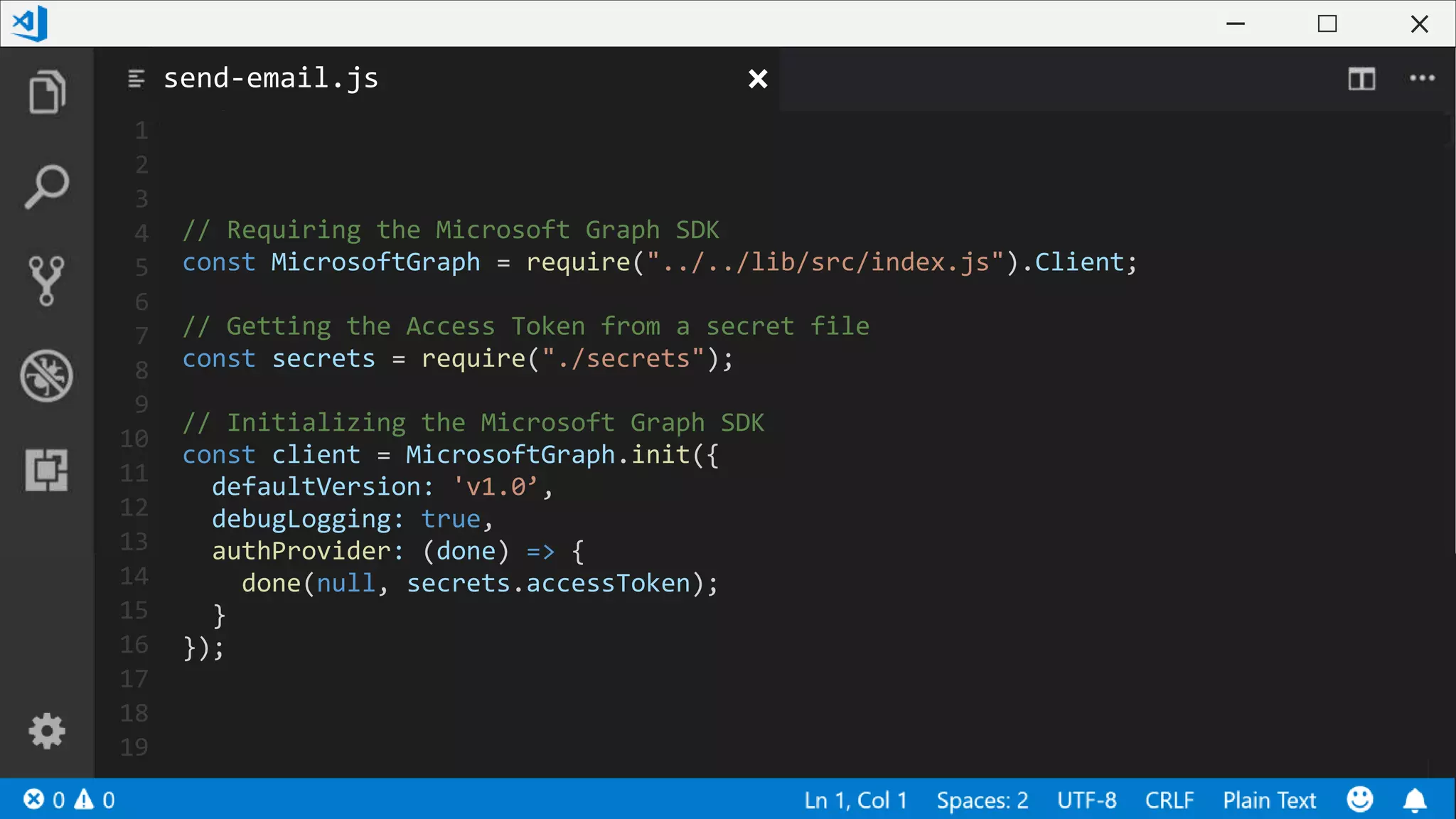
// Building the Email Message
const mail = {
subject: "This is a test email from NodeJS!",
toRecipients: [{
emailAddress: {
address: "admin@slevert.onmicrosoft.com"
}
}],
body: {
content: "This email was sent from NodeJS using the Microsoft Graph.",
contentType: "html"
}
}
// Email from the Microsoft Graph
client.api("/users/me/sendMail").post({message: mail}, (err, res) => {
if (err) console.log(err);
else console.log("Sent an email");
});
send-email.js](https://image.slidesharecdn.com/buildanintelligentapplicationbyconnectingittothemicrosoftgraph-190330140455/75/SharePoint-Conference-2018-Build-an-intelligent-application-by-connecting-it-to-the-Microsoft-Graph-24-2048.jpg)

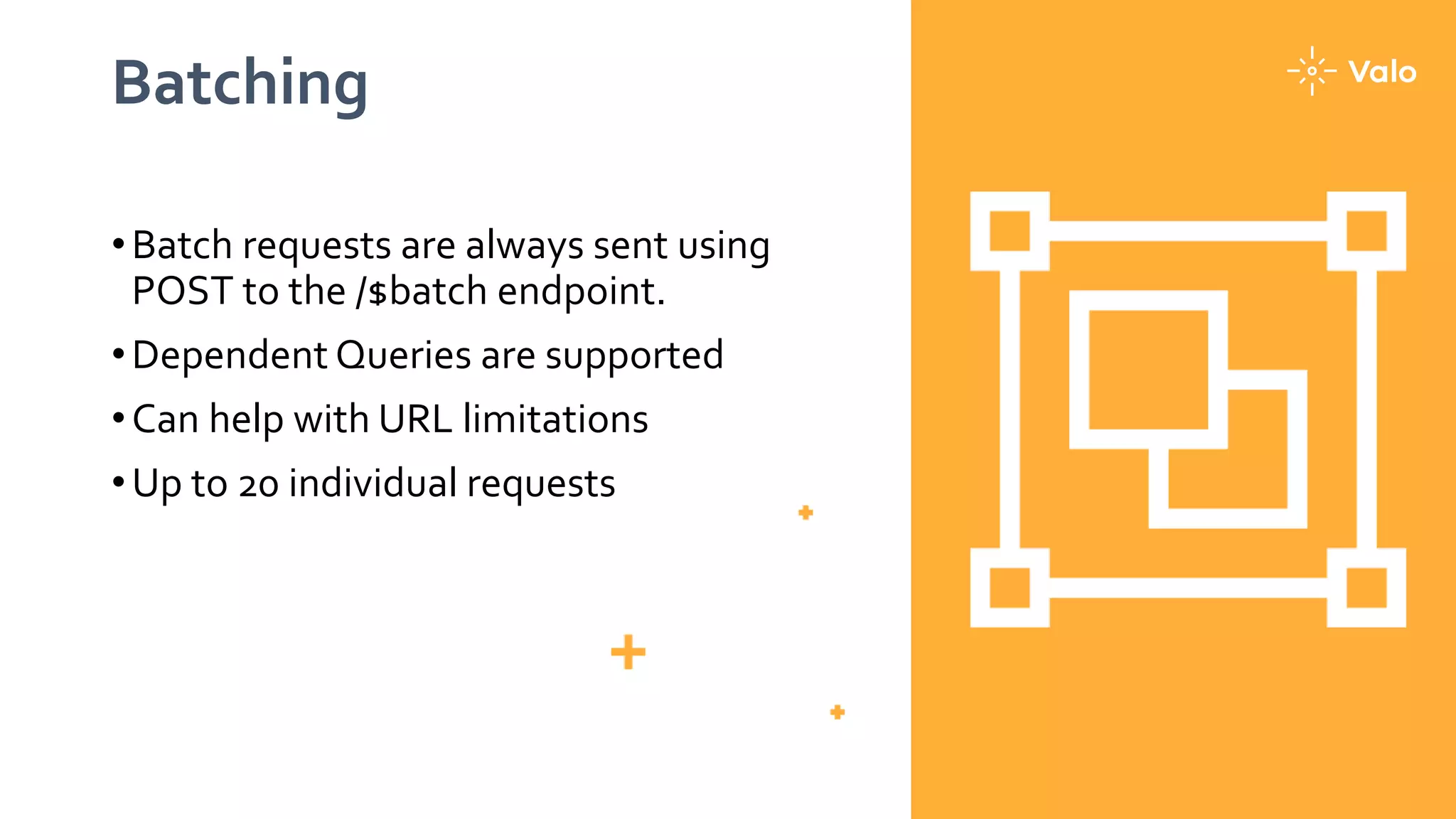
![1
2
3
4
5
6
7
8
9
10
11
12
13
14
15
16
17
18
19
// Creating our Subscription
POST https://graph.microsoft.com/v1.0/$batch
Accept: application/json
Content-Type: application/json
{
"requests": [{
"id": "1",
"method": "GET",
"url": "/me/contacts"
},
{
"id": "2",
"url": "/me",
"method": "PATCH",
"body": { "city" : "Montreal"},
"headers": { "Content-Type": "application/json"}
}]
}
Batch multiple Queries](https://image.slidesharecdn.com/buildanintelligentapplicationbyconnectingittothemicrosoftgraph-190330140455/75/SharePoint-Conference-2018-Build-an-intelligent-application-by-connecting-it-to-the-Microsoft-Graph-28-2048.jpg)
![1
2
3
4
5
6
7
8
9
10
11
12
13
14
15
16
17
18
19
// Getting notified by the WebHook
POST https://<url>/api/webhookCallback
Accept: application/json
Content-Type: application/json
{
"value":[{
"subscriptionId":"7f105c7d-2dc5-4530-97cd-4e7af6534c07",
"subscriptionExpirationDateTime":"2015-11-20T18:23:45.9356913Z",
"changeType":"Created",
"resource":"Users/<user-id>/contacts/<contact-id>",
"resourceData":{
"@odata.type":"#Microsoft.Graph.Message",
"@odata.id":" Users/<user-id>/contacts/<contact-id>",
"@odata.etag":"W/"CQAAABYAAACoeN6SYXGLRrvRm+CYrrfQAACvvGdb"",
"Id":"<contact-id>"
}
}]
}
Being notified by the Graph](https://image.slidesharecdn.com/buildanintelligentapplicationbyconnectingittothemicrosoftgraph-190330140455/75/SharePoint-Conference-2018-Build-an-intelligent-application-by-connecting-it-to-the-Microsoft-Graph-31-2048.jpg)
![1
2
3
4
5
6
7
8
9
10
11
12
13
14
15
16
17
18
19
// Getting notified by the WebHook
GET https://graph.microsoft.com/v1.0/me/contacts/delta
Accept: application/json
Content-Type: application/json
{
"@odata.nextLink":"{…}/v1.0/me/contacts/delta?$skiptoken={skipToken}",
"value": [{
//…
}]
}
Using Delta Query](https://image.slidesharecdn.com/buildanintelligentapplicationbyconnectingittothemicrosoftgraph-190330140455/75/SharePoint-Conference-2018-Build-an-intelligent-application-by-connecting-it-to-the-Microsoft-Graph-32-2048.jpg)
![1
2
3
4
5
6
7
8
9
10
11
12
13
14
15
16
17
18
19
// Getting the Delta Link once all pages were covered
GET https://graph.microsoft.com/v1.0/me/contacts/delta?$skiptoken={skipToken}
{
"@odata.deltaLink":"{…}/v1.0/me/contacts/delta?$deltatoken={deltatoken}",
"value": []
}
Using the Delta Query Strategy](https://image.slidesharecdn.com/buildanintelligentapplicationbyconnectingittothemicrosoftgraph-190330140455/75/SharePoint-Conference-2018-Build-an-intelligent-application-by-connecting-it-to-the-Microsoft-Graph-33-2048.jpg)
![1
2
3
4
5
6
7
8
9
10
11
12
13
14
15
16
17
18
19
// Getting the Delta Link once all pages were covered
GET https://graph.microsoft.com/v1.0/me/contacts/delta?$deltatoken={deltatoken}
Accept: application/json
Content-Type: application/json
{
"@odata.deltaLink":"{…}/v1.0/me/contacts/delta?$deltatoken={deltatoken}",
"value": [{
//…
}]
}
Getting the Delta Content](https://image.slidesharecdn.com/buildanintelligentapplicationbyconnectingittothemicrosoftgraph-190330140455/75/SharePoint-Conference-2018-Build-an-intelligent-application-by-connecting-it-to-the-Microsoft-Graph-34-2048.jpg)
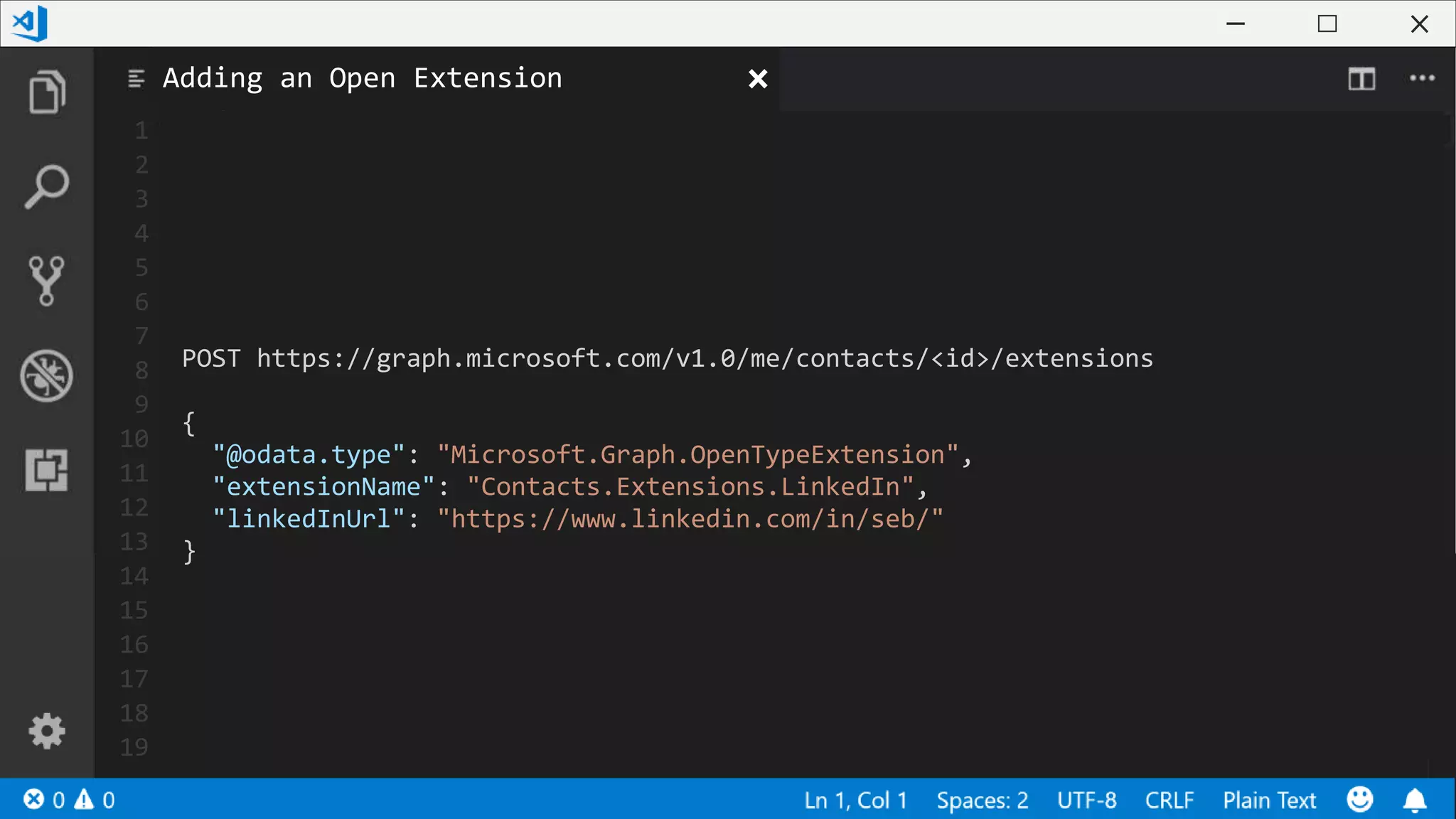
![1
2
3
4
5
6
7
8
9
10
11
12
13
14
15
16
17
18
19
GET https://graph.microsoft.com/v1.0/me/contacts/<id>?$
expand=Extensions($filter=Id eq 'Contacts.Extensions.LinkedIn')
{
//…
"extensions": [{
"@odata.type": "#microsoft.graph.openTypeExtension",
"extensionName": "Contacts.Extensions.LinkedIn",
"linkedInUrl": "https://www.linkedin.com/in/seb/"
}]
}
Getting an Open Extension Value](https://image.slidesharecdn.com/buildanintelligentapplicationbyconnectingittothemicrosoftgraph-190330140455/75/SharePoint-Conference-2018-Build-an-intelligent-application-by-connecting-it-to-the-Microsoft-Graph-37-2048.jpg)
![1
2
3
4
5
6
7
8
9
10
11
12
13
14
15
16
17
18
19
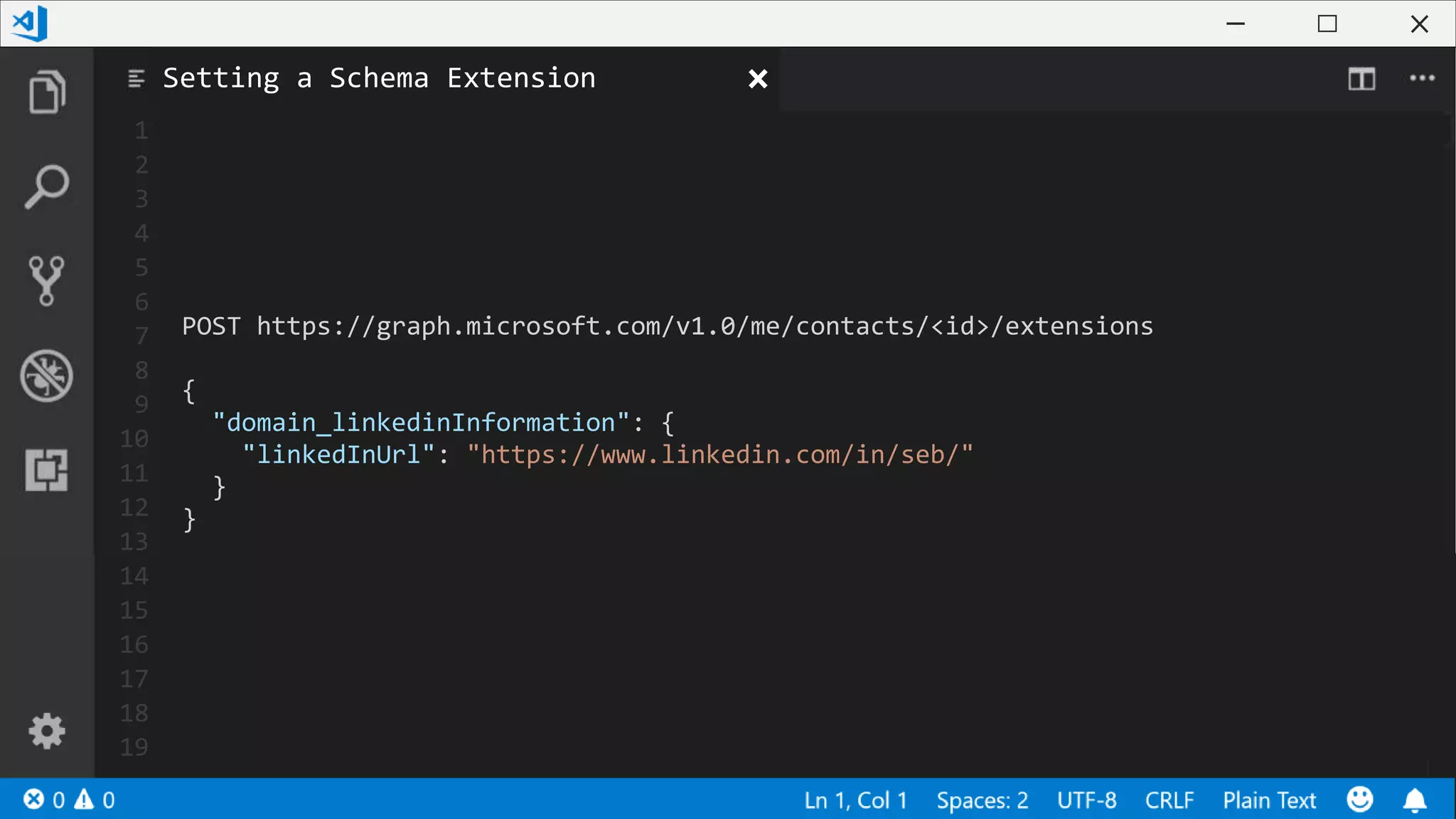
POST https://graph.microsoft.com/v1.0/schemaExtensions
{
"id": "domain_linkedinInformation",
"description": "All information about LinkedIn account",
"targetTypes": ["Contacts"],
"available": "Online",
"properties" : [{
"name": "linkedInUrl",
"type": "String"
}]
}
Defining a Schema Extension](https://image.slidesharecdn.com/buildanintelligentapplicationbyconnectingittothemicrosoftgraph-190330140455/75/SharePoint-Conference-2018-Build-an-intelligent-application-by-connecting-it-to-the-Microsoft-Graph-38-2048.jpg)
![1
2
3
4
5
6
7
8
9
10
11
12
13
14
15
16
17
18
19
GET
https://graph.microsoft.com/v1.0/me/contacts?$select=displayName,businessPhones
Accept: application/json
Content-Type: application/json
{
"value": [{
"id":"AAMkAGZkNzVjNzkyLWE0OT…",
"displayName": "Sébastien Levert",
"businessPhones": [
"+1 555 555 5555",
]
//…
}]
}
Projections](https://image.slidesharecdn.com/buildanintelligentapplicationbyconnectingittothemicrosoftgraph-190330140455/75/SharePoint-Conference-2018-Build-an-intelligent-application-by-connecting-it-to-the-Microsoft-Graph-41-2048.jpg)
![1
2
3
4
5
6
7
8
9
10
11
12
13
14
15
16
17
18
19
GET https://graph.microsoft.com/v1.0/me/contacts?$filter=startswith(displayName,
'Seb')
Accept: application/json
Content-Type: application/json
{
"value": [{
"id":"AAMkAGZkNzVjNzkyLWE0OT…",
"displayName": "Seb Levert",
"businessPhones": [
"+1 555 555 5555",
]
//…
}]
}
Filters](https://image.slidesharecdn.com/buildanintelligentapplicationbyconnectingittothemicrosoftgraph-190330140455/75/SharePoint-Conference-2018-Build-an-intelligent-application-by-connecting-it-to-the-Microsoft-Graph-42-2048.jpg)



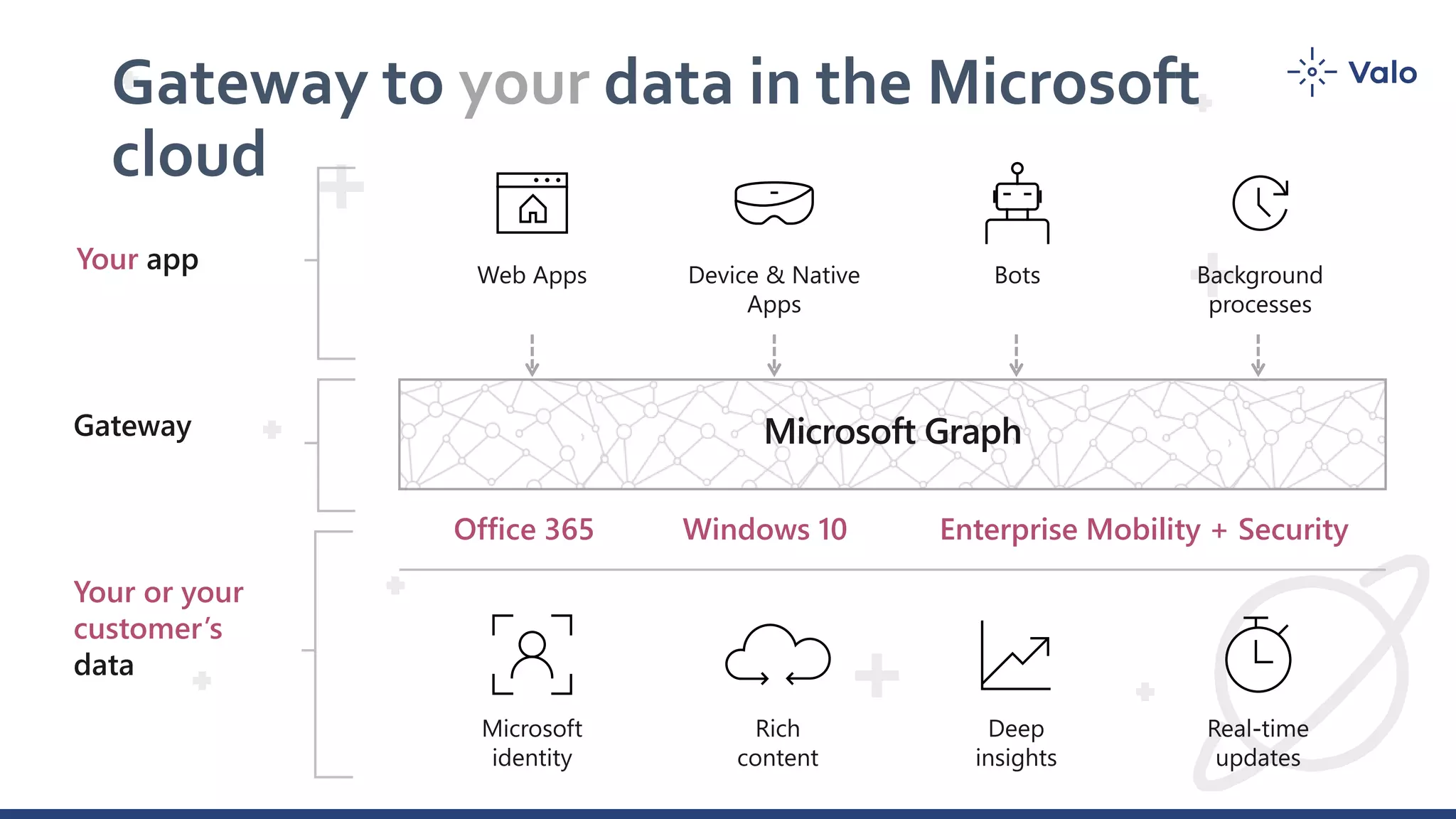
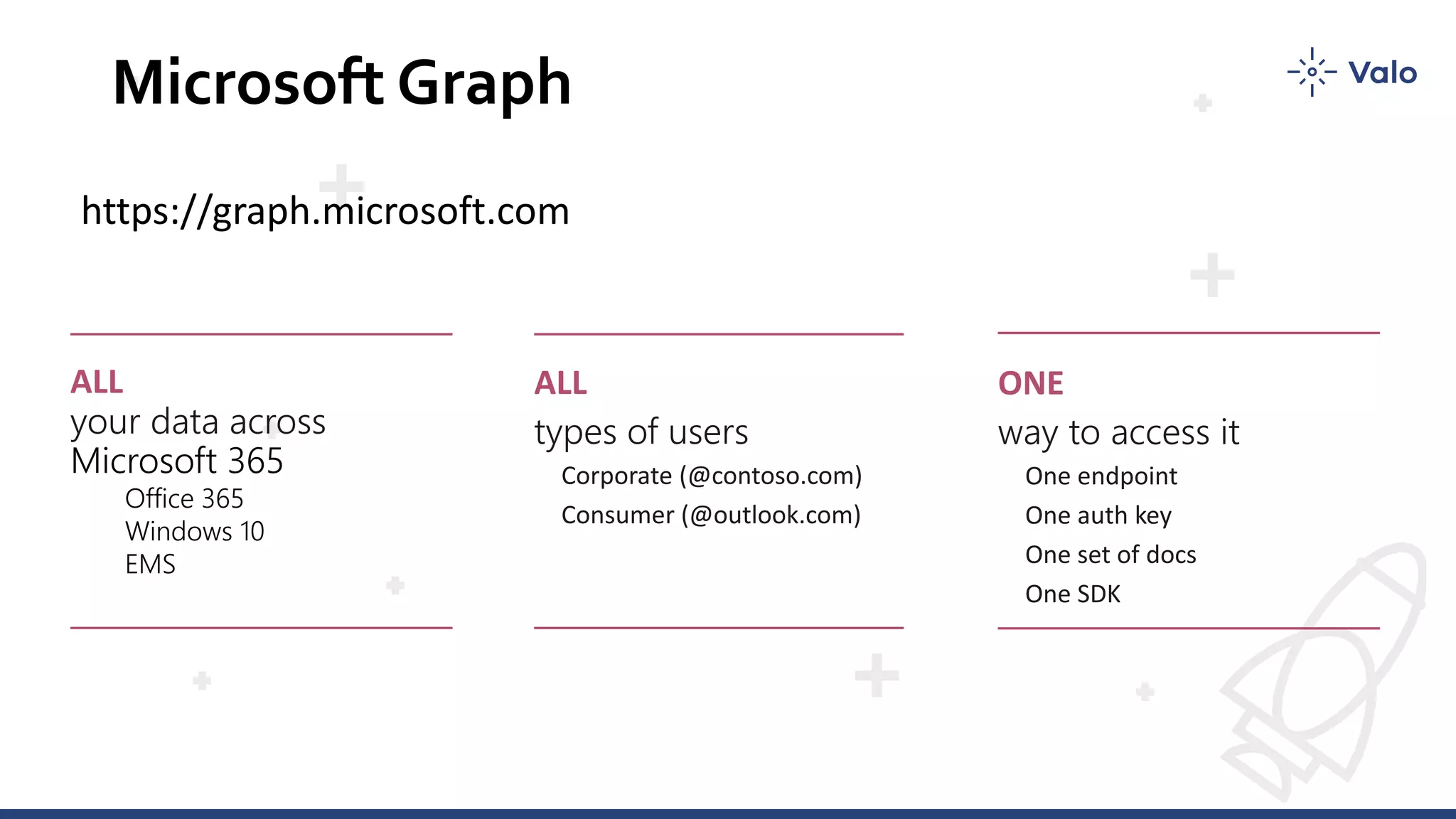
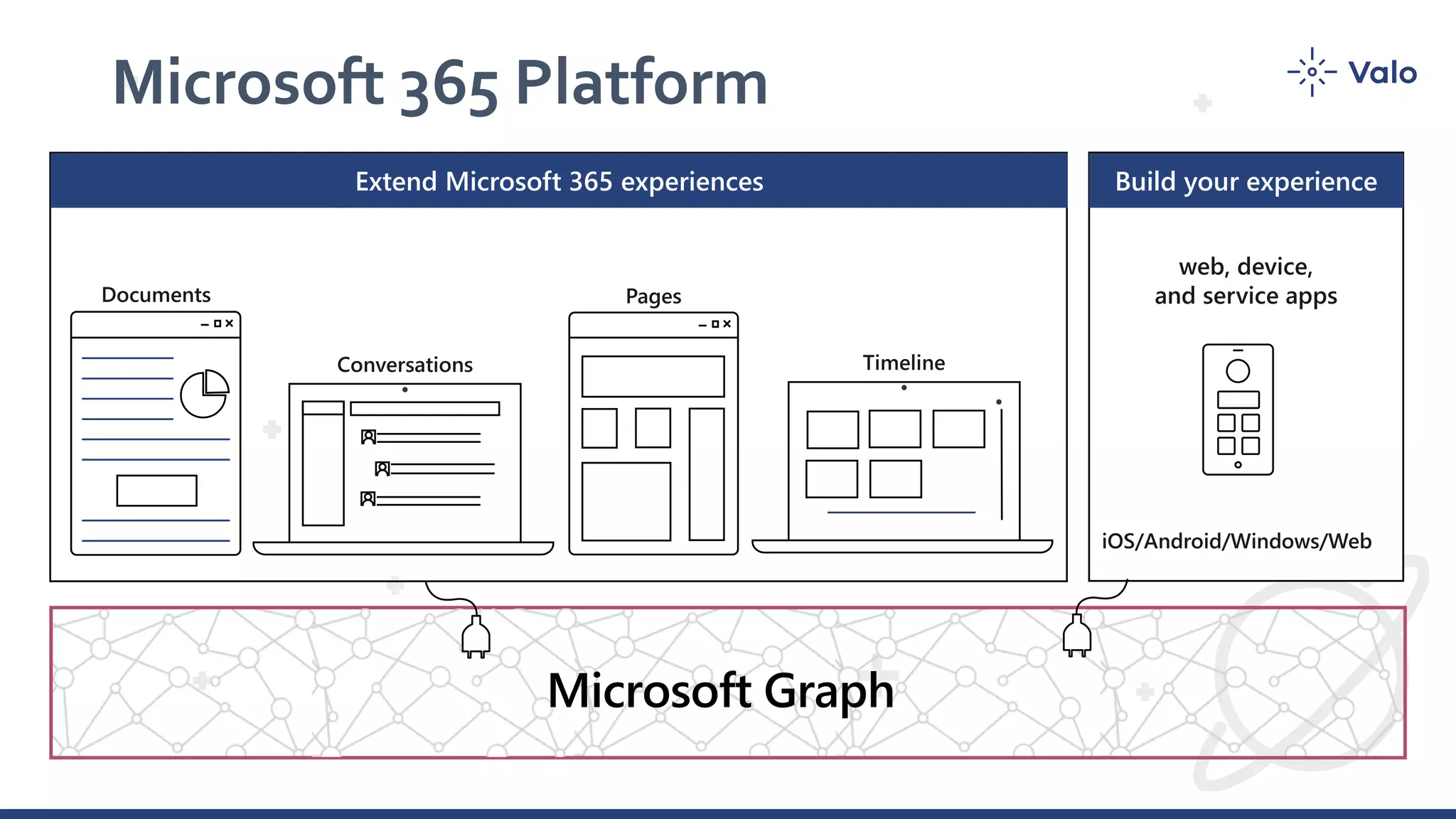
This document is a presentation on building applications using Microsoft Graph, which serves as an interface to access and manipulate data from Microsoft services. It covers various functionalities including data retrieval, creation, updates, deletions, and advanced scenarios such as batching requests and using webhooks for notifications. Additional best practices and resources for developers are also provided throughout the content.


![Vibe Coding vs. Spec-Driven Development [Free Meetup]](https://cdn.slidesharecdn.com/ss_thumbnails/vibecodingvsspecdrivendevelopment-251209105622-43f455e7-thumbnail.jpg?width=640&height=640&fit=bounds)


