Section 1 - Cloud Computing Concepts

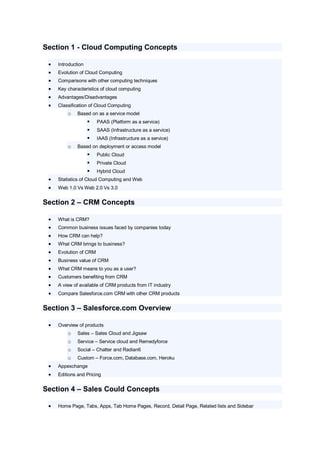
    Introduction
    Evolution of Cloud Computing
    Comparisons with other computing techniques
    Key characteristics of cloud computing
    Advantages/Disadvantages
    Classification of Cloud Computing
         o    Based on as a service model
                       PAAS (Platform as a service)
                       SAAS (Infrastructure as a service)
                       IAAS (Infrastructure as a service)
         o    Based on deployment or access model
                       Public Cloud
                       Private Cloud
                       Hybrid Cloud
    Statistics of Cloud Computing and Web
    Web 1.0 Vs Web 2.0 Vs 3.0


Section 2 – CRM Concepts

    What is CRM?
    Common business issues faced by companies today
    How CRM can help?
    What CRM brings to business?
    Evolution of CRM
    Business value of CRM
    What CRM means to you as a user?
    Customers benefiting from CRM
    A view of available of CRM products from IT industry
    Compare Salesforce.com CRM with other CRM products


Section 3 – Salesforce.com Overview

    Overview of products
         o    Sales – Sales Cloud and Jigsaw
         o    Service – Service cloud and Remedyforce
         o    Social – Chatter and Radian6
         o    Custom – Force.com, Database.com, Heroku
    Appexchange
    Editions and Pricing


Section 4 – Sales Could Concepts

    Home Page, Tabs, Apps, Tab Home Pages, Record, Detail Page, Related lists and Sidebar
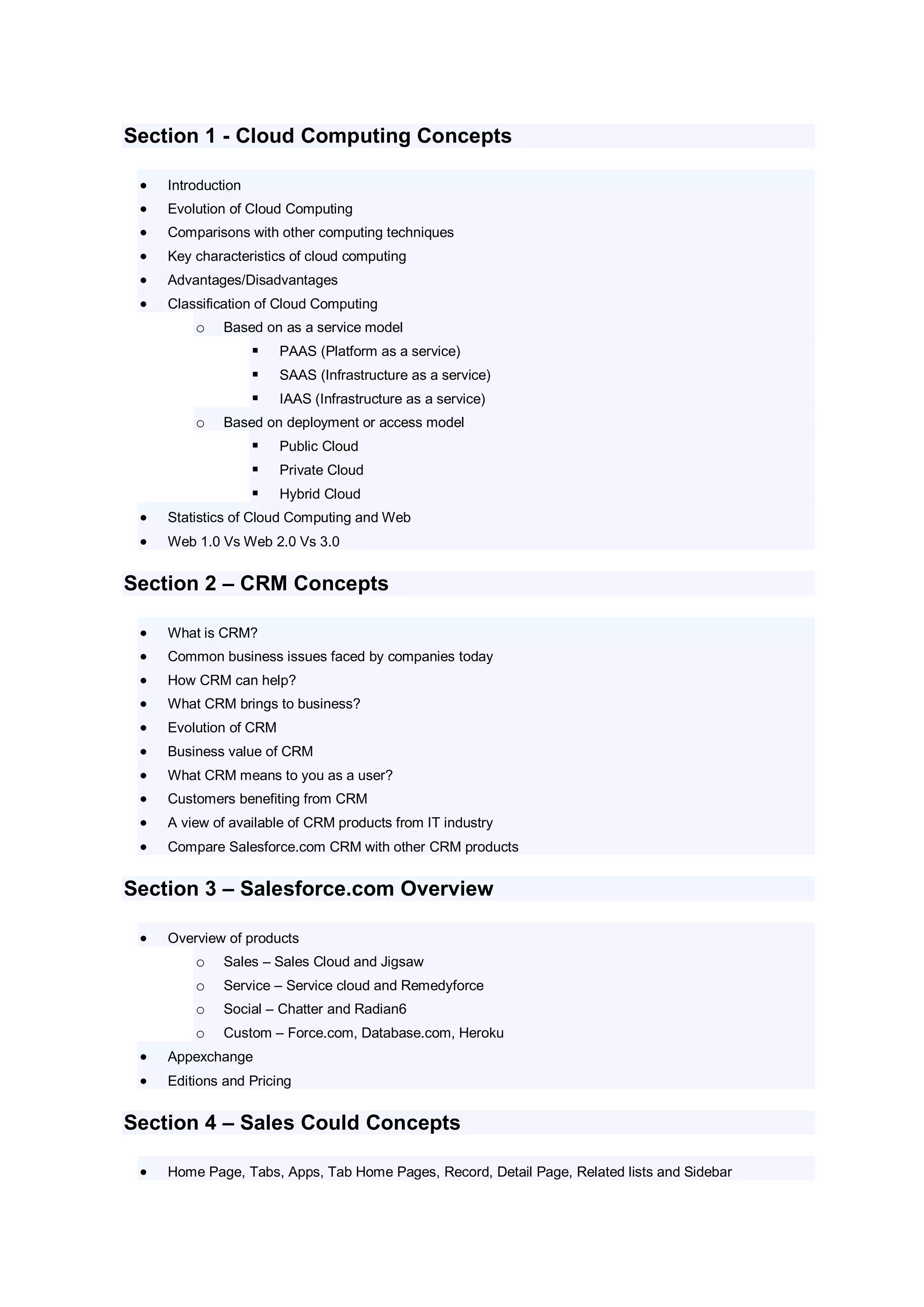
   Understanding Leads and Opportunities
    Adding A Lead
    Converting A Lead
    Adding An Account
    Team Contacts
    Edit An Account Record
    Adding An Opportunity
    Adding A Product To An Opportunity
    Sales ID
    Adding A Contact
    Adding A Task
    Creating A View
    Connect To Microsoft Outlook
    Send And Add An Email
    Activity History
    Logging A Call
    Submitting A Case
    Documents Tab
    Campaigns


Section 5 – Service Could Concepts

    Create Case
    Manage Cases
    Researching and Resolving Cases
    Communicating the Outcome
    Automate case management
    Capturing and associating cases efficiently
    Helping customers helping themselves
    Improving productivity


Section 6 –Force.com – Build Killer Apps

    Basics of Force.com - Apps, Tabs, Objects, Forms, Links etc
    Benefits of Force.com platform
    Technologies behind Force.com Platform – Multitenant Architecture, Meta data driven model, Web
     services APIs, Apex, Visual Force, Sites and Appexchange
    Databse, Security, Web Sites, Mobile, App Distribution and Intergation
    Create an application to demonstrate force.com
         o      Create an application
         o      Adding Relationships>
         o      Creating reports and dashboards
         o      Using Formulas and validation rules
         o      Using workflow and approvals
         o      Adding business logic with Apex Triggers
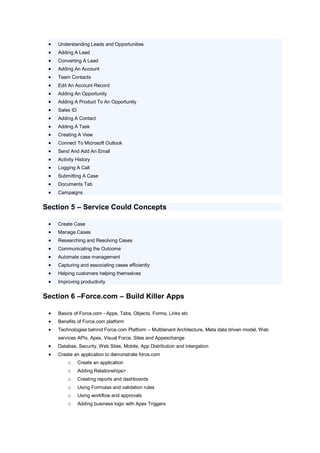
o    Adding tests to your application
         o    Building a custom user interface using Visualforce
         o    Creating a public Web page using sites
         o    Creating a Store Front
         o    Creating a Desktop App with Force.com Flex


Section 7 – Apex – World’s First Cloud Computing Language

    Introduction to Apex Code
    Language Constructs
    Invoking Apex
    Classes, Objects and Interfaces
    Apex Design Patterns
    Testing Apex
    Dynamic Apex
    Batch Apex
    Debugging Apex
    Developing Apex in managed packages
    Exposing Apex Methods as web services
    Invoking callsouts using Apex
    Deploying Apex


Section 8 – Visualforce – Custom user interfaces

    Introduction and Tools
    Styling VF pages
    Standard Controllers and Standard List Controllers
    Custom Controllers and Controller Extensions
    Advanced examples
    Overriding buttons, links and tabs with VF
    Using static resources and custom components
    Dynamic VF Bindings and Components
    Integrating e-mail with VF
    Rendering Flows with VF
    Templating with VF
    Developing for Mobile Devices
    Adding VF to force.com AppExchange App
    Using JavaScript in VF Pages
    Best Practices


Section 9 – Other Features

    APIs, Tools, Documentation, Releases, Code Samples, Best practices, Deployment guide, Data
     Migration and Cheatsheets etc


Section 10 – Administration and Consulting
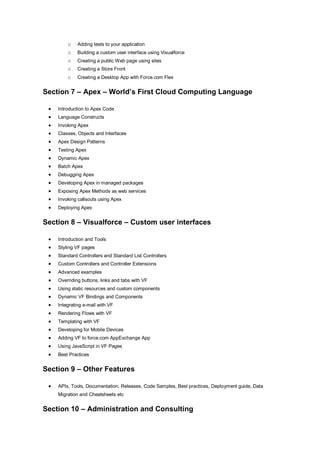
   Concepts of SFDC Admin and Consulting
   Case studies

SFDC Course Content

  • 1.
    Section 1 -Cloud Computing Concepts  Introduction  Evolution of Cloud Computing  Comparisons with other computing techniques  Key characteristics of cloud computing  Advantages/Disadvantages  Classification of Cloud Computing o Based on as a service model  PAAS (Platform as a service)  SAAS (Infrastructure as a service)  IAAS (Infrastructure as a service) o Based on deployment or access model  Public Cloud  Private Cloud  Hybrid Cloud  Statistics of Cloud Computing and Web  Web 1.0 Vs Web 2.0 Vs 3.0 Section 2 – CRM Concepts  What is CRM?  Common business issues faced by companies today  How CRM can help?  What CRM brings to business?  Evolution of CRM  Business value of CRM  What CRM means to you as a user?  Customers benefiting from CRM  A view of available of CRM products from IT industry  Compare Salesforce.com CRM with other CRM products Section 3 – Salesforce.com Overview  Overview of products o Sales – Sales Cloud and Jigsaw o Service – Service cloud and Remedyforce o Social – Chatter and Radian6 o Custom – Force.com, Database.com, Heroku  Appexchange  Editions and Pricing Section 4 – Sales Could Concepts  Home Page, Tabs, Apps, Tab Home Pages, Record, Detail Page, Related lists and Sidebar
  • 2.
    Understanding Leads and Opportunities  Adding A Lead  Converting A Lead  Adding An Account  Team Contacts  Edit An Account Record  Adding An Opportunity  Adding A Product To An Opportunity  Sales ID  Adding A Contact  Adding A Task  Creating A View  Connect To Microsoft Outlook  Send And Add An Email  Activity History  Logging A Call  Submitting A Case  Documents Tab  Campaigns Section 5 – Service Could Concepts  Create Case  Manage Cases  Researching and Resolving Cases  Communicating the Outcome  Automate case management  Capturing and associating cases efficiently  Helping customers helping themselves  Improving productivity Section 6 –Force.com – Build Killer Apps  Basics of Force.com - Apps, Tabs, Objects, Forms, Links etc  Benefits of Force.com platform  Technologies behind Force.com Platform – Multitenant Architecture, Meta data driven model, Web services APIs, Apex, Visual Force, Sites and Appexchange  Databse, Security, Web Sites, Mobile, App Distribution and Intergation  Create an application to demonstrate force.com o Create an application o Adding Relationships> o Creating reports and dashboards o Using Formulas and validation rules o Using workflow and approvals o Adding business logic with Apex Triggers
  • 3.
    o Adding tests to your application o Building a custom user interface using Visualforce o Creating a public Web page using sites o Creating a Store Front o Creating a Desktop App with Force.com Flex Section 7 – Apex – World’s First Cloud Computing Language  Introduction to Apex Code  Language Constructs  Invoking Apex  Classes, Objects and Interfaces  Apex Design Patterns  Testing Apex  Dynamic Apex  Batch Apex  Debugging Apex  Developing Apex in managed packages  Exposing Apex Methods as web services  Invoking callsouts using Apex  Deploying Apex Section 8 – Visualforce – Custom user interfaces  Introduction and Tools  Styling VF pages  Standard Controllers and Standard List Controllers  Custom Controllers and Controller Extensions  Advanced examples  Overriding buttons, links and tabs with VF  Using static resources and custom components  Dynamic VF Bindings and Components  Integrating e-mail with VF  Rendering Flows with VF  Templating with VF  Developing for Mobile Devices  Adding VF to force.com AppExchange App  Using JavaScript in VF Pages  Best Practices Section 9 – Other Features  APIs, Tools, Documentation, Releases, Code Samples, Best practices, Deployment guide, Data Migration and Cheatsheets etc Section 10 – Administration and Consulting
  • 4.
    Concepts of SFDC Admin and Consulting  Case studies