PHP – Session Management & Cookies in PHP Harit Kothari [email_address]
Agenda Session Management Application of Session Management Session management with PHP - $HTTP_SESSION_VARS Cookies basics Application of Cookies Setcookie() & $_COOKIE
Session Management HTTP is a stateless protocol Does not remember what happened between two consecutive requests Example – Online bookshop Browser sends a login request to the server, sending the user ID and password Server authenticates user and responds back with a successful login message along with the menu of options available to the user User clicks on one of the options (say Buy book) Browser sends user’s request to the server
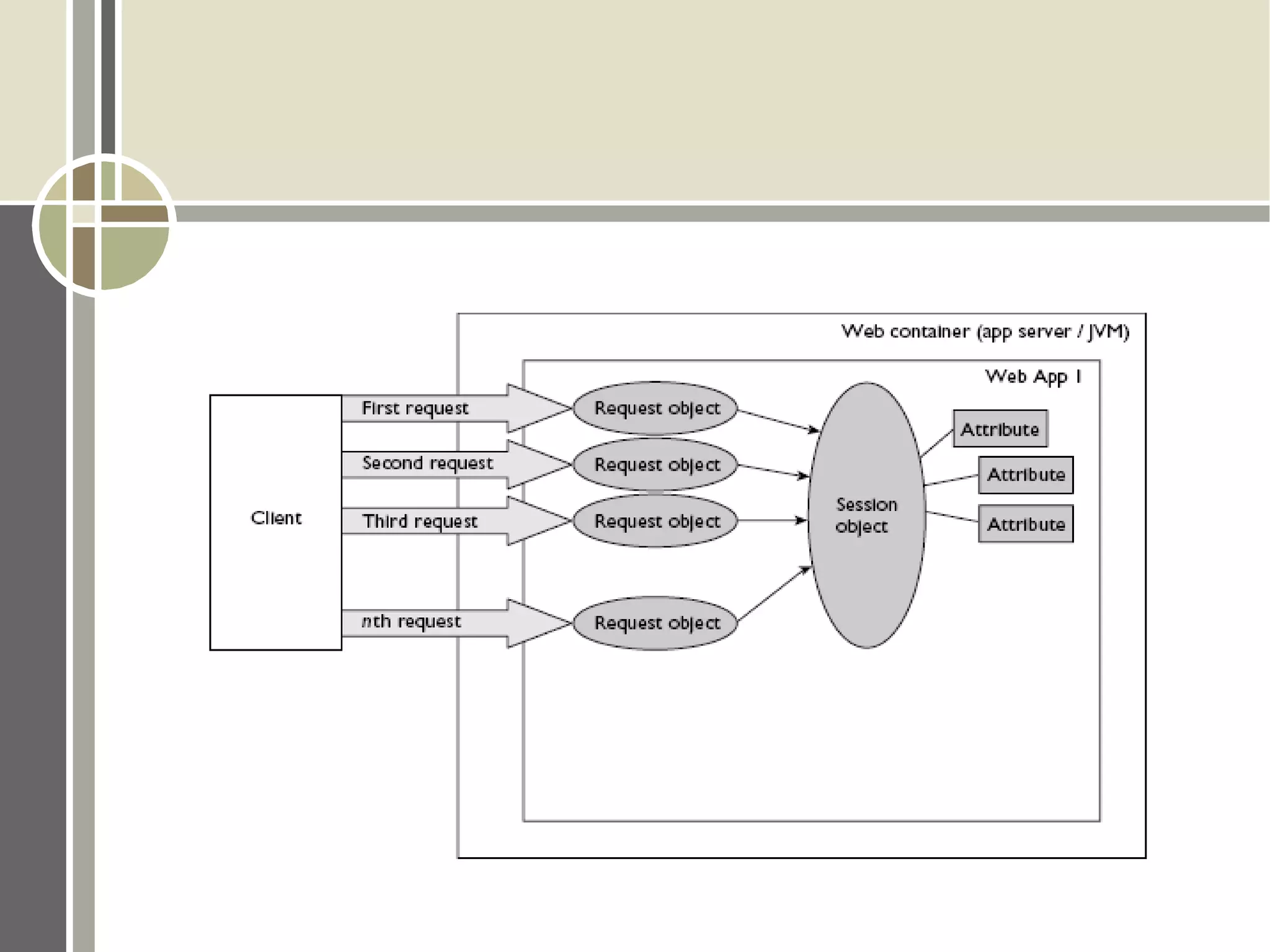
Ideally, we would expect the server to remember who this user is But this does not happen! Server does not know who this user is Browser has to remind server every time!  Hence, HTTP is stateless and so is server
 
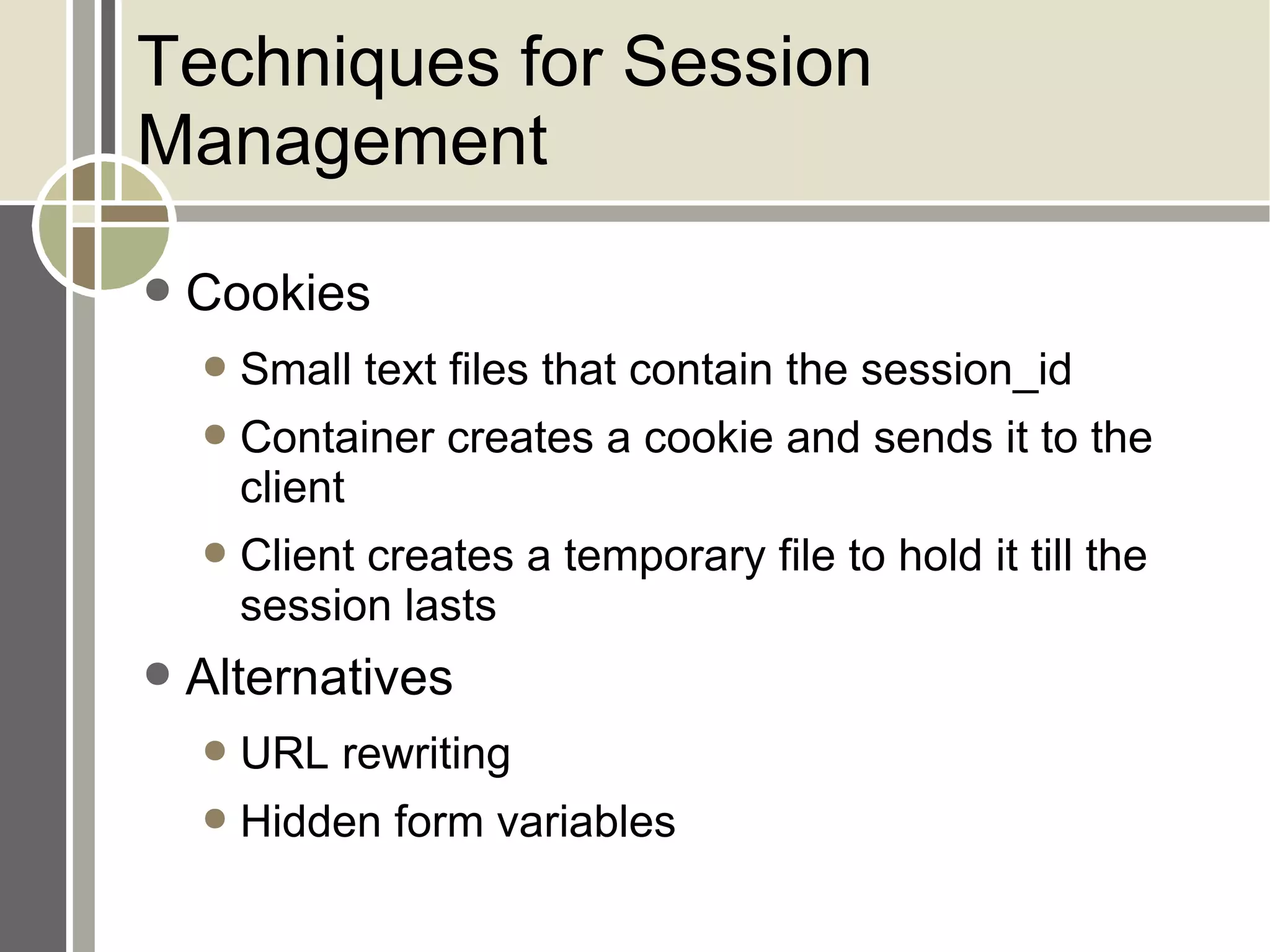
Techniques for Session Management Cookies Small text files that contain the session_id Container creates a cookie and sends it to the client Client creates a temporary file to hold it till the session lasts Alternatives URL rewriting Hidden form variables
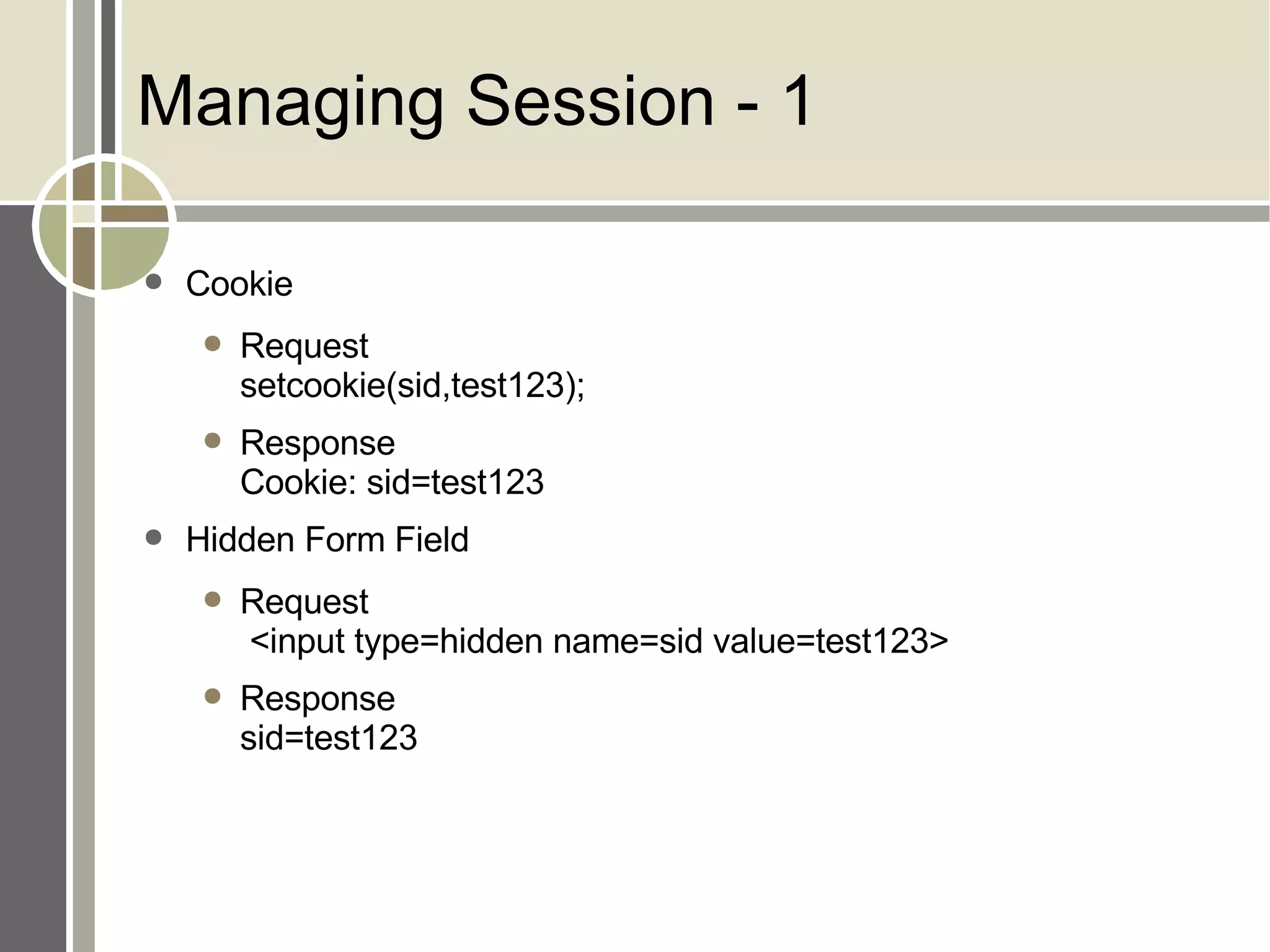
Managing Session - 1 Cookie Request setcookie(sid,test123); Response Cookie: sid=test123 Hidden Form Field Request  <input type=hidden name=sid value=test123> Response sid=test123
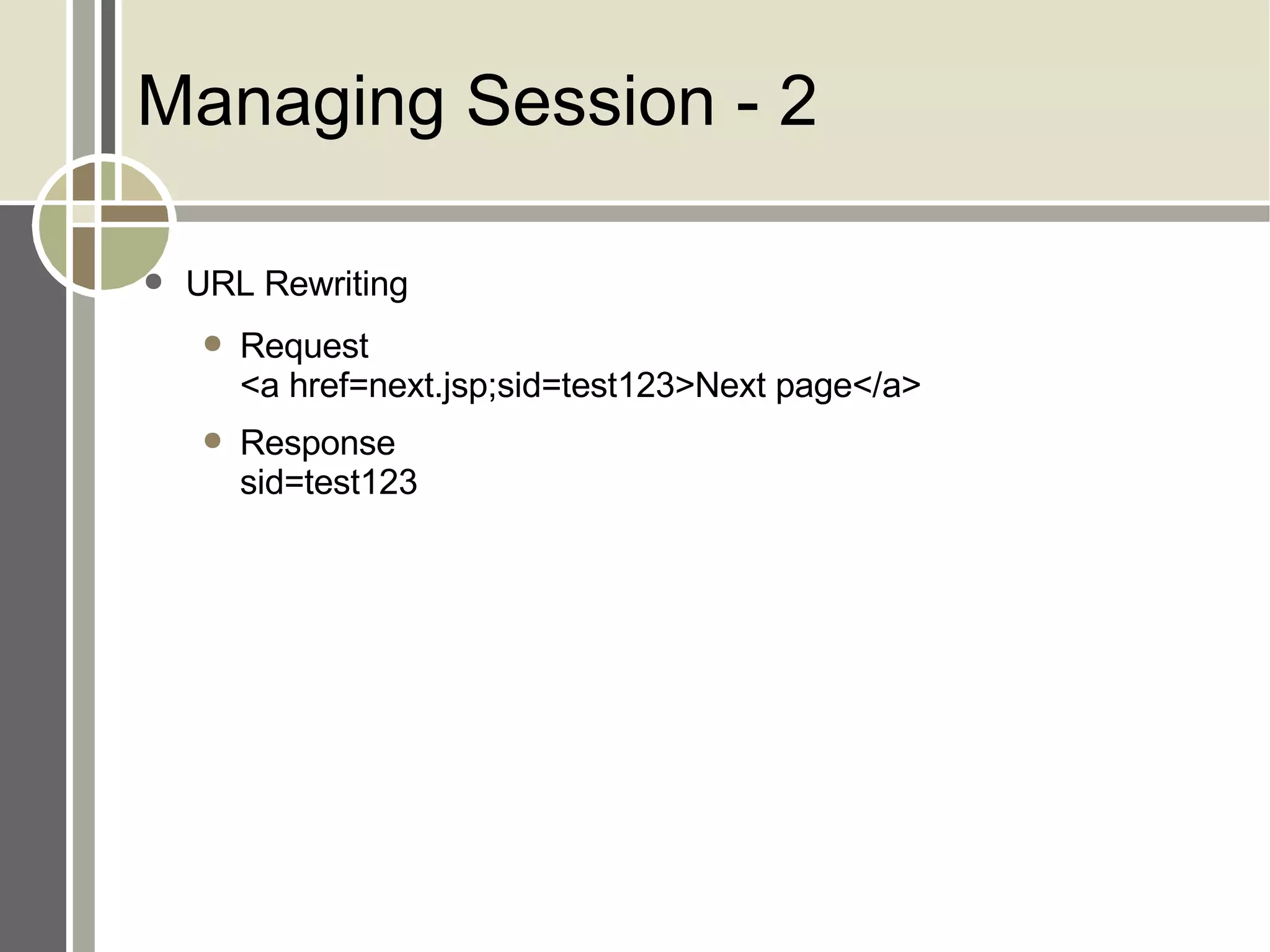
Managing Session - 2 URL Rewriting Request <a href=next.jsp;sid=test123>Next page</a> Response sid=test123
Cookies
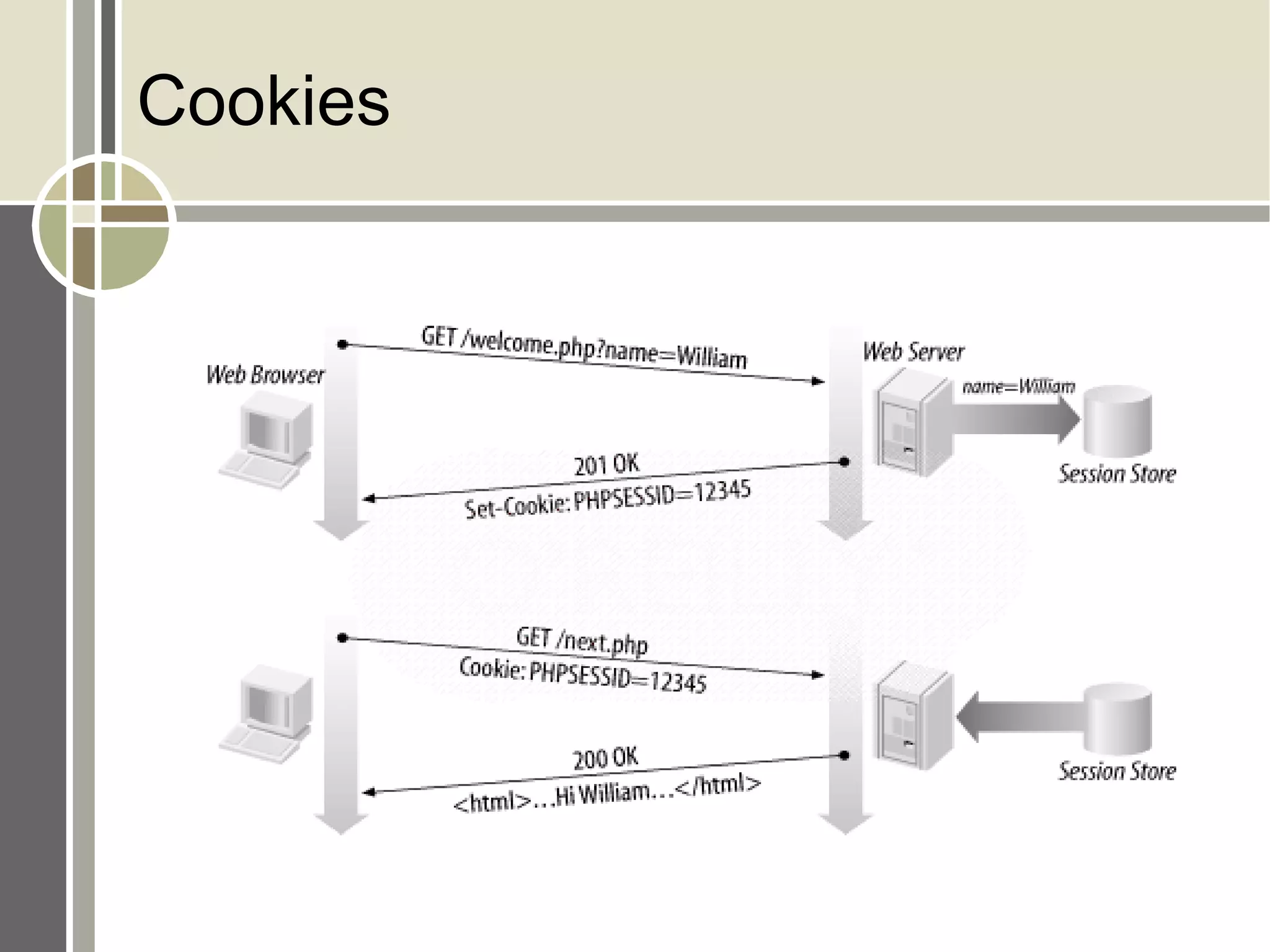
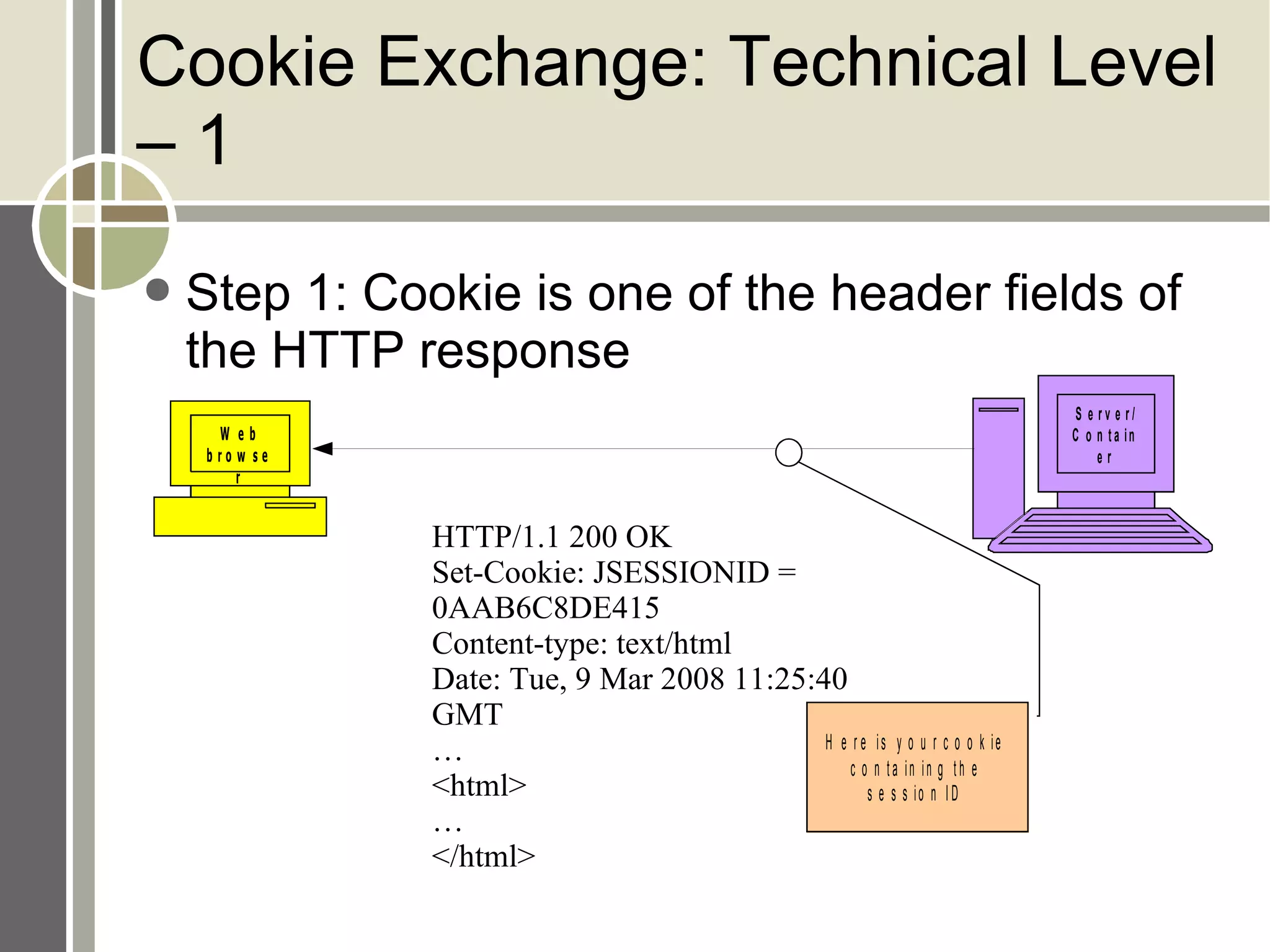
Cookie Exchange: Technical Level – 1 Step 1: Cookie is one of the header fields of the HTTP response HTTP/1.1 200 OK Set-Cookie: JSESSIONID = 0AAB6C8DE415 Content-type: text/html Date: Tue, 9 Mar 2008 11:25:40 GMT … <html> … </html>
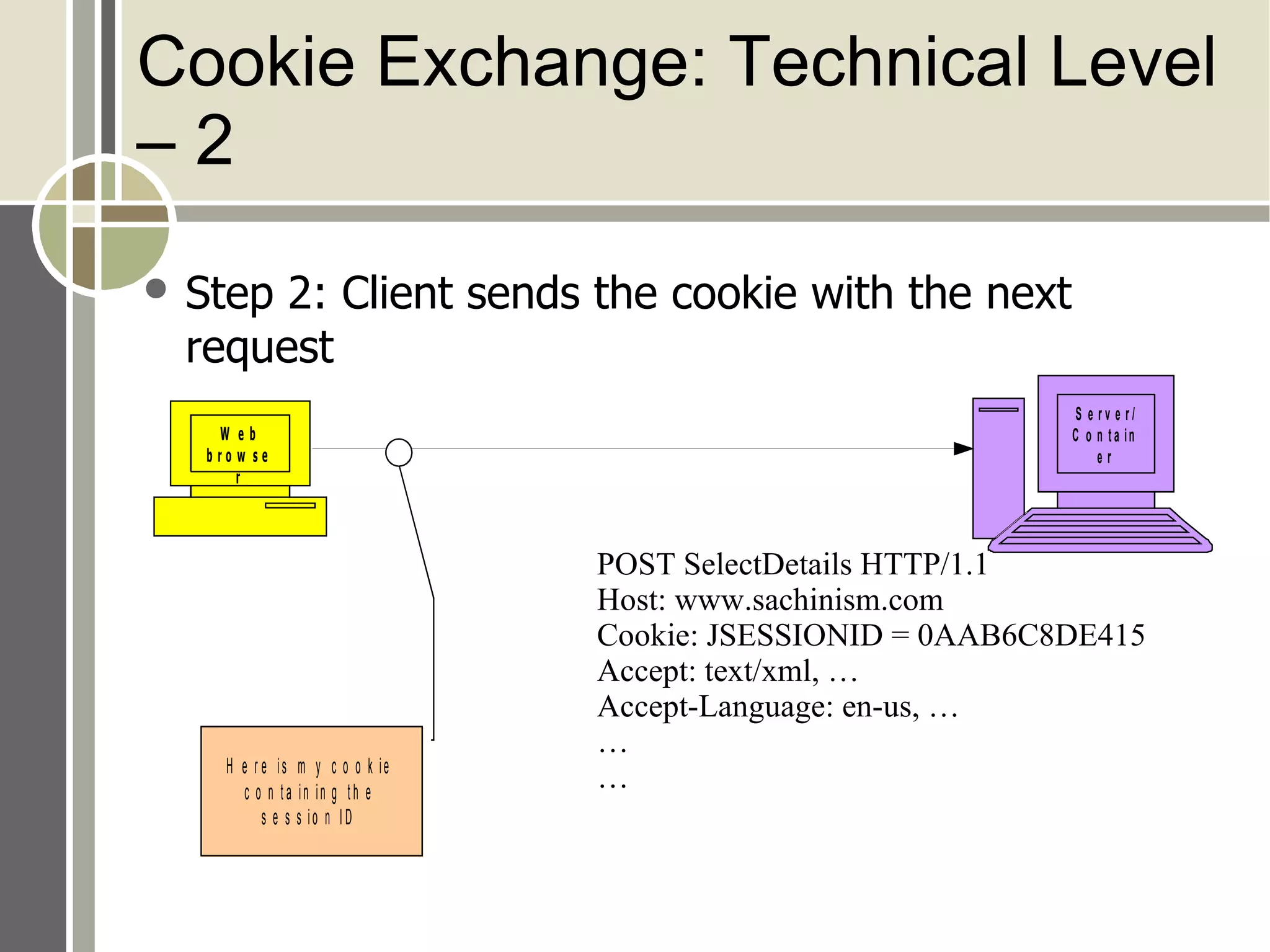
Cookie Exchange: Technical Level – 2 Step 2: Client sends the cookie with the next request POST SelectDetails HTTP/1.1 Host: www.sachinism.com Cookie: JSESSIONID = 0AAB6C8DE415 Accept: text/xml, … Accept-Language: en-us, … … …
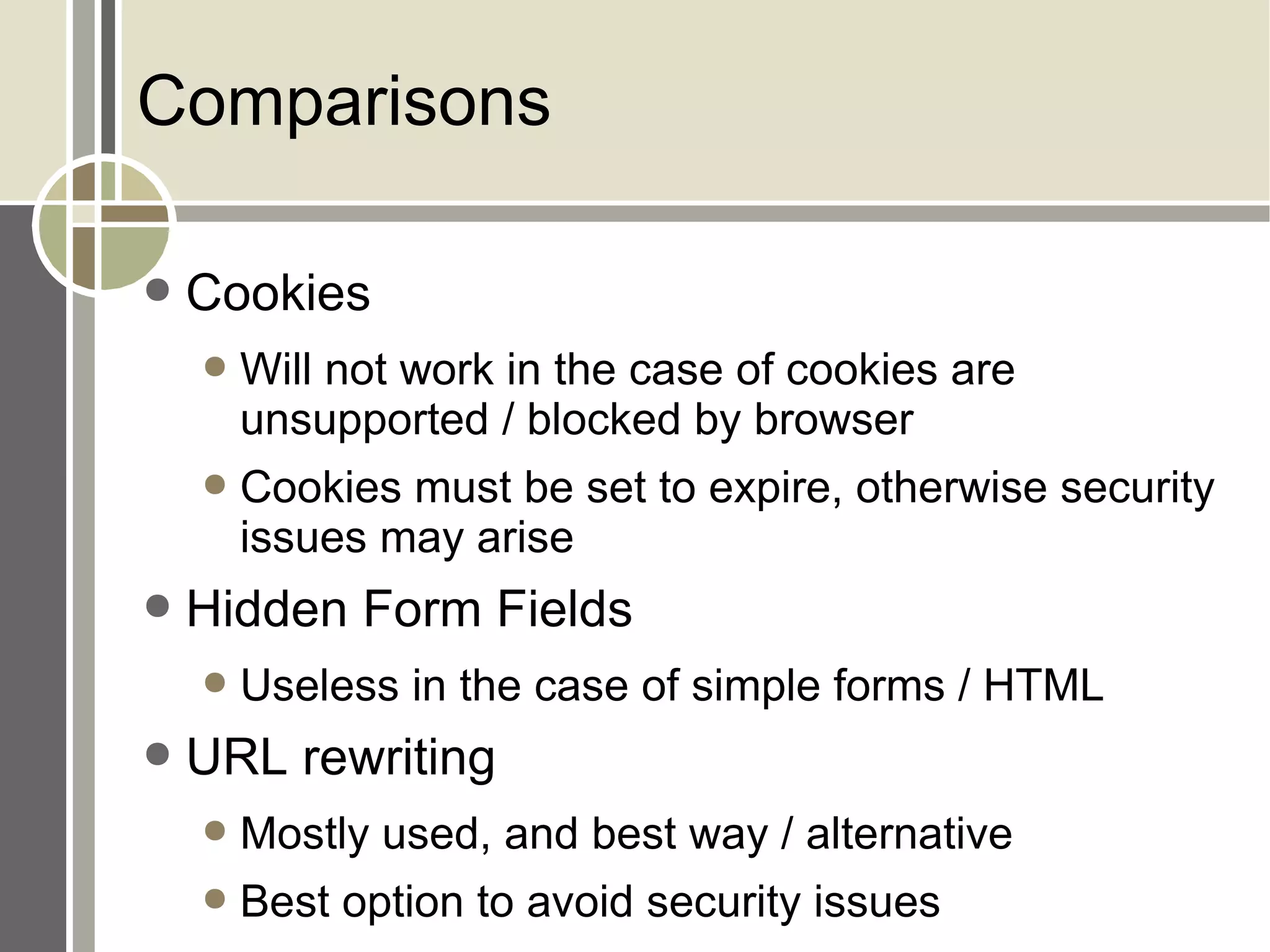
Comparisons Cookies Will not work in the case of cookies are unsupported / blocked by browser Cookies must be set to expire, otherwise security issues may arise Hidden Form Fields Useless in the case of simple forms / HTML URL rewriting Mostly used, and best way / alternative Best option to avoid security issues
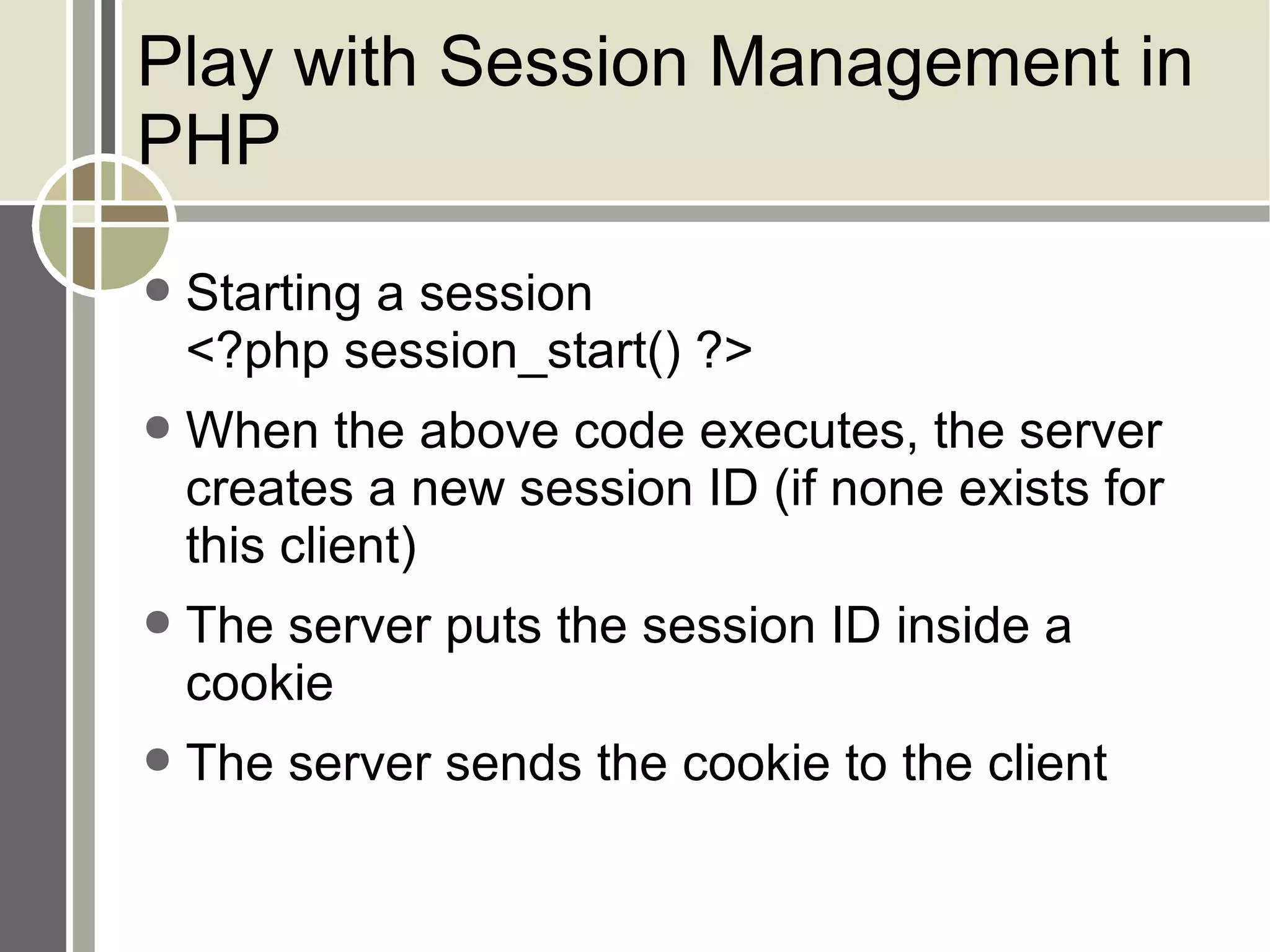
Play with Session Management in PHP Starting a session <?php session_start() ?> When the above code executes, the server creates a new session ID (if none exists for this client) The server puts the session ID inside a cookie The server sends the cookie to the client
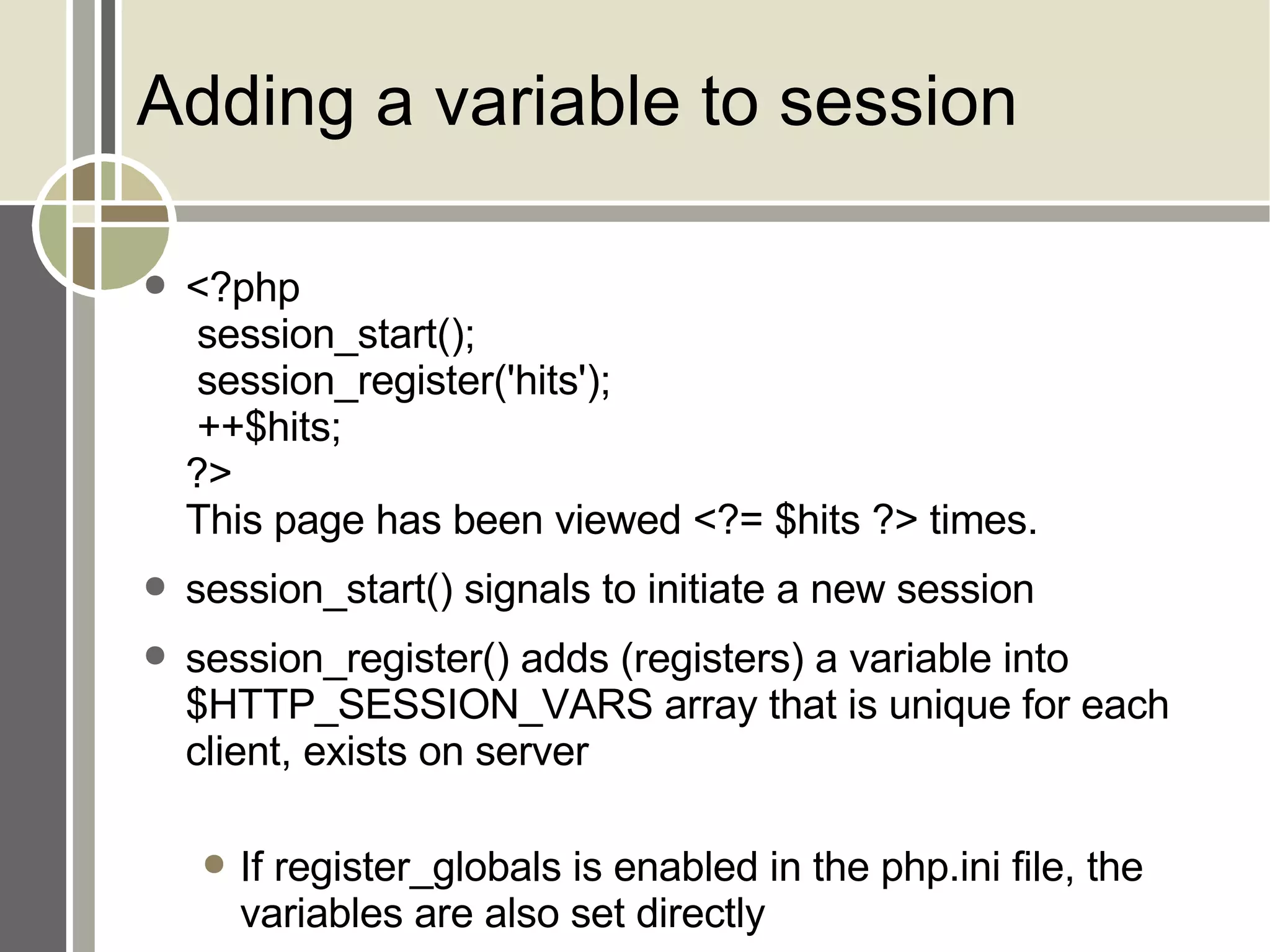
Adding a variable to session <?php  session_start();  session_register('hits');  ++$hits; ?> This page has been viewed <?= $hits ?> times. session_start() signals to initiate a new session session_register() adds (registers) a variable into $HTTP_SESSION_VARS array that is unique for each client, exists on server If register_globals is enabled in the php.ini file, the variables are also set directly
URL Rewriting By default, the session ID is passed from page to page in the PHPSESSID cookie But what if cookies are disabled? Don't worry, we have the solution:
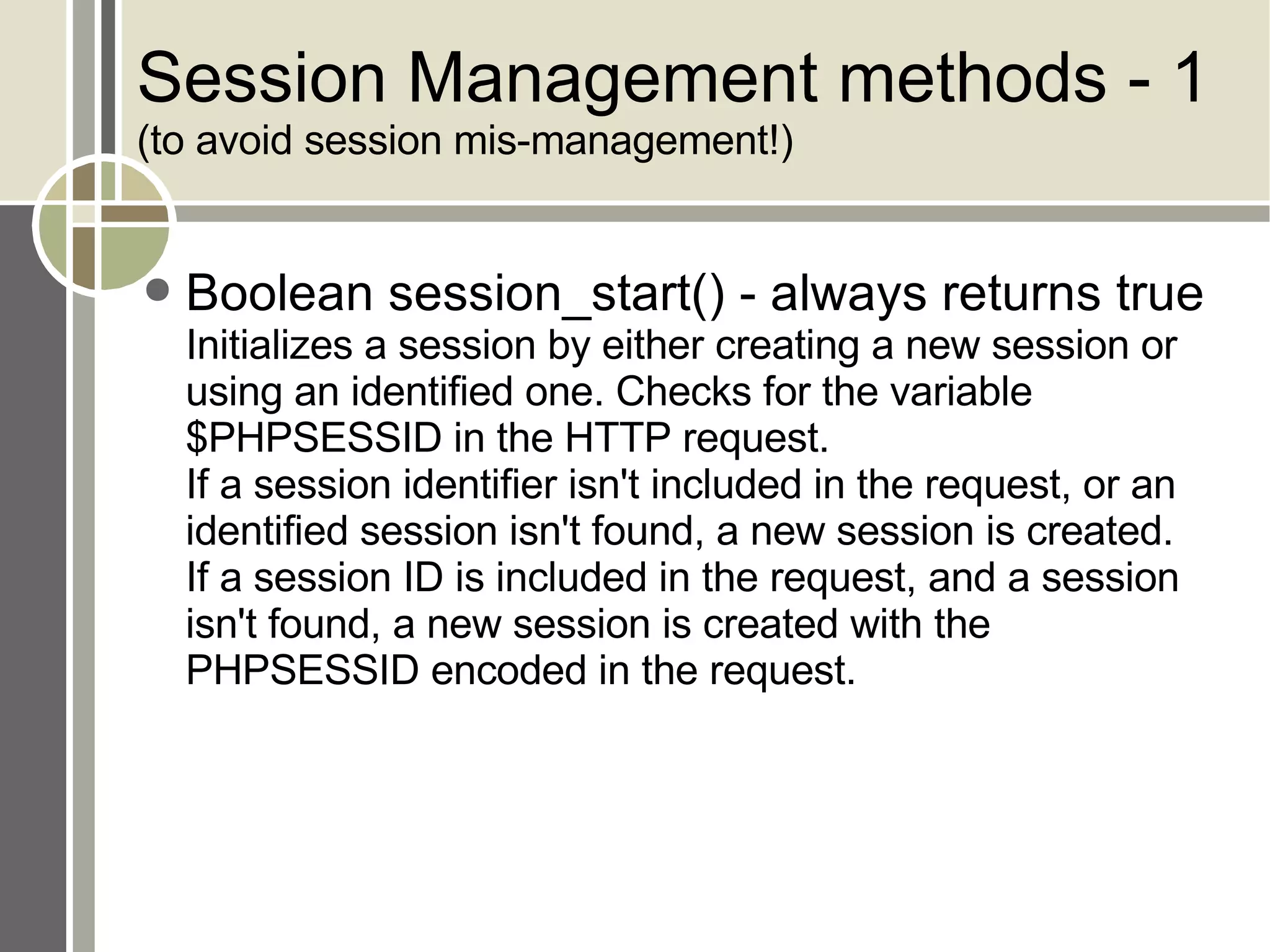
Session Management methods - 1 (to avoid session mis-management!) Boolean session_start() - always returns true Initializes a session by either creating a new session or using an identified one. Checks for the variable $PHPSESSID in the HTTP request.  If a session identifier isn't included in the request, or an identified session isn't found, a new session is created.  If a session ID is included in the request, and a session isn't found, a new session is created with the PHPSESSID encoded in the request.
Session Management methods - 2  to avoid session mis-management!) string session_id([string id]) Can be used in two ways: to return the ID of an initialized session and to set the value of a session ID before a session is created.  When used to return the session ID, the function must be called without arguments after a session has been initialized.  When used to set the value of the session ID, the function must be called with the ID as the parameter before the session has been initialized.
Session Management methods - 3 (to avoid session mis-management!) Boolean session_register(mixed name [, mixed ...]) Registers one or more variables in the session store. Each argument is the name of a variable, or an array of variable names, not the variable itself. Once a variable is registered, it becomes available to any script that identifies that session.  This function calls the session_start( ) code internally if a session has not been initialized.
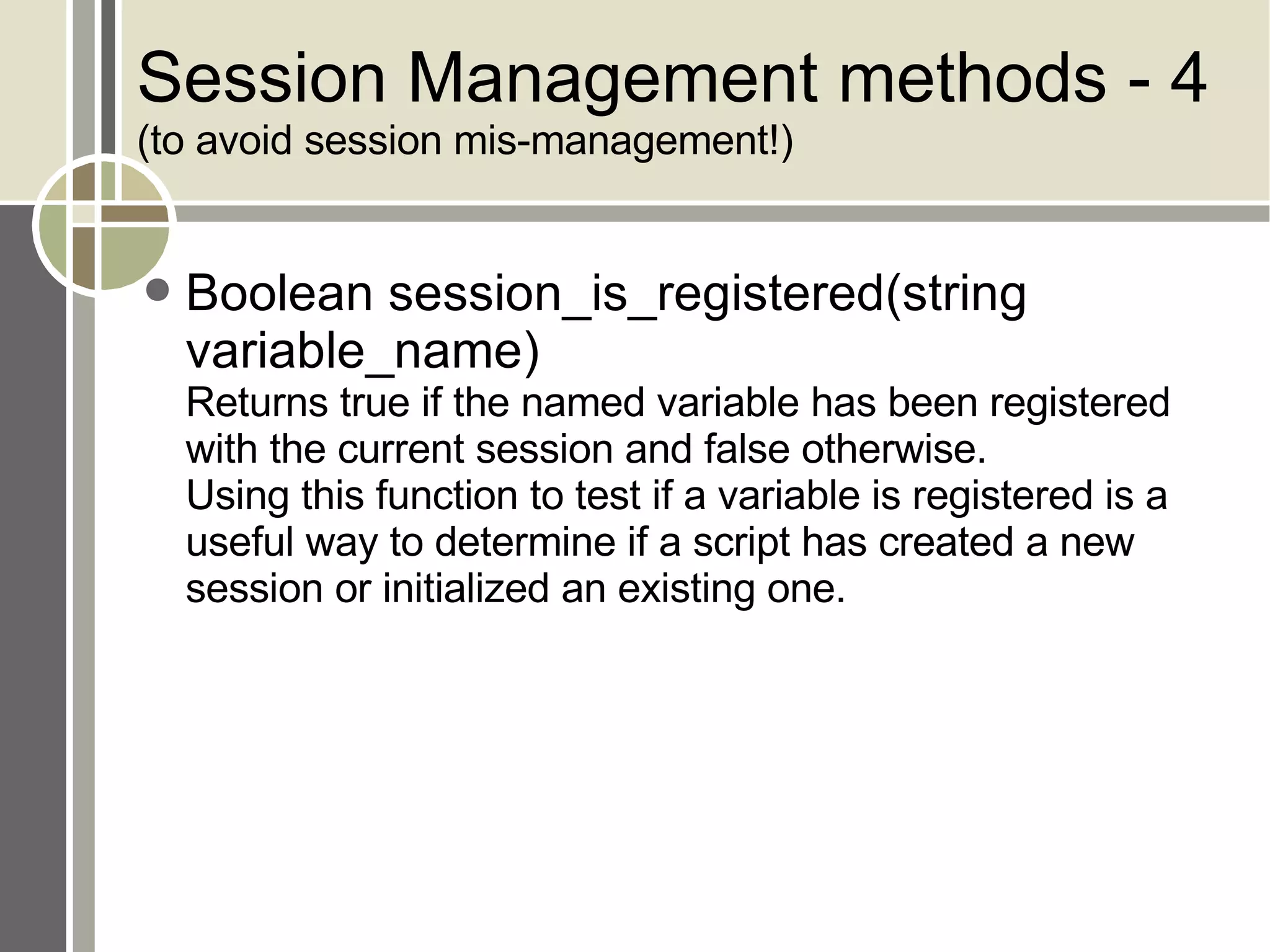
Session Management methods - 4 (to avoid session mis-management!) Boolean session_is_registered(string variable_name) Returns true if the named variable has been registered with the current session and false otherwise.  Using this function to test if a variable is registered is a useful way to determine if a script has created a new session or initialized an existing one.
Session Management methods - 5 (to avoid session mis-management!) void session_unregister(string variable_name) Unregisters a variable with the initialized session.  Like the session_register() function, the argument is the name of the variable, not the variable itself.  Unlike the session_register() function, the session needs to be initialized before calling this function.  Once a variable has been removed from a session with this call, it is no longer available to other scripts that initialize the session. However, the variable is still available to the rest of the script that calls session_unregister().
Session Management methods - 6 (to avoid session mis-management!) Boolean session_destroy() Removes the session from the PHP session management. Returns true if the session is successfully destroyed and false otherwise. void session_unset() Unsets the values of all session variables. This function doesn't unregister the actual session variables.  A call to session_is_registered( ) still returns true for the session variables that have been unset.
Cookies Add / set cookie setcookie(name [, value [, expire [, path [, domain [, secure ]]]]]); Example : setcookie('accesses', '0'); Read cookie Manipulate $_COOKIE[] array Example :  $pg_accesses = $_COOKIE['accesses'];
Understanding setcookie() setcookie(name [, value [, expire [, path [, domain [, secure ]]]]]); name Unique name to represent a cookie, like a variable value Value associated with cookie name, like variable value. Should not be too long. Appx. Max size for a cookie should be appx. 3.5KB
expire Expiration date. If not provided, stored on browser. As soon as browser is closed, cookie expires. Cookie expiration must be specified in no. of seconds since midnight January 1, 1970, GMT. Example – a cookie that will expire in 2 hoours setcookie(myCookie, '0', time()+60*60*2);
path Browser will return cookie only for URLs below this path. Default is the directory in which the current page resides. Example : a page located at /test/module1/test1.php sets a cookie, and doesn't specify path, cookie will sent back to server for all pages having URL path with /test/module1/
domain Return cookie only for the URLs within the same domain Default is server's hostname secure Transmit cookie only on HTTPS connection If secure parameter is false, browser will allow to send cookie over HTTP also
Cookie types Persistent Having 'lifetime' longer than browser session Used only when required Transient Having 'lifetime' limited to browser session, or even shorter Used for secure session management
Applications with cookies Passing some string value throughout session, or multiple pages Like, form fill up and showing summary of form As we saw, for session management, but is less effective Displaying visitor count, per visitor

Session Management & Cookies In Php

  • 1.
    PHP – SessionManagement & Cookies in PHP Harit Kothari [email_address]
  • 2.
    Agenda Session ManagementApplication of Session Management Session management with PHP - $HTTP_SESSION_VARS Cookies basics Application of Cookies Setcookie() & $_COOKIE
  • 3.
    Session Management HTTPis a stateless protocol Does not remember what happened between two consecutive requests Example – Online bookshop Browser sends a login request to the server, sending the user ID and password Server authenticates user and responds back with a successful login message along with the menu of options available to the user User clicks on one of the options (say Buy book) Browser sends user’s request to the server
  • 4.
    Ideally, we wouldexpect the server to remember who this user is But this does not happen! Server does not know who this user is Browser has to remind server every time! Hence, HTTP is stateless and so is server
  • 5.
  • 6.
    Techniques for SessionManagement Cookies Small text files that contain the session_id Container creates a cookie and sends it to the client Client creates a temporary file to hold it till the session lasts Alternatives URL rewriting Hidden form variables
  • 7.
    Managing Session -1 Cookie Request setcookie(sid,test123); Response Cookie: sid=test123 Hidden Form Field Request <input type=hidden name=sid value=test123> Response sid=test123
  • 8.
    Managing Session -2 URL Rewriting Request <a href=next.jsp;sid=test123>Next page</a> Response sid=test123
  • 9.
  • 10.
    Cookie Exchange: TechnicalLevel – 1 Step 1: Cookie is one of the header fields of the HTTP response HTTP/1.1 200 OK Set-Cookie: JSESSIONID = 0AAB6C8DE415 Content-type: text/html Date: Tue, 9 Mar 2008 11:25:40 GMT … <html> … </html>
  • 11.
    Cookie Exchange: TechnicalLevel – 2 Step 2: Client sends the cookie with the next request POST SelectDetails HTTP/1.1 Host: www.sachinism.com Cookie: JSESSIONID = 0AAB6C8DE415 Accept: text/xml, … Accept-Language: en-us, … … …
  • 12.
    Comparisons Cookies Willnot work in the case of cookies are unsupported / blocked by browser Cookies must be set to expire, otherwise security issues may arise Hidden Form Fields Useless in the case of simple forms / HTML URL rewriting Mostly used, and best way / alternative Best option to avoid security issues
  • 13.
    Play with SessionManagement in PHP Starting a session <?php session_start() ?> When the above code executes, the server creates a new session ID (if none exists for this client) The server puts the session ID inside a cookie The server sends the cookie to the client
  • 14.
    Adding a variableto session <?php session_start(); session_register('hits'); ++$hits; ?> This page has been viewed <?= $hits ?> times. session_start() signals to initiate a new session session_register() adds (registers) a variable into $HTTP_SESSION_VARS array that is unique for each client, exists on server If register_globals is enabled in the php.ini file, the variables are also set directly
  • 15.
    URL Rewriting Bydefault, the session ID is passed from page to page in the PHPSESSID cookie But what if cookies are disabled? Don't worry, we have the solution:
  • 16.
    Session Management methods- 1 (to avoid session mis-management!) Boolean session_start() - always returns true Initializes a session by either creating a new session or using an identified one. Checks for the variable $PHPSESSID in the HTTP request. If a session identifier isn't included in the request, or an identified session isn't found, a new session is created. If a session ID is included in the request, and a session isn't found, a new session is created with the PHPSESSID encoded in the request.
  • 17.
    Session Management methods- 2 to avoid session mis-management!) string session_id([string id]) Can be used in two ways: to return the ID of an initialized session and to set the value of a session ID before a session is created. When used to return the session ID, the function must be called without arguments after a session has been initialized. When used to set the value of the session ID, the function must be called with the ID as the parameter before the session has been initialized.
  • 18.
    Session Management methods- 3 (to avoid session mis-management!) Boolean session_register(mixed name [, mixed ...]) Registers one or more variables in the session store. Each argument is the name of a variable, or an array of variable names, not the variable itself. Once a variable is registered, it becomes available to any script that identifies that session. This function calls the session_start( ) code internally if a session has not been initialized.
  • 19.
    Session Management methods- 4 (to avoid session mis-management!) Boolean session_is_registered(string variable_name) Returns true if the named variable has been registered with the current session and false otherwise. Using this function to test if a variable is registered is a useful way to determine if a script has created a new session or initialized an existing one.
  • 20.
    Session Management methods- 5 (to avoid session mis-management!) void session_unregister(string variable_name) Unregisters a variable with the initialized session. Like the session_register() function, the argument is the name of the variable, not the variable itself. Unlike the session_register() function, the session needs to be initialized before calling this function. Once a variable has been removed from a session with this call, it is no longer available to other scripts that initialize the session. However, the variable is still available to the rest of the script that calls session_unregister().
  • 21.
    Session Management methods- 6 (to avoid session mis-management!) Boolean session_destroy() Removes the session from the PHP session management. Returns true if the session is successfully destroyed and false otherwise. void session_unset() Unsets the values of all session variables. This function doesn't unregister the actual session variables. A call to session_is_registered( ) still returns true for the session variables that have been unset.
  • 22.
    Cookies Add /set cookie setcookie(name [, value [, expire [, path [, domain [, secure ]]]]]); Example : setcookie('accesses', '0'); Read cookie Manipulate $_COOKIE[] array Example : $pg_accesses = $_COOKIE['accesses'];
  • 23.
    Understanding setcookie() setcookie(name[, value [, expire [, path [, domain [, secure ]]]]]); name Unique name to represent a cookie, like a variable value Value associated with cookie name, like variable value. Should not be too long. Appx. Max size for a cookie should be appx. 3.5KB
  • 24.
    expire Expiration date.If not provided, stored on browser. As soon as browser is closed, cookie expires. Cookie expiration must be specified in no. of seconds since midnight January 1, 1970, GMT. Example – a cookie that will expire in 2 hoours setcookie(myCookie, '0', time()+60*60*2);
  • 25.
    path Browser willreturn cookie only for URLs below this path. Default is the directory in which the current page resides. Example : a page located at /test/module1/test1.php sets a cookie, and doesn't specify path, cookie will sent back to server for all pages having URL path with /test/module1/
  • 26.
    domain Return cookieonly for the URLs within the same domain Default is server's hostname secure Transmit cookie only on HTTPS connection If secure parameter is false, browser will allow to send cookie over HTTP also
  • 27.
    Cookie types PersistentHaving 'lifetime' longer than browser session Used only when required Transient Having 'lifetime' limited to browser session, or even shorter Used for secure session management
  • 28.
    Applications with cookiesPassing some string value throughout session, or multiple pages Like, form fill up and showing summary of form As we saw, for session management, but is less effective Displaying visitor count, per visitor