hasen@microcis.net July 24, 2013Hassen poreya
Trainer, Cresco Solution
Afghanistan Workforce
Development Program
Maintaining State in PHP
Cookies, Sessions
HTML – a Stateless Environment
 Stateless
 Having no information about what occurred previously.
 HTTP – Stateless
 FTP – State full
 Most modern applications maintain state, which
means that they remember what you were doing
last time you ran the application, and they
remember all your configuration settings.
 This is extremely useful because it means you can
mould the application to your working habits.
HTML – a Stateless Environment
 Each request for a new web page is processed
without any knowledge of previous pages
requested or processed.
 So how they do browse multiple pages?!
 A user ‘logs in’ to a web page. Once logged in, the user
can browse the site while maintaining their logged in
state.
Is PHP Stateless?
 Variables are destroyed as soon as the page script
finishes executing.
 The script can access the ‘referrer’, the address of
the previous page, although this can’t really be
trusted.
$_SERVER['HTTP_REFERER']
 It is possible to add data to a database / text file to
add persistent data, although this is not connected
with a particular user…
Is PHP Stateless?
 The answer is NO!
 The usual way to maintain state in PHP pages is via
the use of Sessions.
 To understand how these work, we need to have a
look at what and how cookies are.
What is a Cookie?
 A cookie is a small text file that is stored on a
user’s computer.
 Each cookie on the user’s computer is connected
to a particular domain.
 Each cookie is being used to store up to 4kB of
data.
 A maximum of 20 cookies can be stored on a
user’s PC per domain.
Example
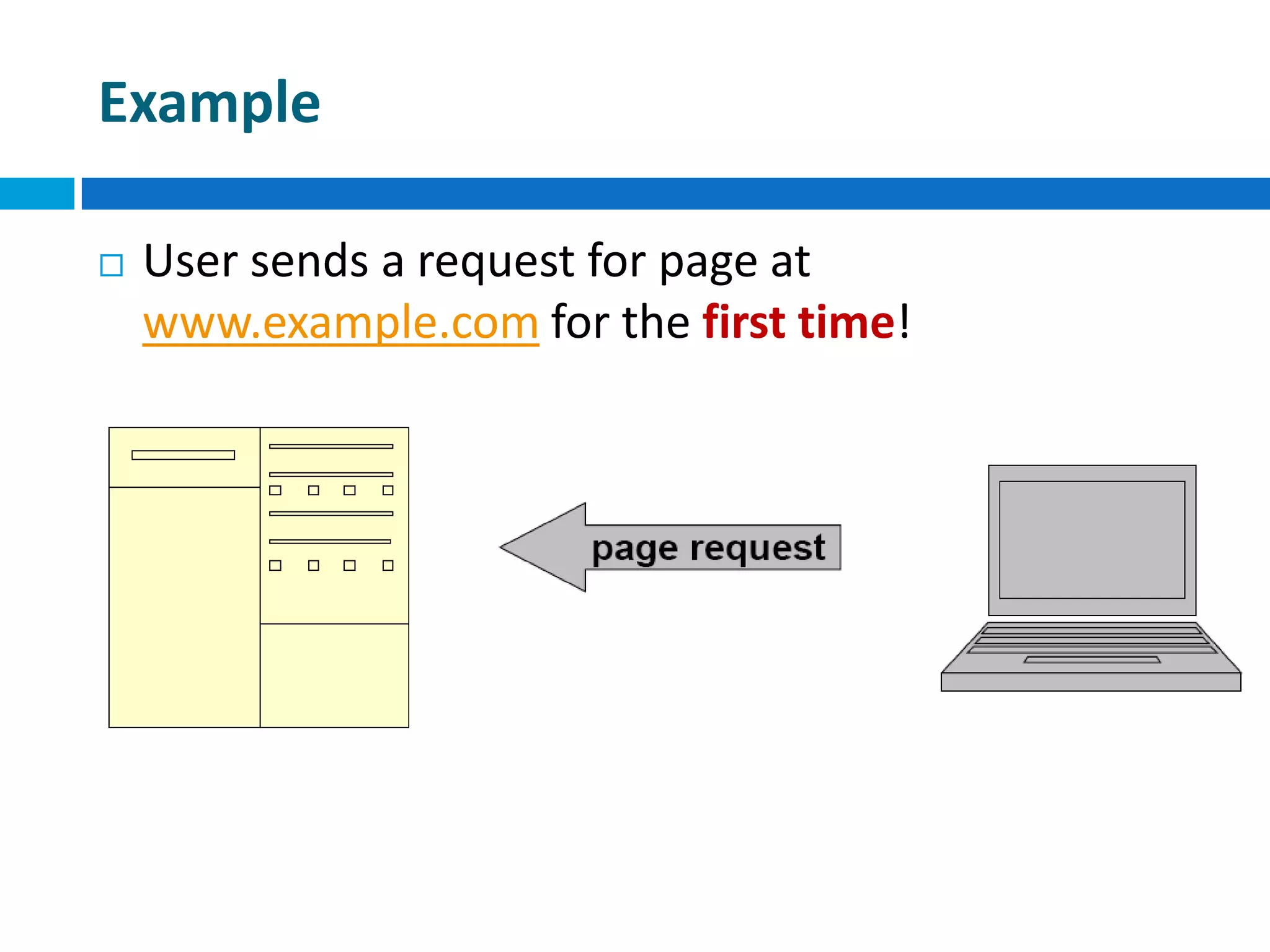
 User sends a request for page at
www.example.com for the first time!
Example
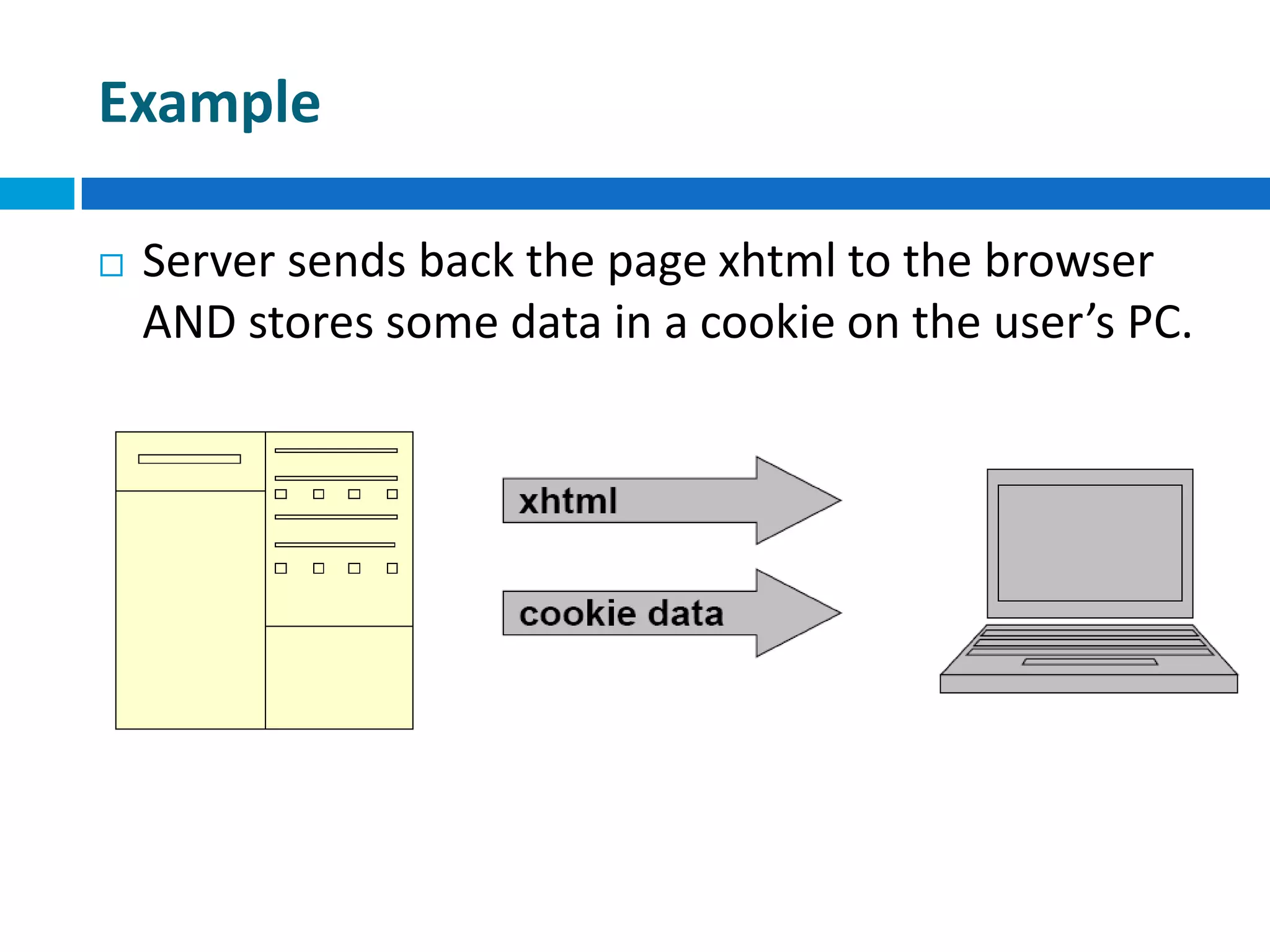
 Server sends back the page xhtml to the browser
AND stores some data in a cookie on the user’s PC.
Example
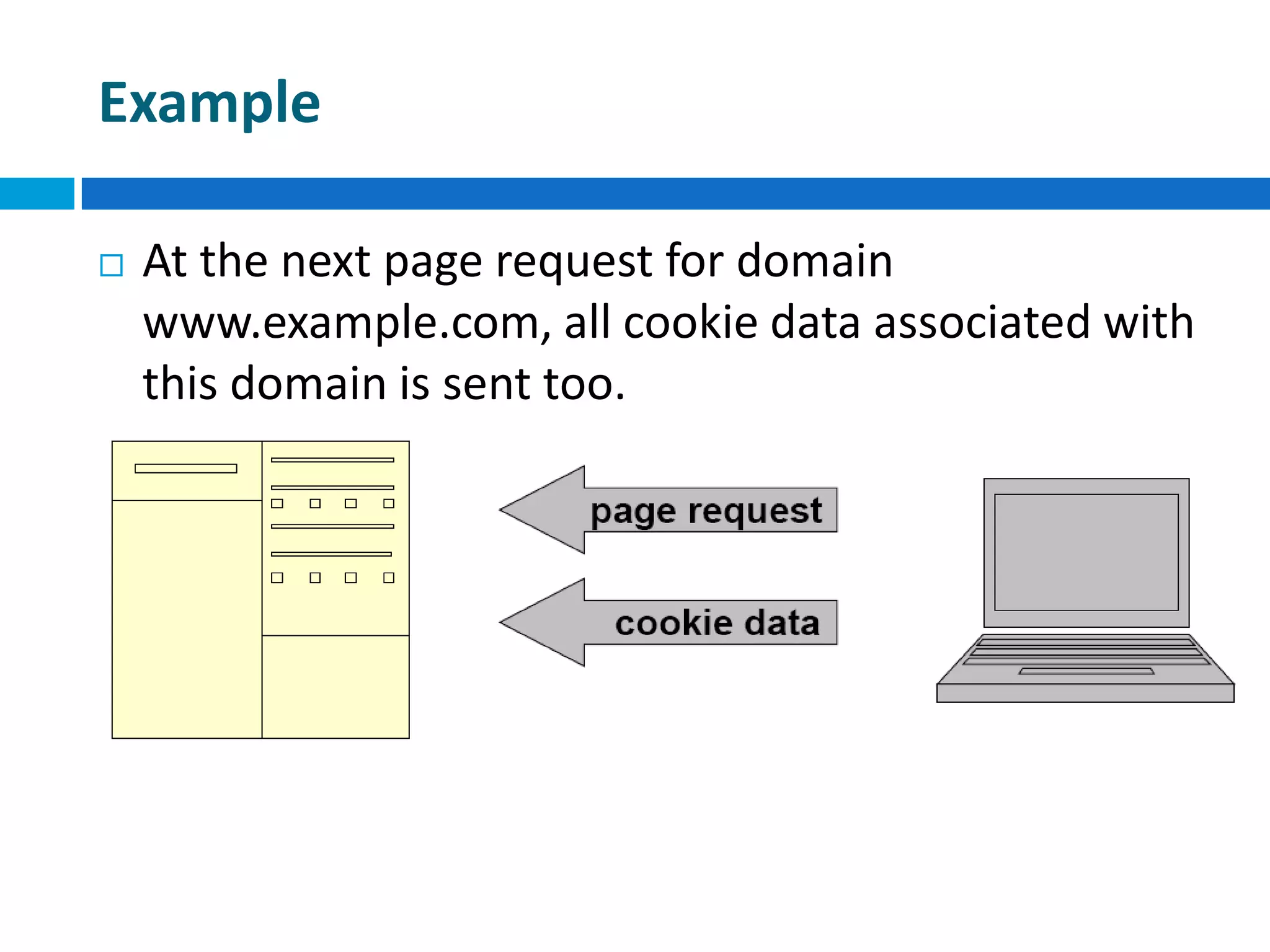
 At the next page request for domain
www.example.com, all cookie data associated with
this domain is sent too.
Set Cookie
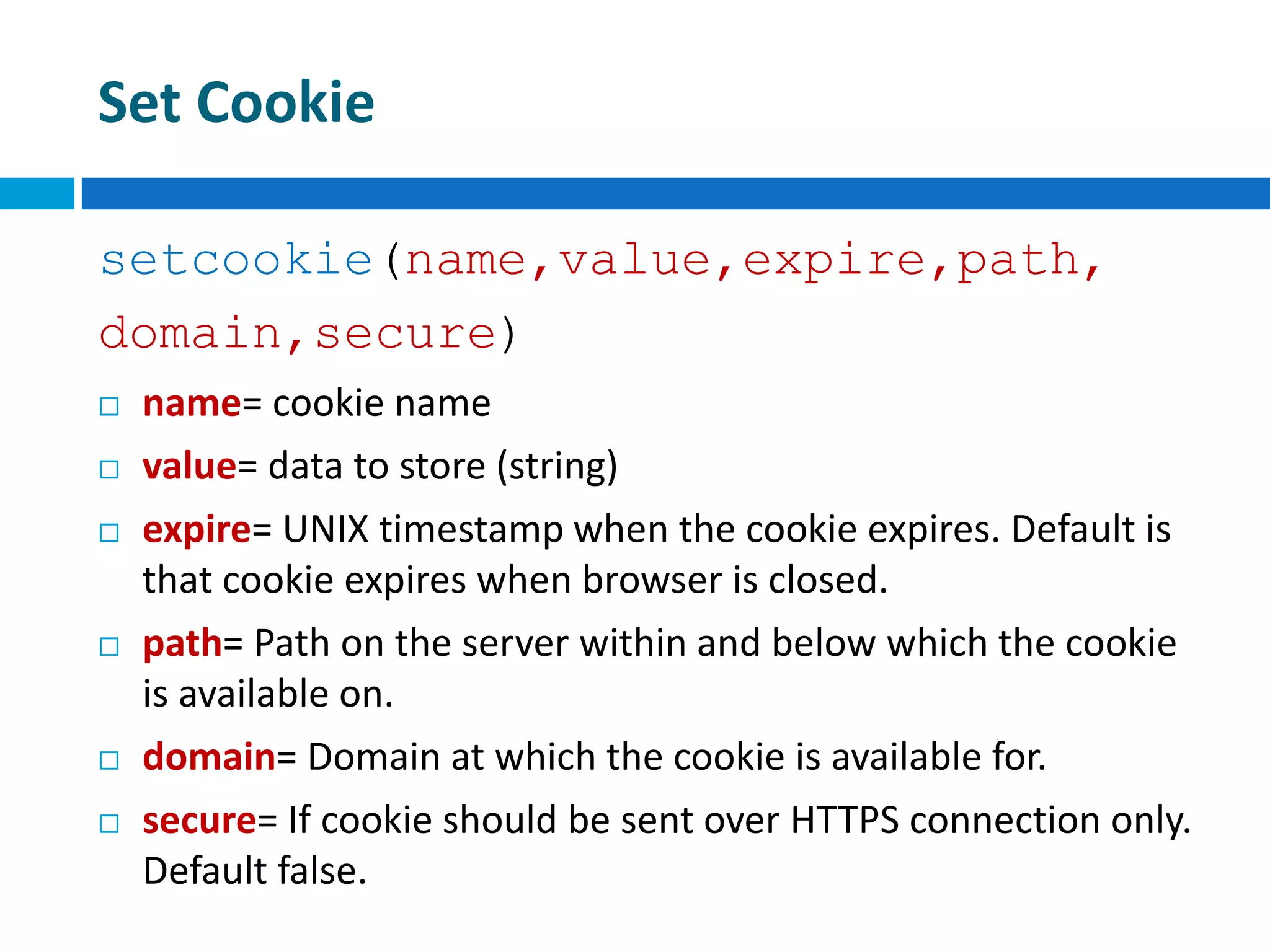
setcookie(name,value,expire,path,
domain,secure)
 name= cookie name
 value= data to store (string)
 expire= UNIX timestamp when the cookie expires. Default is
that cookie expires when browser is closed.
 path= Path on the server within and below which the cookie
is available on.
 domain= Domain at which the cookie is available for.
 secure= If cookie should be sent over HTTPS connection only.
Default false.
Set Cookie
setcookie(‘name’,’Robert’)
 This command will set the cookie called name on
the user’s PC containing the data Robert.
 It will be available to all pages in the same
directory or subdirectory of the page that set it
(the default path and domain).
 It will expire and be deleted when the browser is
closed (default expire).
Set Cookie
setcookie(‘age’,’20’,time()+60*60*24
*30)
 This command will set the cookie called age on the
user’s PC containing the data 20.
 It will be available to all pages in the same
directory or subdirectory of the page that set it
(the default path and domain).
 It will expire and be deleted after 30 days.
Set Cookie
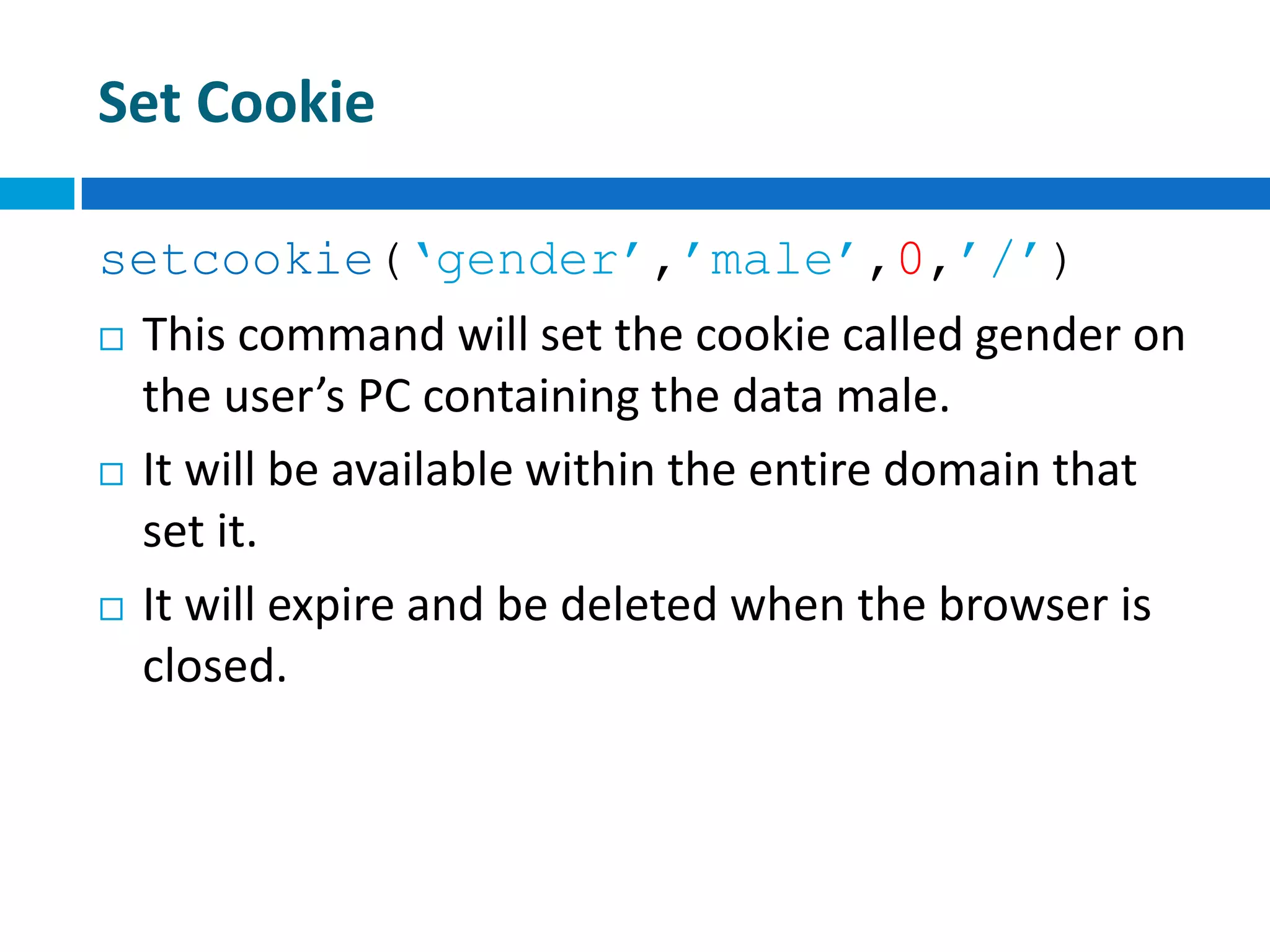
setcookie(‘gender’,’male’,0,’/’)
 This command will set the cookie called gender on
the user’s PC containing the data male.
 It will be available within the entire domain that
set it.
 It will expire and be deleted when the browser is
closed.
Reading Cookies
 All cookie data is available through the super
global $_COOKIE:
 $variable = $_COOKIE[‘cookie_name’]
 or
 $variable =
$HTTP_COOKIE_VARS[‘cookie_name’];
 e.g.
 $age = $_COOKIE[‘age’]
Deleting Cookies
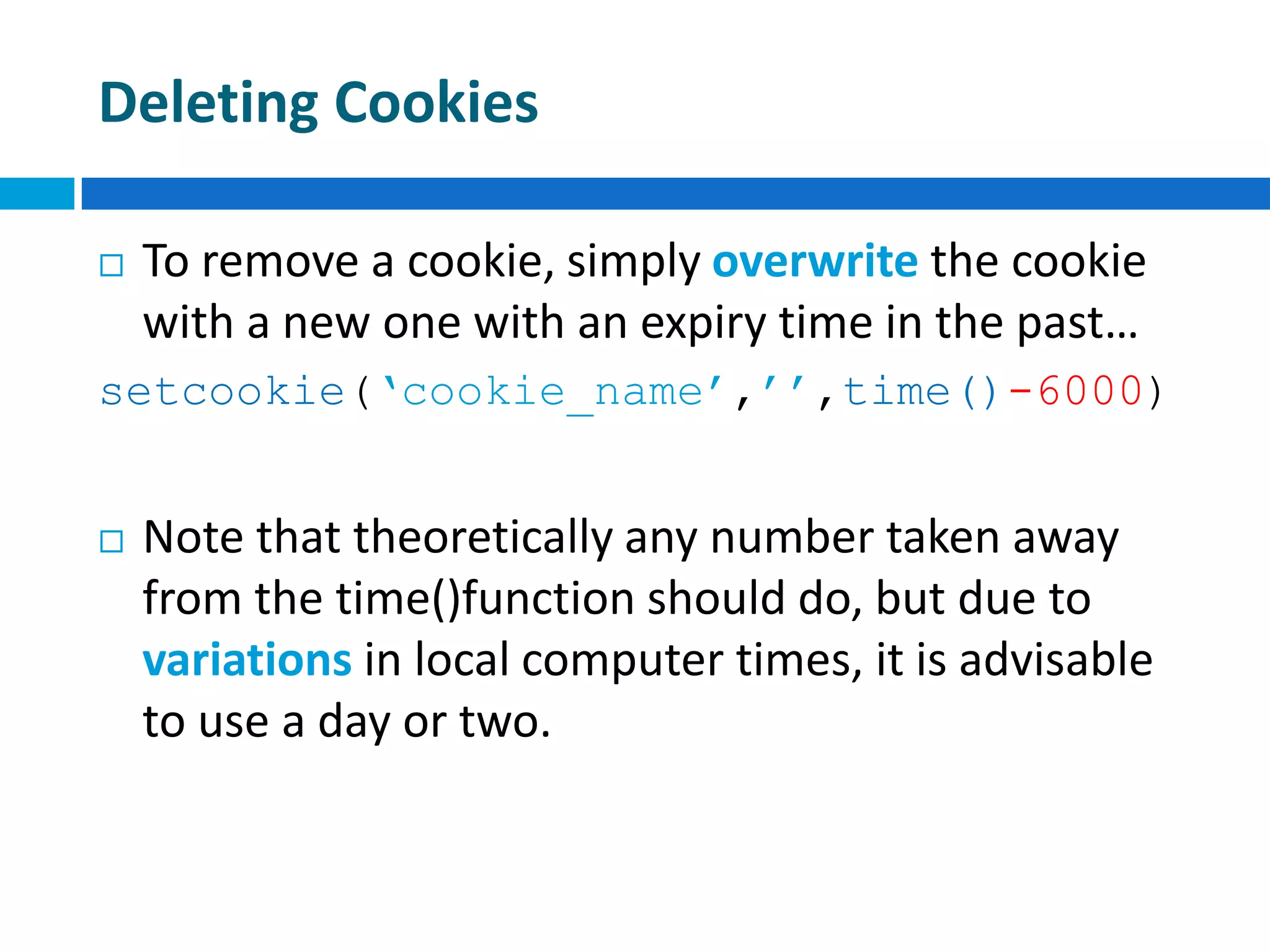
 To remove a cookie, simply overwrite the cookie
with a new one with an expiry time in the past…
setcookie(‘cookie_name’,’’,time()-6000)
 Note that theoretically any number taken away
from the time()function should do, but due to
variations in local computer times, it is advisable
to use a day or two.
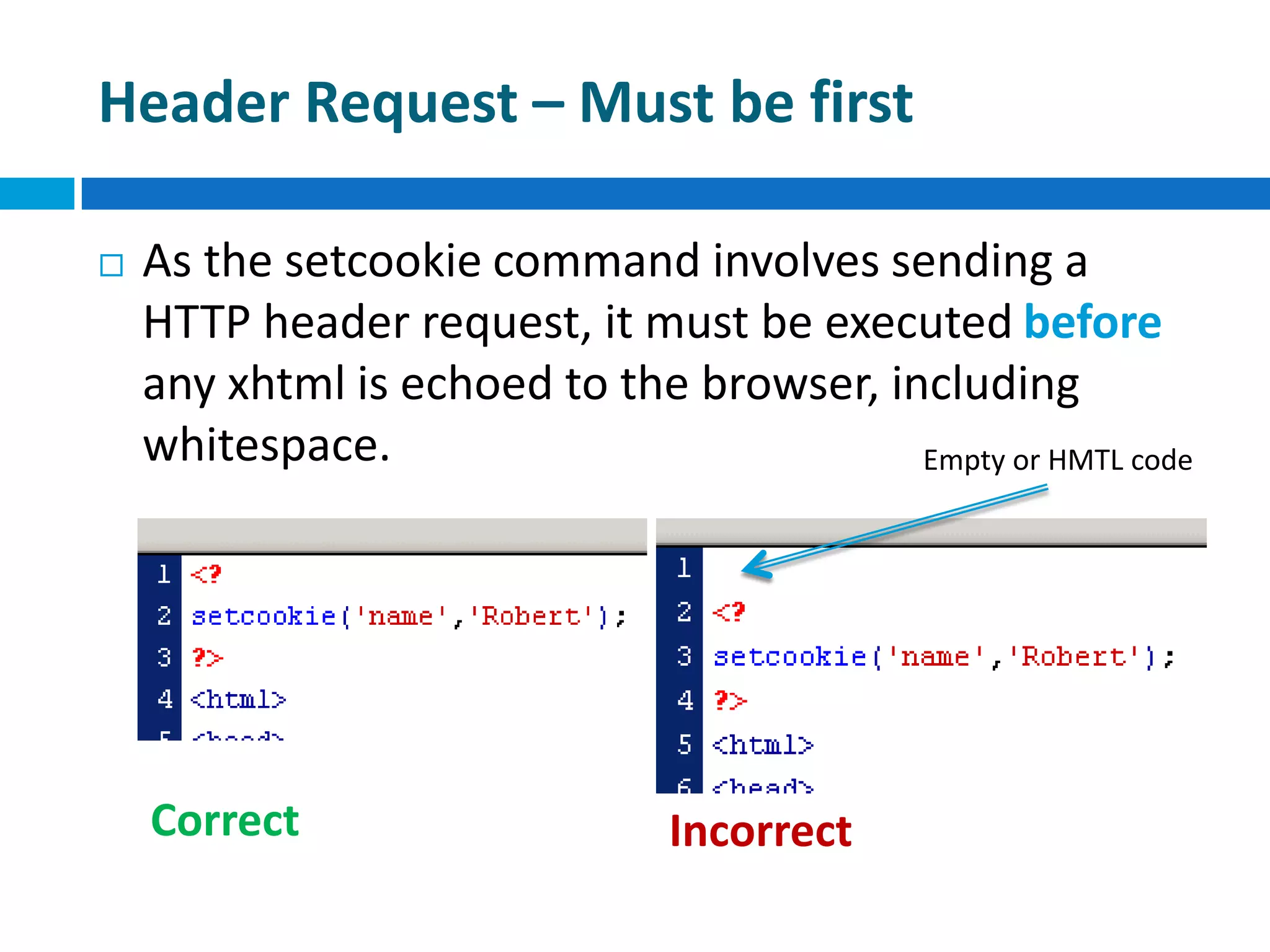
Header Request – Must be first
 As the setcookie command involves sending a
HTTP header request, it must be executed before
any xhtml is echoed to the browser, including
whitespace.
Correct Incorrect
Empty or HMTL code
Malicious Usage of Cookies
 There is a bit of a stigma attached to cookies –and
they can be maliciously used (e.g. set via 3rdparty
banner ads).
 The important thing to note is that some people
browse with them turned off.
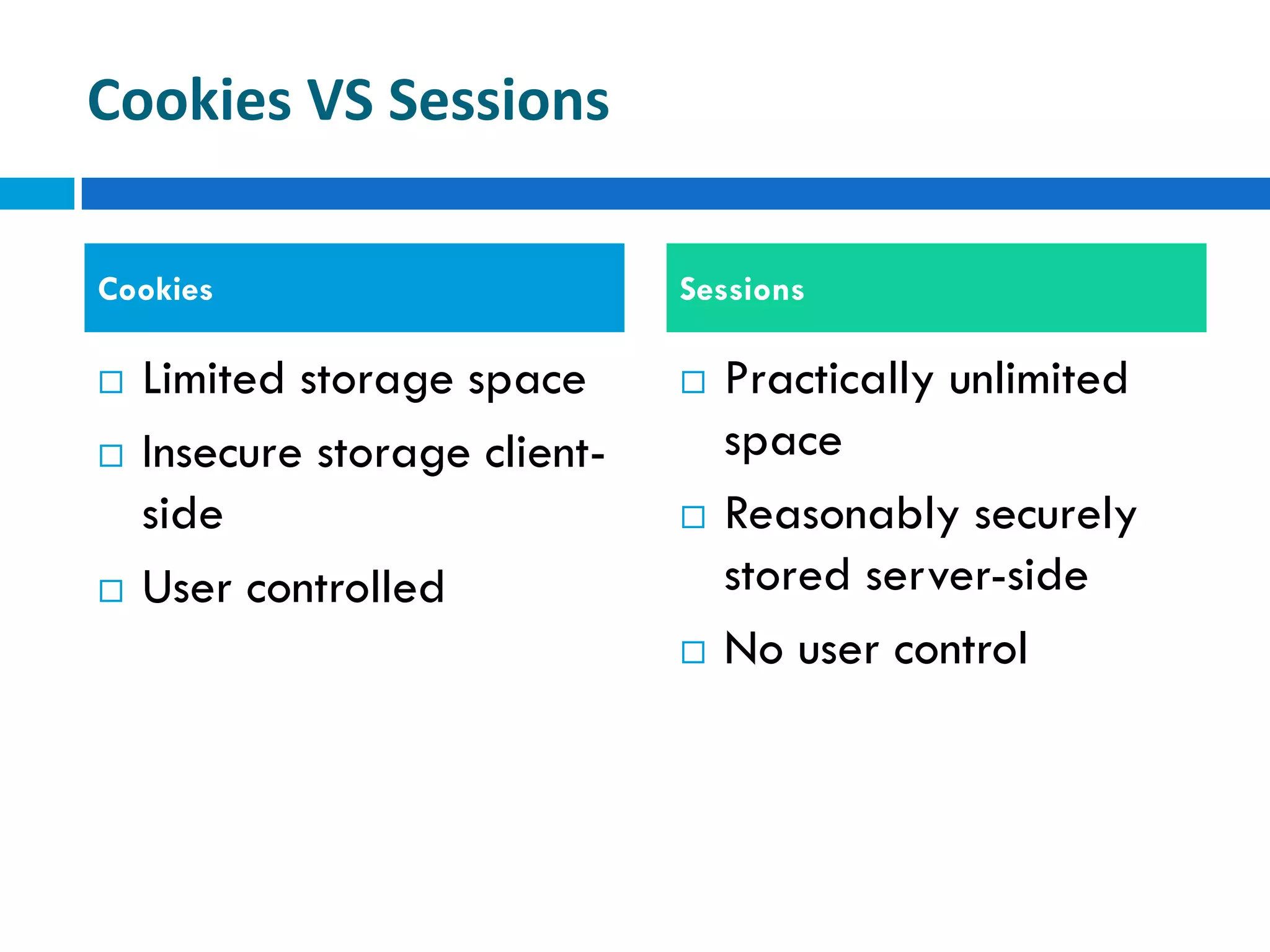
Cookies VS Sessions
 Limited storage space
 Insecure storage client-
side
 User controlled
 Practically unlimited
space
 Reasonably securely
stored server-side
 No user control
Cookies Sessions
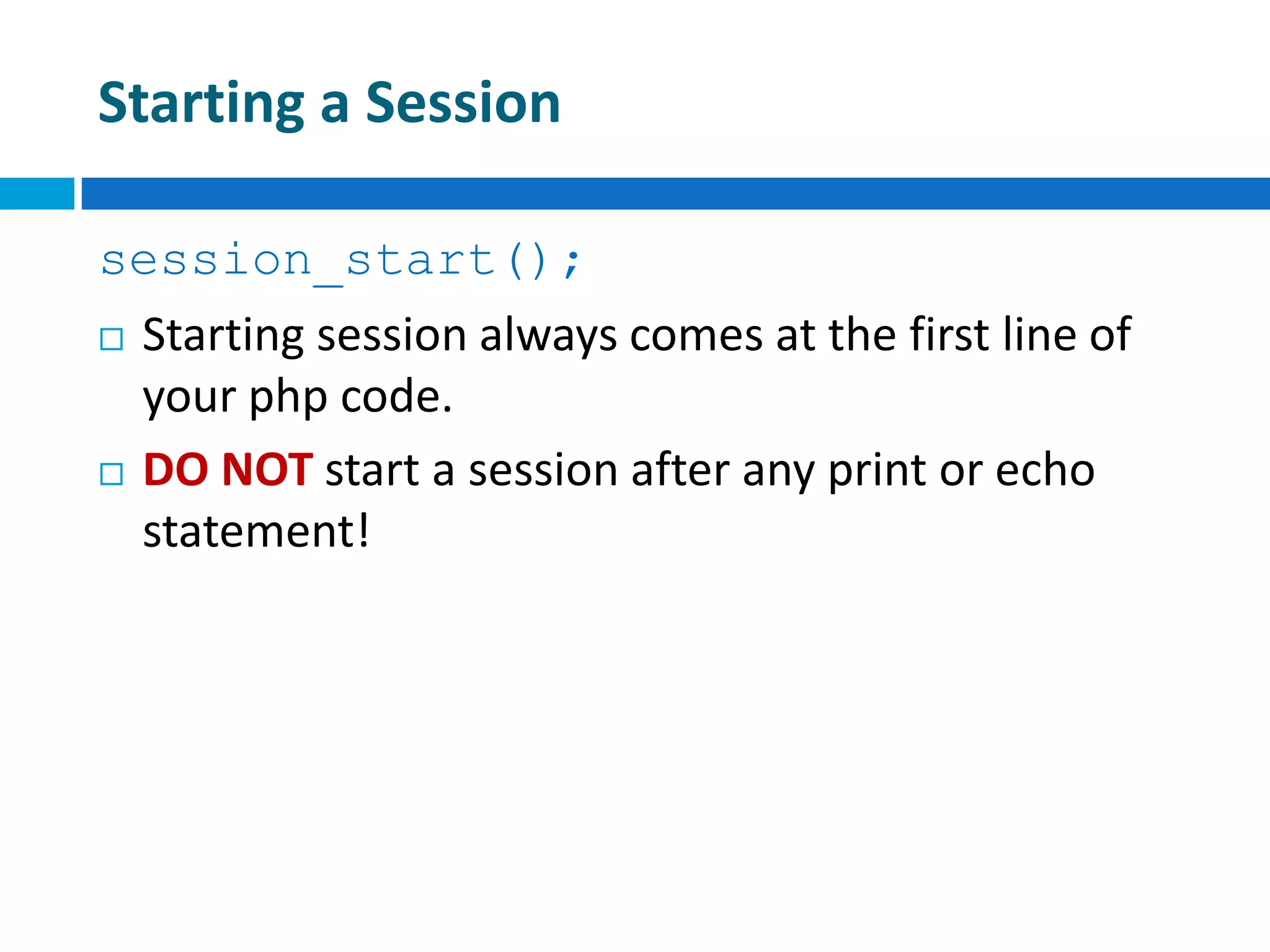
Starting a Session
session_start();
 Starting session always comes at the first line of
your php code.
 DO NOT start a session after any print or echo
statement!
Storing Session Data
 The $_SESSION super global array can be used
to store any session data.
 e.g.
$_SESSION[‘name’] = $name;
$_SESSION[‘age’] = $age;
Reading Session Data
 Data is simply read back from the $_SESSION
super global array.
 e.g.
$name = $_SESSION[‘name’];
$age = $_SESSION[‘age’];
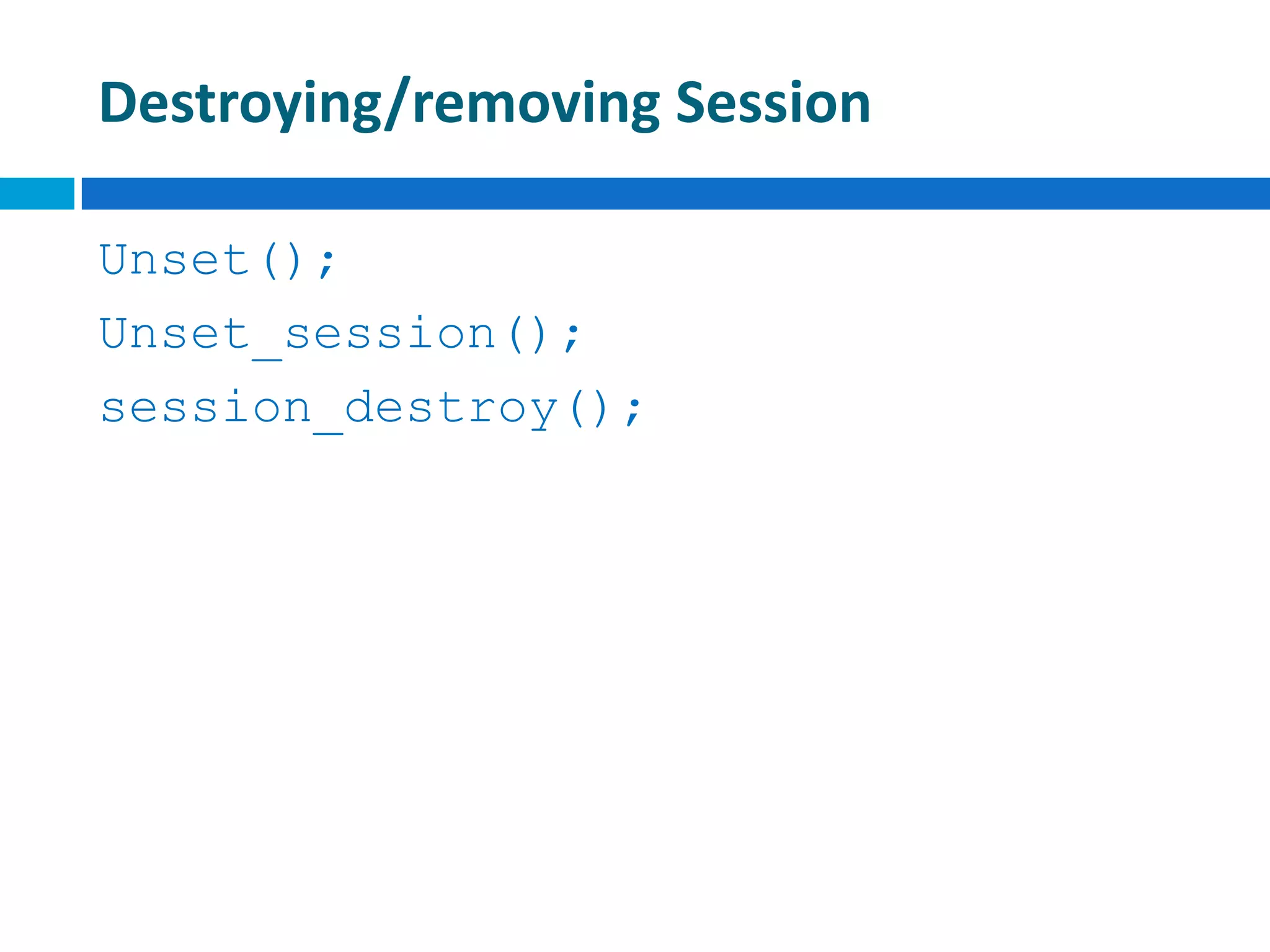
Destroying/removing Session
Unset();
Unset_session();
session_destroy();
Let’s do the practice
hasen@microcis.net July 24, 2013Hassen poreya
Trainer, Cresco Solution
Any Questions!
Afghanistan Workforce
Development Program

Web app development_cookies_sessions_14

  • 1.
    hasen@microcis.net July 24,2013Hassen poreya Trainer, Cresco Solution Afghanistan Workforce Development Program Maintaining State in PHP Cookies, Sessions
  • 2.
    HTML – aStateless Environment  Stateless  Having no information about what occurred previously.  HTTP – Stateless  FTP – State full  Most modern applications maintain state, which means that they remember what you were doing last time you ran the application, and they remember all your configuration settings.  This is extremely useful because it means you can mould the application to your working habits.
  • 3.
    HTML – aStateless Environment  Each request for a new web page is processed without any knowledge of previous pages requested or processed.  So how they do browse multiple pages?!  A user ‘logs in’ to a web page. Once logged in, the user can browse the site while maintaining their logged in state.
  • 4.
    Is PHP Stateless? Variables are destroyed as soon as the page script finishes executing.  The script can access the ‘referrer’, the address of the previous page, although this can’t really be trusted. $_SERVER['HTTP_REFERER']  It is possible to add data to a database / text file to add persistent data, although this is not connected with a particular user…
  • 5.
    Is PHP Stateless? The answer is NO!  The usual way to maintain state in PHP pages is via the use of Sessions.  To understand how these work, we need to have a look at what and how cookies are.
  • 6.
    What is aCookie?  A cookie is a small text file that is stored on a user’s computer.  Each cookie on the user’s computer is connected to a particular domain.  Each cookie is being used to store up to 4kB of data.  A maximum of 20 cookies can be stored on a user’s PC per domain.
  • 7.
    Example  User sendsa request for page at www.example.com for the first time!
  • 8.
    Example  Server sendsback the page xhtml to the browser AND stores some data in a cookie on the user’s PC.
  • 9.
    Example  At thenext page request for domain www.example.com, all cookie data associated with this domain is sent too.
  • 10.
    Set Cookie setcookie(name,value,expire,path, domain,secure)  name=cookie name  value= data to store (string)  expire= UNIX timestamp when the cookie expires. Default is that cookie expires when browser is closed.  path= Path on the server within and below which the cookie is available on.  domain= Domain at which the cookie is available for.  secure= If cookie should be sent over HTTPS connection only. Default false.
  • 11.
    Set Cookie setcookie(‘name’,’Robert’)  Thiscommand will set the cookie called name on the user’s PC containing the data Robert.  It will be available to all pages in the same directory or subdirectory of the page that set it (the default path and domain).  It will expire and be deleted when the browser is closed (default expire).
  • 12.
    Set Cookie setcookie(‘age’,’20’,time()+60*60*24 *30)  Thiscommand will set the cookie called age on the user’s PC containing the data 20.  It will be available to all pages in the same directory or subdirectory of the page that set it (the default path and domain).  It will expire and be deleted after 30 days.
  • 13.
    Set Cookie setcookie(‘gender’,’male’,0,’/’)  Thiscommand will set the cookie called gender on the user’s PC containing the data male.  It will be available within the entire domain that set it.  It will expire and be deleted when the browser is closed.
  • 14.
    Reading Cookies  Allcookie data is available through the super global $_COOKIE:  $variable = $_COOKIE[‘cookie_name’]  or  $variable = $HTTP_COOKIE_VARS[‘cookie_name’];  e.g.  $age = $_COOKIE[‘age’]
  • 15.
    Deleting Cookies  Toremove a cookie, simply overwrite the cookie with a new one with an expiry time in the past… setcookie(‘cookie_name’,’’,time()-6000)  Note that theoretically any number taken away from the time()function should do, but due to variations in local computer times, it is advisable to use a day or two.
  • 16.
    Header Request –Must be first  As the setcookie command involves sending a HTTP header request, it must be executed before any xhtml is echoed to the browser, including whitespace. Correct Incorrect Empty or HMTL code
  • 17.
    Malicious Usage ofCookies  There is a bit of a stigma attached to cookies –and they can be maliciously used (e.g. set via 3rdparty banner ads).  The important thing to note is that some people browse with them turned off.
  • 18.
    Cookies VS Sessions Limited storage space  Insecure storage client- side  User controlled  Practically unlimited space  Reasonably securely stored server-side  No user control Cookies Sessions
  • 19.
    Starting a Session session_start(); Starting session always comes at the first line of your php code.  DO NOT start a session after any print or echo statement!
  • 20.
    Storing Session Data The $_SESSION super global array can be used to store any session data.  e.g. $_SESSION[‘name’] = $name; $_SESSION[‘age’] = $age;
  • 21.
    Reading Session Data Data is simply read back from the $_SESSION super global array.  e.g. $name = $_SESSION[‘name’]; $age = $_SESSION[‘age’];
  • 22.
  • 23.
  • 24.
    hasen@microcis.net July 24,2013Hassen poreya Trainer, Cresco Solution Any Questions! Afghanistan Workforce Development Program