PHP – Starting with PHP Harit Kothari [email_address]
Agenda HTML/XHTML and HTTP Basics Review PHP and the Web Server Architecture Model Overview of PHP Capabilities
HTML/XHTML and HTTP Basics Review HTML/XHTML – a language that every browser knows. HTTP – a protocol that every machine uses to talk with others.
HTML – Hyper Text Markup Language Basically designed and used as a common language to retrieve documents from web. More features (called as tags) added later. Now is replaced by dynamic languages (like PHP) in some places. Tags are basically used to organise contents of document.
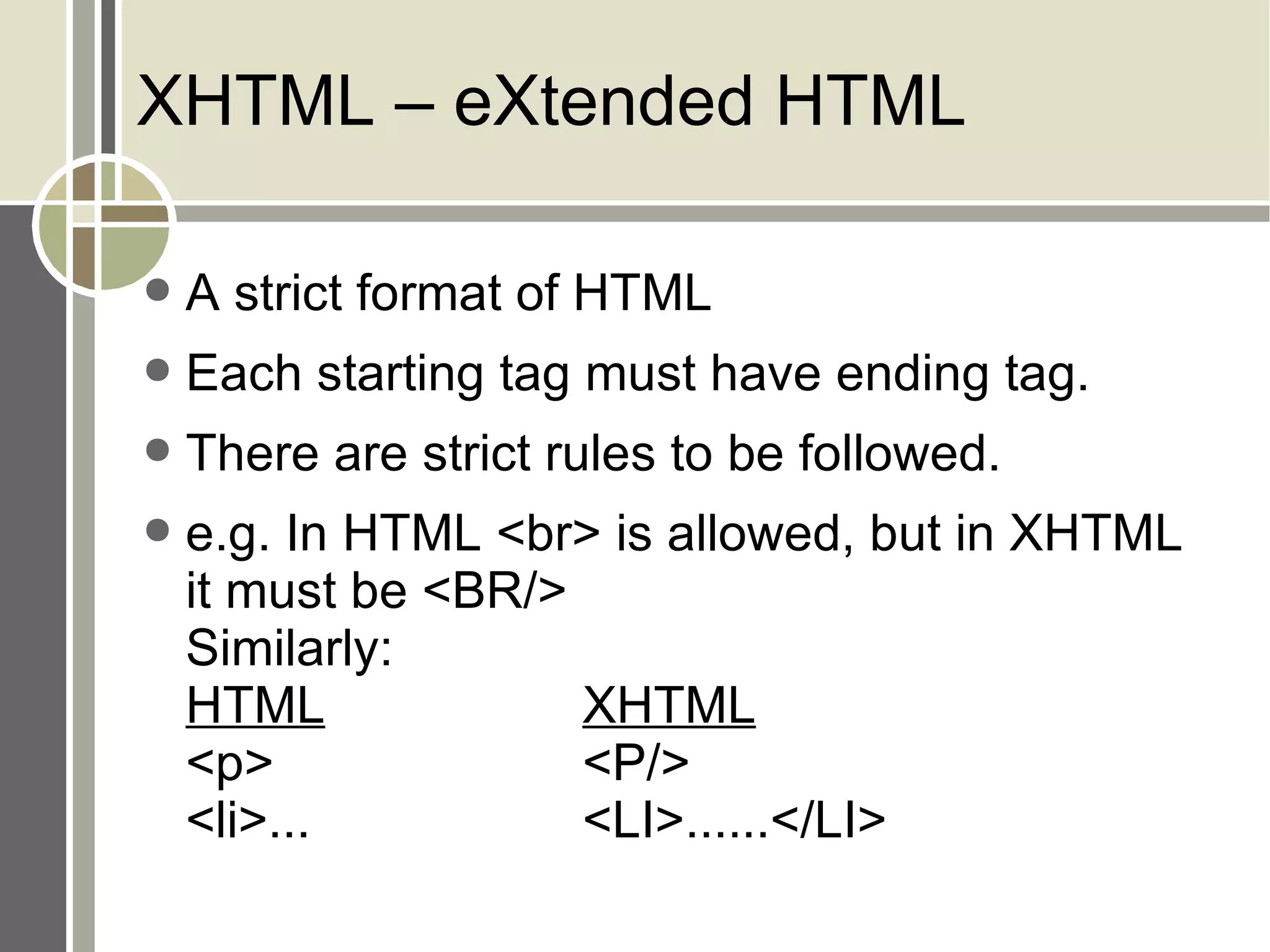
XHTML – eXtended HTML A strict format of HTML Each starting tag must have ending tag. There are strict rules to be followed. e.g. In HTML <br> is allowed, but in XHTML it must be <BR/> Similarly: HTML XHTML <p> <P/> <li>... <LI>......</LI>
HTTP – HyperText Transfer Protocol Port no. 80 Simple, text based protocol Stateless Two most frequently used methods (operations) – GET and POST
HTTP Format Request form Request line (e.g. GET /images/logo.gif HTTP/1.1) Headers (e.g. Accept-Language: en) An optional message body
HTTP Request in details Request method – e.g. GET / POST / PUT URL – where to send the request HTTP version – e.g. 1.1 POST /my_dir/my_sub_dir/my_file.htm HTTP/1.1
Request methods -1 HEAD Request only headers for an GET request, not actual resource / data. Used to retrieve meta-data. GET Request actual resource. Used as a method to send data along with request. This data is shown on address bar of a browser! POST Request actual resource. Most common method used to send data to be processed by the resource. This data is not shown in address bar, is inserted in request body.
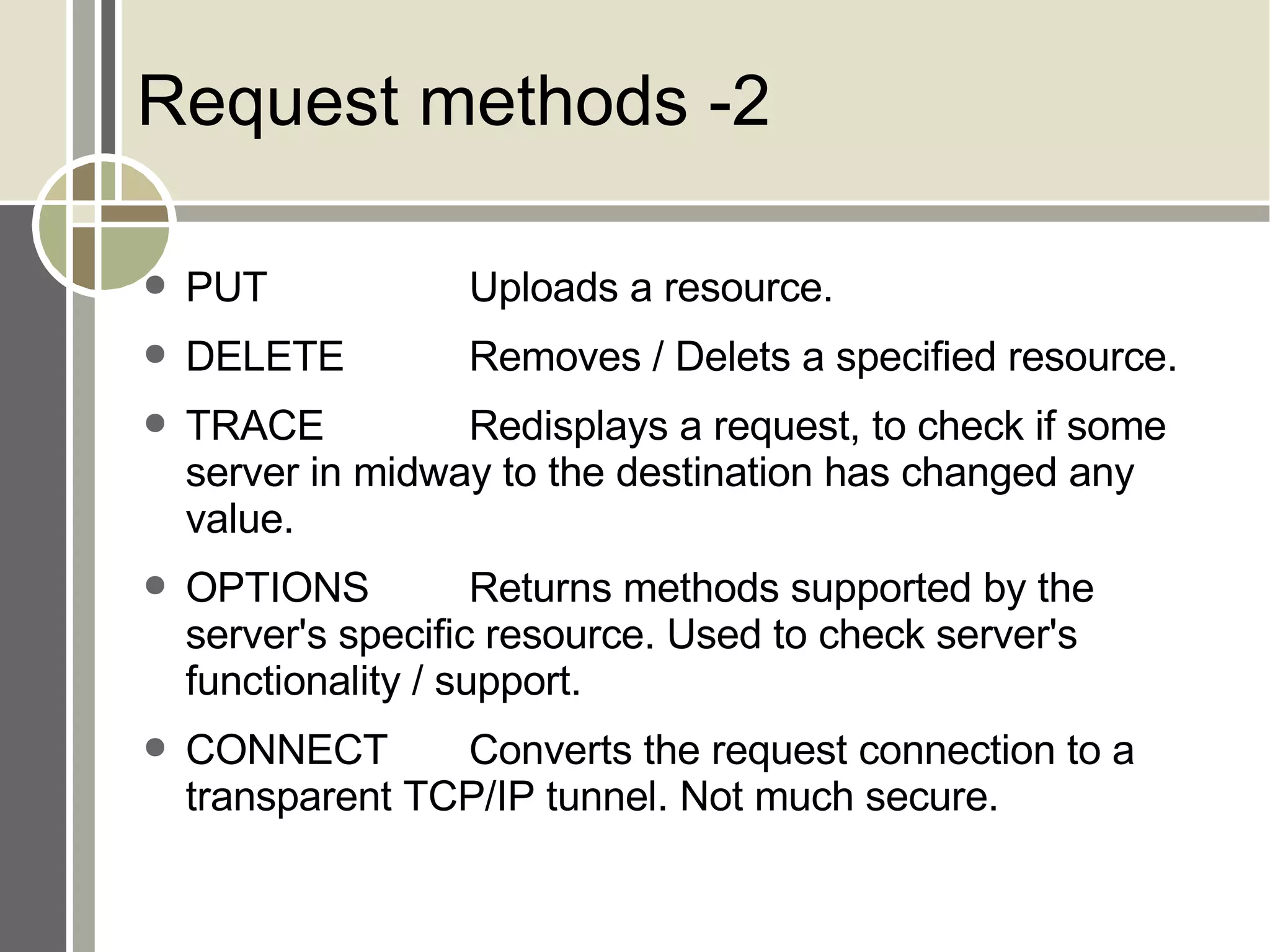
Request methods -2 PUT Uploads a resource. DELETE Removes / Delets a specified resource. TRACE Redisplays a request, to check if some server in midway to the destination has changed any value. OPTIONS Returns methods supported by the server's specific resource. Used to check server's functionality / support. CONNECT Converts the request connection to a transparent TCP/IP tunnel. Not much secure.
HTTP Format Response form Status line Headers An optional message body
HTTP Response Status Line HTTP Version Status code of 3 digits Status description
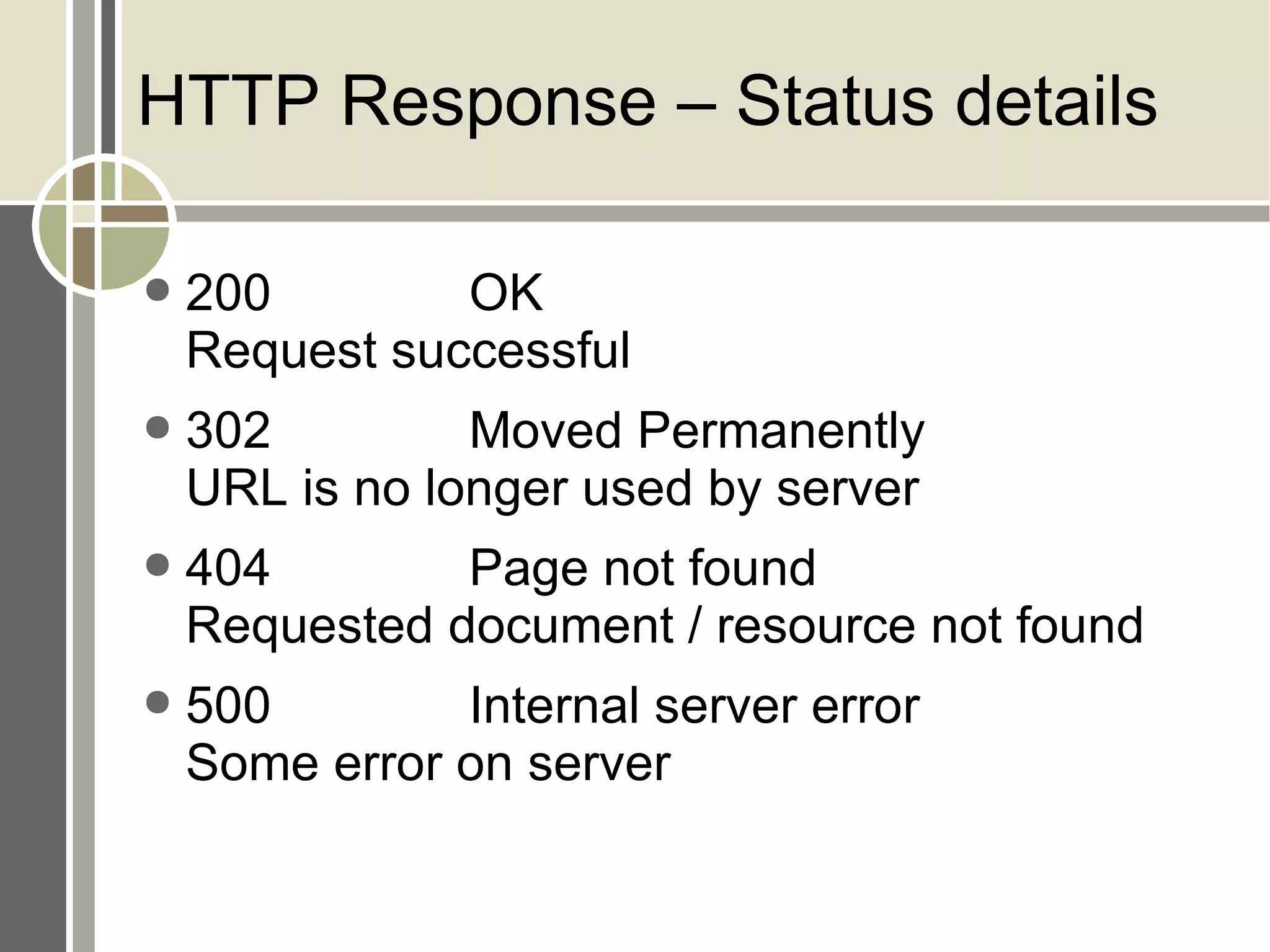
HTTP Response – Status details 200 OK Request successful 302 Moved Permanently URL is no longer used by server 404 Page not found Requested document / resource not found 500 Internal server error Some error on server
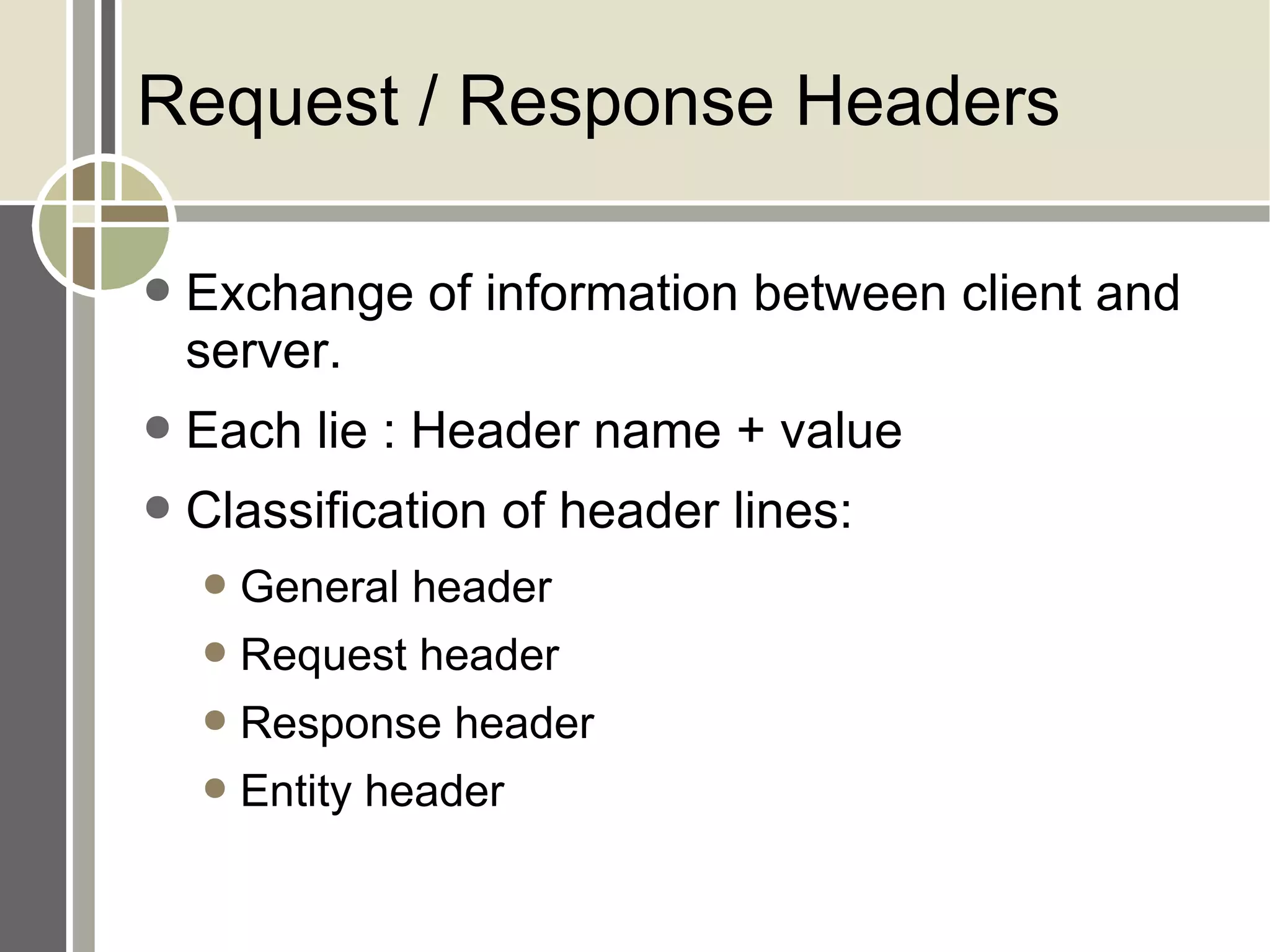
Request / Response Headers Exchange of information between client and server. Each lie : Header name + value Classification of header lines: General header Request header Response header Entity header
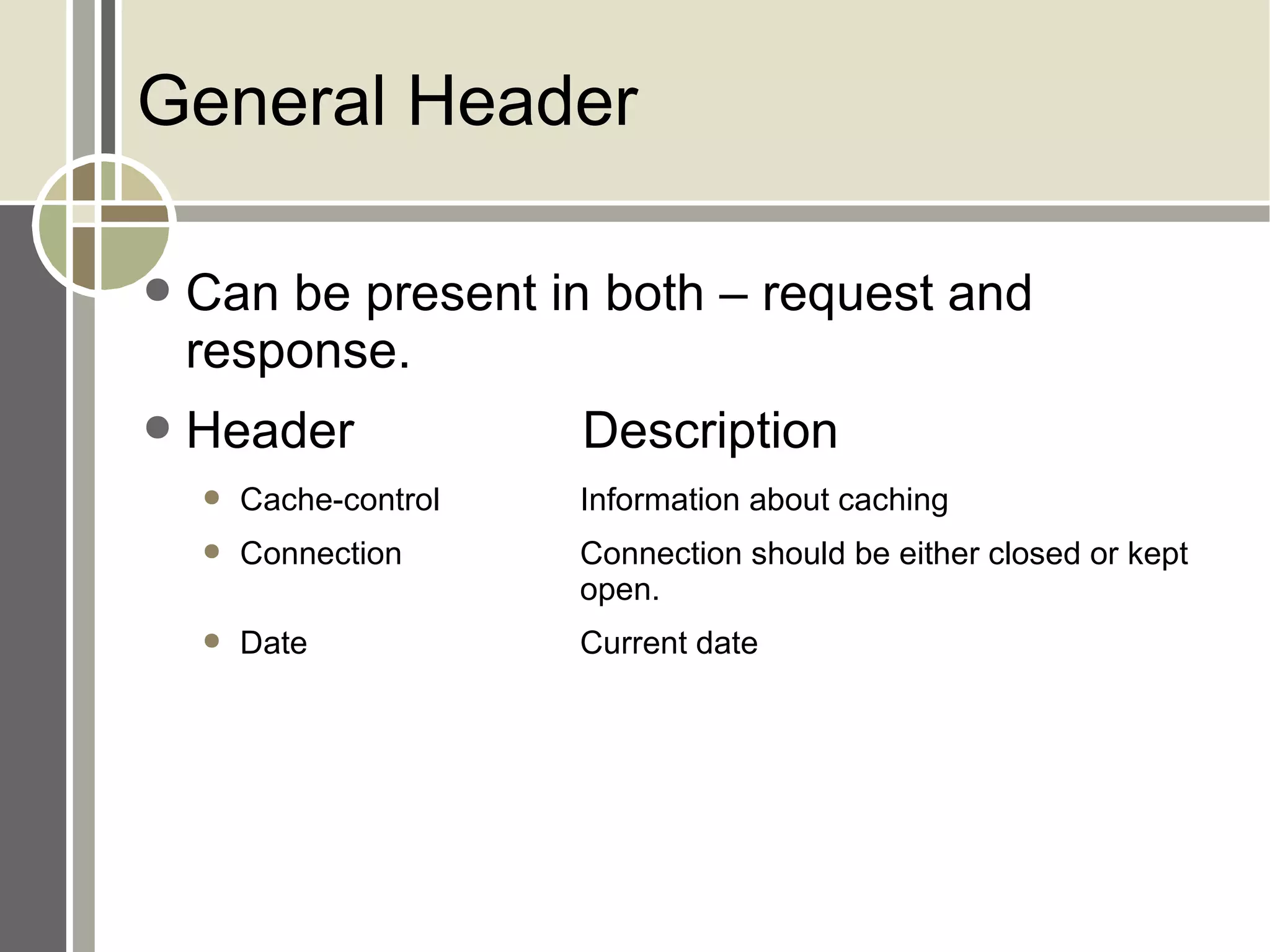
General Header Can be present in both – request and response. Header Description Cache-control Information about caching Connection Connection should be either closed or kept  open. Date Current date
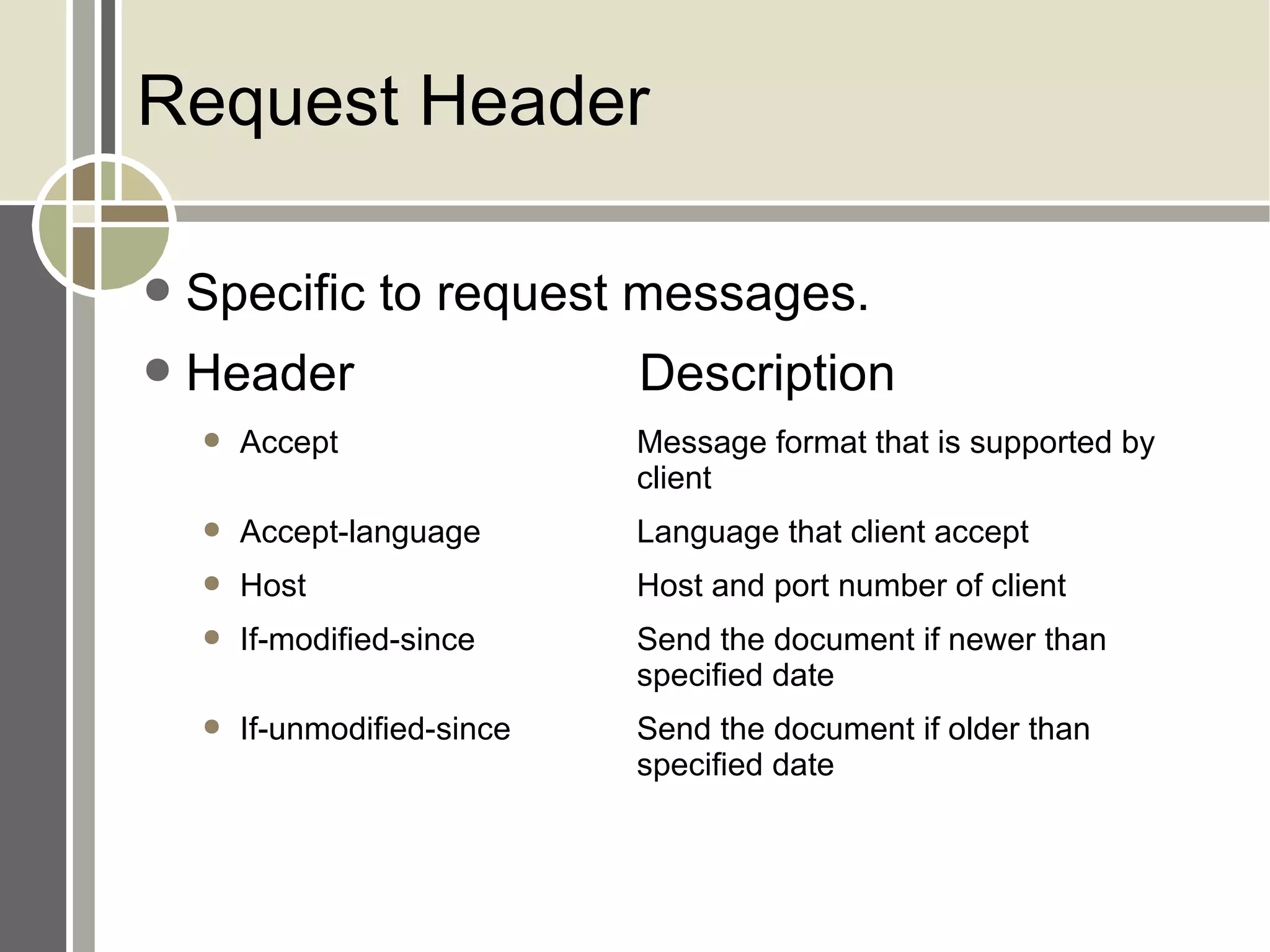
Request Header Specific to request messages. Header Description Accept Message format that is supported by  client Accept-language Language that client accept Host Host and port number of client If-modified-since Send the document if newer than  specified date If-unmodified-since Send the document if older than  specified date
Response Header Specific to response message Header Description Age Age of document Retry-after Date after which server is available Sever Sever name + port
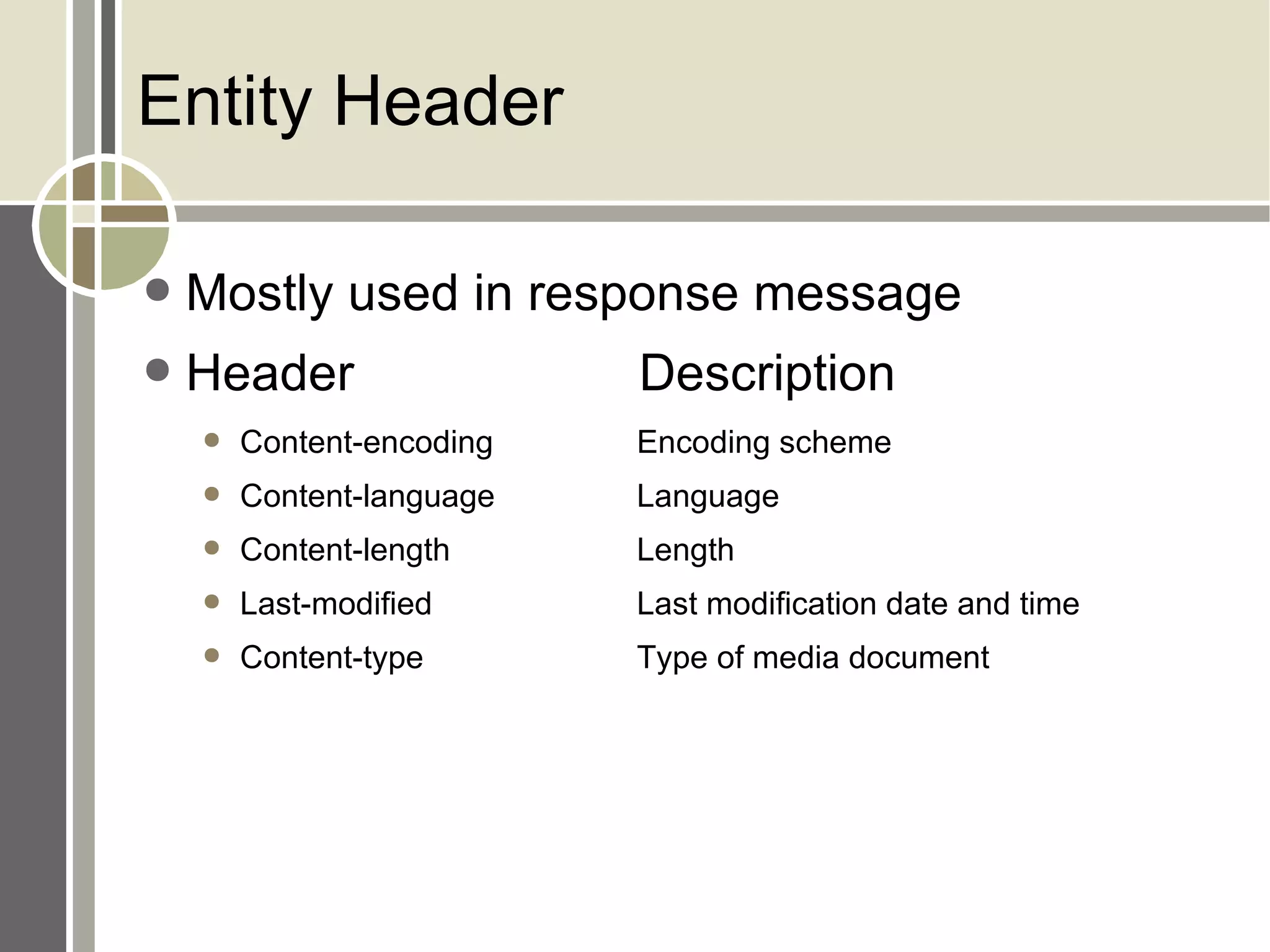
Entity Header Mostly used in response message Header Description Content-encoding Encoding scheme Content-language Language Content-length Length Last-modified Last modification date and time Content-type Type of media document
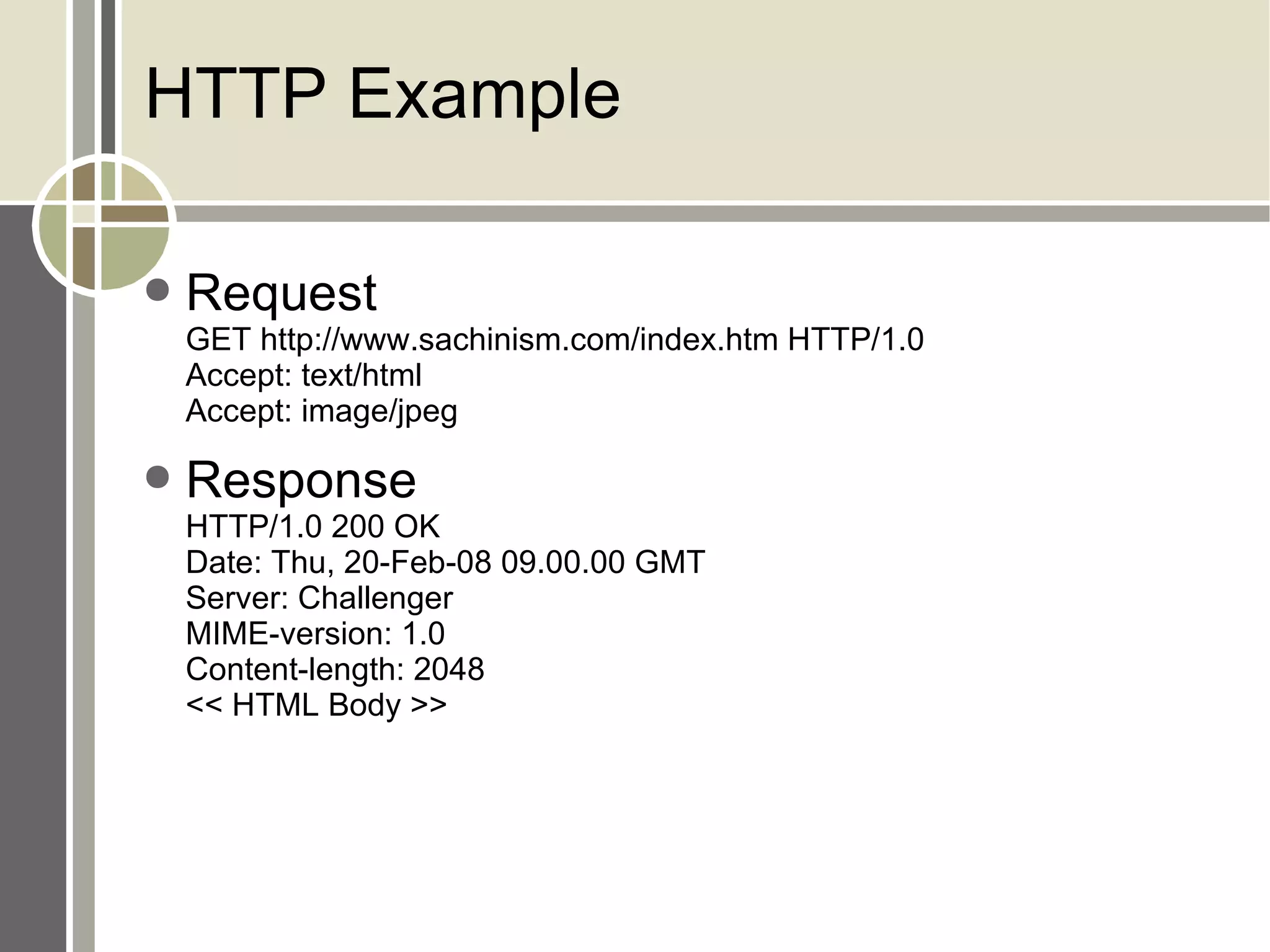
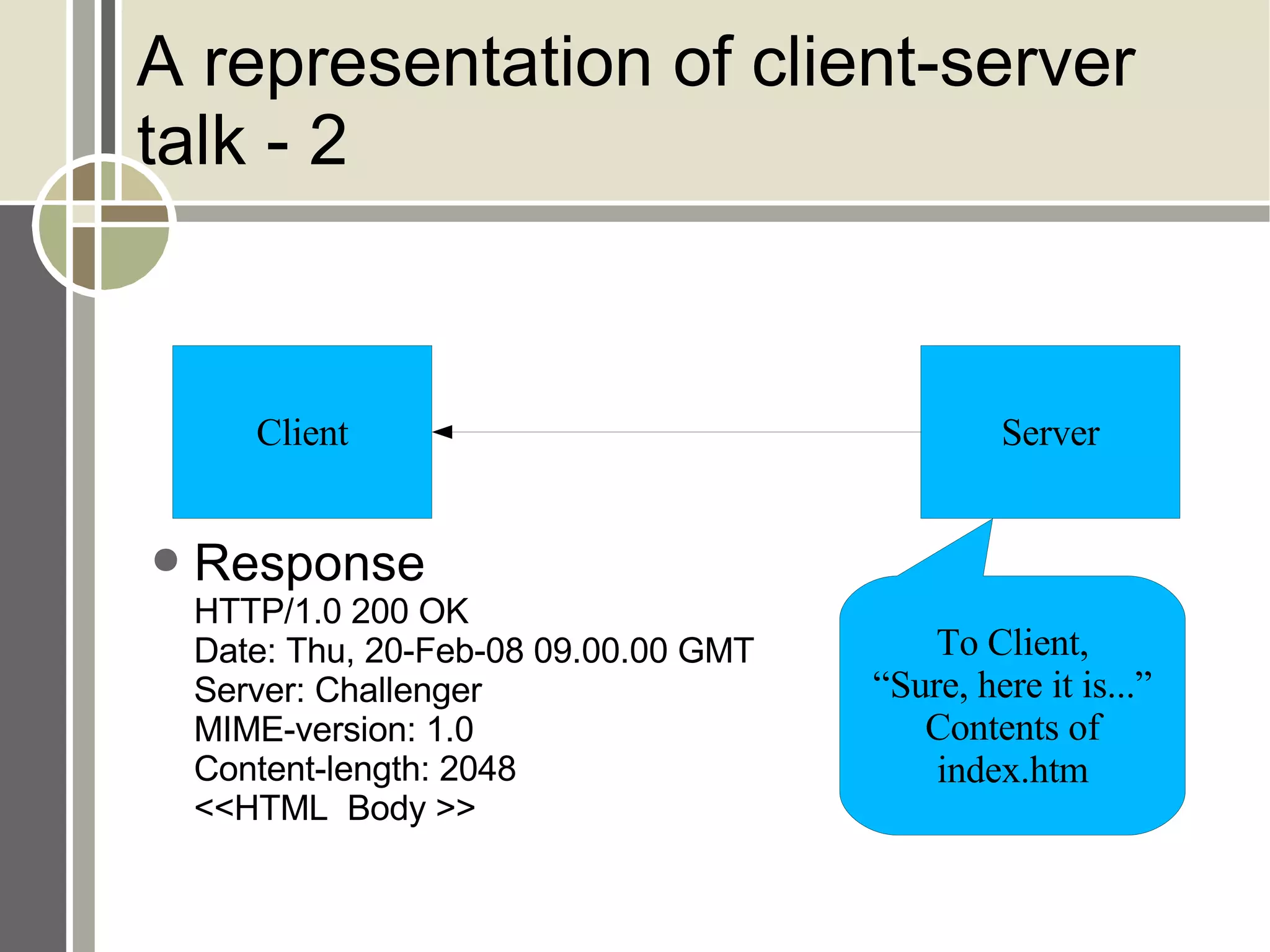
HTTP Example Request GET http://www.sachinism.com/index.htm HTTP/1.0 Accept: text/html Accept: image/jpeg Response HTTP/1.0 200 OK Date: Thu, 20-Feb-08 09.00.00 GMT Server: Challenger MIME-version: 1.0 Content-length: 2048 << HTML Body >>
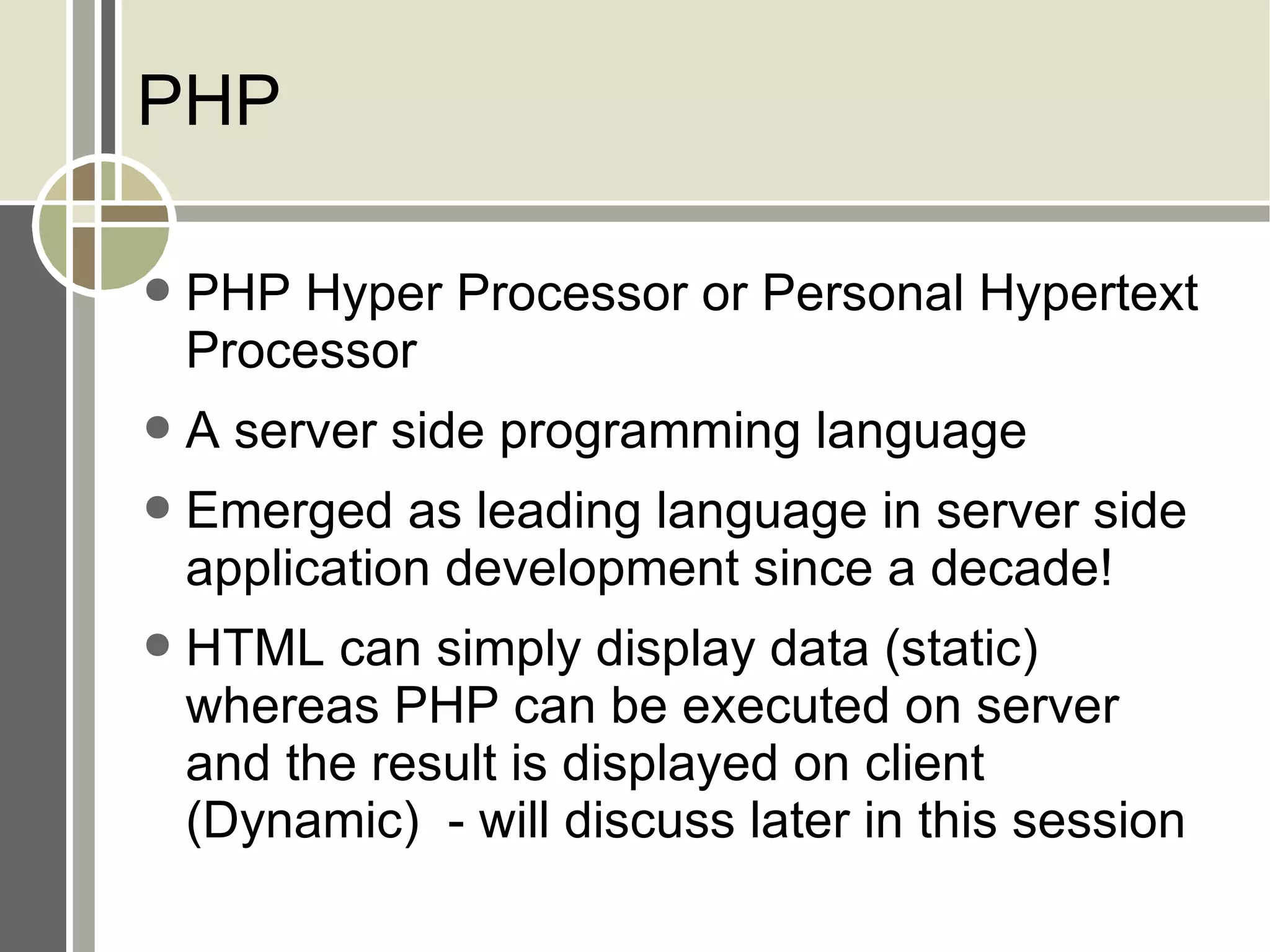
PHP PHP Hyper Processor or Personal Hypertext Processor A server side programming language Emerged as leading language in server side application development since a decade! HTML can simply display data (static) whereas PHP can be executed on server and the result is displayed on client (Dynamic)  - will discuss later in this session
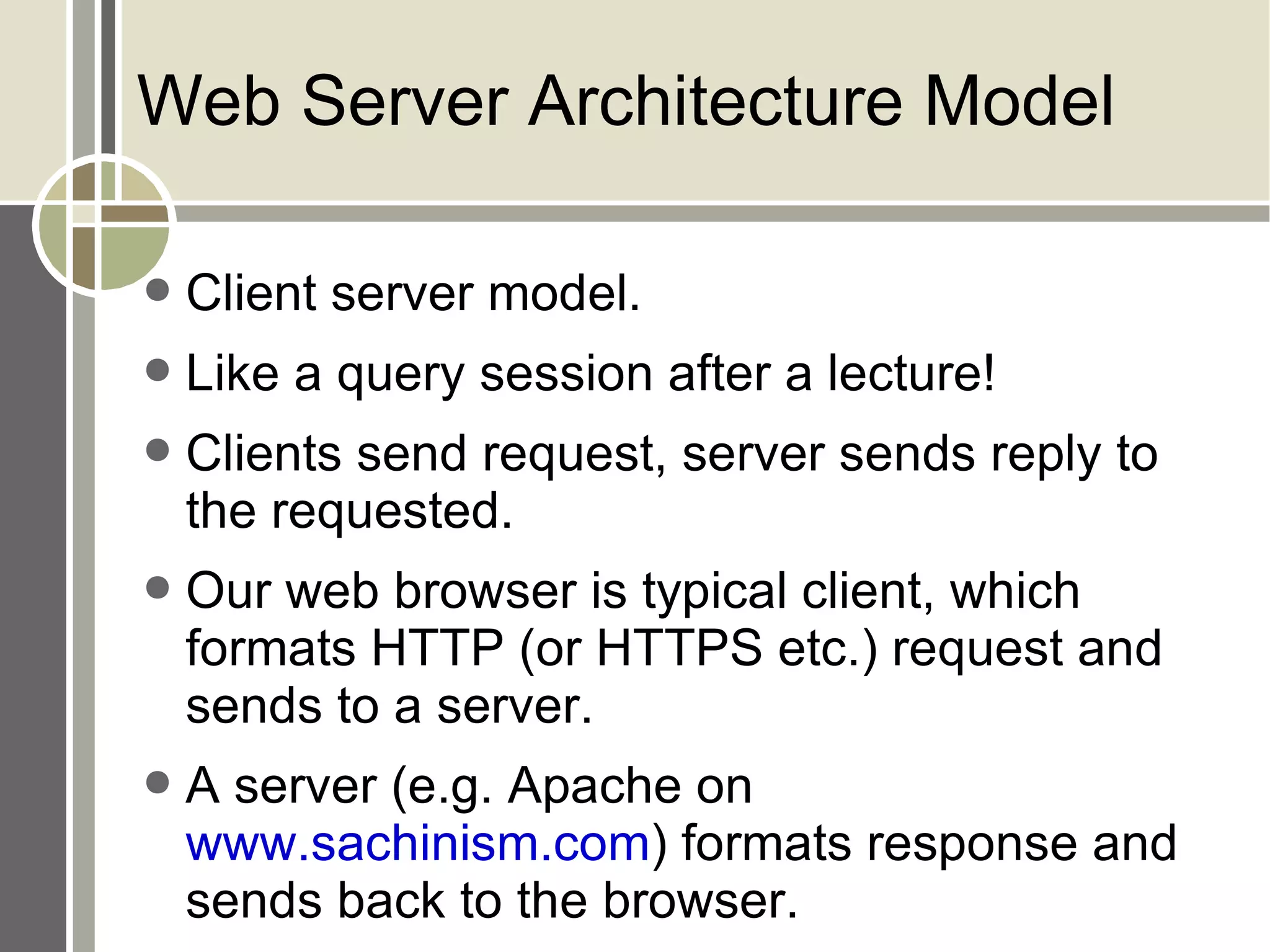
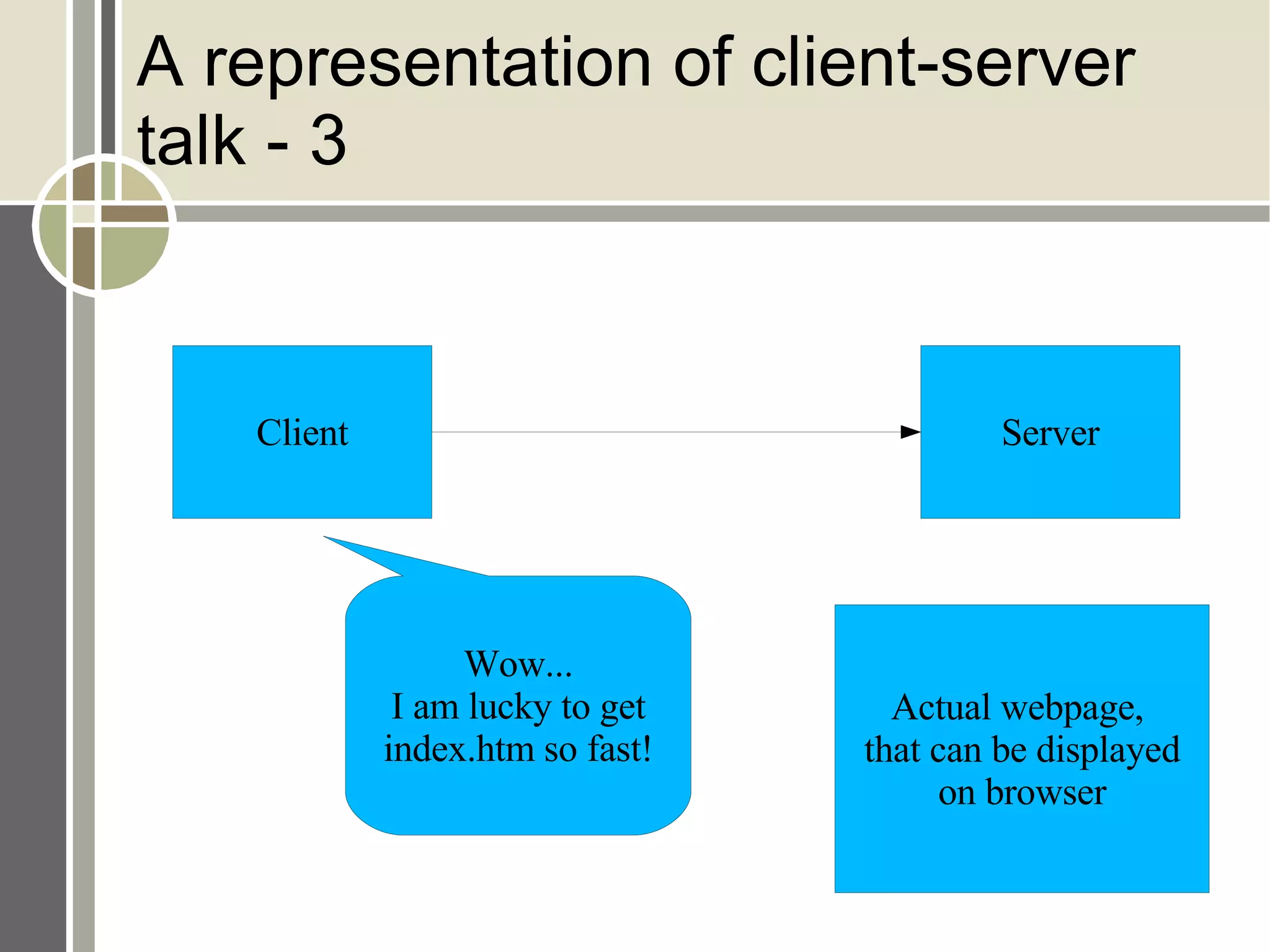
Web Server Architecture Model Client server model. Like a query session after a lecture! Clients send request, server sends reply to the requested. Our web browser is typical client, which formats HTTP (or HTTPS etc.) request and sends to a server. A server (e.g. Apache on  www.sachinism.com ) formats response and sends back to the browser.
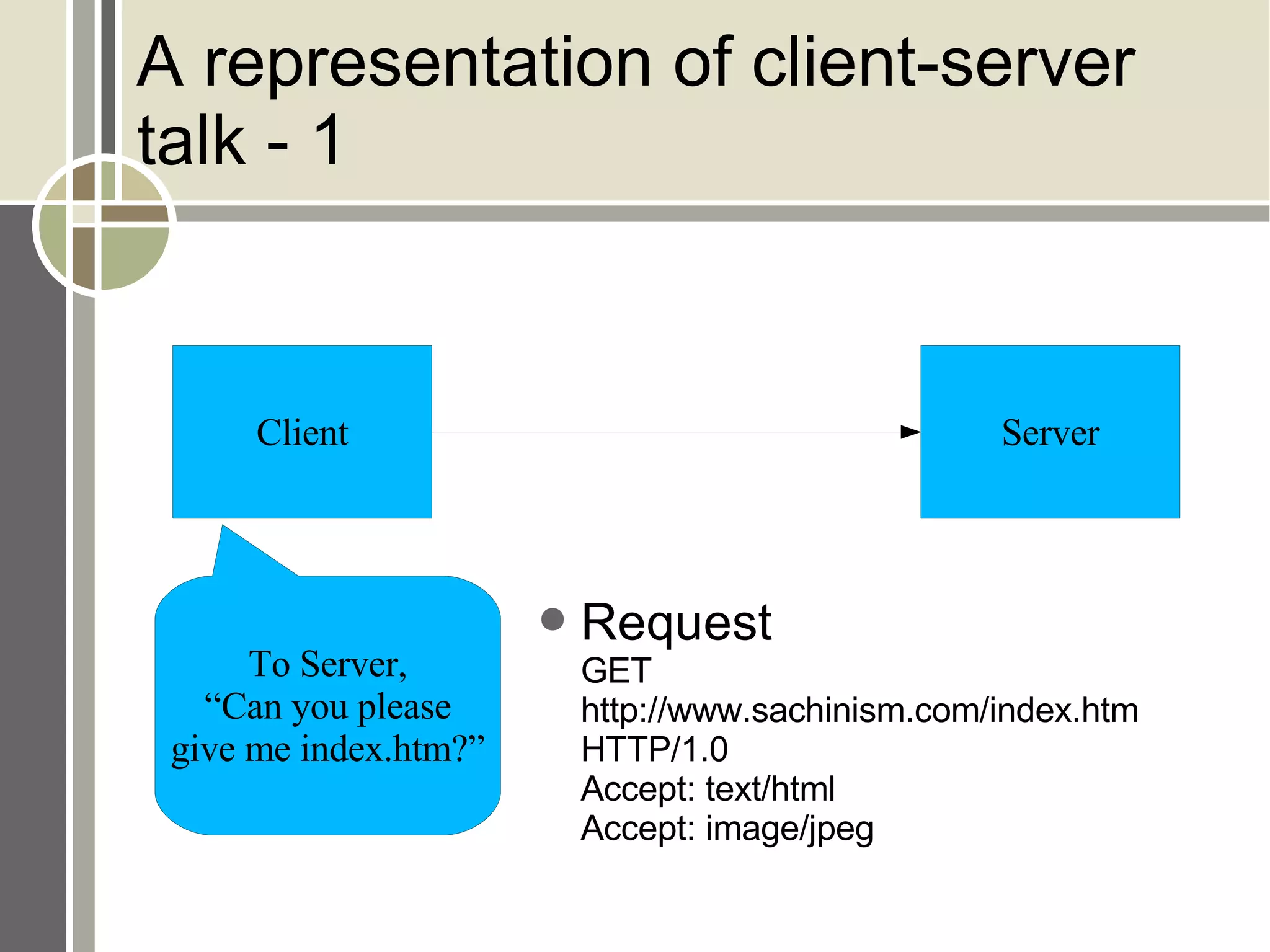
A representation of client-server talk - 1 Request GET http://www.sachinism.com/index.htm HTTP/1.0 Accept: text/html Accept: image/jpeg Client Server To Server, “Can you please give me index.htm?”
A representation of client-server talk - 2 Response HTTP/1.0 200 OK Date: Thu, 20-Feb-08 09.00.00 GMT Server: Challenger MIME-version: 1.0 Content-length: 2048 <<HTML  Body >> Client Server To Client, “ Sure, here it is...” Contents of index.htm
A representation of client-server talk - 3 Client Server Wow... I am lucky to get index.htm so fast! Actual webpage,  that can be displayed on browser
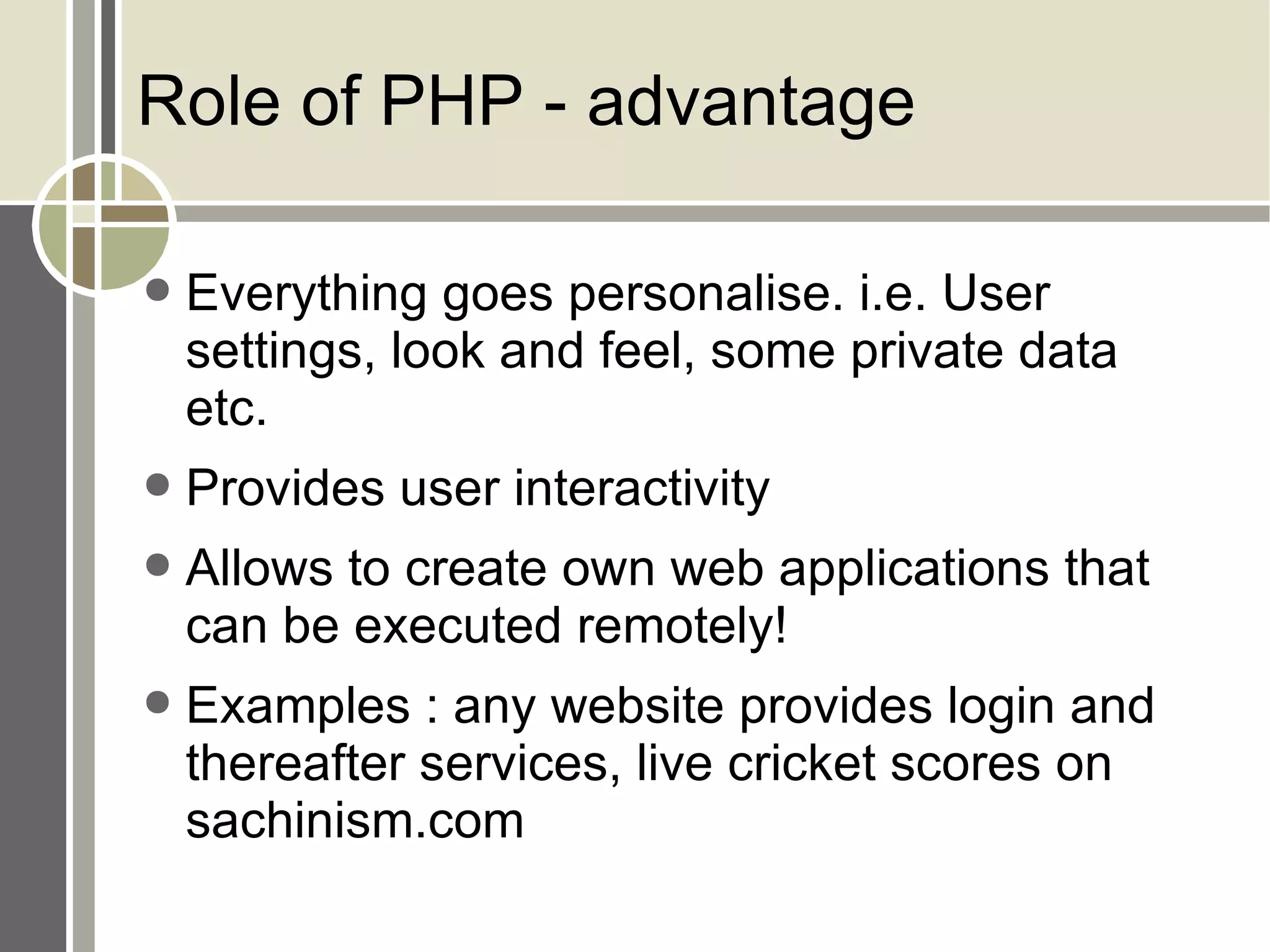
Role of PHP - advantage Everything goes personalise. i.e. User settings, look and feel, some private data etc. Provides user interactivity Allows to create own web applications that can be executed remotely! Examples : any website provides login and thereafter services, live cricket scores on sachinism.com
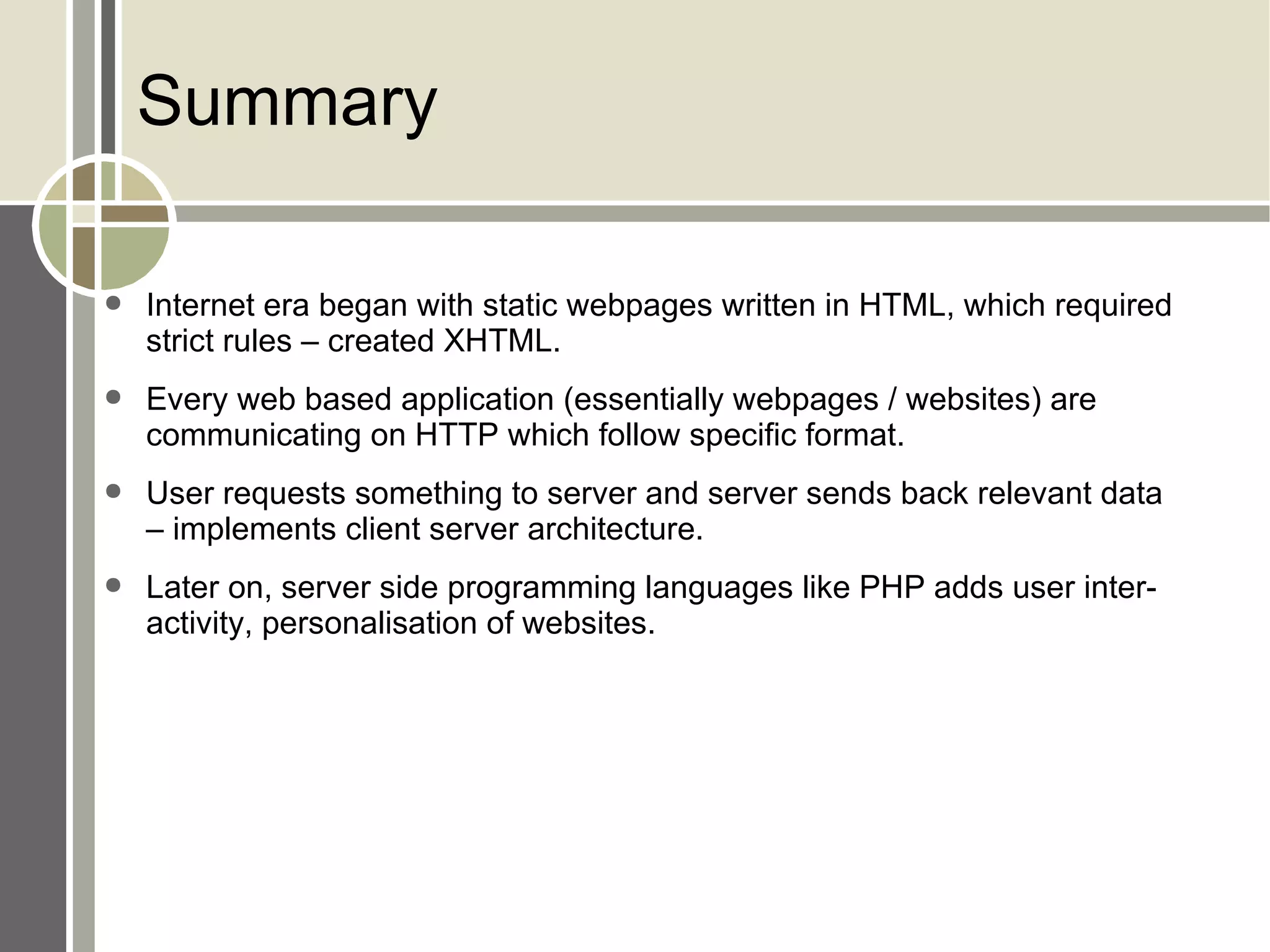
Summary Internet era began with static webpages written in HTML, which required strict rules – created XHTML. Every web based application (essentially webpages / websites) are communicating on HTTP which follow specific format. User requests something to server and server sends back relevant data – implements client server architecture. Later on, server side programming languages like PHP adds user interactivity, personalisation of websites.
Whats next? Starting up with practical PHP Obtaining, Installing and Configuring PHP Obtaining PHP Source Code Installing PHP from Binary Packages Dynamic Extensions, Checking Install with  phpinfo() Function.

Starting With Php

  • 1.
    PHP – Startingwith PHP Harit Kothari [email_address]
  • 2.
    Agenda HTML/XHTML andHTTP Basics Review PHP and the Web Server Architecture Model Overview of PHP Capabilities
  • 3.
    HTML/XHTML and HTTPBasics Review HTML/XHTML – a language that every browser knows. HTTP – a protocol that every machine uses to talk with others.
  • 4.
    HTML – HyperText Markup Language Basically designed and used as a common language to retrieve documents from web. More features (called as tags) added later. Now is replaced by dynamic languages (like PHP) in some places. Tags are basically used to organise contents of document.
  • 5.
    XHTML – eXtendedHTML A strict format of HTML Each starting tag must have ending tag. There are strict rules to be followed. e.g. In HTML <br> is allowed, but in XHTML it must be <BR/> Similarly: HTML XHTML <p> <P/> <li>... <LI>......</LI>
  • 6.
    HTTP – HyperTextTransfer Protocol Port no. 80 Simple, text based protocol Stateless Two most frequently used methods (operations) – GET and POST
  • 7.
    HTTP Format Requestform Request line (e.g. GET /images/logo.gif HTTP/1.1) Headers (e.g. Accept-Language: en) An optional message body
  • 8.
    HTTP Request indetails Request method – e.g. GET / POST / PUT URL – where to send the request HTTP version – e.g. 1.1 POST /my_dir/my_sub_dir/my_file.htm HTTP/1.1
  • 9.
    Request methods -1HEAD Request only headers for an GET request, not actual resource / data. Used to retrieve meta-data. GET Request actual resource. Used as a method to send data along with request. This data is shown on address bar of a browser! POST Request actual resource. Most common method used to send data to be processed by the resource. This data is not shown in address bar, is inserted in request body.
  • 10.
    Request methods -2PUT Uploads a resource. DELETE Removes / Delets a specified resource. TRACE Redisplays a request, to check if some server in midway to the destination has changed any value. OPTIONS Returns methods supported by the server's specific resource. Used to check server's functionality / support. CONNECT Converts the request connection to a transparent TCP/IP tunnel. Not much secure.
  • 11.
    HTTP Format Responseform Status line Headers An optional message body
  • 12.
    HTTP Response StatusLine HTTP Version Status code of 3 digits Status description
  • 13.
    HTTP Response –Status details 200 OK Request successful 302 Moved Permanently URL is no longer used by server 404 Page not found Requested document / resource not found 500 Internal server error Some error on server
  • 14.
    Request / ResponseHeaders Exchange of information between client and server. Each lie : Header name + value Classification of header lines: General header Request header Response header Entity header
  • 15.
    General Header Canbe present in both – request and response. Header Description Cache-control Information about caching Connection Connection should be either closed or kept open. Date Current date
  • 16.
    Request Header Specificto request messages. Header Description Accept Message format that is supported by client Accept-language Language that client accept Host Host and port number of client If-modified-since Send the document if newer than specified date If-unmodified-since Send the document if older than specified date
  • 17.
    Response Header Specificto response message Header Description Age Age of document Retry-after Date after which server is available Sever Sever name + port
  • 18.
    Entity Header Mostlyused in response message Header Description Content-encoding Encoding scheme Content-language Language Content-length Length Last-modified Last modification date and time Content-type Type of media document
  • 19.
    HTTP Example RequestGET http://www.sachinism.com/index.htm HTTP/1.0 Accept: text/html Accept: image/jpeg Response HTTP/1.0 200 OK Date: Thu, 20-Feb-08 09.00.00 GMT Server: Challenger MIME-version: 1.0 Content-length: 2048 << HTML Body >>
  • 20.
    PHP PHP HyperProcessor or Personal Hypertext Processor A server side programming language Emerged as leading language in server side application development since a decade! HTML can simply display data (static) whereas PHP can be executed on server and the result is displayed on client (Dynamic) - will discuss later in this session
  • 21.
    Web Server ArchitectureModel Client server model. Like a query session after a lecture! Clients send request, server sends reply to the requested. Our web browser is typical client, which formats HTTP (or HTTPS etc.) request and sends to a server. A server (e.g. Apache on www.sachinism.com ) formats response and sends back to the browser.
  • 22.
    A representation ofclient-server talk - 1 Request GET http://www.sachinism.com/index.htm HTTP/1.0 Accept: text/html Accept: image/jpeg Client Server To Server, “Can you please give me index.htm?”
  • 23.
    A representation ofclient-server talk - 2 Response HTTP/1.0 200 OK Date: Thu, 20-Feb-08 09.00.00 GMT Server: Challenger MIME-version: 1.0 Content-length: 2048 <<HTML Body >> Client Server To Client, “ Sure, here it is...” Contents of index.htm
  • 24.
    A representation ofclient-server talk - 3 Client Server Wow... I am lucky to get index.htm so fast! Actual webpage, that can be displayed on browser
  • 25.
    Role of PHP- advantage Everything goes personalise. i.e. User settings, look and feel, some private data etc. Provides user interactivity Allows to create own web applications that can be executed remotely! Examples : any website provides login and thereafter services, live cricket scores on sachinism.com
  • 26.
    Summary Internet erabegan with static webpages written in HTML, which required strict rules – created XHTML. Every web based application (essentially webpages / websites) are communicating on HTTP which follow specific format. User requests something to server and server sends back relevant data – implements client server architecture. Later on, server side programming languages like PHP adds user interactivity, personalisation of websites.
  • 27.
    Whats next? Startingup with practical PHP Obtaining, Installing and Configuring PHP Obtaining PHP Source Code Installing PHP from Binary Packages Dynamic Extensions, Checking Install with phpinfo() Function.