PHP Cookies & Session
Cookies
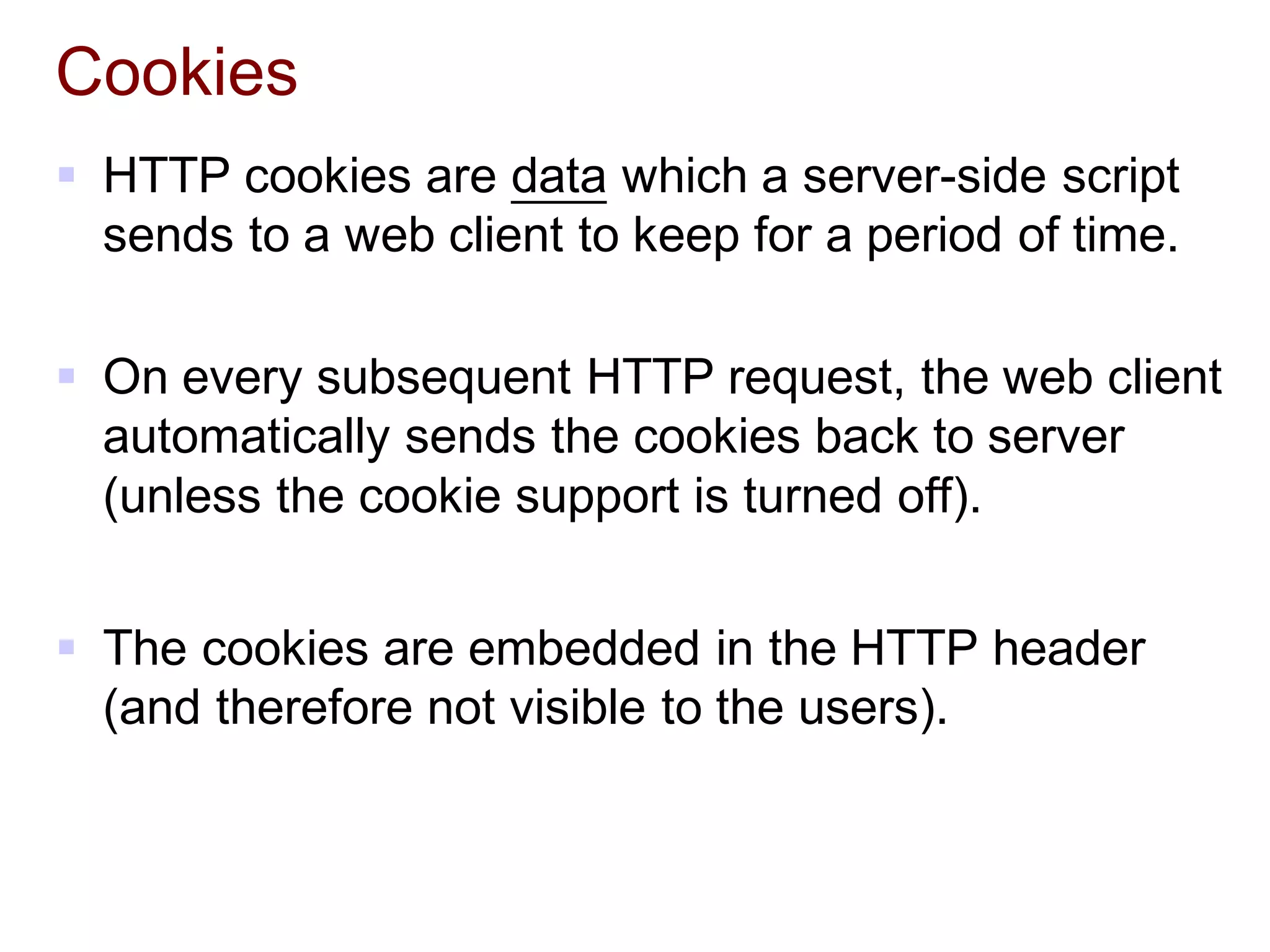
 HTTP cookies are data which a server-side script
sends to a web client to keep for a period of time.
 On every subsequent HTTP request, the web client
automatically sends the cookies back to server
(unless the cookie support is turned off).
 The cookies are embedded in the HTTP header
(and therefore not visible to the users).
Cookies
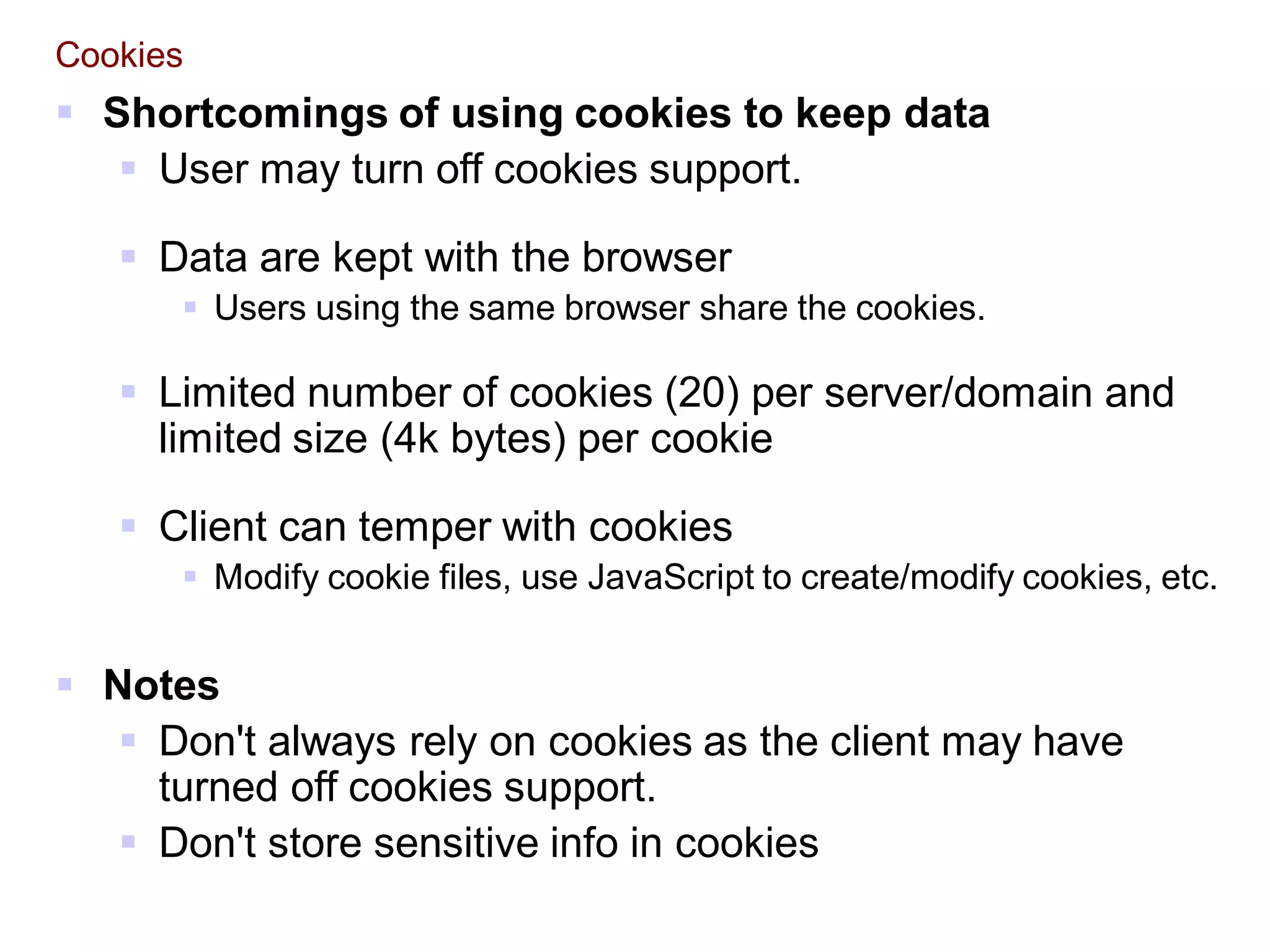
 Shortcomings of using cookies to keep data
 User may turn off cookies support.
 Data are kept with the browser
 Users using the same browser share the cookies.
 Limited number of cookies (20) per server/domain and
limited size (4k bytes) per cookie
 Client can temper with cookies
 Modify cookie files, use JavaScript to create/modify cookies, etc.
 Notes
 Don't always rely on cookies as the client may have
turned off cookies support.
 Don't store sensitive info in cookies
PHP – Accessing Cookies
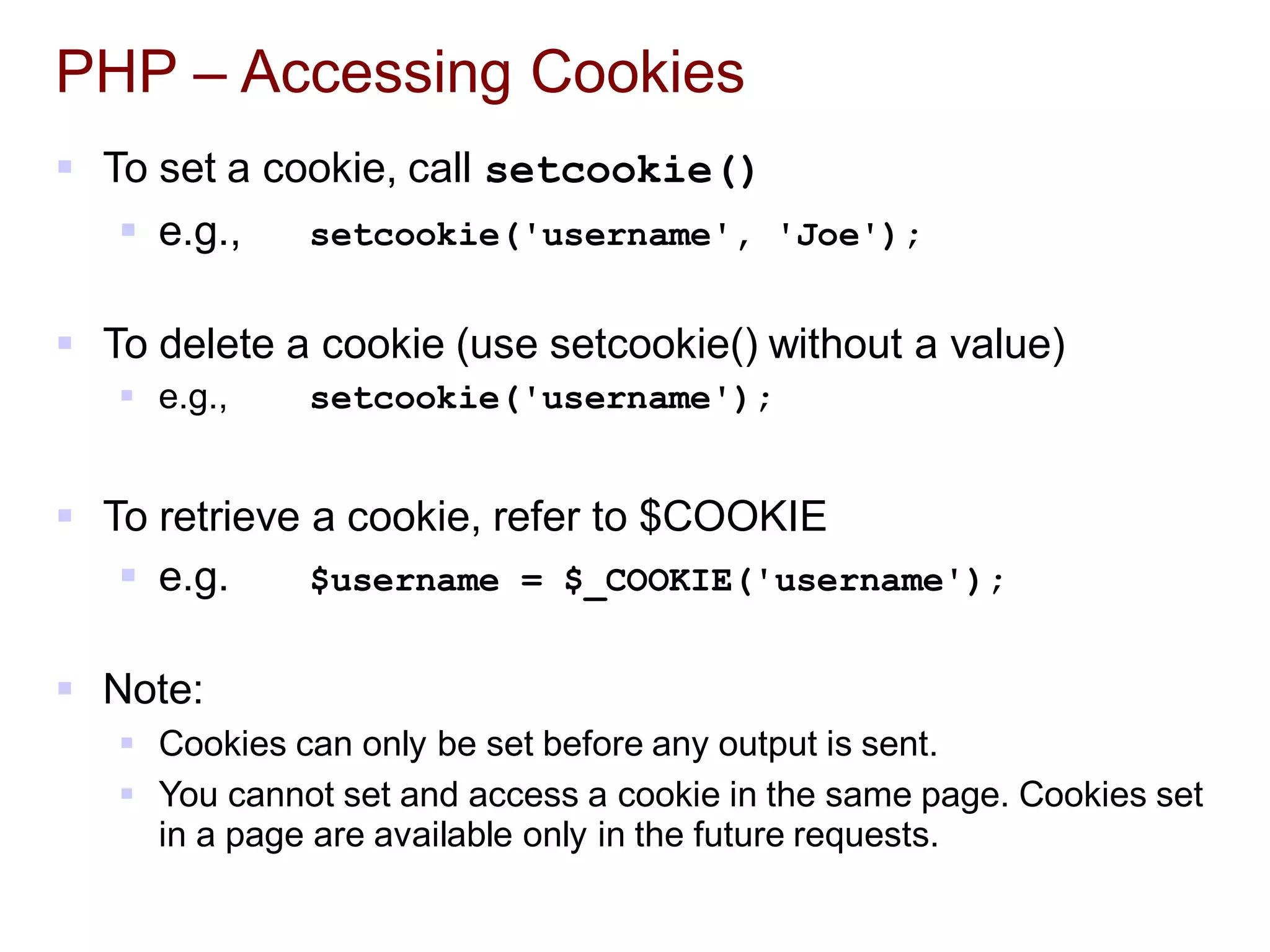
 To set a cookie, call setcookie()
 e.g., setcookie('username', 'Joe');
 To delete a cookie (use setcookie() without a value)
 e.g., setcookie('username');
 To retrieve a cookie, refer to $COOKIE
 e.g. $username = $_COOKIE('username');
 Note:
 Cookies can only be set before any output is sent.
 You cannot set and access a cookie in the same page. Cookies set
in a page are available only in the future requests.
PHP – More About Setting Cookies …
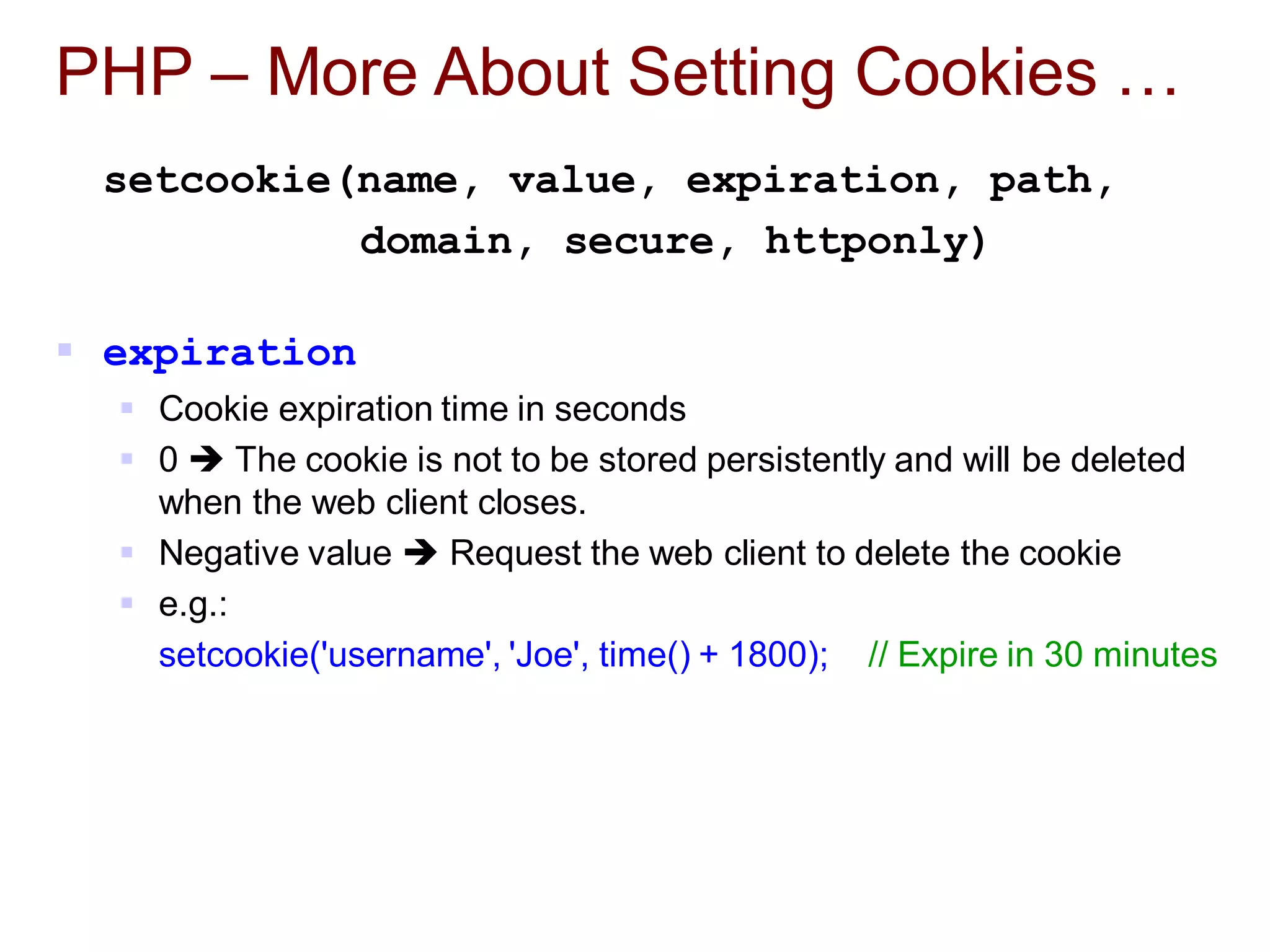
setcookie(name, value, expiration, path,
domain, secure, httponly)
 expiration
 Cookie expiration time in seconds
 0  The cookie is not to be stored persistently and will be deleted
when the web client closes.
 Negative value  Request the web client to delete the cookie
 e.g.:
setcookie('username', 'Joe', time() + 1800); // Expire in 30 minutes
PHP – More About Setting Cookies …
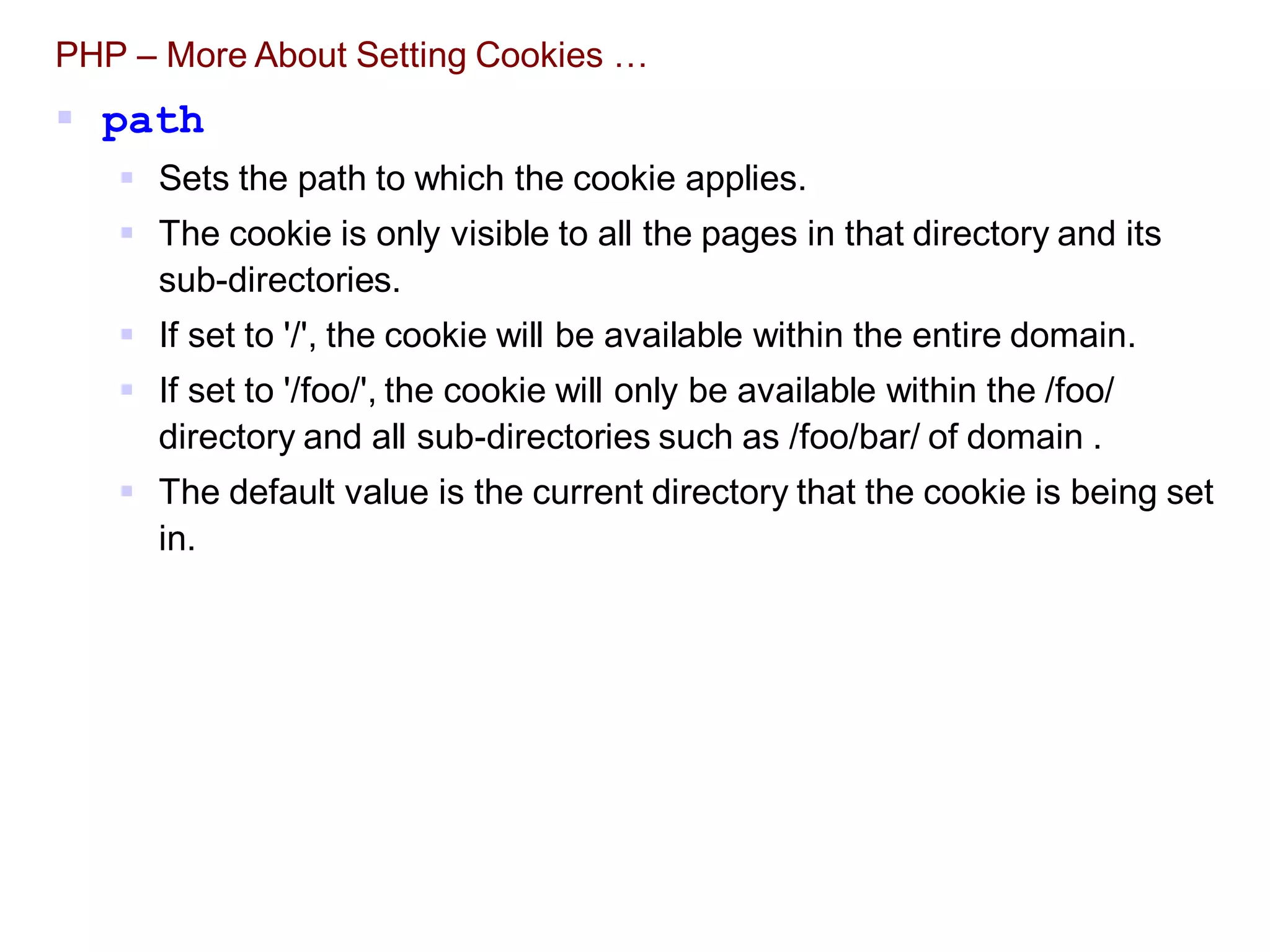
 path
 Sets the path to which the cookie applies.
 The cookie is only visible to all the pages in that directory and its
sub-directories.
 If set to '/', the cookie will be available within the entire domain.
 If set to '/foo/', the cookie will only be available within the /foo/
directory and all sub-directories such as /foo/bar/ of domain .
 The default value is the current directory that the cookie is being set
in.
PHP – More About Setting Cookies …
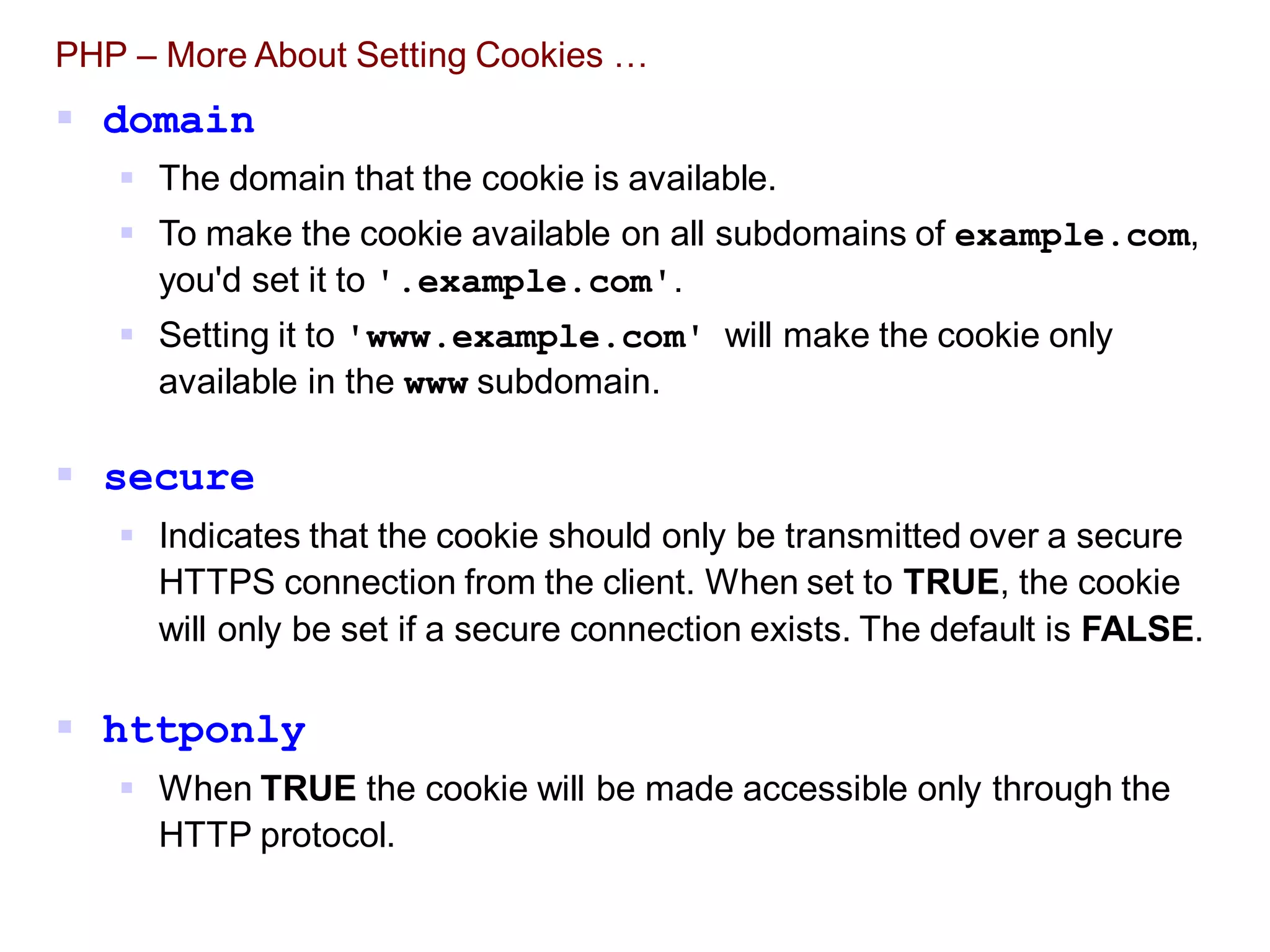
 domain
 The domain that the cookie is available.
 To make the cookie available on all subdomains of example.com,
you'd set it to '.example.com'.
 Setting it to 'www.example.com' will make the cookie only
available in the www subdomain.
 secure
 Indicates that the cookie should only be transmitted over a secure
HTTPS connection from the client. When set to TRUE, the cookie
will only be set if a secure connection exists. The default is FALSE.
 httponly
 When TRUE the cookie will be made accessible only through the
HTTP protocol.
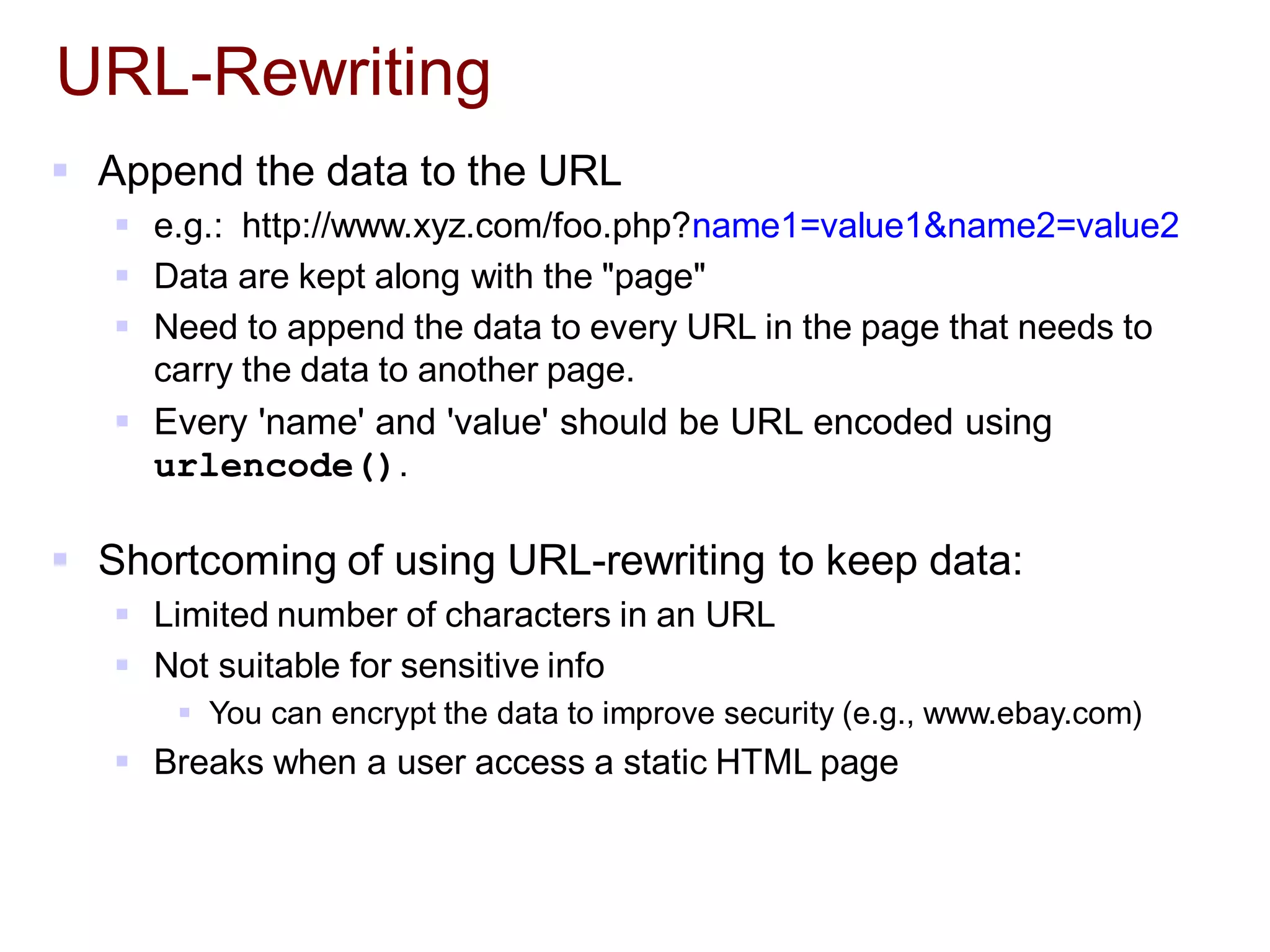
URL-Rewriting
 Append the data to the URL
 e.g.: http://www.xyz.com/foo.php?name1=value1&name2=value2
 Data are kept along with the "page"
 Need to append the data to every URL in the page that needs to
carry the data to another page.
 Every 'name' and 'value' should be URL encoded using
urlencode().
 Shortcoming of using URL-rewriting to keep data:
 Limited number of characters in an URL
 Not suitable for sensitive info
 You can encrypt the data to improve security (e.g., www.ebay.com)
 Breaks when a user access a static HTML page
1
2
3
4
5
6
7
8
9
10
11
12
13
14
15
16
17
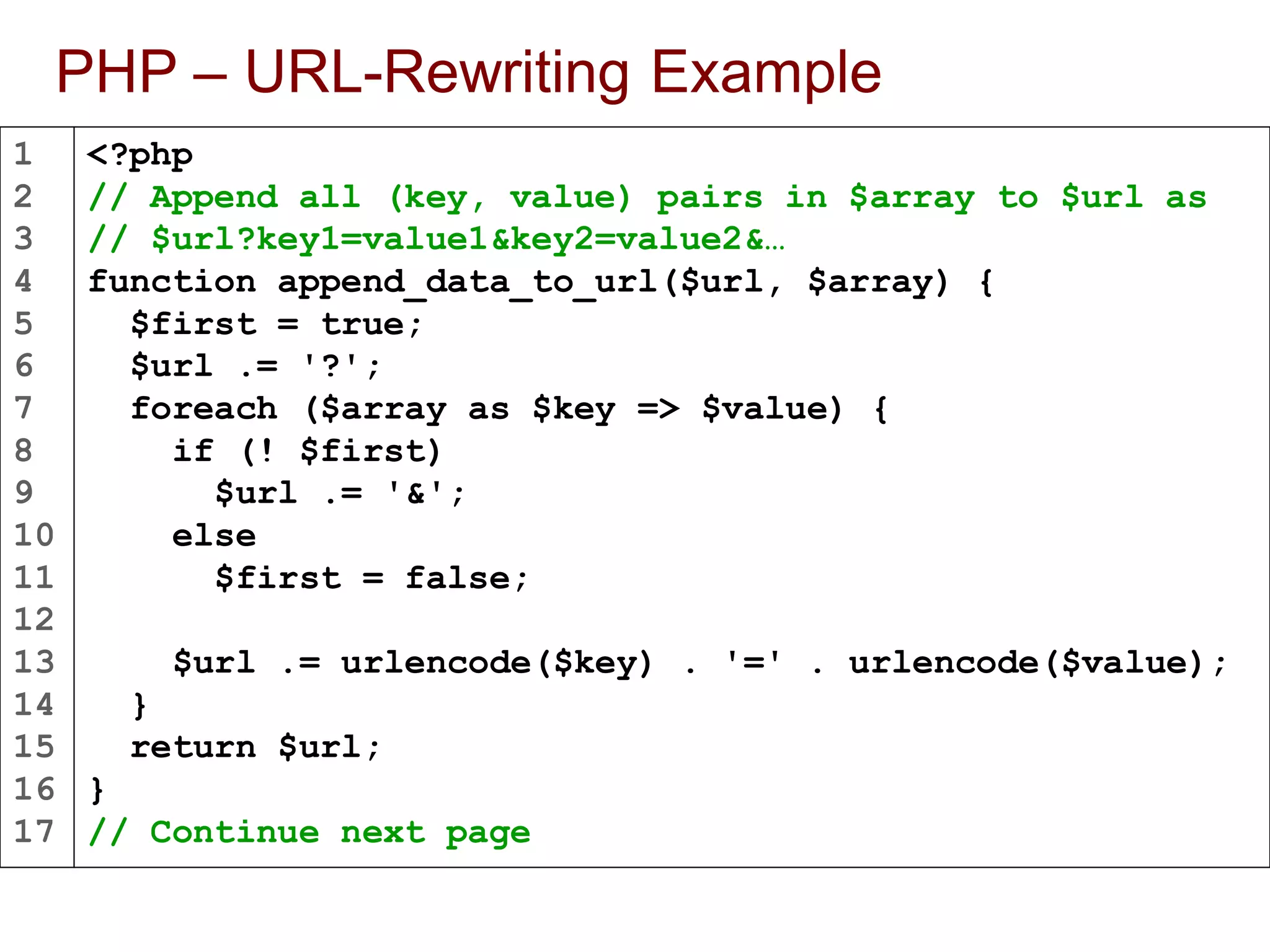
PHP – URL-Rewriting Example
<?php
// Append all (key, value) pairs in $array to $url as
// $url?key1=value1&key2=value2&…
function append_data_to_url($url, $array) {
$first = true;
$url .= '?';
foreach ($array as $key => $value) {
if (! $first)
$url .= '&';
else
$first = false;
$url .= urlencode($key) . '=' . urlencode($value);
}
return $url;
}
// Continue next page
18
19
20
21
22
23
24
25
26
27
28
29
30
31
32
33
34
35
PHP – URL-Rewriting Example
// A script that lists 20 items per page
$current_page = $_REQUEST['page'];
$sort_order = $_REQUEST['sort'];
// Perform validation and set default values here …
// Create parameters that need to be appended to URL
$params = array('page' => $current_page + 1,
'sort' => $sort_order);
// Append the above parameters to the URL that links
// to the next page
$next_page_url = append_data_to_url(
$_SERVER['PHP_SELF'], $params);
// Repeat for other URLs that need to carry data
// in the URL …
?>
36
37
38
39
40
41
42
43
44
45
46
PHP – URL-Rewriting Example
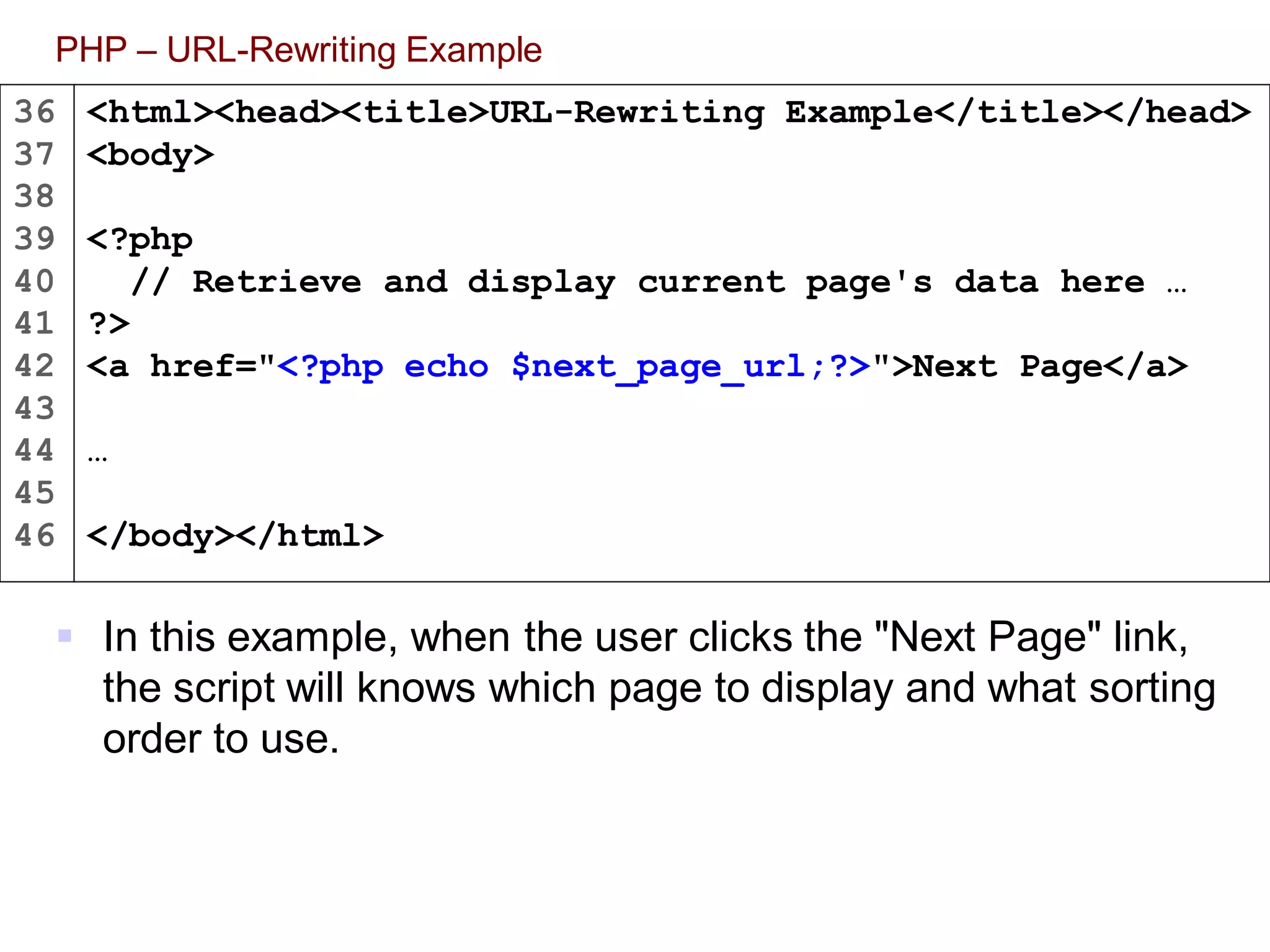
 In this example, when the user clicks the "Next Page" link,
the script will knows which page to display and what sorting
order to use.
<html><head><title>URL-Rewriting Example</title></head>
<body>
<?php
// Retrieve and display current page's data here …
?>
<a href="<?php echo $next_page_url;?>">Next Page</a>
…
</body></html>
Hidden Fields in HTML Form
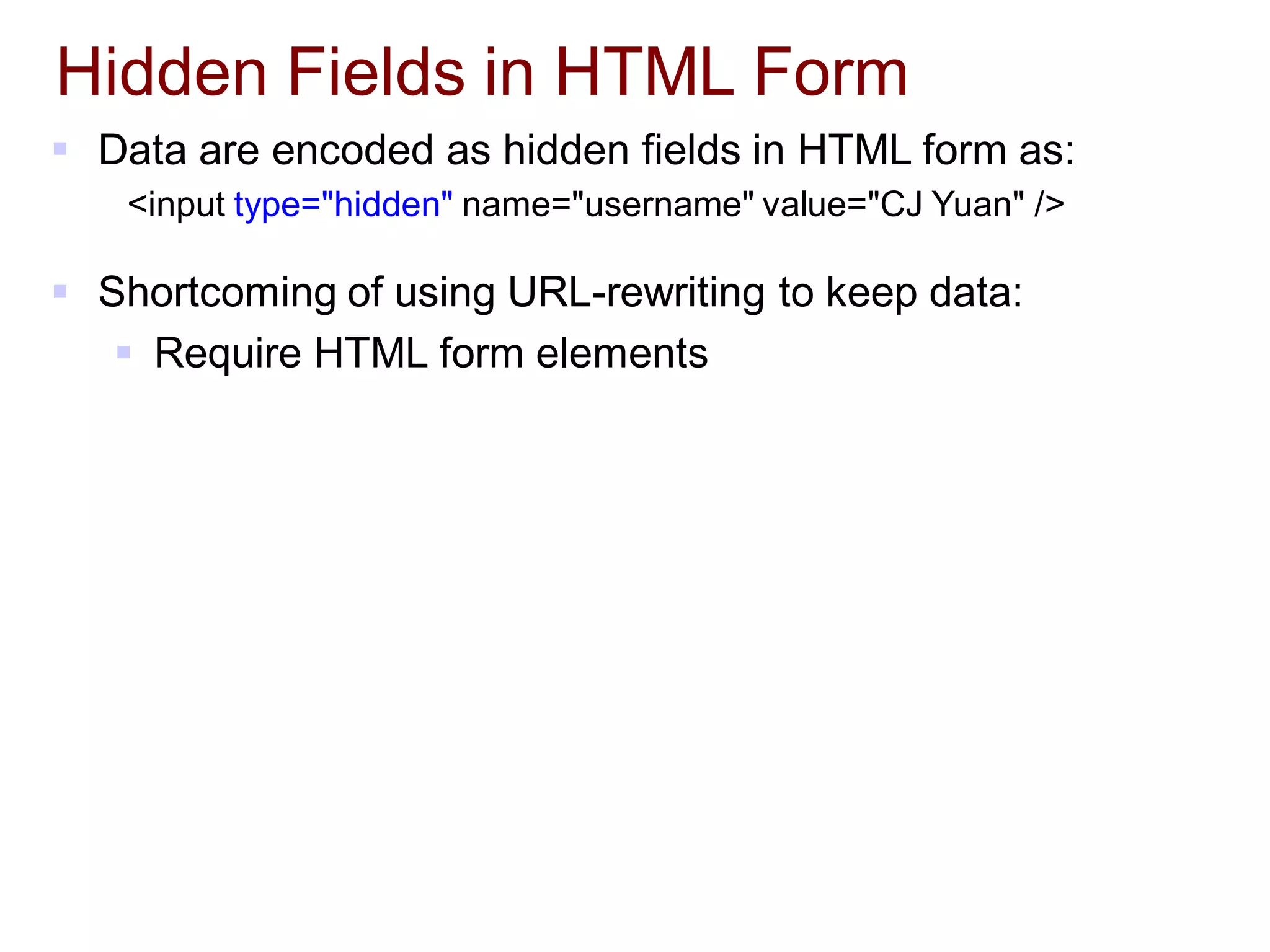
 Data are encoded as hidden fields in HTML form as:
<input type="hidden" name="username" value="CJ Yuan" />
 Shortcoming of using URL-rewriting to keep data:
 Require HTML form elements
Session
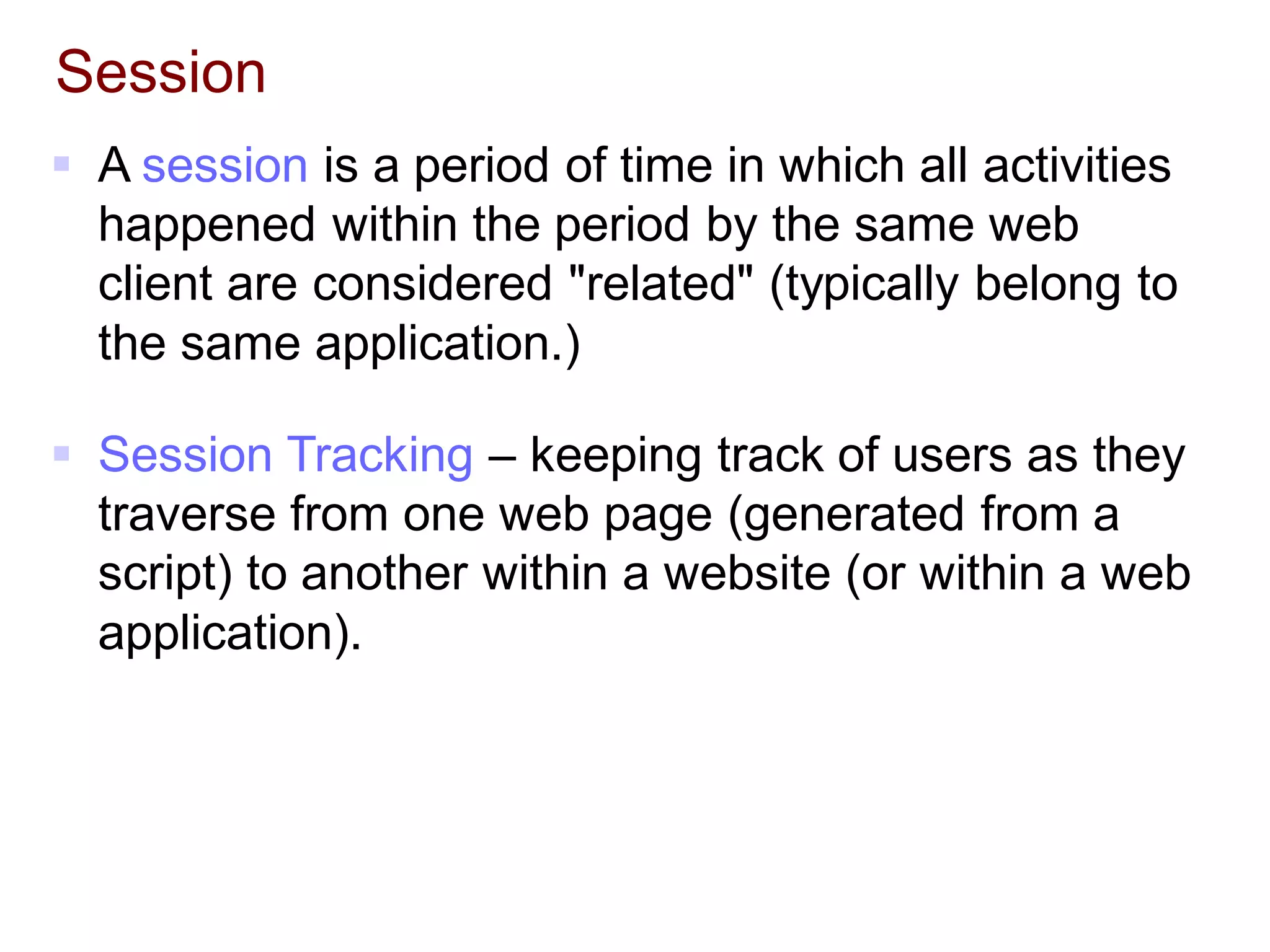
 A session is a period of time in which all activities
happened within the period by the same web
client are considered "related" (typically belong to
the same application.)
 Session Tracking – keeping track of users as they
traverse from one web page (generated from a
script) to another within a website (or within a web
application).
How Session Works?
 The first time a web client visits a server, the server sends
a unique "session ID" to the web client for the client to
keep.
 Session ID is typically stored in the cookies.
 The session ID is used by the server to identify the client.
 For each session ID created, the server also creates a
storage space. Server-side scripts that receive the same
session ID share the same storage space.
 The storage space is typically implemented as a map-liked data
structure.
 In PHP, it is an associative array named $_SESSION[].
 A session's "storage space" is only kept alive for a period
of time (session period) or until it is explicitly deleted.
1
2
3
4
5
6
7
8
9
10
PHP – Participating in a session
The first time session_start() is called, it will attempt to send a cookie
named PHPSESSID with a generated session ID made up of 32
hexadecimal letters. The data stored in $_SESSION[] will be saved in an
external file when the script exits.
<?php
// Must call this function first in all scripts that
// need to participate in the same session.
session_start();
// Now we can read/write data from/to $_SESSION[]
if (authenticate($_POST['user'], $_POST['passwd'])) {
// Use this value to remember if a user has 'logged in'
$_SESSION['user'] = $_POST['user'];
}
else
unset($_SESSION['user']);
…
?>
login.php
1
2
3
4
5
6
7
8
9
10
PHP – Participating in a session (continue)
If a user has successfully logged in through login.php, then
The next time session_start() is called, it will load the session data from
a file into $_SESSION[] based on the value of PHPSESSID.
<?php
// To participate in the session
session_start();
// Session data set in login.php are available here
if (! isset($_SESSION['user'])) {
// User has not yet logged on
}
…
?>
another_file.php
1
2
3
4
5
6
7
8
9
10
11
12
13
14
PHP – Ending a session
Note: session_name() returns the name of the cookie that stores the
session ID.
<?php
// To start or participate in a session.
session_start();
$_SESSION = array(); // Clearing all session data
// Delete the cookie that stores the session ID to KILL the session
if (isset($_COOKIE[session_name()]))
setcookie(session_name(), '', time()-3600, '/');
// Finally, destroy the session (Deleting
// the session data stored in the file)
session_destroy();
?>
logout.php
PHP – Setting Session Parameters in php.ini
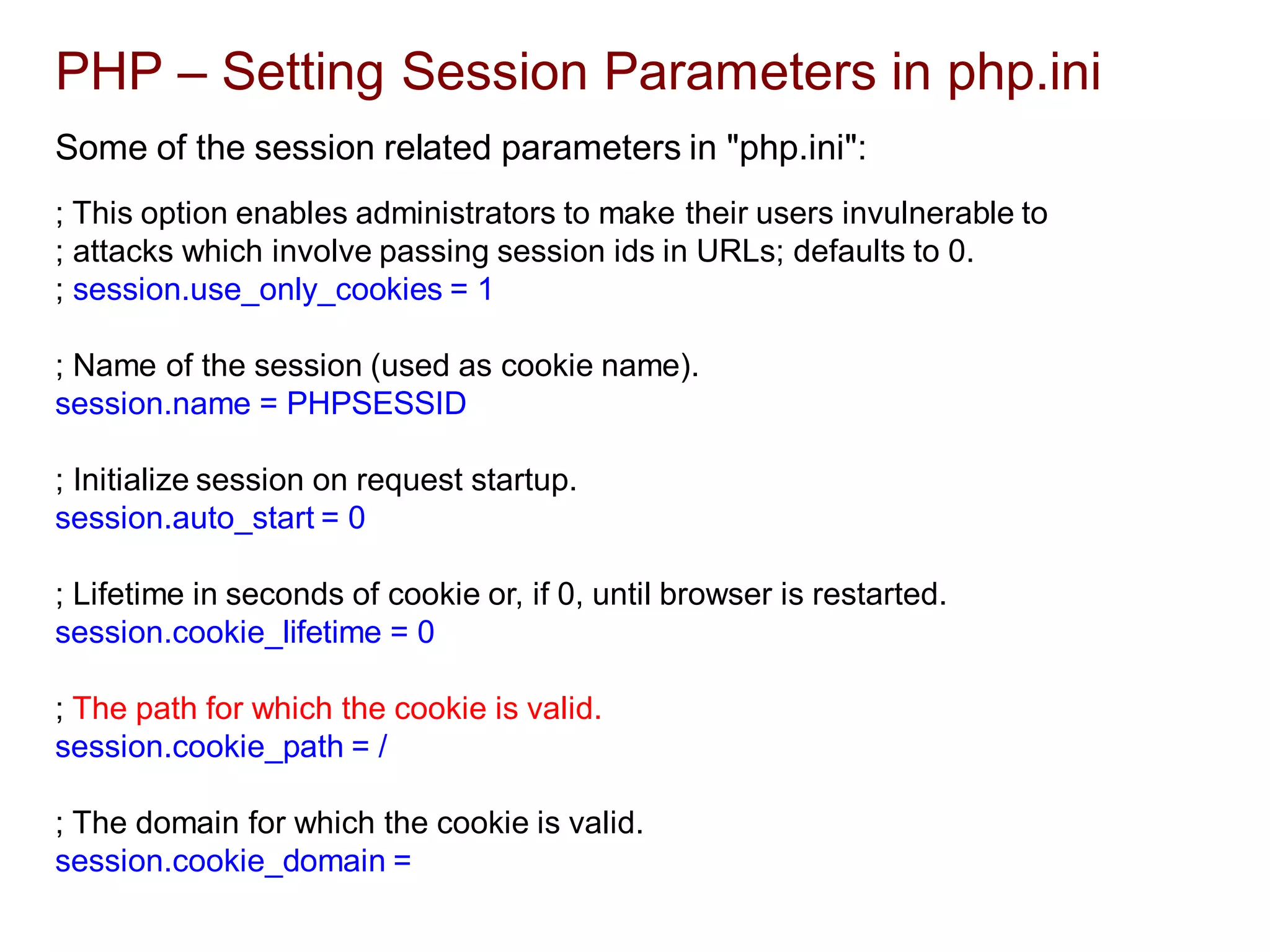
Some of the session related parameters in "php.ini":
; This option enables administrators to make their users invulnerable to
; attacks which involve passing session ids in URLs; defaults to 0.
; session.use_only_cookies = 1
; Name of the session (used as cookie name).
session.name = PHPSESSID
; Initialize session on request startup.
session.auto_start = 0
; Lifetime in seconds of cookie or, if 0, until browser is restarted.
session.cookie_lifetime = 0
; The path for which the cookie is valid.
session.cookie_path = /
; The domain for which the cookie is valid.
session.cookie_domain =
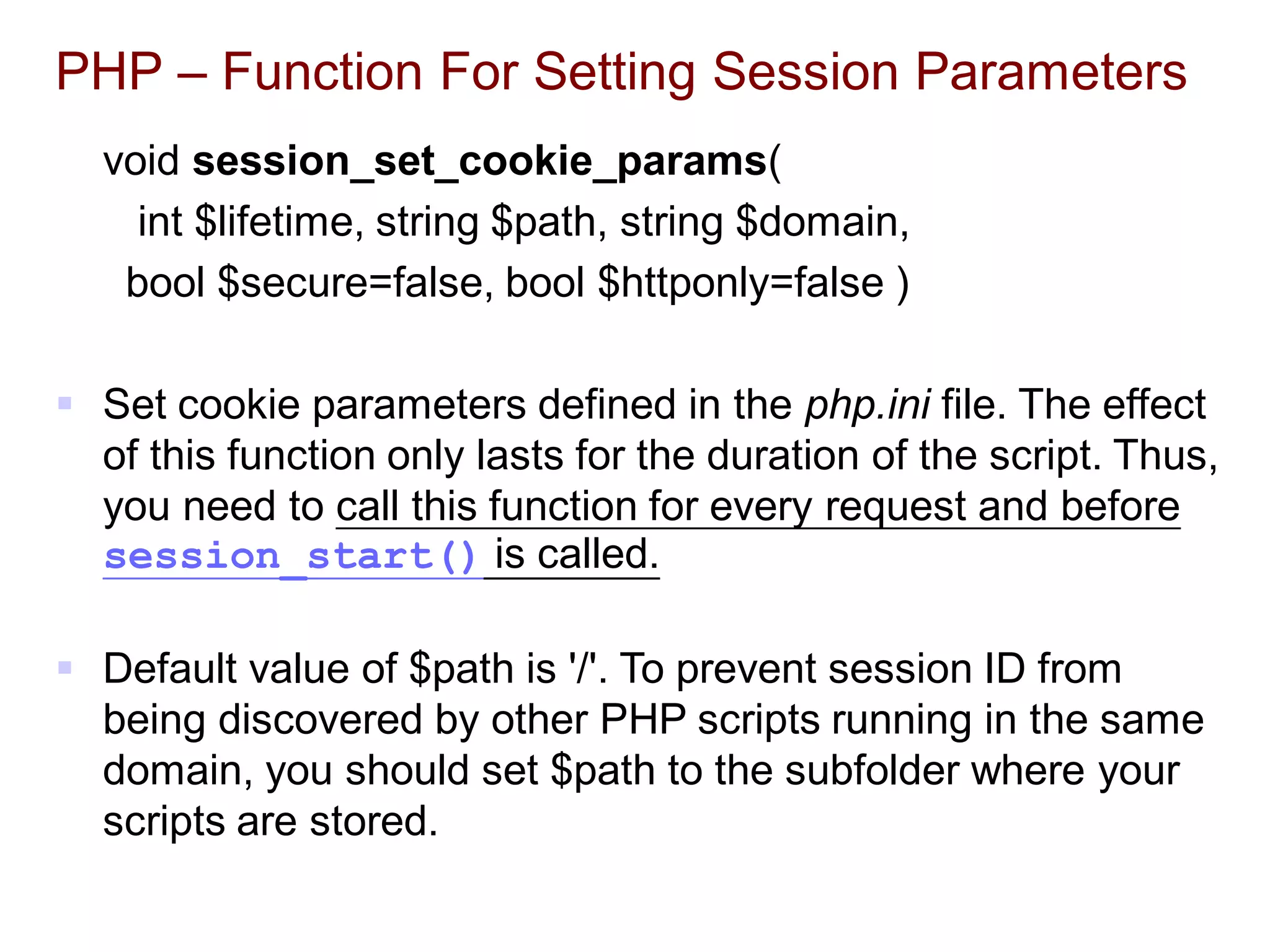
PHP – Function For Setting Session Parameters
void session_set_cookie_params(
int $lifetime, string $path, string $domain,
bool $secure=false, bool $httponly=false )
 Set cookie parameters defined in the php.ini file. The effect
of this function only lasts for the duration of the script. Thus,
you need to call this function for every request and before
session_start() is called.
 Default value of $path is '/'. To prevent session ID from
being discovered by other PHP scripts running in the same
domain, you should set $path to the subfolder where your
scripts are stored.
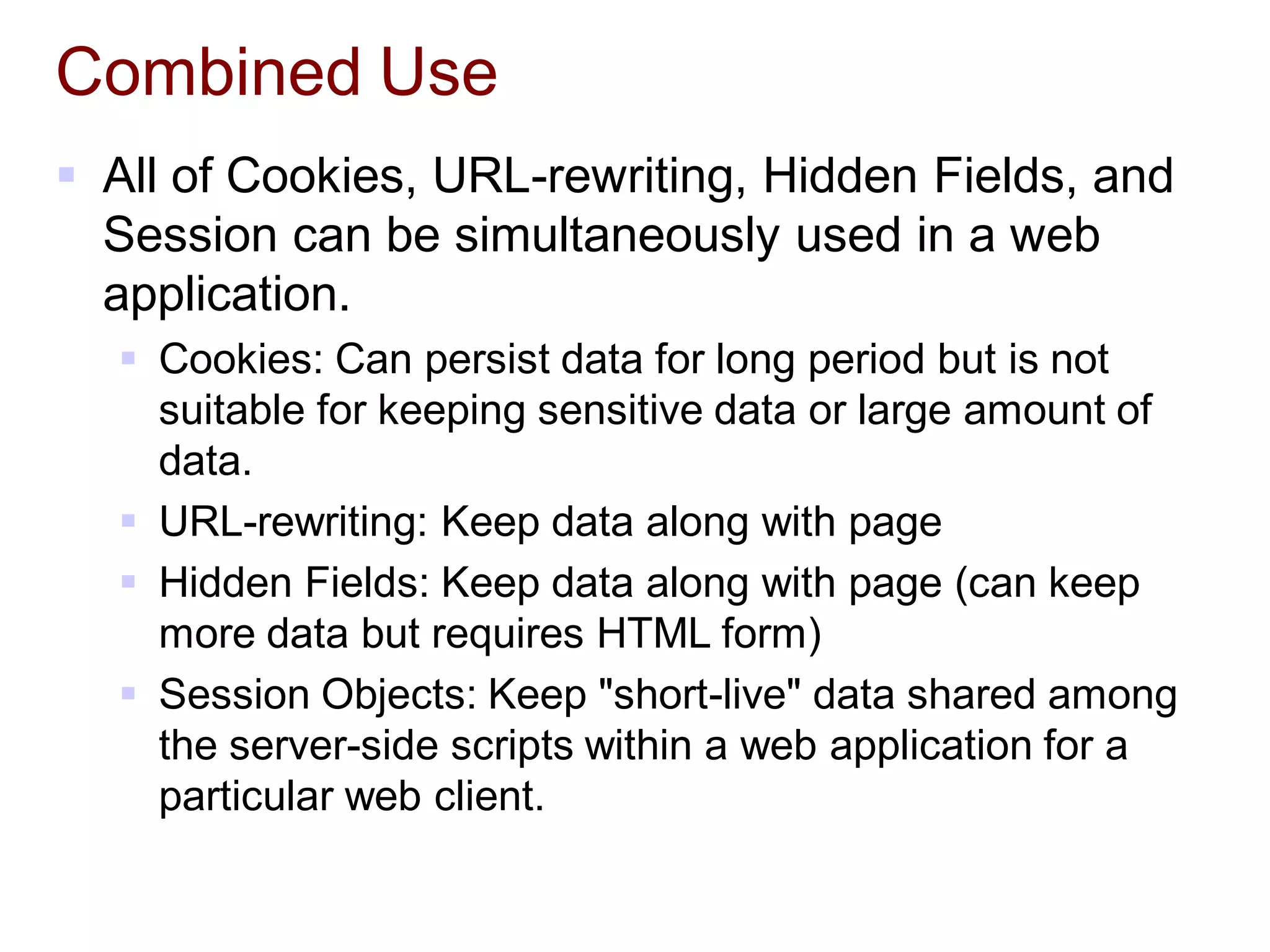
Combined Use
 All of Cookies, URL-rewriting, Hidden Fields, and
Session can be simultaneously used in a web
application.
 Cookies: Can persist data for long period but is not
suitable for keeping sensitive data or large amount of
data.
 URL-rewriting: Keep data along with page
 Hidden Fields: Keep data along with page (can keep
more data but requires HTML form)
 Session Objects: Keep "short-live" data shared among
the server-side scripts within a web application for a
particular web client.
Summary
 Session Management
 Cookies
 URL-Rewriting
 Hidden Fields in HTML Form
 High level APIs in Java and HttpSession Objects.
 References
 http://en.wikipedia.org/wiki/HTTP_cookie
 PHP Manual – Session Handling
 http://hk.php.net/manual/en/book.session.php

4.4 PHP Session

  • 1.
  • 2.
    Cookies  HTTP cookiesare data which a server-side script sends to a web client to keep for a period of time.  On every subsequent HTTP request, the web client automatically sends the cookies back to server (unless the cookie support is turned off).  The cookies are embedded in the HTTP header (and therefore not visible to the users).
  • 3.
    Cookies  Shortcomings ofusing cookies to keep data  User may turn off cookies support.  Data are kept with the browser  Users using the same browser share the cookies.  Limited number of cookies (20) per server/domain and limited size (4k bytes) per cookie  Client can temper with cookies  Modify cookie files, use JavaScript to create/modify cookies, etc.  Notes  Don't always rely on cookies as the client may have turned off cookies support.  Don't store sensitive info in cookies
  • 4.
    PHP – AccessingCookies  To set a cookie, call setcookie()  e.g., setcookie('username', 'Joe');  To delete a cookie (use setcookie() without a value)  e.g., setcookie('username');  To retrieve a cookie, refer to $COOKIE  e.g. $username = $_COOKIE('username');  Note:  Cookies can only be set before any output is sent.  You cannot set and access a cookie in the same page. Cookies set in a page are available only in the future requests.
  • 5.
    PHP – MoreAbout Setting Cookies … setcookie(name, value, expiration, path, domain, secure, httponly)  expiration  Cookie expiration time in seconds  0  The cookie is not to be stored persistently and will be deleted when the web client closes.  Negative value  Request the web client to delete the cookie  e.g.: setcookie('username', 'Joe', time() + 1800); // Expire in 30 minutes
  • 6.
    PHP – MoreAbout Setting Cookies …  path  Sets the path to which the cookie applies.  The cookie is only visible to all the pages in that directory and its sub-directories.  If set to '/', the cookie will be available within the entire domain.  If set to '/foo/', the cookie will only be available within the /foo/ directory and all sub-directories such as /foo/bar/ of domain .  The default value is the current directory that the cookie is being set in.
  • 7.
    PHP – MoreAbout Setting Cookies …  domain  The domain that the cookie is available.  To make the cookie available on all subdomains of example.com, you'd set it to '.example.com'.  Setting it to 'www.example.com' will make the cookie only available in the www subdomain.  secure  Indicates that the cookie should only be transmitted over a secure HTTPS connection from the client. When set to TRUE, the cookie will only be set if a secure connection exists. The default is FALSE.  httponly  When TRUE the cookie will be made accessible only through the HTTP protocol.
  • 8.
    URL-Rewriting  Append thedata to the URL  e.g.: http://www.xyz.com/foo.php?name1=value1&name2=value2  Data are kept along with the "page"  Need to append the data to every URL in the page that needs to carry the data to another page.  Every 'name' and 'value' should be URL encoded using urlencode().  Shortcoming of using URL-rewriting to keep data:  Limited number of characters in an URL  Not suitable for sensitive info  You can encrypt the data to improve security (e.g., www.ebay.com)  Breaks when a user access a static HTML page
  • 9.
    1 2 3 4 5 6 7 8 9 10 11 12 13 14 15 16 17 PHP – URL-RewritingExample <?php // Append all (key, value) pairs in $array to $url as // $url?key1=value1&key2=value2&… function append_data_to_url($url, $array) { $first = true; $url .= '?'; foreach ($array as $key => $value) { if (! $first) $url .= '&'; else $first = false; $url .= urlencode($key) . '=' . urlencode($value); } return $url; } // Continue next page
  • 10.
    18 19 20 21 22 23 24 25 26 27 28 29 30 31 32 33 34 35 PHP – URL-RewritingExample // A script that lists 20 items per page $current_page = $_REQUEST['page']; $sort_order = $_REQUEST['sort']; // Perform validation and set default values here … // Create parameters that need to be appended to URL $params = array('page' => $current_page + 1, 'sort' => $sort_order); // Append the above parameters to the URL that links // to the next page $next_page_url = append_data_to_url( $_SERVER['PHP_SELF'], $params); // Repeat for other URLs that need to carry data // in the URL … ?>
  • 11.
    36 37 38 39 40 41 42 43 44 45 46 PHP – URL-RewritingExample  In this example, when the user clicks the "Next Page" link, the script will knows which page to display and what sorting order to use. <html><head><title>URL-Rewriting Example</title></head> <body> <?php // Retrieve and display current page's data here … ?> <a href="<?php echo $next_page_url;?>">Next Page</a> … </body></html>
  • 12.
    Hidden Fields inHTML Form  Data are encoded as hidden fields in HTML form as: <input type="hidden" name="username" value="CJ Yuan" />  Shortcoming of using URL-rewriting to keep data:  Require HTML form elements
  • 13.
    Session  A sessionis a period of time in which all activities happened within the period by the same web client are considered "related" (typically belong to the same application.)  Session Tracking – keeping track of users as they traverse from one web page (generated from a script) to another within a website (or within a web application).
  • 14.
    How Session Works? The first time a web client visits a server, the server sends a unique "session ID" to the web client for the client to keep.  Session ID is typically stored in the cookies.  The session ID is used by the server to identify the client.  For each session ID created, the server also creates a storage space. Server-side scripts that receive the same session ID share the same storage space.  The storage space is typically implemented as a map-liked data structure.  In PHP, it is an associative array named $_SESSION[].  A session's "storage space" is only kept alive for a period of time (session period) or until it is explicitly deleted.
  • 15.
    1 2 3 4 5 6 7 8 9 10 PHP – Participatingin a session The first time session_start() is called, it will attempt to send a cookie named PHPSESSID with a generated session ID made up of 32 hexadecimal letters. The data stored in $_SESSION[] will be saved in an external file when the script exits. <?php // Must call this function first in all scripts that // need to participate in the same session. session_start(); // Now we can read/write data from/to $_SESSION[] if (authenticate($_POST['user'], $_POST['passwd'])) { // Use this value to remember if a user has 'logged in' $_SESSION['user'] = $_POST['user']; } else unset($_SESSION['user']); … ?> login.php
  • 16.
    1 2 3 4 5 6 7 8 9 10 PHP – Participatingin a session (continue) If a user has successfully logged in through login.php, then The next time session_start() is called, it will load the session data from a file into $_SESSION[] based on the value of PHPSESSID. <?php // To participate in the session session_start(); // Session data set in login.php are available here if (! isset($_SESSION['user'])) { // User has not yet logged on } … ?> another_file.php
  • 17.
    1 2 3 4 5 6 7 8 9 10 11 12 13 14 PHP – Endinga session Note: session_name() returns the name of the cookie that stores the session ID. <?php // To start or participate in a session. session_start(); $_SESSION = array(); // Clearing all session data // Delete the cookie that stores the session ID to KILL the session if (isset($_COOKIE[session_name()])) setcookie(session_name(), '', time()-3600, '/'); // Finally, destroy the session (Deleting // the session data stored in the file) session_destroy(); ?> logout.php
  • 18.
    PHP – SettingSession Parameters in php.ini Some of the session related parameters in "php.ini": ; This option enables administrators to make their users invulnerable to ; attacks which involve passing session ids in URLs; defaults to 0. ; session.use_only_cookies = 1 ; Name of the session (used as cookie name). session.name = PHPSESSID ; Initialize session on request startup. session.auto_start = 0 ; Lifetime in seconds of cookie or, if 0, until browser is restarted. session.cookie_lifetime = 0 ; The path for which the cookie is valid. session.cookie_path = / ; The domain for which the cookie is valid. session.cookie_domain =
  • 19.
    PHP – FunctionFor Setting Session Parameters void session_set_cookie_params( int $lifetime, string $path, string $domain, bool $secure=false, bool $httponly=false )  Set cookie parameters defined in the php.ini file. The effect of this function only lasts for the duration of the script. Thus, you need to call this function for every request and before session_start() is called.  Default value of $path is '/'. To prevent session ID from being discovered by other PHP scripts running in the same domain, you should set $path to the subfolder where your scripts are stored.
  • 20.
    Combined Use  Allof Cookies, URL-rewriting, Hidden Fields, and Session can be simultaneously used in a web application.  Cookies: Can persist data for long period but is not suitable for keeping sensitive data or large amount of data.  URL-rewriting: Keep data along with page  Hidden Fields: Keep data along with page (can keep more data but requires HTML form)  Session Objects: Keep "short-live" data shared among the server-side scripts within a web application for a particular web client.
  • 21.
    Summary  Session Management Cookies  URL-Rewriting  Hidden Fields in HTML Form  High level APIs in Java and HttpSession Objects.  References  http://en.wikipedia.org/wiki/HTTP_cookie  PHP Manual – Session Handling  http://hk.php.net/manual/en/book.session.php