Cookies and Sessions
http://www.wa4e.com/code/sessions.zip
HTTP Cookies
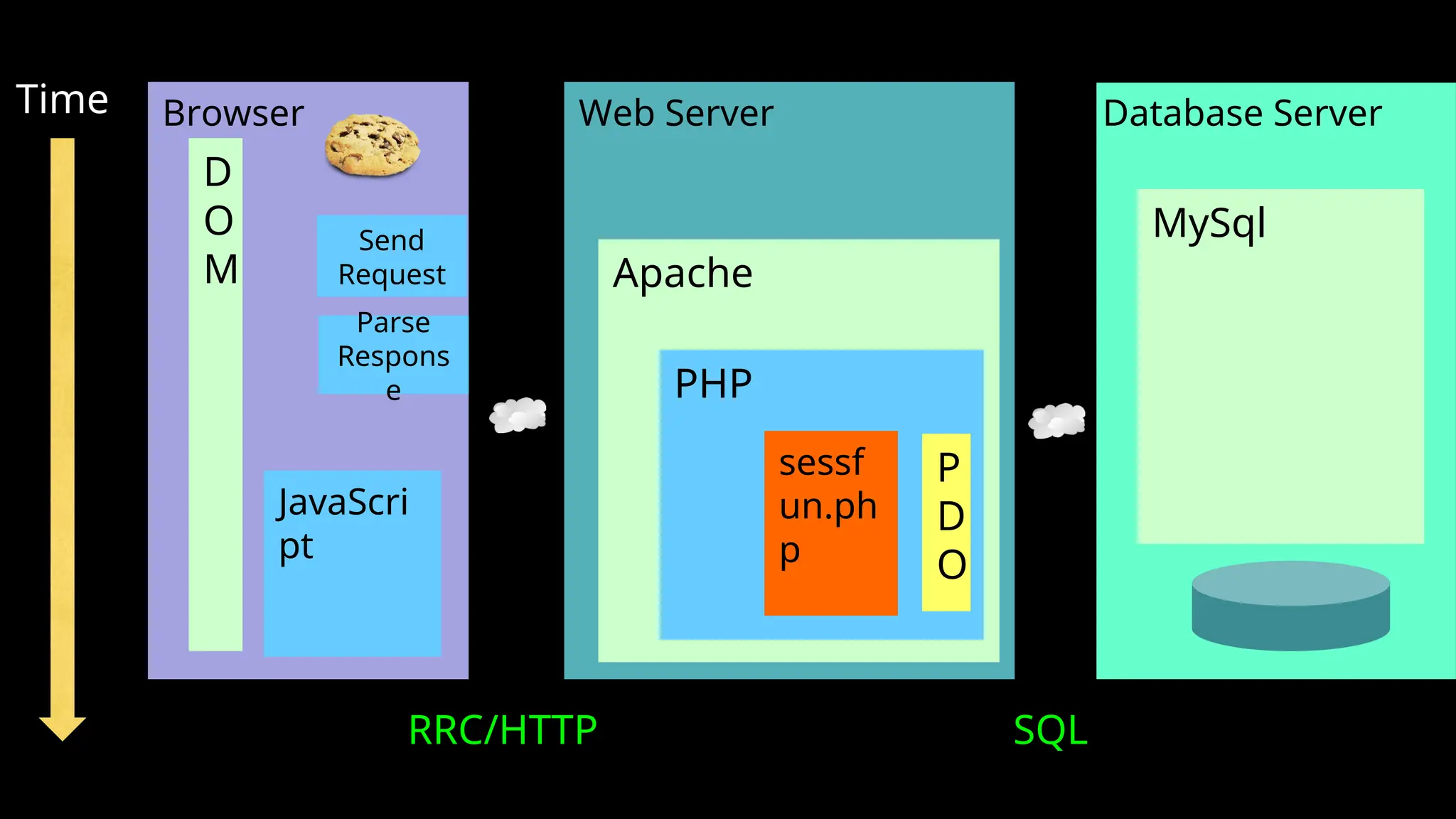
Web Server Database Server
Time
Apache
PHP
MySql
Browser
JavaScri
pt
D
O
M
RRC/HTTP SQL
Parse
Respons
e
sessf
un.ph
p
P
D
O
Send
Request
Multi-User / Multi-Browser
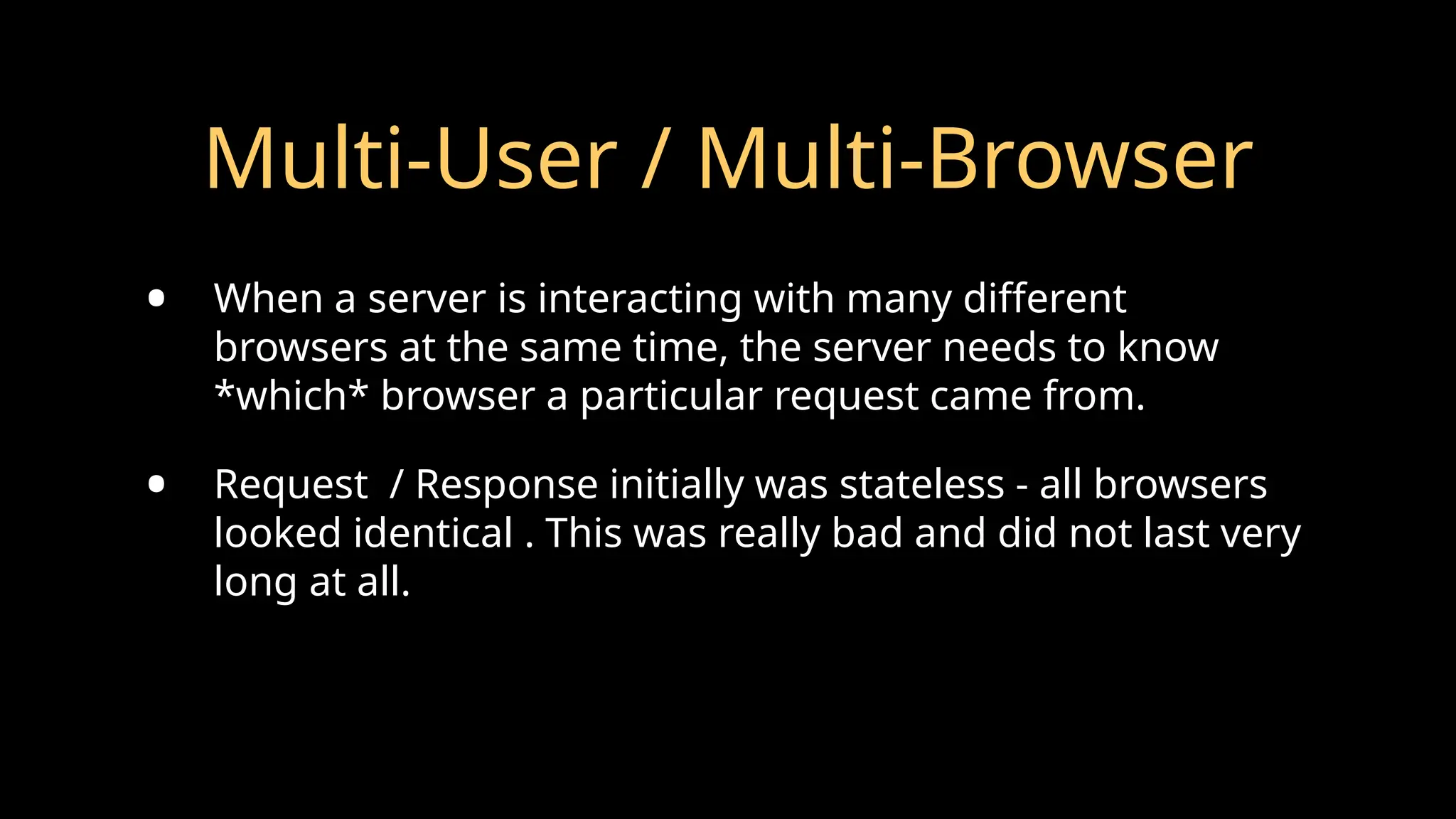
• When a server is interacting with many different
browsers at the same time, the server needs to know
*which* browser a particular request came from.
• Request / Response initially was stateless - all browsers
looked identical . This was really bad and did not last very
long at all.
Web Cookies to the Rescue
http://en.wikipedia.org/wiki/HTTP_cookie
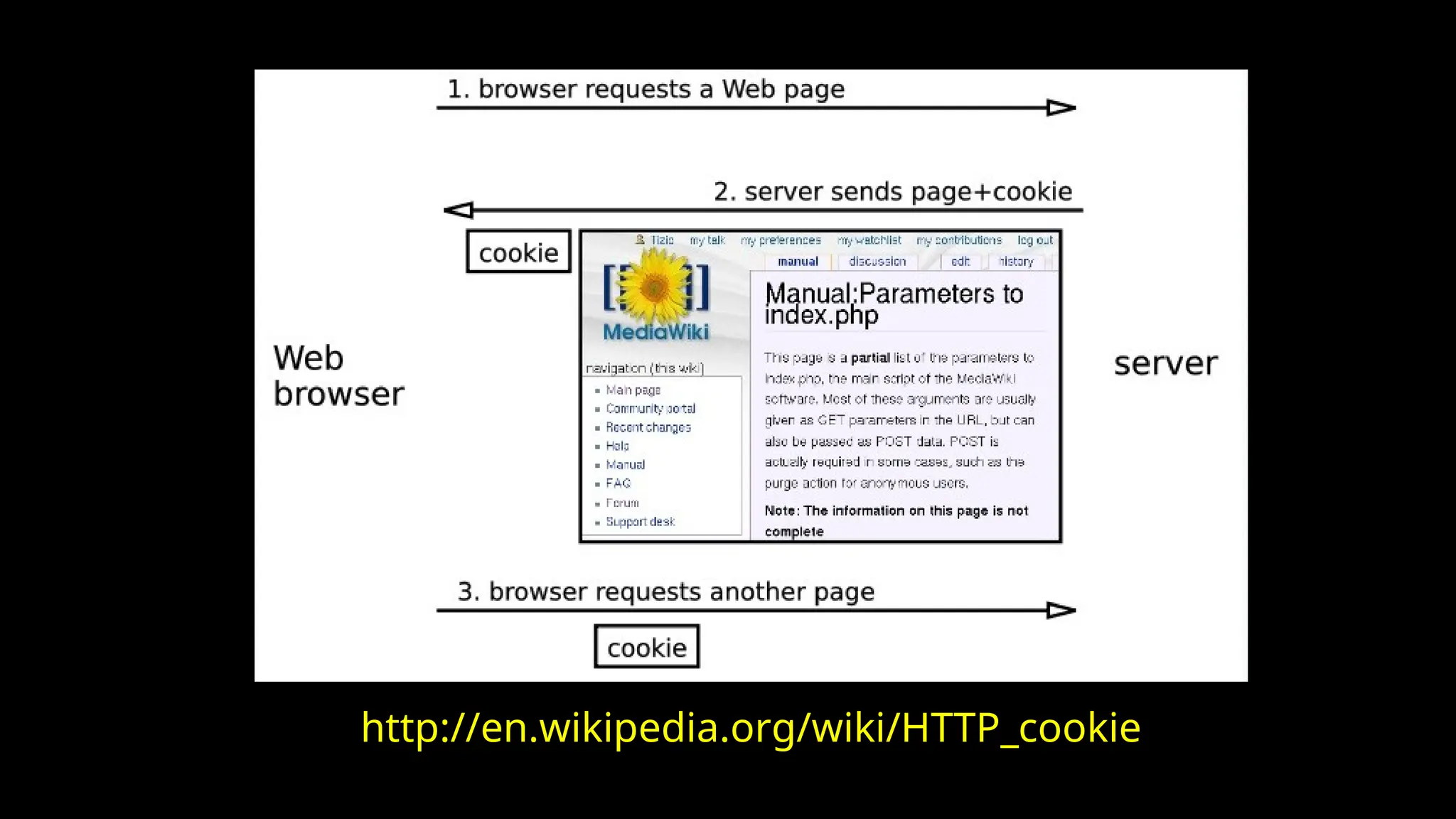
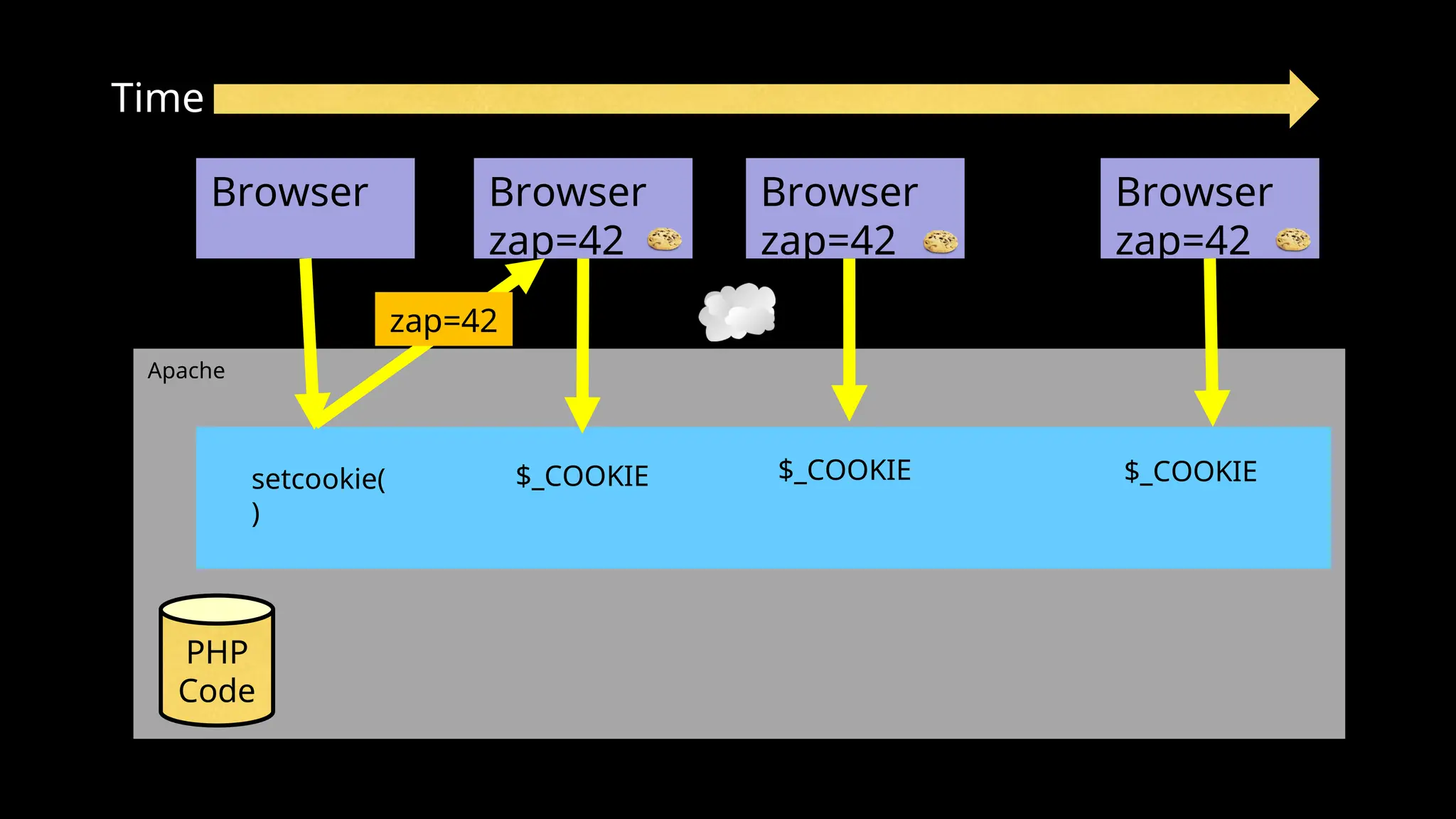
Technically, cookies are arbitrary pieces of data chosen by the
Web server and sent to the browser. The browser returns them
unchanged to the server, introducing a state (memory of
previous events) into otherwise stateless HTTP transactions.
Without cookies, each retrieval of a Web page or component of
a Web page is an isolated event, mostly unrelated to all other
views of the pages of the same site.
http://en.wikipedia.org/wiki/HTTP_cookie
Cookies In the Browser
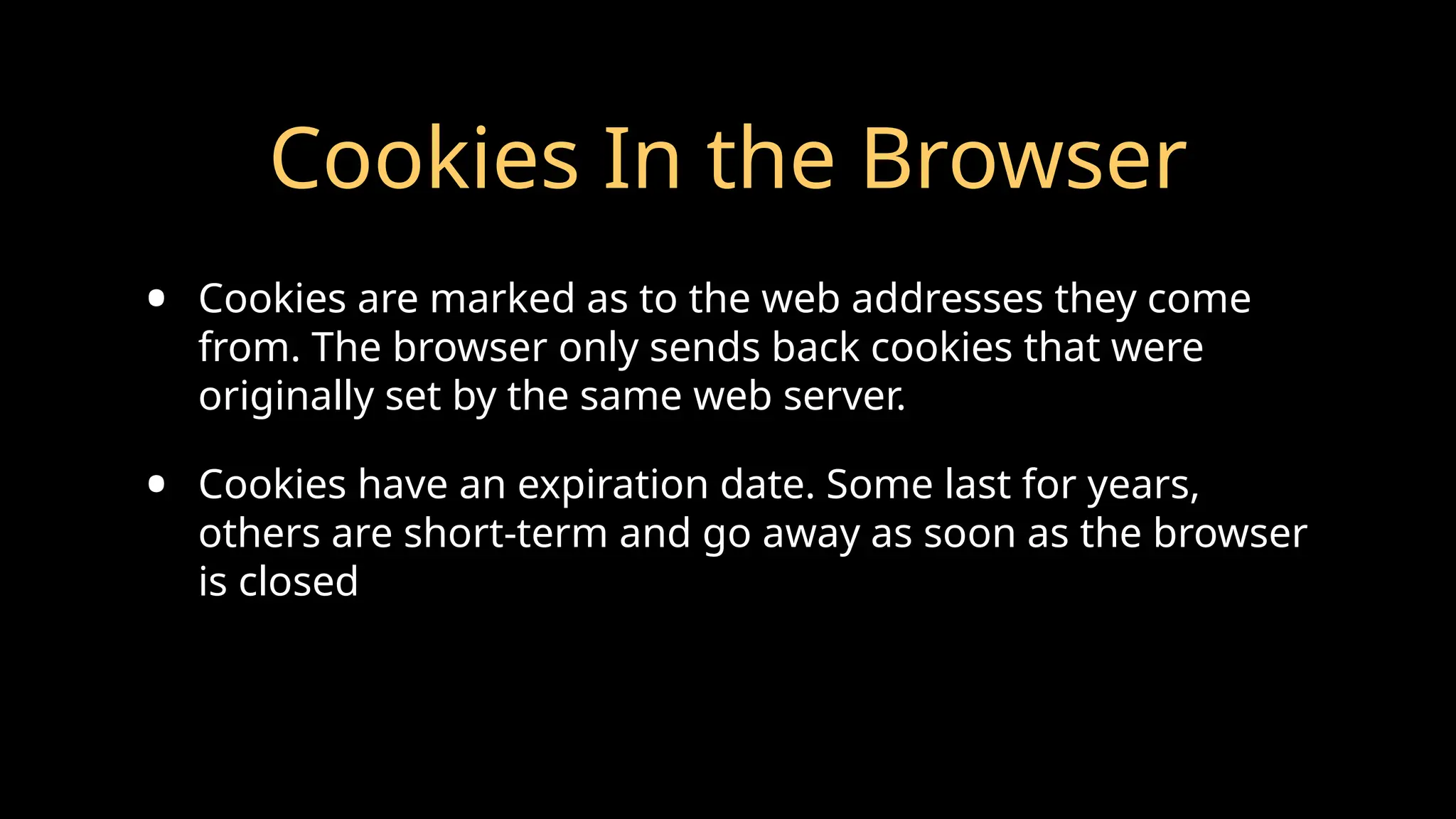
• Cookies are marked as to the web addresses they come
from. The browser only sends back cookies that were
originally set by the same web server.
• Cookies have an expiration date. Some last for years,
others are short-term and go away as soon as the browser
is closed
http://php.net/manual/en/
features.cookies.php
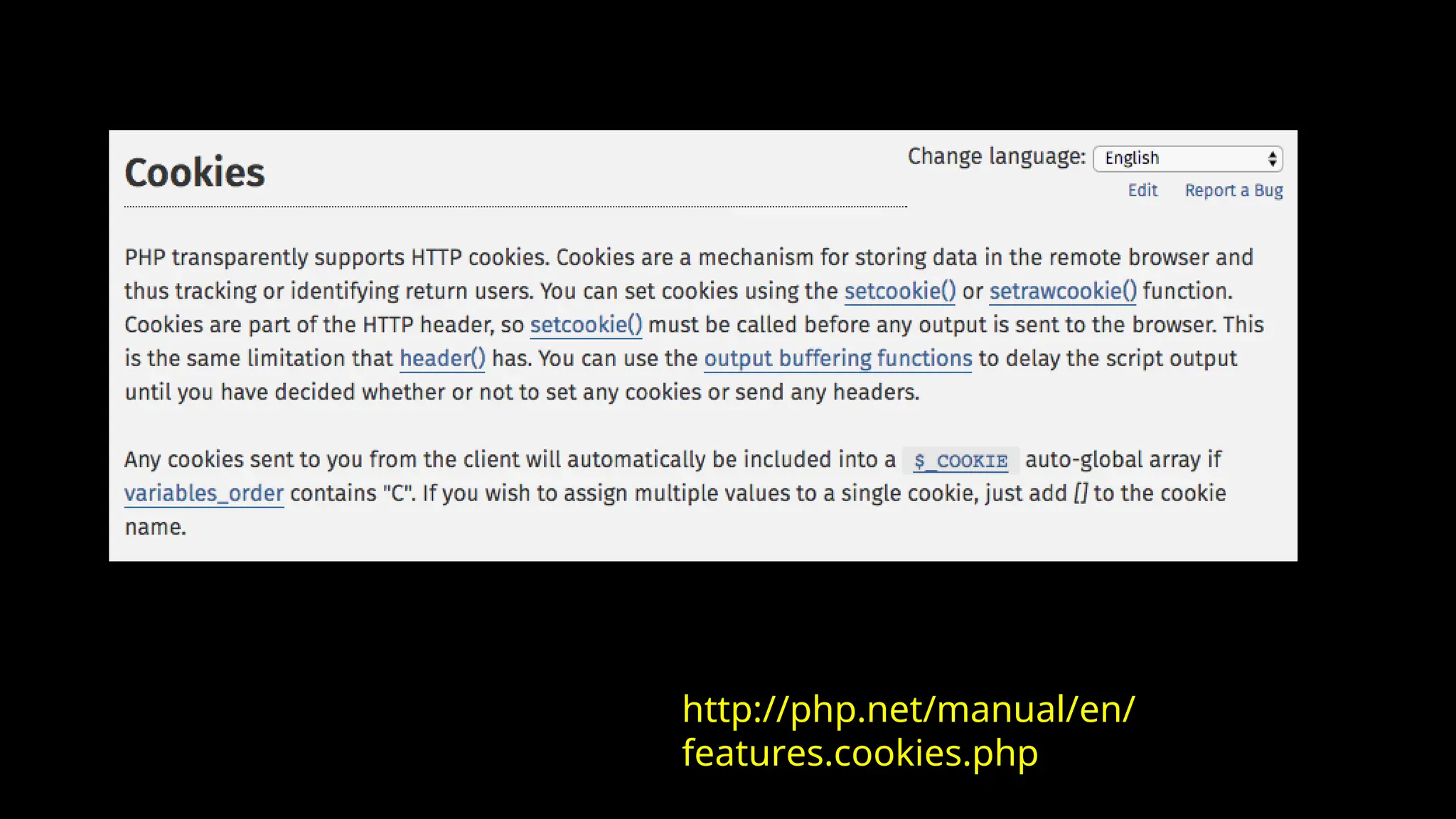
<?php
// Note - cannot have any output before setcookie
if ( ! isset($_COOKIE['zap']) ) {
setcookie('zap', '42', time()+3600);
}
?>
<pre>
<?php print_r($_COOKIE); ?>
</pre>
<p><a href="cookie.php">Click Me!</a> or press Refresh</p>
http://www.wa4e.com/code/sessions/cookie.php
Apache
Time
Browser
PHP
Code
Browser
zap=42
Browser
zap=42
Browser
zap=42
zap=42
setcookie(
)
$_COOKIE $_COOKIE $_COOKIE
PHP Sessions
http://www.wa4e.com/code/sessions.zip
Web Server Database Server
Time
Apache
PHP
MySql
Browser
JavaScri
pt
D
O
M
RRC/HTTP SQL
Parse
Respons
e
sessf
un.ph
p
P
D
O
4
2
6f
3
e
Sessions:
Send
Request
In the Server - Sessions
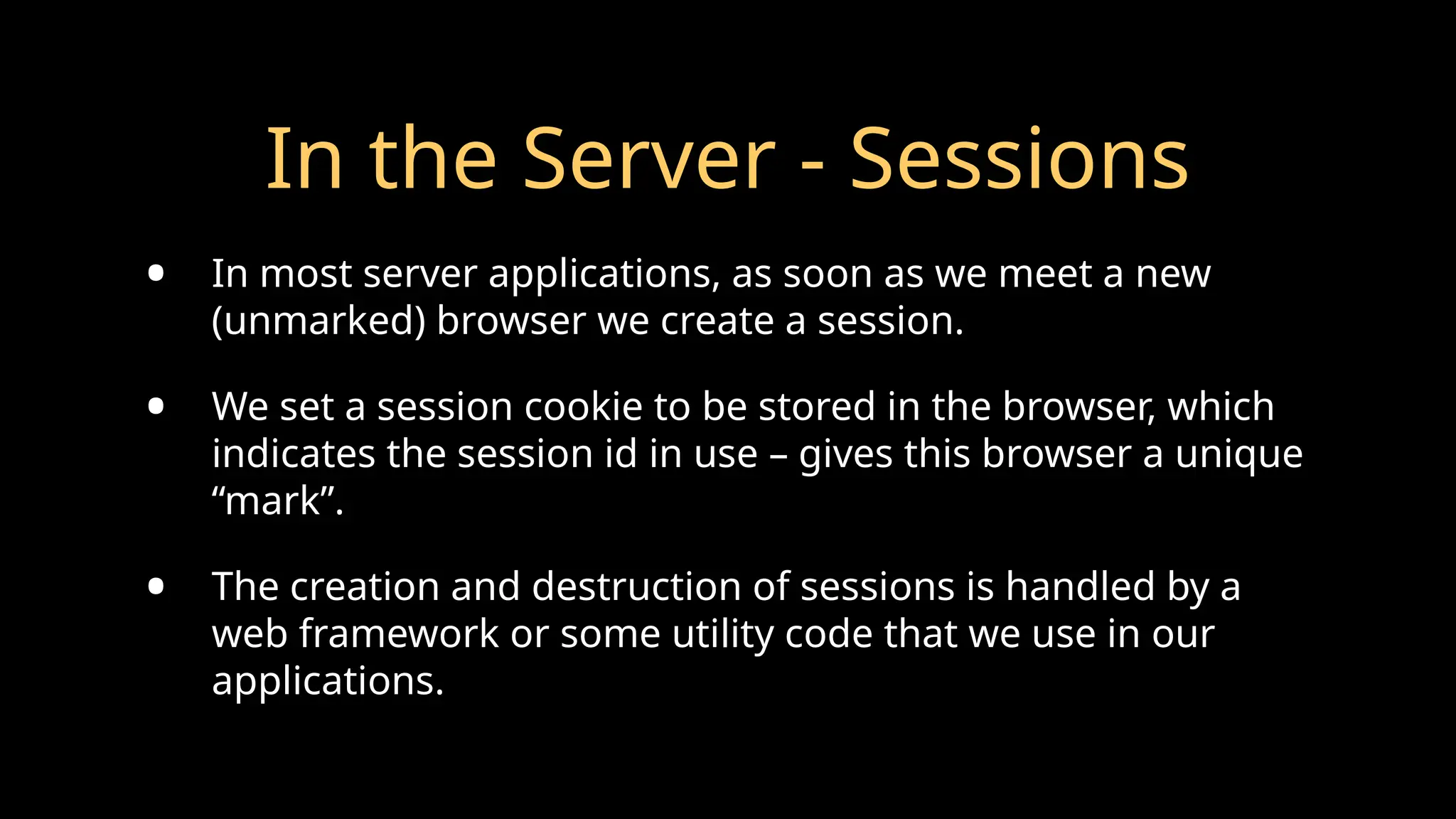
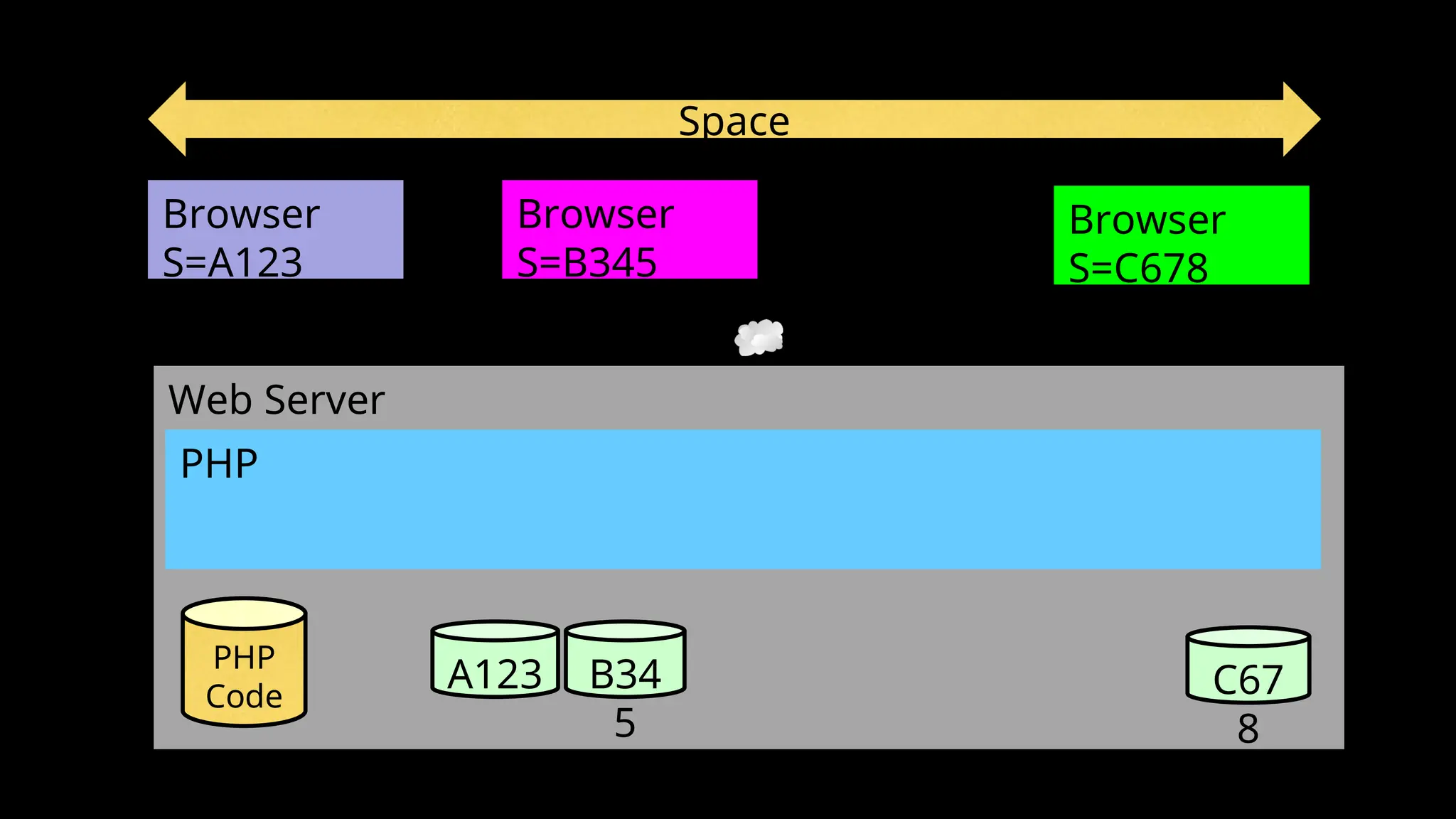
• In most server applications, as soon as we meet a new
(unmarked) browser we create a session.
• We set a session cookie to be stored in the browser, which
indicates the session id in use – gives this browser a unique
“mark”.
• The creation and destruction of sessions is handled by a
web framework or some utility code that we use in our
applications.
Session Identifier
• A large, random number that we place in a browser cookie the
first time we encounter a browser
• This number is used to pick from the many sessions that the
server has active at any one time.
• Server software stores data in the session that it wants to have
from one request to another from the same browser.
• Shopping cart or login information is stored in the session in the
server.
Space
Web Server
PHP
Browser
S=A123
PHP
Code
A123 B34
5
C67
8
Browser
S=B345
Browser
S=C678
PHP Sessions
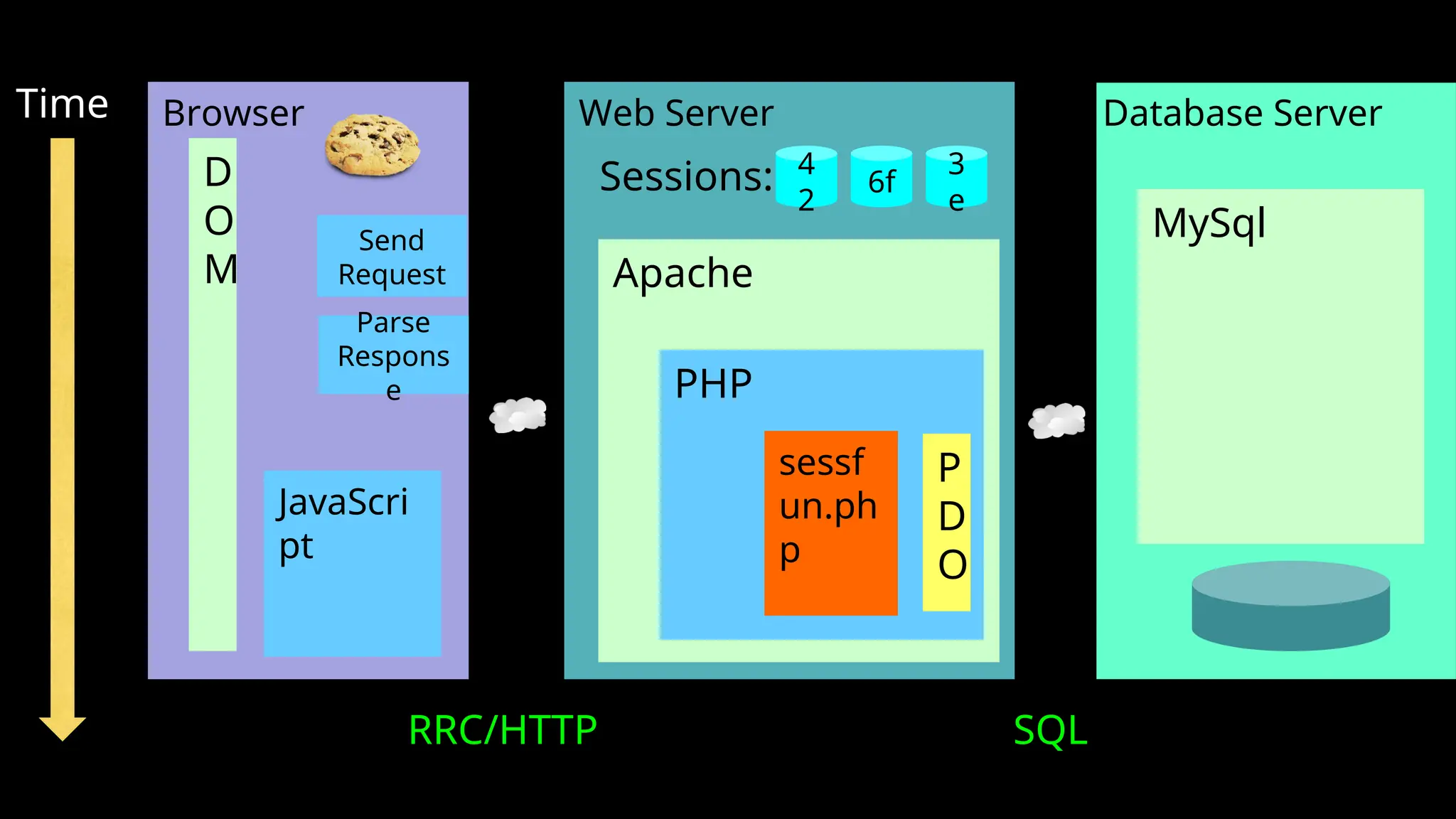
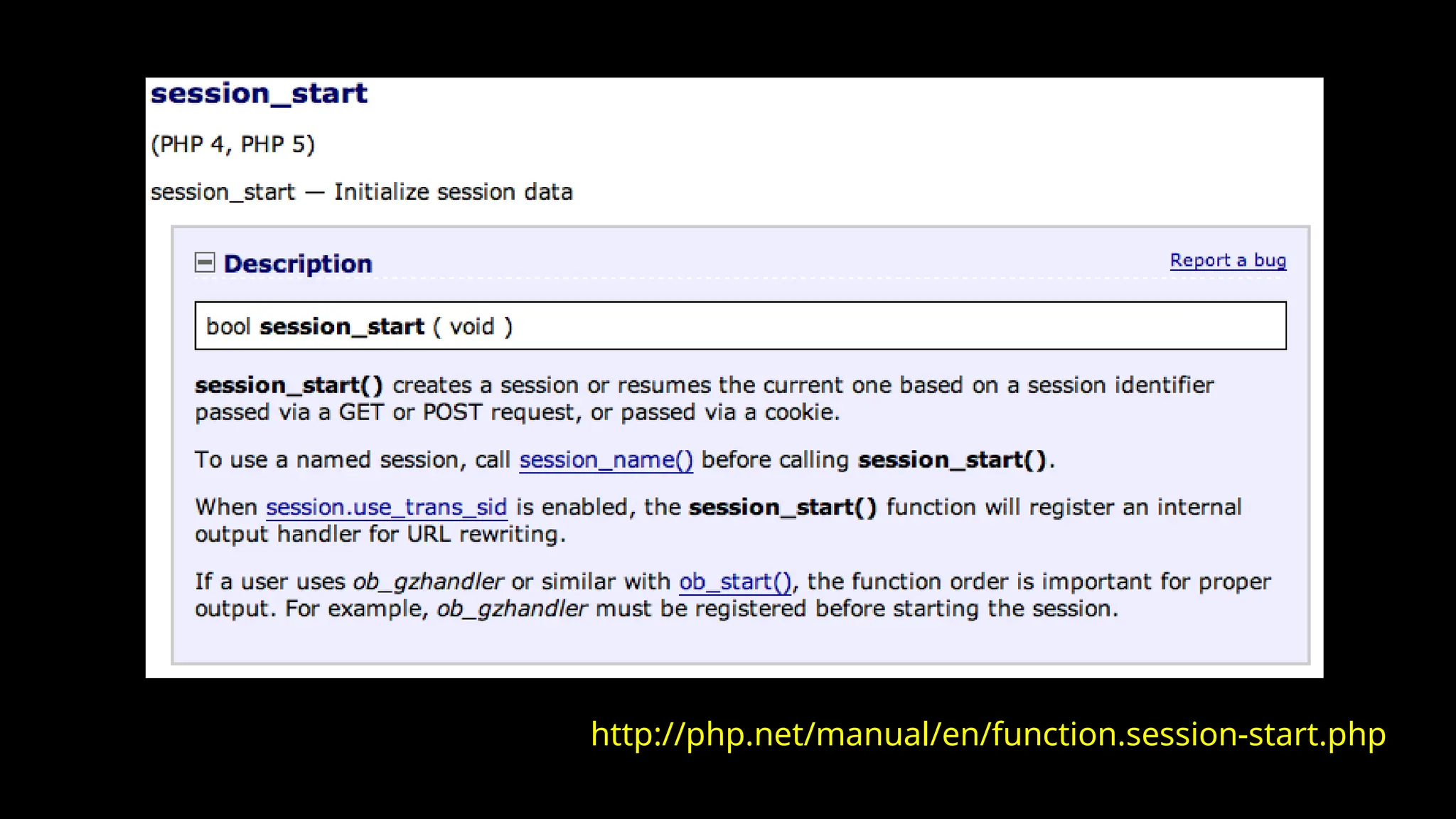
• We can establish / initialize a PHP session by calling
session_start() before any output has come out.
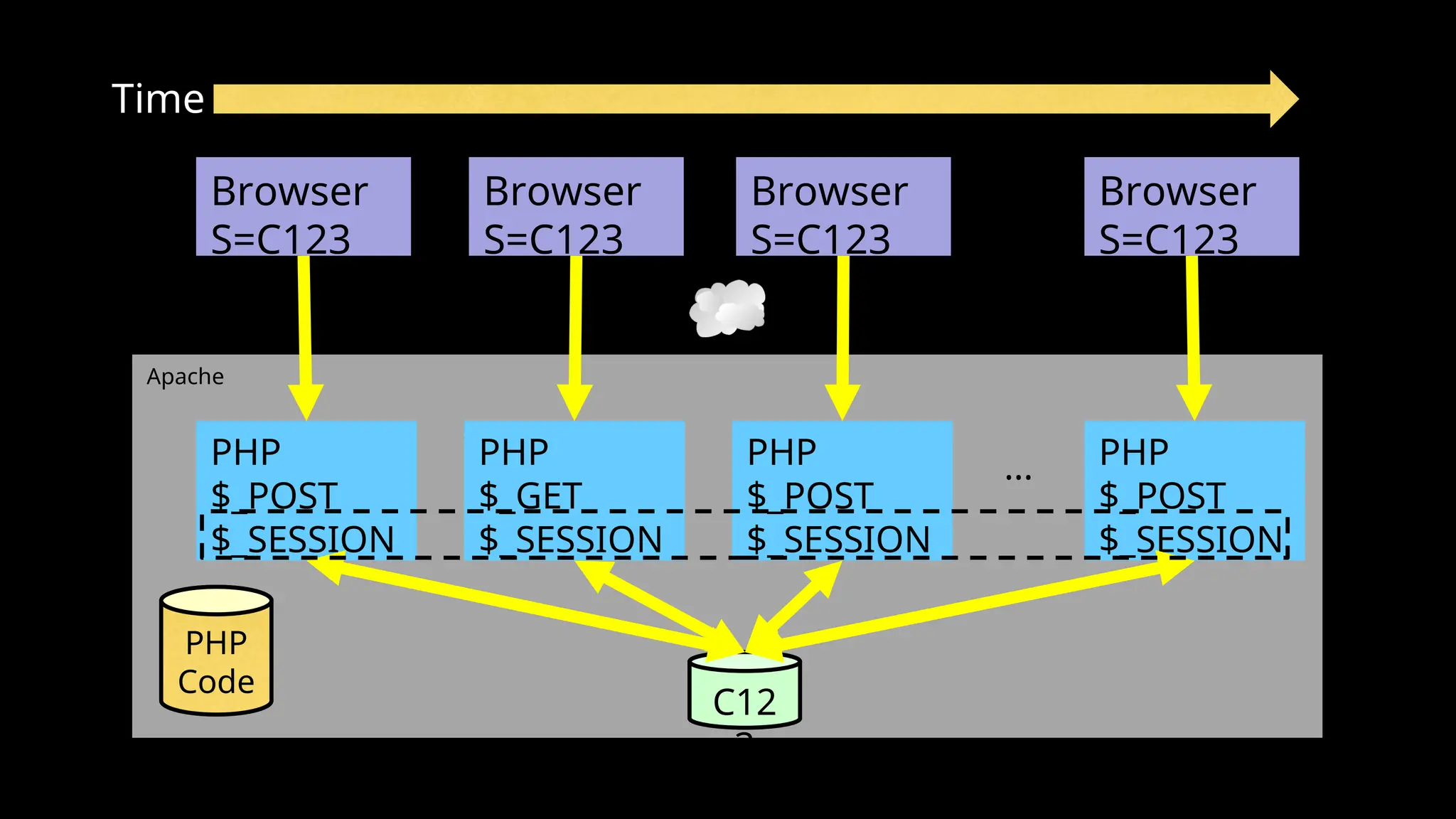
• If the user has cookies set, we can use the array
$_SESSION to store data from one request to the next
with a particular browser.
• We have a bit of data that persists from one request to
the next.
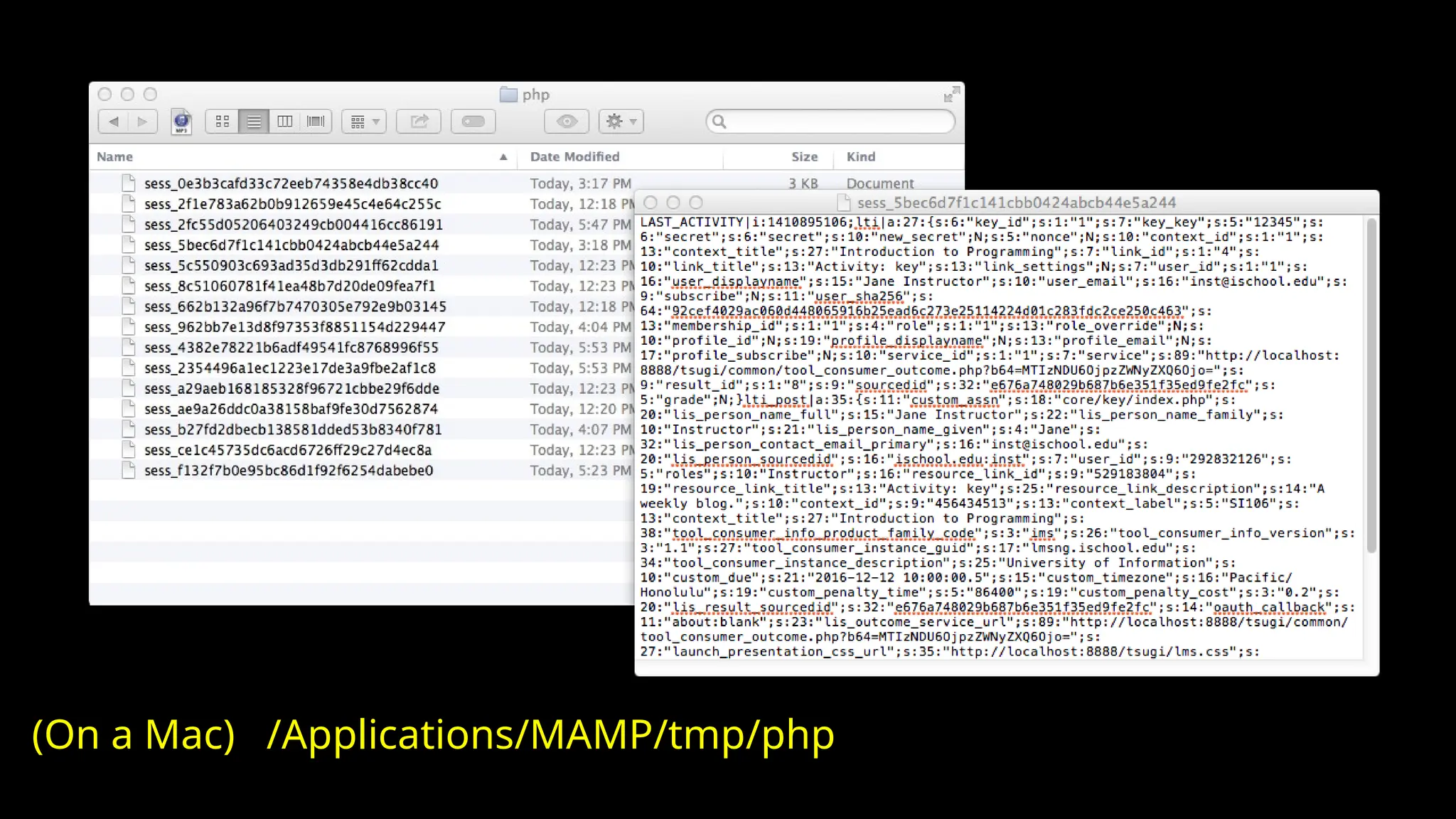
• By default, these are stored in a temporary folder on
disk.
Apache
Time
PHP
$_POST
$_SESSION
Browser
S=C123
PHP
Code
C12
3
PHP
$_GET
$_SESSION
PHP
$_POST
$_SESSION
PHP
$_POST
$_SESSION
...
Browser
S=C123
Browser
S=C123
Browser
S=C123
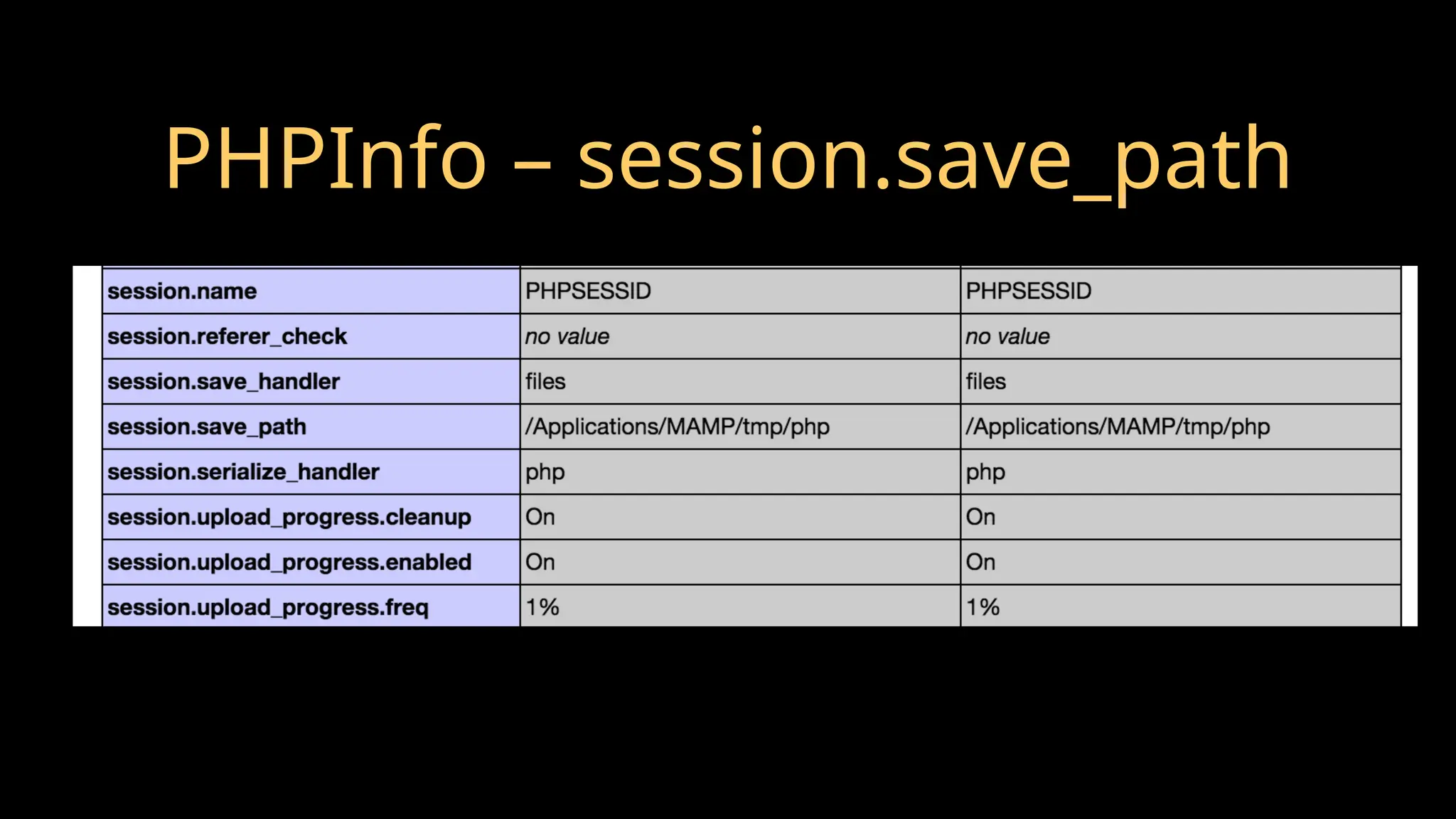
PHPInfo – session.save_path
(On a Mac) /Applications/MAMP/tmp/php
http://php.net/manual/en/function.session-start.php
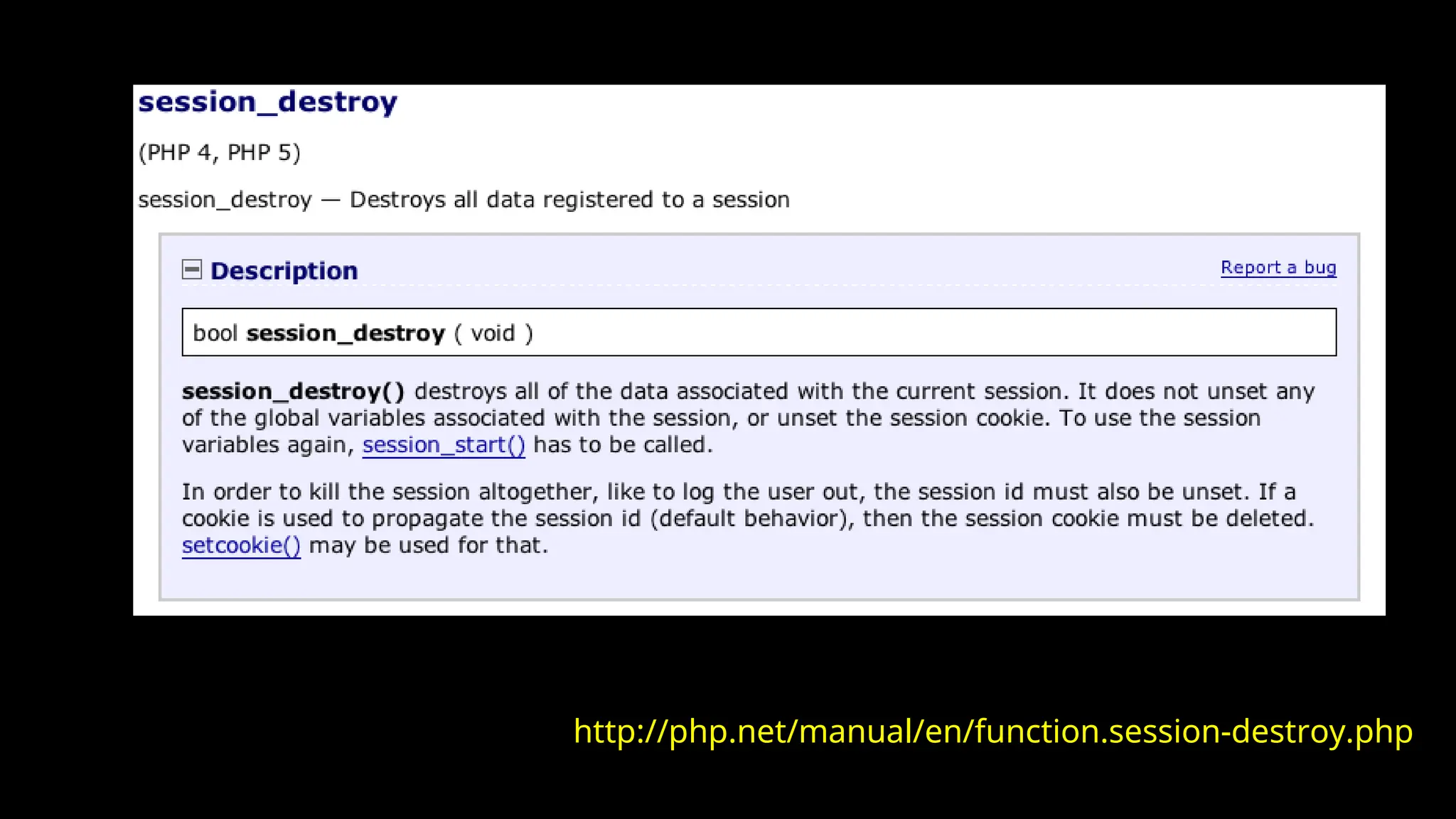
http://php.net/manual/en/function.session-destroy.php
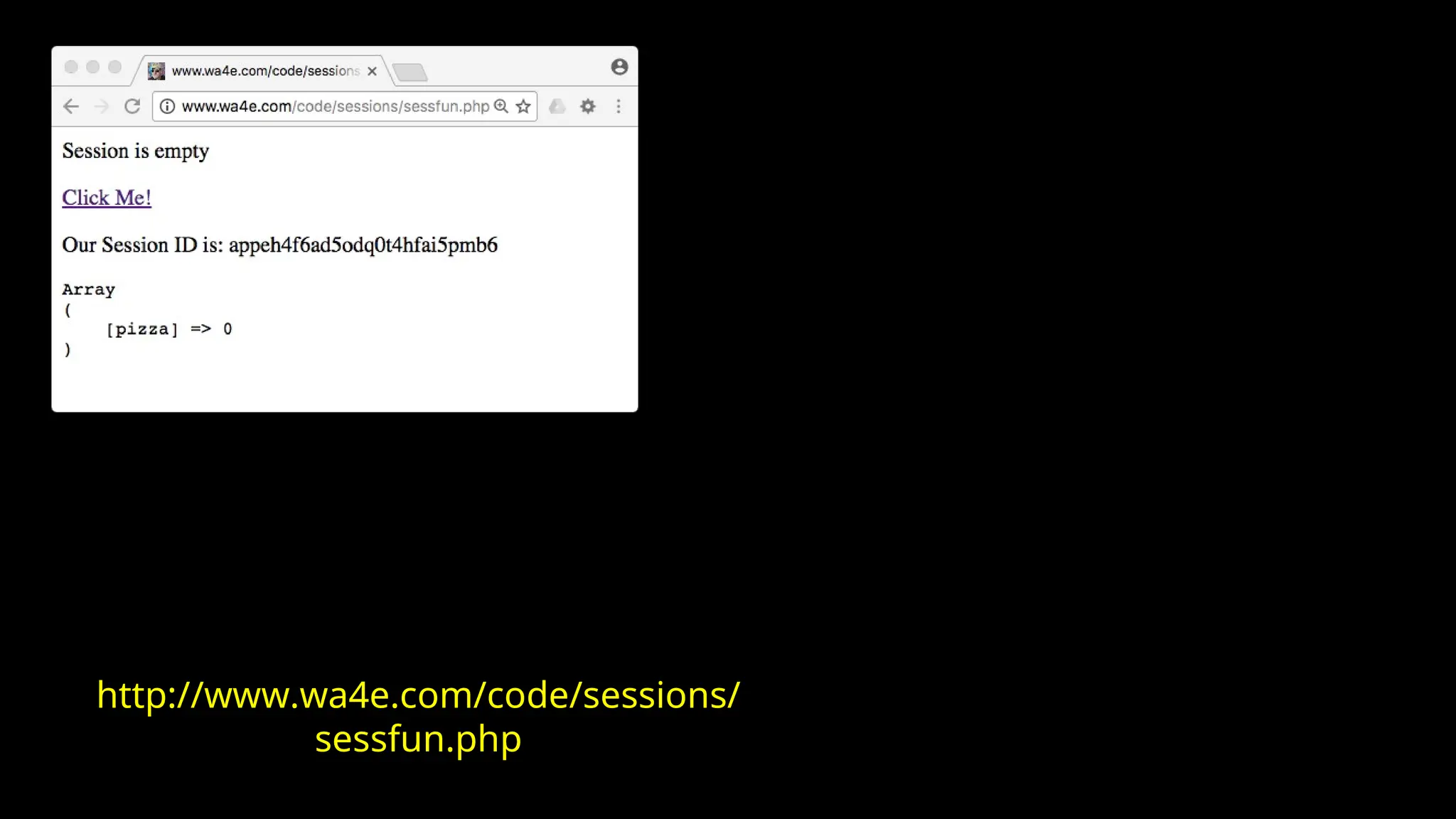
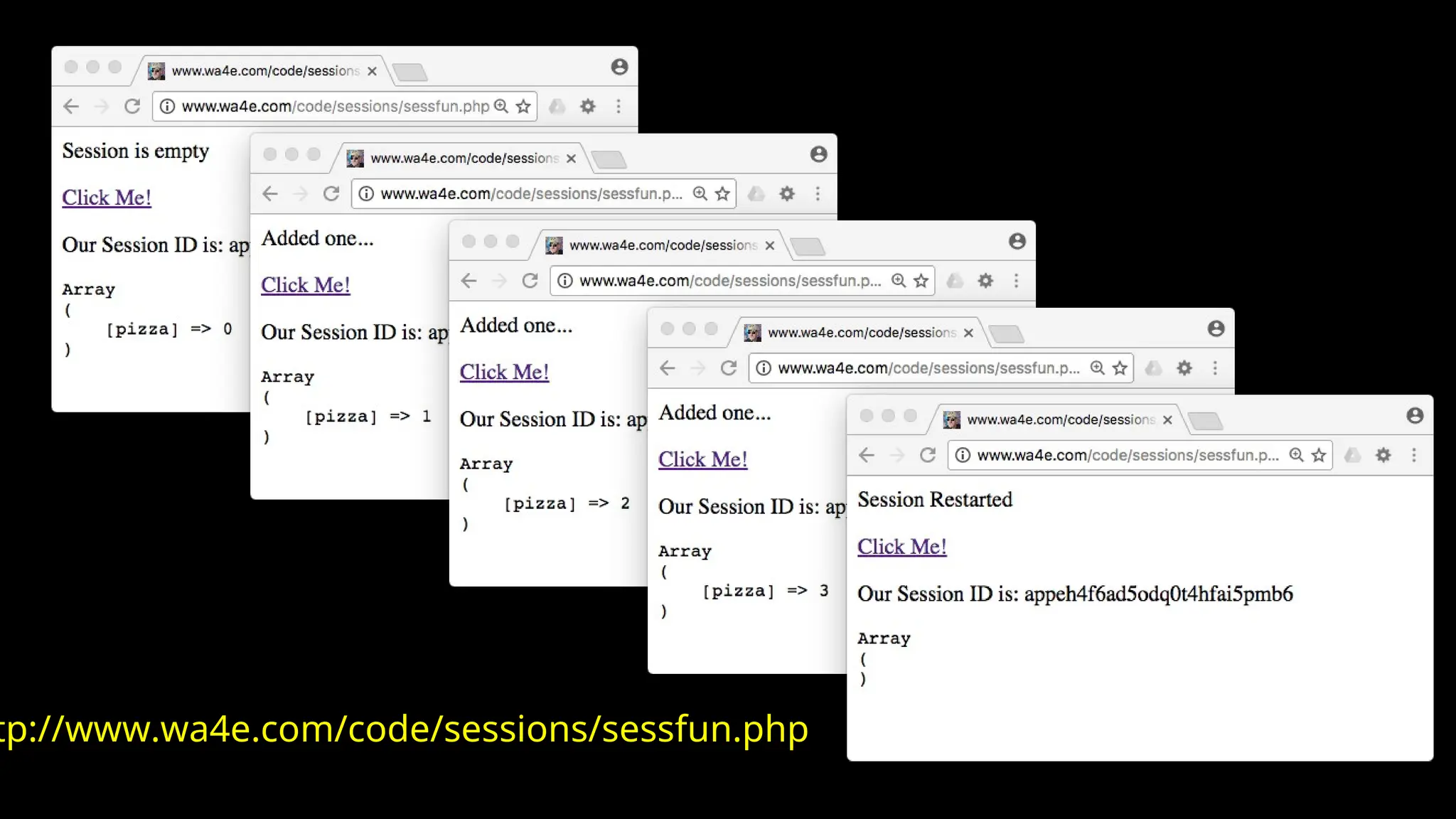
<?php
// Note - cannot have any output before this
session_start();
if ( ! isset($_SESSION['pizza']) ) {
echo("<p>Session is empty</p>n");
$_SESSION['pizza'] = 0;
} else if ( $_SESSION['pizza'] < 3 ) {
$_SESSION['pizza'] = $_SESSION['pizza'] + 1;
echo("<p>Added one...</p>n");
} else {
session_destroy();
session_start();
echo("<p>Session Restarted</p>n");
}
?>
<p><a href="sessfun.php">Click Me!</a></p>
<p>Our Session ID is: <?php echo(session_id()); ?></p>
<pre>
<?php print_r($_SESSION); ?>
</pre> http://www.wa4e.com/code/sessions/sessfun.php
http://www.wa4e.com/code/sessions/
sessfun.php
tp://www.wa4e.com/code/sessions/sessfun.php
Many More Details...
• Session id is not automatically added in JavaScript,
Ajax, Redirect, or other elements of HTML.
• With the session id on the URL, folks can email URLs
or even bookmark them and be logged in.
• We will come back to these...
Summary
• HTTP Cookies
• Sessions
• Using Sessions in PHP

PHP-07-Cookies-Sessions indepth powerpoint

Editor's Notes

  • #1 Add cookie-less sessions...