Securing a modern Web application
with Entra ID
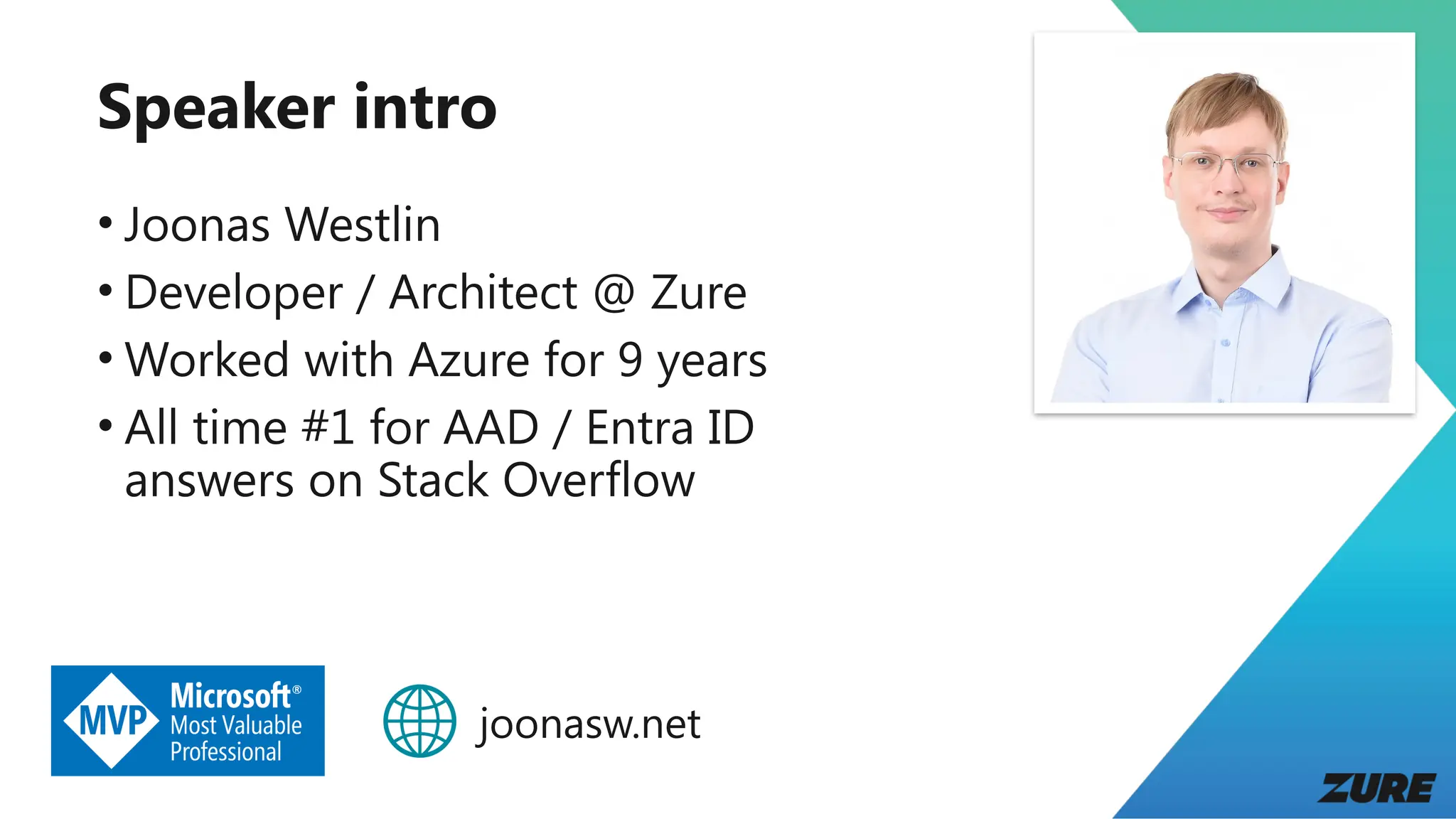
Speaker intro
• Joonas Westlin
• Developer / Architect @ Zure
• Worked with Azure for 9 years
• All time #1 for AAD / Entra ID
answers on Stack Overflow
joonasw.net
Agenda
• Entra ID, OpenID Connect, and OAuth 2
• Demo: Walkthrough of OpenID Connect and OAuth 2
• Recap of first demo
• Demo: Configuring the app in Entra ID
• Demo: API back-end and Microsoft.Identity.Web
• Demo: Front-end and MSAL.js
• Q&A
Entra ID, OpenID
Connect, and
OAuth 2
Entra ID
• Previously Azure Active Directory (AAD)
• Identity and access management
• Users
• Applications
• Devices
• Permissions
• Used by Microsoft 365, Azure, …
• Entra External ID tenants and Azure AD B2C are a bit
different, but use the same protocols
What is a tenant?
• Organization
• Collection of users, apps and devices
• If you “create an Entra ID”, you are creating a tenant
• Identified by domains
• something.onmicrosoft.com by default
OpenID Connect and OAuth 2
• Standards for authentication (OIDC) and authorization
(OAuth)
• OAuth is about getting access to protected resources
• OIDC builds on top of OAuth 2 and focuses on
identifying the user
• If you are having difficulties sleeping (or like auth stuff):
https://openid.net/specs/openid-connect-core-1_0.html /
https://datatracker.ietf.org/doc/html/rfc6749
Token types
• ID token
• Identifies the user
• From OIDC
• Intended for client application
• Access token
• Used to call an API
• From OAuth
• Intended for an API (one, not many)
• Refresh token
• Used to get new tokens
Demo: Walkthrough
of OpenID Connect
and OAuth 2
Recap
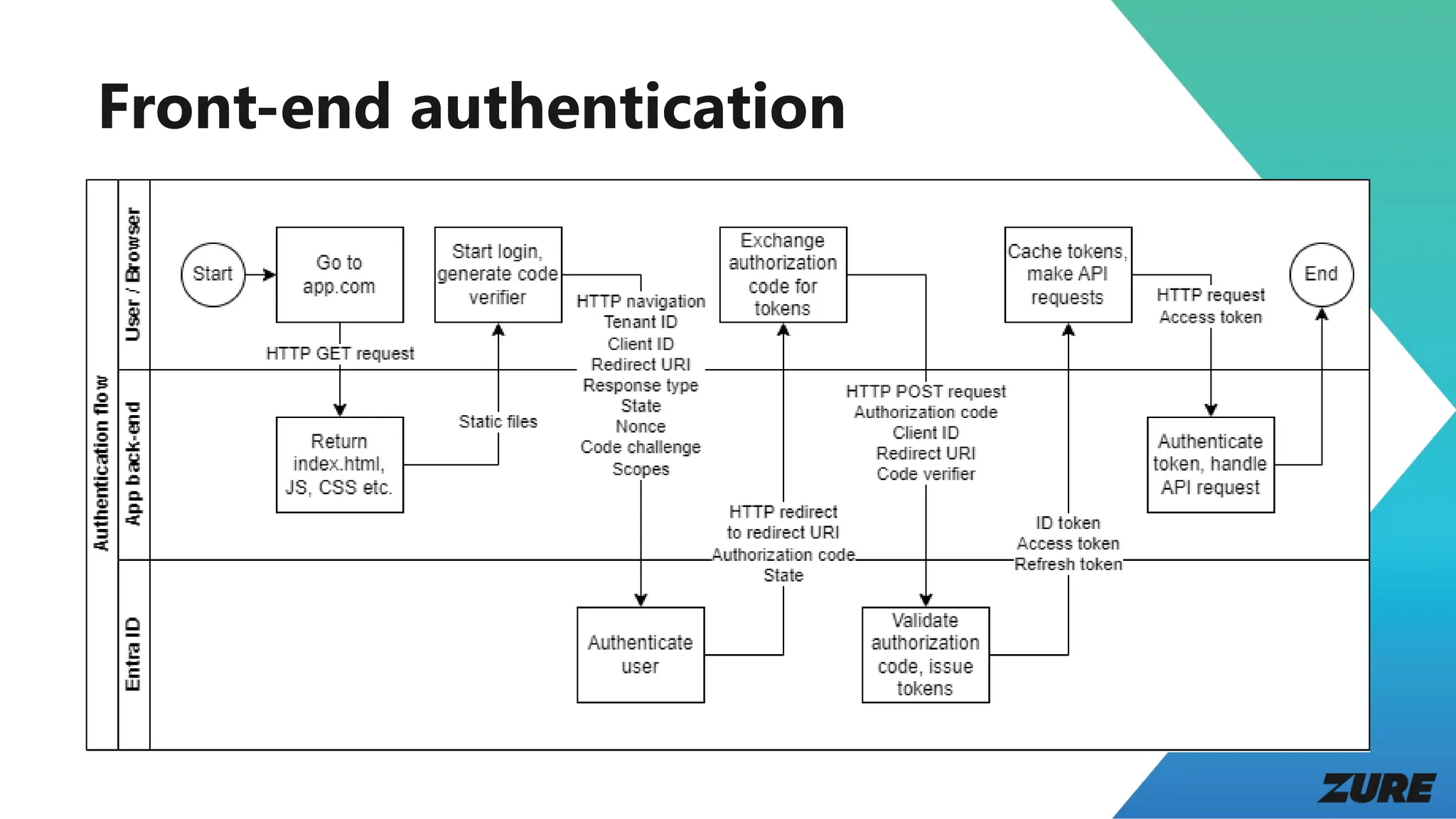
Front-end authentication
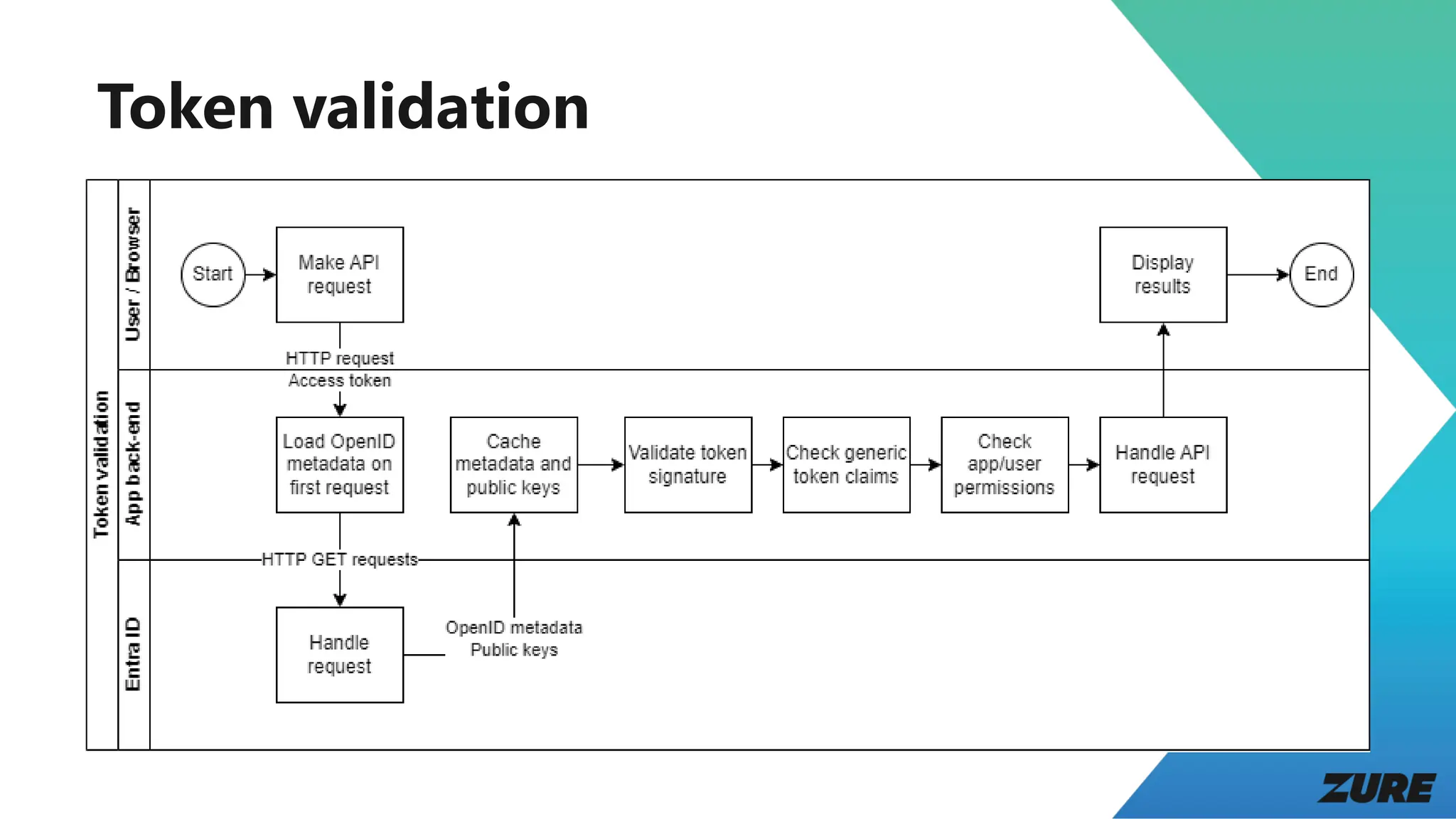
Token validation
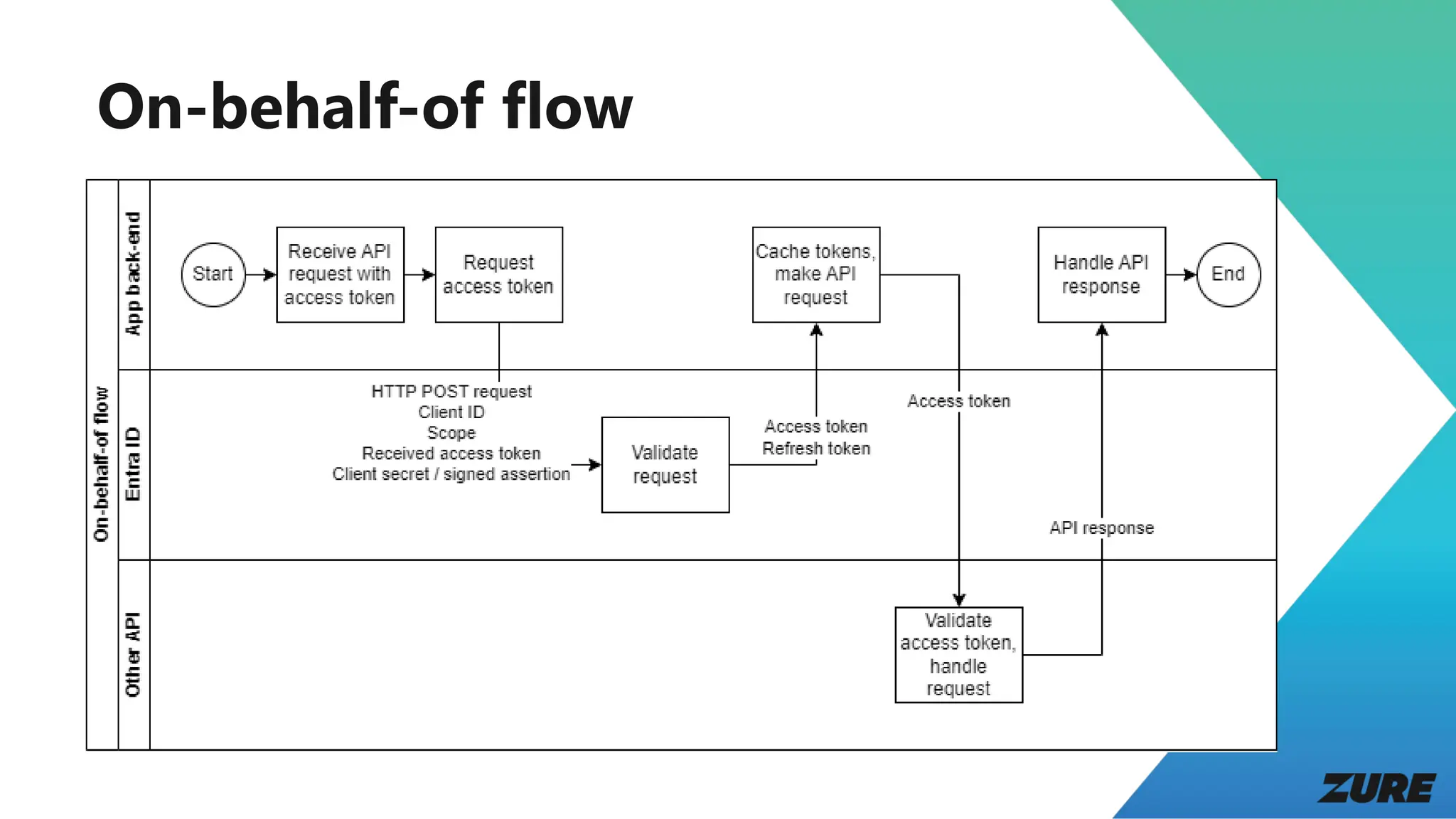
On-behalf-of flow
Demo:
Configuring the
app in Entra ID
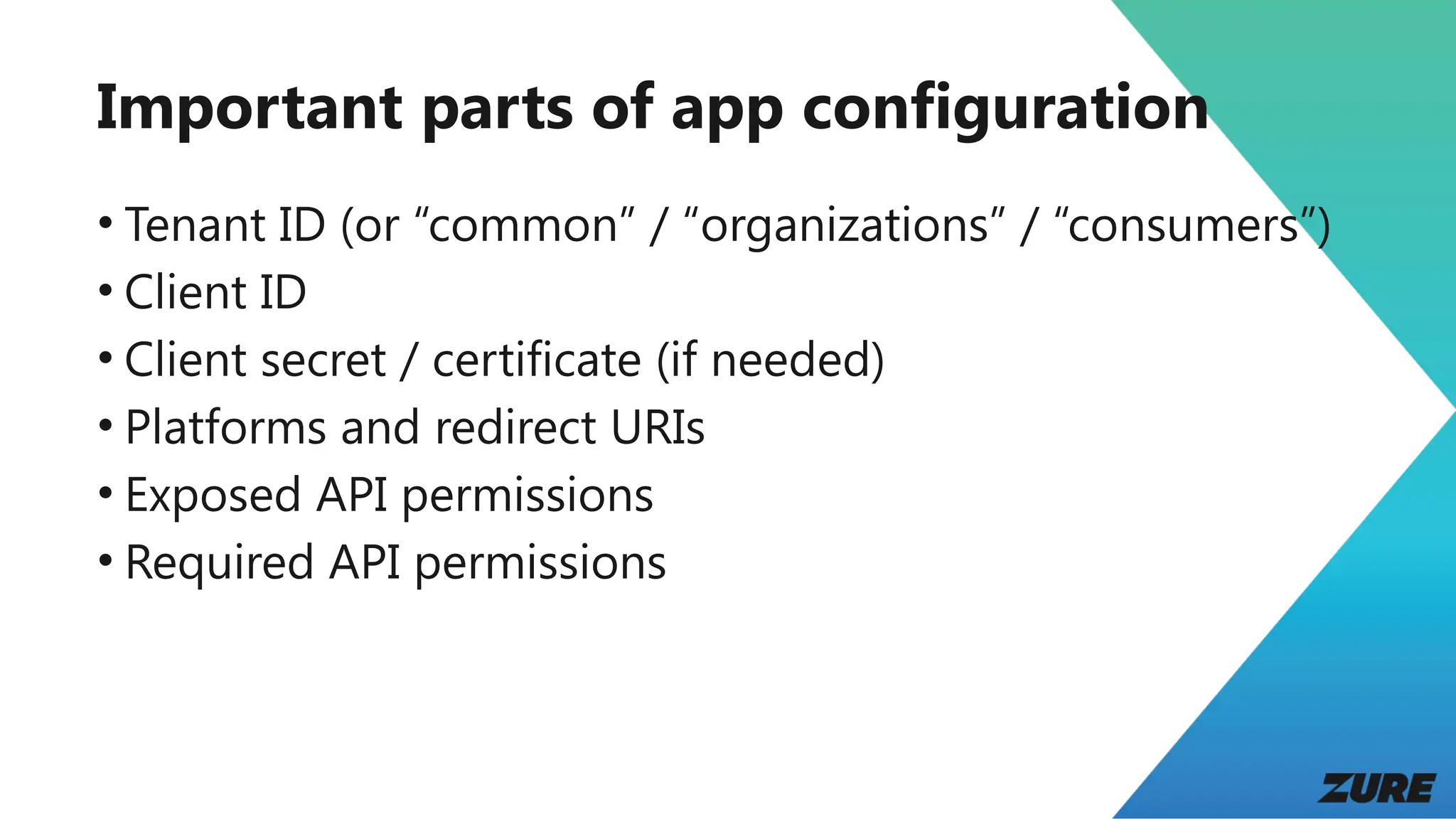
Important parts of app configuration
• Tenant ID (or “common” / “organizations” / “consumers”)
• Client ID
• Client secret / certificate (if needed)
• Platforms and redirect URIs
• Exposed API permissions
• Required API permissions
Demo: API back-end
and
Microsoft.Identity.We
b
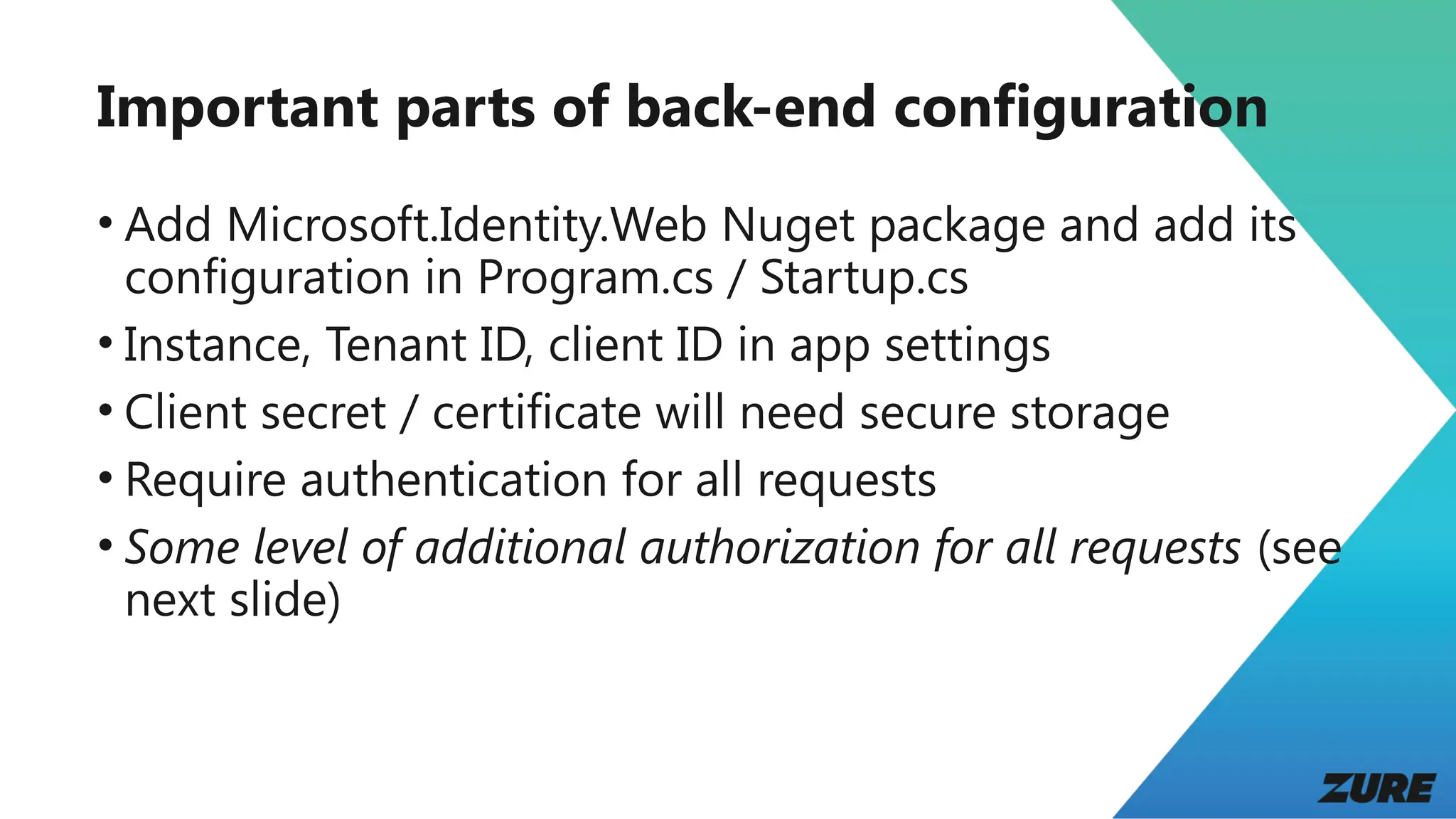
Important parts of back-end configuration
• Add Microsoft.Identity.Web Nuget package and add its
configuration in Program.cs / Startup.cs
• Instance, Tenant ID, client ID in app settings
• Client secret / certificate will need secure storage
• Require authentication for all requests
• Some level of additional authorization for all requests (see
next slide)
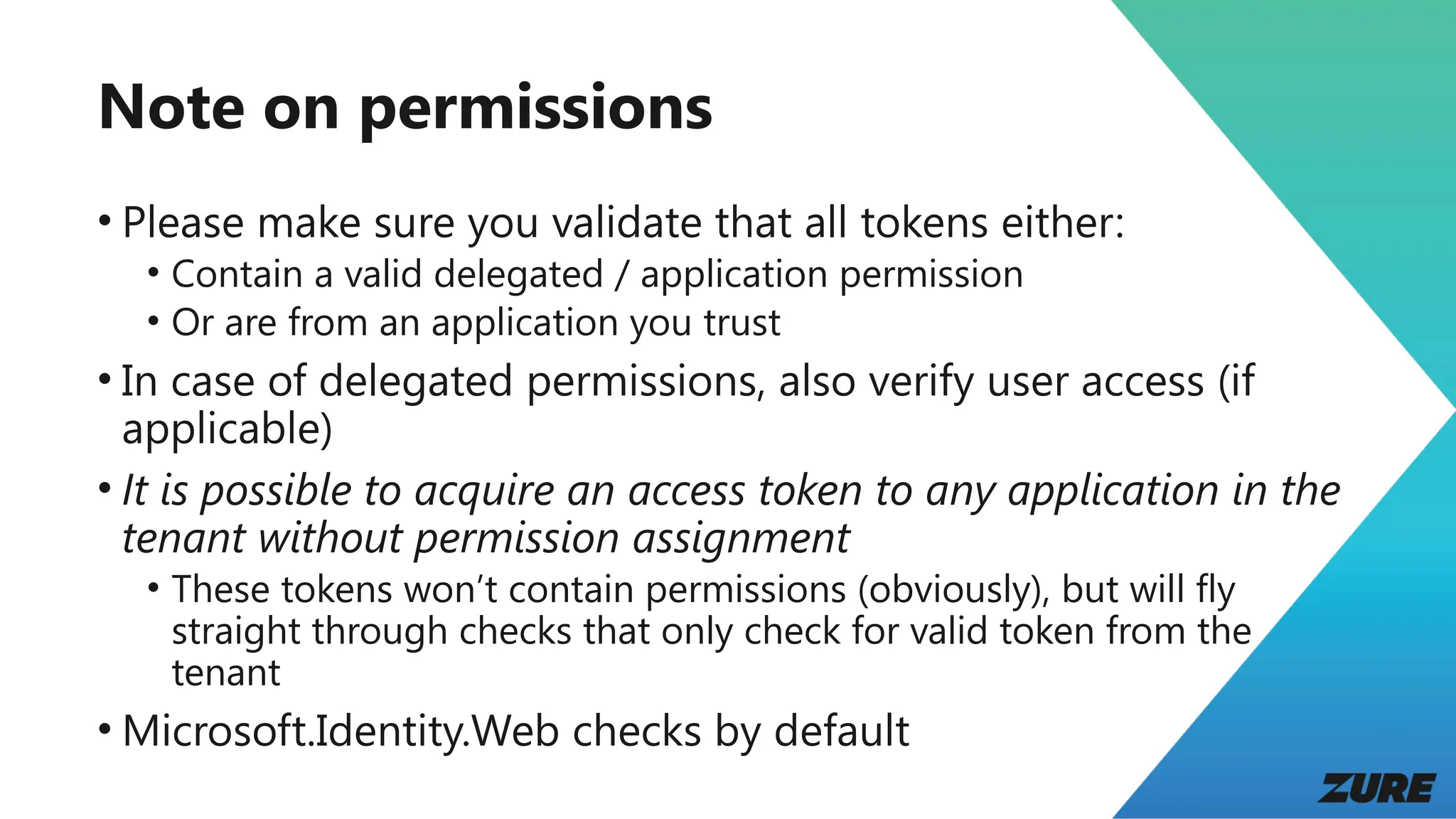
Note on permissions
• Please make sure you validate that all tokens either:
• Contain a valid delegated / application permission
• Or are from an application you trust
• In case of delegated permissions, also verify user access (if
applicable)
• It is possible to acquire an access token to any application in the
tenant without permission assignment
• These tokens won’t contain permissions (obviously), but will fly
straight through checks that only check for valid token from the
tenant
• Microsoft.Identity.Web checks by default
Demo: Front-end
and MSAL.js
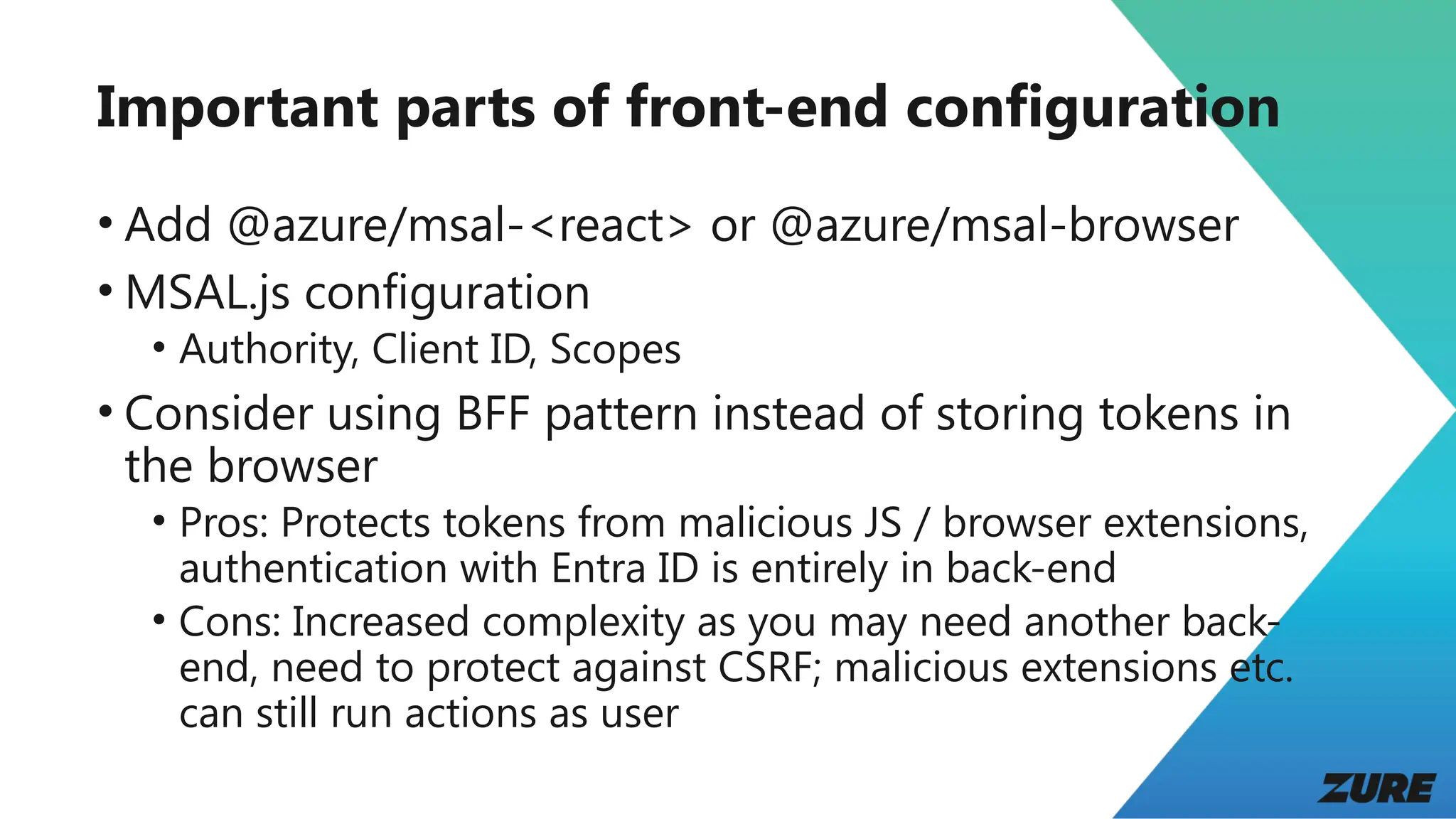
Important parts of front-end configuration
• Add @azure/msal-<react> or @azure/msal-browser
• MSAL.js configuration
• Authority, Client ID, Scopes
• Consider using BFF pattern instead of storing tokens in
the browser
• Pros: Protects tokens from malicious JS / browser extensions,
authentication with Entra ID is entirely in back-end
• Cons: Increased complexity as you may need another back-
end, need to protect against CSRF; malicious extensions etc.
can still run actions as user
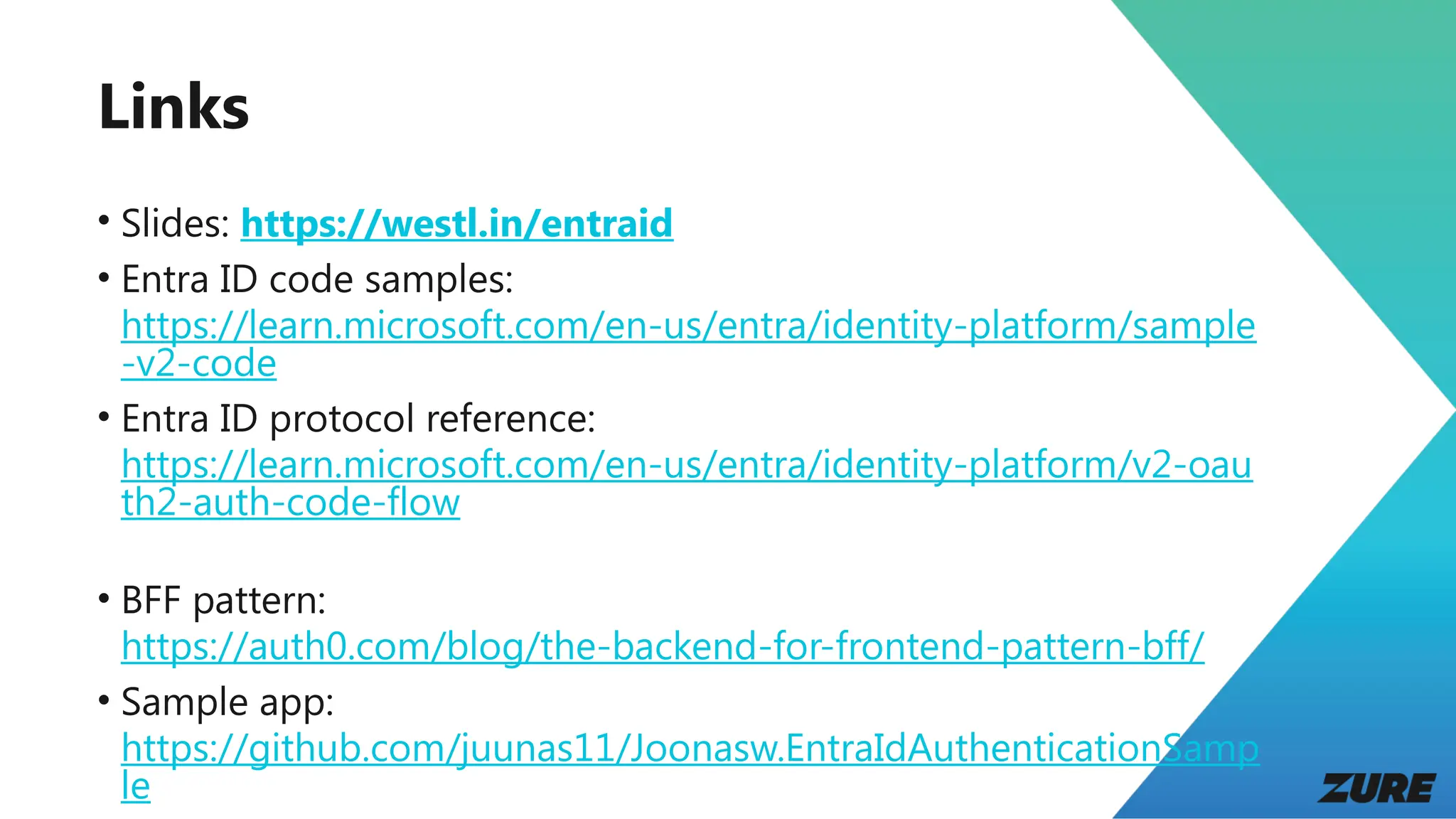
Links
• Slides: https://westl.in/entraid
• Entra ID code samples:
https://learn.microsoft.com/en-us/entra/identity-platform/sample
-v2-code
• Entra ID protocol reference:
https://learn.microsoft.com/en-us/entra/identity-platform/v2-oau
th2-auth-code-flow
• BFF pattern:
https://auth0.com/blog/the-backend-for-frontend-pattern-bff/
• Sample app:
https://github.com/juunas11/Joonasw.EntraIdAuthenticationSamp
le
Q&A
Securing a modern Web application with Entra ID

Securing a modern Web application with Entra ID

  • 1.
    Securing a modernWeb application with Entra ID
  • 2.
    Speaker intro • JoonasWestlin • Developer / Architect @ Zure • Worked with Azure for 9 years • All time #1 for AAD / Entra ID answers on Stack Overflow joonasw.net
  • 3.
    Agenda • Entra ID,OpenID Connect, and OAuth 2 • Demo: Walkthrough of OpenID Connect and OAuth 2 • Recap of first demo • Demo: Configuring the app in Entra ID • Demo: API back-end and Microsoft.Identity.Web • Demo: Front-end and MSAL.js • Q&A
  • 4.
  • 5.
    Entra ID • PreviouslyAzure Active Directory (AAD) • Identity and access management • Users • Applications • Devices • Permissions • Used by Microsoft 365, Azure, … • Entra External ID tenants and Azure AD B2C are a bit different, but use the same protocols
  • 6.
    What is atenant? • Organization • Collection of users, apps and devices • If you “create an Entra ID”, you are creating a tenant • Identified by domains • something.onmicrosoft.com by default
  • 7.
    OpenID Connect andOAuth 2 • Standards for authentication (OIDC) and authorization (OAuth) • OAuth is about getting access to protected resources • OIDC builds on top of OAuth 2 and focuses on identifying the user • If you are having difficulties sleeping (or like auth stuff): https://openid.net/specs/openid-connect-core-1_0.html / https://datatracker.ietf.org/doc/html/rfc6749
  • 8.
    Token types • IDtoken • Identifies the user • From OIDC • Intended for client application • Access token • Used to call an API • From OAuth • Intended for an API (one, not many) • Refresh token • Used to get new tokens
  • 9.
    Demo: Walkthrough of OpenIDConnect and OAuth 2
  • 10.
  • 11.
  • 12.
  • 13.
  • 14.
  • 15.
    Important parts ofapp configuration • Tenant ID (or “common” / “organizations” / “consumers”) • Client ID • Client secret / certificate (if needed) • Platforms and redirect URIs • Exposed API permissions • Required API permissions
  • 16.
  • 17.
    Important parts ofback-end configuration • Add Microsoft.Identity.Web Nuget package and add its configuration in Program.cs / Startup.cs • Instance, Tenant ID, client ID in app settings • Client secret / certificate will need secure storage • Require authentication for all requests • Some level of additional authorization for all requests (see next slide)
  • 18.
    Note on permissions •Please make sure you validate that all tokens either: • Contain a valid delegated / application permission • Or are from an application you trust • In case of delegated permissions, also verify user access (if applicable) • It is possible to acquire an access token to any application in the tenant without permission assignment • These tokens won’t contain permissions (obviously), but will fly straight through checks that only check for valid token from the tenant • Microsoft.Identity.Web checks by default
  • 19.
  • 20.
    Important parts offront-end configuration • Add @azure/msal-<react> or @azure/msal-browser • MSAL.js configuration • Authority, Client ID, Scopes • Consider using BFF pattern instead of storing tokens in the browser • Pros: Protects tokens from malicious JS / browser extensions, authentication with Entra ID is entirely in back-end • Cons: Increased complexity as you may need another back- end, need to protect against CSRF; malicious extensions etc. can still run actions as user
  • 21.
    Links • Slides: https://westl.in/entraid •Entra ID code samples: https://learn.microsoft.com/en-us/entra/identity-platform/sample -v2-code • Entra ID protocol reference: https://learn.microsoft.com/en-us/entra/identity-platform/v2-oau th2-auth-code-flow • BFF pattern: https://auth0.com/blog/the-backend-for-frontend-pattern-bff/ • Sample app: https://github.com/juunas11/Joonasw.EntraIdAuthenticationSamp le
  • 22.

Editor's Notes

  • #8 ID token tells the app that started the authentication who the user is, only it should look at it, never sent to API Access token tells an API who the user is and which application requested the token, only the API should look at this, only works for one API, MS Graph is special Refresh tokens allow getting new tokens (incl refresh) since tokens do expire, this is normally handled by libraries