SharePoint Saturday Cincinnati


Build your SharePoint
October 27, 2012


Internet presence with
PowerShell Dennis
         Ryan
Thanks To Our Sponsors
Questions & Evals
• Fill out your evaluation
  forms!
• Ask questions!
• Stay all day to have a chance
  to win the ‘best costume’
  prize!
ScarePint


Right here at the UC Bearcat Lounge
immediately following the closing
session

Generously sponsored by
About The Spooker
Ryan Dennis, MCTS, MCITP
Senior SharePoint Engineer @ ICC
Microsoft Virtual Technology Specialist (vTSP)


       www.SharePointRyan.com
       @SharePointRyan
       linkedin.com/in/sharepointryan
       ryan@sharepointryan.com
What is a VTS?
The Microsoft Virtual Technology Specialist Program
(VTSP) is…
• a select group chosen from the elite in Microsoft’s partner community
• their primary role is to communicate the value of Microsoft Solutions to
  customers and to provide architectural guidance for Enterprise Integration
  solutions
VTSPs also:
• have guest access to information on the Microsoft corporate network such as
  knowledge bases, technical articles, training materials, and other resources
• guest access to Microsoft facilities
• priority for participating in Microsoft marketing events
General Information
• Tweet it Out!!
  – Hashtag for this event: #SPSCincinnati
  – Follow us: @SPSCincinnati
  – Include your presenters
• Check out SPTV
  – Man on the street interviews…
  – Footage will be shown at http://mysp.tv
Agenda
• What is SharePoint 2010 FIS?
• Quick intro to Windows PowerShell
• Implementing SEO tagging for high search rankings
• Designing with SharePoint in mind (it CAN get scary!)
• Developing from a design
• How WCM sites are MUCH improved in SP2013
• Using a spooktacular set of PowerShell code to automate
  the provisioning of complete, branded sites
• Q&A
What is SharePoint 2010
FIS?
• FIS = For Internet Sites
• The license which allows you to build public-facing sites
  without paying for lots of CALs 
• Fundamentally it is no different than the standard
  SharePoint version, it’s all about the licensing…
• For license specific questions, ask someone smarter than
  me…
Agenda
• What is SharePoint 2010 FIS?
• Quick intro to Windows PowerShell
• Implementing SEO tagging for high search rankings
• Designing for SharePoint (it CAN be pretty!)
• Developing from a design
• How WCM sites are MUCH improved in SP2013
• Using a spooktacular set of PowerShell code to automate
  the provisioning of complete, branded sites
• Q&A
Intro to Windows
PowerShell
PowerShell
…is a task-based command-line shell and scripting language
designed especially for Windows system administration

…has a task-based scripting language

…includes powerful object manipulation capabilities

…is built on the .NET Framework
Verb-Noun
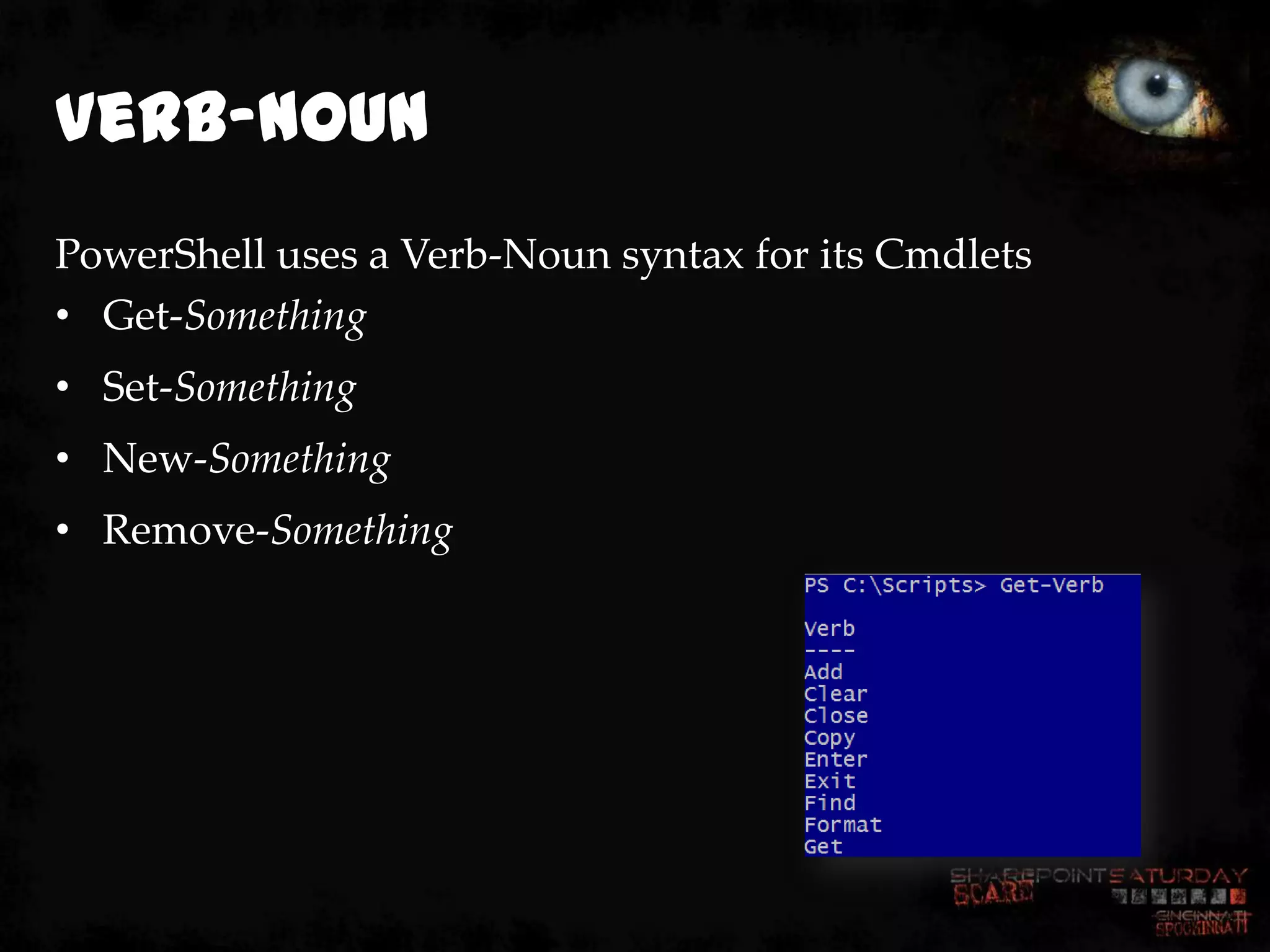
PowerShell uses a Verb-Noun syntax for its Cmdlets
• Get-Something
• Set-Something
• New-Something
• Remove-Something
SharePoint 2010
Cmdlets
• 500+ Cmdlets…
• MUCH better than STSADM.exe…
• Can automate complete installations and
  configurations…
• Still doesn’t answer every scenario, leaving
  gaps in functionality…
       – Example: Get, New and Remove SharePoint Groups – no
         cmdlet, easy to write a custom function though…
Agenda
• What is SharePoint 2010 FIS?
• Quick intro to Windows PowerShell
• Implementing SEO tagging for high
  search rankings
• Designing for SharePoint (it CAN be pretty!)
• Developing from a design
• How WCM sites are MUCH improved in SP2013
• Using a spooktacular set of PowerShell code to automate
  the provisioning of complete, branded sites
• Q&A
Search Engine
Optimization
• Follow SEO Best Practices/Tips
   –   Use meaningful site & page names
   –   Great page titles
   –   Accurate Meta Elements
   –   Up-to-date Sitemap and Robots
   –   Search-friendly redirects
   –   Search-friendly menus/navigation
   –   Faster response times
   –   Better anchor text
   –   Provide text content for rich media
   –   Use Webmaster Tools to submit
       sitemap and monitor Analytics
Search Engine
Optimization
• SharePoint 2010 does not include SEO tools out of the box, but there
  are good options…
  – Mavention (http://mavention.nl)
       •   Meta Fields
       •   Robots
       •   Page Not Found
       •   Site Map XML Generator
   – IIS 7.0 SEO Toolkit
   – Custom…
SharePoint Saturday Cincinnati


     Implementing
October 27, 2012


      SEO Tagging
      DEMONSTRATION
Demo Recap
• We looked at the Mavention Meta Fields
  feature…
• Edited some meta tags…
• Viewed the page source to see them in action…
• Had some fun?!
Agenda
• What is SharePoint 2010 FIS?
• Quick intro to Windows PowerShell
• Implementing SEO tagging for high search rankings
• Designing for SharePoint (it CAN be
  pretty!)
• Developing from a design
• How WCM sites are MUCH improved in SP2013
• Using a spooktacular set of PowerShell code to automate
  the provisioning of complete, branded sites
• Q&A
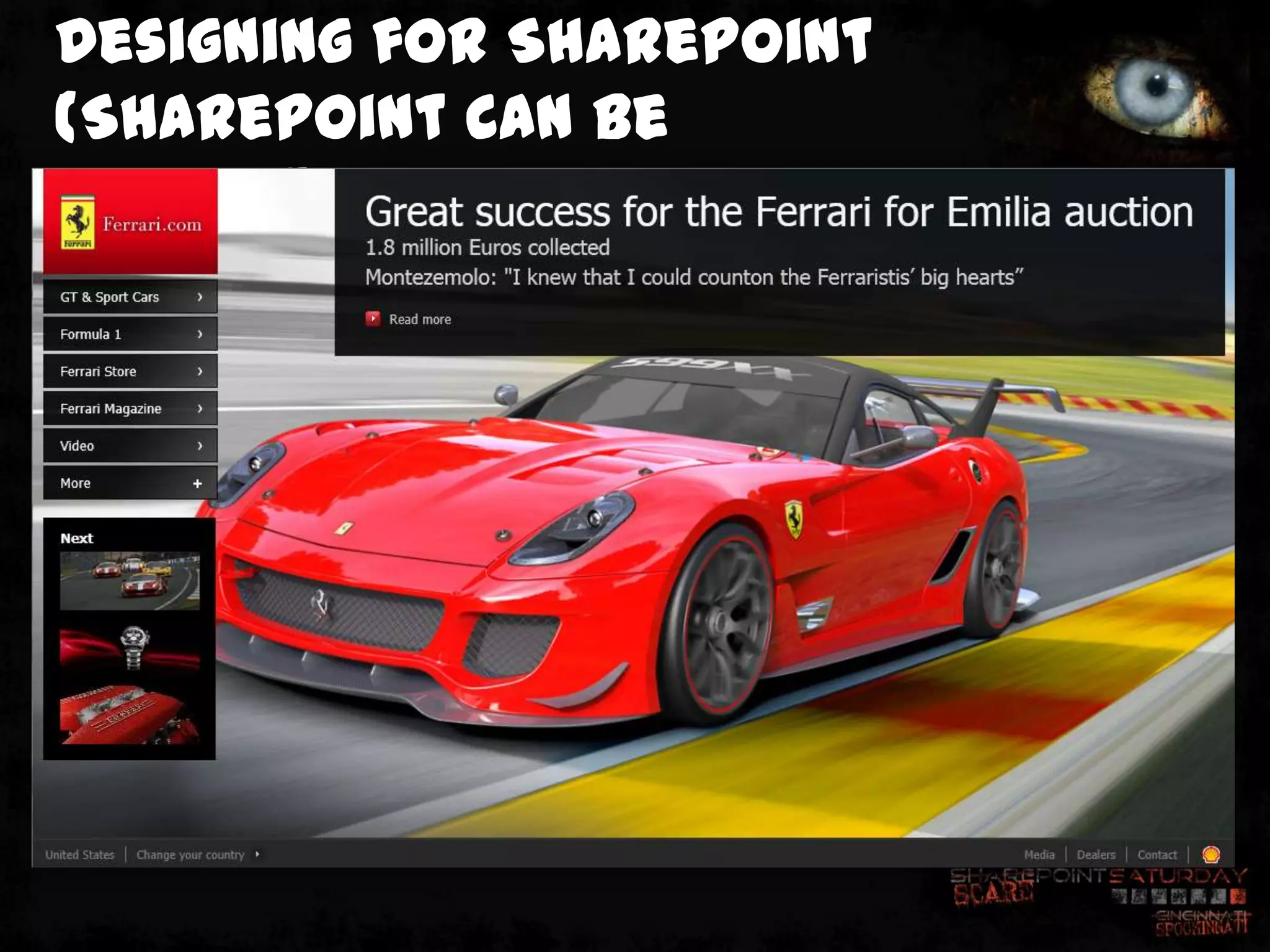
Designing for SharePoint
(SharePoint CAN be
pretty!)
Designing for
SharePoint
• Design teams should…
  – know enough about SharePoint to design around it’s strengths
    (and weaknesses)…
  – build list-based solutions so that content authors can easily and
    efficiently update and manage content…
  – work with development teams to ensure that their ideas can be
    implemented…
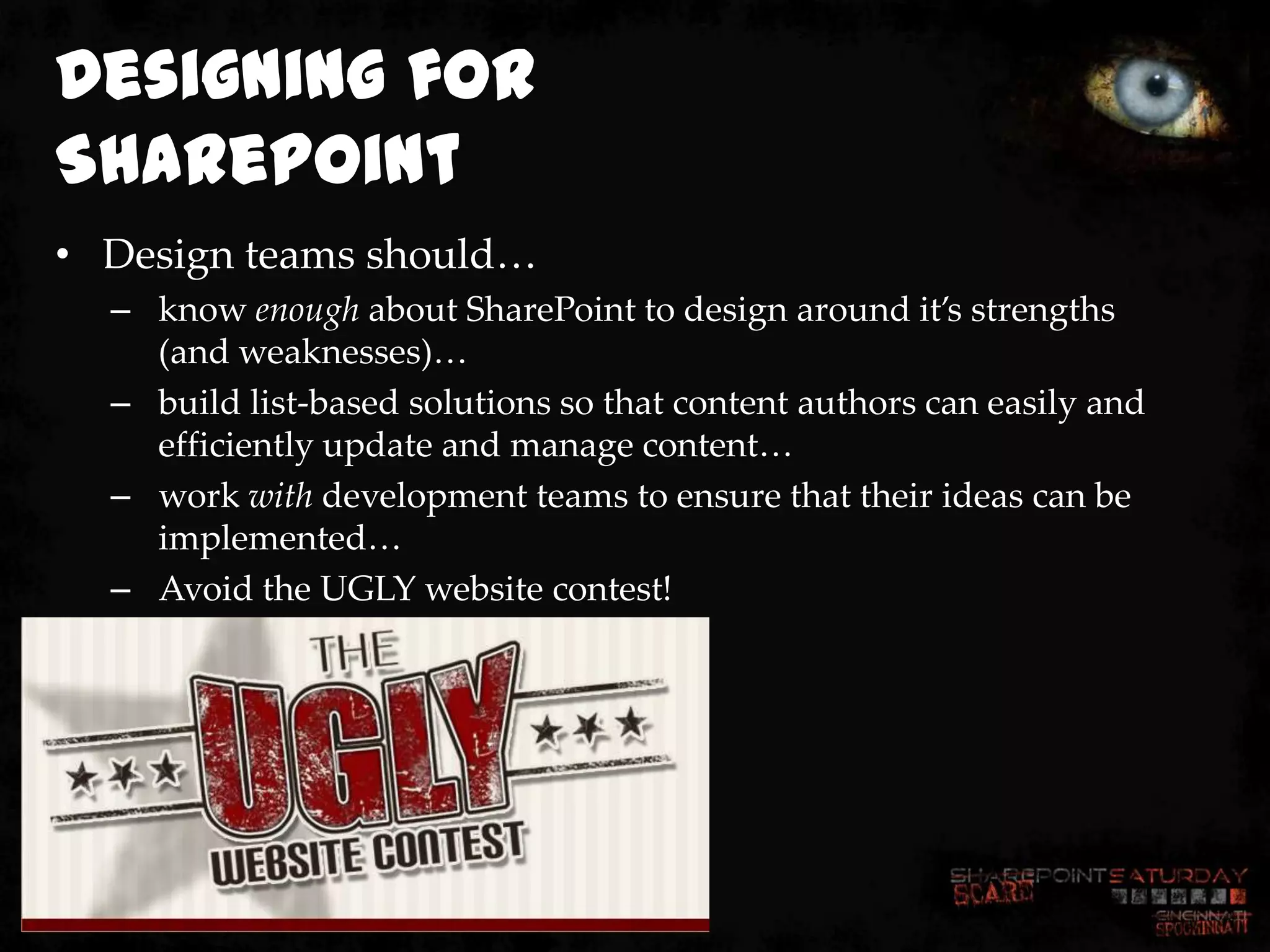
  – Avoid the UGLY website contest!
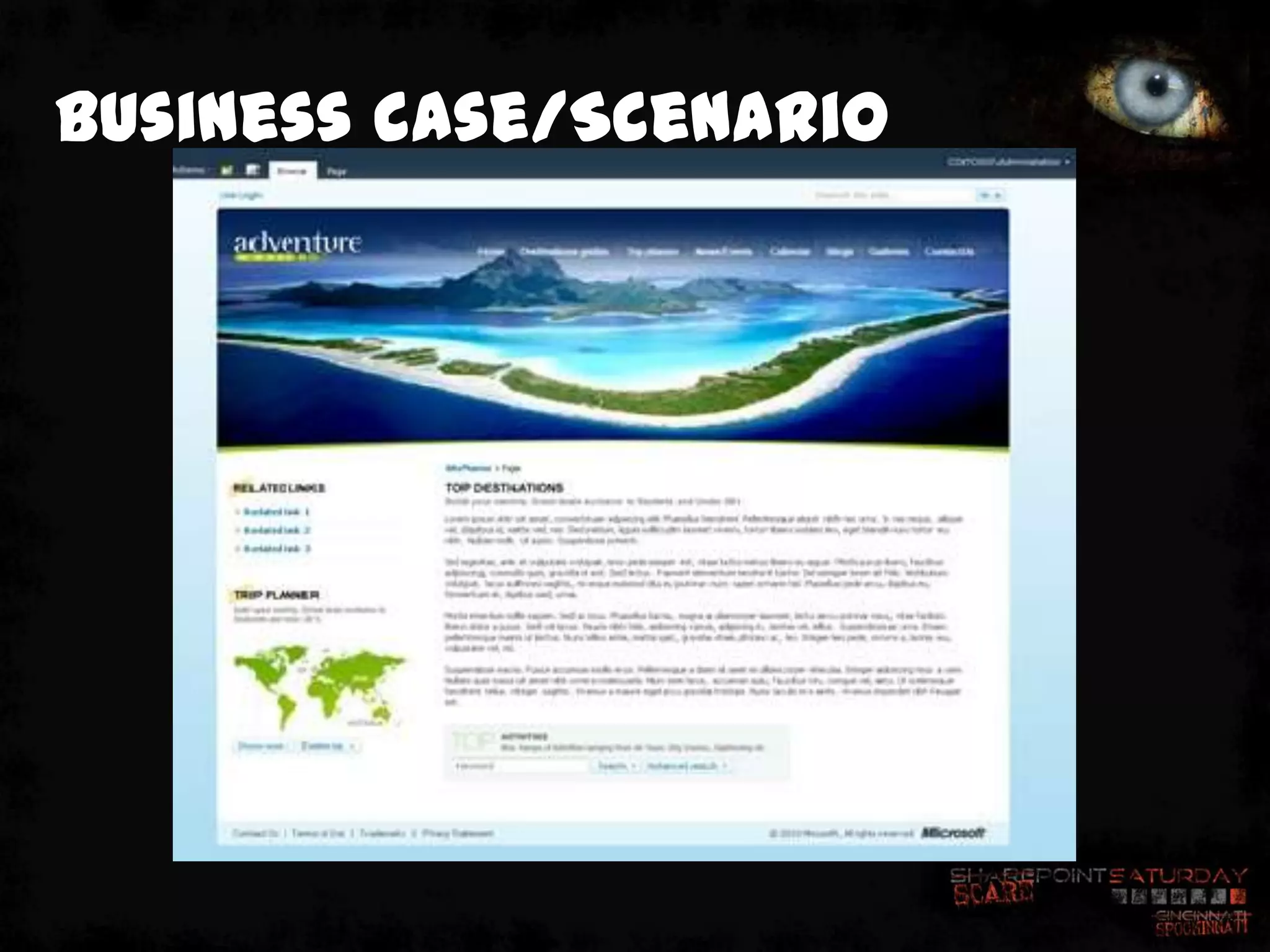
Business case/Scenario
Agenda
•   What is SharePoint 2010 FIS?
•   Quick intro to Windows PowerShell
•   Implementing SEO tagging for high search rankings
•   Designing for SharePoint (it CAN be pretty!)
• Developing from a design
• How WCM sites are MUCH improved in SP2013
• Using a spooktacular set of PowerShell code to automate
  the provisioning of complete, branded sites
• Q&A
Developing the solution
• By working with design teams, development teams can
  produce accurate, ‚pixel perfect‛ solutions in SharePoint
  2010
• SharePoint doesn’t have to look like SharePoint
• By leveraging the SharePoint list model, content authors
  can easily populate data which can be leveraged in
  custom branded web parts
• SharePoint CAN be a best-in-class Web Content
  Management (WCM) solution
How WCM sites are MUCH
 improved in SP2013
• SP2013 will include native SEO capabilities including:
  – Meta Fields
       •   Title
       •   Browser Title
       •   Meta Description
       •   Keywords
       •   Sitemap Priority
       •   Sitemap Change Frequency
       •   Exclude from Internet Search Engines
   – XML Sitemap
   – Friendly URLs
       •   No longer have to include /Pages or .ASPX in the page URL!!!
How PowerShell makes it
 all
 happen
• Using PowerShell, we can automate:
  –   Creating the Web Application
  –   Creating the Site Collection(s)
  –   Configuring Caching
  –   Activating Features for Branding, SEO Tagging, etc.
  –   Creating the Enterprise Search Center
  –   Configuring Search Scopes and Target Results Page
  –   Creating Subsites
  –   Creating Pages
  –   Adding Content to Pages
  –   Making Dinner (OK, maybe not – but I’m sure V3 will)
Agenda
•   What is SharePoint 2010 FIS?
•   Quick intro to Windows PowerShell
•   Implementing SEO tagging for high search rankings
•   Designing for SharePoint (it CAN be pretty!)
•   Developing from a design
•   How WCM sites are MUCH improved in SP2013
• Using a spooktacular set of PowerShell
  code to automate the provisioning of
  complete, branded sites
• Q&A
SharePoint Saturday Cincinnati

    Using a spooktacular set of
October 27, 2012


        PowerShell code to
    automate the provisioning of
      complete, branded sites
       DEMONSTRATION
Demo Recap
• Used PowerShell to automate:
   –   Creation of the Web Application
   –   Creation of the Site Collection(s)
   –   Configuration of caching (BLOB, Output)
   –   Feature activation
   –   Application of custom branding
   –   Search configuration
   –   Subsite creation
   –   Page creation
   –   Content addition
   –   SEO Meta Tag creation
   –   Creation of custom footer list from list template
   –   Warming up/caching of the sites for our viewing pleasure
Presentation Recap
• SharePoint CAN be pretty
• Designers and Developers should work
  together throughout the entire project
  lifecycle to ensure success
• PowerShell is an awesome way to
  automate the building of entire, content
  filled, branded, SharePoint-based websites
Got-Questions?
Ryan Dennis, MCTS, MCITP
Senior SharePoint Engineer @ ICC
Microsoft Virtual Technology Specialist (vTSP)


       www.SharePointRyan.com
       @SharePointRyan
       linkedin.com/in/sharepointryan
       ryan@sharepointryan.com

ScarePoint Saturday Spookinnati Slides

  • 1.
    SharePoint Saturday Cincinnati Buildyour SharePoint October 27, 2012 Internet presence with PowerShell Dennis Ryan
  • 2.
    Thanks To OurSponsors
  • 3.
    Questions & Evals •Fill out your evaluation forms! • Ask questions! • Stay all day to have a chance to win the ‘best costume’ prize!
  • 4.
    ScarePint Right here atthe UC Bearcat Lounge immediately following the closing session Generously sponsored by
  • 5.
    About The Spooker RyanDennis, MCTS, MCITP Senior SharePoint Engineer @ ICC Microsoft Virtual Technology Specialist (vTSP) www.SharePointRyan.com @SharePointRyan linkedin.com/in/sharepointryan ryan@sharepointryan.com
  • 6.
    What is aVTS? The Microsoft Virtual Technology Specialist Program (VTSP) is… • a select group chosen from the elite in Microsoft’s partner community • their primary role is to communicate the value of Microsoft Solutions to customers and to provide architectural guidance for Enterprise Integration solutions VTSPs also: • have guest access to information on the Microsoft corporate network such as knowledge bases, technical articles, training materials, and other resources • guest access to Microsoft facilities • priority for participating in Microsoft marketing events
  • 7.
    General Information • Tweetit Out!! – Hashtag for this event: #SPSCincinnati – Follow us: @SPSCincinnati – Include your presenters • Check out SPTV – Man on the street interviews… – Footage will be shown at http://mysp.tv
  • 8.
    Agenda • What isSharePoint 2010 FIS? • Quick intro to Windows PowerShell • Implementing SEO tagging for high search rankings • Designing with SharePoint in mind (it CAN get scary!) • Developing from a design • How WCM sites are MUCH improved in SP2013 • Using a spooktacular set of PowerShell code to automate the provisioning of complete, branded sites • Q&A
  • 9.
    What is SharePoint2010 FIS? • FIS = For Internet Sites • The license which allows you to build public-facing sites without paying for lots of CALs  • Fundamentally it is no different than the standard SharePoint version, it’s all about the licensing… • For license specific questions, ask someone smarter than me…
  • 10.
    Agenda • What isSharePoint 2010 FIS? • Quick intro to Windows PowerShell • Implementing SEO tagging for high search rankings • Designing for SharePoint (it CAN be pretty!) • Developing from a design • How WCM sites are MUCH improved in SP2013 • Using a spooktacular set of PowerShell code to automate the provisioning of complete, branded sites • Q&A
  • 11.
    Intro to Windows PowerShell PowerShell …isa task-based command-line shell and scripting language designed especially for Windows system administration …has a task-based scripting language …includes powerful object manipulation capabilities …is built on the .NET Framework
  • 12.
    Verb-Noun PowerShell uses aVerb-Noun syntax for its Cmdlets • Get-Something • Set-Something • New-Something • Remove-Something
  • 13.
    SharePoint 2010 Cmdlets • 500+Cmdlets… • MUCH better than STSADM.exe… • Can automate complete installations and configurations… • Still doesn’t answer every scenario, leaving gaps in functionality… – Example: Get, New and Remove SharePoint Groups – no cmdlet, easy to write a custom function though…
  • 14.
    Agenda • What isSharePoint 2010 FIS? • Quick intro to Windows PowerShell • Implementing SEO tagging for high search rankings • Designing for SharePoint (it CAN be pretty!) • Developing from a design • How WCM sites are MUCH improved in SP2013 • Using a spooktacular set of PowerShell code to automate the provisioning of complete, branded sites • Q&A
  • 15.
    Search Engine Optimization • FollowSEO Best Practices/Tips – Use meaningful site & page names – Great page titles – Accurate Meta Elements – Up-to-date Sitemap and Robots – Search-friendly redirects – Search-friendly menus/navigation – Faster response times – Better anchor text – Provide text content for rich media – Use Webmaster Tools to submit sitemap and monitor Analytics
  • 16.
    Search Engine Optimization • SharePoint2010 does not include SEO tools out of the box, but there are good options… – Mavention (http://mavention.nl) • Meta Fields • Robots • Page Not Found • Site Map XML Generator – IIS 7.0 SEO Toolkit – Custom…
  • 17.
    SharePoint Saturday Cincinnati Implementing October 27, 2012 SEO Tagging DEMONSTRATION
  • 18.
    Demo Recap • Welooked at the Mavention Meta Fields feature… • Edited some meta tags… • Viewed the page source to see them in action… • Had some fun?!
  • 19.
    Agenda • What isSharePoint 2010 FIS? • Quick intro to Windows PowerShell • Implementing SEO tagging for high search rankings • Designing for SharePoint (it CAN be pretty!) • Developing from a design • How WCM sites are MUCH improved in SP2013 • Using a spooktacular set of PowerShell code to automate the provisioning of complete, branded sites • Q&A
  • 20.
  • 21.
    Designing for SharePoint • Designteams should… – know enough about SharePoint to design around it’s strengths (and weaknesses)… – build list-based solutions so that content authors can easily and efficiently update and manage content… – work with development teams to ensure that their ideas can be implemented… – Avoid the UGLY website contest!
  • 22.
  • 23.
    Agenda • What is SharePoint 2010 FIS? • Quick intro to Windows PowerShell • Implementing SEO tagging for high search rankings • Designing for SharePoint (it CAN be pretty!) • Developing from a design • How WCM sites are MUCH improved in SP2013 • Using a spooktacular set of PowerShell code to automate the provisioning of complete, branded sites • Q&A
  • 24.
    Developing the solution •By working with design teams, development teams can produce accurate, ‚pixel perfect‛ solutions in SharePoint 2010 • SharePoint doesn’t have to look like SharePoint • By leveraging the SharePoint list model, content authors can easily populate data which can be leveraged in custom branded web parts • SharePoint CAN be a best-in-class Web Content Management (WCM) solution
  • 25.
    How WCM sitesare MUCH improved in SP2013 • SP2013 will include native SEO capabilities including: – Meta Fields • Title • Browser Title • Meta Description • Keywords • Sitemap Priority • Sitemap Change Frequency • Exclude from Internet Search Engines – XML Sitemap – Friendly URLs • No longer have to include /Pages or .ASPX in the page URL!!!
  • 26.
    How PowerShell makesit all happen • Using PowerShell, we can automate: – Creating the Web Application – Creating the Site Collection(s) – Configuring Caching – Activating Features for Branding, SEO Tagging, etc. – Creating the Enterprise Search Center – Configuring Search Scopes and Target Results Page – Creating Subsites – Creating Pages – Adding Content to Pages – Making Dinner (OK, maybe not – but I’m sure V3 will)
  • 27.
    Agenda • What is SharePoint 2010 FIS? • Quick intro to Windows PowerShell • Implementing SEO tagging for high search rankings • Designing for SharePoint (it CAN be pretty!) • Developing from a design • How WCM sites are MUCH improved in SP2013 • Using a spooktacular set of PowerShell code to automate the provisioning of complete, branded sites • Q&A
  • 28.
    SharePoint Saturday Cincinnati Using a spooktacular set of October 27, 2012 PowerShell code to automate the provisioning of complete, branded sites DEMONSTRATION
  • 29.
    Demo Recap • UsedPowerShell to automate: – Creation of the Web Application – Creation of the Site Collection(s) – Configuration of caching (BLOB, Output) – Feature activation – Application of custom branding – Search configuration – Subsite creation – Page creation – Content addition – SEO Meta Tag creation – Creation of custom footer list from list template – Warming up/caching of the sites for our viewing pleasure
  • 30.
    Presentation Recap • SharePointCAN be pretty • Designers and Developers should work together throughout the entire project lifecycle to ensure success • PowerShell is an awesome way to automate the building of entire, content filled, branded, SharePoint-based websites
  • 31.
    Got-Questions? Ryan Dennis, MCTS,MCITP Senior SharePoint Engineer @ ICC Microsoft Virtual Technology Specialist (vTSP) www.SharePointRyan.com @SharePointRyan linkedin.com/in/sharepointryan ryan@sharepointryan.com

Editor's Notes

  • #18 Talk about the Meta Fields and XML FeaturesDemonstrate how to edit the page fields using the Meta Fields featureShow page source after editing the fields
  • #29 Talk about the Meta Fields and XML FeaturesDemonstrate how to edit the page fields using the Meta Fields featureShow page source after editing the fields