




Scaling Front-End
Performance
Patrick Meenan
@PatMeenan
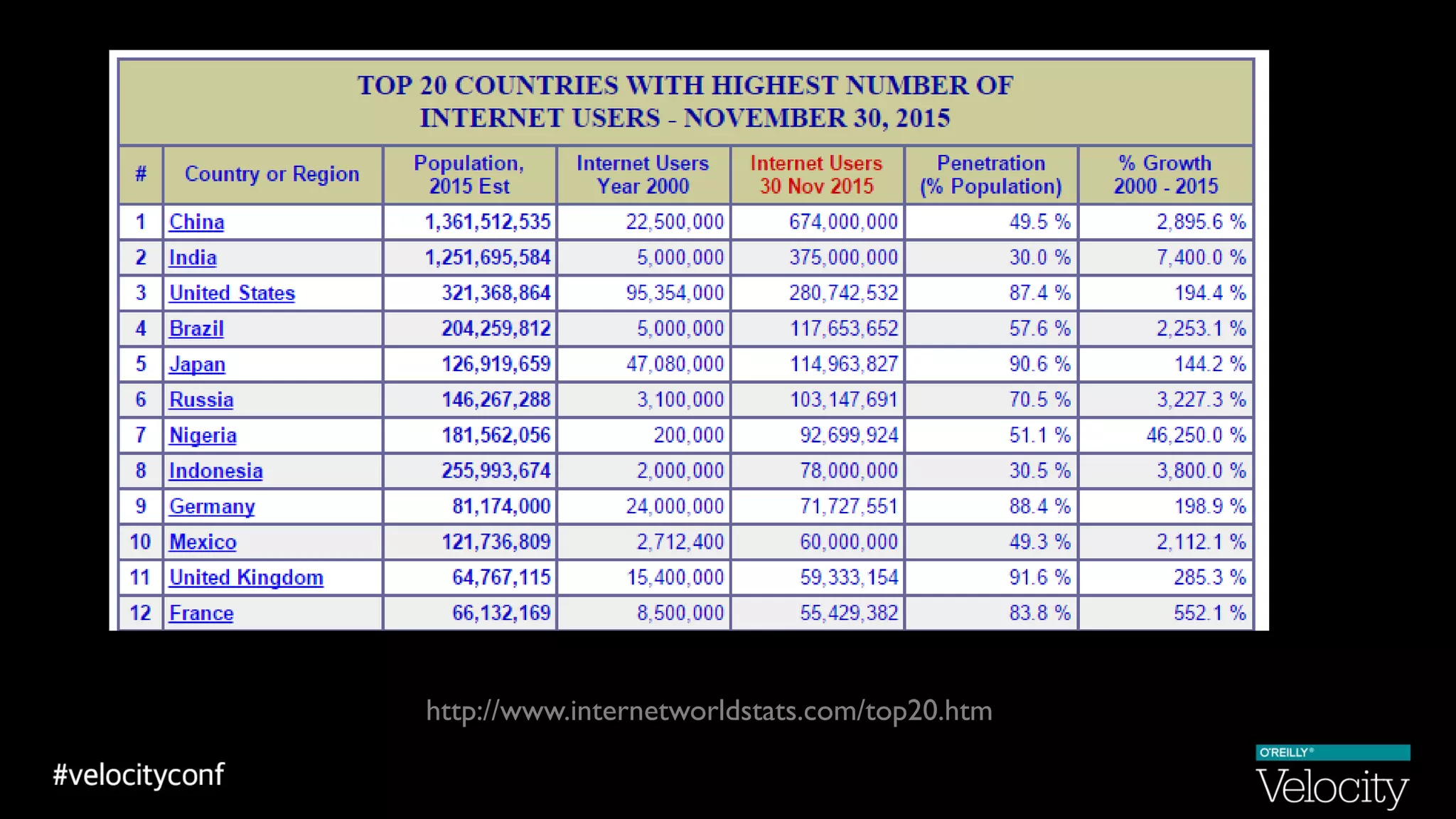
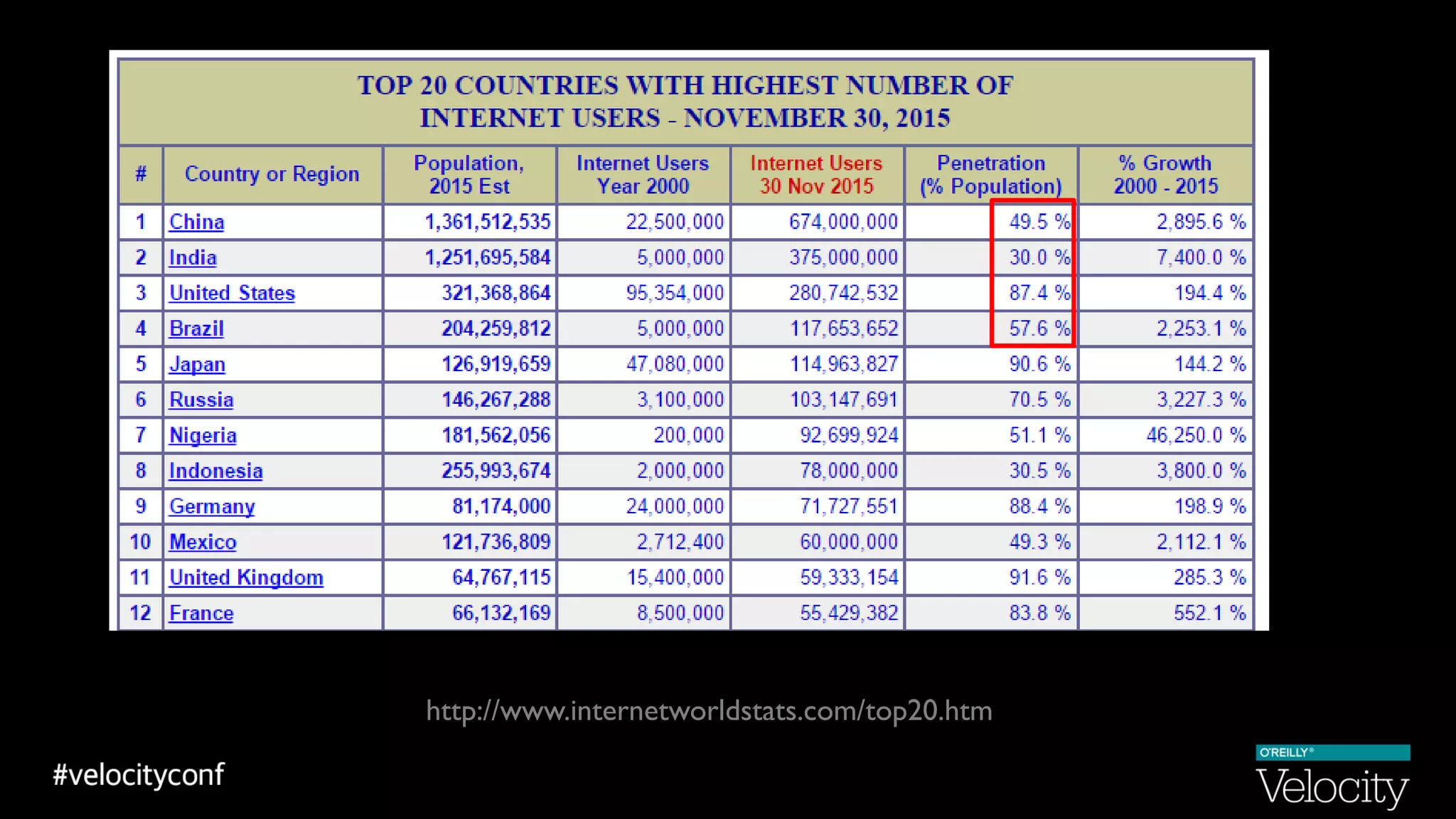
http://www.internetworldstats.com/top20.htm
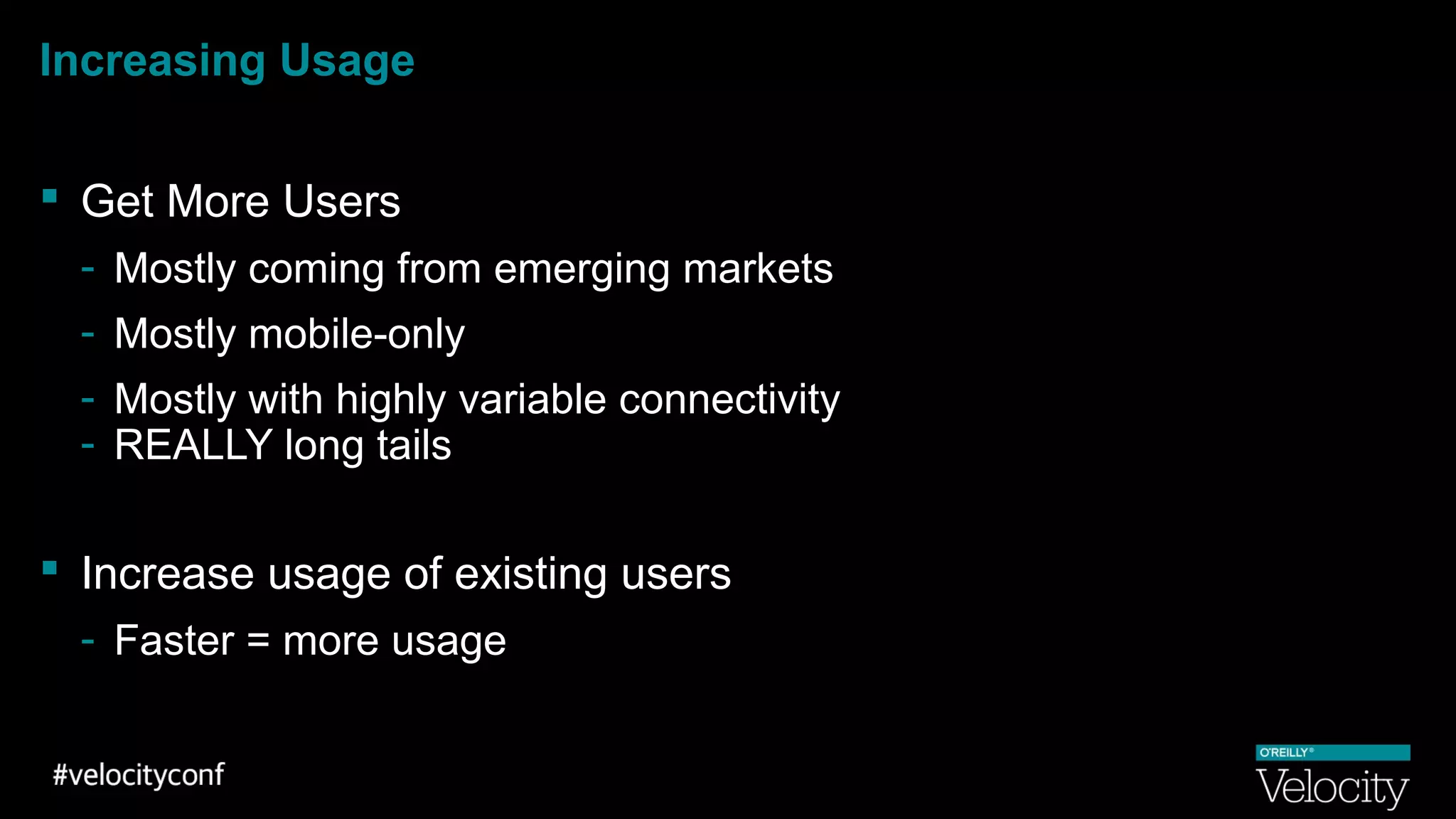
Increasing Usage
 Get More Users
- Mostly coming from emerging markets
- Mostly mobile-only
- Mostly with highly variable connectivity
- REALLY long tails
 Increase usage of existing users
- Faster = more usage
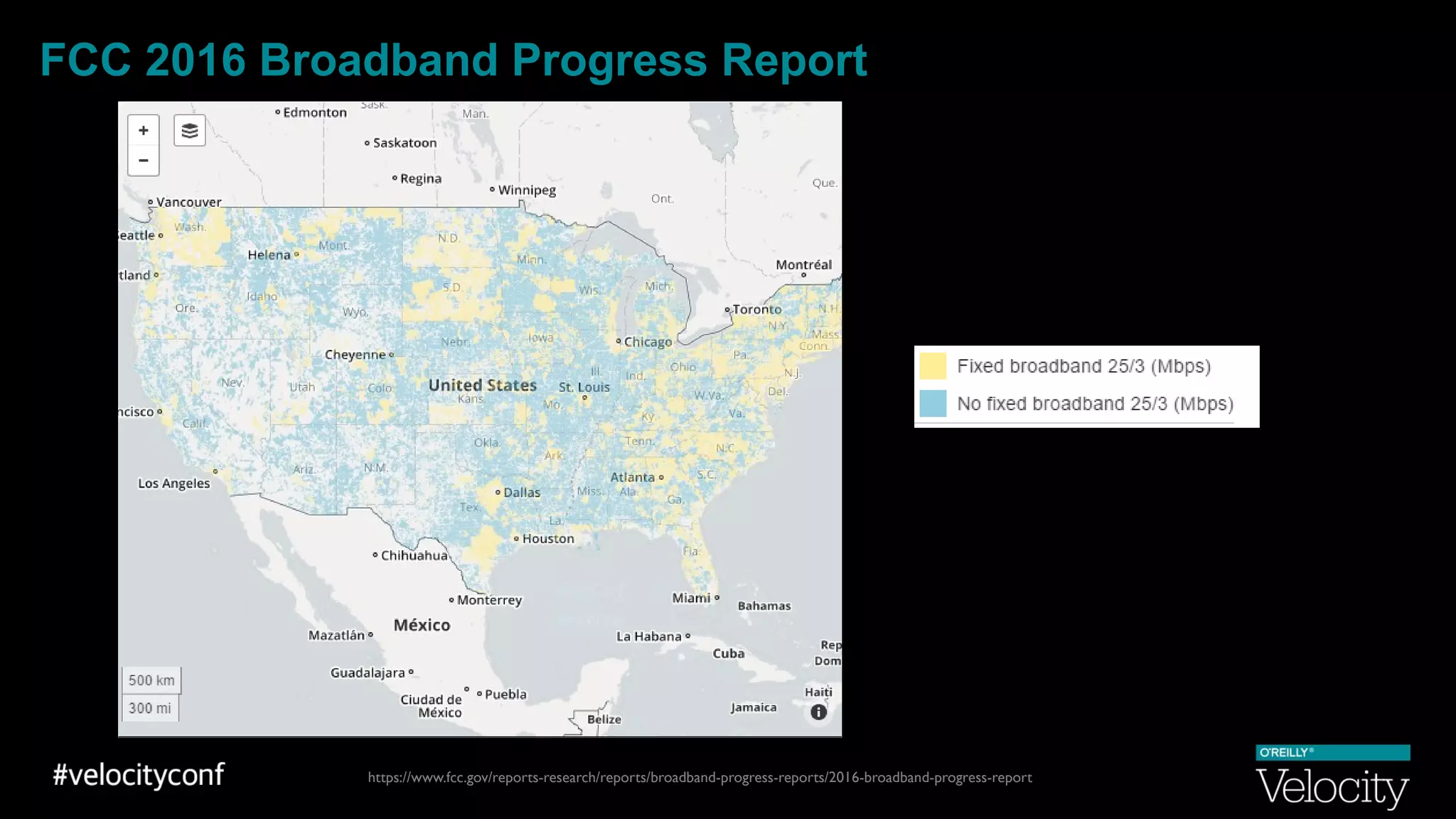
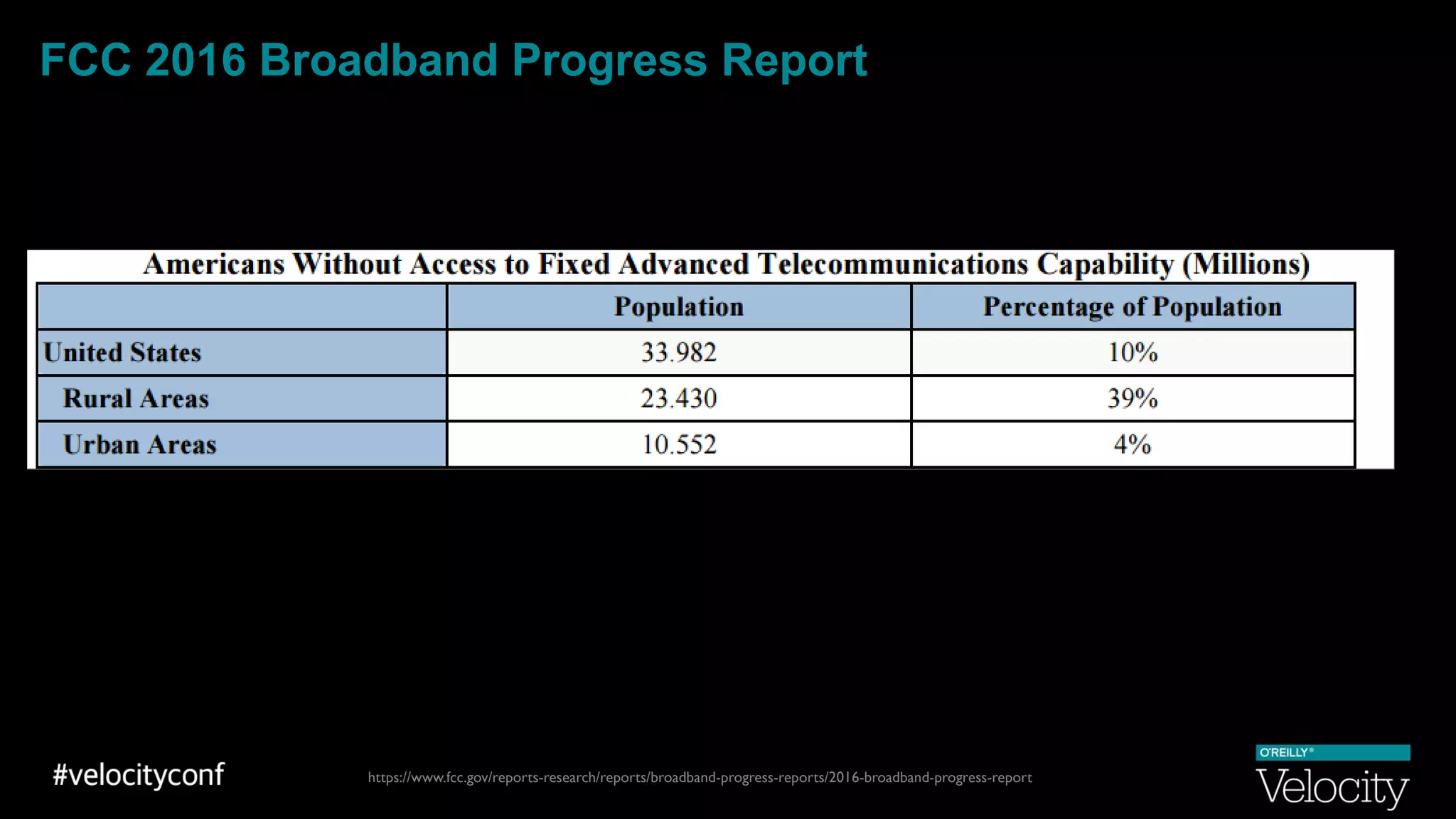
FCC 2016 Broadband Progress Report
https://www.fcc.gov/reports-research/reports/broadband-progress-reports/2016-broadband-progress-report
FCC 2016 Broadband Progress Report
https://www.fcc.gov/reports-research/reports/broadband-progress-reports/2016-broadband-progress-report
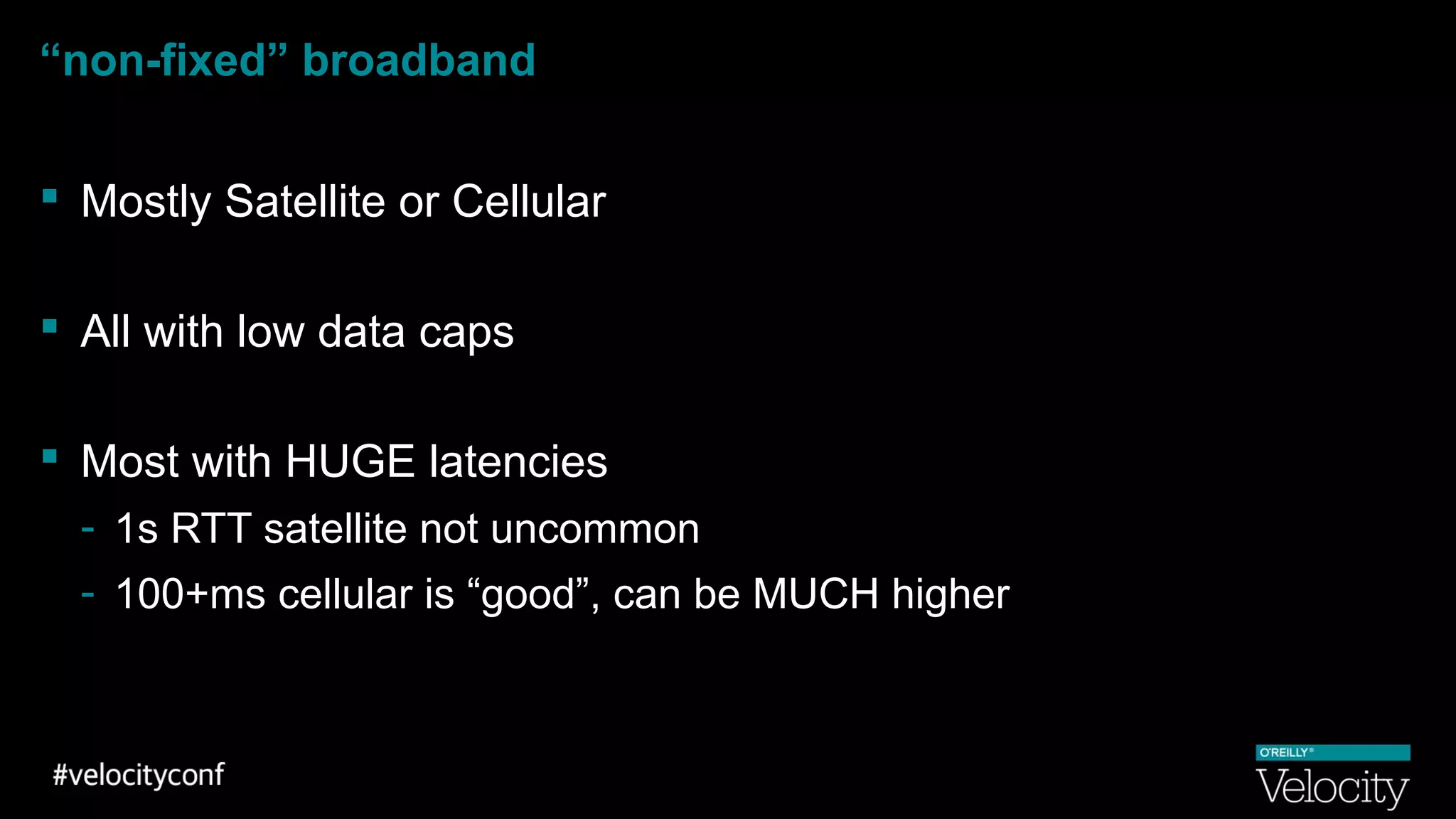
“non-fixed” broadband
 Mostly Satellite or Cellular
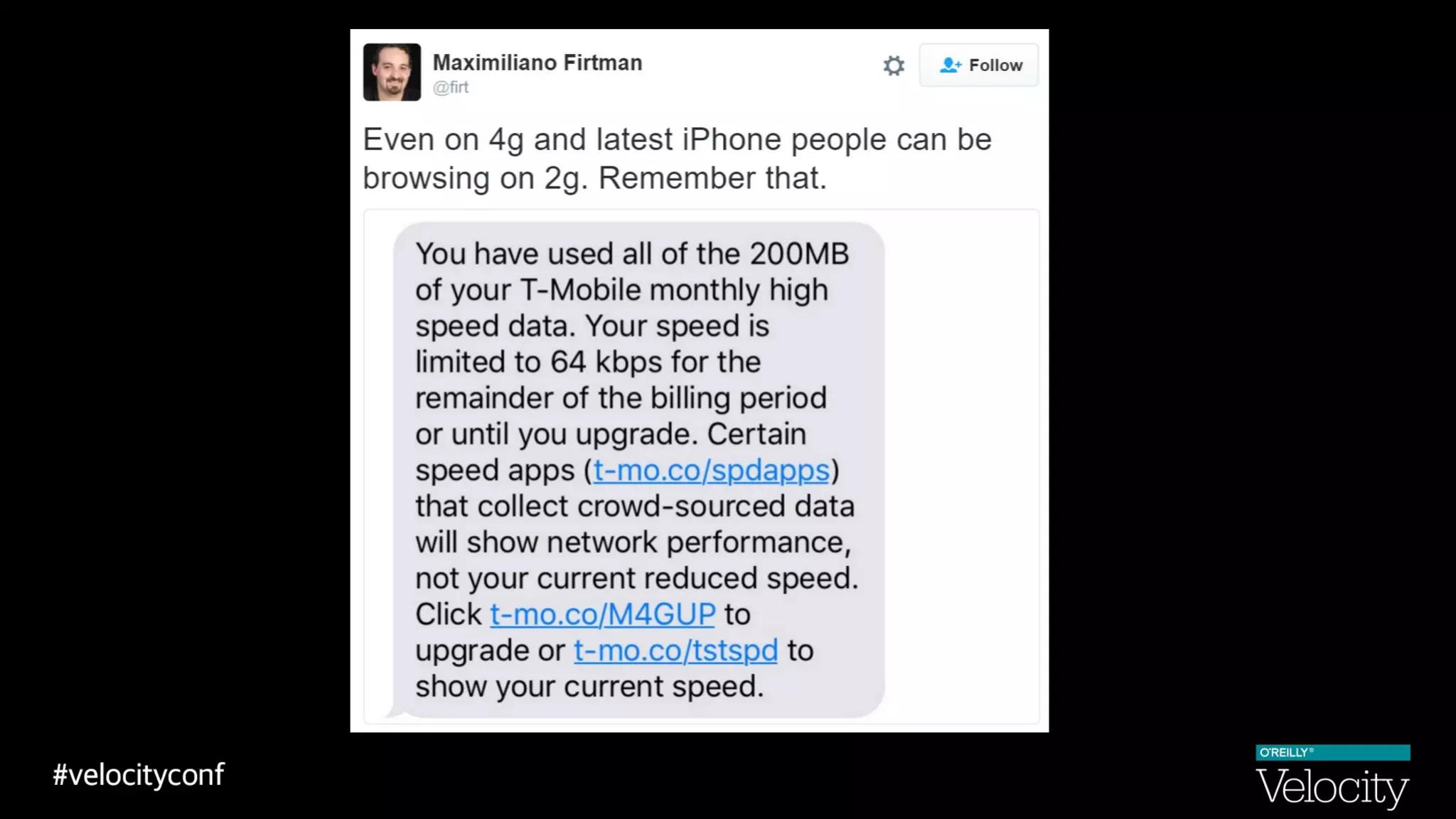
 All with low data caps
 Most with HUGE latencies
- 1s RTT satellite not uncommon
- 100+ms cellular is “good”, can be MUCH higher
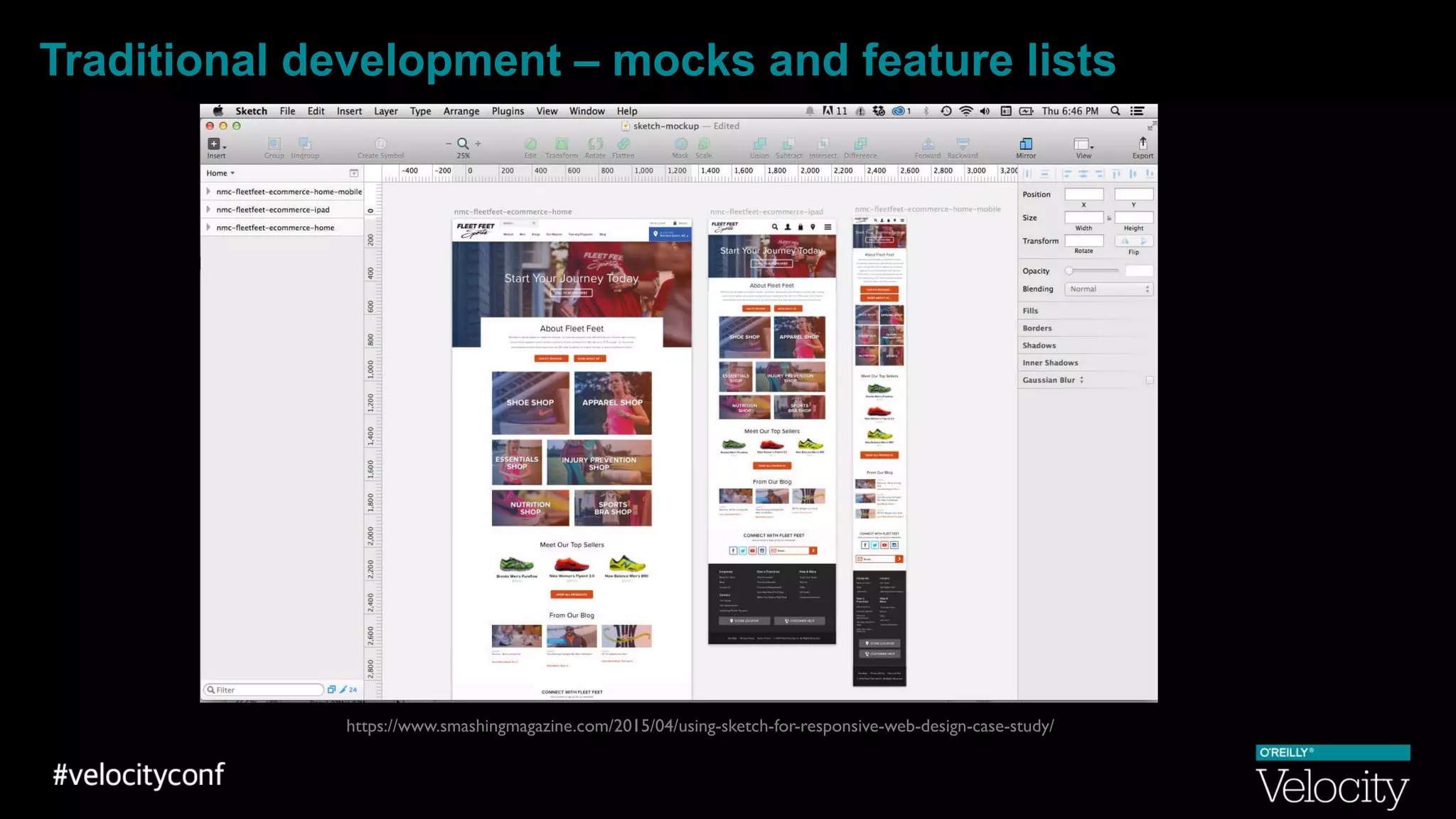
Traditional development – mocks and feature lists
https://www.smashingmagazine.com/2015/04/using-sketch-for-responsive-web-design-case-study/
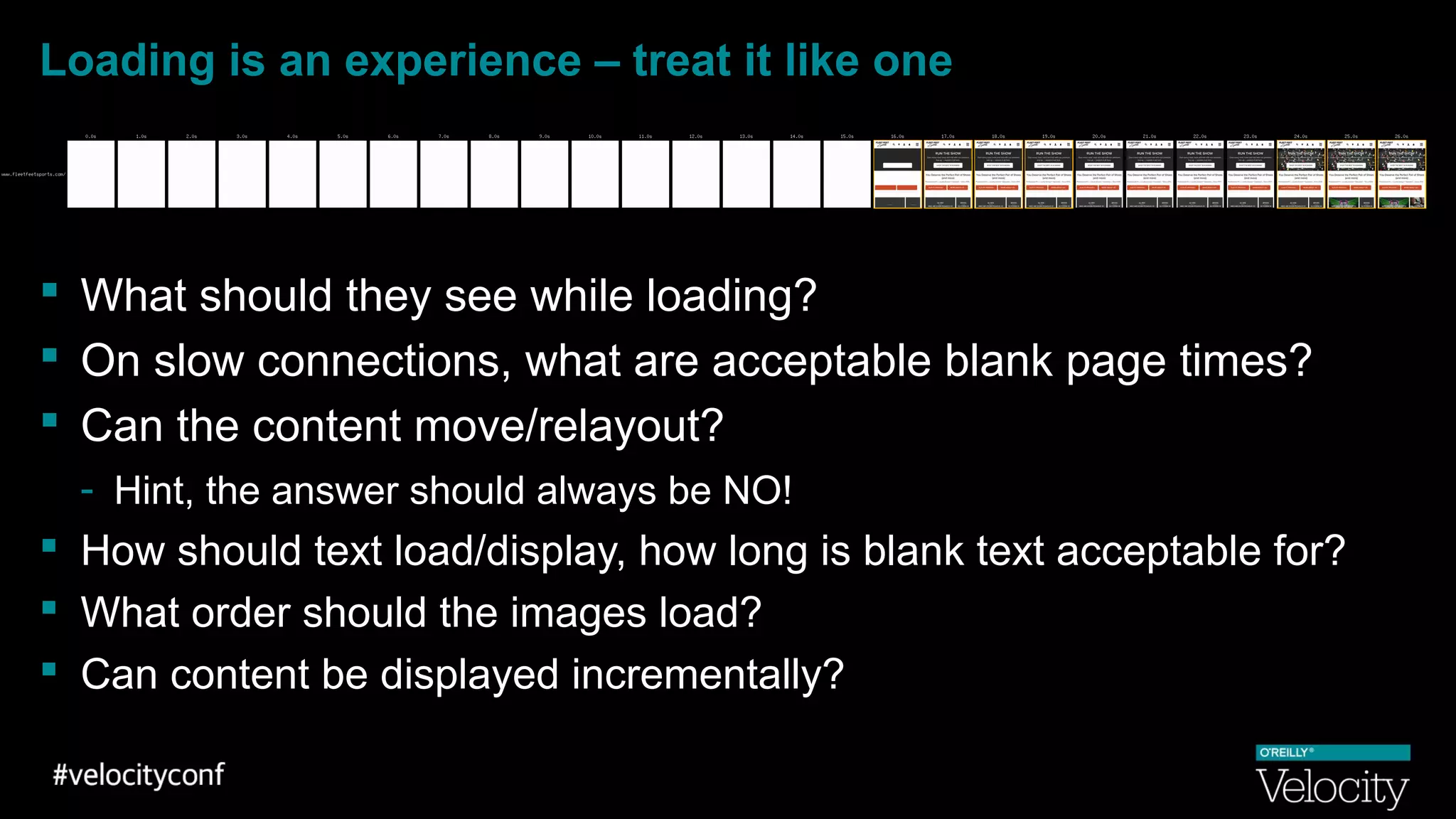
Loading is an experience – treat it like one
 What should they see while loading?
 On slow connections, what are acceptable blank page times?
 Can the content move/relayout?
- Hint, the answer should always be NO!
 How should text load/display, how long is blank text acceptable for?
 What order should the images load?
 Can content be displayed incrementally?
Search Lite
http://searchengineland.com/google-launches-streamlined-lite-version-of-mobile-search-interface-for-slower-connections-218269
Search “Interventions”
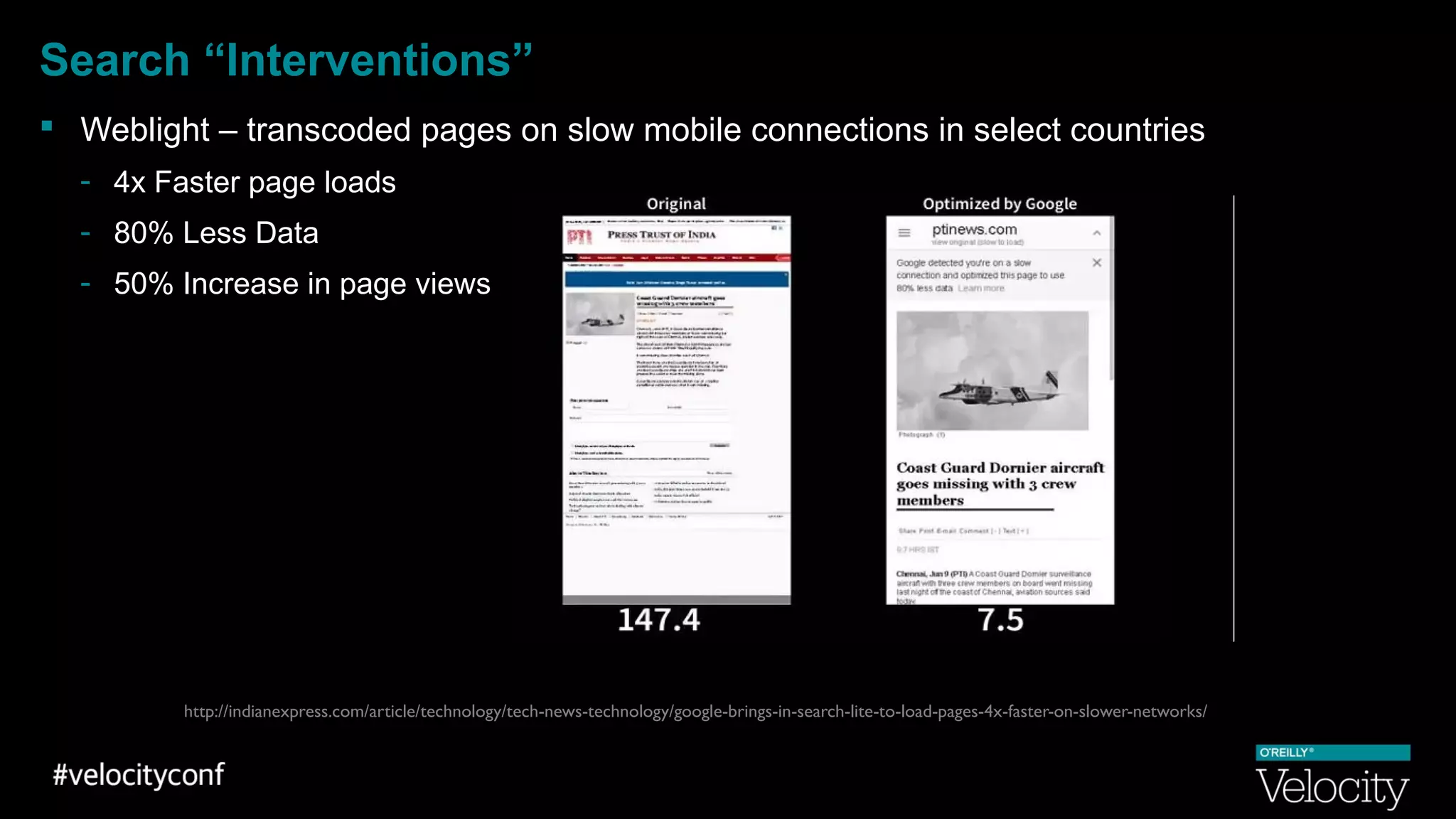
 Weblight – transcoded pages on slow mobile connections in select countries
- 4x Faster page loads
- 80% Less Data
- 50% Increase in page views
http://indianexpress.com/article/technology/tech-news-technology/google-brings-in-search-lite-to-load-pages-4x-faster-on-slower-networks/
How Fast is your site?
Willing to put money on that?
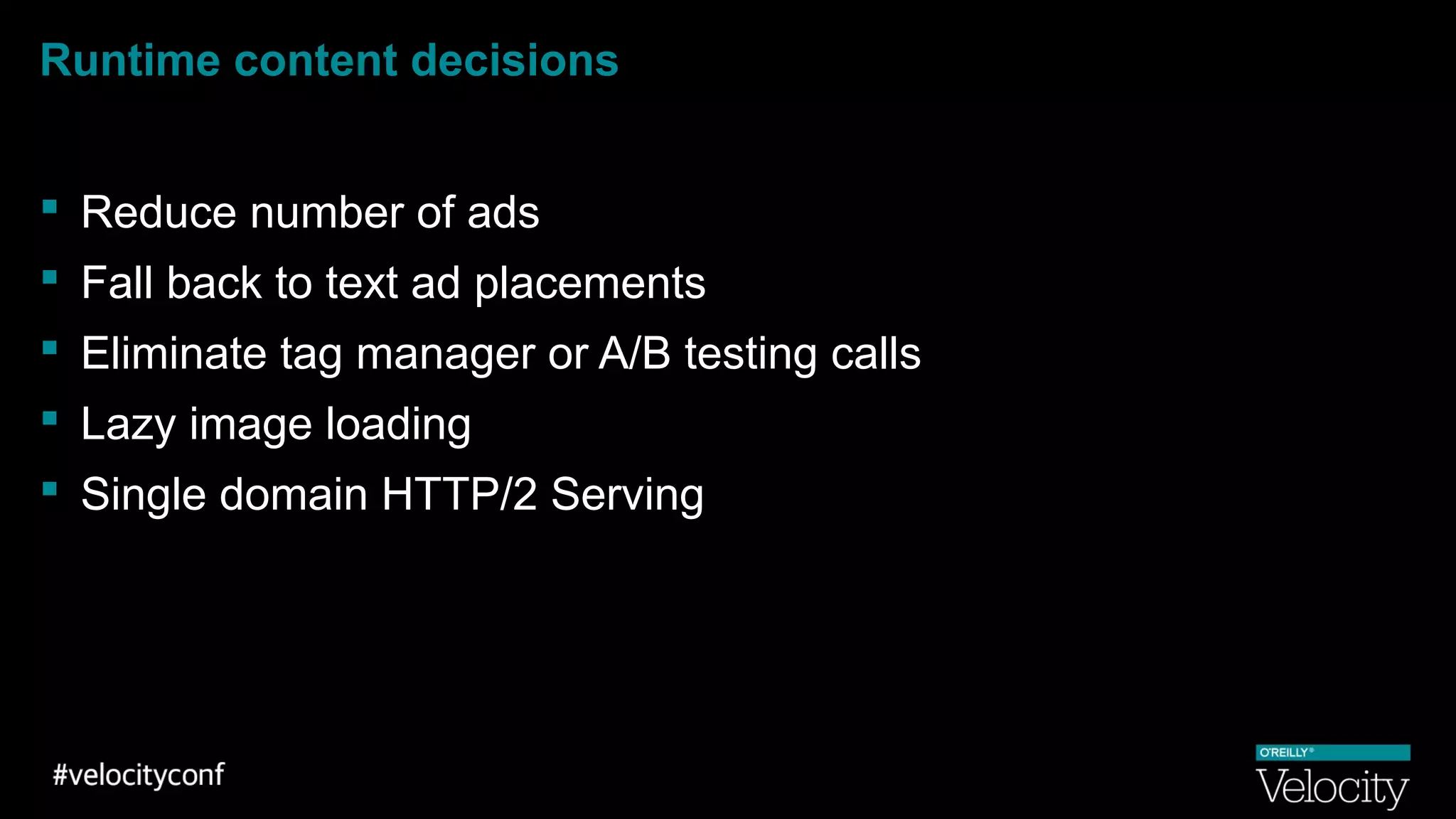
Runtime content decisions
 Reduce number of ads
 Fall back to text ad placements
 Eliminate tag manager or A/B testing calls
 Lazy image loading
 Single domain HTTP/2 Serving
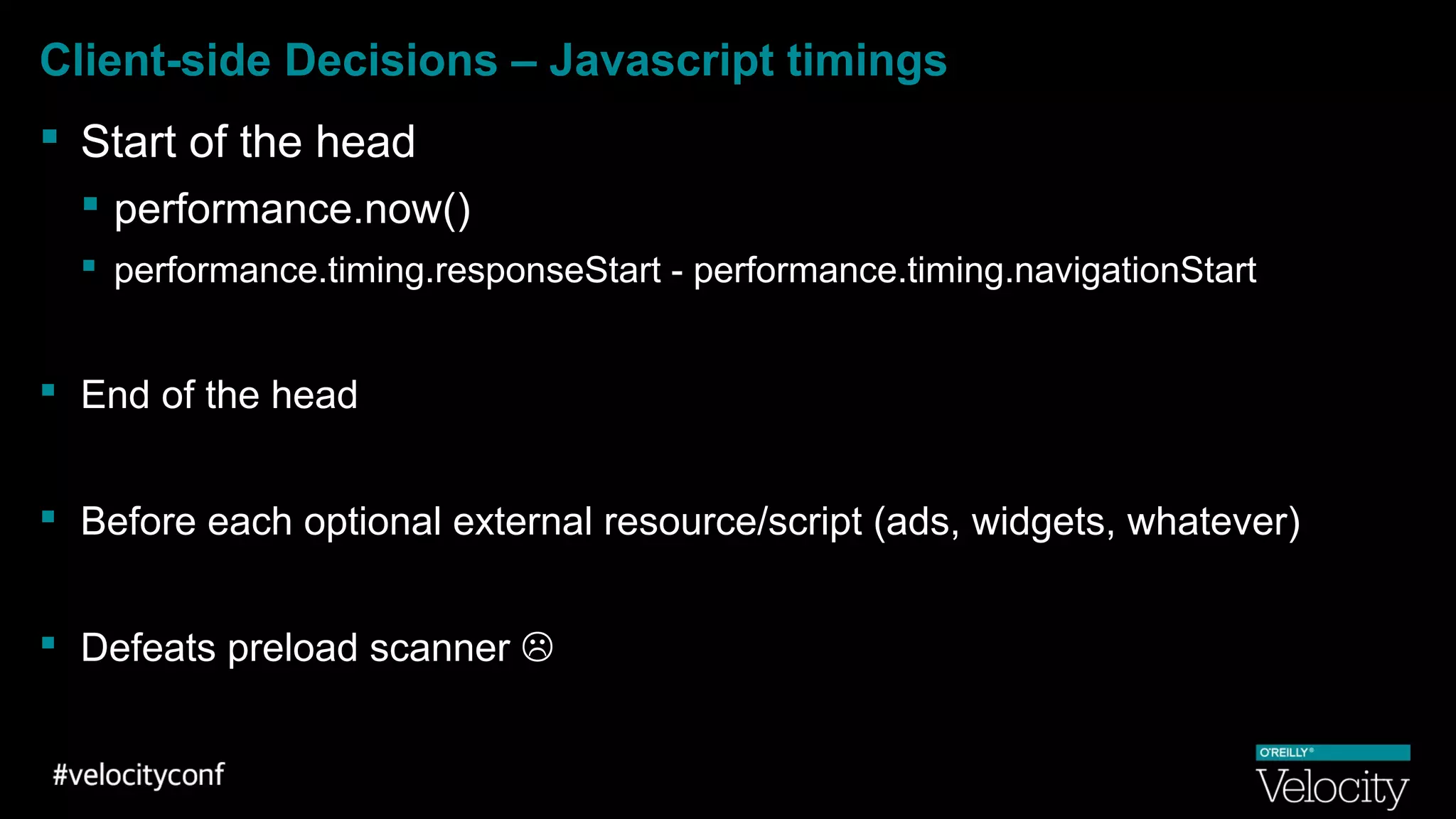
Client-side Decisions – Javascript timings
 Start of the head
 performance.now()
 performance.timing.responseStart - performance.timing.navigationStart
 End of the head
 Before each optional external resource/script (ads, widgets, whatever)
 Defeats preload scanner 
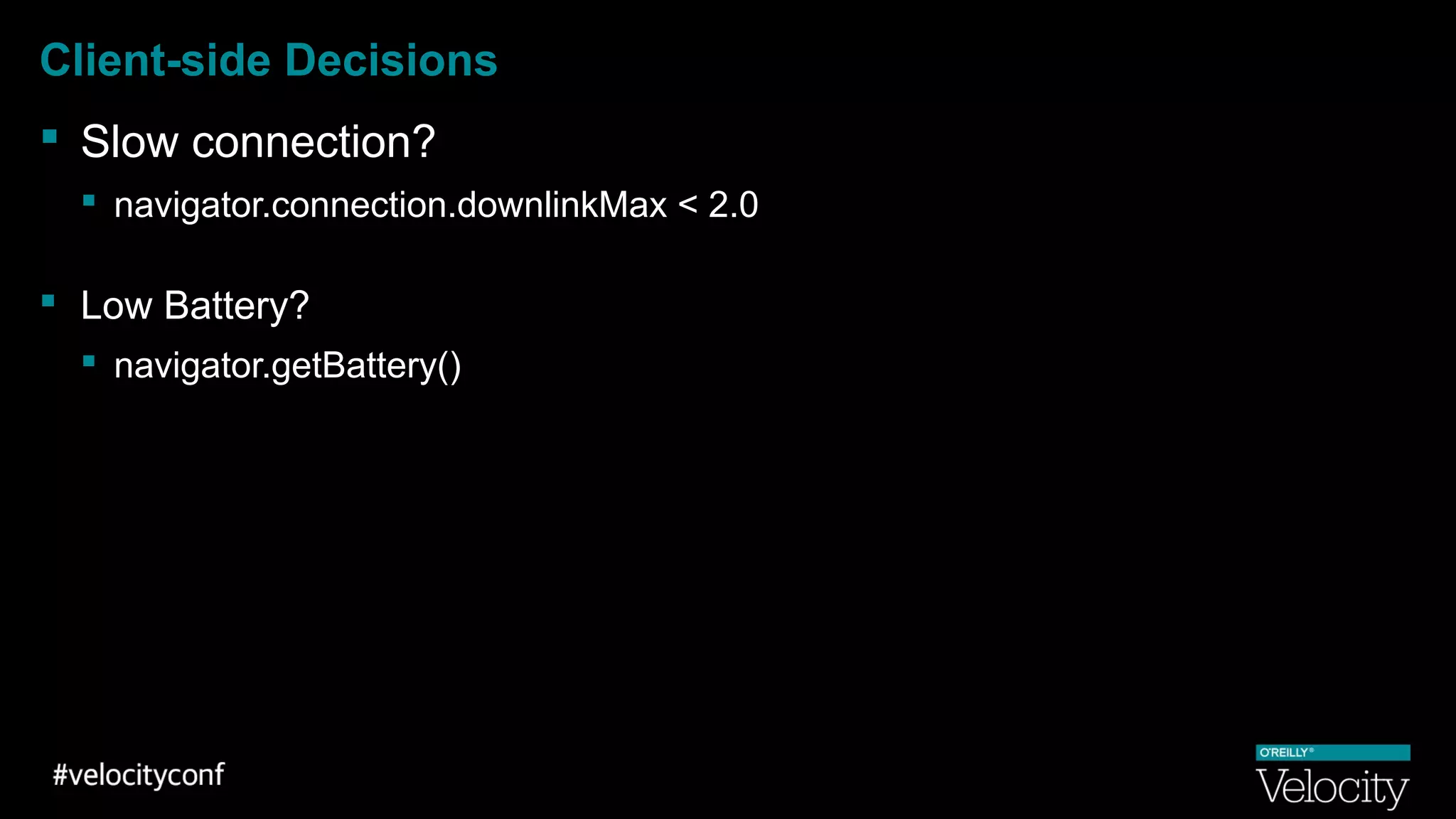
Client-side Decisions
 Slow connection?
 navigator.connection.downlinkMax < 2.0
 Low Battery?
 navigator.getBattery()
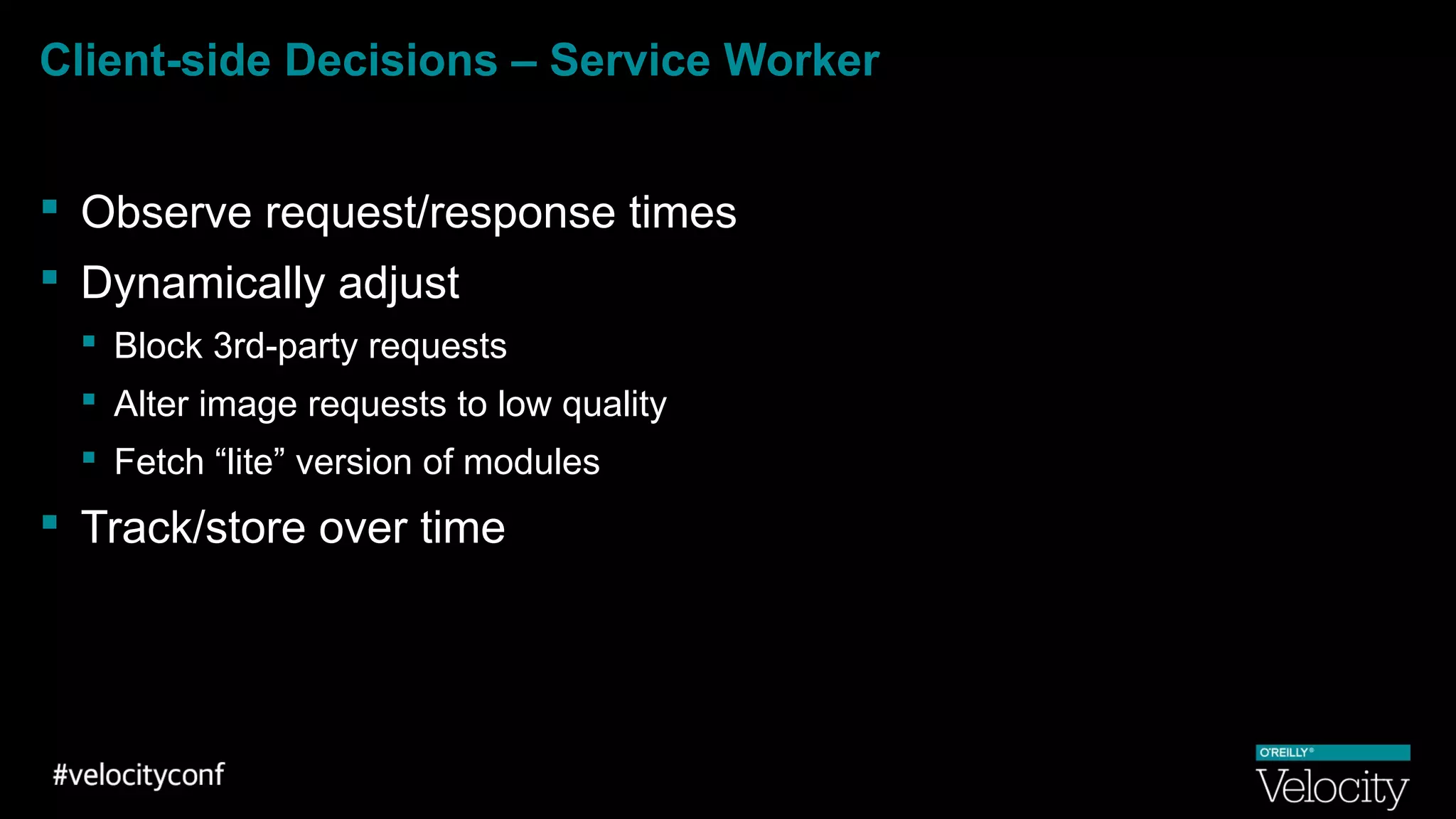
Client-side Decisions – Service Worker
 Observe request/response times
 Dynamically adjust
 Block 3rd-party requests
 Alter image requests to low quality
 Fetch “lite” version of modules
 Track/store over time
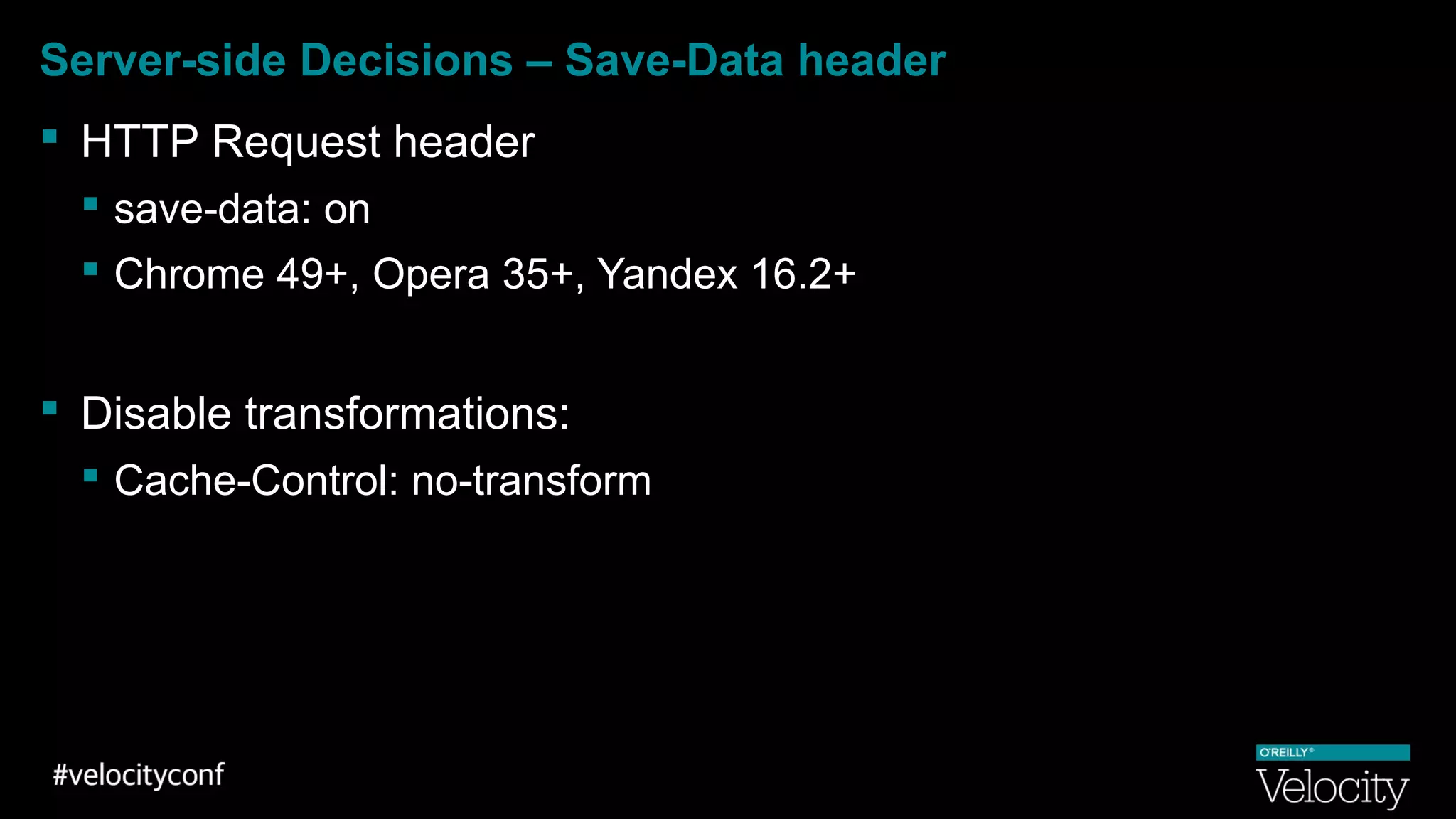
Server-side Decisions – Save-Data header
 HTTP Request header
 save-data: on
 Chrome 49+, Opera 35+, Yandex 16.2+
 Disable transformations:
 Cache-Control: no-transform
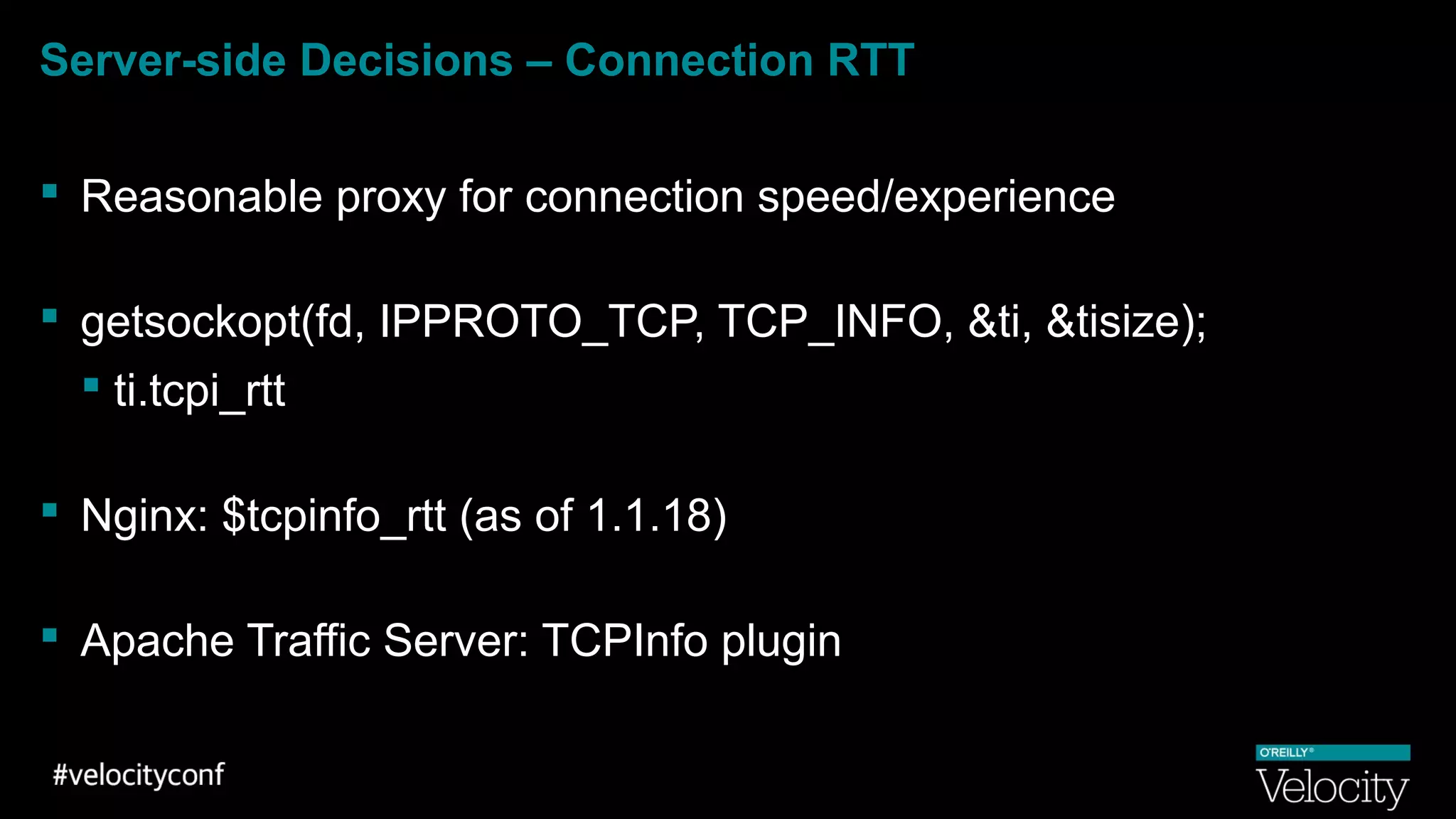
Server-side Decisions – Connection RTT
 Reasonable proxy for connection speed/experience
 getsockopt(fd, IPPROTO_TCP, TCP_INFO, &ti, &tisize);
 ti.tcpi_rtt
 Nginx: $tcpinfo_rtt (as of 1.1.18)
 Apache Traffic Server: TCPInfo plugin
Server-side Decisions – Tracking CIDR blocks
 Based on historical performance
 Slow reaction time
 Accounts for full experience
Watch out for usage shifts
 YouTube Feather
 Aggregate performance stats showed slower
 Due to new users who could not previously use it at all
 Chrome Resource Priorities Change
 Aggregate performance stats showed no change
 Slight increase in population
 Adjusted stats showed expected 5-10% improvement in tail
Browser “Interventions”
 Data saver mode
 Mini/Proxy Browsers
 Ad Blocking
 Browsers becoming more agressive
Browser “Interventions”
 https://groups.google.com/a/chromium.org/forum/#!forum/intervention-dev
 Removing active scroll listeners
 Blocking document.write
 Throttling timers in background frames
 Immediately fall back to system fonts (shipped in 49)
 Lazy load images
 Cleaning up navigation history
 Anything that can make the web better for users, regardless of specs
Thank You
Patrick Meenan
@PatMeenan

Scaling Front-End Performance - Velocity 2016