HTML/CSS
Adapting to Mobile Development
Best Practices
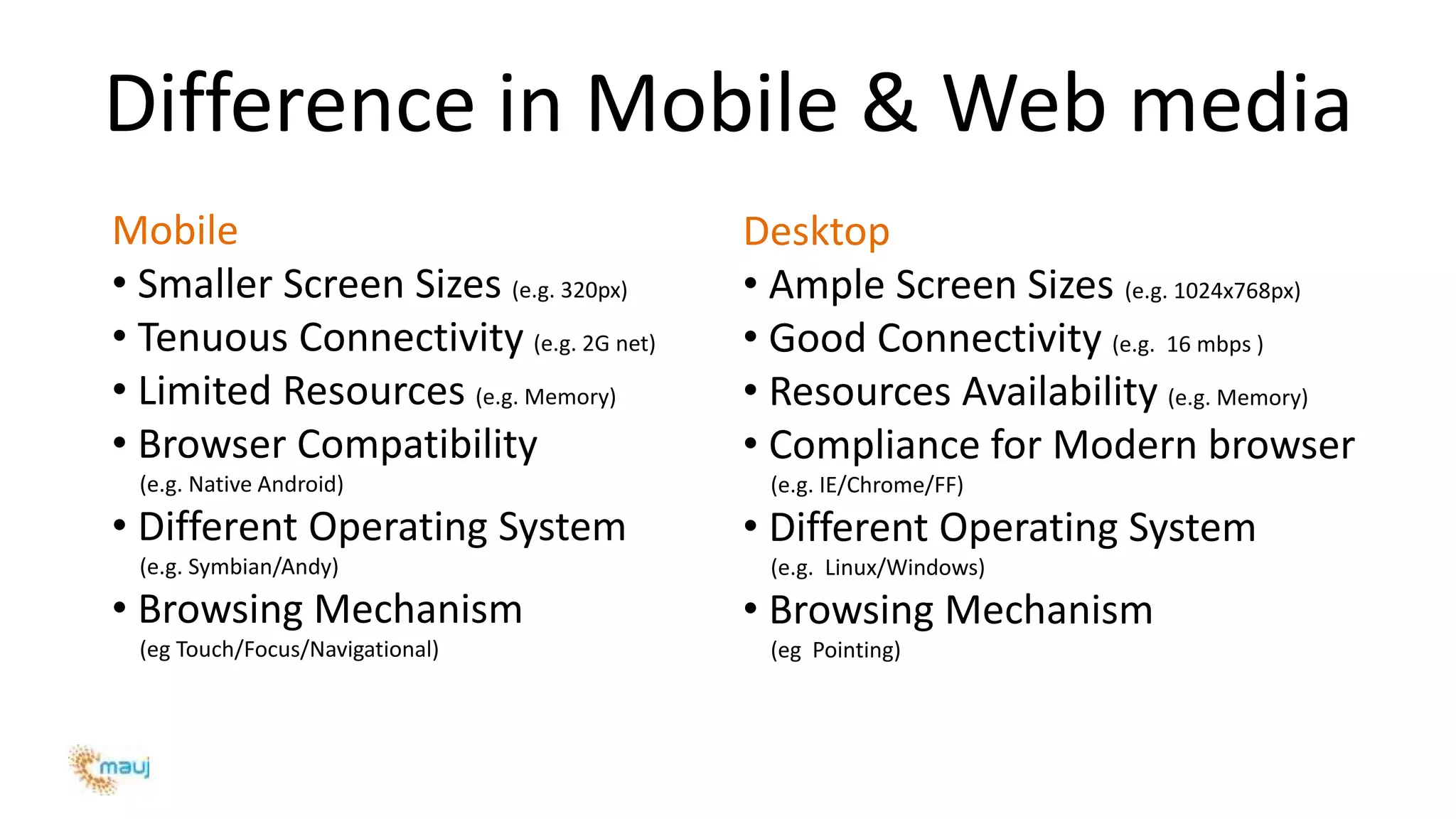
Difference in Mobile & Web media
Mobile
• Smaller Screen Sizes (e.g. 320px)
• Tenuous Connectivity (e.g. 2G net)
• Limited Resources (e.g. Memory)
• Browser Compatibility
(e.g. Native Android)
• Different Operating System
(e.g. Symbian/Andy)
• Browsing Mechanism
(eg Touch/Focus/Navigational)
Desktop
• Ample Screen Sizes (e.g. 1024x768px)
• Good Connectivity (e.g. 16 mbps )
• Resources Availability (e.g. Memory)
• Compliance for Modern browser
(e.g. IE/Chrome/FF)
• Different Operating System
(e.g. Linux/Windows)
• Browsing Mechanism
(eg Pointing)
Benefits of using Standards
– Maintainability
– Efficiency
– Clear Scope of Work
– Ease of issue identification
– Separation of Structure,
Presentation and Logic
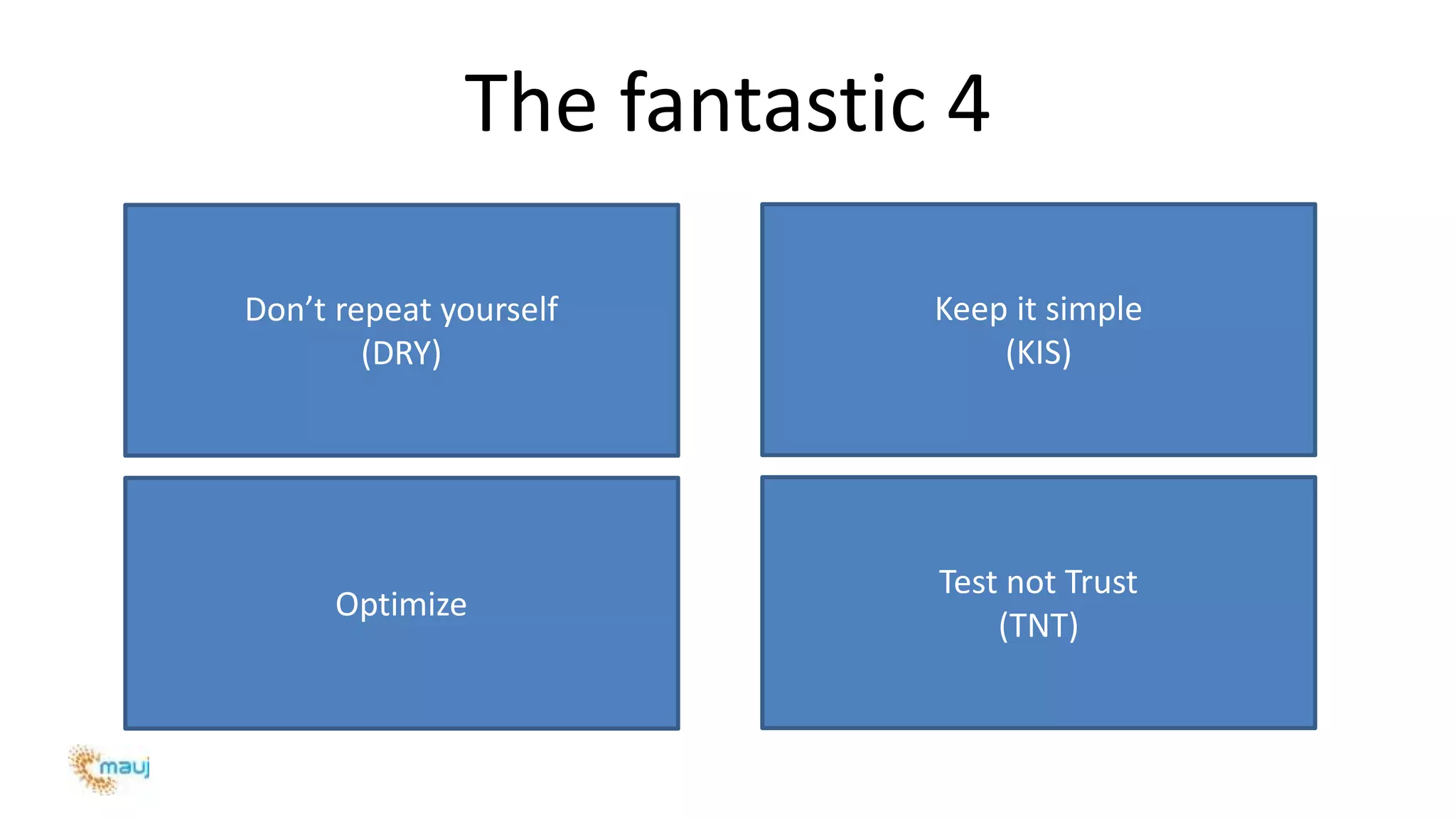
The fantastic 4
Don’t repeat yourself
(DRY)
Keep it simple
(KIS)
Optimize
Test not Trust
(TNT)
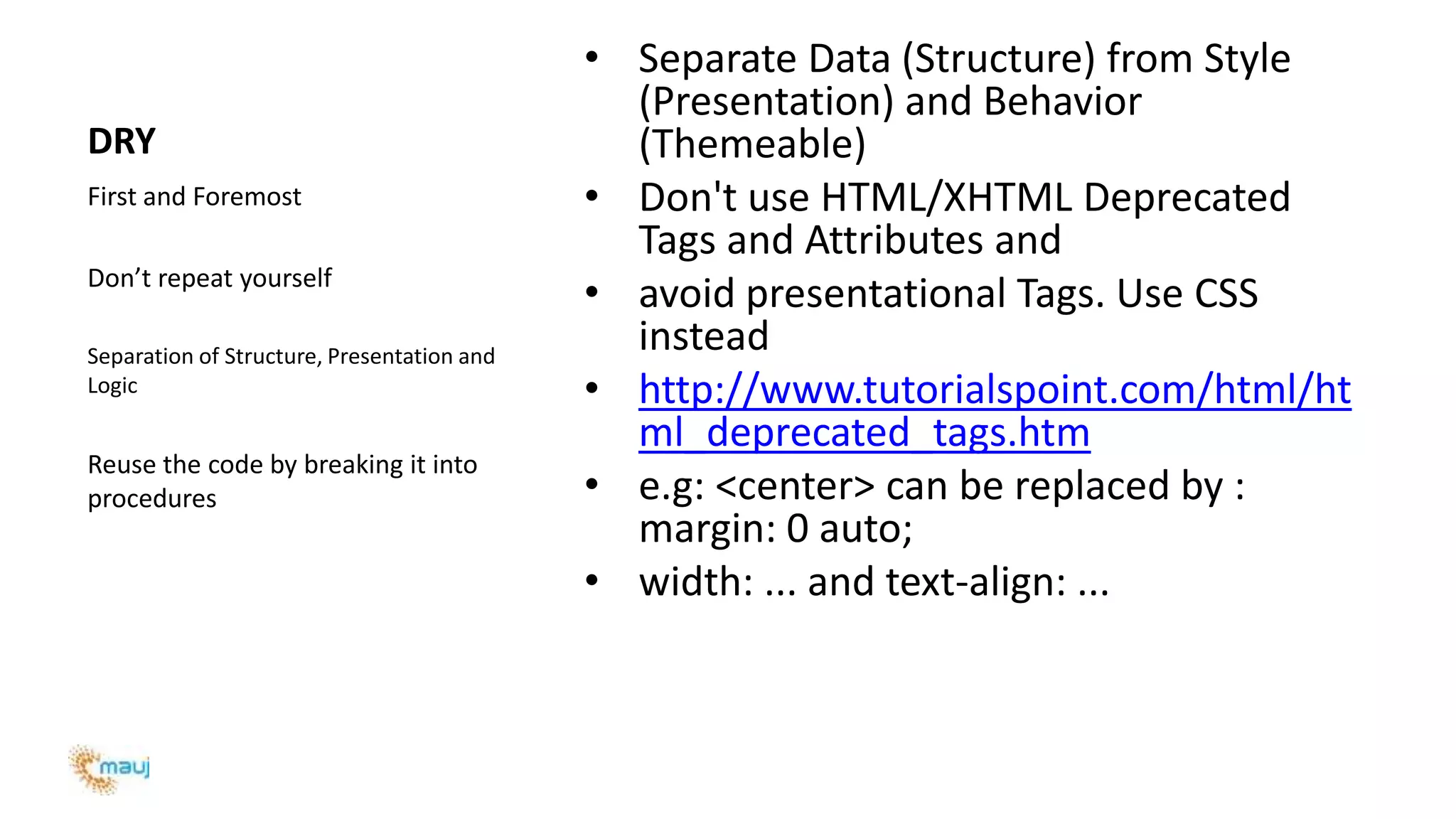
DRY
First and Foremost
Don’t repeat yourself
Separation of Structure, Presentation and
Logic
Reuse the code by breaking it into
procedures
• Separate Data (Structure) from Style
(Presentation) and Behavior
(Themeable)
• Don't use HTML/XHTML Deprecated
Tags and Attributes and
• avoid presentational Tags. Use CSS
instead
• http://www.tutorialspoint.com/html/ht
ml_deprecated_tags.htm
• e.g: <center> can be replaced by :
margin: 0 auto;
• width: ... and text-align: ...
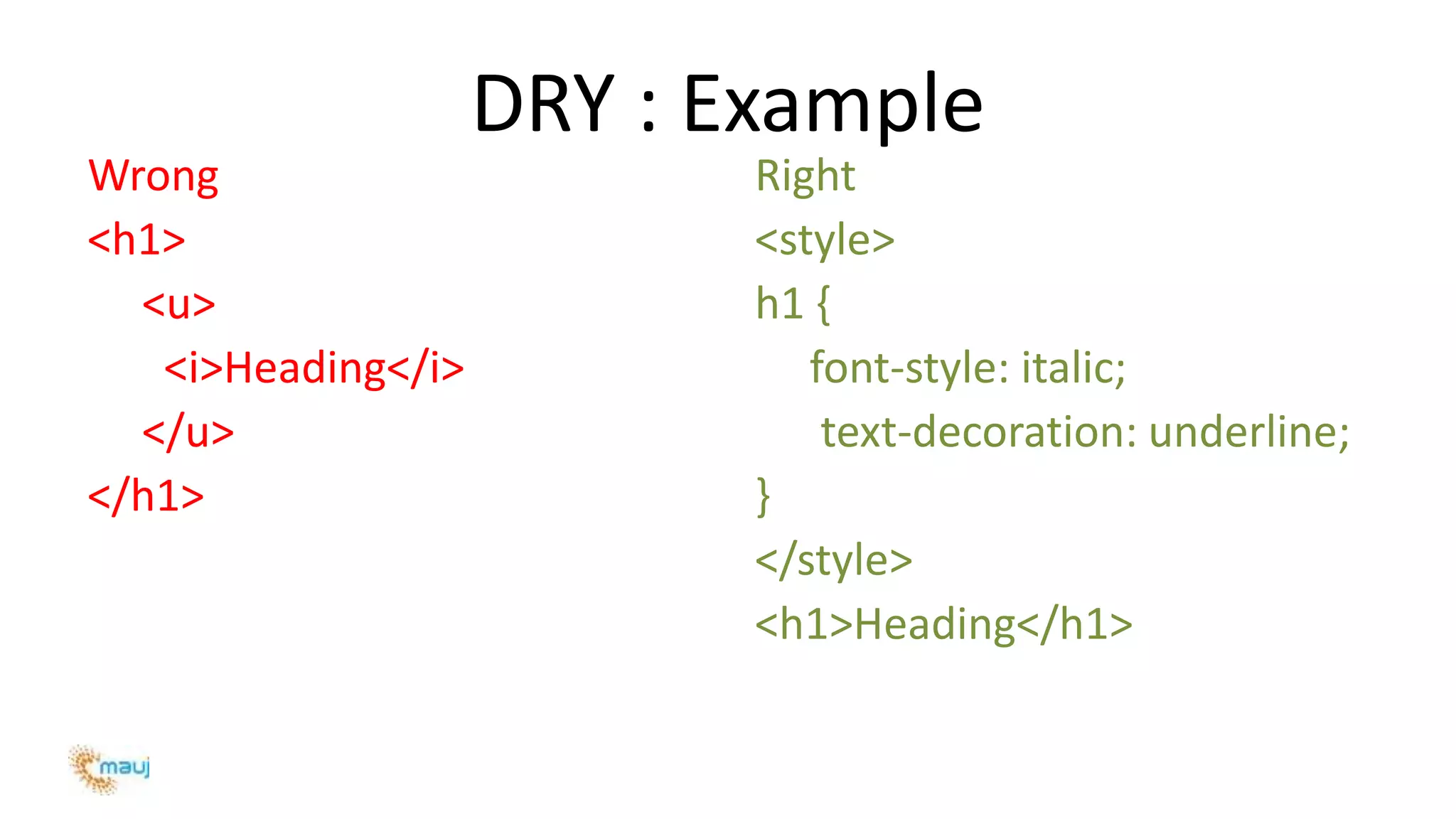
DRY : Example
Wrong
<h1>
<u>
<i>Heading</i>
</u>
</h1>
Right
<style>
h1 {
font-style: italic;
text-decoration: underline;
}
</style>
<h1>Heading</h1>
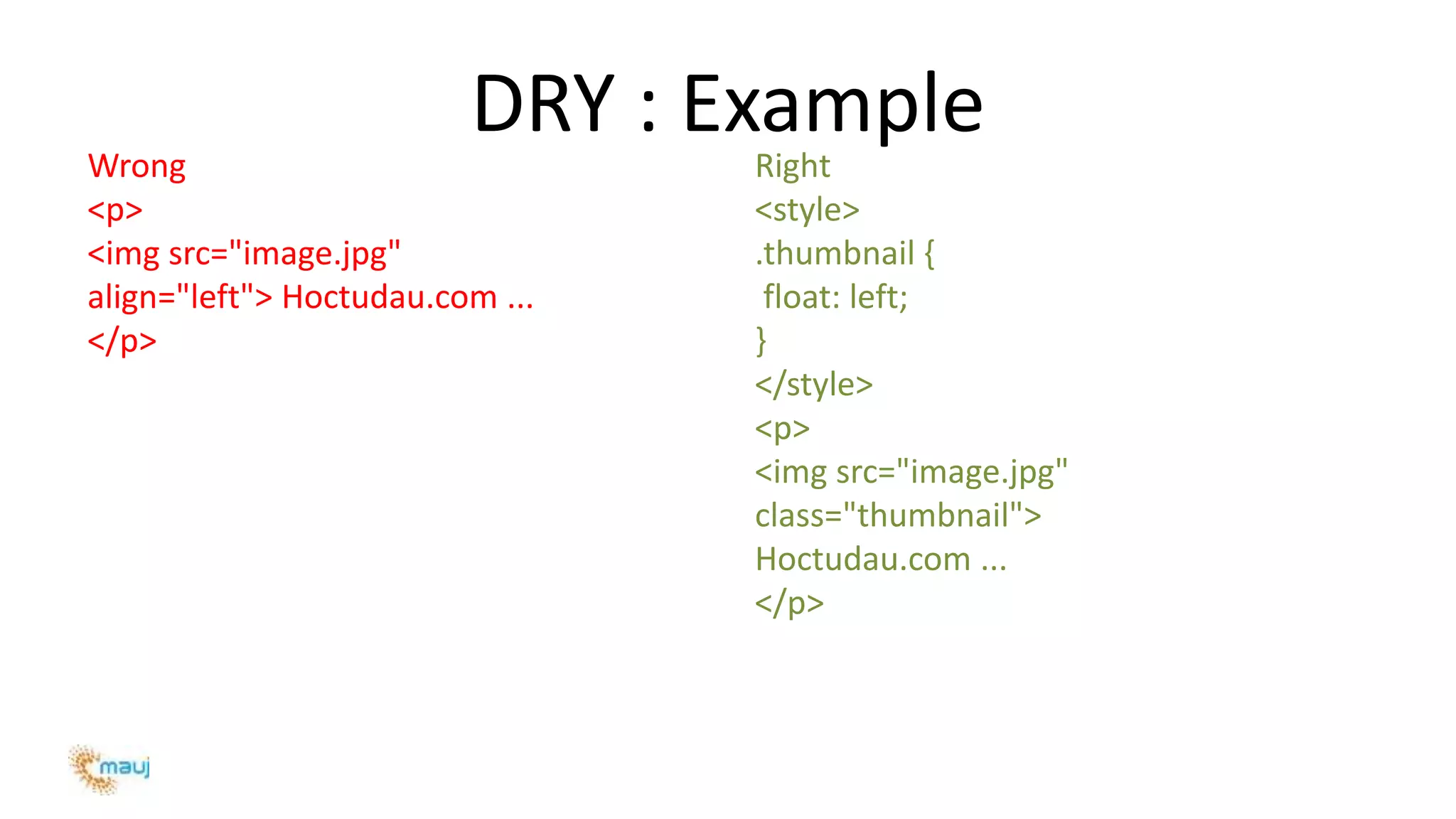
DRY : Example
Wrong
<p>
<img src="image.jpg"
align="left"> Hoctudau.com ...
</p>
Right
<style>
.thumbnail {
float: left;
}
</style>
<p>
<img src="image.jpg"
class="thumbnail">
Hoctudau.com ...
</p>
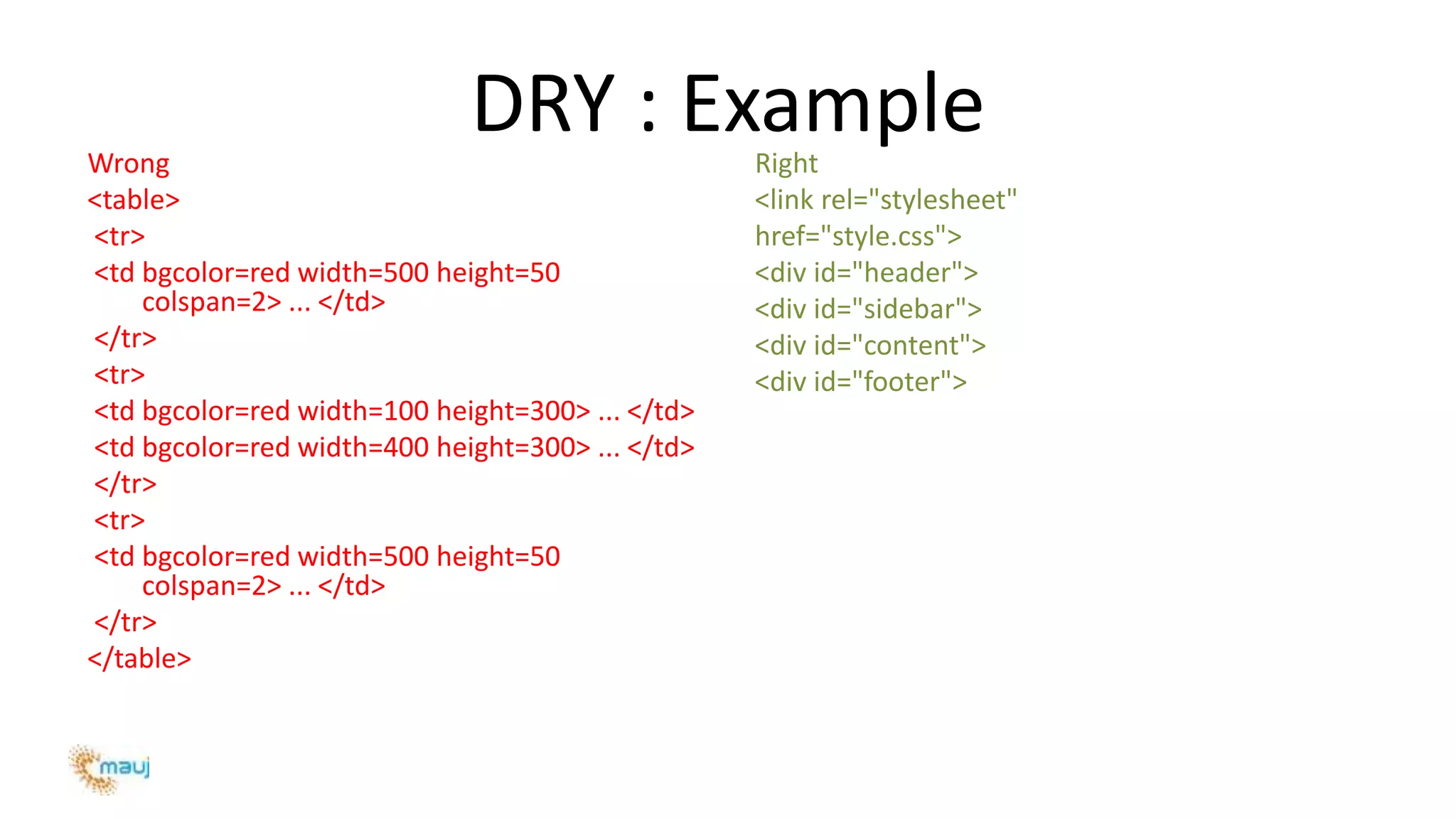
DRY : ExampleWrong
<table>
<tr>
<td bgcolor=red width=500 height=50
colspan=2> ... </td>
</tr>
<tr>
<td bgcolor=red width=100 height=300> ... </td>
<td bgcolor=red width=400 height=300> ... </td>
</tr>
<tr>
<td bgcolor=red width=500 height=50
colspan=2> ... </td>
</tr>
</table>
Right
<link rel="stylesheet"
href="style.css">
<div id="header">
<div id="sidebar">
<div id="content">
<div id="footer">
DRY : Example
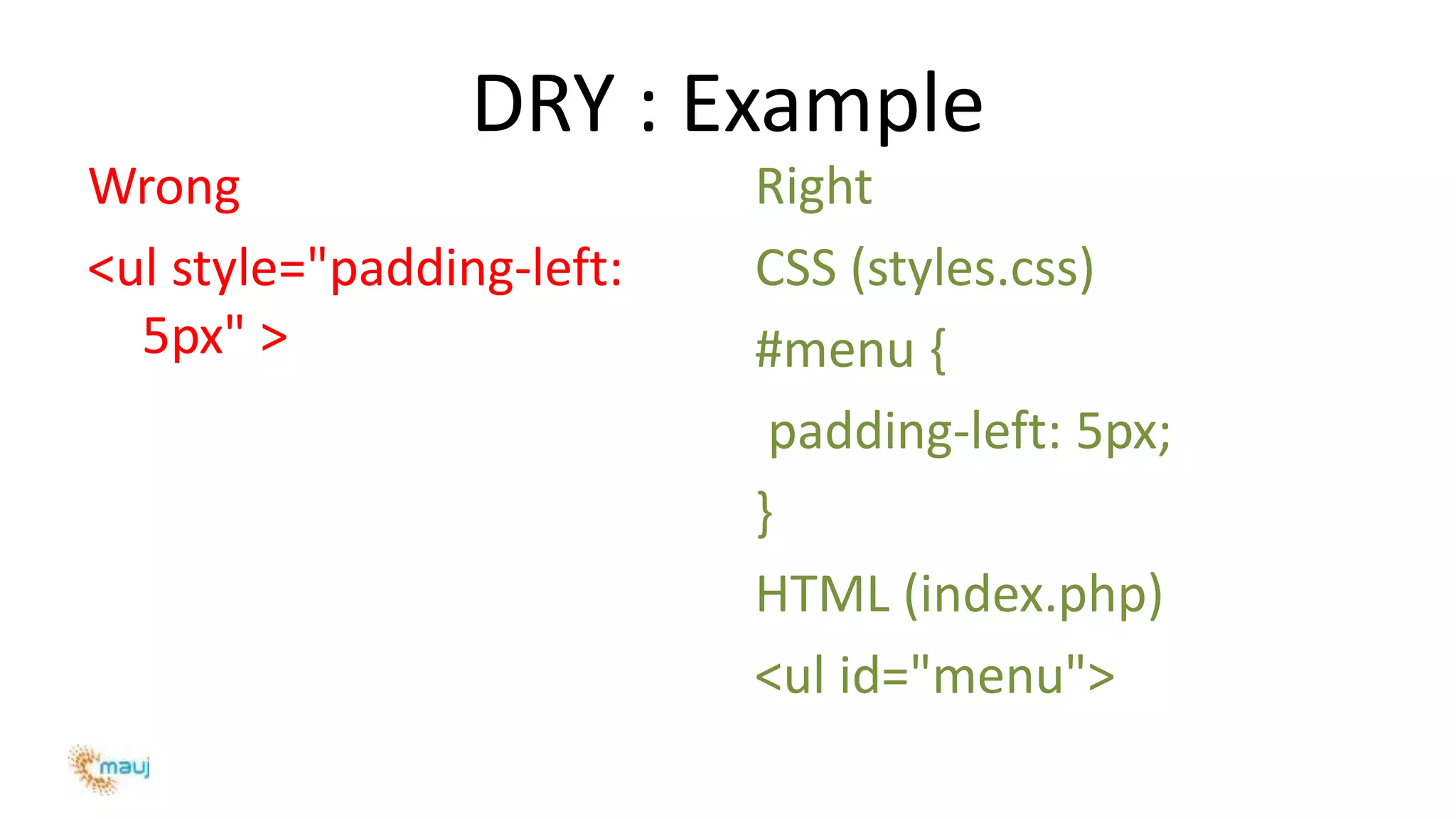
Wrong
<ul style="padding-left:
5px" >
Right
CSS (styles.css)
#menu {
padding-left: 5px;
}
HTML (index.php)
<ul id="menu">
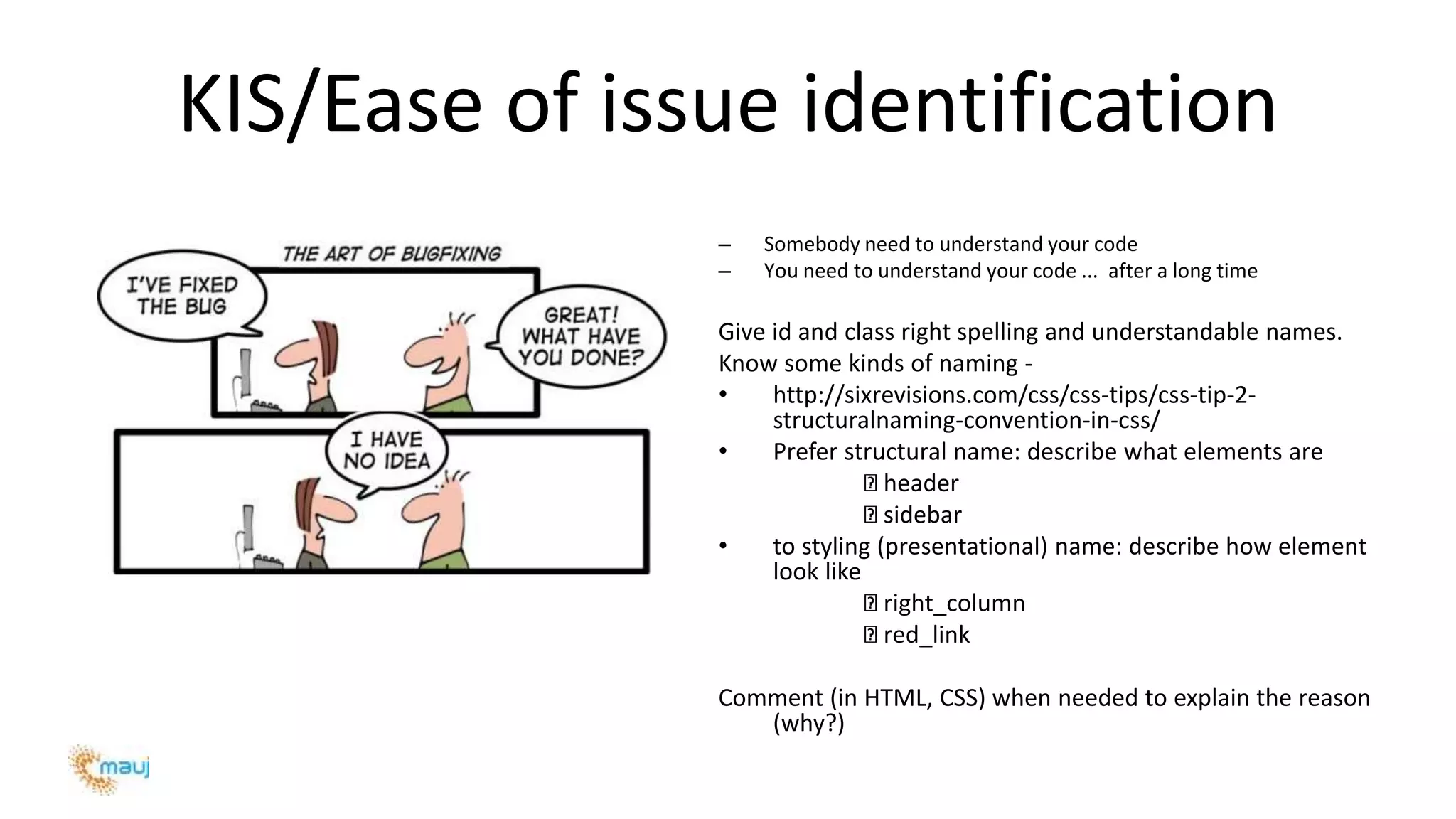
KIS/Ease of issue identification
– Somebody need to understand your code
– You need to understand your code ... after a long time
Give id and class right spelling and understandable names.
Know some kinds of naming -
• http://sixrevisions.com/css/css-tips/css-tip-2-
structuralnaming-convention-in-css/
• Prefer structural name: describe what elements are
header
sidebar
• to styling (presentational) name: describe how element
look like
right_column
red_link
Comment (in HTML, CSS) when needed to explain the reason
(why?)
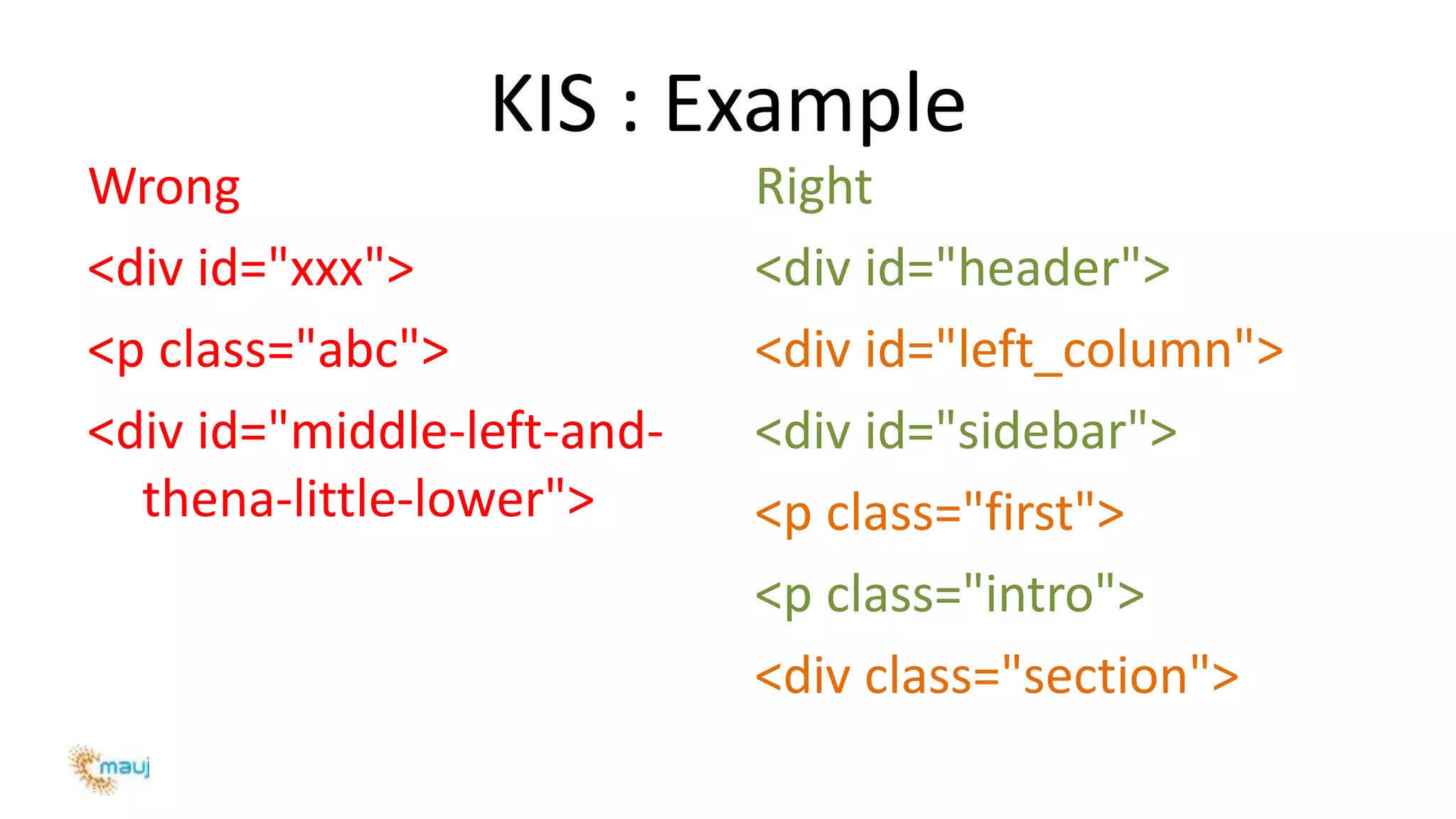
KIS : Example
Wrong
<div id="xxx">
<p class="abc">
<div id="middle-left-and-
thena-little-lower">
Right
<div id="header">
<div id="left_column">
<div id="sidebar">
<p class="first">
<p class="intro">
<div class="section">
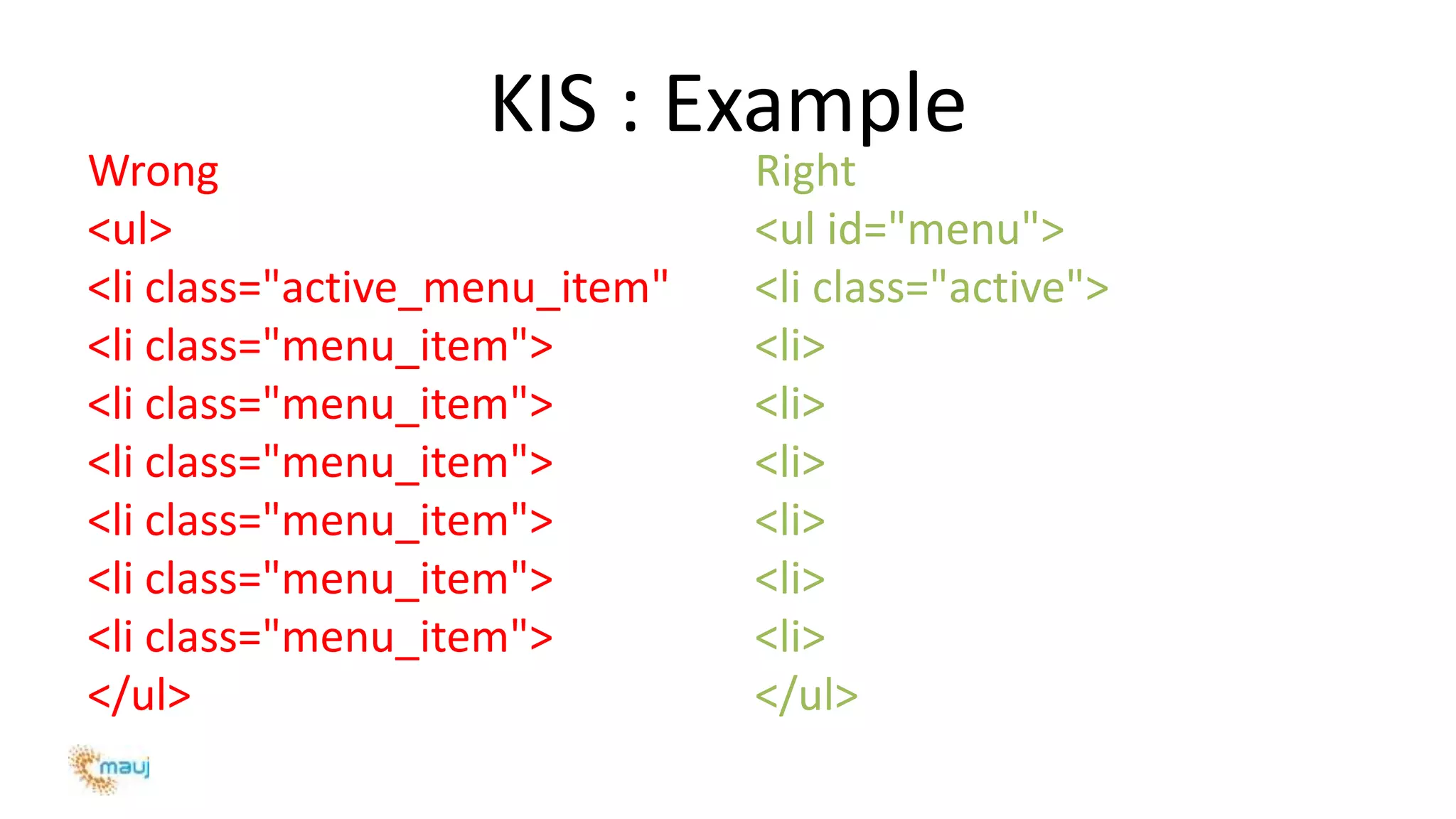
KIS : Example
Wrong
<ul>
<li class="active_menu_item"
<li class="menu_item">
</ul>
Right
<ul id="menu">
<li class="active">
<li>
<li>
<li>
<li>
<li>
<li>
</ul>
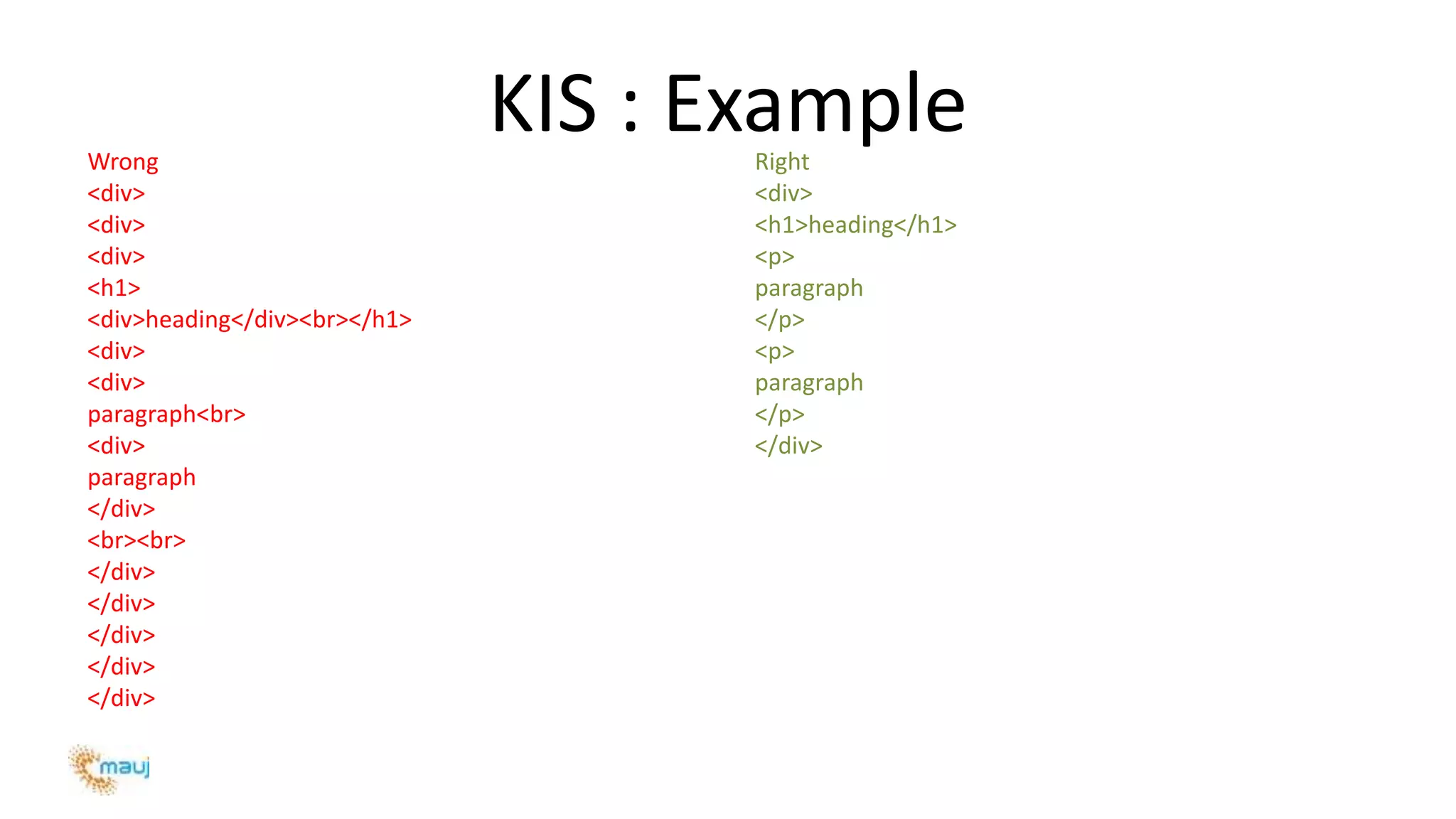
KIS : ExampleWrong
<div>
<div>
<div>
<h1>
<div>heading</div><br></h1>
<div>
<div>
paragraph<br>
<div>
paragraph
</div>
<br><br>
</div>
</div>
</div>
</div>
</div>
Right
<div>
<h1>heading</h1>
<p>
paragraph
</p>
<p>
paragraph
</p>
</div>
KIS, suggestion
Naming short enough to keep it sensible
Simpler = Shorter ([a] Less code to type [b] Less code to read [c] Less data to send)
Good CSS skills enough to: know how to use CSS Selector
http://www.w3.org/TR/CSS2/selector.html
 html selector
 id selector
 class selector
 descendant selector
• avoid classitis
• use CSS Shorthand
• keep as little as nested elements as possible.
• know how to solve issues by adding more CSS instead of HTML
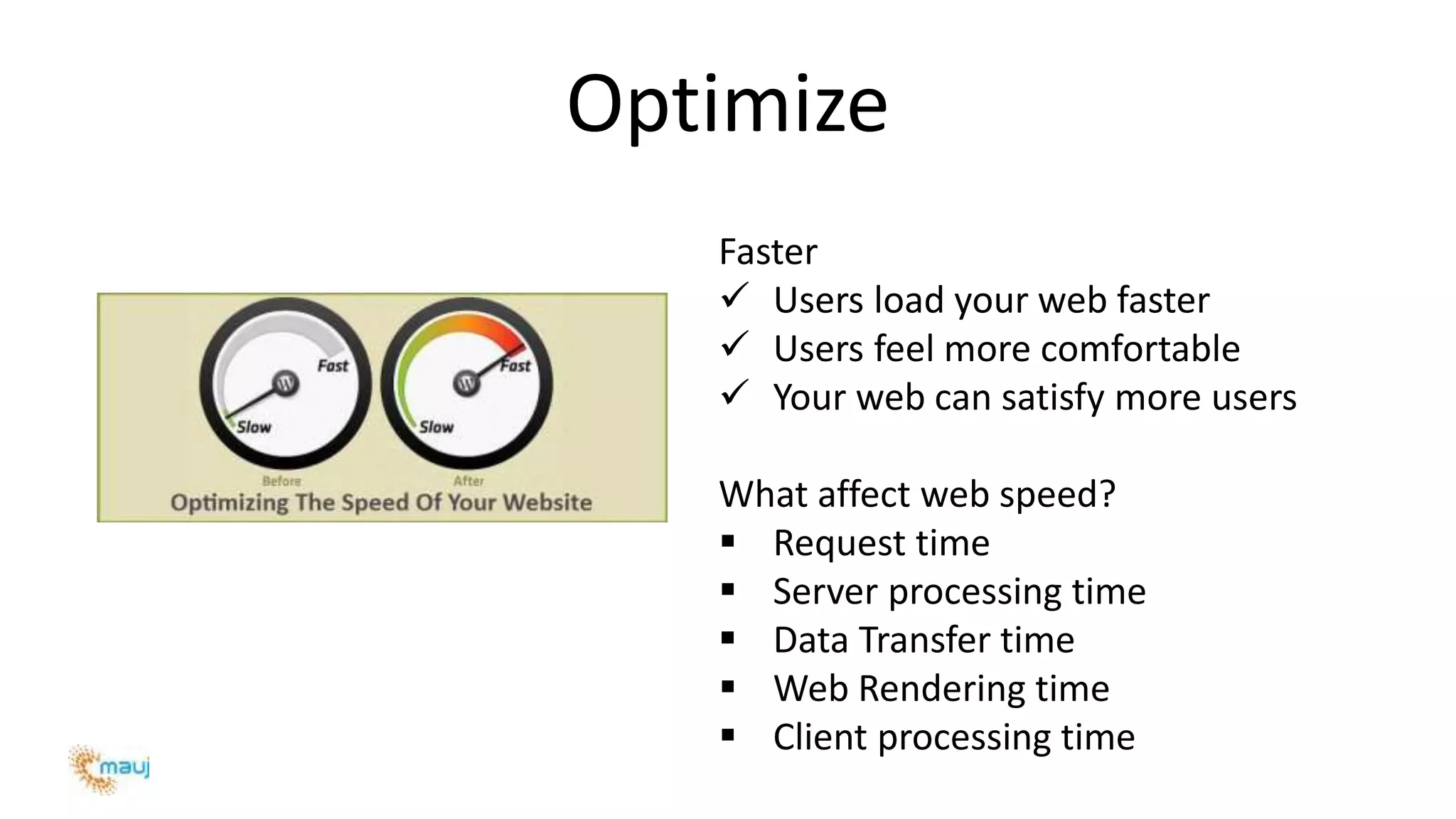
Optimize
Faster
 Users load your web faster
 Users feel more comfortable
 Your web can satisfy more users
What affect web speed?
 Request time
 Server processing time
 Data Transfer time
 Web Rendering time
 Client processing time
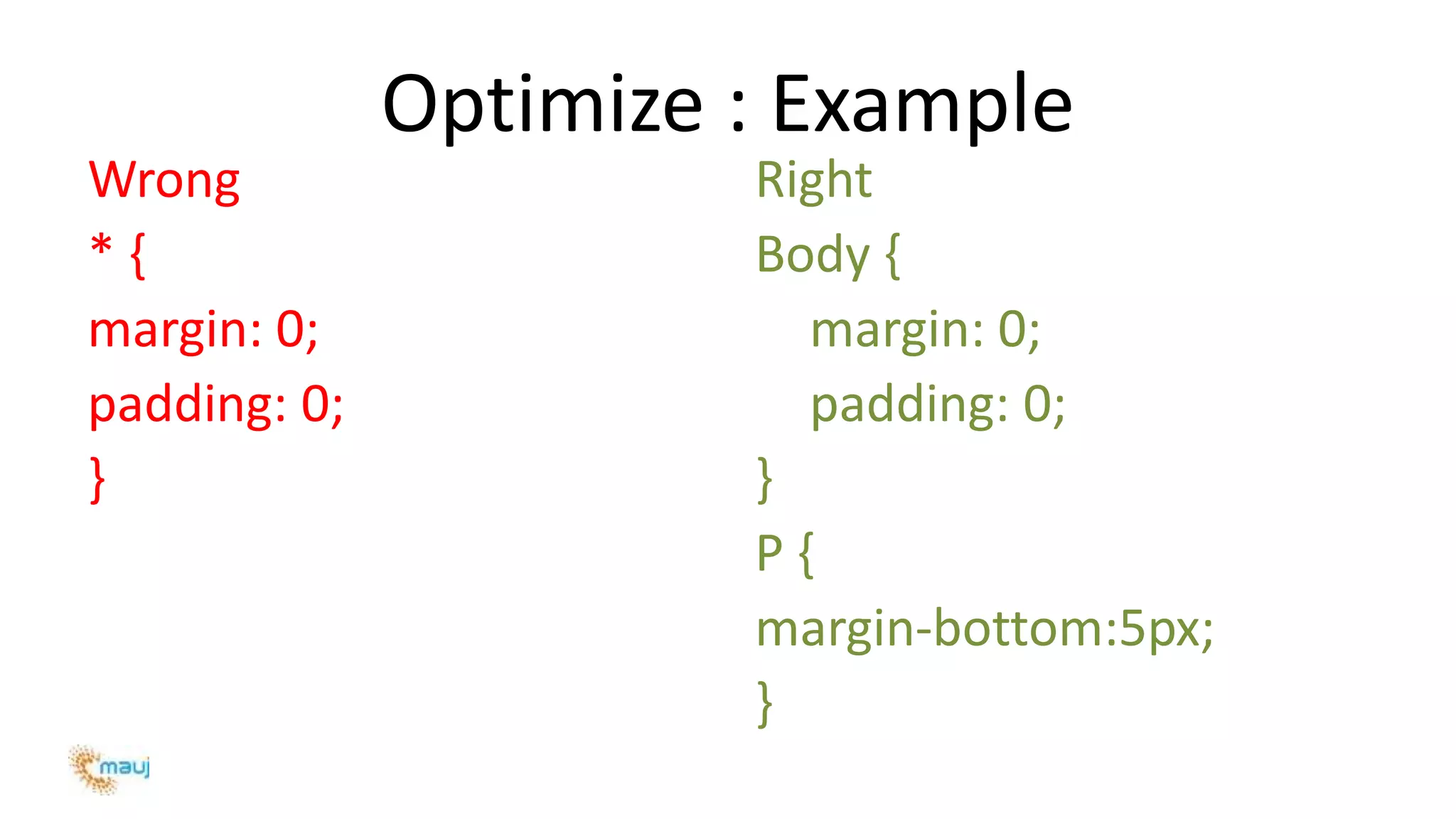
Optimize : Example
Wrong
* {
margin: 0;
padding: 0;
}
Right
Body {
margin: 0;
padding: 0;
}
P {
margin-bottom:5px;
}
Optimize, suggestion
Use css classes for presentation purpose (embedded css preferred)
Reduce/remove, redundant/unused css classes
Don’t use inline css (DRY also)
Don’t add javascript before the HTML element definition(preload element)
Add external css links in HTML <head>
Add external or embedded Javascript at the end of the document
Try to load external javascript asynchronously
Try to use lesser nested elements (KIS also)
Structure HTML markup so that the DOM is loaded faster (e.g. use lazy.js)
Combine stylesheets, Javascript & Images so to reduce HTTP requests
http://code.google.com/speed/page-speed/docs/rules_intro.html
http://developer.yahoo.com/performance/rules.html
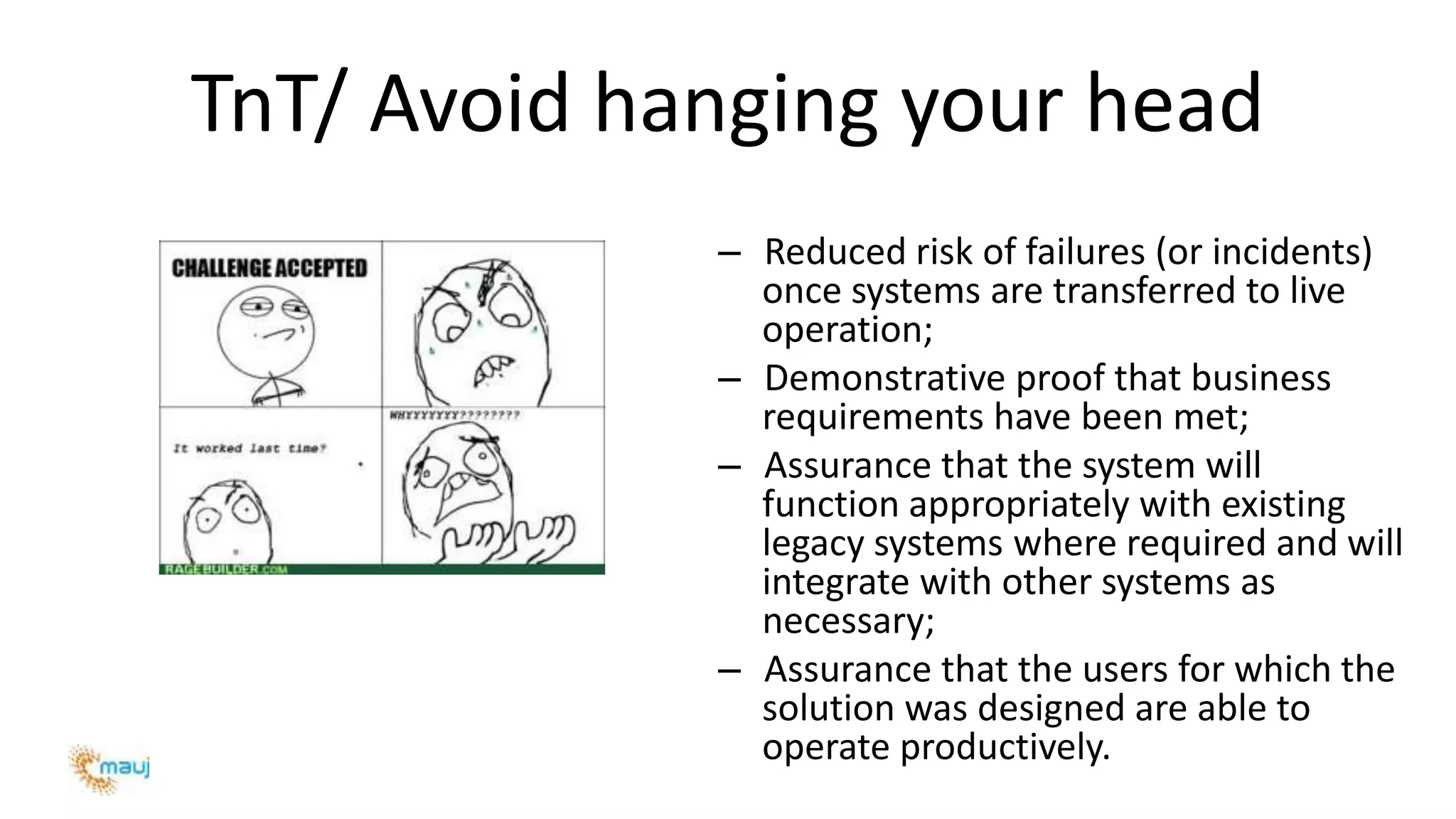
TnT/ Avoid hanging your head
– Reduced risk of failures (or incidents)
once systems are transferred to live
operation;
– Demonstrative proof that business
requirements have been met;
– Assurance that the system will
function appropriately with existing
legacy systems where required and will
integrate with other systems as
necessary;
– Assurance that the users for which the
solution was designed are able to
operate productively.
Widescreen Pictures
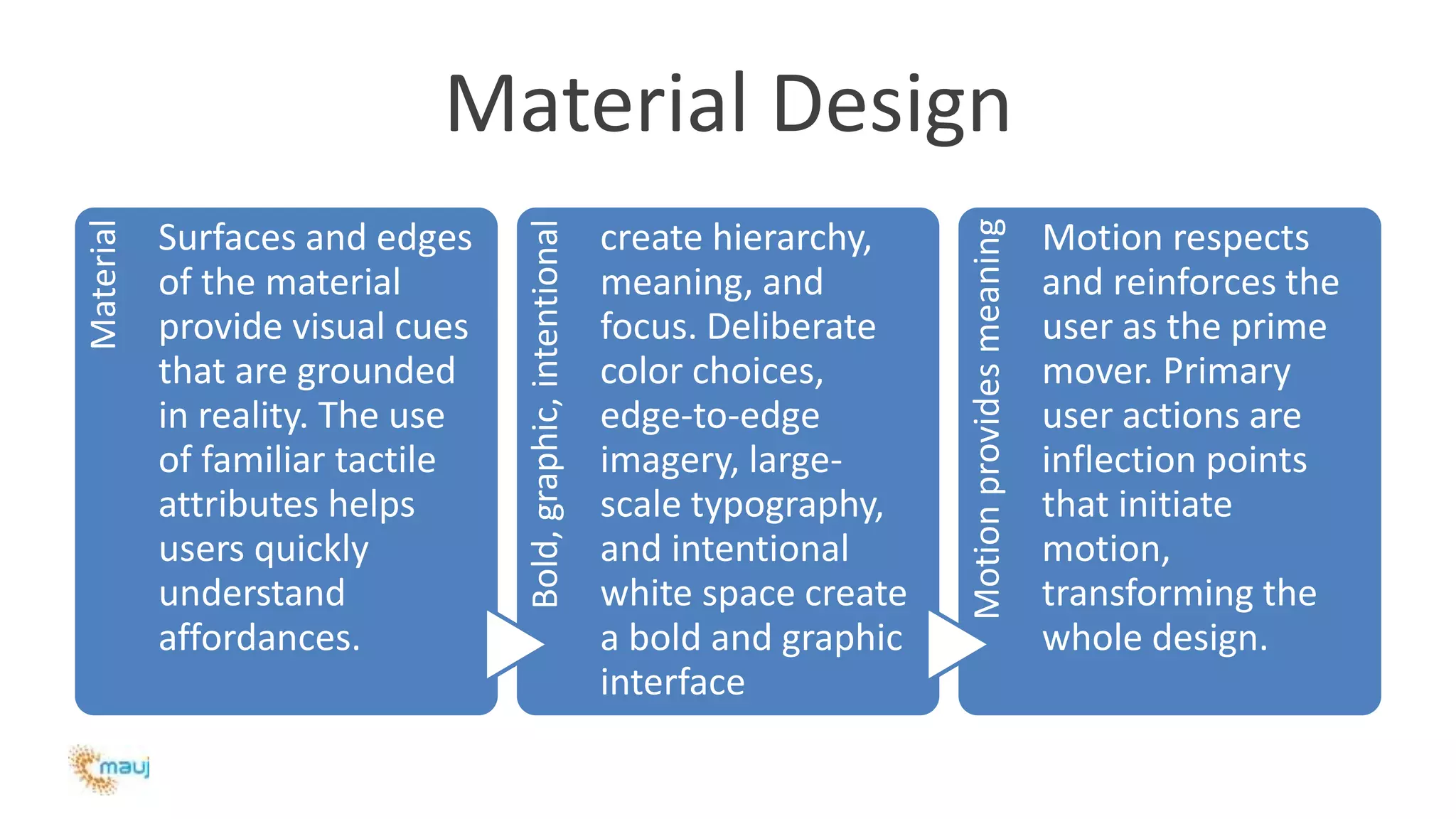
Material DesignMaterial
Surfaces and edges
of the material
provide visual cues
that are grounded
in reality. The use
of familiar tactile
attributes helps
users quickly
understand
affordances.
Bold,graphic,intentional
create hierarchy,
meaning, and
focus. Deliberate
color choices,
edge-to-edge
imagery, large-
scale typography,
and intentional
white space create
a bold and graphic
interface
Motionprovidesmeaning
Motion respects
and reinforces the
user as the prime
mover. Primary
user actions are
inflection points
that initiate
motion,
transforming the
whole design.
Material Design
Material
• Surfaces and
edges of the
material provide
visual cues that
are grounded in
reality. The use
of familiar tactile
attributes helps
users quickly
understand
affordances.
Bold, graphic,
intentional
• create hierarchy,
meaning, and focus.
Deliberate color
choices, edge-to-
edge imagery, large-
scale typography,
and intentional
white space create a
bold and graphic
interface
Motion provides
meaning
• Motion respects
and reinforces the
user as the prime
mover. Primary user
actions are inflection
points that initiate
motion,
transforming the
whole design.
Material Design: Example
Wrong
• Linear motion feels mechanical. An
abrupt change in velocity at both the
beginning and end
• Speed up when entering or slow
down when exiting.
• Breaking relationship with input
• Avoid hard cuts. Hard cuts are jarring
and make the user work too hard to
understand the transition
Right
• Motion with swift acceleration and
gentle deceleration
• Enter and exit frame at peak velocity.
• Material appears from touch point
• Cross-fades are not desirable, but are
preferred over cuts
• Direct the user's attention with
coordinated, orderly motion.
• Avoid inconsistent or disorderly
motion and objects leaving/entering
Material Design, suggestion
Avoid these five common mistakes
1. Too much information
2. Fear of white space
3. Too many fonts
4. The wrong effect
5. Off colour
http://www.google.com/design/spec/material-
design/introduction.html
http://webonize.com.au/5-common-design-mistakes/
Material Design, suggestion
1. Too much information
2. Fear of white space
3. Too many fonts
4. The wrong effect
5. Off colour
http://www.google.com/design/spec/material-
design/introduction.html
http://webonize.com.au/5-common-design-mistakes/
Guru mantra
Smart people follow the targets, not the rules!
Sometimes we should break the rules!
Warning:
We have to learn to follow the rules before learning to break them!
Think about what you want, but do what you can.
Reference and Further Reading
Reference:
http://www.slideshare.net/hoctudau/html-css-bestpractices-5865752
http://www.bcs.org/content/conwebdoc/7942
Further Reading:
http://sixrevisions.com/web-standards/20-html-best-practices-you-should-follow/
http://msdn.microsoft.com/en-us/scriptjunkie/ff679957.aspx
Help & Support:
minhal.s@mauj.com / +91 9987364540
PEOPLE INFOCOM
Presentation for HTML/CSS Coding Standard Awareness
Author: Sayed Minhal - Frontend Designer/UI developer

Sayed-Minhal-Best Practice

  • 1.
    HTML/CSS Adapting to MobileDevelopment Best Practices
  • 2.
    Difference in Mobile& Web media Mobile • Smaller Screen Sizes (e.g. 320px) • Tenuous Connectivity (e.g. 2G net) • Limited Resources (e.g. Memory) • Browser Compatibility (e.g. Native Android) • Different Operating System (e.g. Symbian/Andy) • Browsing Mechanism (eg Touch/Focus/Navigational) Desktop • Ample Screen Sizes (e.g. 1024x768px) • Good Connectivity (e.g. 16 mbps ) • Resources Availability (e.g. Memory) • Compliance for Modern browser (e.g. IE/Chrome/FF) • Different Operating System (e.g. Linux/Windows) • Browsing Mechanism (eg Pointing)
  • 3.
    Benefits of usingStandards – Maintainability – Efficiency – Clear Scope of Work – Ease of issue identification – Separation of Structure, Presentation and Logic
  • 4.
    The fantastic 4 Don’trepeat yourself (DRY) Keep it simple (KIS) Optimize Test not Trust (TNT)
  • 5.
    DRY First and Foremost Don’trepeat yourself Separation of Structure, Presentation and Logic Reuse the code by breaking it into procedures • Separate Data (Structure) from Style (Presentation) and Behavior (Themeable) • Don't use HTML/XHTML Deprecated Tags and Attributes and • avoid presentational Tags. Use CSS instead • http://www.tutorialspoint.com/html/ht ml_deprecated_tags.htm • e.g: <center> can be replaced by : margin: 0 auto; • width: ... and text-align: ...
  • 6.
    DRY : Example Wrong <h1> <u> <i>Heading</i> </u> </h1> Right <style> h1{ font-style: italic; text-decoration: underline; } </style> <h1>Heading</h1>
  • 7.
    DRY : Example Wrong <p> <imgsrc="image.jpg" align="left"> Hoctudau.com ... </p> Right <style> .thumbnail { float: left; } </style> <p> <img src="image.jpg" class="thumbnail"> Hoctudau.com ... </p>
  • 8.
    DRY : ExampleWrong <table> <tr> <tdbgcolor=red width=500 height=50 colspan=2> ... </td> </tr> <tr> <td bgcolor=red width=100 height=300> ... </td> <td bgcolor=red width=400 height=300> ... </td> </tr> <tr> <td bgcolor=red width=500 height=50 colspan=2> ... </td> </tr> </table> Right <link rel="stylesheet" href="style.css"> <div id="header"> <div id="sidebar"> <div id="content"> <div id="footer">
  • 9.
    DRY : Example Wrong <ulstyle="padding-left: 5px" > Right CSS (styles.css) #menu { padding-left: 5px; } HTML (index.php) <ul id="menu">
  • 10.
    KIS/Ease of issueidentification – Somebody need to understand your code – You need to understand your code ... after a long time Give id and class right spelling and understandable names. Know some kinds of naming - • http://sixrevisions.com/css/css-tips/css-tip-2- structuralnaming-convention-in-css/ • Prefer structural name: describe what elements are header sidebar • to styling (presentational) name: describe how element look like right_column red_link Comment (in HTML, CSS) when needed to explain the reason (why?)
  • 11.
    KIS : Example Wrong <divid="xxx"> <p class="abc"> <div id="middle-left-and- thena-little-lower"> Right <div id="header"> <div id="left_column"> <div id="sidebar"> <p class="first"> <p class="intro"> <div class="section">
  • 12.
    KIS : Example Wrong <ul> <liclass="active_menu_item" <li class="menu_item"> <li class="menu_item"> <li class="menu_item"> <li class="menu_item"> <li class="menu_item"> <li class="menu_item"> </ul> Right <ul id="menu"> <li class="active"> <li> <li> <li> <li> <li> <li> </ul>
  • 13.
  • 14.
    KIS, suggestion Naming shortenough to keep it sensible Simpler = Shorter ([a] Less code to type [b] Less code to read [c] Less data to send) Good CSS skills enough to: know how to use CSS Selector http://www.w3.org/TR/CSS2/selector.html  html selector  id selector  class selector  descendant selector • avoid classitis • use CSS Shorthand • keep as little as nested elements as possible. • know how to solve issues by adding more CSS instead of HTML
  • 15.
    Optimize Faster  Users loadyour web faster  Users feel more comfortable  Your web can satisfy more users What affect web speed?  Request time  Server processing time  Data Transfer time  Web Rendering time  Client processing time
  • 16.
    Optimize : Example Wrong *{ margin: 0; padding: 0; } Right Body { margin: 0; padding: 0; } P { margin-bottom:5px; }
  • 17.
    Optimize, suggestion Use cssclasses for presentation purpose (embedded css preferred) Reduce/remove, redundant/unused css classes Don’t use inline css (DRY also) Don’t add javascript before the HTML element definition(preload element) Add external css links in HTML <head> Add external or embedded Javascript at the end of the document Try to load external javascript asynchronously Try to use lesser nested elements (KIS also) Structure HTML markup so that the DOM is loaded faster (e.g. use lazy.js) Combine stylesheets, Javascript & Images so to reduce HTTP requests http://code.google.com/speed/page-speed/docs/rules_intro.html http://developer.yahoo.com/performance/rules.html
  • 18.
    TnT/ Avoid hangingyour head – Reduced risk of failures (or incidents) once systems are transferred to live operation; – Demonstrative proof that business requirements have been met; – Assurance that the system will function appropriately with existing legacy systems where required and will integrate with other systems as necessary; – Assurance that the users for which the solution was designed are able to operate productively.
  • 19.
  • 20.
    Material DesignMaterial Surfaces andedges of the material provide visual cues that are grounded in reality. The use of familiar tactile attributes helps users quickly understand affordances. Bold,graphic,intentional create hierarchy, meaning, and focus. Deliberate color choices, edge-to-edge imagery, large- scale typography, and intentional white space create a bold and graphic interface Motionprovidesmeaning Motion respects and reinforces the user as the prime mover. Primary user actions are inflection points that initiate motion, transforming the whole design.
  • 21.
    Material Design Material • Surfacesand edges of the material provide visual cues that are grounded in reality. The use of familiar tactile attributes helps users quickly understand affordances. Bold, graphic, intentional • create hierarchy, meaning, and focus. Deliberate color choices, edge-to- edge imagery, large- scale typography, and intentional white space create a bold and graphic interface Motion provides meaning • Motion respects and reinforces the user as the prime mover. Primary user actions are inflection points that initiate motion, transforming the whole design.
  • 22.
    Material Design: Example Wrong •Linear motion feels mechanical. An abrupt change in velocity at both the beginning and end • Speed up when entering or slow down when exiting. • Breaking relationship with input • Avoid hard cuts. Hard cuts are jarring and make the user work too hard to understand the transition Right • Motion with swift acceleration and gentle deceleration • Enter and exit frame at peak velocity. • Material appears from touch point • Cross-fades are not desirable, but are preferred over cuts • Direct the user's attention with coordinated, orderly motion. • Avoid inconsistent or disorderly motion and objects leaving/entering
  • 23.
    Material Design, suggestion Avoidthese five common mistakes 1. Too much information 2. Fear of white space 3. Too many fonts 4. The wrong effect 5. Off colour http://www.google.com/design/spec/material- design/introduction.html http://webonize.com.au/5-common-design-mistakes/
  • 24.
    Material Design, suggestion 1.Too much information 2. Fear of white space 3. Too many fonts 4. The wrong effect 5. Off colour http://www.google.com/design/spec/material- design/introduction.html http://webonize.com.au/5-common-design-mistakes/
  • 25.
    Guru mantra Smart peoplefollow the targets, not the rules! Sometimes we should break the rules! Warning: We have to learn to follow the rules before learning to break them! Think about what you want, but do what you can.
  • 26.
    Reference and FurtherReading Reference: http://www.slideshare.net/hoctudau/html-css-bestpractices-5865752 http://www.bcs.org/content/conwebdoc/7942 Further Reading: http://sixrevisions.com/web-standards/20-html-best-practices-you-should-follow/ http://msdn.microsoft.com/en-us/scriptjunkie/ff679957.aspx Help & Support: minhal.s@mauj.com / +91 9987364540
  • 27.
    PEOPLE INFOCOM Presentation forHTML/CSS Coding Standard Awareness Author: Sayed Minhal - Frontend Designer/UI developer