S3 HTML Hyperlinks and
Images
Learning Intentions
By the end of the lesson, I will be able to:
 Identify the use of hyperlinks and image tags
 To be able to use hyperlinks and image tags within my
website
Images
 HTML images are defined with the <img> tag
 The following tag is used to display an image:
<img src=“filename.jpg” alt=“title” width=“200” height=“100”>
 src – (source file) this is used to link your image, make sure the image name in the tag matches
the name of the saved file.
 Alt – (alternative text) this is text that appears if the image does not load and this helps scree
readers
 Width and height – sets the width and height of the image.
 IMPORTANT – the picture must be saved in the same folder as your HTML!
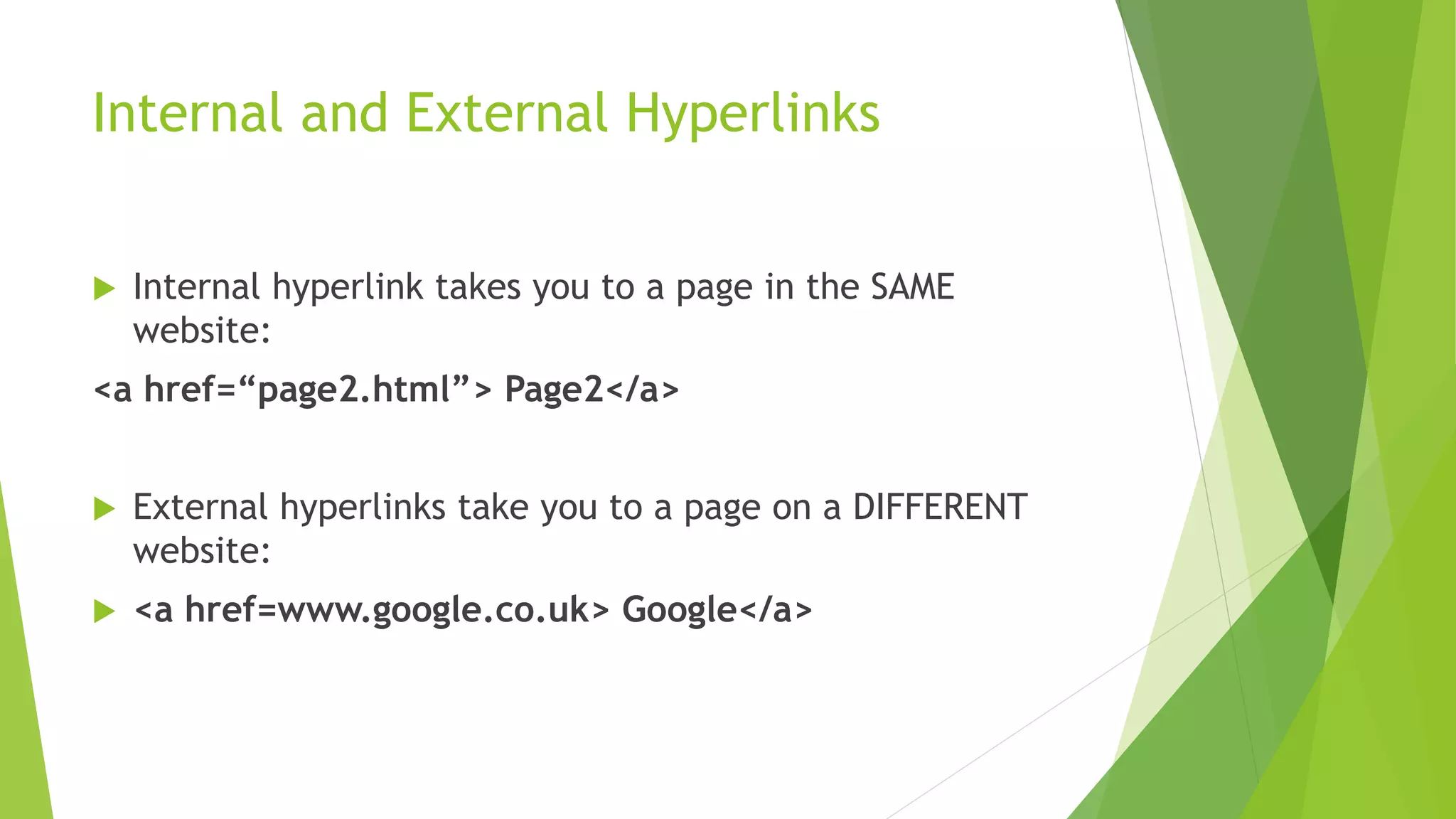
Internal and External Hyperlinks
 Internal hyperlink takes you to a page in the SAME
website:
<a href=“page2.html”> Page2</a>
 External hyperlinks take you to a page on a DIFFERENT
website:
 <a href=www.google.co.uk> Google</a>

S3 HTML Hyperlinks and Images

  • 1.
  • 2.
    Learning Intentions By theend of the lesson, I will be able to:  Identify the use of hyperlinks and image tags  To be able to use hyperlinks and image tags within my website
  • 3.
    Images  HTML imagesare defined with the <img> tag  The following tag is used to display an image: <img src=“filename.jpg” alt=“title” width=“200” height=“100”>  src – (source file) this is used to link your image, make sure the image name in the tag matches the name of the saved file.  Alt – (alternative text) this is text that appears if the image does not load and this helps scree readers  Width and height – sets the width and height of the image.  IMPORTANT – the picture must be saved in the same folder as your HTML!
  • 4.
    Internal and ExternalHyperlinks  Internal hyperlink takes you to a page in the SAME website: <a href=“page2.html”> Page2</a>  External hyperlinks take you to a page on a DIFFERENT website:  <a href=www.google.co.uk> Google</a>