Download to read offline


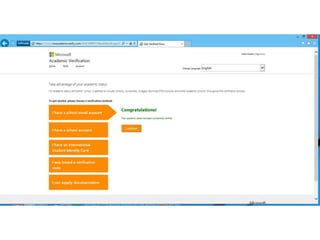
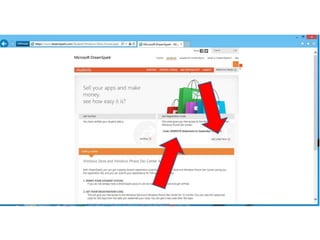

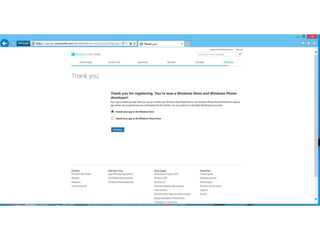
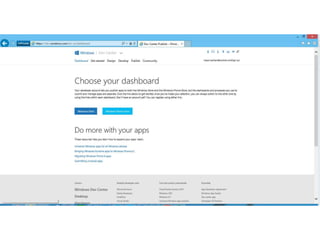
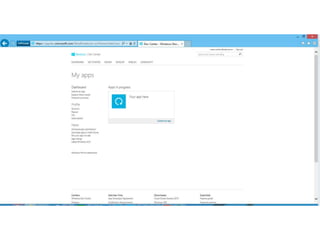
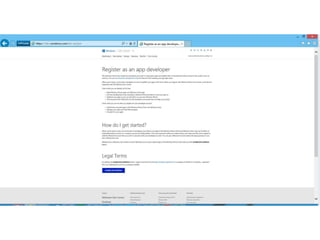

![Universal Apps [tip]
• Get once and download for all Win* devices
• Share memory and in-app-purchases
• Link by using same reserved names for the
app in both stores
• More at http://msdn.microsoft.com/en-us/
library/windows/apps/jj206733(v=vs.105).
aspx](https://image.slidesharecdn.com/s06-140929135616-phpapp01/85/Joe-Healy-How-to-set-up-your-DreamSpark-account-26-320.jpg)
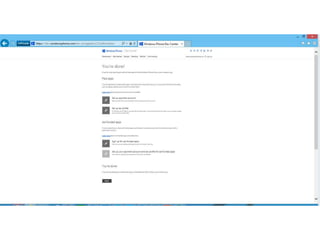
![Universal Apps [tip]
• Reserve the app name](https://image.slidesharecdn.com/s06-140929135616-phpapp01/85/Joe-Healy-How-to-set-up-your-DreamSpark-account-27-320.jpg)
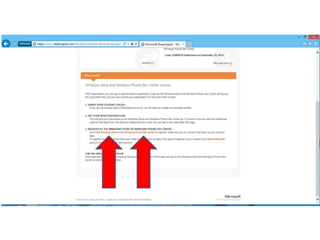
![Universal Apps [tip]
• Reserve the app name](https://image.slidesharecdn.com/s06-140929135616-phpapp01/85/Joe-Healy-How-to-set-up-your-DreamSpark-account-28-320.jpg)
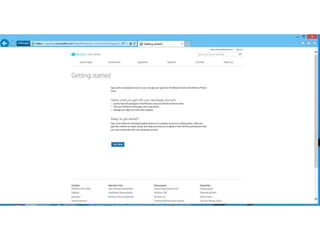
![Universal Apps [tip]](https://image.slidesharecdn.com/s06-140929135616-phpapp01/85/Joe-Healy-How-to-set-up-your-DreamSpark-account-29-320.jpg)
![Universal Apps [tip]](https://image.slidesharecdn.com/s06-140929135616-phpapp01/85/Joe-Healy-How-to-set-up-your-DreamSpark-account-30-320.jpg)
![Universal Apps [tip]](https://image.slidesharecdn.com/s06-140929135616-phpapp01/85/Joe-Healy-How-to-set-up-your-DreamSpark-account-31-320.jpg)
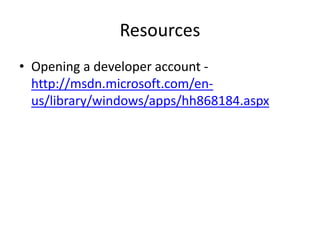

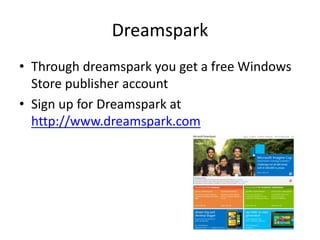
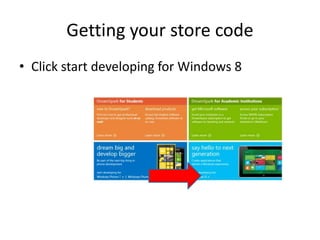
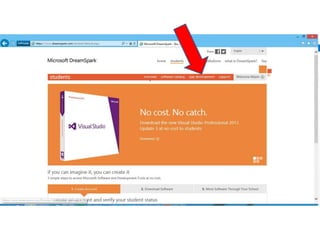
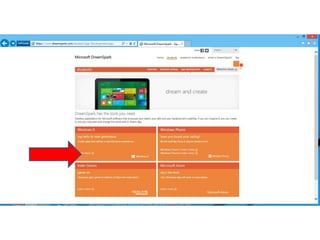
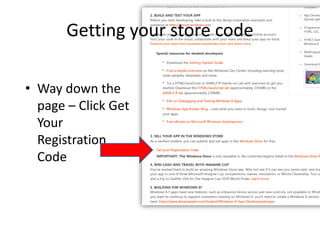
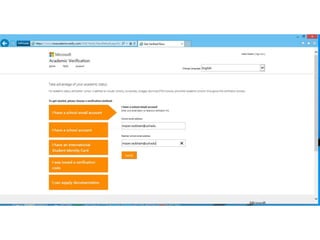
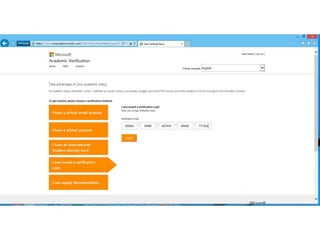
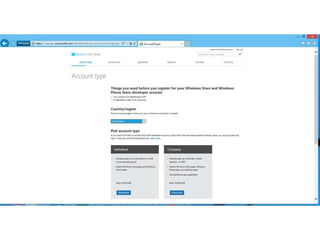
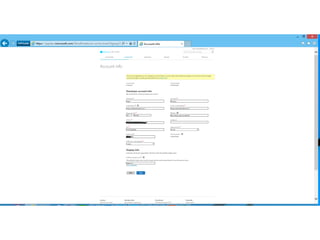
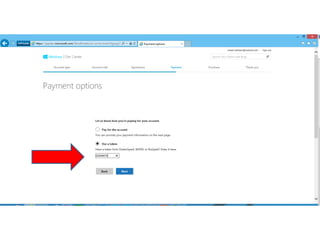
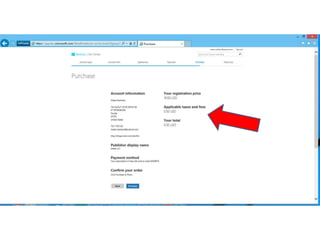
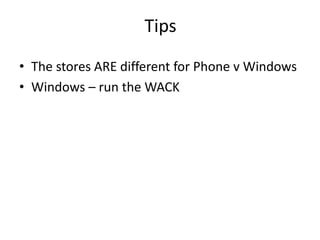
This document outlines the steps to set up as a publisher through Dreamspark to obtain a free Windows Store publisher account. It includes tips for publishing on Windows and phone platforms, emphasizing the importance of reserving app names and utilizing shared resources. Additional resources for further guidance are provided via linked URLs.


![Presentation[1]](https://cdn.slidesharecdn.com/ss_thumbnails/a079c96b-ce50-4b5a-809a-93d9f9d48071-150801075340-lva1-app6892-thumbnail.jpg?width=640&height=640&fit=bounds)


![Using prime[31] to connect your unity game to azure mobile services](https://cdn.slidesharecdn.com/ss_thumbnails/usingprime31toconnectyourunitygametoazuremobileservices-140825182131-phpapp01-thumbnail.jpg?width=640&height=640&fit=bounds)


