Running Android Apps on Chrome & ChromeOS
June 2, 2016
Mark S. Zinzow
Slideshare.net/msz
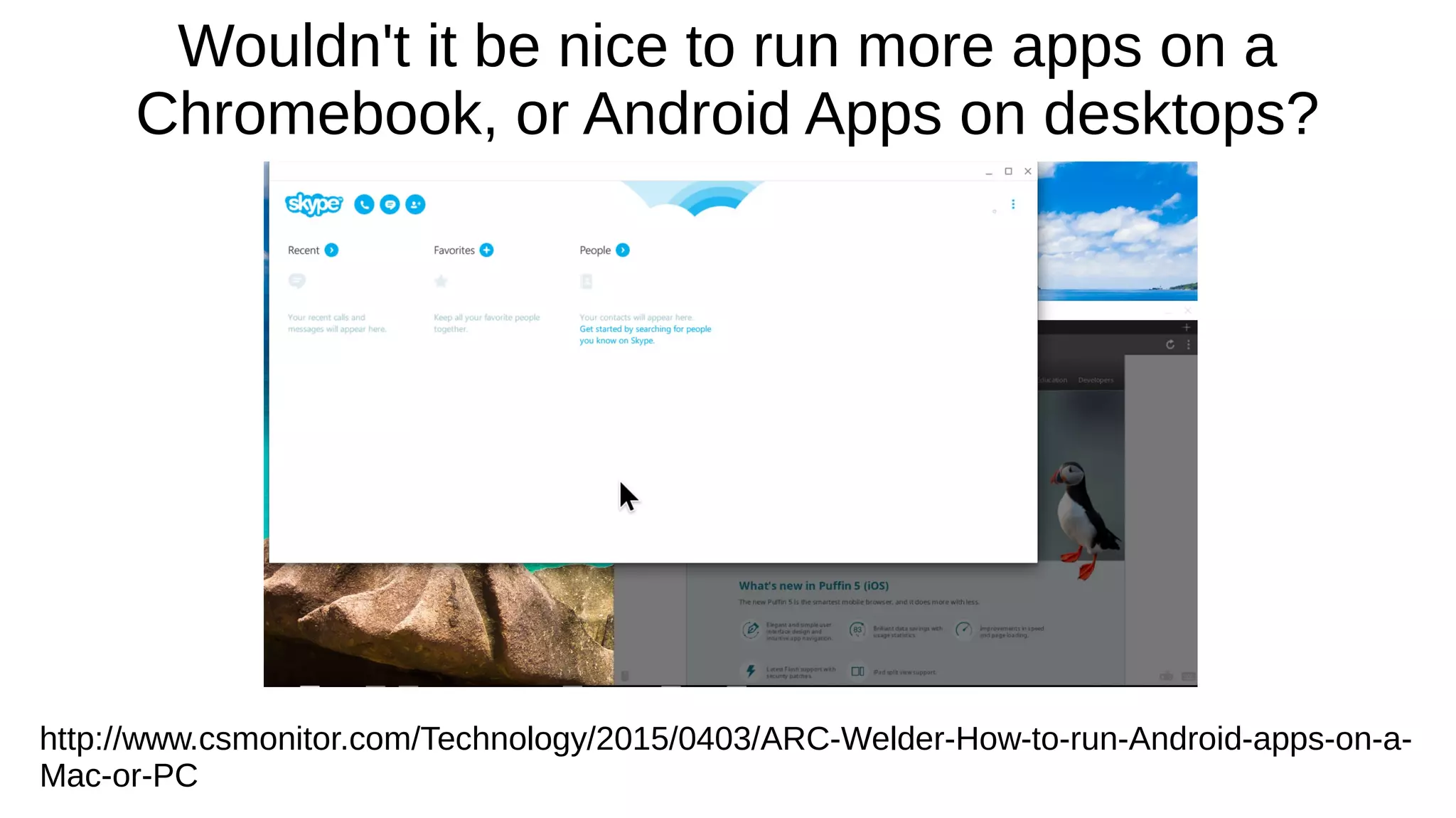
Wouldn't it be nice to run more apps on a
Chromebook, or Android Apps on desktops?
http://www.csmonitor.com/Technology/2015/0403/ARC-Welder-How-to-run-Android-apps-on-a-
Mac-or-PC
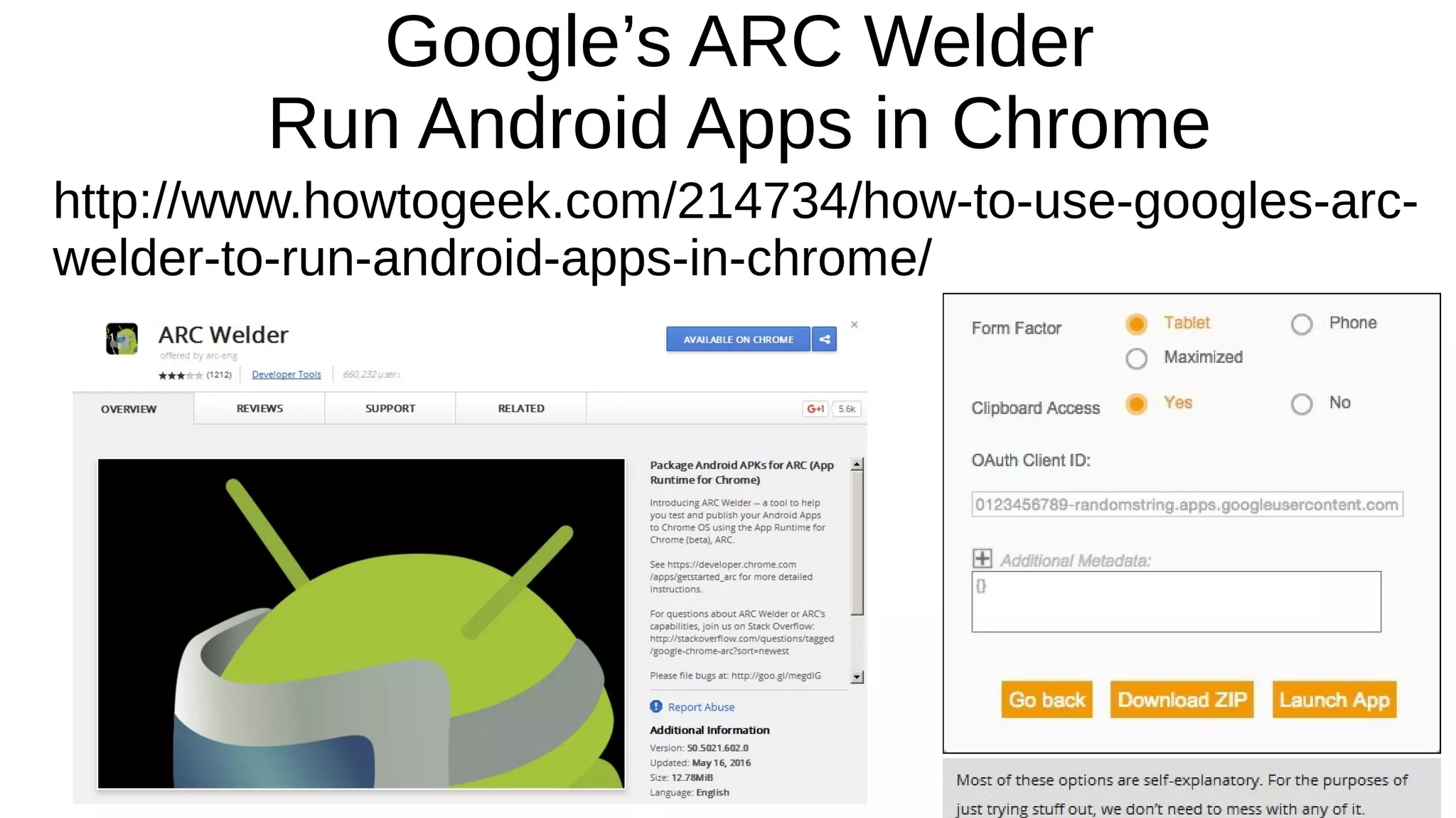
Google’s ARC Welder
Run Android Apps in Chrome
http://www.howtogeek.com/214734/how-to-use-googles-arc-
welder-to-run-android-apps-in-chrome/
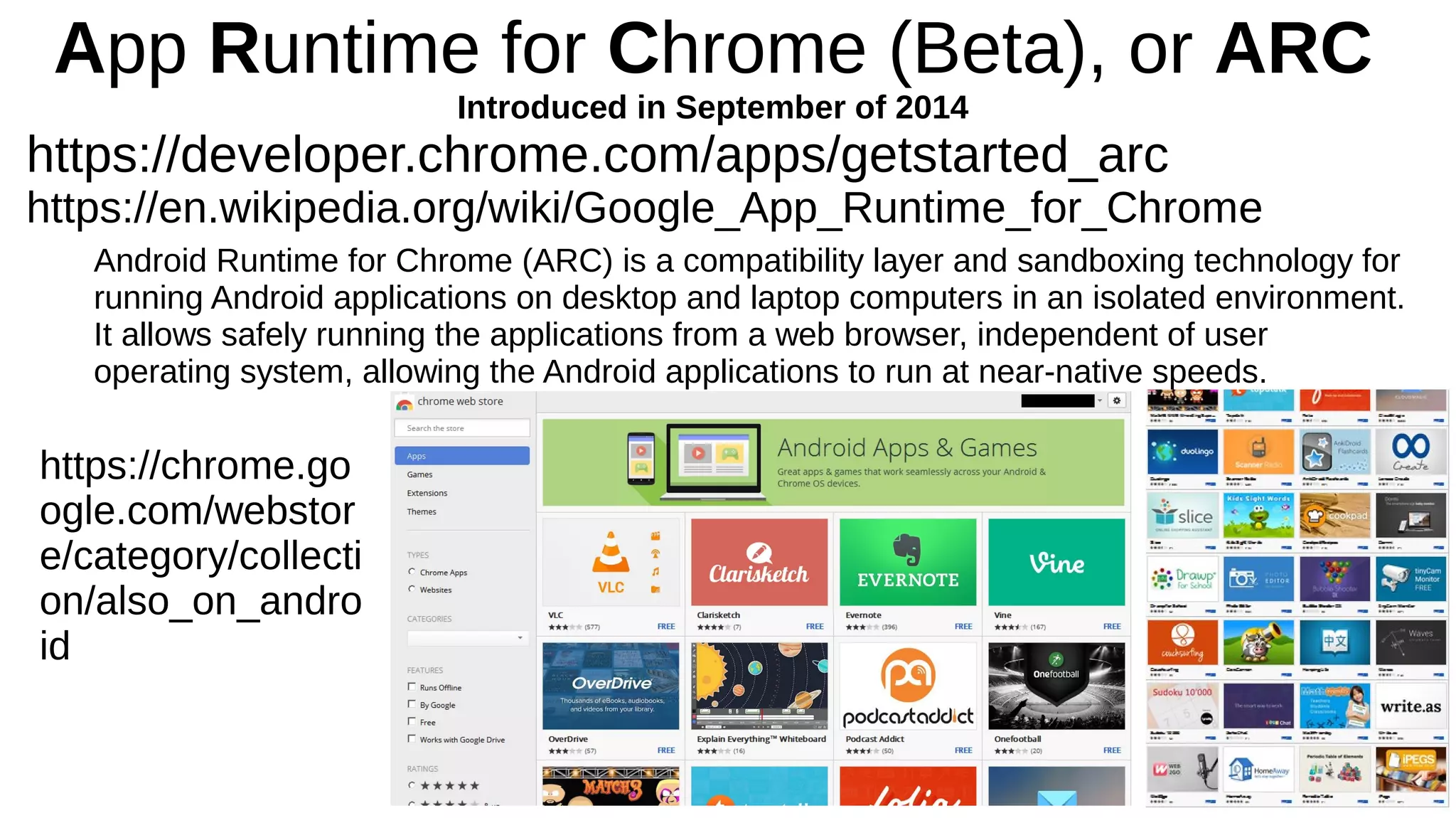
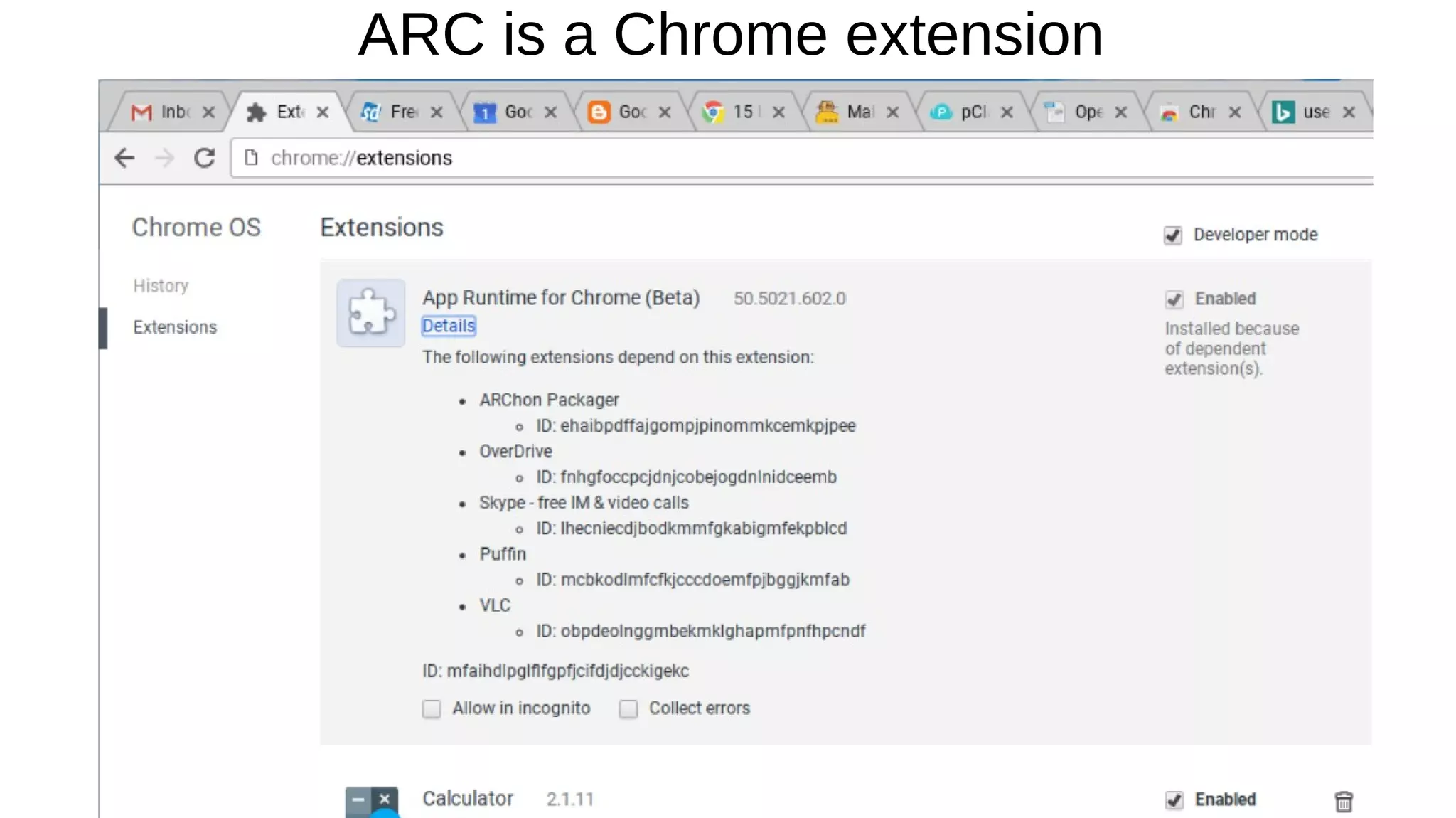
App Runtime for Chrome (Beta), or ARC
Introduced in September of 2014
https://developer.chrome.com/apps/getstarted_arc
https://en.wikipedia.org/wiki/Google_App_Runtime_for_Chrome
Android Runtime for Chrome (ARC) is a compatibility layer and sandboxing technology for
running Android applications on desktop and laptop computers in an isolated environment.
It allows safely running the applications from a web browser, independent of user
operating system, allowing the Android applications to run at near-native speeds.
https://chrome.go
ogle.com/webstor
e/category/collecti
on/also_on_andro
id
ARC is a Chrome extension
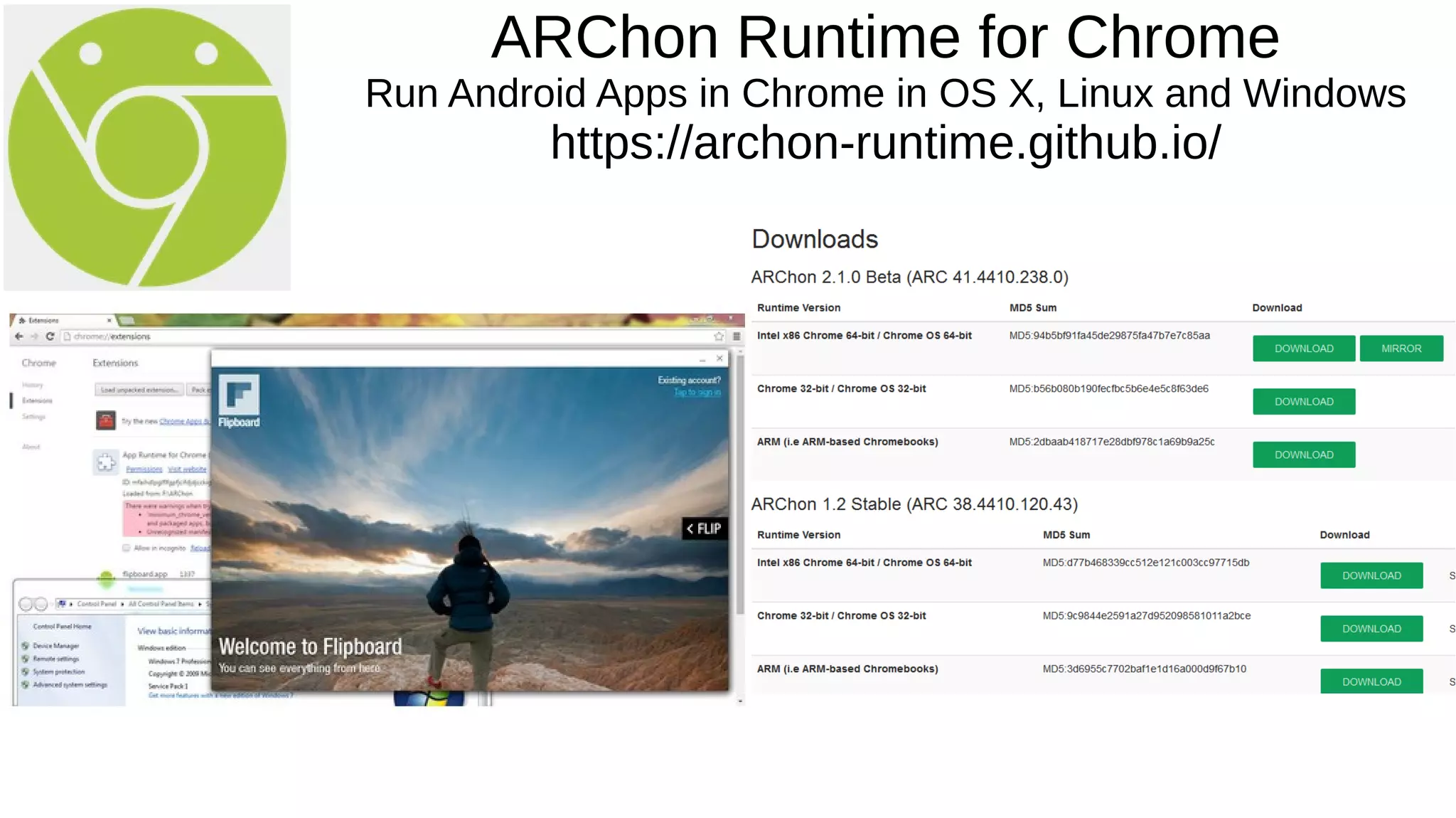
ARChon Runtime for Chrome
Run Android Apps in Chrome in OS X, Linux and Windows
https://archon-runtime.github.io/
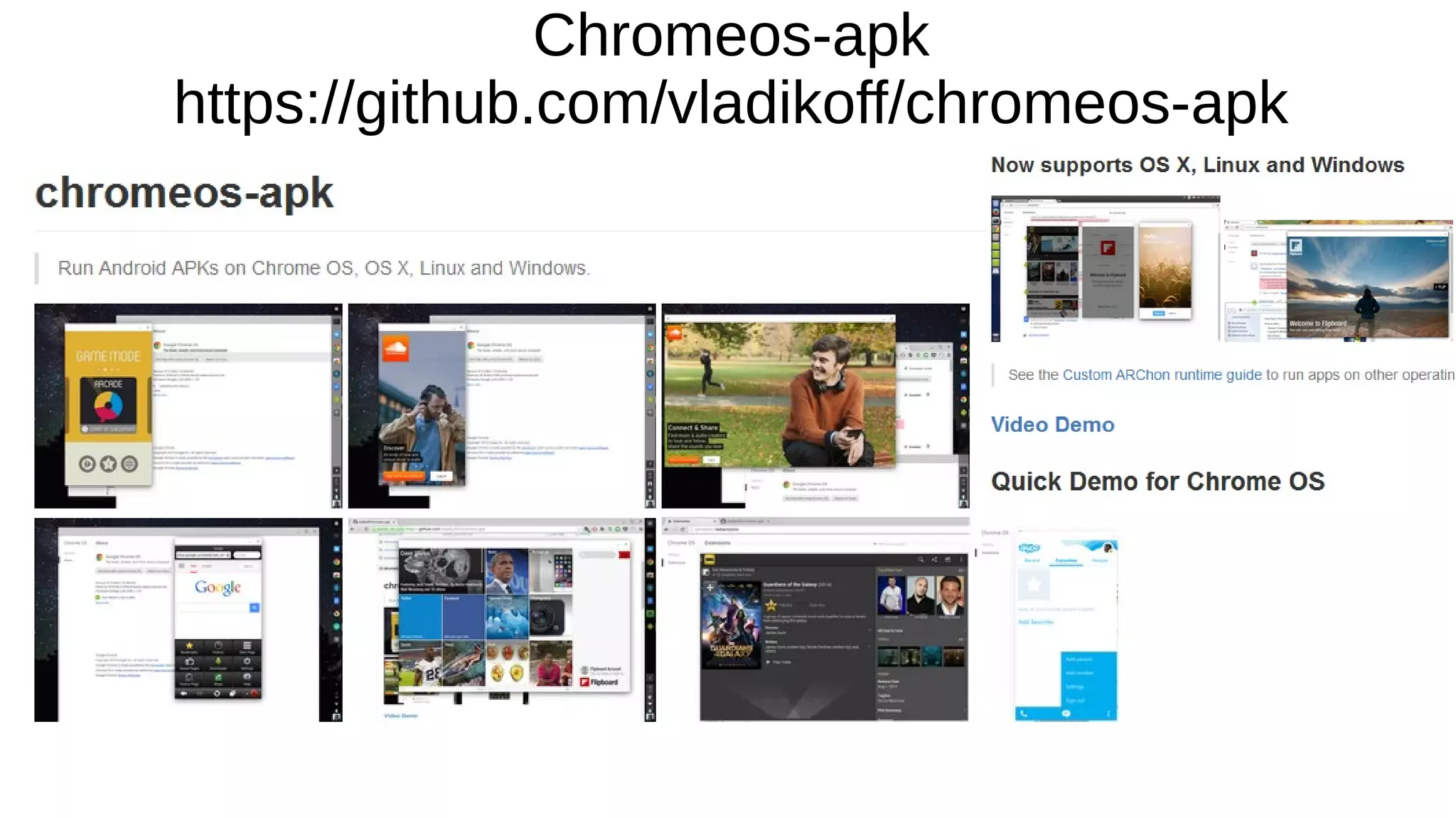
Chromeos-apk
https://github.com/vladikoff/chromeos-apk
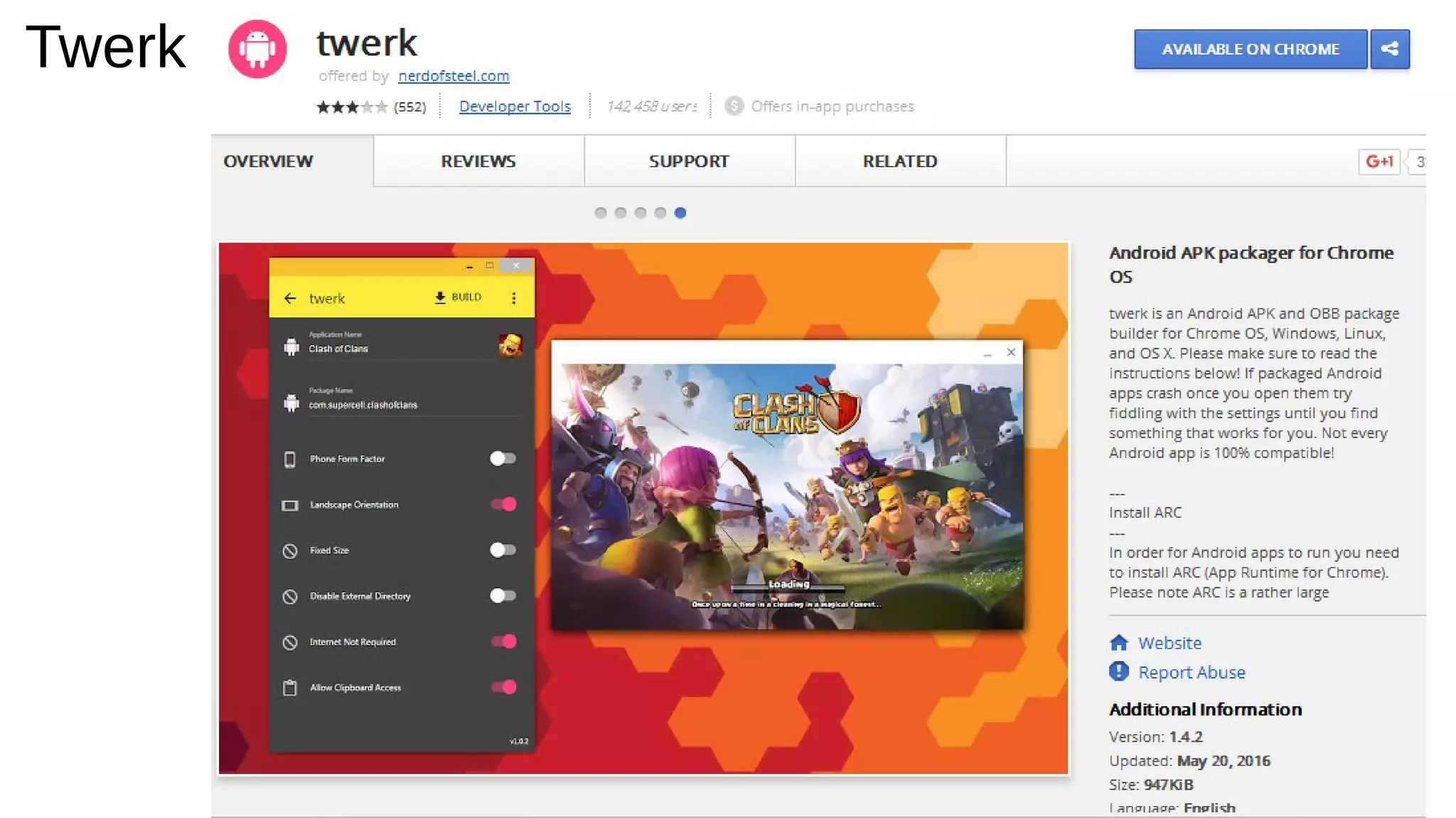
Twerk
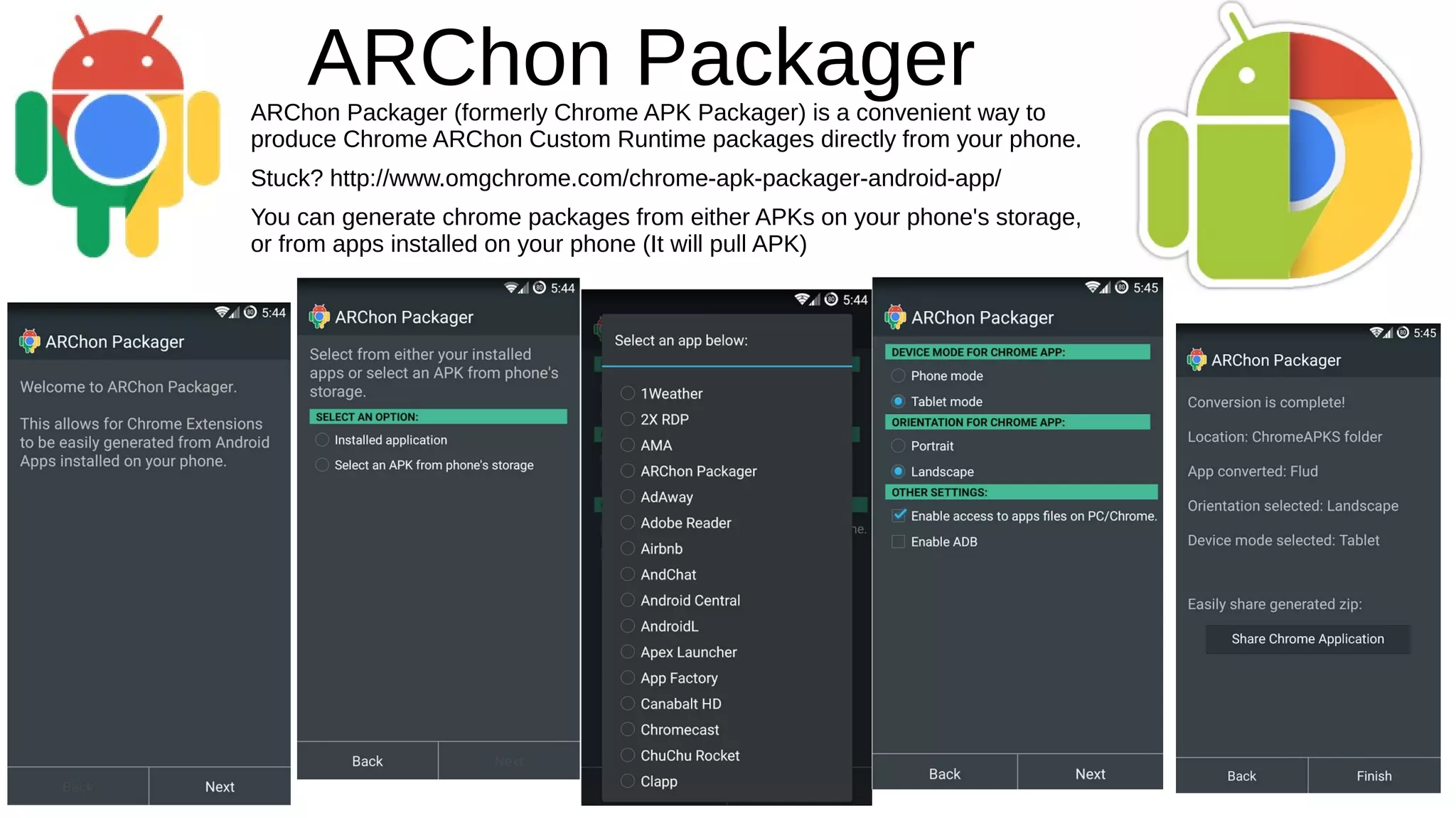
ARChon PackagerARChon Packager (formerly Chrome APK Packager) is a convenient way to
produce Chrome ARChon Custom Runtime packages directly from your phone.
Stuck? http://www.omgchrome.com/chrome-apk-packager-android-app/
You can generate chrome packages from either APKs on your phone's storage,
or from apps installed on your phone (It will pull APK)
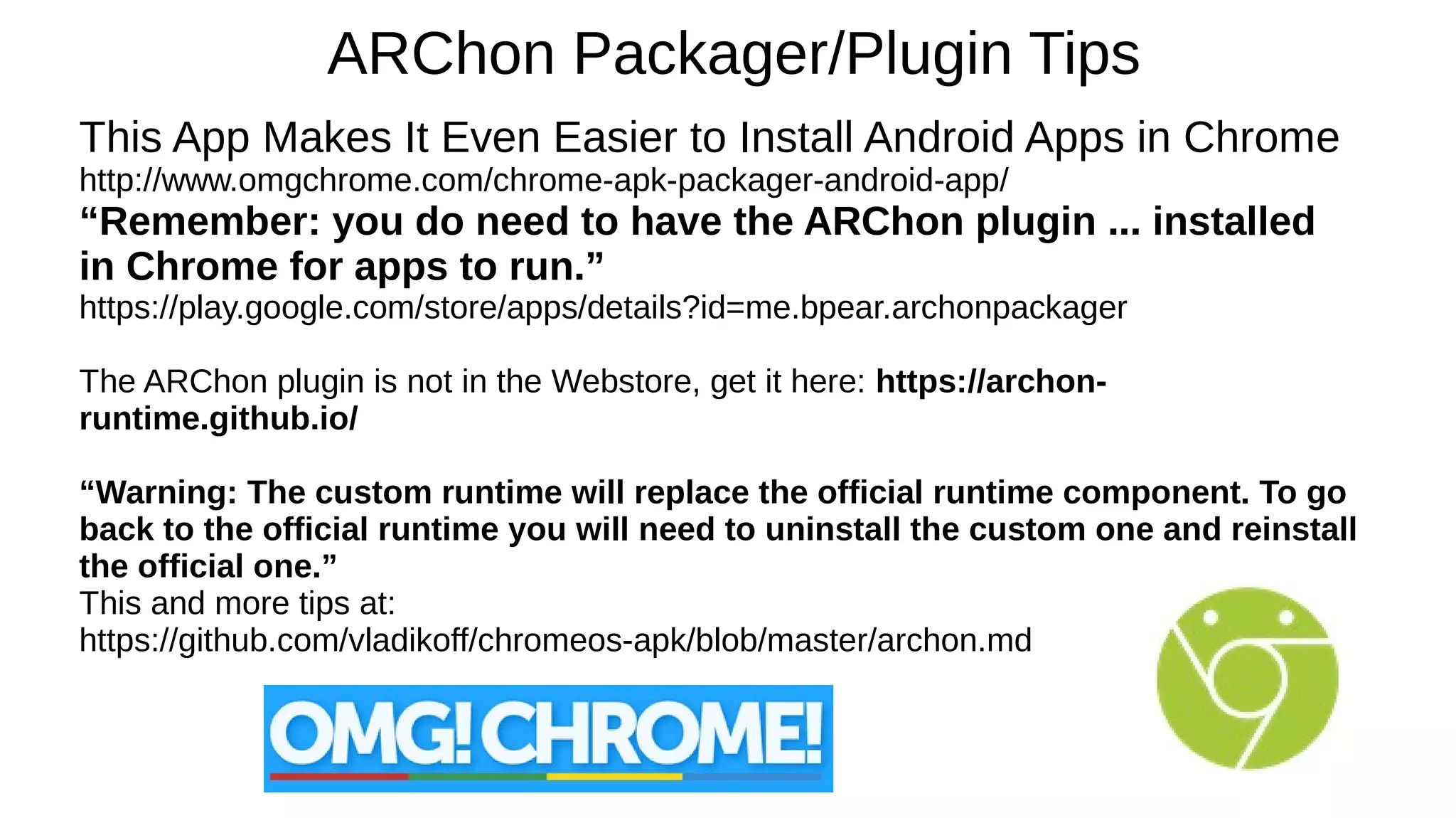
ARChon Packager/Plugin Tips
This App Makes It Even Easier to Install Android Apps in Chrome
http://www.omgchrome.com/chrome-apk-packager-android-app/
“Remember: you do need to have the ARChon plugin ... installed
in Chrome for apps to run.”
https://play.google.com/store/apps/details?id=me.bpear.archonpackager
The ARChon plugin is not in the Webstore, get it here: https://archon-
runtime.github.io/
“Warning: The custom runtime will replace the official runtime component. To go
back to the official runtime you will need to uninstall the custom one and reinstall
the official one.”
This and more tips at:
https://github.com/vladikoff/chromeos-apk/blob/master/archon.md
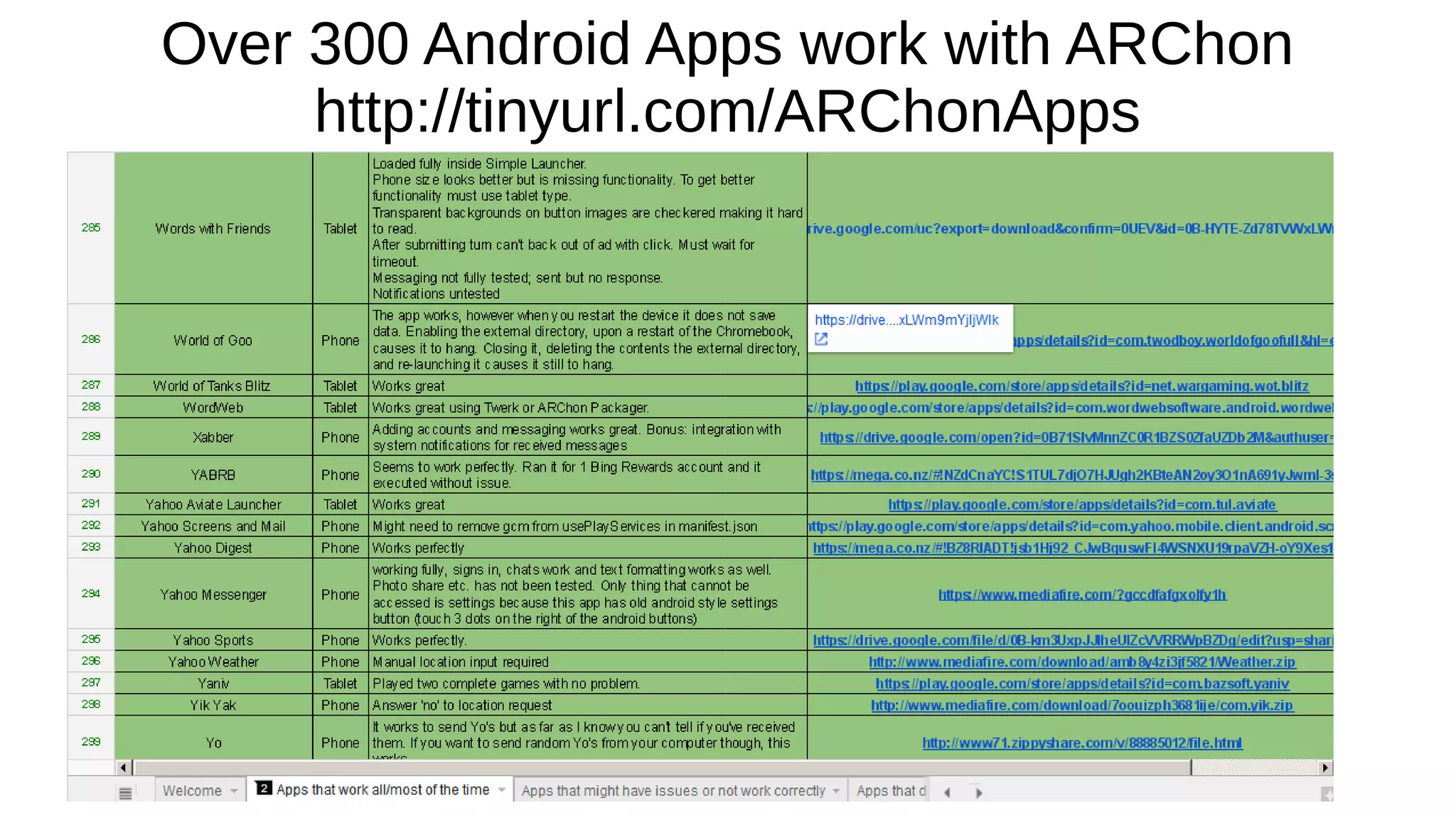
Over 300 Android Apps work with ARChon
http://tinyurl.com/ARChonApps
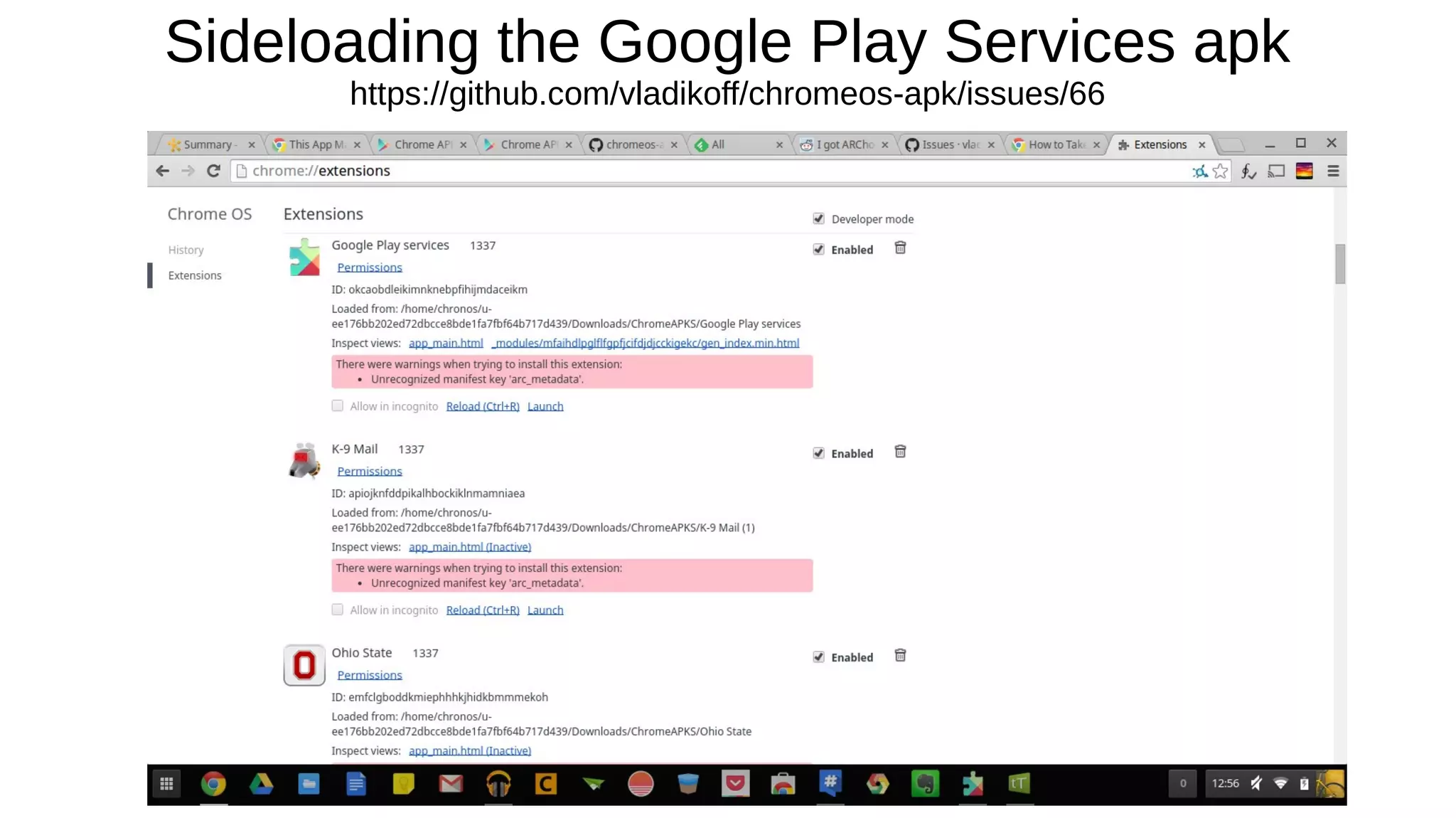
Sideloading the Google Play Services apk
https://github.com/vladikoff/chromeos-apk/issues/66
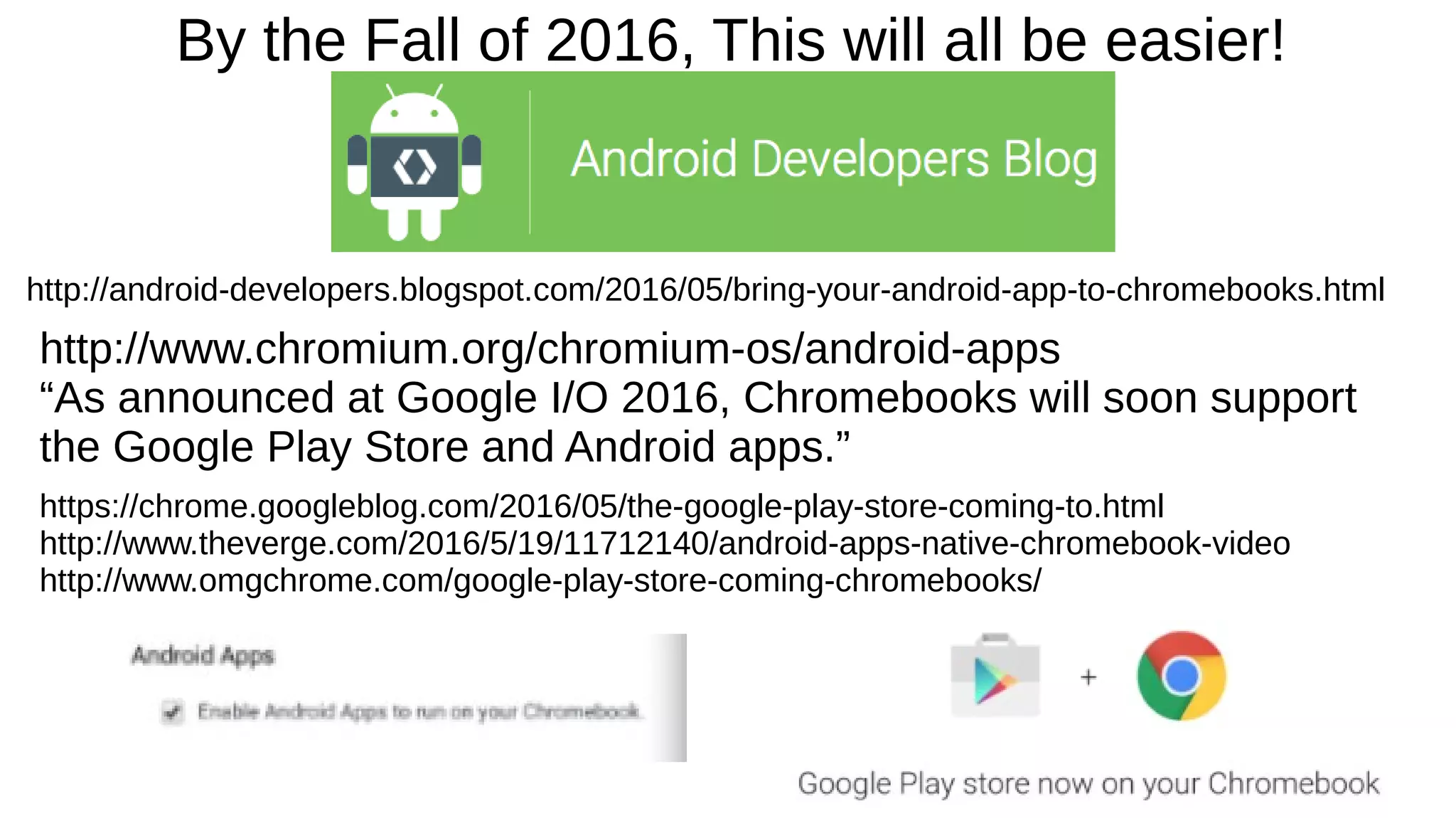
By the Fall of 2016, This will all be easier!
http://android-developers.blogspot.com/2016/05/bring-your-android-app-to-chromebooks.html
http://www.chromium.org/chromium-os/android-apps
“As announced at Google I/O 2016, Chromebooks will soon support
the Google Play Store and Android apps.”
https://chrome.googleblog.com/2016/05/the-google-play-store-coming-to.html
http://www.theverge.com/2016/5/19/11712140/android-apps-native-chromebook-video
http://www.omgchrome.com/google-play-store-coming-chromebooks/
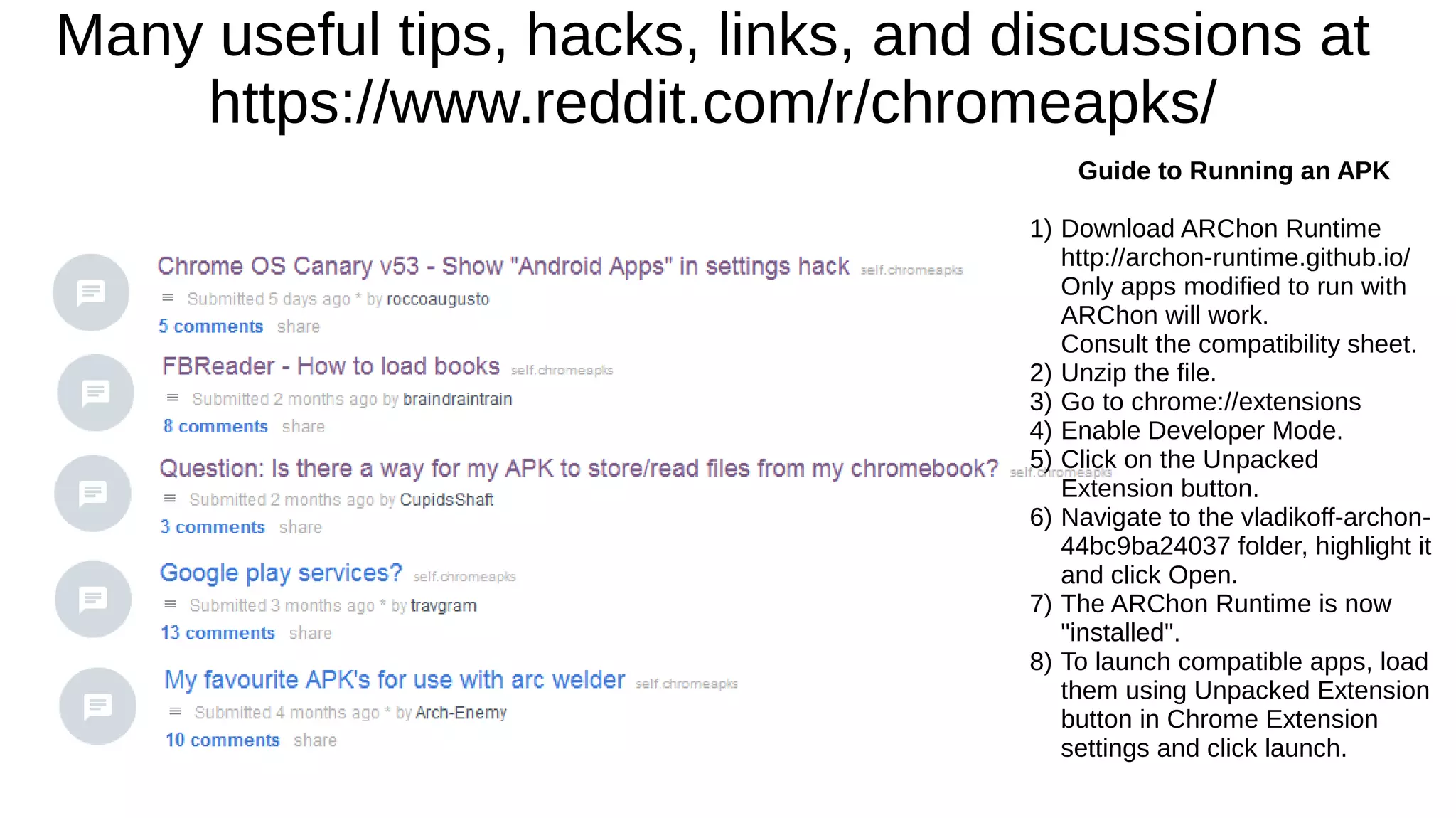
Many useful tips, hacks, links, and discussions at
https://www.reddit.com/r/chromeapks/
Guide to Running an APK
1) Download ARChon Runtime
http://archon-runtime.github.io/
Only apps modified to run with
ARChon will work.
Consult the compatibility sheet.
2) Unzip the file.
3) Go to chrome://extensions
4) Enable Developer Mode.
5) Click on the Unpacked
Extension button.
6) Navigate to the vladikoff-archon-
44bc9ba24037 folder, highlight it
and click Open.
7) The ARChon Runtime is now
"installed".
8) To launch compatible apps, load
them using Unpacked Extension
button in Chrome Extension
settings and click launch.
Ways to Get a Sneek Peek
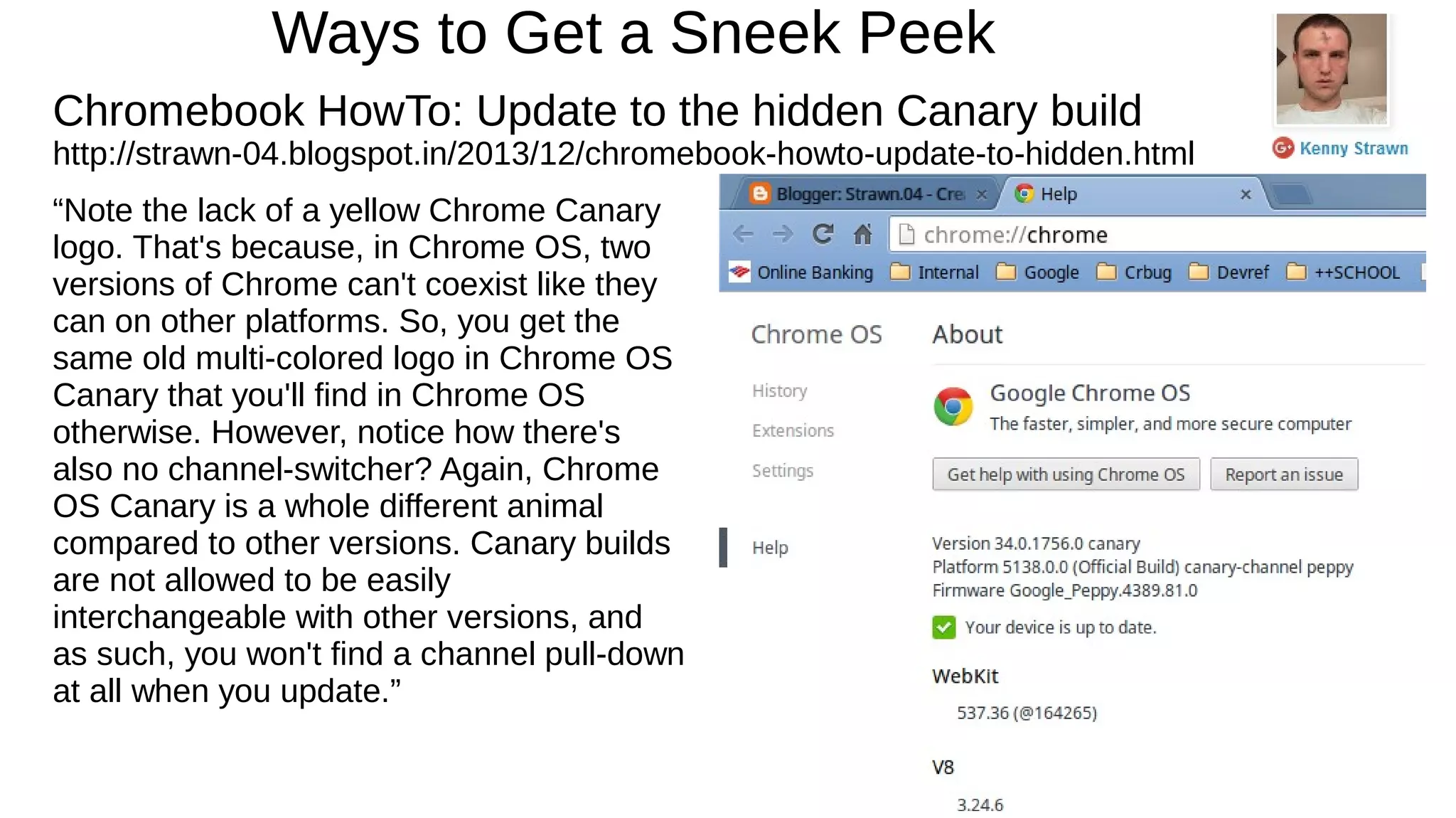
Chromebook HowTo: Update to the hidden Canary build
http://strawn-04.blogspot.in/2013/12/chromebook-howto-update-to-hidden.html
“Note the lack of a yellow Chrome Canary
logo. That's because, in Chrome OS, two
versions of Chrome can't coexist like they
can on other platforms. So, you get the
same old multi-colored logo in Chrome OS
Canary that you'll find in Chrome OS
otherwise. However, notice how there's
also no channel-switcher? Again, Chrome
OS Canary is a whole different animal
compared to other versions. Canary builds
are not allowed to be easily
interchangeable with other versions, and
as such, you won't find a channel pull-down
at all when you update.”
Try Chrome OS Canary
Without Risking Your Chromebook's Stability
http://chromeos-cr48.blogspot.pt/
“If you're not aware, Canary is a version of Chrome OS that is even more up to date
with code changes and new features than dev channel. So it goes stable --> beta -->
dev --> canary with stable being the most stable, reliable and least often updated
version and canary being the least stable and least reliable but most often updated.
A Canary version of the Chrome browser has been available and can be run in parallel
with other Chrome channels on Windows and Mac for some time but there's been no
publicly known equivalent for Chrome OS until Kenny's discovery and normally, your
Chromebook is only on one channel of Chrome OS, switching between channels
meant a USB recovery or powerwash.”

Running Android Apps on Chrome & ChromeOS

  • 1.
    Running Android Appson Chrome & ChromeOS June 2, 2016 Mark S. Zinzow Slideshare.net/msz
  • 2.
    Wouldn't it benice to run more apps on a Chromebook, or Android Apps on desktops? http://www.csmonitor.com/Technology/2015/0403/ARC-Welder-How-to-run-Android-apps-on-a- Mac-or-PC
  • 3.
    Google’s ARC Welder RunAndroid Apps in Chrome http://www.howtogeek.com/214734/how-to-use-googles-arc- welder-to-run-android-apps-in-chrome/
  • 4.
    App Runtime forChrome (Beta), or ARC Introduced in September of 2014 https://developer.chrome.com/apps/getstarted_arc https://en.wikipedia.org/wiki/Google_App_Runtime_for_Chrome Android Runtime for Chrome (ARC) is a compatibility layer and sandboxing technology for running Android applications on desktop and laptop computers in an isolated environment. It allows safely running the applications from a web browser, independent of user operating system, allowing the Android applications to run at near-native speeds. https://chrome.go ogle.com/webstor e/category/collecti on/also_on_andro id
  • 5.
    ARC is aChrome extension
  • 6.
    ARChon Runtime forChrome Run Android Apps in Chrome in OS X, Linux and Windows https://archon-runtime.github.io/
  • 7.
  • 8.
  • 9.
    ARChon PackagerARChon Packager(formerly Chrome APK Packager) is a convenient way to produce Chrome ARChon Custom Runtime packages directly from your phone. Stuck? http://www.omgchrome.com/chrome-apk-packager-android-app/ You can generate chrome packages from either APKs on your phone's storage, or from apps installed on your phone (It will pull APK)
  • 10.
    ARChon Packager/Plugin Tips ThisApp Makes It Even Easier to Install Android Apps in Chrome http://www.omgchrome.com/chrome-apk-packager-android-app/ “Remember: you do need to have the ARChon plugin ... installed in Chrome for apps to run.” https://play.google.com/store/apps/details?id=me.bpear.archonpackager The ARChon plugin is not in the Webstore, get it here: https://archon- runtime.github.io/ “Warning: The custom runtime will replace the official runtime component. To go back to the official runtime you will need to uninstall the custom one and reinstall the official one.” This and more tips at: https://github.com/vladikoff/chromeos-apk/blob/master/archon.md
  • 11.
    Over 300 AndroidApps work with ARChon http://tinyurl.com/ARChonApps
  • 12.
    Sideloading the GooglePlay Services apk https://github.com/vladikoff/chromeos-apk/issues/66
  • 13.
    By the Fallof 2016, This will all be easier! http://android-developers.blogspot.com/2016/05/bring-your-android-app-to-chromebooks.html http://www.chromium.org/chromium-os/android-apps “As announced at Google I/O 2016, Chromebooks will soon support the Google Play Store and Android apps.” https://chrome.googleblog.com/2016/05/the-google-play-store-coming-to.html http://www.theverge.com/2016/5/19/11712140/android-apps-native-chromebook-video http://www.omgchrome.com/google-play-store-coming-chromebooks/
  • 14.
    Many useful tips,hacks, links, and discussions at https://www.reddit.com/r/chromeapks/ Guide to Running an APK 1) Download ARChon Runtime http://archon-runtime.github.io/ Only apps modified to run with ARChon will work. Consult the compatibility sheet. 2) Unzip the file. 3) Go to chrome://extensions 4) Enable Developer Mode. 5) Click on the Unpacked Extension button. 6) Navigate to the vladikoff-archon- 44bc9ba24037 folder, highlight it and click Open. 7) The ARChon Runtime is now "installed". 8) To launch compatible apps, load them using Unpacked Extension button in Chrome Extension settings and click launch.
  • 15.
    Ways to Geta Sneek Peek Chromebook HowTo: Update to the hidden Canary build http://strawn-04.blogspot.in/2013/12/chromebook-howto-update-to-hidden.html “Note the lack of a yellow Chrome Canary logo. That's because, in Chrome OS, two versions of Chrome can't coexist like they can on other platforms. So, you get the same old multi-colored logo in Chrome OS Canary that you'll find in Chrome OS otherwise. However, notice how there's also no channel-switcher? Again, Chrome OS Canary is a whole different animal compared to other versions. Canary builds are not allowed to be easily interchangeable with other versions, and as such, you won't find a channel pull-down at all when you update.”
  • 16.
    Try Chrome OSCanary Without Risking Your Chromebook's Stability http://chromeos-cr48.blogspot.pt/ “If you're not aware, Canary is a version of Chrome OS that is even more up to date with code changes and new features than dev channel. So it goes stable --> beta --> dev --> canary with stable being the most stable, reliable and least often updated version and canary being the least stable and least reliable but most often updated. A Canary version of the Chrome browser has been available and can be run in parallel with other Chrome channels on Windows and Mac for some time but there's been no publicly known equivalent for Chrome OS until Kenny's discovery and normally, your Chromebook is only on one channel of Chrome OS, switching between channels meant a USB recovery or powerwash.”