INTRODUCTION TO
OPENCV AND MATLAB                           Module   2

       © roboVITics | Mayank Prasad, 2012            1
OUTLINE

   Introduction to OpenCV and MATLAB
   Why OpenCV?
   Installing and Running OpenCV & MATLAB in Windows
   Hello World with images using OpenCV and MATLAB


                        © roboVITics | Mayank Prasad, 2012   2
WHAT IS OPENCV ?

 OpenCV (Open Source Computer
  Vision Librar y) is a library of
  programming functions mainly
  aimed at real-time computer
  vision
 Developed by Intel, and now
  supported by Willow Garage and
  Itseez
 It is free for use under the open
  source BSD license
 The library is cross-platform. It
  focuses mainly on real -time
  image processing.

                         © roboVITics | Mayank Prasad, 2012   3
WHAT IS MATLAB ?

 MATLAB (matrix laboratory) is
  a numerical computing environment
  and 4G programming language
 Developed by MathWorks, MATLAB
 Allows matrix manipulations, plotting
  of functions and data, implementation
  of algorithms, creation of user
  interfaces, and interfacing with
  programs written in other
  languages, including C, C++, Java, and F
  ortran.
 Several toolboxes used for engineering
  tasks
 Image Processing Toolbox used here
                        © roboVITics | Mayank Prasad, 2012   4
WHY CHOOSE OPENCV?

   Specific – built exclusively for IP applications
   Speed – at least 4-5 times faster than other interfaces
   Ef ficiency – uses less system resources
   Optimized – highly optimized routines available
   Cross Platform – supports C, C++, python
   Open Source – open source and free of cost


                          © roboVITics | Mayank Prasad, 2012   5
Our People
                                              will help
     INSTALLING AND                           you out.
                                              Please
RUNNING OPENCV AND                            refer to
                                              the
             MATLAB                           supporting
                                              document
                                              shared in
                                              the folder


         © roboVITics | Mayank Prasad, 2012           6
INSTALLING MATLAB

Installation
 Run the setup file
 Click „Yes‟ or „Next‟ wherever necessary ;)
 Provide the license key and the license file when asked for
 Click „Finish‟, reboot your system, and you are good to go!

Now run it
 Now double click on the MATLAB R2011a icon on your desktop
 You should see the MATLAB command window window in front
  of you!


                        © roboVITics | Mayank Prasad, 2012      7
CONFIGURING OPENCV

 Install the superpack version of OpenCV provided.
 You can download the latest version from Sourceforge.
 Installation will merely extract all the build files into a folder.
 Copy that folder into C:  drive and rename it exactly as
  “OpenCV2.3.1”
 Open Visual Studio C++. Download and install it if you don‟t
  have it.
 Next open the text file provided during the workshop named
  “Config OpenCV”
 Follow the instructions given there. The instructions are for
  configuring OpenCV2.3.1 in Windows with Visual C++ IDE.


                          © roboVITics | Mayank Prasad, 2012        8
Hello
HELLO WORLD                           World with
                                      Images


 © roboVITics | Mayank Prasad, 2012            9
HELLO WORLD WITH IMAGES

 Hello World is the simplest application that you can build
  using any programming languages.
 When learning C, it is displaying some text on the screen.
 In case of images, it will be displaying an image on the screen
 Just do as your instructor is doing in front of you.
 Algorithm is as smooth as butter!
   Initialize everything
   Load an image
   Show it in a window


                            © roboVITics | Mayank Prasad, 2012   10
PROGRAMMING                            Related to C
    CONCEPTS


  © roboVITics | Mayank Prasad, 2012             11
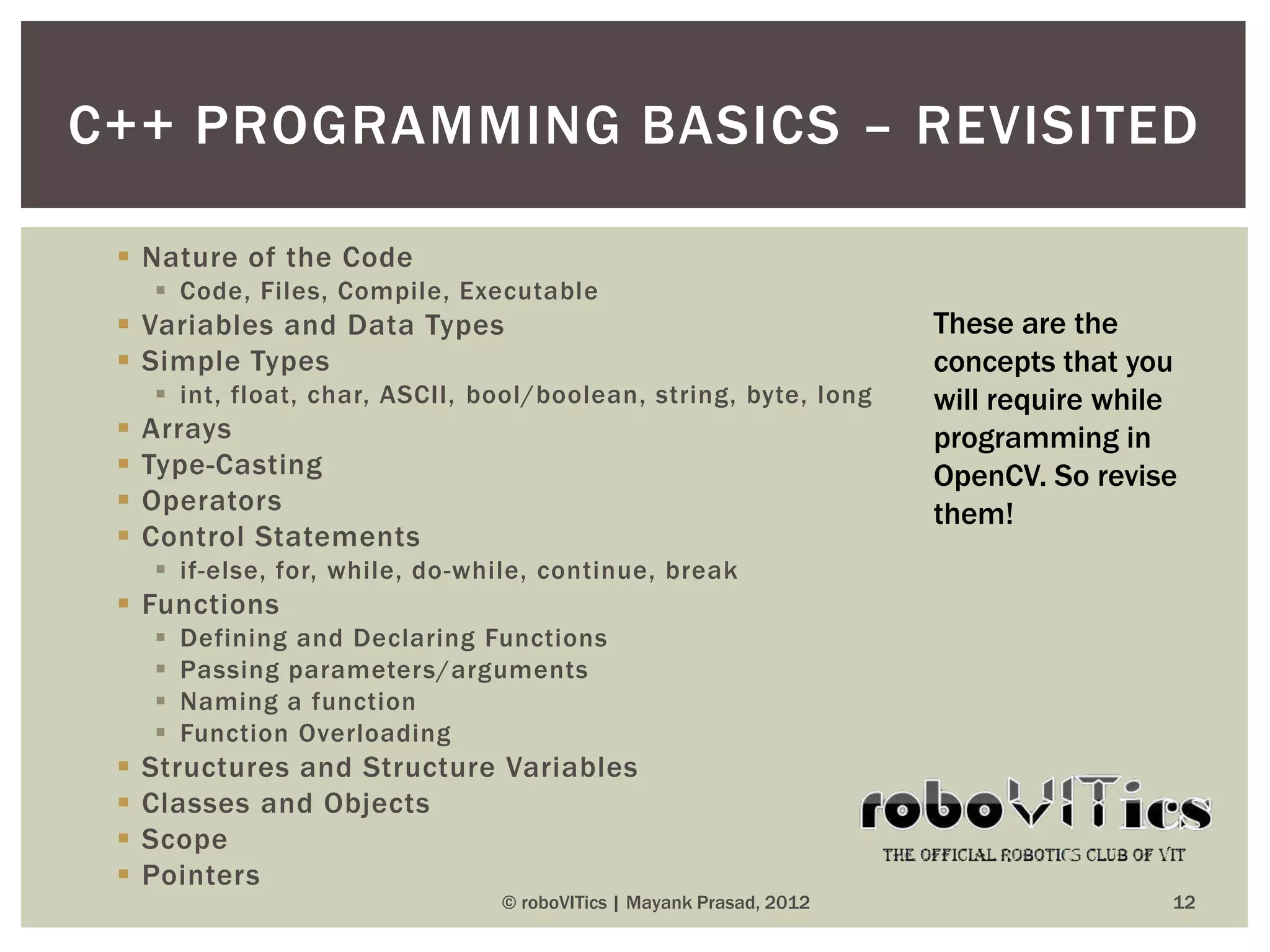
C++ PROGRAMMING BASICS – REVISITED

  Nature of the Code
      Code, Files, Compile, Executable
  Variables and Data Types                                           These are the
  Simple Types                                                       concepts that you
      int, float, char, ASCII, bool/boolean, string, byte, long      will require while
    Arrays                                                           programming in
    Type-Casting                                                     OpenCV. So revise
    Operators                                                        them!
    Control Statements
      if-else, for, while, do-while, continue, break
  Functions
        Defining and Declaring Functions
        Passing parameters/arguments
        Naming a function
        Function Overloading
    Structures and Structure Variables
    Classes and Objects
    Scope
    Pointers
                                 © roboVITics | Mayank Prasad, 2012                    12
DELVING DEEPER INTO OPENCV
                           UP NEXT
                                                 Module   3

            © roboVITics | Mayank Prasad, 2012            13
CONTACTS

 Mayank Prasad
      President, roboVITi cs
      mayank@roboviti cs.in
 Akshat Wahi
      Asst. Project Manager, roboVITi cs
      +91 909 250 3053
      akshat@core.robovitics.in
 Akash Kashyap
      President, TEC – The Electronics Club of VIT
      akash130791@gmail .com


                           © roboVITics | Mayank Prasad, 2012   14

RoboCV Module 2: Introduction to OpenCV and MATLAB

  • 1.
    INTRODUCTION TO OPENCV ANDMATLAB Module 2 © roboVITics | Mayank Prasad, 2012 1
  • 2.
    OUTLINE  Introduction to OpenCV and MATLAB  Why OpenCV?  Installing and Running OpenCV & MATLAB in Windows  Hello World with images using OpenCV and MATLAB © roboVITics | Mayank Prasad, 2012 2
  • 3.
    WHAT IS OPENCV?  OpenCV (Open Source Computer Vision Librar y) is a library of programming functions mainly aimed at real-time computer vision  Developed by Intel, and now supported by Willow Garage and Itseez  It is free for use under the open source BSD license  The library is cross-platform. It focuses mainly on real -time image processing. © roboVITics | Mayank Prasad, 2012 3
  • 4.
    WHAT IS MATLAB?  MATLAB (matrix laboratory) is a numerical computing environment and 4G programming language  Developed by MathWorks, MATLAB  Allows matrix manipulations, plotting of functions and data, implementation of algorithms, creation of user interfaces, and interfacing with programs written in other languages, including C, C++, Java, and F ortran.  Several toolboxes used for engineering tasks  Image Processing Toolbox used here © roboVITics | Mayank Prasad, 2012 4
  • 5.
    WHY CHOOSE OPENCV?  Specific – built exclusively for IP applications  Speed – at least 4-5 times faster than other interfaces  Ef ficiency – uses less system resources  Optimized – highly optimized routines available  Cross Platform – supports C, C++, python  Open Source – open source and free of cost © roboVITics | Mayank Prasad, 2012 5
  • 6.
    Our People will help INSTALLING AND you out. Please RUNNING OPENCV AND refer to the MATLAB supporting document shared in the folder © roboVITics | Mayank Prasad, 2012 6
  • 7.
    INSTALLING MATLAB Installation  Runthe setup file  Click „Yes‟ or „Next‟ wherever necessary ;)  Provide the license key and the license file when asked for  Click „Finish‟, reboot your system, and you are good to go! Now run it  Now double click on the MATLAB R2011a icon on your desktop  You should see the MATLAB command window window in front of you! © roboVITics | Mayank Prasad, 2012 7
  • 8.
    CONFIGURING OPENCV  Installthe superpack version of OpenCV provided.  You can download the latest version from Sourceforge.  Installation will merely extract all the build files into a folder.  Copy that folder into C: drive and rename it exactly as “OpenCV2.3.1”  Open Visual Studio C++. Download and install it if you don‟t have it.  Next open the text file provided during the workshop named “Config OpenCV”  Follow the instructions given there. The instructions are for configuring OpenCV2.3.1 in Windows with Visual C++ IDE. © roboVITics | Mayank Prasad, 2012 8
  • 9.
    Hello HELLO WORLD World with Images © roboVITics | Mayank Prasad, 2012 9
  • 10.
    HELLO WORLD WITHIMAGES  Hello World is the simplest application that you can build using any programming languages.  When learning C, it is displaying some text on the screen.  In case of images, it will be displaying an image on the screen  Just do as your instructor is doing in front of you.  Algorithm is as smooth as butter!  Initialize everything  Load an image  Show it in a window © roboVITics | Mayank Prasad, 2012 10
  • 11.
    PROGRAMMING Related to C CONCEPTS © roboVITics | Mayank Prasad, 2012 11
  • 12.
    C++ PROGRAMMING BASICS– REVISITED  Nature of the Code  Code, Files, Compile, Executable  Variables and Data Types These are the  Simple Types concepts that you  int, float, char, ASCII, bool/boolean, string, byte, long will require while  Arrays programming in  Type-Casting OpenCV. So revise  Operators them!  Control Statements  if-else, for, while, do-while, continue, break  Functions  Defining and Declaring Functions  Passing parameters/arguments  Naming a function  Function Overloading  Structures and Structure Variables  Classes and Objects  Scope  Pointers © roboVITics | Mayank Prasad, 2012 12
  • 13.
    DELVING DEEPER INTOOPENCV UP NEXT Module 3 © roboVITics | Mayank Prasad, 2012 13
  • 14.
    CONTACTS  Mayank Prasad President, roboVITi cs mayank@roboviti cs.in  Akshat Wahi Asst. Project Manager, roboVITi cs +91 909 250 3053 akshat@core.robovitics.in  Akash Kashyap President, TEC – The Electronics Club of VIT akash130791@gmail .com © roboVITics | Mayank Prasad, 2012 14