


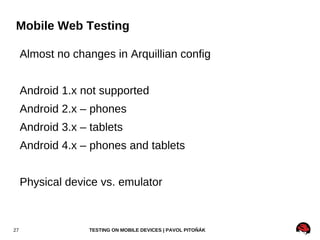
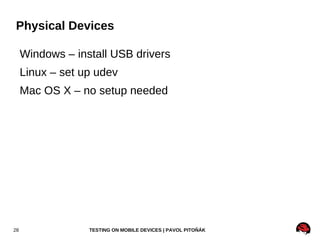
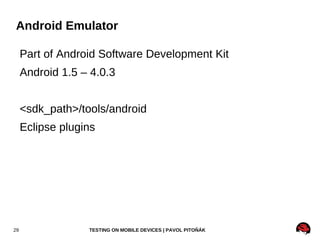
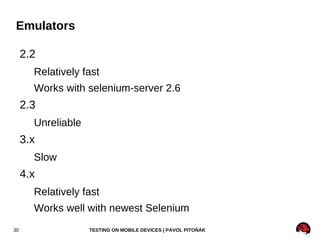
RichFaces – Testing on Mobile Devices Pavol Pitoňák Quality Assurance Engineer, Red Hat 17 Feb 2012
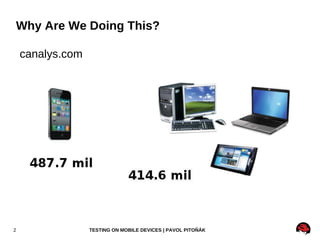
Why Are We Doing This? canalys.com
 
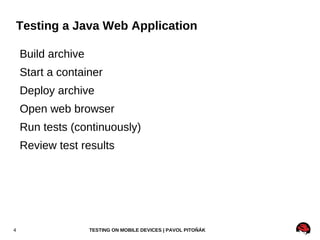
Testing a Java Web Application Build archive
Start a container
Deploy archive
Open web browser
Run tests (continuously)
Review test results
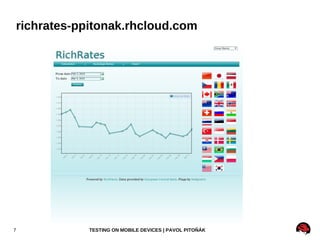
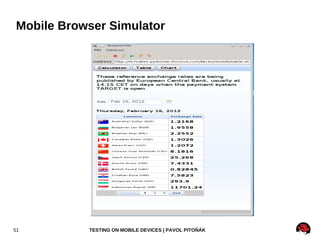
RichRates github.com/qa/richrates
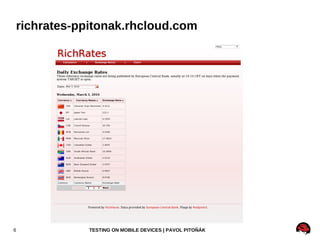
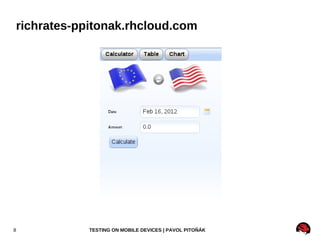
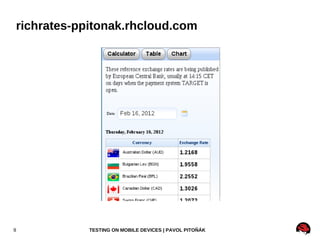
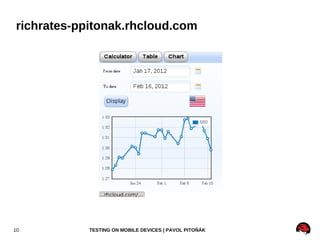
richrates-ppitonak.rhcloud.com
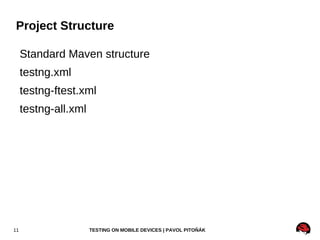
Project Structure Standard Maven structure
testng.xml
testng-ftest.xml
testng-all.xml
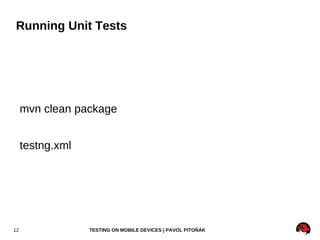
Running Unit Tests mvn clean package testng.xml
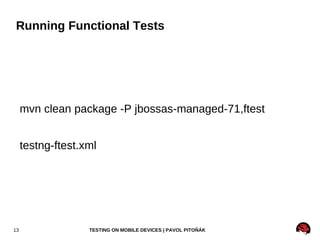
Running Functional Tests mvn clean package -P jbossas-managed-71,ftest testng-ftest.xml
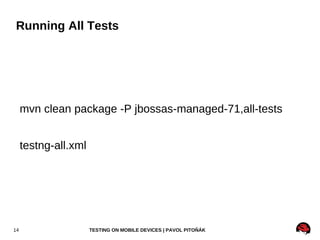
Running All Tests mvn clean package -P jbossas-managed-71,all-tests testng-all.xml
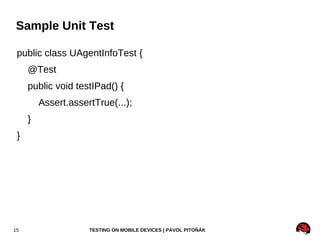
Sample Unit Test public class UAgentInfoTest { @Test
public void testIPad() {
Assert.assertTrue(...);
}
}
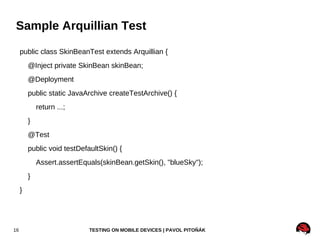
Sample Arquillian Test public class SkinBeanTest extends Arquillian { @Inject private SkinBean skinBean;
@Deployment
public static JavaArchive createTestArchive() {
return ...;
}
@Test
public void testDefaultSkin() {
Assert.assertEquals(skinBean.getSkin(), "blueSky");
}
}
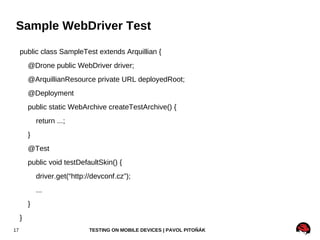
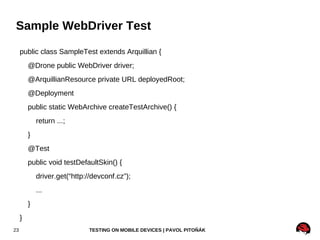
Sample WebDriver Test public class SampleTest extends Arquillian { @Drone public WebDriver driver; @ArquillianResource private URL deployedRoot; @Deployment public static WebArchive createTestArchive() { return ...; } @Test public void testDefaultSkin() { driver.get(“http://devconf.cz”); ... } }
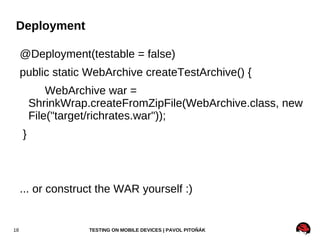
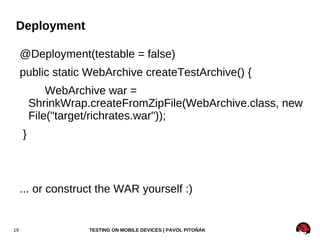
Deployment @Deployment(testable = false)
public static WebArchive createTestArchive() {
WebArchive war = ShrinkWrap.createFromZipFile(WebArchive.class, new File("target/richrates.war"));
}
... or construct the WAR yourself :)
Deployment @Deployment(testable = false)
public static WebArchive createTestArchive() {
WebArchive war = ShrinkWrap.createFromZipFile(WebArchive.class, new File("target/richrates.war"));
}
... or construct the WAR yourself :)
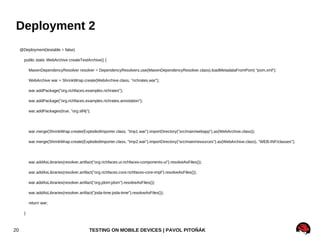
Deployment 2 @Deployment(testable = false)
public static WebArchive createTestArchive() {
MavenDependencyResolver resolver = DependencyResolvers.use(MavenDependencyResolver.class).loadMetadataFromPom( "pom.xml");
WebArchive war = ShrinkWrap.create(WebArchive.class, "richrates.war");

RichFaces - Testing on Mobile Devices

Editor's Notes

  • #3 Smart phones Laptops 209.6 Desktops 112.4 Tablets 63.2 Netbooks 29.4
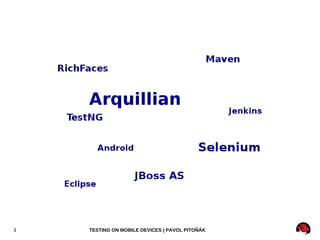
  • #4 Karel showed you what Arquillian is, what it can do ... He showed Drone extension – WebDriver, Selenium, Ajocado I'll show you how we test RichFaces, a Java Server Faces web framework using Arq on desktop in various browsers I'll explain you how we use all the technologies on this slide for testing Then, after you will get familiar with testing web applications on desktop, I'll introduce you to testing on mobile devices (Android) First I'll show you how to test in emulator and then how to speed up your tests Ajocado – works with Selenium 1 which doesn't support mobile browsers
  • #5 When you need to test your Java web app, you need to build your application and create a WAR archive which can be then deployed to a container In last talk Karel showed you how to start a container and deploy you application According to the version of Selenium you are using, you need to start Selenium server Selenium uses JavaScript to automate web pages. runs inside the JavaScript sandbox, Selenium-RC server to get around the same-origin policy, can sometimes cause issues with browser setup WebDriver on the other hand uses native automation from each language. While this means it takes longer to support new browsers/languages, it does offer a much closer ‘feel’ to the browser. If you’re happy with WebDriver, stick with it, it’s the future. There are limitations and bugs right now, but if they’re not stopping you, go for it. Open web browsers – Selenium 2 supports all major browsers run your tests – TestNG / Junit, integration with Arq, Jenkins Review test results – TestNG report, Jenkins plugin for TestNG
  • #6 Sample RichFaces 4 application built using latest Java EE 6 technologies – JSF2, RichFaces 4, CDI, Bean validation Currency converted which converts 30+ currencies from/to Euros Currency converter, exchange rates list, historical chart Downloads data from ECB Tested on JBoss AS 7.0.2 and 7.1.0.Final released this week Screenshot of desktop version
  • #13 This uses default testng.xml
  • #15 Since it is split, it allows us to run tests multiple times on Jenkins i.e. Unit tests once Functional tests with every container and browser Not implemented yet, just a proof of concept
  • #19 You can either use prepared package or construct war yourself If want to use prepared package, you need to run tests after Maven phase package
  • #20 You can either use prepared package or construct war yourself If want to use prepared package, you need to run tests after Maven phase package
  • #21 Include all classes All xhtml files All images, javascript, css All descriptors, e.g. Bean.xml, web.xml, faces-config.xml All Maven dependencies
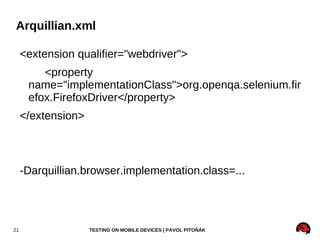
  • #22 You can use whichever driver that is supported by Drone Firefox Chrome Internet Explorer Android We didn't test OperaDriver yet
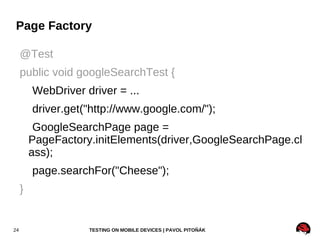
  • #24 Althought simple webdriver test might look like this, it's is better to use page factory pattern for creating tests
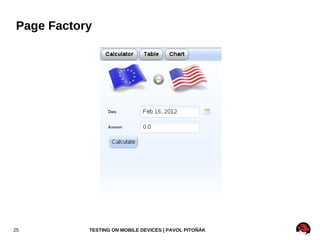
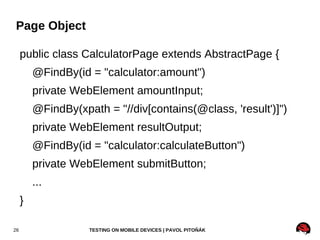
  • #26 Do you still remember mobile version of RichRates? If we implemented test using page objects, such a object could Select a date Insert an amount Click the “Calculate” button Select a currency Swap currencies Verify the result of calculation
  • #29 I focus on emulators because we need to run our tests in continuous integration server (Jenkins) and physical devices don't scale
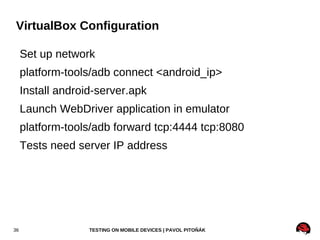
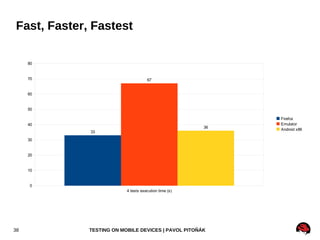
  • #32 As you could see, it is not very fast, mainly because it is an emulator – it emulate an ARM processor. However, there is a solution which can speed up your Android.
  • #33 You can download several prepared images which you can install to a virtual machine, e.g. VirtualBox I tried both Android 3.2 and 4.0 4.0 latest release doesn't work, can be installed but cannot be started Nightly build of 4.0 works like a charm I used an image for Asus EEE, it's netbook but I set up it to have lower resolution so it behaves like a mobile phone It's not ARM but good enough for testing web Fast !!! Unfortunately not as fast as desktop browsers
  • #34 The only drawback is that it sends user agent string as a tablet so e.g. Google serves you a tablet version of search
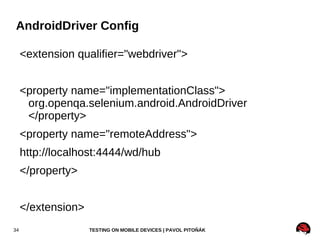
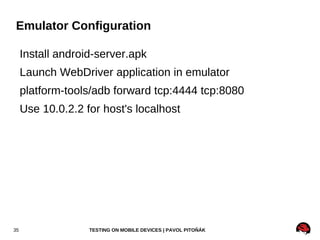
  • #36 Android-server-2.6.0.apk for Android 2.2,2.3 Android-server-newest.apk for Android 3+
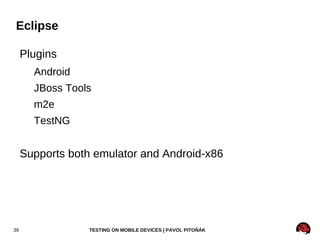
  • #41 Arquillian TestNG tests are fully supported by TestNG Eclipse plugin so it's possible to run whole test suite, selected class or selected method
  • #42 Since TestNG is supported well in Eclipse, debugging is very easy. One can debug tests running in both emulator and android-x86
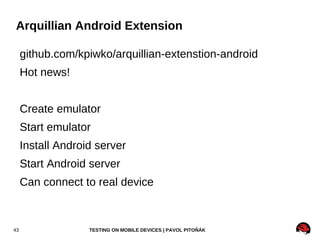
  • #44 Android eclipse plugin helps a lot with creating new emulators, starting them etc However, it is manual process. Karel created Arq extension that can automate also this part of testing. It was created last week so it's still hot. Unfortunately, we didn't manage to integrate it to RichRates application.
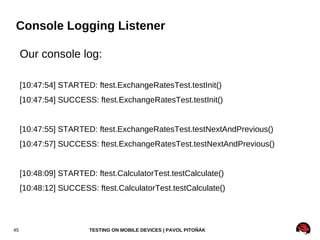
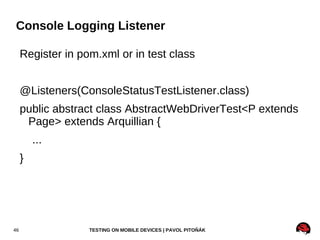
  • #46 Unit tests should run very fast so it doesn't make sense to log which tests is running...it would slower test execution. On the other hand, functional tests usually run much longer (on Android even few seconds). We find it useful to be able to watch test execution progress, especially on Jenkins.
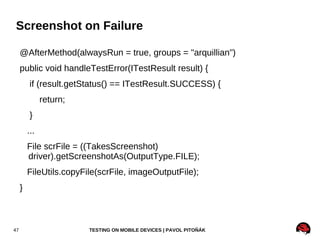
  • #48 After method, always run Result status check Captures screenshots on all major browsers including Android Screenshot contains whole page, not only visible area Dalo by sa implementovat ako Testng listener?
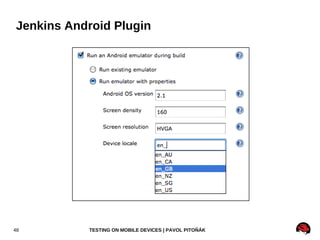
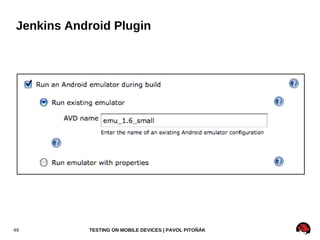
  • #49 Currently we use android plugin on Jenkins You need to install Android SDK on Jenkins slave We run a script that deploys android-server.apk and runs the application