Redhat Certified System 
Administration (RHCSA) 
& 
Redhat Certified 
Engineer(RHCE)
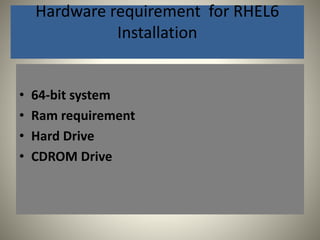
Hardware requirement for RHEL6 
Installation 
• 64-bit system 
• Ram requirement 
• Hard Drive 
• CDROM Drive
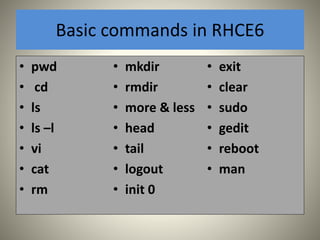
Basic commands in RHCE6 
• pwd 
• cd 
• ls 
• ls –l 
• vi 
• cat 
• rm 
• mkdir 
• rmdir 
• more & less 
• head 
• tail 
• logout 
• init 0 
• exit 
• clear 
• sudo 
• gedit 
• reboot 
• man
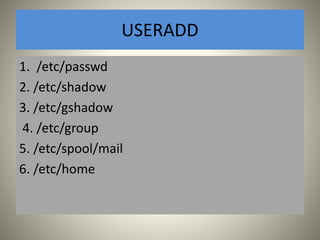
USERADD 
1. /etc/passwd 
2. /etc/shadow 
3. /etc/gshadow 
4. /etc/group 
5. /etc/spool/mail 
6. /etc/home
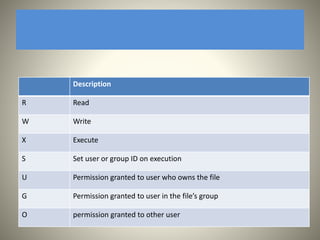
Description 
R Read 
W Write 
X Execute 
S Set user or group ID on execution 
U Permission granted to user who owns the file 
G Permission granted to user in the file’s group 
O permission granted to other user
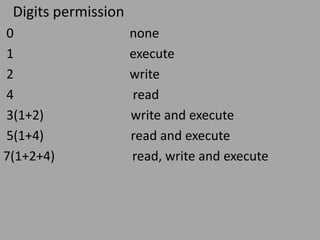
Digits permission 
0 none 
1 execute 
2 write 
4 read 
3(1+2) write and execute 
5(1+4) read and execute 
7(1+2+4) read, write and execute
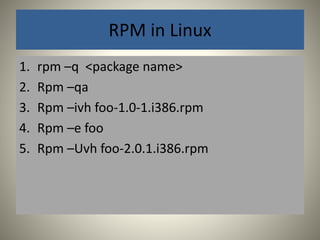
RPM in Linux 
1. rpm –q <package name> 
2. Rpm –qa 
3. Rpm –ivh foo-1.0-1.i386.rpm 
4. Rpm –e foo 
5. Rpm –Uvh foo-2.0.1.i386.rpm
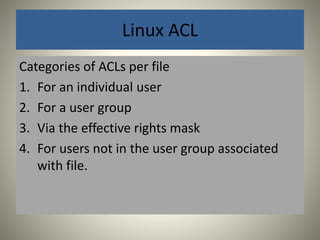
Linux ACL 
Categories of ACLs per file 
1. For an individual user 
2. For a user group 
3. Via the effective rights mask 
4. For users not in the user group associated 
with file.
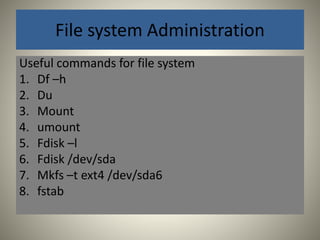
File system Administration 
Useful commands for file system 
1. Df –h 
2. Du 
3. Mount 
4. umount 
5. Fdisk –l 
6. Fdisk /dev/sda 
7. Mkfs –t ext4 /dev/sda6 
8. fstab
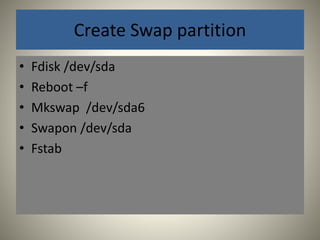
Create Swap partition 
• Fdisk /dev/sda 
• Reboot –f 
• Mkswap /dev/sda6 
• Swapon /dev/sda 
• Fstab
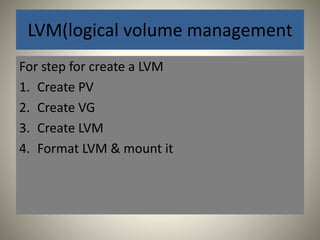
LVM(logical volume management 
For step for create a LVM 
1. Create PV 
2. Create VG 
3. Create LVM 
4. Format LVM & mount it
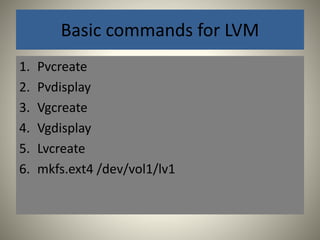
Basic commands for LVM 
1. Pvcreate 
2. Pvdisplay 
3. Vgcreate 
4. Vgdisplay 
5. Lvcreate 
6. mkfs.ext4 /dev/vol1/lv1
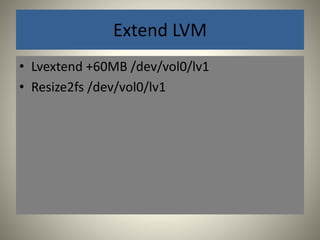
Extend LVM 
• Lvextend +60MB /dev/vol0/lv1 
• Resize2fs /dev/vol0/lv1
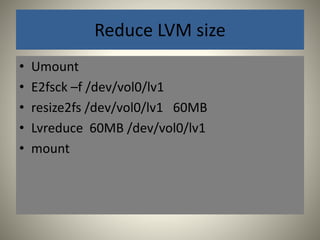
Reduce LVM size 
• Umount 
• E2fsck –f /dev/vol0/lv1 
• resize2fs /dev/vol0/lv1 60MB 
• Lvreduce 60MB /dev/vol0/lv1 
• mount
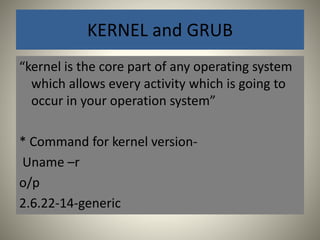
KERNEL and GRUB 
“kernel is the core part of any operating system 
which allows every activity which is going to 
occur in your operation system” 
* Command for kernel version- 
Uname –r 
o/p 
2.6.22-14-generic
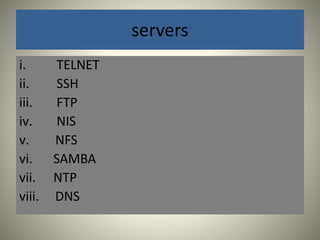
servers 
i. TELNET 
ii. SSH 
iii. FTP 
iv. NIS 
v. NFS 
vi. SAMBA 
vii. NTP 
viii. DNS
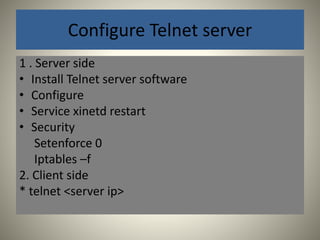
Configure Telnet server 
1 . Server side 
• Install Telnet server software 
• Configure 
• Service xinetd restart 
• Security 
Setenforce 0 
Iptables –f 
2. Client side 
* telnet <server ip>
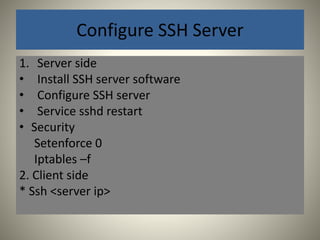
Configure SSH Server 
1. Server side 
• Install SSH server software 
• Configure SSH server 
• Service sshd restart 
• Security 
Setenforce 0 
Iptables –f 
2. Client side 
* Ssh <server ip>
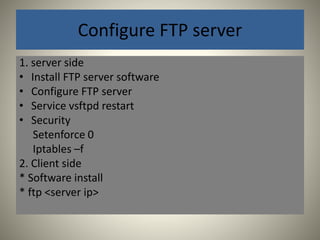
Configure FTP server 
1. server side 
• Install FTP server software 
• Configure FTP server 
• Service vsftpd restart 
• Security 
Setenforce 0 
Iptables –f 
2. Client side 
* Software install 
* ftp <server ip>
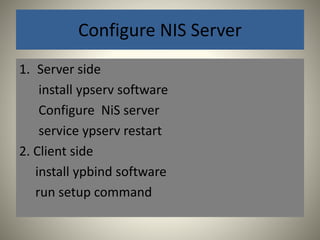
Configure NIS Server 
1. Server side 
install ypserv software 
Configure NiS server 
service ypserv restart 
2. Client side 
install ypbind software 
run setup command
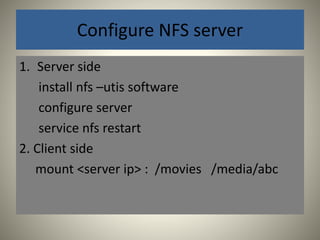
Configure NFS server 
1. Server side 
install nfs –utis software 
configure server 
service nfs restart 
2. Client side 
mount <server ip> : /movies /media/abc
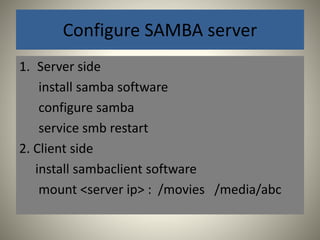
Configure SAMBA server 
1. Server side 
install samba software 
configure samba 
service smb restart 
2. Client side 
install sambaclient software 
mount <server ip> : /movies /media/abc

RHCE Training

  • 1.
    Redhat Certified System Administration (RHCSA) & Redhat Certified Engineer(RHCE)
  • 2.
    Hardware requirement forRHEL6 Installation • 64-bit system • Ram requirement • Hard Drive • CDROM Drive
  • 3.
    Basic commands inRHCE6 • pwd • cd • ls • ls –l • vi • cat • rm • mkdir • rmdir • more & less • head • tail • logout • init 0 • exit • clear • sudo • gedit • reboot • man
  • 4.
    USERADD 1. /etc/passwd 2. /etc/shadow 3. /etc/gshadow 4. /etc/group 5. /etc/spool/mail 6. /etc/home
  • 5.
    Description R Read W Write X Execute S Set user or group ID on execution U Permission granted to user who owns the file G Permission granted to user in the file’s group O permission granted to other user
  • 6.
    Digits permission 0none 1 execute 2 write 4 read 3(1+2) write and execute 5(1+4) read and execute 7(1+2+4) read, write and execute
  • 7.
    RPM in Linux 1. rpm –q <package name> 2. Rpm –qa 3. Rpm –ivh foo-1.0-1.i386.rpm 4. Rpm –e foo 5. Rpm –Uvh foo-2.0.1.i386.rpm
  • 8.
    Linux ACL Categoriesof ACLs per file 1. For an individual user 2. For a user group 3. Via the effective rights mask 4. For users not in the user group associated with file.
  • 9.
    File system Administration Useful commands for file system 1. Df –h 2. Du 3. Mount 4. umount 5. Fdisk –l 6. Fdisk /dev/sda 7. Mkfs –t ext4 /dev/sda6 8. fstab
  • 10.
    Create Swap partition • Fdisk /dev/sda • Reboot –f • Mkswap /dev/sda6 • Swapon /dev/sda • Fstab
  • 11.
    LVM(logical volume management For step for create a LVM 1. Create PV 2. Create VG 3. Create LVM 4. Format LVM & mount it
  • 12.
    Basic commands forLVM 1. Pvcreate 2. Pvdisplay 3. Vgcreate 4. Vgdisplay 5. Lvcreate 6. mkfs.ext4 /dev/vol1/lv1
  • 13.
    Extend LVM •Lvextend +60MB /dev/vol0/lv1 • Resize2fs /dev/vol0/lv1
  • 14.
    Reduce LVM size • Umount • E2fsck –f /dev/vol0/lv1 • resize2fs /dev/vol0/lv1 60MB • Lvreduce 60MB /dev/vol0/lv1 • mount
  • 15.
    KERNEL and GRUB “kernel is the core part of any operating system which allows every activity which is going to occur in your operation system” * Command for kernel version- Uname –r o/p 2.6.22-14-generic
  • 16.
    servers i. TELNET ii. SSH iii. FTP iv. NIS v. NFS vi. SAMBA vii. NTP viii. DNS
  • 17.
    Configure Telnet server 1 . Server side • Install Telnet server software • Configure • Service xinetd restart • Security Setenforce 0 Iptables –f 2. Client side * telnet <server ip>
  • 18.
    Configure SSH Server 1. Server side • Install SSH server software • Configure SSH server • Service sshd restart • Security Setenforce 0 Iptables –f 2. Client side * Ssh <server ip>
  • 19.
    Configure FTP server 1. server side • Install FTP server software • Configure FTP server • Service vsftpd restart • Security Setenforce 0 Iptables –f 2. Client side * Software install * ftp <server ip>
  • 20.
    Configure NIS Server 1. Server side install ypserv software Configure NiS server service ypserv restart 2. Client side install ypbind software run setup command
  • 21.
    Configure NFS server 1. Server side install nfs –utis software configure server service nfs restart 2. Client side mount <server ip> : /movies /media/abc
  • 22.
    Configure SAMBA server 1. Server side install samba software configure samba service smb restart 2. Client side install sambaclient software mount <server ip> : /movies /media/abc