Custom Responsive Theme
Workshop
WordCamp Columbus 2015 #wccbus | #wcthemedev
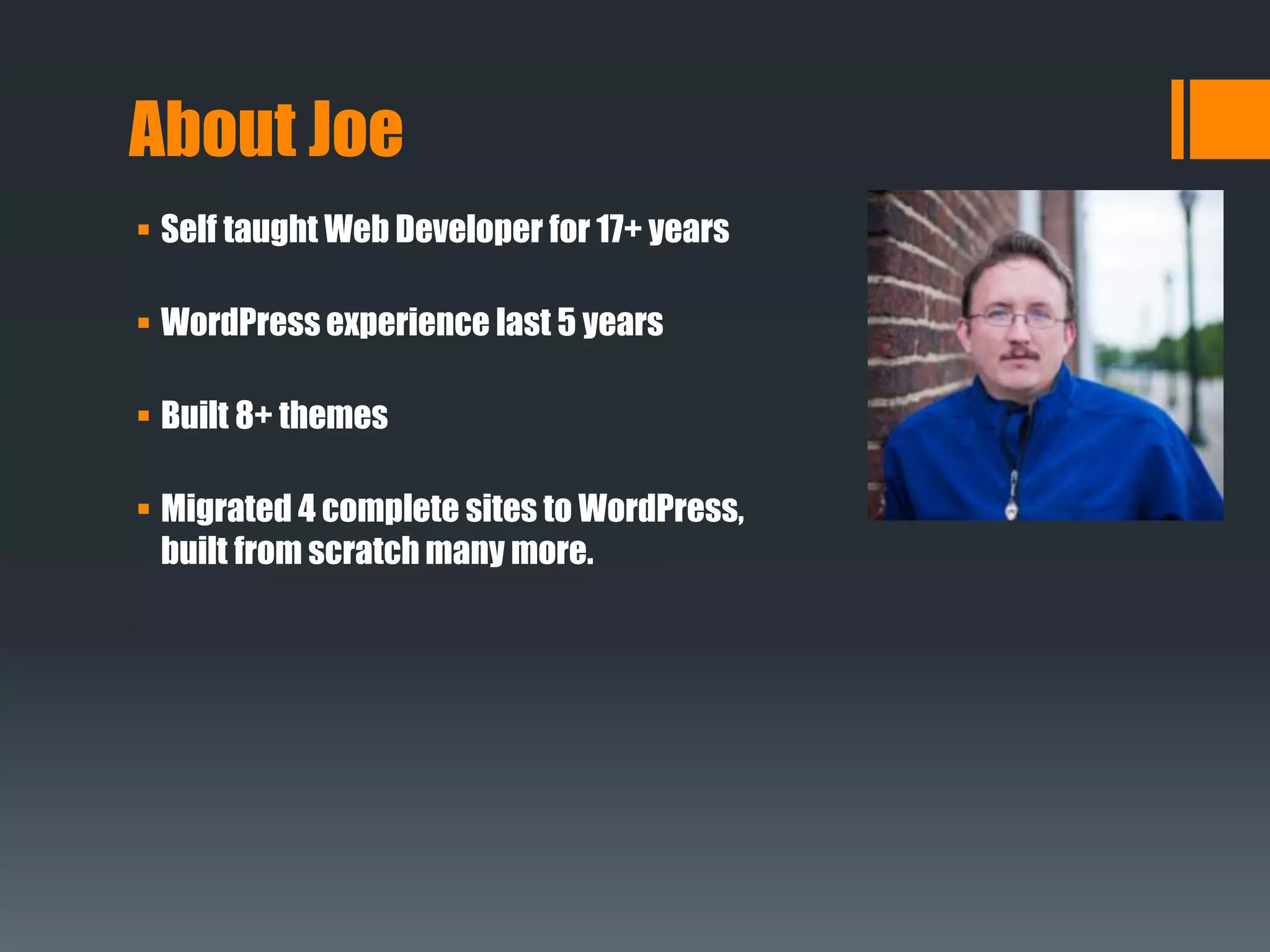
About Joe
 Self taught Web Developer for 17+ years
 WordPress experience last 5 years
 Built 8+ themes
 Migrated 4 complete sites to WordPress,
built from scratch many more.
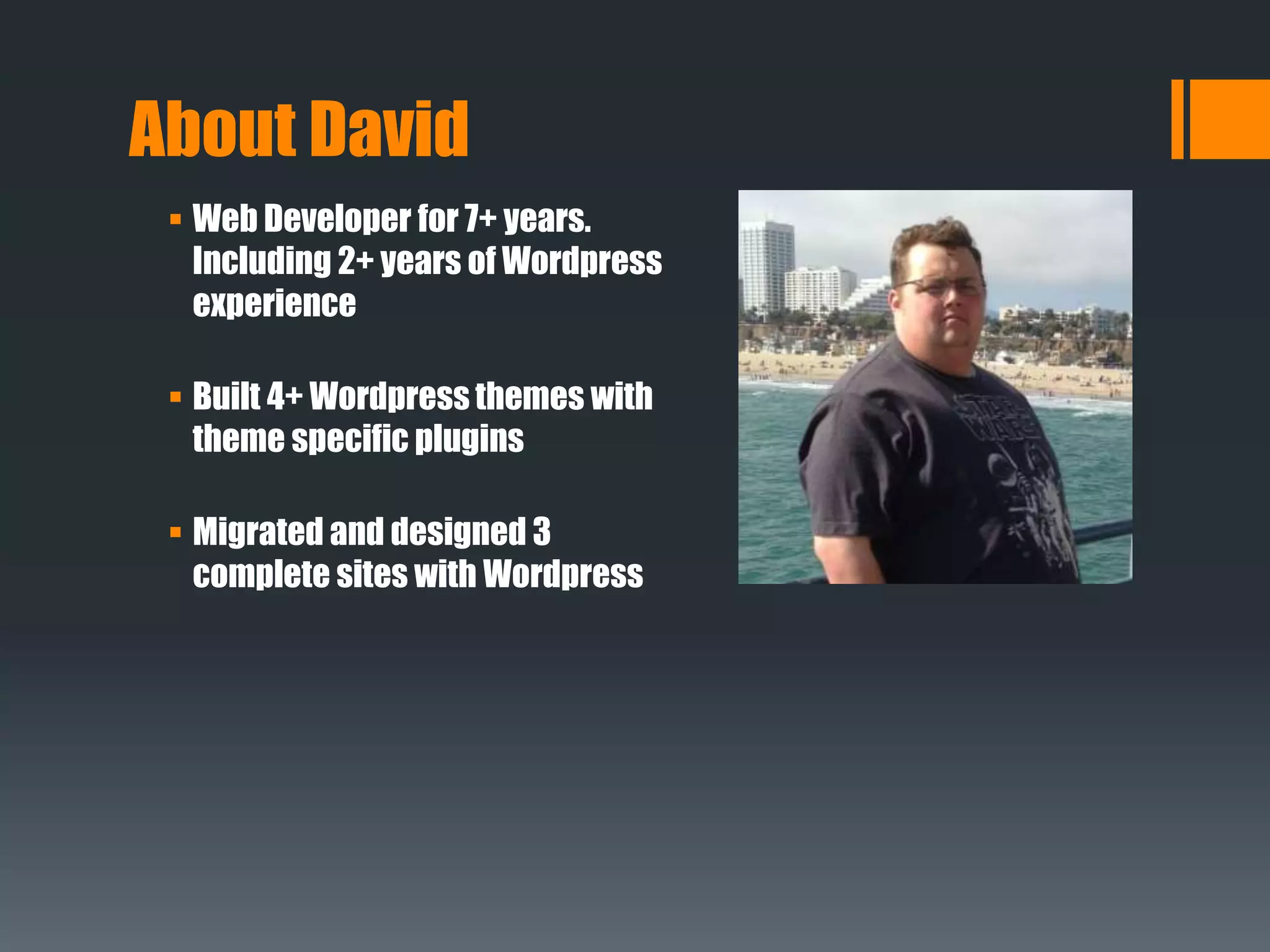
 Web Developer for 7+ years.
Including 2+ years of Wordpress
experience
 Built 4+ Wordpress themes with
theme specific plugins
 Migrated and designed 3
complete sites with Wordpress
About David
 Why Build a Theme?
 Available Responsive Themes
 Basic Framework For a Responsive Theme
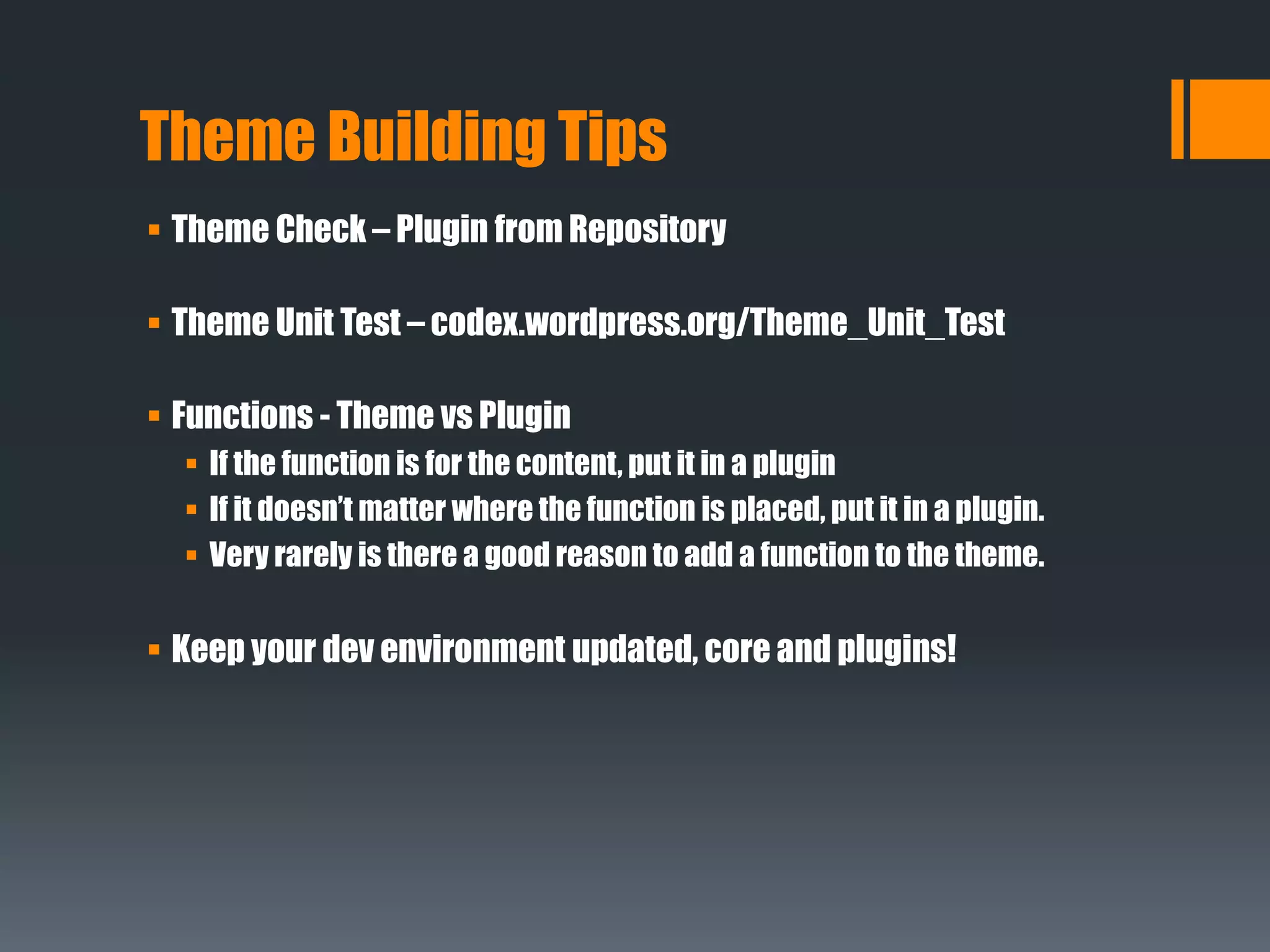
 Theme Building Tips
 Code Demo
Topics
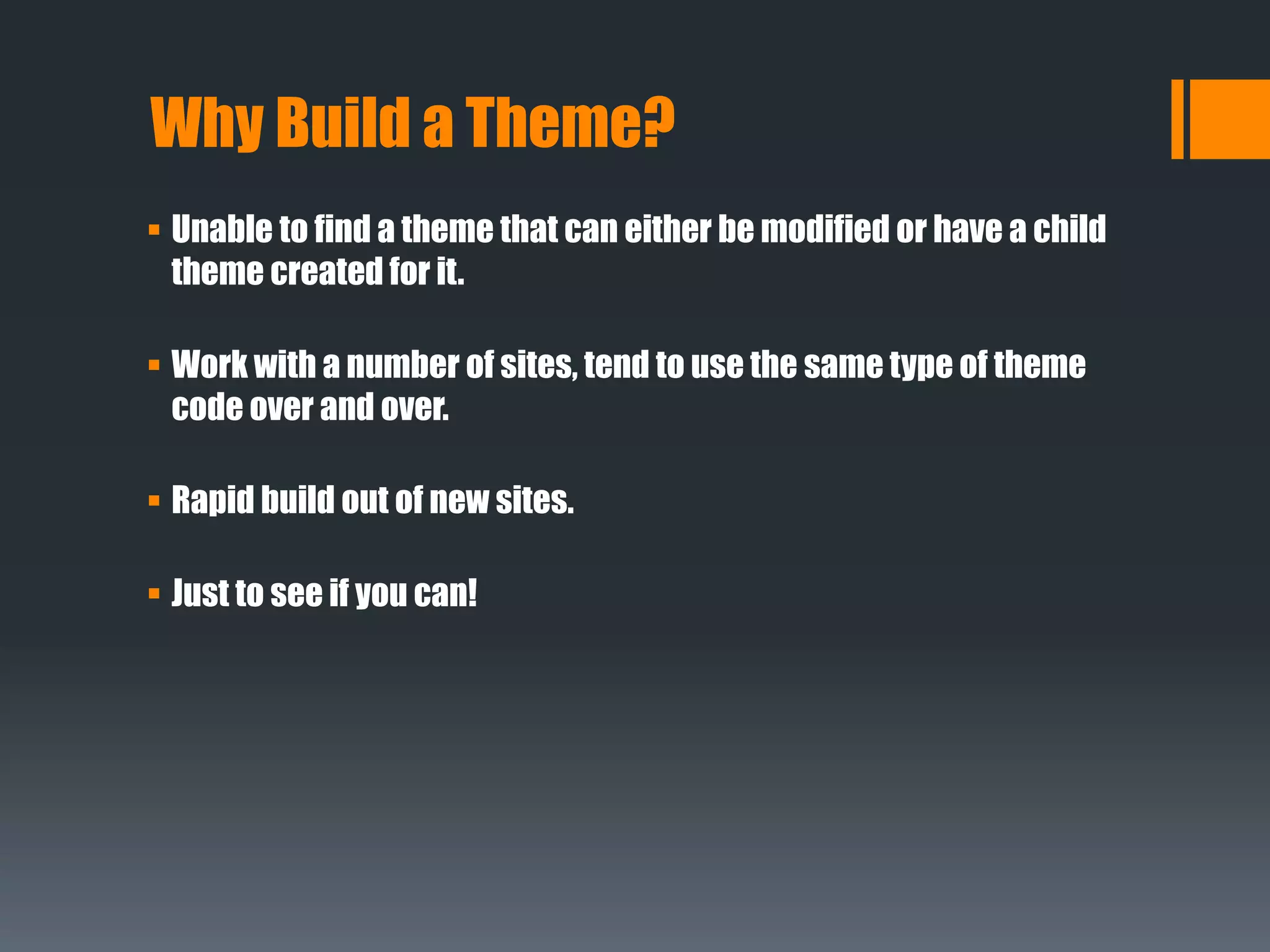
Why Build a Theme?
 Unable to find a theme that can either be modified or have a child
theme created for it.
 Work with a number of sites, tend to use the same type of theme
code over and over.
 Rapid build out of new sites.
 Just to see if you can!
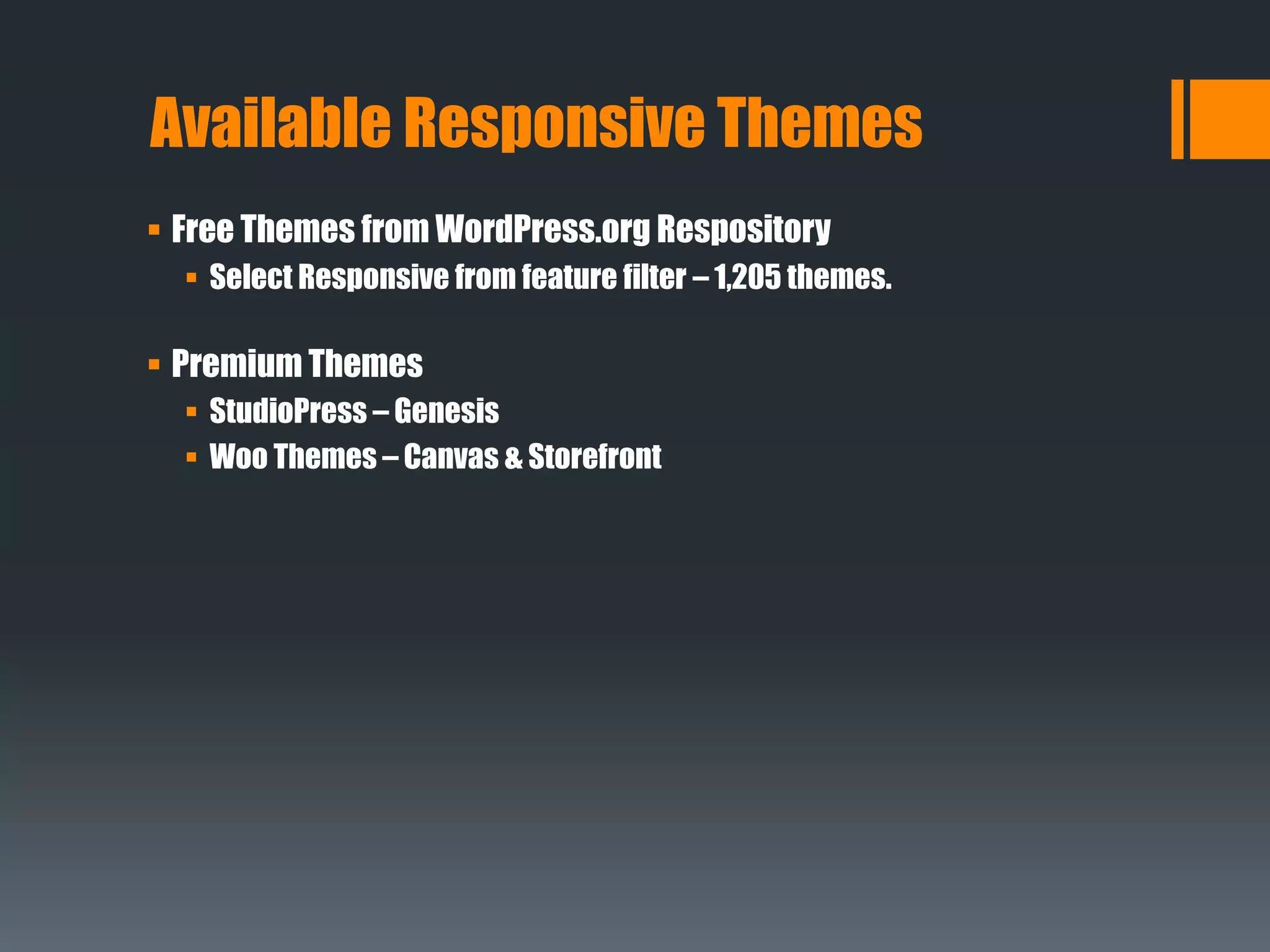
 Free Themes from WordPress.org Respository
 Select Responsive from feature filter – 1,205 themes.
 Premium Themes
 StudioPress – Genesis
 Woo Themes – Canvas & Storefront
Available Responsive Themes
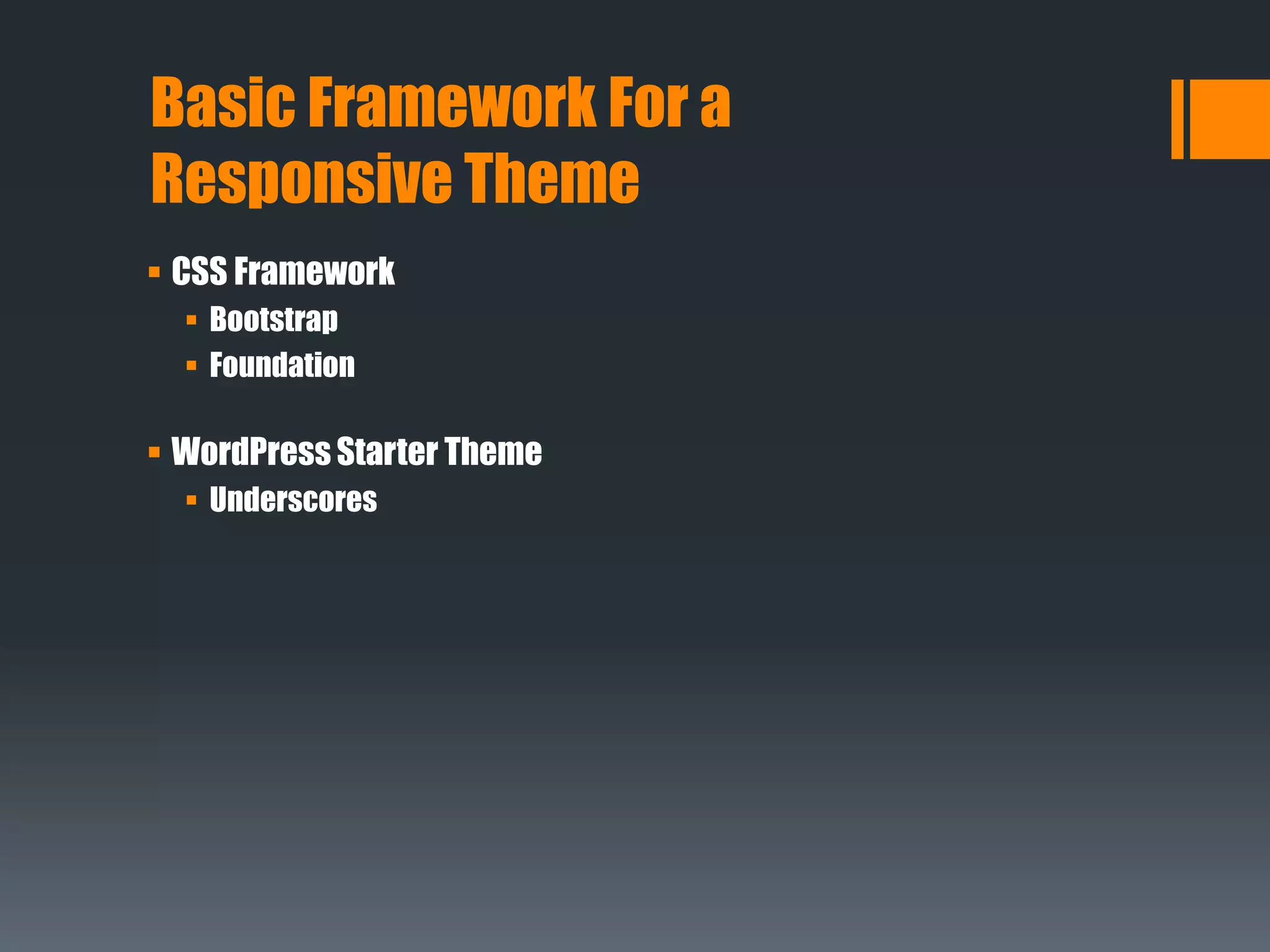
 CSS Framework
 Bootstrap
 Foundation
 WordPress Starter Theme
 Underscores
Basic Framework For a
Responsive Theme
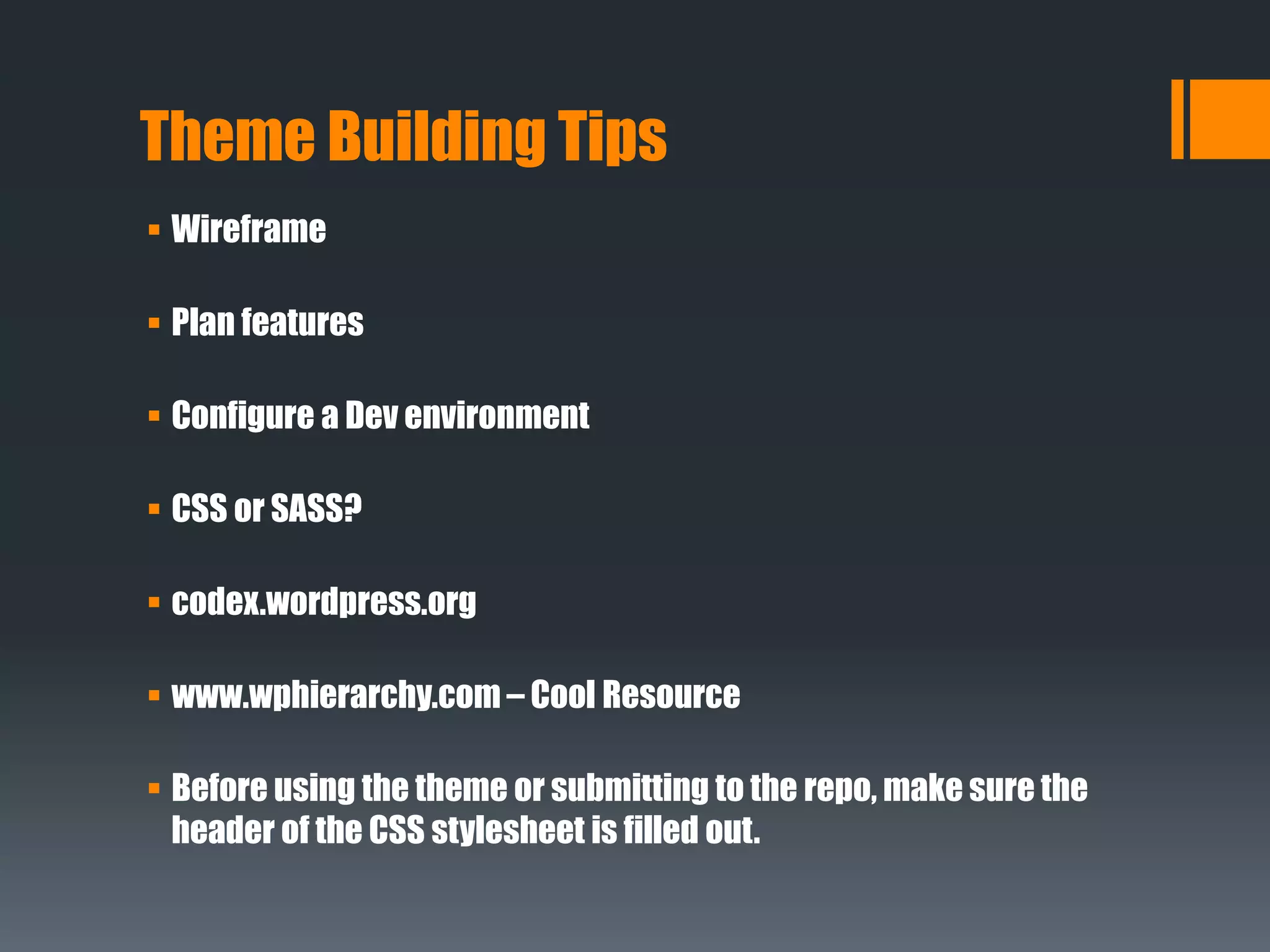
Theme Building Tips
 Wireframe
 Plan features
 Configure a Dev environment
 CSS or SASS?
 codex.wordpress.org
 www.wphierarchy.com – Cool Resource
 Before using the theme or submitting to the repo, make sure the
header of the CSS stylesheet is filled out.
Theme Building Tips
 Theme Check – Plugin from Repository
 Theme Unit Test – codex.wordpress.org/Theme_Unit_Test
 Functions - Theme vs Plugin
 If the function is for the content, put it in a plugin
 If it doesn’t matter where the function is placed, put it in a plugin.
 Very rarely is there a good reason to add a function to the theme.
 Keep your dev environment updated, core and plugins!
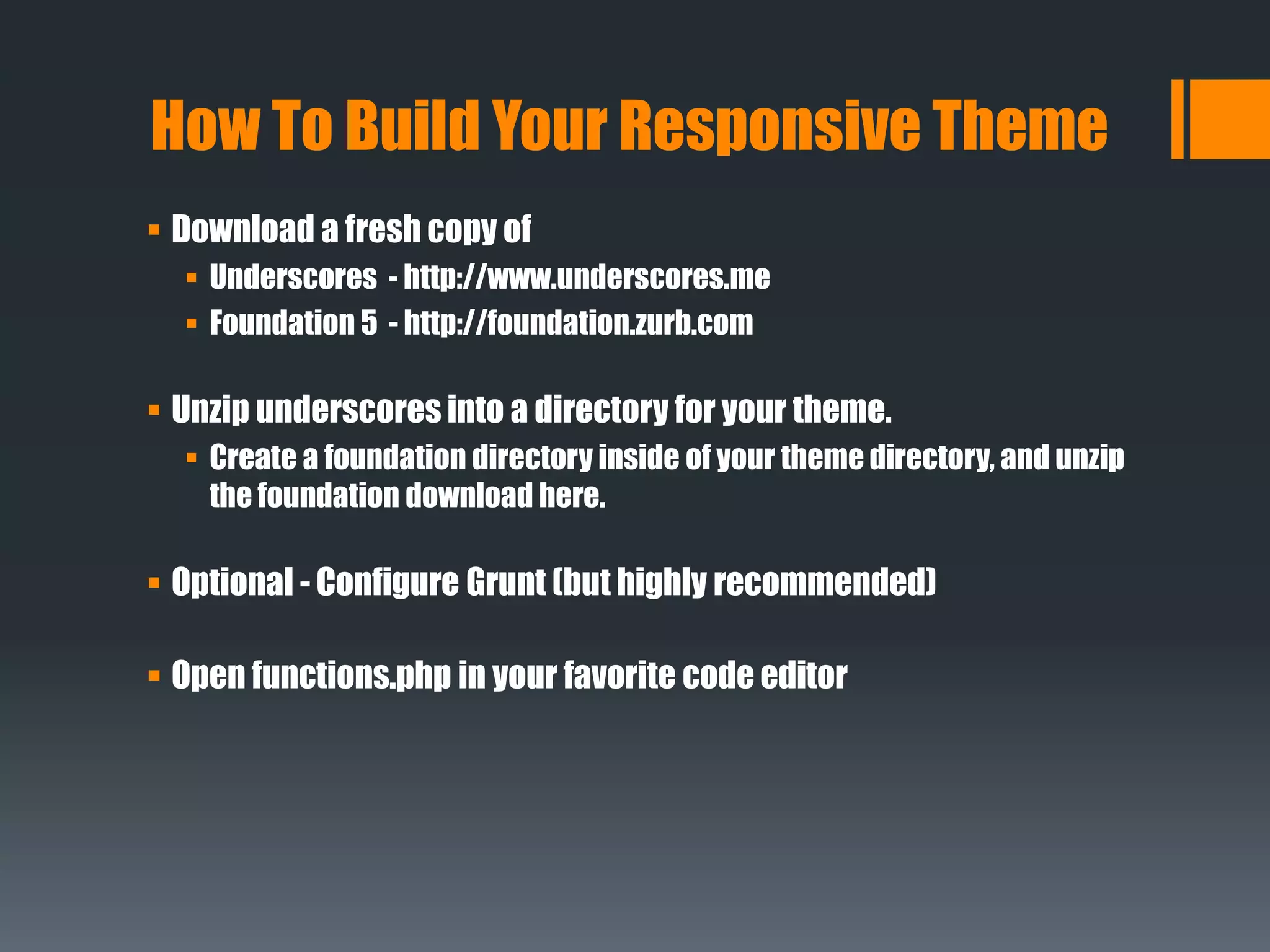
 Download a fresh copy of
 Underscores - http://www.underscores.me
 Foundation 5 - http://foundation.zurb.com
 Unzip underscores into a directory for your theme.
 Create a foundation directory inside of your theme directory, and unzip
the foundation download here.
 Optional - Configure Grunt (but highly recommended)
 Open functions.php in your favorite code editor
How To Build Your Responsive Theme
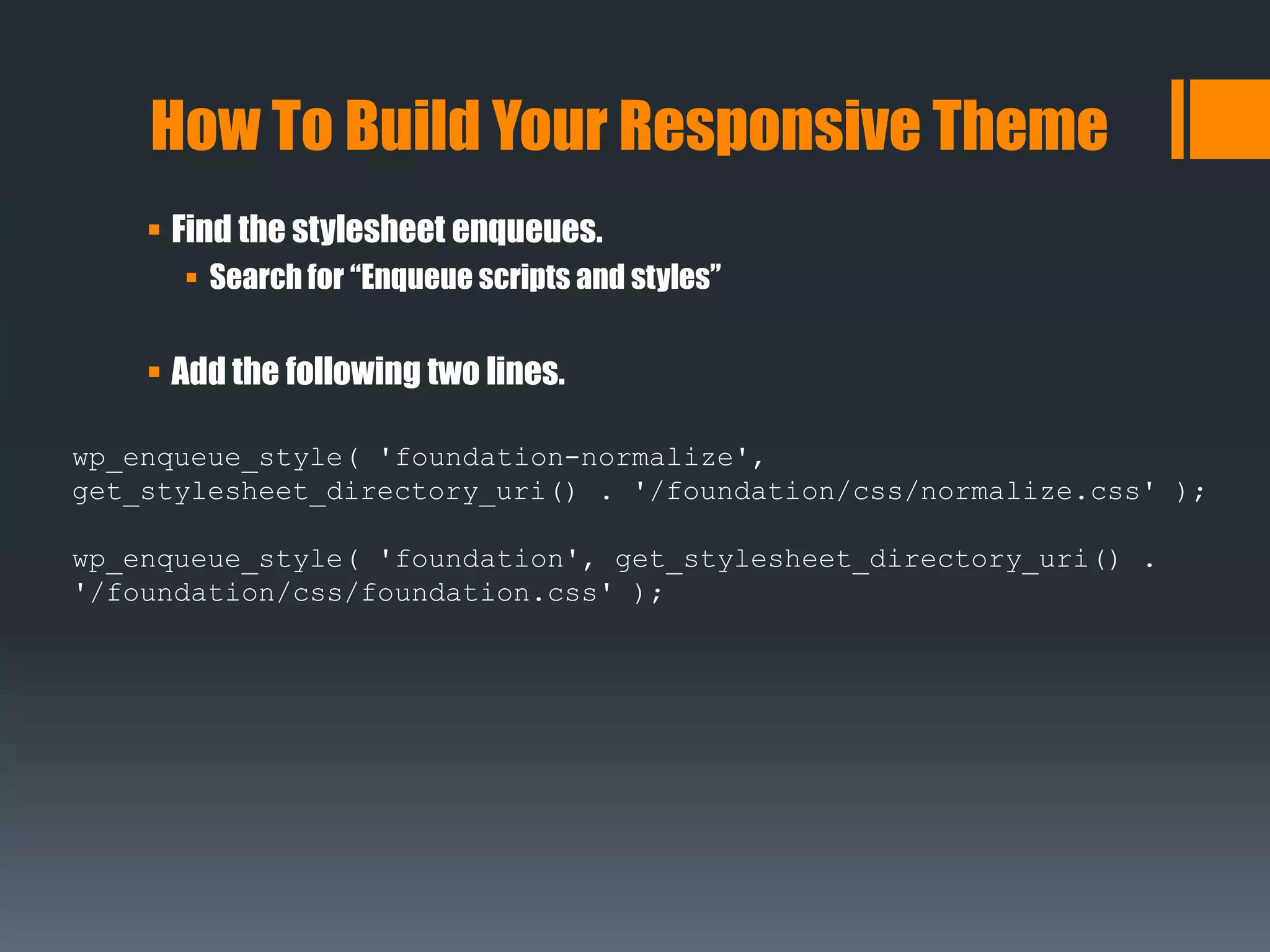
 Find the stylesheet enqueues.
 Search for “Enqueue scripts and styles”
 Add the following two lines.
How To Build Your Responsive Theme
wp_enqueue_style( 'foundation-normalize',
get_stylesheet_directory_uri() . '/foundation/css/normalize.css' );
wp_enqueue_style( 'foundation', get_stylesheet_directory_uri() .
'/foundation/css/foundation.css' );
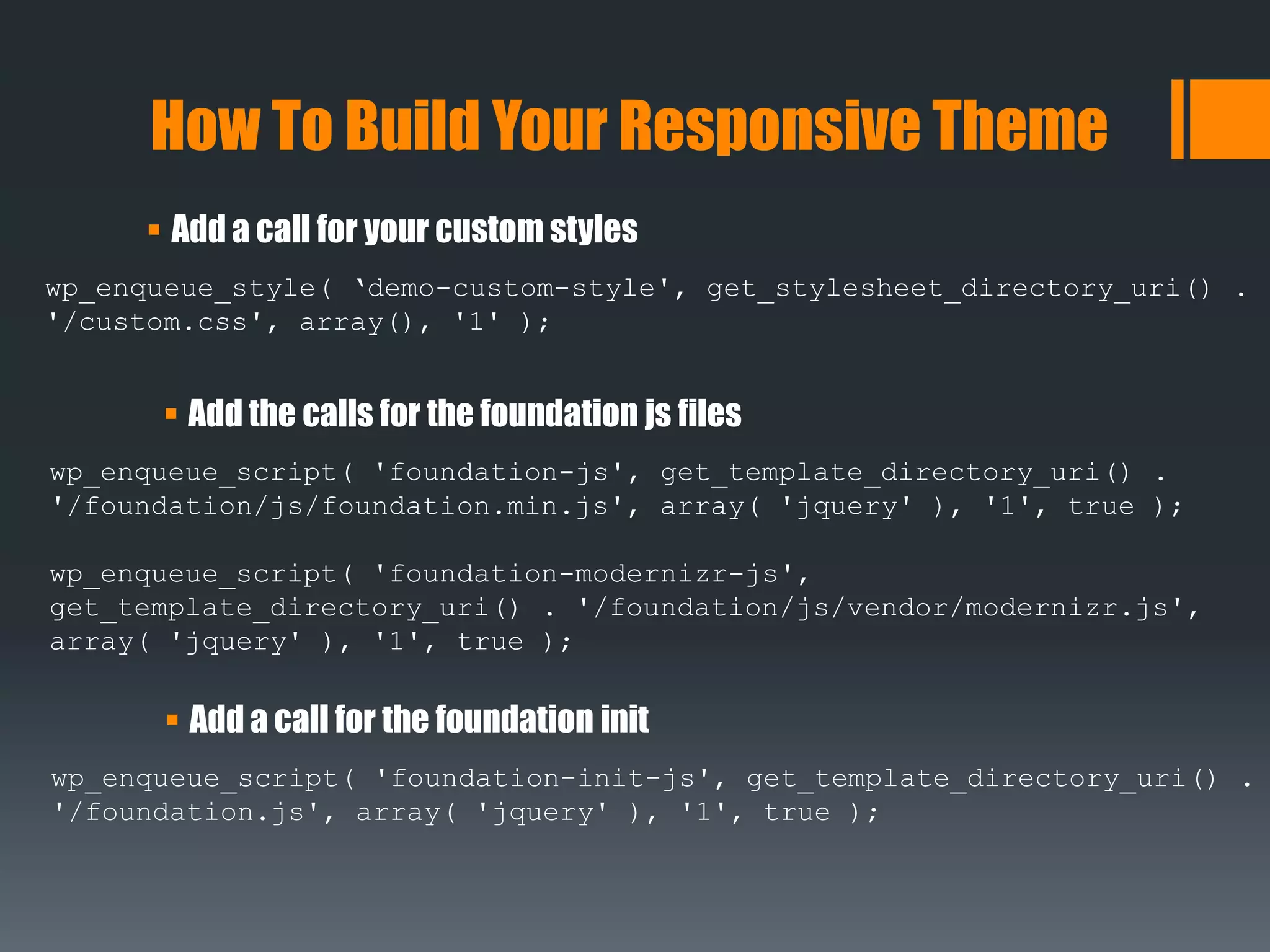
 Add a call for your custom styles
How To Build Your Responsive Theme
wp_enqueue_style( ‘demo-custom-style', get_stylesheet_directory_uri() .
'/custom.css', array(), '1' );
 Add the calls for the foundation js files
wp_enqueue_script( 'foundation-js', get_template_directory_uri() .
'/foundation/js/foundation.min.js', array( 'jquery' ), '1', true );
wp_enqueue_script( 'foundation-modernizr-js',
get_template_directory_uri() . '/foundation/js/vendor/modernizr.js',
array( 'jquery' ), '1', true );
 Add a call for the foundation init
wp_enqueue_script( 'foundation-init-js', get_template_directory_uri() .
'/foundation.js', array( 'jquery' ), '1', true );
How To Build Your Responsive Theme
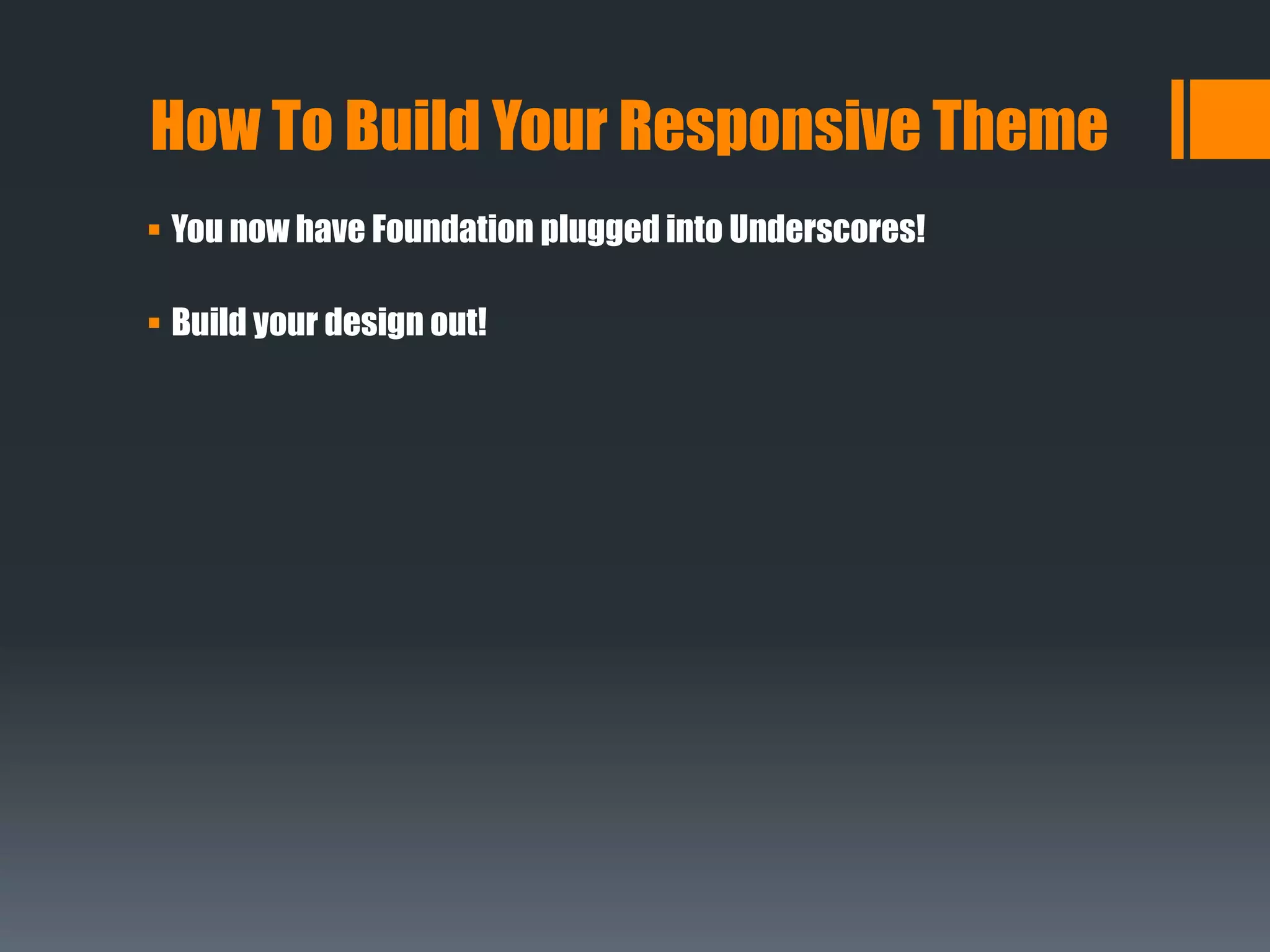
 You now have Foundation plugged into Underscores!
 Build your design out!
Code Demo
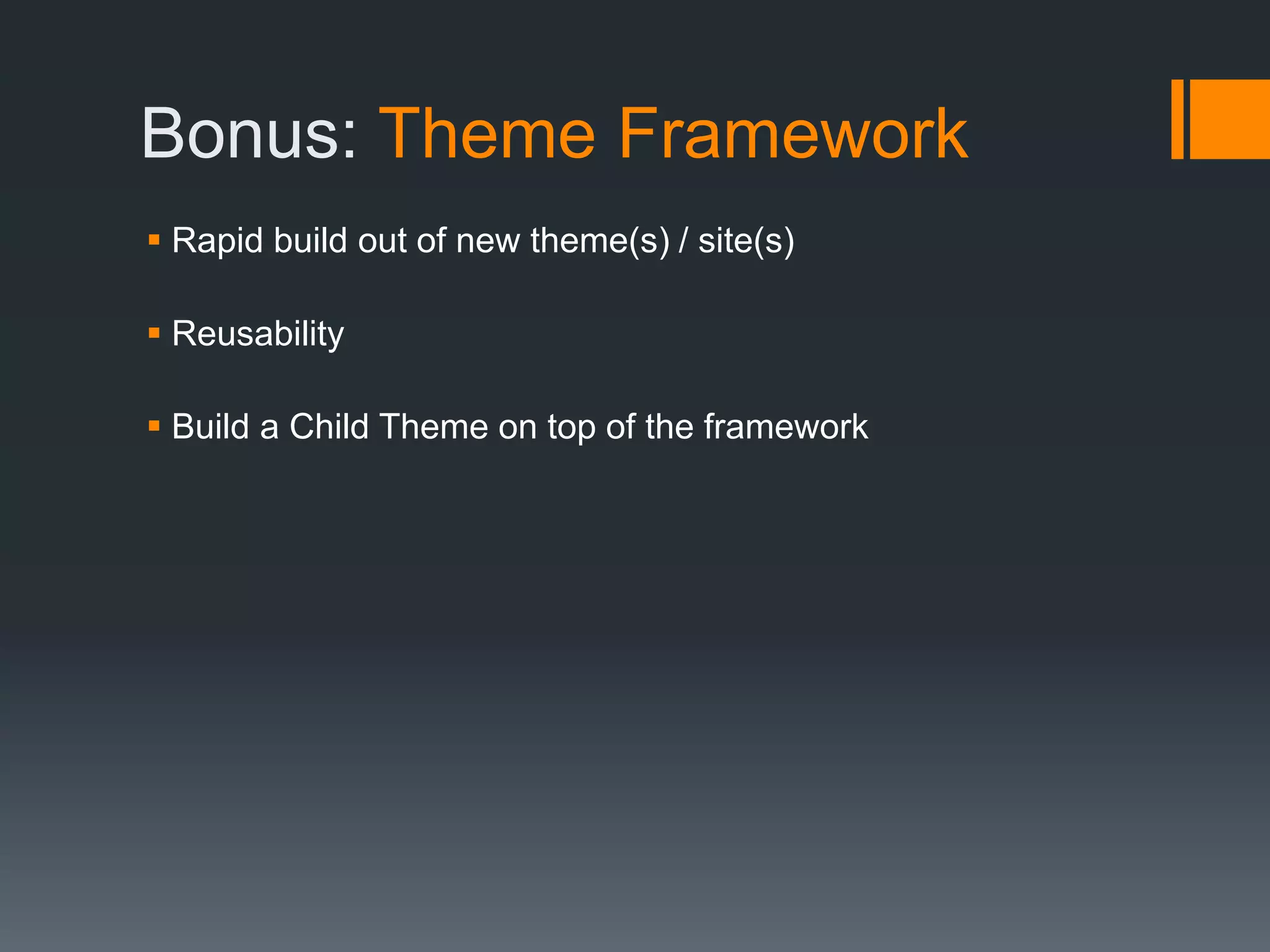
Bonus: Theme Framework
 Rapid build out of new theme(s) / site(s)
 Reusability
 Build a Child Theme on top of the framework
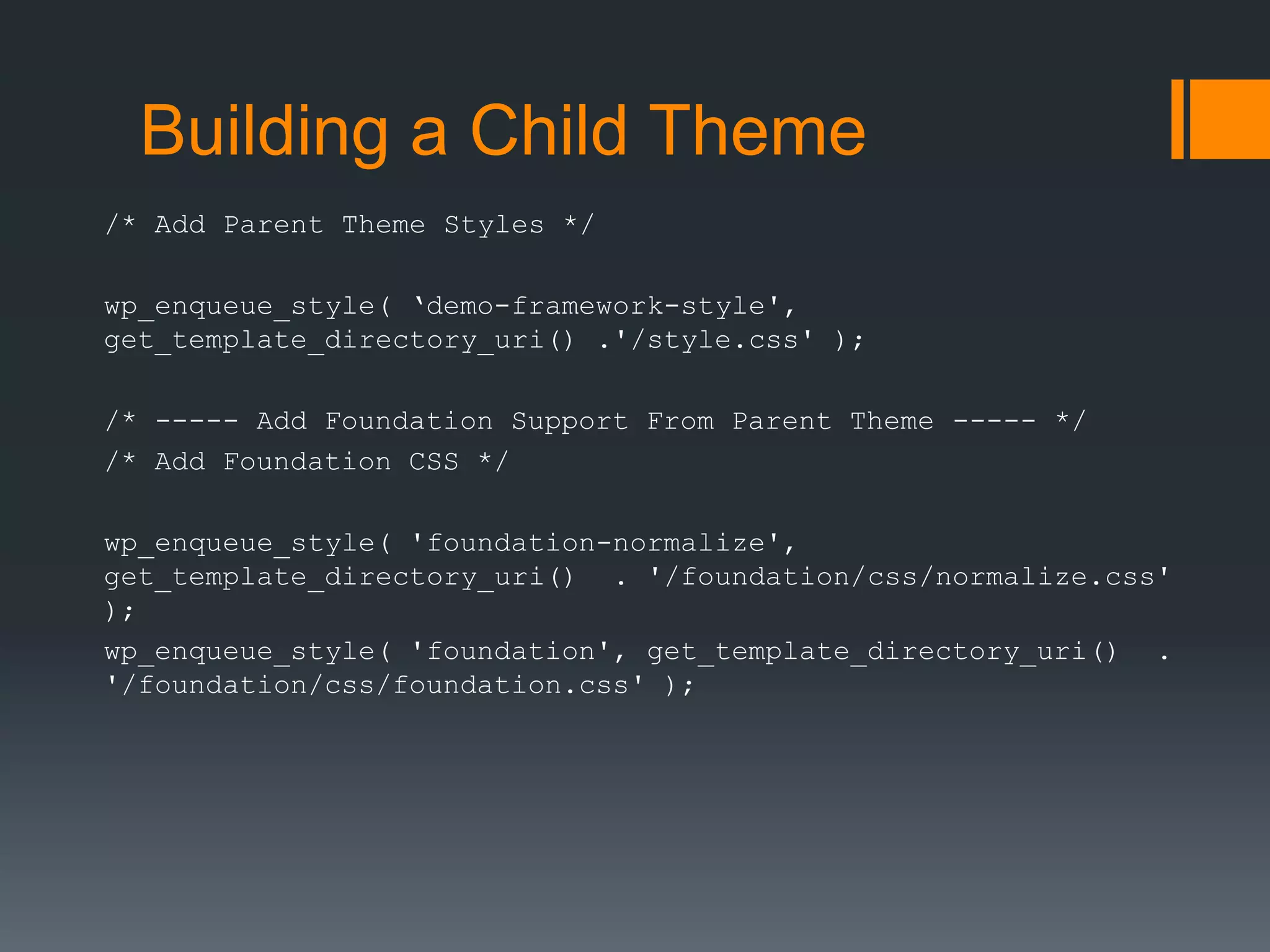
Building a Child Theme
/* Add Parent Theme Styles */
wp_enqueue_style( ‘demo-framework-style',
get_template_directory_uri() .'/style.css' );
/* ----- Add Foundation Support From Parent Theme ----- */
/* Add Foundation CSS */
wp_enqueue_style( 'foundation-normalize',
get_template_directory_uri() . '/foundation/css/normalize.css'
);
wp_enqueue_style( 'foundation', get_template_directory_uri() .
'/foundation/css/foundation.css' );
Building a Child Theme
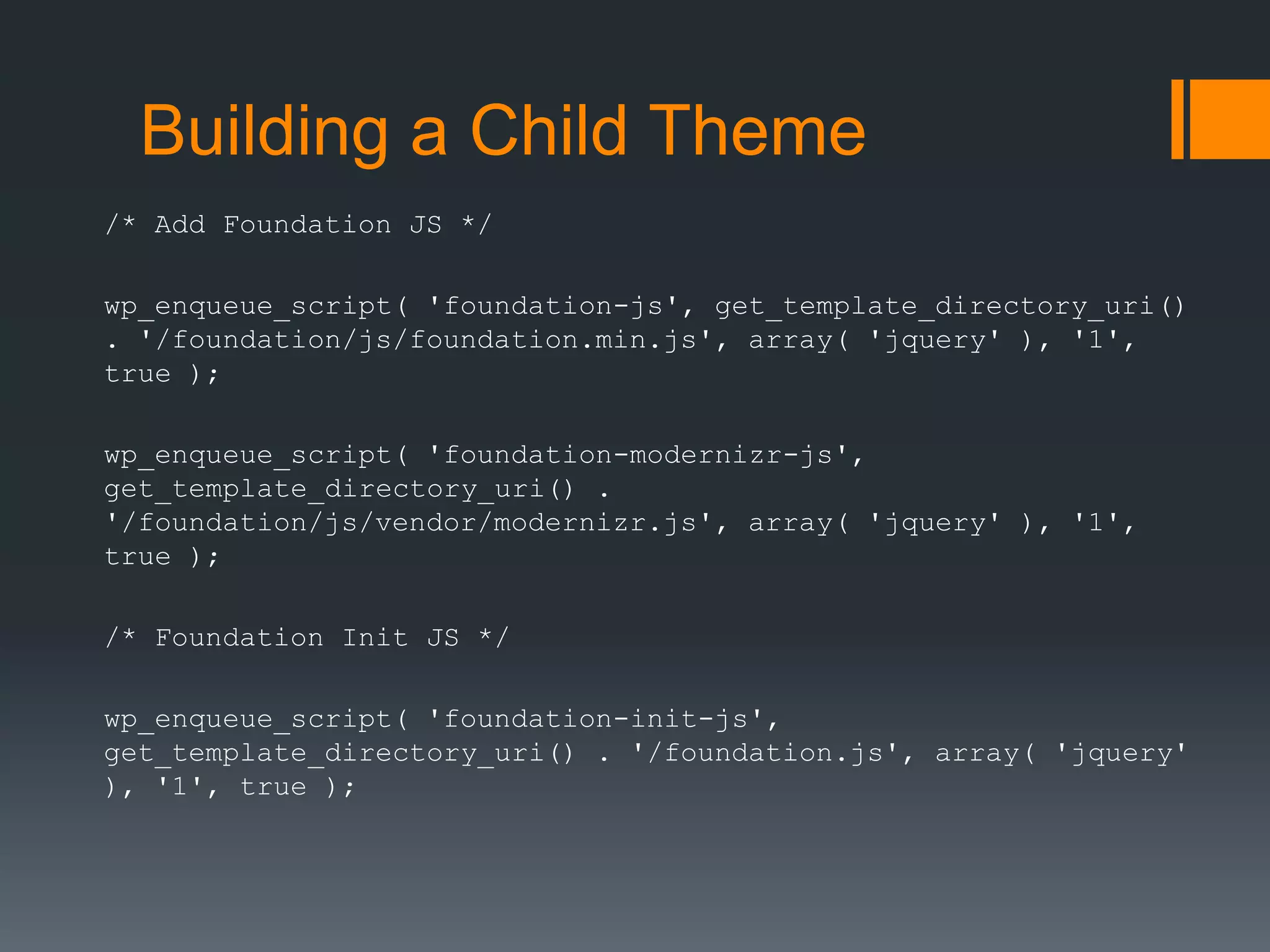
/* Add Foundation JS */
wp_enqueue_script( 'foundation-js', get_template_directory_uri()
. '/foundation/js/foundation.min.js', array( 'jquery' ), '1',
true );
wp_enqueue_script( 'foundation-modernizr-js',
get_template_directory_uri() .
'/foundation/js/vendor/modernizr.js', array( 'jquery' ), '1',
true );
/* Foundation Init JS */
wp_enqueue_script( 'foundation-init-js',
get_template_directory_uri() . '/foundation.js', array( 'jquery'
), '1', true );
Building a Child Theme
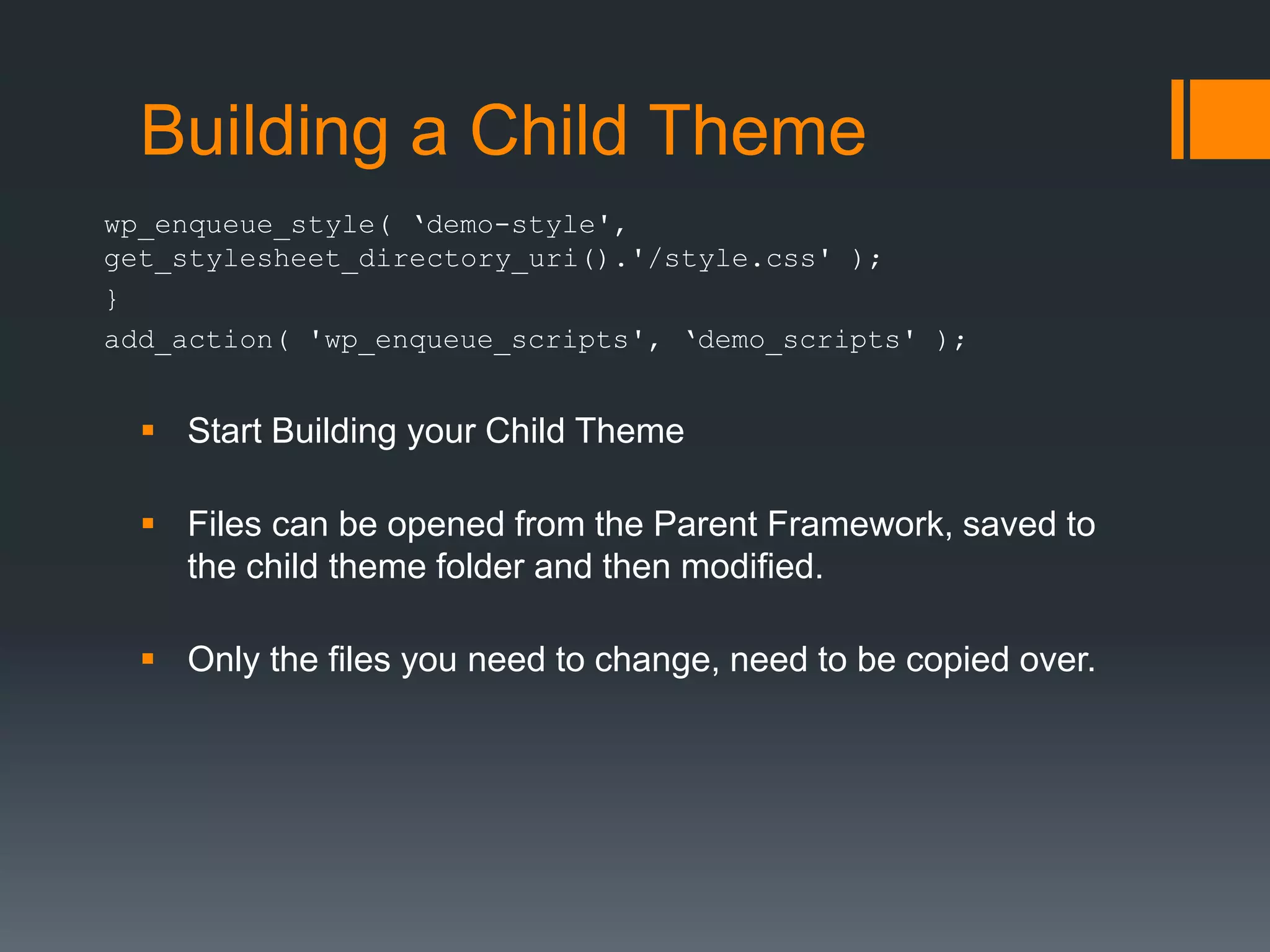
wp_enqueue_style( ‘demo-style',
get_stylesheet_directory_uri().'/style.css' );
}
add_action( 'wp_enqueue_scripts', ‘demo_scripts' );
 Start Building your Child Theme
 Files can be opened from the Parent Framework, saved to
the child theme folder and then modified.
 Only the files you need to change, need to be copied over.
Questions?
Joe Querin
Twitter: @joequerin
Github: joecue
David Brattoli
Twitter: @DavidMBrattoli
Github: dabrattoli
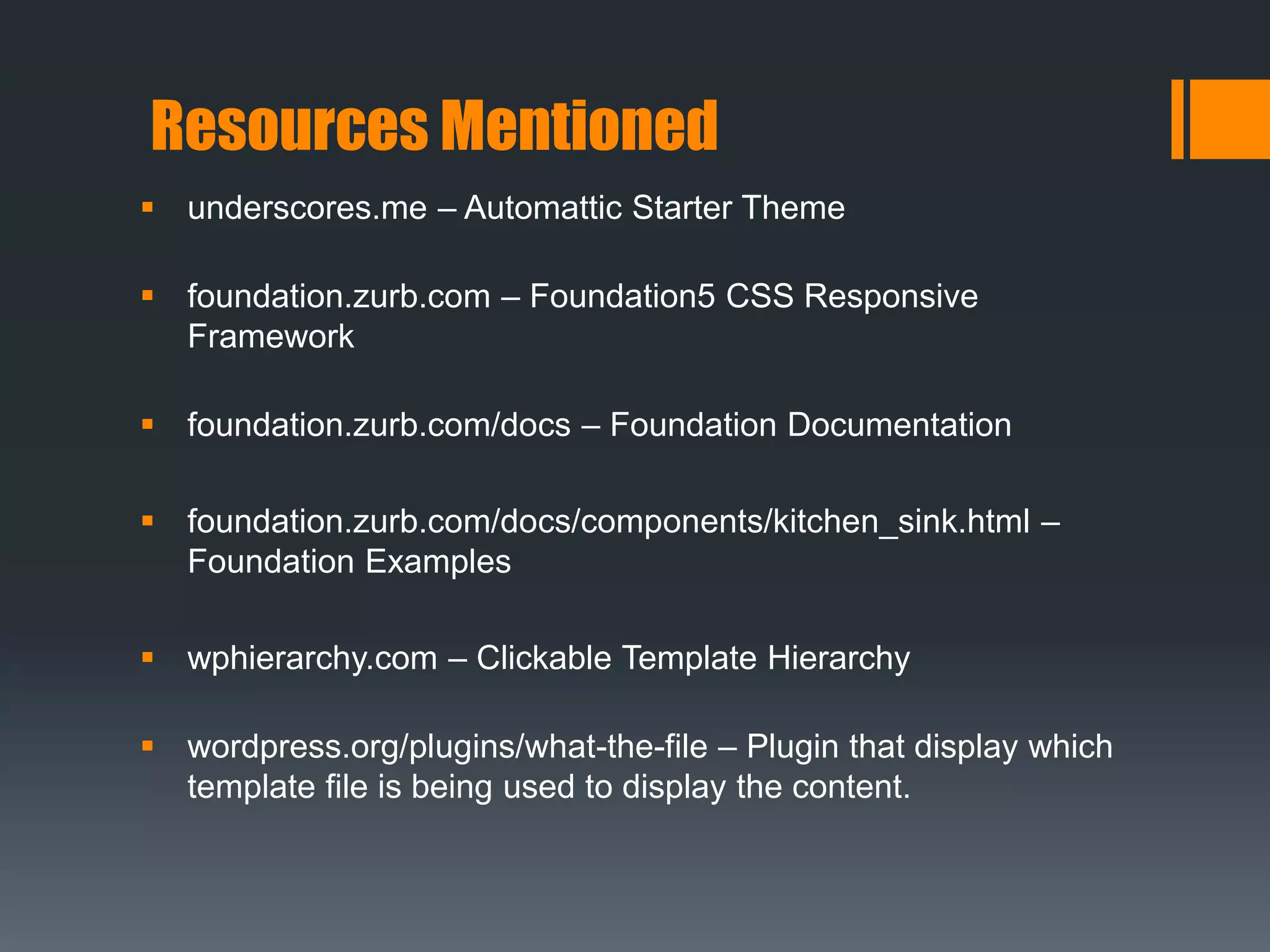
Resources Mentioned
 underscores.me – Automattic Starter Theme
 foundation.zurb.com – Foundation5 CSS Responsive
Framework
 foundation.zurb.com/docs – Foundation Documentation
 foundation.zurb.com/docs/components/kitchen_sink.html –
Foundation Examples
 wphierarchy.com – Clickable Template Hierarchy
 wordpress.org/plugins/what-the-file – Plugin that display which
template file is being used to display the content.
Resources Mentioned
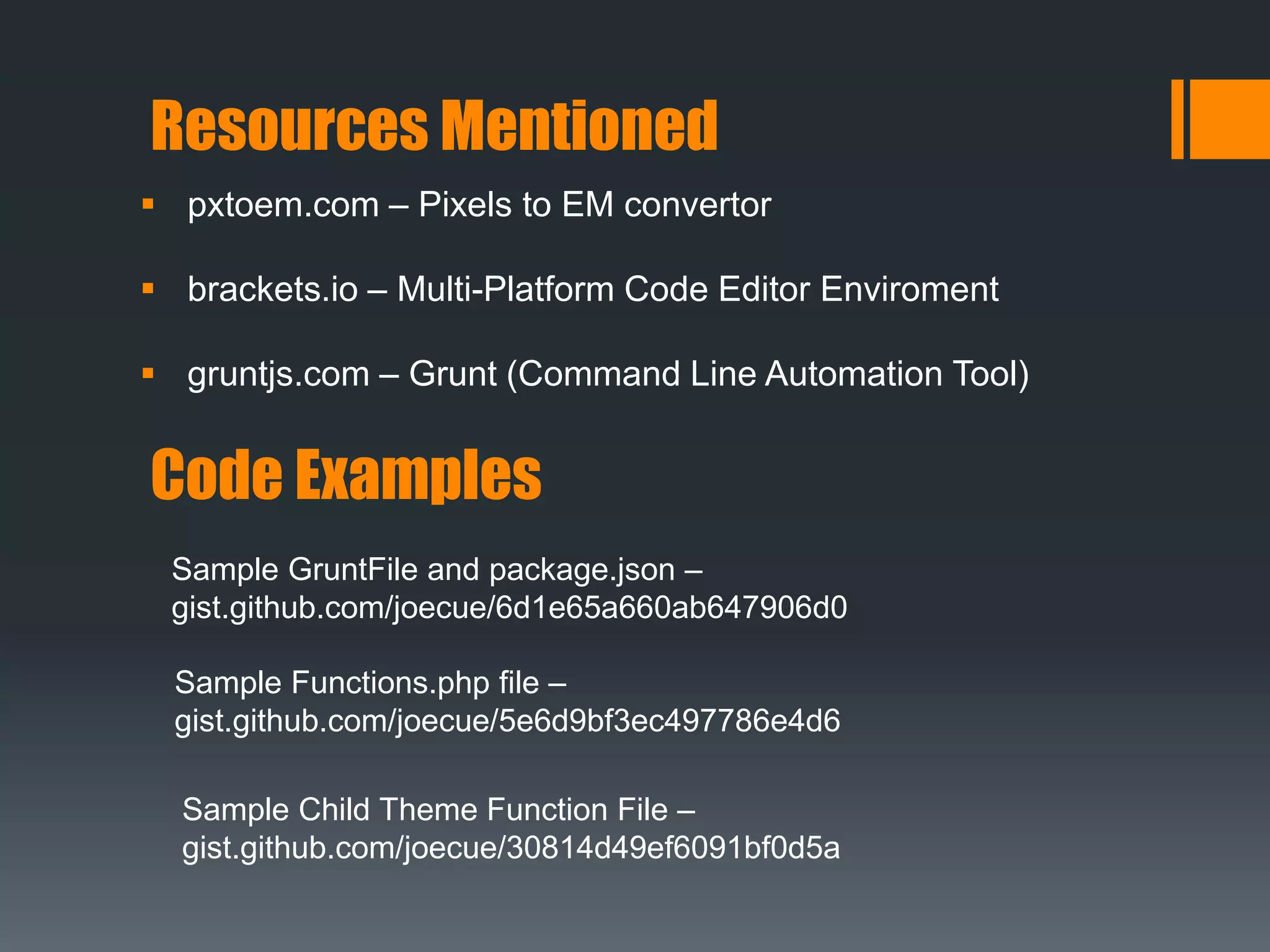
 pxtoem.com – Pixels to EM convertor
 brackets.io – Multi-Platform Code Editor Enviroment
 gruntjs.com – Grunt (Command Line Automation Tool)
Code Examples
Sample GruntFile and package.json –
gist.github.com/joecue/6d1e65a660ab647906d0
Sample Functions.php file –
gist.github.com/joecue/5e6d9bf3ec497786e4d6
Sample Child Theme Function File –
gist.github.com/joecue/30814d49ef6091bf0d5a

Responsive Theme Workshop - WordCamp Columbus 2015

  • 1.
    Custom Responsive Theme Workshop WordCampColumbus 2015 #wccbus | #wcthemedev
  • 2.
    About Joe  Selftaught Web Developer for 17+ years  WordPress experience last 5 years  Built 8+ themes  Migrated 4 complete sites to WordPress, built from scratch many more.
  • 3.
     Web Developerfor 7+ years. Including 2+ years of Wordpress experience  Built 4+ Wordpress themes with theme specific plugins  Migrated and designed 3 complete sites with Wordpress About David
  • 4.
     Why Builda Theme?  Available Responsive Themes  Basic Framework For a Responsive Theme  Theme Building Tips  Code Demo Topics
  • 5.
    Why Build aTheme?  Unable to find a theme that can either be modified or have a child theme created for it.  Work with a number of sites, tend to use the same type of theme code over and over.  Rapid build out of new sites.  Just to see if you can!
  • 6.
     Free Themesfrom WordPress.org Respository  Select Responsive from feature filter – 1,205 themes.  Premium Themes  StudioPress – Genesis  Woo Themes – Canvas & Storefront Available Responsive Themes
  • 7.
     CSS Framework Bootstrap  Foundation  WordPress Starter Theme  Underscores Basic Framework For a Responsive Theme
  • 8.
    Theme Building Tips Wireframe  Plan features  Configure a Dev environment  CSS or SASS?  codex.wordpress.org  www.wphierarchy.com – Cool Resource  Before using the theme or submitting to the repo, make sure the header of the CSS stylesheet is filled out.
  • 9.
    Theme Building Tips Theme Check – Plugin from Repository  Theme Unit Test – codex.wordpress.org/Theme_Unit_Test  Functions - Theme vs Plugin  If the function is for the content, put it in a plugin  If it doesn’t matter where the function is placed, put it in a plugin.  Very rarely is there a good reason to add a function to the theme.  Keep your dev environment updated, core and plugins!
  • 10.
     Download afresh copy of  Underscores - http://www.underscores.me  Foundation 5 - http://foundation.zurb.com  Unzip underscores into a directory for your theme.  Create a foundation directory inside of your theme directory, and unzip the foundation download here.  Optional - Configure Grunt (but highly recommended)  Open functions.php in your favorite code editor How To Build Your Responsive Theme
  • 11.
     Find thestylesheet enqueues.  Search for “Enqueue scripts and styles”  Add the following two lines. How To Build Your Responsive Theme wp_enqueue_style( 'foundation-normalize', get_stylesheet_directory_uri() . '/foundation/css/normalize.css' ); wp_enqueue_style( 'foundation', get_stylesheet_directory_uri() . '/foundation/css/foundation.css' );
  • 12.
     Add acall for your custom styles How To Build Your Responsive Theme wp_enqueue_style( ‘demo-custom-style', get_stylesheet_directory_uri() . '/custom.css', array(), '1' );  Add the calls for the foundation js files wp_enqueue_script( 'foundation-js', get_template_directory_uri() . '/foundation/js/foundation.min.js', array( 'jquery' ), '1', true ); wp_enqueue_script( 'foundation-modernizr-js', get_template_directory_uri() . '/foundation/js/vendor/modernizr.js', array( 'jquery' ), '1', true );  Add a call for the foundation init wp_enqueue_script( 'foundation-init-js', get_template_directory_uri() . '/foundation.js', array( 'jquery' ), '1', true );
  • 13.
    How To BuildYour Responsive Theme  You now have Foundation plugged into Underscores!  Build your design out!
  • 14.
  • 15.
    Bonus: Theme Framework Rapid build out of new theme(s) / site(s)  Reusability  Build a Child Theme on top of the framework
  • 16.
    Building a ChildTheme /* Add Parent Theme Styles */ wp_enqueue_style( ‘demo-framework-style', get_template_directory_uri() .'/style.css' ); /* ----- Add Foundation Support From Parent Theme ----- */ /* Add Foundation CSS */ wp_enqueue_style( 'foundation-normalize', get_template_directory_uri() . '/foundation/css/normalize.css' ); wp_enqueue_style( 'foundation', get_template_directory_uri() . '/foundation/css/foundation.css' );
  • 17.
    Building a ChildTheme /* Add Foundation JS */ wp_enqueue_script( 'foundation-js', get_template_directory_uri() . '/foundation/js/foundation.min.js', array( 'jquery' ), '1', true ); wp_enqueue_script( 'foundation-modernizr-js', get_template_directory_uri() . '/foundation/js/vendor/modernizr.js', array( 'jquery' ), '1', true ); /* Foundation Init JS */ wp_enqueue_script( 'foundation-init-js', get_template_directory_uri() . '/foundation.js', array( 'jquery' ), '1', true );
  • 18.
    Building a ChildTheme wp_enqueue_style( ‘demo-style', get_stylesheet_directory_uri().'/style.css' ); } add_action( 'wp_enqueue_scripts', ‘demo_scripts' );  Start Building your Child Theme  Files can be opened from the Parent Framework, saved to the child theme folder and then modified.  Only the files you need to change, need to be copied over.
  • 19.
    Questions? Joe Querin Twitter: @joequerin Github:joecue David Brattoli Twitter: @DavidMBrattoli Github: dabrattoli
  • 20.
    Resources Mentioned  underscores.me– Automattic Starter Theme  foundation.zurb.com – Foundation5 CSS Responsive Framework  foundation.zurb.com/docs – Foundation Documentation  foundation.zurb.com/docs/components/kitchen_sink.html – Foundation Examples  wphierarchy.com – Clickable Template Hierarchy  wordpress.org/plugins/what-the-file – Plugin that display which template file is being used to display the content.
  • 21.
    Resources Mentioned  pxtoem.com– Pixels to EM convertor  brackets.io – Multi-Platform Code Editor Enviroment  gruntjs.com – Grunt (Command Line Automation Tool) Code Examples Sample GruntFile and package.json – gist.github.com/joecue/6d1e65a660ab647906d0 Sample Functions.php file – gist.github.com/joecue/5e6d9bf3ec497786e4d6 Sample Child Theme Function File – gist.github.com/joecue/30814d49ef6091bf0d5a