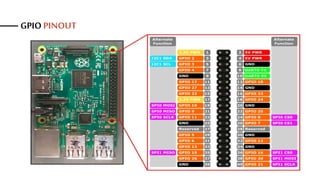
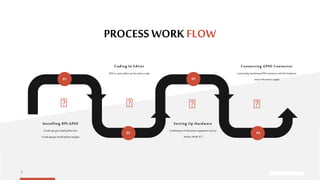
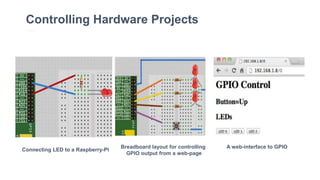
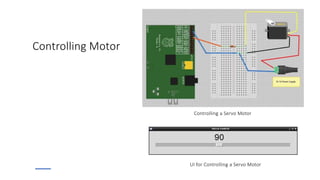
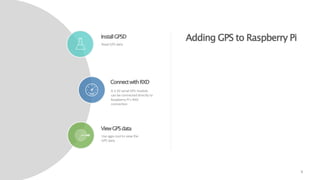
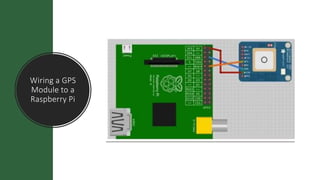
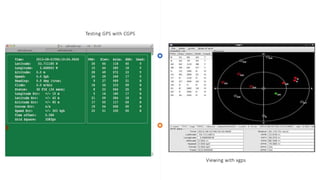
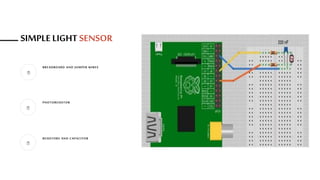
This document provides objectives and instructions for setting up and using the general-purpose input/output (GPIO) connector on the Raspberry Pi. It outlines four objectives: 1) controlling hardware, 2) controlling motors, 3) digital inputs, and 4) sensors. It then provides step-by-step instructions for installing GPIO libraries, connecting hardware to the GPIO connector, and code examples for controlling an LED, servo motor, and reading GPS data from a connected GPS module.







![[5]投影片 futurewad樹莓派研習會 141218](https://cdn.slidesharecdn.com/ss_thumbnails/5futurewad141218-141219162301-conversion-gate02-thumbnail.jpg?width=640&height=640&fit=bounds)


