Download as KEY, PPTX
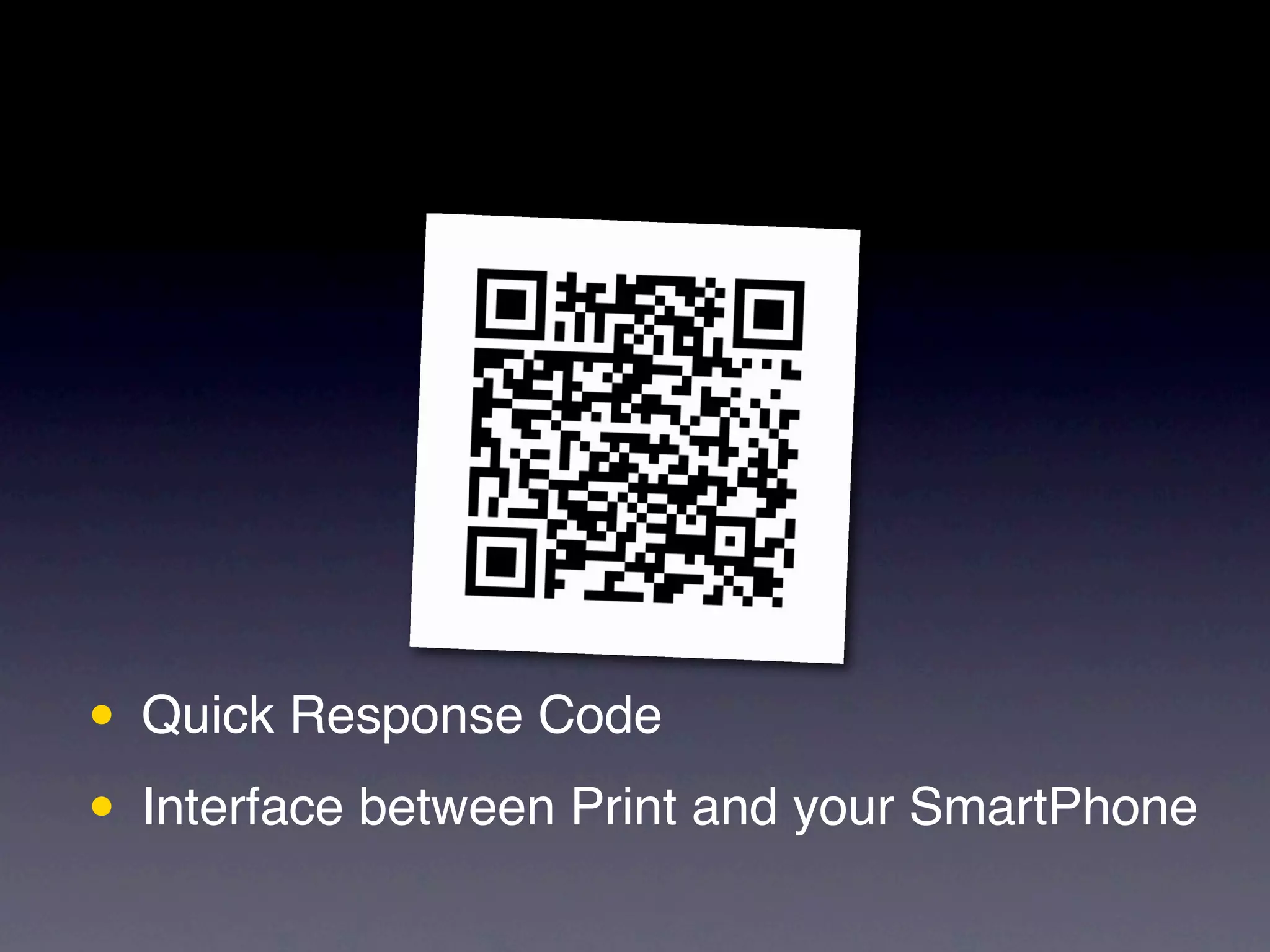
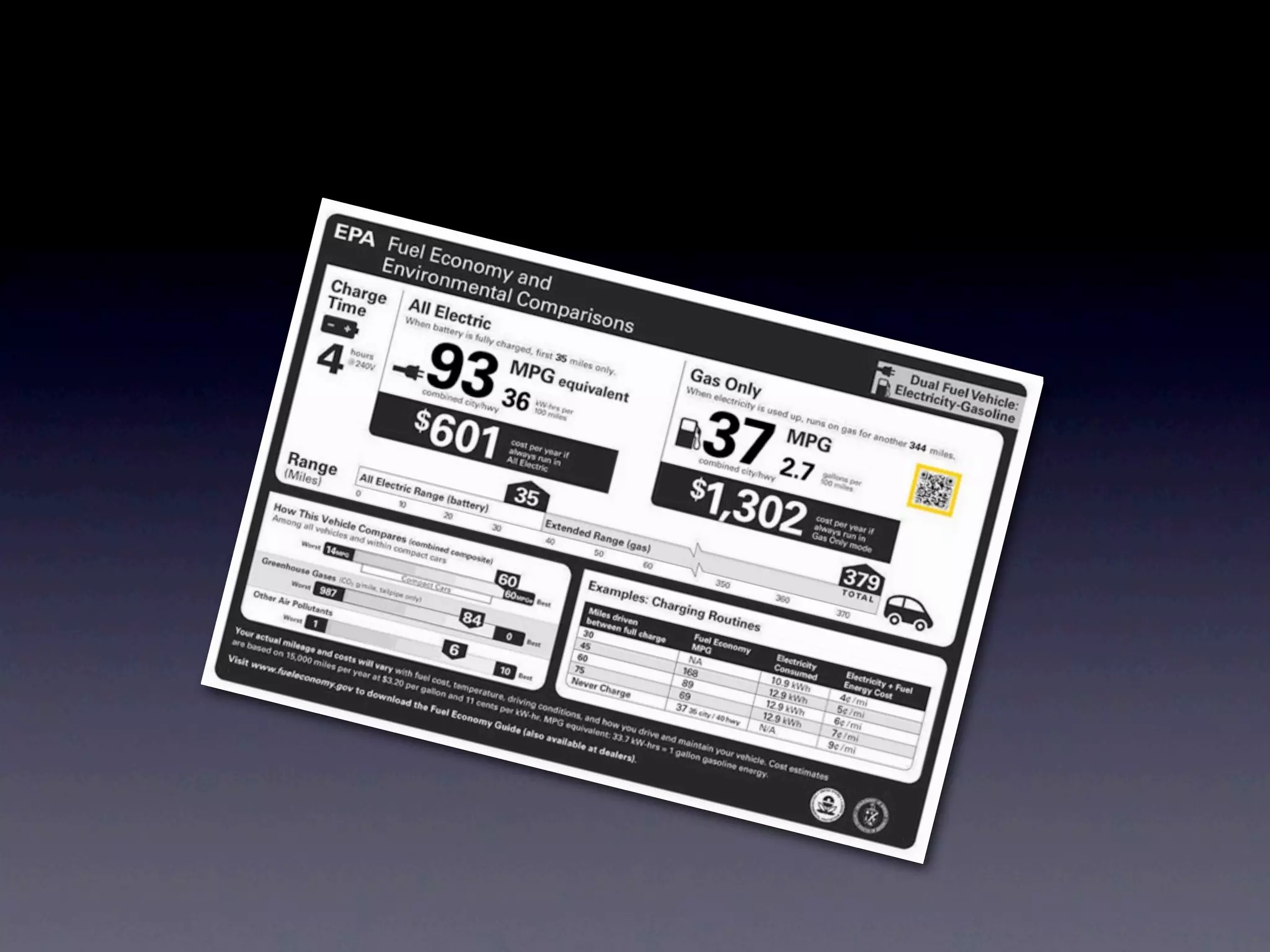
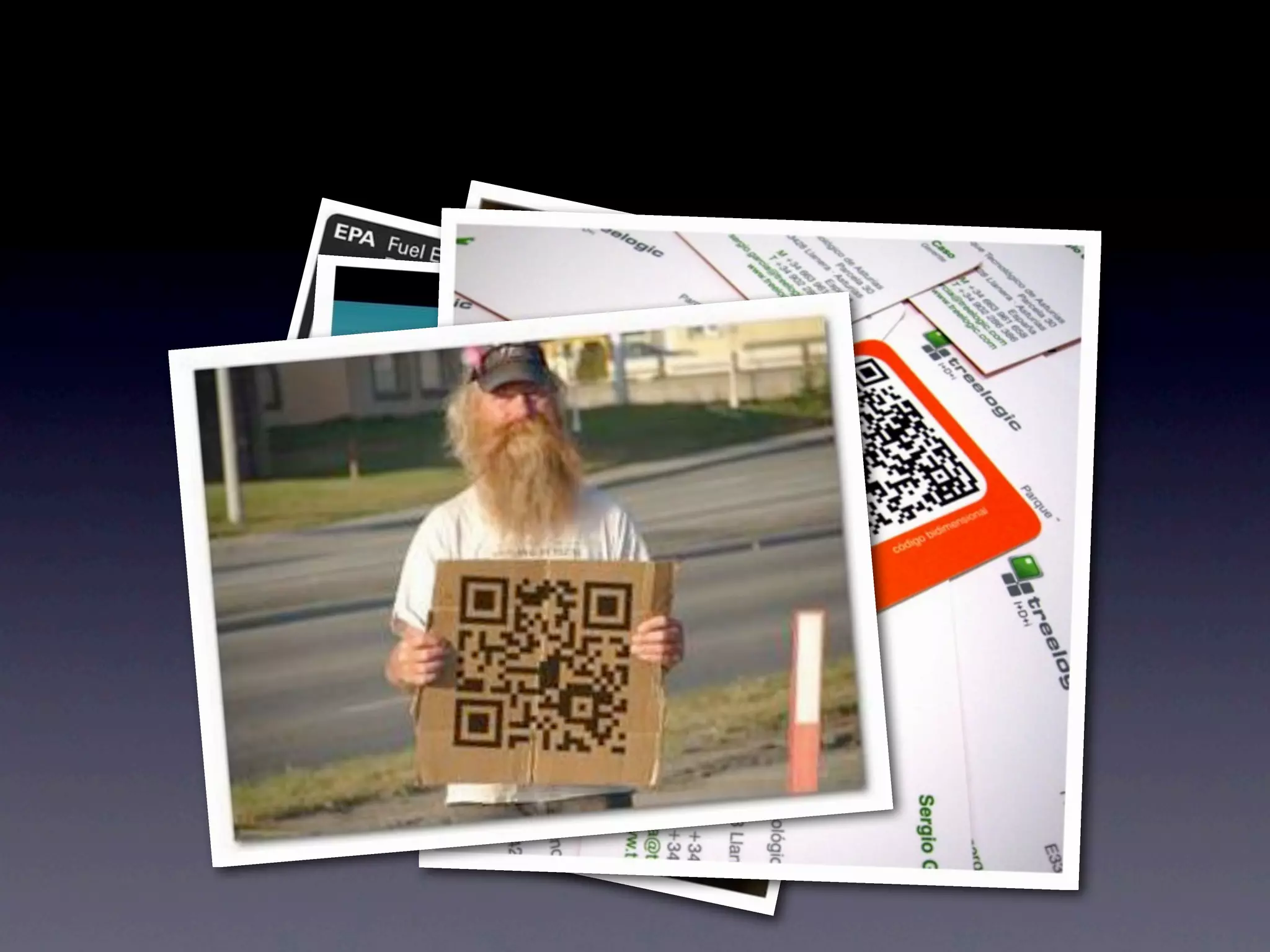
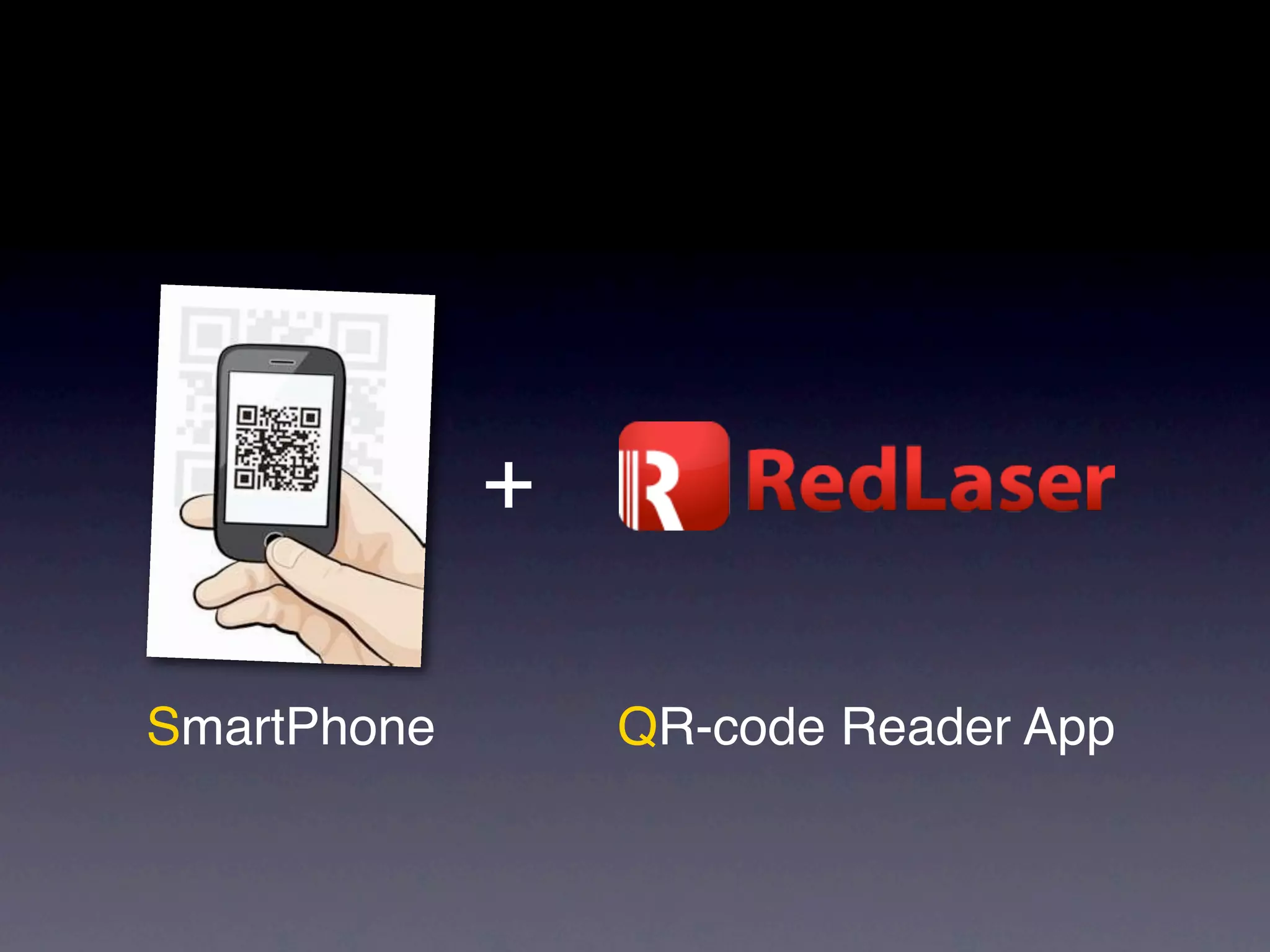
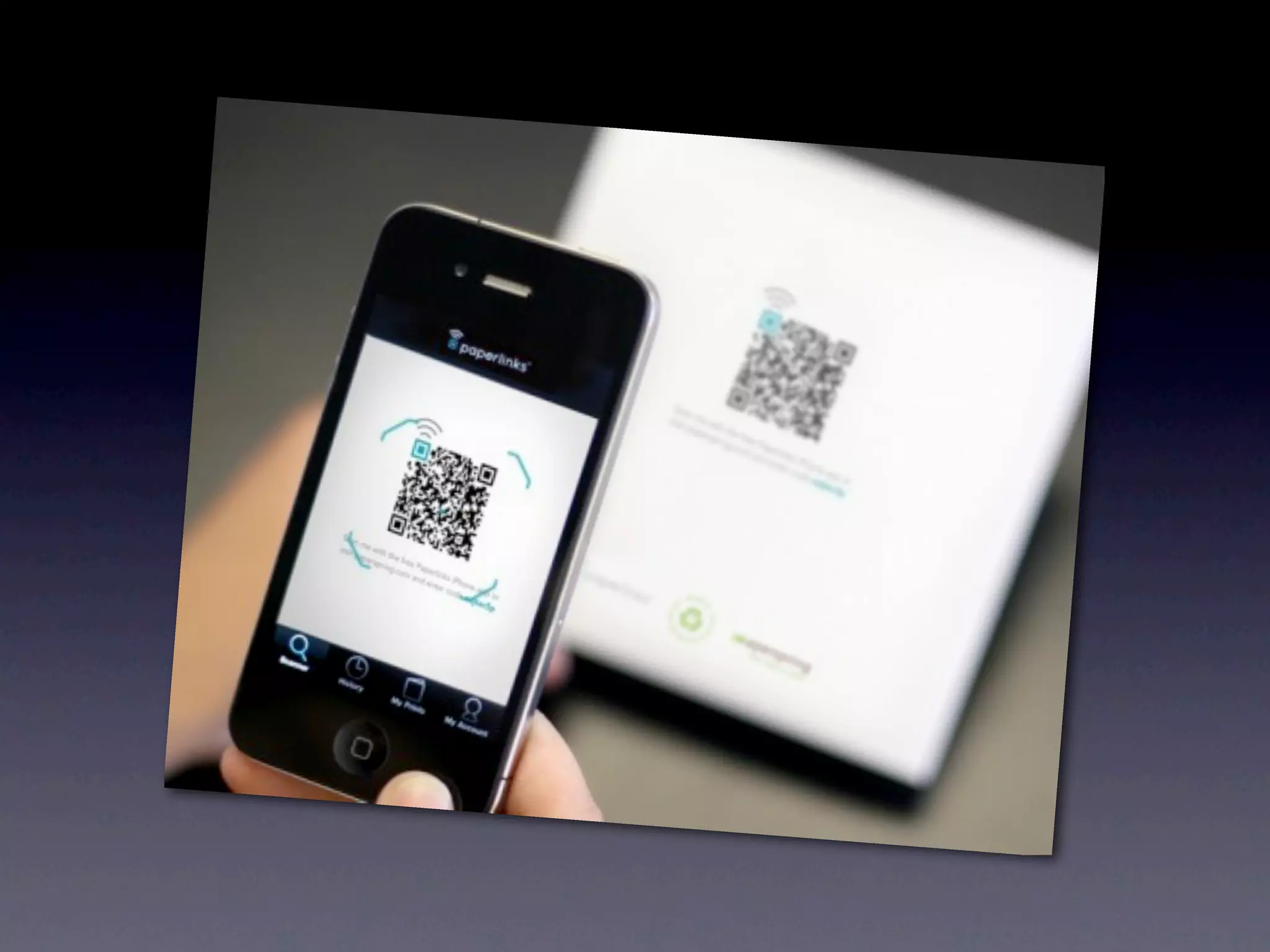
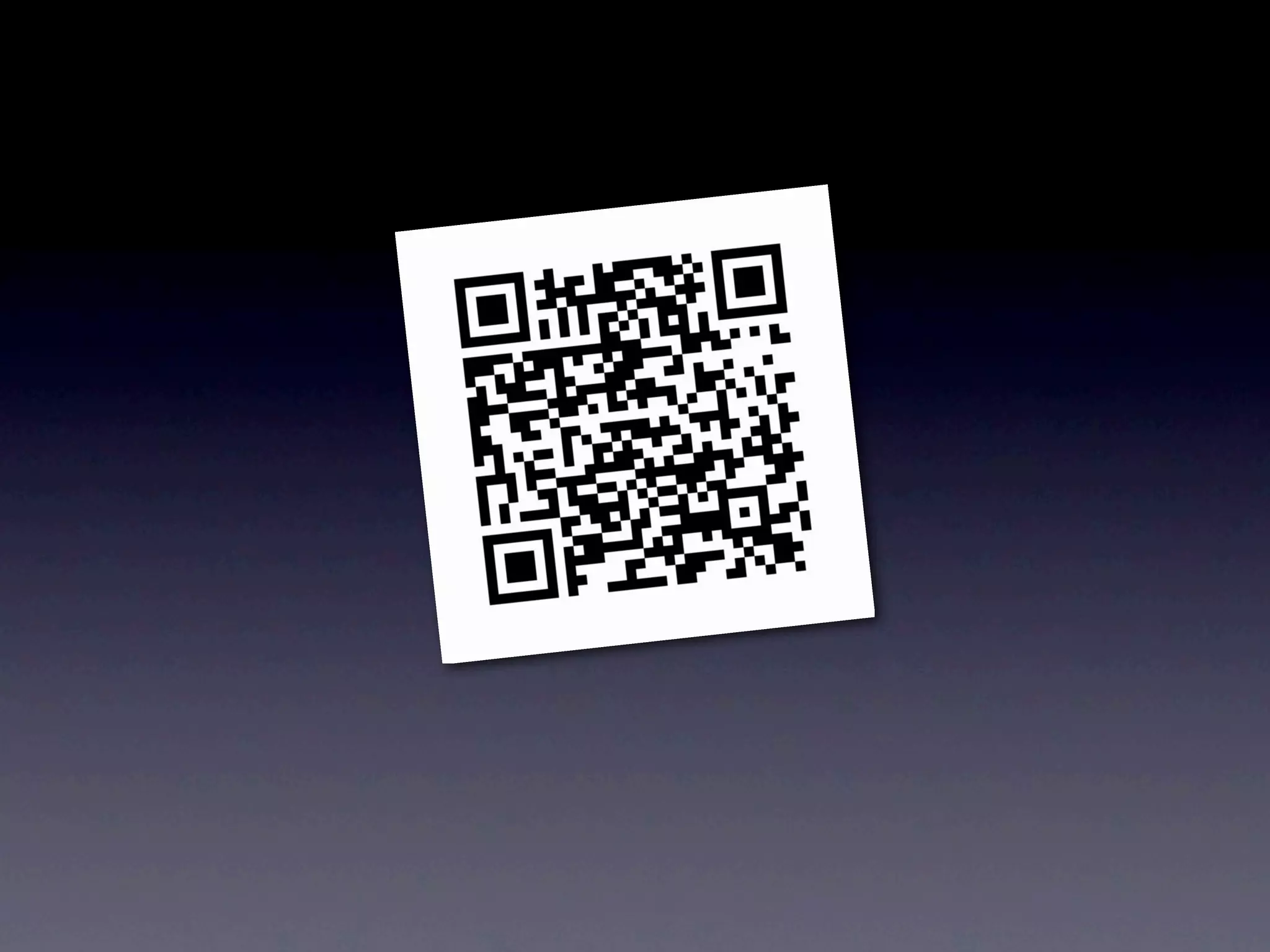
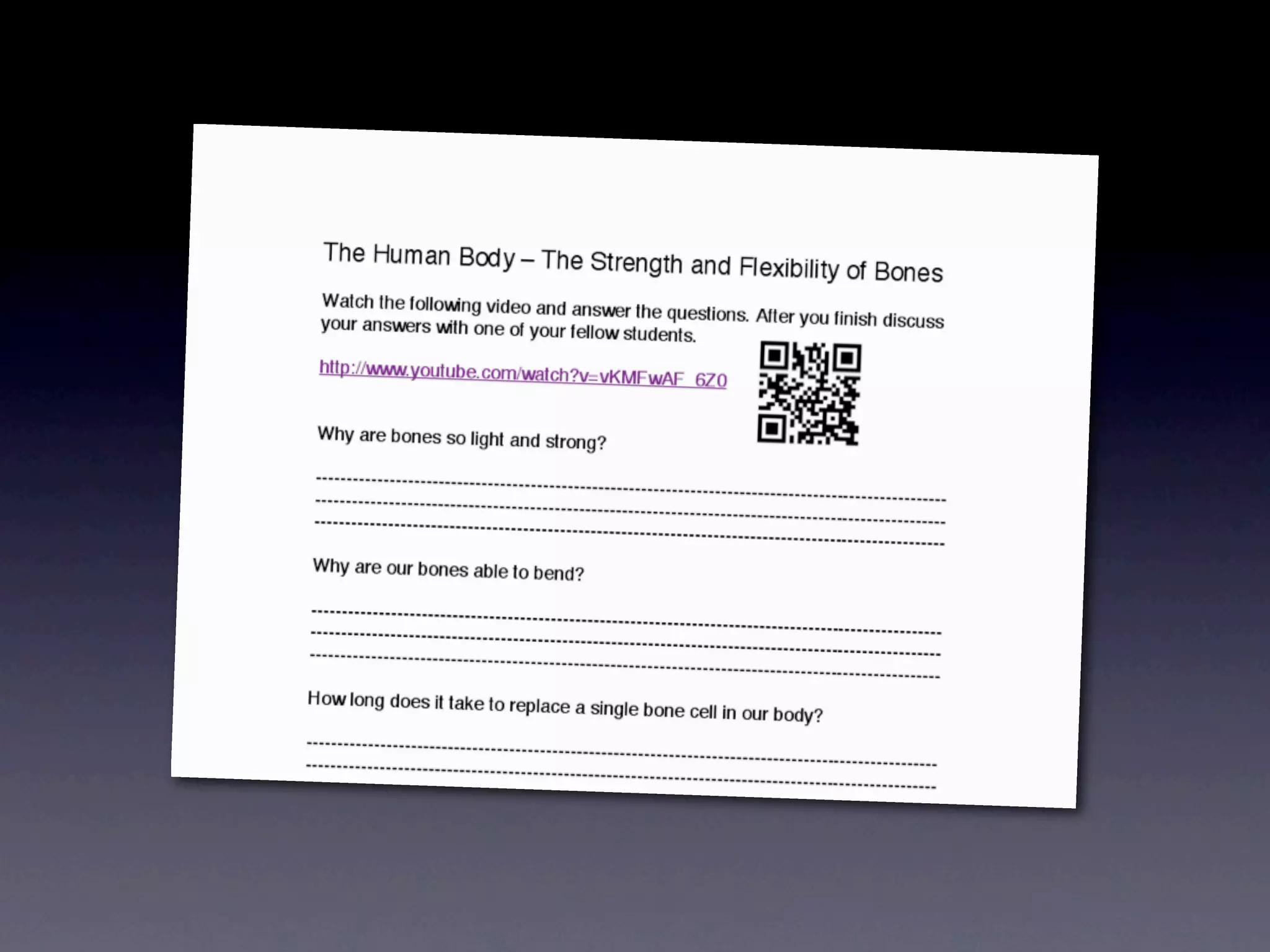
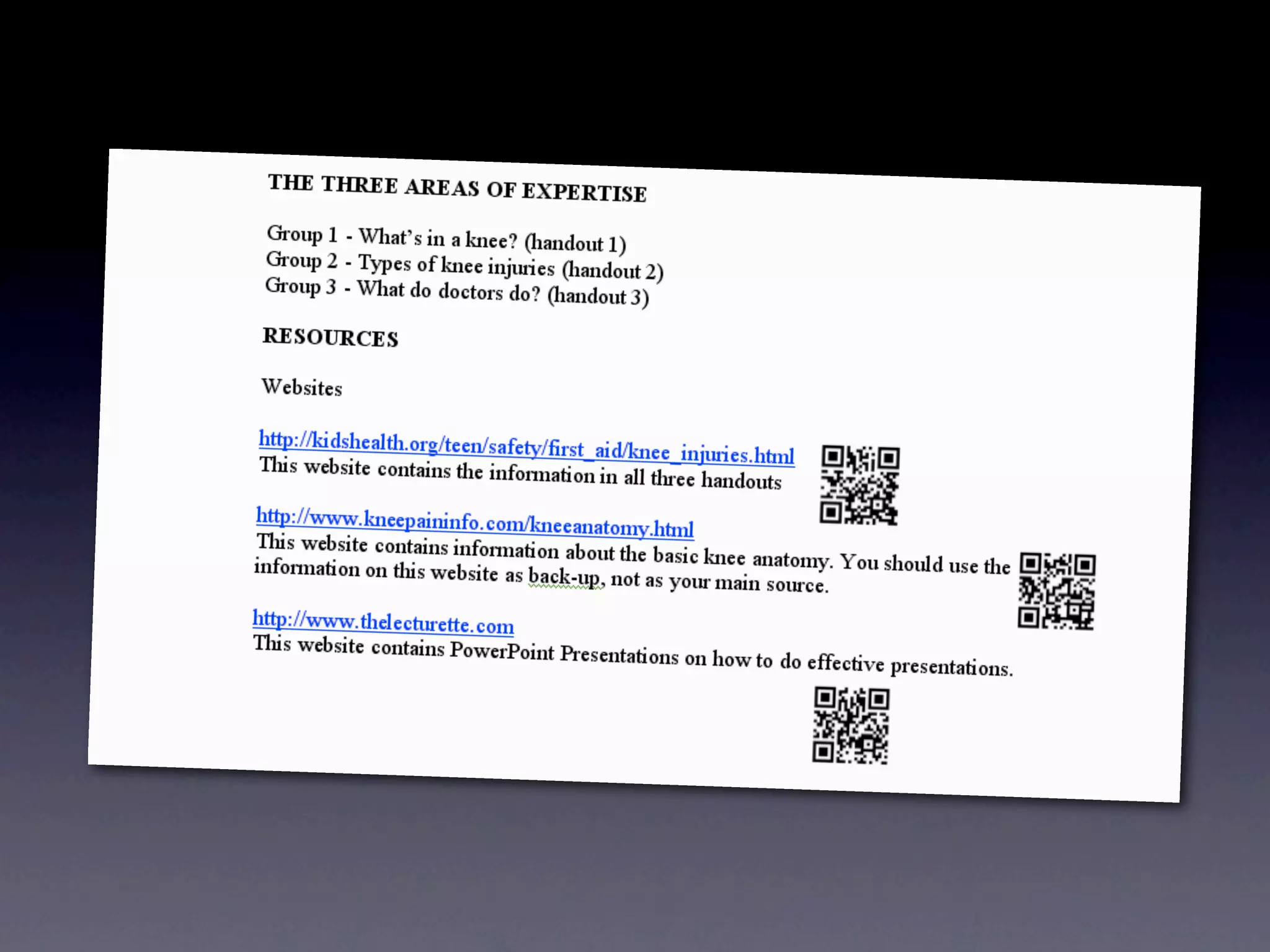

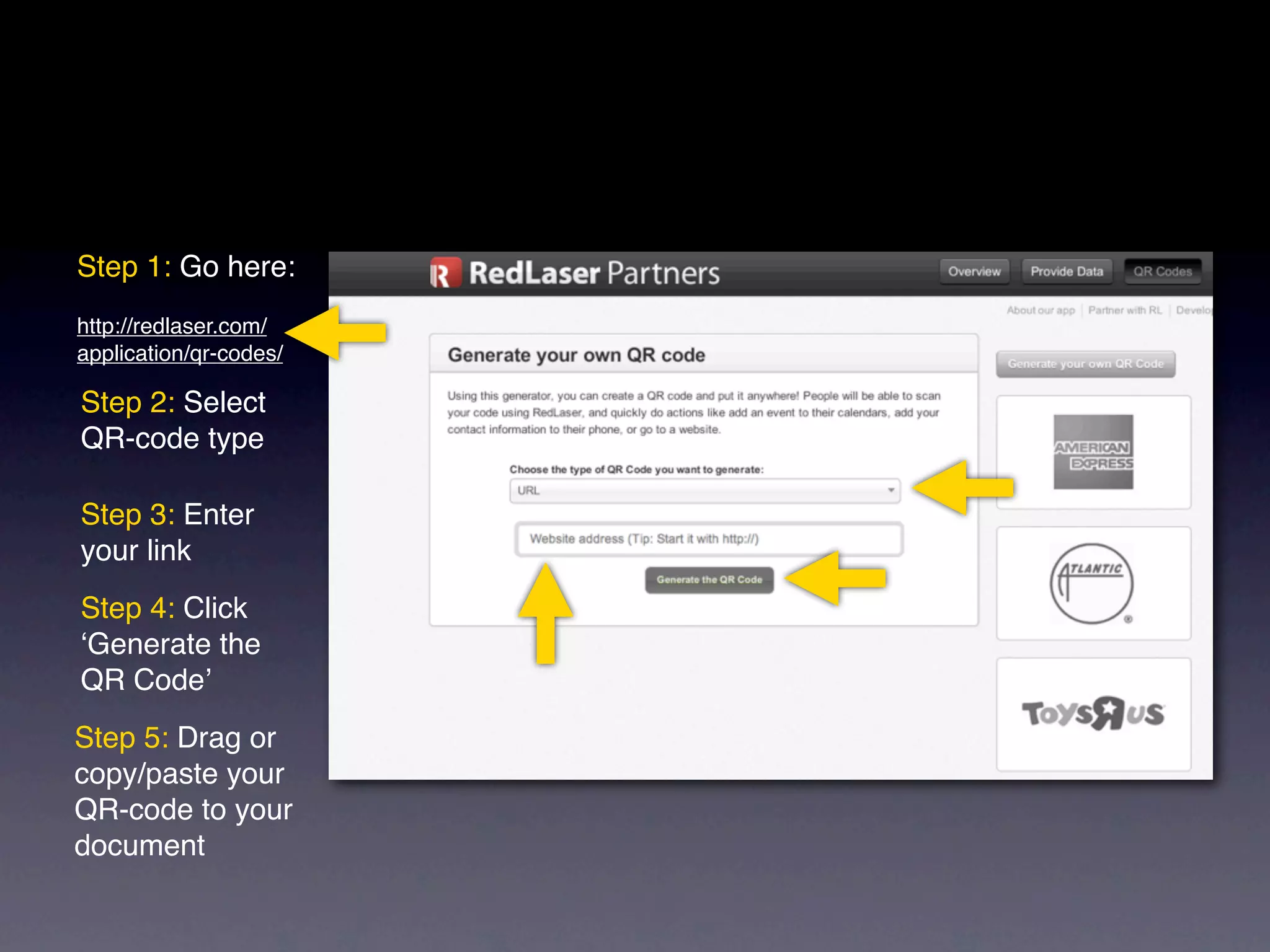
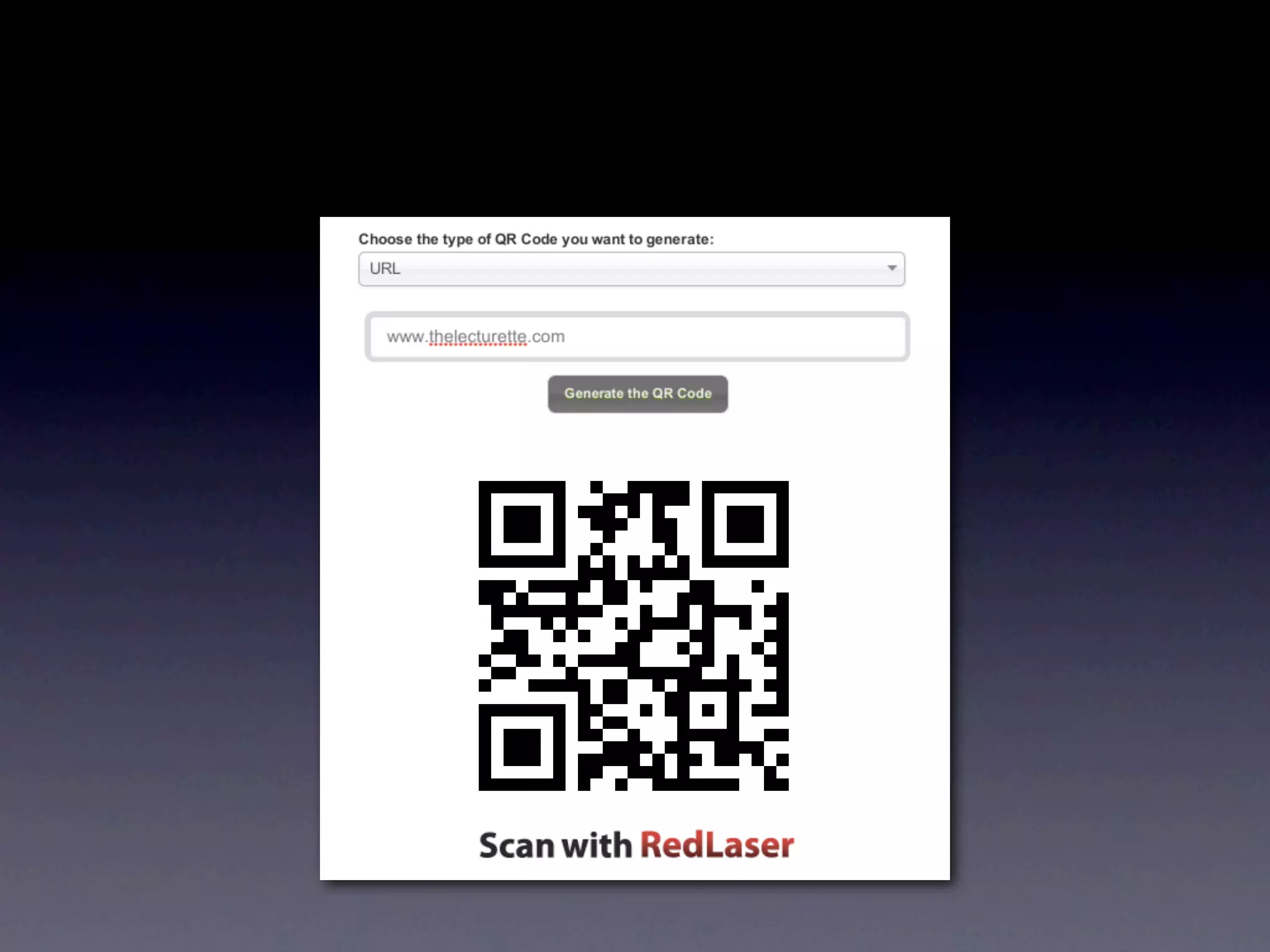
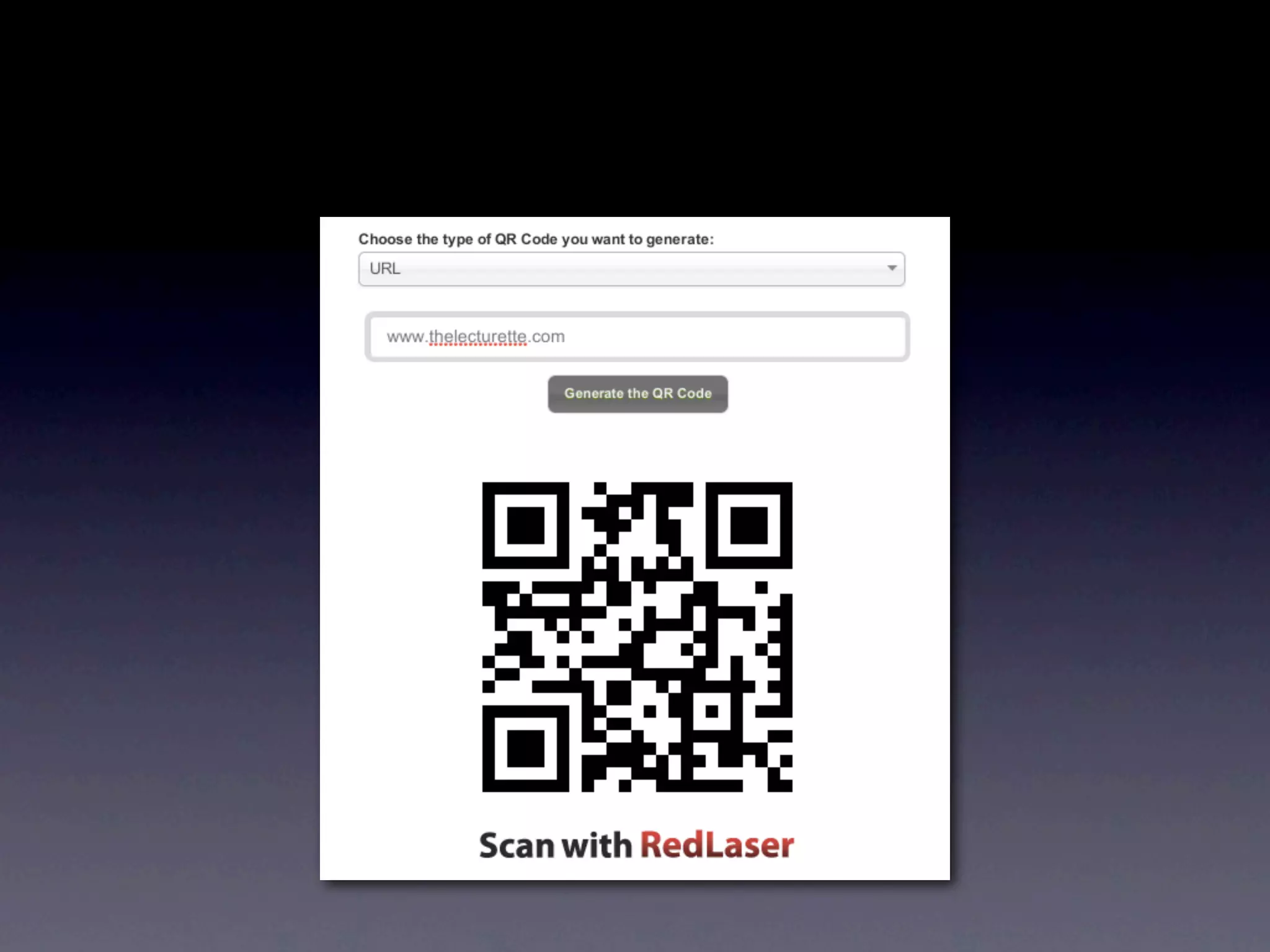

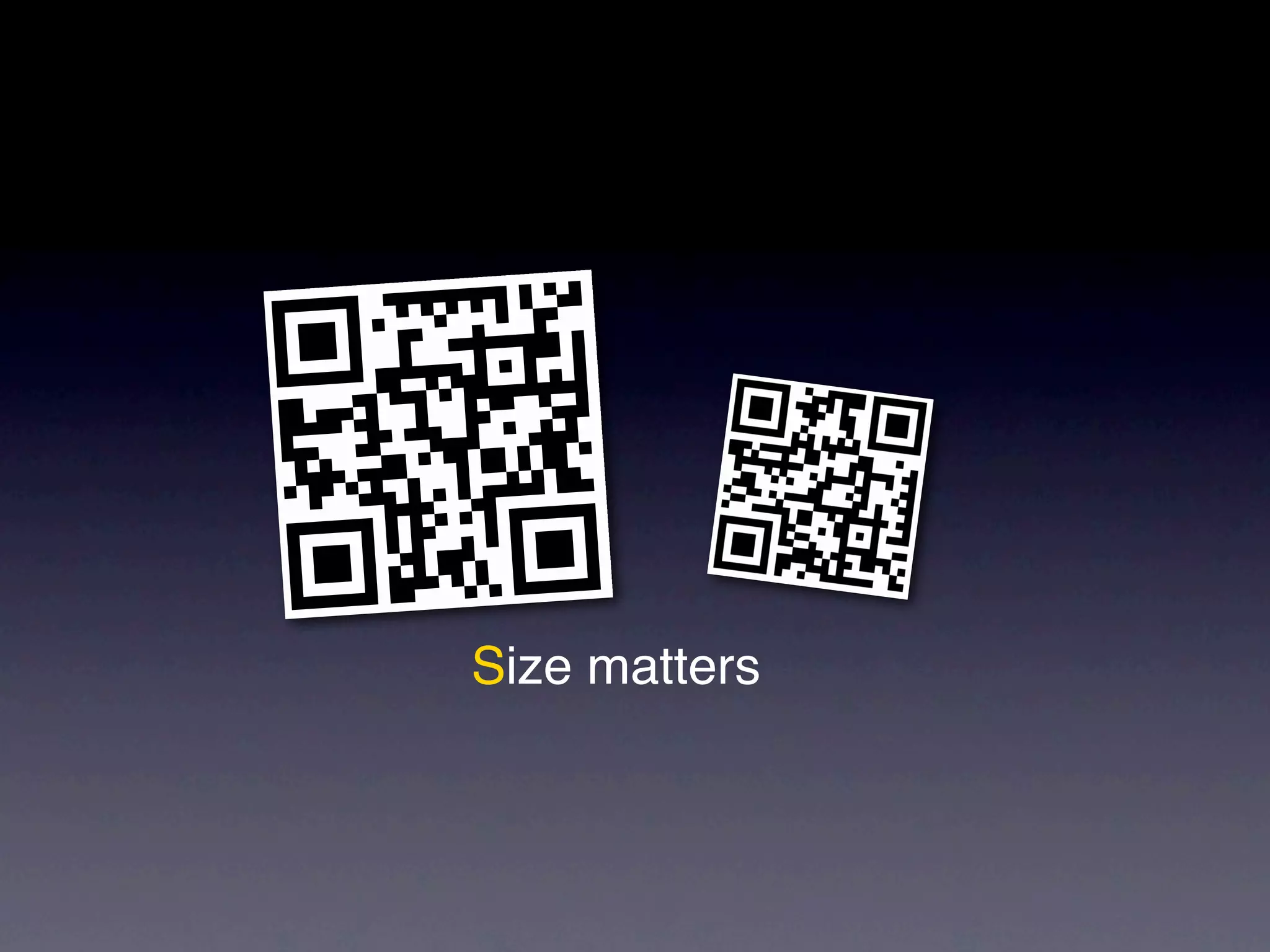


QR codes are quick response codes that serve as an interface between print media and smartphones. They can be easily scanned using a smartphone QR code reader app, making them useful in classroom settings for their speed and flexibility. The document outlines how to create QR codes using a specified web application, detailing the steps involved.


