INTRODUCTION
• THE RAPIDEVOLUTION OF TECHNOLOGY CONTINUES TO SHAPE THE LANDSCAPE OF MEDIA AND
INFORMATION. FROM OPEN EDUCATIONAL PLATFORMS TO IMMERSIVE3D ENVIRONMENTS, THESE
TRENDS REDEFINE HOW PEOPLE ACCESS, SHARE, AND INTERACT WITH INFORMATION.
3.
MASSIVE OPEN ONLINECONTENT (MOOCS)
• - PROVIDE FREE OR LOW-COST ACCESS TO EDUCATION WORLDWIDE
• - PROMOTE LIFELONG LEARNING AND INCLUSIVITY
• - EXAMPLES: COURSERA, EDX, UDEMY
• - CHALLENGE: COMPLETION RATES AND LEARNER ENGAGEMENT
4.
Examples of MassiveOpen Online Games
1.Fortnite – Beyond a battle royale, it has become a massive virtual space for
concerts, events, and social interaction.
2.Minecraft – A sandbox game with millions of open servers where players create,
explore, and learn together.
3.Roblox – A platform where users create and play millions of community-made
games.
4.World of Warcraft (WoW) – One of the largest MMORPGs, with open-world
exploration and quests.
5.Second Life – A virtual world where users interact, socialize, and even conduct
business.
6.EVE Online – A space-based MMO with player-driven economy and politics.
5.
Examples of MassiveOpen Online Courses (MOOCs) include:
•Coursera – Offers courses from top universities and companies (e.g.,
Google, Stanford, Yale).
•edX – Founded by MIT and Harvard, provides free and paid
professional courses.
•Udemy – A marketplace for online learning with thousands of
courses on different skills.
•FutureLearn – UK-based MOOC platform offering university and
organizational courses.
•Khan Academy – Free courses mainly for K–12, math, and sciences.
•Skillshare – Focuses on creative and practical skills like design,
photography, and business.
6.
Massive Open OnlineCourses (MOOCs) – True or False
1.MOOCs are online courses designed to reach a large number of
learners around the world.
2.All MOOCs require students to pay expensive tuition fees
before enrolling.
3.Coursera, edX, and FutureLearn are examples of MOOC
platforms.
4.One challenge of MOOCs is the low completion rate of
learners.
5.MOOCs can only be accessed by college students with
university email accounts.
7.
6. MOOCs promotelifelong learning and inclusivity by offering
open access to education.
7. MOOCs often include video lectures, readings, assignments,
and discussion forums.
8. All MOOCs provide official certificates for free after
completion.
9. MOOCs allow learners to study at their own pace and flexibility.
10. MOOCs have no role in professional development or skills
training.
8.
WEARABLE TECHNOLOGY
• -DEVICES INTEGRATED INTO DAILY LIFE (SMARTWATCHES, AR GLASSES)
• - ENHANCE COMMUNICATION, HEALTH MONITORING, AND PRODUCTIVITY
• - ENABLE REAL-TIME INFORMATION ACCESS
• - GROWING ROLE IN EDUCATION, TRAINING, AND HEALTHCARE
9.
Examples of wearabledevices commonly used today:
Health & Fitness Wearables
•Fitbit – Tracks steps, heart rate, sleep, and activity.
•Garmin Smartwatches – Used for running, cycling, and sports tracking.
•Oura Ring – Monitors sleep, heart rate, and readiness levels.
Smart Wearables
•Apple Watch – Provides notifications, fitness tracking, and health
monitoring.
•Samsung Galaxy Watch – Tracks health and connects with smartphones.
•Google Pixel Watch – Integrated with Fitbit features.
10.
Augmented & VirtualReality Wearables
•Meta Quest (Oculus) VR Headsets – Used for gaming, education, and
simulations.
•Microsoft HoloLens – Mixed reality headset for training and professional use.
•Google Glass – Smart glasses for hands-free information access.
Medical Wearables
•Continuous Glucose Monitors (CGMs) like Dexcom – For diabetes
management.
•Smart Hearing Aids – Enhance hearing and connect with apps.
•ECG Monitors (e.g., AliveCor KardiaMobile) – For heart health tracking.
11.
Wearable Technology –True or False
1.Wearable technology refers to electronic devices worn on the
body that collect or display information.
2.A smartphone is considered a wearable device.
3.Smartwatches can track health data such as heart rate, steps,
and sleep.
4.Wearable devices are only used for entertainment purposes.
5.Augmented Reality (AR) glasses like Google Glass are
examples of wearable technology.
12.
6. Wearable technologyis only used by athletes and has no
medical applications.
7. Fitness trackers like Fitbit are considered wearable devices.
8. Wearable technology can provide real-time notifications and
connectivity.
9. Wearable devices cannot be integrated with smartphones or the
internet.
10. Future wearable technology may include smart clothing and
implantable devices.
13.
3D ENVIRONMENTS
• -VIRTUAL AND AUGMENTED REALITY FOR IMMERSIVE LEARNING
• - USED IN GAMING, EDUCATION, DESIGN, AND SIMULATIONS
• - ENHANCE EXPERIENTIAL LEARNING AND VISUALIZATION
• - FUTURE: METAVERSE APPLICATIONS IN EDUCATION AND MEDIA
14.
Examples of 3Denvironments commonly used in media, education, and
technology:
1. Virtual Reality Worlds (VR)
1. Oculus VR Chat
2.AltspaceVR
3.Meta Horizon Worlds
2.3D Video Games
1. Minecraft
2.Fortnite
3.Roblox
3. 3D Simulations
1. Flight simulators for pilot training
2.Medical surgery simulations
3.Driving simulators
15.
Augmented Reality (AR)and Mixed Reality
• Pokémon GO (blending 3D characters with the real world)
• Microsoft HoloLens apps
3D Learning Environments
• Google Earth (exploring the globe in 3D)
• Virtual labs for science experiments
• 3D anatomy platforms (e.g., Visible Body, BioDigital Human)
3D Architectural and Design Platforms
• AutoCAD 3D models
• SketchUp
• Blender for animation and design
Immersive Virtual Events & Museums
• Virtual museum tours (e.g., Louvre Virtual Tour)
• Online 3D classrooms and conferences
16.
Pros of 3DEnvironments
1. Immersive Experience – Makes learning, gaming, and training more
engaging.
2.Hands-on Simulation – Allows practice in a safe, risk-free virtual
setting (e.g., surgery, driving).
3.Creativity and Exploration – Encourages users to build, design, and
explore new worlds.
4.Global Accessibility – Students or users from different places can meet
in the same virtual space.
5.Realistic Training – Prepares professionals through lifelike scenarios
(military, pilots, doctors).
6.Interactive Learning – Boosts retention compared to traditional
methods.
17.
Cons of 3DEnvironments
1.High Cost – Requires powerful devices, VR headsets, or expensive
software.
2.Technical Issues – Lag, glitches, or hardware limitations can disrupt
experience.
3.Health Concerns – Extended use may cause eye strain, motion
sickness, or addiction.
4.Accessibility Barriers – Not all students/people have access to needed
technology.
5.Learning Curve – Users may find it difficult to navigate or control at
first.
6.Limited Real-World Application – Simulations may not fully match
real-world complexity.
18.
3D Environments –True or False
1. 3D environments can be used for virtual training such as flying an
airplane or performing surgery.
2. Minecraft and Roblox are examples of 3D environments.
3. 3D environments are only used for gaming and have no application in
education.
4. One disadvantage of 3D environments is that they may require expensive
devices and high-speed internet.
5. Virtual reality (VR) and augmented reality (AR) are types of 3D
environments.
19.
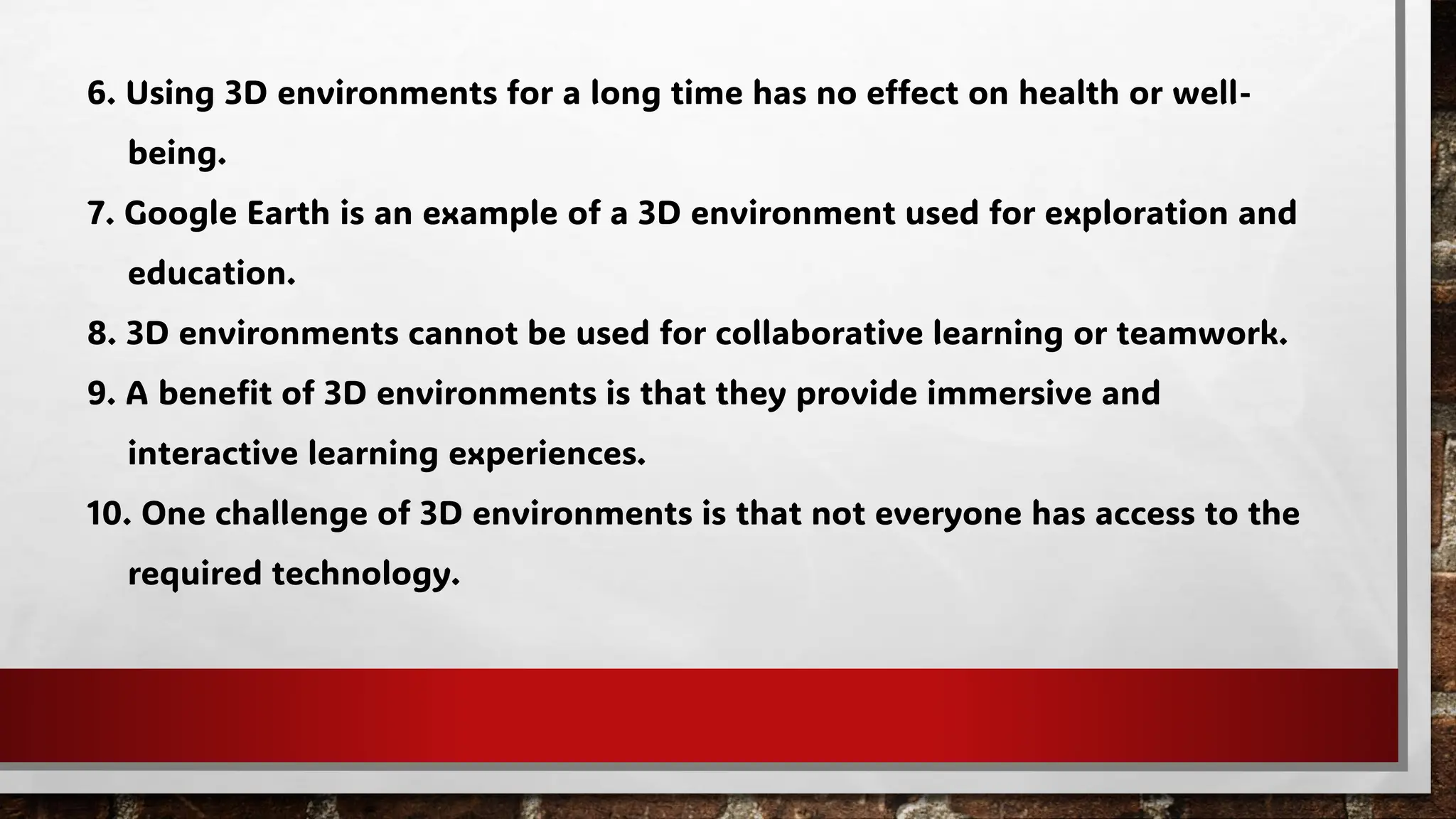
6. Using 3Denvironments for a long time has no effect on health or well-
being.
7. Google Earth is an example of a 3D environment used for exploration and
education.
8. 3D environments cannot be used for collaborative learning or teamwork.
9. A benefit of 3D environments is that they provide immersive and
interactive learning experiences.
10. One challenge of 3D environments is that not everyone has access to the
required technology.
20.
UBIQUITOUS LEARNING
• -LEARNING ANYTIME, ANYWHERE WITH CONNECTED DEVICES
• - PERSONALIZED AND SELF-PACED LEARNING EXPERIENCES
• - INTEGRATION WITH SMART ENVIRONMENTS
• - CHALLENGES: DIGITAL DIVIDE AND PRIVACY CONCERNS
21.
Digital & MobileLearning
1. E-books and Audiobooks – Students can read or listen anytime on their phones or tablets.
2. Educational Apps – Duolingo (language learning), Khan Academy, Quizlet.
3. Podcasts & YouTube Educational Channels – Learning while commuting or at home.
Online & Cloud-Based Platforms
4.Google Classroom / Microsoft Teams – Access lessons, assignments, and resources
anytime.
5.MOOCs (Massive Open Online Courses) – Coursera, edX, Udemy.
22.
Immersive & InteractiveTools
7.Virtual Labs – Simulated science experiments available on demand.
8.AR/VR Learning – Anatomy in 3D, historical site tours in VR.
9.Gamified Learning Platforms – Kahoot!, Classcraft.
Real-Life, Contextual Learning
10.Google Translate & AR Translators – Learning languages instantly in real contexts.
11.GPS & Location-Based Learning – Apps like Pokémon GO (geography, exploration).
12.Smart Wearables – Fitness trackers used in PE or health classes.
23.
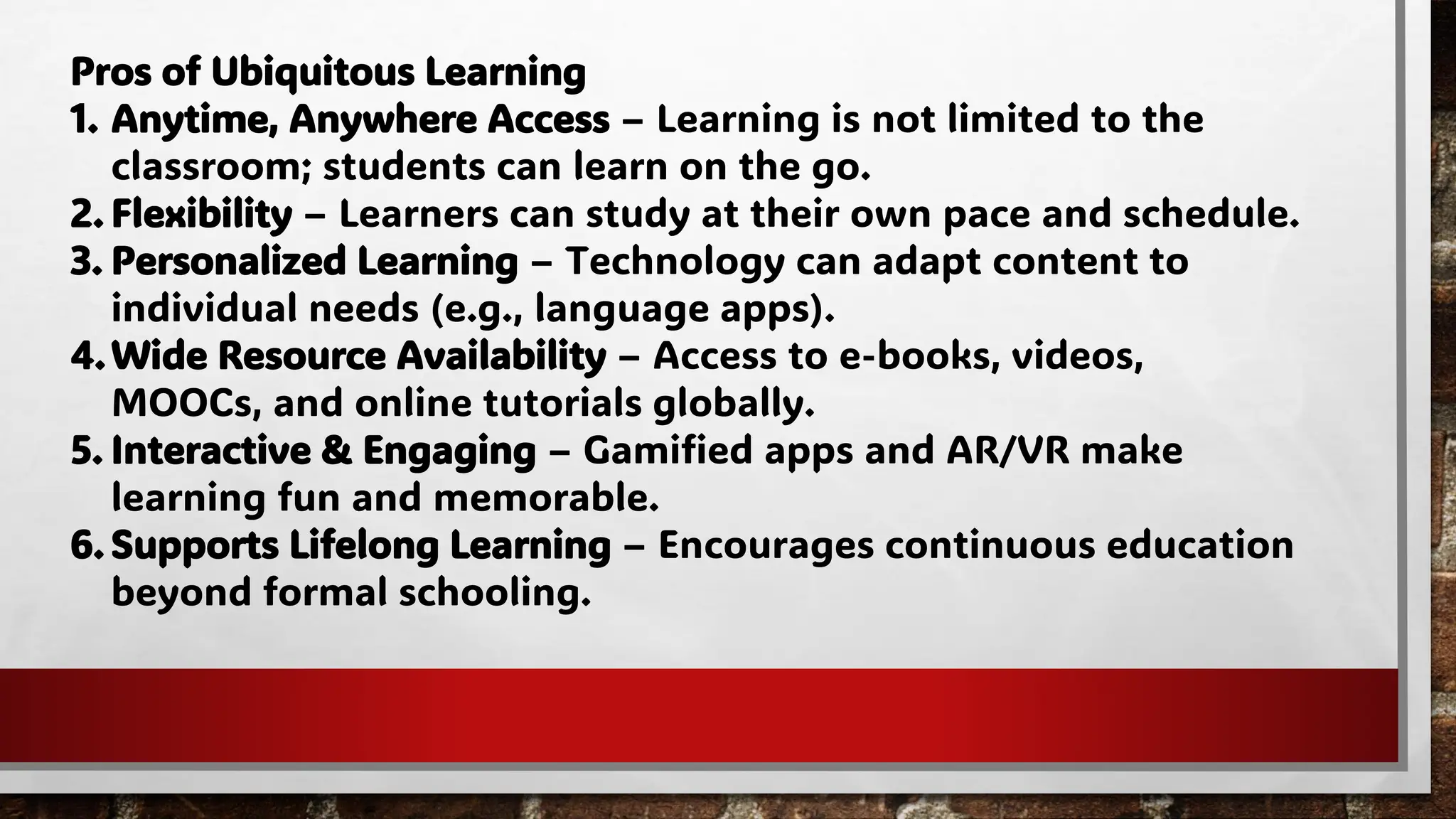
Pros of UbiquitousLearning
1. Anytime, Anywhere Access – Learning is not limited to the
classroom; students can learn on the go.
2. Flexibility – Learners can study at their own pace and schedule.
3. Personalized Learning – Technology can adapt content to
individual needs (e.g., language apps).
4.Wide Resource Availability – Access to e-books, videos,
MOOCs, and online tutorials globally.
5. Interactive & Engaging – Gamified apps and AR/VR make
learning fun and memorable.
6. Supports Lifelong Learning – Encourages continuous education
beyond formal schooling.
24.
Cons of UbiquitousLearning
1. Digital Divide – Not everyone has access to stable internet or devices.
2. Distractions – Mobile devices may tempt learners with games, social
media, or non-educational content.
3. Quality Concerns – Some online resources may be inaccurate or
unreliable.
4. Reduced Social Interaction – Less face-to-face collaboration compared
to traditional classrooms.
5. Dependence on Technology – Technical issues, app crashes, or device
failure can disrupt learning.
6. Health Issues – Excessive screen time may cause eye strain, poor
posture, or sleep problems.
25.
Essay Writing Activity
Topic:3D Environments and Ubiquitous Learning in Today’s World
Instructions:
Write an essay (at least 2–3 paragraphs) 200-300 words, discussing the
following points:
1.Definition & Examples
Explain what 3D Environments and Ubiquitous Learning are.
Give at least two examples of each.
2.Importance in Education and Daily Life
How do these innovations help in learning, training, or personal growth?
3.Pros and Cons
Discuss the advantages and challenges of using 3D environments and
ubiquitous learning.
4.Personal Insight
Share your opinion: Do you think 3D environments and ubiquitous
learning will shape the future of education? Why or why not?
26.
OTHER EMERGING TRENDS
•- ARTIFICIAL INTELLIGENCE IN EDUCATION AND MEDIA
• - CLOUD COMPUTING AND BIG DATA
• - 5G TECHNOLOGY FOR FASTER COMMUNICATION
• - GAMIFICATION AND INTERACTIVE LEARNING
• - BLOCKCHAIN FOR SECURE INFORMATION MANAGEMENT
27.
CONCLUSION
• THE FUTUREOF MEDIA AND INFORMATION LIES IN CONSTANT INNOVATION.EMBRACING THESE TRENDS
WILL HELP INDIVIDUALS, INSTITUTIONS, AND SOCIETIES ADAPT TO THECHANGING DIGITAL LANDSCAPE,
MAKING EDUCATION AND COMMUNICATION MORE INCLUSIVE, INTERACTIVE,AND IMPACTFUL.






![Paris · SlidesCarnival [Autosaved].pptx](https://cdn.slidesharecdn.com/ss_thumbnails/parisslidescarnivalautosaved-221122234419-273ffdae-thumbnail.jpg?width=640&height=640&fit=bounds)


![report [Repaired].pptx](https://cdn.slidesharecdn.com/ss_thumbnails/reportrepaired-230228165537-af5918aa-thumbnail.jpg?width=640&height=640&fit=bounds)


