CONTENTS
• PROJECT IDEA
• LITERATURE SURVEY
• INTRODUCTION
• TECHNOLOGIES USED
• COMPUTER NETWORKING
• WORKFLOW OF THE PROJECT
• FUNCTION USED
• PROS AND CONS
• REFRENCES
• ENDING
Project Idea
• The objective of this Project Idea to build
Website Blocker using python is to block the
given websites from any device. This project
will help the user to stay away from their
distraction by blocking websites from their
device so that they can not open them and
could not be get distracted .
Literature Survey
• This study investigates prevailing restrictions on Internet
diffusion through blocking of websites across five categories in
diverse country domains. A website block finder (WBF)
application is used to provide a snapshot view on Internet
filtering imposed through government regulations across ten
countries, namely Canada, USA, China, France, Germany, Iran,
New Zealand etc..., The five categories selected for this study
are religion, political, news channels, entertainment
• The study provides a snapshot view on website restrictions
within the selected categories and raises awareness on
prevailing regulations imposed on Internet diffusion in the
ever-increasing complex global environment. Keywords:
information filtering, website blocking , Website blocker
finder(WBF)
INTRODUCTION
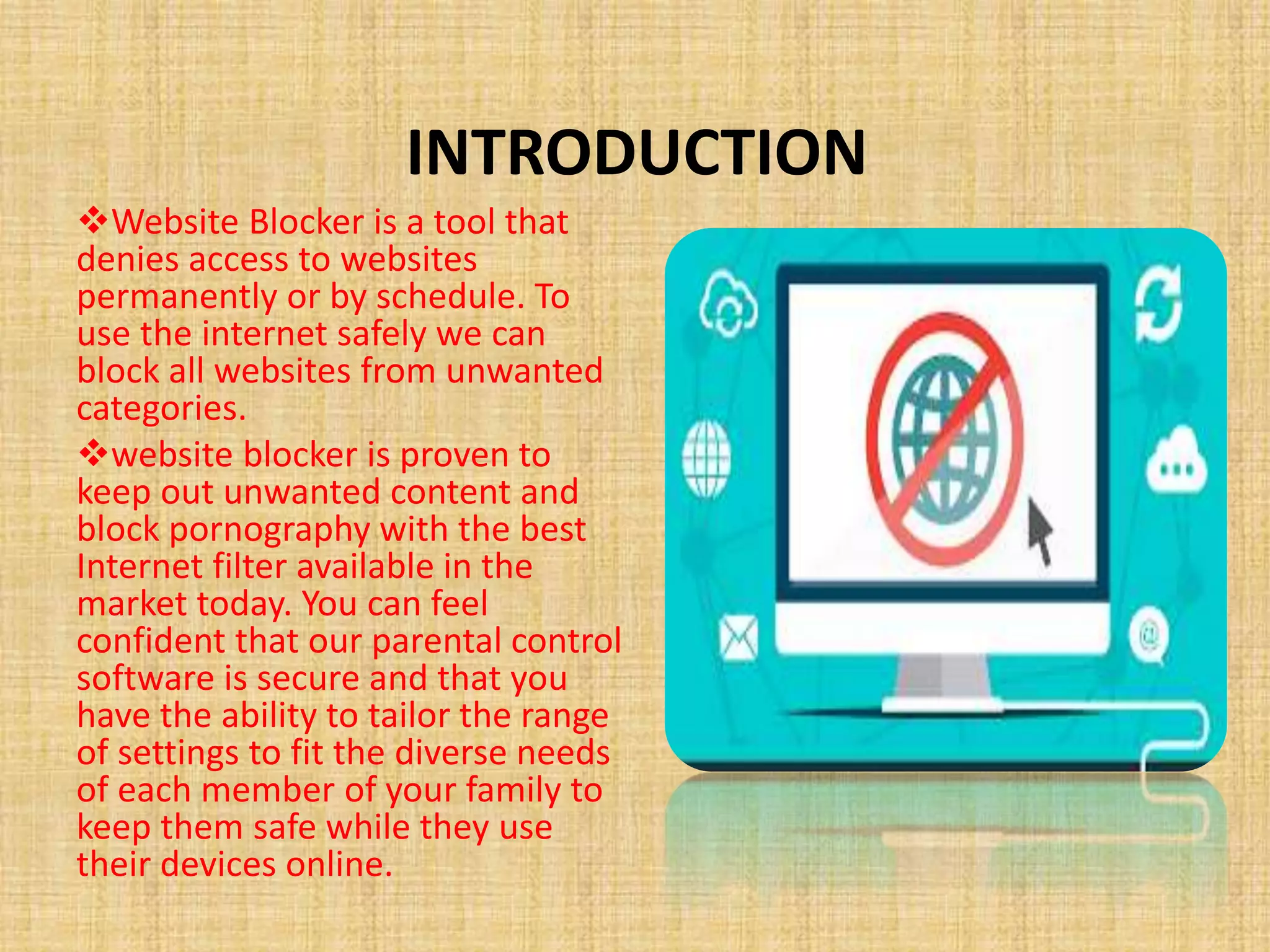
Website Blocker is a tool that
denies access to websites
permanently or by schedule. To
use the internet safely we can
block all websites from unwanted
categories.
website blocker is proven to
keep out unwanted content and
block pornography with the best
Internet filter available in the
market today. You can feel
confident that our parental control
software is secure and that you
have the ability to tailor the range
of settings to fit the diverse needs
of each member of your family to
keep them safe while they use
their devices online.
Technologies used
Frontend:
• HTML5
• CSS3
Backend&library:
PYTHON
• TKINTER LIBRARY
COMPUTER NETWORKING
• Localhost – It is a set of hostnames that refer to your local computer to
access the network services being used by your computer. These
hostnames usually start with ‘127’.
• Hostname – It is an IP address (not specifically on your computer) that is
used to identify your computer during electronic communications.
• Localhost 127.0.0.1 – It is a localhost address called the “Internet
Loopback Protocol”. This address is used to establish an IP connection to
the same machine or computer being used by the end-user.
• Hosts file – It is an operating system file that is used to map a connection
between an IP address (localhost in our case) and a domain name, before
actually going to the domain name servers. It is a .txt file that contains a
mapping of the IP addresses and domain names. It no longer has an
extension but can still only be edited as a .txt file. It has different locations
on different OSs, i.e., it has a different location on Windows and Linux, but
the same location on MAC and Linux.
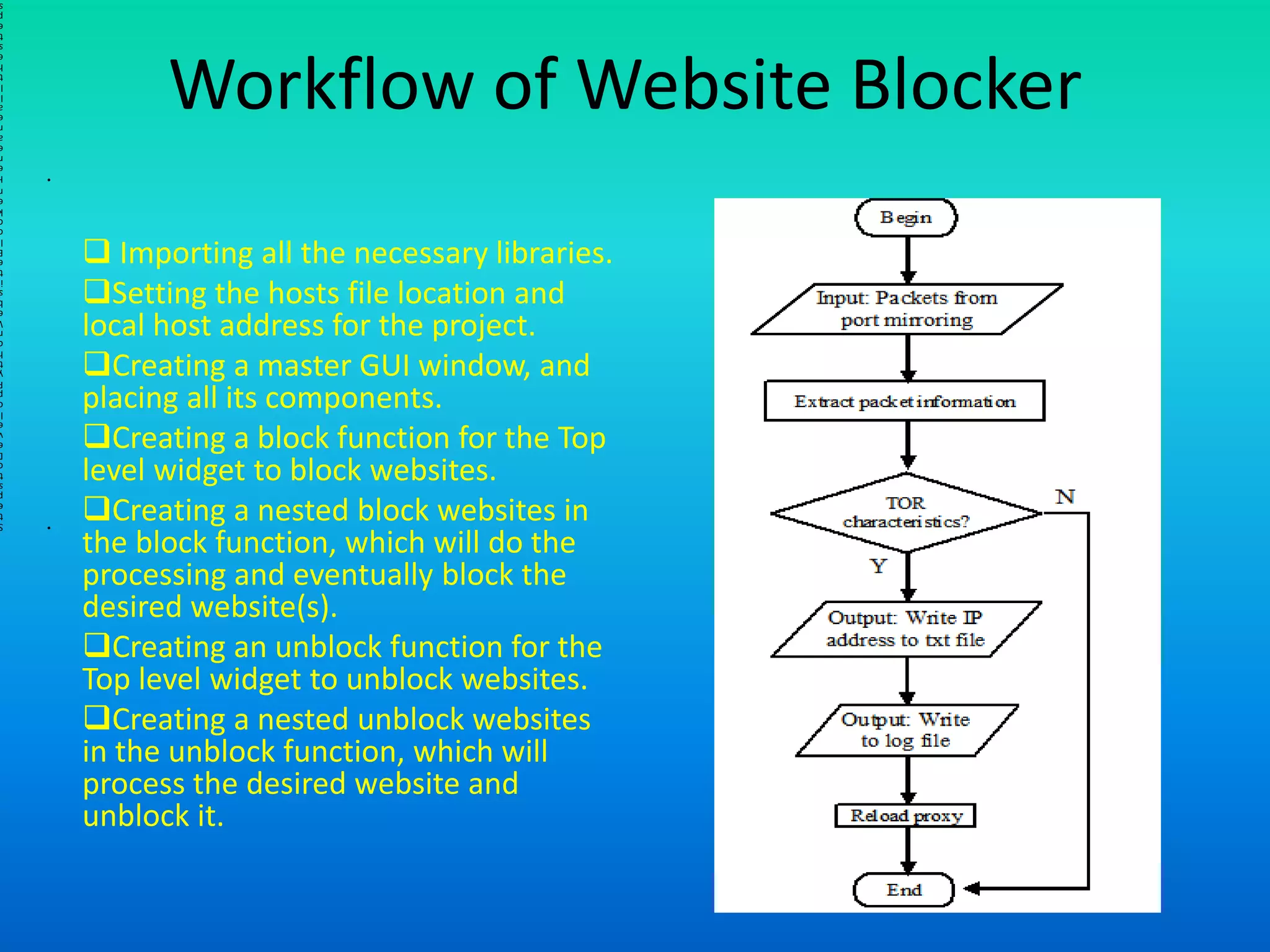
 Importing all the necessary libraries.
Setting the hosts file location and
local host address for the project.
Creating a master GUI window, and
placing all its components.
Creating a block function for the Top
level widget to block websites.
Creating a nested block websites in
the block function, which will do the
processing and eventually block the
desired website(s).
Creating an unblock function for the
Top level widget to unblock websites.
Creating a nested unblock websites
in the unblock function, which will
process the desired website and
unblock it.
•
l
i
l
•
l
l
Workflow of Website Blocker
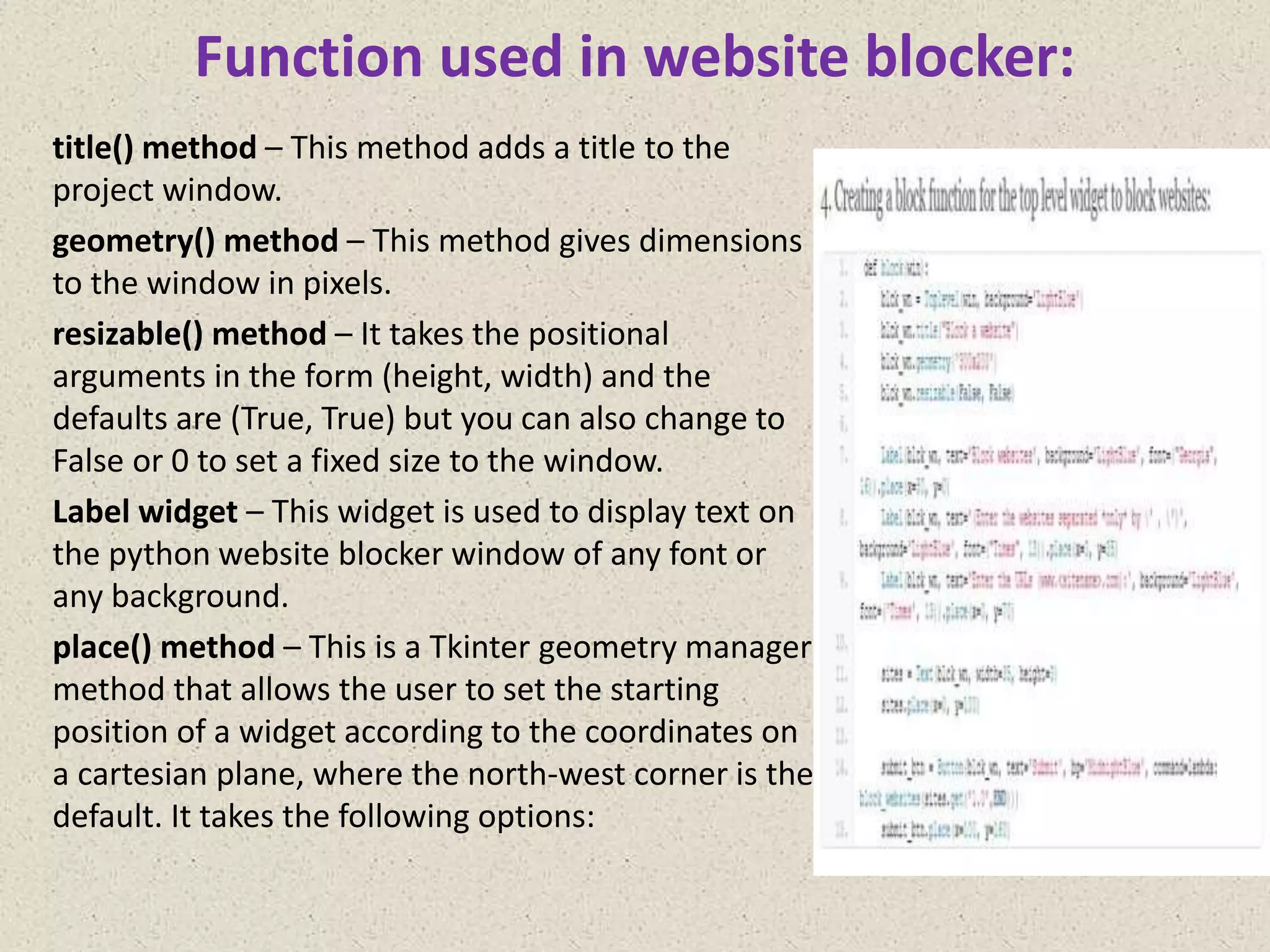
Function used in website blocker:
title() method – This method adds a title to the
project window.
geometry() method – This method gives dimensions
to the window in pixels.
resizable() method – It takes the positional
arguments in the form (height, width) and the
defaults are (True, True) but you can also change to
False or 0 to set a fixed size to the window.
Label widget – This widget is used to display text on
the python website blocker window of any font or
any background.
place() method – This is a Tkinter geometry manager
method that allows the user to set the starting
position of a widget according to the coordinates on
a cartesian plane, where the north-west corner is the
default. It takes the following options:
PROS&CONS
refrences
 https://wikipedia.org
https://projectgurukul.org/
https://www.researchgate.net/publication/2212287
53_Website_Blocking_Across_Ten_Countries_A_Sna
pshot/link/0046353599a11a48d6000000/download
https://www.javatpoint.com/
https://www.skyfilabs.com/
python project ppt.pptx

python project ppt.pptx

  • 2.
    CONTENTS • PROJECT IDEA •LITERATURE SURVEY • INTRODUCTION • TECHNOLOGIES USED • COMPUTER NETWORKING • WORKFLOW OF THE PROJECT • FUNCTION USED • PROS AND CONS • REFRENCES • ENDING
  • 3.
    Project Idea • Theobjective of this Project Idea to build Website Blocker using python is to block the given websites from any device. This project will help the user to stay away from their distraction by blocking websites from their device so that they can not open them and could not be get distracted .
  • 4.
    Literature Survey • Thisstudy investigates prevailing restrictions on Internet diffusion through blocking of websites across five categories in diverse country domains. A website block finder (WBF) application is used to provide a snapshot view on Internet filtering imposed through government regulations across ten countries, namely Canada, USA, China, France, Germany, Iran, New Zealand etc..., The five categories selected for this study are religion, political, news channels, entertainment • The study provides a snapshot view on website restrictions within the selected categories and raises awareness on prevailing regulations imposed on Internet diffusion in the ever-increasing complex global environment. Keywords: information filtering, website blocking , Website blocker finder(WBF)
  • 5.
    INTRODUCTION Website Blocker isa tool that denies access to websites permanently or by schedule. To use the internet safely we can block all websites from unwanted categories. website blocker is proven to keep out unwanted content and block pornography with the best Internet filter available in the market today. You can feel confident that our parental control software is secure and that you have the ability to tailor the range of settings to fit the diverse needs of each member of your family to keep them safe while they use their devices online.
  • 6.
    Technologies used Frontend: • HTML5 •CSS3 Backend&library: PYTHON • TKINTER LIBRARY
  • 7.
    COMPUTER NETWORKING • Localhost– It is a set of hostnames that refer to your local computer to access the network services being used by your computer. These hostnames usually start with ‘127’. • Hostname – It is an IP address (not specifically on your computer) that is used to identify your computer during electronic communications. • Localhost 127.0.0.1 – It is a localhost address called the “Internet Loopback Protocol”. This address is used to establish an IP connection to the same machine or computer being used by the end-user. • Hosts file – It is an operating system file that is used to map a connection between an IP address (localhost in our case) and a domain name, before actually going to the domain name servers. It is a .txt file that contains a mapping of the IP addresses and domain names. It no longer has an extension but can still only be edited as a .txt file. It has different locations on different OSs, i.e., it has a different location on Windows and Linux, but the same location on MAC and Linux.
  • 8.
     Importing allthe necessary libraries. Setting the hosts file location and local host address for the project. Creating a master GUI window, and placing all its components. Creating a block function for the Top level widget to block websites. Creating a nested block websites in the block function, which will do the processing and eventually block the desired website(s). Creating an unblock function for the Top level widget to unblock websites. Creating a nested unblock websites in the unblock function, which will process the desired website and unblock it. • l i l • l l Workflow of Website Blocker
  • 9.
    Function used inwebsite blocker: title() method – This method adds a title to the project window. geometry() method – This method gives dimensions to the window in pixels. resizable() method – It takes the positional arguments in the form (height, width) and the defaults are (True, True) but you can also change to False or 0 to set a fixed size to the window. Label widget – This widget is used to display text on the python website blocker window of any font or any background. place() method – This is a Tkinter geometry manager method that allows the user to set the starting position of a widget according to the coordinates on a cartesian plane, where the north-west corner is the default. It takes the following options:
  • 10.
  • 11.