Python dictionary 
.
GROUP – XII 
GROUP MEMBERS ARE: 
SAGAR KUMAR (60) 
NITESH KUMAR (57) 
SHASHIKANT KUMAR (56) 
SUNNY KUMAR (58) 
SHIVANI (59)
Contents 
• Python dictionary 
• Important points in dictionary 
• Accessing value in dictionary 
• Updating or adding in dictionary 
• Deletion in dictionary
PYTHON DICTIONARY 
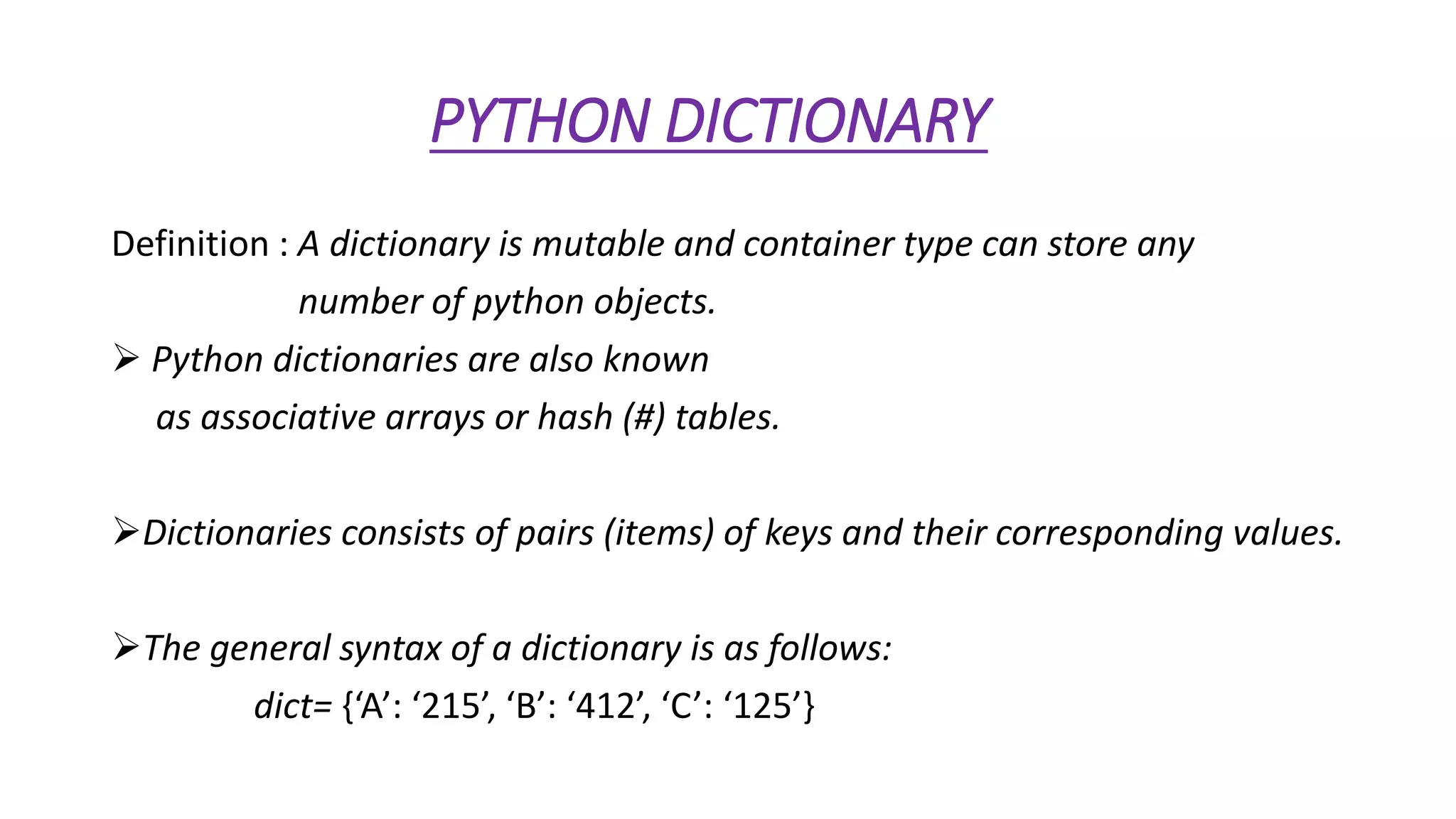
Definition : A dictionary is mutable and container type can store any 
number of python objects. 
 Python dictionaries are also known 
as associative arrays or hash (#) tables. 
Dictionaries consists of pairs (items) of keys and their corresponding values. 
The general syntax of a dictionary is as follows: 
dict= {‘A’: ‘215’, ‘B’: ‘412’, ‘C’: ‘125’}
Important point of dictionary 
Each key is separated from its value by a colon (:). 
The items are separated by commas, and the whole thing is enclosed 
in curly braces { }. 
An empty dictionary without any items is written with just two curly 
braces, like this { }. 
The values of a dictionary can be of any type, but the keys must be an 
mutable data type such as strings, numbers, or tuples.
Accessing values in dictionary: 
To access dictionary elements, we use square brackets [ ] along 
with the key to obtain its value. 
for example, 
dict= {‘Name’: ‘Sagar’, ‘Age’: ‘18’, ‘Class’: ‘BCA’} 
Print
Updating or adding in dictionary: 
We can update a dictionary by adding a new entry or item (i.e., a key-value 
pair). 
Modifying an existing entry, or deleting an existing entry as shown 
below in the simple example 
dict={‘Name’: ‘Sagar’, ‘Age’: ‘18’, ‘Class’: ‘BCA’} 
dict=[‘Age’]=19; # update existing entry or item 
dict=[School]=SXC # Add new entry or item
Deletion in dictionary: 
We can either remove or delete individual dictionary elements or 
clear the entire contents of a dictionary. 
To delete or remove in dictionary; we use the del statement. 
for example, 
dict= {‘Name’: ‘Sagar’, ‘Age’: ‘18’, ‘Class’: ‘BCA’} 
del dict[Name]; # remove entry with key ‘Name’ 
dict.clear0; # remove all entries in dict 
del dict; # delete entire dictionary
THANK YOU 
.

Python dictionary

  • 1.
  • 2.
    GROUP – XII GROUP MEMBERS ARE: SAGAR KUMAR (60) NITESH KUMAR (57) SHASHIKANT KUMAR (56) SUNNY KUMAR (58) SHIVANI (59)
  • 3.
    Contents • Pythondictionary • Important points in dictionary • Accessing value in dictionary • Updating or adding in dictionary • Deletion in dictionary
  • 4.
    PYTHON DICTIONARY Definition: A dictionary is mutable and container type can store any number of python objects.  Python dictionaries are also known as associative arrays or hash (#) tables. Dictionaries consists of pairs (items) of keys and their corresponding values. The general syntax of a dictionary is as follows: dict= {‘A’: ‘215’, ‘B’: ‘412’, ‘C’: ‘125’}
  • 5.
    Important point ofdictionary Each key is separated from its value by a colon (:). The items are separated by commas, and the whole thing is enclosed in curly braces { }. An empty dictionary without any items is written with just two curly braces, like this { }. The values of a dictionary can be of any type, but the keys must be an mutable data type such as strings, numbers, or tuples.
  • 6.
    Accessing values indictionary: To access dictionary elements, we use square brackets [ ] along with the key to obtain its value. for example, dict= {‘Name’: ‘Sagar’, ‘Age’: ‘18’, ‘Class’: ‘BCA’} Print
  • 7.
    Updating or addingin dictionary: We can update a dictionary by adding a new entry or item (i.e., a key-value pair). Modifying an existing entry, or deleting an existing entry as shown below in the simple example dict={‘Name’: ‘Sagar’, ‘Age’: ‘18’, ‘Class’: ‘BCA’} dict=[‘Age’]=19; # update existing entry or item dict=[School]=SXC # Add new entry or item
  • 8.
    Deletion in dictionary: We can either remove or delete individual dictionary elements or clear the entire contents of a dictionary. To delete or remove in dictionary; we use the del statement. for example, dict= {‘Name’: ‘Sagar’, ‘Age’: ‘18’, ‘Class’: ‘BCA’} del dict[Name]; # remove entry with key ‘Name’ dict.clear0; # remove all entries in dict del dict; # delete entire dictionary
  • 9.