Python Database
Connectivity
Introduction
• Python is a high-level, general-purpose, and very popular
programming language.
• Python can be used in database applications.
• One of the most popular databases is MySQL.
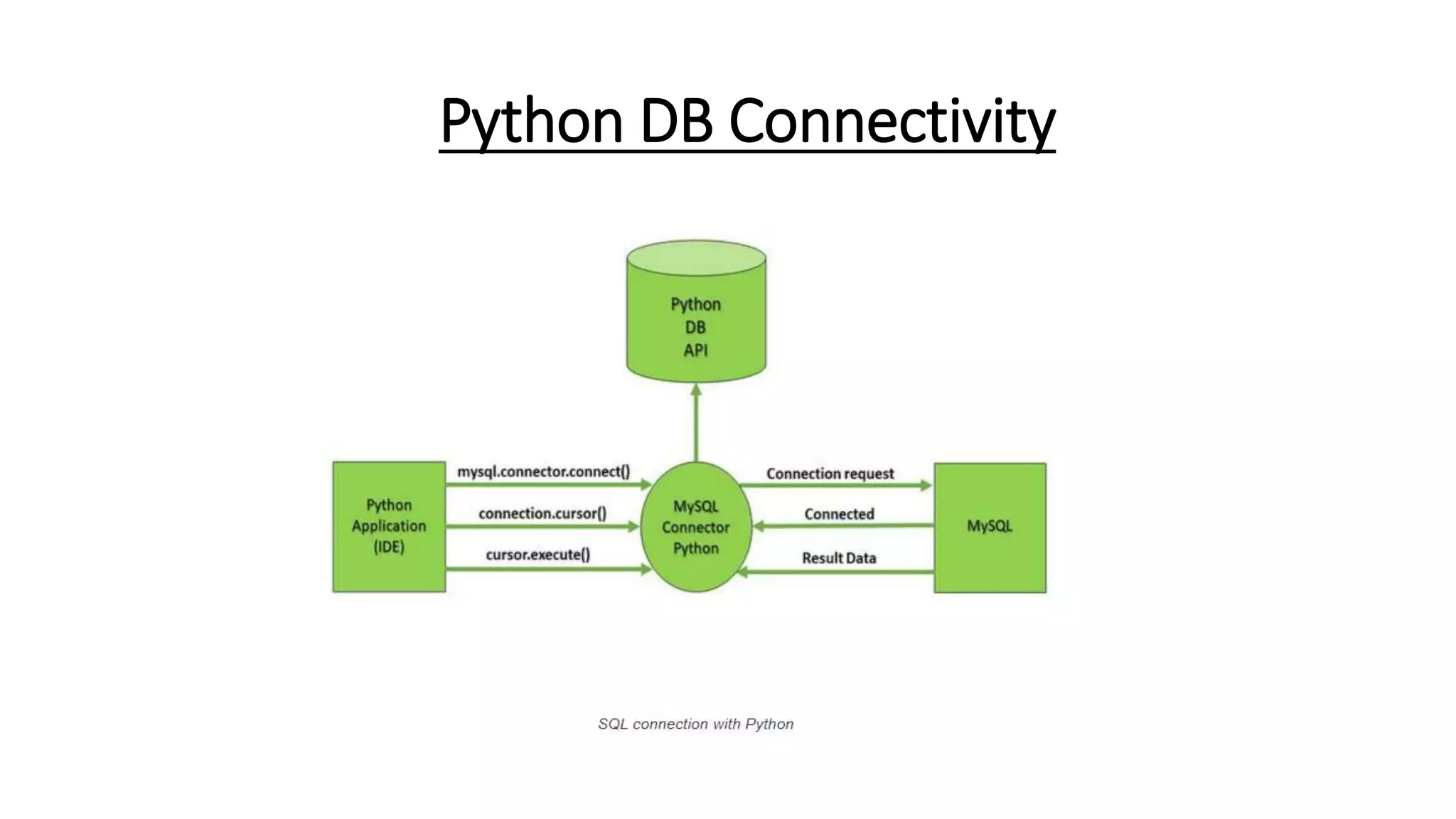
Python DB Connectivity
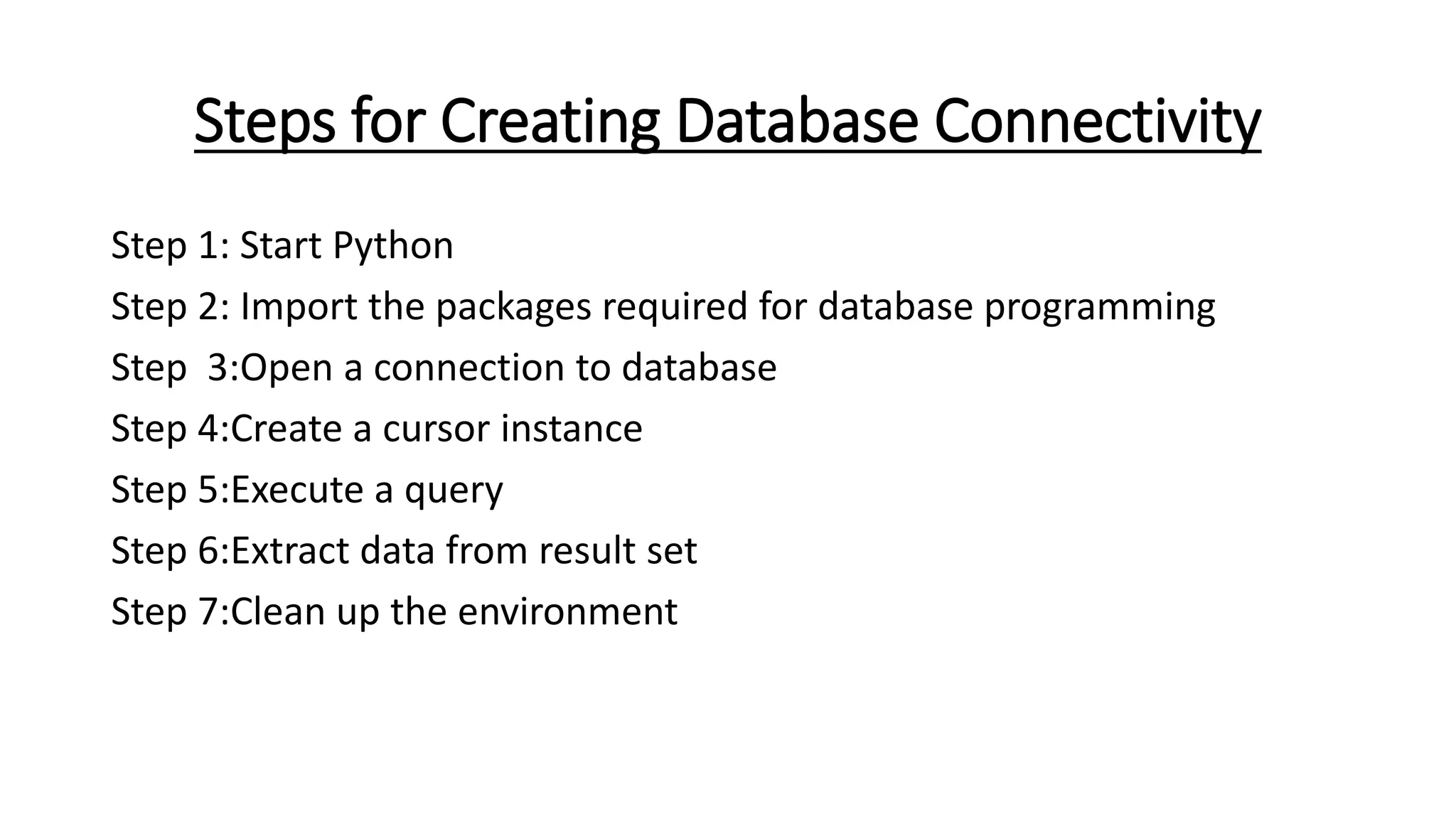
Steps for Creating Database Connectivity
Step 1: Start Python
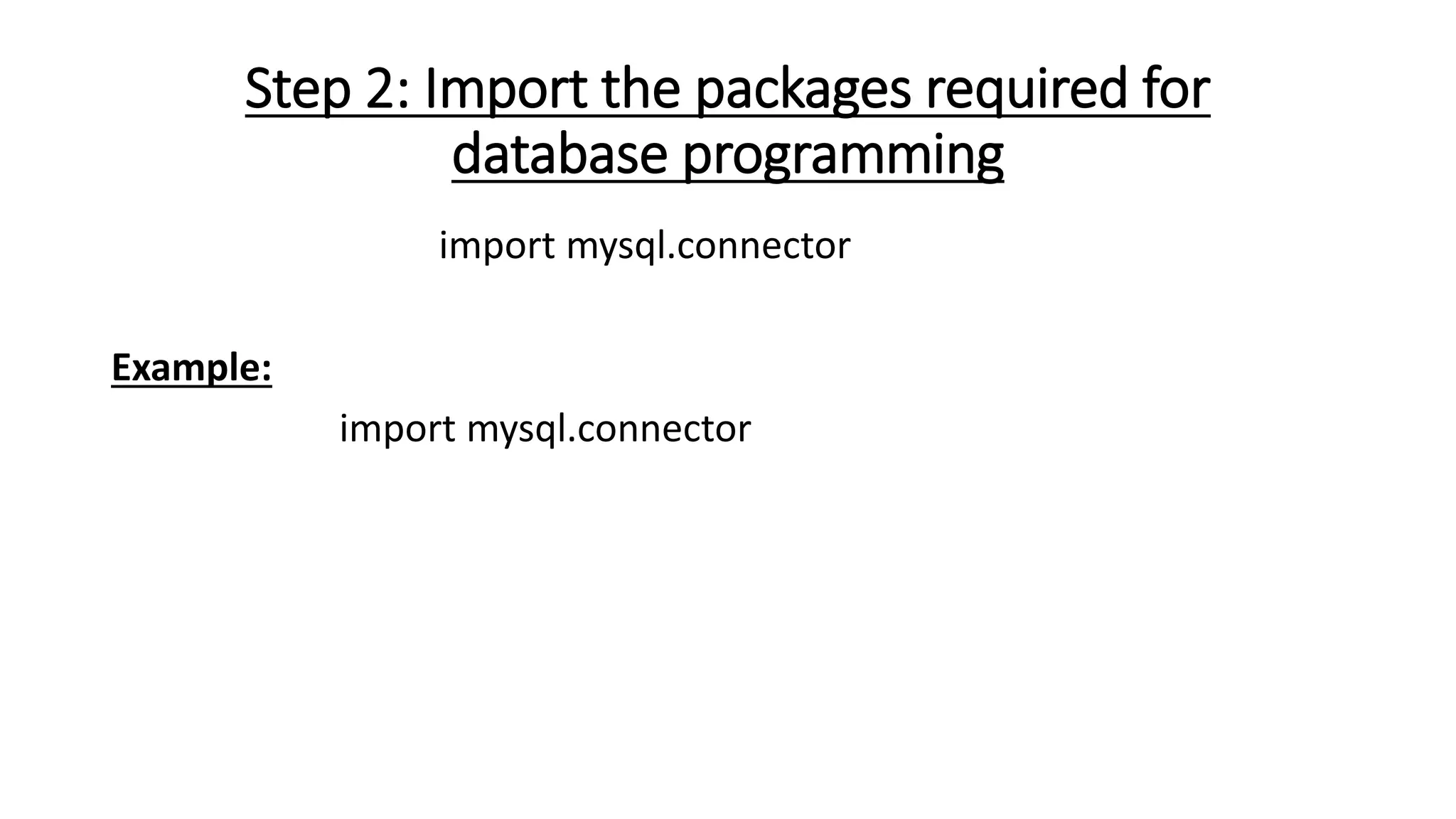
Step 2: Import the packages required for database programming
Step 3:Open a connection to database
Step 4:Create a cursor instance
Step 5:Execute a query
Step 6:Extract data from result set
Step 7:Clean up the environment
Step 1: Start Python
• Start Python editor – IDLE or any Python Editor
Step 2: Import the packages required for
database programming
import mysql.connector
Example:
import mysql.connector
Step 3:Open a connection to database
syntax :connect()
Connection-Object= mysql.connector.connect(host = <host-
name> , user = <username> , passwd = <password>[,database=,
database name>] )
Example:
#Create the connection object
mycon = mysql.connector.connect(host = "localhost", user = "roo
t",passwd = "google", database = "mydb")
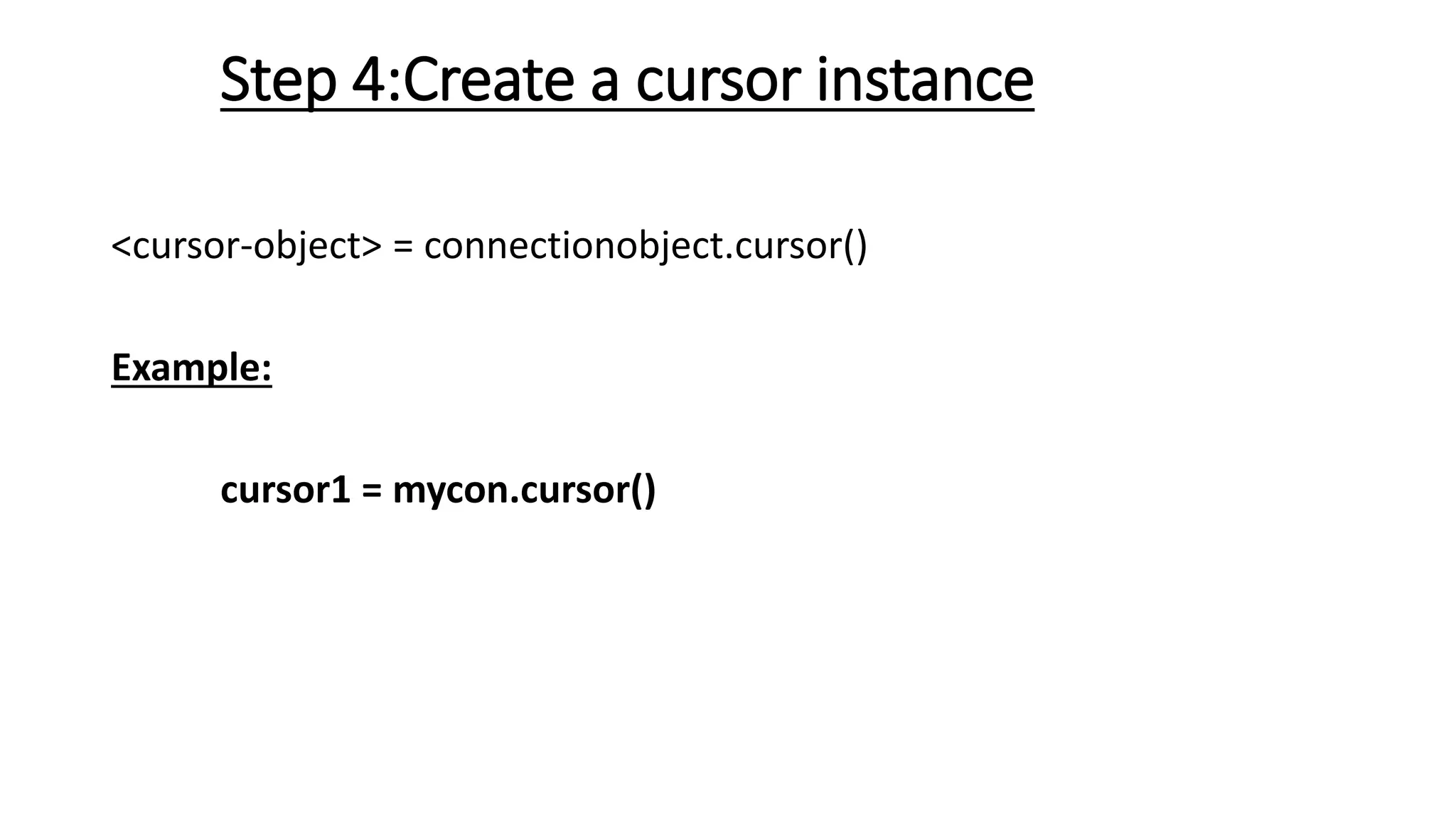
Step 4:Create a cursor instance
<cursor-object> = connectionobject.cursor()
Example:
cursor1 = mycon.cursor()
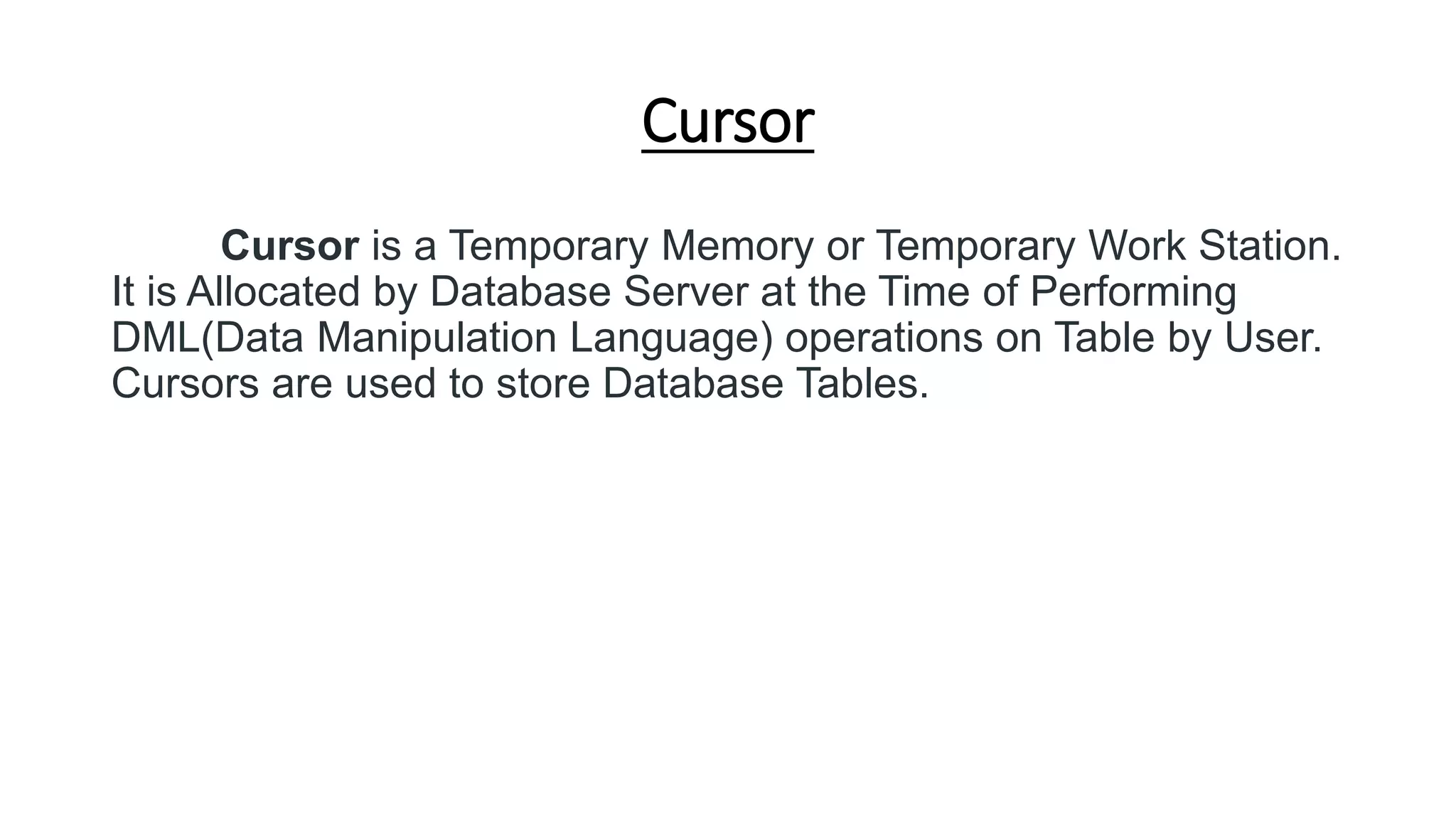
Cursor
Cursor is a Temporary Memory or Temporary Work Station.
It is Allocated by Database Server at the Time of Performing
DML(Data Manipulation Language) operations on Table by User.
Cursors are used to store Database Tables.
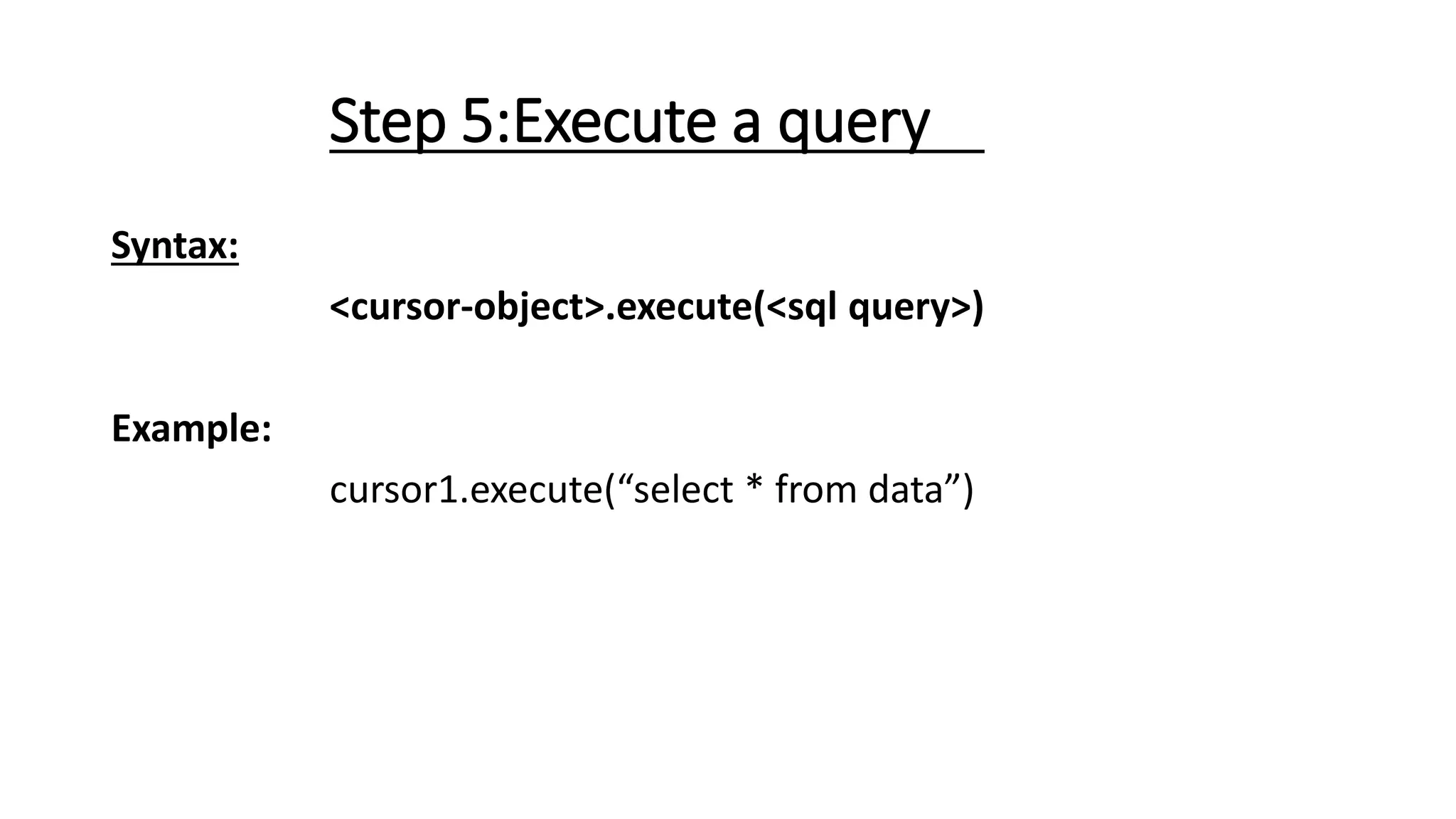
Step 5:Execute a query
Syntax:
<cursor-object>.execute(<sql query>)
Example:
cursor1.execute(“select * from data”)
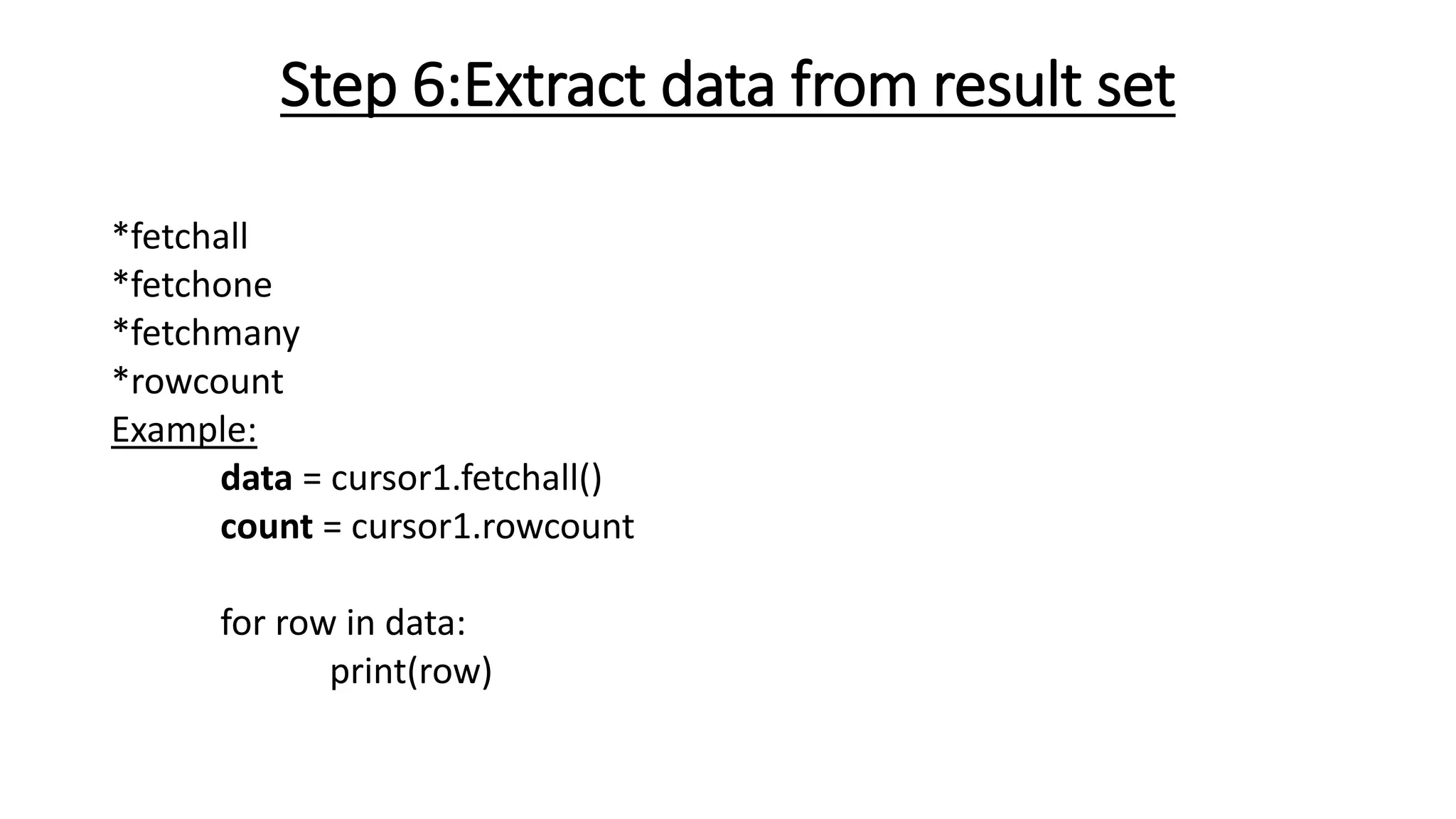
Step 6:Extract data from result set
*fetchall
*fetchone
*fetchmany
*rowcount
Example:
data = cursor1.fetchall()
count = cursor1.rowcount
for row in data:
print(row)
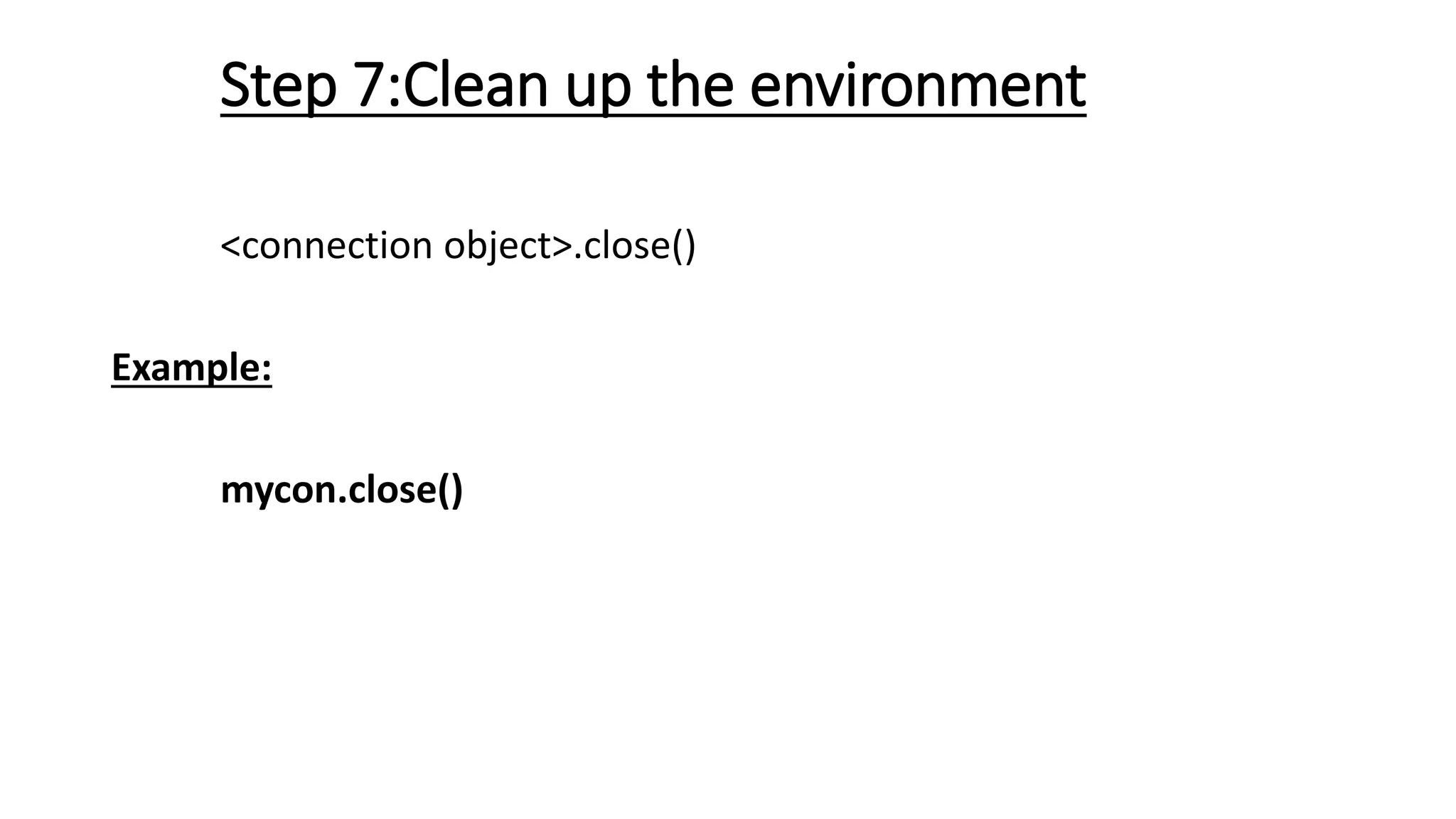
Step 7:Clean up the environment
<connection object>.close()
Example:
mycon.close()
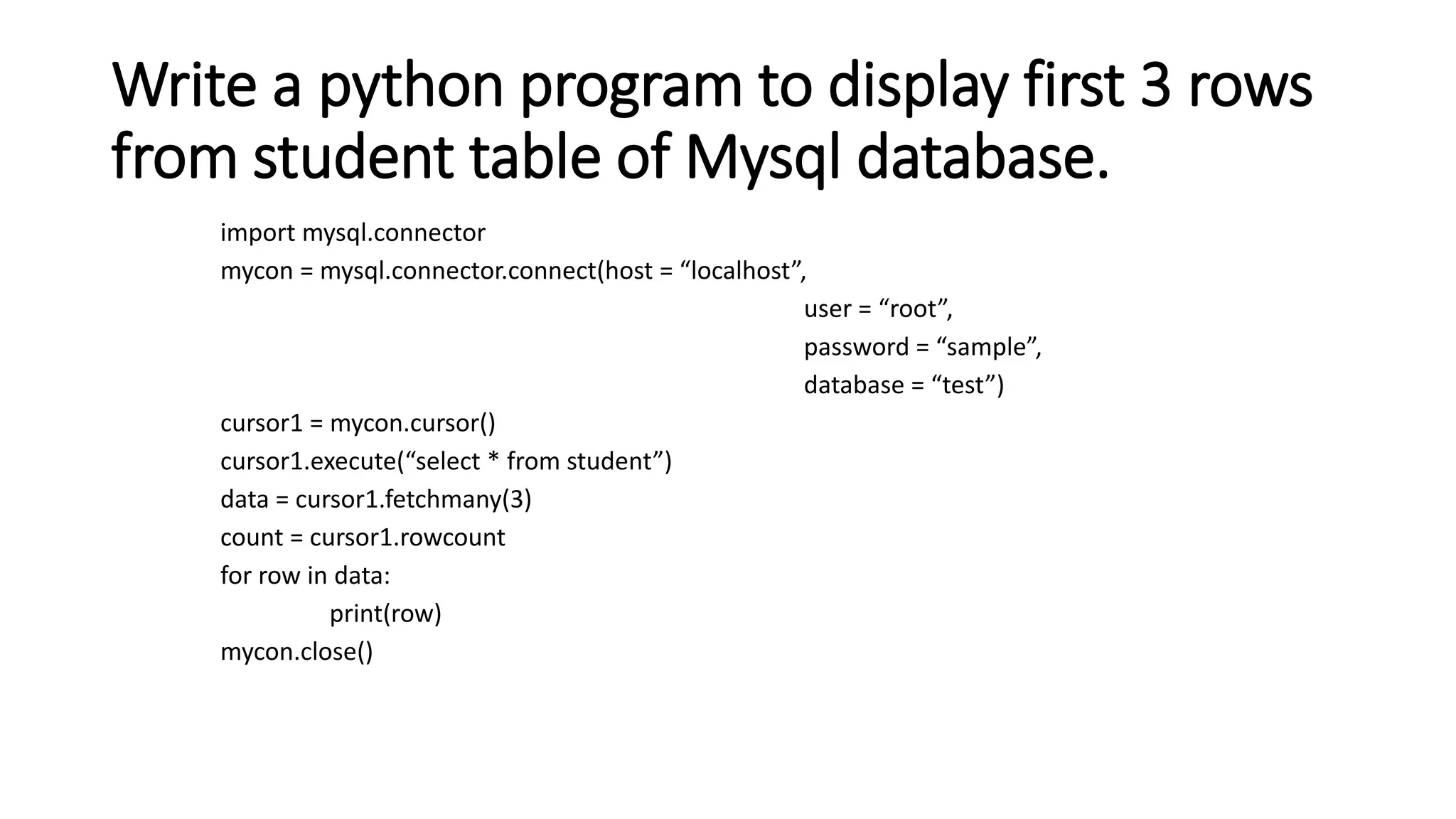
Write a python program to display first 3 rows
from student table of Mysql database.
import mysql.connector
mycon = mysql.connector.connect(host = “localhost”,
user = “root”,
password = “sample”,
database = “test”)
cursor1 = mycon.cursor()
cursor1.execute(“select * from student”)
data = cursor1.fetchmany(3)
count = cursor1.rowcount
for row in data:
print(row)
mycon.close()
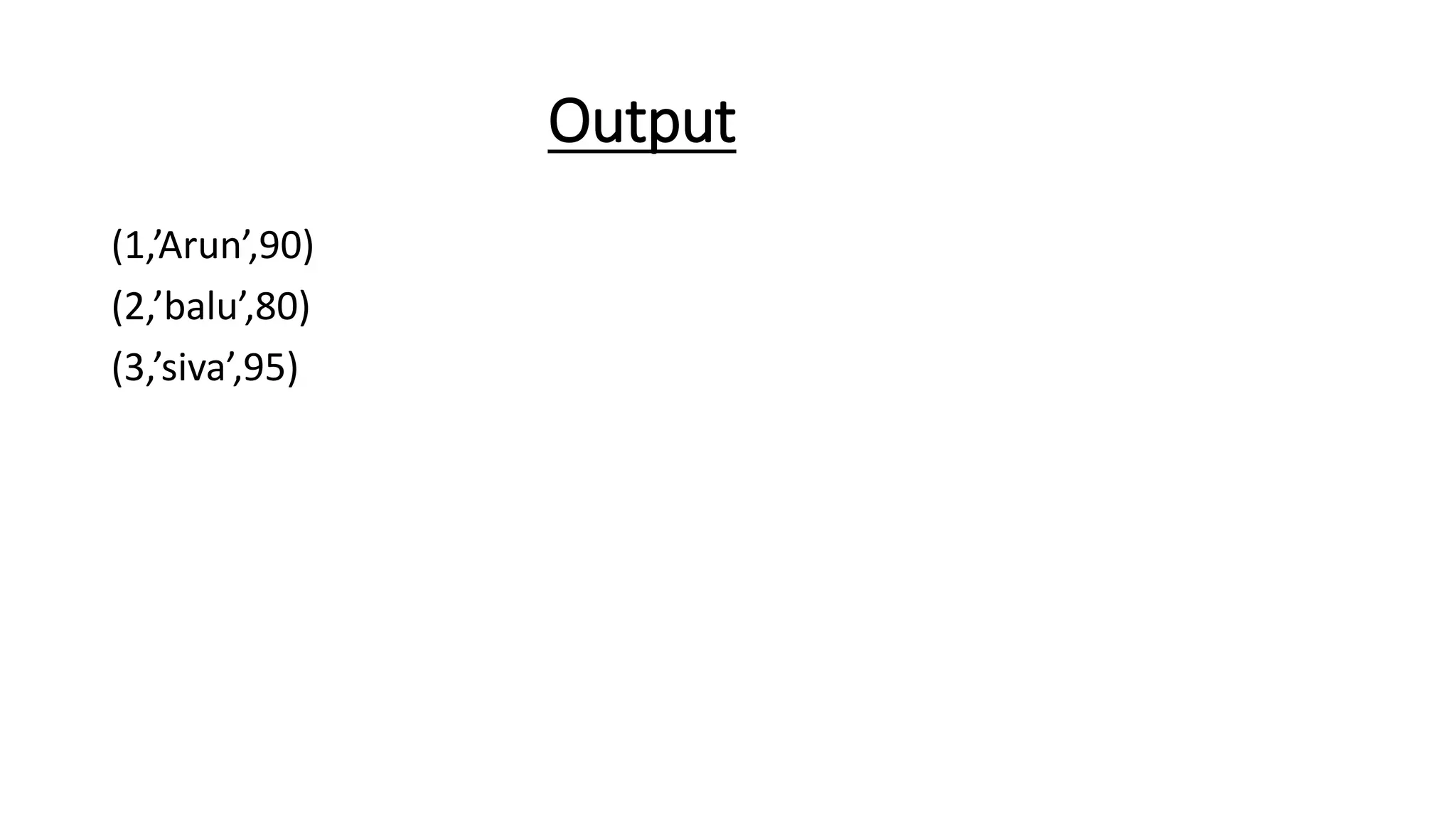
Output
(1,’Arun’,90)
(2,’balu’,80)
(3,’siva’,95)

Python - db.pptx

  • 1.
  • 2.
    Introduction • Python isa high-level, general-purpose, and very popular programming language. • Python can be used in database applications. • One of the most popular databases is MySQL.
  • 3.
  • 4.
    Steps for CreatingDatabase Connectivity Step 1: Start Python Step 2: Import the packages required for database programming Step 3:Open a connection to database Step 4:Create a cursor instance Step 5:Execute a query Step 6:Extract data from result set Step 7:Clean up the environment
  • 5.
    Step 1: StartPython • Start Python editor – IDLE or any Python Editor
  • 6.
    Step 2: Importthe packages required for database programming import mysql.connector Example: import mysql.connector
  • 7.
    Step 3:Open aconnection to database syntax :connect() Connection-Object= mysql.connector.connect(host = <host- name> , user = <username> , passwd = <password>[,database=, database name>] ) Example: #Create the connection object mycon = mysql.connector.connect(host = "localhost", user = "roo t",passwd = "google", database = "mydb")
  • 8.
    Step 4:Create acursor instance <cursor-object> = connectionobject.cursor() Example: cursor1 = mycon.cursor()
  • 9.
    Cursor Cursor is aTemporary Memory or Temporary Work Station. It is Allocated by Database Server at the Time of Performing DML(Data Manipulation Language) operations on Table by User. Cursors are used to store Database Tables.
  • 10.
    Step 5:Execute aquery Syntax: <cursor-object>.execute(<sql query>) Example: cursor1.execute(“select * from data”)
  • 11.
    Step 6:Extract datafrom result set *fetchall *fetchone *fetchmany *rowcount Example: data = cursor1.fetchall() count = cursor1.rowcount for row in data: print(row)
  • 12.
    Step 7:Clean upthe environment <connection object>.close() Example: mycon.close()
  • 13.
    Write a pythonprogram to display first 3 rows from student table of Mysql database. import mysql.connector mycon = mysql.connector.connect(host = “localhost”, user = “root”, password = “sample”, database = “test”) cursor1 = mycon.cursor() cursor1.execute(“select * from student”) data = cursor1.fetchmany(3) count = cursor1.rowcount for row in data: print(row) mycon.close()
  • 14.