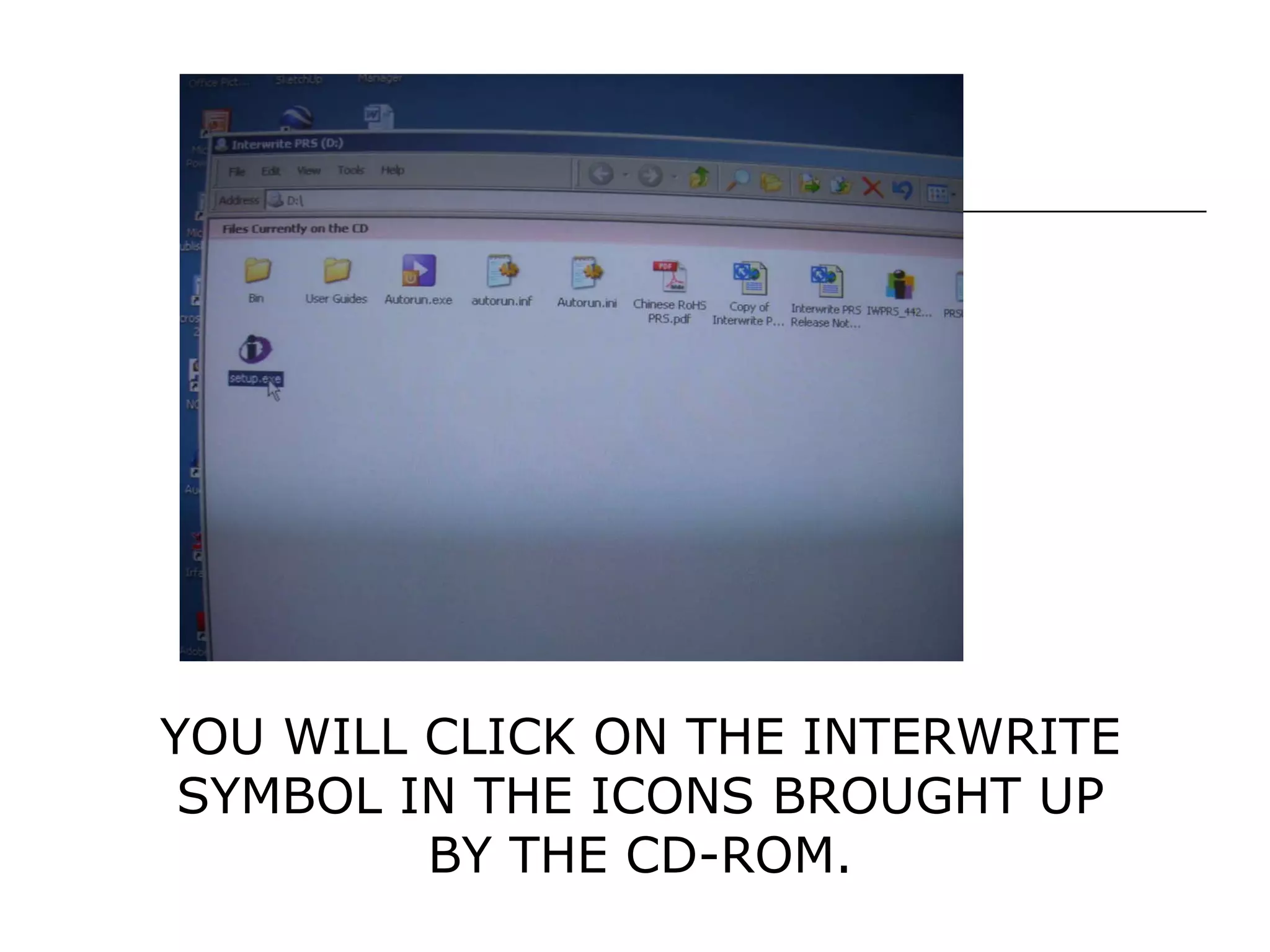
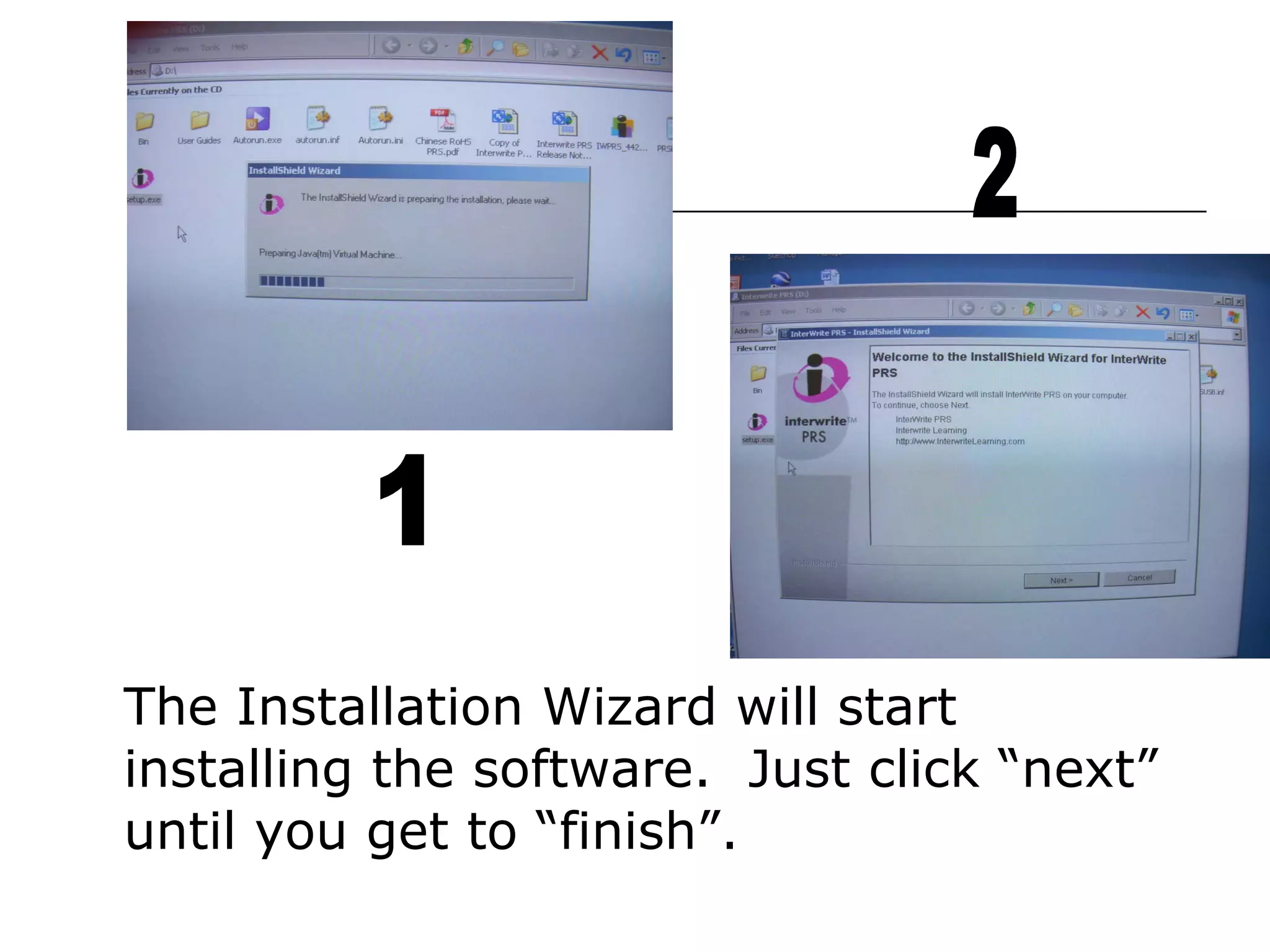
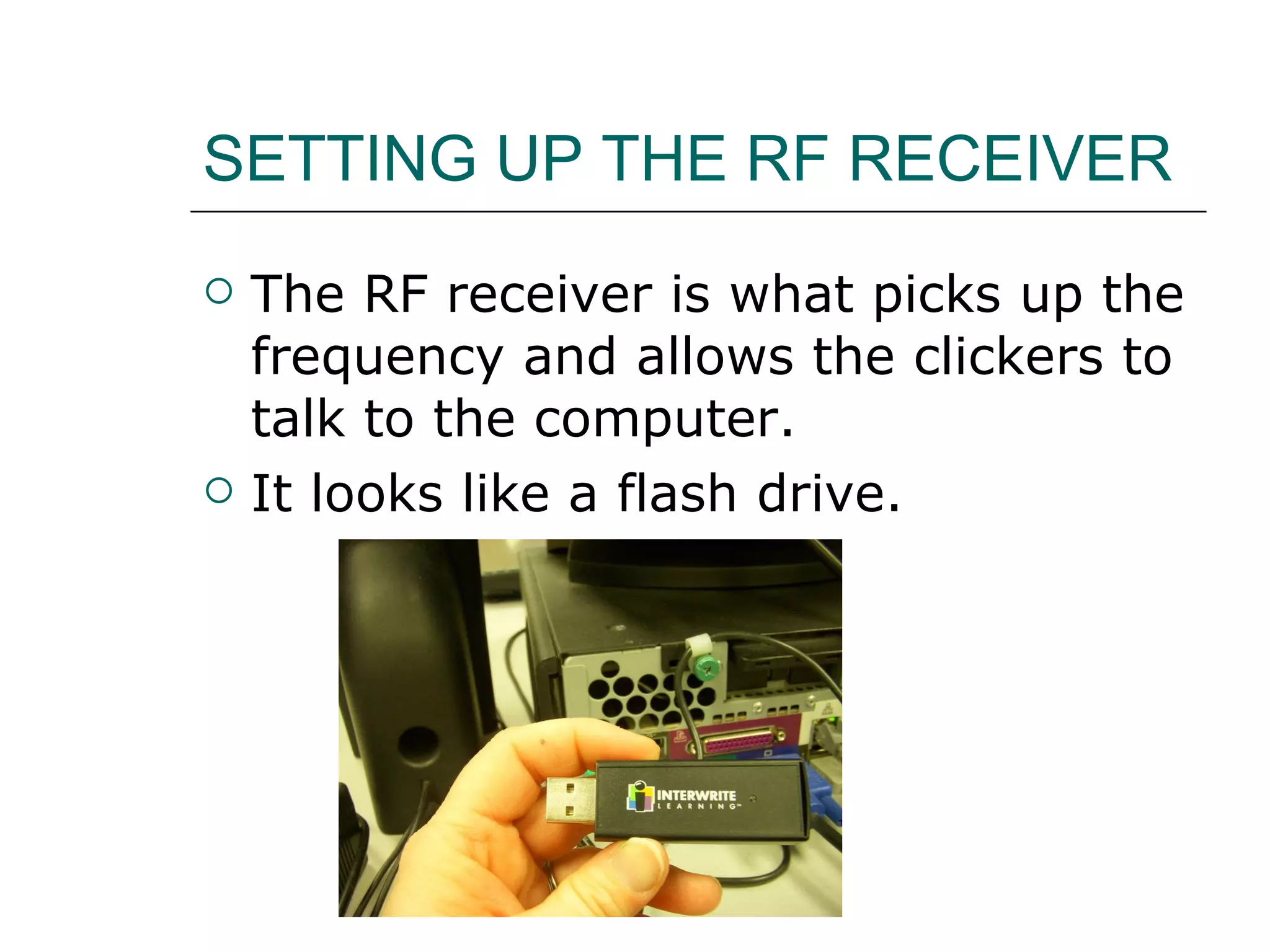
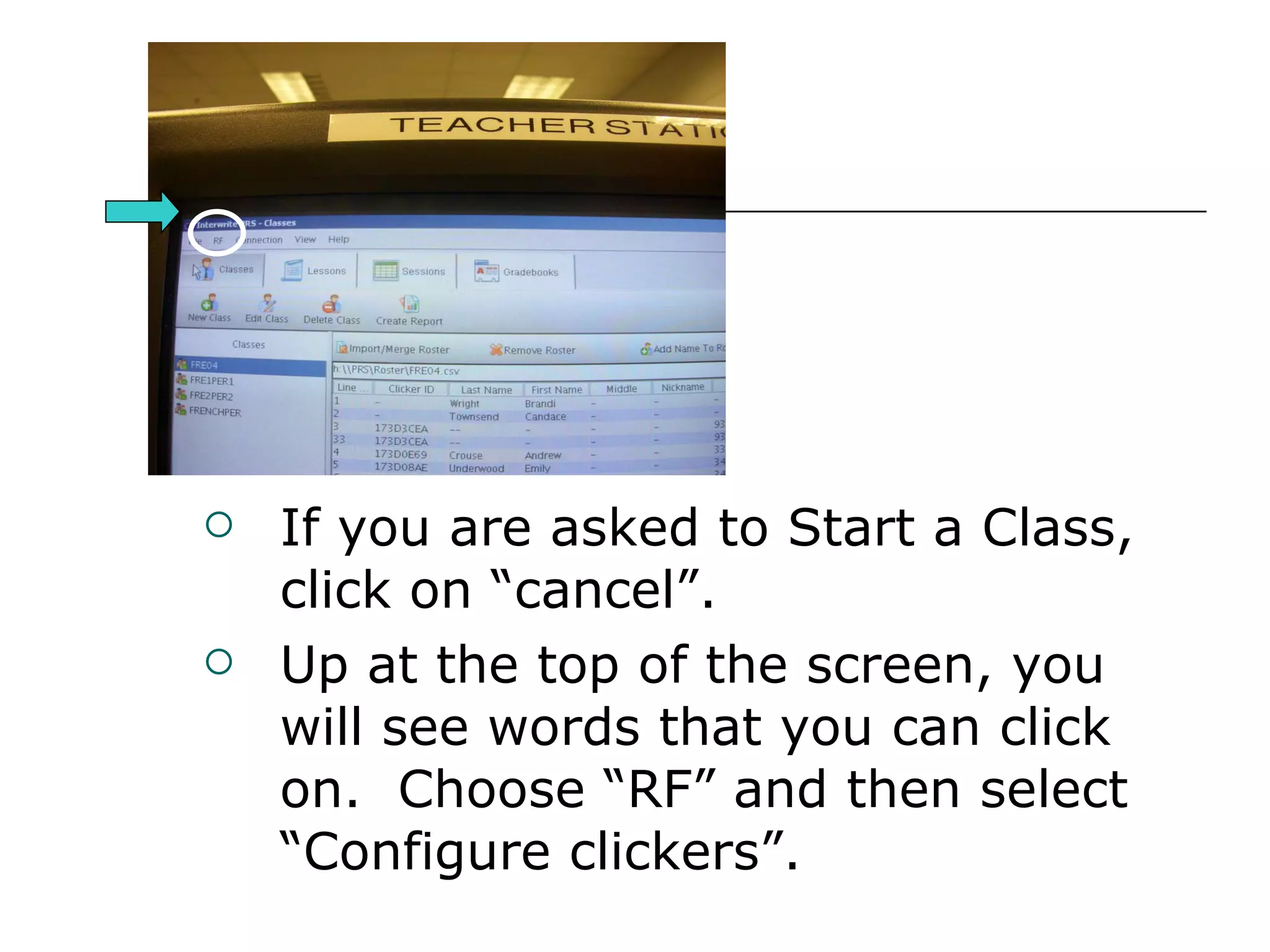
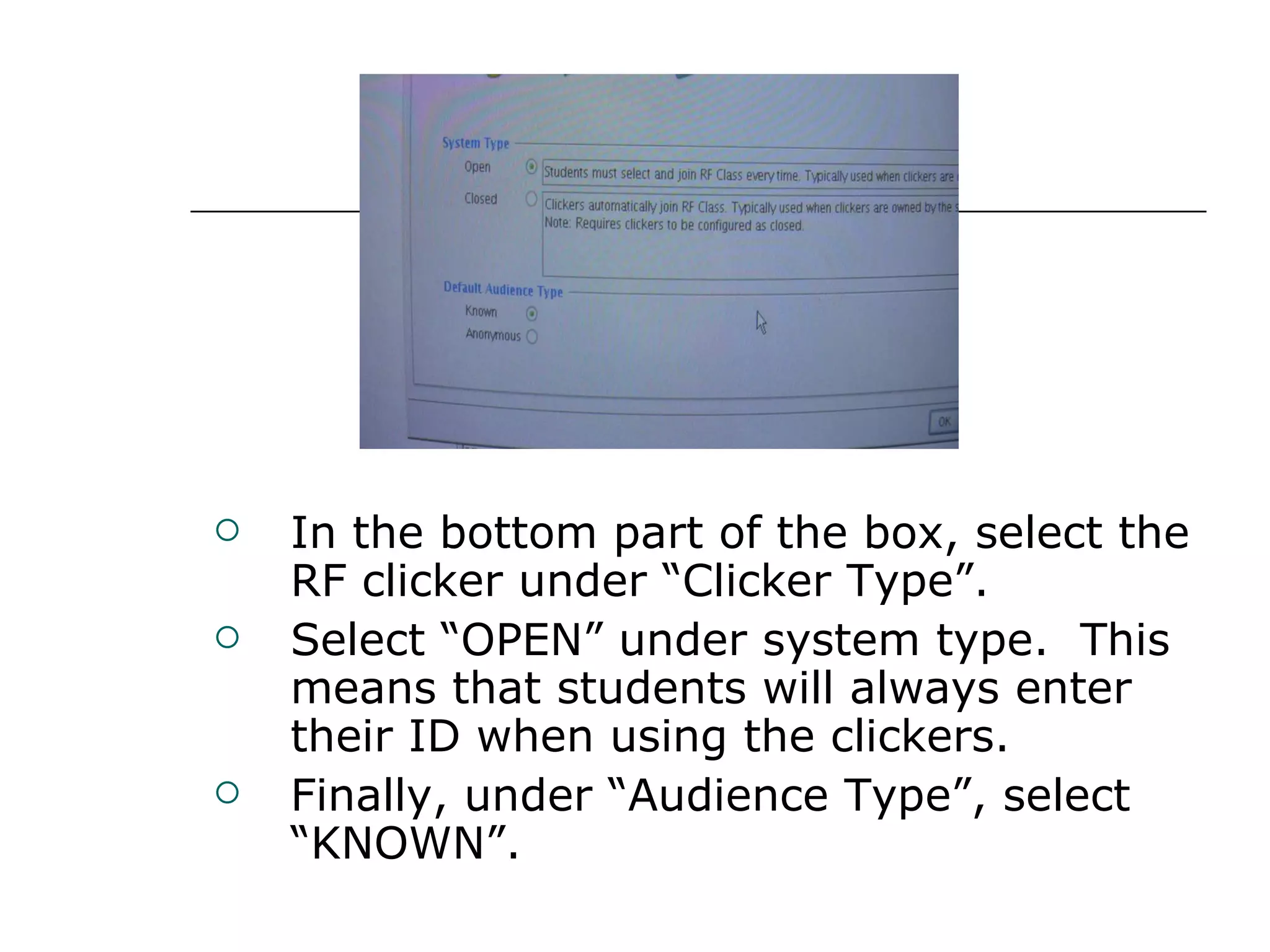
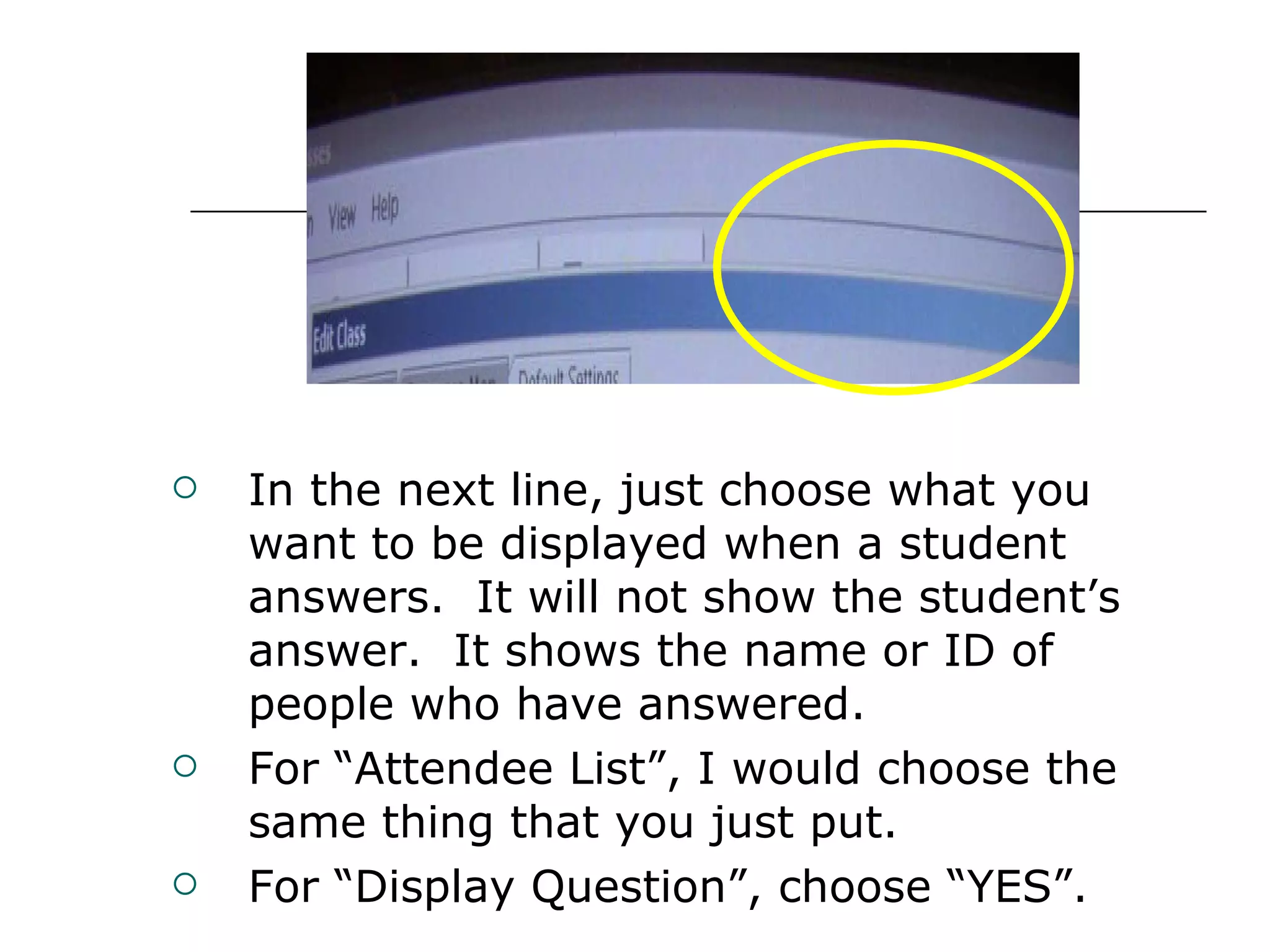
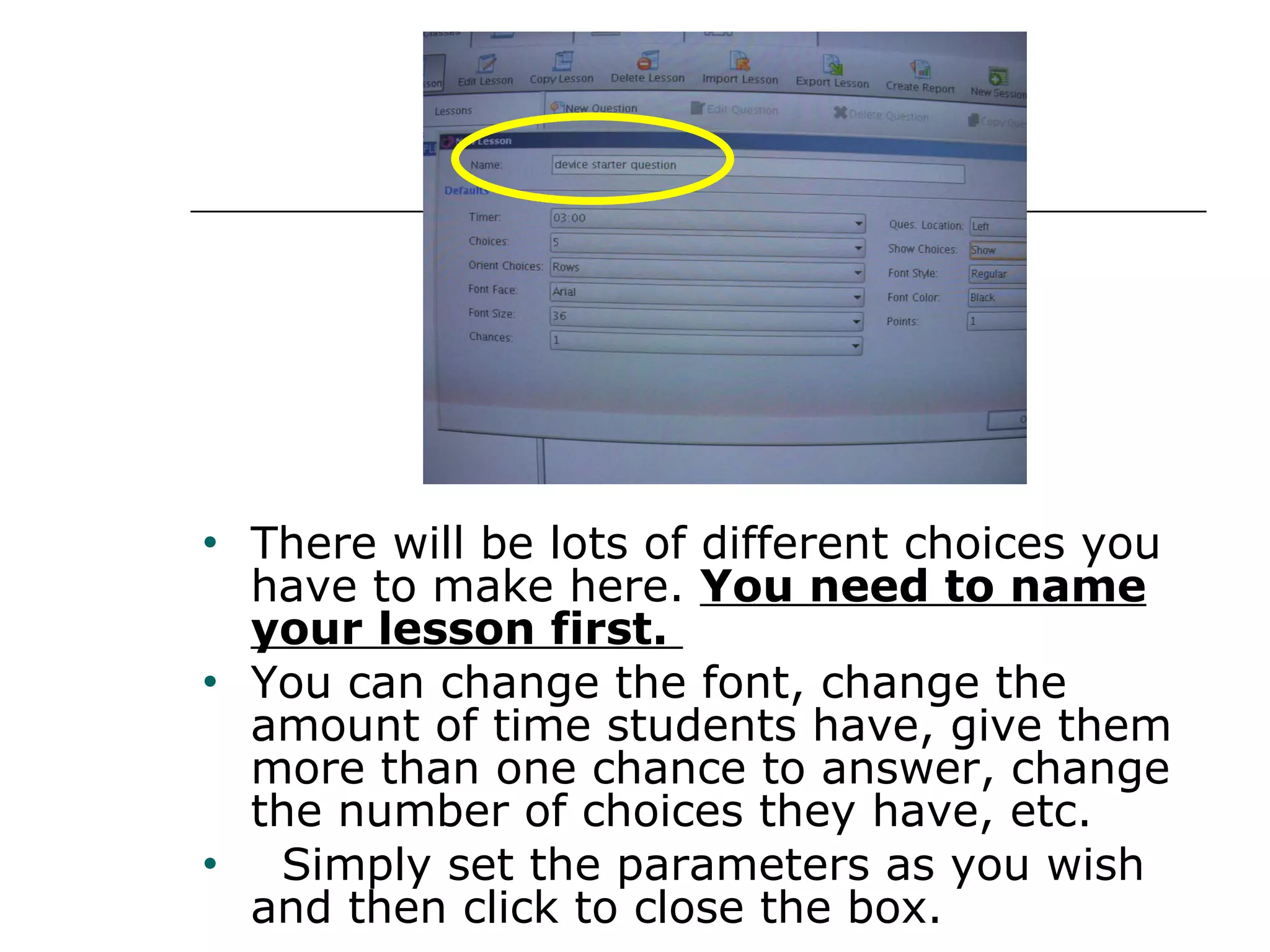
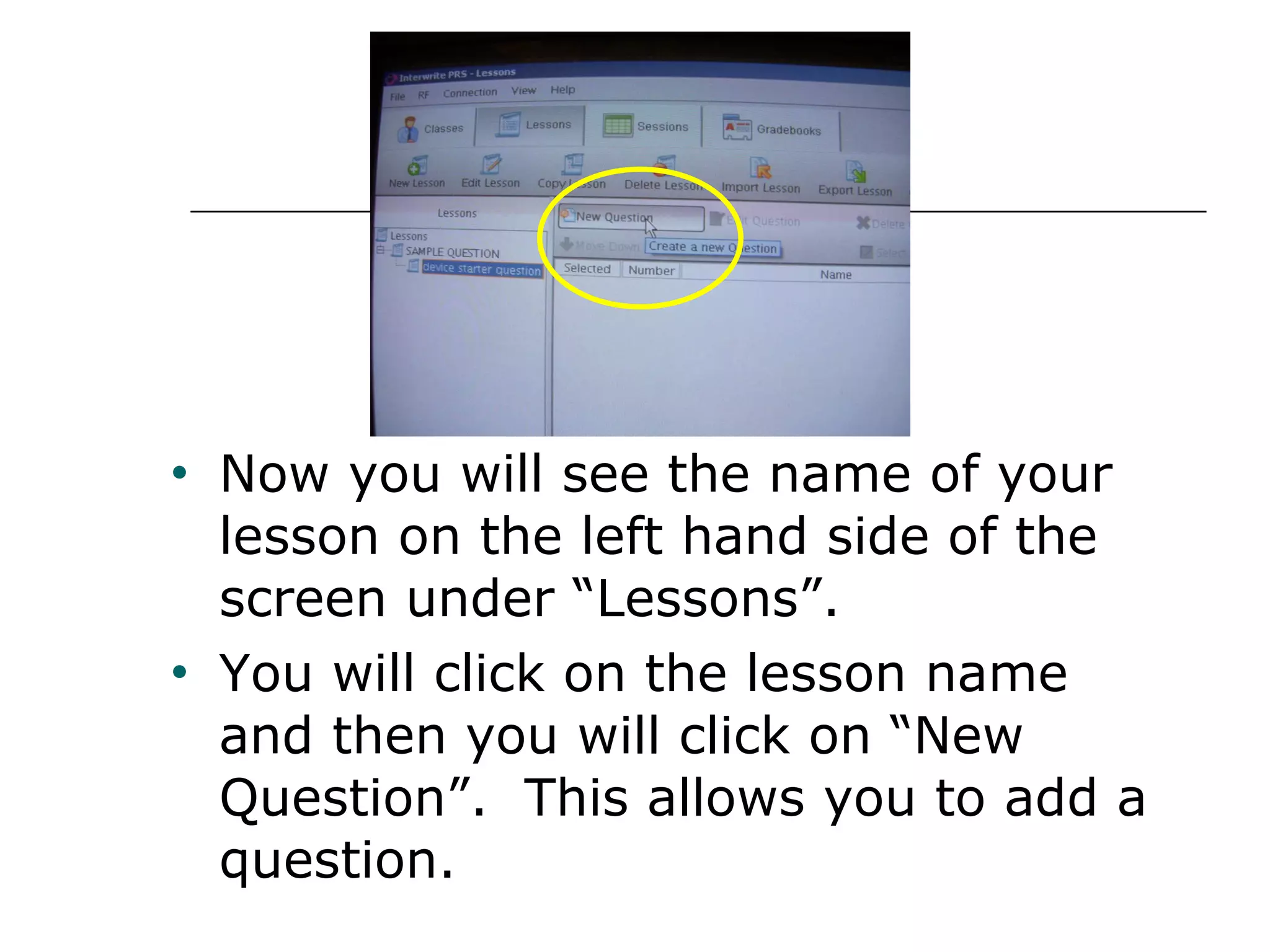
1) The document provides step-by-step instructions for setting up and using an Interwrite Personal Response System (PRS) for classroom polling and assessment. It details how to install the software, configure the clickers and RF receiver, set up student classes and rosters, create lessons and questions, and conduct polling sessions.
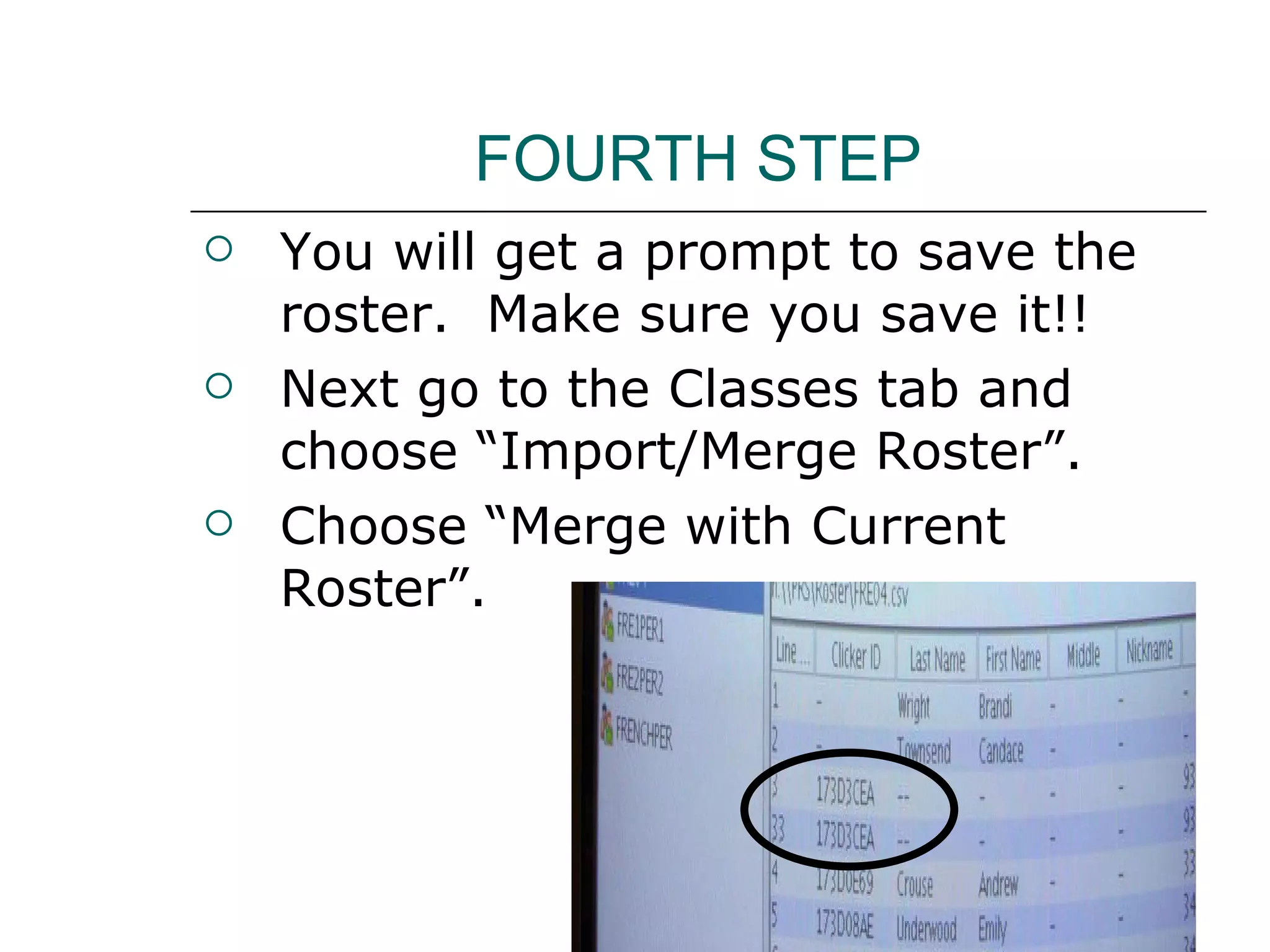
2) Creating classes in the PRS software allows organizing students. Lessons contain questions and answer options, while sessions are specific implementations of lessons with classes. Merging a pre-made roster spreadsheet saves typing in student information.
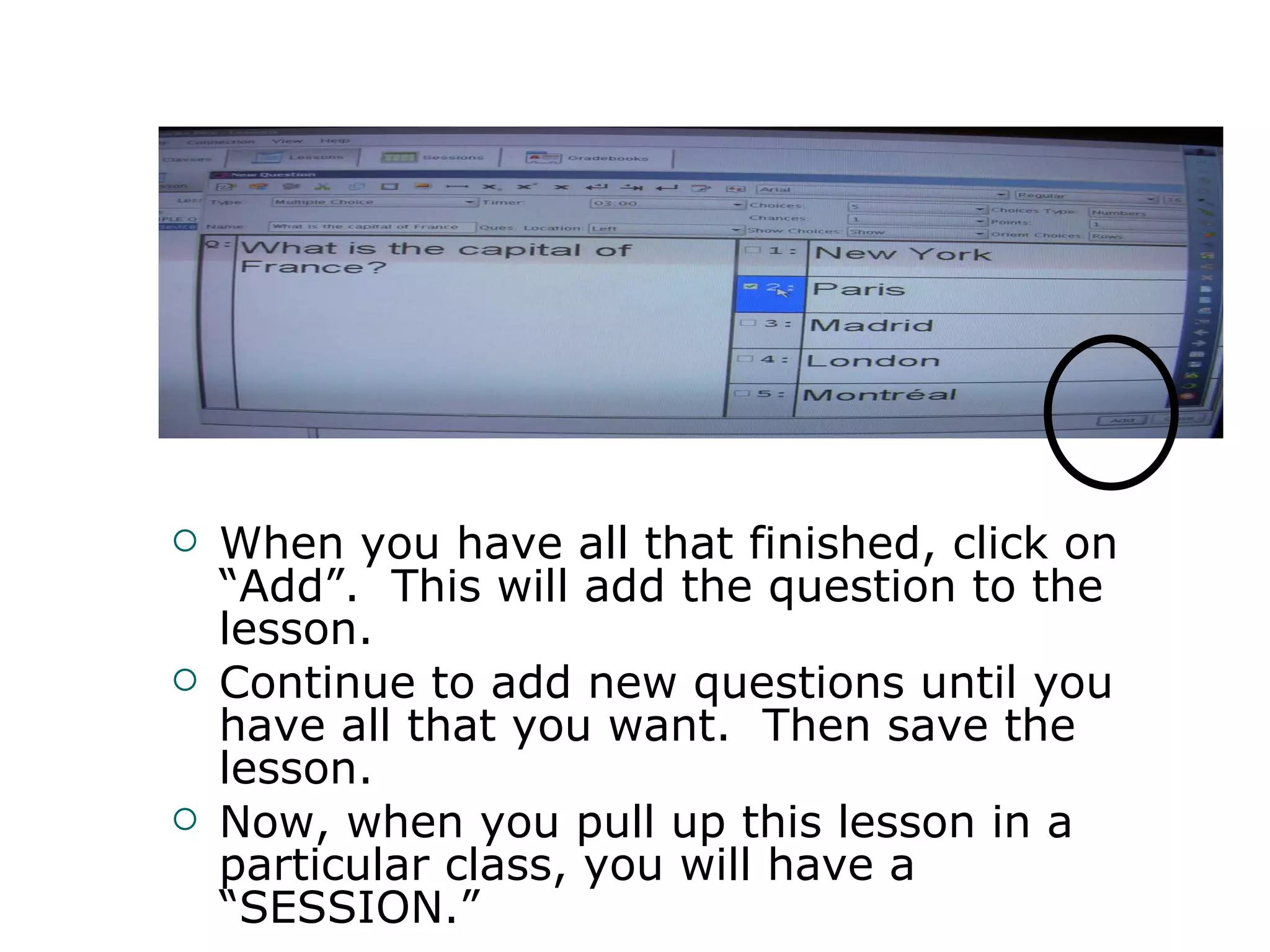
3) Instructors can craft questions within the PRS or use external materials like PowerPoint, and students respond using their assigned clickers while results display