Provisioning with Foreman
Nikhil Kathole
Associate Quality Engineer @ Red Hat
Agenda
● What is Provisioning?
● Provisioning Types
● Provisioning Workflow
● Provisioning VMs on Libvirt
● Demo
Process that starts with a bare physical or virtual machine and
ends with a fully configured, ready-to-use operating system.
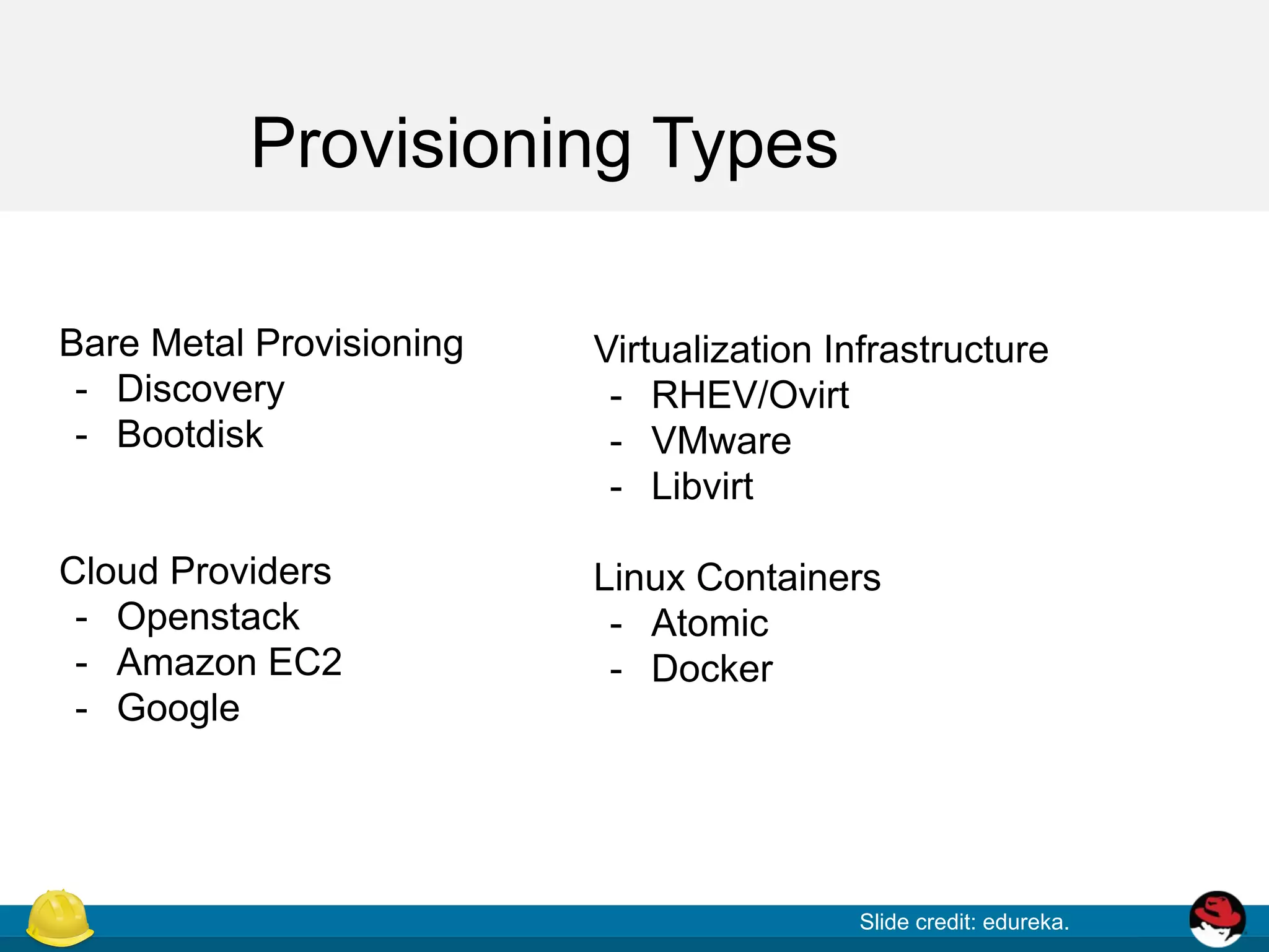
Provisioning Types
Slide credit: edureka.
Bare Metal Provisioning
- Discovery
- Bootdisk
Cloud Providers
- Openstack
- Amazon EC2
- Google
Virtualization Infrastructure
- RHEV/Ovirt
- VMware
- Libvirt
Linux Containers
- Atomic
- Docker
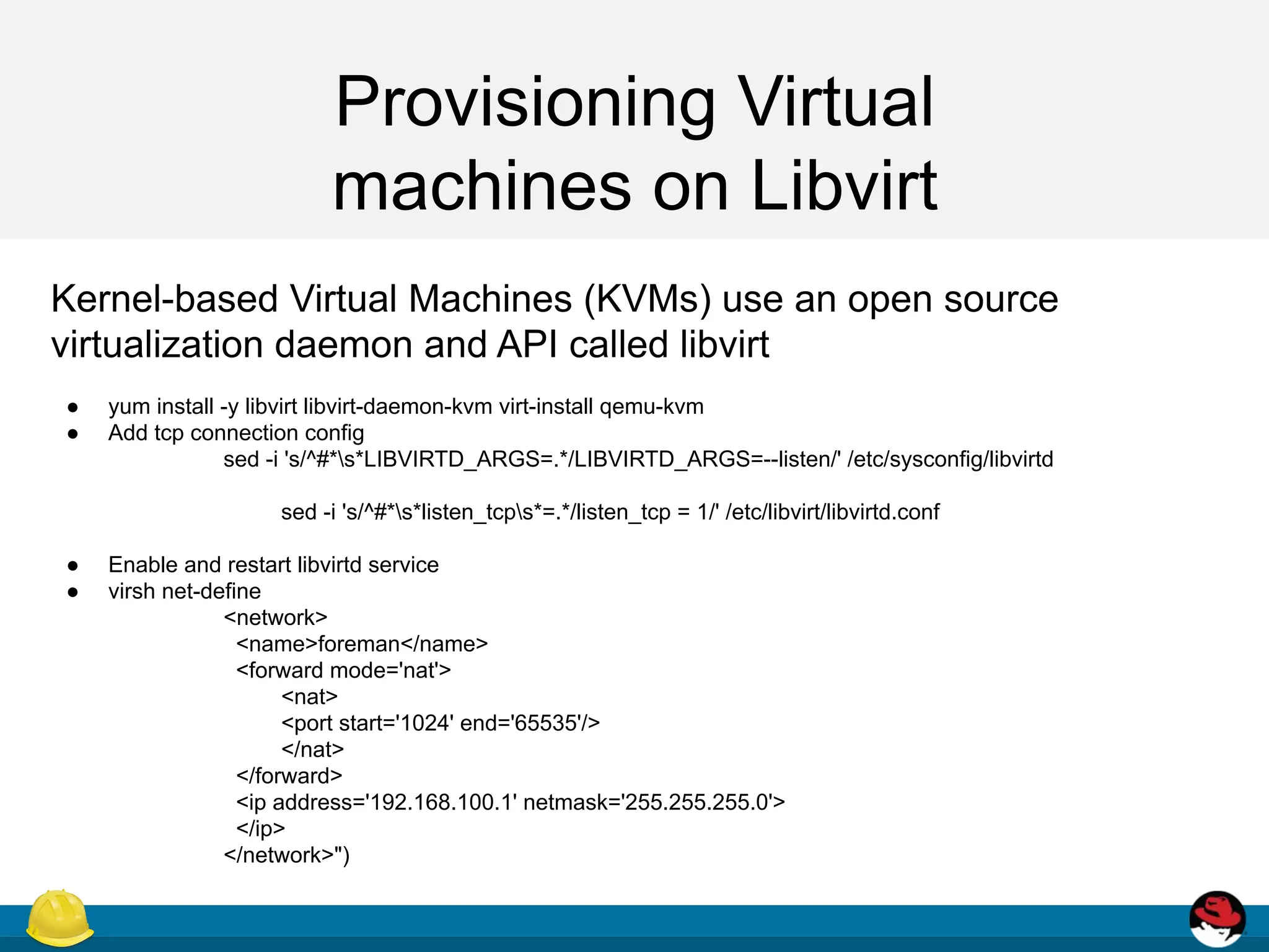
Provisioning Virtual
machines on Libvirt
Kernel-based Virtual Machines (KVMs) use an open source
virtualization daemon and API called libvirt
● yum install -y libvirt libvirt-daemon-kvm virt-install qemu-kvm
● Add tcp connection config
sed -i 's/^#*s*LIBVIRTD_ARGS=.*/LIBVIRTD_ARGS=--listen/' /etc/sysconfig/libvirtd
sed -i 's/^#*s*listen_tcps*=.*/listen_tcp = 1/' /etc/libvirt/libvirtd.conf
● Enable and restart libvirtd service
● virsh net-define
<network>
<name>foreman</name>
<forward mode='nat'>
<nat>
<port start='1024' end='65535'/>
</nat>
</forward>
<ip address='192.168.100.1' netmask='255.255.255.0'>
</ip>
</network>")
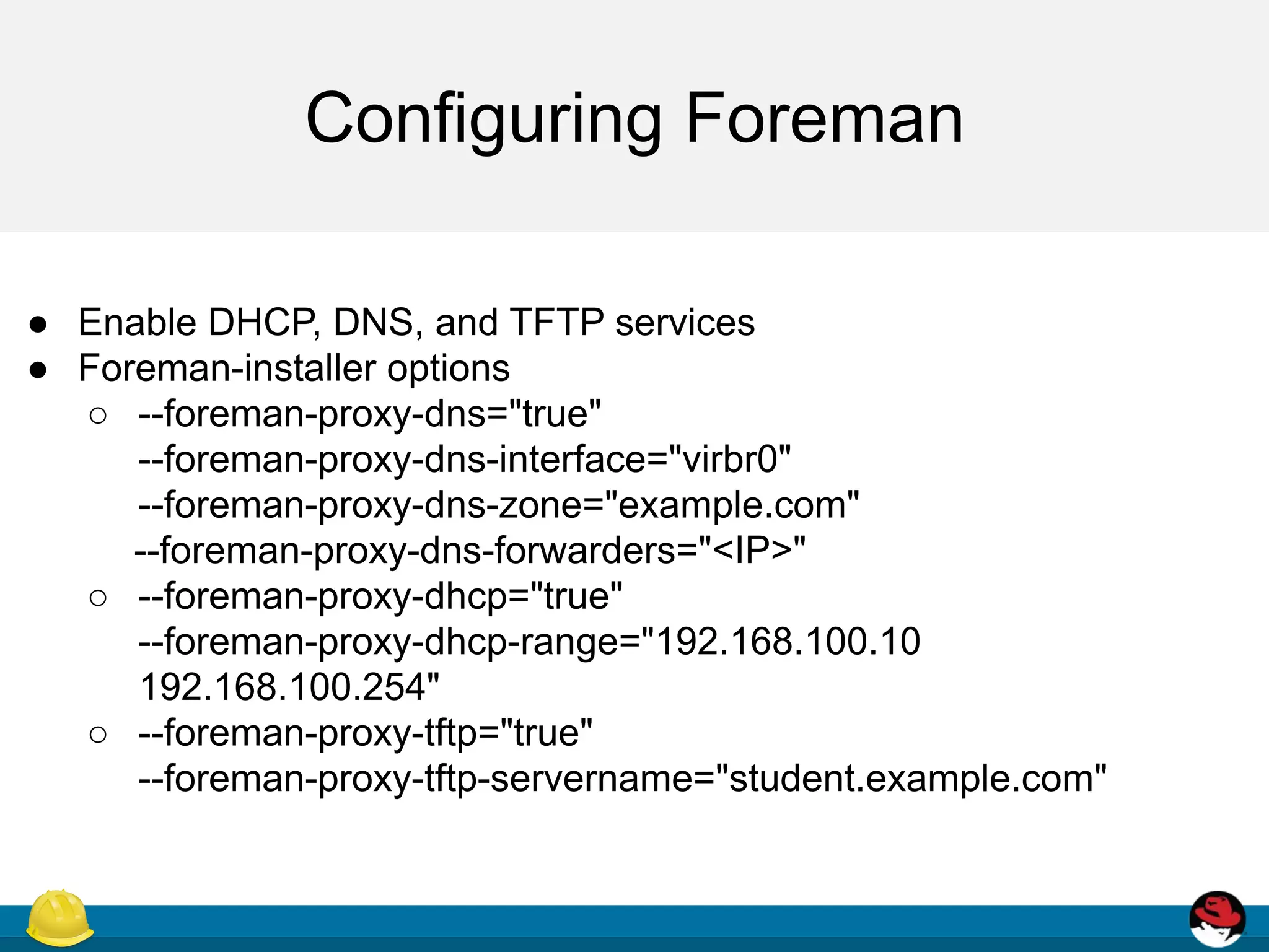
Configuring Foreman
● Enable DHCP, DNS, and TFTP services
● Foreman-installer options
○ --foreman-proxy-dns="true"
--foreman-proxy-dns-interface="virbr0"
--foreman-proxy-dns-zone="example.com"
--foreman-proxy-dns-forwarders="<IP>"
○ --foreman-proxy-dhcp="true"
--foreman-proxy-dhcp-range="192.168.100.10
192.168.100.254"
○ --foreman-proxy-tftp="true"
--foreman-proxy-tftp-servername="student.example.com"
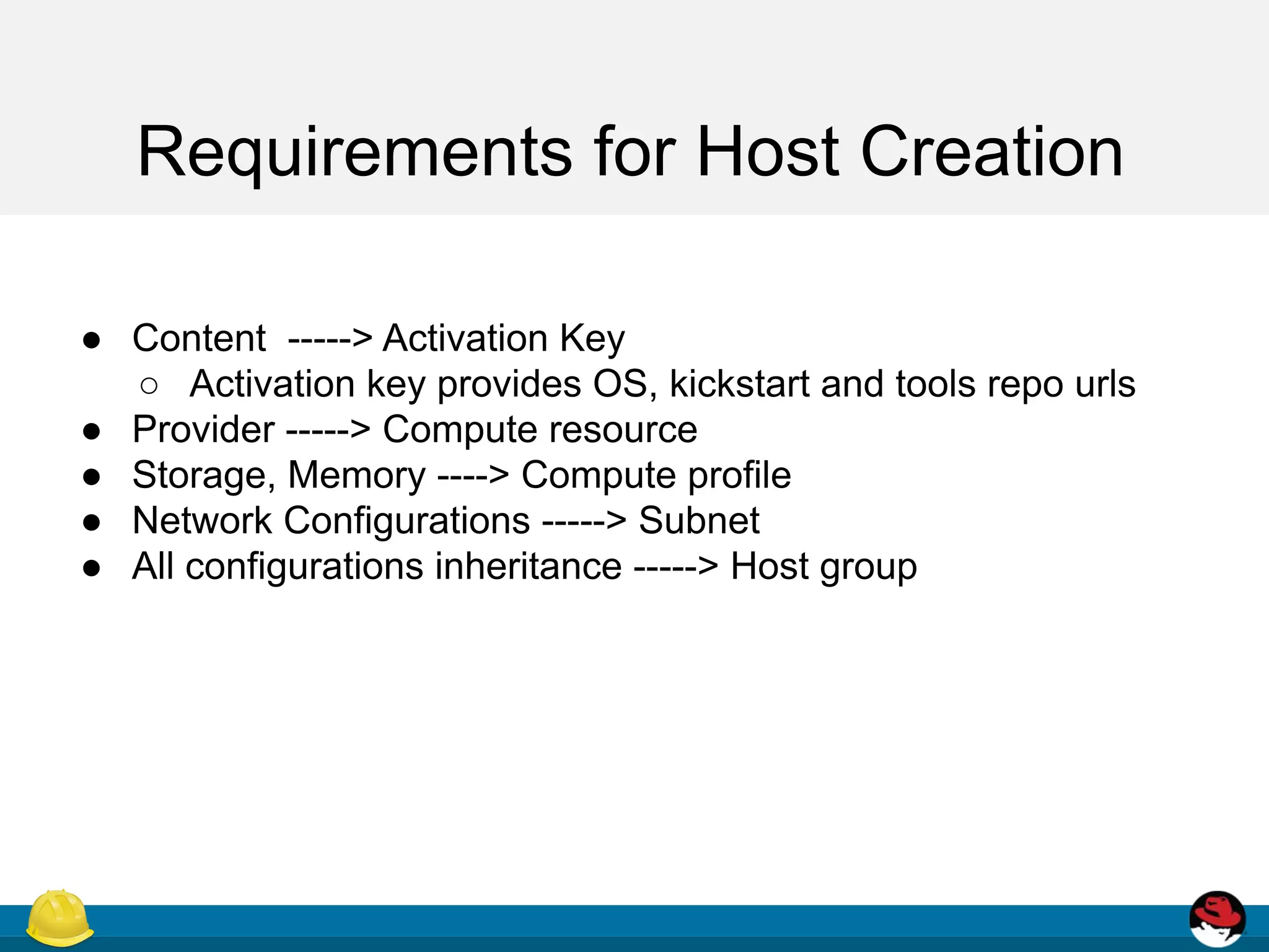
Requirements for Host Creation
● Content -----> Activation Key
○ Activation key provides OS, kickstart and tools repo urls
● Provider -----> Compute resource
● Storage, Memory ----> Compute profile
● Network Configurations -----> Subnet
● All configurations inheritance -----> Host group
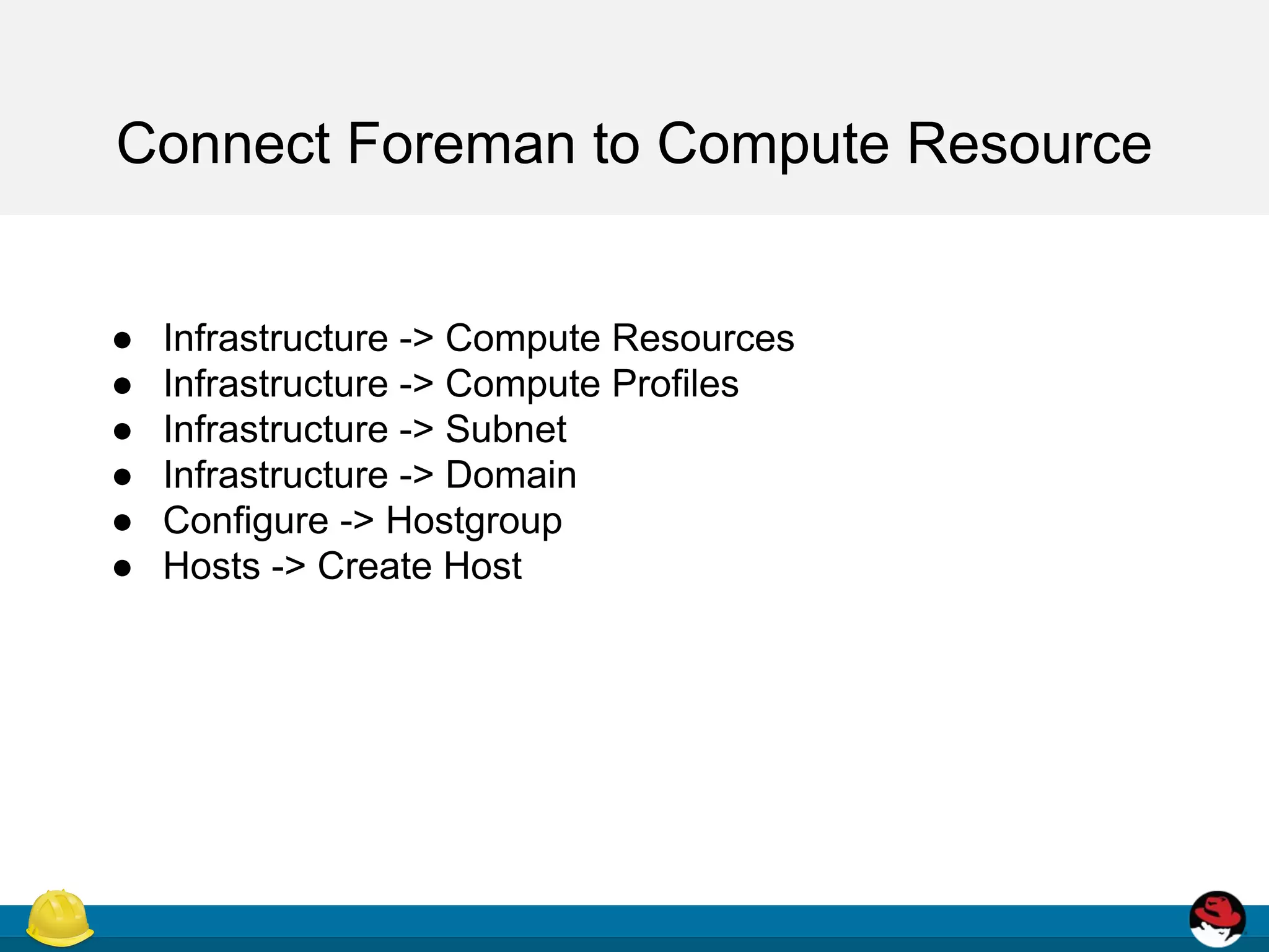
Connect Foreman to Compute Resource
● Infrastructure -> Compute Resources
● Infrastructure -> Compute Profiles
● Infrastructure -> Subnet
● Infrastructure -> Domain
● Configure -> Hostgroup
● Hosts -> Create Host
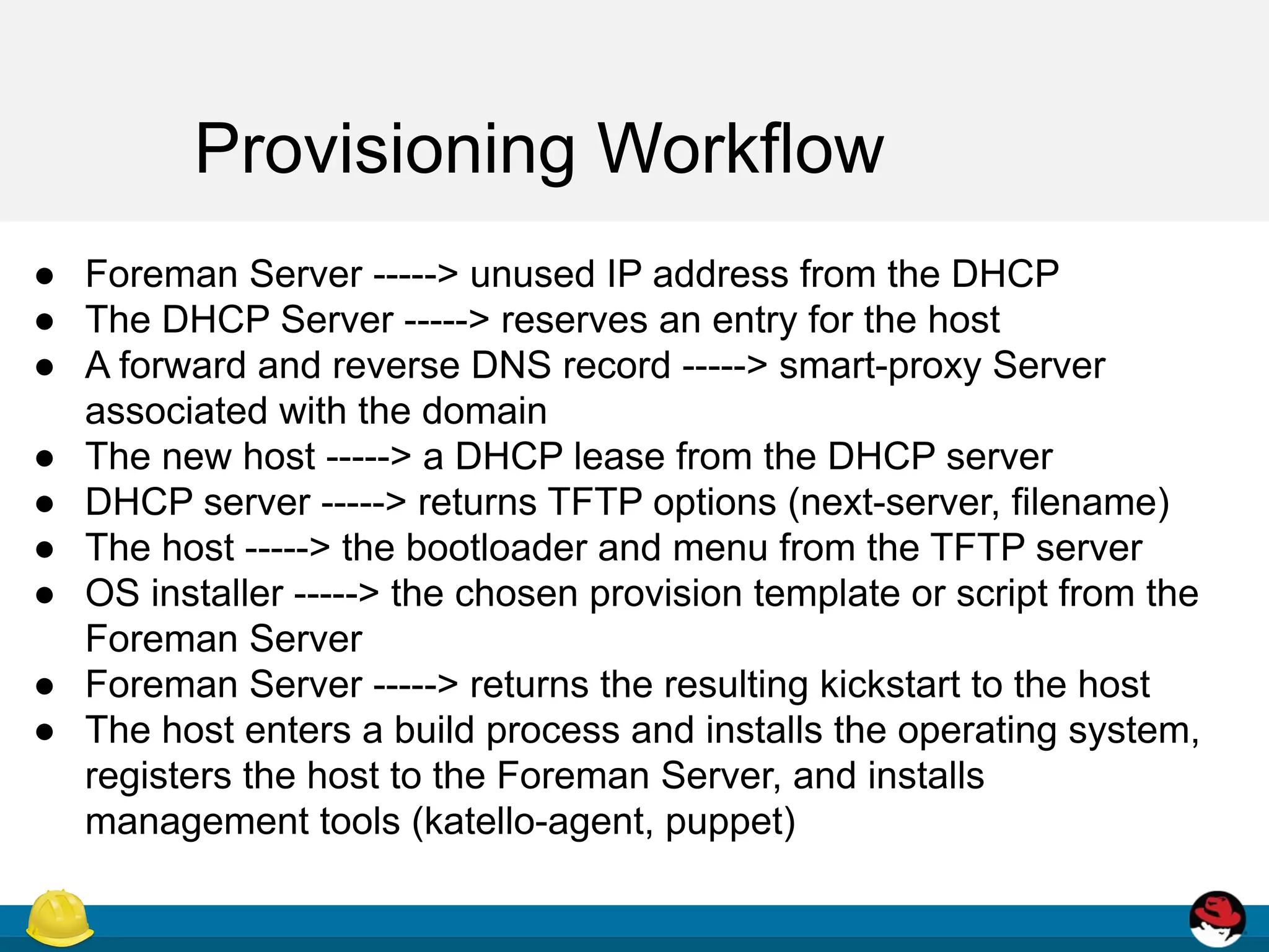
Provisioning Workflow
● Foreman Server -----> unused IP address from the DHCP
● The DHCP Server -----> reserves an entry for the host
● A forward and reverse DNS record -----> smart-proxy Server
associated with the domain
● The new host -----> a DHCP lease from the DHCP server
● DHCP server -----> returns TFTP options (next-server, filename)
● The host -----> the bootloader and menu from the TFTP server
● OS installer -----> the chosen provision template or script from the
Foreman Server
● Foreman Server -----> returns the resulting kickstart to the host
● The host enters a build process and installs the operating system,
registers the host to the Foreman Server, and installs
management tools (katello-agent, puppet)
THANK YOU!
Follow me:
Twitter: @NikhilKathole1
Github: ntkathole

Provisioning on Libvirt with Foreman

  • 1.
    Provisioning with Foreman NikhilKathole Associate Quality Engineer @ Red Hat
  • 2.
    Agenda ● What isProvisioning? ● Provisioning Types ● Provisioning Workflow ● Provisioning VMs on Libvirt ● Demo
  • 3.
    Process that startswith a bare physical or virtual machine and ends with a fully configured, ready-to-use operating system.
  • 4.
    Provisioning Types Slide credit:edureka. Bare Metal Provisioning - Discovery - Bootdisk Cloud Providers - Openstack - Amazon EC2 - Google Virtualization Infrastructure - RHEV/Ovirt - VMware - Libvirt Linux Containers - Atomic - Docker
  • 5.
    Provisioning Virtual machines onLibvirt Kernel-based Virtual Machines (KVMs) use an open source virtualization daemon and API called libvirt ● yum install -y libvirt libvirt-daemon-kvm virt-install qemu-kvm ● Add tcp connection config sed -i 's/^#*s*LIBVIRTD_ARGS=.*/LIBVIRTD_ARGS=--listen/' /etc/sysconfig/libvirtd sed -i 's/^#*s*listen_tcps*=.*/listen_tcp = 1/' /etc/libvirt/libvirtd.conf ● Enable and restart libvirtd service ● virsh net-define <network> <name>foreman</name> <forward mode='nat'> <nat> <port start='1024' end='65535'/> </nat> </forward> <ip address='192.168.100.1' netmask='255.255.255.0'> </ip> </network>")
  • 6.
    Configuring Foreman ● EnableDHCP, DNS, and TFTP services ● Foreman-installer options ○ --foreman-proxy-dns="true" --foreman-proxy-dns-interface="virbr0" --foreman-proxy-dns-zone="example.com" --foreman-proxy-dns-forwarders="<IP>" ○ --foreman-proxy-dhcp="true" --foreman-proxy-dhcp-range="192.168.100.10 192.168.100.254" ○ --foreman-proxy-tftp="true" --foreman-proxy-tftp-servername="student.example.com"
  • 7.
    Requirements for HostCreation ● Content -----> Activation Key ○ Activation key provides OS, kickstart and tools repo urls ● Provider -----> Compute resource ● Storage, Memory ----> Compute profile ● Network Configurations -----> Subnet ● All configurations inheritance -----> Host group
  • 8.
    Connect Foreman toCompute Resource ● Infrastructure -> Compute Resources ● Infrastructure -> Compute Profiles ● Infrastructure -> Subnet ● Infrastructure -> Domain ● Configure -> Hostgroup ● Hosts -> Create Host
  • 9.
    Provisioning Workflow ● ForemanServer -----> unused IP address from the DHCP ● The DHCP Server -----> reserves an entry for the host ● A forward and reverse DNS record -----> smart-proxy Server associated with the domain ● The new host -----> a DHCP lease from the DHCP server ● DHCP server -----> returns TFTP options (next-server, filename) ● The host -----> the bootloader and menu from the TFTP server ● OS installer -----> the chosen provision template or script from the Foreman Server ● Foreman Server -----> returns the resulting kickstart to the host ● The host enters a build process and installs the operating system, registers the host to the Foreman Server, and installs management tools (katello-agent, puppet)
  • 10.
    THANK YOU! Follow me: Twitter:@NikhilKathole1 Github: ntkathole