Project Planning  the 2.0 Way Nicole C. Engard April 17, 2007 Computers in Libraries 2007
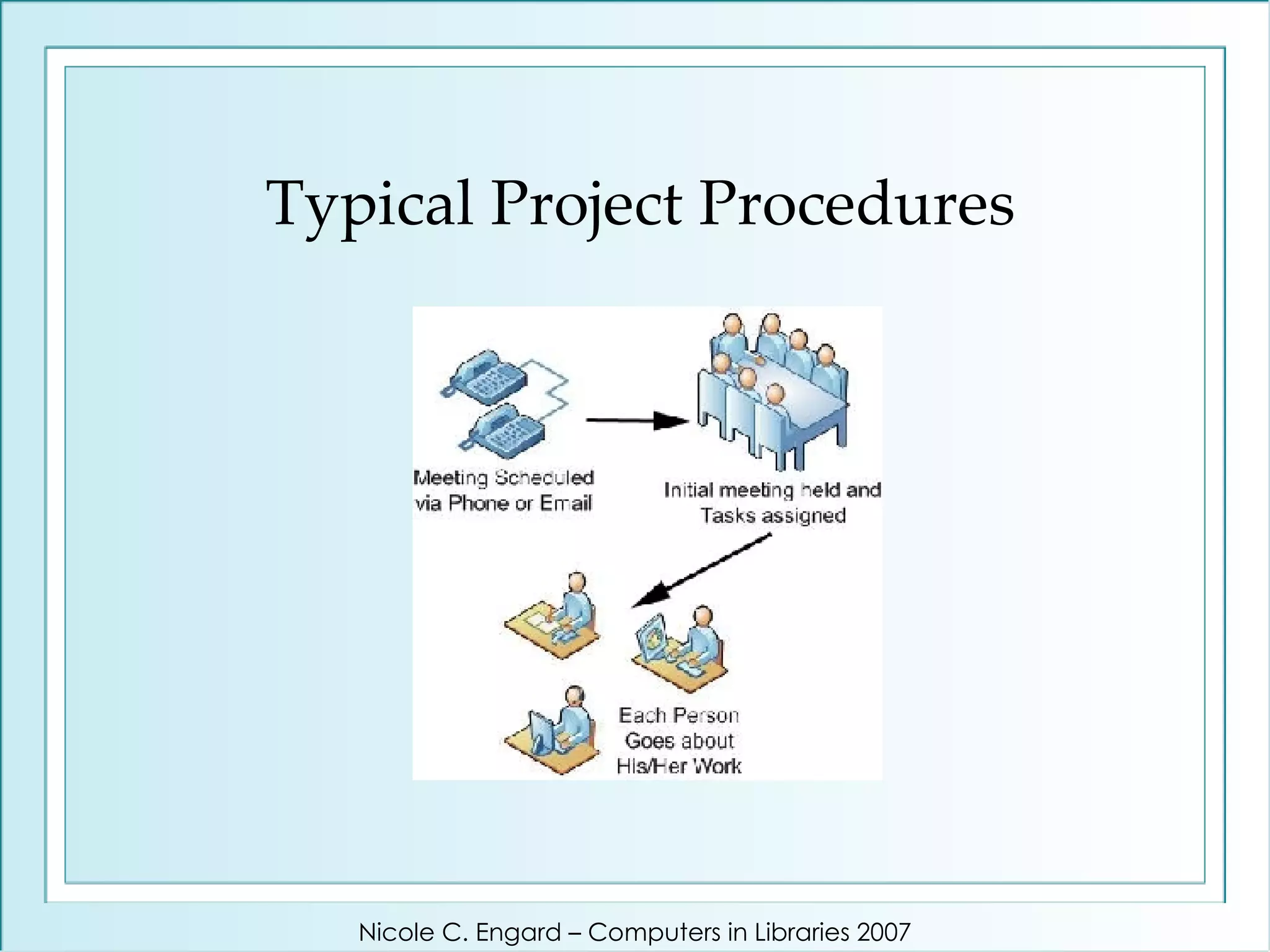
It's time to start a new project in your library - what do you do? Set up a meeting with everyone involved? Start a list of tasks on your calendar? Create a document assigning specific people to tasks? Nicole C. Engard – Computers in Libraries 2007
How do you go about doing those things? Pick up the phone? Send out an email with your documents attached? Nicole C. Engard – Computers in Libraries 2007
At Jenkins we create a blog Nicole C. Engard – Computers in Libraries 2007
Typical Project Procedures Nicole C. Engard – Computers in Libraries 2007
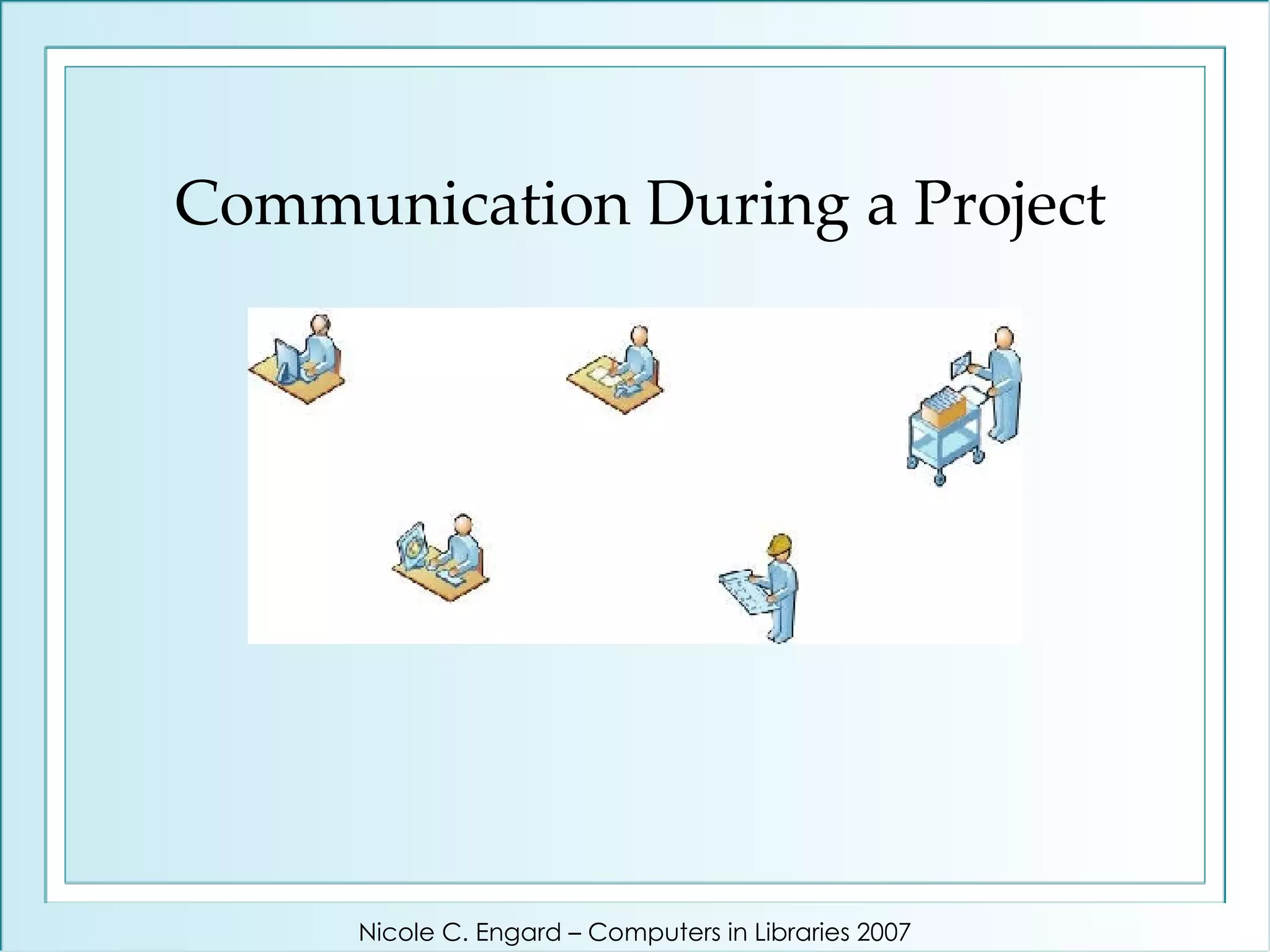
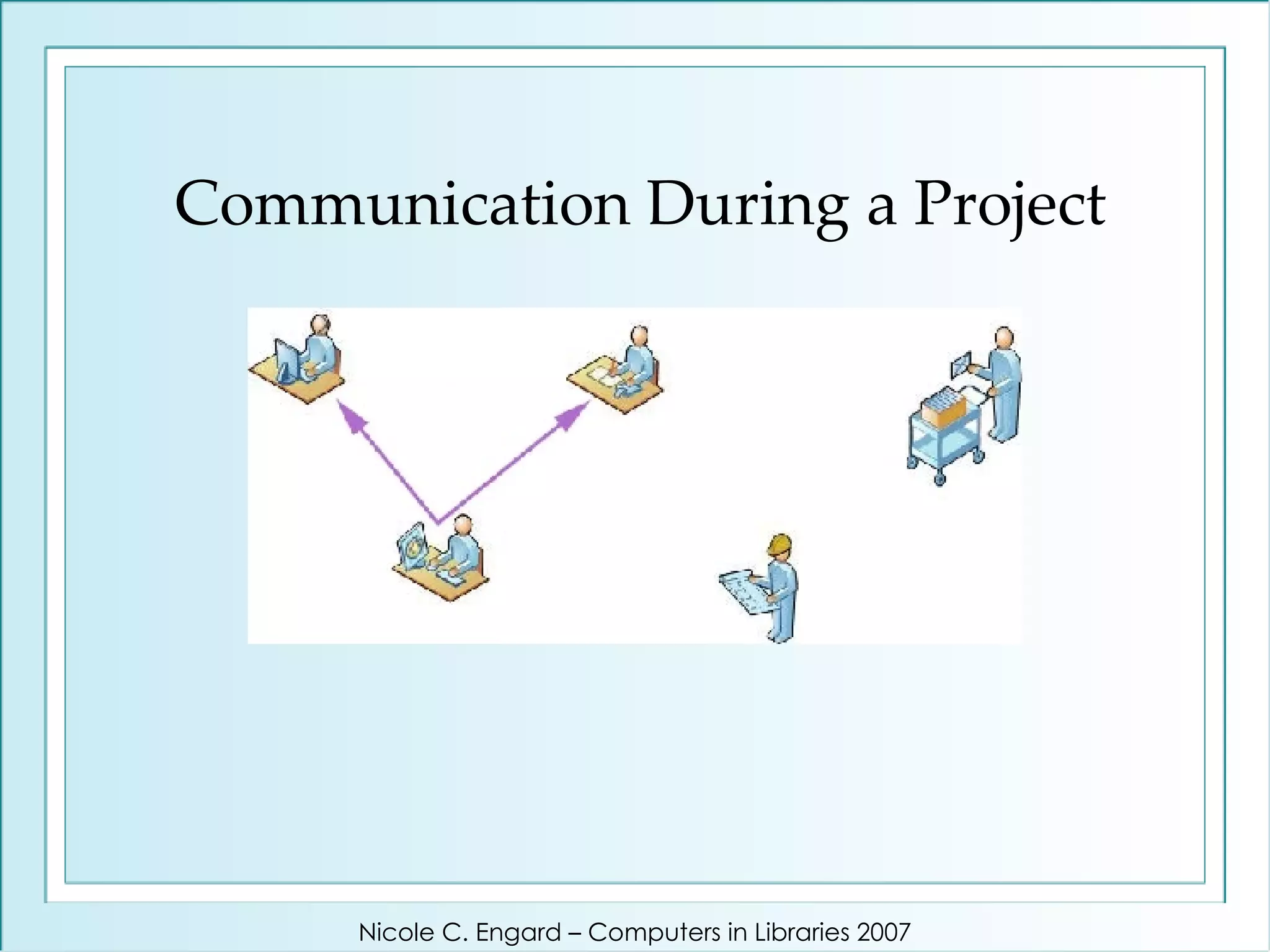
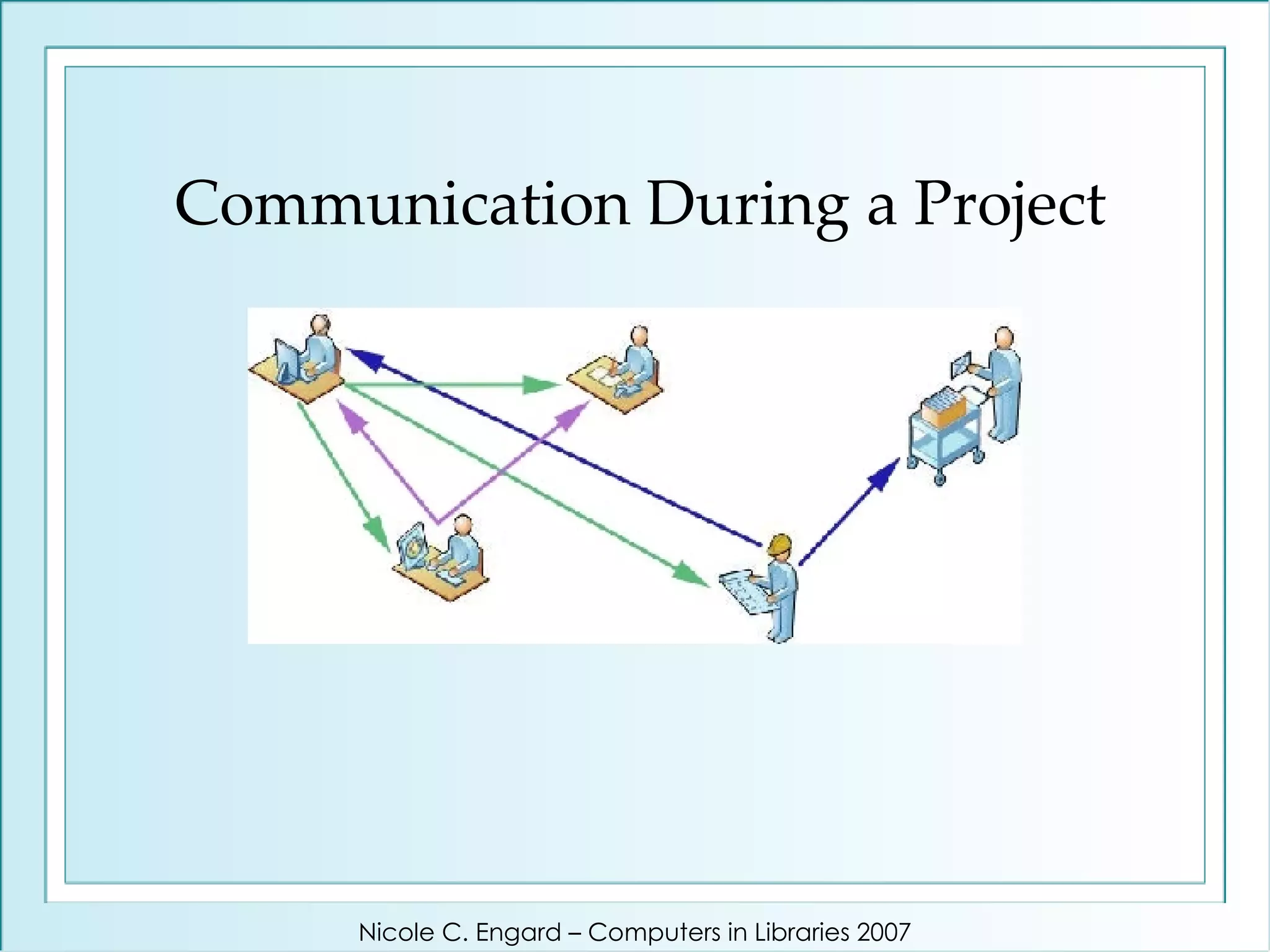
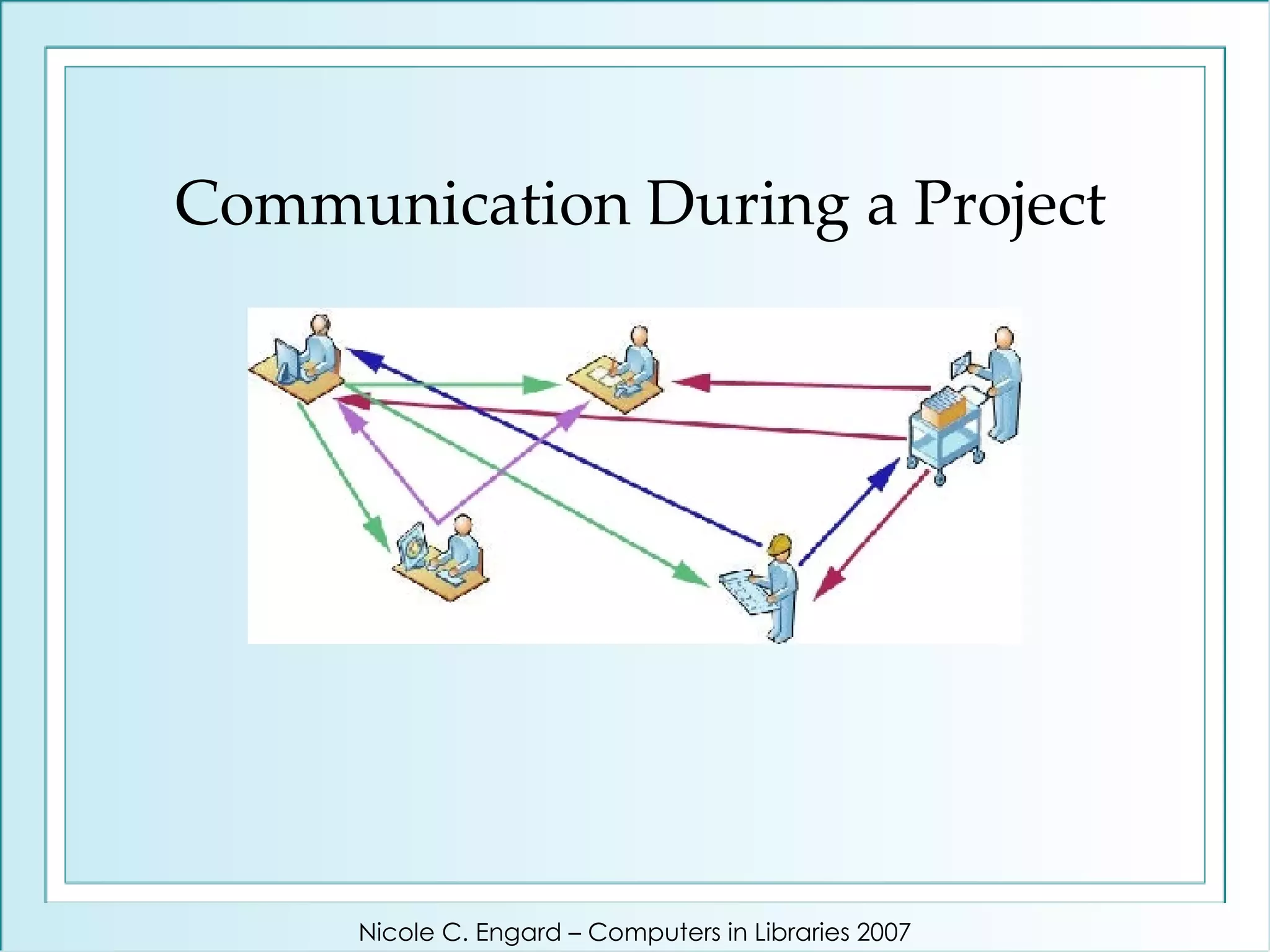
Communication During a Project Nicole C. Engard – Computers in Libraries 2007
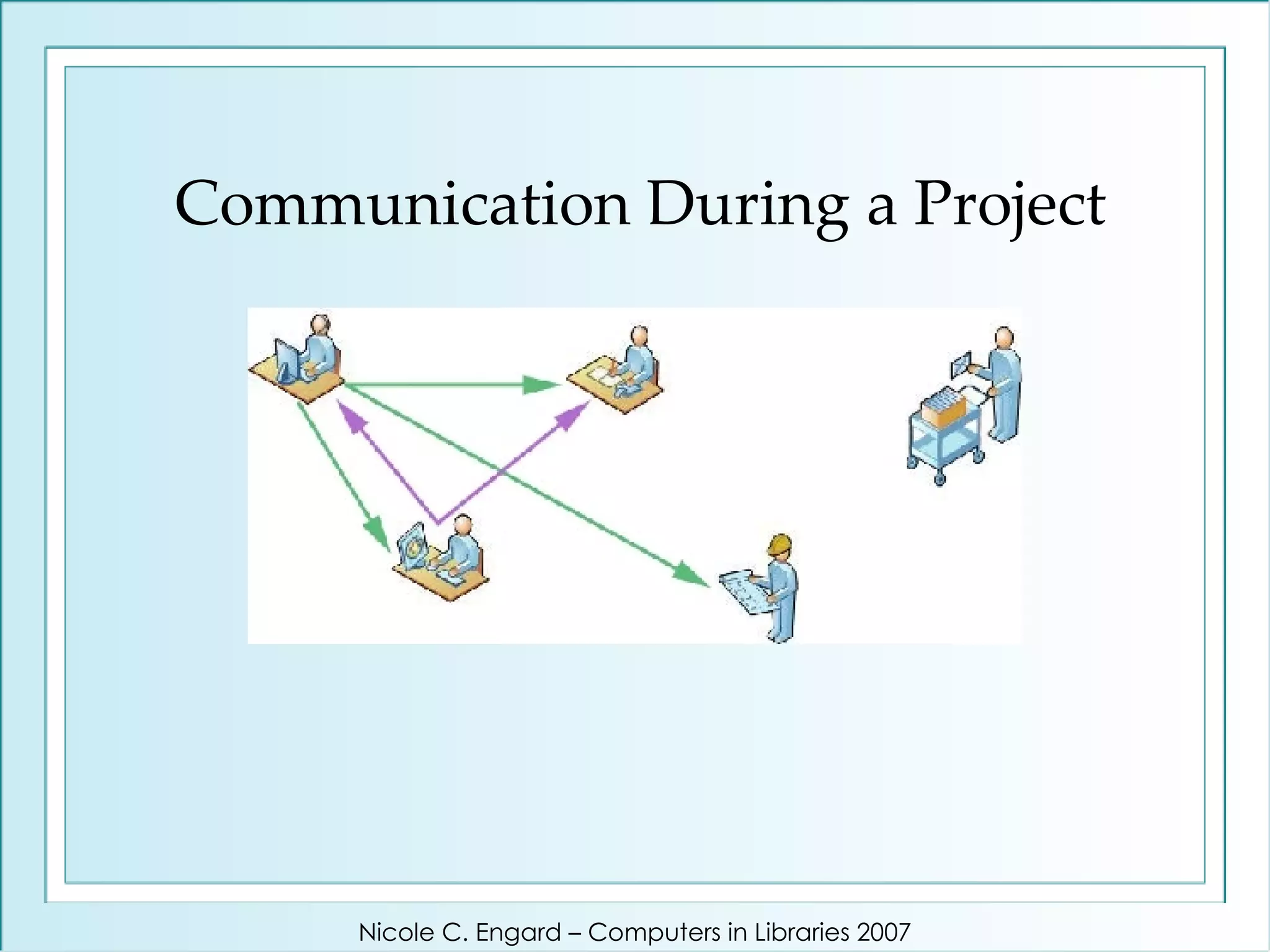
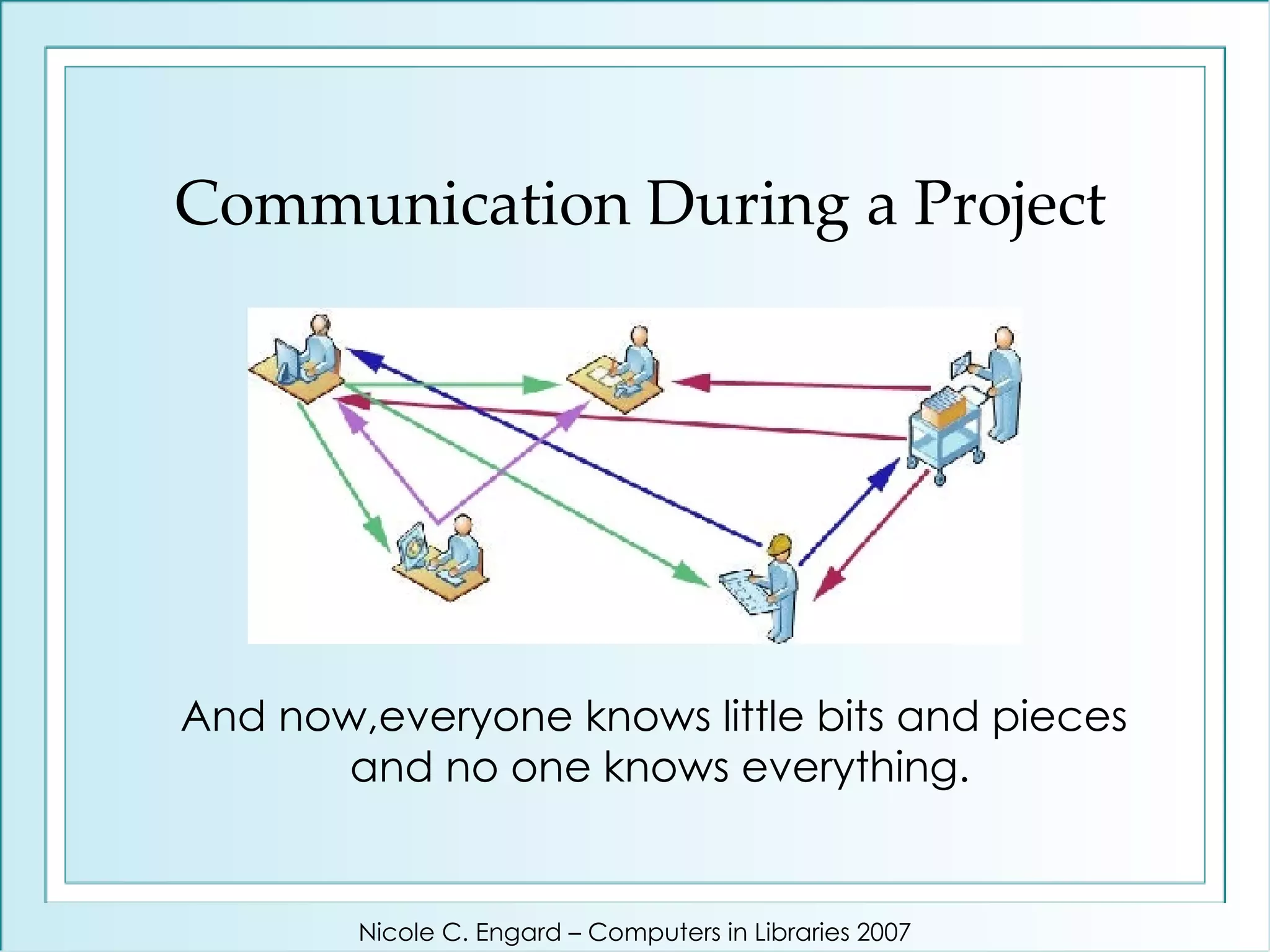
Communication During a Project And now,everyone knows little bits and pieces  and no one knows everything. Nicole C. Engard – Computers in Libraries 2007
How many of you can say that one year down the line you’ll be able to find that email regarding policy changes? Then there’s the issue of finding information years down the road … Nicole C. Engard – Computers in Libraries 2007
Jenkins’ Solution - Blogs Web-based & full-text searchable Archived & backed up Visible to all staff – no one is left out Fewer emails in our inboxes Conversational (email-like) format Date and time stamps Ability to link to relevant pages & comments Nicole C. Engard – Computers in Libraries 2007
What does our staff think? Nicole C. Engard – Computers in Libraries 2007
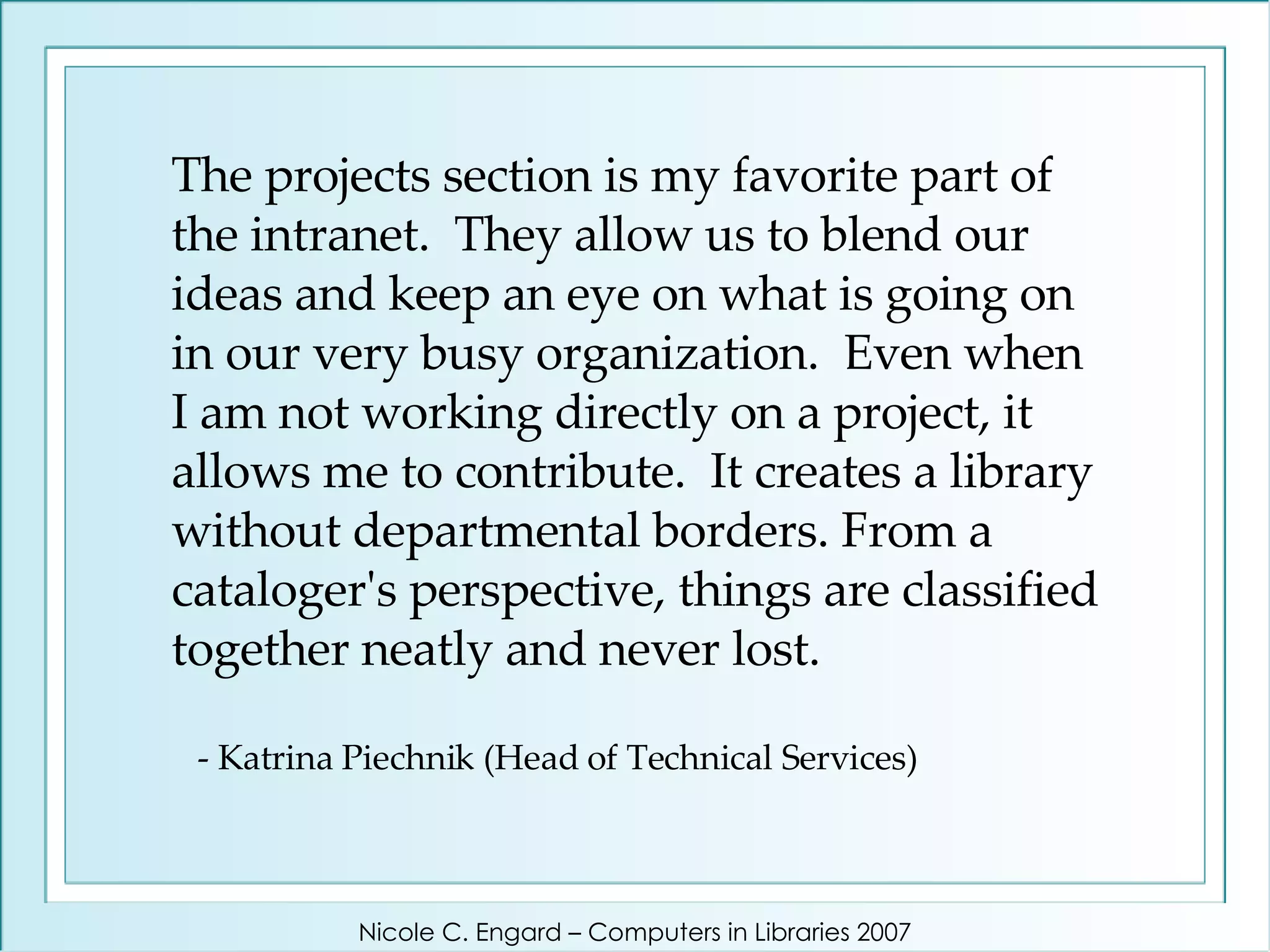
The projects section is my favorite part of the intranet.  They allow us to blend our ideas and keep an eye on what is going on in our very busy organization.  Even when I am not working directly on a project, it allows me to contribute.  It creates a library without departmental borders. From a cataloger's perspective, things are classified together neatly and never lost.    - Katrina Piechnik (Head of Technical Services) Nicole C. Engard – Computers in Libraries 2007
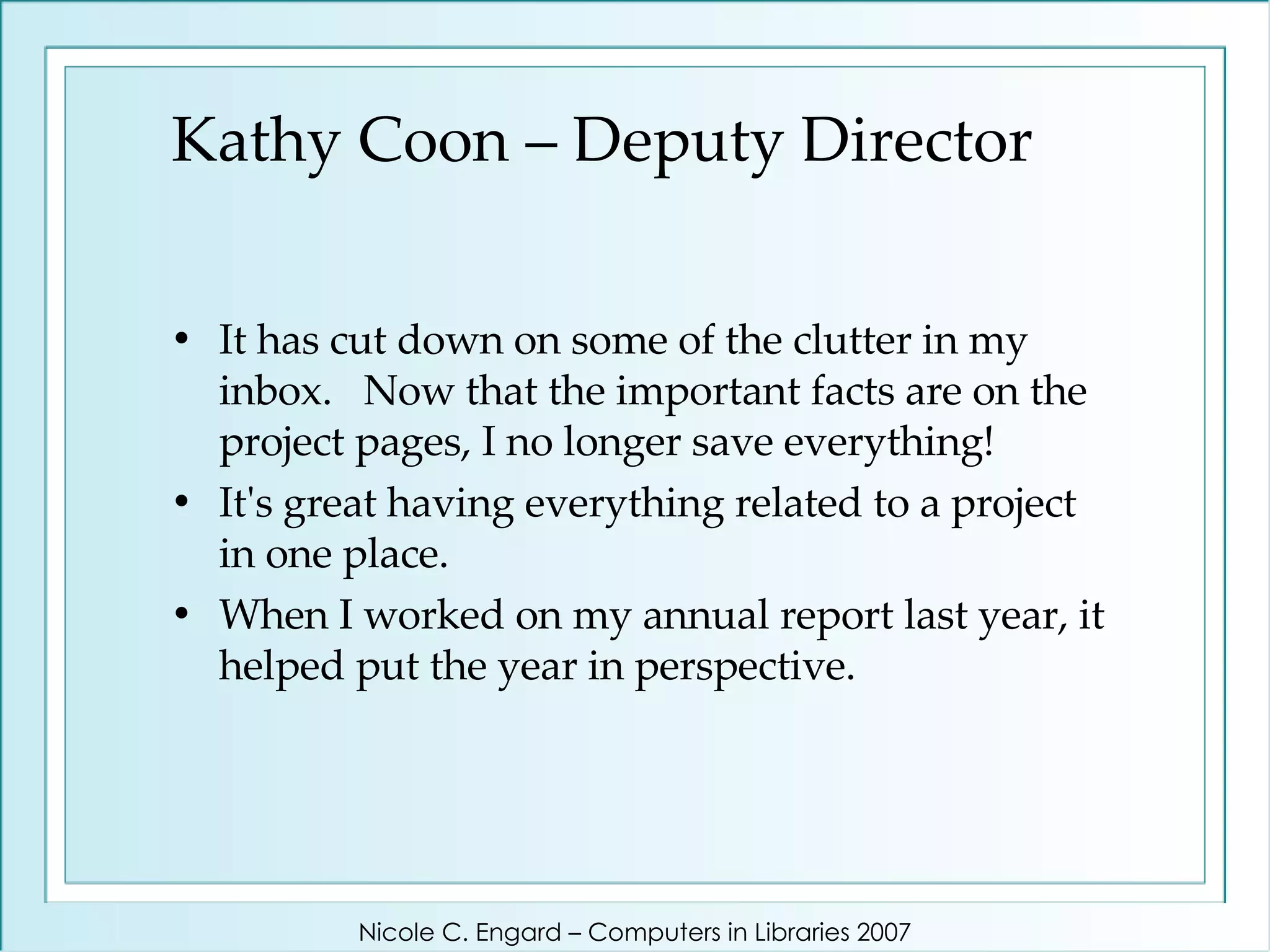
Kathy Coon – Deputy Director It has cut down on some of the clutter in my inbox.  Now that the important facts are on the project pages, I no longer save everything!  It's great having everything related to a project in one place.  When I worked on my annual report last year, it helped put the year in perspective.  Nicole C. Engard – Computers in Libraries 2007
Project’s Complete: Now What?
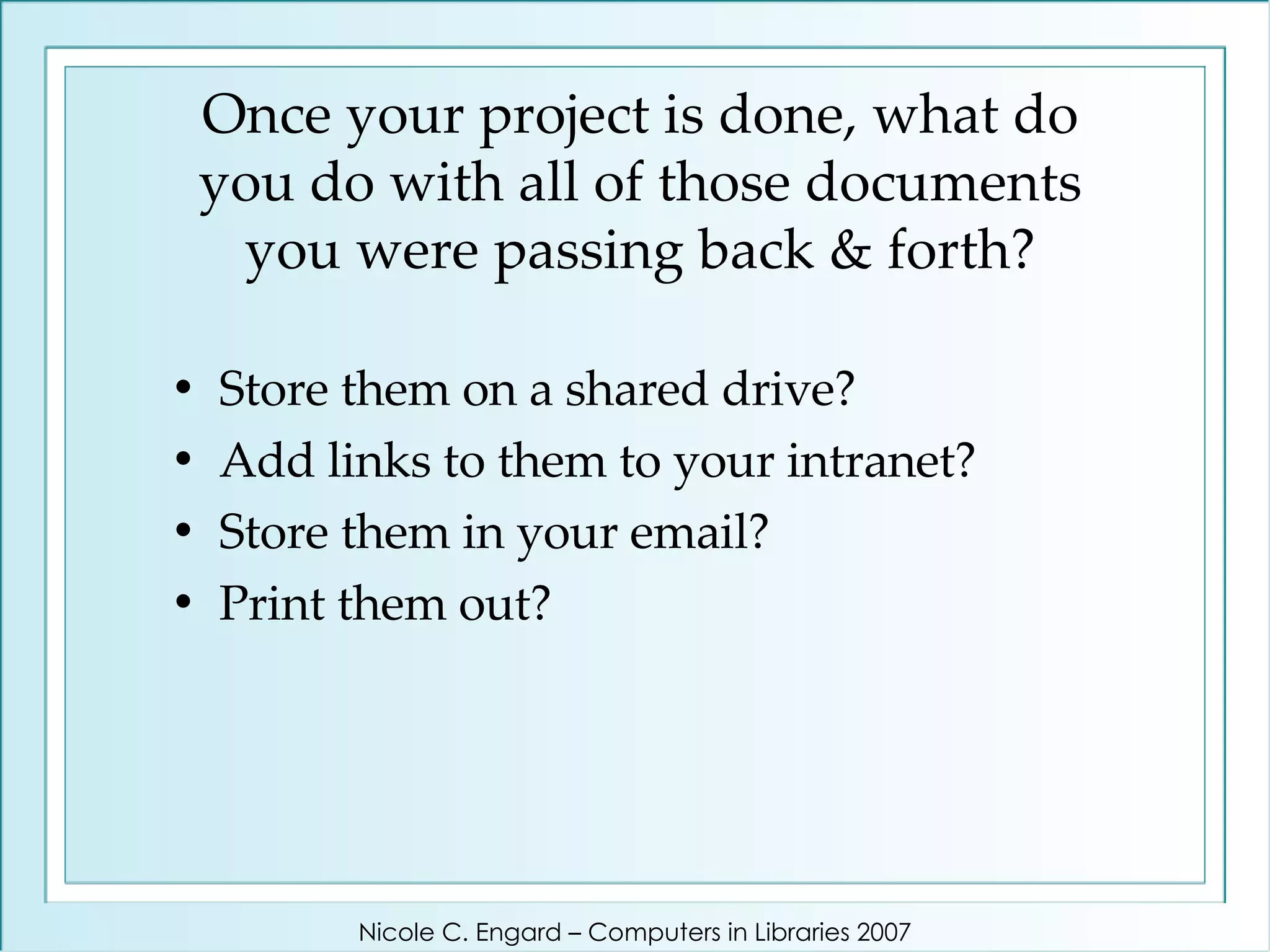
Once your project is done, what do you do with all of those documents you were passing back & forth? Store them on a shared drive?  Add links to them to your intranet?  Store them in your email?  Print them out? Nicole C. Engard – Computers in Libraries 2007
At Jenkins we use a wiki Nicole C. Engard – Computers in Libraries 2007
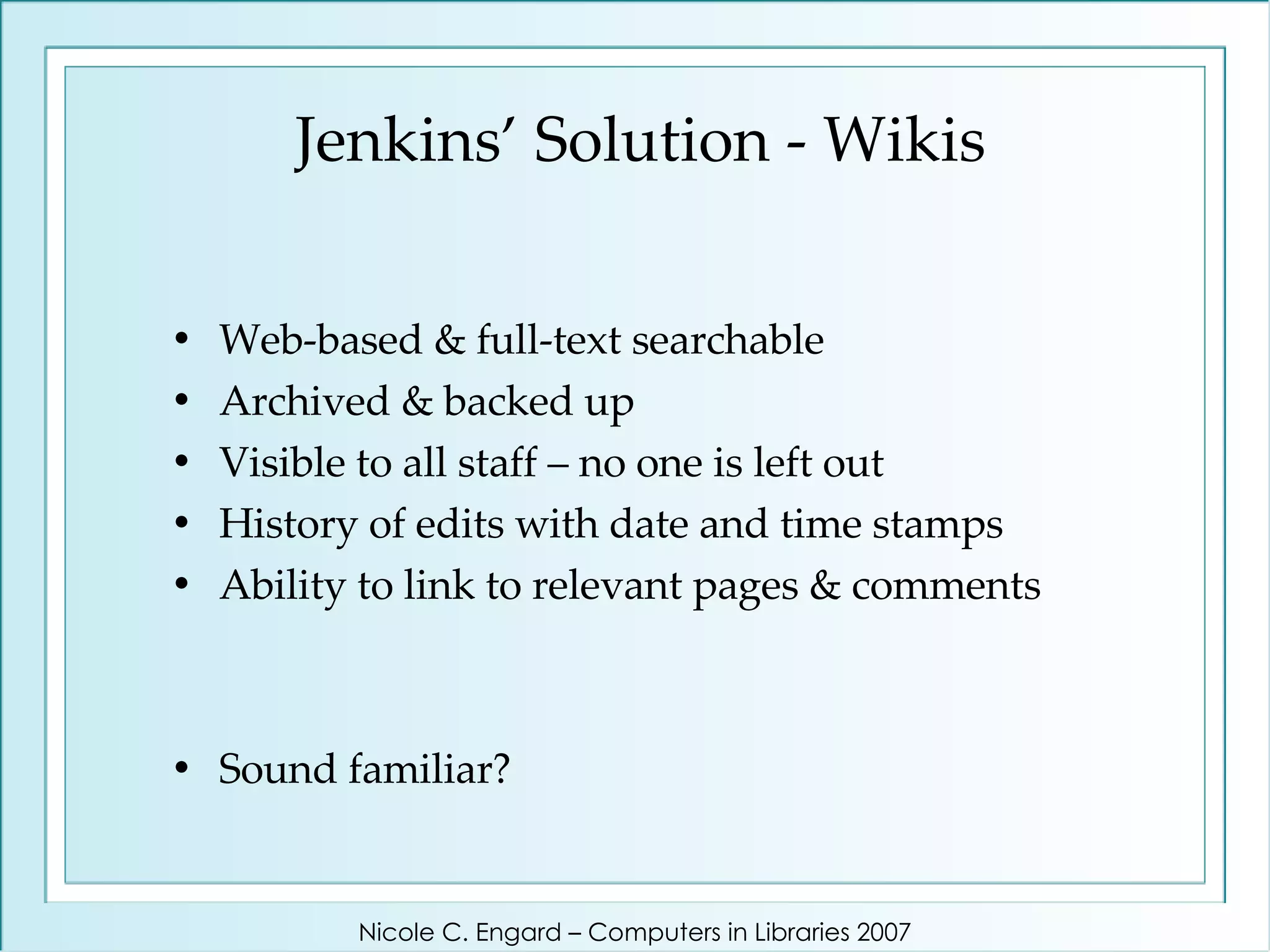
Jenkins’ Solution - Wikis Web-based & full-text searchable Archived & backed up Visible to all staff – no one is left out History of edits with date and time stamps Ability to link to relevant pages & comments Sound familiar? Nicole C. Engard – Computers in Libraries 2007
What does our staff think? Nicole C. Engard – Computers in Libraries 2007
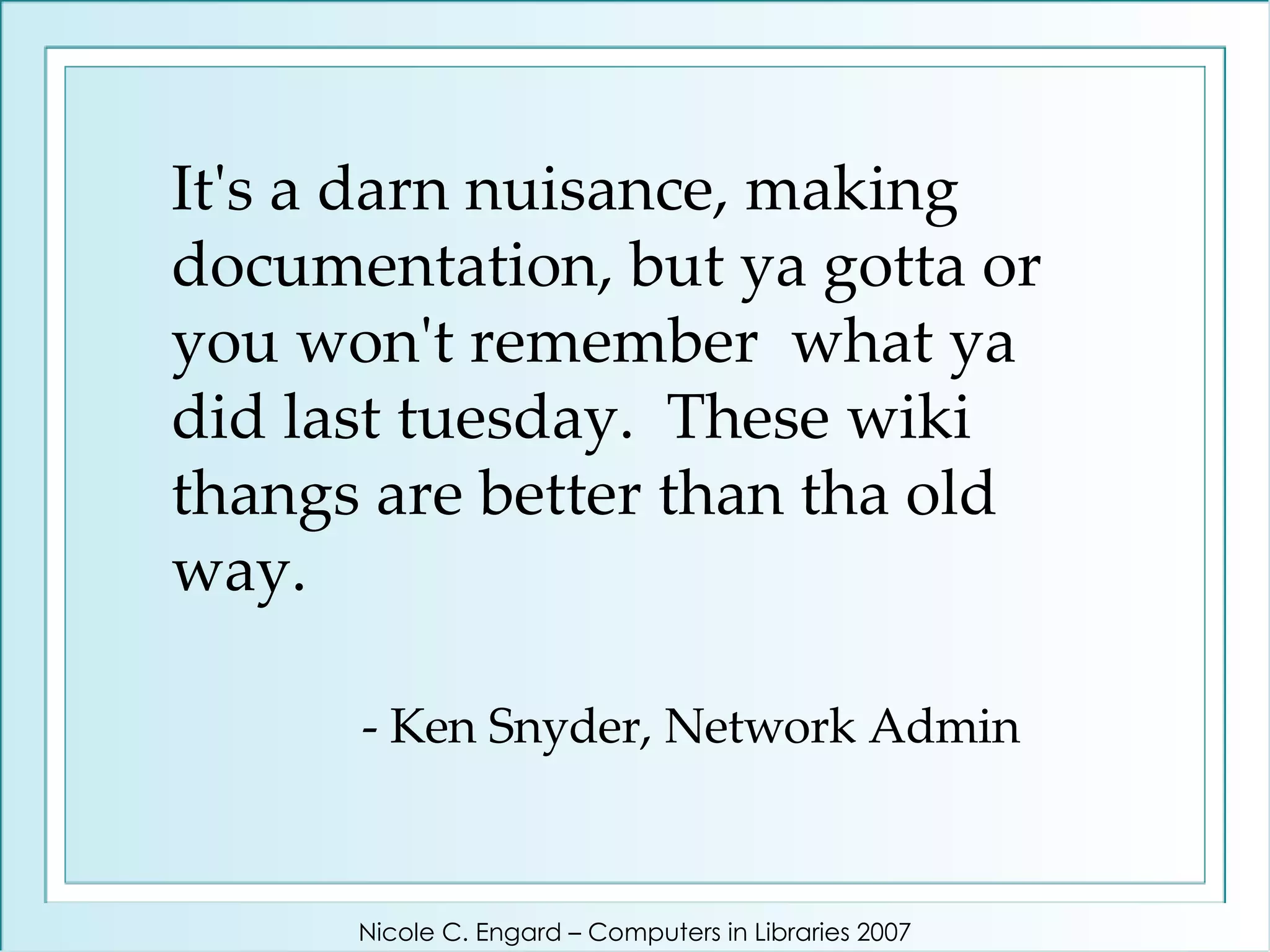
It's a darn nuisance, making documentation, but ya gotta or you won't remember  what ya did last tuesday.  These wiki thangs are better than tha old way.   - Ken Snyder, Network Admin Nicole C. Engard – Computers in Libraries 2007
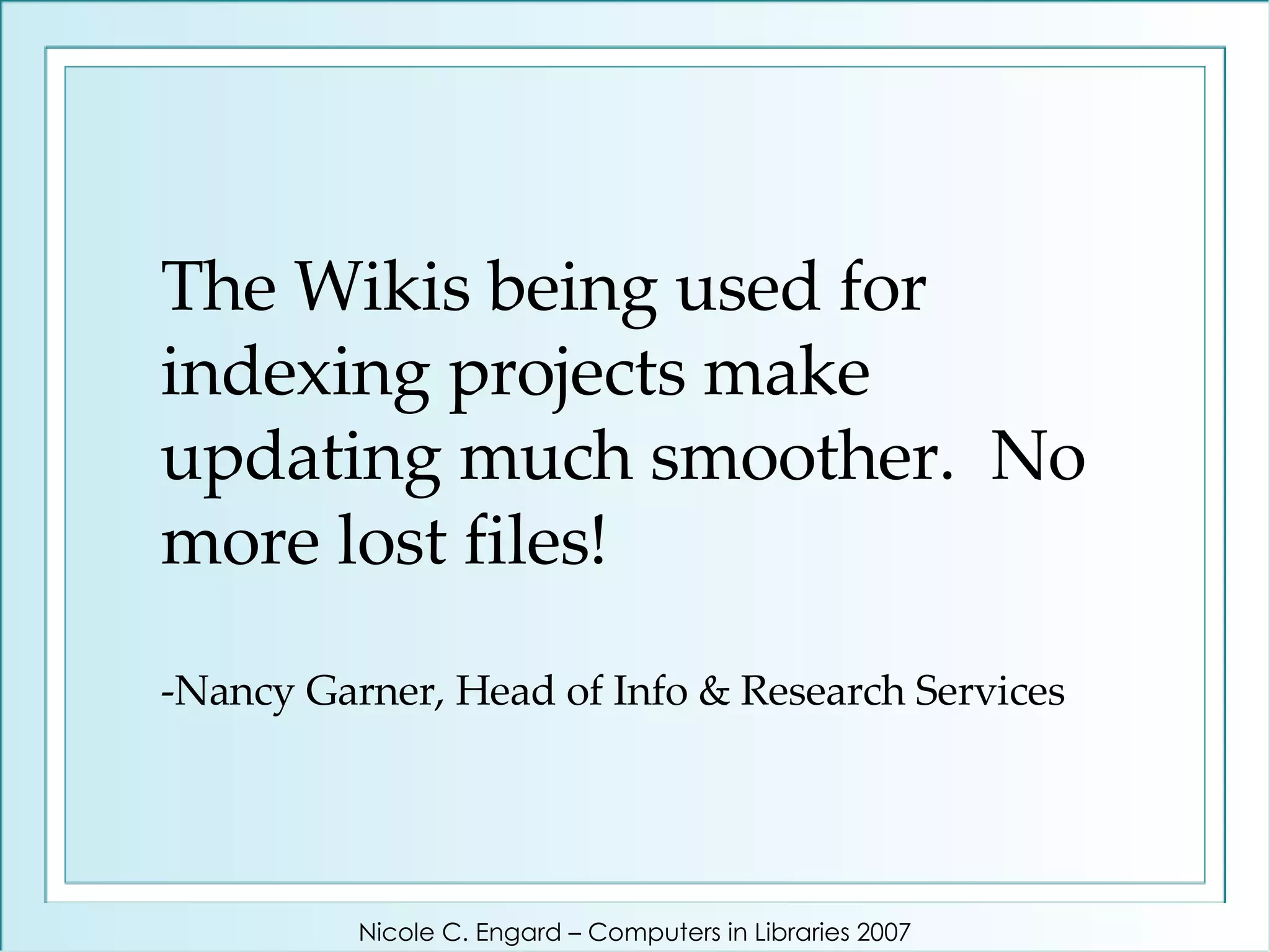
The Wikis being used for indexing projects make updating much smoother.  No more lost files! -Nancy Garner, Head of Info & Research Services Nicole C. Engard – Computers in Libraries 2007
Let’s See It In Action! Nicole C. Engard – Computers in Libraries 2007
Any Questions?? Contact me: Nicole C. Engard [email_address]   http://web2learning.net   Learn more:   http://web2learning.net/learn-more   Nicole C. Engard – Computers in Libraries 2007

Project Planning the 2.0 Way

  • 1.
    Project Planning the 2.0 Way Nicole C. Engard April 17, 2007 Computers in Libraries 2007
  • 2.
    It's time tostart a new project in your library - what do you do? Set up a meeting with everyone involved? Start a list of tasks on your calendar? Create a document assigning specific people to tasks? Nicole C. Engard – Computers in Libraries 2007
  • 3.
    How do yougo about doing those things? Pick up the phone? Send out an email with your documents attached? Nicole C. Engard – Computers in Libraries 2007
  • 4.
    At Jenkins wecreate a blog Nicole C. Engard – Computers in Libraries 2007
  • 5.
    Typical Project ProceduresNicole C. Engard – Computers in Libraries 2007
  • 6.
    Communication During aProject Nicole C. Engard – Computers in Libraries 2007
  • 7.
    Communication During aProject Nicole C. Engard – Computers in Libraries 2007
  • 8.
    Communication During aProject Nicole C. Engard – Computers in Libraries 2007
  • 9.
    Communication During aProject Nicole C. Engard – Computers in Libraries 2007
  • 10.
    Communication During aProject Nicole C. Engard – Computers in Libraries 2007
  • 11.
    Communication During aProject And now,everyone knows little bits and pieces and no one knows everything. Nicole C. Engard – Computers in Libraries 2007
  • 12.
    How many ofyou can say that one year down the line you’ll be able to find that email regarding policy changes? Then there’s the issue of finding information years down the road … Nicole C. Engard – Computers in Libraries 2007
  • 13.
    Jenkins’ Solution -Blogs Web-based & full-text searchable Archived & backed up Visible to all staff – no one is left out Fewer emails in our inboxes Conversational (email-like) format Date and time stamps Ability to link to relevant pages & comments Nicole C. Engard – Computers in Libraries 2007
  • 14.
    What does ourstaff think? Nicole C. Engard – Computers in Libraries 2007
  • 15.
    The projects sectionis my favorite part of the intranet. They allow us to blend our ideas and keep an eye on what is going on in our very busy organization. Even when I am not working directly on a project, it allows me to contribute. It creates a library without departmental borders. From a cataloger's perspective, things are classified together neatly and never lost. - Katrina Piechnik (Head of Technical Services) Nicole C. Engard – Computers in Libraries 2007
  • 16.
    Kathy Coon –Deputy Director It has cut down on some of the clutter in my inbox. Now that the important facts are on the project pages, I no longer save everything! It's great having everything related to a project in one place. When I worked on my annual report last year, it helped put the year in perspective. Nicole C. Engard – Computers in Libraries 2007
  • 17.
  • 18.
    Once your projectis done, what do you do with all of those documents you were passing back & forth? Store them on a shared drive? Add links to them to your intranet? Store them in your email? Print them out? Nicole C. Engard – Computers in Libraries 2007
  • 19.
    At Jenkins weuse a wiki Nicole C. Engard – Computers in Libraries 2007
  • 20.
    Jenkins’ Solution -Wikis Web-based & full-text searchable Archived & backed up Visible to all staff – no one is left out History of edits with date and time stamps Ability to link to relevant pages & comments Sound familiar? Nicole C. Engard – Computers in Libraries 2007
  • 21.
    What does ourstaff think? Nicole C. Engard – Computers in Libraries 2007
  • 22.
    It's a darnnuisance, making documentation, but ya gotta or you won't remember what ya did last tuesday. These wiki thangs are better than tha old way. - Ken Snyder, Network Admin Nicole C. Engard – Computers in Libraries 2007
  • 23.
    The Wikis beingused for indexing projects make updating much smoother. No more lost files! -Nancy Garner, Head of Info & Research Services Nicole C. Engard – Computers in Libraries 2007
  • 24.
    Let’s See ItIn Action! Nicole C. Engard – Computers in Libraries 2007
  • 25.
    Any Questions?? Contactme: Nicole C. Engard [email_address] http://web2learning.net Learn more: http://web2learning.net/learn-more Nicole C. Engard – Computers in Libraries 2007