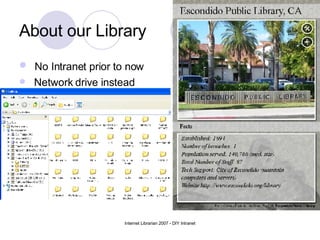
About our Library No Intranet prior to now Network drive instead
Phase I – Pre Wiki  Why an Intranet? Network drive issues Get organized & stay current Improve KM (many of retiring age) City Intranet: too formal + does not have library specific information
Phase I – Pre Wiki Why a Wiki? Collaboration, Informality, and Transparency Want staff to participate (vertical structure) Easier to use and find information Web manager is unable to maintain two websites (bottleneck)
Phase I – Pre Wiki Picking a Wiki – Our Intranet Needs WYSIWYG Free to affordable Better searching Web based (wiki farm) Password protected Individual staff profiles Easy to setup, use and learn Blogging
Phase I – Pre Wiki Our decision –  Jotspot Free + matched all criteria Keyword Search within documents Group Directories app RSS & email reminders Issues with Jotspot Google acquisition  (no new users, future?) Maintain backups on network drive Jotspot Help Group
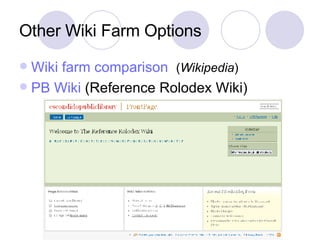
Other Wiki Farm Options Wiki farm comparison   ( Wikipedia ) PB  Wiki  (Reference Rolodex Wiki)
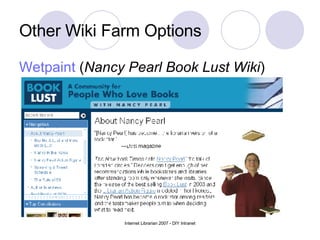
Other Wiki Farm Options Wetpaint  ( Nancy Pearl Book Lust Wiki )
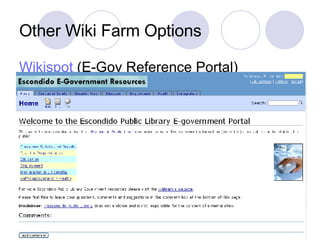
Other Wiki Farm Options Wikispot  (E-Gov Reference Portal)
Other Intranet Options Web Content Management Systems Examples:  Twiki ,  Joomla! , etc Why we didn’t choose this: No direct access to our server (IT) Cost: programmers See Wednesday’s Talk ( B-304 ) on CMS
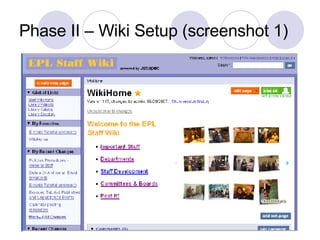
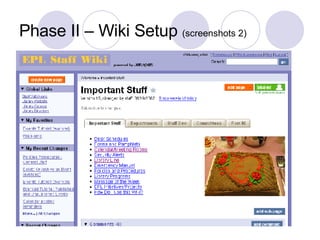
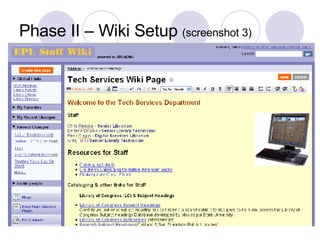
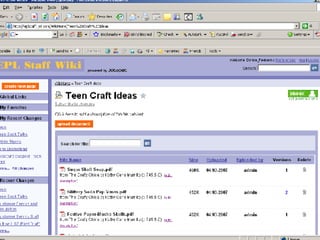
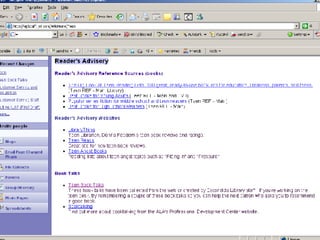
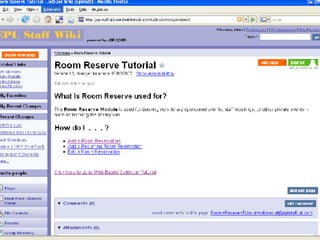
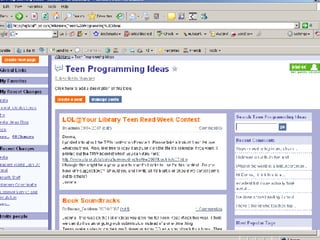
Phase II – Wiki Setup Organized wiki: staff needs  Build framework to give staff ideas FAQ & Tutorials
Phase II – Wiki Setup (screenshot 1)
Phase II – Wiki Setup  (screenshots 2)
Phase II – Wiki Setup  (screenshot 3)
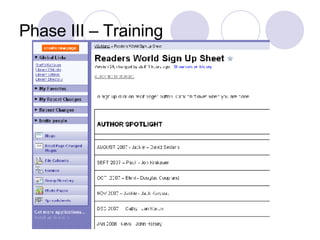
Phase III – Training (in process) Show off wiki (All Staff Meeting) Train supervisors first to help Technophobia:  fear of editing websites Let them play -  no policies/rules Use wikis for other library related work Web calendar tutorial Reference Rolodex  (see slide 7) Sign Up sheet  (next slide)
Phase III – Training
Phase IV - Implementation Designate go-to people for troubleshooting Develop guidelines (not so much policies) Dept. Heads responsible for their information Keep reminding staff (emails) Keep training staff On-going process (wiki will keep evolving)
Issues & Troubleshooting Bugs: you get what you paid for (free) Backups Fear of change Staff Interest/Participation  setup a committee and delegate tasks Time: more than a year (approx.) Looking at this Intranet as a long term goal
Cool Tools  Good way for you to get to try out some web 2.0 tools/apps  Goodwidgets : flash photo widgets FD's  Flickr  Toys  slideshow & other photo editing tools Widgetbox : weather, games, news, calculators, and way more  Jing  : screenshots/casts from anything on your desktop -  Evanced tutorial  example. Stats Counter:  Site meter ,  Statcounter , etc Depending on the wiki you choose, some knowledge of HTML or other markup languages may be needed.
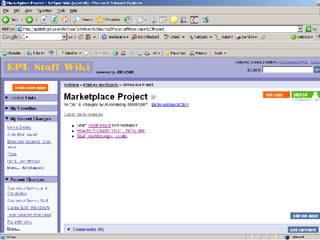
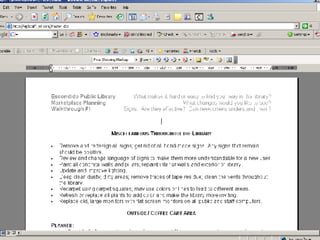
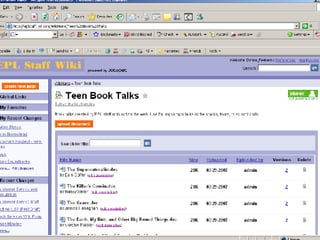
Part II (Donna Feddern) Examples on how we use our wiki for an Intranet.


Questions?
Contact Us Eleni Gogas:  [email_address] Meebo: posixeleni Donna Feddern:  [email_address] You may find a copy of this presentation here: http://www.library.escondido.org/wiki.ppt Thank you !

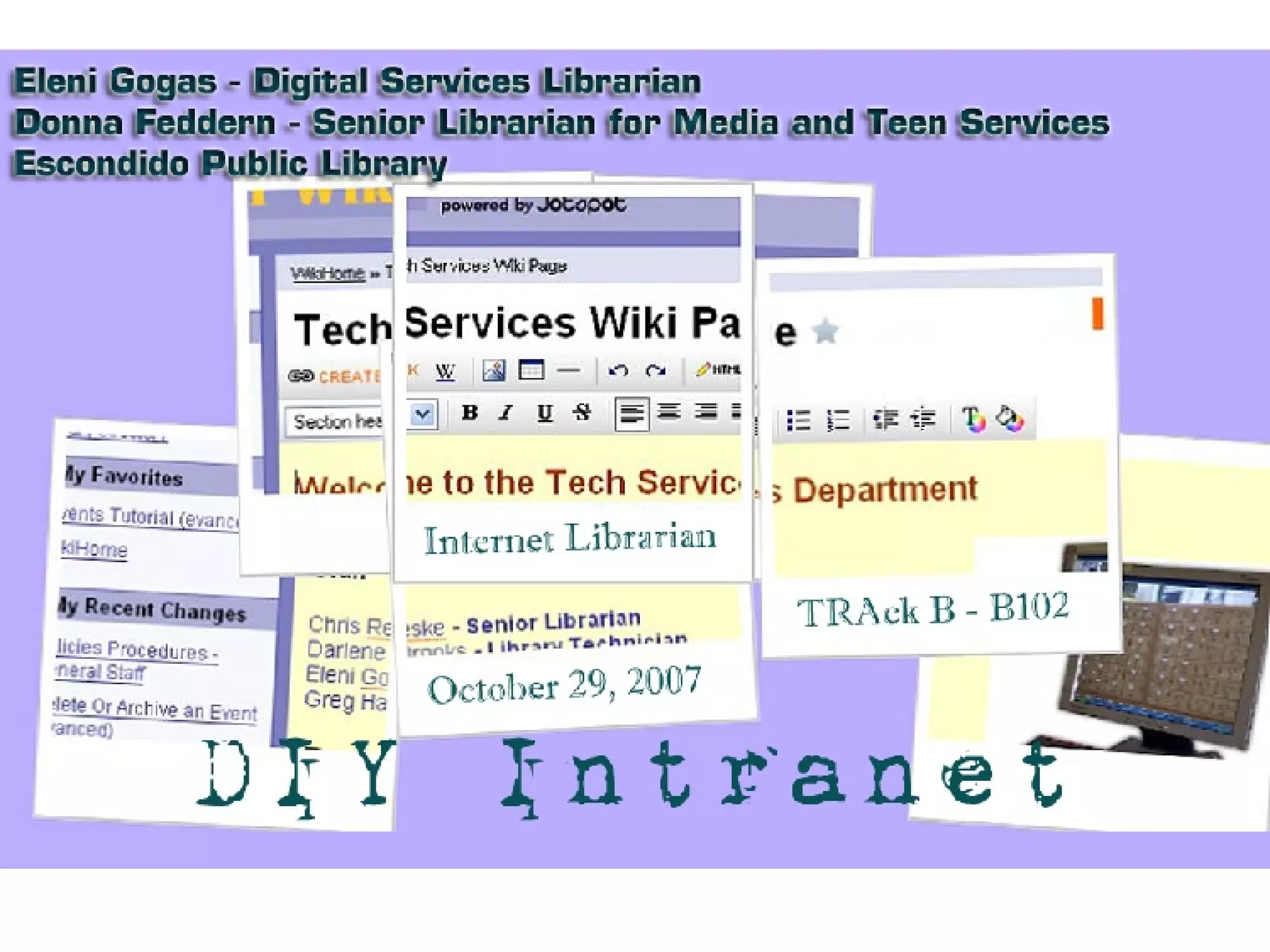
DIY Intranet Wiki

  • 1.
  • 2.
    About our LibraryNo Intranet prior to now Network drive instead
  • 3.
    Phase I –Pre Wiki Why an Intranet? Network drive issues Get organized & stay current Improve KM (many of retiring age) City Intranet: too formal + does not have library specific information
  • 4.
    Phase I –Pre Wiki Why a Wiki? Collaboration, Informality, and Transparency Want staff to participate (vertical structure) Easier to use and find information Web manager is unable to maintain two websites (bottleneck)
  • 5.
    Phase I –Pre Wiki Picking a Wiki – Our Intranet Needs WYSIWYG Free to affordable Better searching Web based (wiki farm) Password protected Individual staff profiles Easy to setup, use and learn Blogging
  • 6.
    Phase I –Pre Wiki Our decision – Jotspot Free + matched all criteria Keyword Search within documents Group Directories app RSS & email reminders Issues with Jotspot Google acquisition (no new users, future?) Maintain backups on network drive Jotspot Help Group
  • 7.
    Other Wiki FarmOptions Wiki farm comparison ( Wikipedia ) PB Wiki (Reference Rolodex Wiki)
  • 8.
    Other Wiki FarmOptions Wetpaint ( Nancy Pearl Book Lust Wiki )
  • 9.
    Other Wiki FarmOptions Wikispot (E-Gov Reference Portal)
  • 10.
    Other Intranet OptionsWeb Content Management Systems Examples: Twiki , Joomla! , etc Why we didn’t choose this: No direct access to our server (IT) Cost: programmers See Wednesday’s Talk ( B-304 ) on CMS
  • 11.
    Phase II –Wiki Setup Organized wiki: staff needs Build framework to give staff ideas FAQ & Tutorials
  • 12.
    Phase II –Wiki Setup (screenshot 1)
  • 13.
    Phase II –Wiki Setup (screenshots 2)
  • 14.
    Phase II –Wiki Setup (screenshot 3)
  • 15.
    Phase III –Training (in process) Show off wiki (All Staff Meeting) Train supervisors first to help Technophobia: fear of editing websites Let them play - no policies/rules Use wikis for other library related work Web calendar tutorial Reference Rolodex (see slide 7) Sign Up sheet (next slide)
  • 16.
    Phase III –Training
  • 17.
    Phase IV -Implementation Designate go-to people for troubleshooting Develop guidelines (not so much policies) Dept. Heads responsible for their information Keep reminding staff (emails) Keep training staff On-going process (wiki will keep evolving)
  • 18.
    Issues & TroubleshootingBugs: you get what you paid for (free) Backups Fear of change Staff Interest/Participation setup a committee and delegate tasks Time: more than a year (approx.) Looking at this Intranet as a long term goal
  • 19.
    Cool Tools Good way for you to get to try out some web 2.0 tools/apps Goodwidgets : flash photo widgets FD's Flickr Toys slideshow & other photo editing tools Widgetbox : weather, games, news, calculators, and way more Jing : screenshots/casts from anything on your desktop - Evanced tutorial example. Stats Counter: Site meter , Statcounter , etc Depending on the wiki you choose, some knowledge of HTML or other markup languages may be needed.
  • 20.
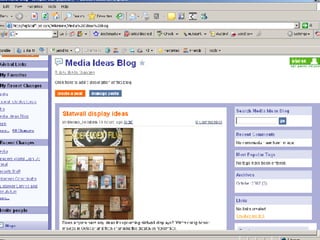
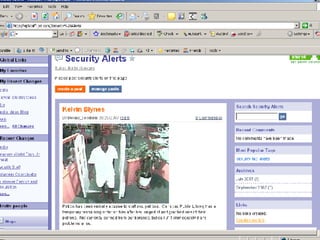
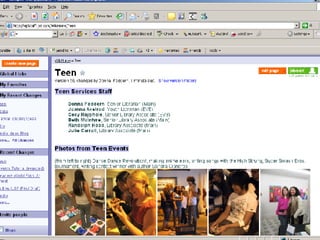
    Part II (DonnaFeddern) Examples on how we use our wiki for an Intranet.
  • 21.
  • 22.
  • 23.
  • 24.
  • 25.
  • 26.
  • 27.
  • 28.
  • 29.
  • 30.
  • 31.
  • 32.
    Contact Us EleniGogas: [email_address] Meebo: posixeleni Donna Feddern: [email_address] You may find a copy of this presentation here: http://www.library.escondido.org/wiki.ppt Thank you !