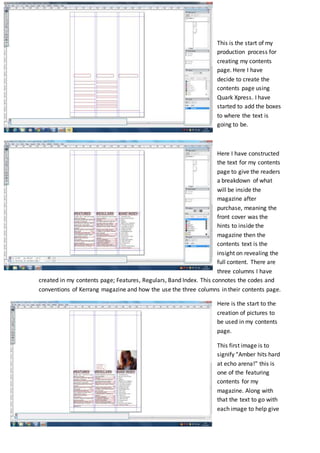
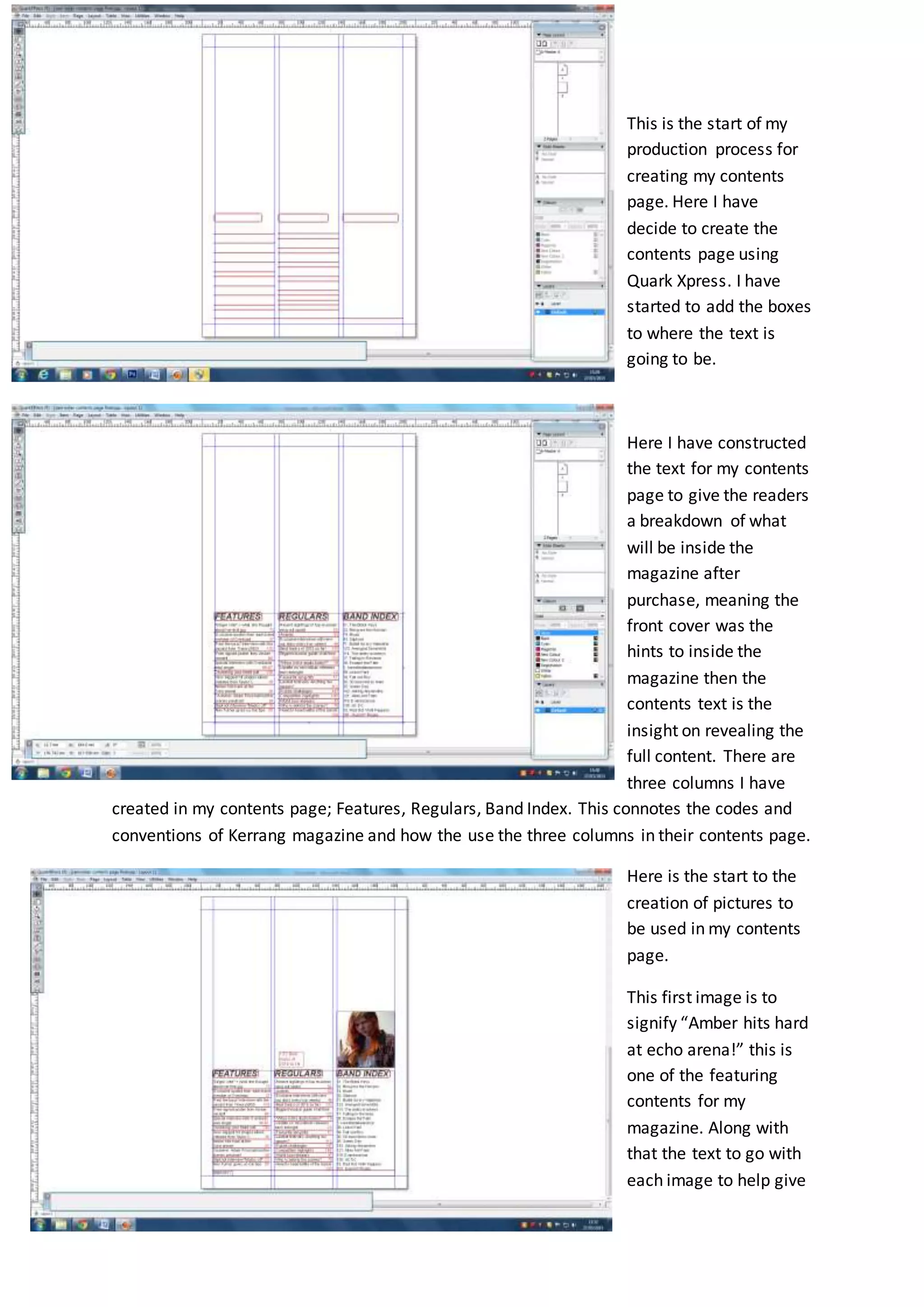
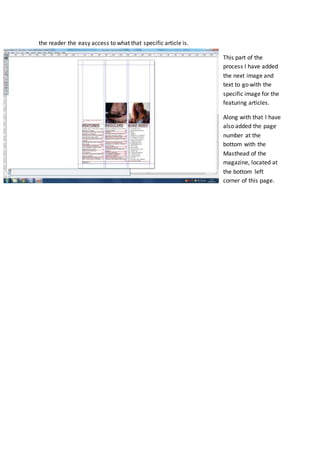
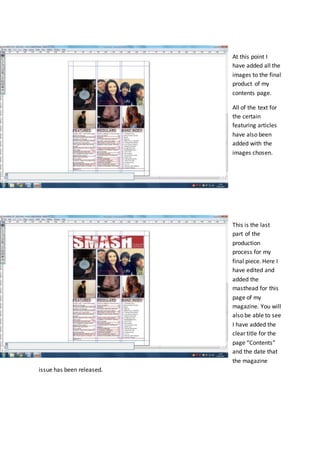
This document describes the process of creating a contents page for a magazine in Quark Xpress. It discusses constructing text boxes and columns for features, regulars, and a band index. Images and accompanying text are added for featured articles. Page numbers and the magazine masthead are also included at the bottom of the contents page. The final steps are editing the page and adding a title of "Contents" and release date.