Production Process 
Contents Page
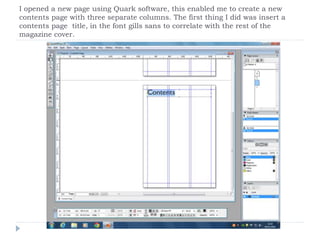
I opened a new page using Quark software, this enabled me to create a new 
contents page with three separate columns. The first thing I did was insert a 
contents page title, in the font gills sans to correlate with the rest of the 
magazine cover.
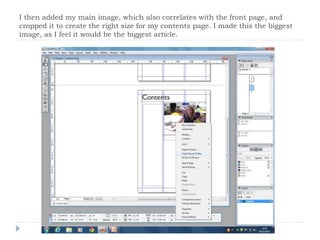
I then added my main image, which also correlates with the front page, and 
cropped it to create the right size for my contents page. I made this the biggest 
image, as I feel it would be the biggest article.
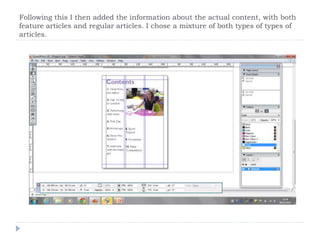
Following this I then added the information about the actual content, with both 
feature articles and regular articles. I chose a mixture of both types of types of 
articles.
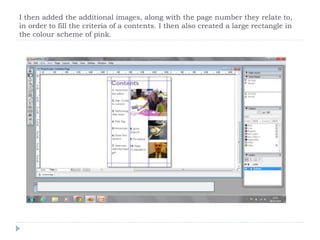
I then added the additional images, along with the page number they relate to, 
in order to fill the criteria of a contents. I then also created a large rectangle in 
the colour scheme of pink.
Production Process of Contents page

Production Process of Contents page

  • 1.
  • 2.
    I opened anew page using Quark software, this enabled me to create a new contents page with three separate columns. The first thing I did was insert a contents page title, in the font gills sans to correlate with the rest of the magazine cover.
  • 3.
    I then addedmy main image, which also correlates with the front page, and cropped it to create the right size for my contents page. I made this the biggest image, as I feel it would be the biggest article.
  • 4.
    Following this Ithen added the information about the actual content, with both feature articles and regular articles. I chose a mixture of both types of types of articles.
  • 5.
    I then addedthe additional images, along with the page number they relate to, in order to fill the criteria of a contents. I then also created a large rectangle in the colour scheme of pink.