
Problem solving in
“brain on” mode
Wolfgang Wiedenroth, it-agile GmbH
wolfgang.wiedenroth@it-agile.de
@wwiedenroth
LLKD17, 3rd April 2017
Should we start using

[practice, tool]
we just learned about?
Should we stop using 

[practice, tool] 

we just learned about??
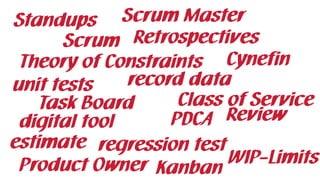
Standups
Retrospectives
PDCA
Theory of Constraints Cynefin
estimate
record data
digital tool
Kanban
Scrum
Review
WIP-Limits
Task Board Class of Service
Product Owner
Scrum Master
regression test
unit tests
well…
…it depends!
“brain on” mode
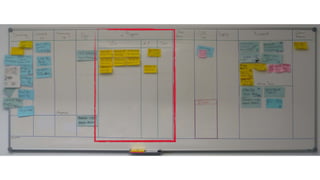
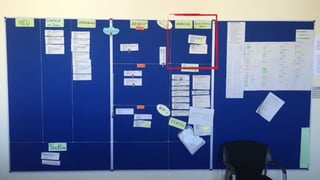
The team wants to keep its task
board!
“I’ve never seen anything like it
before!”
“brain on” mode
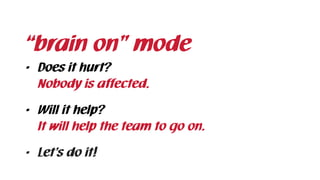
• Does it hurt?

Nobody is affected.
• Will it help?

It will help the team to go on.
• Let’s do it!
We get interrupted very often!
• Who is interrupting you and why?

“We can’t say!”
• Do they know how it affects your work?

“Nope!”
• Let’s find out and show them!
“brain on” mode
“There are lots of good ideas,
we have already put effort into.”
It doesn’t seem we’ll work on them
anytime soon.
“We can’t just throw them away!”
• Our goal was to get rid of tickets we won’t
work on. 

“Let’s move them into a digital “think tank”!”
• Great!
“brain on” mode
We have a hell lot of 

stuff to move!
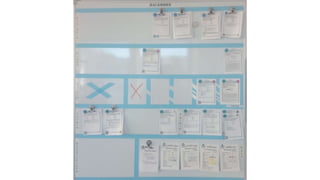
• How can we keep track of all the things?

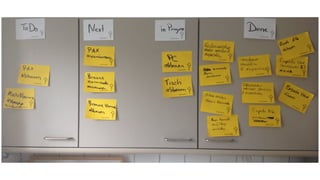
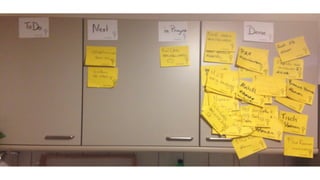
• Like a Kanban board?

“brain on” mode
Hell yeah!
Visualize it!
Islands of knowledge prevent us
from working as a team.
I can’t learn everything!
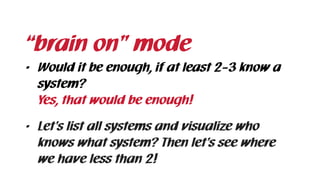
• Would it be enough, if at least 2-3 know a
system?

Yes, that would be enough!
• Let’s list all systems and visualize who
knows what system? Then let’s see where
we have less than 2!
“brain on” mode
We don’t know what’s important
and what’s not
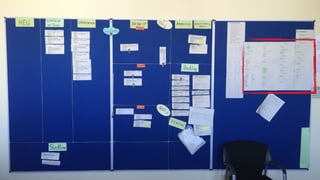
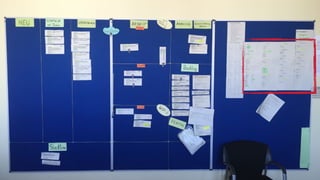
• Let’s add the importance for every system
to the list we just visualized next to the
board.
“brain on” mode
I see potential for improvement/
found a problem, what should I
do?
• Is it important to fix , when you see it?

No, chances are high it has been like this for
month.
• How can we keep track of it?

We could keep the ticket on the board on a
special place and discuss those tickets regularly.
“brain on” mode
Collecting data is sooooo
“hard”!
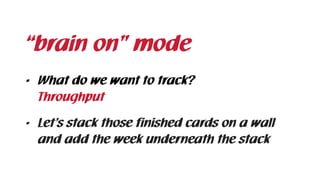
• What do we want to track?

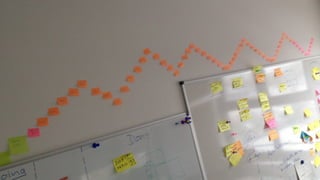
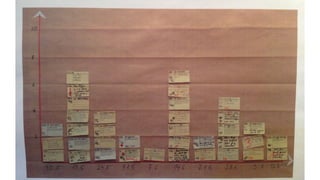
• Let’s stack those finished cards on a wall
and add the week underneath the stack
“brain on” mode
Throughput
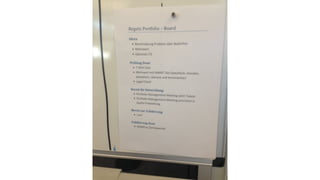
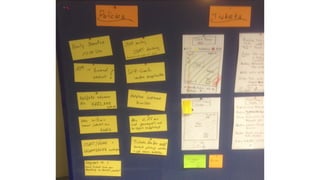
Every time we change a policy
we need to print a new sheet
• We need an easy way (no printing) to
change policies
“brain on” mode
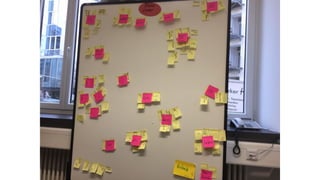
We are blocked all the time!
• Let’s collect the blockers, analyse them
every four weeks and get rid of them one by
one.
“brain on” mode
So how does “brain on” mode
actually work?
Ask yourself…
Will it solve a problem?
Will we learn something?
If not…
…don’t do it!*
*though don’t forget about it
If yes…
What’s the actual problem?
How do we know it’s a problem?
What did we already try?
What would the world look like without it?
What would make it worse?
Who is affected by the problem?
Do they know about the problem?
If we experiment with certain

[practice, tool]…
…who will be affected by the
experiment?
Can we involve them?
How far are they willing to go?
Is their a way to bridge the gap?
Do we need it now?
“brain on” mode
1. Consciously thinking about the impact of
introducing a new practice or tool and its
impact
2. Considering, if keeping a practice or tool

will help people to adapt to change
Thanks for listening!
Wolfgang Wiedenroth

wolfgang.wiedenroth@it-agile.de

@wwiedenroth

www.agilemanic.com

Problem solving in 'brain on' mode

  • 1.
    Problem solving in “brainon” mode Wolfgang Wiedenroth, it-agile GmbH wolfgang.wiedenroth@it-agile.de @wwiedenroth LLKD17, 3rd April 2017
  • 2.
    Should we startusing
 [practice, tool] we just learned about?
  • 3.
    Should we stopusing 
 [practice, tool] 
 we just learned about??
  • 4.
    Standups Retrospectives PDCA Theory of ConstraintsCynefin estimate record data digital tool Kanban Scrum Review WIP-Limits Task Board Class of Service Product Owner Scrum Master regression test unit tests
  • 5.
  • 6.
  • 7.
  • 8.
    The team wantsto keep its task board!
  • 9.
    “I’ve never seenanything like it before!”
  • 10.
    “brain on” mode •Does it hurt?
 Nobody is affected. • Will it help?
 It will help the team to go on. • Let’s do it!
  • 12.
    We get interruptedvery often!
  • 13.
    • Who isinterrupting you and why?
 “We can’t say!” • Do they know how it affects your work?
 “Nope!” • Let’s find out and show them! “brain on” mode
  • 17.
    “There are lotsof good ideas, we have already put effort into.” It doesn’t seem we’ll work on them anytime soon. “We can’t just throw them away!”
  • 18.
    • Our goalwas to get rid of tickets we won’t work on. 
 “Let’s move them into a digital “think tank”!” • Great! “brain on” mode
  • 20.
    We have ahell lot of 
 stuff to move!
  • 21.
    • How canwe keep track of all the things?
 • Like a Kanban board?
 “brain on” mode Hell yeah! Visualize it!
  • 24.
    Islands of knowledgeprevent us from working as a team. I can’t learn everything!
  • 25.
    • Would itbe enough, if at least 2-3 know a system?
 Yes, that would be enough! • Let’s list all systems and visualize who knows what system? Then let’s see where we have less than 2! “brain on” mode
  • 27.
    We don’t knowwhat’s important and what’s not
  • 28.
    • Let’s addthe importance for every system to the list we just visualized next to the board. “brain on” mode
  • 30.
    I see potentialfor improvement/ found a problem, what should I do?
  • 31.
    • Is itimportant to fix , when you see it?
 No, chances are high it has been like this for month. • How can we keep track of it?
 We could keep the ticket on the board on a special place and discuss those tickets regularly. “brain on” mode
  • 33.
    Collecting data issooooo “hard”!
  • 34.
    • What dowe want to track?
 • Let’s stack those finished cards on a wall and add the week underneath the stack “brain on” mode Throughput
  • 36.
    Every time wechange a policy we need to print a new sheet
  • 38.
    • We needan easy way (no printing) to change policies “brain on” mode
  • 40.
    We are blockedall the time!
  • 41.
    • Let’s collectthe blockers, analyse them every four weeks and get rid of them one by one. “brain on” mode
  • 43.
    So how does“brain on” mode actually work?
  • 44.
  • 45.
    Will it solvea problem?
  • 46.
    Will we learnsomething?
  • 47.
  • 48.
    …don’t do it!* *thoughdon’t forget about it
  • 49.
  • 50.
    What’s the actualproblem? How do we know it’s a problem? What did we already try? What would the world look like without it? What would make it worse? Who is affected by the problem? Do they know about the problem?
  • 51.
    If we experimentwith certain
 [practice, tool]…
  • 52.
    …who will beaffected by the experiment? Can we involve them? How far are they willing to go? Is their a way to bridge the gap? Do we need it now?
  • 53.
    “brain on” mode 1.Consciously thinking about the impact of introducing a new practice or tool and its impact 2. Considering, if keeping a practice or tool
 will help people to adapt to change
  • 54.
    Thanks for listening! WolfgangWiedenroth
 wolfgang.wiedenroth@it-agile.de
 @wwiedenroth
 www.agilemanic.com