Download to read offline
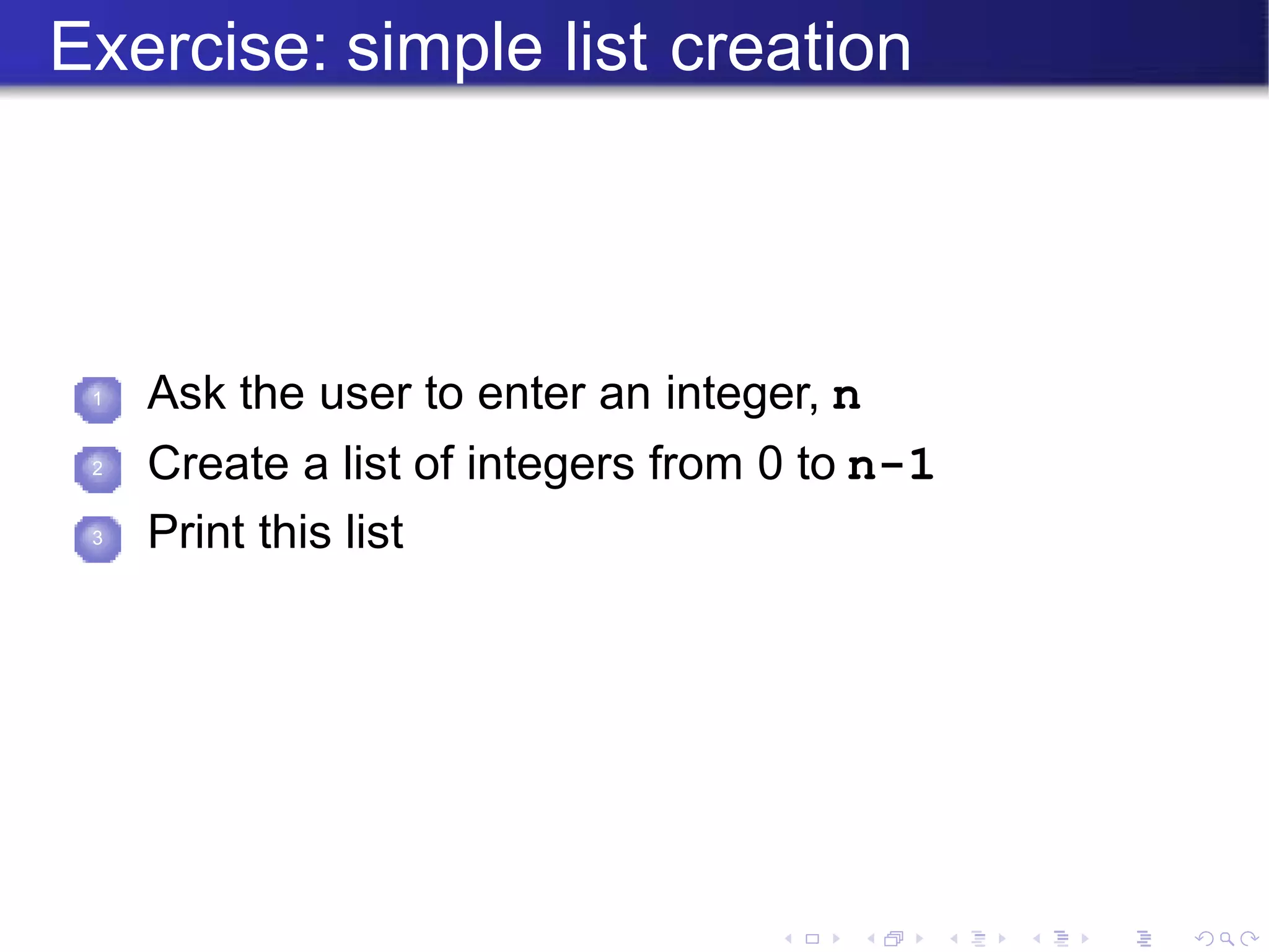
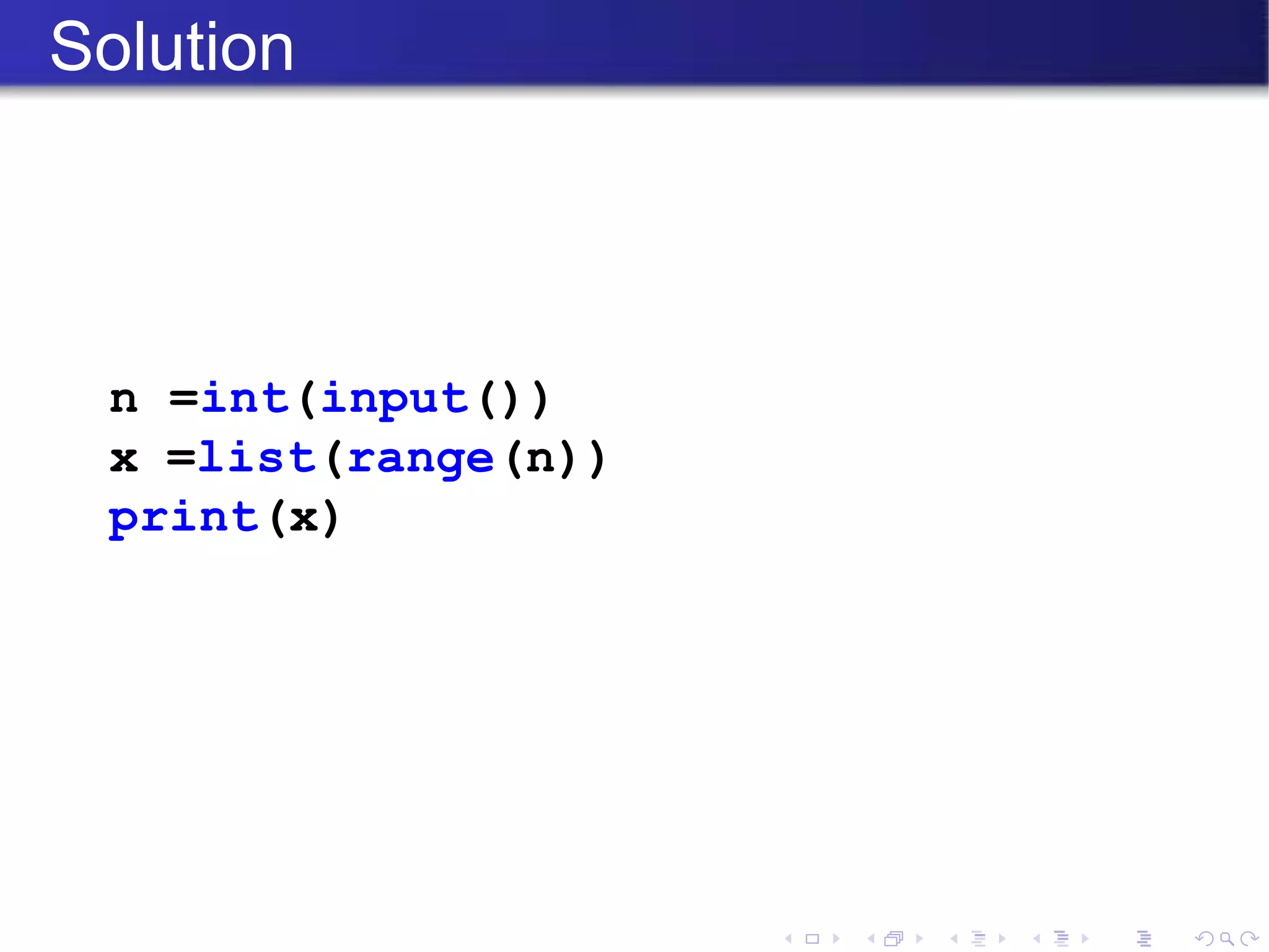
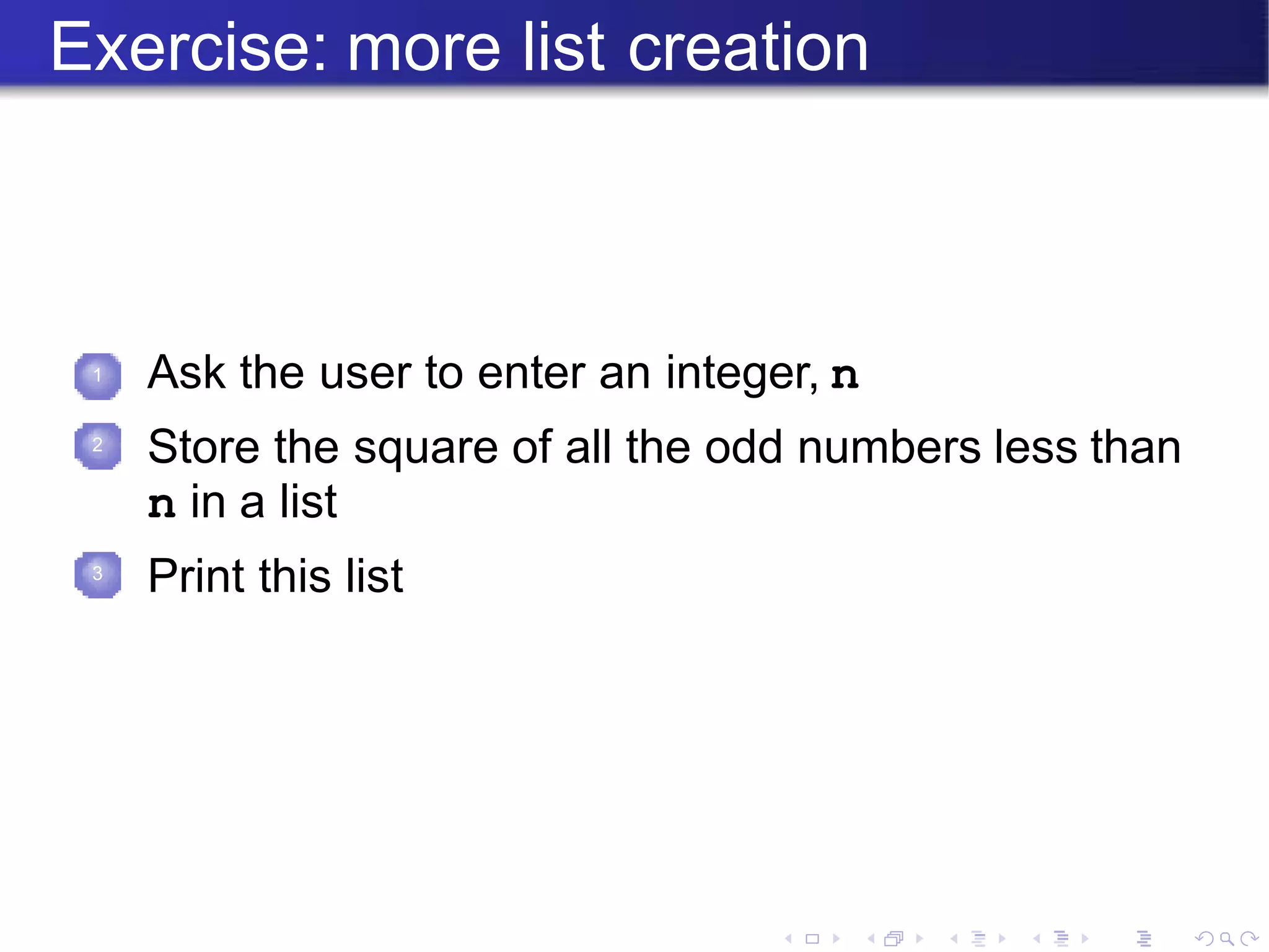
![Solution
n =int(input())
result = []
for i in range(1, n, 2):
result.append(i*i)
print(result)](https://image.slidesharecdn.com/practiceexercisesdatastructures-221101043308-6c414d28/75/Practice_Exercises_Data_Structures-pptx-4-2048.jpg)
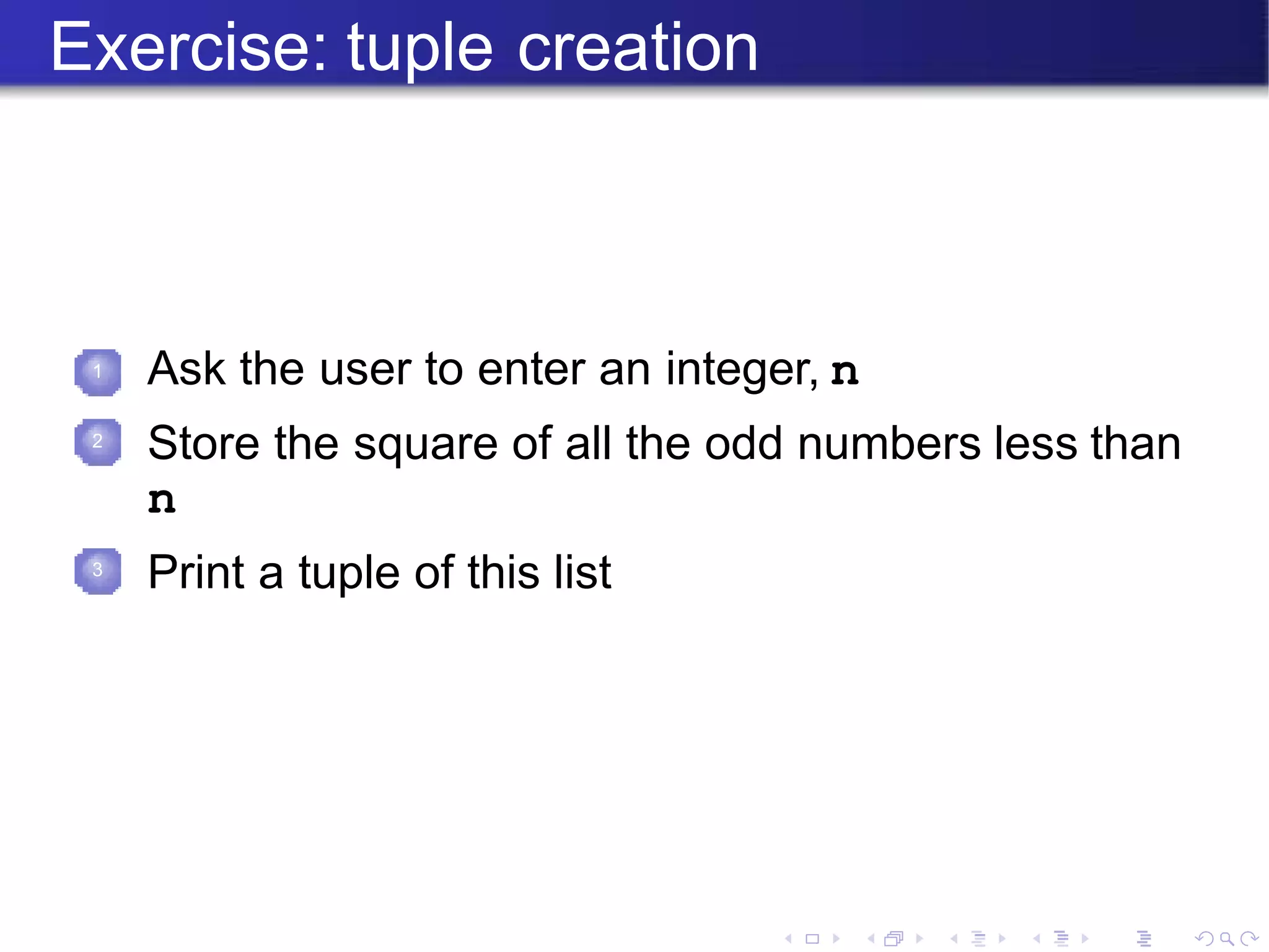
![Solution
n =int(input())
result = []
for i in range(1, n, 2):
result.append(i*i)
print(tuple(result))](https://image.slidesharecdn.com/practiceexercisesdatastructures-221101043308-6c414d28/75/Practice_Exercises_Data_Structures-pptx-6-2048.jpg)
![Hint: string to list/tuple
Here is an easy way to convert a string to a list of
characters.
Try this:
In []: x =’hello’
In []:print(list(x))
In []:print(tuple(x))](https://image.slidesharecdn.com/practiceexercisesdatastructures-221101043308-6c414d28/75/Practice_Exercises_Data_Structures-pptx-7-2048.jpg)
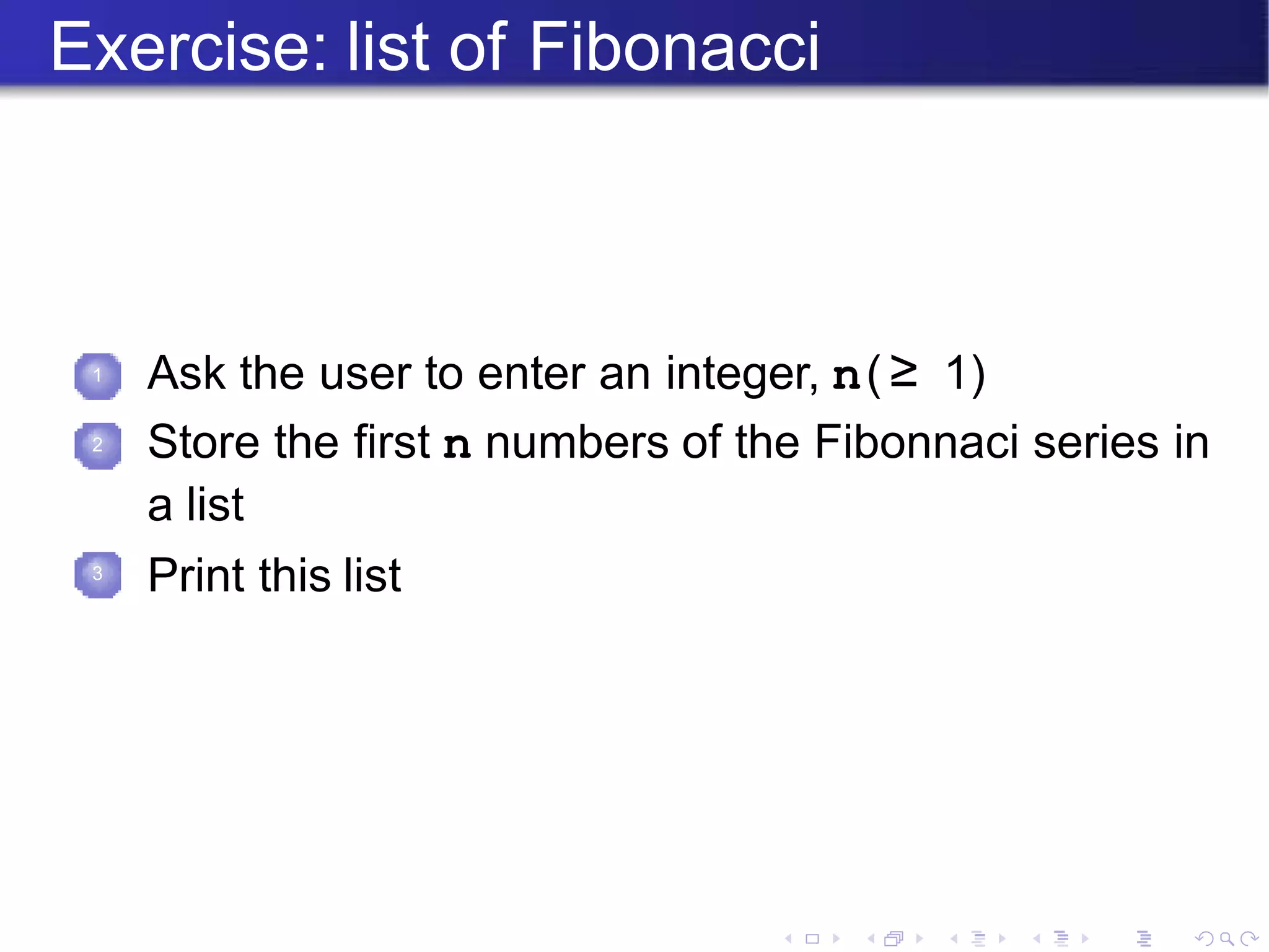
![Solution
n =int(input()) a, b = 0,
1
result = [0]
for I in range(n-1):
result.append(b)
a, b = b, a+b
print(result)](https://image.slidesharecdn.com/practiceexercisesdatastructures-221101043308-6c414d28/75/Practice_Exercises_Data_Structures-pptx-9-2048.jpg)
![Exercise: square a list of integers
1 Ask the user to enter a list of integers separated by
spaces
Convert this into a list of integers but square each
element
Print this list
2
3
For example, if the user enters 1 2 3 4, print:
[1, 4, 9, 16]](https://image.slidesharecdn.com/practiceexercisesdatastructures-221101043308-6c414d28/75/Practice_Exercises_Data_Structures-pptx-10-2048.jpg)
![Solution
text =input()
result = []
for item in text.split():
x =int(item)
result.append(x*x)
print(result)](https://image.slidesharecdn.com/practiceexercisesdatastructures-221101043308-6c414d28/75/Practice_Exercises_Data_Structures-pptx-11-2048.jpg)
![Exercise: list of tuples
1 Ask the user to enter a list of integers separated by
spaces
Convert this into a list of integers but square each
element
Store the integer and its square in a tuple, put this
into a list
Print this list
2
3
4
For example, if the user enters 1 2 3 4, print:
[(1, 1), (2, 4), (3, 9), (4, 16)]](https://image.slidesharecdn.com/practiceexercisesdatastructures-221101043308-6c414d28/75/Practice_Exercises_Data_Structures-pptx-12-2048.jpg)
![Solution
text =input()
result = []
for item in text.split():
x =int(item)
result.append((x, x*x))
print(result)](https://image.slidesharecdn.com/practiceexercisesdatastructures-221101043308-6c414d28/75/Practice_Exercises_Data_Structures-pptx-13-2048.jpg)
![Hint: iterating over a list of tuples
Consider the following code:
In []: data = [(1, 1), (2, 4), (3, 9), (4,
16)]
We can iterate over this as follows:
In []:for x, y in data:
.....:print(x, y)](https://image.slidesharecdn.com/practiceexercisesdatastructures-221101043308-6c414d28/75/Practice_Exercises_Data_Structures-pptx-14-2048.jpg)
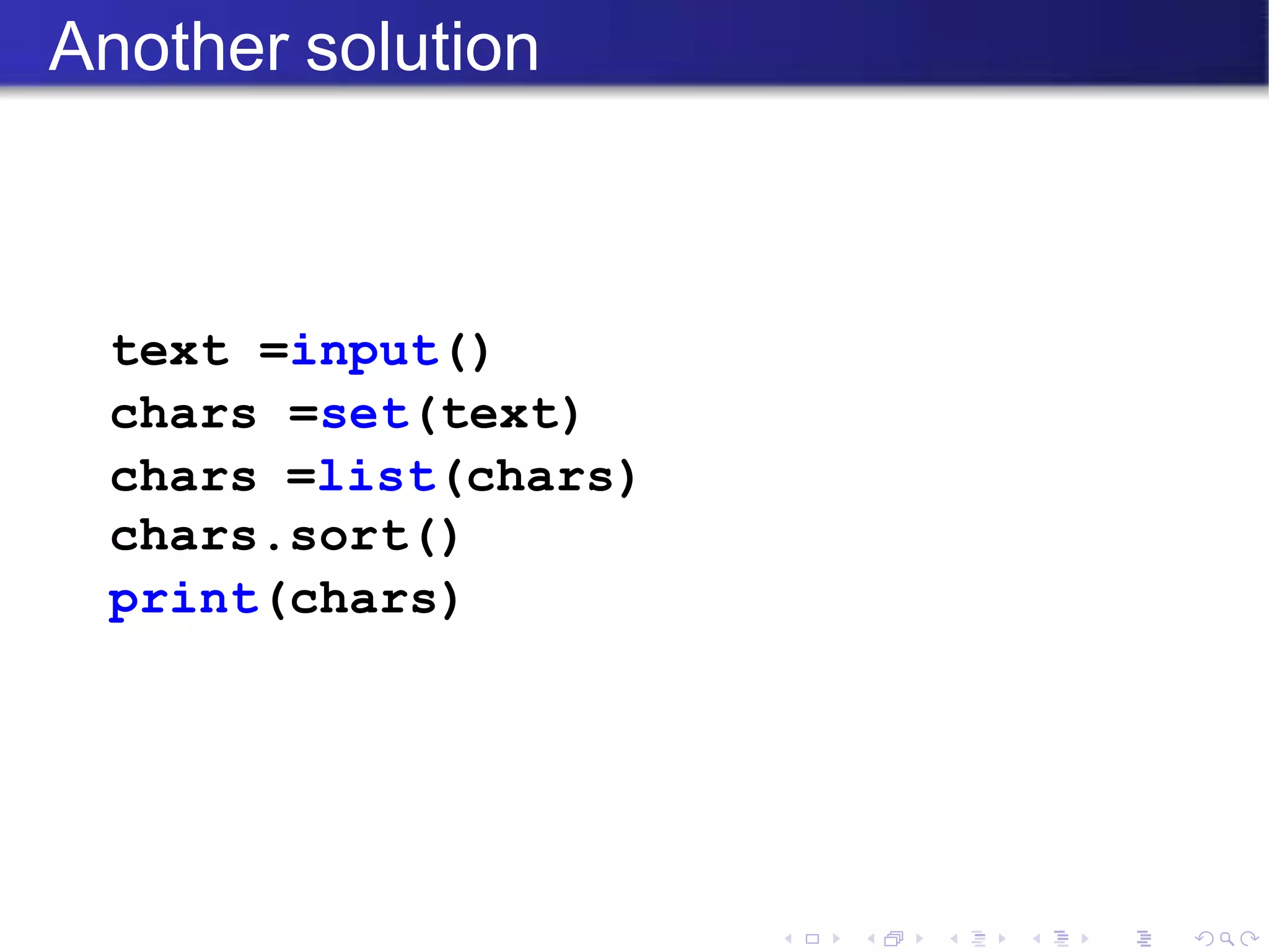
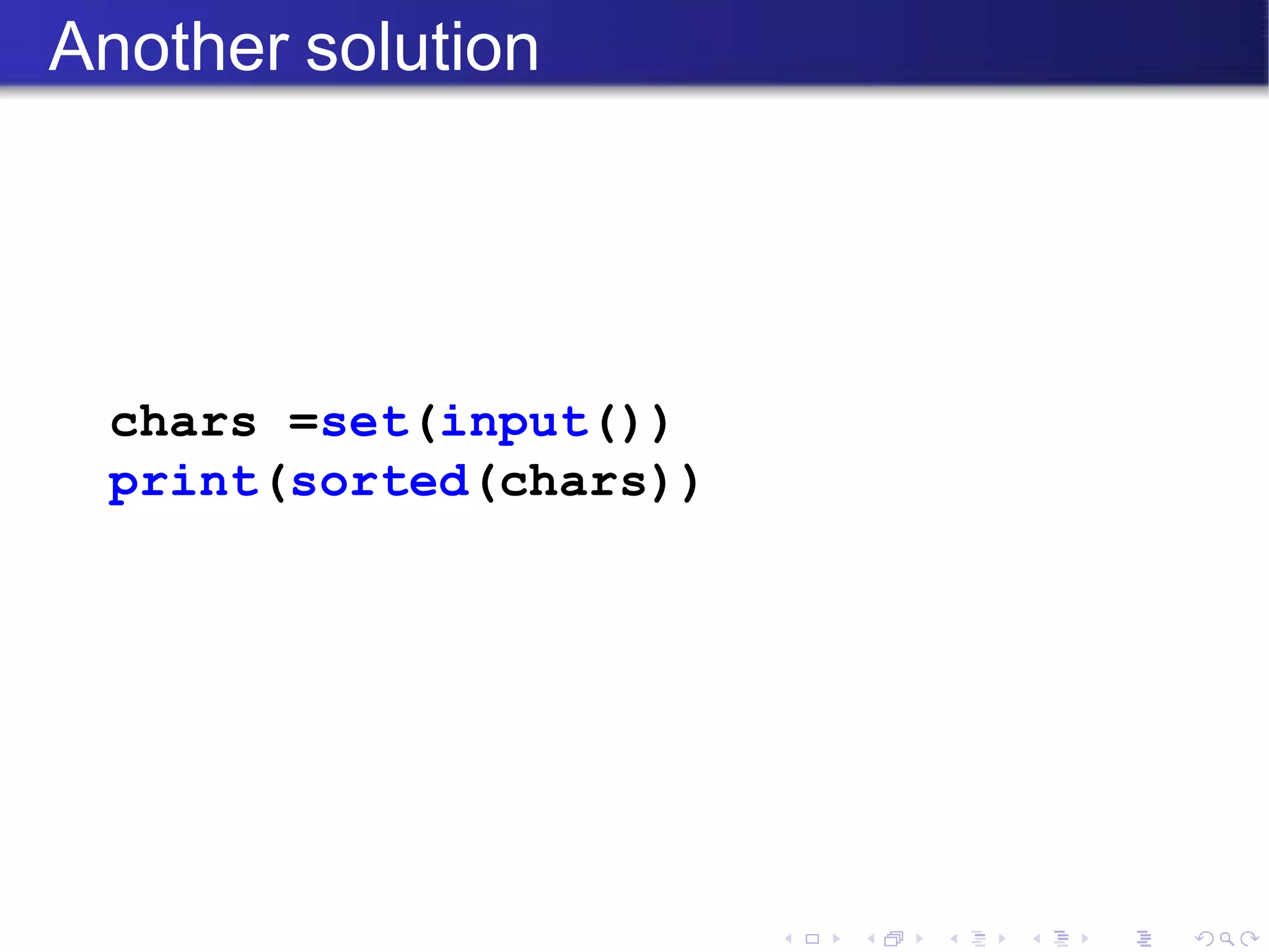
![Exercise: list methods
1 Ask the user to enter a string
Convert this into a list of characters
Sort this list in ascending order
Now eliminate any repeated values in this list
Print this list
2
3
4
5
For example, if the user enters hello, print:
[’e’,’h’,’l’,’o’]](https://image.slidesharecdn.com/practiceexercisesdatastructures-221101043308-6c414d28/75/Practice_Exercises_Data_Structures-pptx-15-2048.jpg)
![Solution
text =input()
chars =list(text)
chars.sort()
result = []
for c in chars:
if c not in result:
result.append(c)
print(result)](https://image.slidesharecdn.com/practiceexercisesdatastructures-221101043308-6c414d28/75/Practice_Exercises_Data_Structures-pptx-16-2048.jpg)
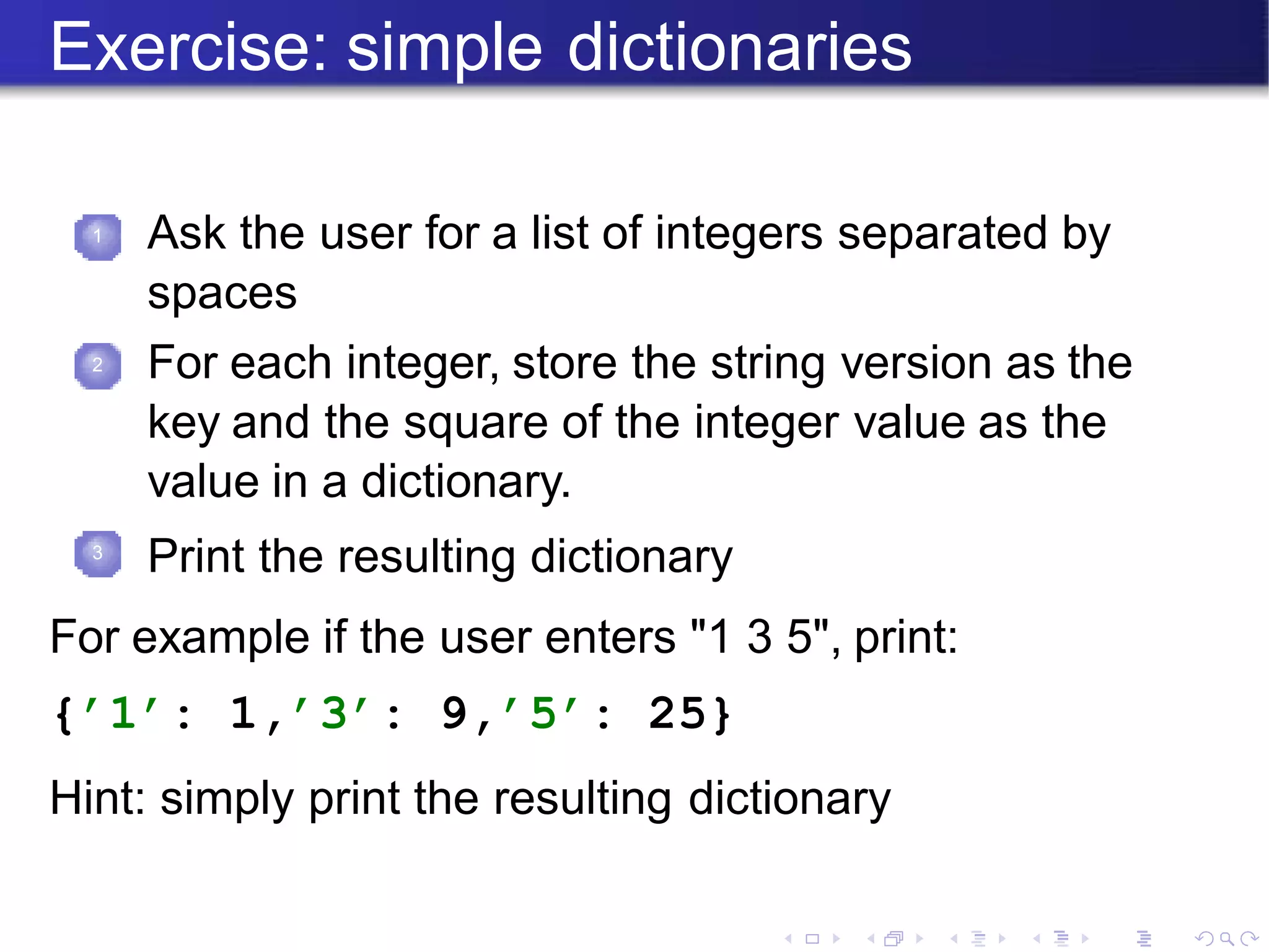
![Solution
text =input()
d = {}
for item in text.split():
x =int(item)
d[item] = x*x
print(d)](https://image.slidesharecdn.com/practiceexercisesdatastructures-221101043308-6c414d28/75/Practice_Exercises_Data_Structures-pptx-20-2048.jpg)
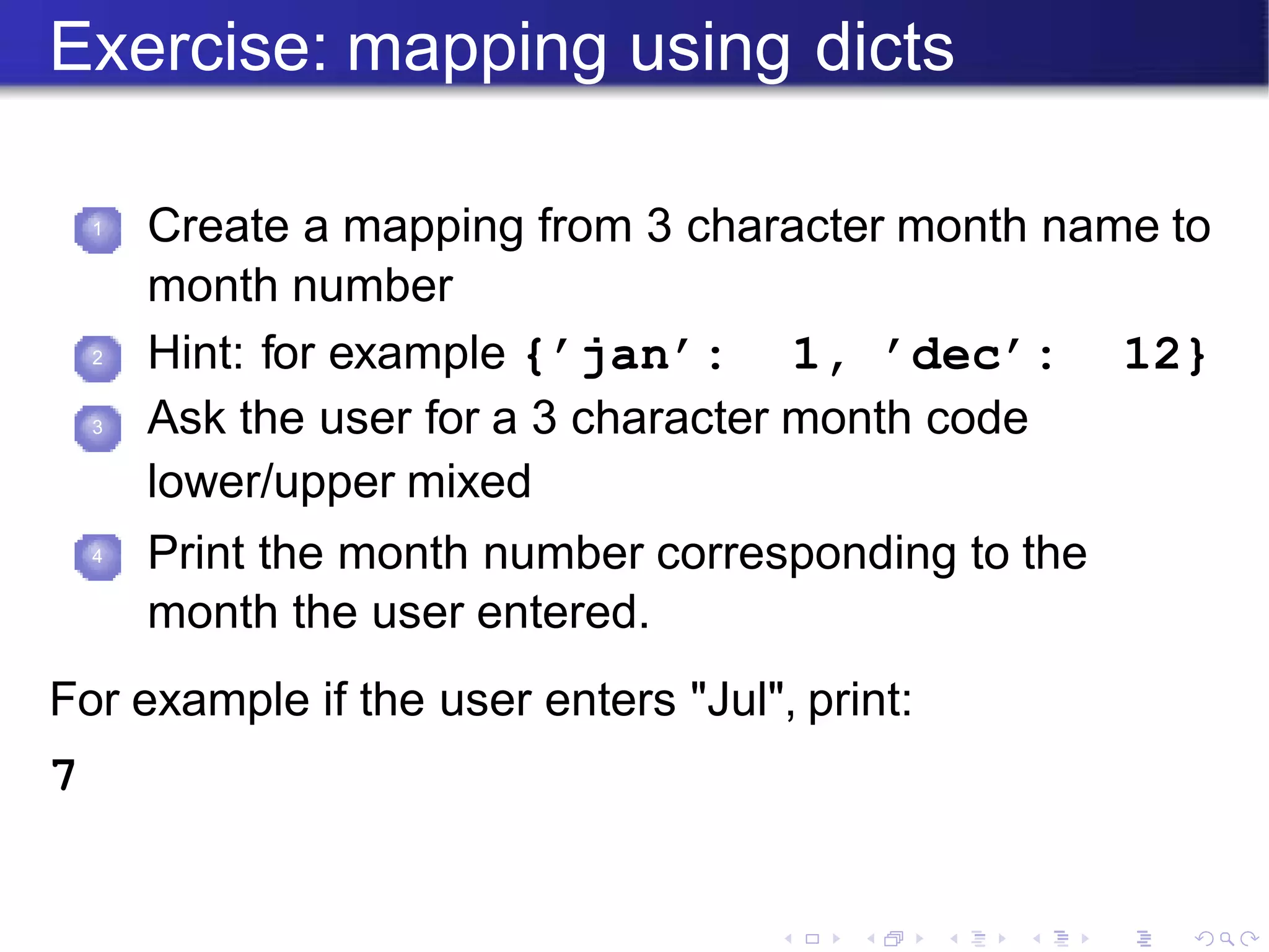
![Solution
months = (’janfebmaraprmayjunjul’+
’augsepoctnovdec’).split()
month2mm = {}
for i in range(len(months)):
month2mm[months[i]] = i + 1
text =input()
mon = text[:3].lower()
print(month2mm[mon])](https://image.slidesharecdn.com/practiceexercisesdatastructures-221101043308-6c414d28/75/Practice_Exercises_Data_Structures-pptx-22-2048.jpg)
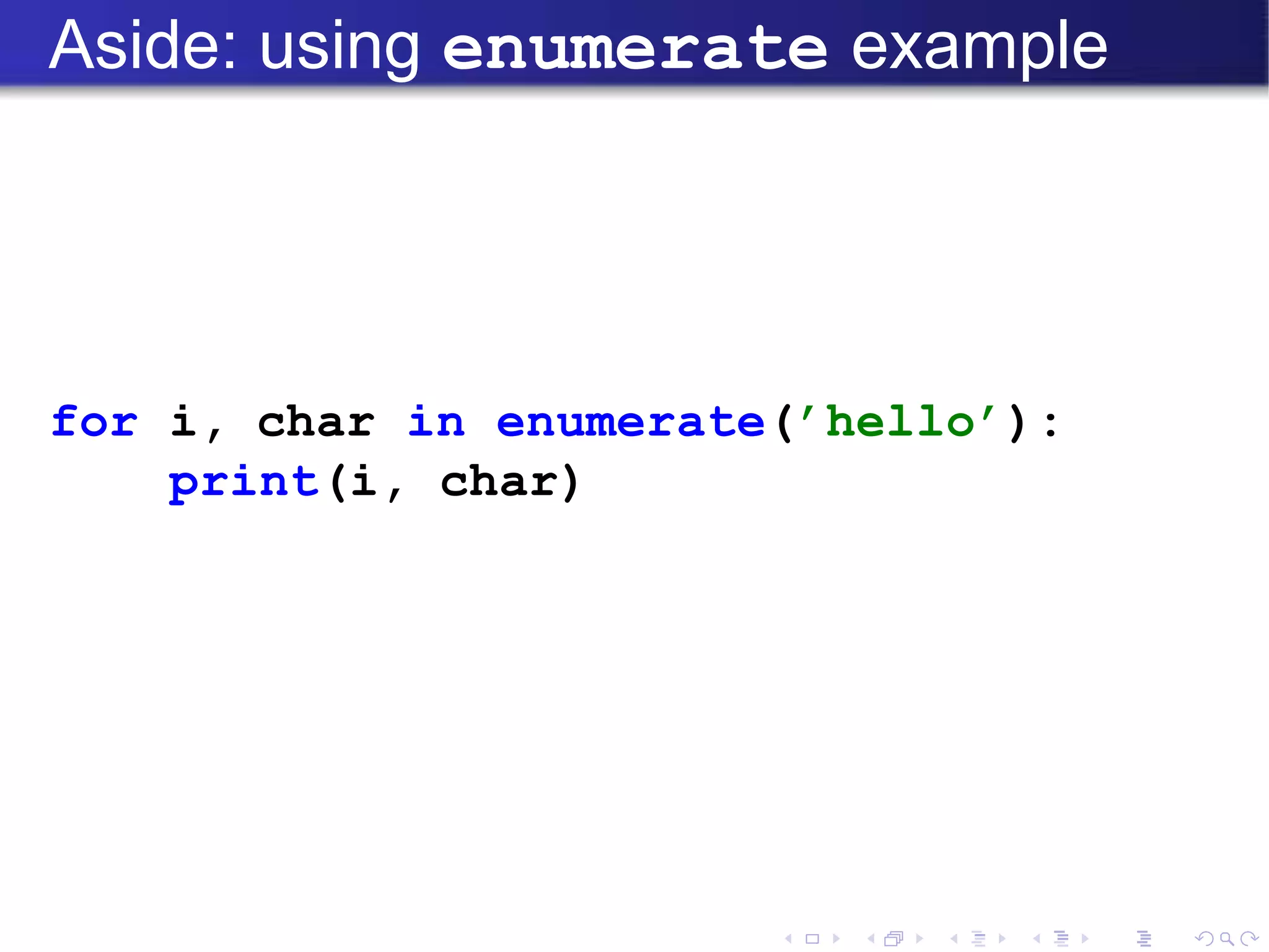
![Aside: using enumerate
months = (’janfebmaraprmayjunjul’+
’augsepoctnovdec’).split()
month2mm = {}
for i, month in enumerate(months):
month2mm[month] = i + 1
#Is easier/nicer than this:
for I inrange(len(months)):
month2mm[months[i]] = i + 1](https://image.slidesharecdn.com/practiceexercisesdatastructures-221101043308-6c414d28/75/Practice_Exercises_Data_Structures-pptx-24-2048.jpg)
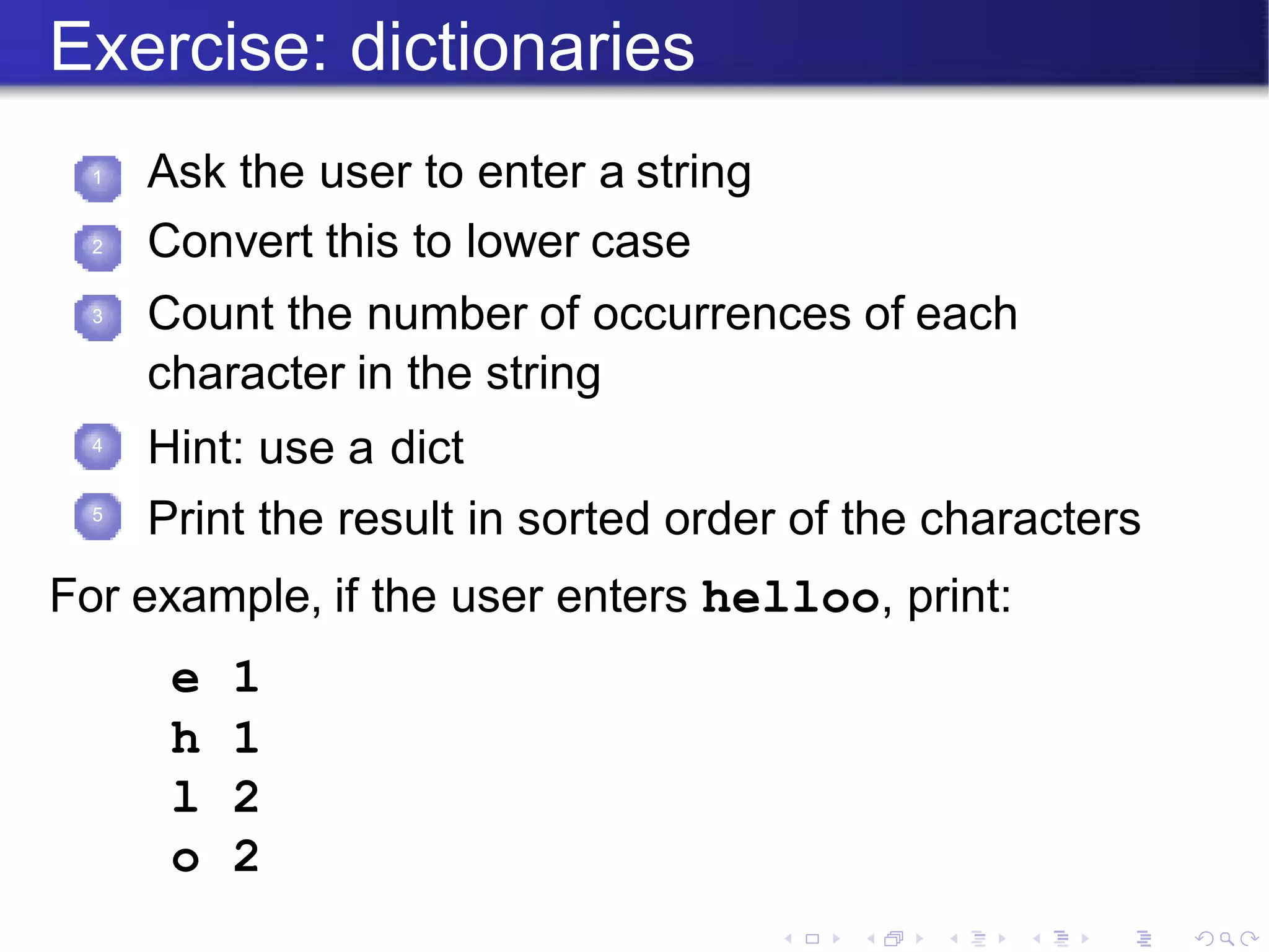
![Solution
text =input().lower()
result = {}
for char in text:
if char in result:
result[char] += 1
else:
result[char] = 1
for char in sorted(result):
print(char, result[char])](https://image.slidesharecdn.com/practiceexercisesdatastructures-221101043308-6c414d28/75/Practice_Exercises_Data_Structures-pptx-26-2048.jpg)
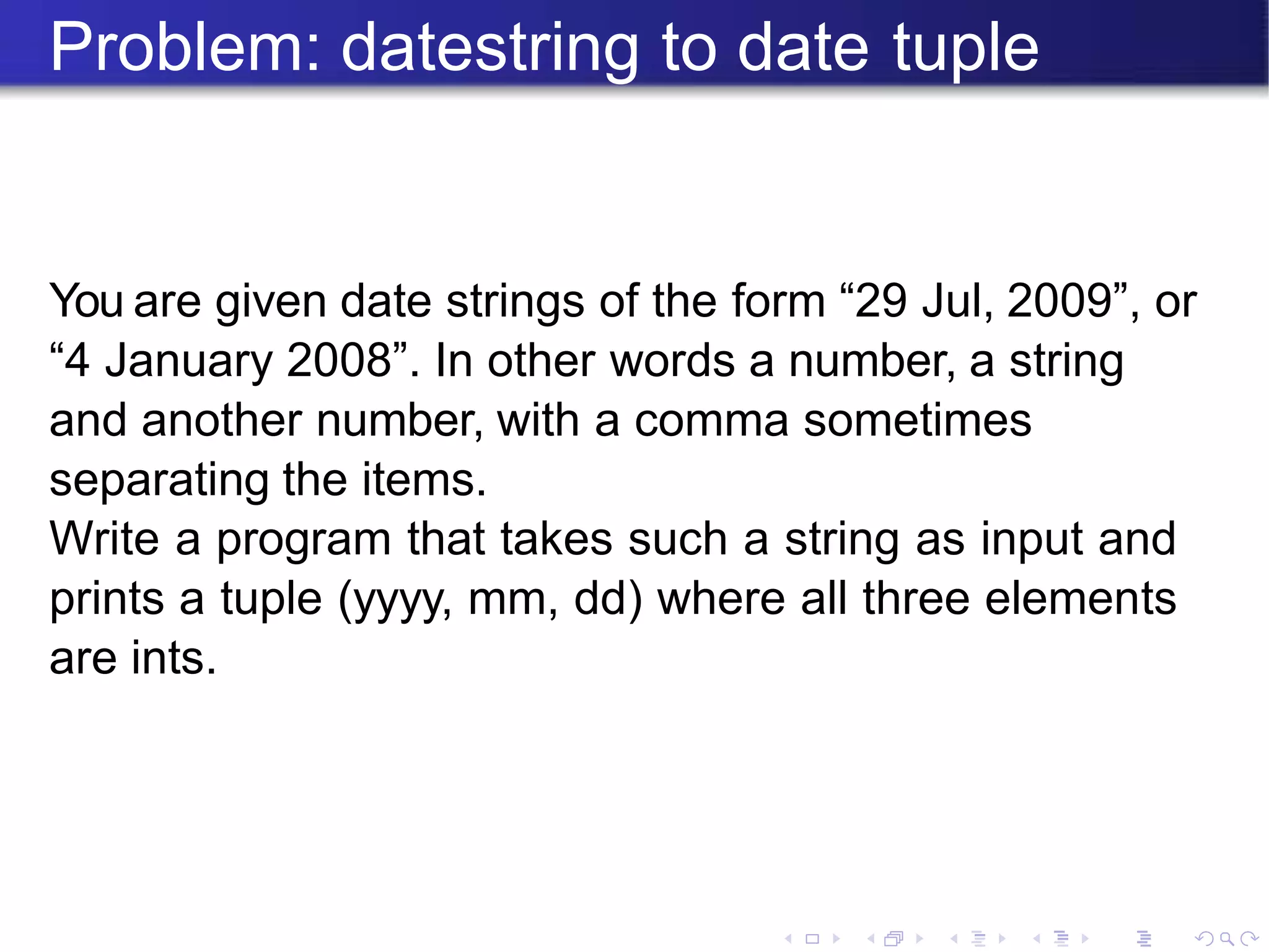
![Solution
months = (’janfebmaraprmayjunjul’+
’augsepoctnovdec’).split()
month2mm = {}
for i, month in enumerate(months):
month2mm[month] = i + 1
date =input()
date = date.replace(’,’,’’) day, month,
year = date.split()
dd, yyyy =int(day),int(year)
mon = month[:3].lower()
mm = month2mm[mon] print((yyyy,
mm, dd))
FOSSEE Team (FOSSEE – IITB) Basic Python 30 / 31](https://image.slidesharecdn.com/practiceexercisesdatastructures-221101043308-6c414d28/75/Practice_Exercises_Data_Structures-pptx-28-2048.jpg)

The document contains Python code solutions to various exercises involving lists, tuples, dictionaries and string manipulation. The exercises include tasks like creating lists from user input, storing Fibonacci numbers in a list, mapping month names to numbers using a dictionary, counting character frequencies in a string, and converting a date string to a date tuple. The solutions demonstrate basic list, tuple, dictionary and string operations in Python.


