@jonathanmedd
PowerShell and PowerCLI
Other programming languages are
available………
…but the principles in this session can
typically be applied to most of them.
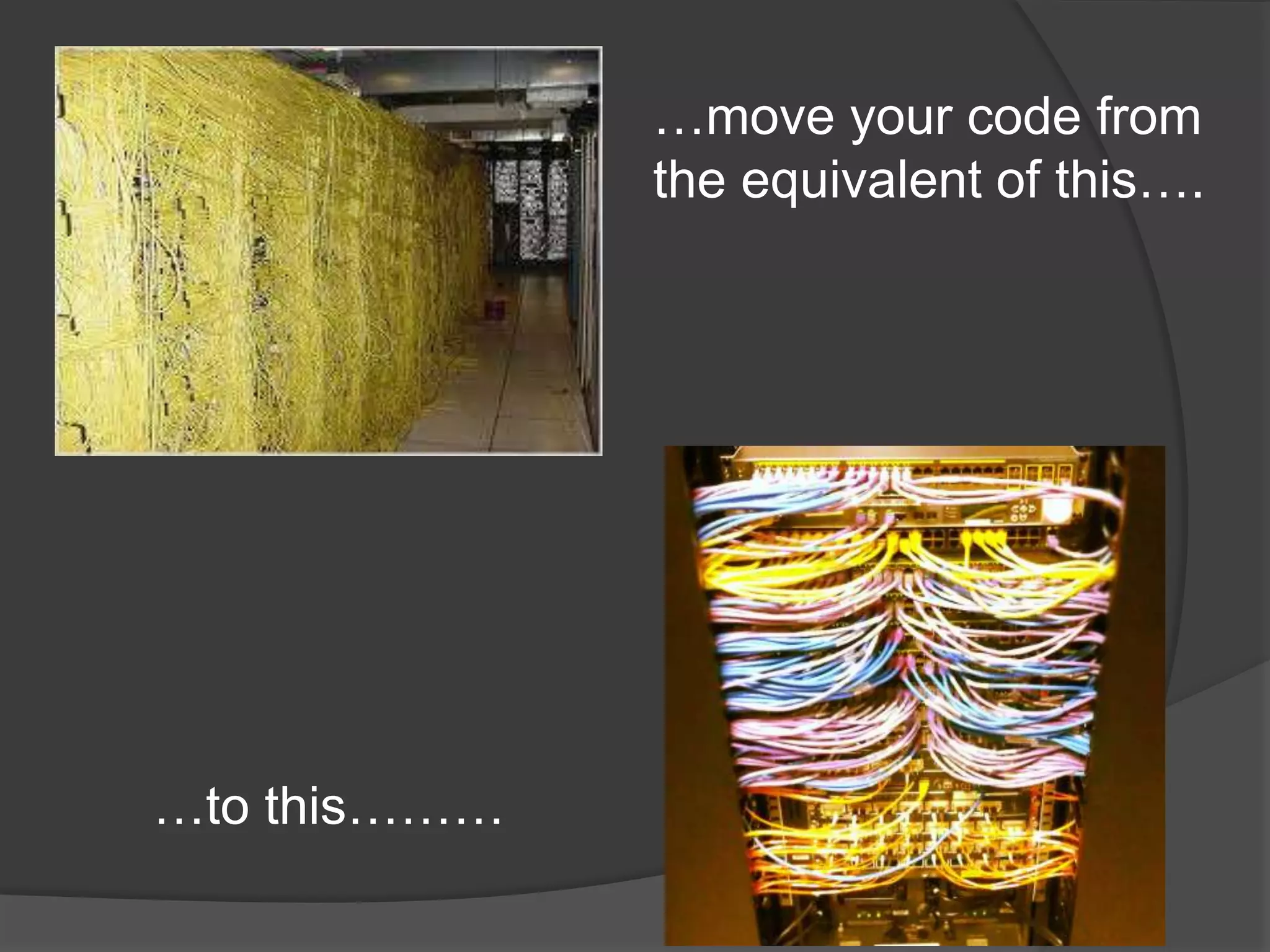
…move your code from
the equivalent of this….

…to this………
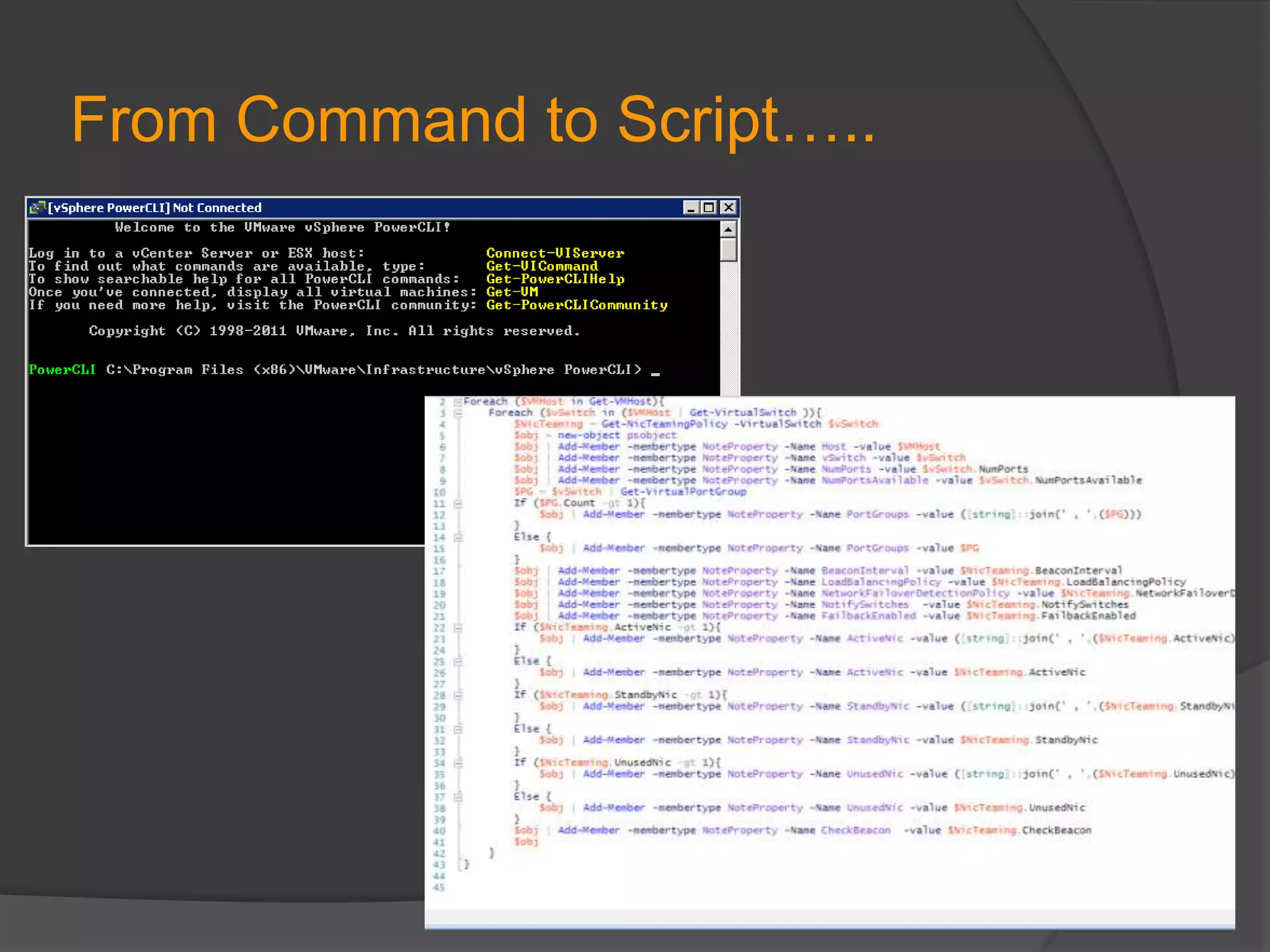
From Command to Script…..
….to Function
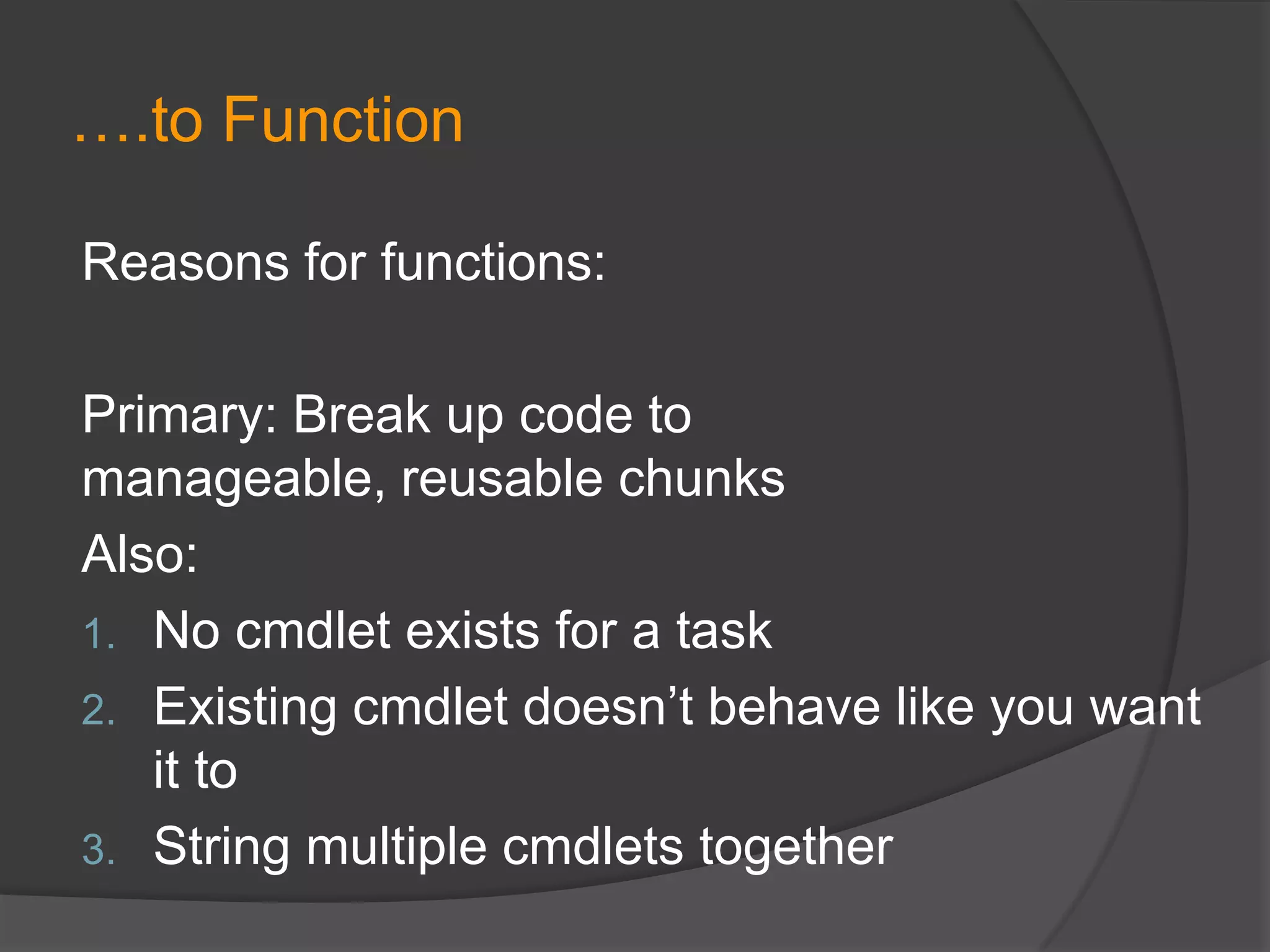
Reasons for functions:
Primary: Break up code to
manageable, reusable chunks
Also:
1. No cmdlet exists for a task
2. Existing cmdlet doesn’t behave like you want
it to
3. String multiple cmdlets together
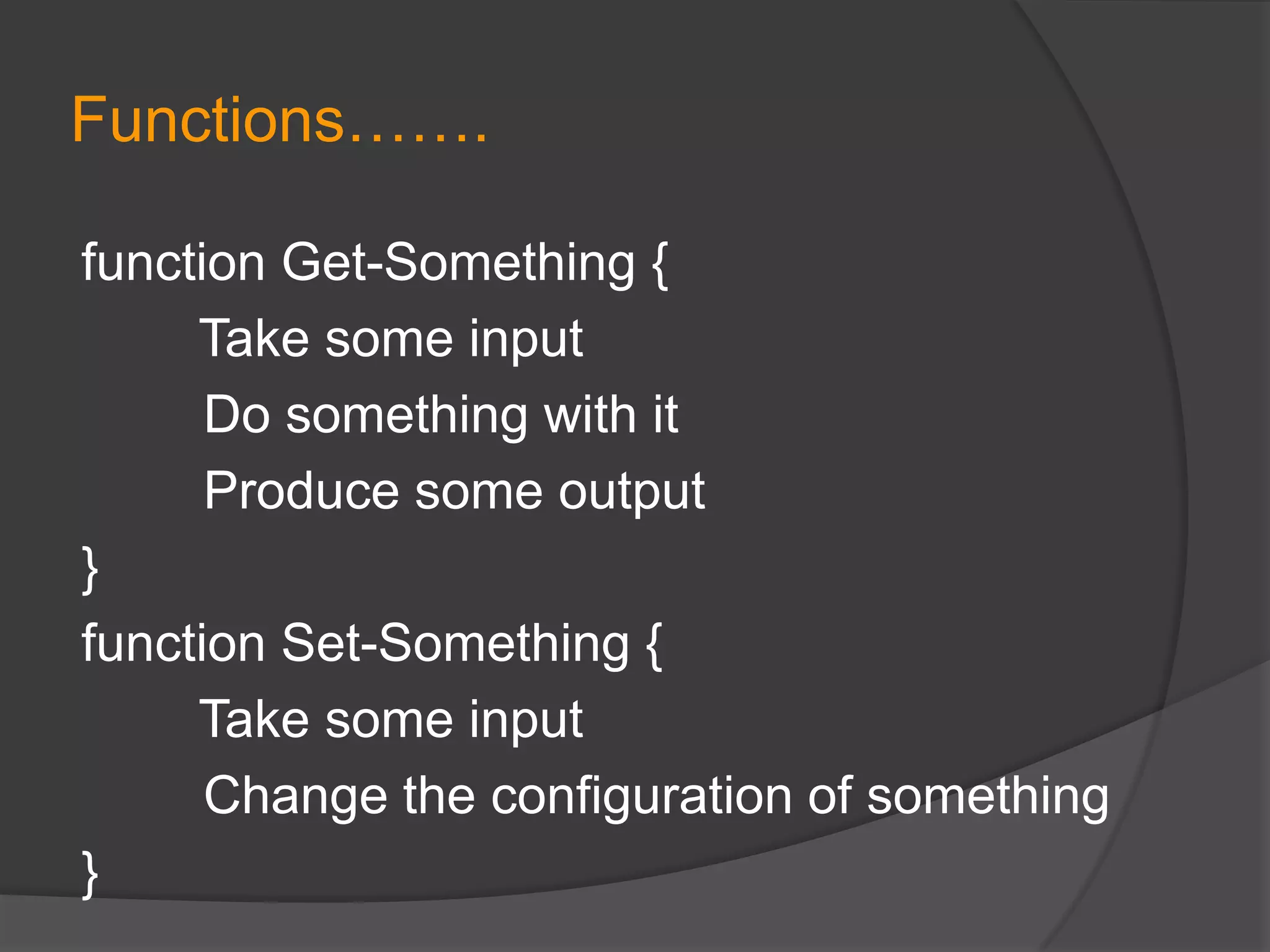
Functions…….
function Get-Something {
Take some input
Do something with it
Produce some output
}
function Set-Something {
Take some input
Change the configuration of something
}
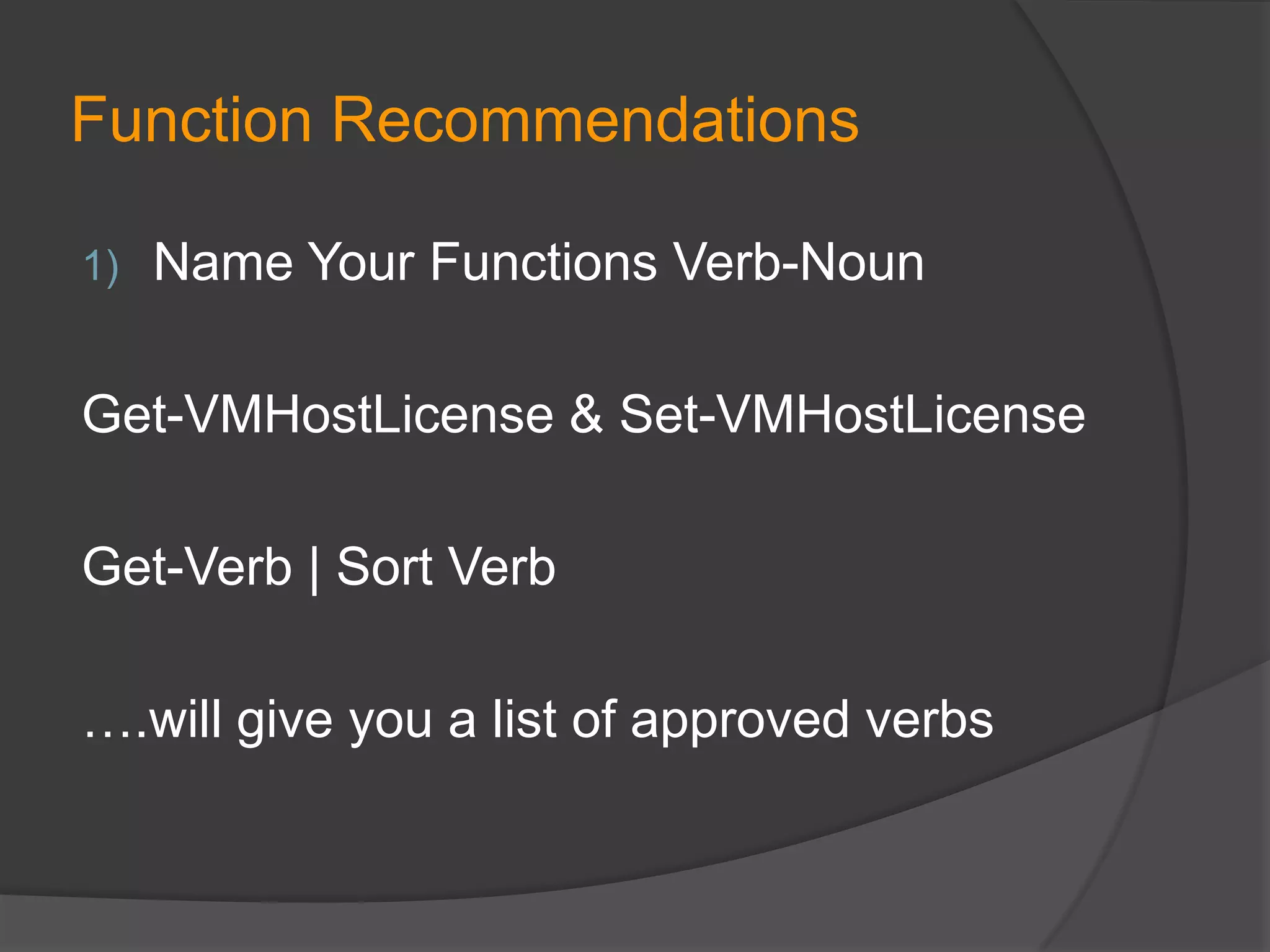
Function Recommendations
1)

Name Your Functions Verb-Noun

Get-VMHostLicense & Set-VMHostLicense

Get-Verb | Sort Verb
….will give you a list of approved verbs
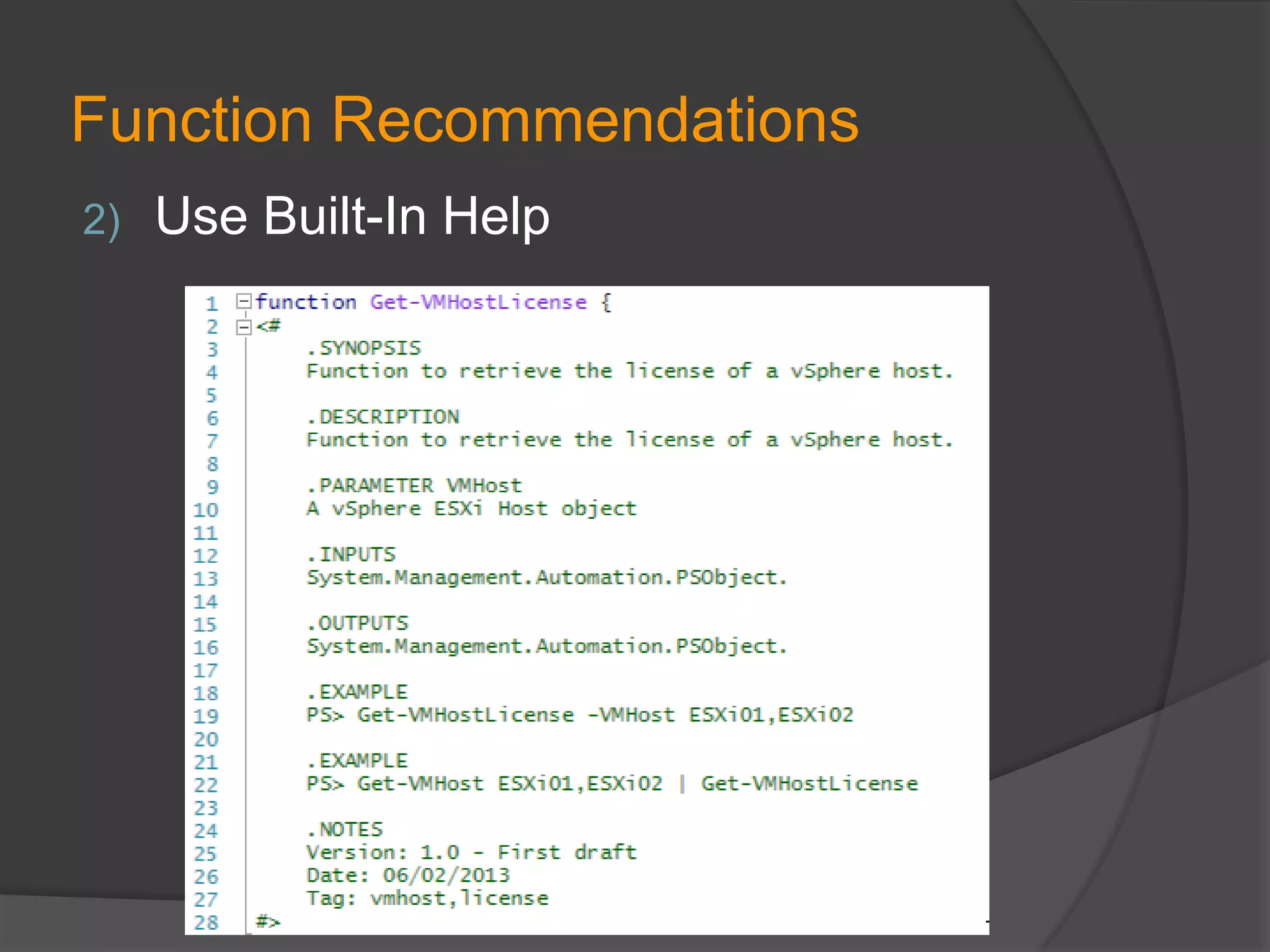
Function Recommendations
2)

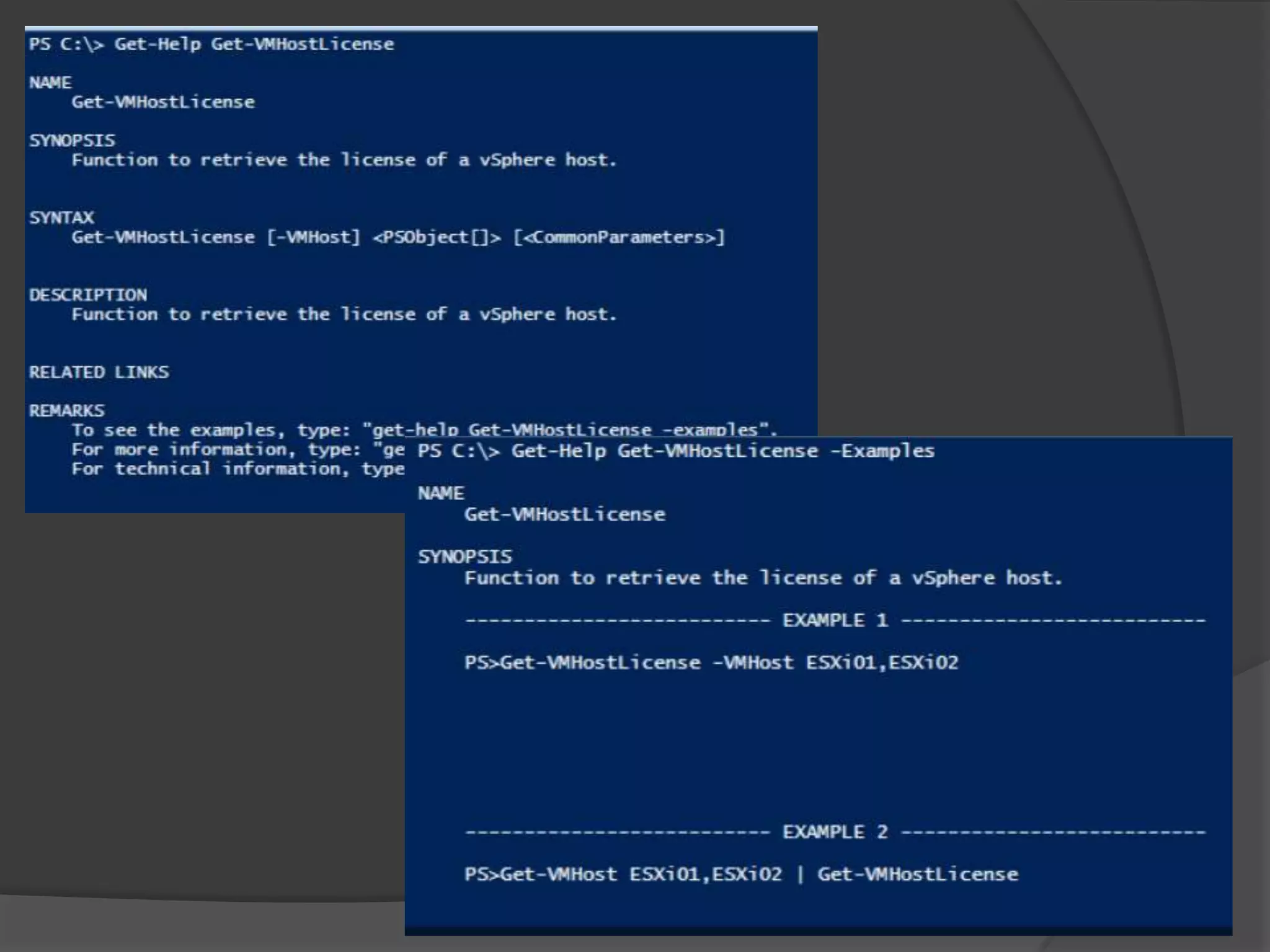
Use Built-In Help
Function Recommendations
3)

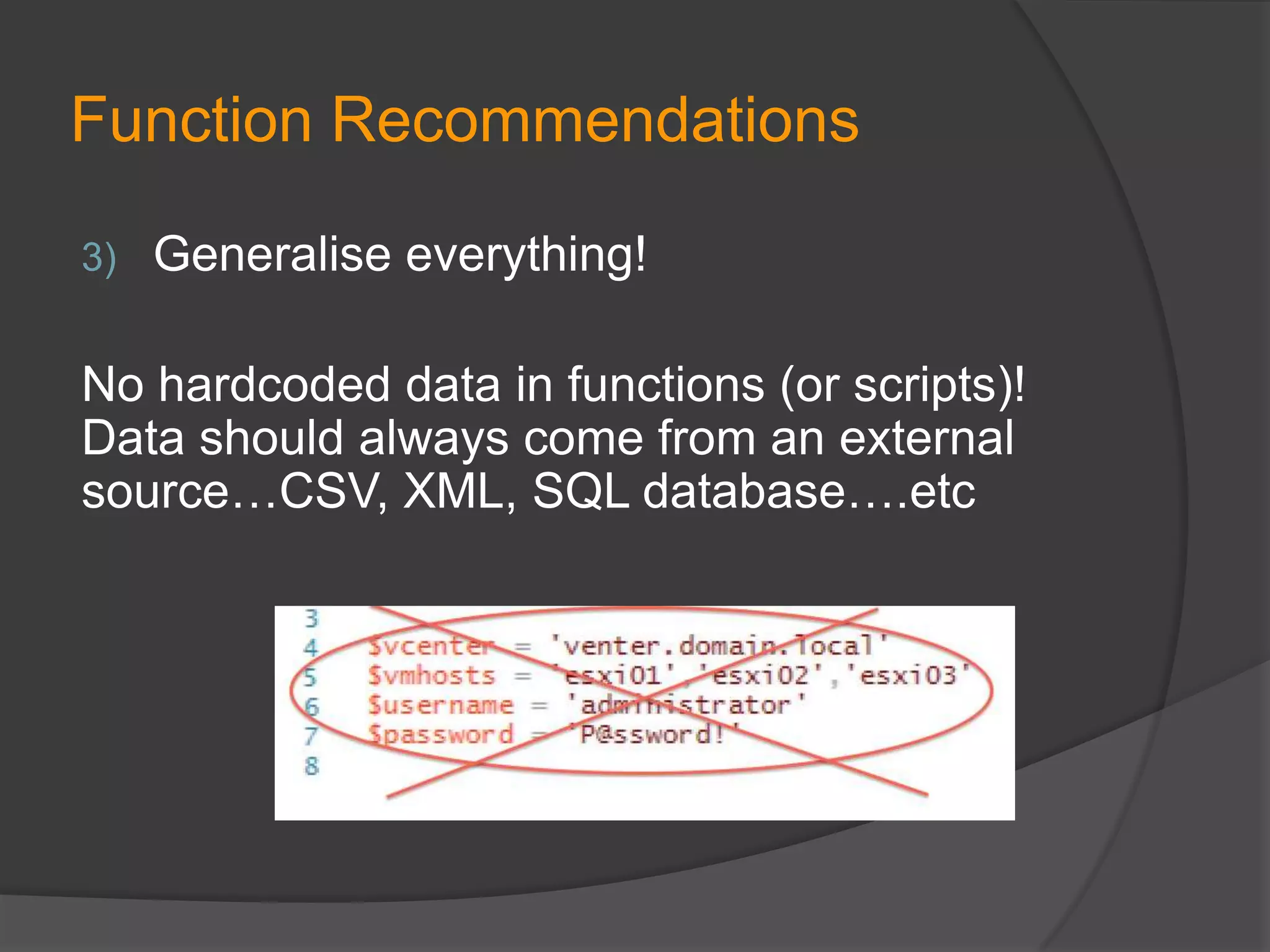
Generalise everything!

No hardcoded data in functions (or scripts)!
Data should always come from an external
source…CSV, XML, SQL database….etc
Function Recommendations
4)

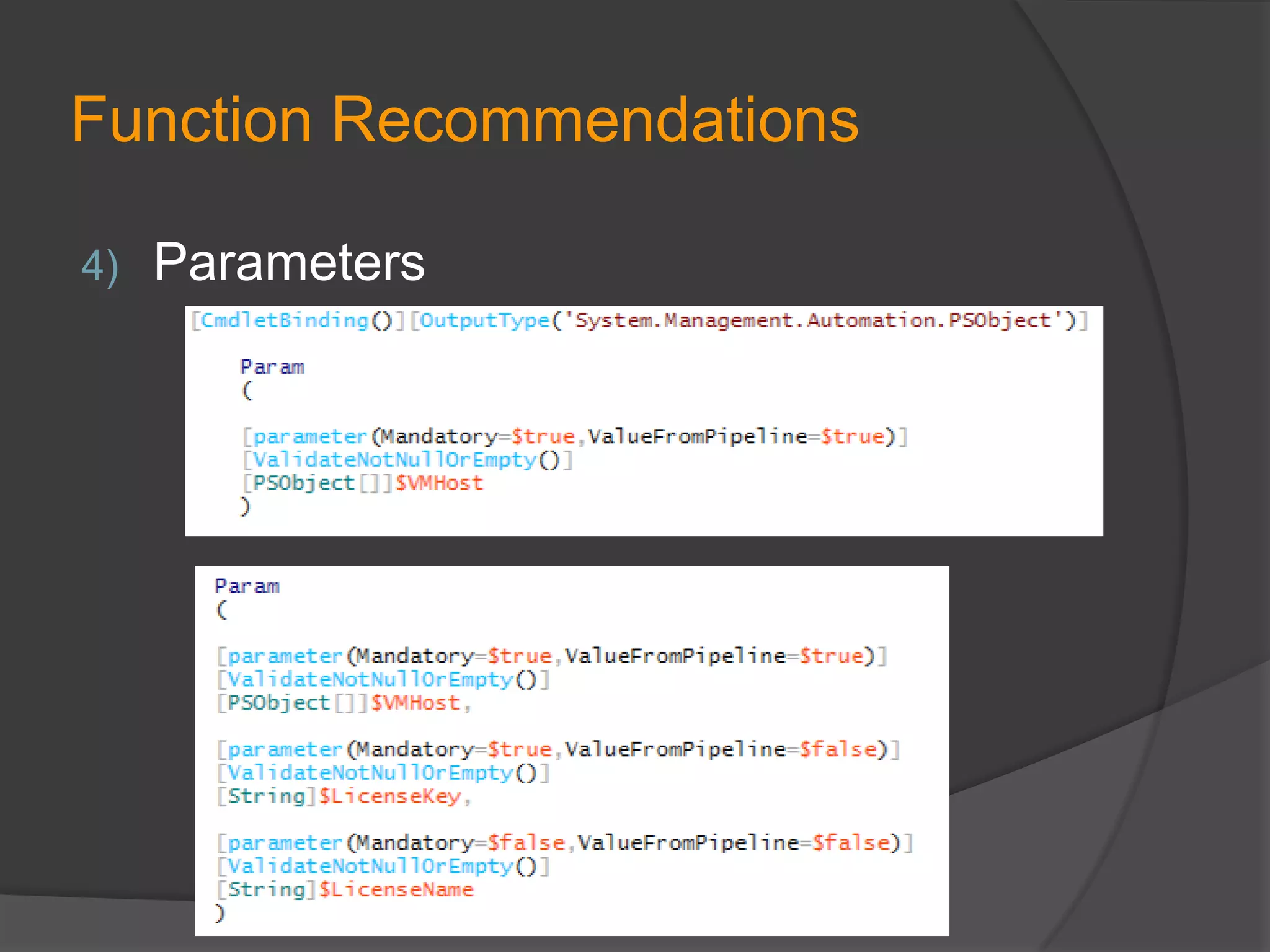
Parameters
Function Recommendations
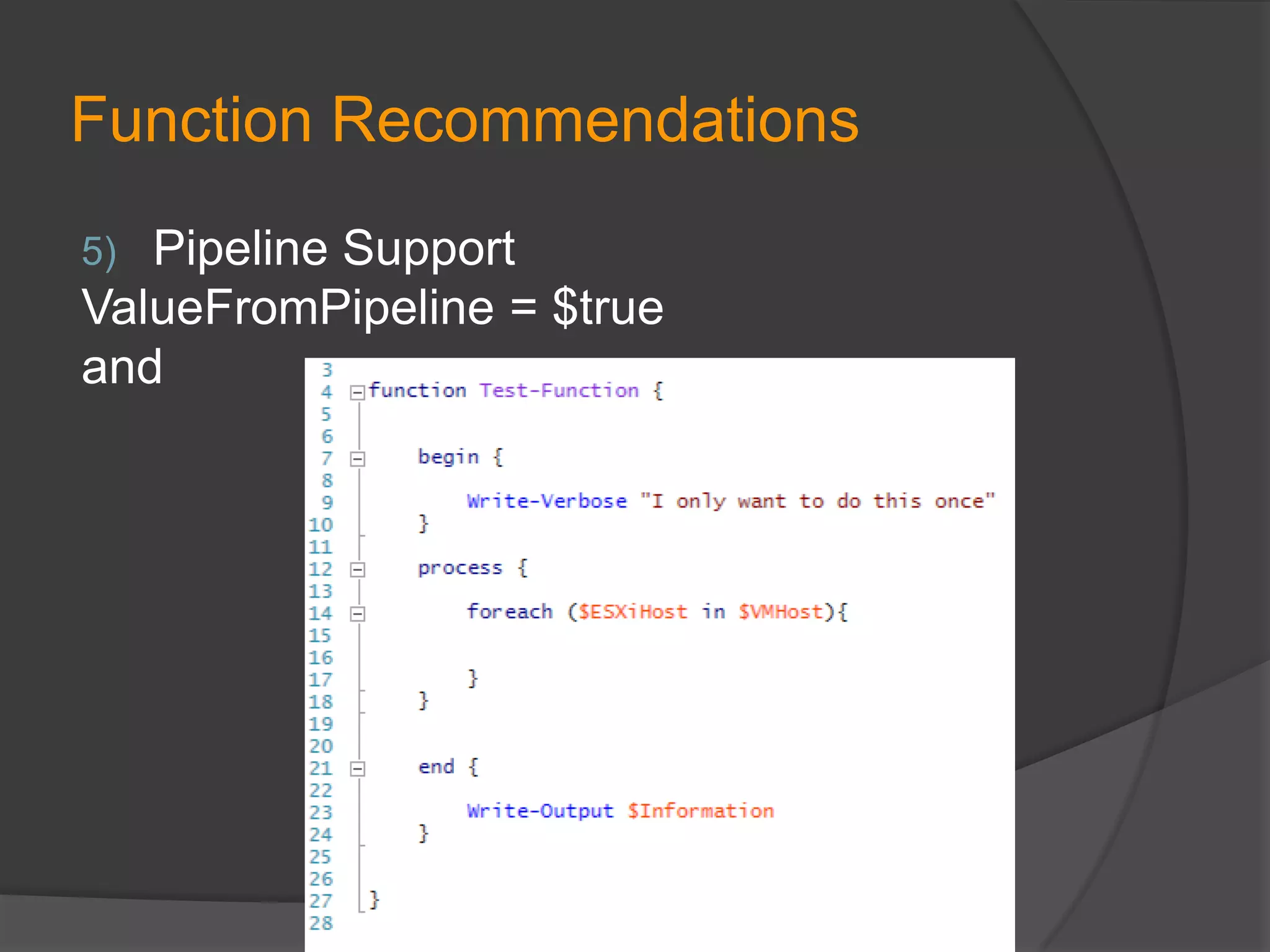
Pipeline Support
ValueFromPipeline = $true
and
5)
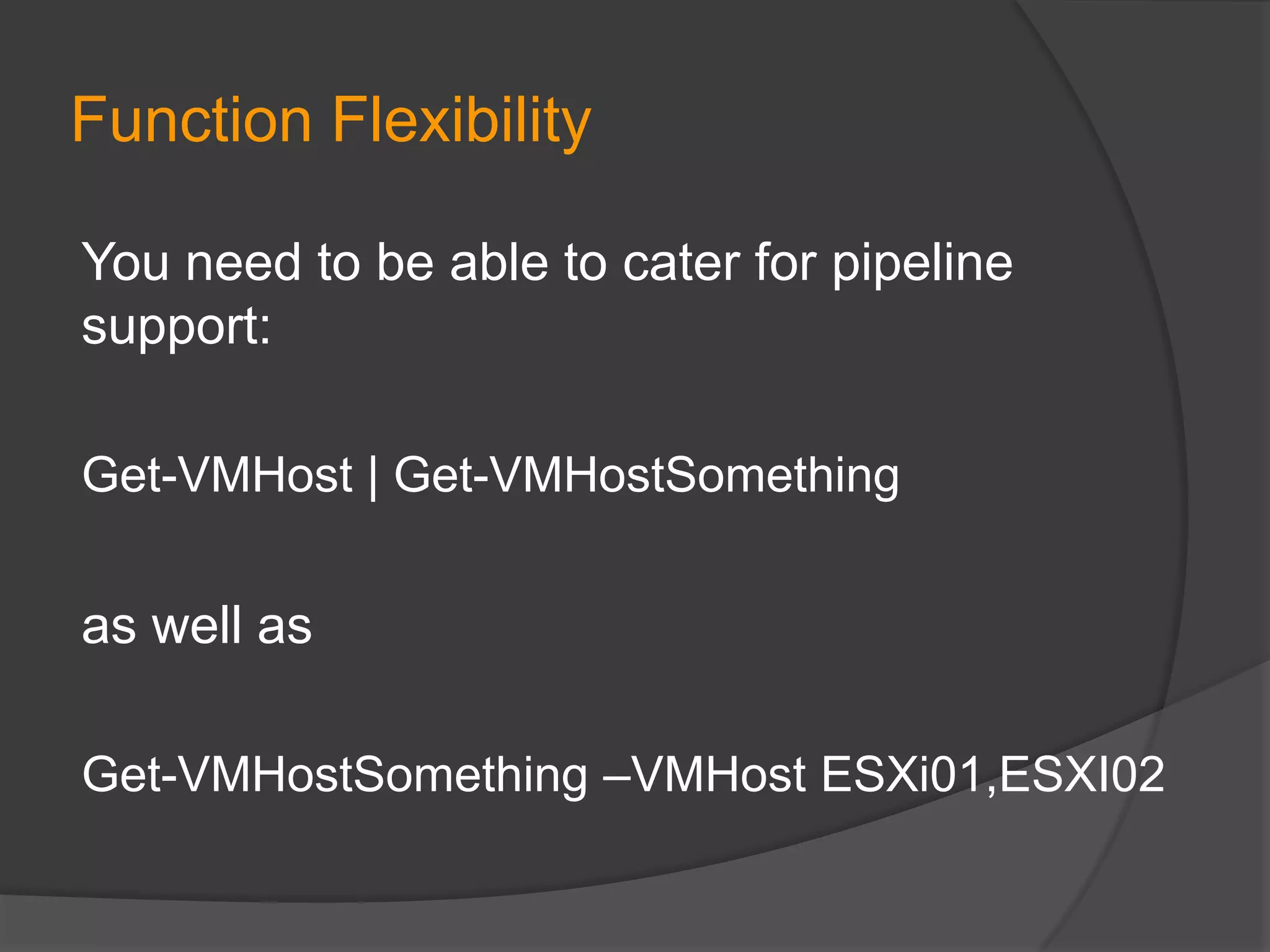
Function Flexibility
You need to be able to cater for pipeline
support:
Get-VMHost | Get-VMHostSomething

as well as
Get-VMHostSomething –VMHost ESXi01,ESXI02
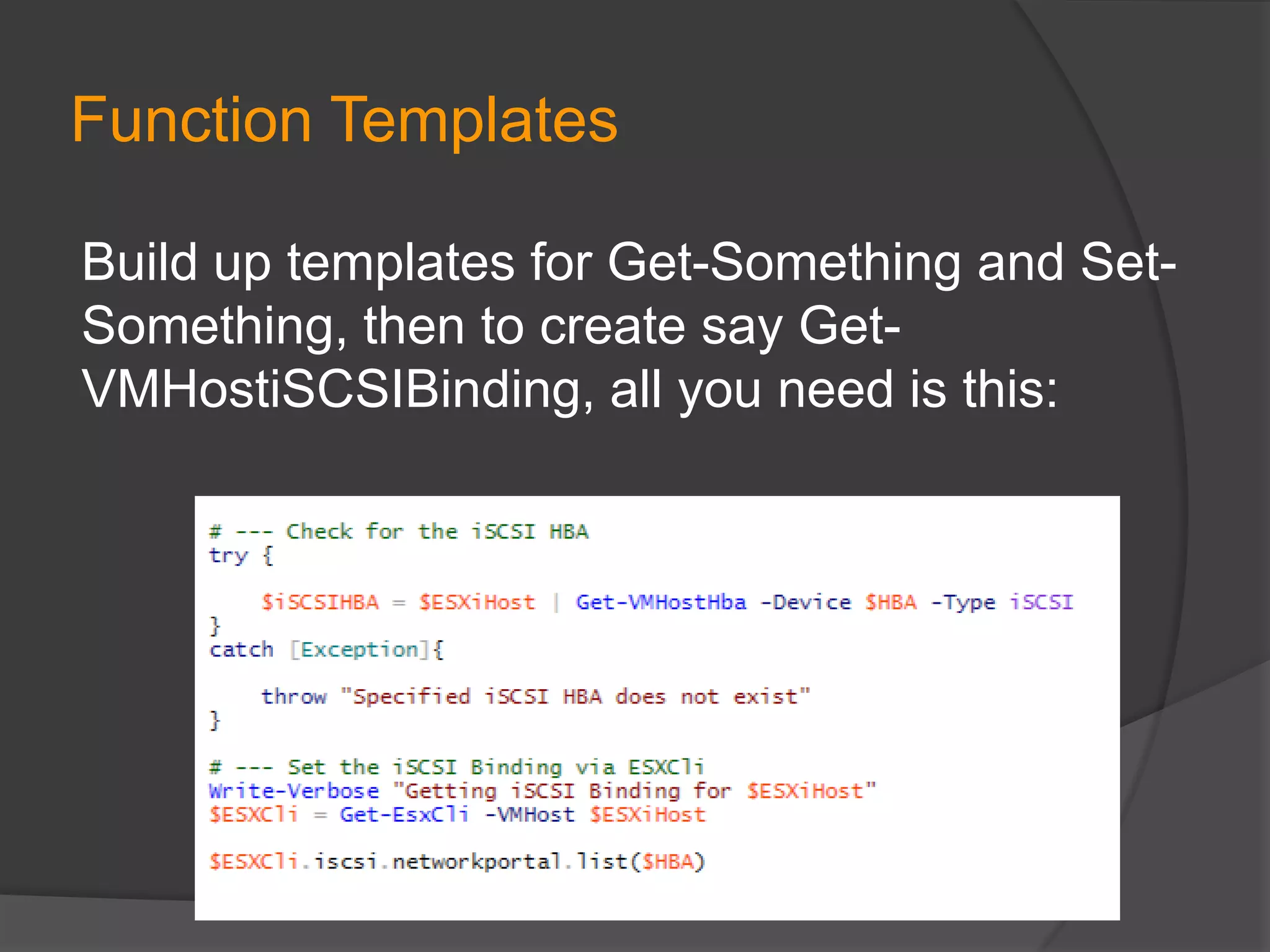
Function Templates
Build up templates for Get-Something and SetSomething, then to create say GetVMHostiSCSIBinding, all you need is this:
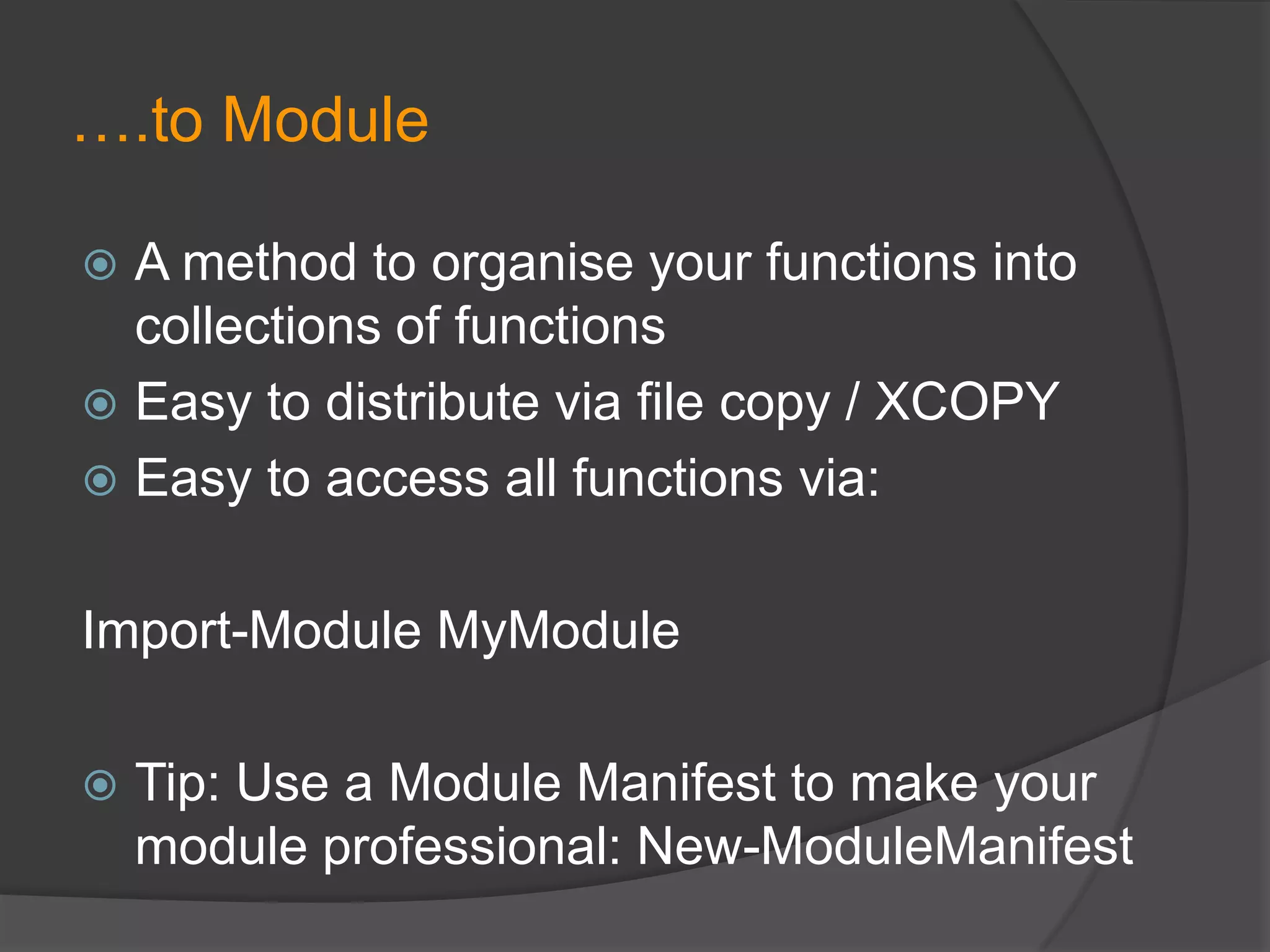
….to Module
A method to organise your functions into
collections of functions
 Easy to distribute via file copy / XCOPY
 Easy to access all functions via:


Import-Module MyModule


Tip: Use a Module Manifest to make your
module professional: New-ModuleManifest
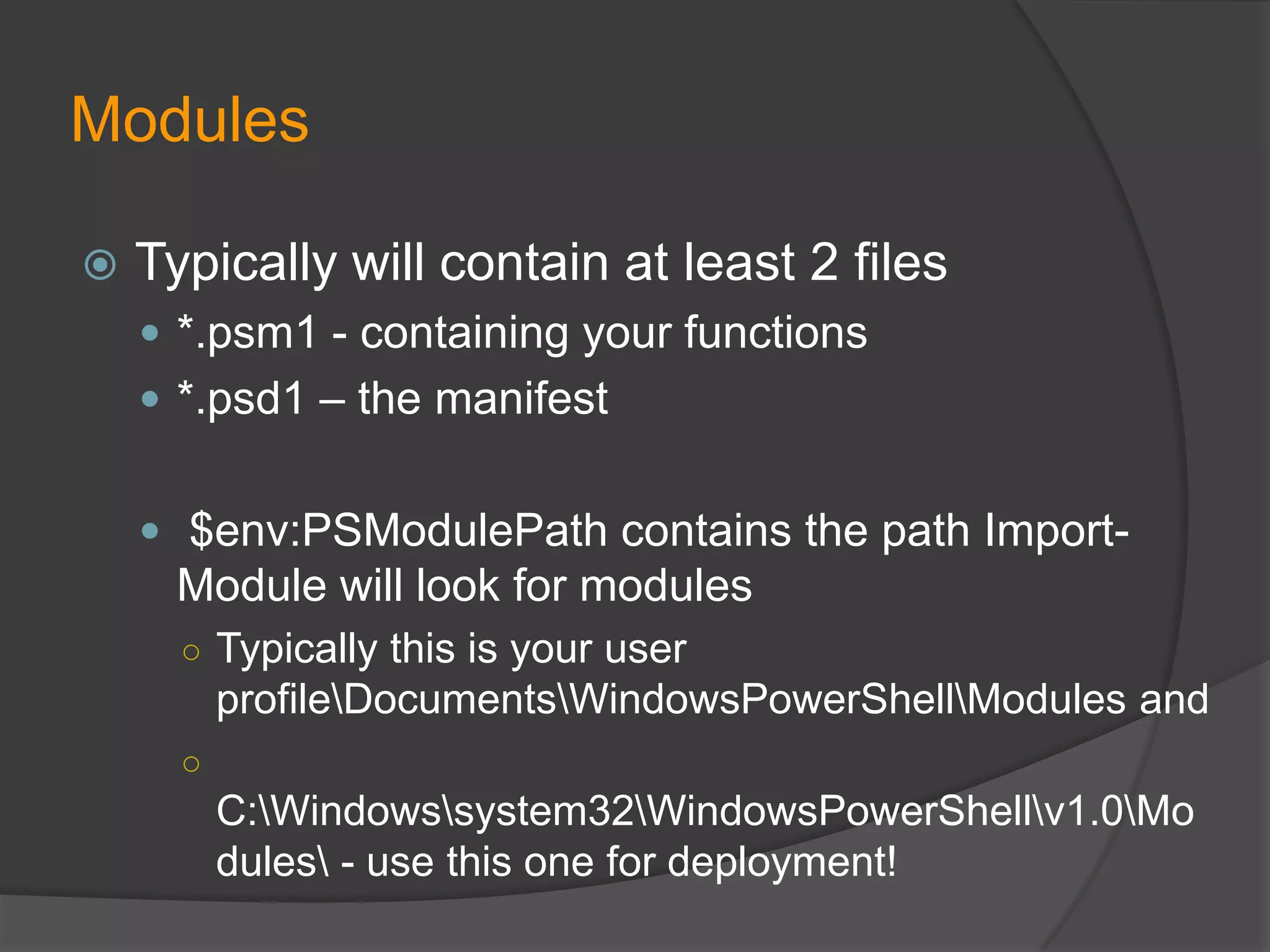
Modules


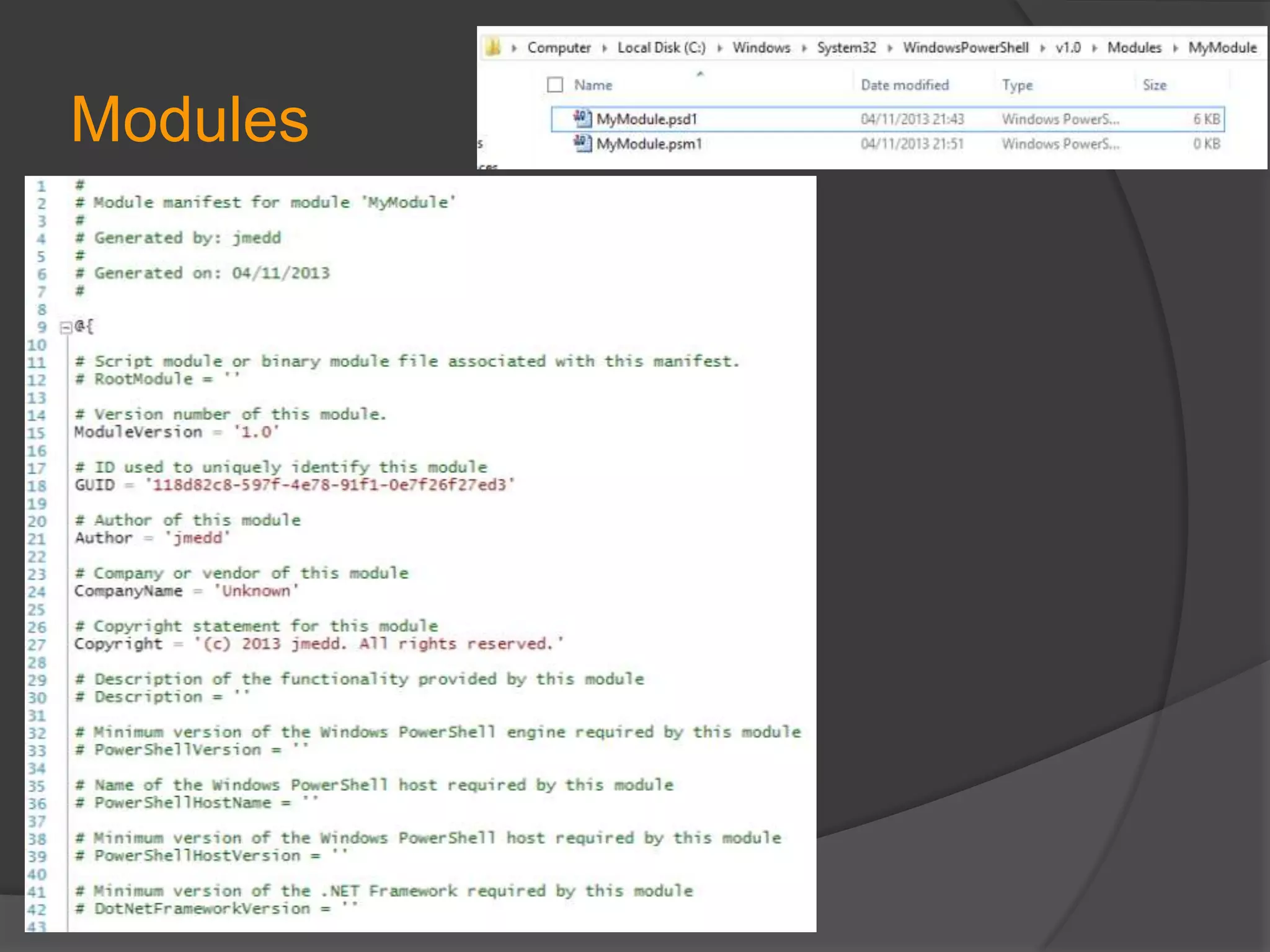
Typically will contain at least 2 files
 *.psm1 - containing your functions
 *.psd1 – the manifest
 $env:PSModulePath contains the path Import-

Module will look for modules
○ Typically this is your user

profileDocumentsWindowsPowerShellModules and
○

C:Windowssystem32WindowsPowerShellv1.0Mo
dules - use this one for deployment!
Modules
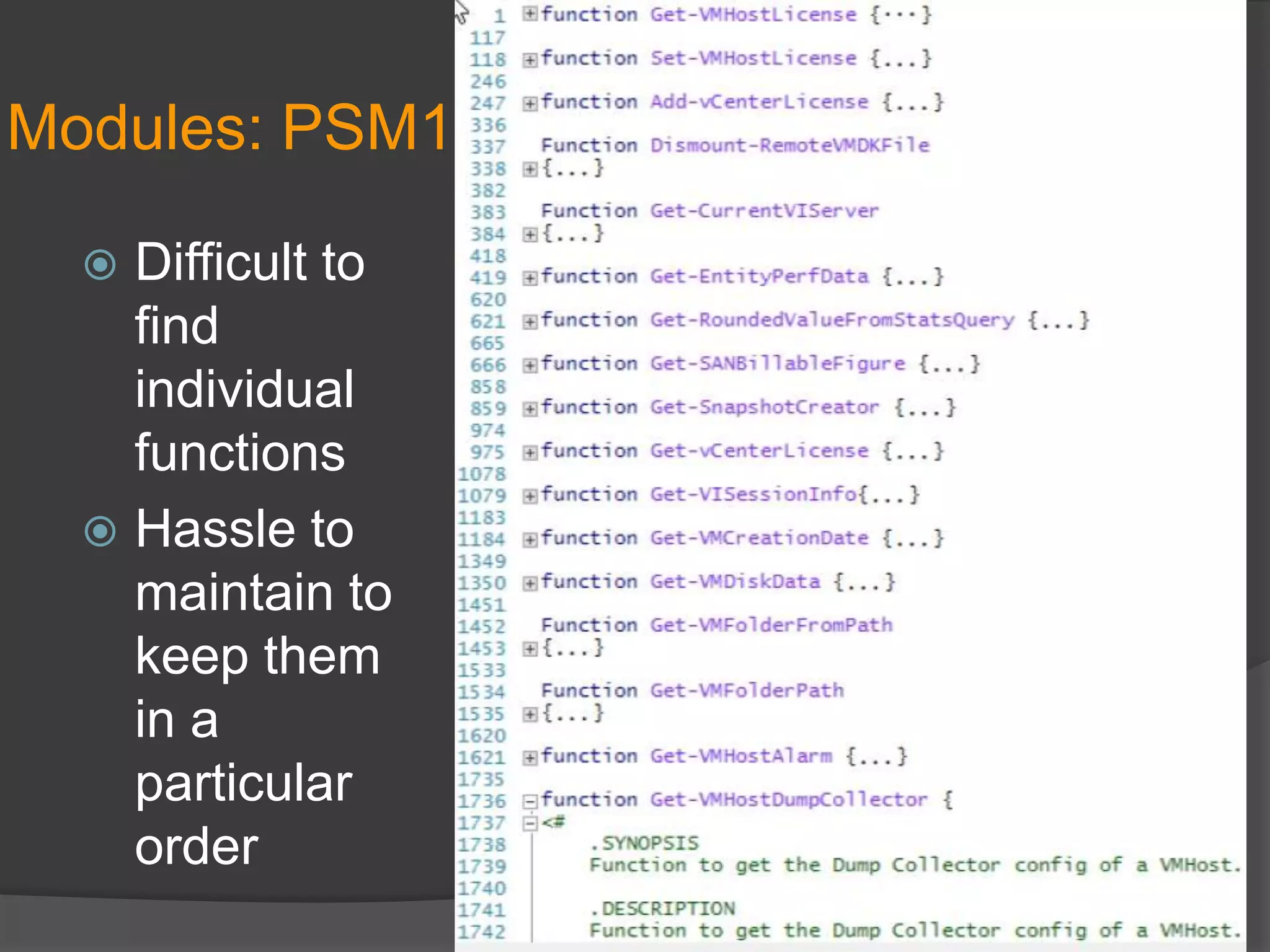
Modules: PSM1
Difficult to
find
individual
functions
 Hassle to
maintain to
keep them
in a
particular
order

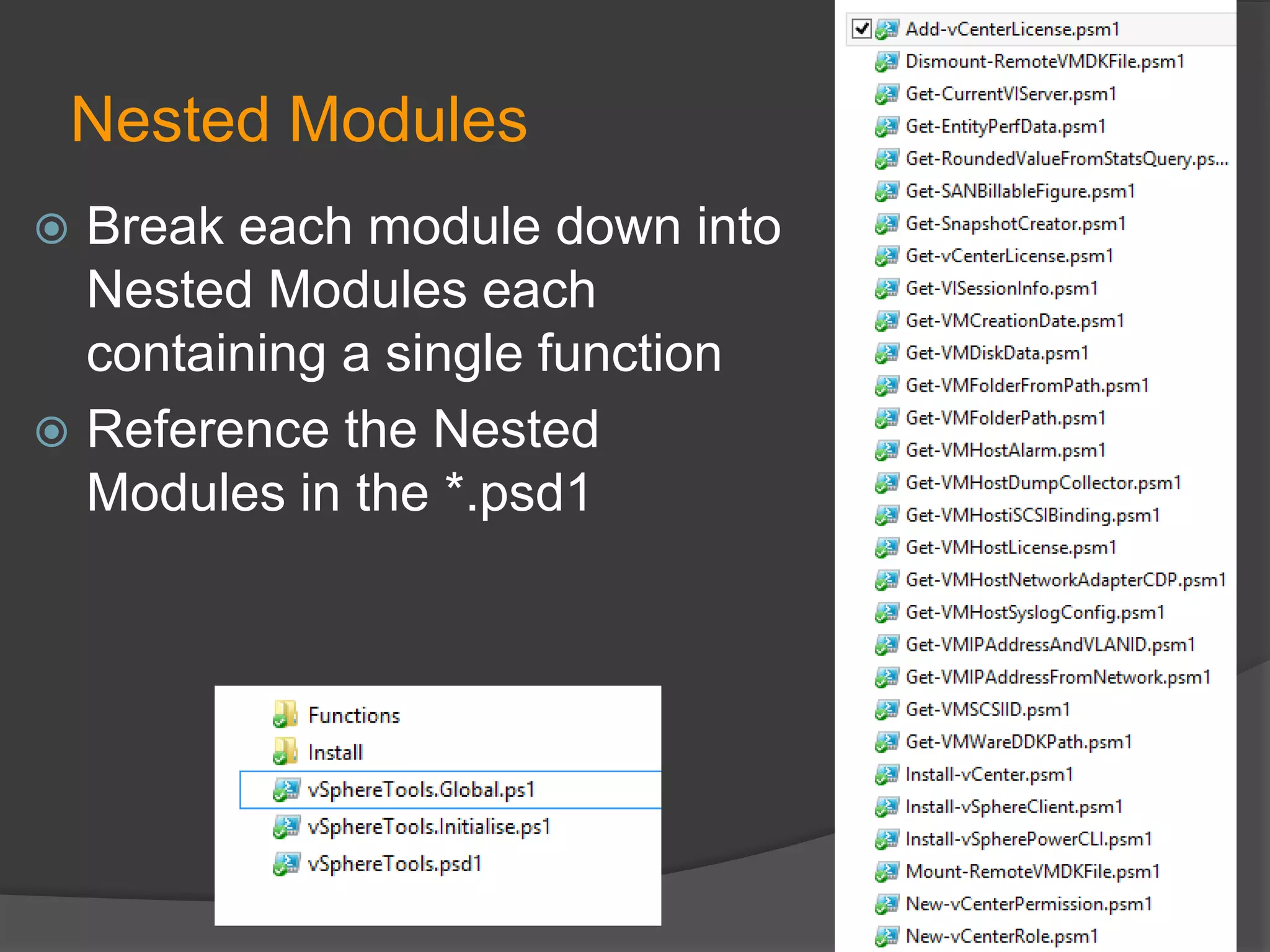
Nested Modules
Break each module down into
Nested Modules each
containing a single function
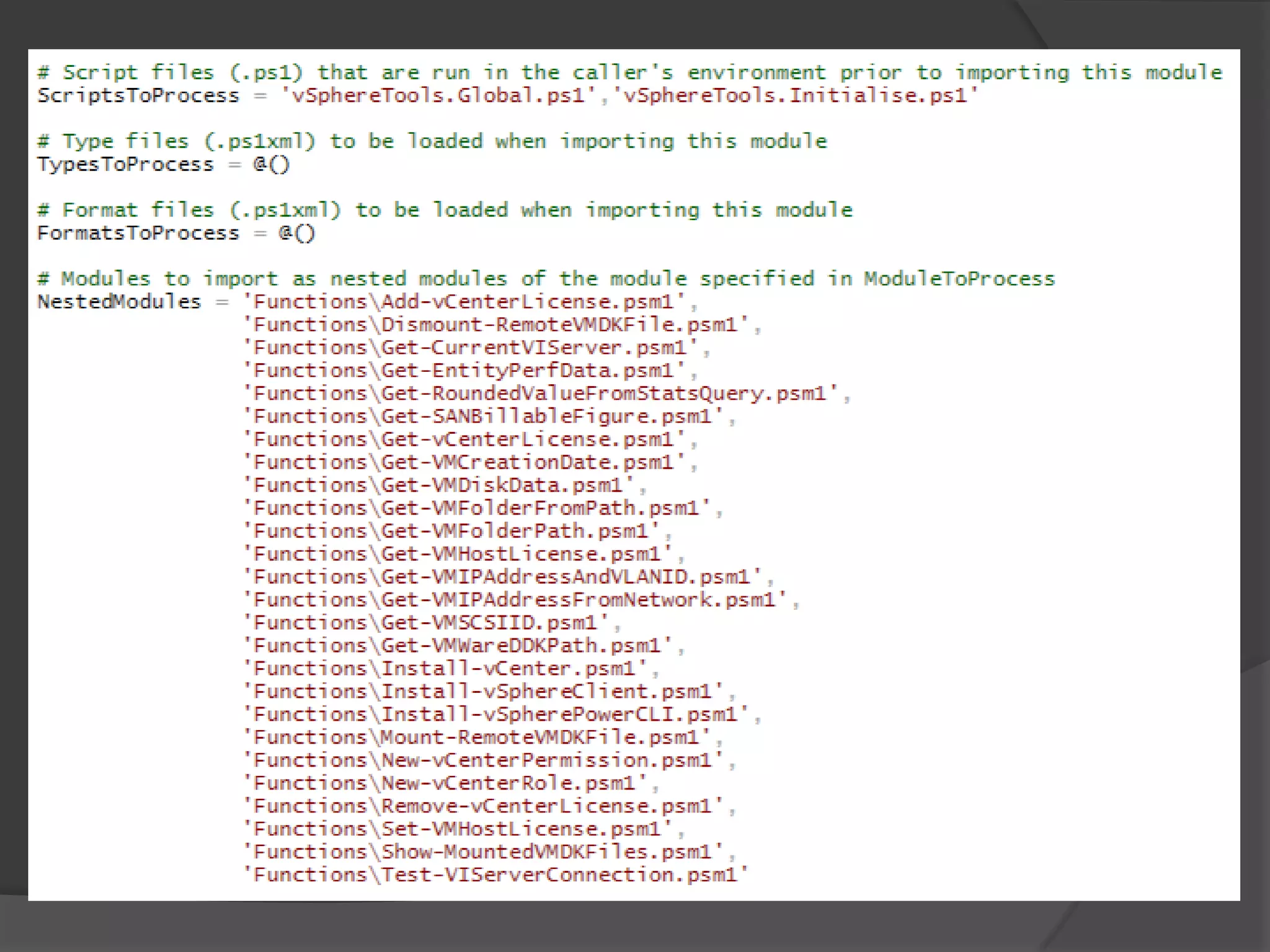
 Reference the Nested
Modules in the *.psd1

Import-Module vSphereTools
Module: Search


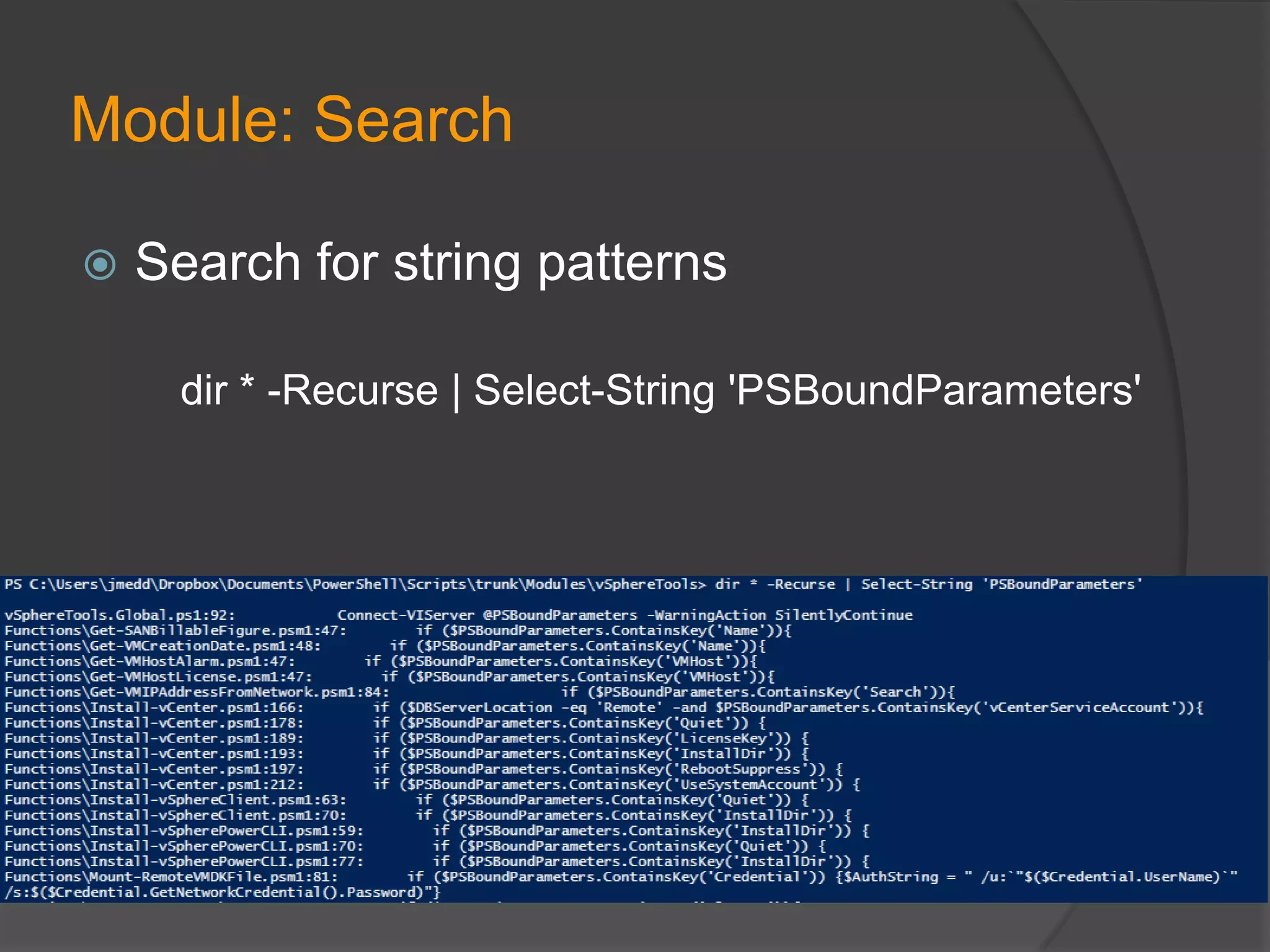
Search for string patterns
dir * -Recurse | Select-String 'PSBoundParameters'
Module: Search


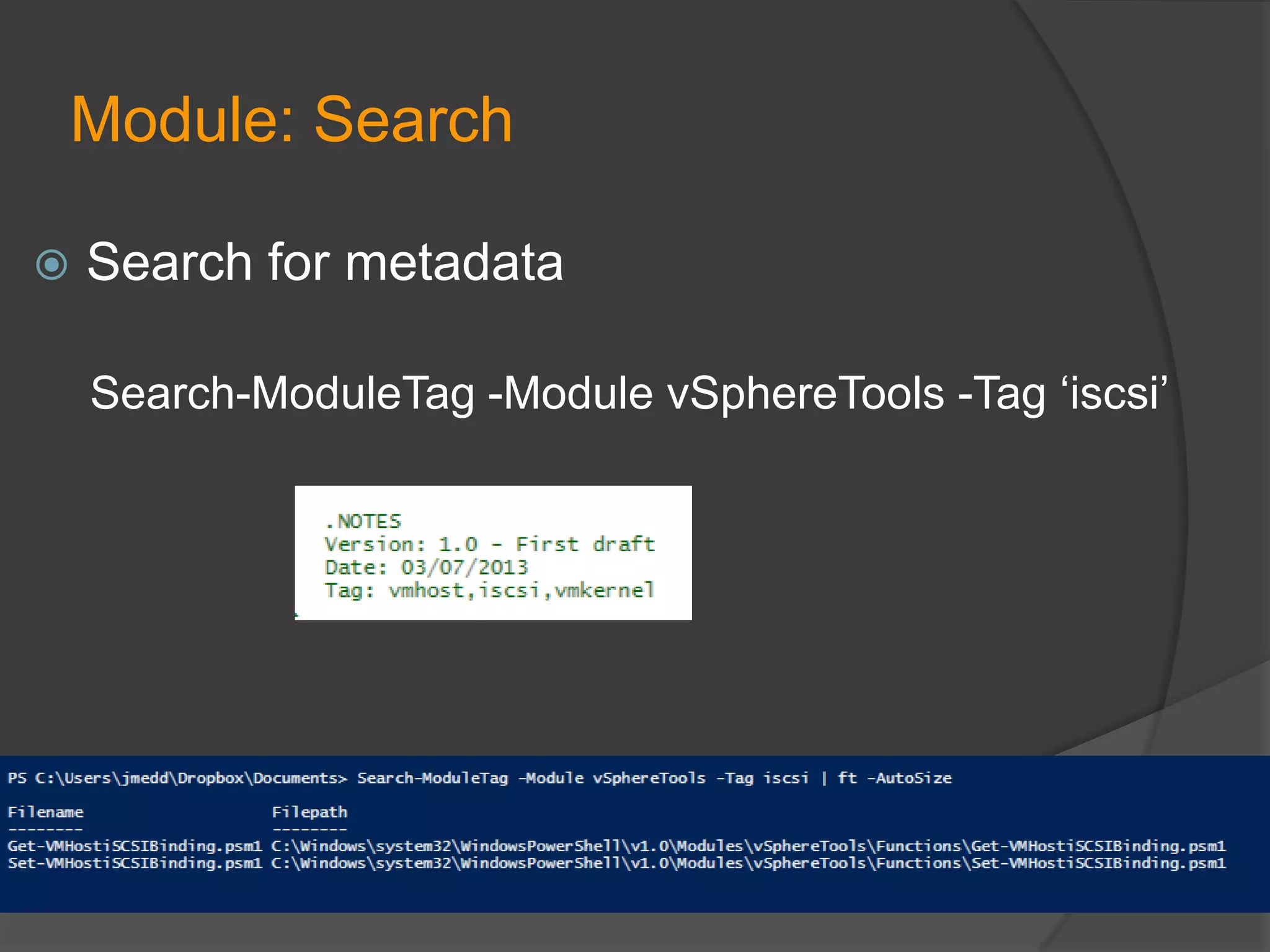
Search for metadata
Search-ModuleTag -Module vSphereTools -Tag ‘iscsi’
Modules: Considerations


Module Dependencies – One module may
requires functions from another module



Generic module with standard tools for other
modules
Flexibility


Now you have code broken down into
Functions and Modules you can pick out
various functions or entire modules to plug
into:
 Command line use
 Scripts
 Automation and Orchestration systems
Backup / Source Control
Internal File Share
 Dropbox or other….




Git / Atlassian Stash
 Free Atlassian SourceTree client for Windows and

OSX. Works with all Git repositories (not just
Stash), including GitHub
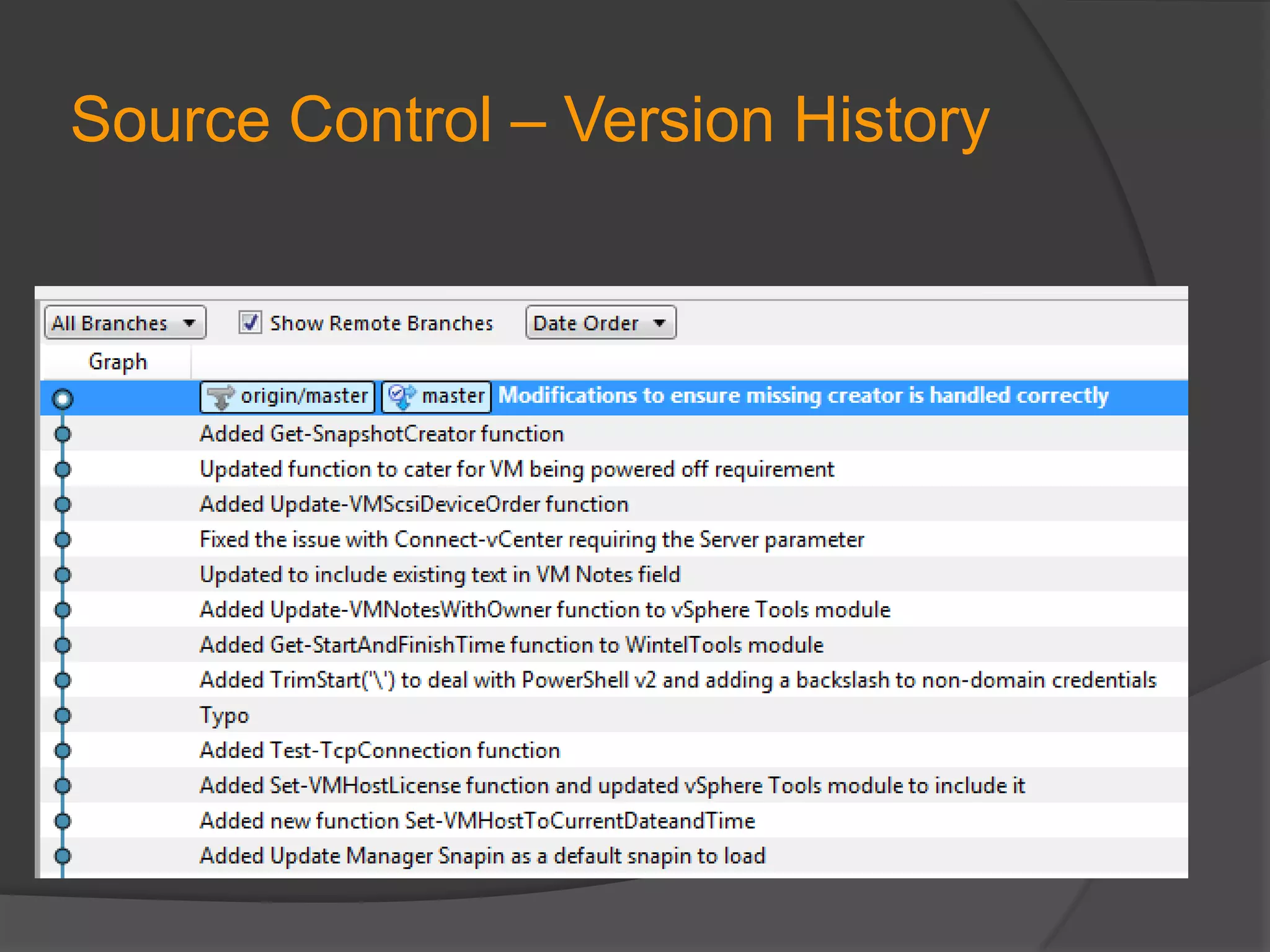
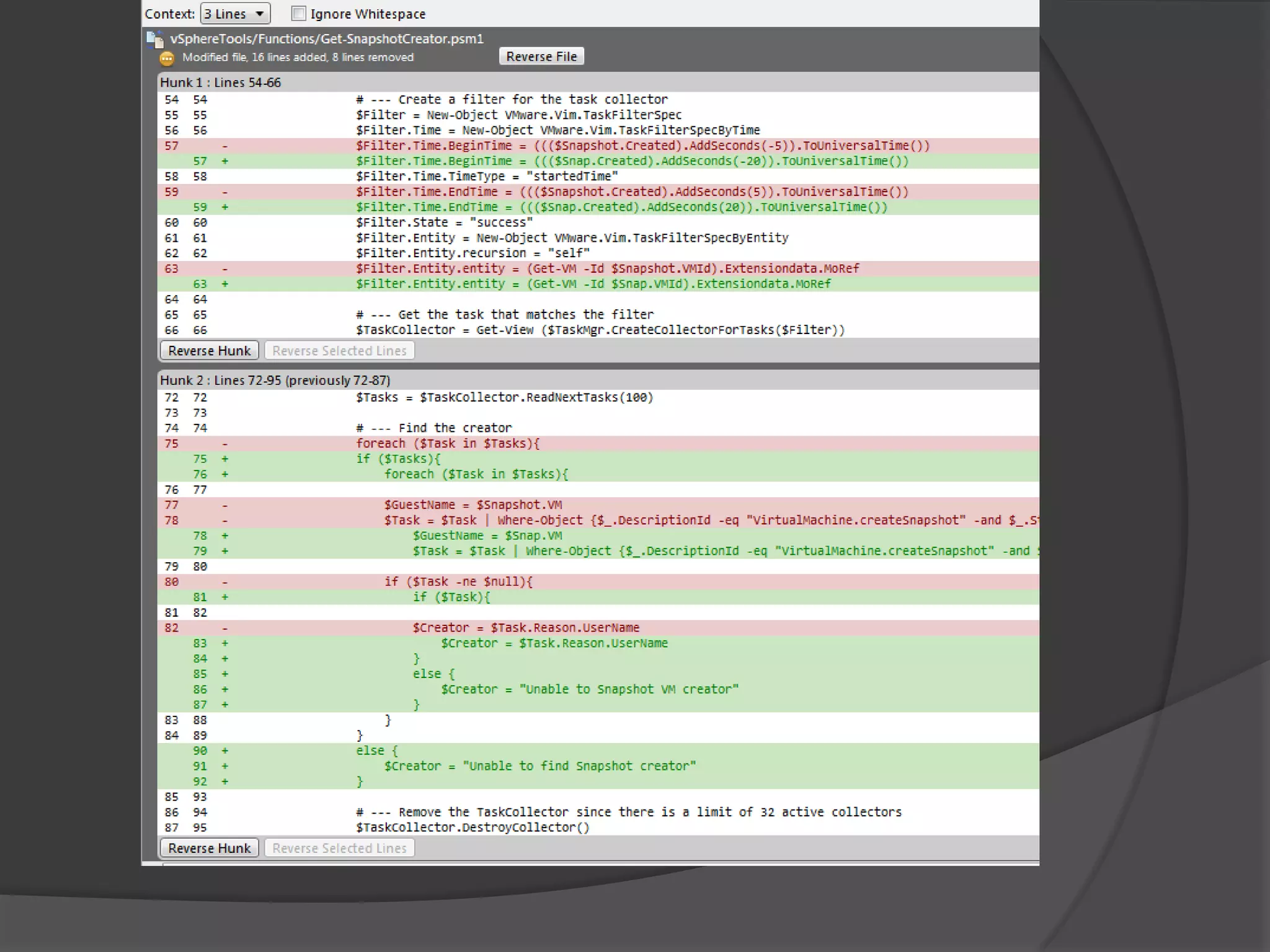
Source Control – Version History
Template Functions
Will be available on my blog after this presentation
○ Get-Something
○ Set-Something
○ Get-VMSomething

○ Set-VMSomething
○ Get-VMHostSomething
○ Set-VMHostSomething
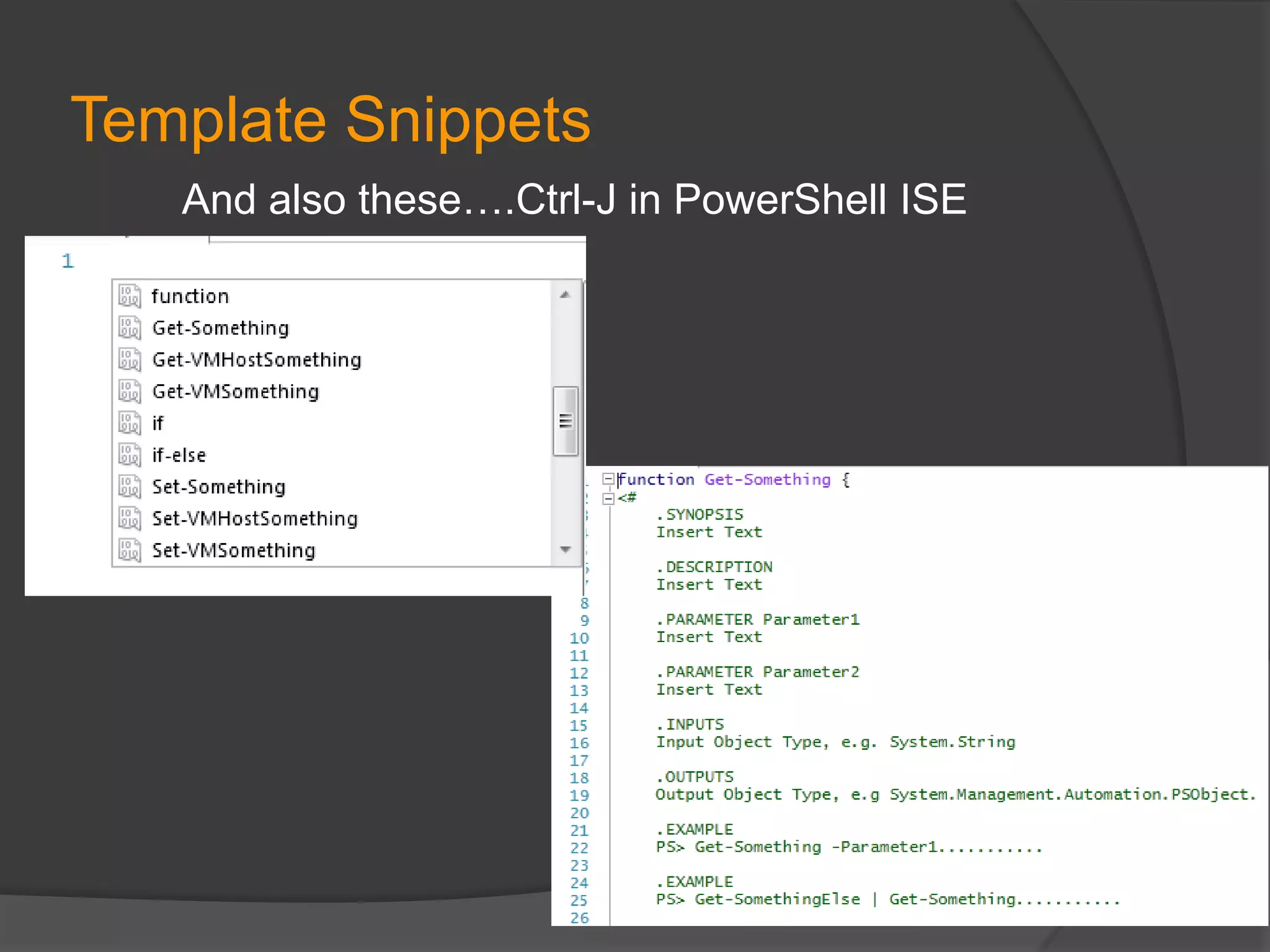
Template Snippets
And also these….Ctrl-J in PowerShell ISE
Tweet Poll Results
PowerCLI in the Enterprise Breaking the Magicians Code   original

PowerCLI in the Enterprise Breaking the Magicians Code original